
Inspiration Gallery
Inspiration gallery
Load editable finished looks as fast starting points for new shoots.
Start from a finished image instead of an empty setup. Pick an image from the gallery and load its model, light, frame, pose and background as a starting point, then put your own product in and change any setting you like.
7-day free trial • 50 tokens (10 images) • Cancel anytime
Load a finished composition as your starting point · every setting stays editable
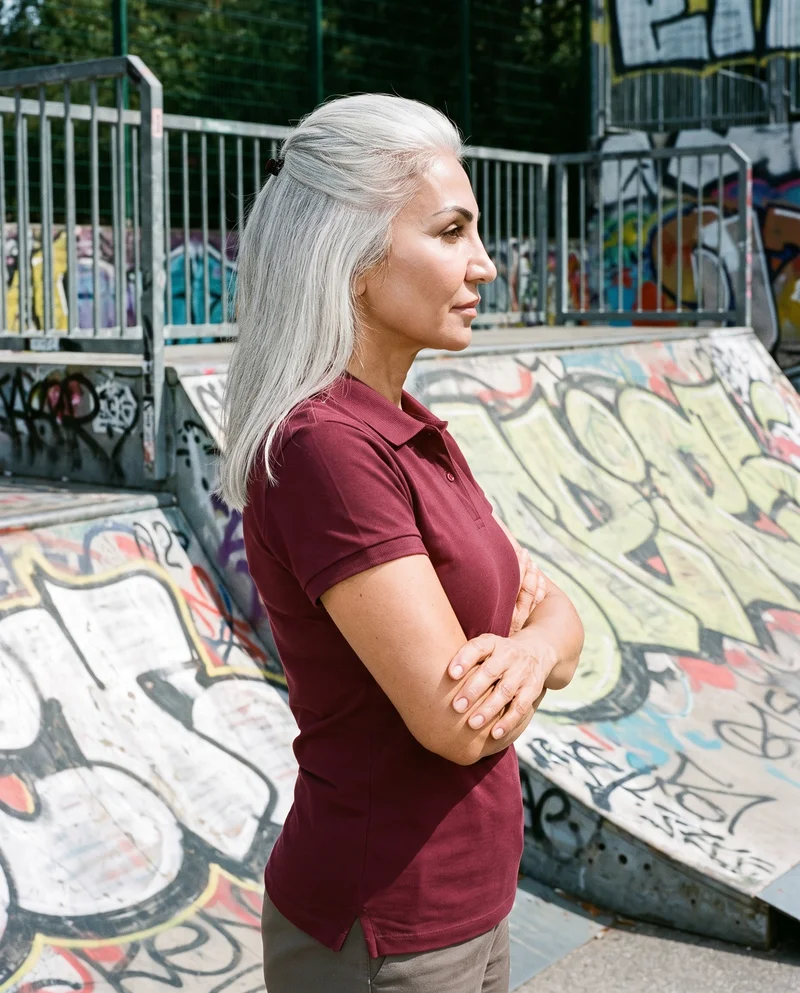
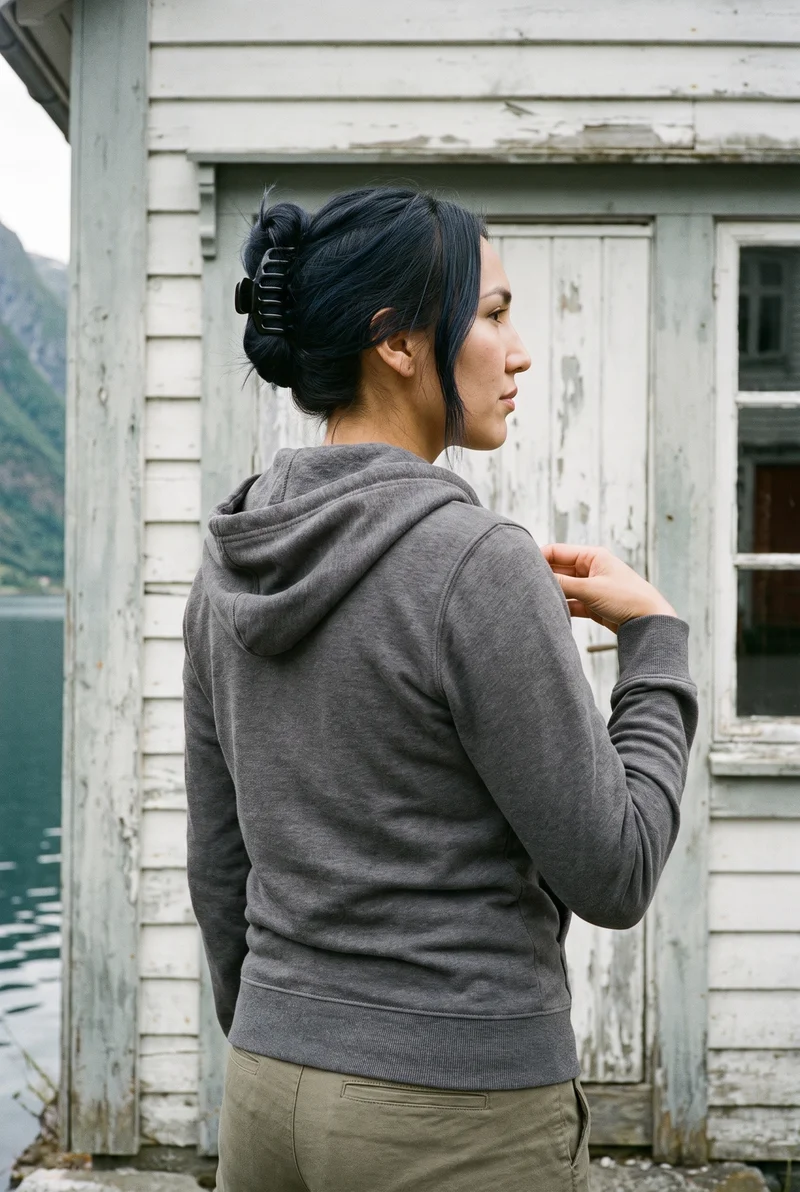
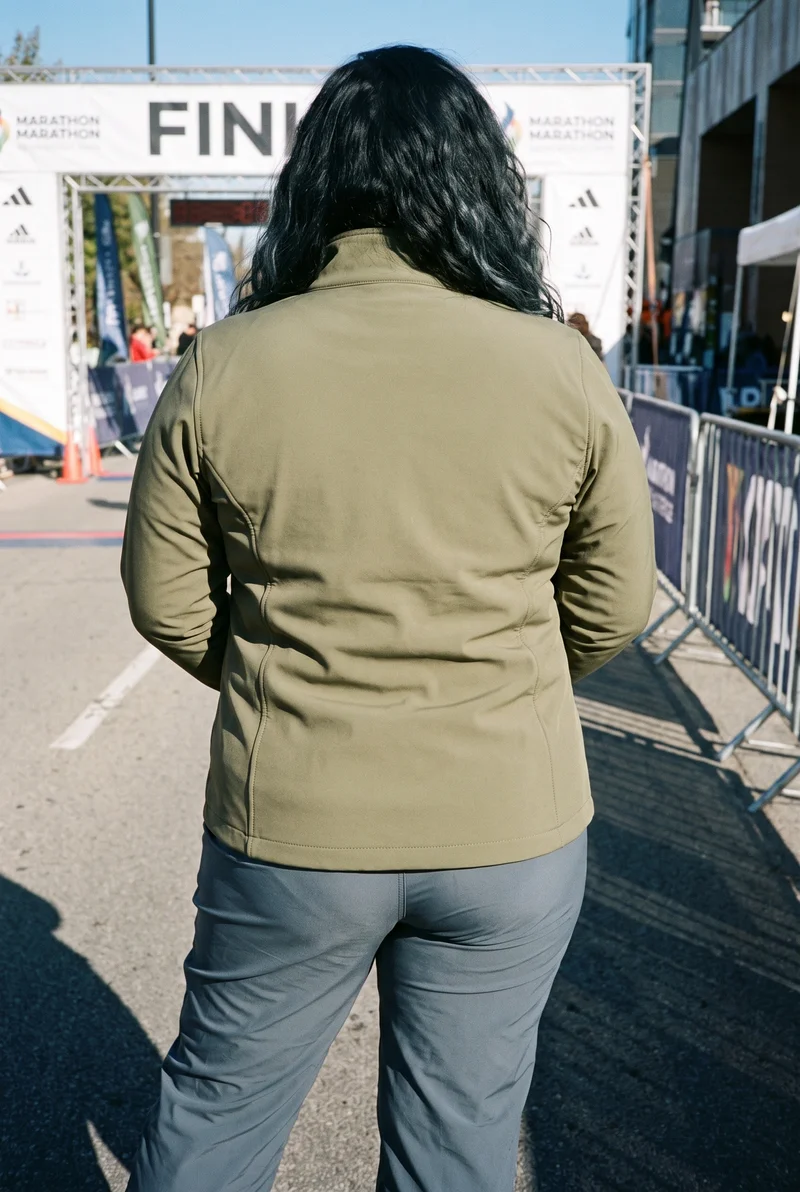
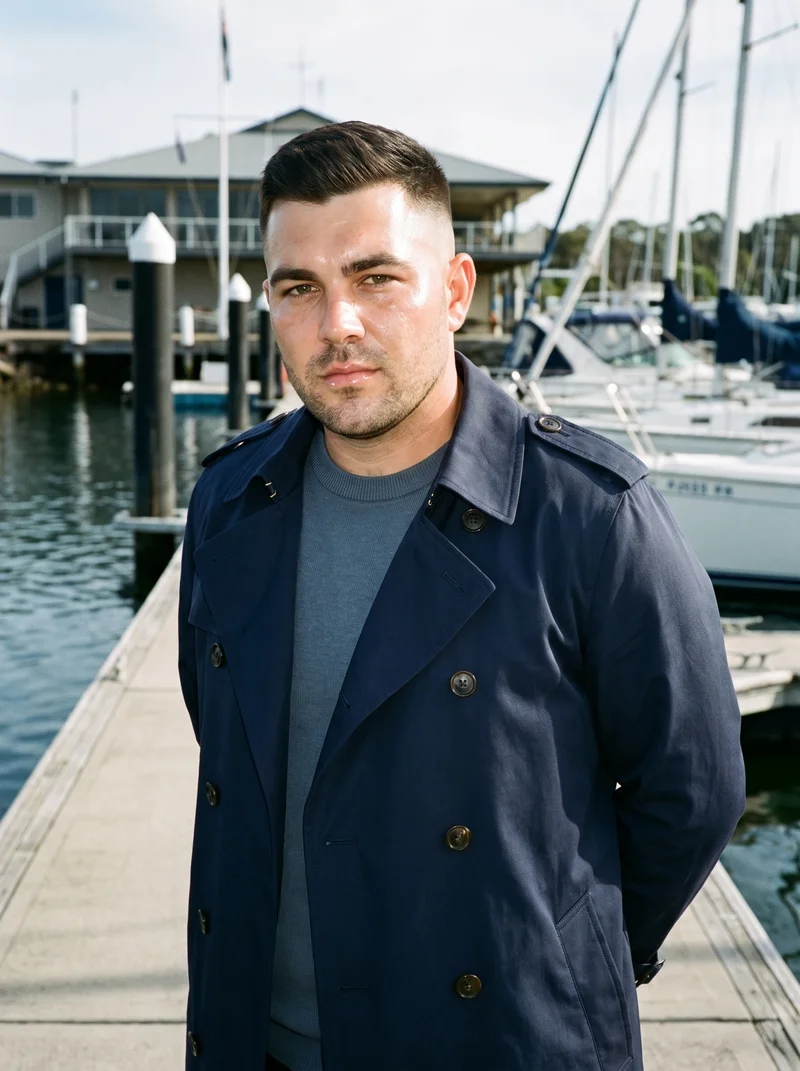
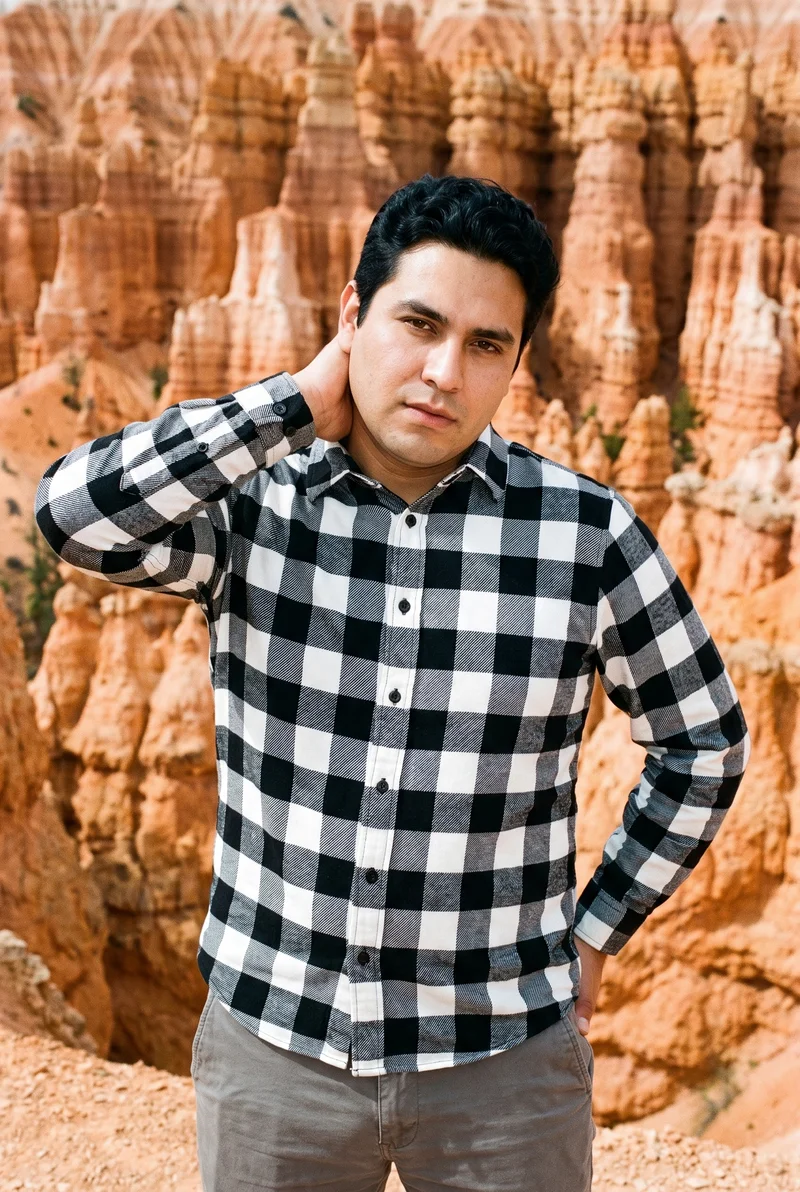
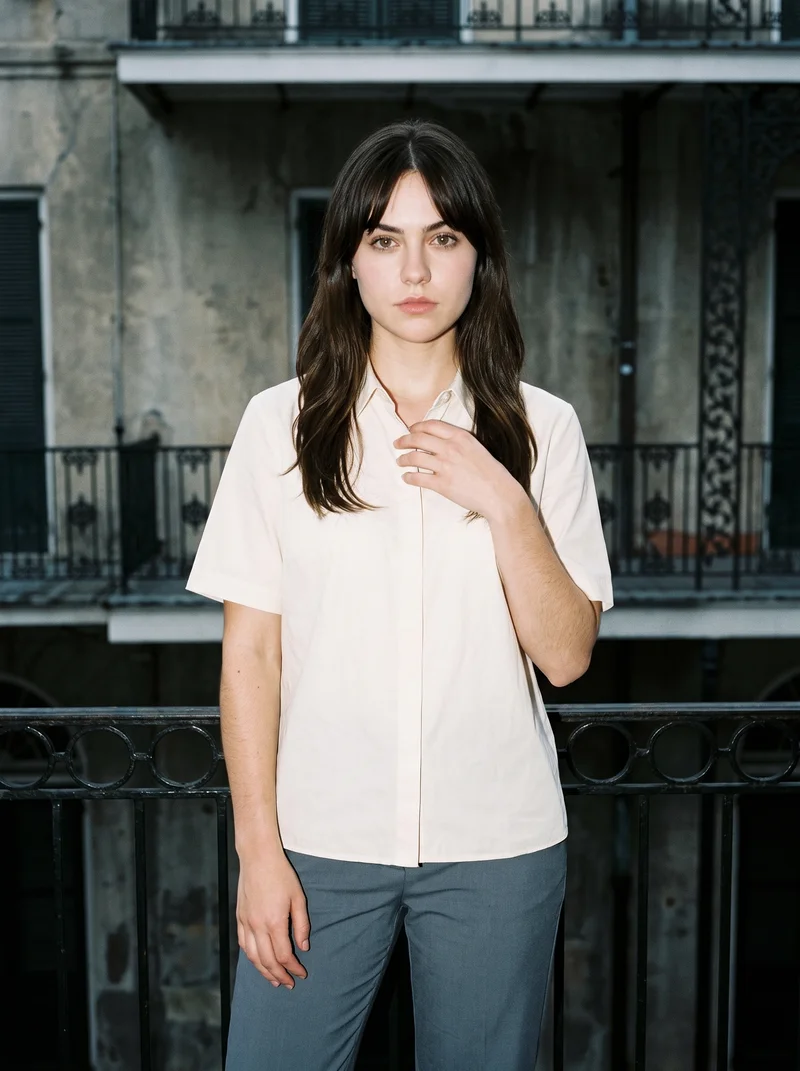
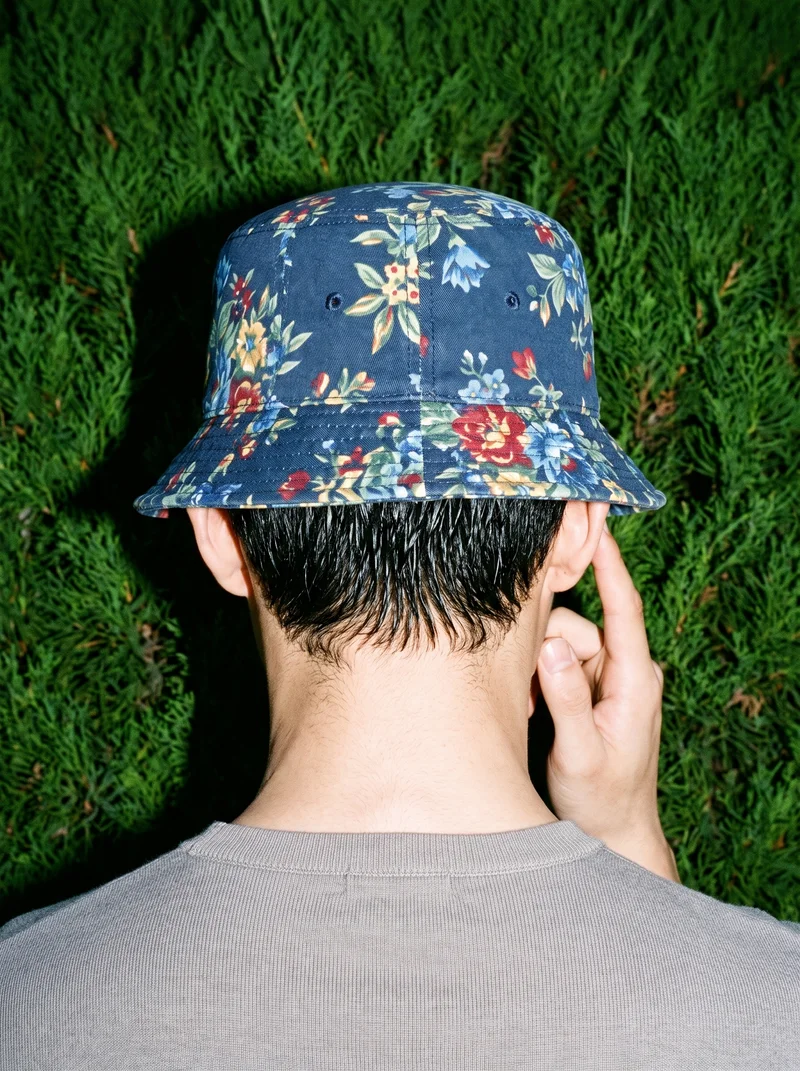
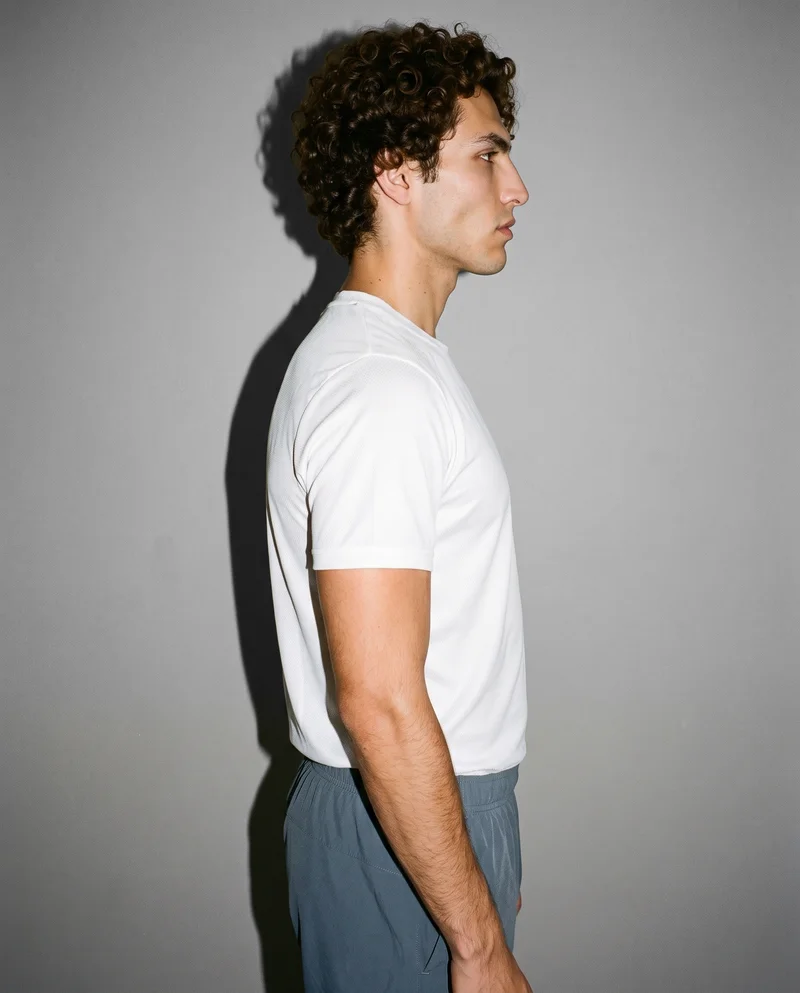
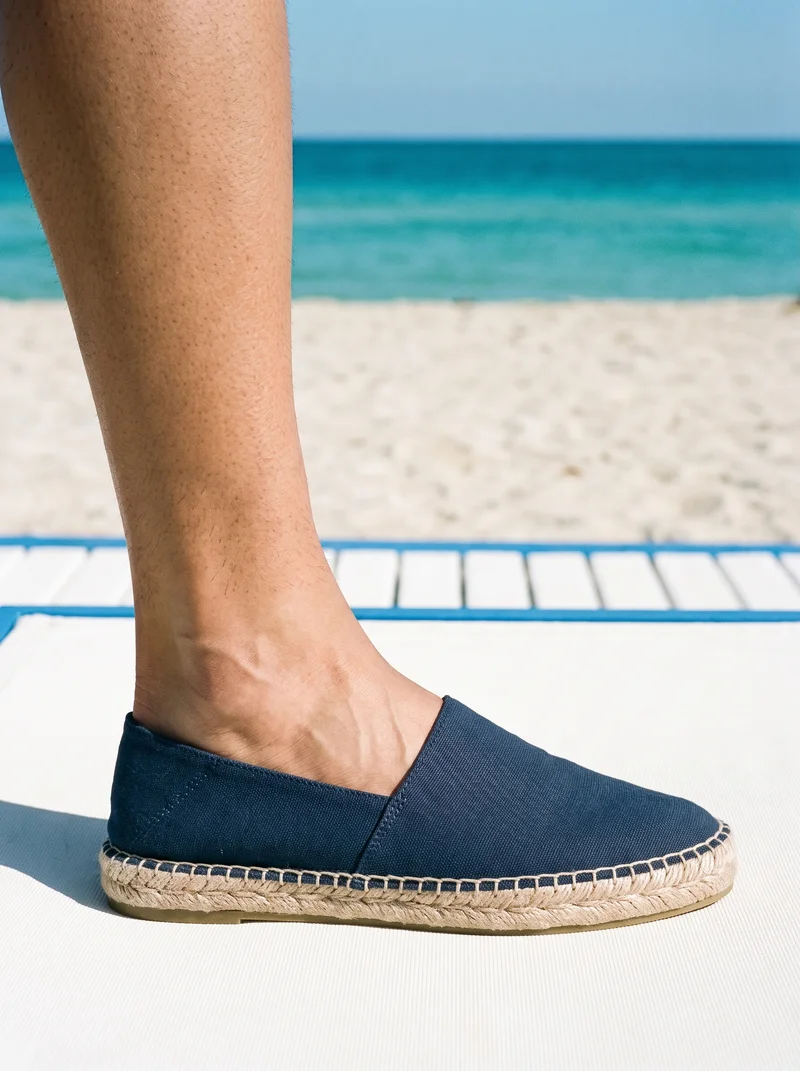
Showing 9 of 3,629, shot in RAWSHOT
02 · Direct the shoot
Set the shoot, and read it back.
Every control on the left is a list you pick from. The sheet beside it reads your selection back and names what each setting decides.
Direct the shoot
4 controls
Image frame
15
Camera view
5
Facial expression
10
Pose style
4
The shoot you just built
4 settings
- Image frame
Full Body
Loaded from the gallery image; change it if your product needs another crop.
- Camera view
Front View
Loaded from the gallery image.
- Facial expression
Neutral
Loaded from the gallery image.
- Pose style
Catalog
Loaded from the gallery image.
Every line on this sheet is a shoot the studio produces, in 30 to 40 seconds.
90
In the gallerymatching this setup
03 · The option set
Everything you can set
None of these is a page of its own. They are the parts of this feature, listed with their counts so you can see the whole of it.
Browse finished images
See compositions across product categories, frames, models and light.
—
Load the setup
Model, light, frame, pose, view, background and makeup load into the configurator.
—
Add your product
Your real product replaces the one in the example image.
—
Change anything
Every loaded value stays editable before you generate.
—
04 · What changes
What this changes about the picture
Four consequences of the control above, and the limits it does not lift.
Real examples
Every gallery image was shot in RAWSHOT, so what you load is something the app can produce.
Settings, not pixels
You load the decisions behind the image, which you can then change one by one.
Filter by category
Browse looks by product category to find a starting point for your product.
- Gallery images are examples. The model and product in them are not delivered with your image unless you choose them.
- Results depend on your product. A composition that suits a dress may need a different frame for a bag.
Gallery
Compositions to start from
Images shot in RAWSHOT across products, models and light. Each one can be loaded as a starting point.
Showing 24 of 3,629
Consistency
Change one thing. The rest of the feed holds.
Load a composition, change what does not fit your product, and keep the rest. You start from a finished look, not an empty screen.
You change one
- Frame
- Pose
- Camera view
- Model
The rest holds
Loaded settings
Stay as loaded until you change them.
Your product
Replaces the product in the example.
07 · Who it's for
The job in front of them
Most people using RAWSHOT are one person inside a brand with a deliverable and a date.
Indie designer or emerging brand
Find a look that fits the label and start the first shoot from it.
Before the first lookbook
Social media manager
Pick compositions that fit the feed and adapt them to new products.
Before the posting schedule
08 · Use cases
When this is the control you need
The situations people arrive with, in the words they use, each answered with the figure that settles it.
A team knows the mood it wants but not how to set it up.
Find a gallery image with that mood, load its setup and put your product in.
A new product category is being shot for the first time.
Browse the gallery for that category to see which frames and poses work, then load one.
A loaded composition is close, but the light is wrong for the channel.
Keep the loaded setup and change only the photography direction.
09 · Evidence
Numbers you can check.
Every figure here is published in the option set or counted in the gallery. None of it is written into a sentence and left unverifiable.
- 3,629
- Shots in this setup
- 1,197
- Models in the library
- 15
- Image frames
- 15s
- Maximum length
Counted in the gallery when this page was built, not estimated.
Counted live
Licence-free and ready to shoot with today. Every one an adult.
Full body down to ankle, ear and hand.
Three scenes of five seconds each.
Pricing
Five tokens per 2K image.
Four monthly plans, all priced on the page. The cost is shown before every generation, and plans can be cancelled in one click.
Starter
$9per month
- Tokens
- 80 tokens a month
- Images
- ≈ 16 images at 2K
- Per image
- $0.56 per 2K image
Growth
$39per month
- Tokens
- 400 tokens a month
- Images
- ≈ 80 images at 2K
- Per image
- $0.49 per 2K image
Pro
$89per month
- Tokens
- 960 tokens a month
- Images
- ≈ 192 images at 2K
- Per image
- $0.46 per 2K image
Business
$179per month
- Tokens
- 2,000 tokens a month
- Images
- ≈ 400 images at 2K
- Per image
- $0.45 per 2K image
Every plan includes
- Licence-free models
- Private model builder
- 1,000+ neutral wardrobe pieces
- Up to four products per composition
- 15 frames, 104 poses, 10 expressions
- 24 makeup looks
- Four photography directions
- 2K and 4K output, nine aspect ratios
- Video: up to 3 scenes of 5 s, 720p or 1080p
- Full commercial rights, permanently
- C2PA-signed, AI-labelled output
- EU hosting, GDPR-compliant
If a generation fails on our side, the tokens come back. No per-seat fees. Cancel in one click.
Questions
Frequently asked questions
What happens when I load an image from the gallery?
Its settings, such as model, light, frame, pose, view, background and makeup, load into the configurator. Your product takes the place of the one in the example.
Can I change the settings after loading?
Yes. Every loaded value stays editable before you generate.
Were the gallery images made with RAWSHOT?
Yes. Every image in the gallery was shot in RAWSHOT and is labelled as AI-generated.
Who owns the images I create?
You get full commercial rights to every image, permanently, with no recurring licence fee. Every image carries C2PA content credentials and is labelled as AI-generated, so the origin stays transparent wherever the image is used.
Rawshot Features
The features behind the workflow
AI image to image generator
Change one decision and keep the rest of the composition stable.
AI image to video generator
17 model actions on a full-body shot · 132 in total
AI makeup generator
Branch-aware named options applied without altering casting or scene setup.
AI model generator
Library filters plus private model building for consistent identity across the set.
AI outfit generator
Combine the main piece with neutral supporting items in one coherent frame.
AI photo background generator
Swap scene context while keeping model, product, and framing stable.
AI suggestions
Preselected control values you can always override in the same configurator.
Fashion model poses
22 poses on a full-body shot · 104 in total
Garment styling
Choose how the garment is worn and keep brand presentation consistent.
Photography direction
4 named choices that set mood and shadow the same way across a shoot.
Product import and handling
Start from your real item and keep product fidelity while building the scene.