
Campaigns
Localized fashion imagery
A single campaign reaches every market in approved imagery.
Localized fashion imagery gives marketing managers a way to prepare one campaign for several markets. The work remains unfinished when one physical shoot shows only one casting and launch teams need approved market-specific assets.
7-day free trial • 50 tokens (10 images) • Cancel anytime
A 2K image in roughly 35 seconds · AI-labelled with C2PA content credentials
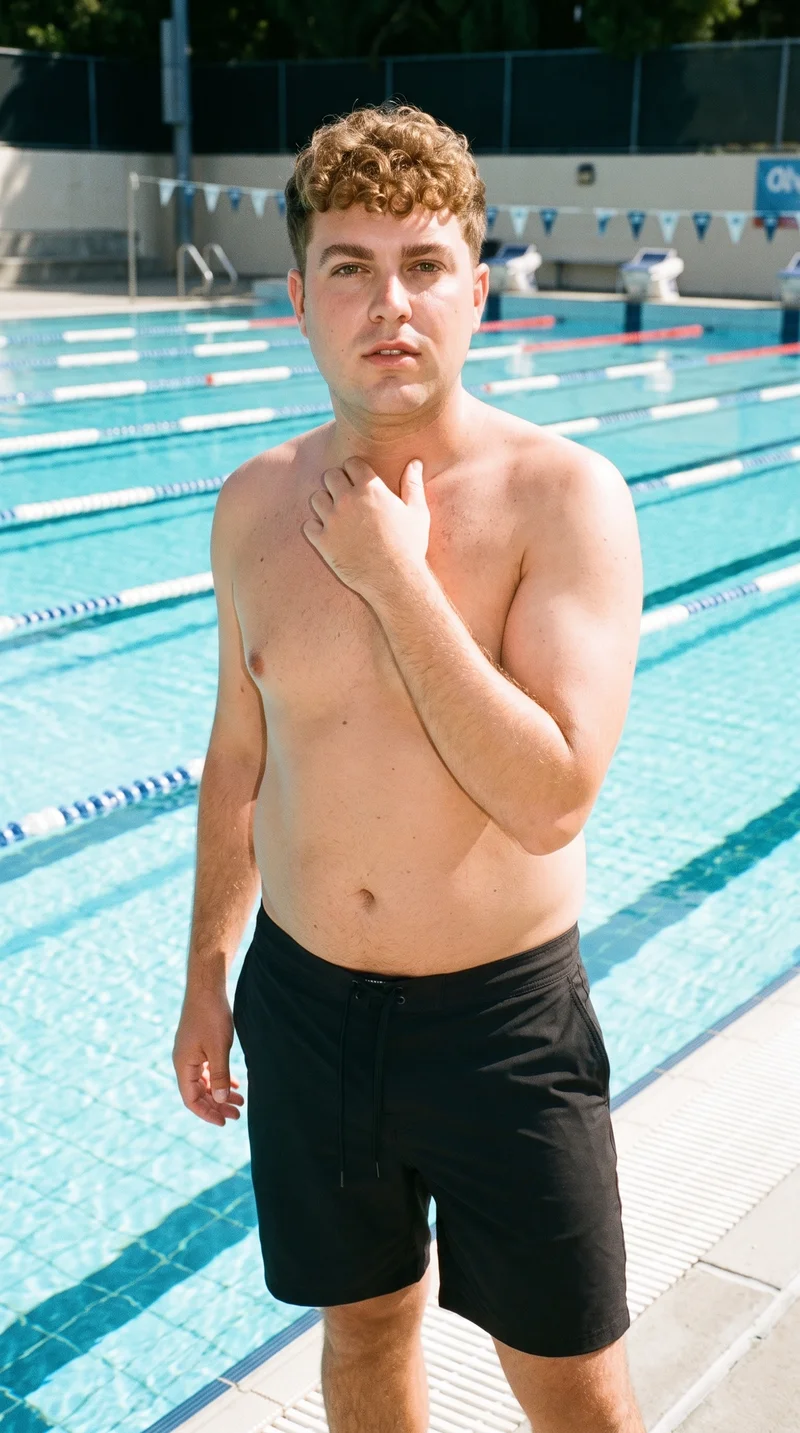
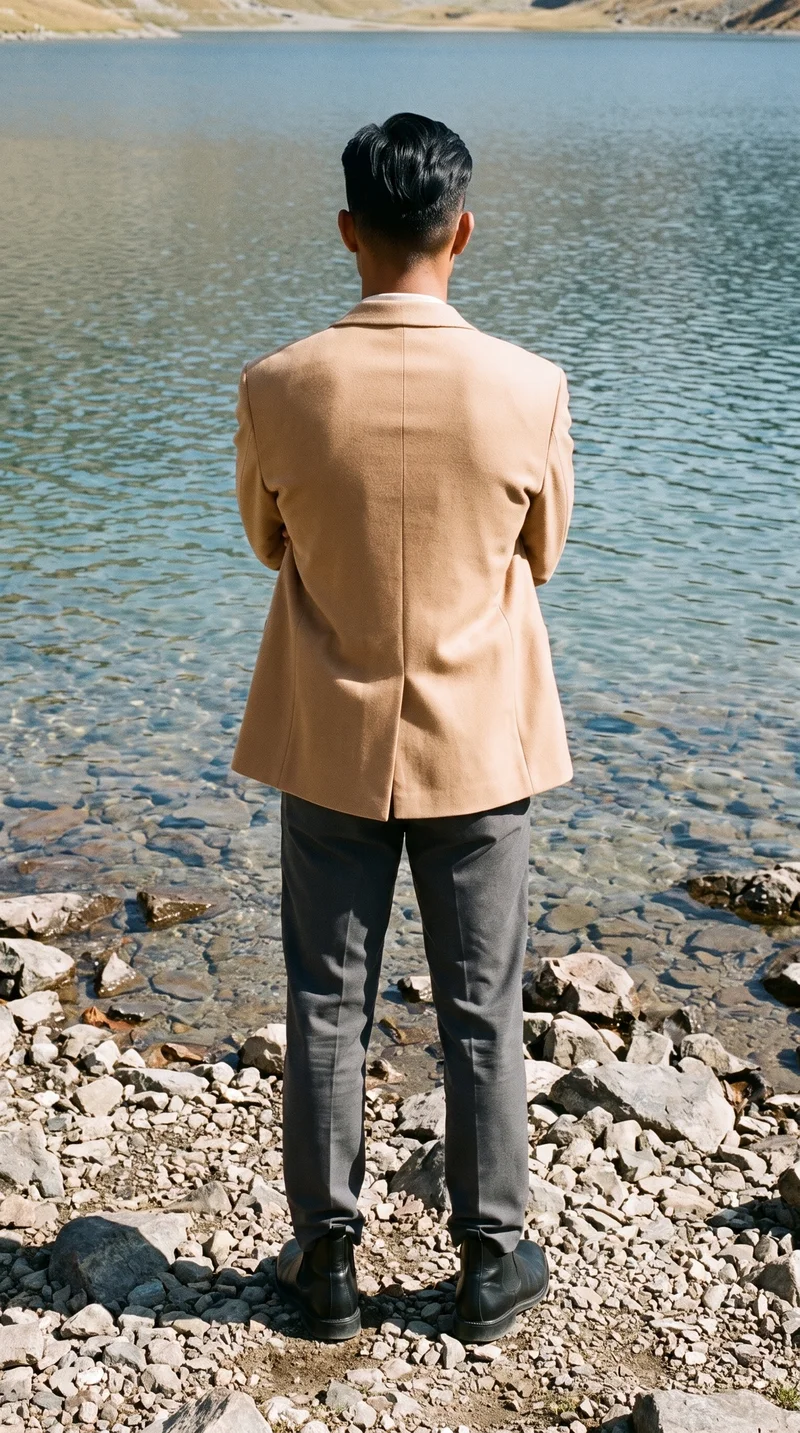
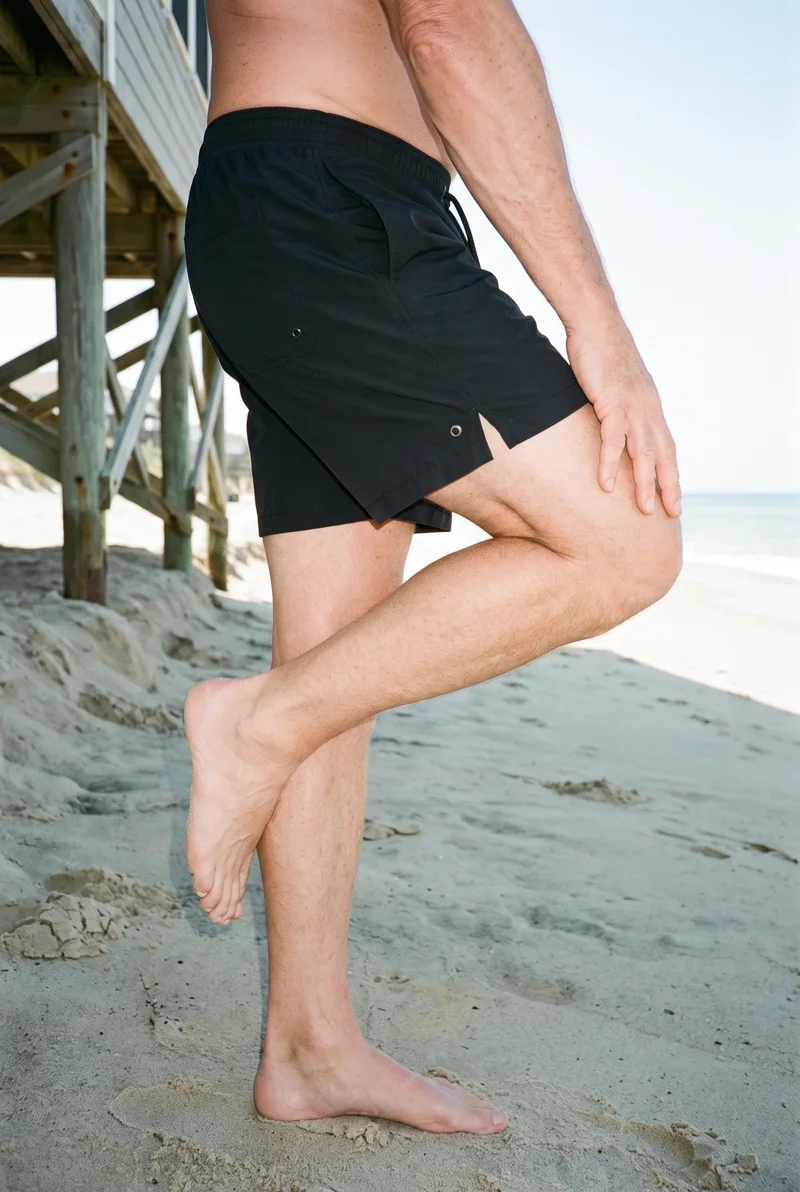
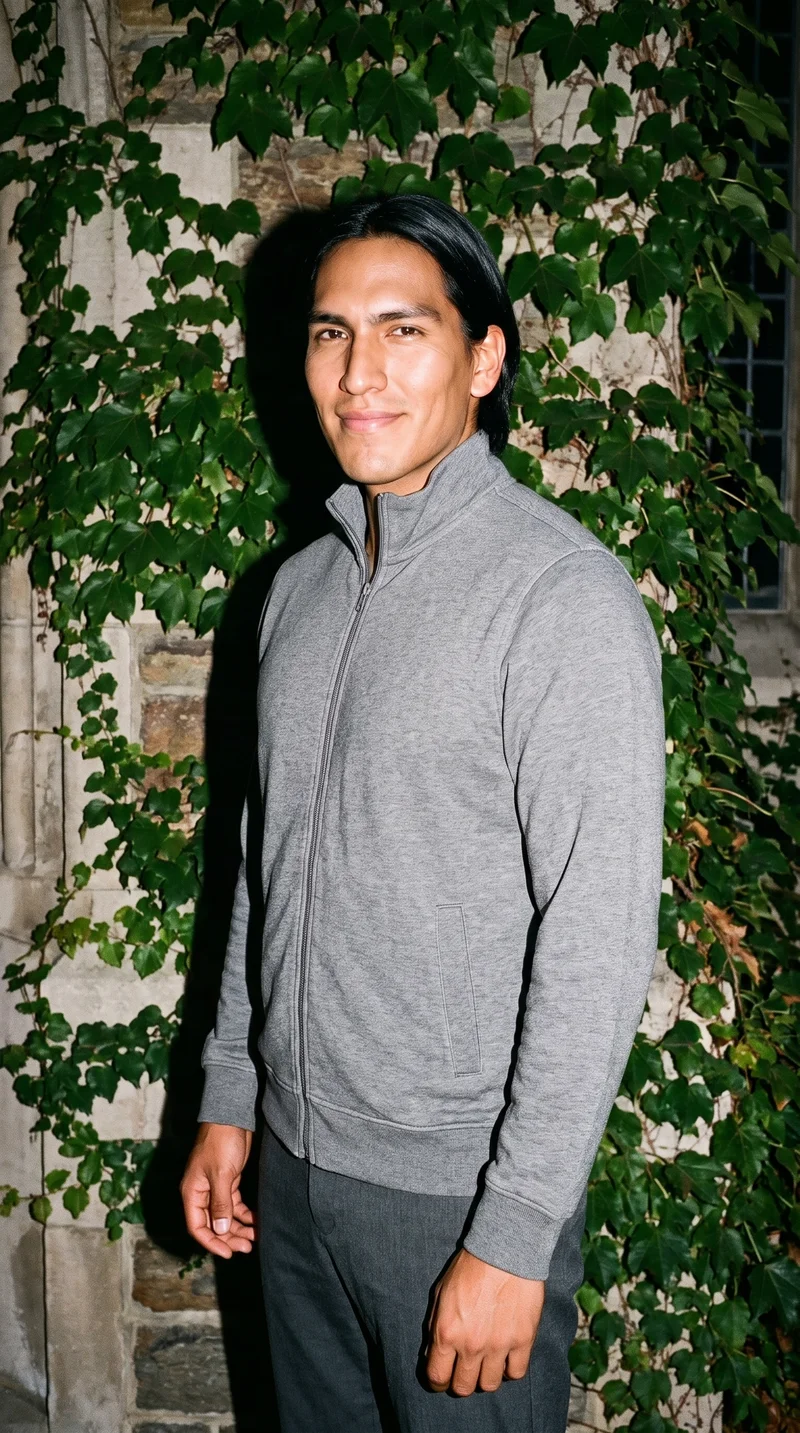
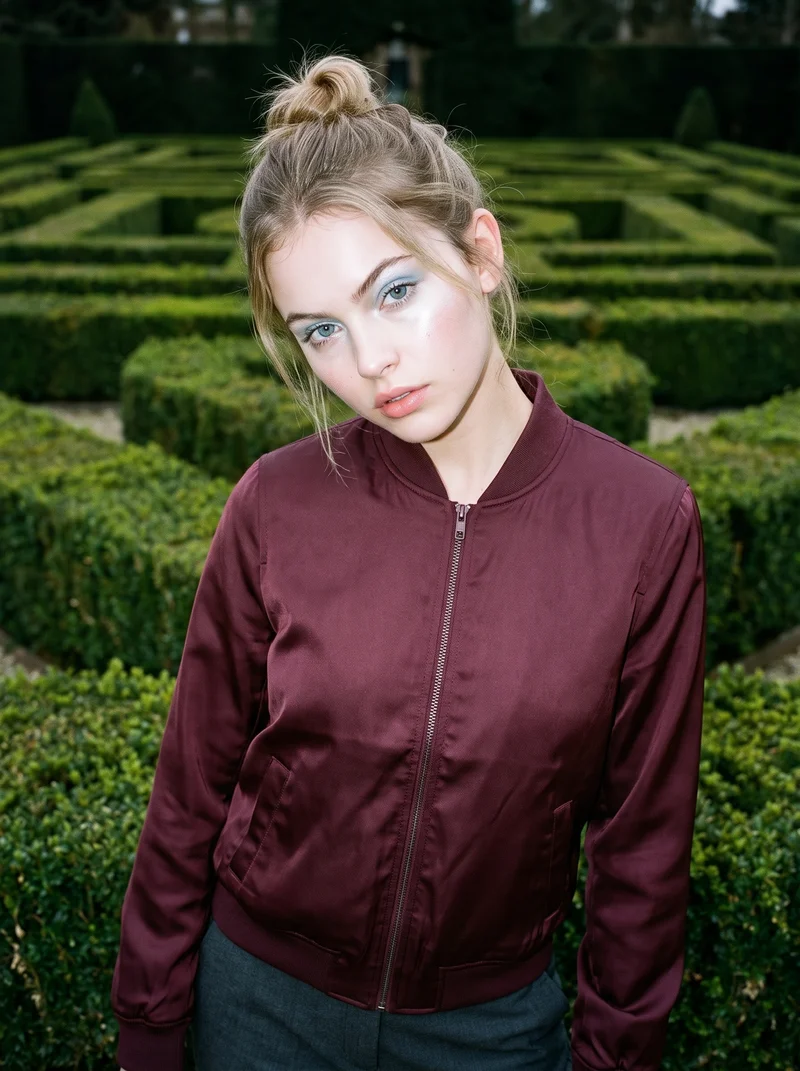
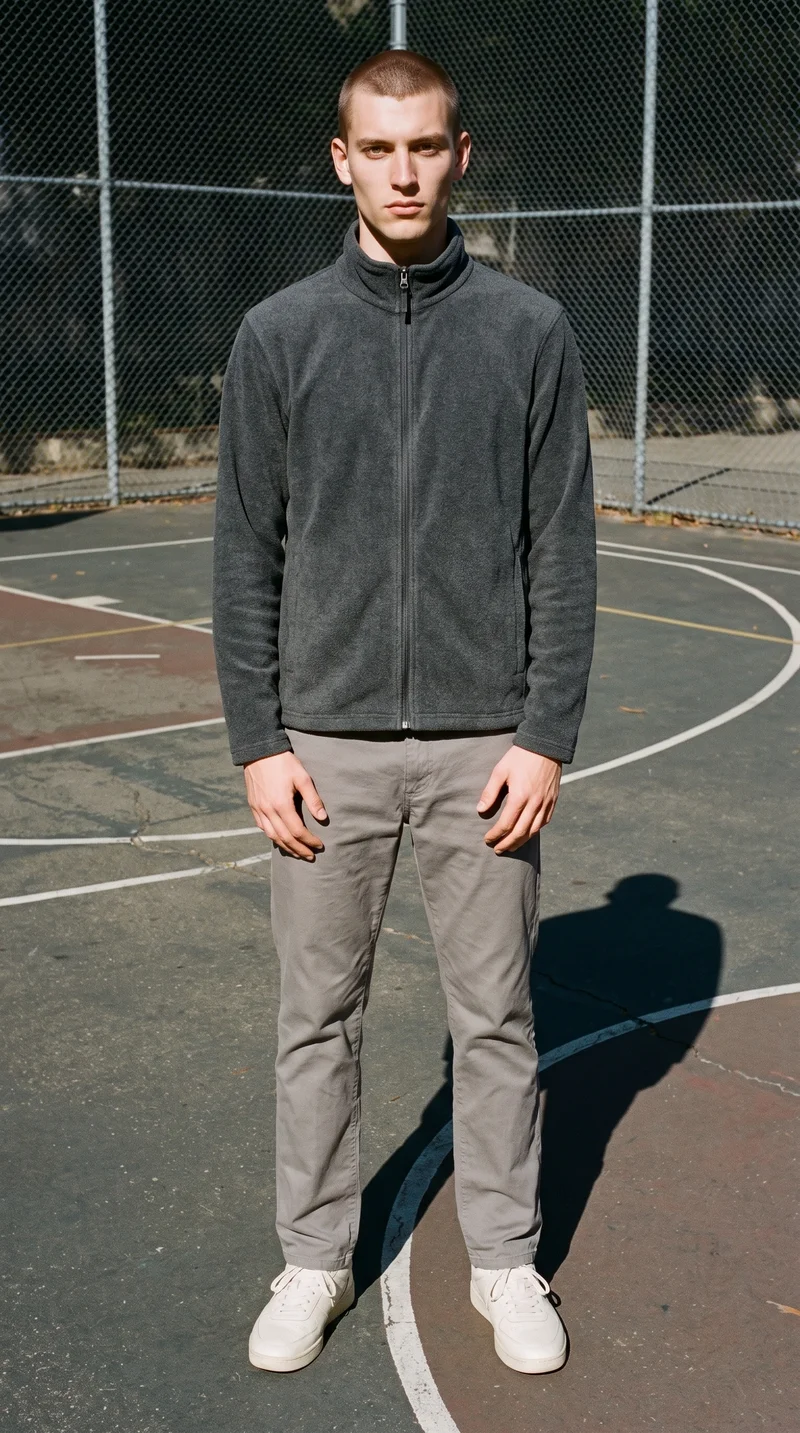
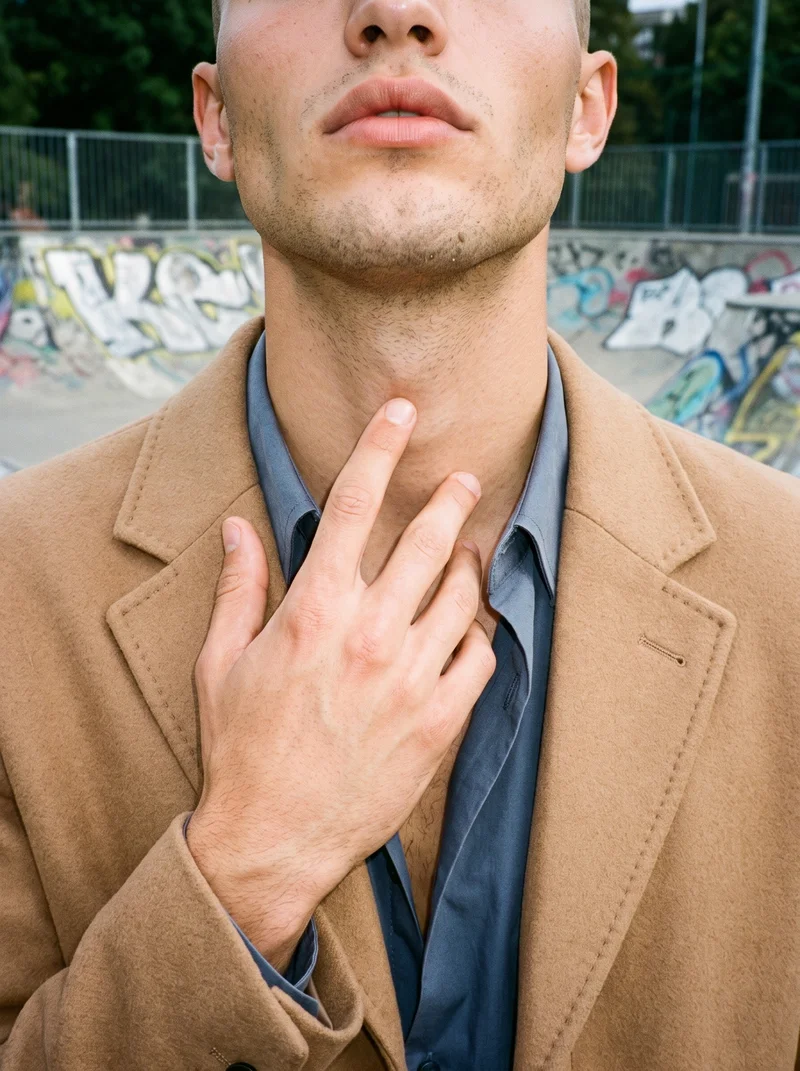
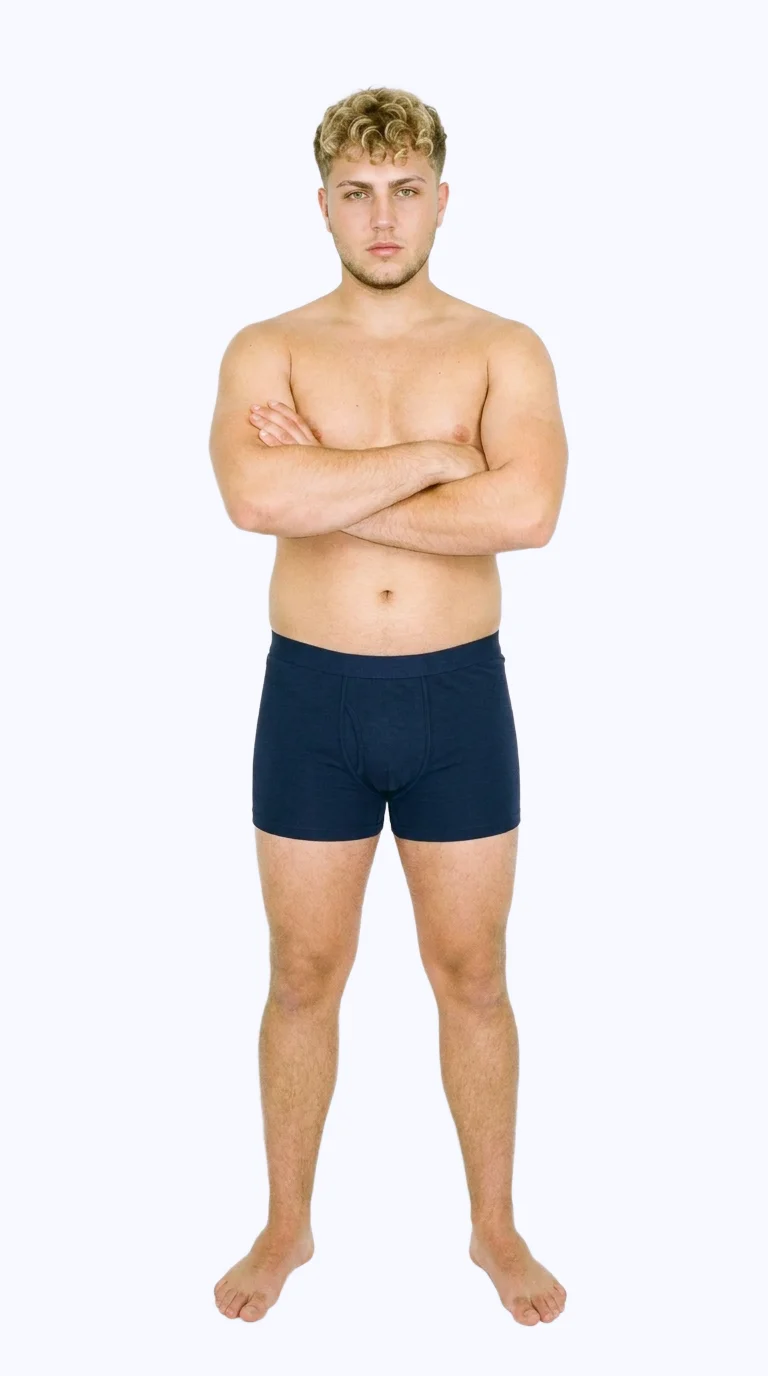
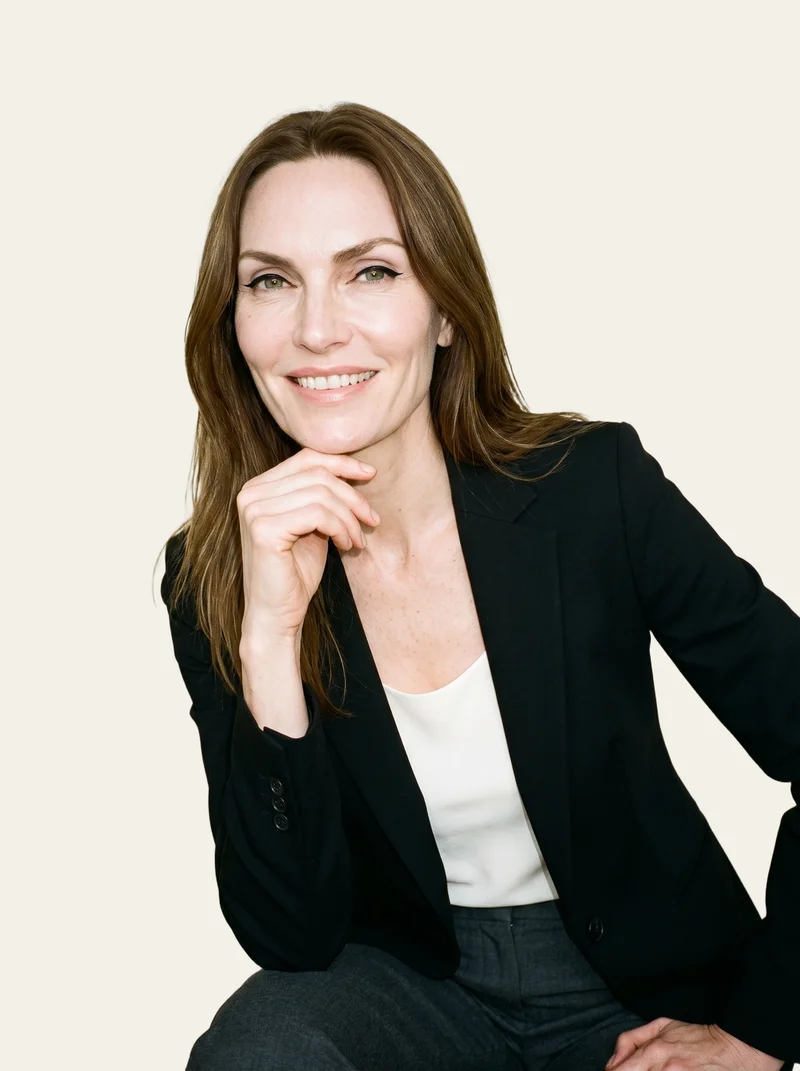
Showing 9 of 3,629, shot in RAWSHOT
Use cases
One campaign reaches several markets at once.
Several market launches
The situation
The same campaign direction needs market-ready imagery for several launches, but one physical shoot shows only one casting.
With RAWSHOT
Set the model, pose, frame, background, and light for each market context. You get approved on-model campaign images that keep the product and direction under review.
New market launch
The situation
A new market needs localized static assets before the shared campaign goes live and the launch window is fixed.
With RAWSHOT
Choose market-relevant casting, a suitable setting, and a placement format from the visible controls. You get a focused image set ready for local brand review.
New platform placement
The situation
A new platform needs the campaign reframed for its placement and format while the original product direction remains active.
With RAWSHOT
Adjust the frame, camera view, pose, and format for the channel. You get a placement-specific campaign variant with the surrounding composition available for review.
Paid-social variants
The situation
Paid-social teams need market-specific variants while product and direction stay under review across the campaign.
With RAWSHOT
Change the model, background, composition, or format through the photo controls. You get static variants for market review while the product remains central to the campaign.
What you get
Approved campaign images reach selected markets and placements.
A localized campaign image set for approved on-model fashion imagery across selected markets, placements, and campaign uses. Keep the product and campaign direction under review while adapting casting, composition, and context.
Approved market imagery
Prepare on-model fashion images for selected markets, with the product and campaign direction visible for approval.
Placement-ready compositions
Create campaign compositions suited to the placements your launch plan requires, while keeping each selected decision reviewable.
Market-specific casting
Build a considered set of adult model choices for market review without tying the campaign to one physical casting.
Reviewed campaign variants
Check each newly generated variant for product details, hands, hardware, cultural appropriateness, and final publishing approval.
Direct the shoot
You set the frame, view, pose and light for each market.
Image frame
15
Pose
22 poses on this frame
Camera view
4
Format
9
Pose style
4
Facial expression
10
Photography direction
4
Create photoshoot
Step 7 of 7 · Composition
Image 1 · readyGallery image from this pageProduct
Your product
Model
From the library
Composition
Full Body · Front View · Catalog pose · Neutral
Delivery
2K · 1:1
Light
Studio Cutout
Total cost
5 tokens
AI fashion models
You choose the wearer from 1,197 library models.
1,197 licence-free adult models across ages and body types. Or build a private model from visible attributes.
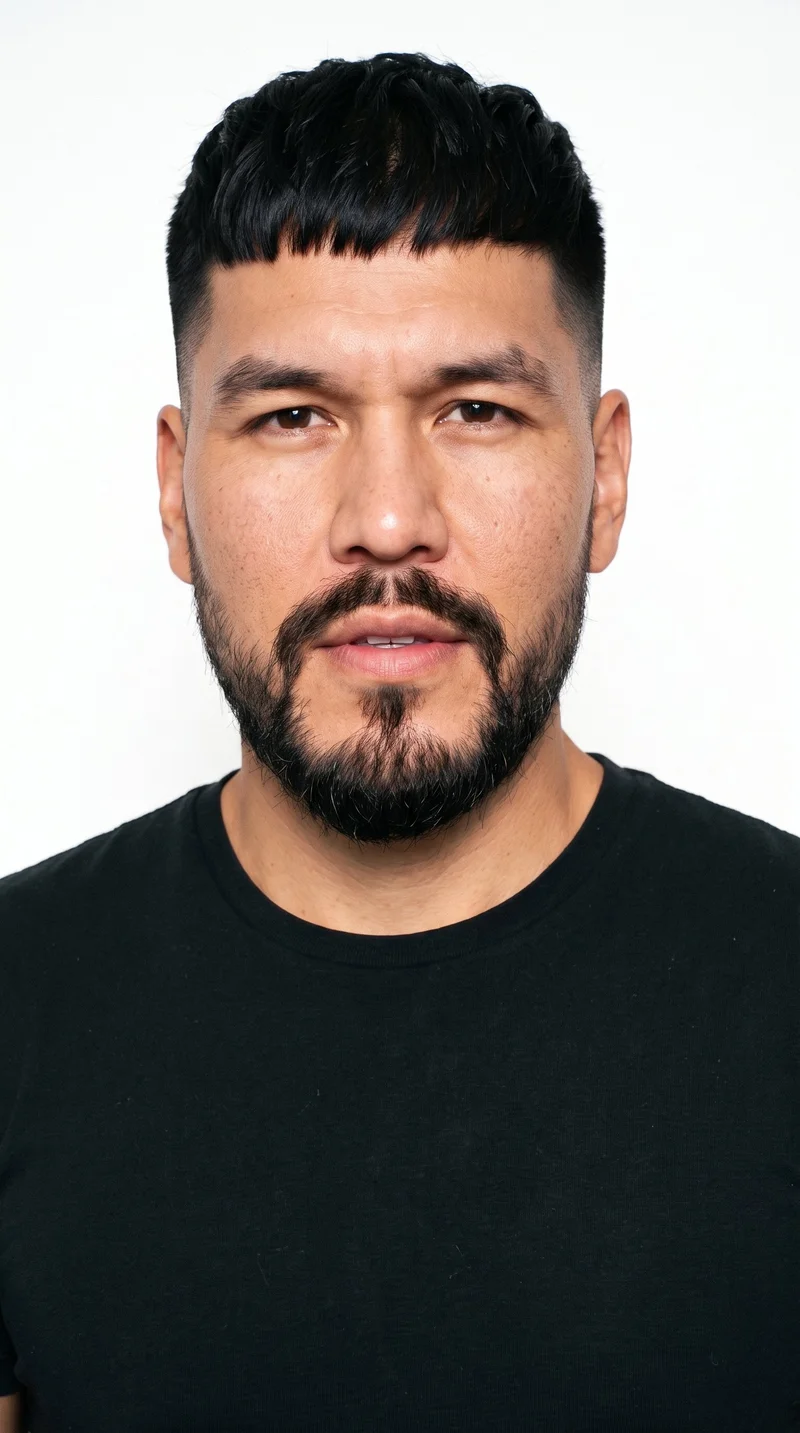
Male · 38
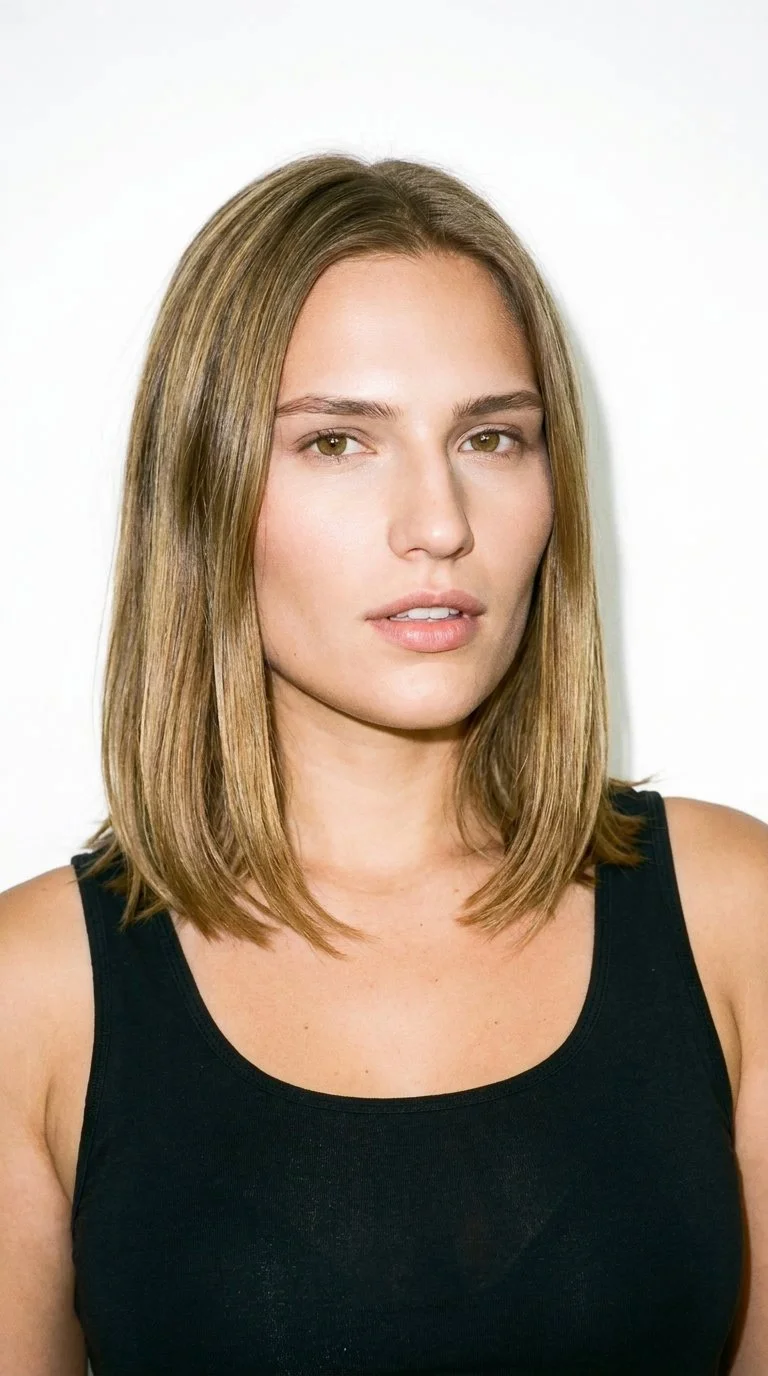
Female · 21
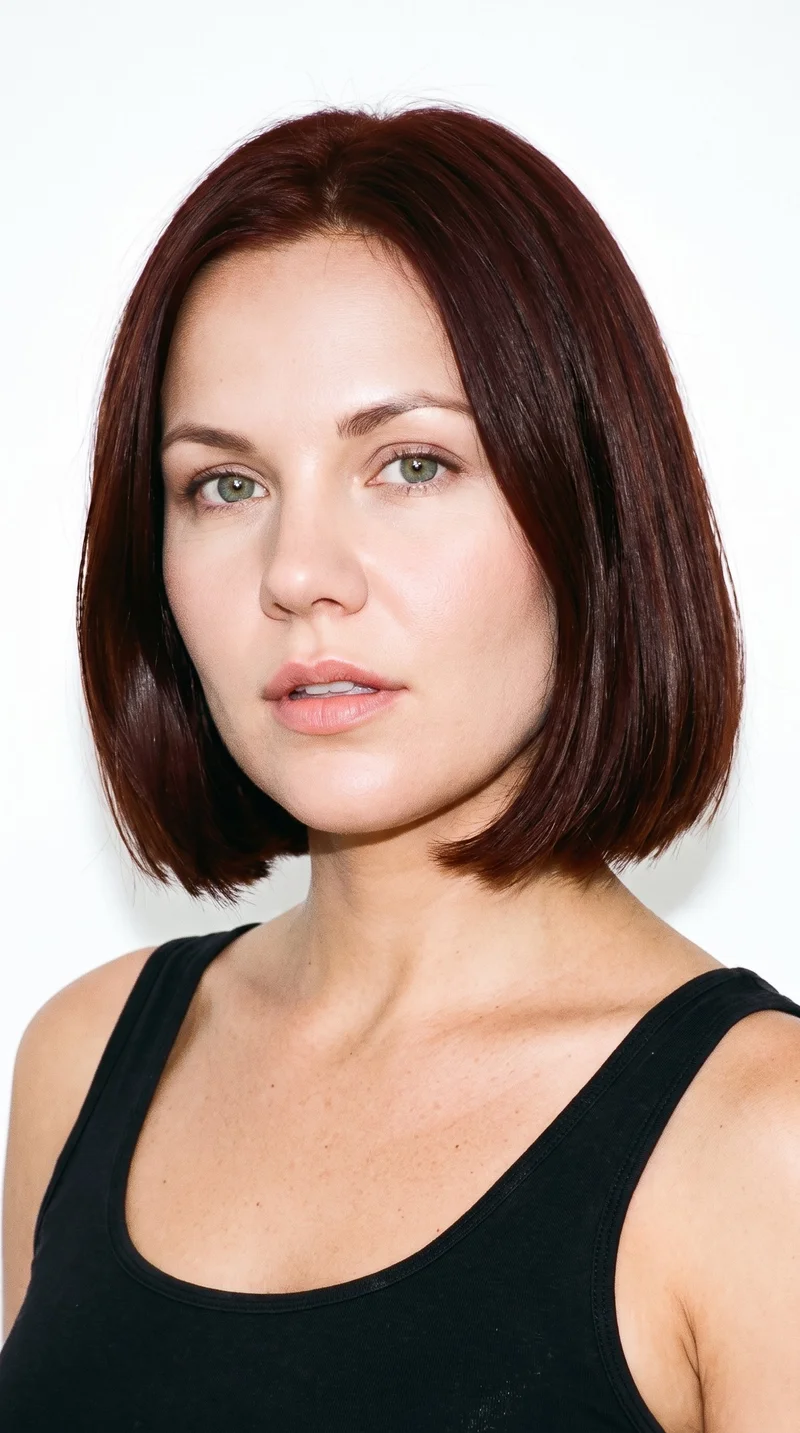
Female · 34
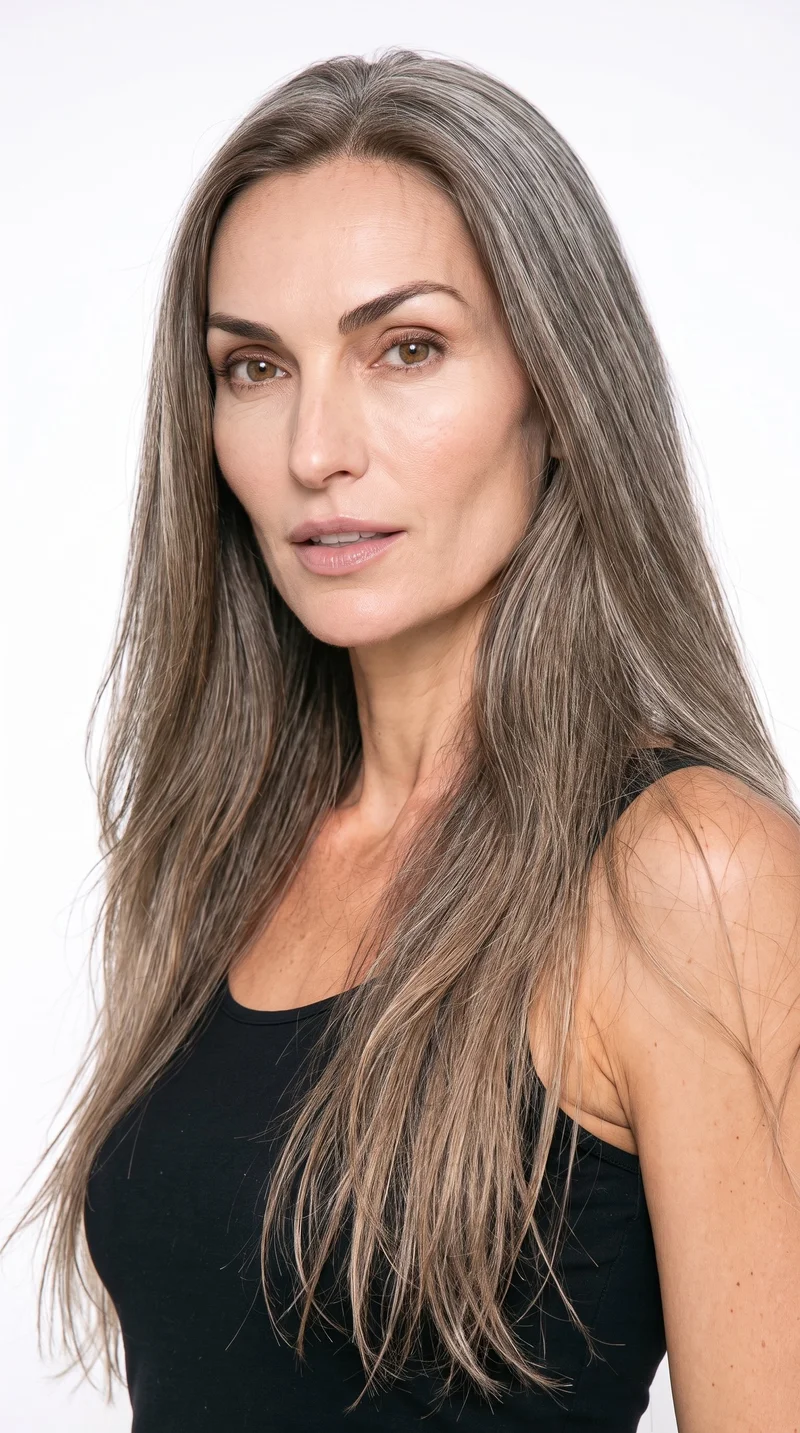
Female · 51
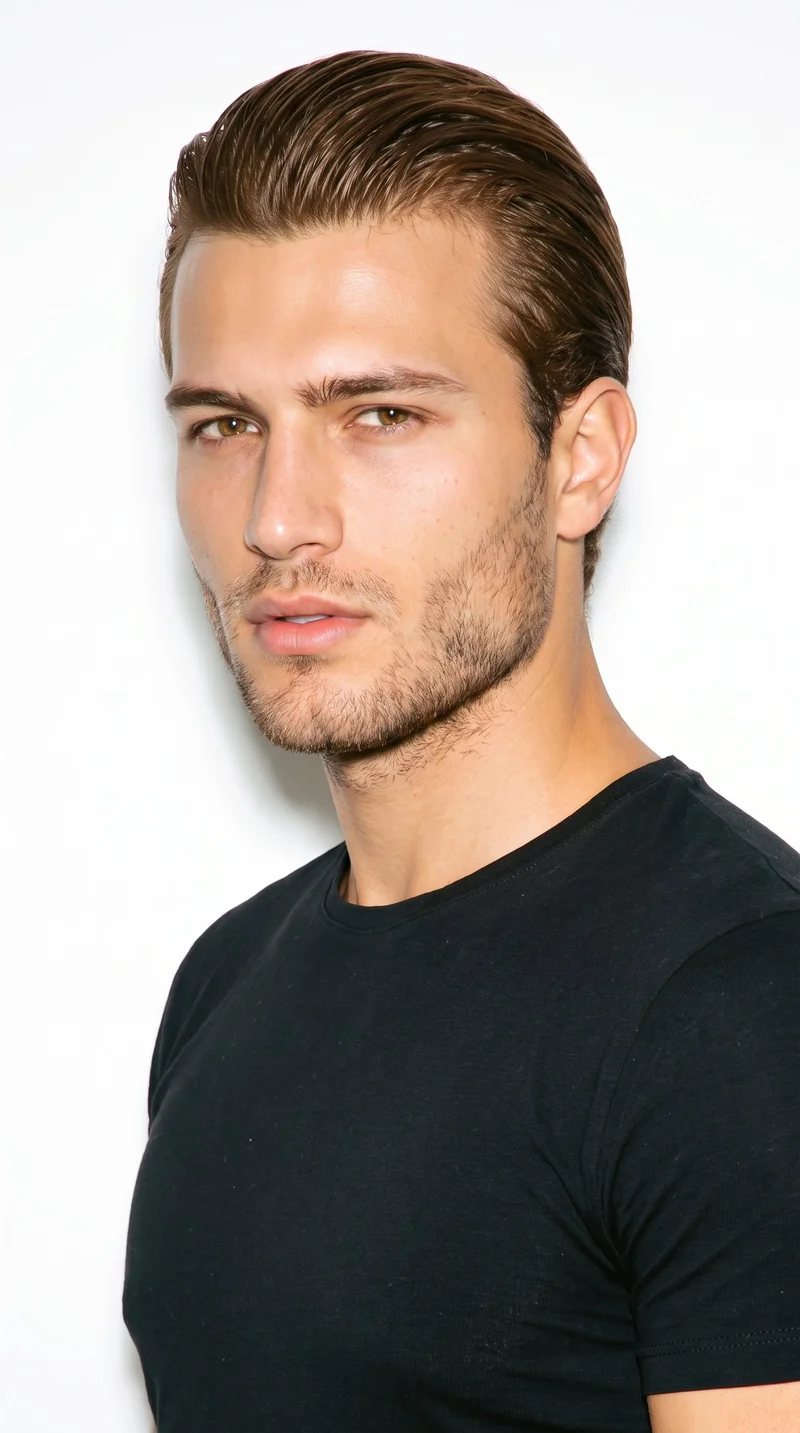
Male · 21
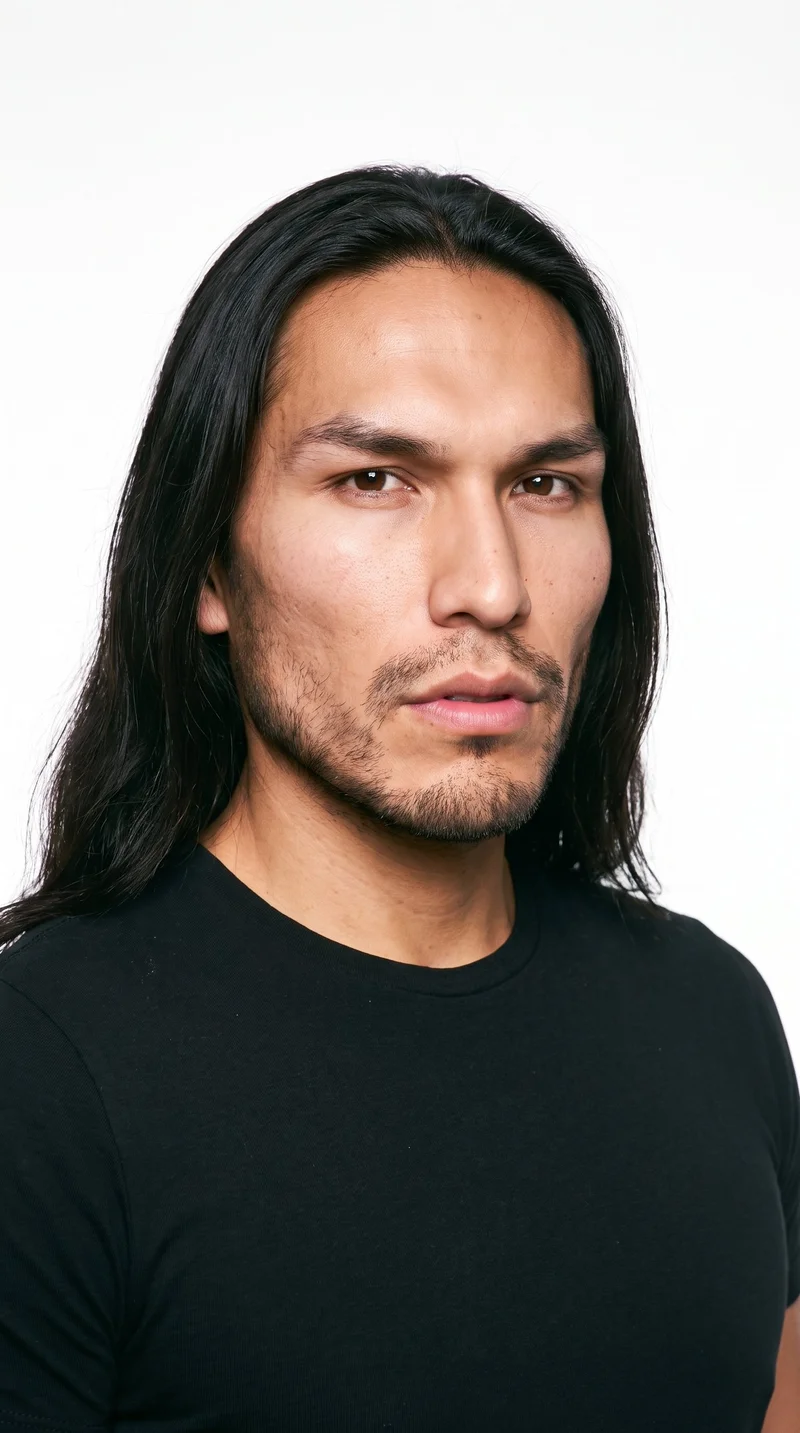
Male · 26
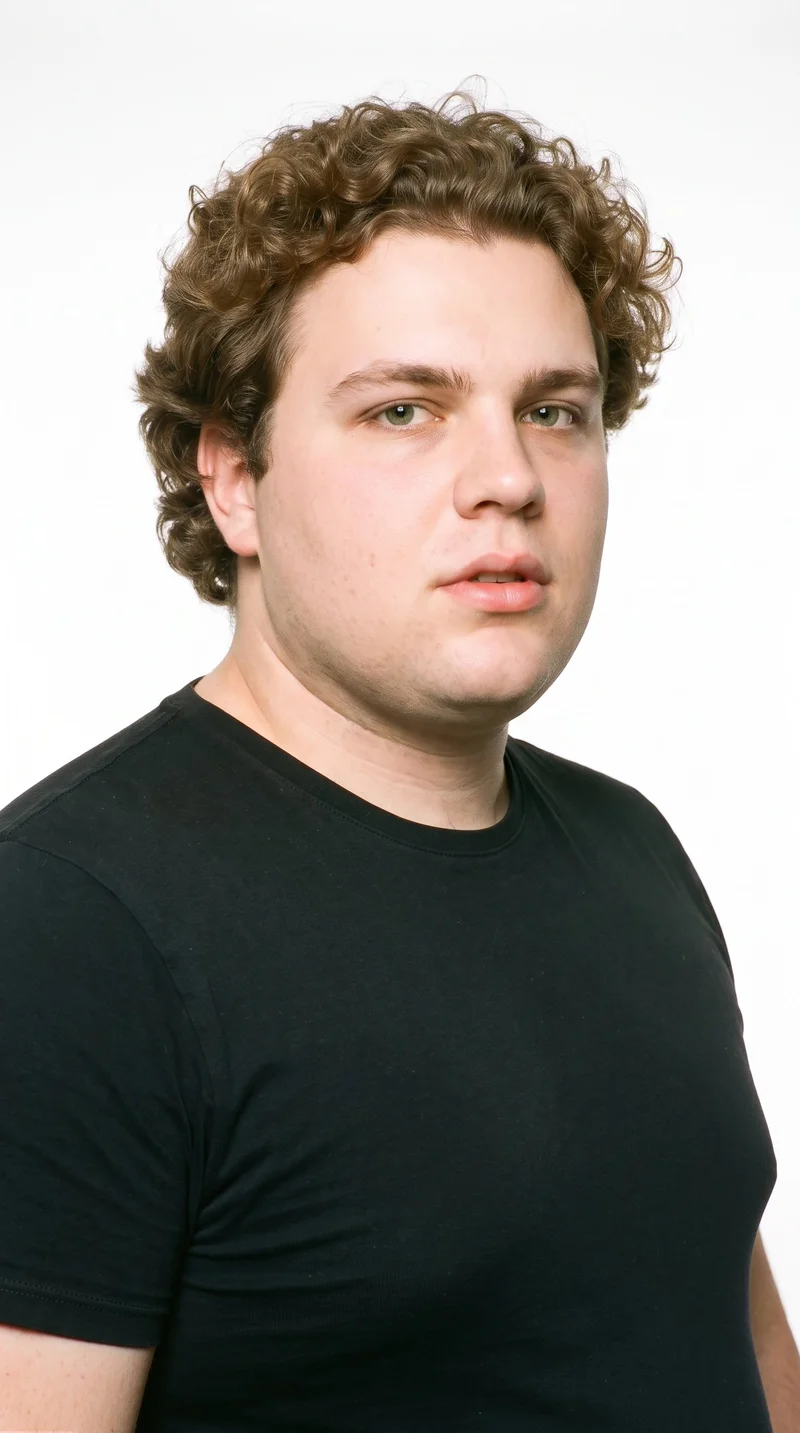
Male · 22
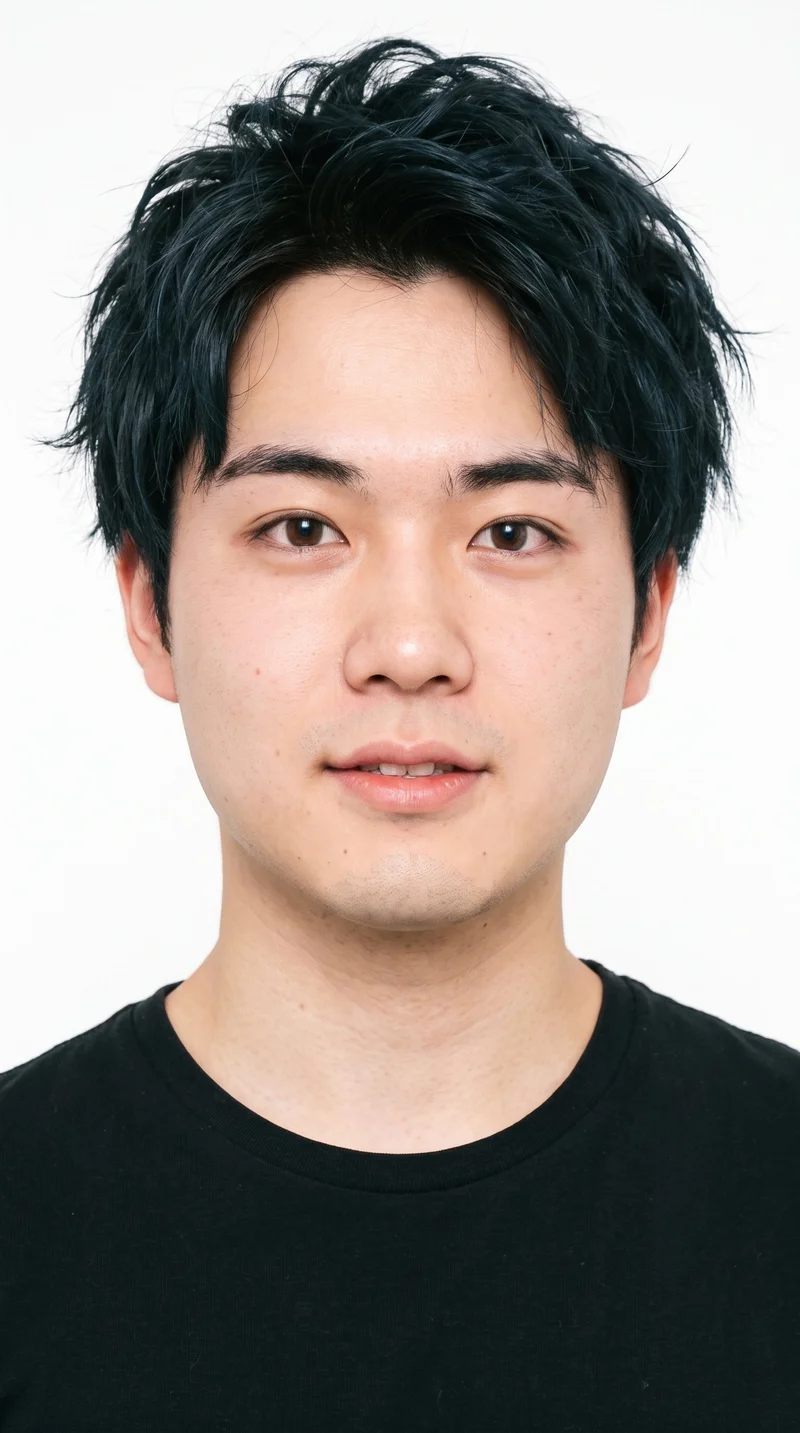
Male · 22
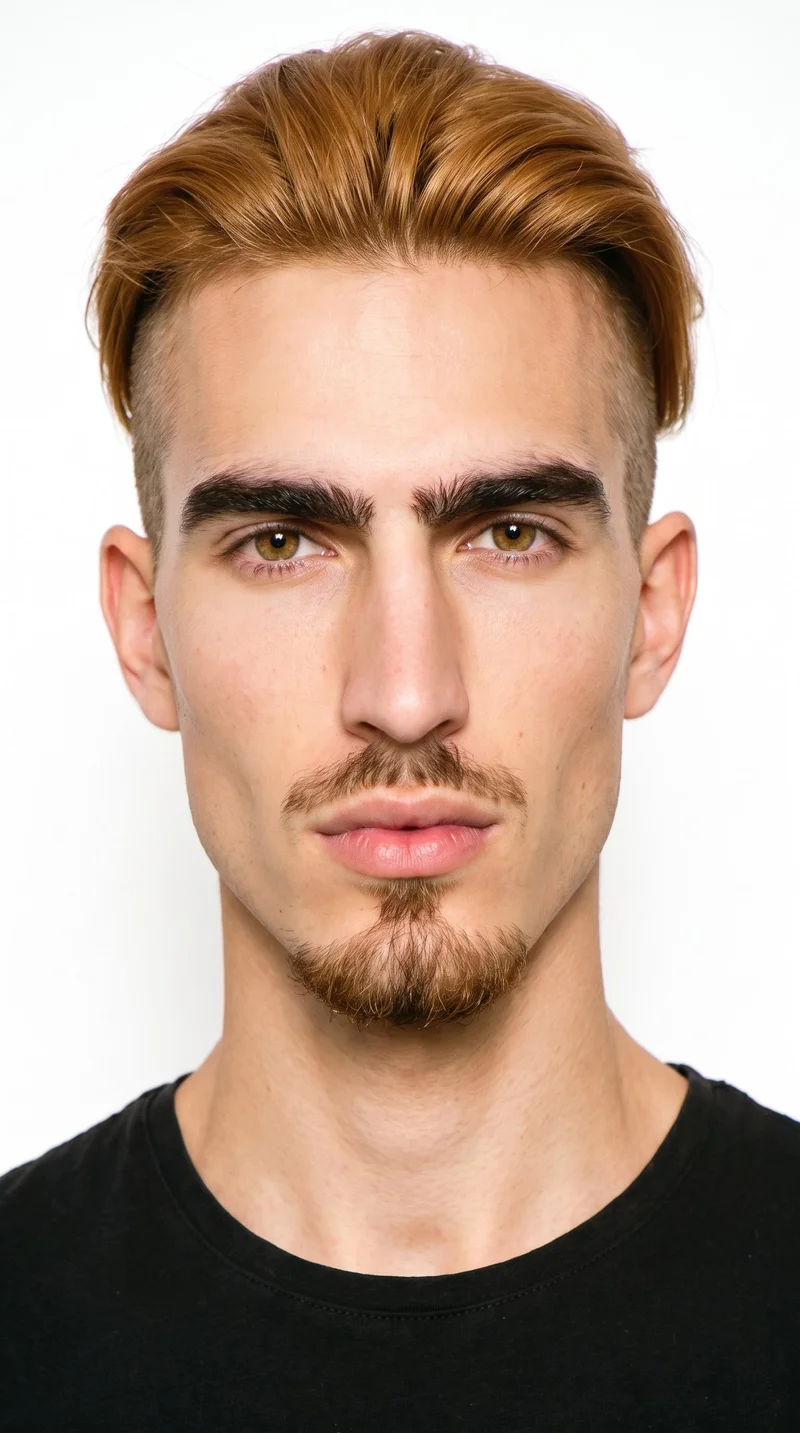
Male · 25
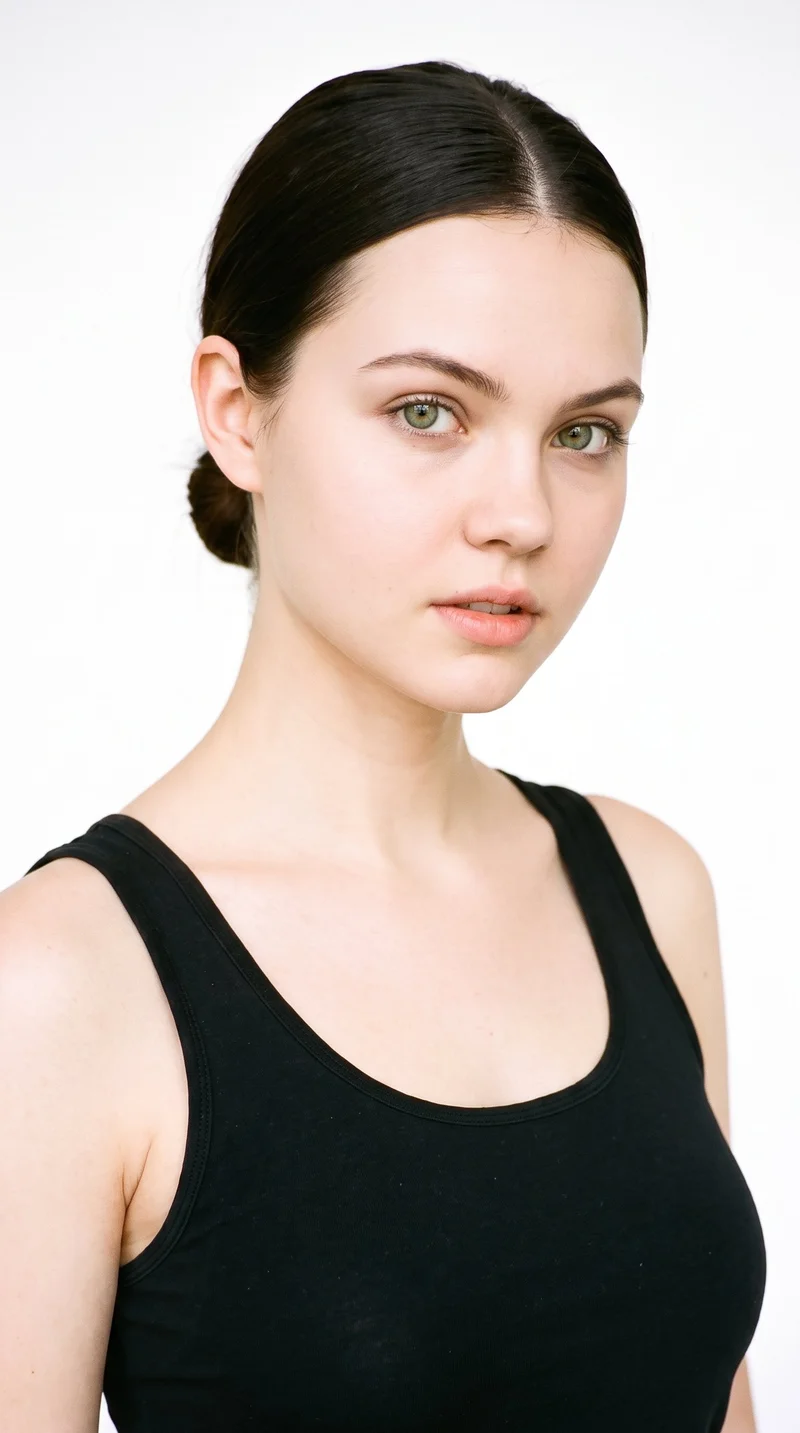
Female · 21
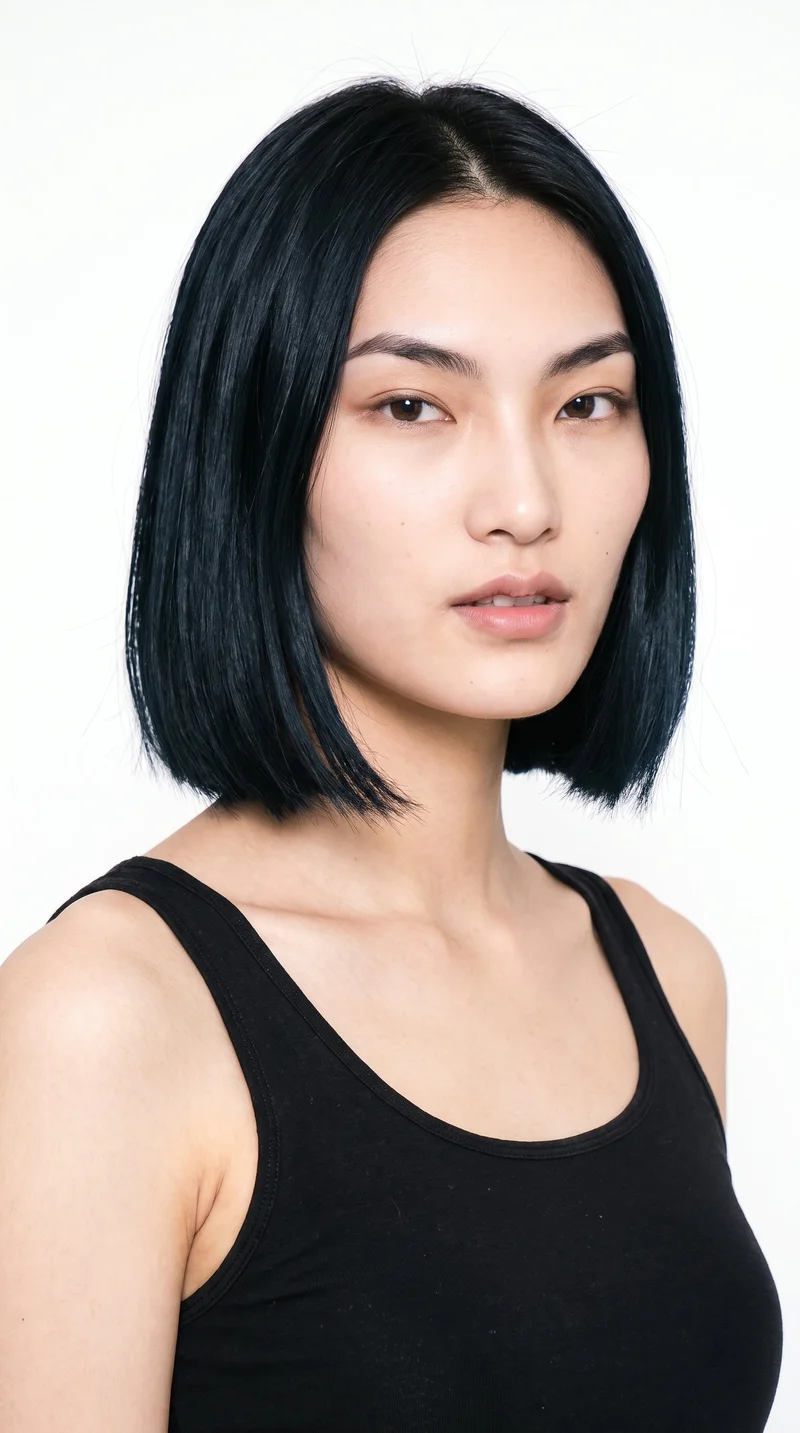
Female · 20
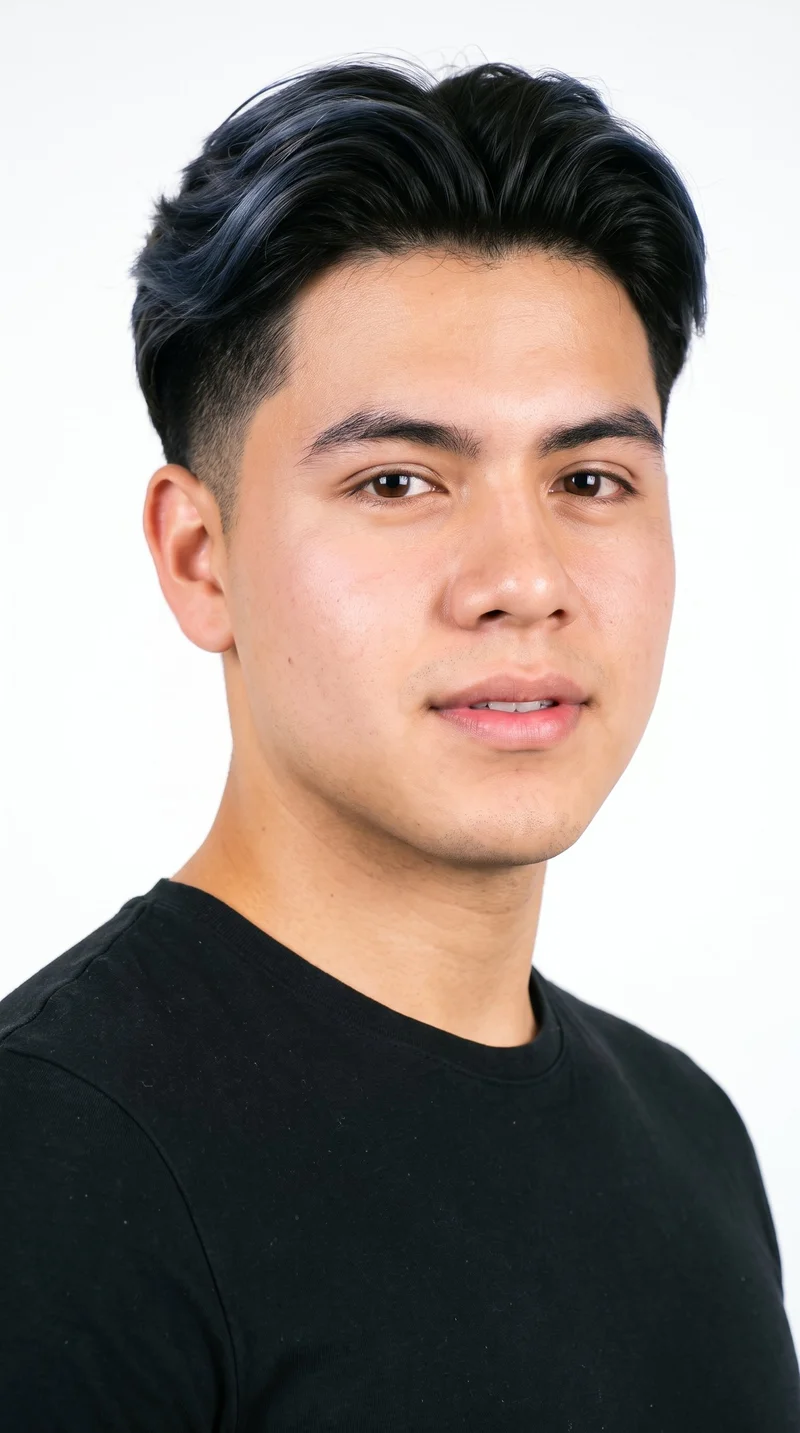
Male · 18
Showing 12 of 1,197
Cast your modelRawshot Features
Your controls shape each market variant.
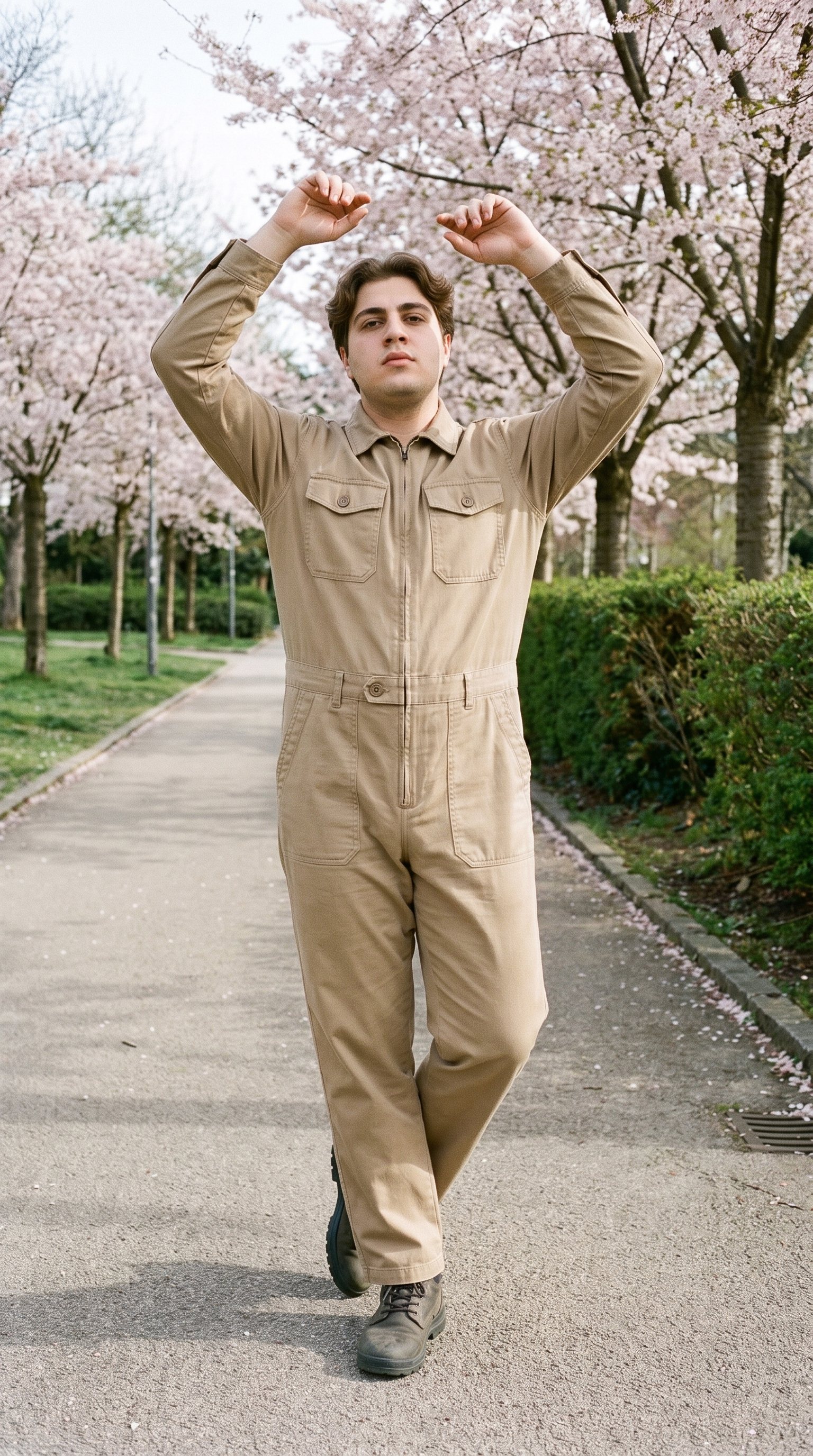
Fashion model poses
Direct the body language and crop so each market asset carries the intended campaign attitude.
22 poses on a full-body shot · 104 in total
See the feature →
AI model generator
Choose casting that reflects the market while keeping the campaign’s product and visual direction under your control.
Library filters plus private model building for consistent identity across the set.
See the feature →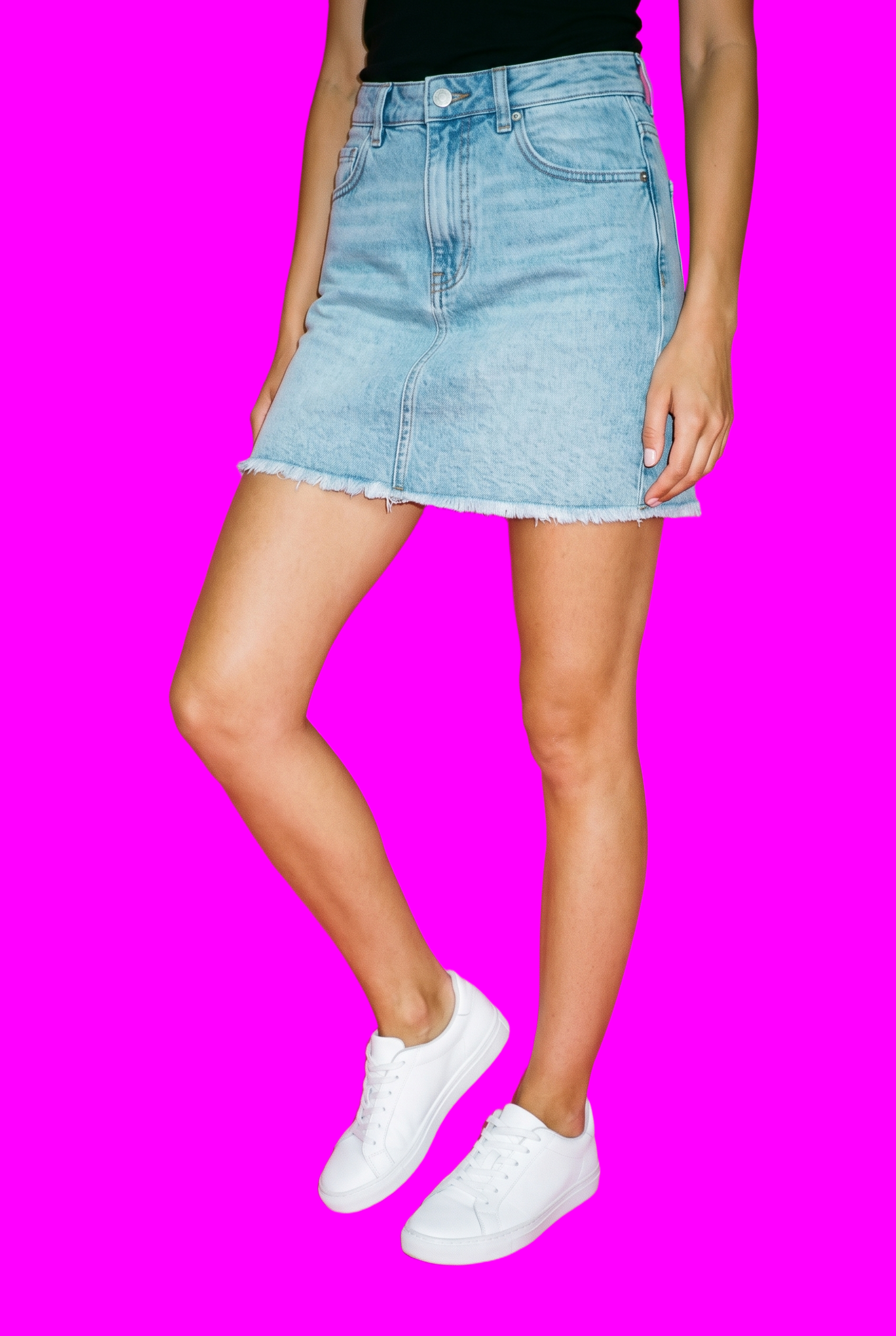
AI image to image generator
Adapt a selected campaign decision for a new placement while preserving the surrounding composition for review.
Change one decision and keep the rest of the composition stable.
See the feature →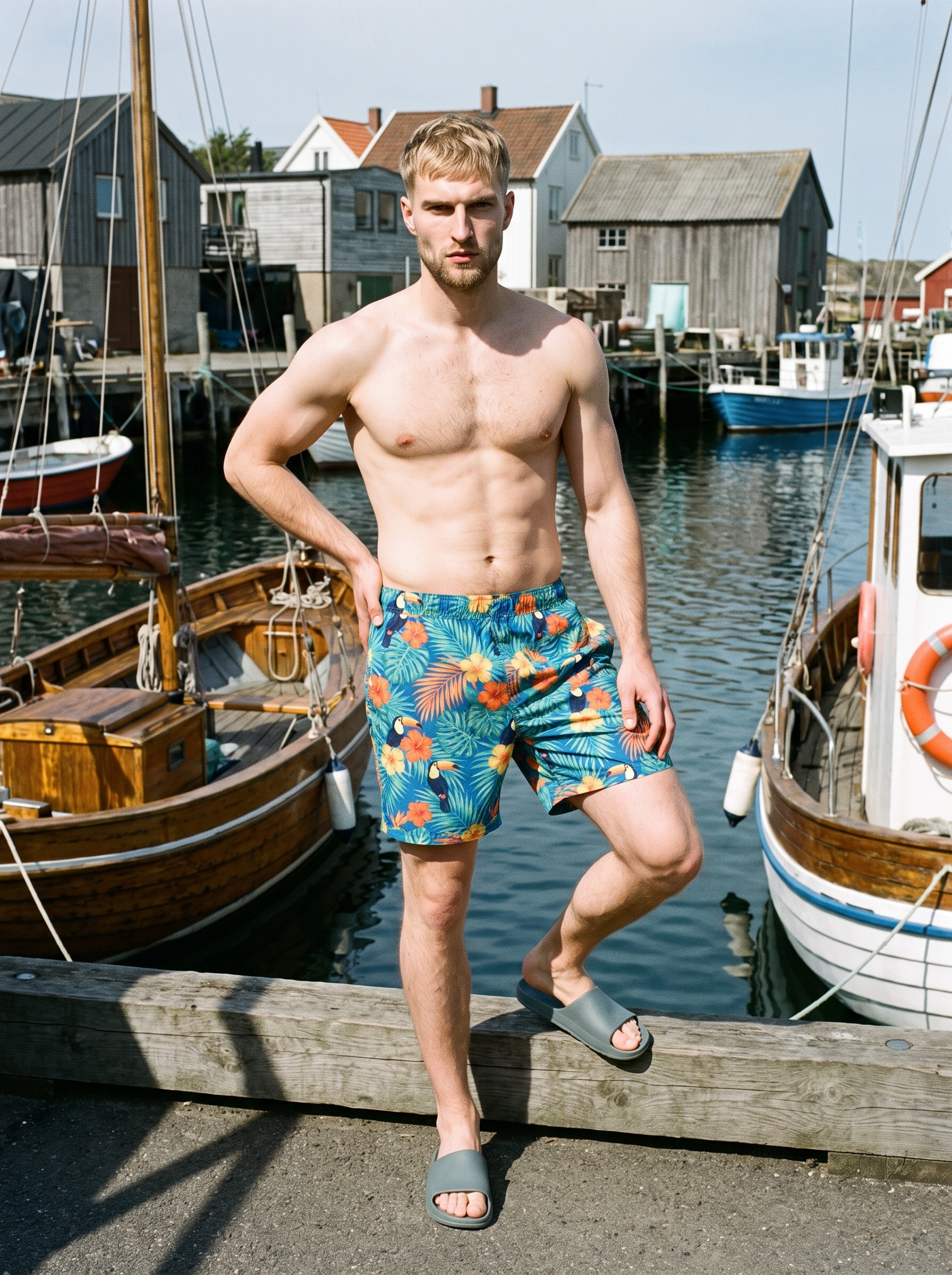
AI photo background generator
Choose the setting that gives each market placement the right visual context while keeping the campaign direction coherent.
Swap scene context while keeping model, product, and framing stable.
See the feature →AI image to video generator
17 model actions on a full-body shot · 132 in total
AI makeup generator
Branch-aware named options applied without altering casting or scene setup.
AI outfit generator
Combine the main piece with neutral supporting items in one coherent frame.
AI suggestions
Preselected control values you can always override in the same configurator.
Garment styling
Choose how the garment is worn and keep brand presentation consistent.
Inspiration gallery
Load editable finished looks as fast starting points for new shoots.
Photography direction
4 named choices that set mood and shadow the same way across a shoot.
Product import and handling
Start from your real item and keep product fidelity while building the scene.
Gallery
Shot in RAWSHOT, views show market context.
Explore finished fashion compositions as references for market contexts, casting decisions, and placement-specific campaign direction.
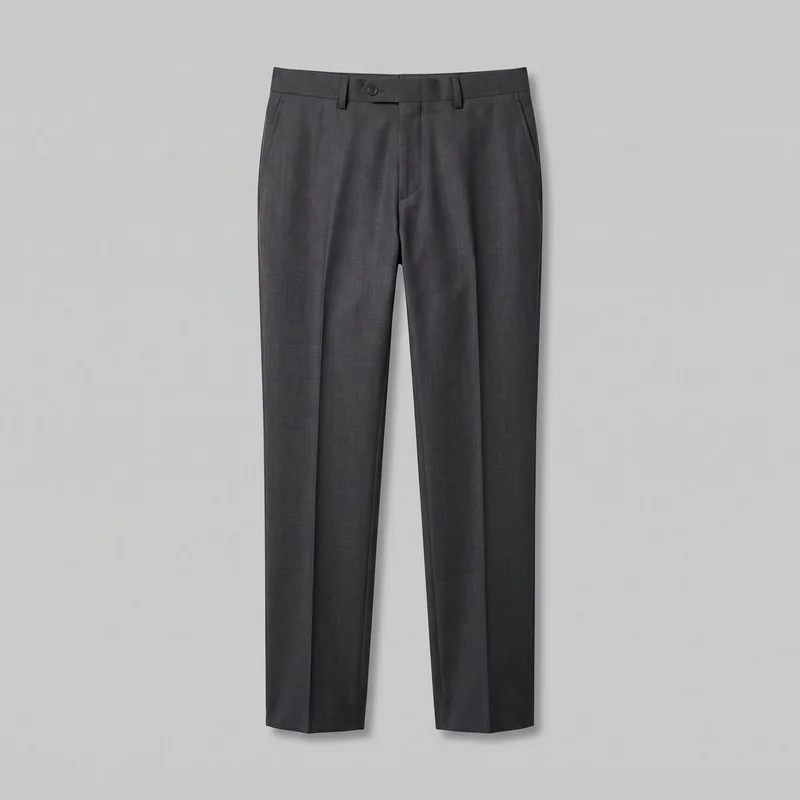 Men's Charcoal Tailored Trousers
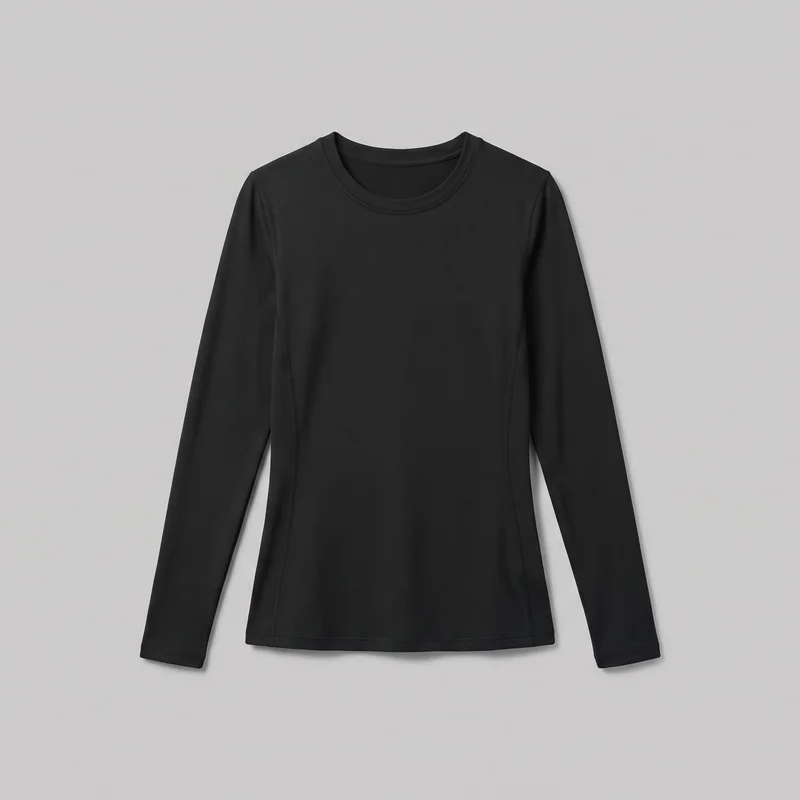 Women's Black Compression Base Layer
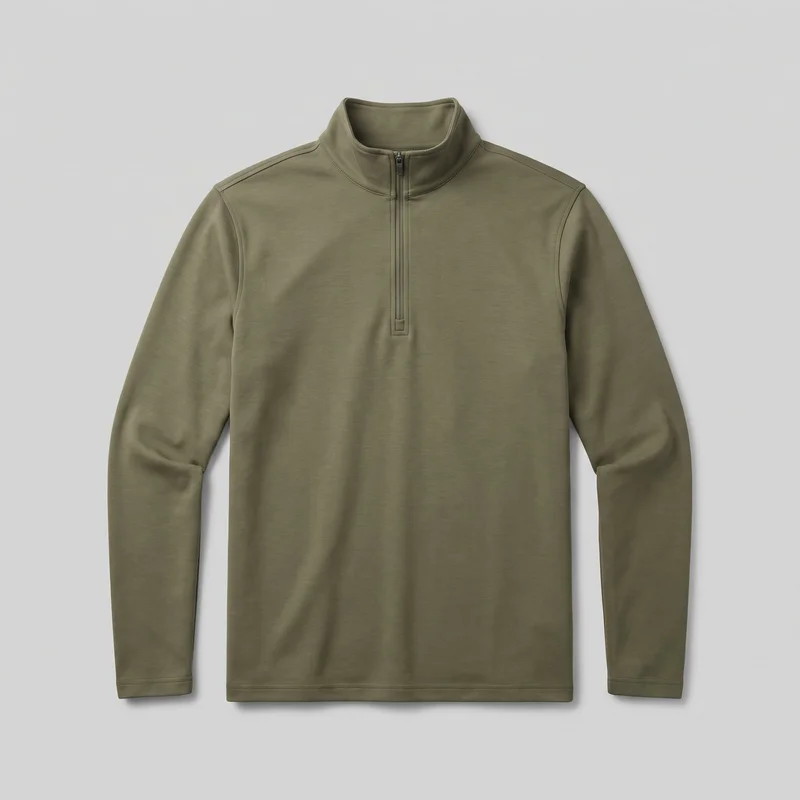 Men's Olive Quarter-Zip
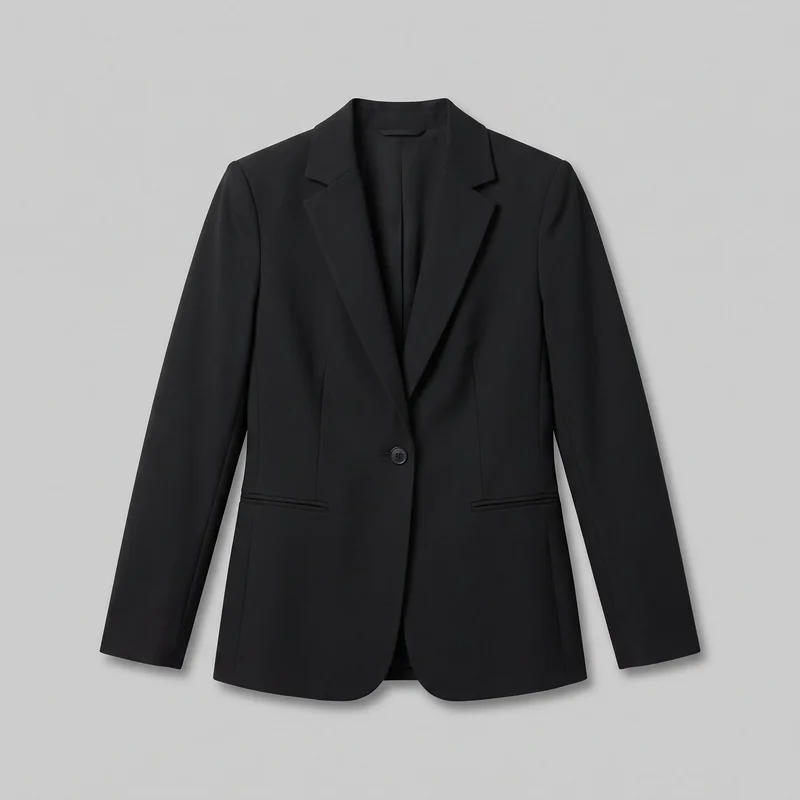 Women's Black Tailored Blazer
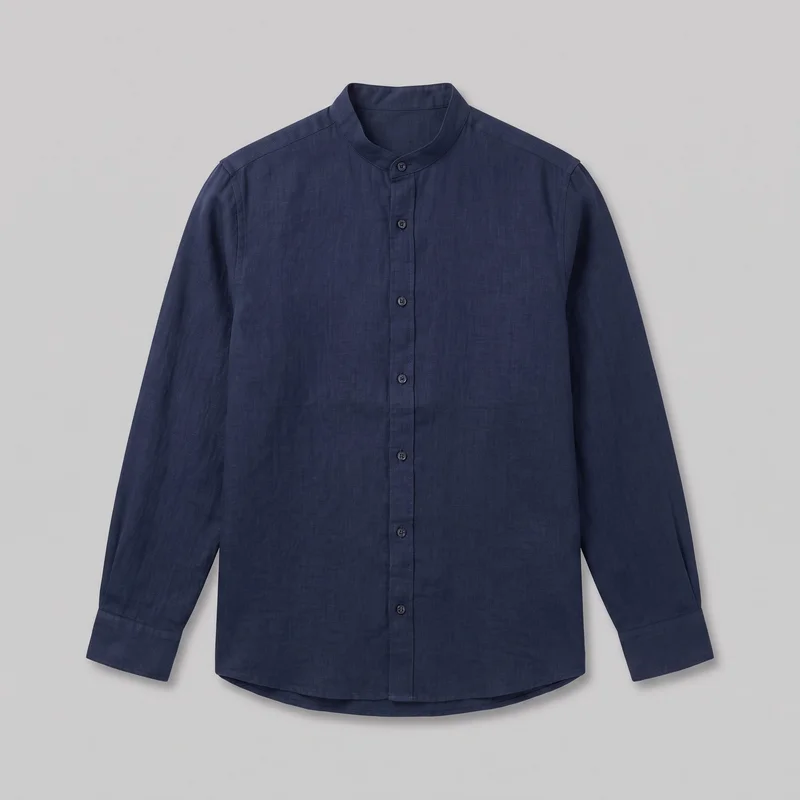 Navy Linen Grandad Shirt
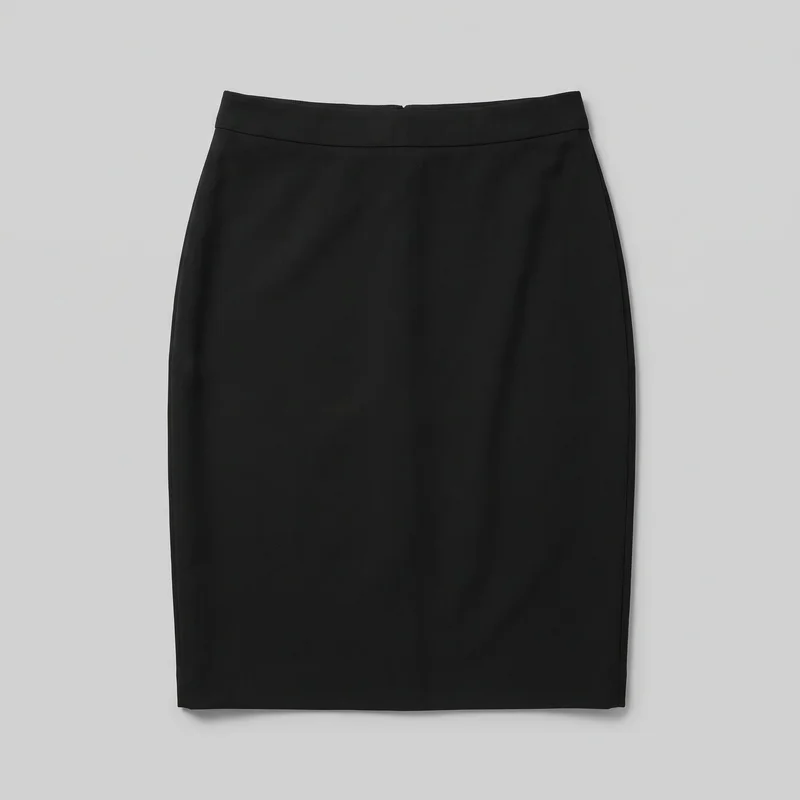 Black Pencil Skirt
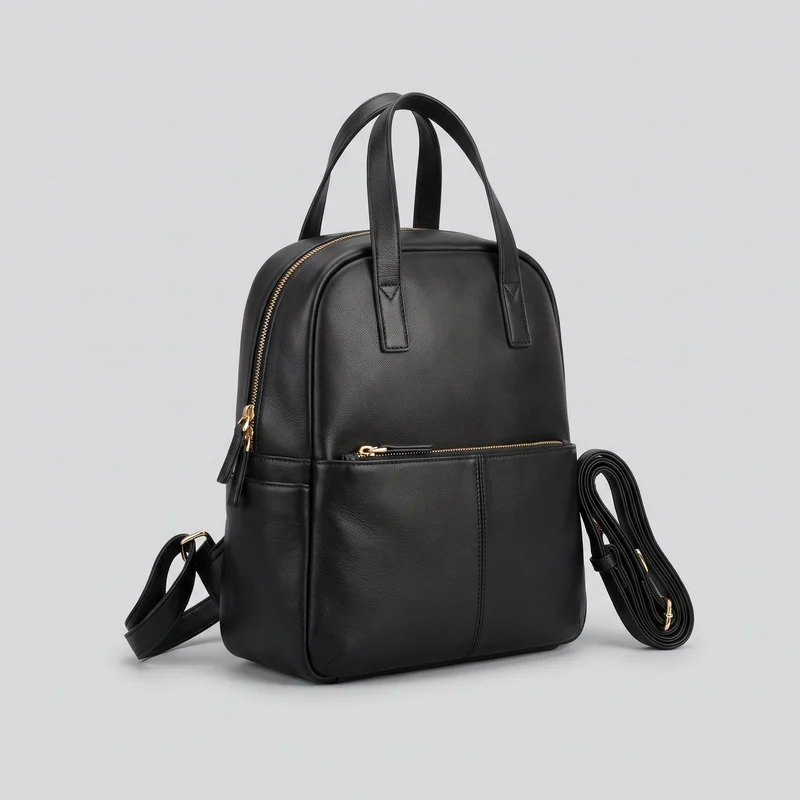 Women's Black Leather Backpack
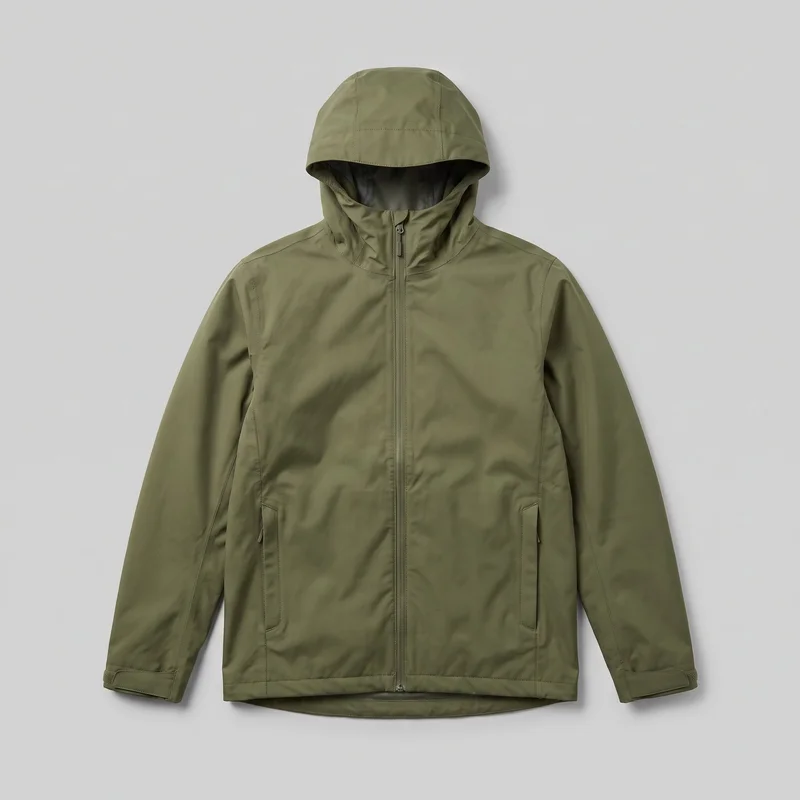 Men's Green Waterproof Jacket
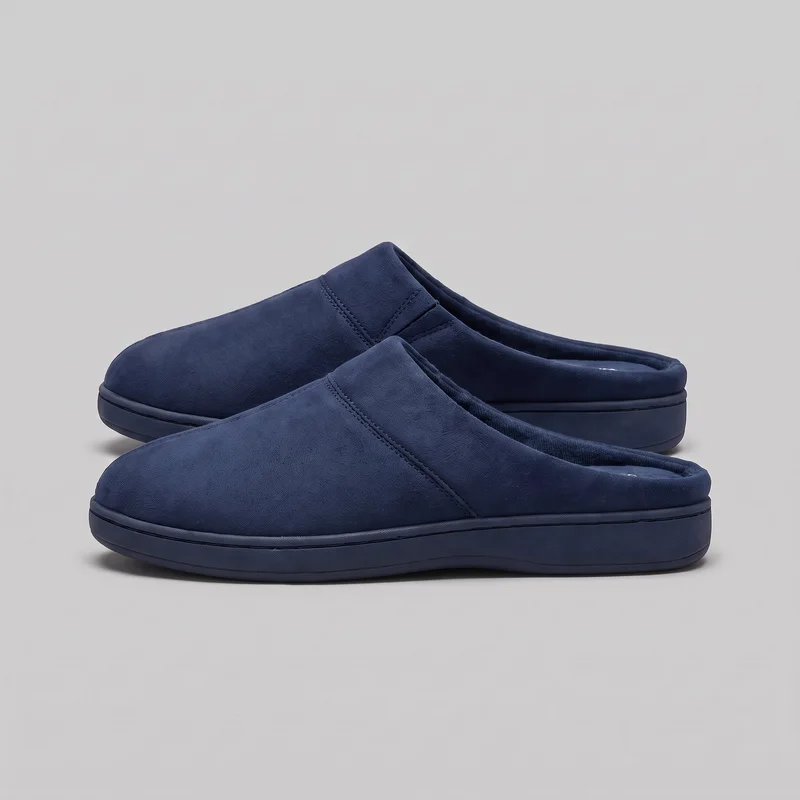 Men's Navy Mule Slippers
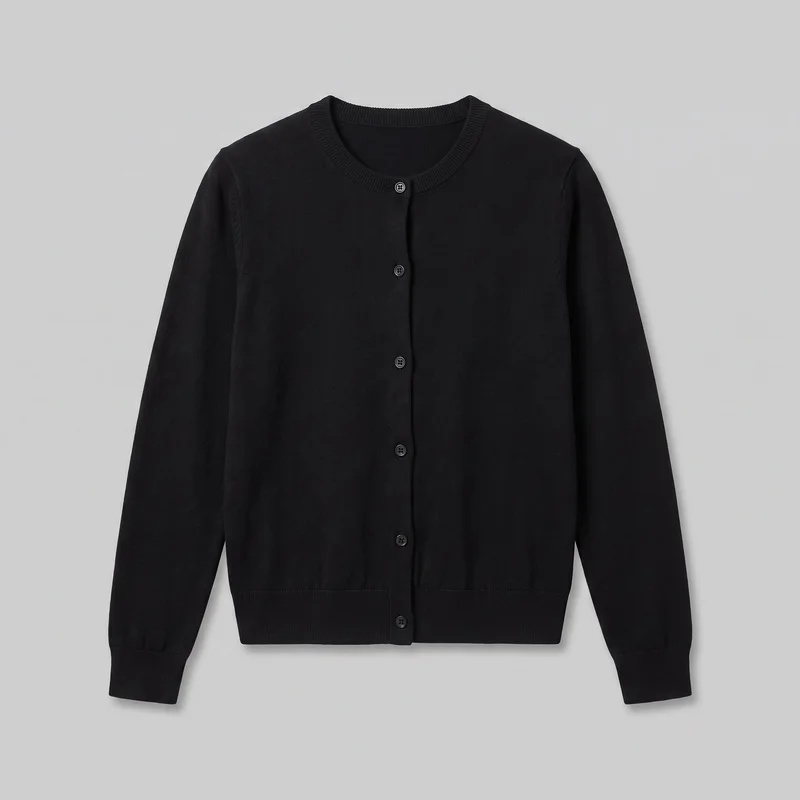 Women's Black Button-Up Cardigan
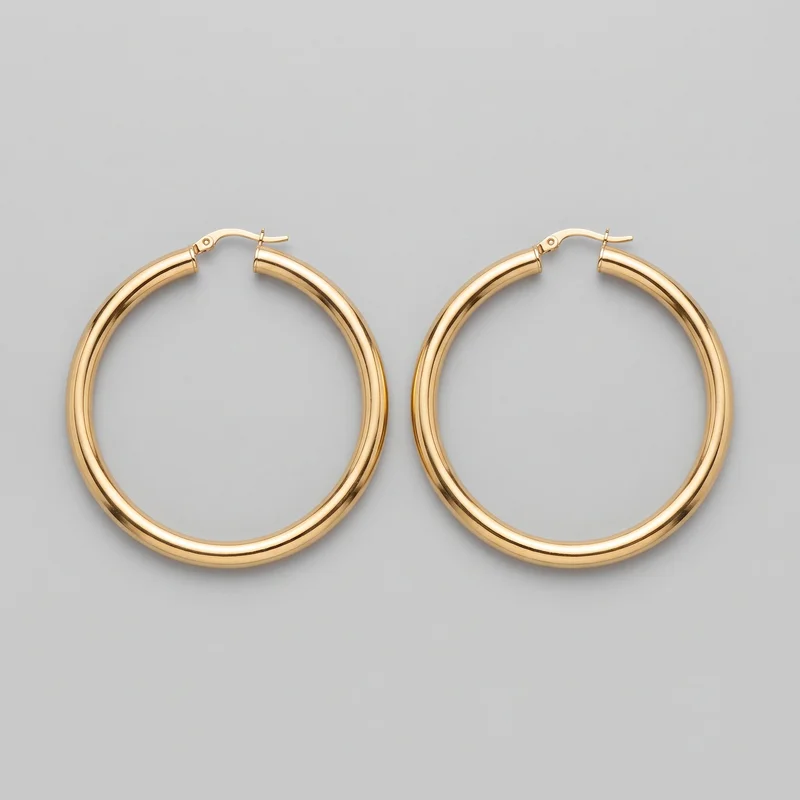 Men's Large Gold Hoop Earrings
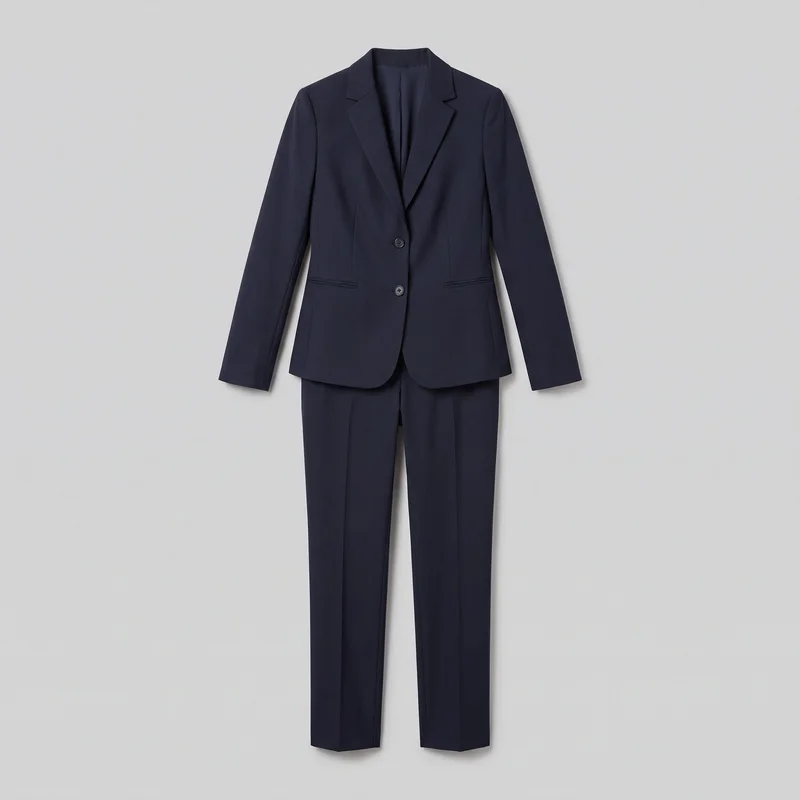 Women's Navy Two-Piece Suit
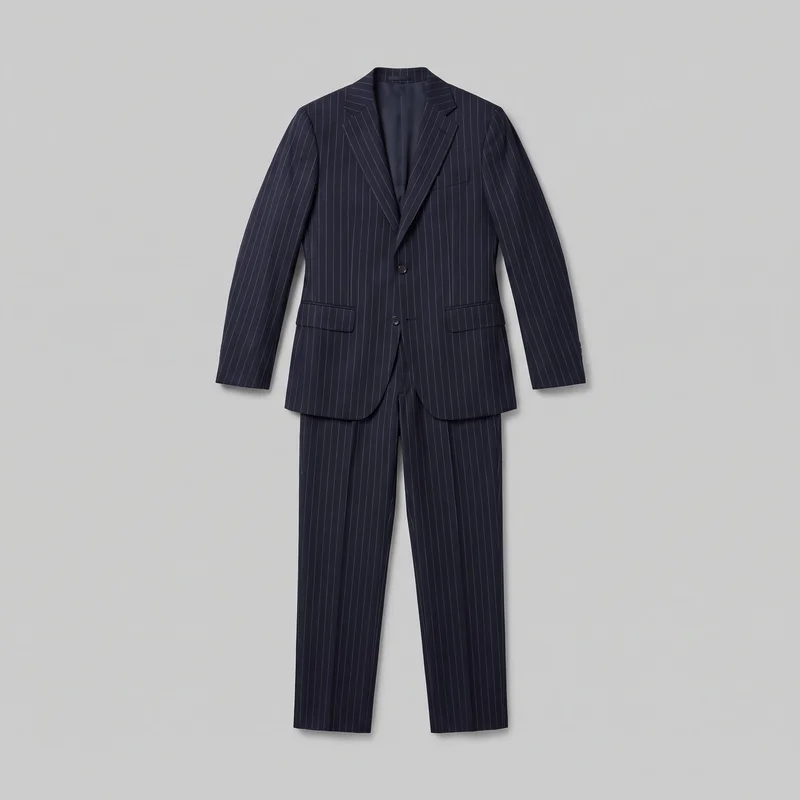 Navy Pinstripe Trouser Suit
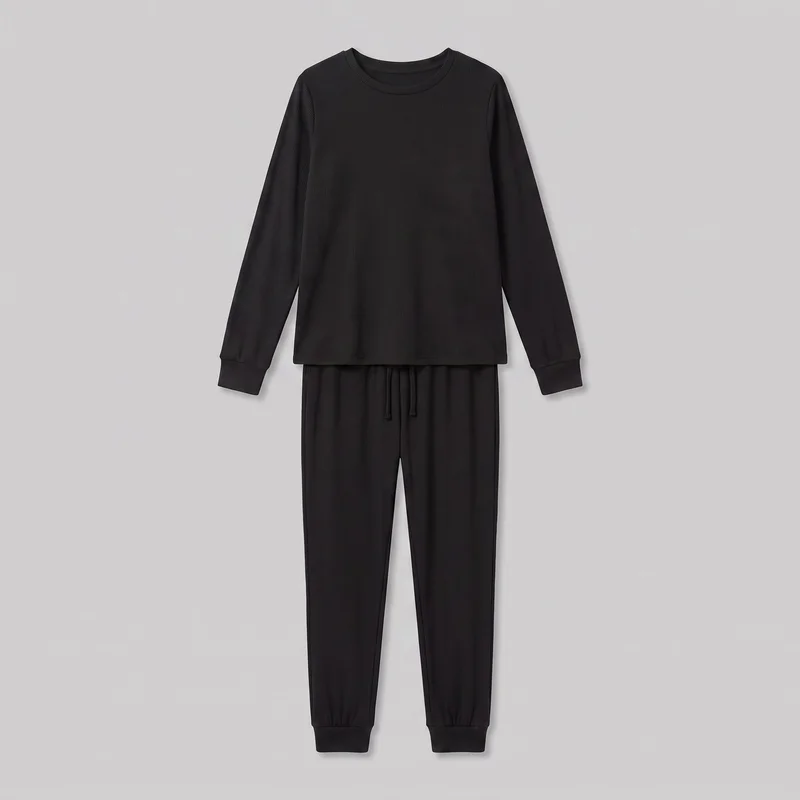 Women's Black Ribbed Loungewear Set
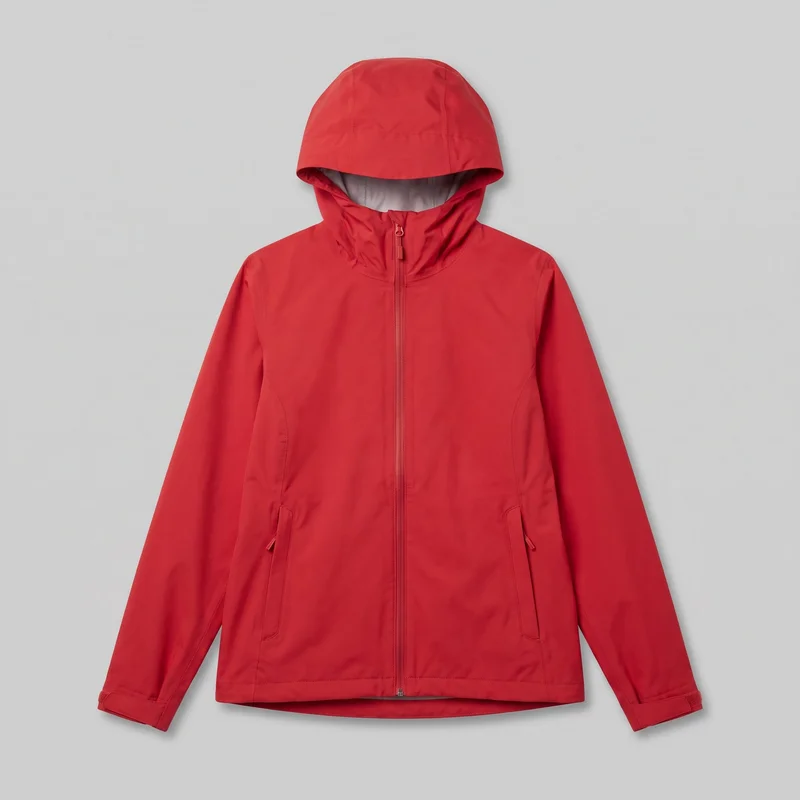 Women's Red Hardshell Jacket
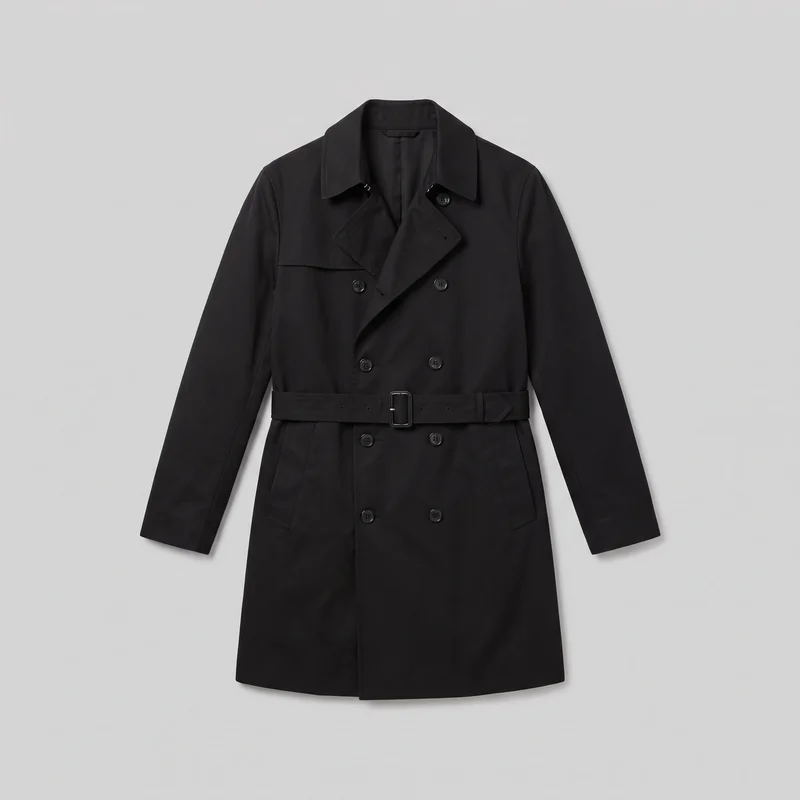 Men's Black Trench Coat
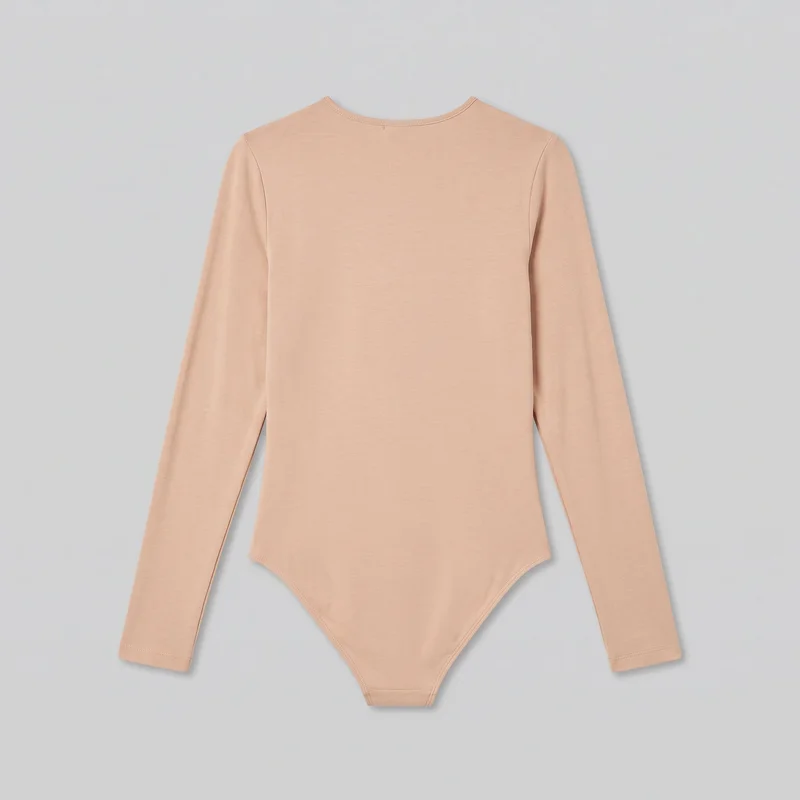 Nude Bodysuit
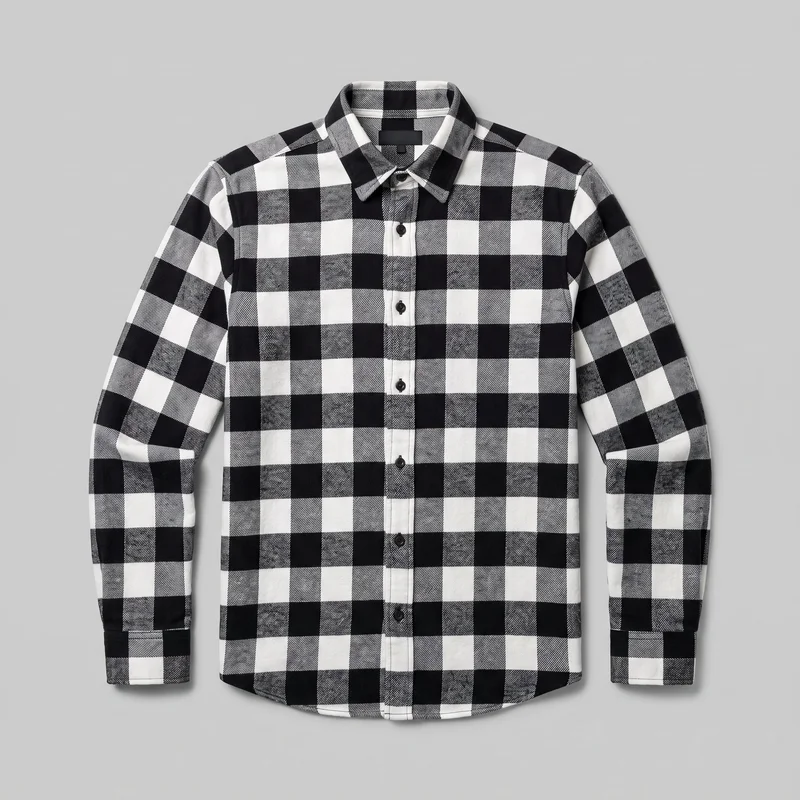 Black & White Buffalo-Check Flannel Shirt
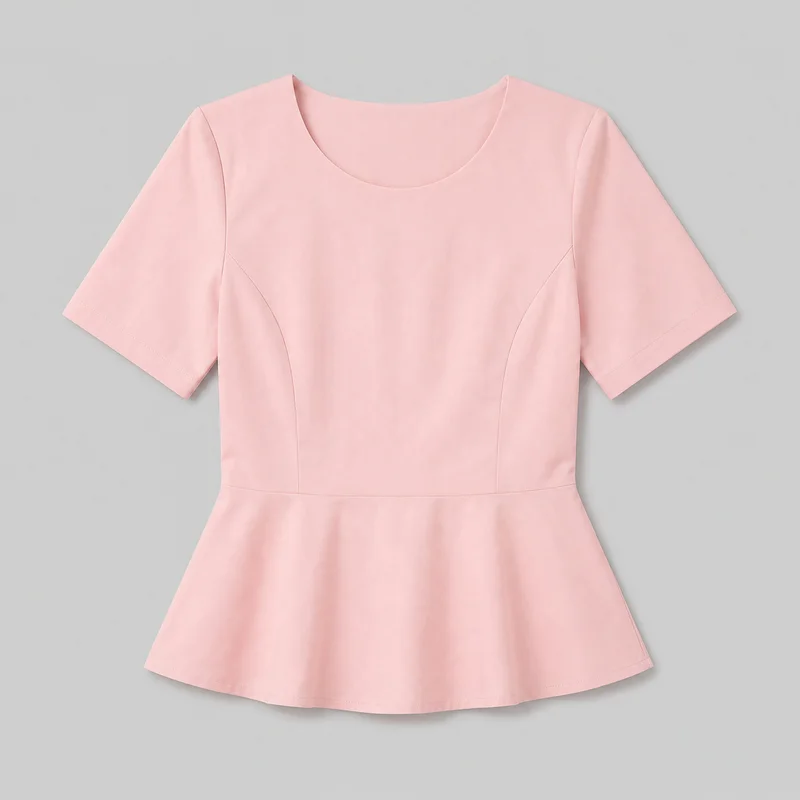 Blush Pink Peplum Top
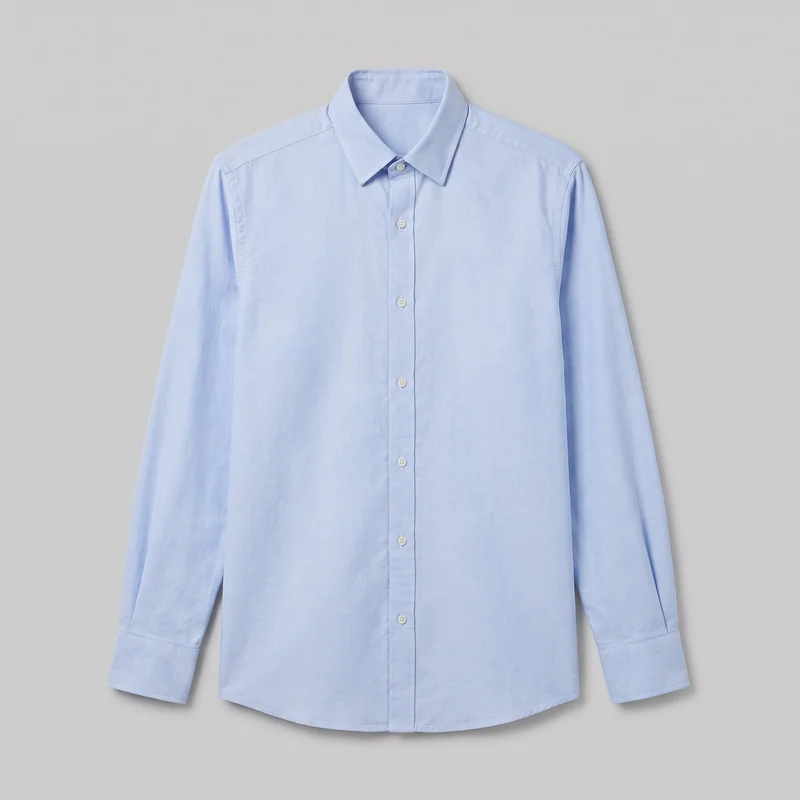 Light Blue Oxford Shirt
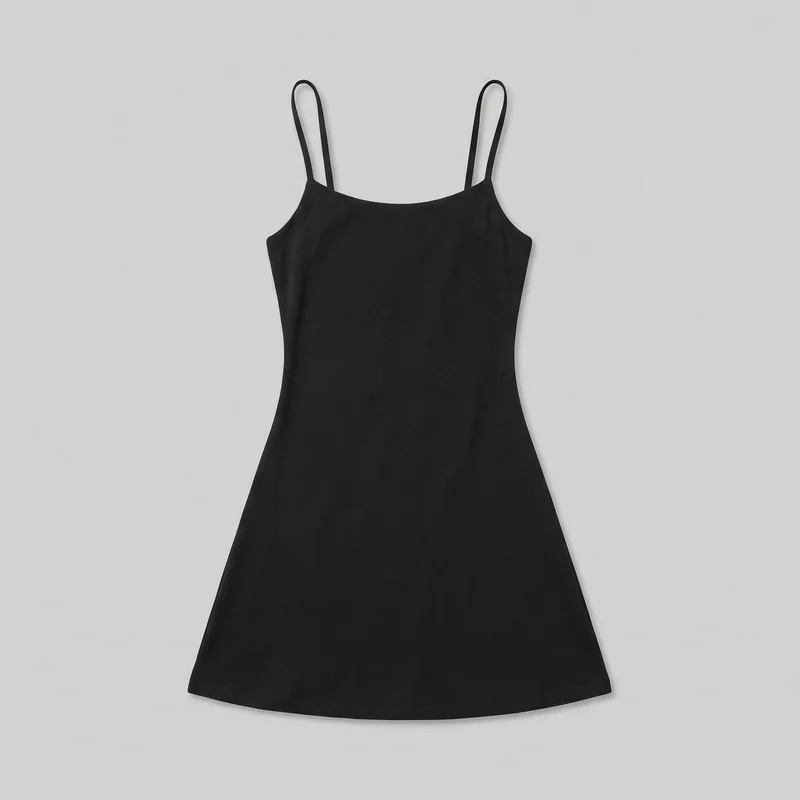 Black Mini Dress
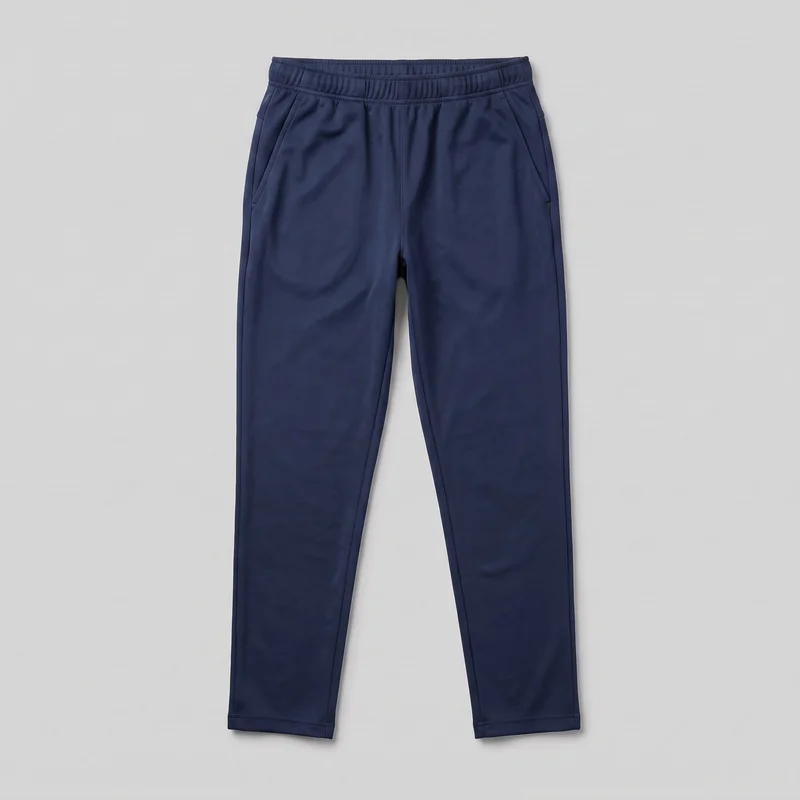 Men's Navy Training Joggers
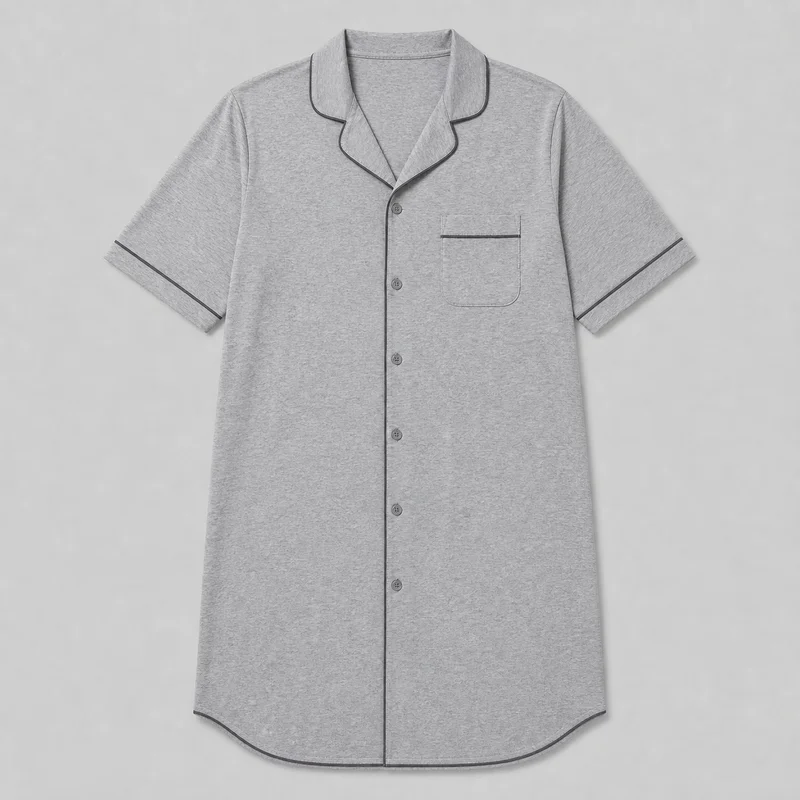 Grey Nightshirt
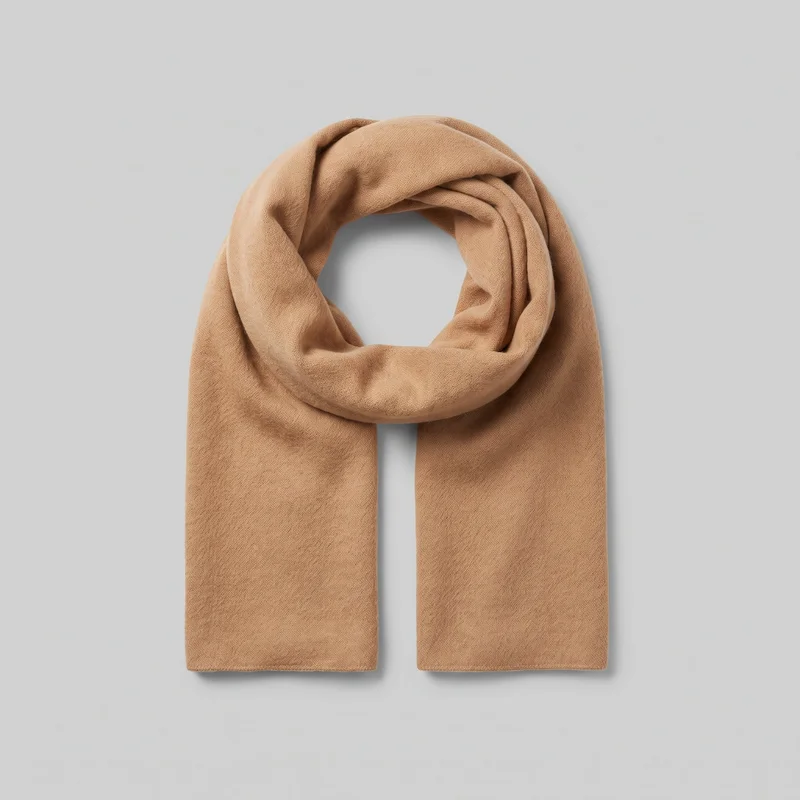 Women's Camel Cashmere Scarf
Showing 24 of 3,629
Consistency
One change holds the surrounding composition for review.
Use the same campaign direction as a reference while adapting casting, setting, framing, and format for each market or placement. Change one element and the rest of the composition holds, but each variant is a new generation and needs detail review before publishing.
You change one
- Frame
- Pose
- Camera view
- Model
The rest holds
Product direction
The real product remains central while market decisions receive separate review.
Campaign composition
Selected surrounding decisions hold when you change one campaign element.
Placement context
Frame and format choices support the intended channel when available.
Who it's for
Where RAWSHOT fits for market variants and local review.
A good fit
This fits you if recurring campaign work needs approved on-model images for several markets and placements.
Work it handles well
- You can prepare recurring campaign assets for several markets.
- You can choose visible casting and composition controls directly.
- You can review each market variant before publishing.
Outside this scope
It is limited when local cultural appropriateness, exact real-person casting, or measured garment fit must be decided by the image alone.
Where this stops
- You cannot guarantee local cultural appropriateness without brand review.
- You cannot use a specific real-person likeness reference.
- You need product-page size charts for measured fit information.
Rights
You own every image. Every image says what it is.
Yours
- Full commercial rights to every image, permanently.
- No recurring licence fees on any model in the library.
- Every model is a synthetic composite, so there is no real-person likeness.
Labelled
- C2PA content credentials on every image.
- AI-labelled output, meeting EU AI Act Article 50.
EU-hosted, GDPR-compliant handling.
- EU AI Act Article 50
- C2PA
- Full commercial rights
- GDPR
- EU-hosted
Questions
You review the campaign before first use.
Can RAWSHOT create a localized campaign image set from real fashion products for approved on-model campaign use?
RAWSHOT can create a localized campaign image set from real fashion products for approved on-model campaign use. You can adapt model, outfit, styling, pose, background, light, camera view, and composition for selected markets and placements. Start from a product photo, flat-lay, mockup, or technical sketch while keeping product direction under review. Each market variant remains available for detail checks before publishing, including hardware, hands, garment appearance, and cultural appropriateness.
Which campaign jobs and channels suit RAWSHOT localized fashion imagery across markets and placements?
Campaign localization, market launches, platform placements, and paid-social variants suit RAWSHOT localized fashion imagery. You can prepare on-model assets for ecommerce campaigns, social feeds, paid placements, launch pages, and local marketing review. Adjust casting, setting, pose, frame, camera view, and styling while keeping the product central. Each channel can receive a composition that supports its surrounding copy, placement context, and approval process.
Which campaign crops and aspect ratios work for RAWSHOT market launches and paid-social placements?
Campaign crops such as 4:5 and 9:16 aspect ratios work for RAWSHOT market launches and paid-social placements. You can choose the frame, camera view, subject position, pose, and surrounding composition for the intended channel. Use portrait framing for feed and vertical placements when the campaign needs strong model presence, then review product visibility and safe space for local copy before publishing.
What do I need to start a RAWSHOT campaign image set for localized on-model fashion launches?
You need a product photo, flat-lay, mockup, or technical sketch plus a clear campaign direction to start a RAWSHOT campaign image set. Choose the intended market, model, outfit, styling, setting, light, camera view, pose, frame, and placement context. Keep approved product details available for comparison during review. Local teams should confirm cultural appropriateness and publishing suitability before campaign assets go live.
How does RAWSHOT compare with a studio shoot for a localized campaign image set?
RAWSHOT gives you adaptable localized campaign imagery, while a studio shoot captures the selected casting, styling, set, and direction during a physical production. You can review market-specific model choices, composition, background, light, and framing without limiting the campaign to the casting shown in that shoot. A studio shoot remains useful when you need physical garment handling, measured fit evidence, or controlled real-world production conditions.
How can RAWSHOT keep campaign variants consistent across market casting, product direction, and placement context?
RAWSHOT can keep campaign variants consistent by holding product direction, selected composition, and placement context while you adapt market casting or styling. Use the same campaign reference and change the model, background, pose, camera view, or format deliberately. Each variant is a new generation, so review product details, hands, hardware, garment appearance, and cultural appropriateness before approving the set.
What can't RAWSHOT do for a campaign when local appropriateness and exact real-person casting matter?
RAWSHOT cannot guarantee local cultural appropriateness, reproduce a specific real-person likeness reference, or prove measured garment fit from the campaign image alone. You remain responsible for market review, casting approval, and product-page size information. The system also works within defined background and light controls, some options depend on the selected frame, and every new variant needs detail review before publishing.
What usage rights apply when I publish RAWSHOT images for a localized campaign?
You get full commercial rights to every image, permanently, with no recurring licence fee. Every image carries C2PA content credentials and is labelled as AI-generated.
Get started
Start with an approved campaign direction.
Start with a 7-day free trial including 50 tokens, then move to the plan that matches your production volume.