
Accessory brands
RAWSHOT for accessory brands
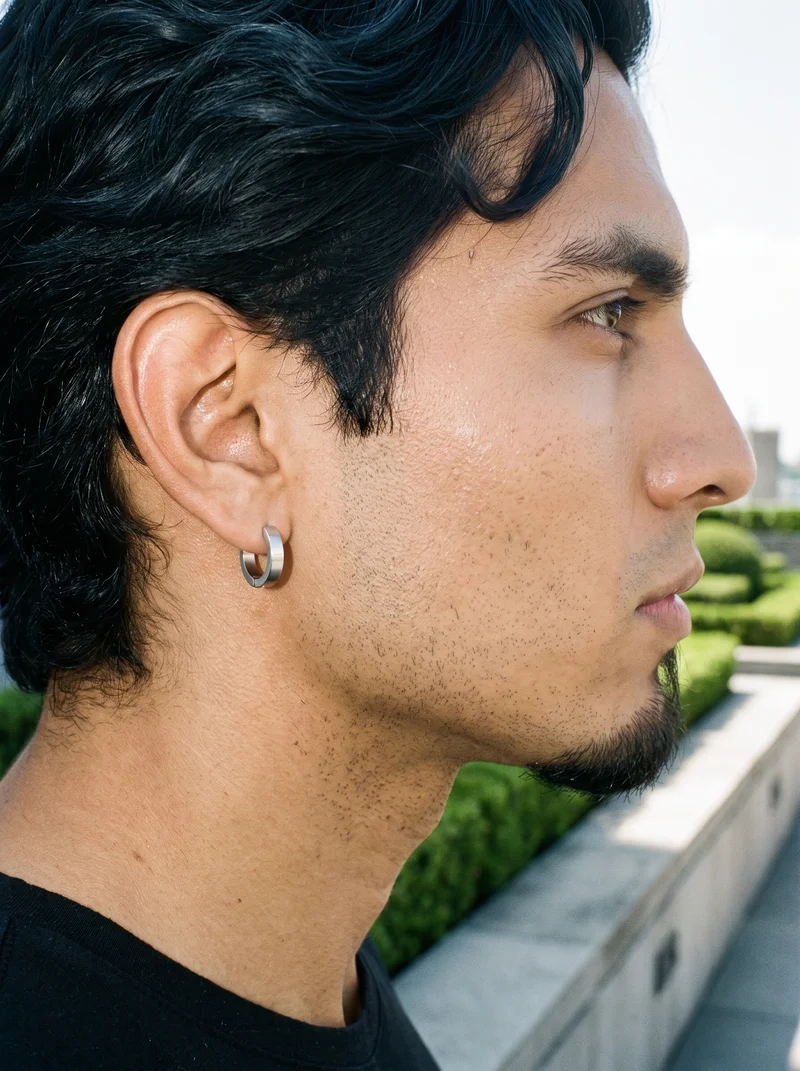
Every accessory reads clearly on the body.
You manage a recurring accessory catalog where small products need to be seen worn, held, or placed on the right part of the body. Plinths, still lifes, and mismatched shoots leave scale and placement unclear. RAWSHOT gives you a repeatable on-body shoot built from the real piece, with the model, light, frame, and background selected in one place.
7-day free trial • 50 tokens (10 images) • Cancel anytime
A 2K image in roughly 35 seconds · AI-labelled with C2PA content credentials
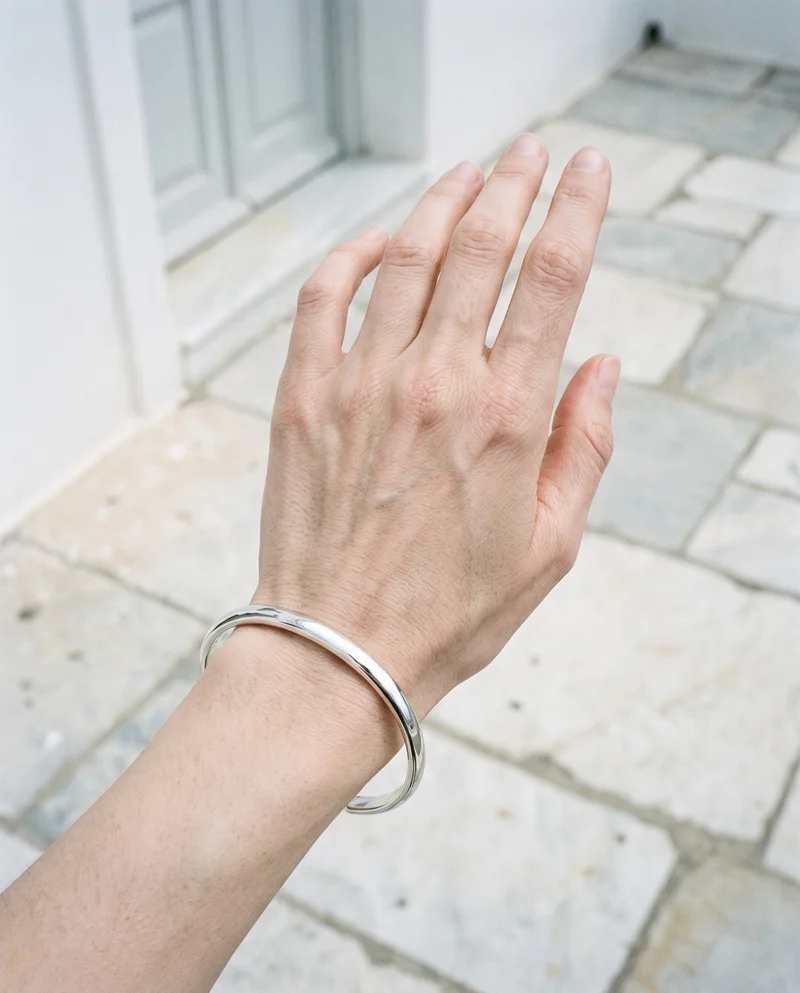
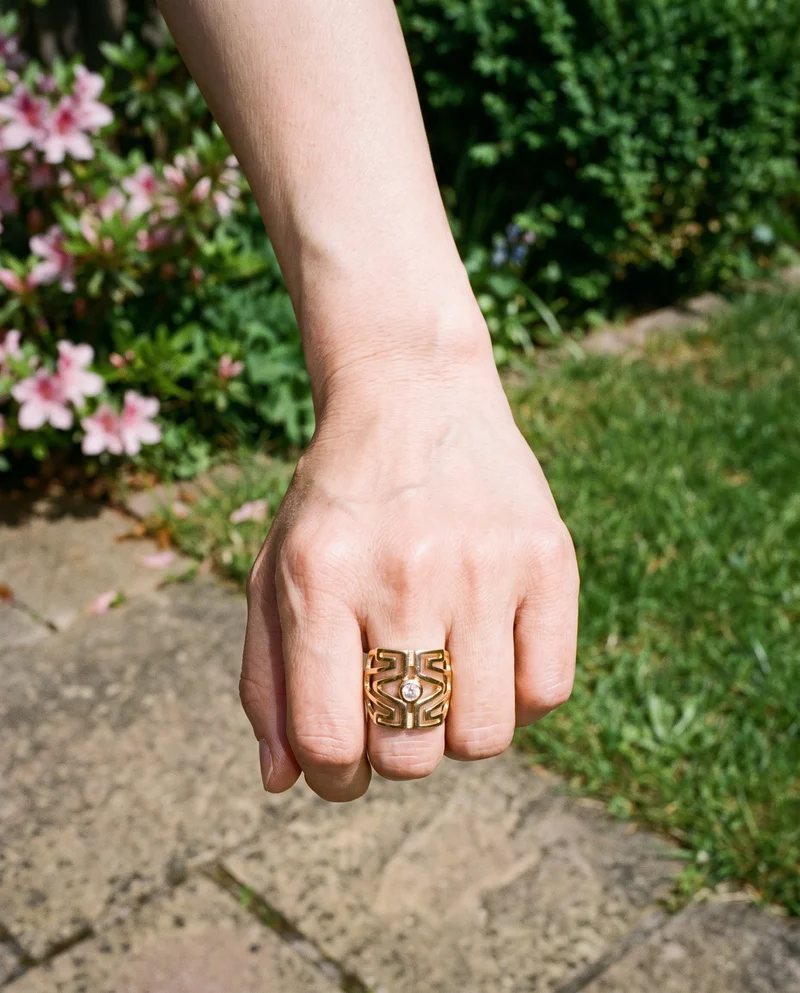
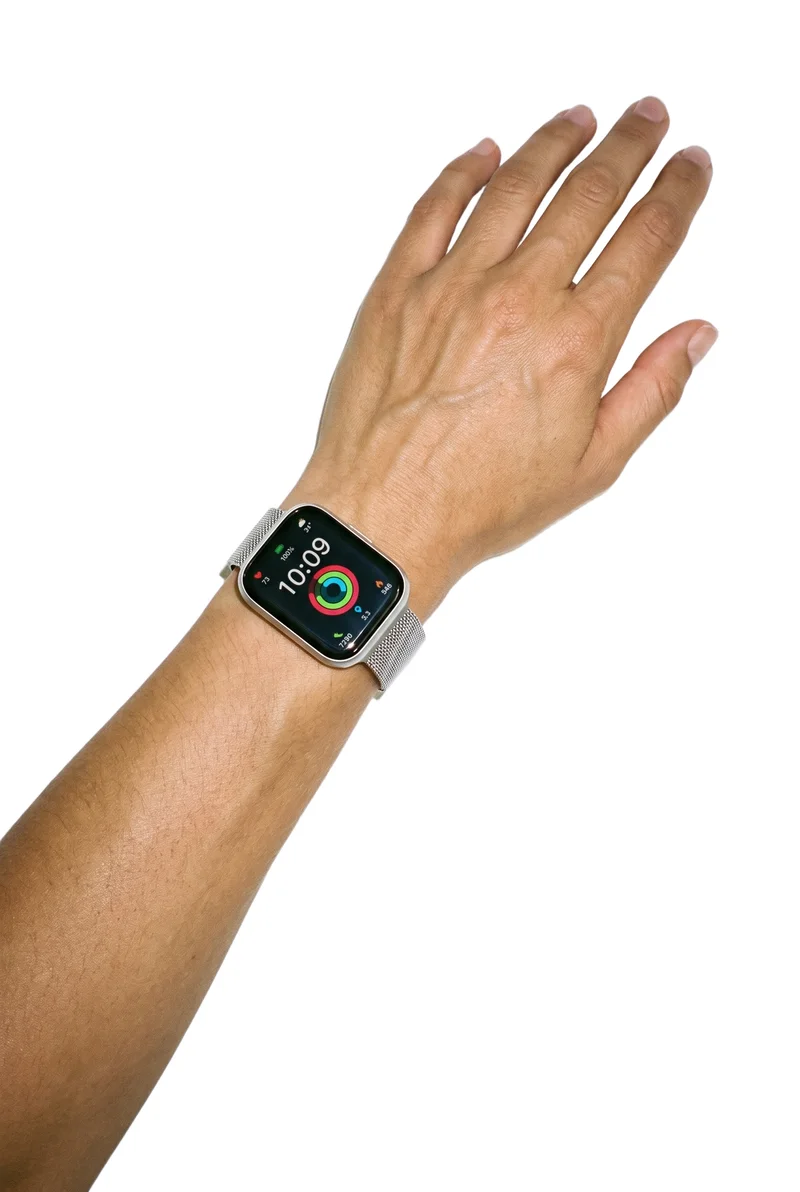
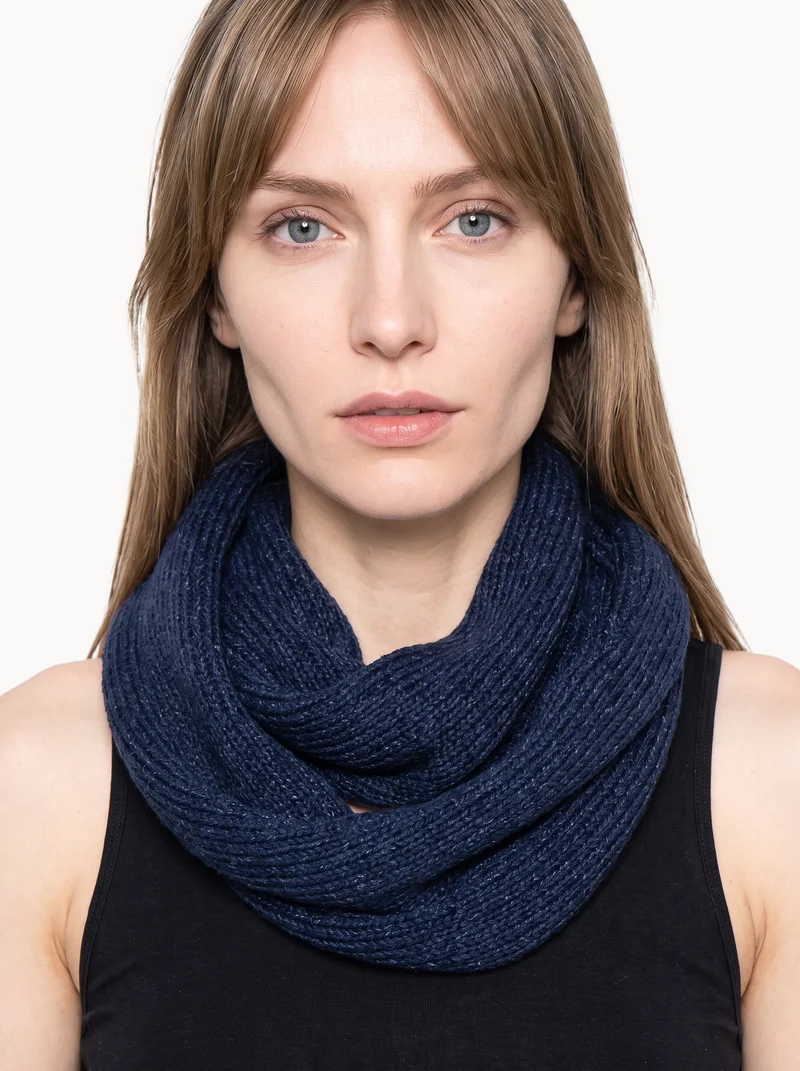
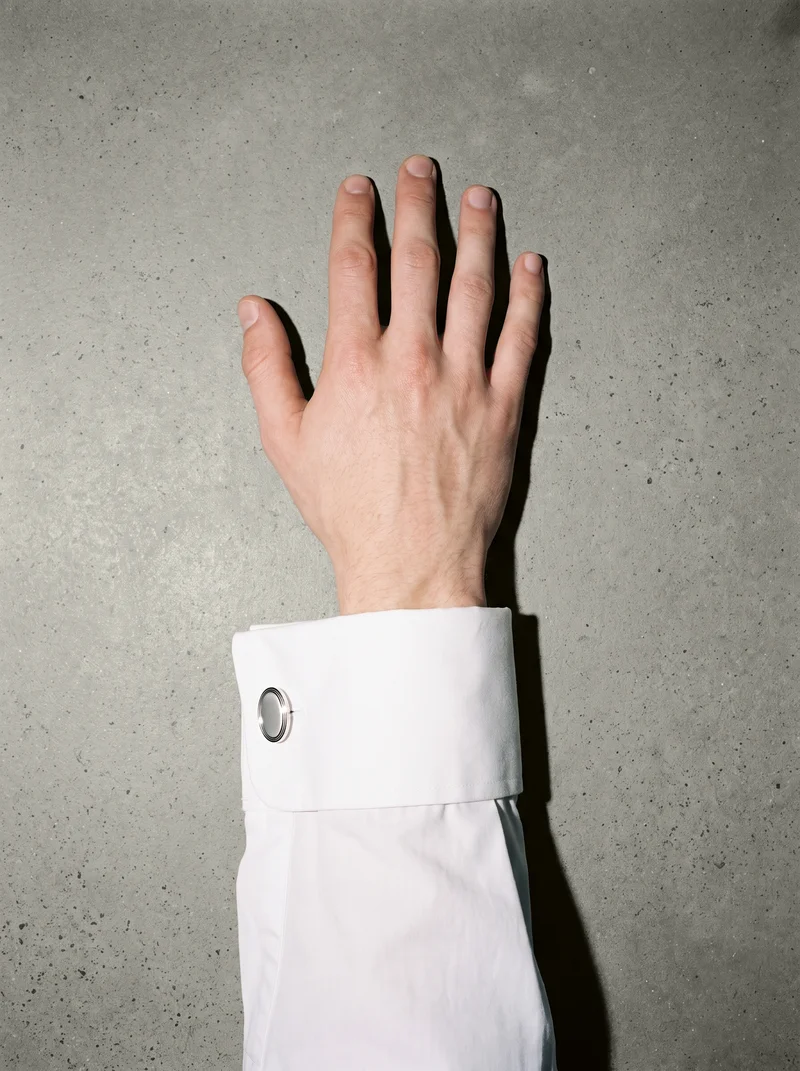
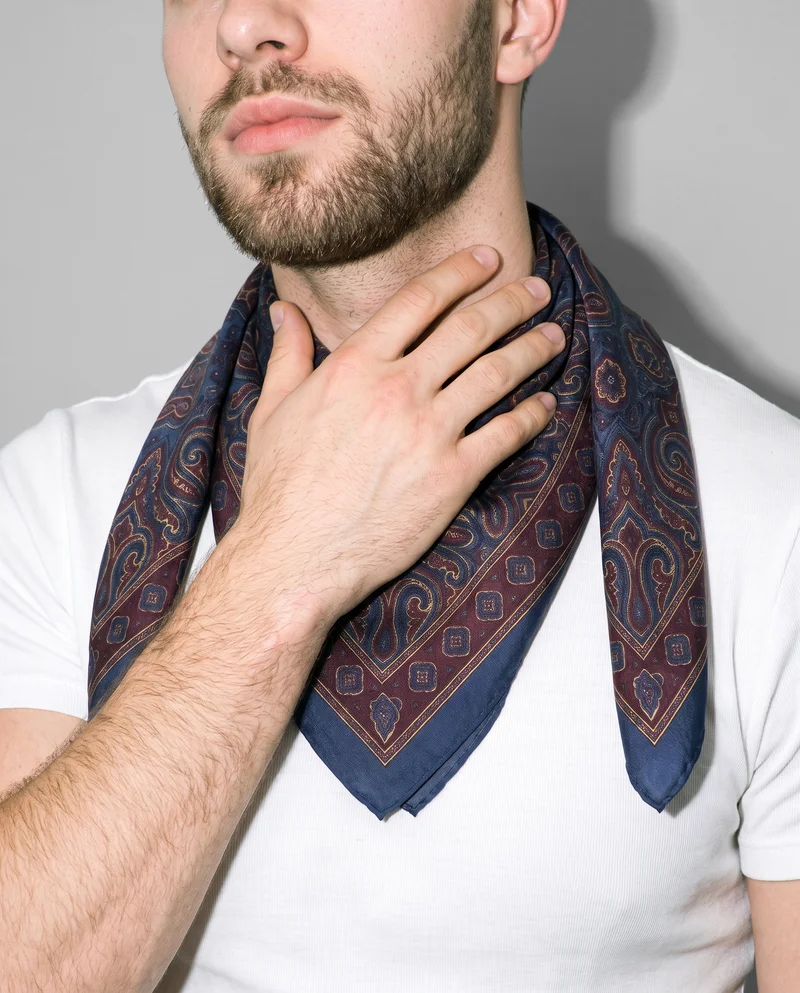
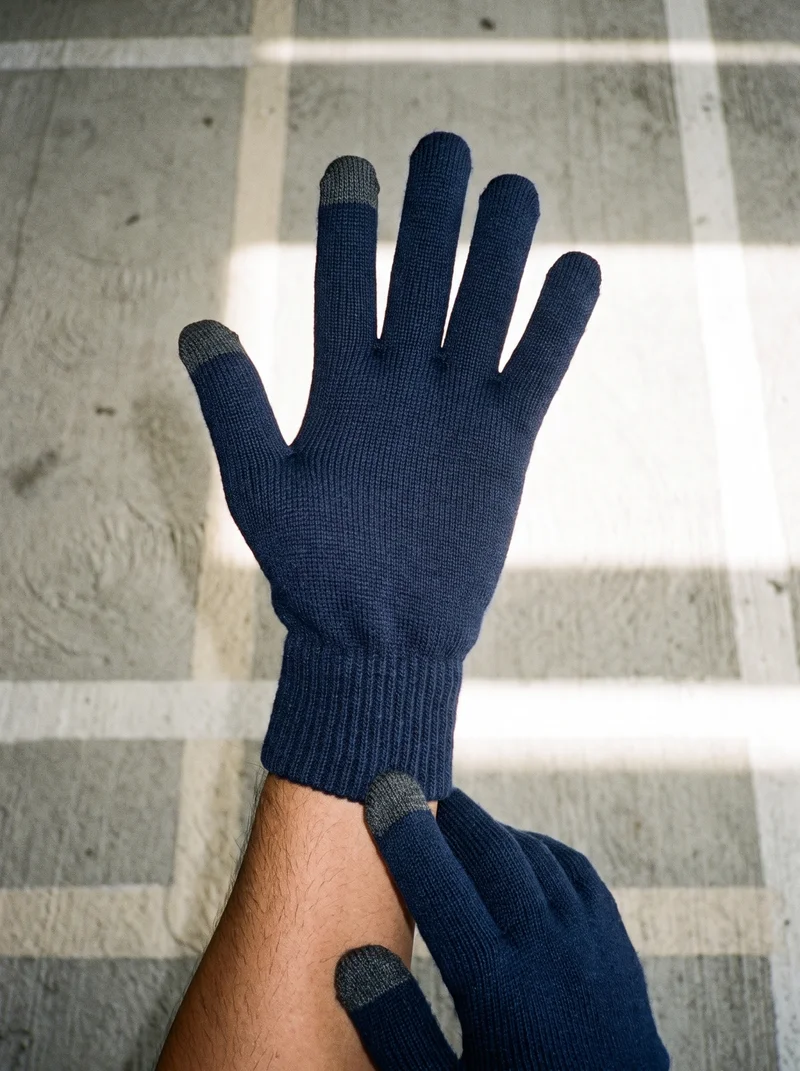
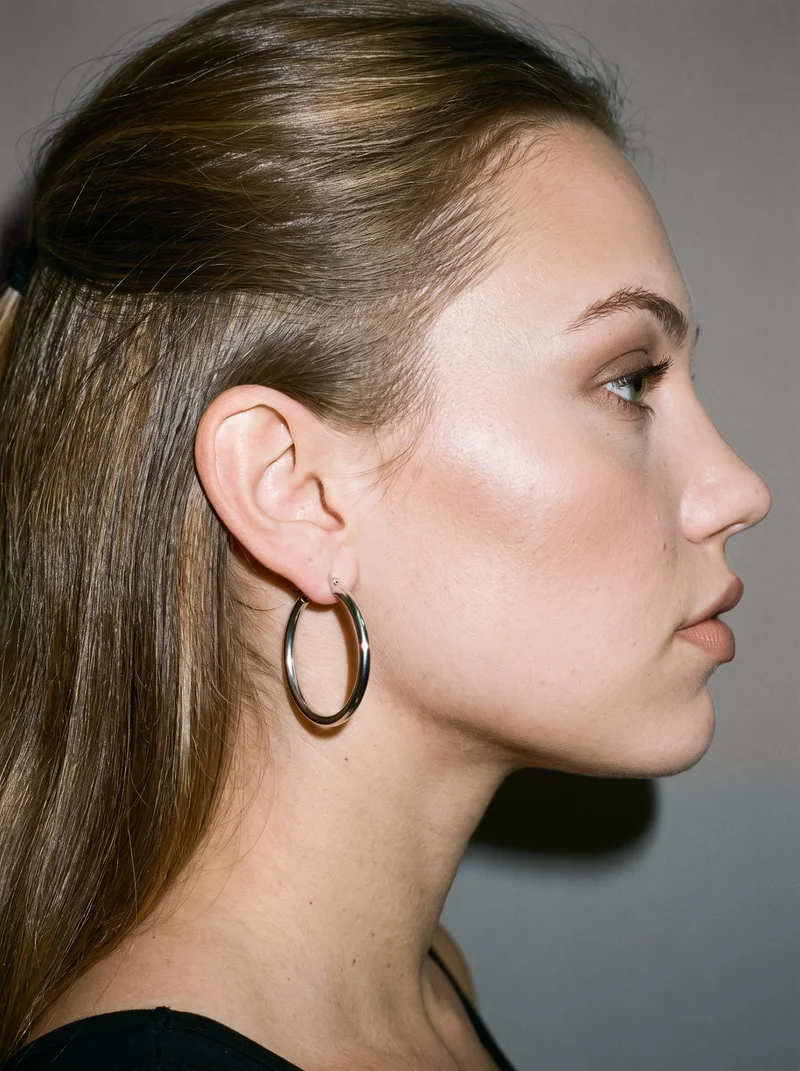
Showing 9 of 101, shot in RAWSHOT
The situation
New pieces arrive before context is clear.
New pieces keep arriving, but a plinth, linen backdrop, or dimensions table does not show how an earring sits on an ear, a ring on a hand, or a shoe on a foot. You pick one model, one light, and one crop, then use that same set on the next piece.
In the browser
On-body shoots show scale and placement.
Shoot small products in context, on a body
TodayA plinth, a hand model booking, or nothing.
With RAWSHOTFootwear on a foot, not on a plinth.
- 1Import the product
- 2Pick one model
- 3Set the frame
Show scale and fit
TodayA dimensions table doing work a picture should do.
With RAWSHOTFifteen frames, down to hand, ankle and ear.
- 1Choose the body frame
- 2Select the view
- 3Direct the pose
Photograph small pieces on a body
TodayA still life on a linen backdrop, and no sense of scale.
With RAWSHOTThe earring on an ear. The ring on a hand.
- 1Import the piece
- 2Choose the body frame
- 3Set the light
Rawshot Features
Model, light and crop stay aligned across pieces.
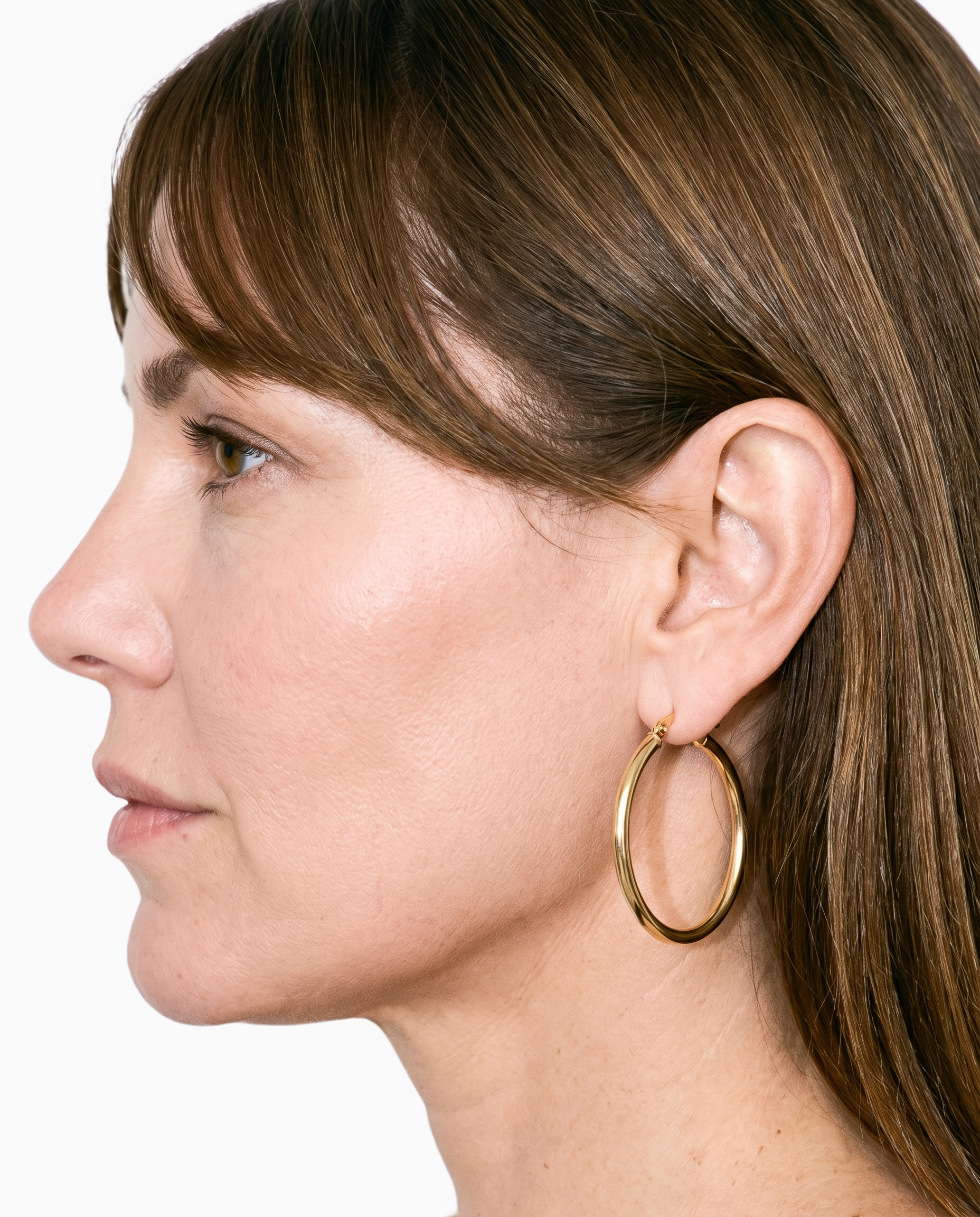
Product import and handling
You start with the real accessory, so each catalog image is built around the piece your customer will receive.
Start from your real item and keep product fidelity while building the scene.
See the feature →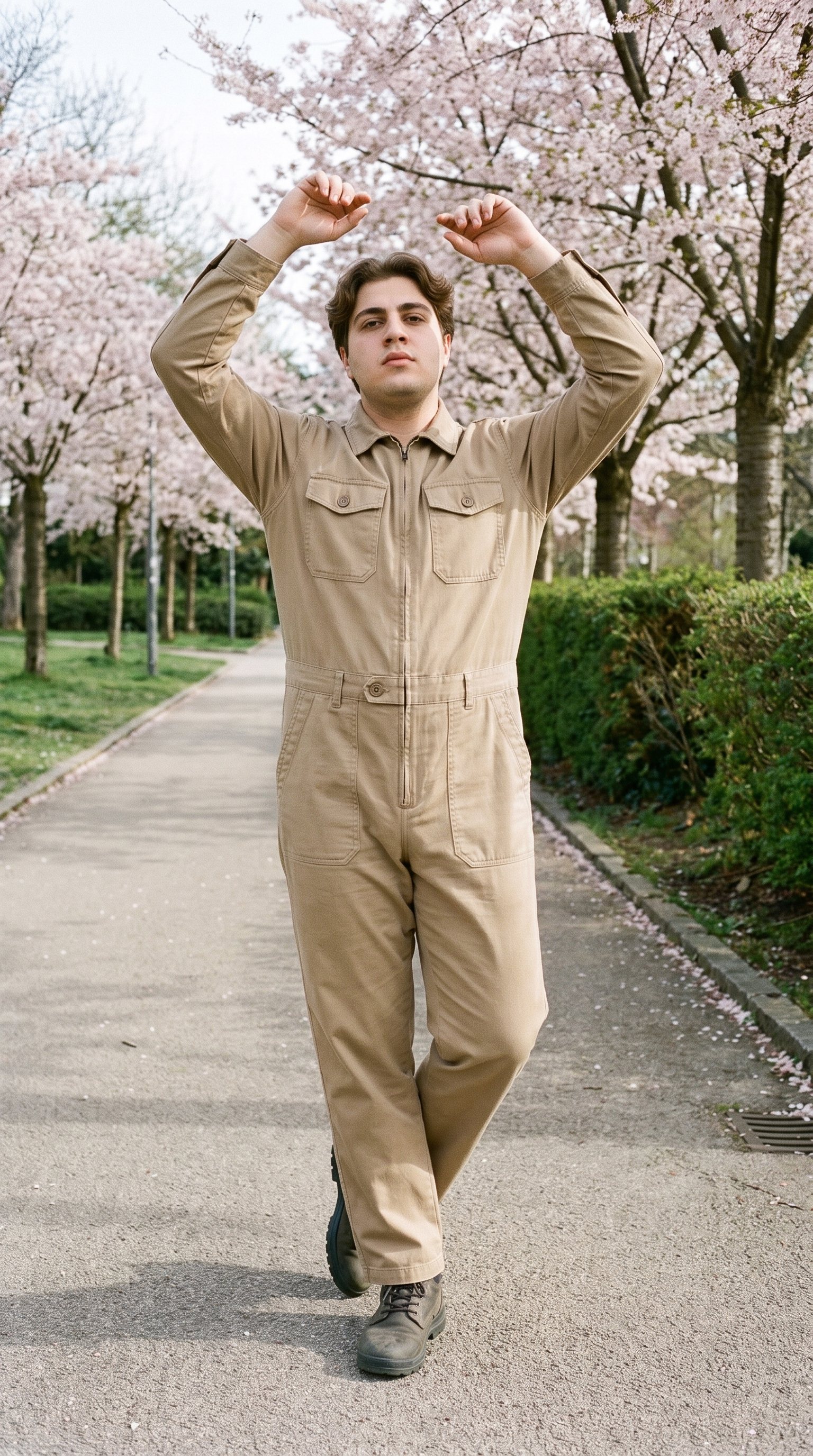
Fashion model poses
You can choose poses that let the accessory be worn, held, or shown in the close-up context shoppers need.
22 poses on a full-body shot · 104 in total
See the feature →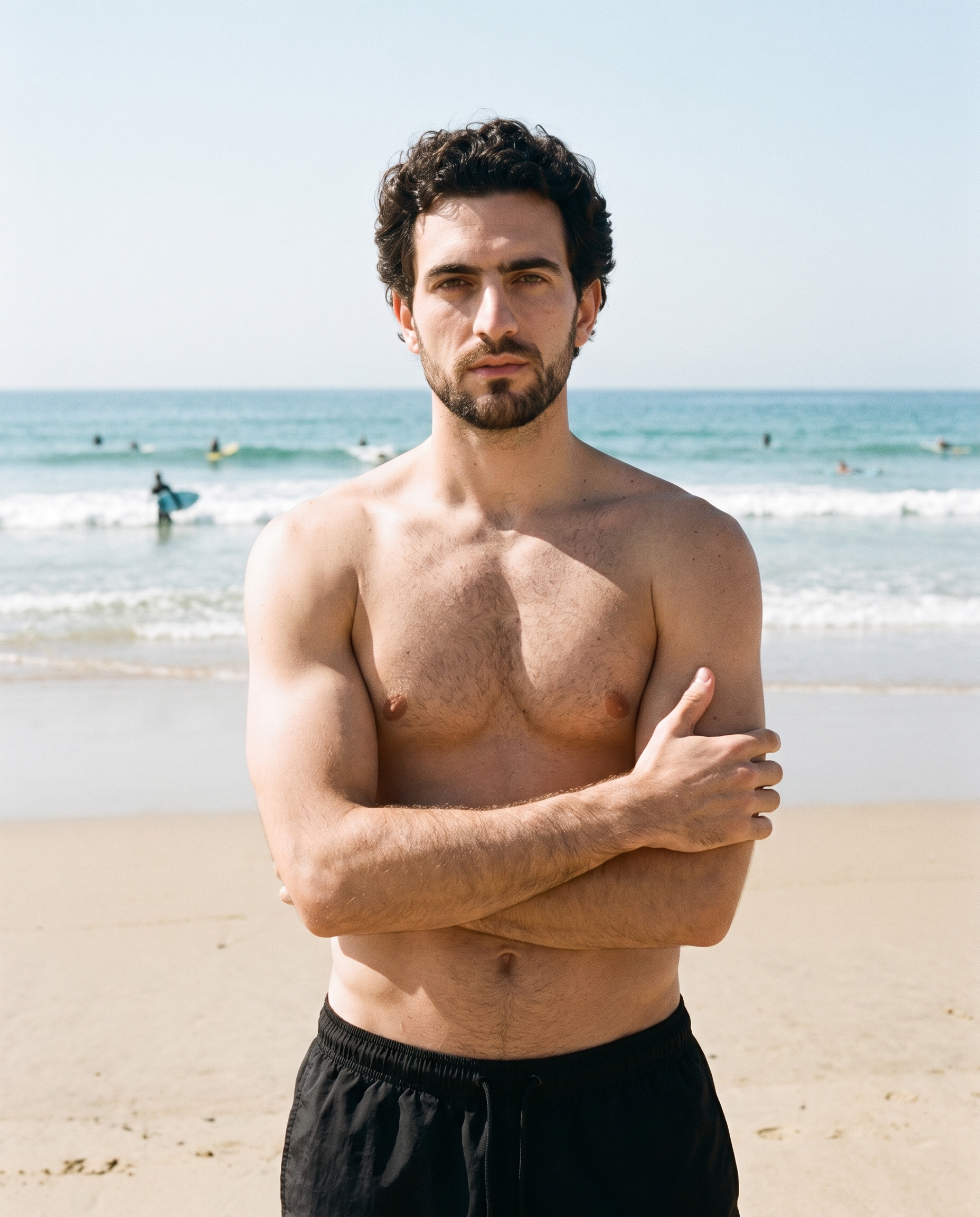
Photography direction
You keep recurring accessory images visually aligned by choosing a photography direction that holds the light and shadows together.
4 named choices that set mood and shadow the same way across a shoot.
See the feature →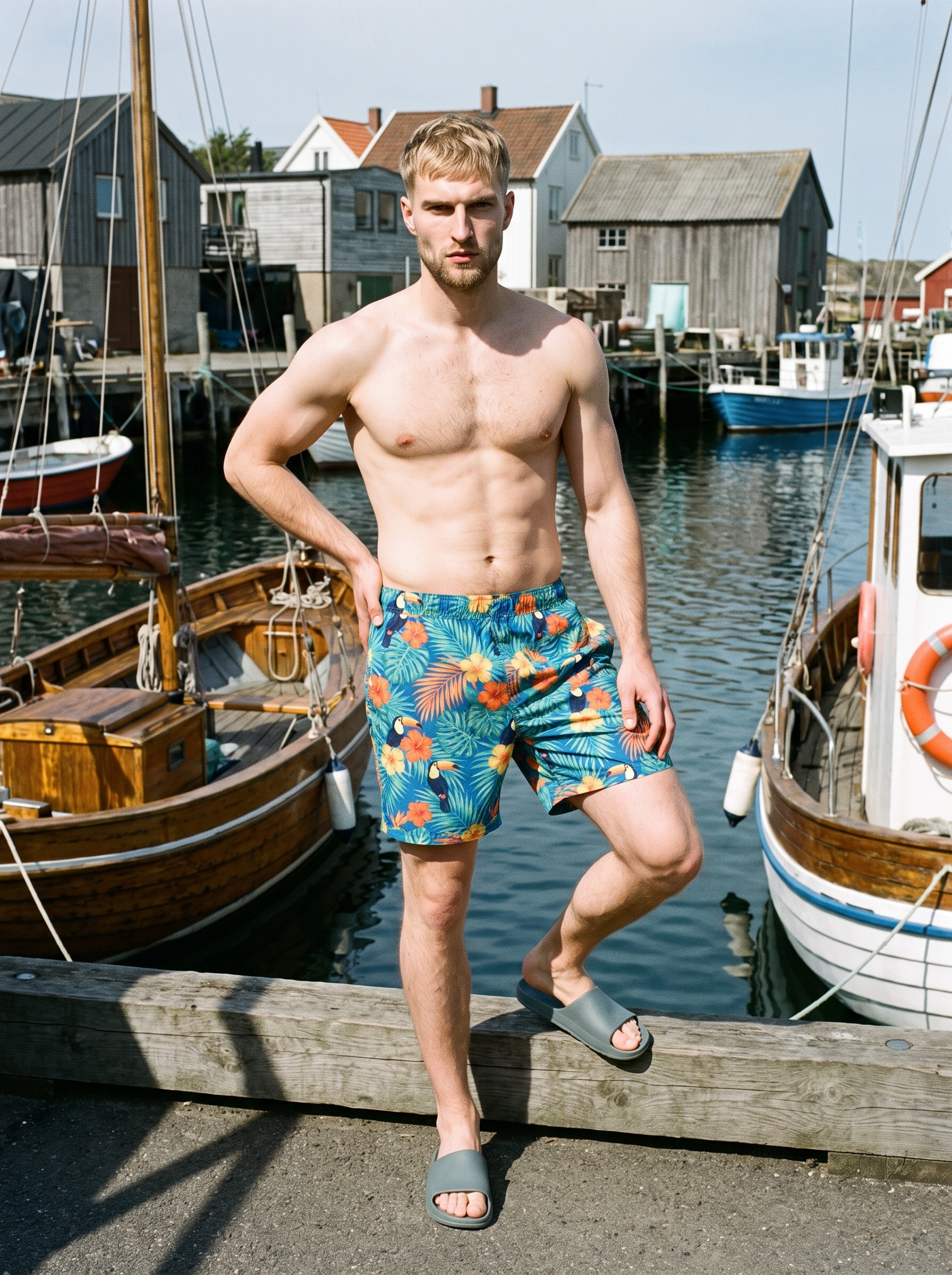
AI photo background generator
You can change the scene around a close-up frame while keeping attention on the product, model, and composition.
Swap scene context while keeping model, product, and framing stable.
See the feature →AI image to image generator
Change one decision and keep the rest of the composition stable.
AI image to video generator
17 model actions on a full-body shot · 132 in total
AI makeup generator
Branch-aware named options applied without altering casting or scene setup.
AI model generator
Library filters plus private model building for consistent identity across the set.
AI outfit generator
Combine the main piece with neutral supporting items in one coherent frame.
AI suggestions
Preselected control values you can always override in the same configurator.
Garment styling
Choose how the garment is worn and keep brand presentation consistent.
Inspiration gallery
Load editable finished looks as fast starting points for new shoots.
Gallery
Pieces appear worn, held and placed.
These images show small accessories worn, held, or placed in close-up hand, ear, neck, and ankle frames, with consistent model, light, and crop across a catalog set.
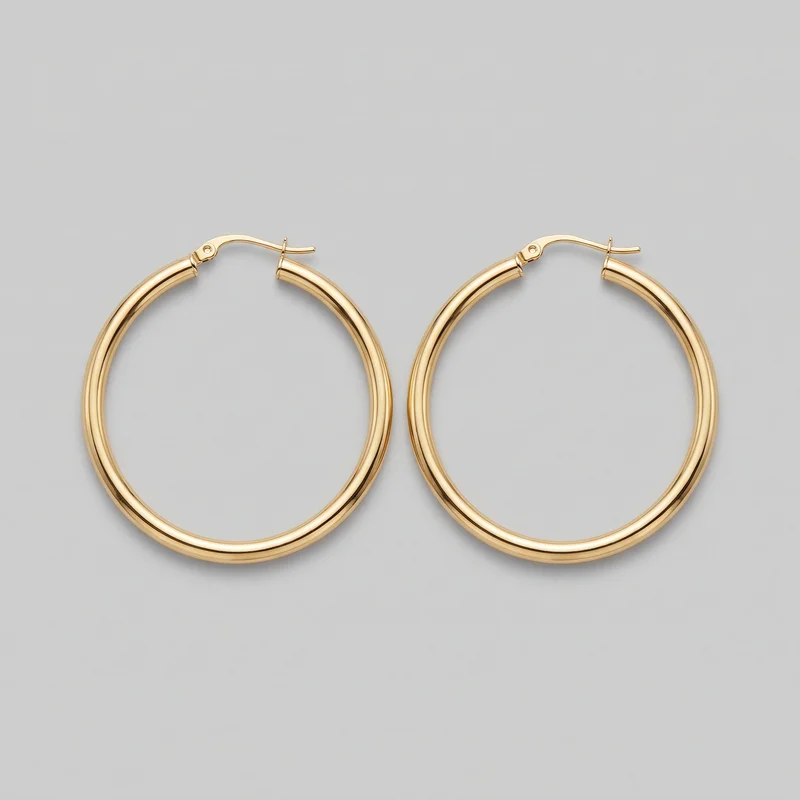 Women's Gold Hoop Earrings
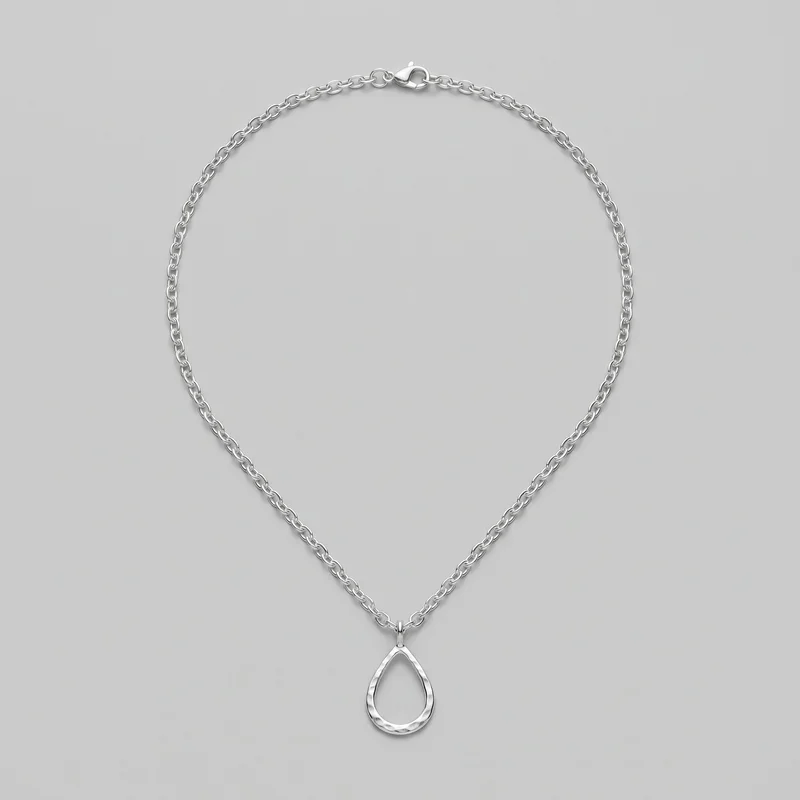 Women's Silver Pendant Necklace
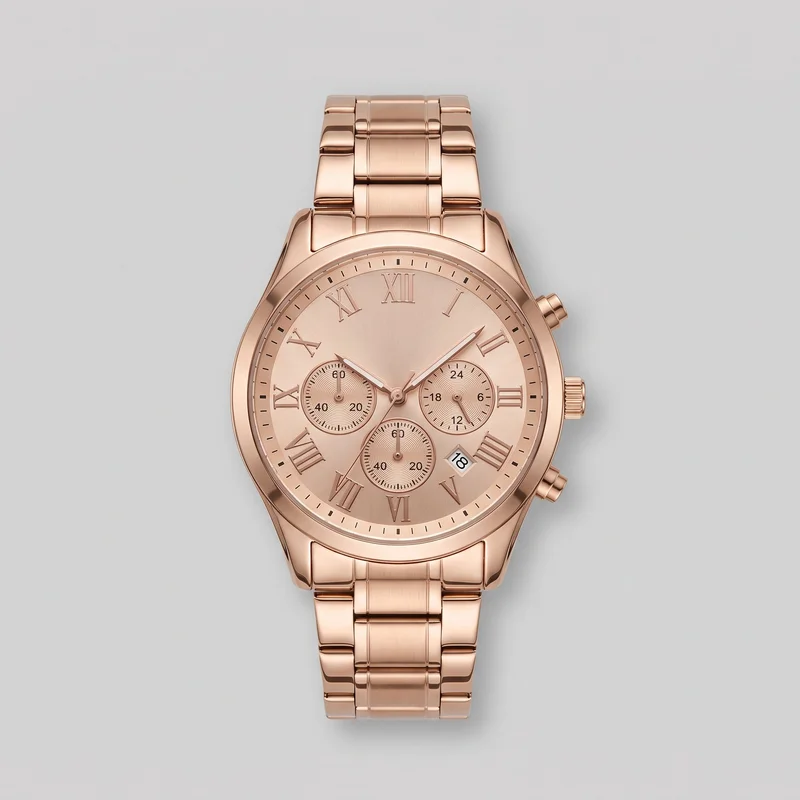 Men's Rose Gold Analogue Watch
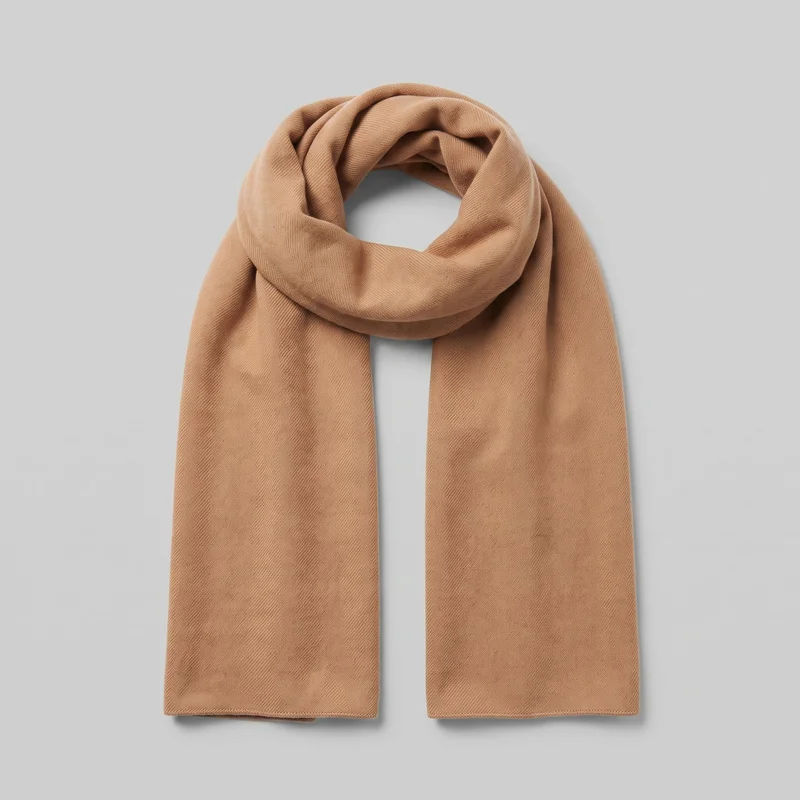 Men's Camel Cashmere Scarf
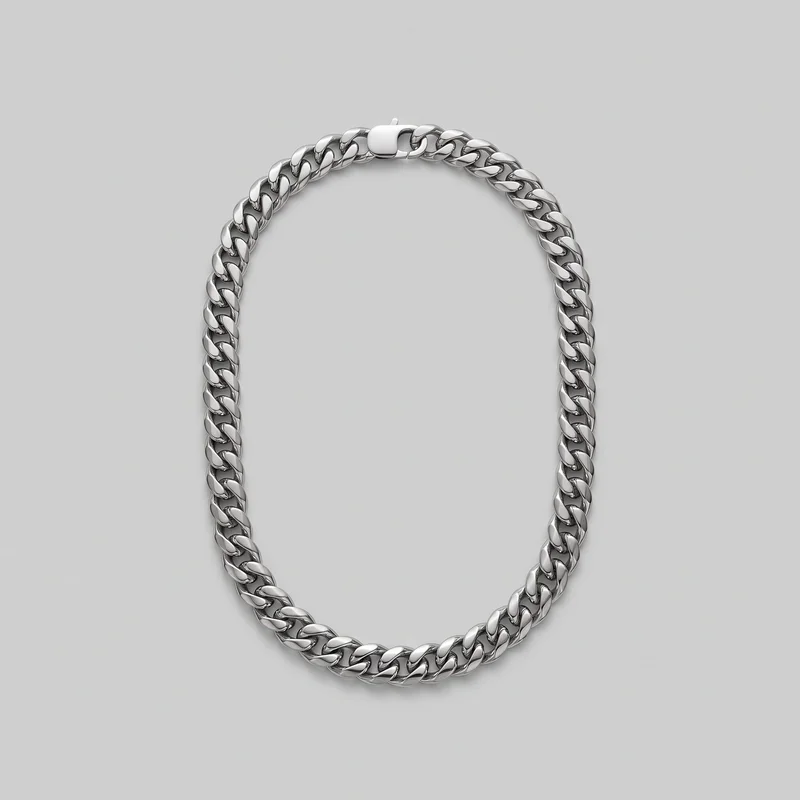 Men's Cuban Link Chain
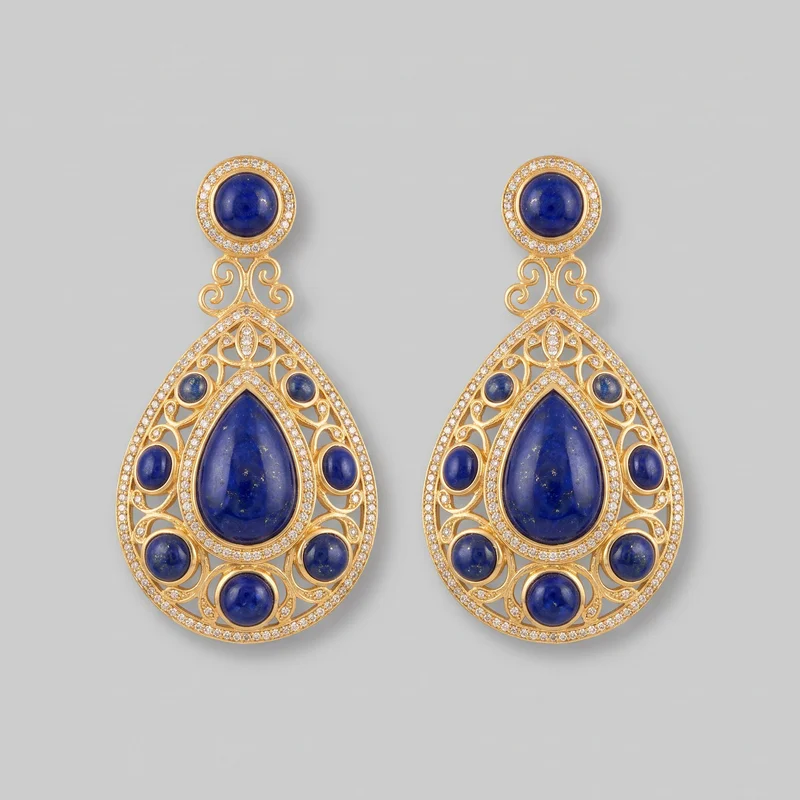 Statement Drop Earrings
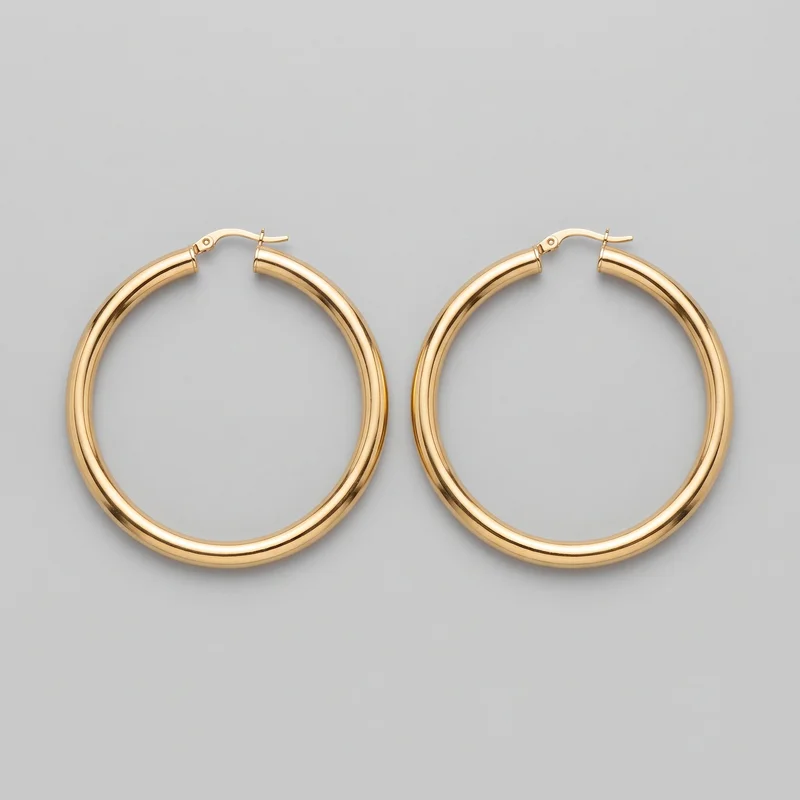 Men's Large Gold Hoop EarringsMen's Large Gold Hoop Earrings
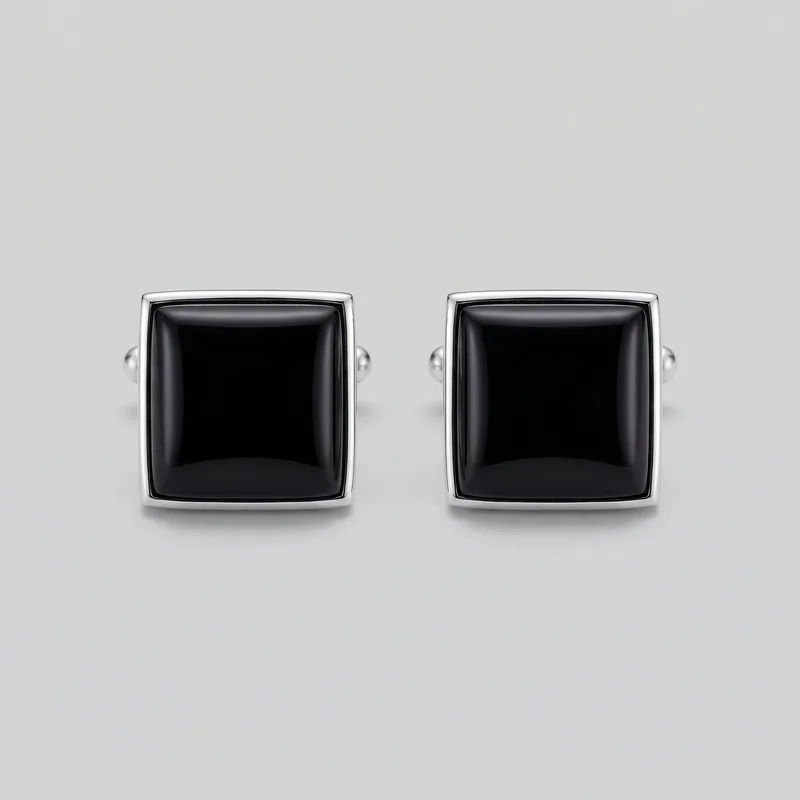 Onyx Cufflinks
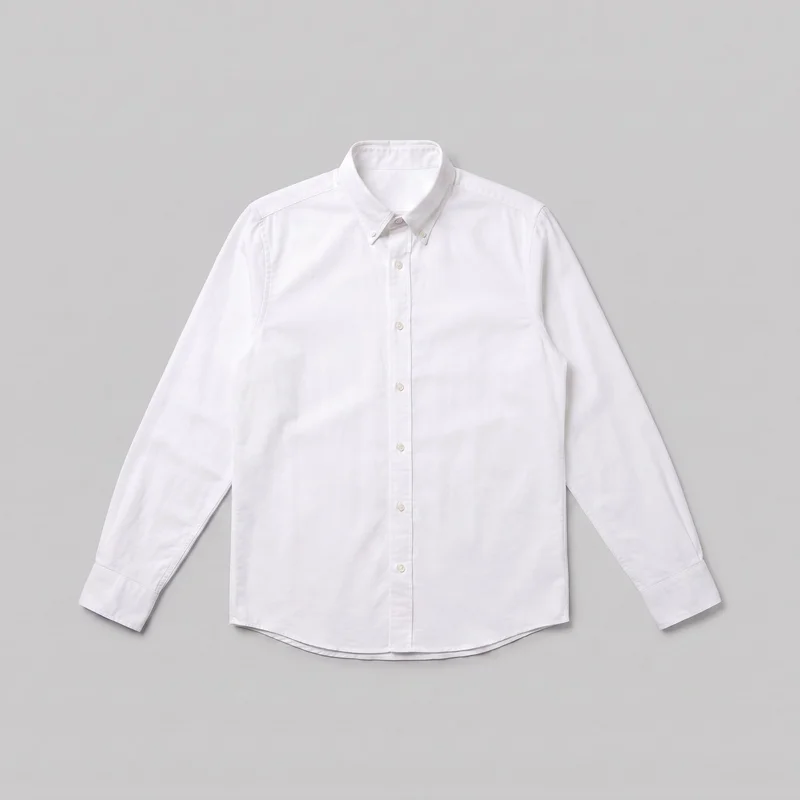 White Oxford Shirt
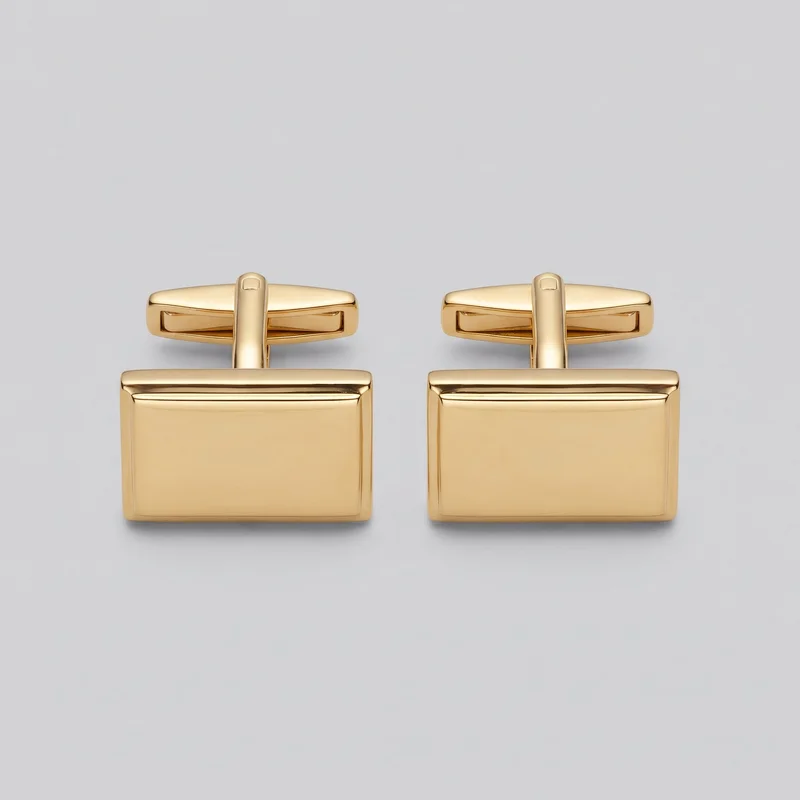 Gold Classic Cufflinks
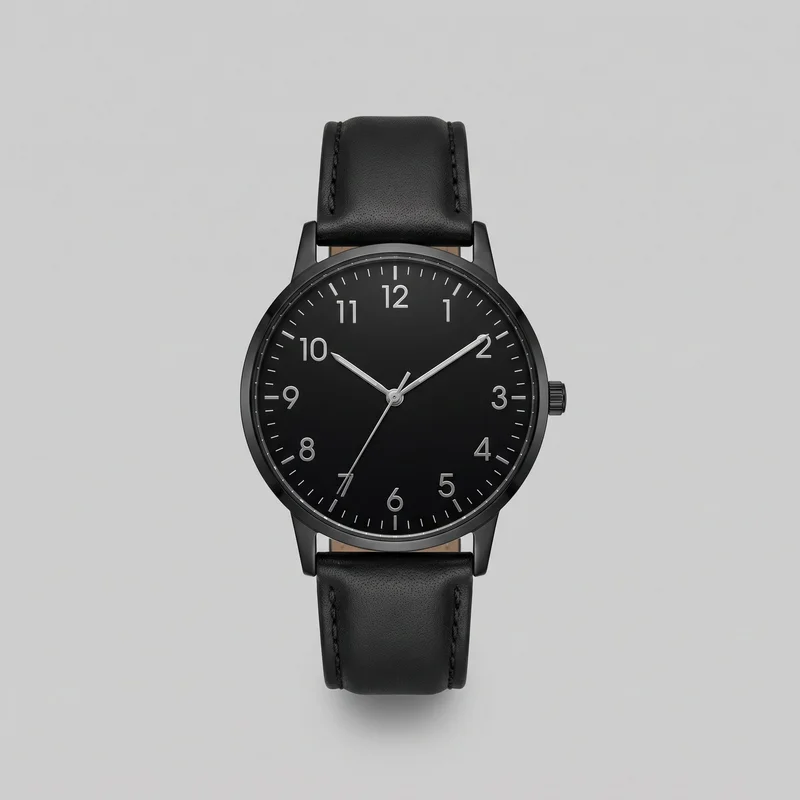 Men's Black Leather Dress Watch
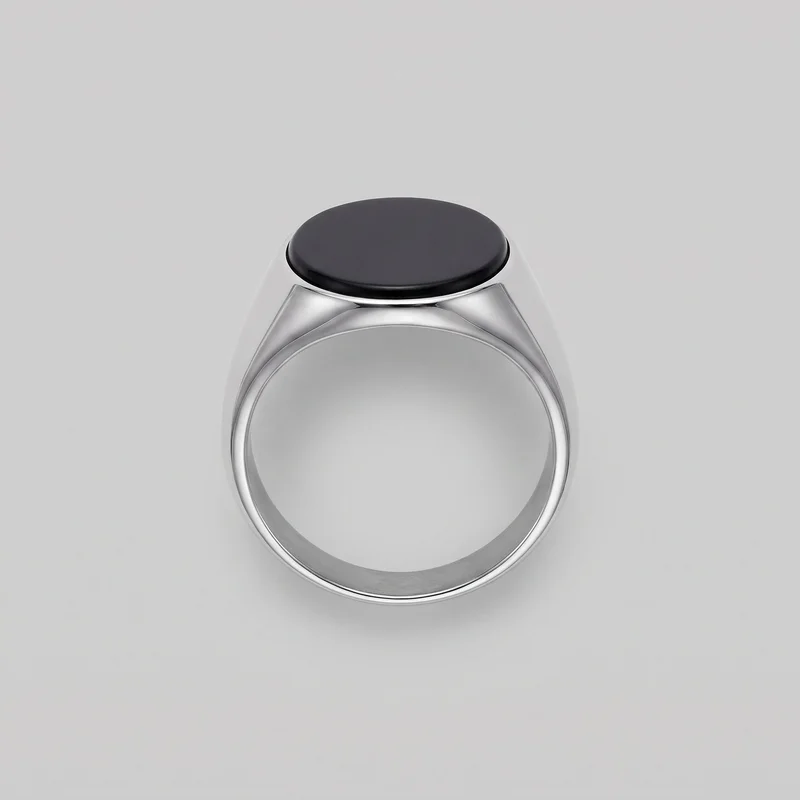 Onyx Signet Ring
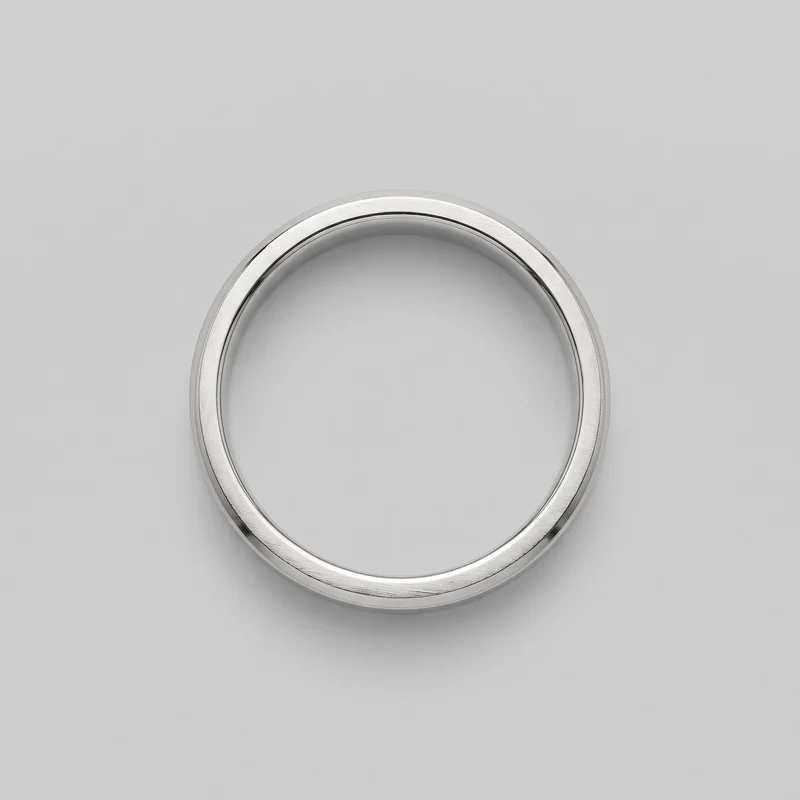 Men's Platinum Wedding Band
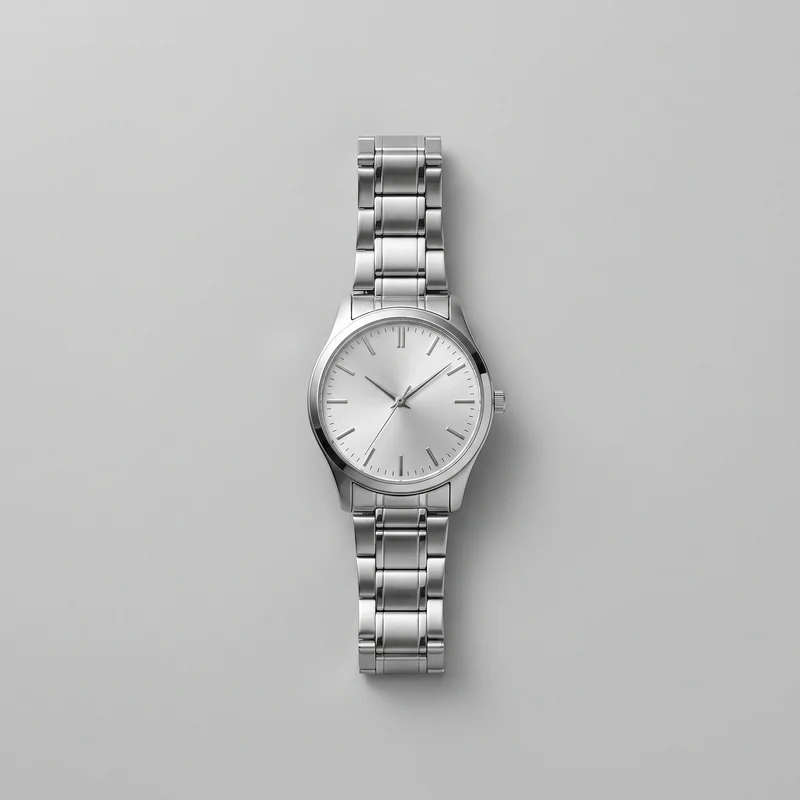 Men's Silver Dress Watch
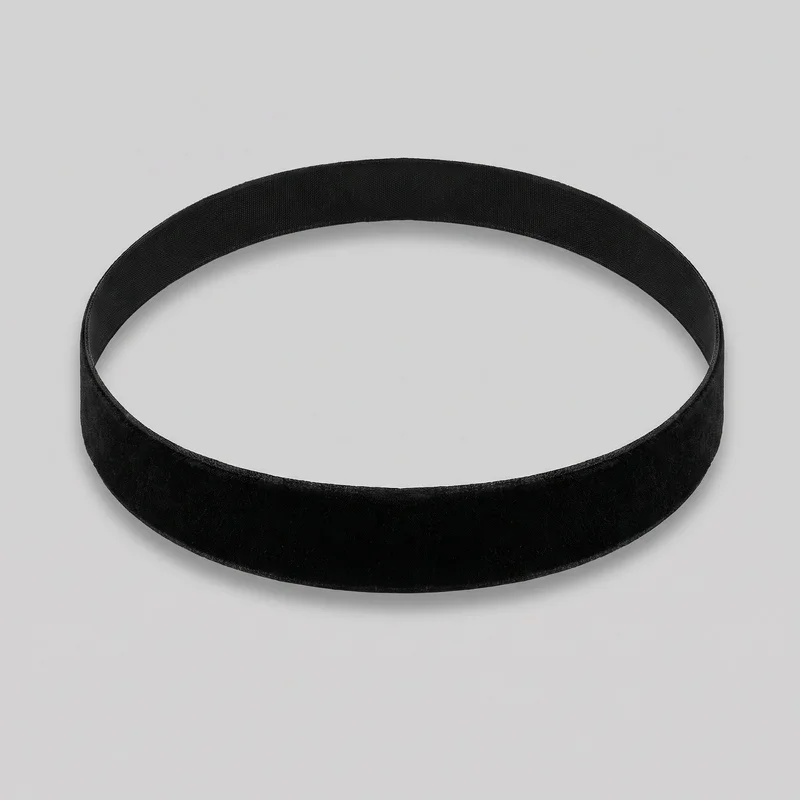 Black Velvet Choker
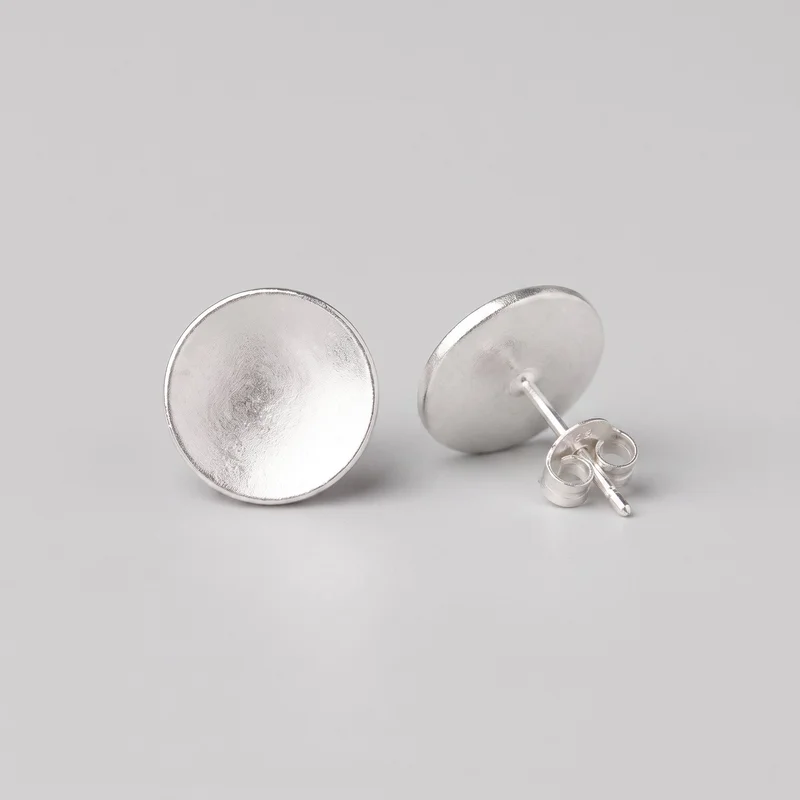 Women's Silver Stud Earrings
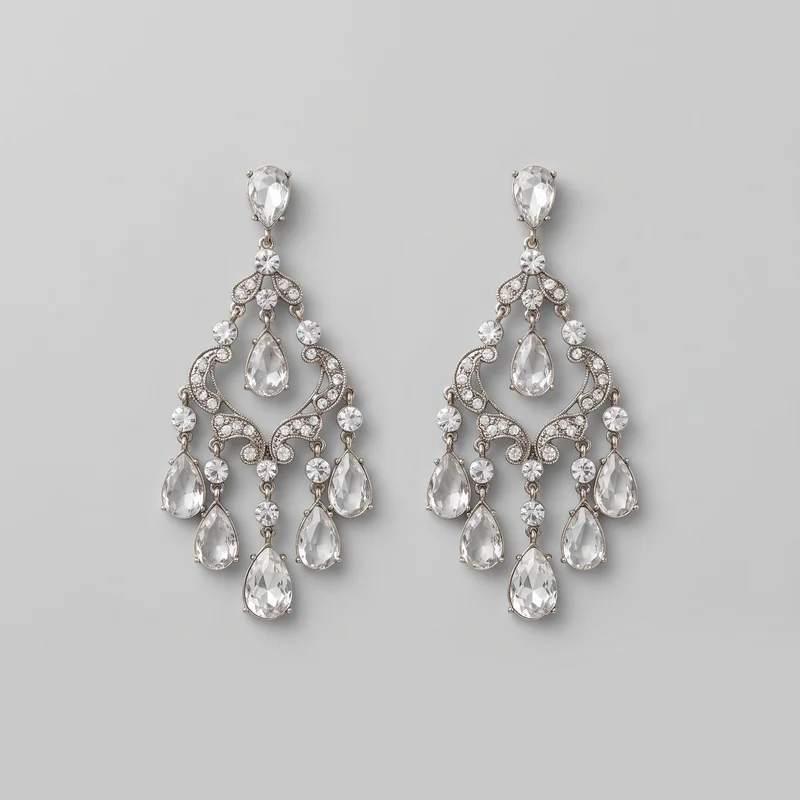 Crystal Chandelier Earrings
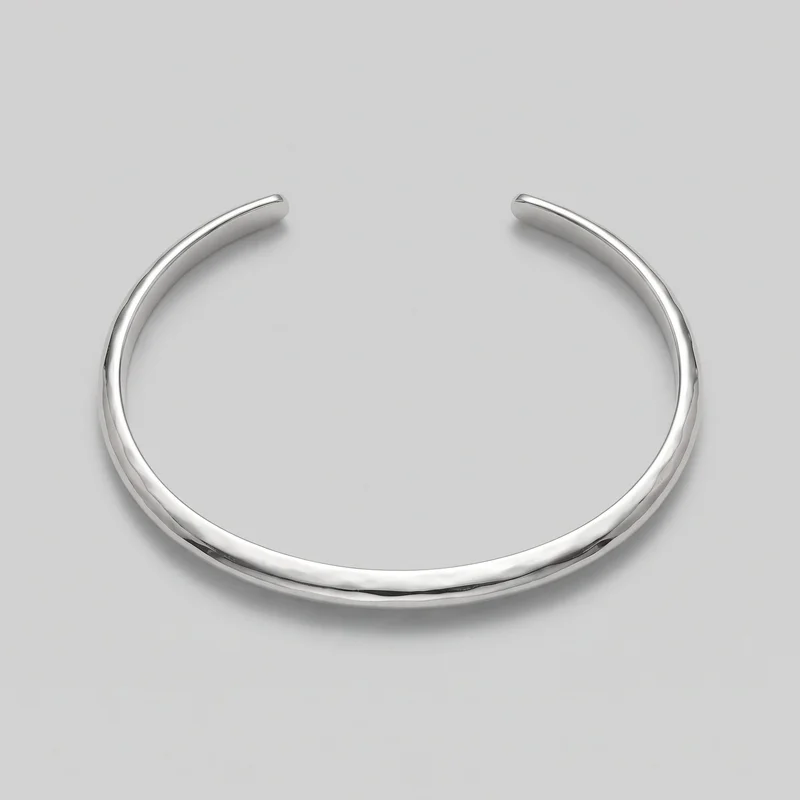 Women's Silver Cuff Bracelet
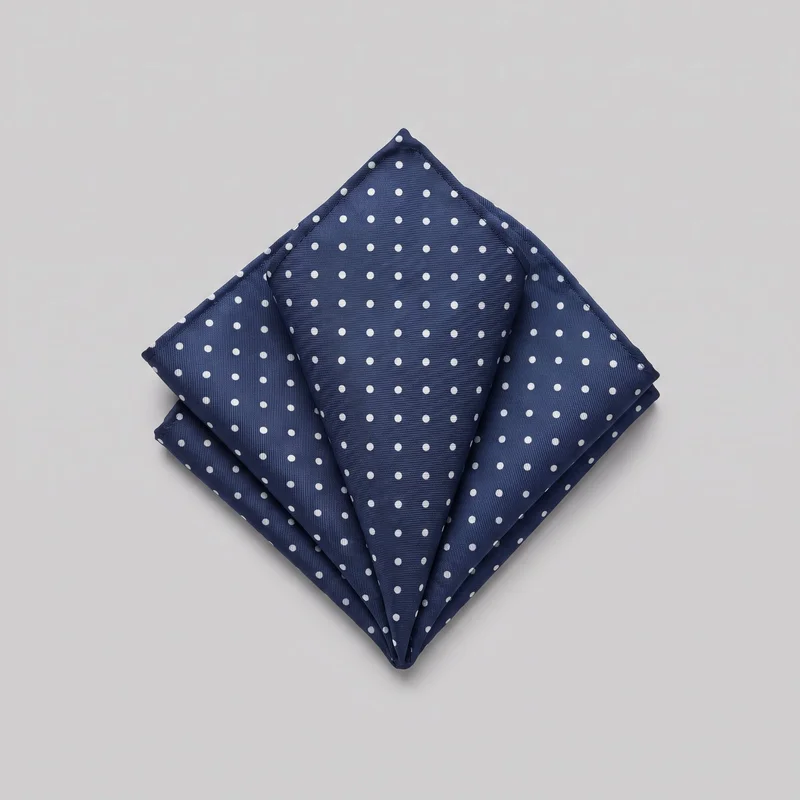 Polka-Dot Pocket Square
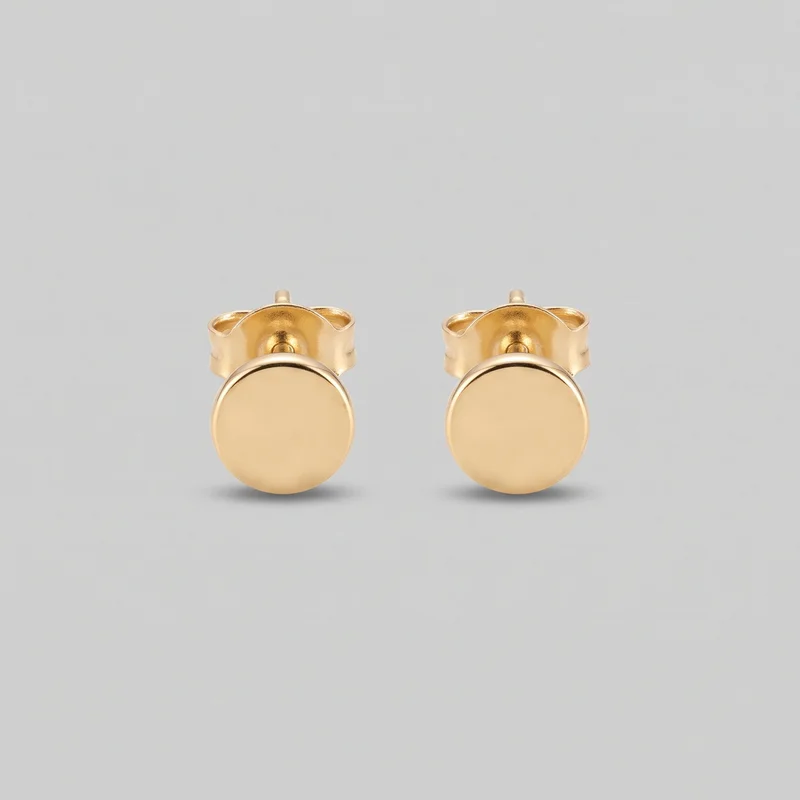 Women's Gold Stud Earrings
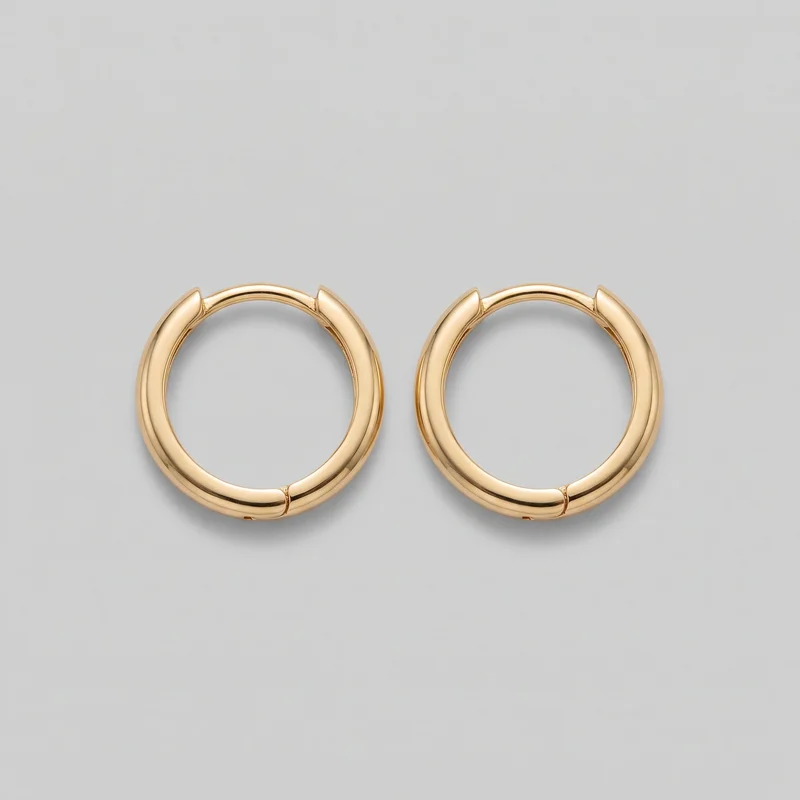 Women's Huggie Hoop Earrings
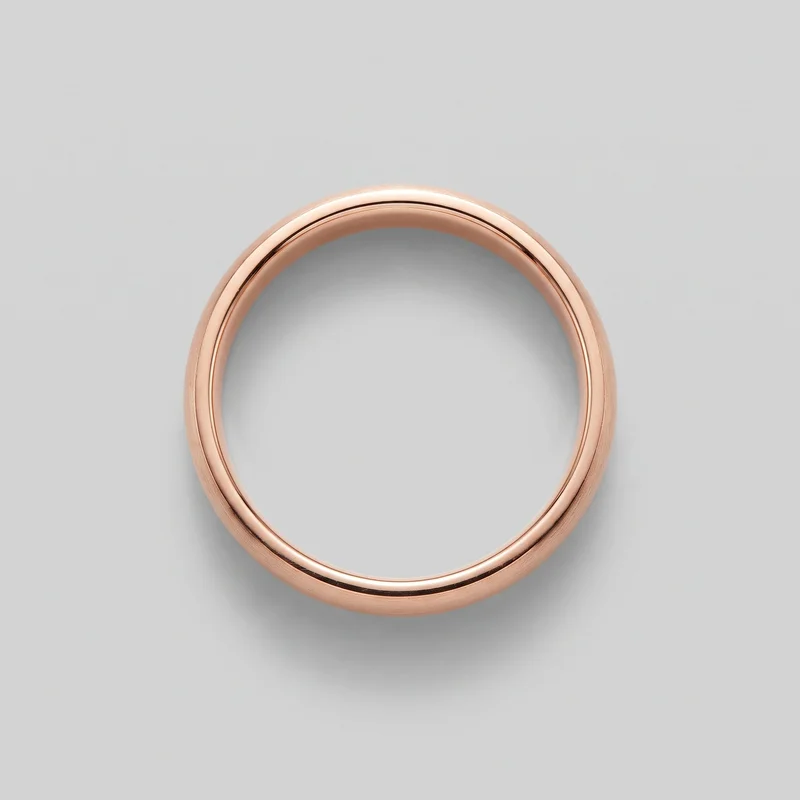 Men's Rose Gold Band
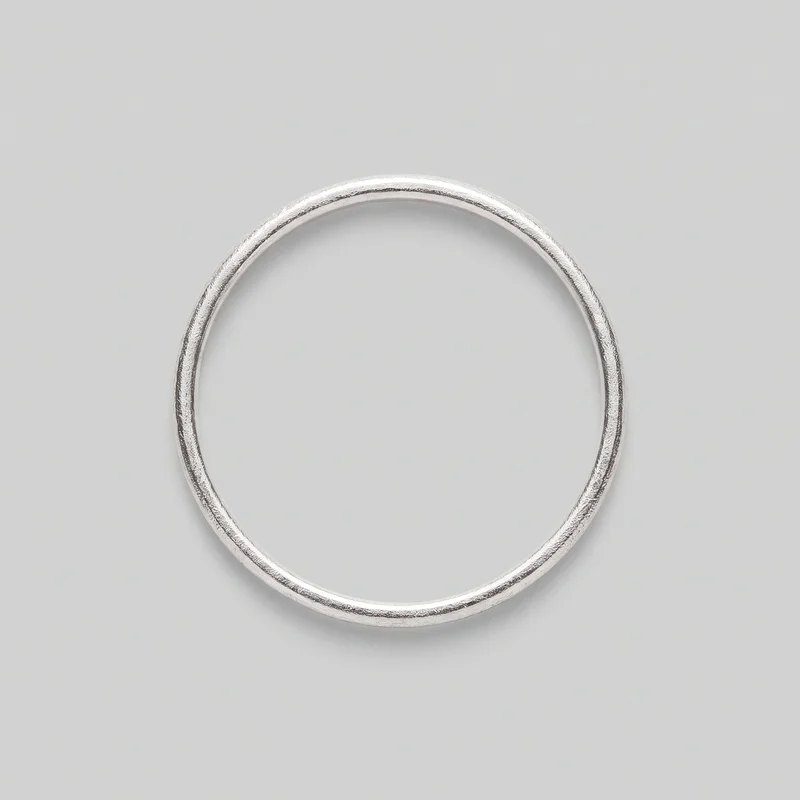 Women's Silver Stacking Ring
Showing 24 of 101
Who it's for
Is RAWSHOT right for consistent on-body catalog images?
A good fit
This work fits you when new products or colourways keep arriving and you need a consistent on-body catalog set for each one. It also fits you when you prefer selecting visible studio choices and accepting a strong available result rather than refining one image for hours.
Teams who get the most from it
- RAWSHOT is a good solution for you as someone managing footwear, jewellery, eyewear, or accessory listings if you need the range shown consistently on the relevant part of the body.
- It fits for you as a maker adding new small-batch pieces if you need each earring, ring, or other accessory presented clearly in a recurring listing set.
- Choose it for you as a catalog owner if you want to select the model, light, frame, and background for each new piece without booking a separate production.
Work it handles well
- You can show scale and placement on a body instead of relying on a dimensions table.
- You can keep model, light, and crop consistent across new pieces and colourways.
- You can create a complete on-body catalog set from the real accessories you already have.
Outside this scope
Skip this work when one image needs many rounds of detailed edits or an artistic treatment beyond the available accurate image style. You should also skip it when you need a specific real person, a reusable setup for later shoots, or integration with your catalog systems.
Teams this is not for
- Skip it if you need one specific real person or ambassador to appear in the catalog.
- This is not the right path if you want to direct every detail through repeated edits to one image.
- It is not a fit if you need reusable configurations, programmatic access, or catalog-system integration for later shoots.
Where this stops
- You cannot measure fit or replace the size charts and fit notes on your product page.
- You need to choose from the available frames, views, poses, backgrounds, and photography directions.
- You cannot carry a setup into a later shoot as a reusable configuration.
Rights
You own every image. Every image says what it is.
Yours
- Full commercial rights to every image, permanently.
- No recurring licence fees on any model in the library.
- Every model is a synthetic composite, so there is no real-person likeness.
Labelled
- C2PA content credentials on every image.
- AI-labelled output, meeting EU AI Act Article 50.
EU-hosted, GDPR-compliant handling.
- EU AI Act Article 50
- C2PA
- Full commercial rights
- GDPR
- EU-hosted
Questions
What should you check before your first shoot?
Can accessory brands benefit from an AI fashion photography tool like RAWSHOT for on-body product listings?
Accessory brands can use RAWSHOT to create consistent on-body product imagery for recurring listings and colourways. You can show footwear on a foot, jewellery on a hand or ear, and eyewear on a face instead of leaving scale to a dimensions table. Select the model, light, frame, view, pose, and background around the real accessory you already have. This suits catalog work where clear placement matters more than elaborate artistic treatment.
Which shop and launch crops can accessory brands produce with RAWSHOT for product pages and social layouts?
Accessory brands can produce 4:5 product crops, 9:16 story frames, square shop images, and wider launch compositions in RAWSHOT. Choose the frame and camera view around the body area that shows the accessory clearly, such as an ear, hand, ankle, foot, or face. You can keep the selected model, light, background, and styling aligned while adapting the crop to a product page, feed, story, or campaign placement.
How is RAWSHOT different from a flat-lay or smartphone photo for accessory brands showing products in context?
RAWSHOT places your accessory into a directed on-body fashion image, while a flat-lay or smartphone photo usually shows the piece without natural scale or placement. You can select the body frame, model, camera view, pose, light, and background instead of relying on a plinth, linen backdrop, or improvised hand shot. The approach is useful when you need a repeatable catalog look built from real accessories and clear visual context.
Can accessory brands keep earrings, rings, footwear, and eyewear visually consistent across a collection in RAWSHOT?
Accessory brands can keep a collection visually consistent in RAWSHOT by repeating the selected model, light, frame, camera view, pose, and background across pieces. You can present new earrings, rings, shoes, or eyewear within the same visual system while changing the product or colourway. This supports recurring catalog updates and makes comparison easier, although each result still depends on the available frame, view, pose, background, and named photography direction.
Can accessory brands use RAWSHOT images on product pages, launch channels, and commercial sales materials?
You get full commercial rights to every image, permanently, with no recurring licence fee. Every image carries C2PA content credentials and is labelled as AI-generated.
Get started
Your next on-body catalog set starts here.
Start with a 7-day free trial including 50 tokens, then move to the plan that matches your production volume.