
Agencies and freelancers
RAWSHOT for agencies and freelancers
You deliver client imagery without booking a shoot.
You deliver fashion imagery for clients who need a usable set without booking a production day for every brief. Recurring drops, campaign reviews and pre-visualisation are slowed by studio schedules, samples and limited production budgets. RAWSHOT gives you a directed, repeatable way to build on-model imagery from the client's real products.
7-day free trial • 50 tokens (10 images) • Cancel anytime
A 2K image in roughly 35 seconds · AI-labelled with C2PA content credentials
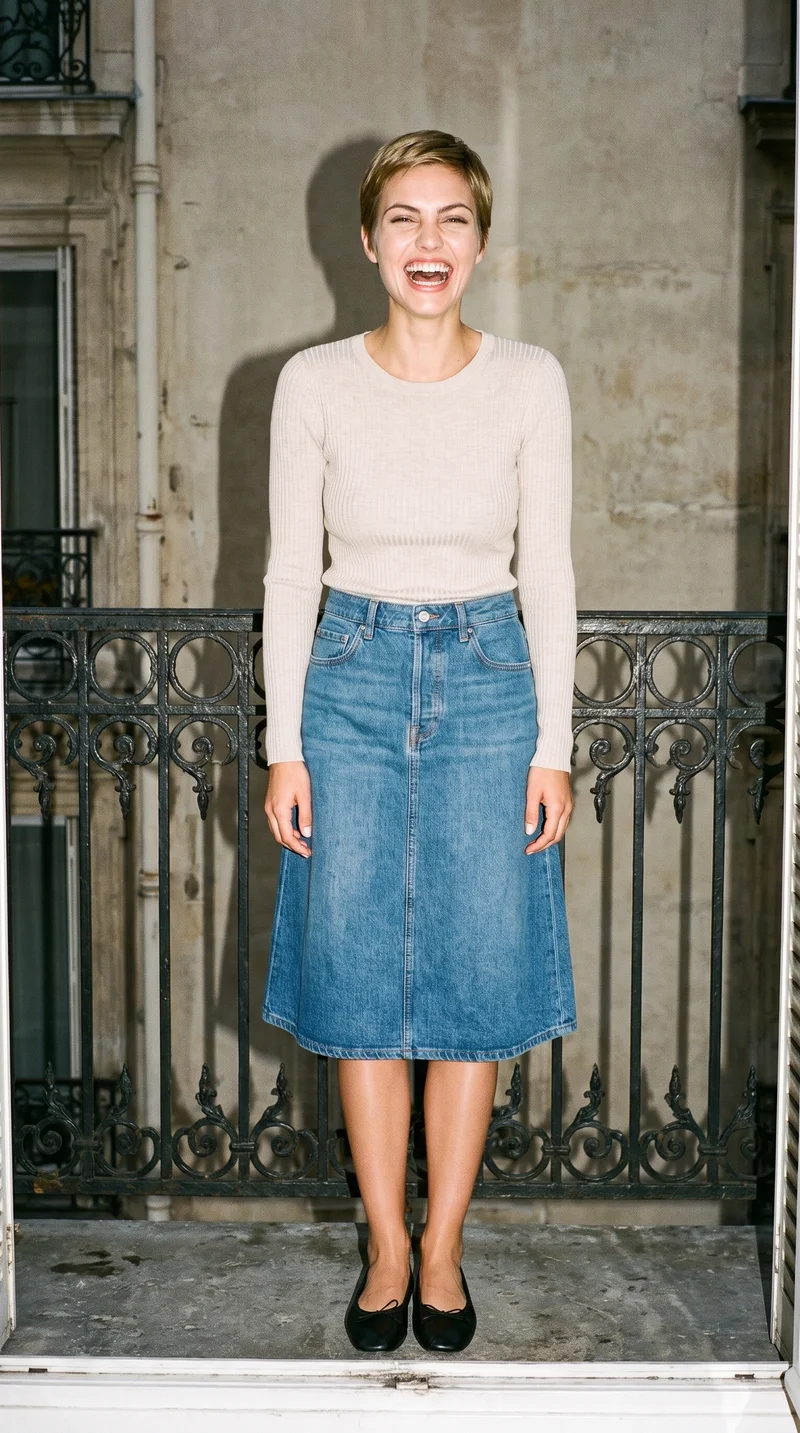
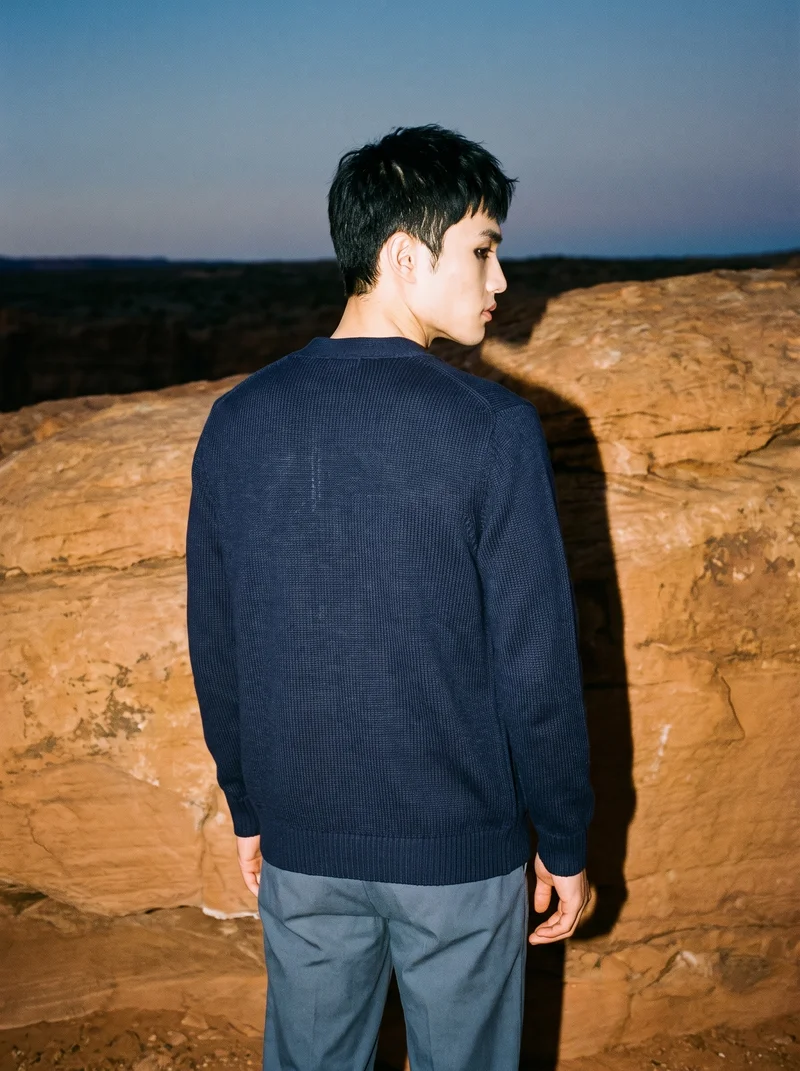
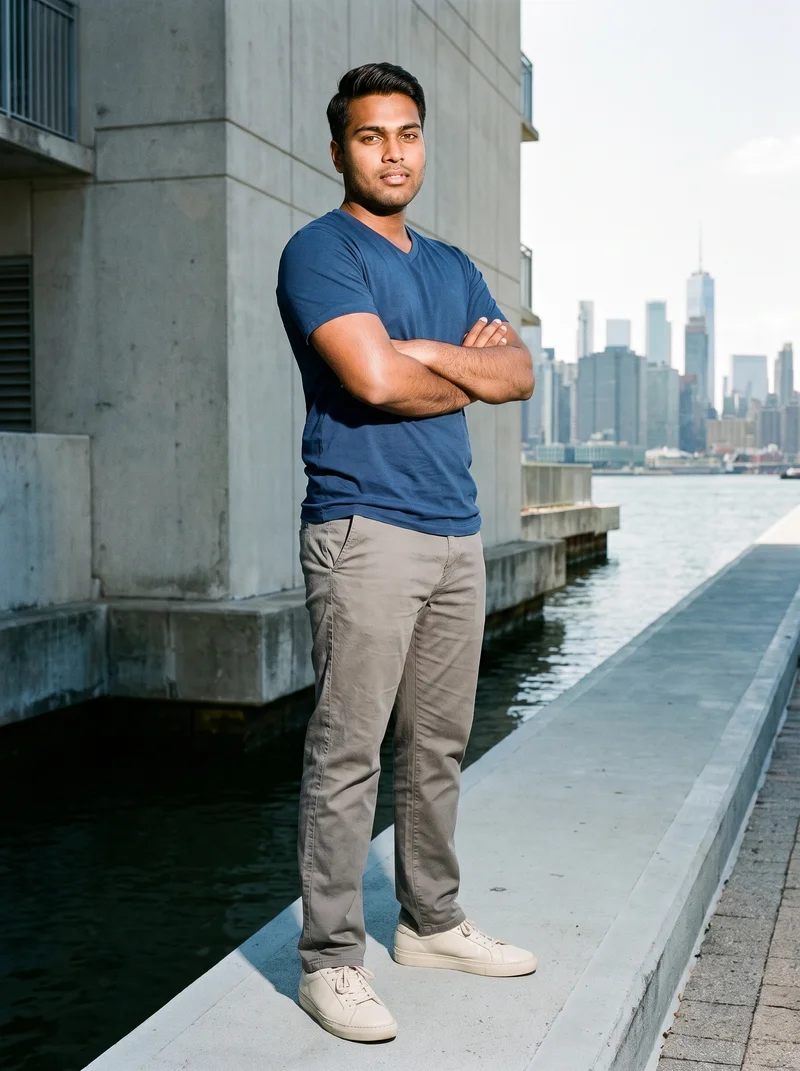
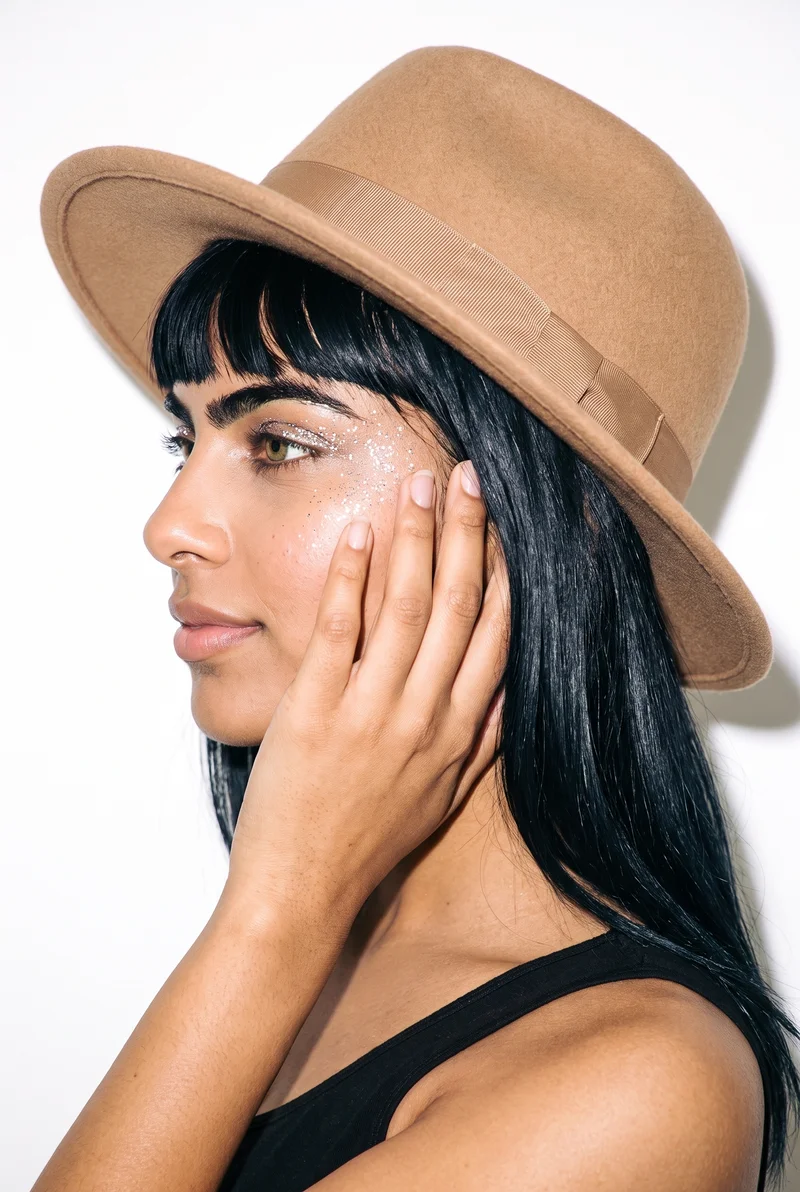
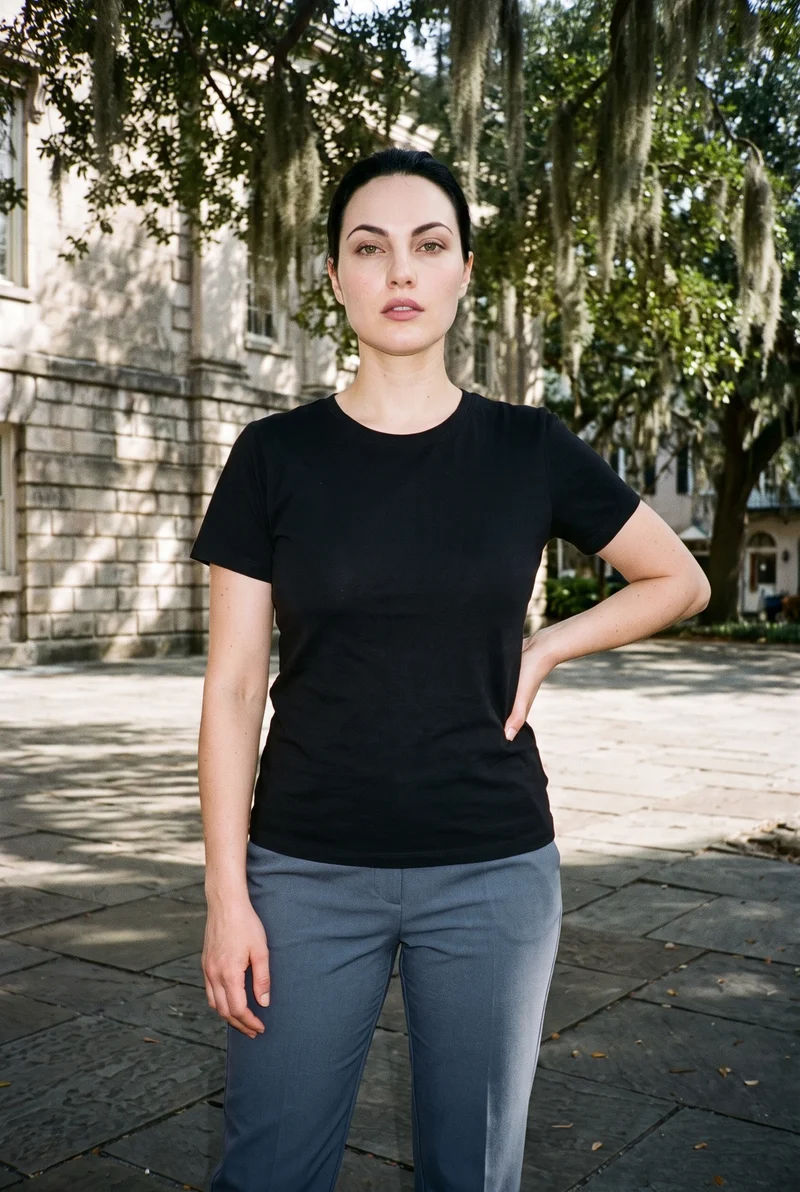
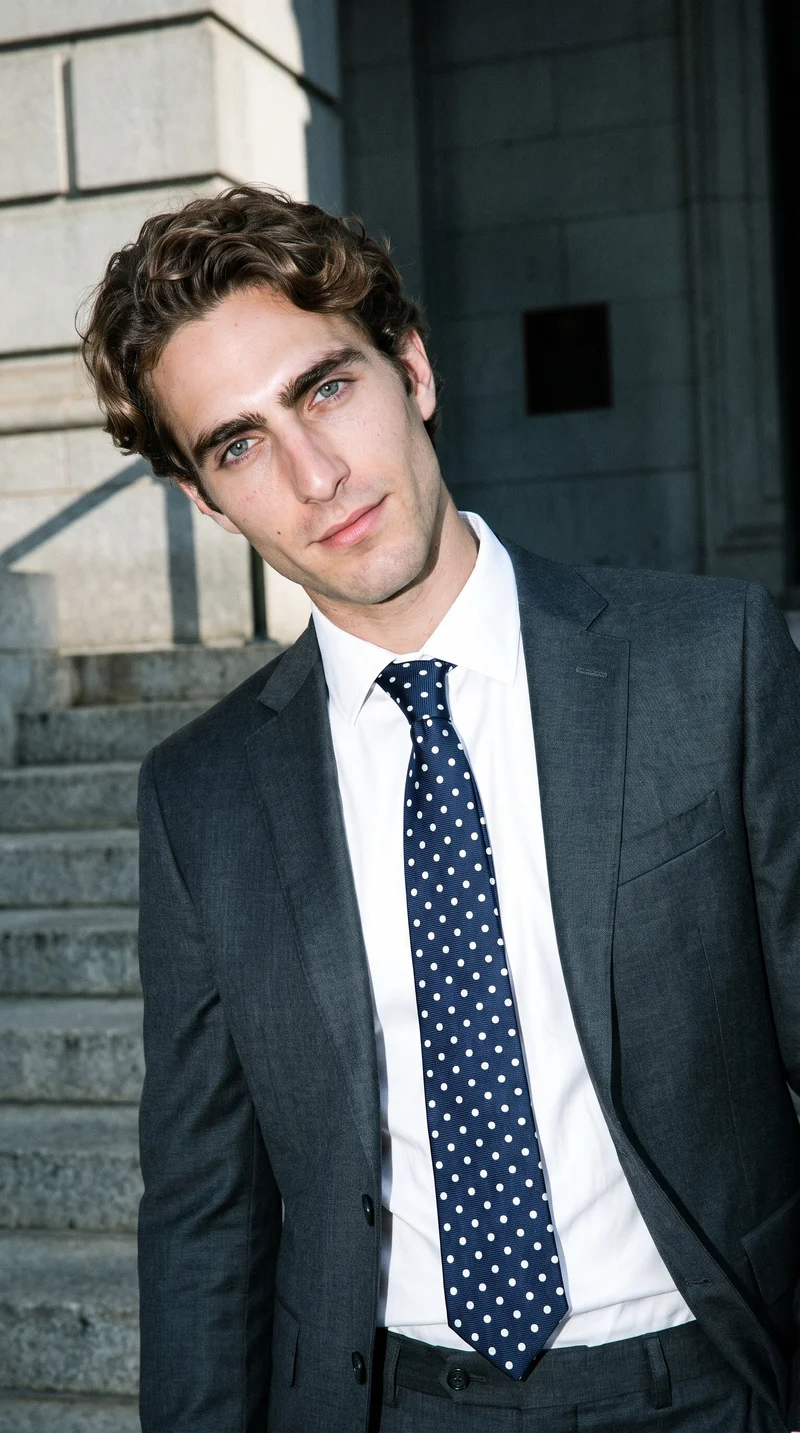
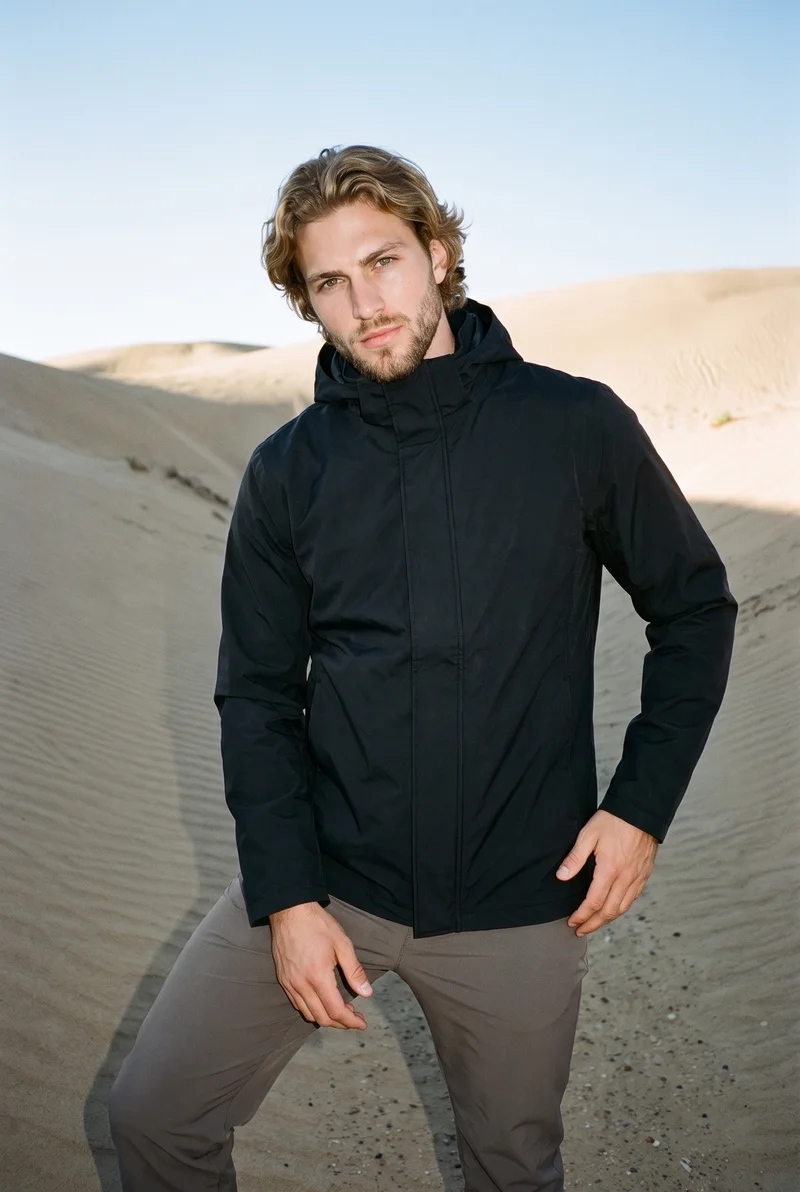
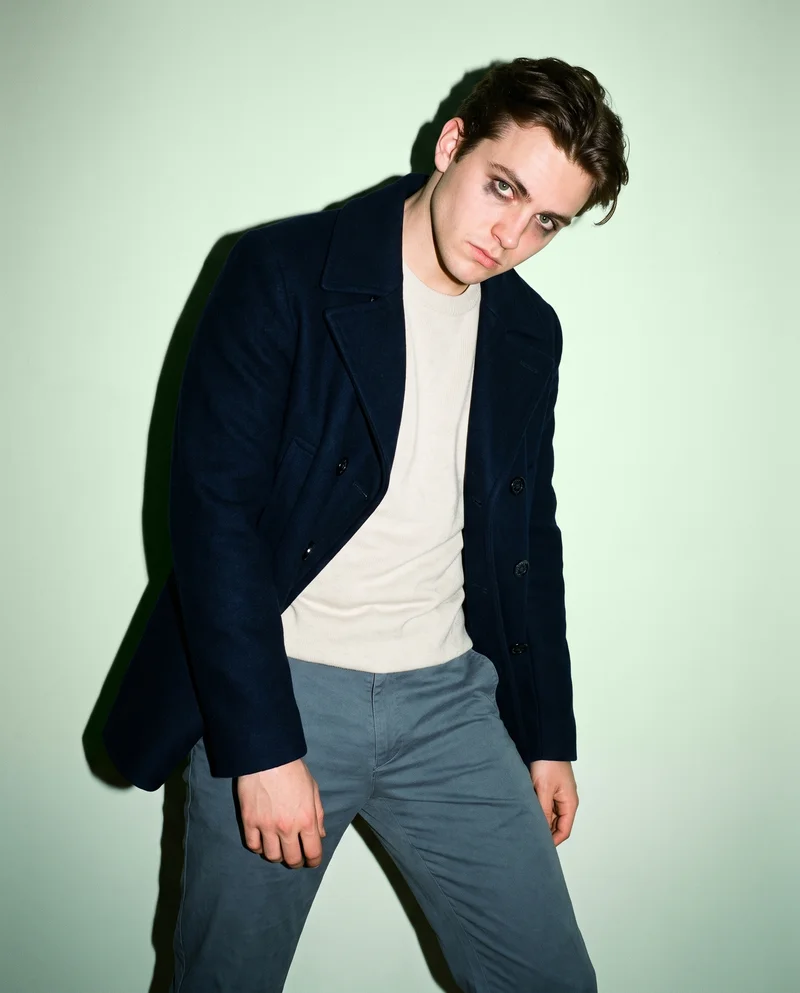
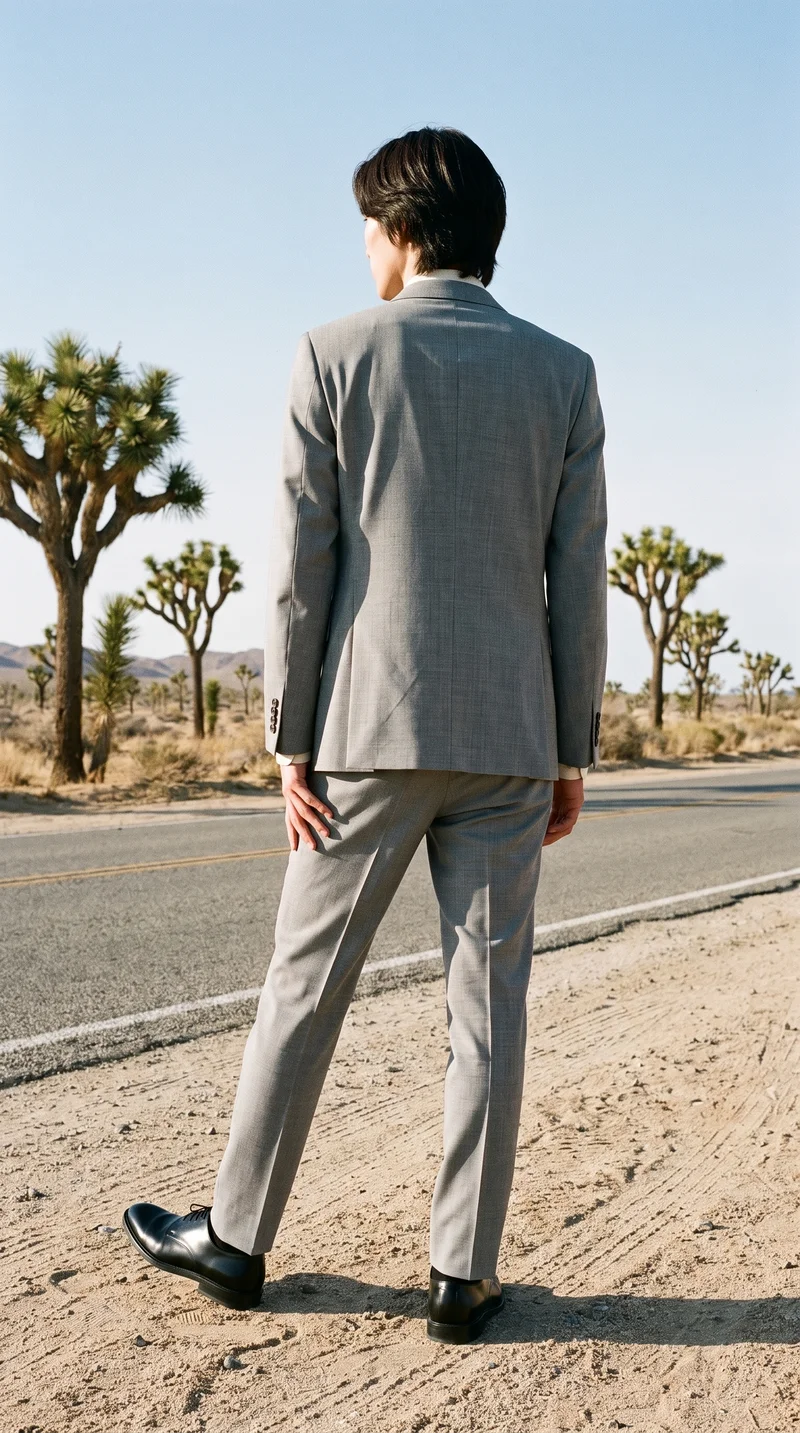
Showing 9 of 496, shot in RAWSHOT
The situation
Client briefs become production problems.
Client work keeps arriving, but every brief can become a production problem involving samples, scheduling, locations and reshoots. You need to present useful options and deliver a consistent set while keeping your creative judgment on the work that matters. RAWSHOT lets you select the model, light, background, frame and composition for each direction.
In the browser
Deliver client imagery and campaign directions.
Deliver client imagery without booking a shoot
TodayThe shoot is the line item that makes the project unprofitable.
With RAWSHOTDeliver the shoot without booking the studio.
- 1Import the product
- 2Pick one model
- 3Set the frame
Show a client three directions instead of one
TodayOne direction, because three would mean three shoots.
With RAWSHOTPresent three directions for the cost of none of them.
- 1Choose the model
- 2Select the light
- 3Change the composition
Pre-visualise a campaign before booking it
TodayMood boards assembled from other people's photography.
With RAWSHOTSee the campaign before you book it.
- 1Import the product
- 2Pick the background
- 3Direct the frame
Rawshot Features
Set model, light, frame and composition per direction.
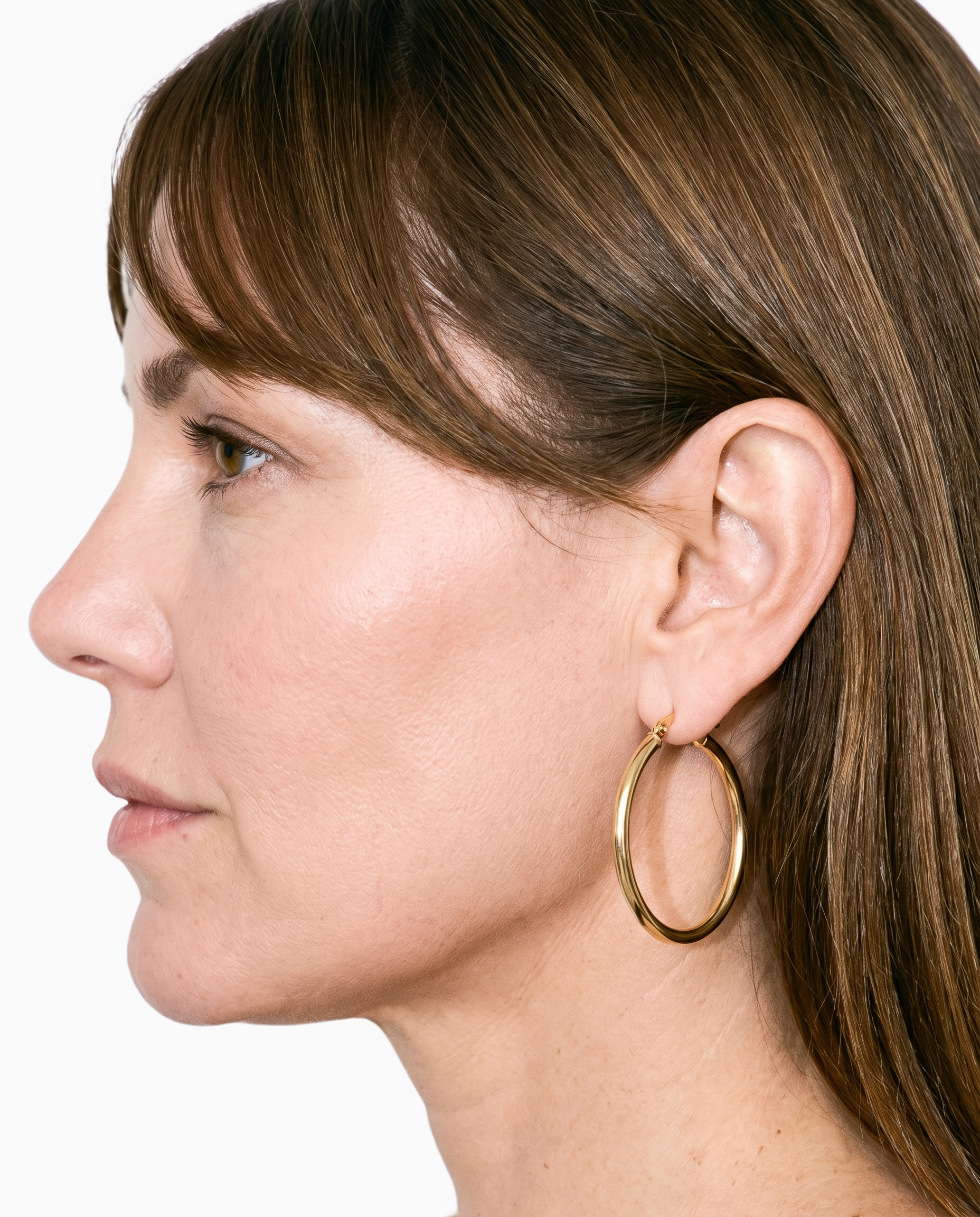
Product import and handling
You can begin with the client's real product so the image set follows the actual cut, colour, pattern and material rather than an invented item.
Start from your real item and keep product fidelity while building the scene.
See the feature →
AI model generator
You can choose a synthetic adult model for the client set without tying the direction to a specific real person.
Library filters plus private model building for consistent identity across the set.
See the feature →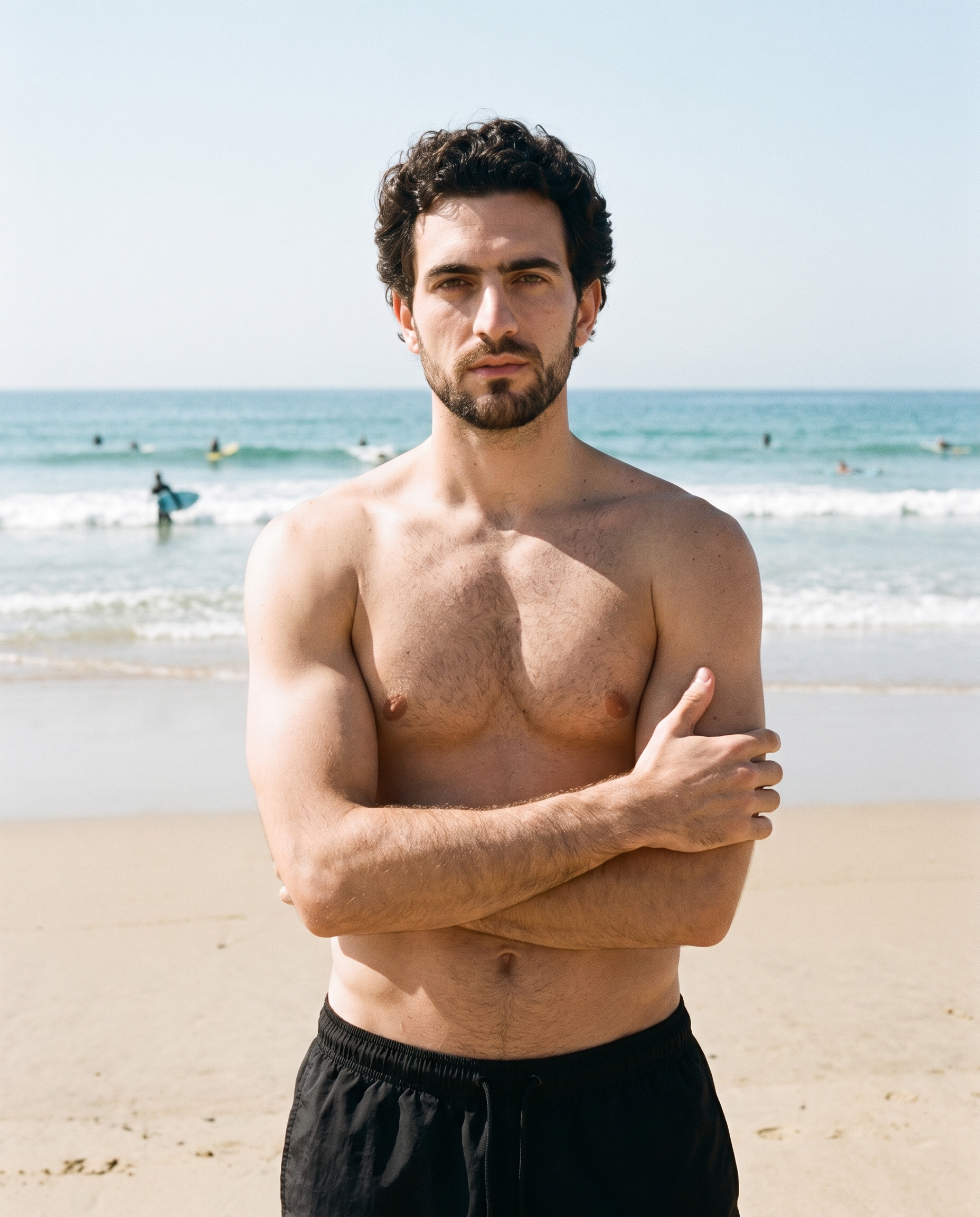
Photography direction
You can give clients distinct campaign options through concrete lighting directions that remain clear and repeatable.
4 named choices that set mood and shadow the same way across a shoot.
See the feature →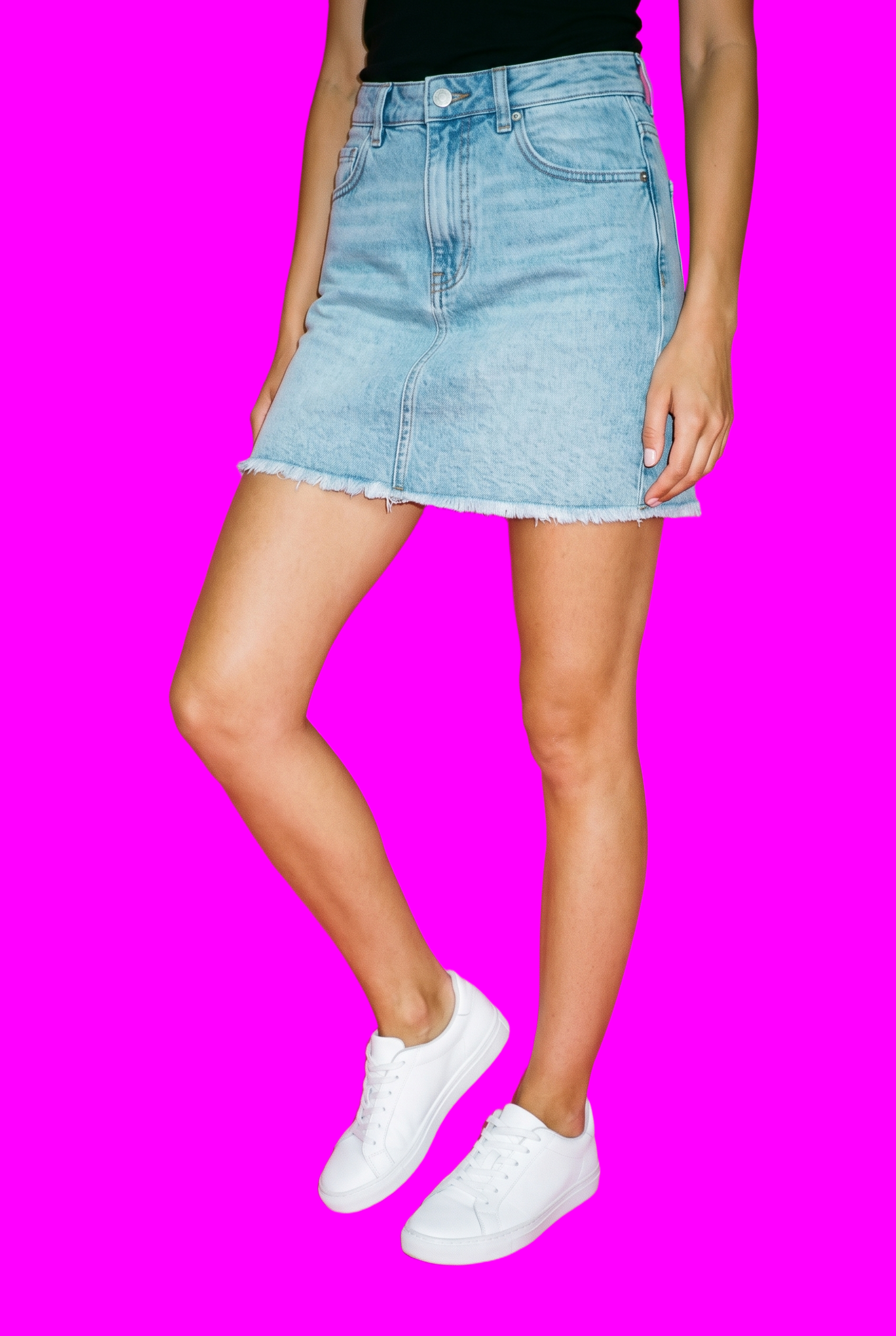
AI image to image generator
You can change one decision for a client direction while the model, light, frame and remaining composition stay in place.
Change one decision and keep the rest of the composition stable.
See the feature →AI image to video generator
17 model actions on a full-body shot · 132 in total
AI makeup generator
Branch-aware named options applied without altering casting or scene setup.
AI outfit generator
Combine the main piece with neutral supporting items in one coherent frame.
AI photo background generator
Swap scene context while keeping model, product, and framing stable.
AI suggestions
Preselected control values you can always override in the same configurator.
Fashion model poses
22 poses on a full-body shot · 104 in total
Garment styling
Choose how the garment is worn and keep brand presentation consistent.
Inspiration gallery
Load editable finished looks as fast starting points for new shoots.
Gallery
Client products appear as consistent campaign imagery.
The pictures show real client products presented as consistent on-model campaign imagery, with different models, lighting directions, backgrounds and compositions ready for review.
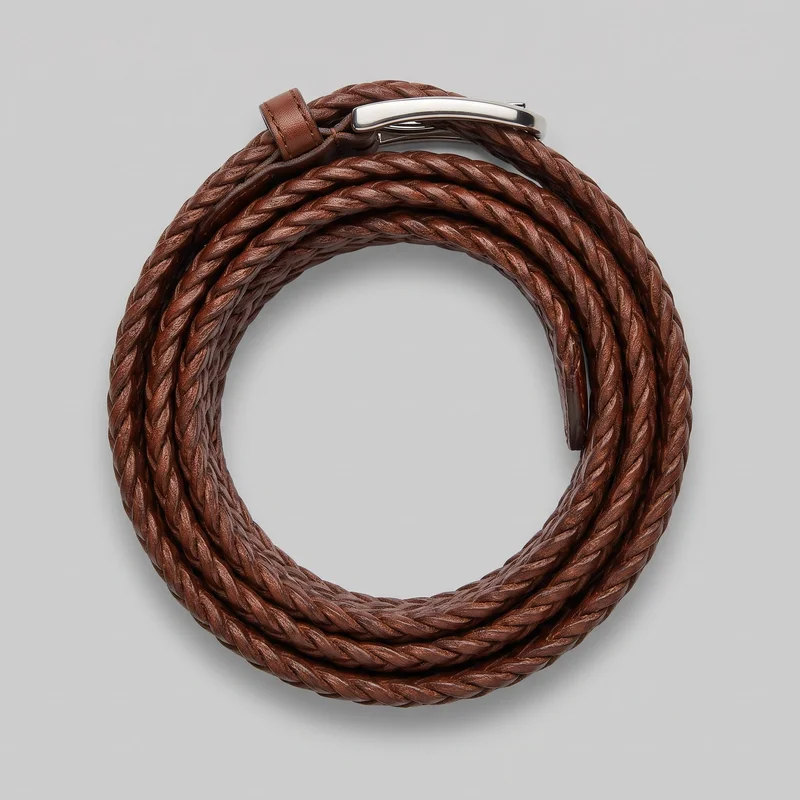 Men's Brown Braided Belt
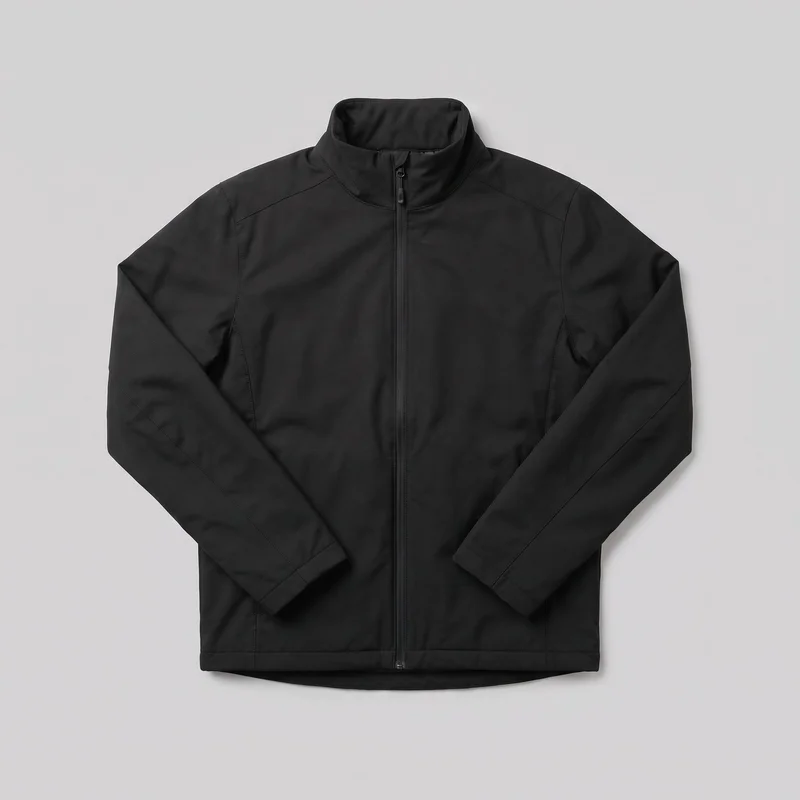 Men's Black Ski Jacket
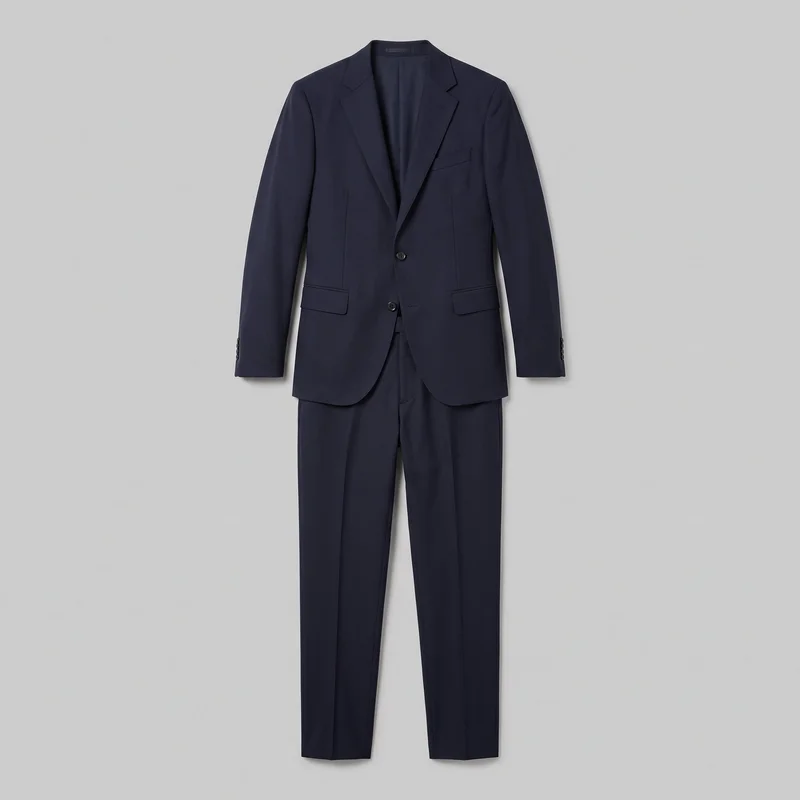 Men's Navy Two-Piece Suit
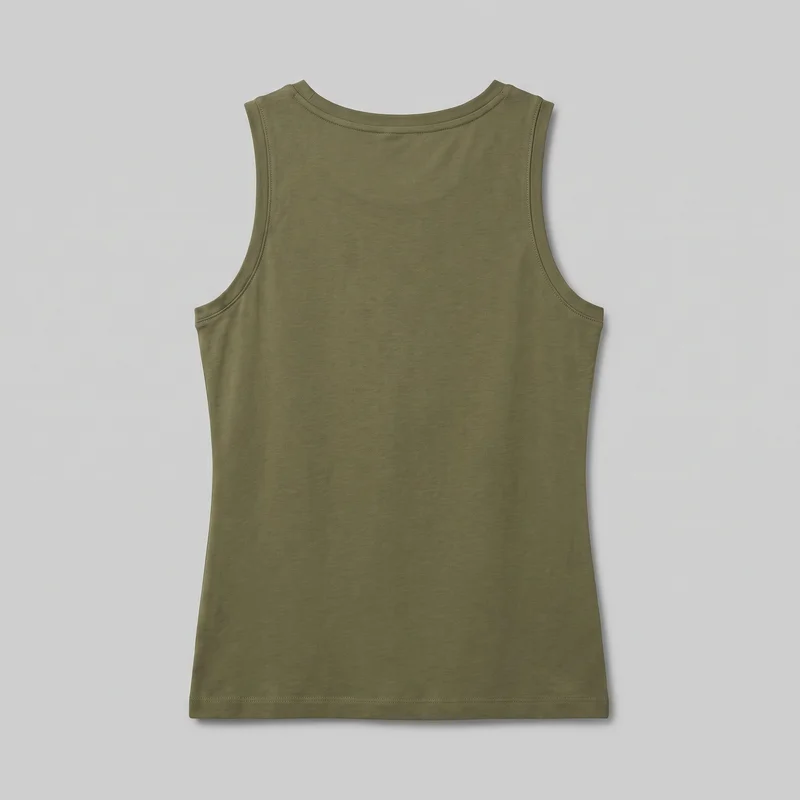 Women's Olive Cotton Tank Top
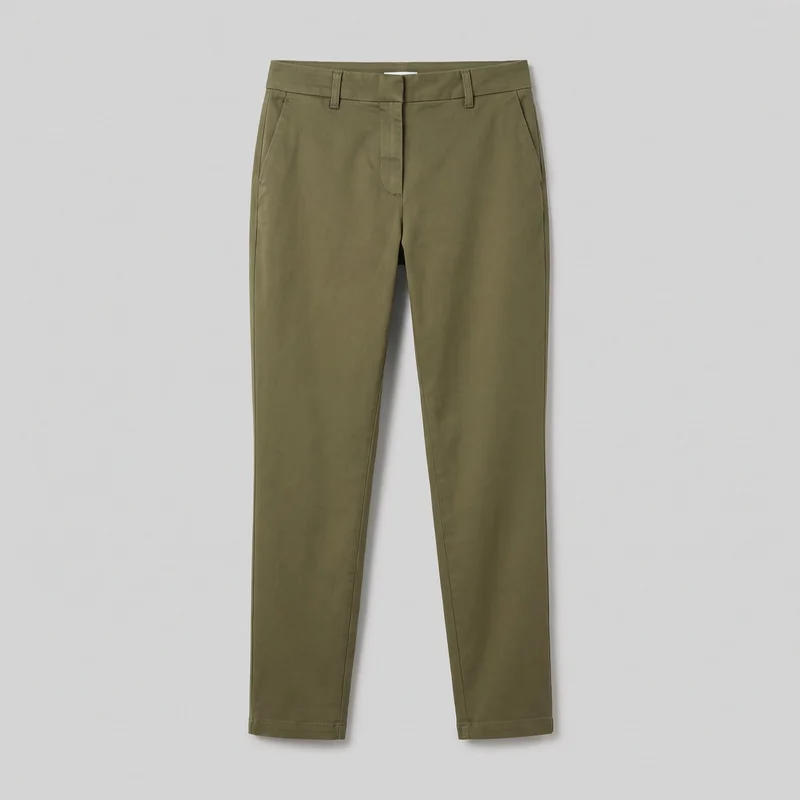 Women's Olive Tapered Chinos
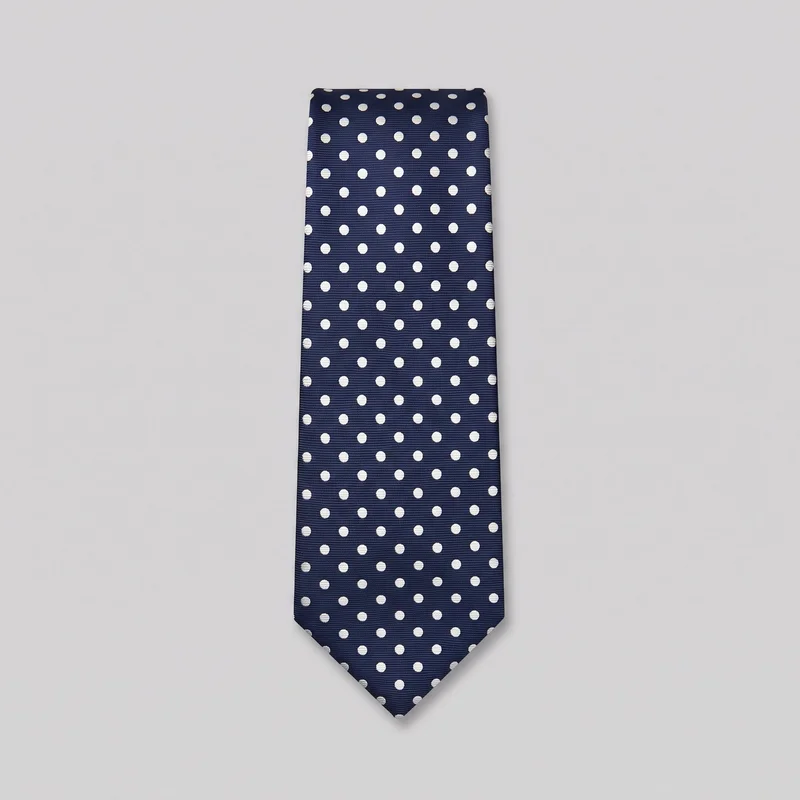 Polka-Dot Tie
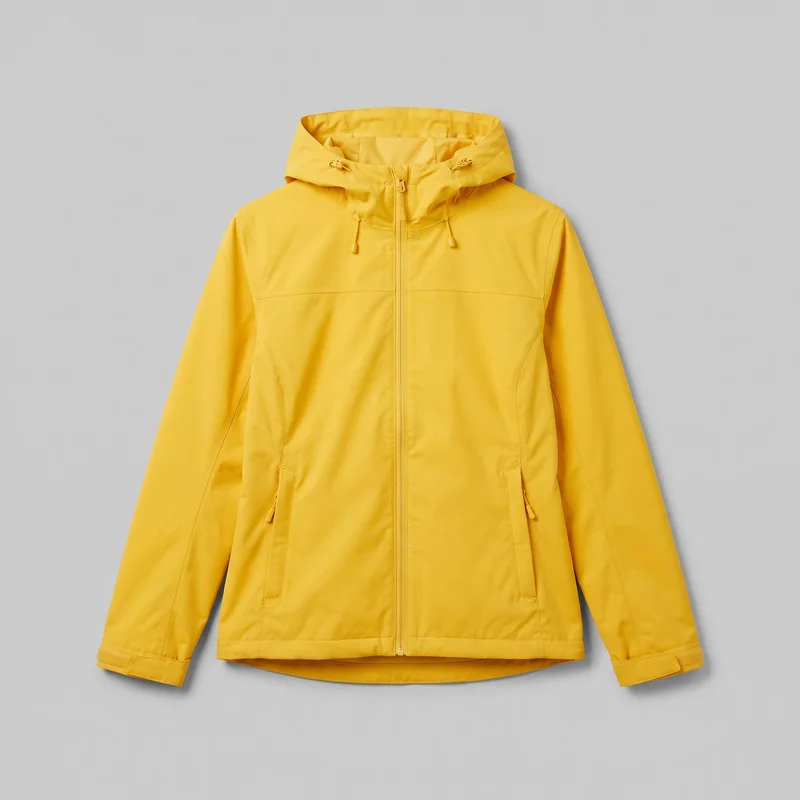 Women's Yellow Waterproof Jacket
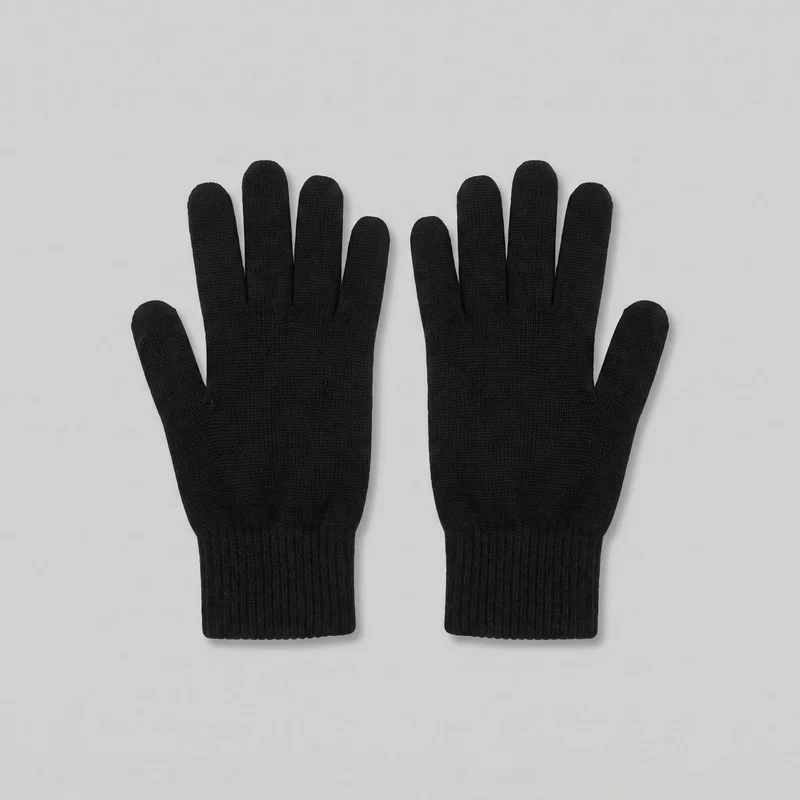 Women's Black Wool Gloves
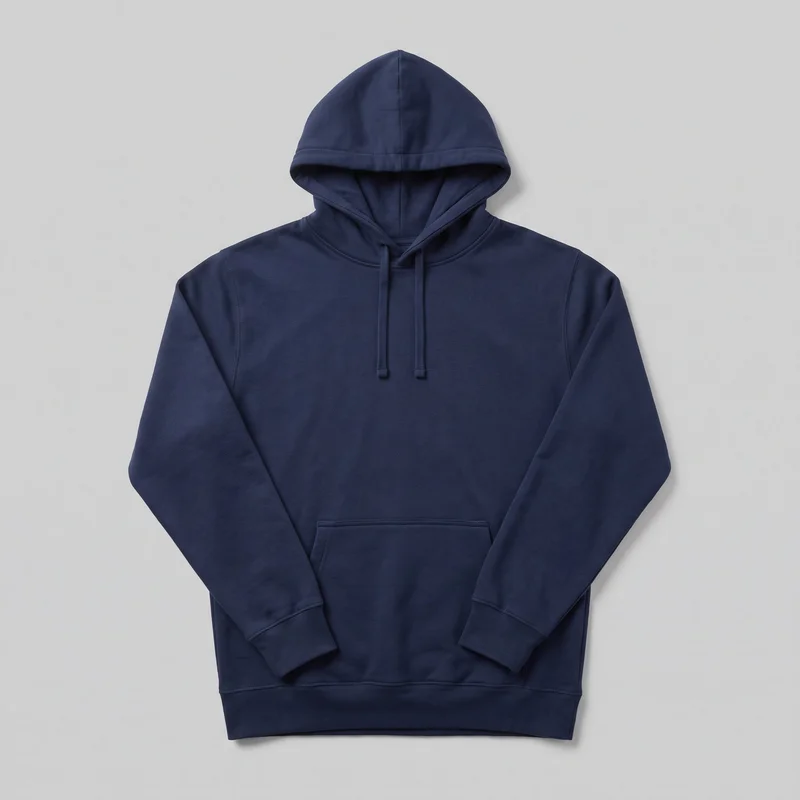 Men's Navy Cotton Pullover Hoodie
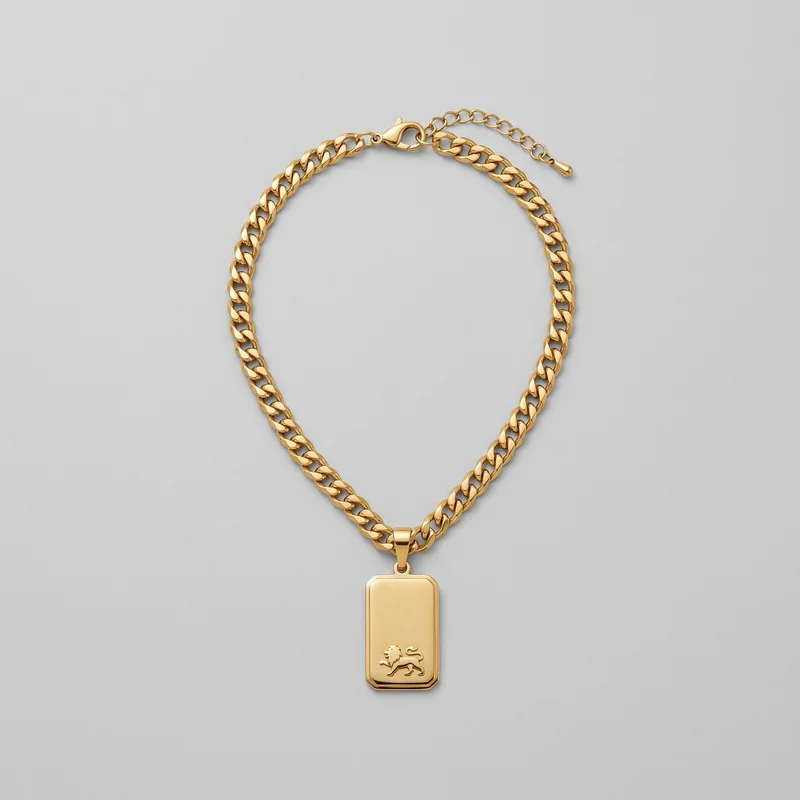 Men's Gold Pendant Necklace
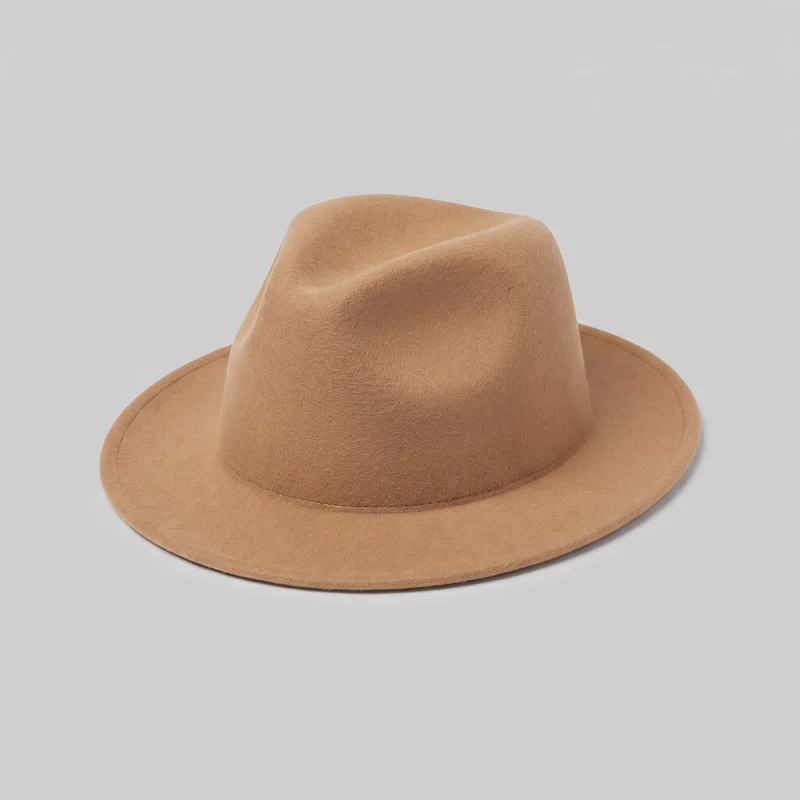 Men's Camel Felt Fedora
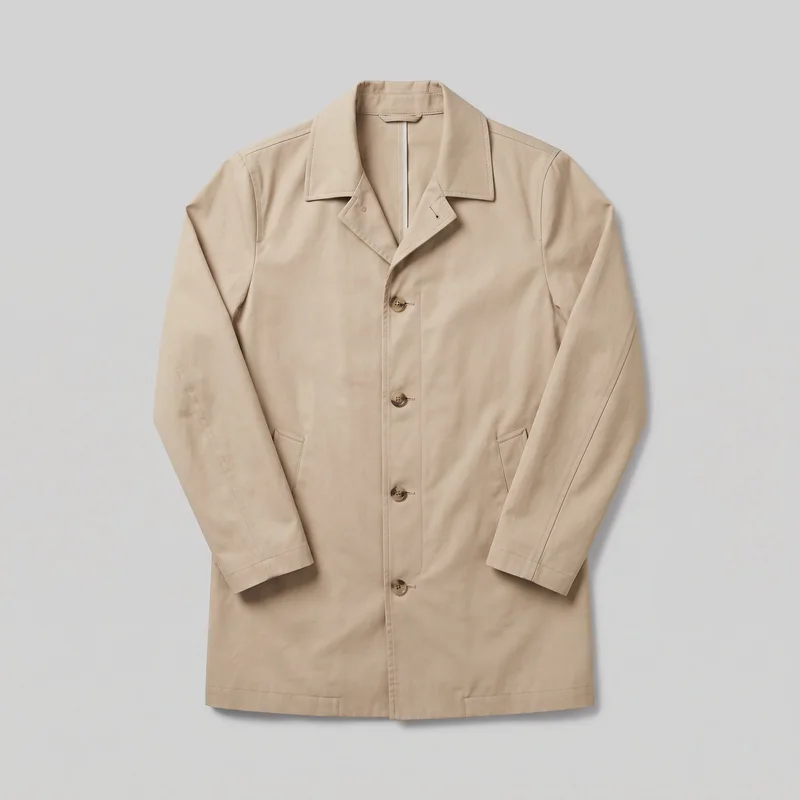 Men's Beige Cotton Mac
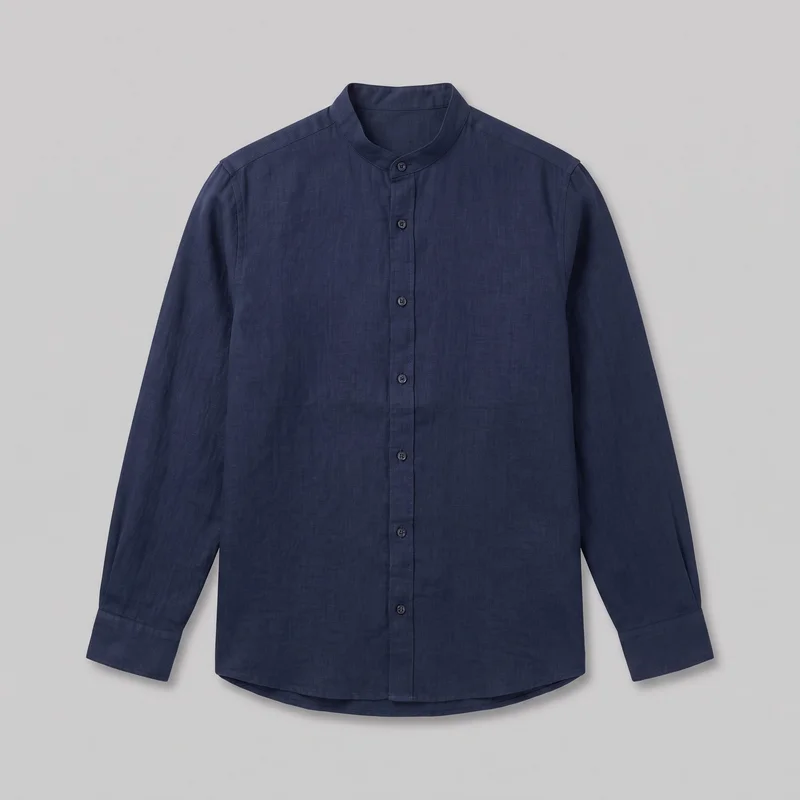 Navy Linen Grandad Shirt
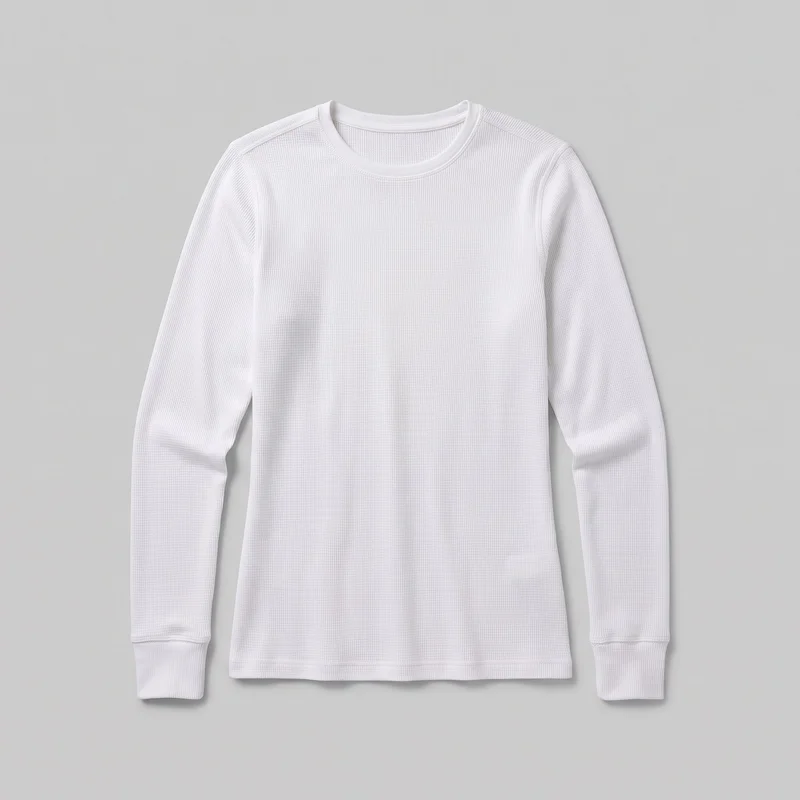 Women's White Base-Layer Thermal Top
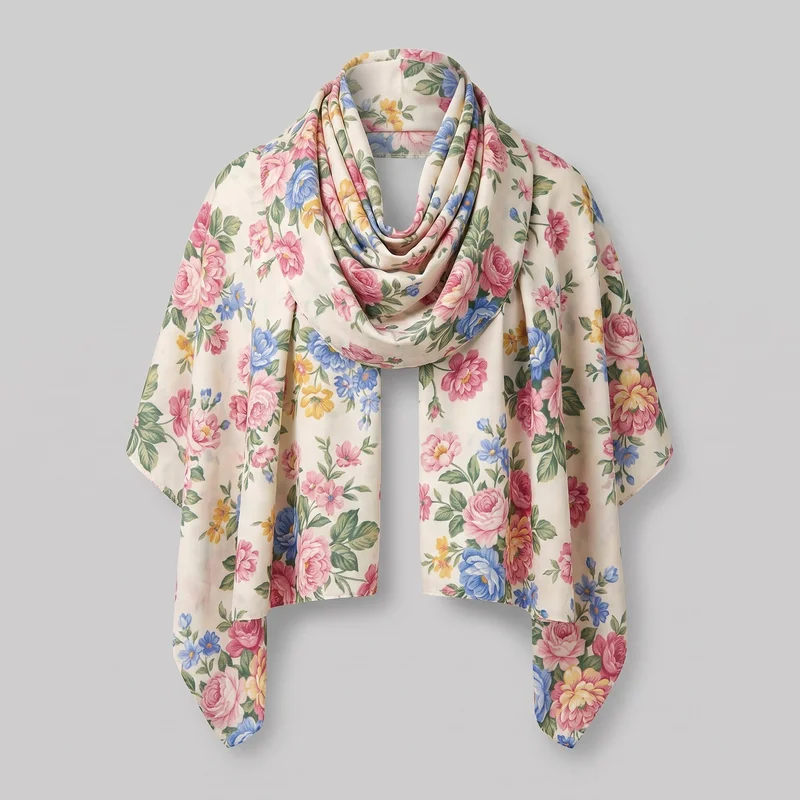 Floral Print Shawl
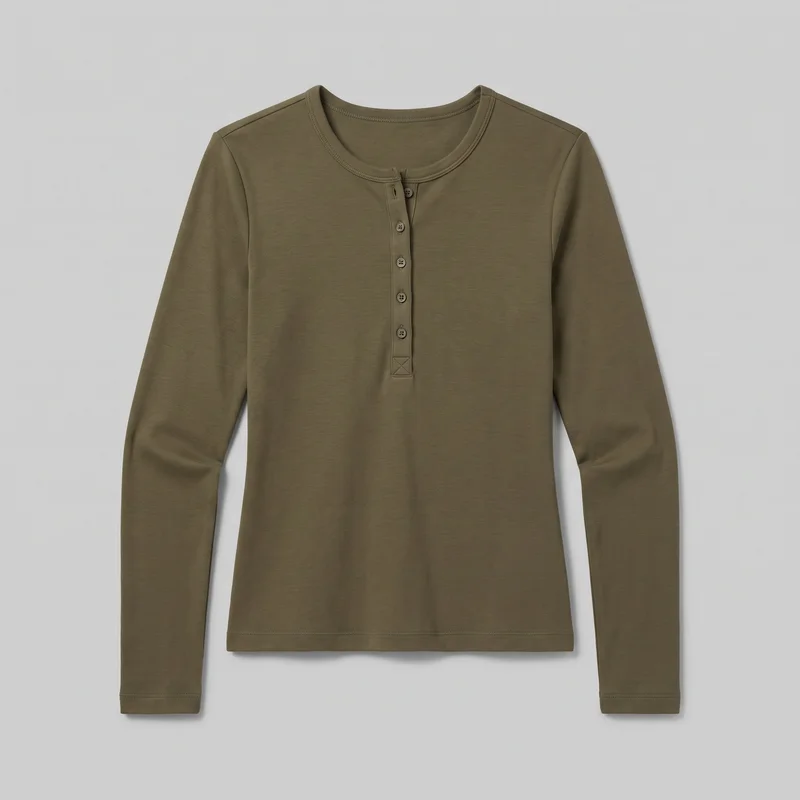 Women's Olive Long-Sleeve Henley Top
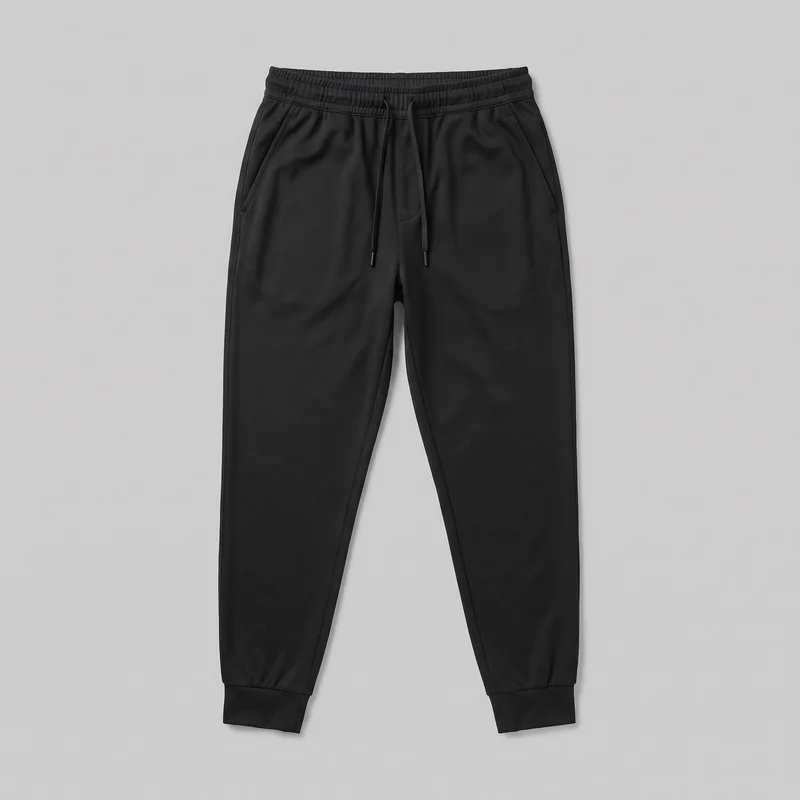 Men's Black Performance Joggers
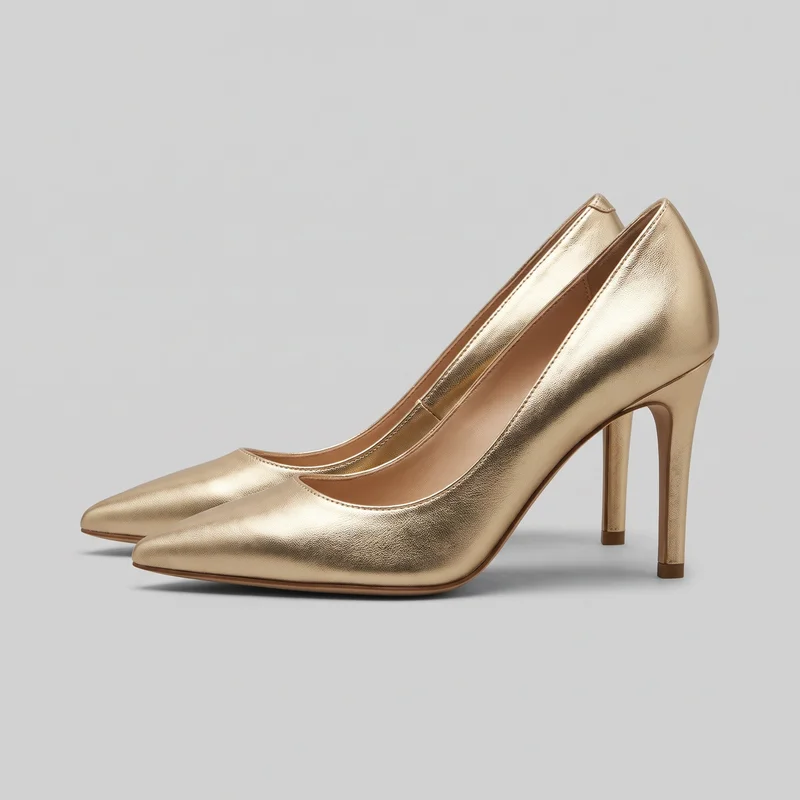 Gold Heels
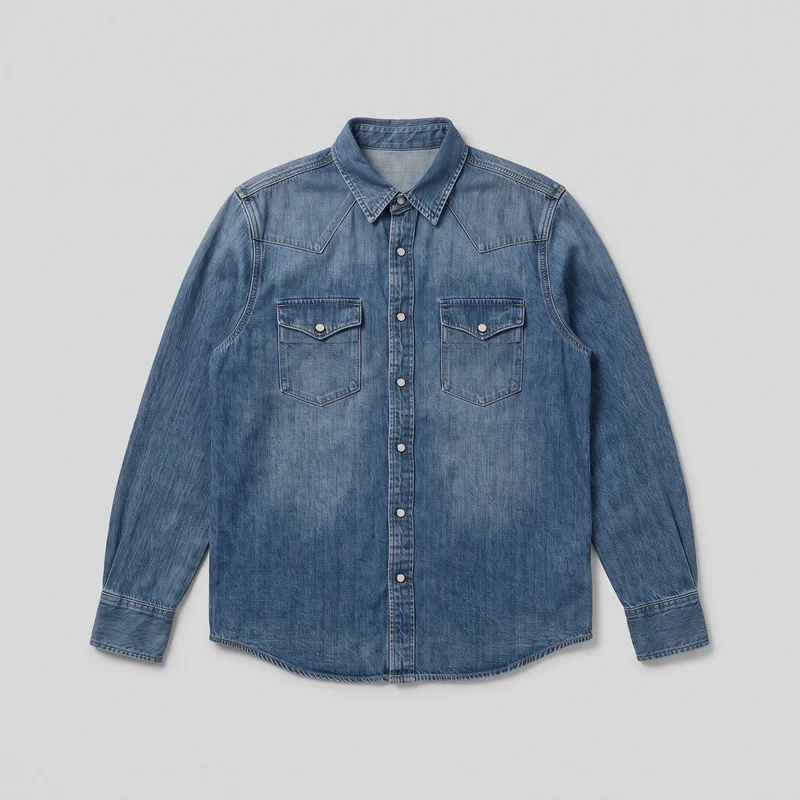 Mid-Wash Western Denim Shirt
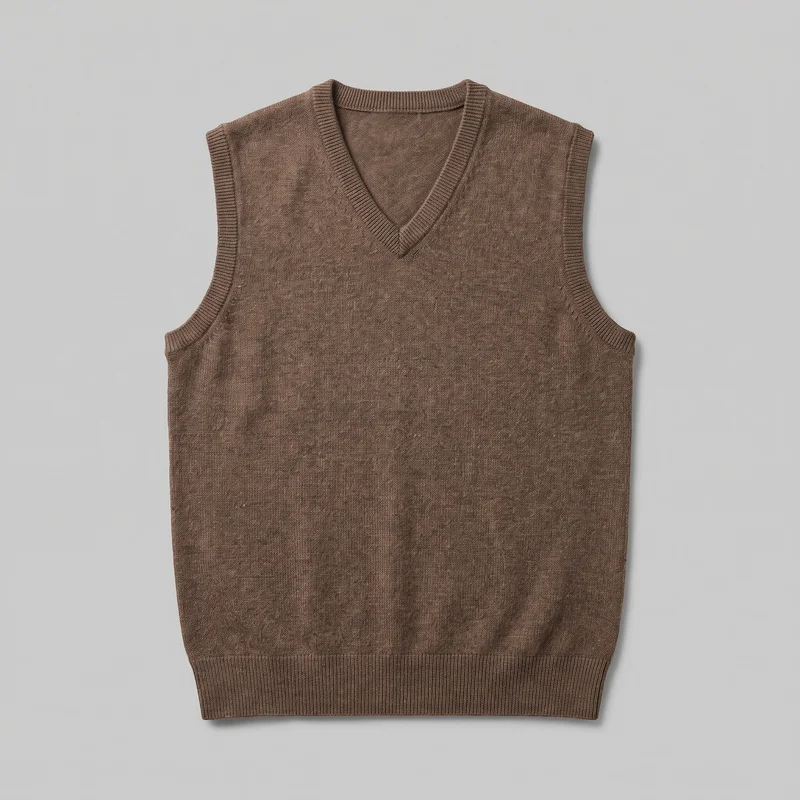 Men's Brown Wool Sweater Vest
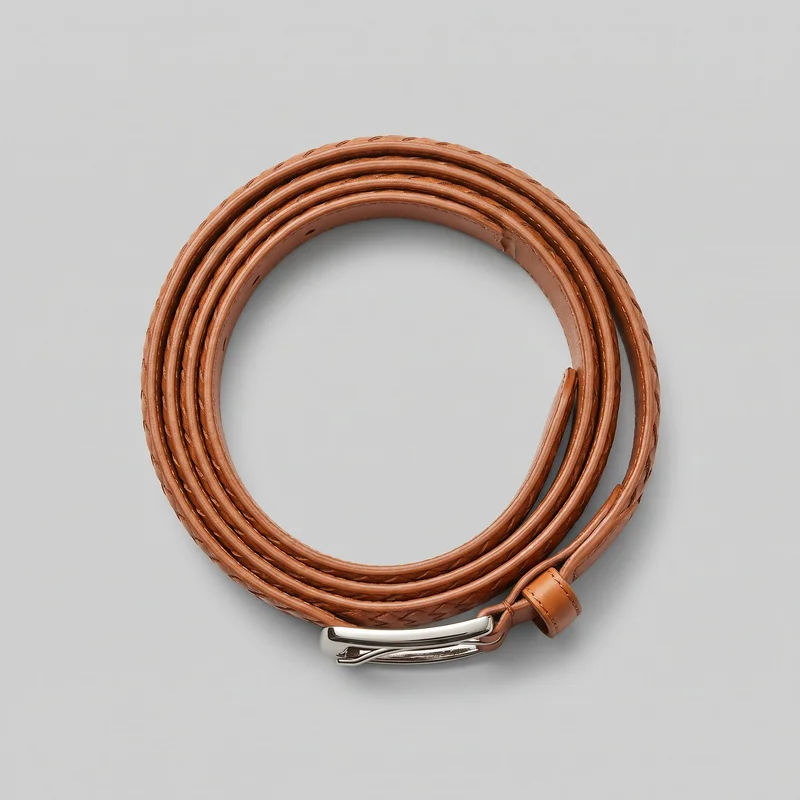 Men's Tan Woven Leather Belt
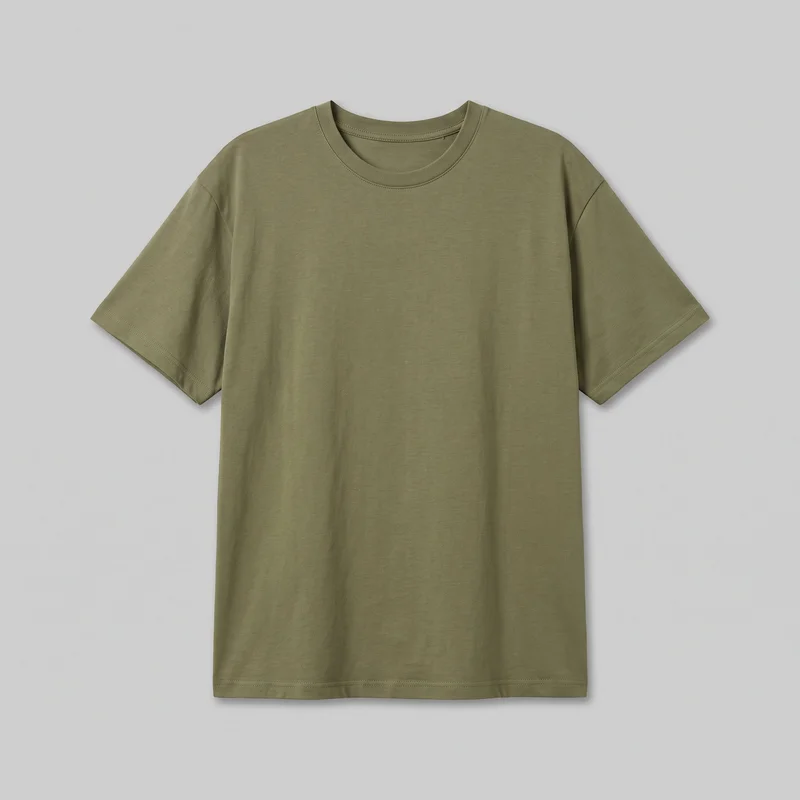 Women's Olive Oversized T-shirt
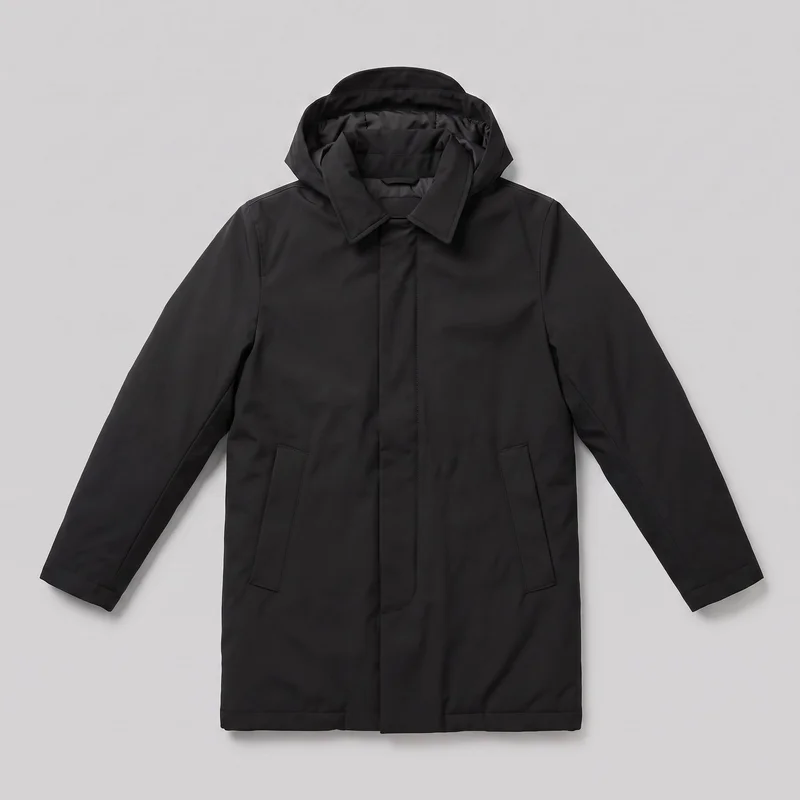 Men's Black Parka
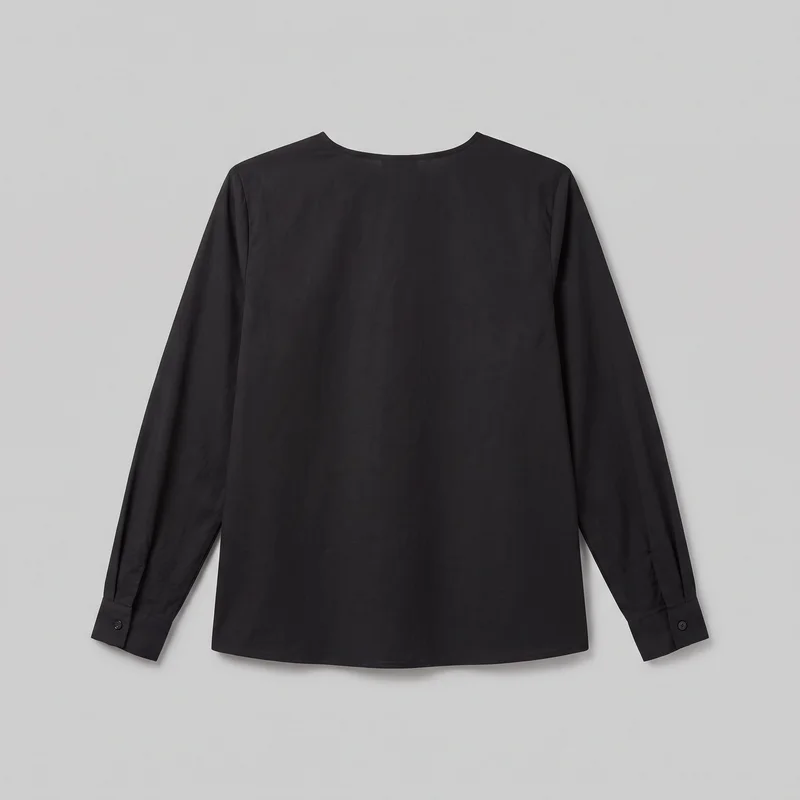 Black Classic Blouse
Showing 24 of 496
Who it's for
Is RAWSHOT right for repeatable client imagery?
A good fit
This fits you when clients need many good on-model images from real products and you can work within visible choices for model, light, background, frame, pose and composition. It also fits when completing a usable set matters more than controlling every detail of one image through many rounds of edits.
Teams who get the most from it
- RAWSHOT is a good solution for you as an agency and freelance creative if you deliver a consistent client image set on a recurring schedule.
- For you as a creative and art director, it fits if you need to pre-visualise a campaign before booking production.
- It fits for you as a performance marketer if you need several product-led creative variants for a paid-social test.
Work it handles well
- You can deliver client imagery without booking a shoot.
- You can show a client three campaign directions instead of one.
- You can produce a consistent set for recurring drops, seasons or listings.
Outside this scope
Skip this when the client brief depends on refining one hero image through many rounds of detailed changes or exact garment-fit instructions. It is also the wrong path when you need a specific real person, an artistic treatment beyond the available image style, or programmatic access and connected product systems.
Teams this is not for
- Skip it if you need a specific real person or ambassador in the image.
- This is not the right path if you need a stylised, graded or artistic treatment beyond the available image style.
- It is not a fit if you need programmatic access, connected product systems or a client-management layer.
Where this stops
- You cannot direct exact garment fit beyond the available controls.
- You cannot refine one image indefinitely through free-form changes.
- You need to rebuild a later shoot rather than reuse an earlier configuration.
Rights
You own every image. Every image says what it is.
Yours
- Full commercial rights to every image, permanently.
- No recurring licence fees on any model in the library.
- Every model is a synthetic composite, so there is no real-person likeness.
Labelled
- C2PA content credentials on every image.
- AI-labelled output, meeting EU AI Act Article 50.
EU-hosted, GDPR-compliant handling.
- EU AI Act Article 50
- C2PA
- Full commercial rights
- GDPR
- EU-hosted
Questions
What should you check before your first brief?
Can agencies and freelancers benefit from RAWSHOT when delivering client fashion imagery without booking a shoot?
You can benefit from RAWSHOT when you need client-ready fashion imagery without booking a production day for every brief. It helps you respond to recurring drops, campaign reviews, and pre-visualisation requests while keeping creative direction in your hands. You can choose the model, light, background, frame, pose, and composition, then build a usable on-model set from the client's product photo, flat-lay, mockup, or technical sketch.
What jobs and channels can agencies and freelancers use RAWSHOT for across client work?
You can use RAWSHOT to deliver client imagery, present campaign directions, pre-visualise campaigns, and build product-led creative for product pages, lookbooks, and paid social. It gives you a practical way to show a client more than one visual route before production is booked. You can also create consistent imagery for recurring drops, seasonal launches, marketplace listings, and campaign testing while applying your own creative judgment to the selection.
Which shop and launch formats can agencies and freelancers produce with RAWSHOT for client campaigns?
You can produce 4:5 product-page frames, 9:16 social crops, and wider campaign frames in RAWSHOT. These formats support shop listings, feed placements, stories, paid-social concepts, lookbooks, and client presentations. You select the frame and composition before generating the image, so the output can be planned around the channel rather than adapted from one studio photograph. The same product input can support distinct visual directions for different launch needs.
How is RAWSHOT different from a studio shoot or flat-lay for agencies and freelancers preparing client work?
RAWSHOT lets you build directed on-model client imagery without arranging a studio shoot or limiting the presentation to a flat-lay. You can select the model, light, background, frame, pose, and composition from a real product input, then develop alternative campaign routes for review. A studio shoot still gives you physical production control, while a flat-lay keeps the garment out of context. RAWSHOT is strongest when you need a usable set and clear creative options.
Can agencies and freelancers keep a whole client collection visually consistent in RAWSHOT?
You can keep a client collection visually consistent in RAWSHOT by repeating the same model direction, outfit logic, lighting approach, background treatment, framing, and composition across products. This supports recurring drops, seasonal work, and listings that need to read as one brand. Consistency comes from making deliberate selections, not from unrestricted editing. When you need a highly specific person, exact garment fit, or detailed pixel-level correction, the workflow may not provide enough control.
What are RAWSHOT's limits for agencies and freelancers handling detailed client briefs?
RAWSHOT limits you to the available model, styling, light, background, frame, pose, and composition choices rather than unrestricted art direction. You cannot specify a particular real person, direct every garment-fit detail, or revise one image through unlimited free-form changes. Each new variant is a fresh generation, and lookalike references are not supported. You also need another production path for highly specific artistic treatments, connected product systems, or programmatic client workflows.
May agencies and freelancers use RAWSHOT images in client campaigns, listings, and commercial sales materials?
You get full commercial rights to every image, permanently, with no recurring licence fee. Every image carries C2PA content credentials and is labelled as AI-generated.
Get started
Start the next client imagery set.
Start with a 7-day free trial including 50 tokens, then move to the plan that matches your production volume.