
Creative directors
RAWSHOT for creative directors
Compare campaign directions before booking production.
You are shaping the campaign before the studio, crew and shoot day are booked. RAWSHOT gives creative directors a way to compare real-product directions through selectable models, lighting, backgrounds, frames and poses, so you can test the route before committing the production day.
7-day free trial • 50 tokens (10 images) • Cancel anytime
A 2K image in roughly 35 seconds · AI-labelled with C2PA content credentials
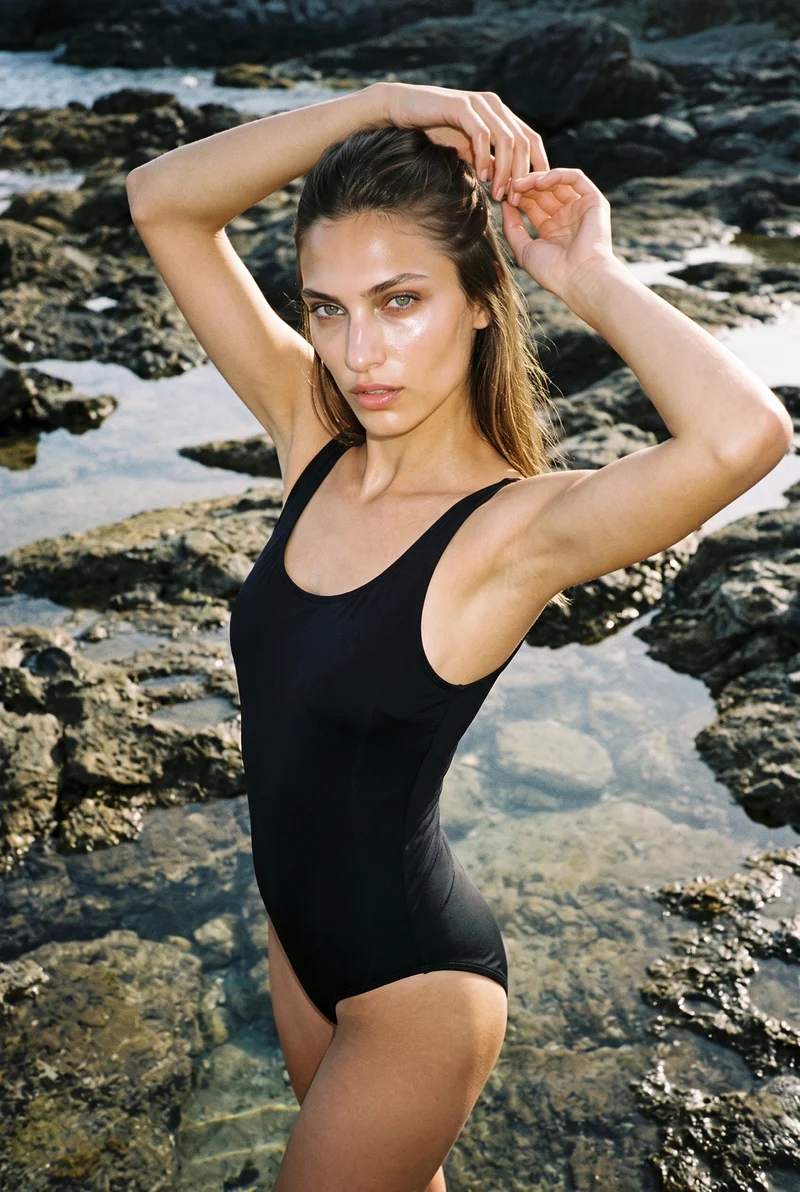
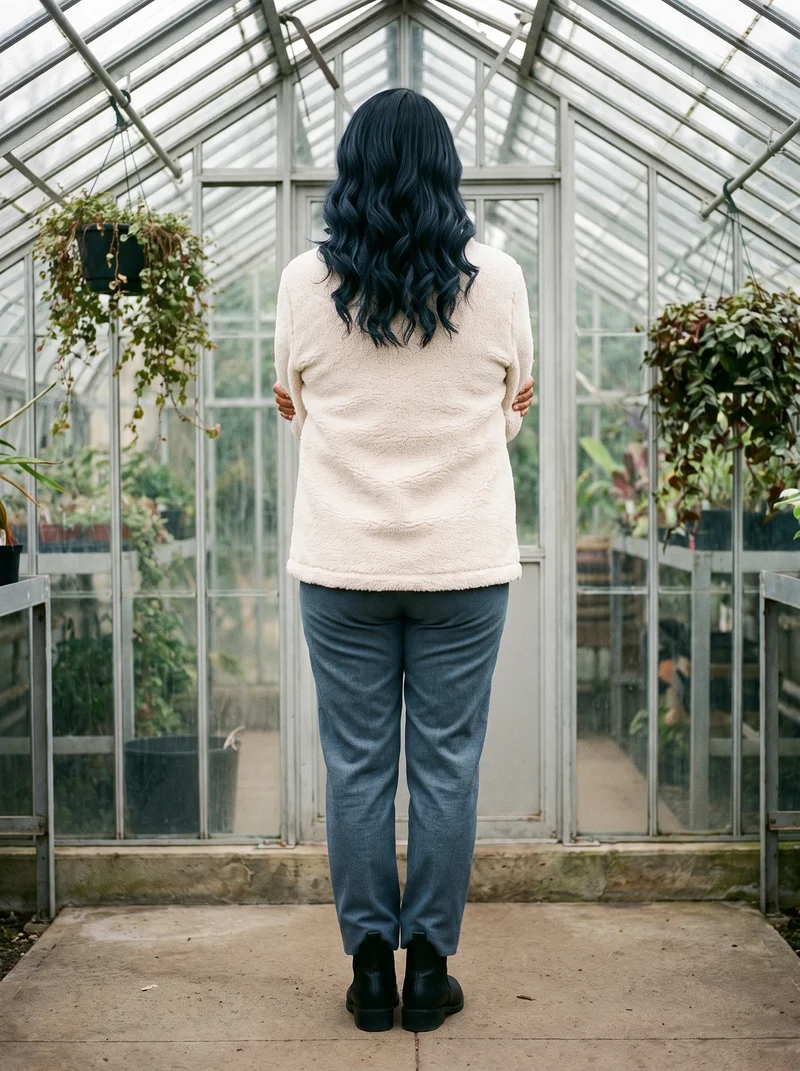
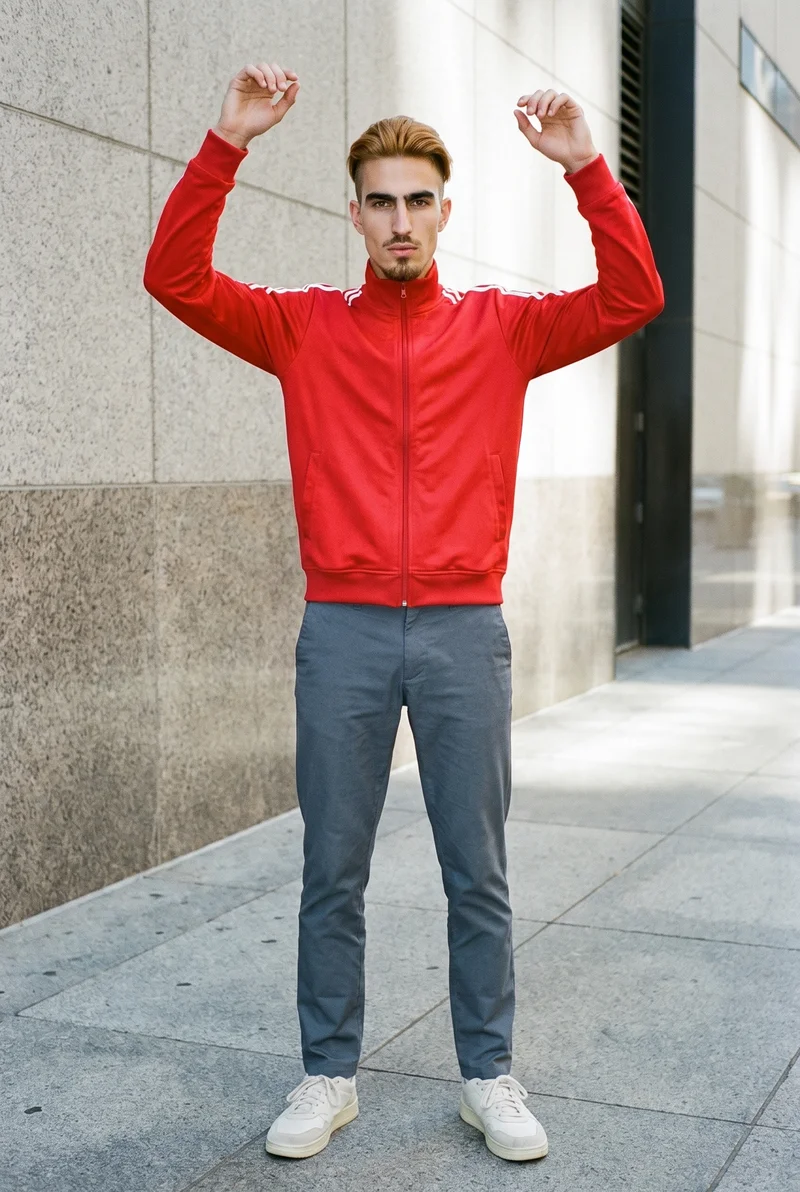
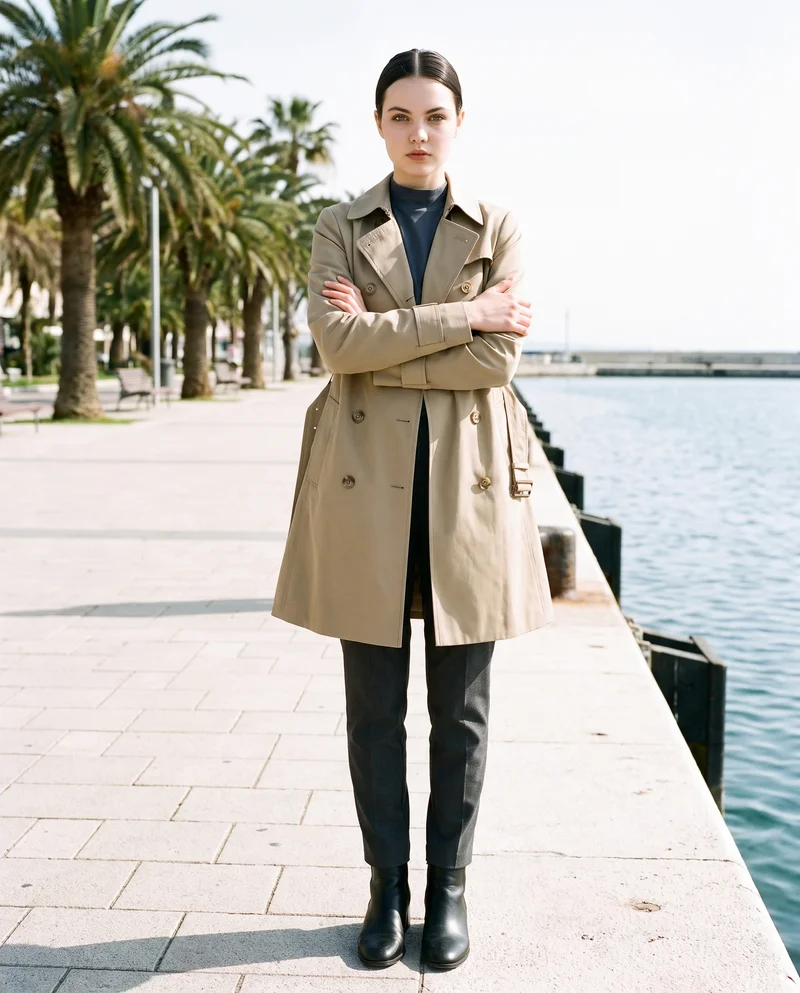
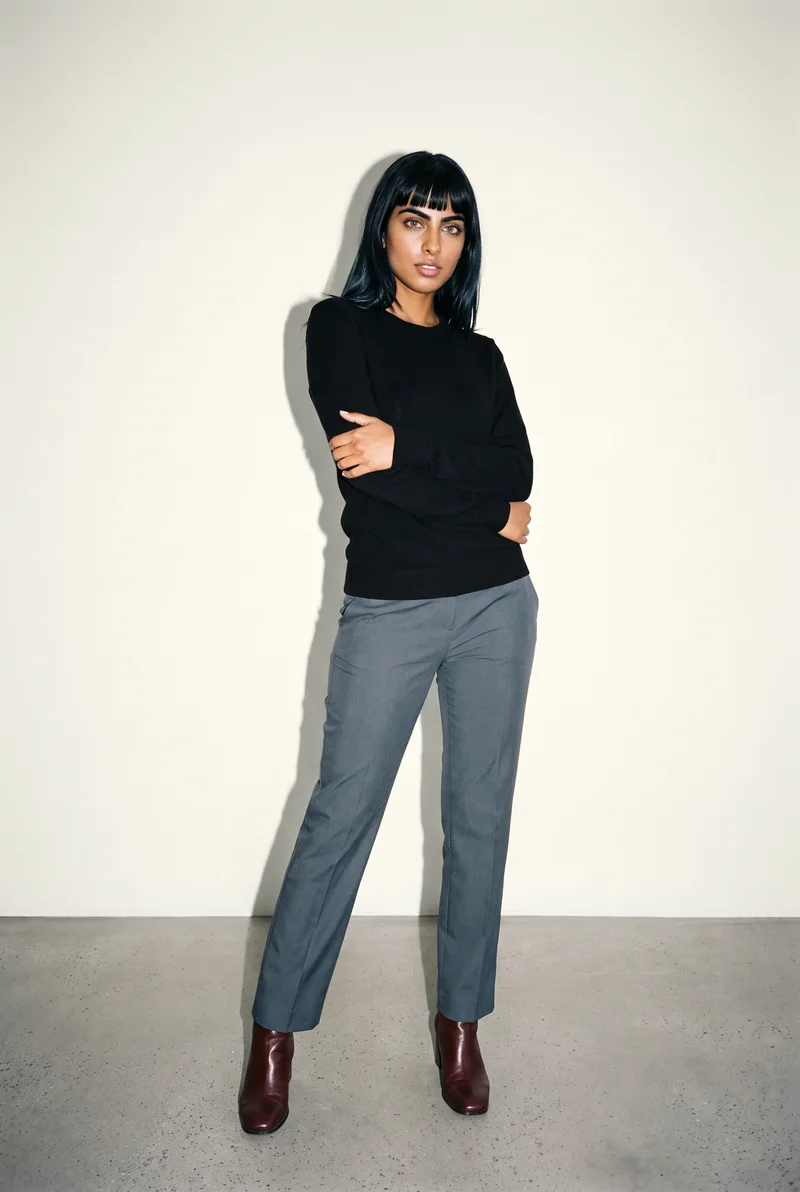
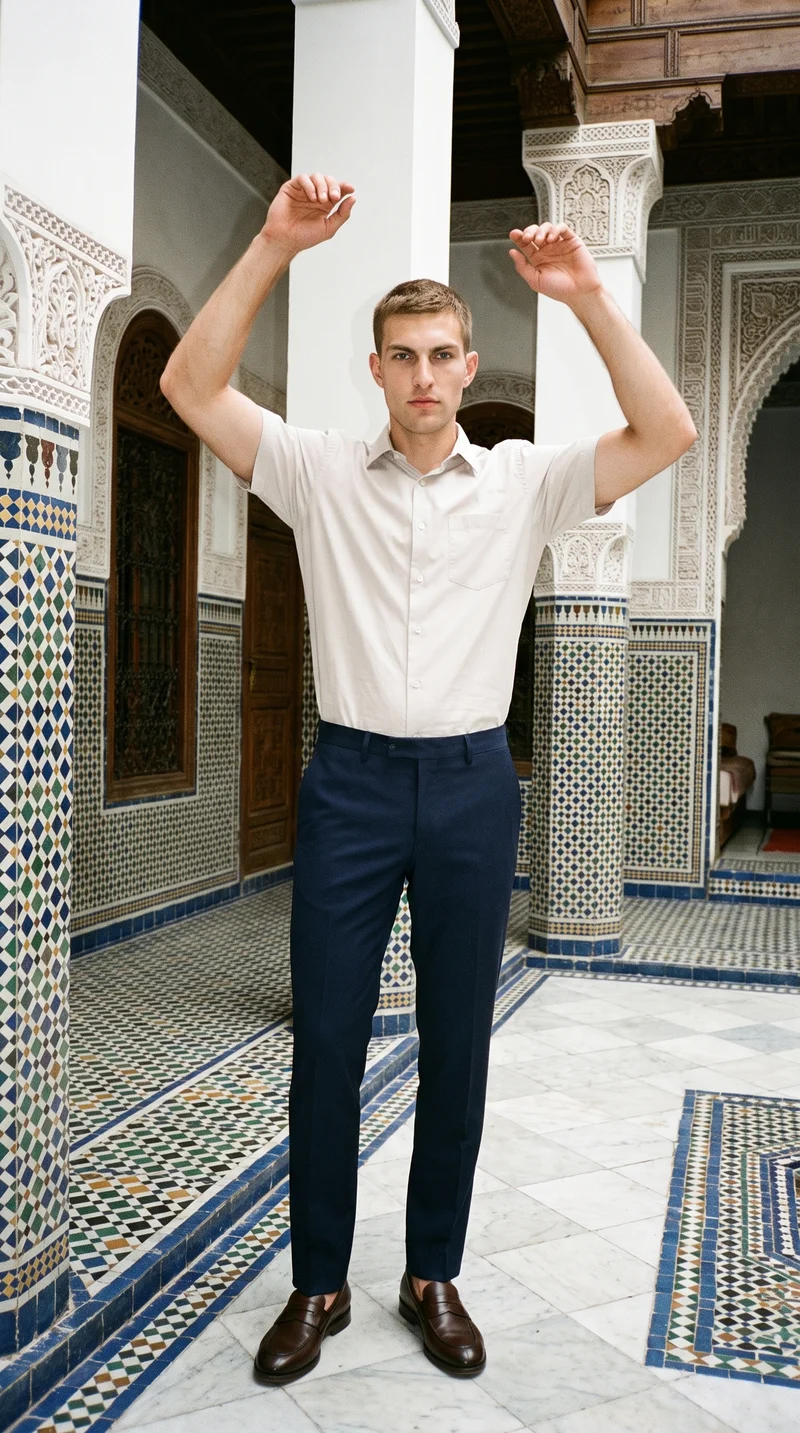
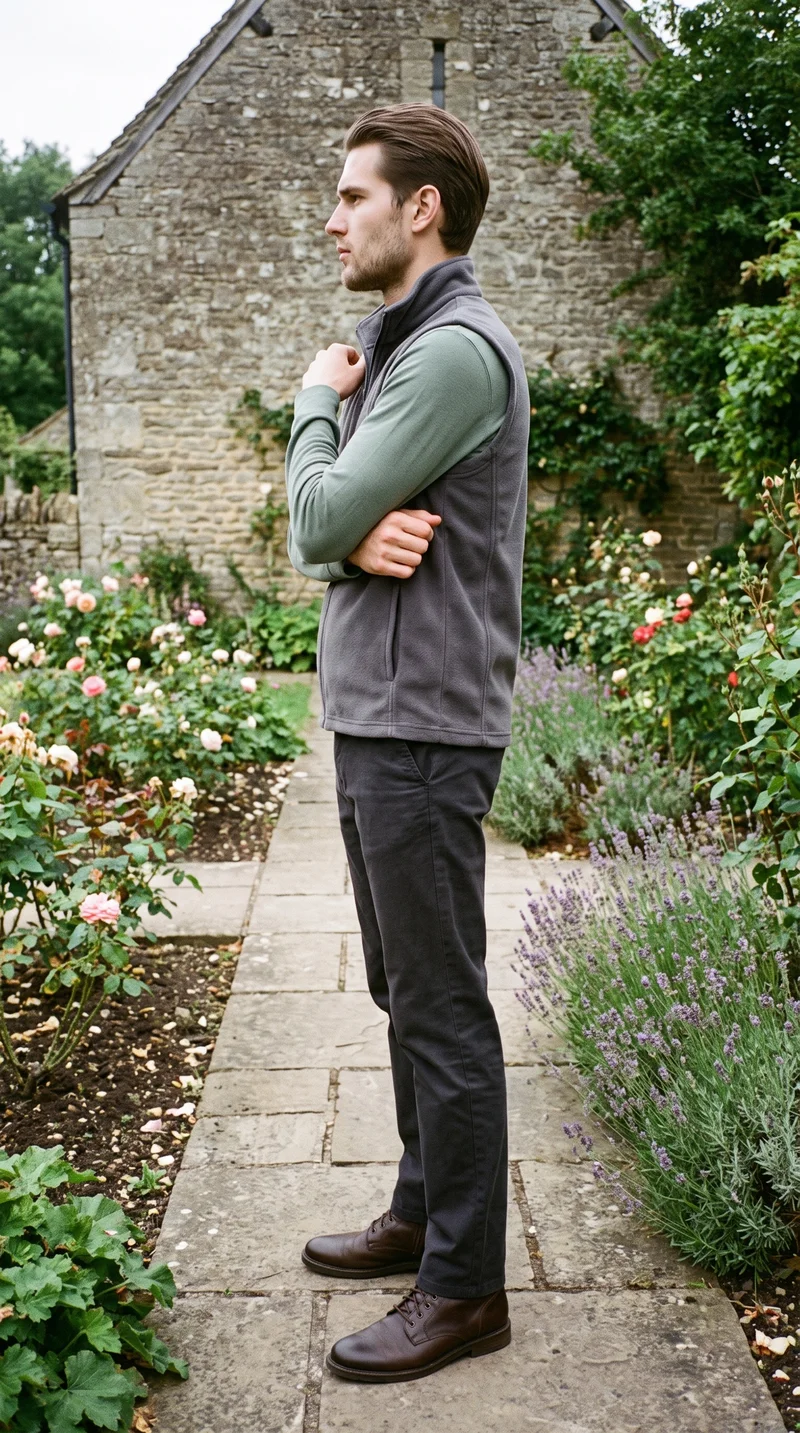
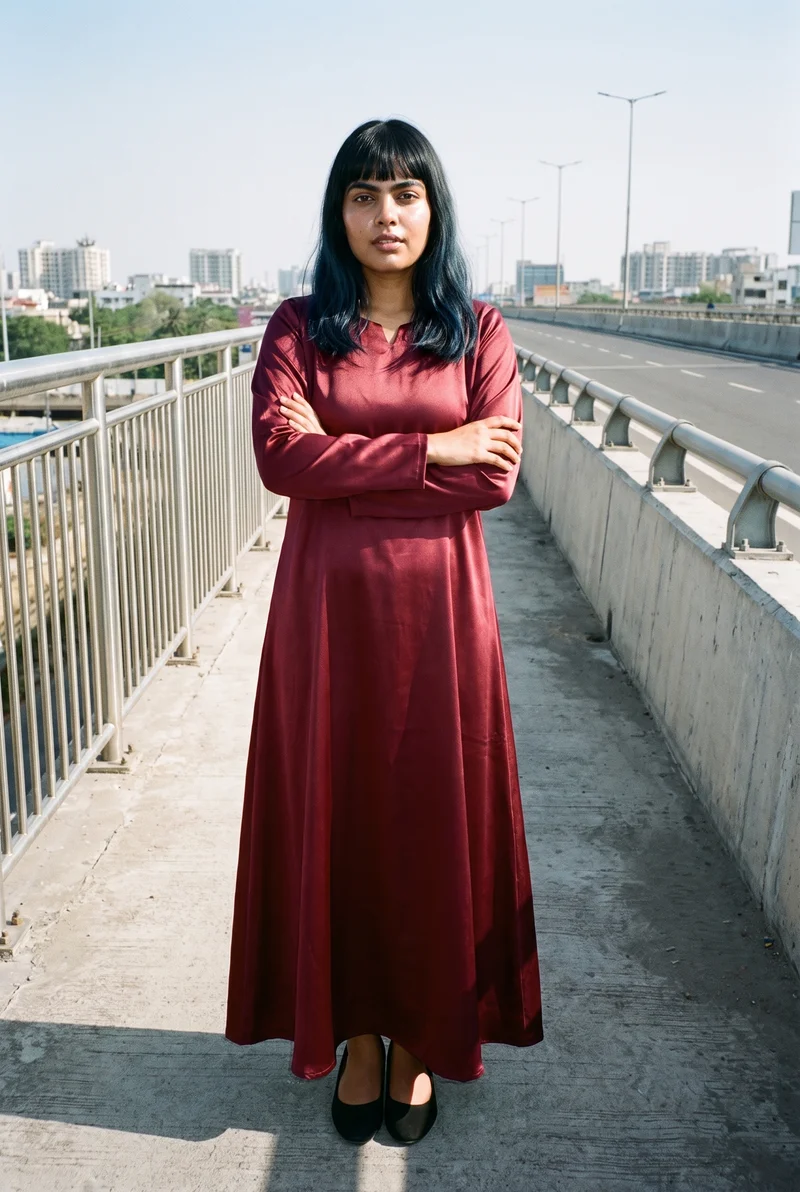
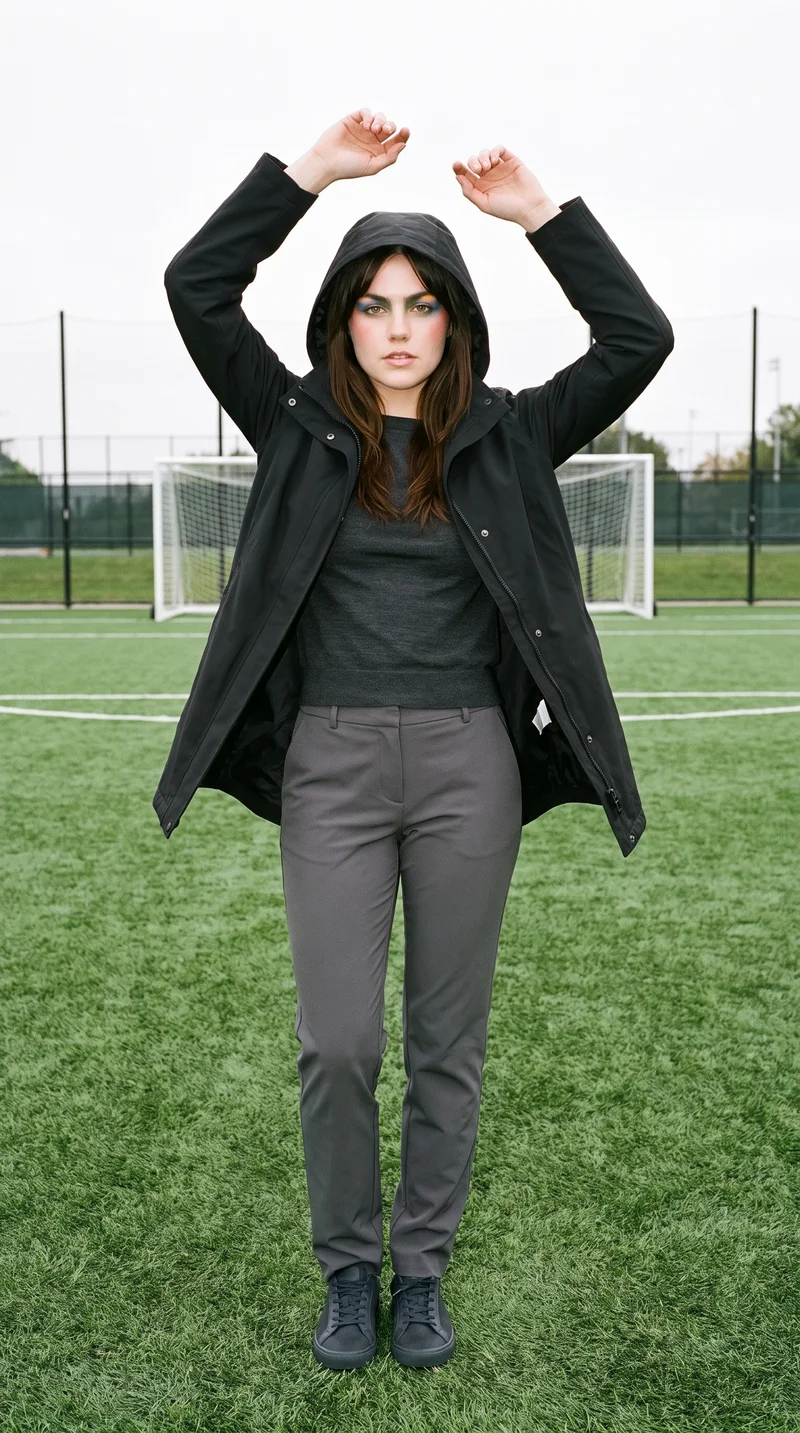
Showing 9 of 125, shot in RAWSHOT
The situation
Campaign directions stay stuck in mood boards.
Campaign directions are often chosen from mood boards before you can see your own product in the composition. You need a campaign pre-visualisation set that makes the model, light, background, frame and pose tangible, while leaving the final creative judgment with you.
In the browser
You pre-visualise and test campaigns before production.
Pre-visualise a campaign before booking it
TodayMood boards assembled from other people's photography.
With RAWSHOTSee the campaign before you book it.
- 1Inspiration Gallery
- 2Real product import
- 3Editable composition controls
Test a direction cheaply
TodayThe direction gets chosen in a meeting and tested on set.
With RAWSHOTTry the direction before you commit the day.
- 1AI shoot suggestions
- 2Photography direction
- 3Frame and pose selection
Get source imagery that isn't the same three approved shots
TodayThe same hero image, re-cropped, forever.
With RAWSHOTNew source images without a new shoot.
- 1Editable gallery looks
- 2Model selection
- 3Background and light controls
Get an image that fits the layout
TodayThe layout gets redesigned around the crop that exists.
With RAWSHOTShoot the frame the layout needs.
- 1Composition frames
- 2Camera views
- 3Aspect-ratio selection
Rawshot Features
Model, light, frame and pose choices shape the route.
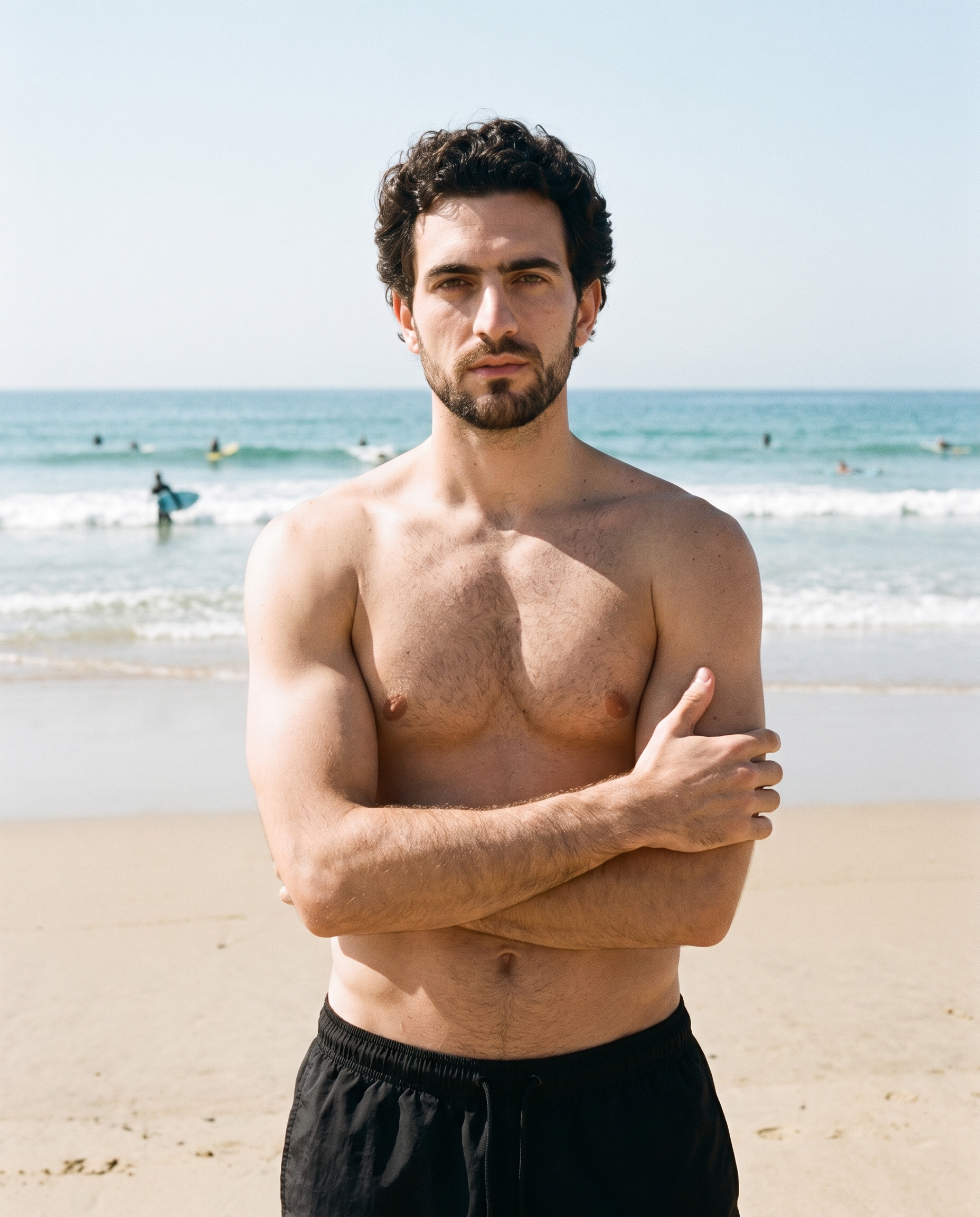
Inspiration gallery
You can begin with an editable finished look when you need to compare a campaign direction before booking production.
Load editable finished looks as fast starting points for new shoots.
See the feature →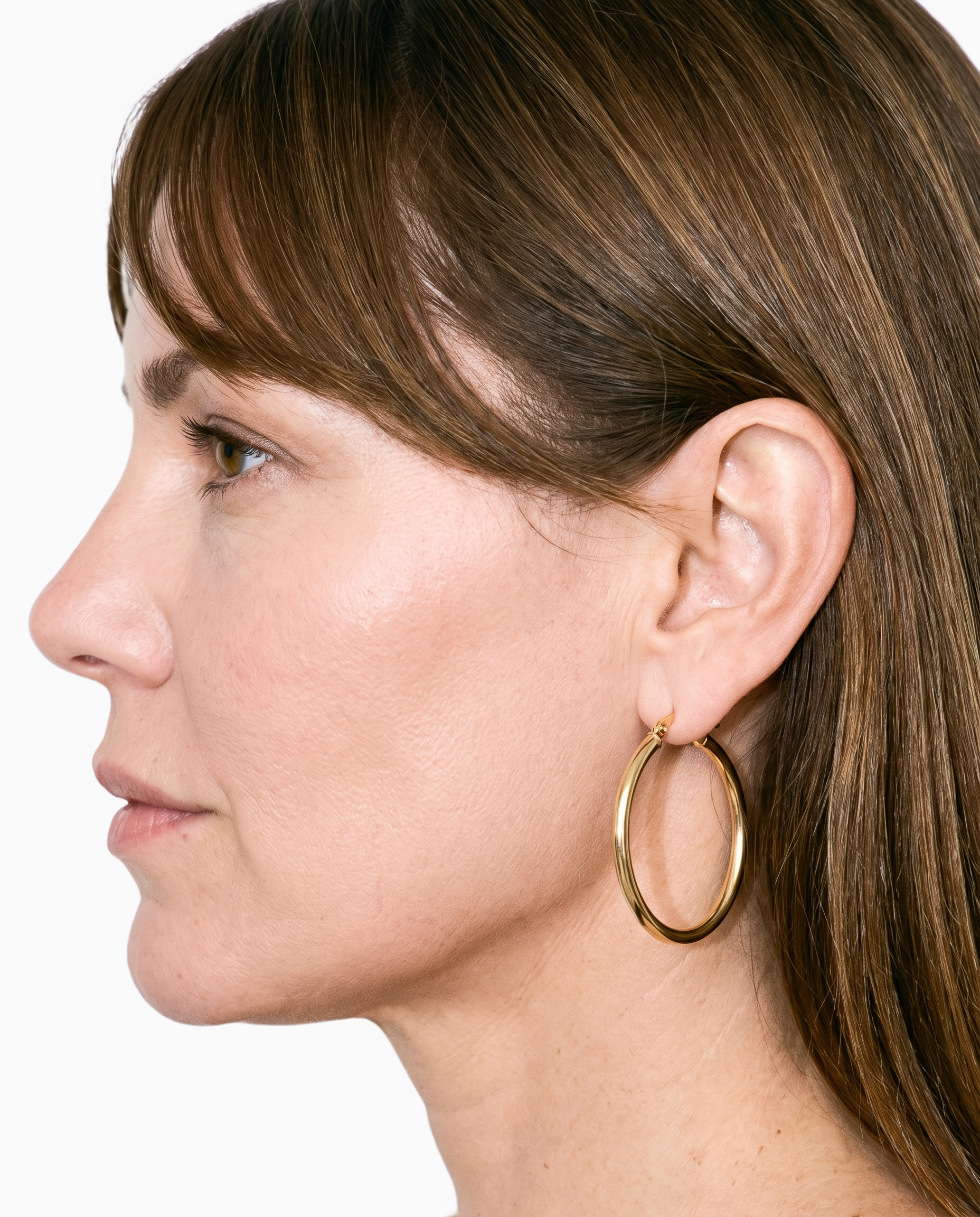
Product import and handling
Keeping your real product at the centre helps you judge whether a proposed campaign composition supports the piece you are selling.
Start from your real item and keep product fidelity while building the scene.
See the feature →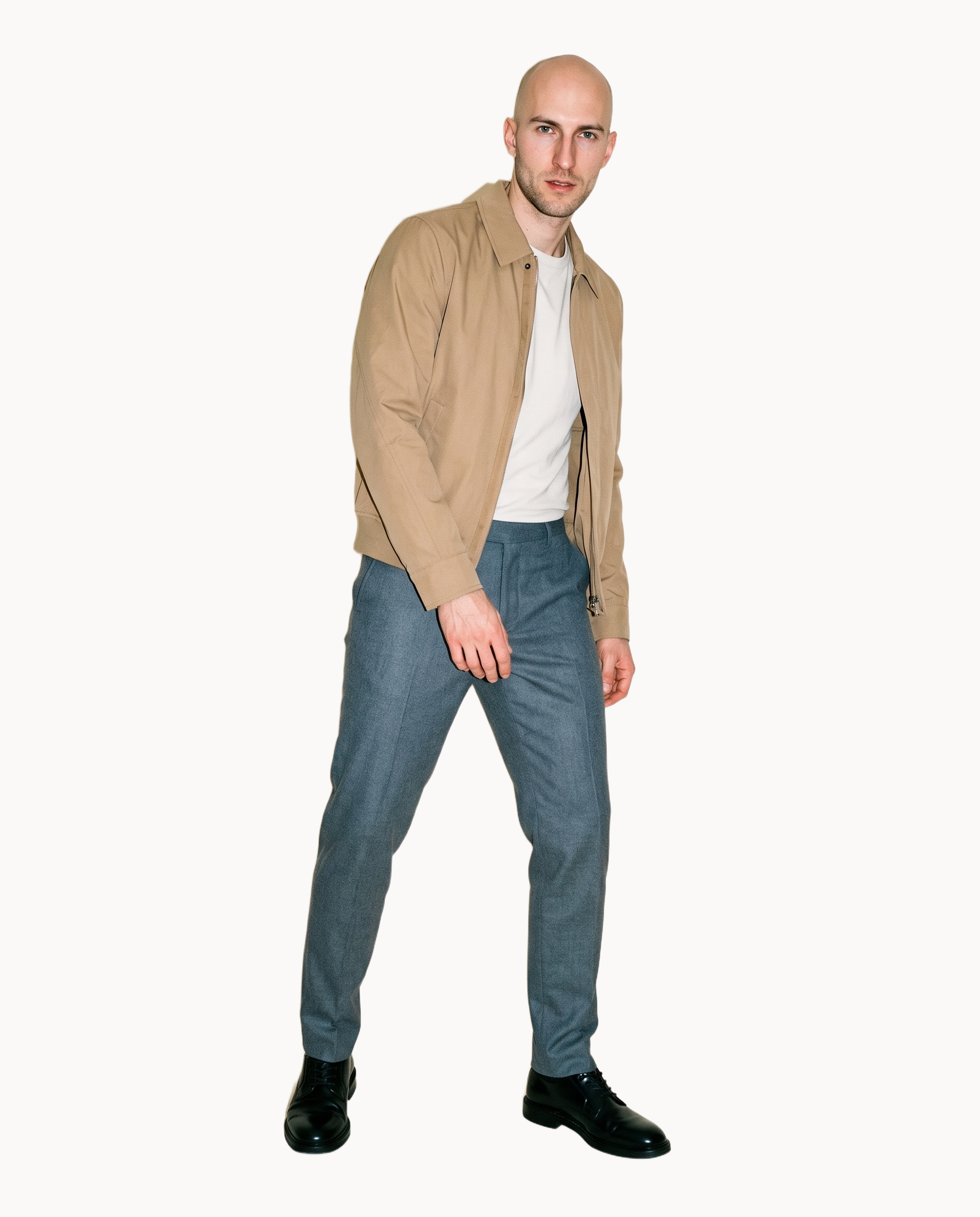
AI suggestions
Suggested composition settings give you a useful starting direction to review and change while testing the campaign route.
Preselected control values you can always override in the same configurator.
See the feature →
AI model generator
Model selection and private model building help you compare campaign references around a consistent visual identity.
Library filters plus private model building for consistent identity across the set.
See the feature →AI image to image generator
Change one decision and keep the rest of the composition stable.
AI image to video generator
17 model actions on a full-body shot · 132 in total
AI makeup generator
Branch-aware named options applied without altering casting or scene setup.
AI outfit generator
Combine the main piece with neutral supporting items in one coherent frame.
AI photo background generator
Swap scene context while keeping model, product, and framing stable.
Fashion model poses
22 poses on a full-body shot · 104 in total
Garment styling
Choose how the garment is worn and keep brand presentation consistent.
Photography direction
4 named choices that set mood and shadow the same way across a shoot.
Gallery
Product views show models, light, backgrounds and poses.
The pictures show real fashion products placed into campaign directions with different models, lighting, backgrounds, frames and poses for you to compare before production.
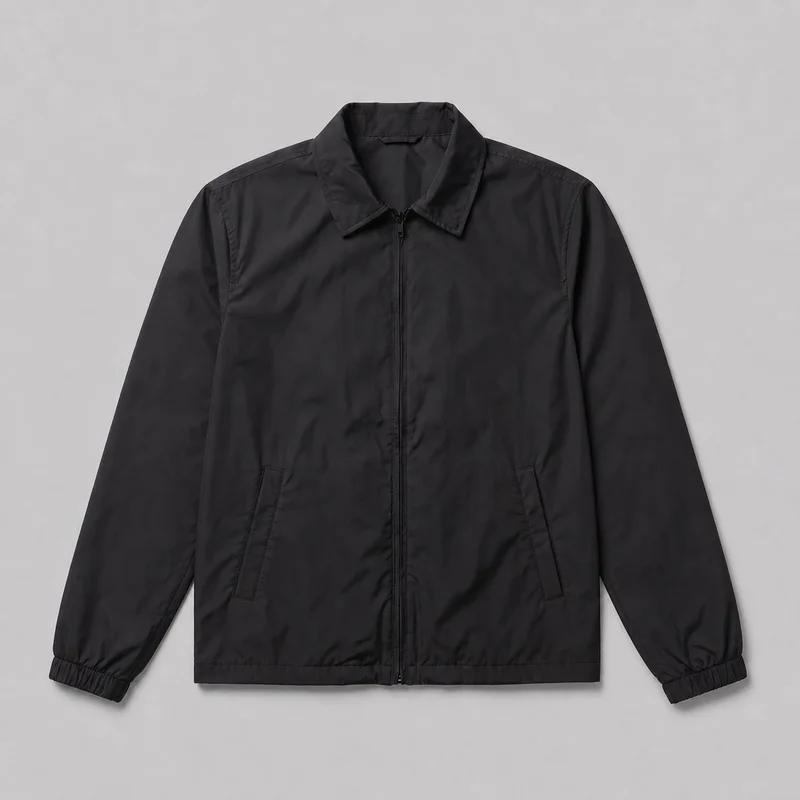 Men's Black Windbreaker
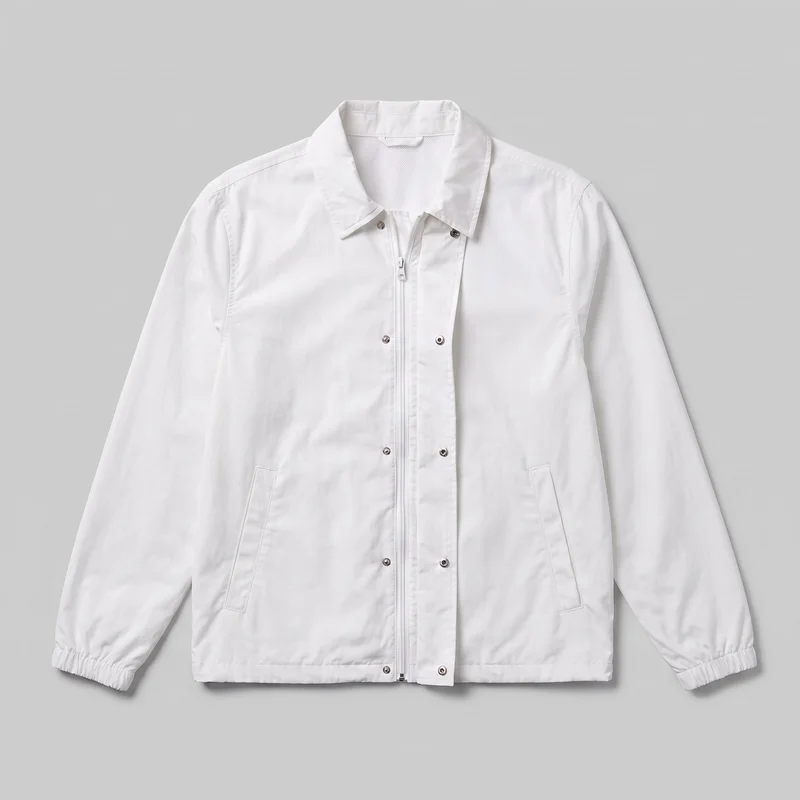 Men's White Windbreaker
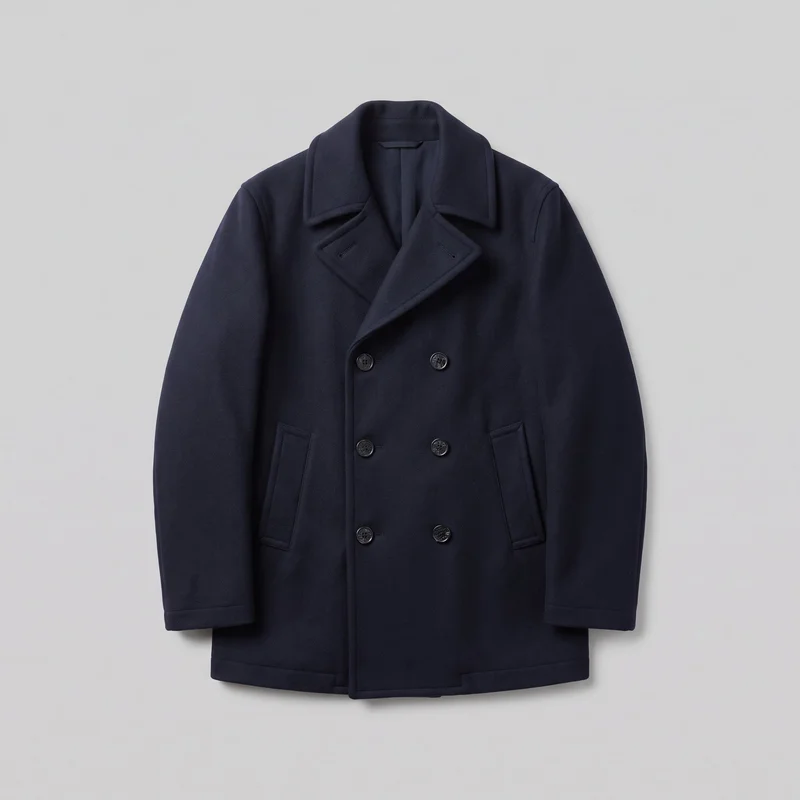 Men's Navy Double-Breasted Wool Coat
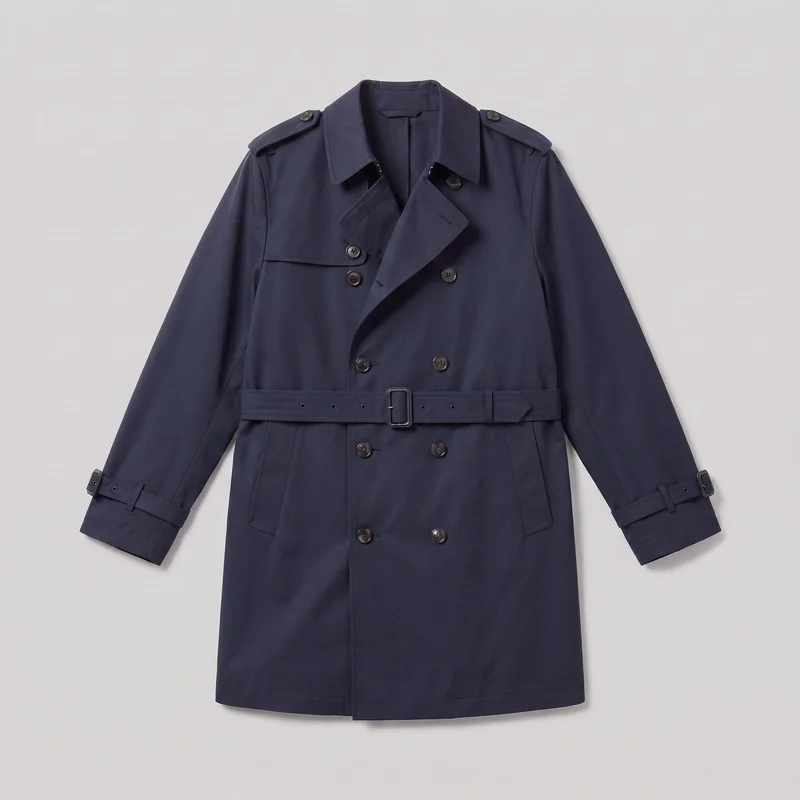 Men's Navy Trench Coat
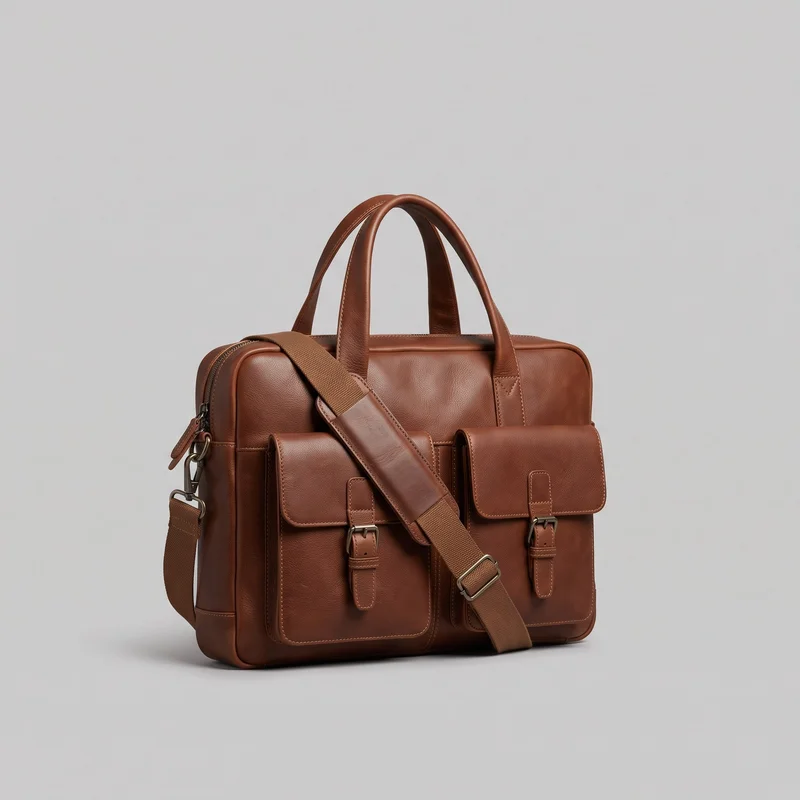 Brown Laptop Messenger Bag
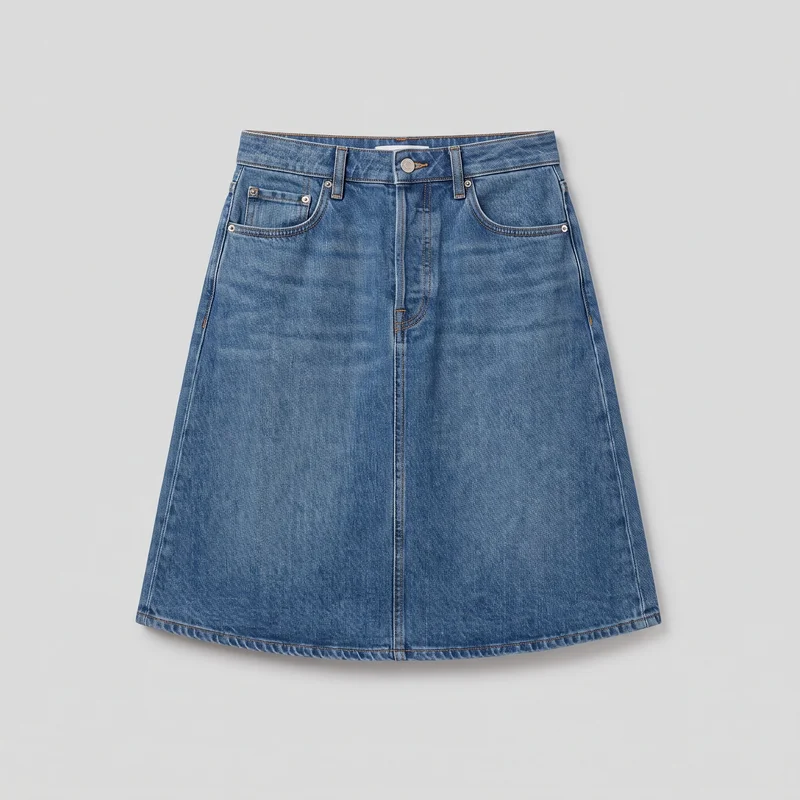 Mid-Wash A-Line Denim Skirt
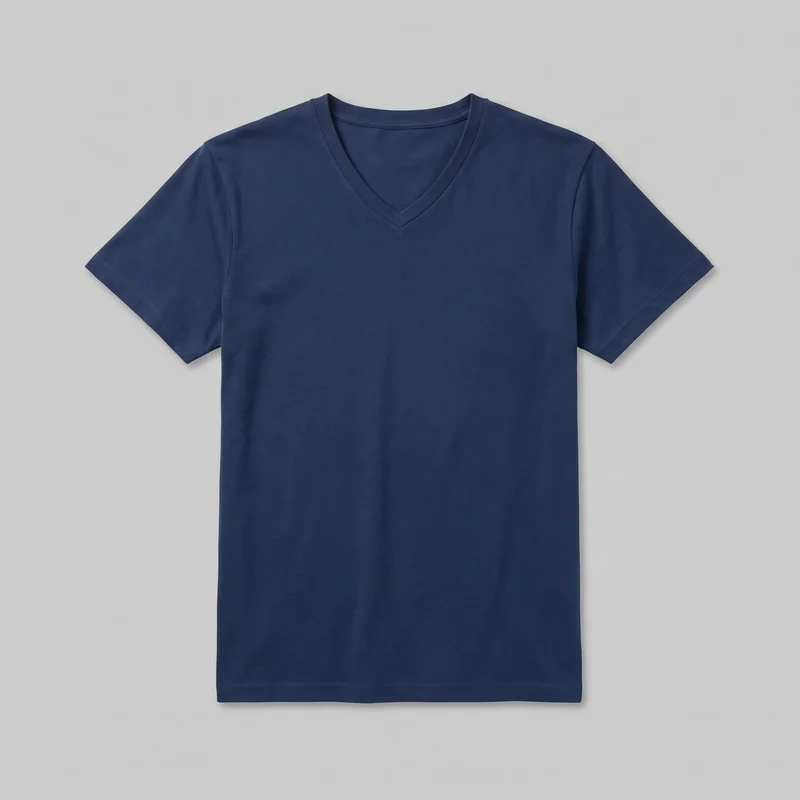 Men's Navy V-Neck T-shirt
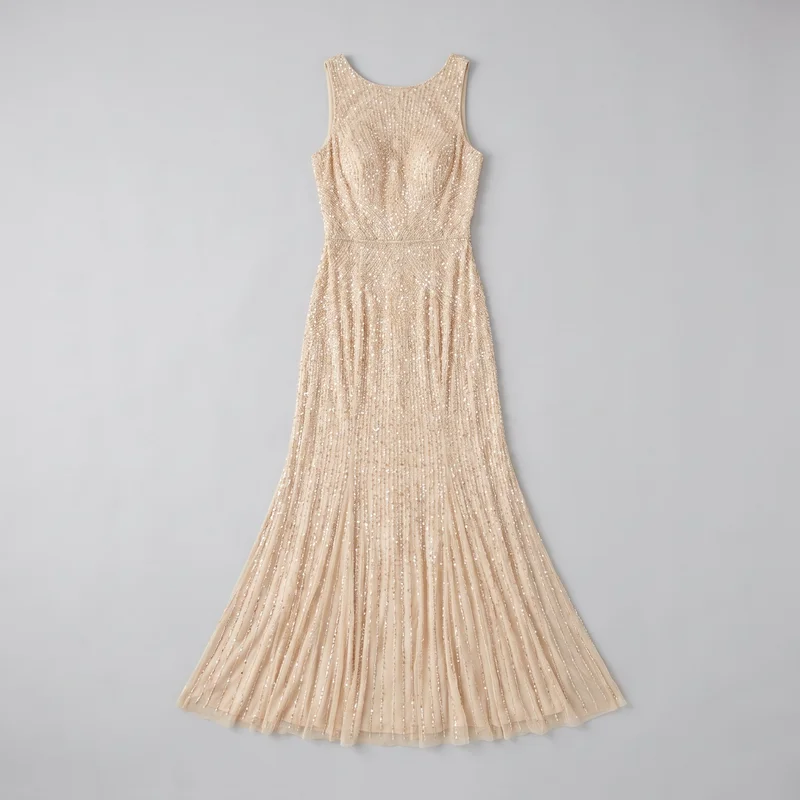 Champagne Beaded Evening Gown
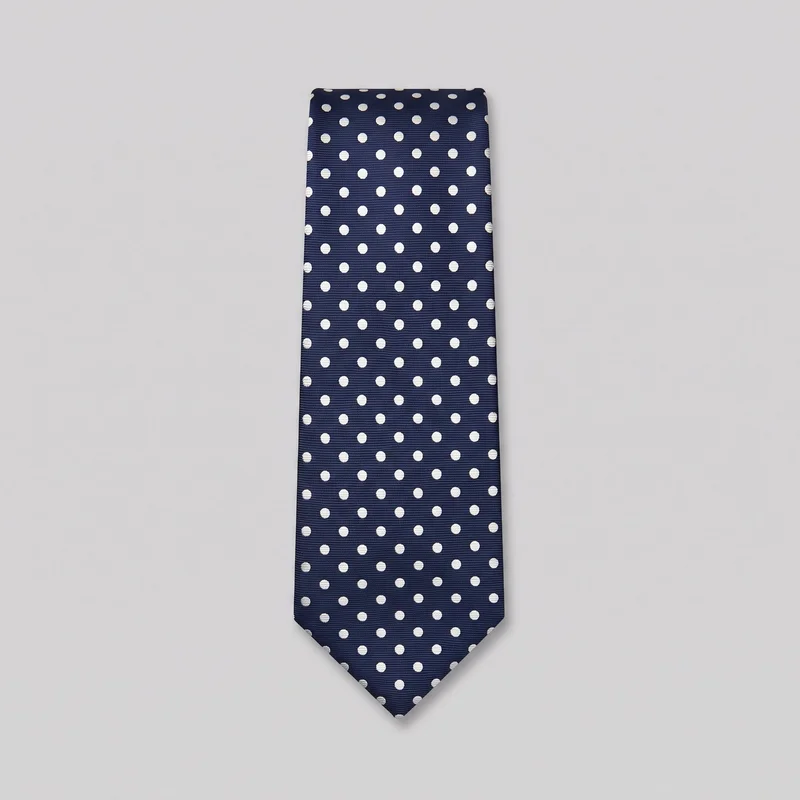 Polka-Dot Tie
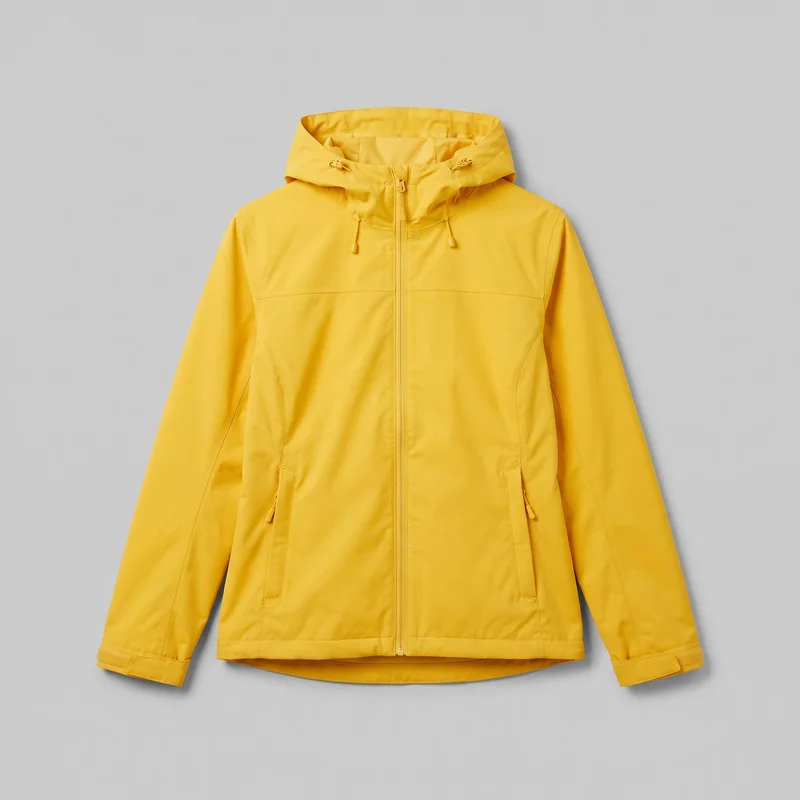 Women's Yellow Waterproof Jacket
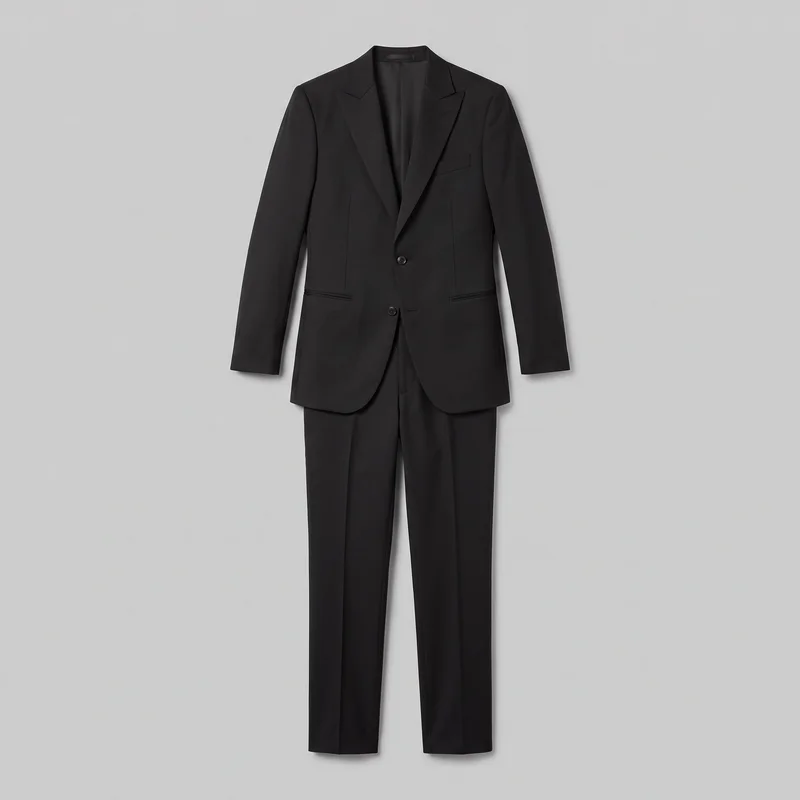 Black Slim-Fit Tuxedo
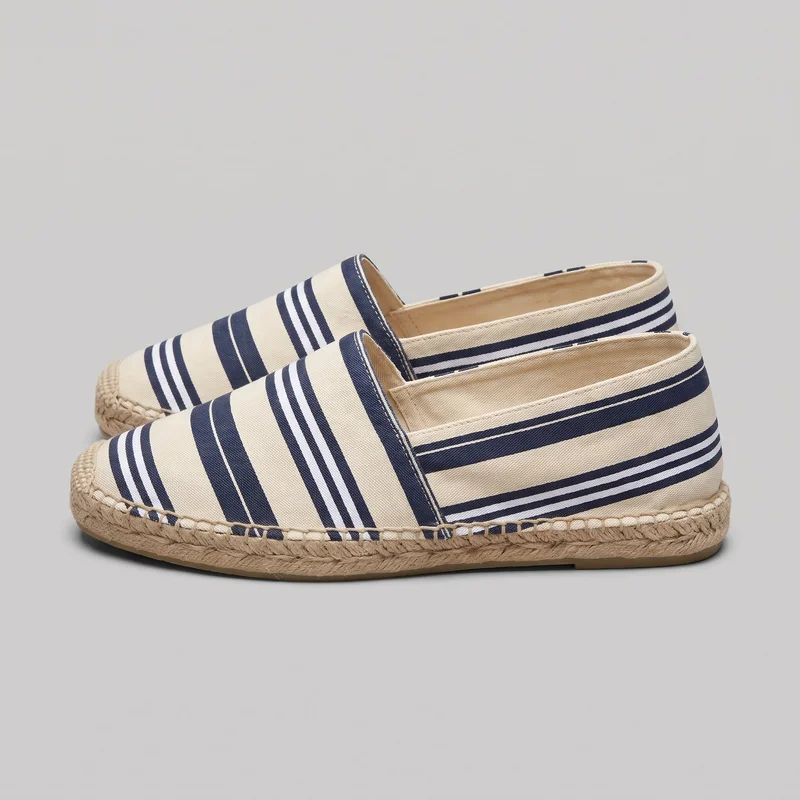 Men's Striped Espadrilles
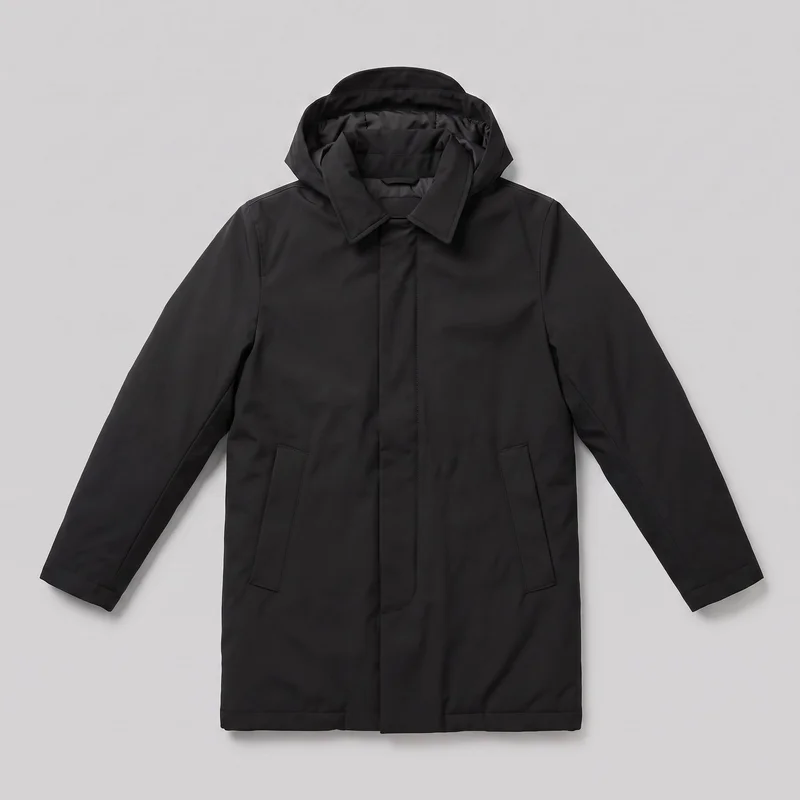 Men's Black Parka
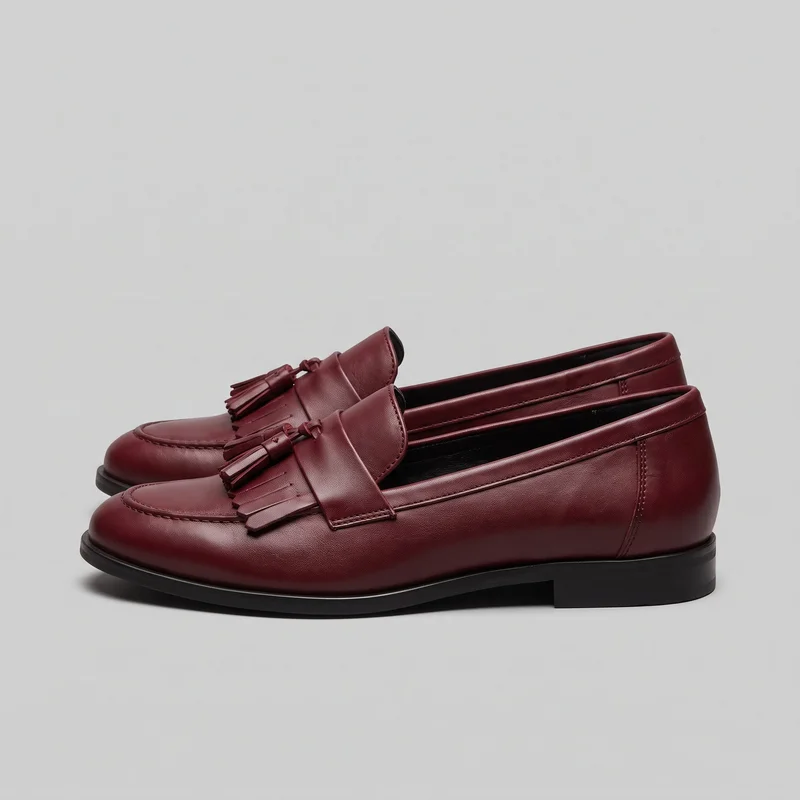 Women's Burgundy Tassel Loafers
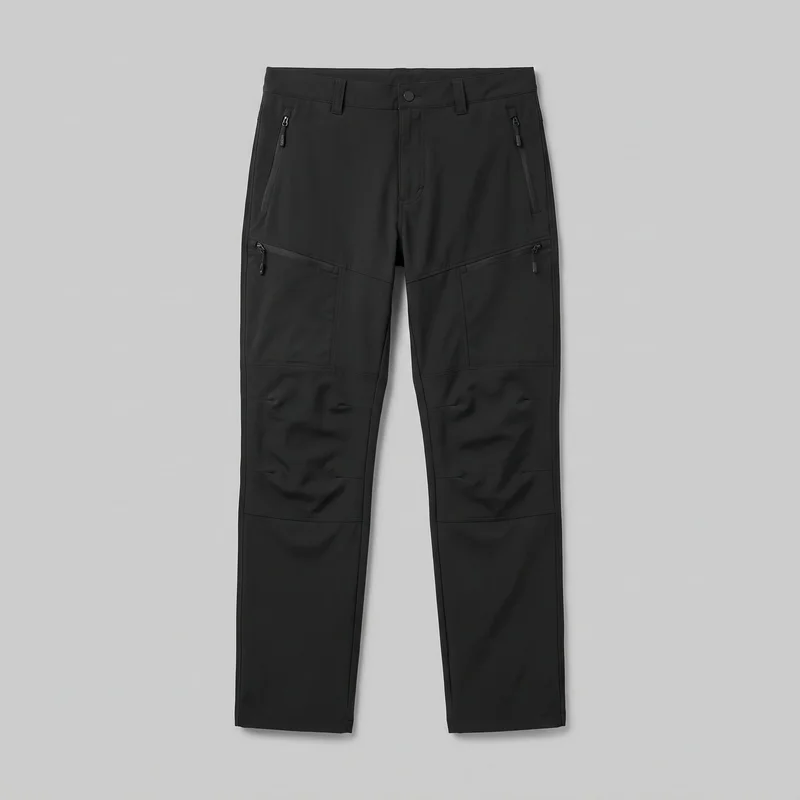 Men's Black Hiking Trousers
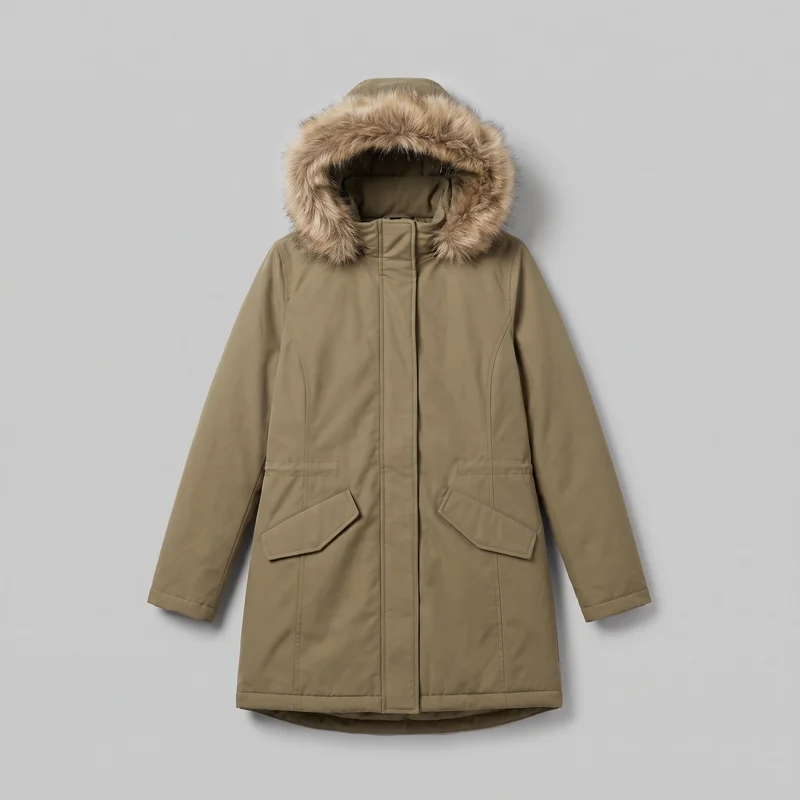 Women's Khaki Fur-Hood Parka
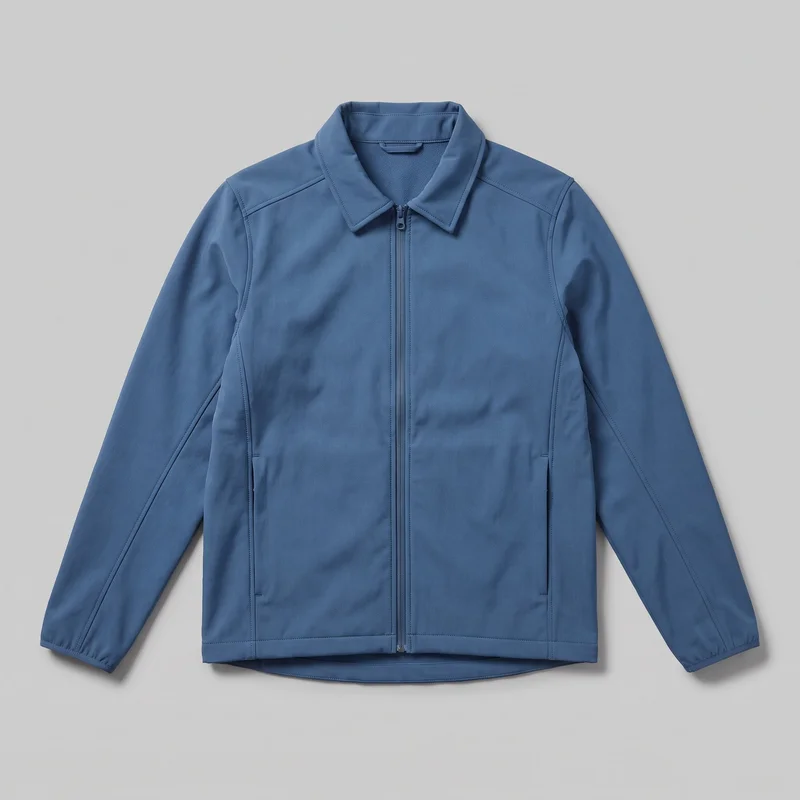 Men's Blue Softshell Jacket
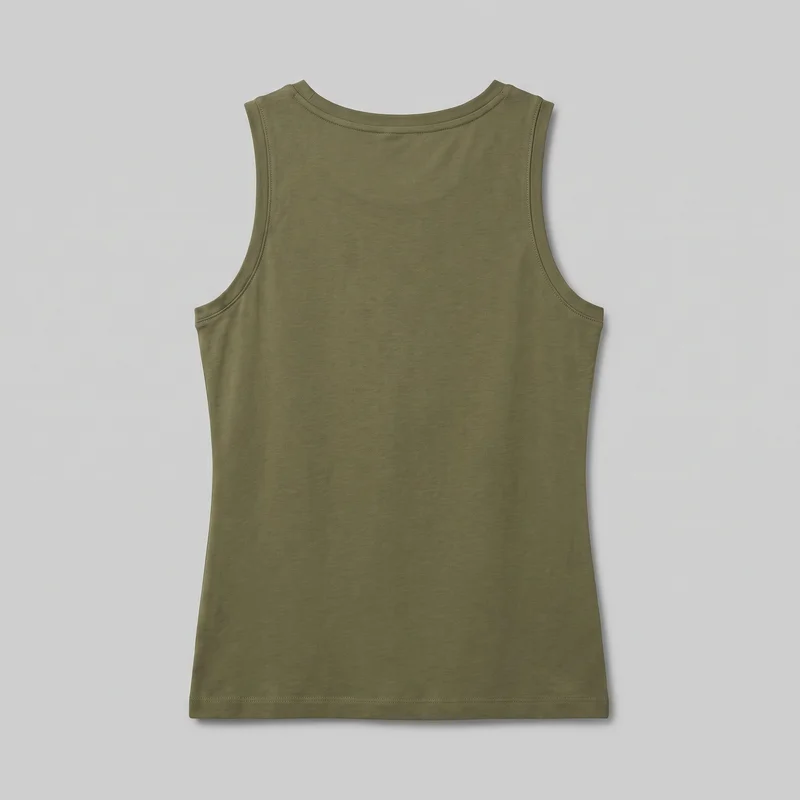 Women's Olive Cotton Tank Top
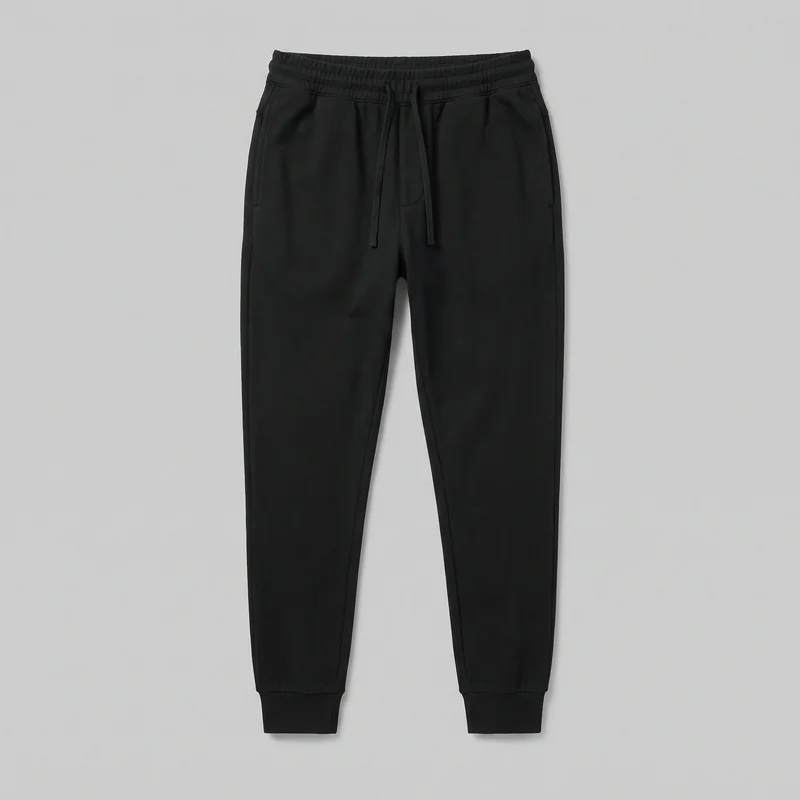 Men's Black Joggers
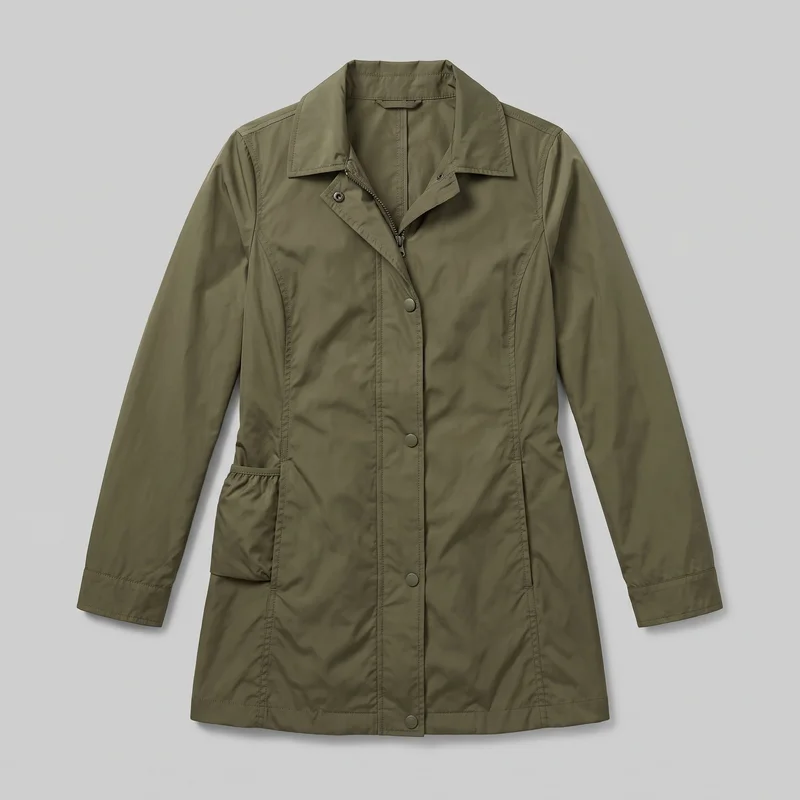 Women's Olive Packable Raincoat
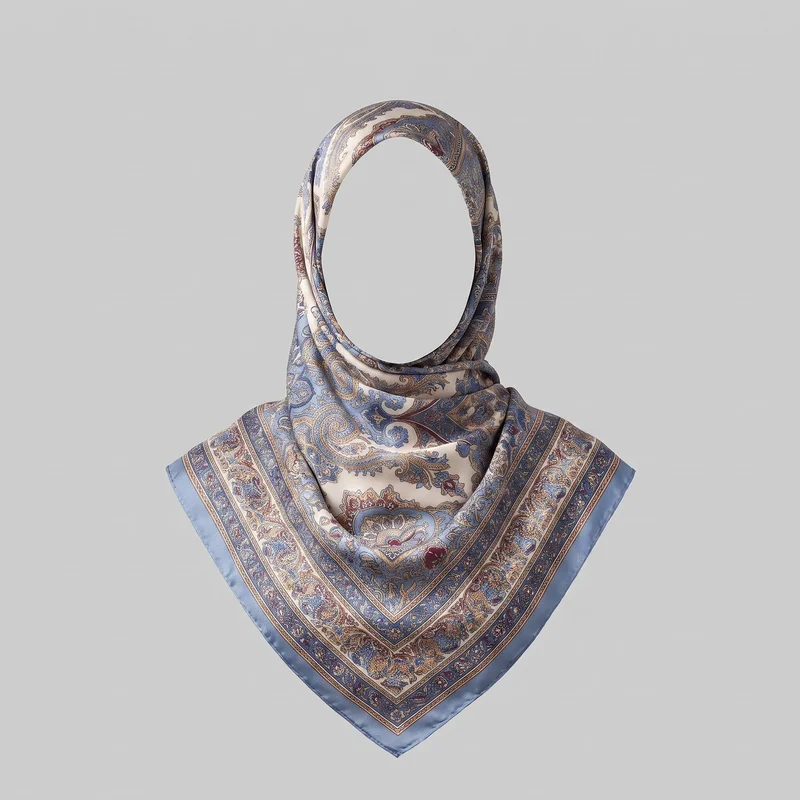 Printed Silk Hijab
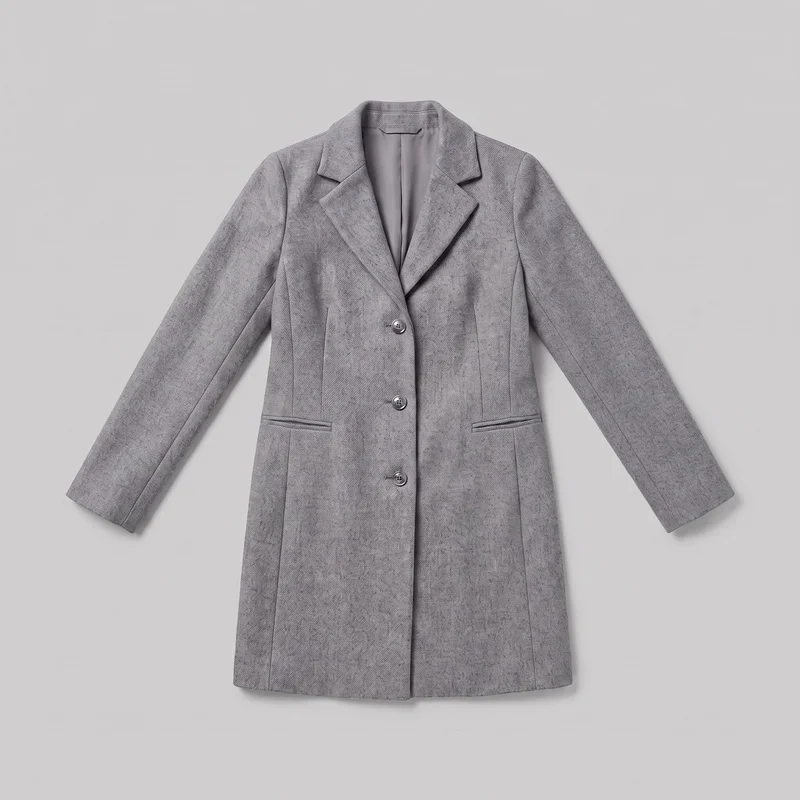 Women's Grey Wool Coat
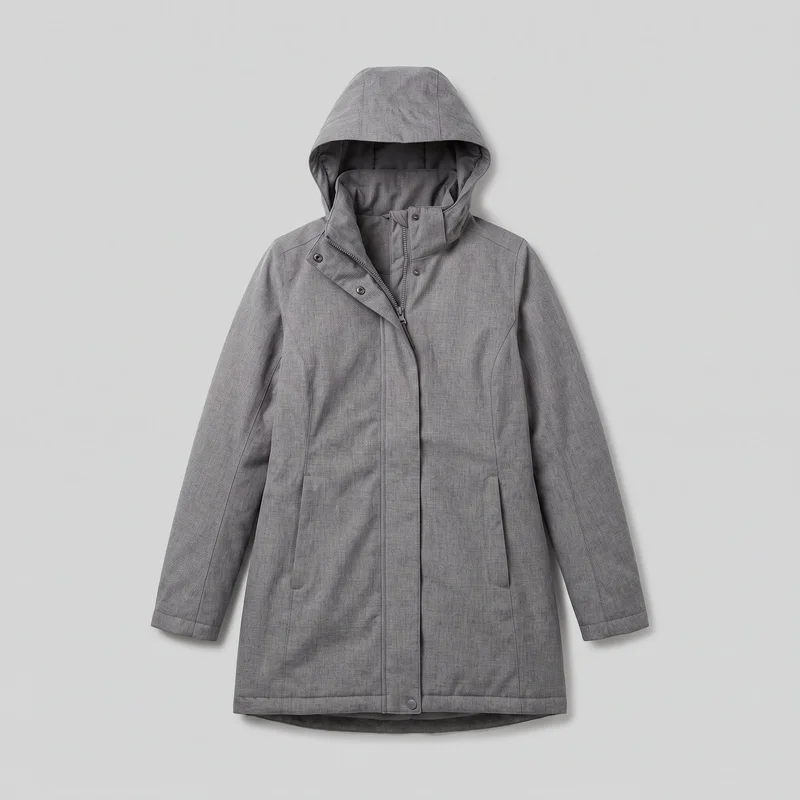 Women's Grey Longline Parka
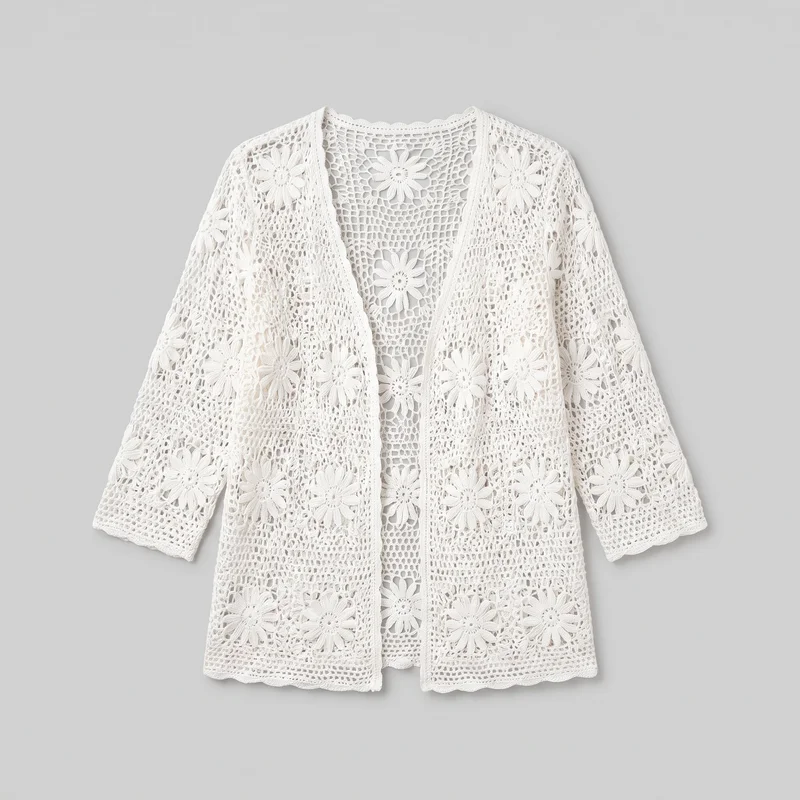 Women's White Crochet Cover-Up
Showing 24 of 125
Who it's for
Is RAWSHOT right for comparing campaign directions?
A good fit
This work fits you when you need to explore campaign directions with recurring products and want a complete comparison set before booking a shoot day. It also fits when you can choose from visible models, lighting, backgrounds, frames and poses, then accept a strong direction rather than refine one image indefinitely.
Teams who get the most from it
- RAWSHOT is a good solution for you as a creative director if you need to compare campaign directions before committing a production day.
- It fits for you as an art director if you choose visible models, lighting, backgrounds, frames and poses to build a direction set around the real product.
- You are well suited as an in-house designer / graphic designer if you need fresh source imagery that gives a banner, email, landing page or deck the frame it needs.
Work it handles well
- You can compare campaign directions before booking the production day.
- You can test a direction with the real product in an on-model composition.
- You can create source imagery that gives your layout a suitable frame instead of relying on the same approved shot.
Outside this scope
Skip this work when your campaign depends on a specific real person, ambassador or exact garment-fit adjustment by instruction. You should also skip it when the image needs an artistic treatment beyond the available accurate image style or when you need to save and reapply a configuration across later shoots.
Teams this is not for
- Skip it if you need a specific real person or ambassador to carry the campaign.
- This is not the right path if you want to refine one hero image through many rounds of free-form edits.
- It is not a fit if you need a stylised or graded treatment beyond the available image style or a configuration reused across later shoots.
Where this stops
- You cannot direct unlimited garment-fit changes such as waist position, leg width or extra fabric at the hem.
- You cannot use a specific real person or ambassador as the model.
- You need to handle artistic grading or treatments beyond the available image style elsewhere.
Rights
You own every image. Every image says what it is.
Yours
- Full commercial rights to every image, permanently.
- No recurring licence fees on any model in the library.
- Every model is a synthetic composite, so there is no real-person likeness.
Labelled
- C2PA content credentials on every image.
- AI-labelled output, meeting EU AI Act Article 50.
EU-hosted, GDPR-compliant handling.
- EU AI Act Article 50
- C2PA
- Full commercial rights
- GDPR
- EU-hosted
Questions
What should you check before a first campaign?
Can creative directors use RAWSHOT to pre-visualise a fashion campaign before booking a studio shoot?
You can use RAWSHOT to compare campaign directions with your real product before booking a production day. You choose visible models, lighting, backgrounds, camera views, frames and poses to make a proposed route tangible. This helps you judge whether the product, styling and composition support the campaign idea. You can bring a stronger visual direction into planning while keeping the final creative decision with your team.
What can creative directors use RAWSHOT for when shaping campaign imagery across launch channels?
You can use RAWSHOT for campaign pre-visualisation, direction testing, source imagery and layout-led image development across landing pages, banners, emails, social placements and creative decks. You can import the real product, select a model and build alternative compositions around it. This gives you campaign material to assess before committing the studio, crew and production day.
Which crops and aspect ratios can creative directors produce with RAWSHOT for campaign layouts?
You can produce portrait 4:5 crops, vertical 9:16 frames and layout-led compositions with RAWSHOT. You can select the camera view, framing and aspect ratio around the destination rather than forcing every placement to use the same approved image. This supports campaign development for landing pages, banners, email headers, social placements and presentation decks while keeping the real product central to the frame.
What can creative directors start with in RAWSHOT when the production day has not been booked?
You can start with a product photo, flat-lay, mockup or technical sketch in RAWSHOT before a production day is booked. From that input, you can explore model choice, outfit context, lighting, background, camera view, pose and composition. The resulting direction set helps you compare a campaign route with the actual product instead of relying only on mood boards assembled from unrelated photography.
How is RAWSHOT different from a studio shoot for creative directors testing campaign directions?
RAWSHOT lets you test campaign directions with a real product before you assemble a studio crew and commit the shoot day. A studio shoot gives you live control and final production capture, while RAWSHOT gives you an exploratory comparison set built from selectable model, light, background, frame and pose choices. You can use that visual evidence to narrow the route and prepare a more purposeful shoot brief.
Can creative directors keep a collection visually consistent across campaign directions in RAWSHOT?
You can keep a collection visually coherent by repeating the same model character, outfit logic, lighting direction, background treatment and camera viewpoint across your selected imagery. Use the real product in each composition and review the results together rather than judging isolated images. This supports a recognisable campaign direction, although each result still needs your review for product detail, styling and overall creative fit.
What are RAWSHOT's limits for creative directors directing a campaign before production?
You cannot use RAWSHOT to direct a named ambassador, reproduce a particular real person, or specify every garment-fit adjustment. You also need to review suggested imagery rather than treating every result as final, because product context affects accuracy. Artistic grading outside the available image style must happen elsewhere, and you cannot preserve a complete setup for automatic reuse on later shoots.
Can creative directors use RAWSHOT images in campaign planning and commercial creative work?
You get full commercial rights to every image, permanently, with no recurring licence fee. Every image carries C2PA content credentials and is labelled as AI-generated.
Get started
Start shaping the campaign before production.
Start with a 7-day free trial including 50 tokens, then move to the plan that matches your production volume.