
Manufacturers
RAWSHOT for manufacturers
You present each range before samples arrive.
You prepare fashion ranges for buyers before every sample is ready, working from technical sketches, flat-lays and product references. RAWSHOT helps you turn those inputs into on-model pitch images with a consistent model, light and crop across the range.
7-day free trial • 50 tokens (10 images) • Cancel anytime
A 2K image in roughly 35 seconds · AI-labelled with C2PA content credentials
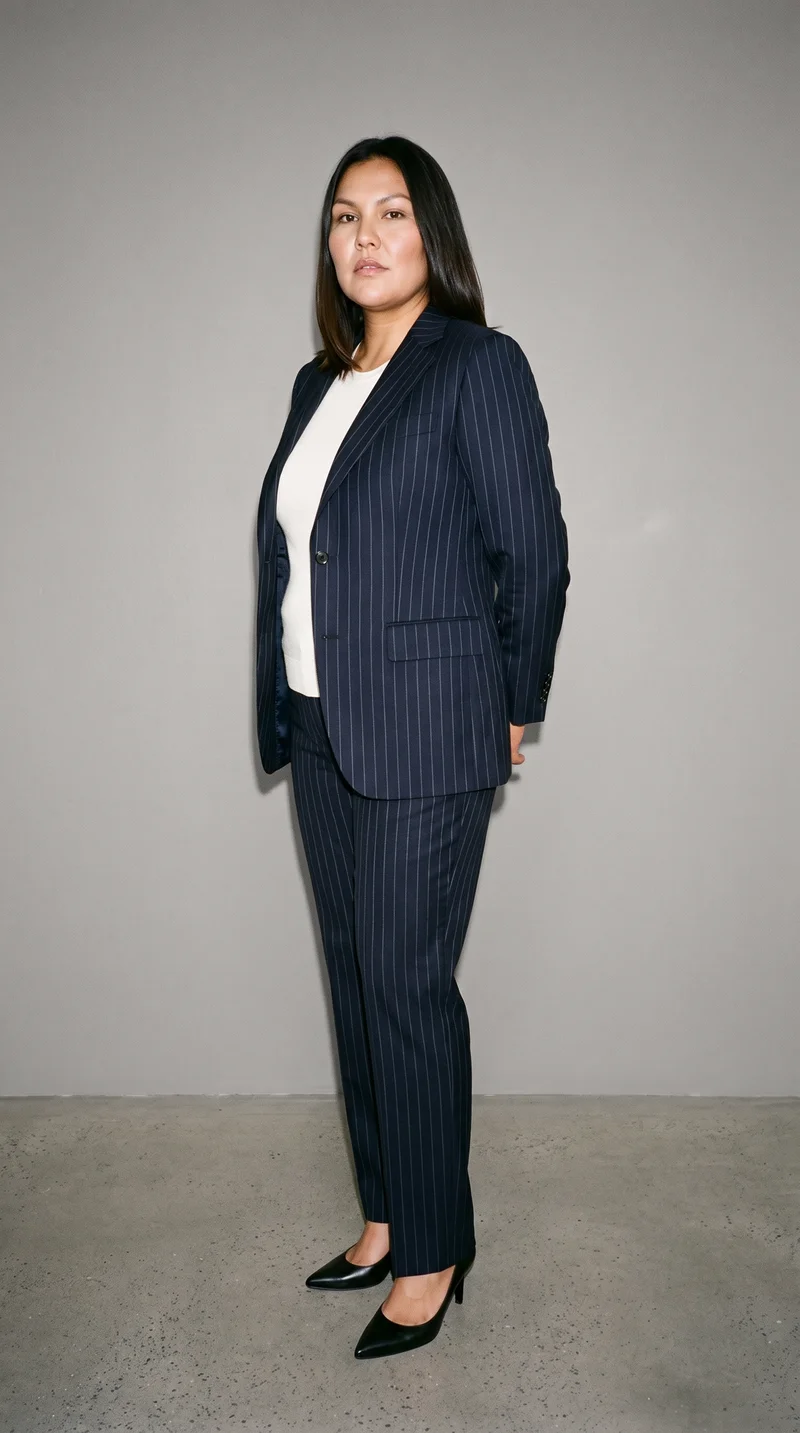
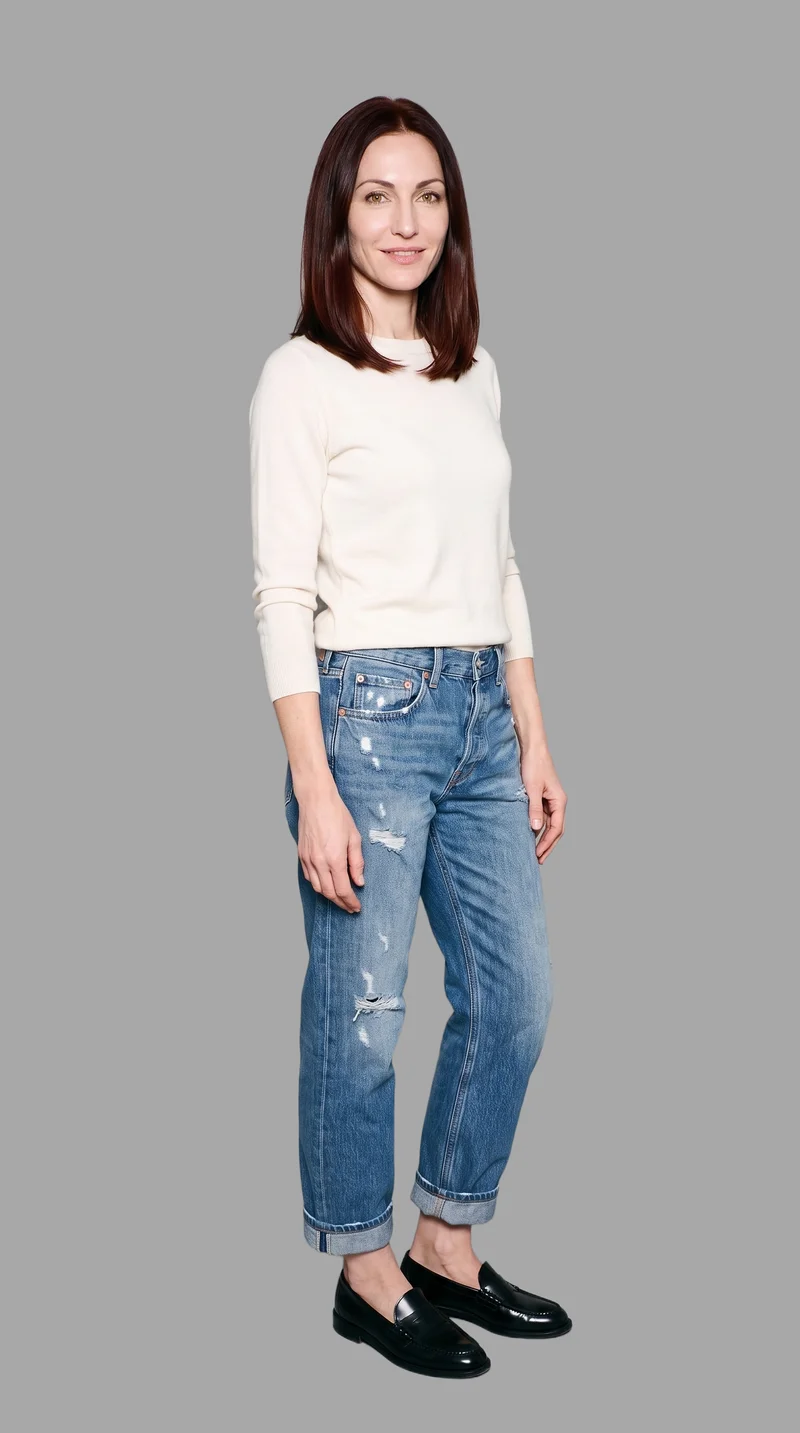
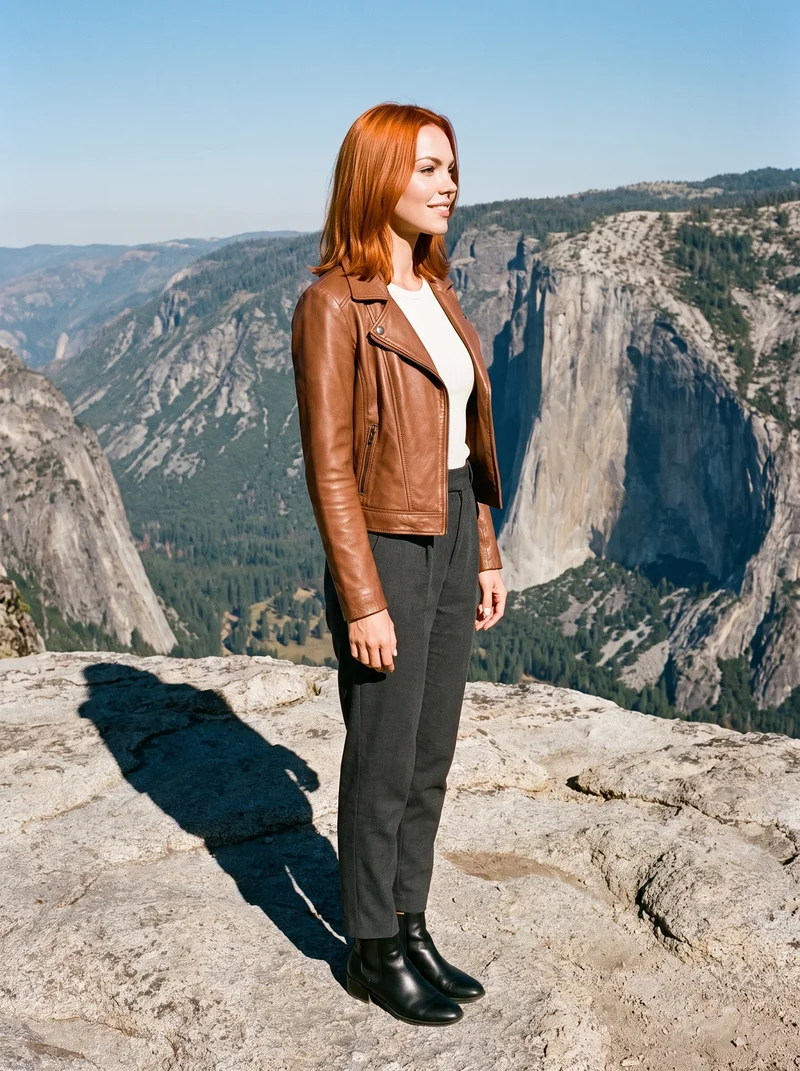
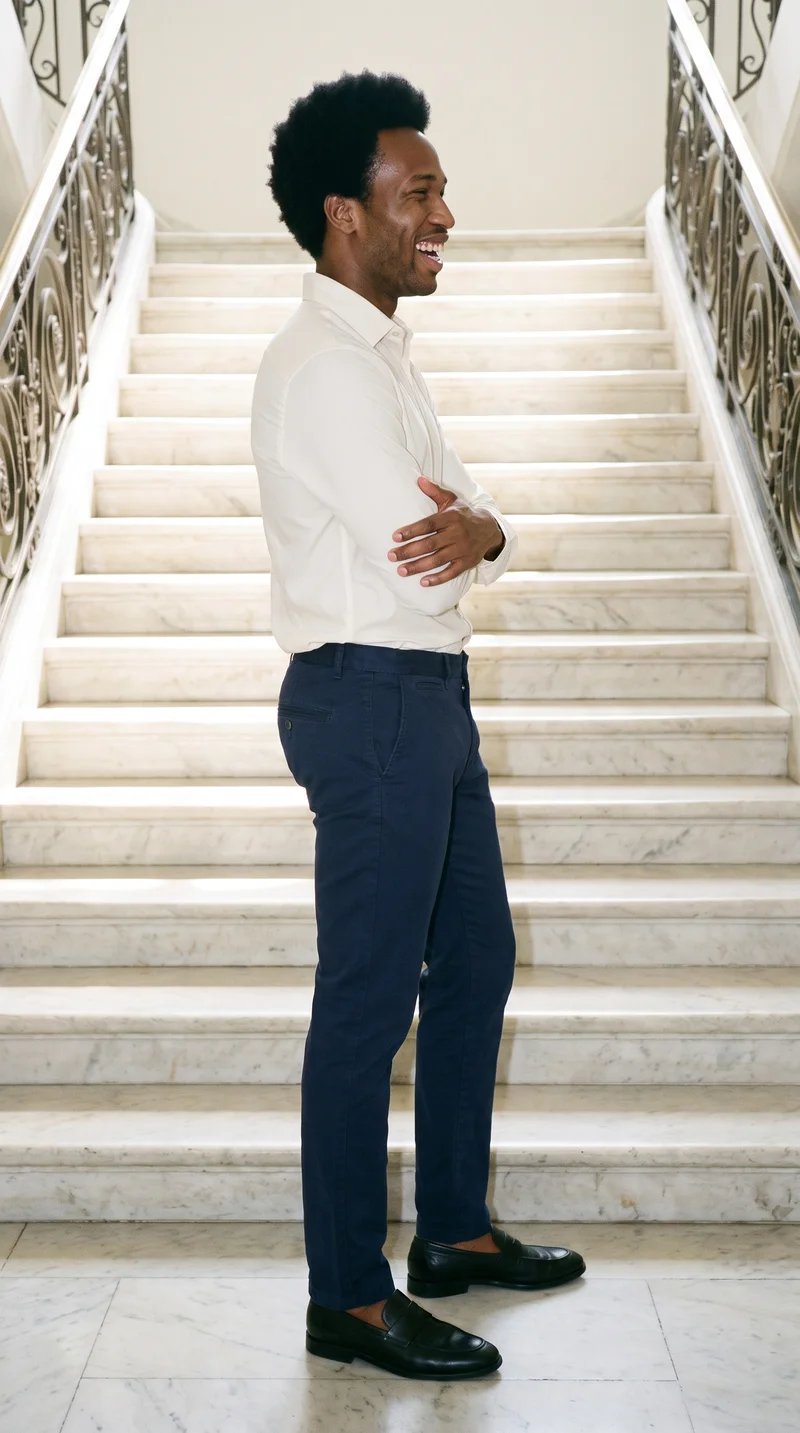
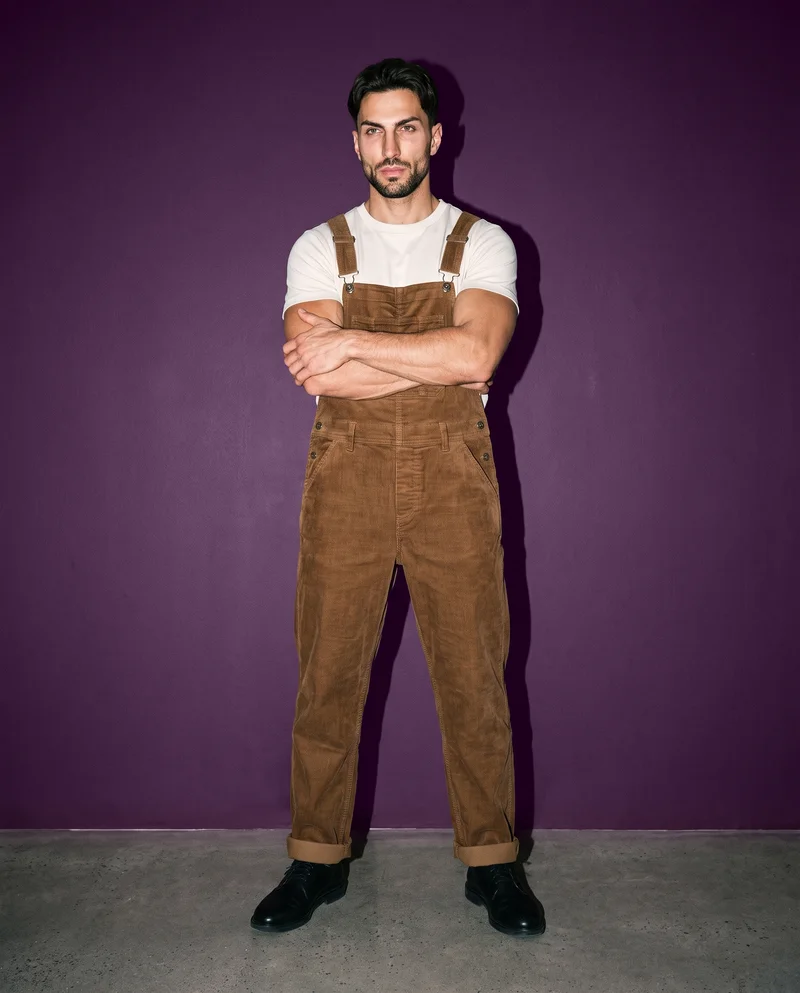
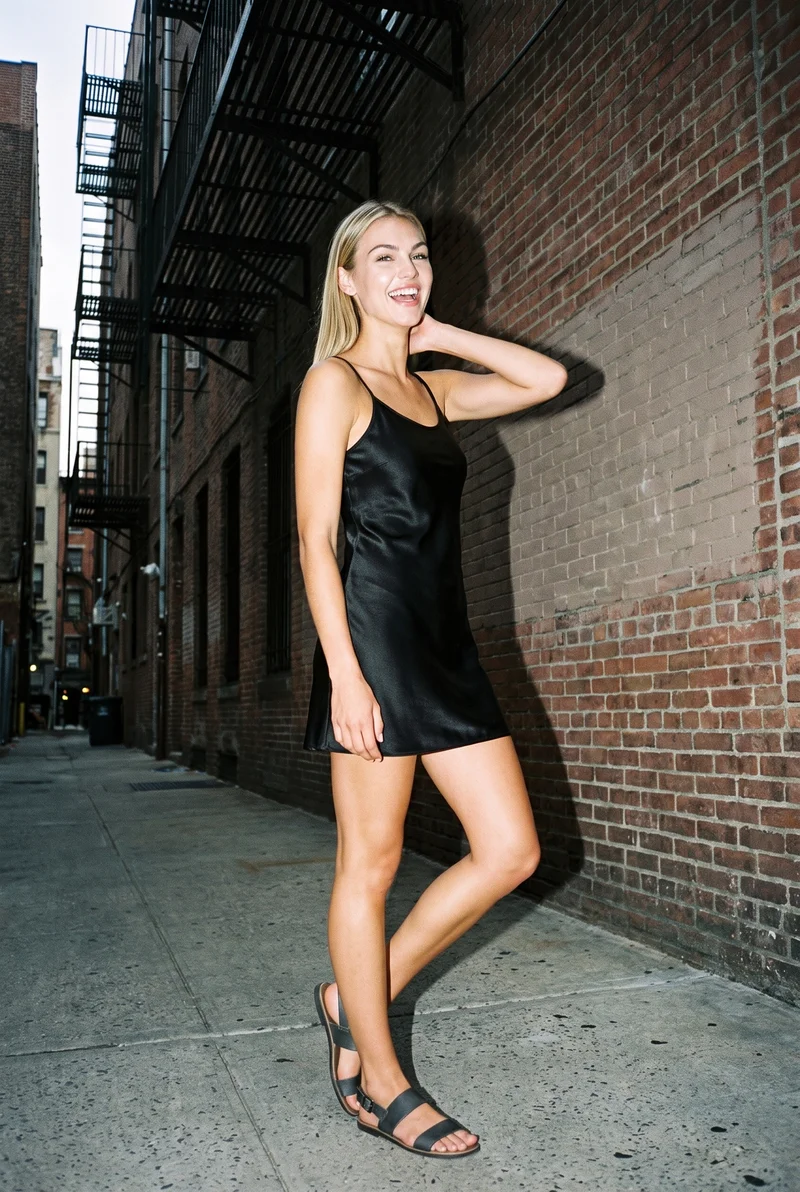
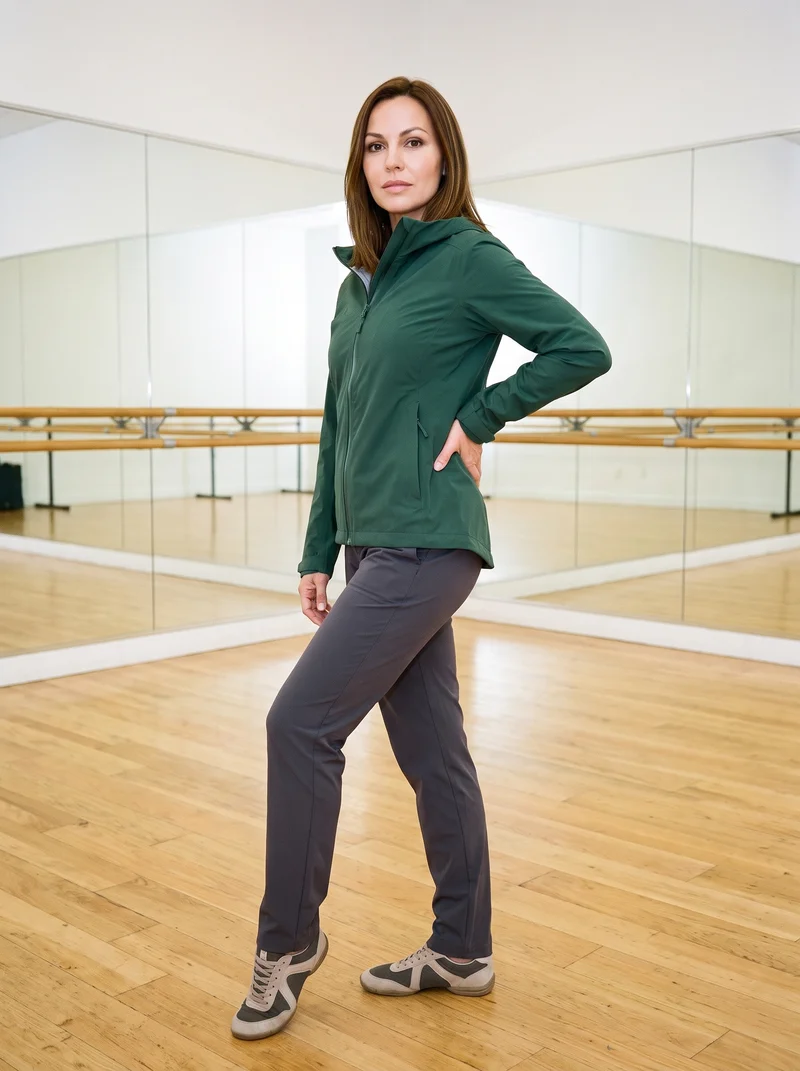
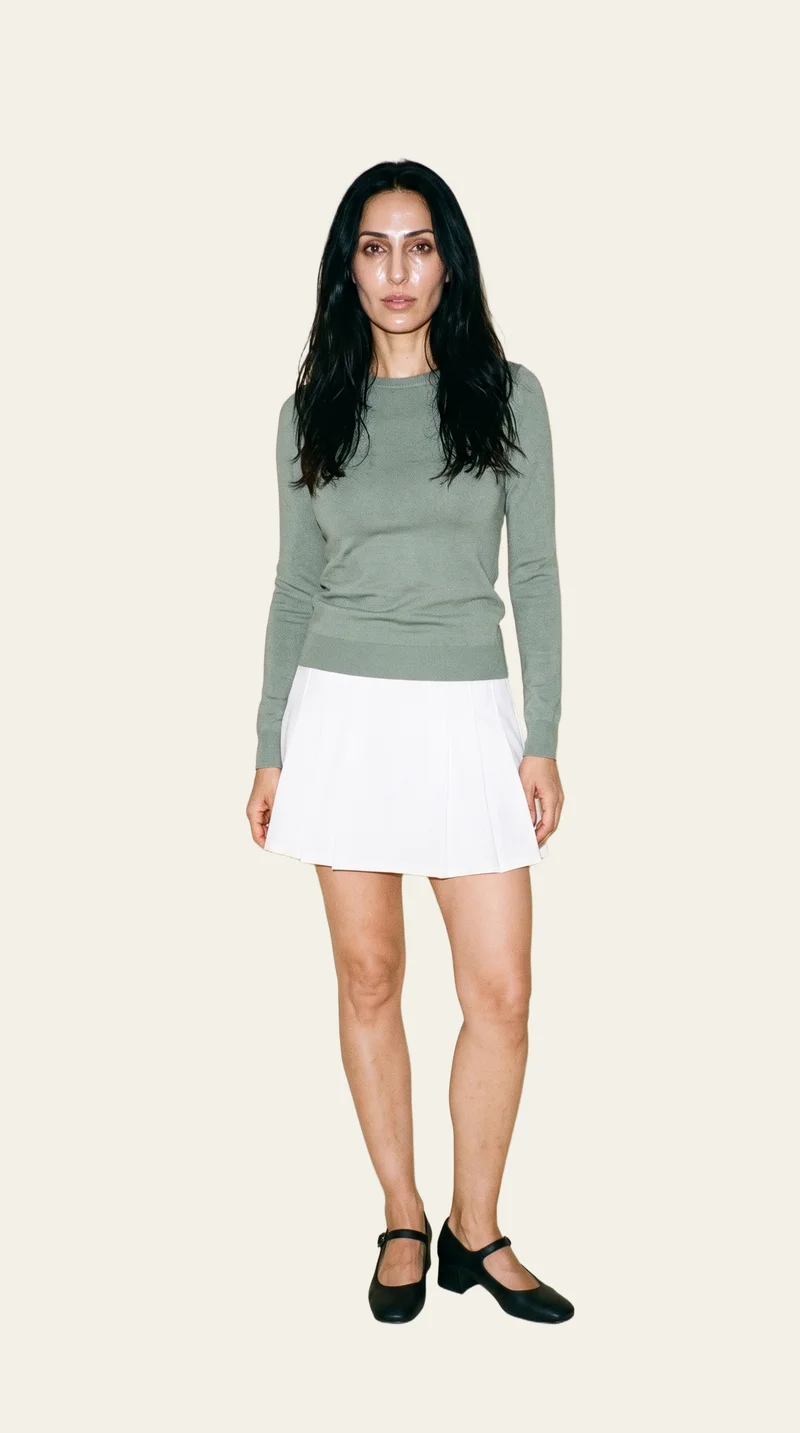
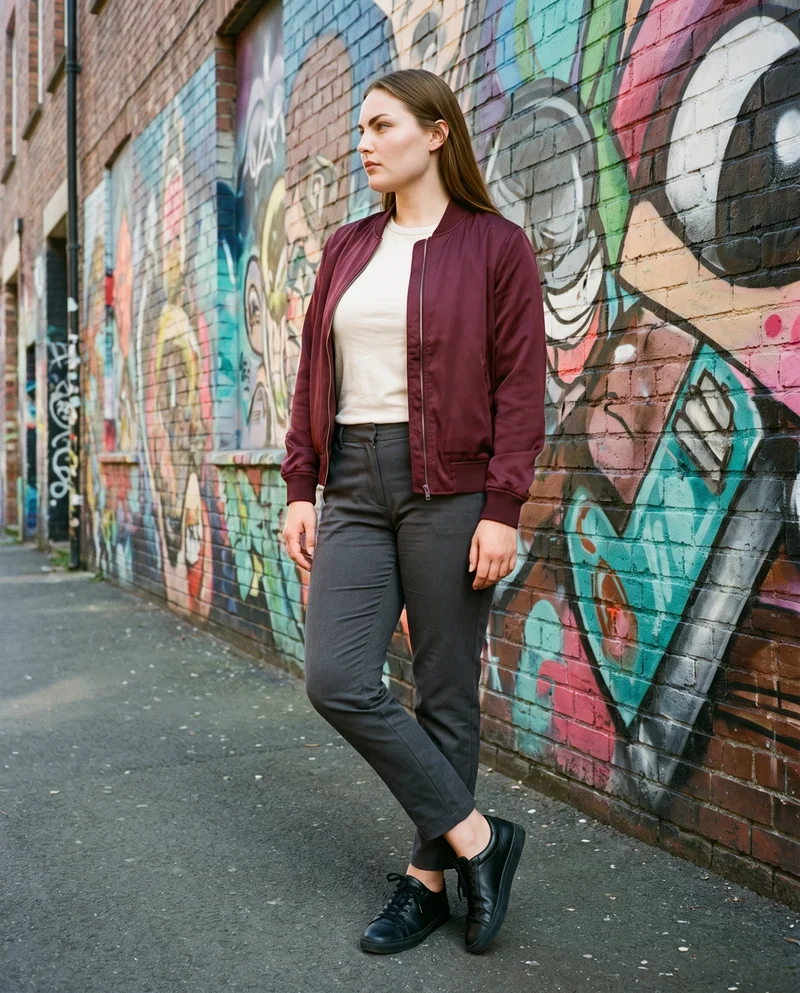
Showing 9 of 339, shot in RAWSHOT
The situation
Buyers need the range before samples arrive.
A technical drawing or flat-lay leaves the buyer imagining the finished piece, while a full shoot waits for samples, scheduling and a complete range. You need a credible lookbook and linesheet direction before review, then the same visual standard for each new piece. You pick one model, one light, and one crop, then use that same set on the next piece.
In the browser
You turn sketches into buyer-ready range imagery.
Turn a technical sketch or flat-lay into a pitch image
TodayPitches with drawings and asks the buyer to imagine it.
With RAWSHOTPitch the piece as it will look, not as it was drawn.
- 1Import the product
- 2Pick one model
- 3Set the frame
Build a lookbook before samples land
TodayThe linesheet goes out with technical drawings and the buyer imagines the rest.
With RAWSHOTShow the buyer the finished piece, not the sketch.
- 1Import the range piece
- 2Choose the styling
- 3Set the light
Get consistent imagery across a whole line
TodayPieces were shot in three different sessions and it shows on one page.
With RAWSHOTA whole line, photographed the same way.
- 1Import each product
- 2Keep the model
- 3Hold the frame
Rawshot Features
You set one model, light and crop across the range.
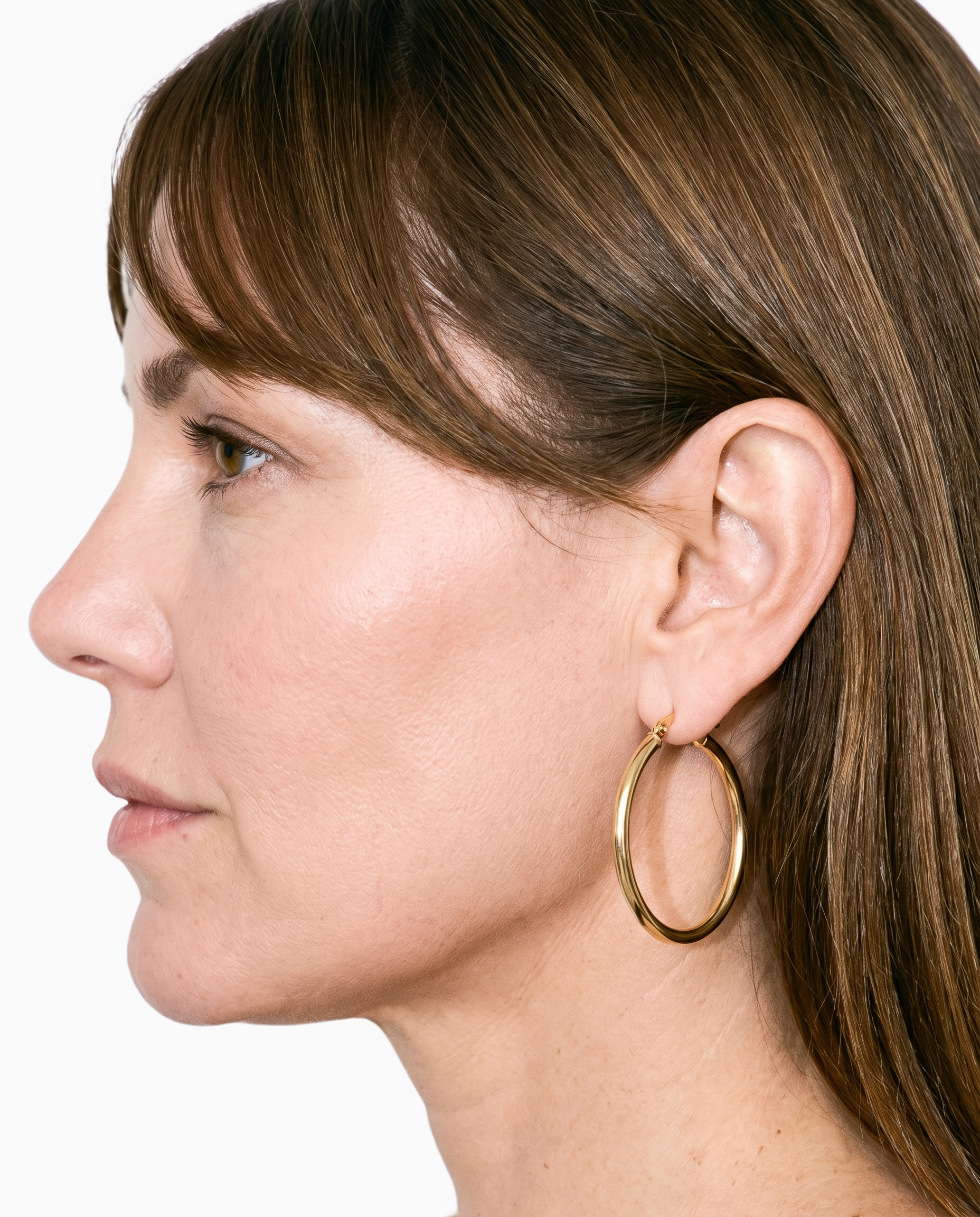
Product import and handling
You can keep the real product central while turning a sketch, flat-lay or mockup into a buyer-ready on-model image.
Start from your real item and keep product fidelity while building the scene.
See the feature →
AI model generator
You can give a whole range one coherent model identity so buyers see the collection as a considered set.
Library filters plus private model building for consistent identity across the set.
See the feature →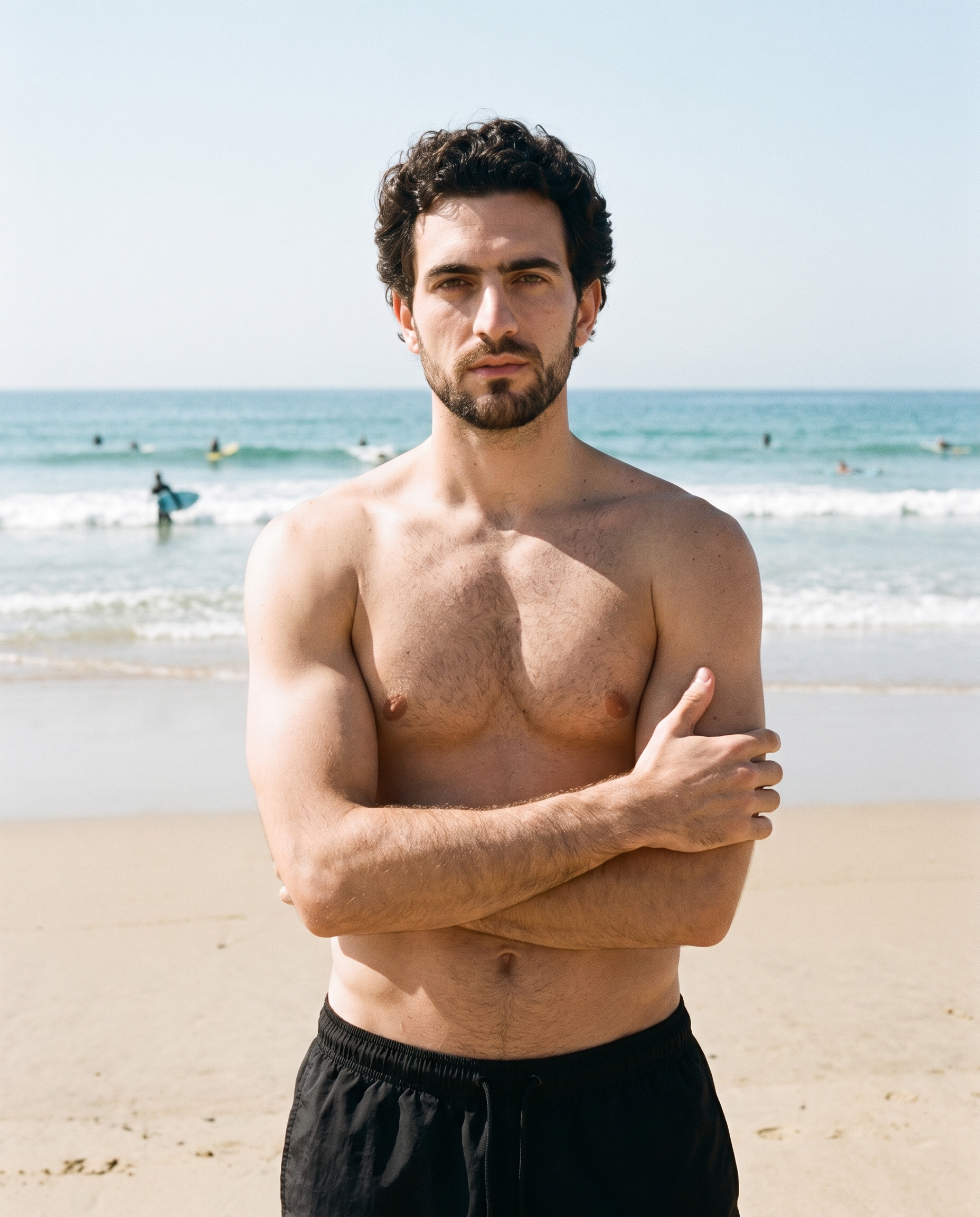
Photography direction
You can choose a consistent light direction for pitch images that need to sit together across a lookbook and line.
4 named choices that set mood and shadow the same way across a shoot.
See the feature →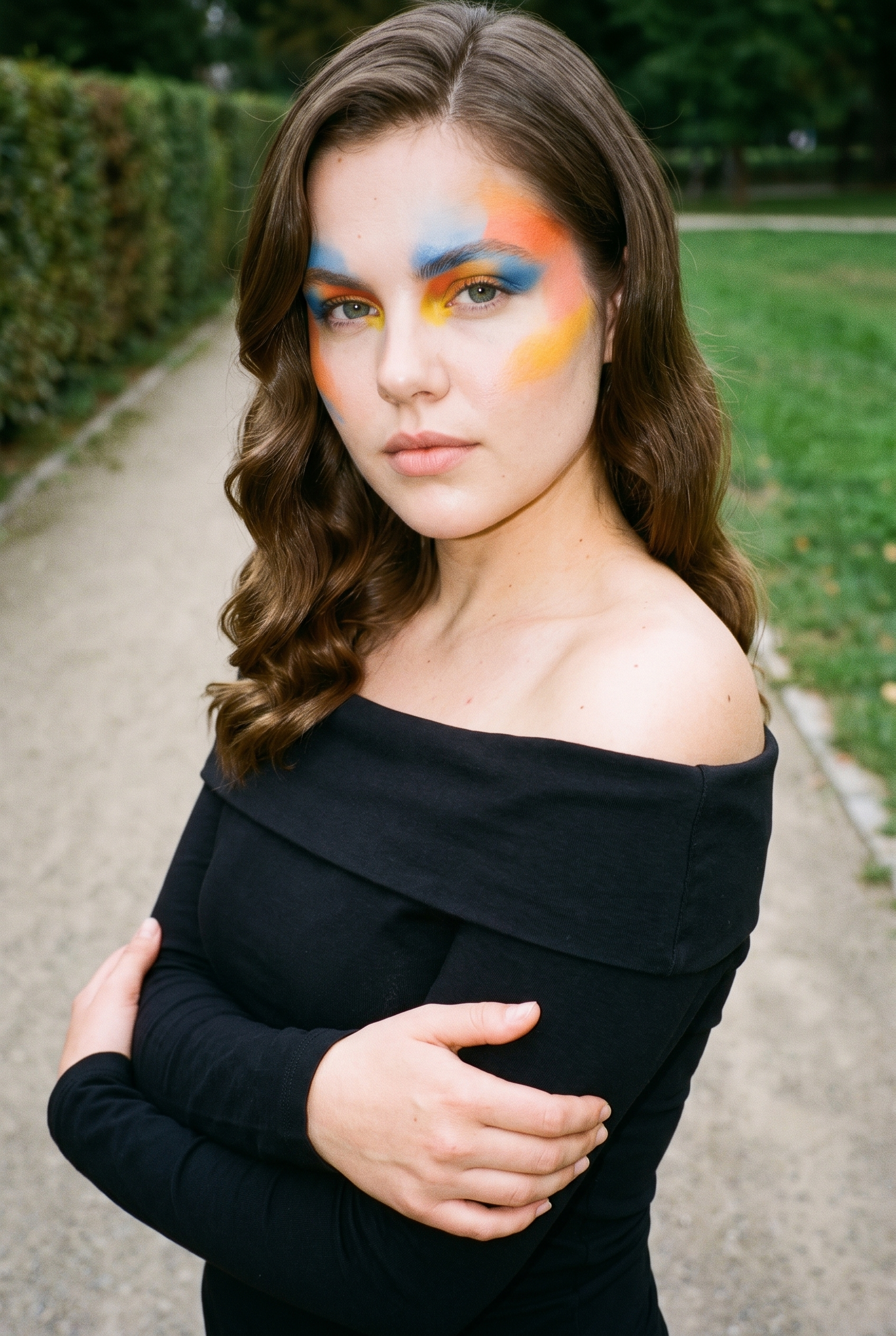
Garment styling
You can decide how each piece is worn and presented before showing the range to buyers.
Choose how the garment is worn and keep brand presentation consistent.
See the feature →AI image to image generator
Change one decision and keep the rest of the composition stable.
AI image to video generator
17 model actions on a full-body shot · 132 in total
AI makeup generator
Branch-aware named options applied without altering casting or scene setup.
AI outfit generator
Combine the main piece with neutral supporting items in one coherent frame.
AI photo background generator
Swap scene context while keeping model, product, and framing stable.
AI suggestions
Preselected control values you can always override in the same configurator.
Fashion model poses
22 poses on a full-body shot · 104 in total
Inspiration gallery
Load editable finished looks as fast starting points for new shoots.
Gallery
Technical pieces become consistent on-model views.
The gallery shows technical products and flat-lays turned into on-model pitch images, with a shared model, light and framing across a fashion range.
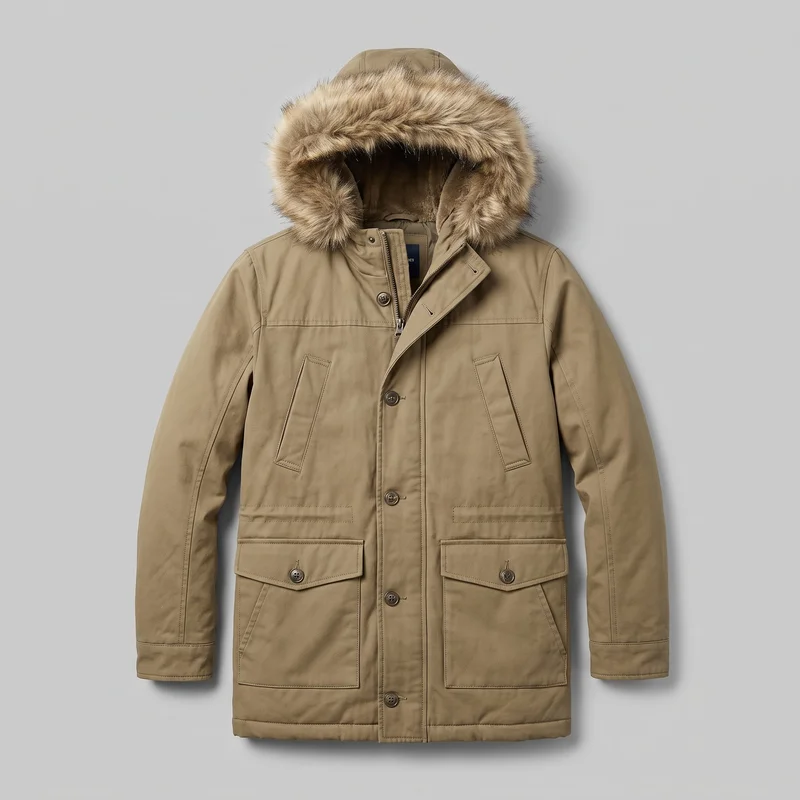 Men's Khaki Fur-Hood Parka
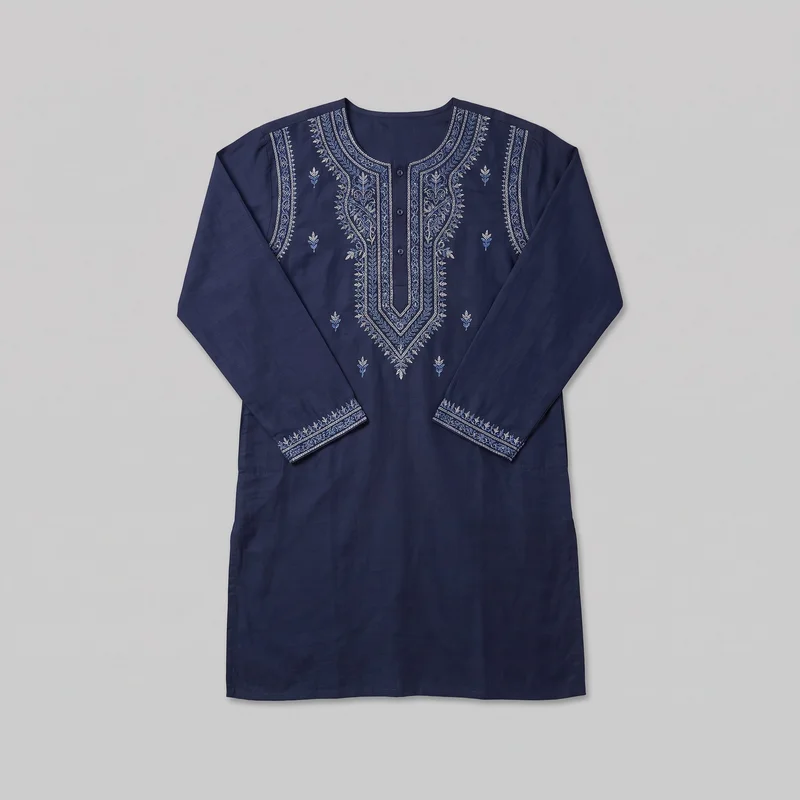 Navy Embroidered Kurta
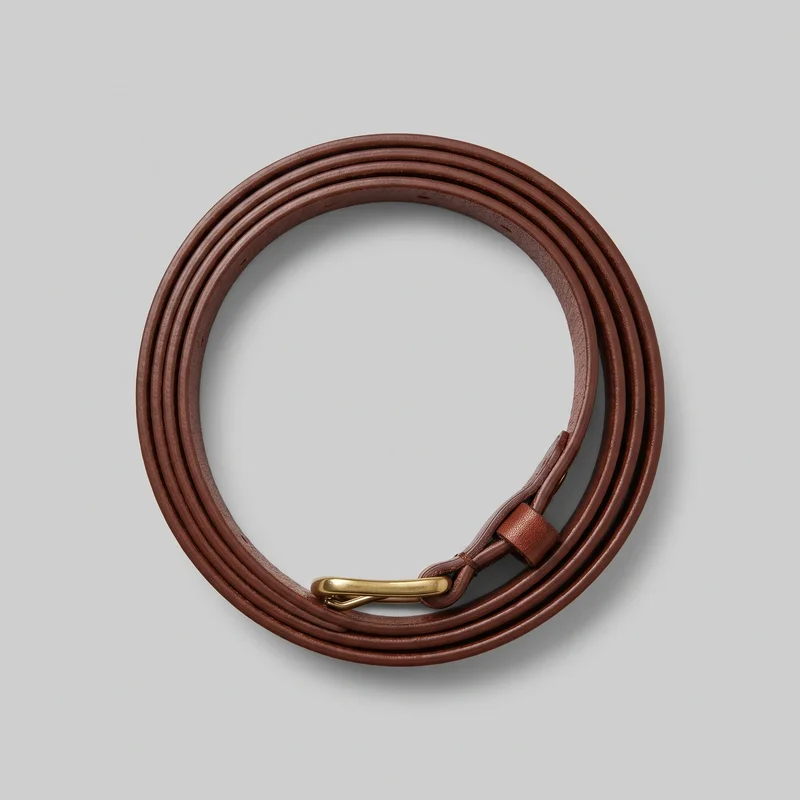 Women's Brown Leather Belt
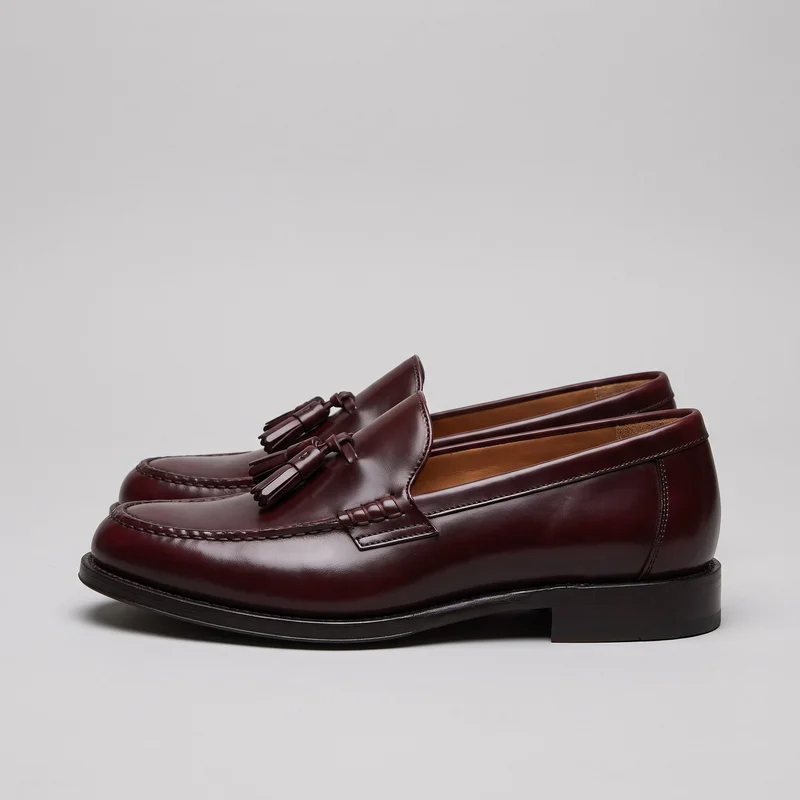 Men's Burgundy Tassel Loafers
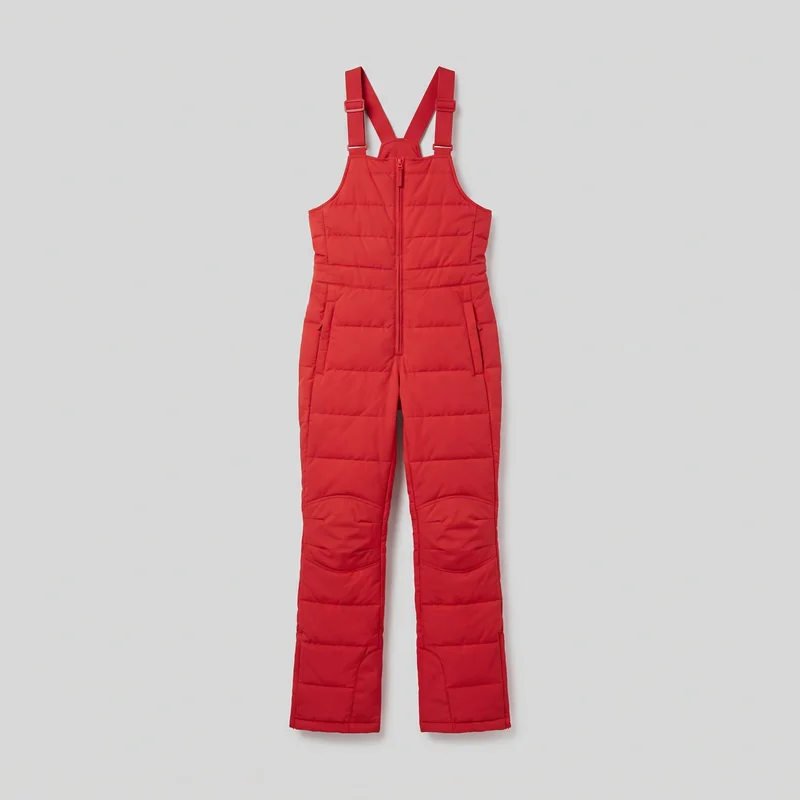 Women's Red Padded Salopettes
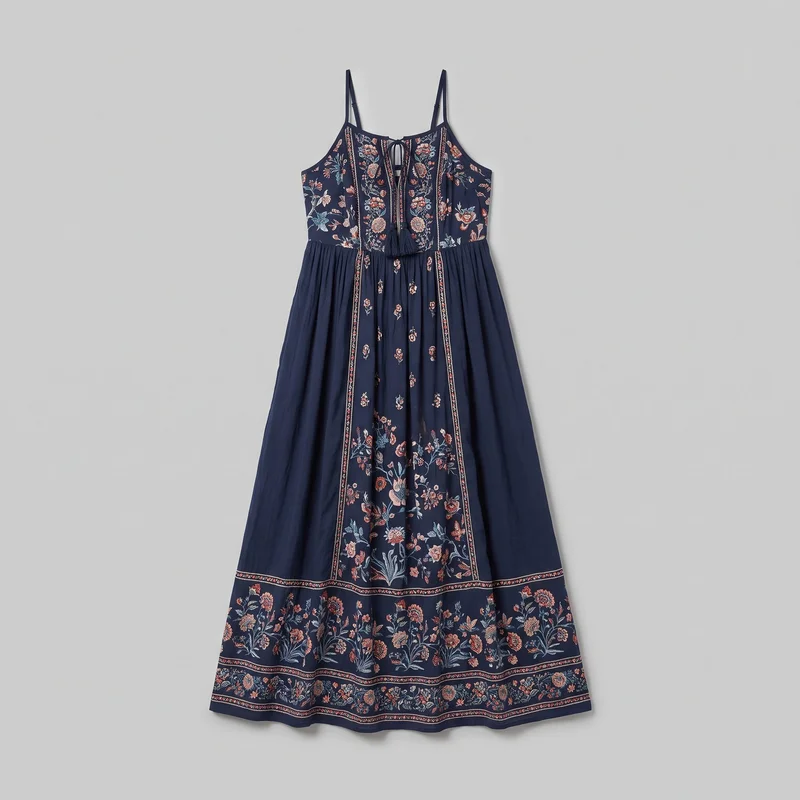 Navy Boho Maxi Dress
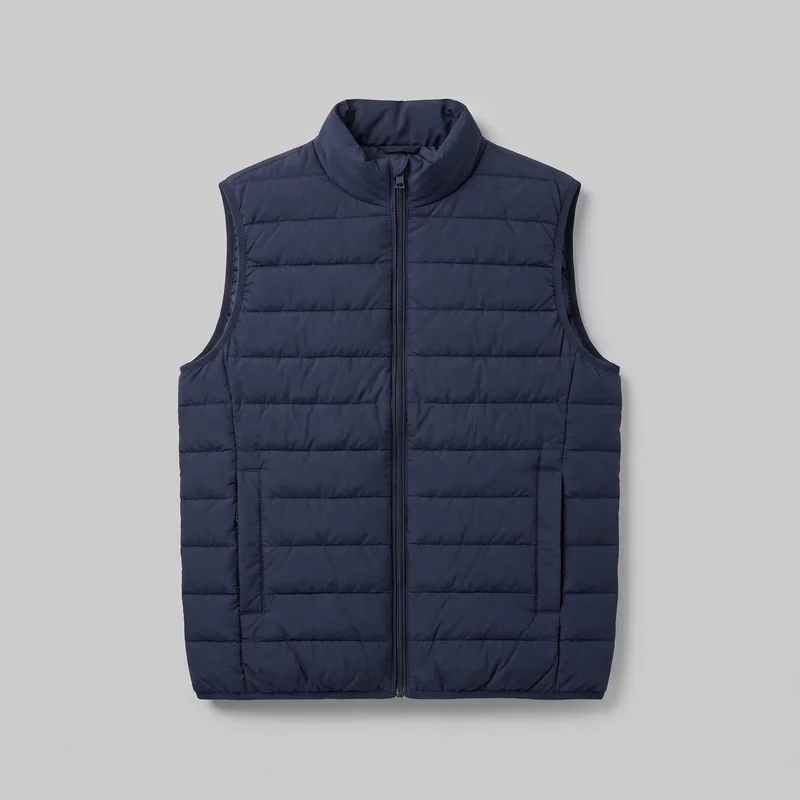 Men's Navy Padded Gilet
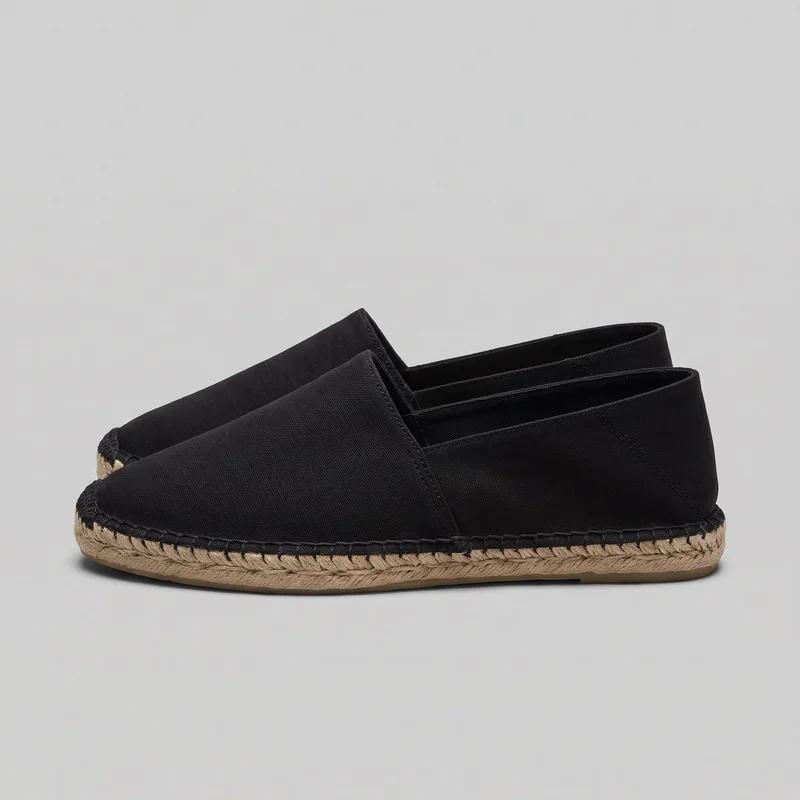 Men's Black Espadrilles
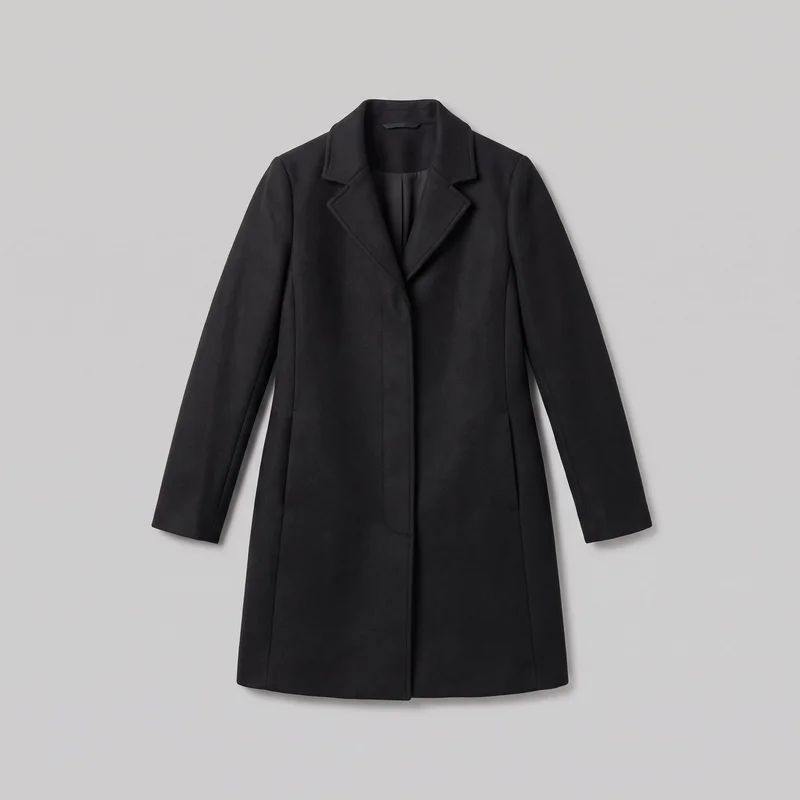 Women's Black Overcoat
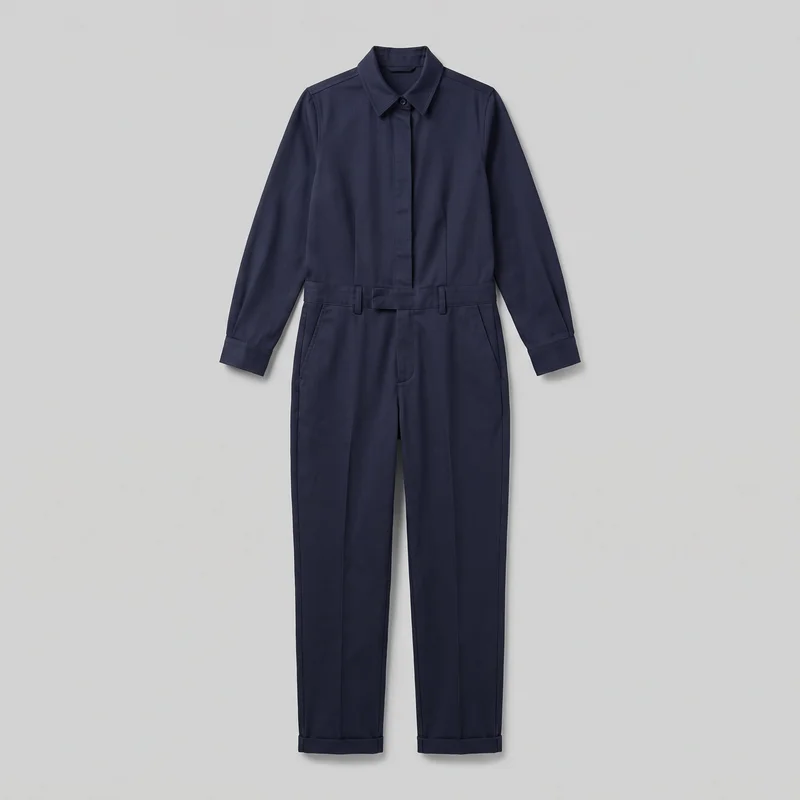 Navy Tailored Jumpsuit
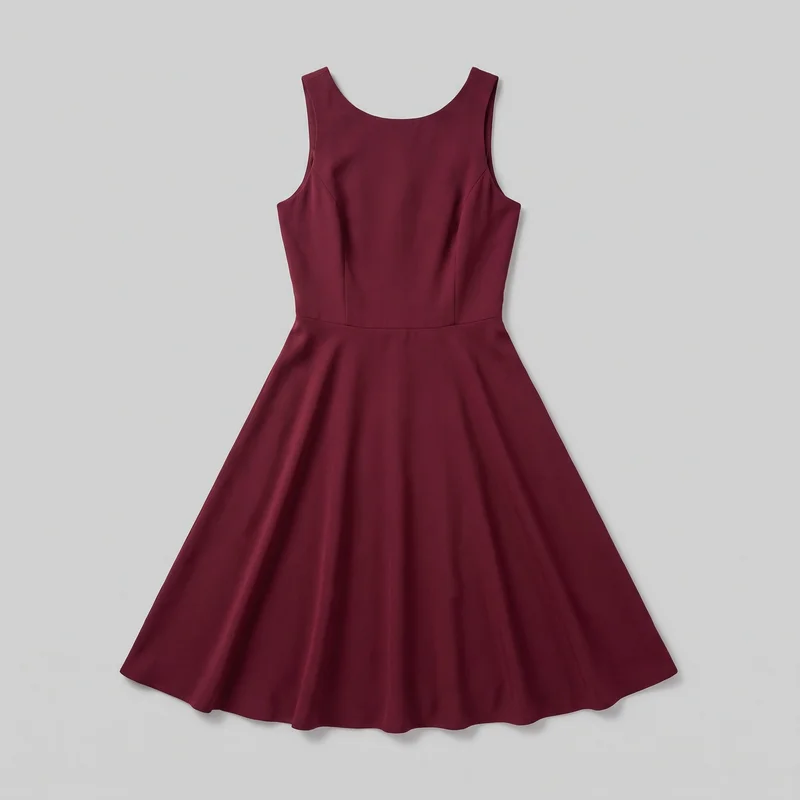 Burgundy Cocktail Dress
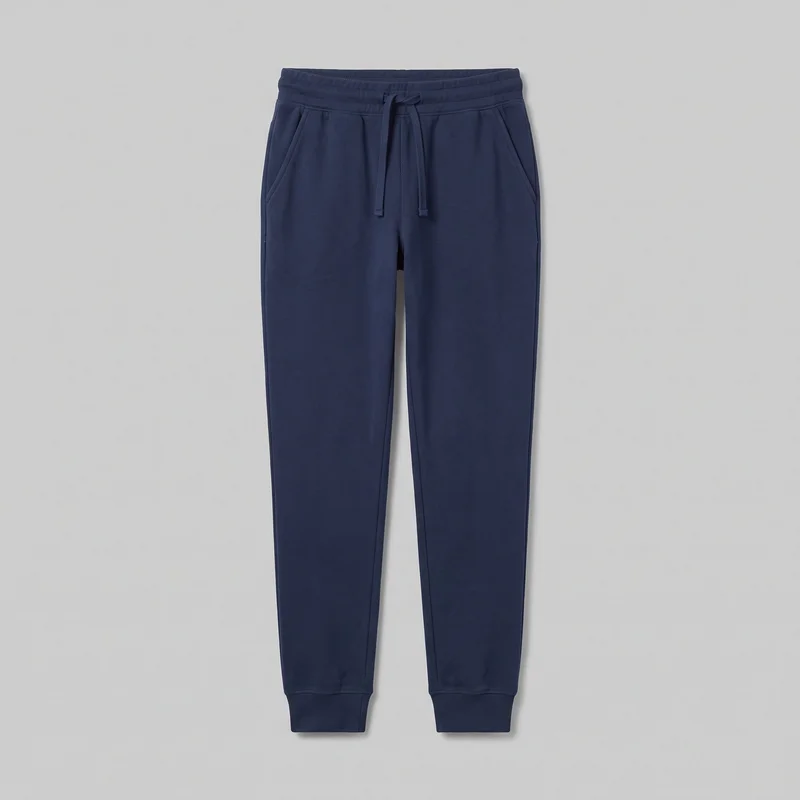 Women's Navy Cotton JoggersWomen's Red Padded Salopettes
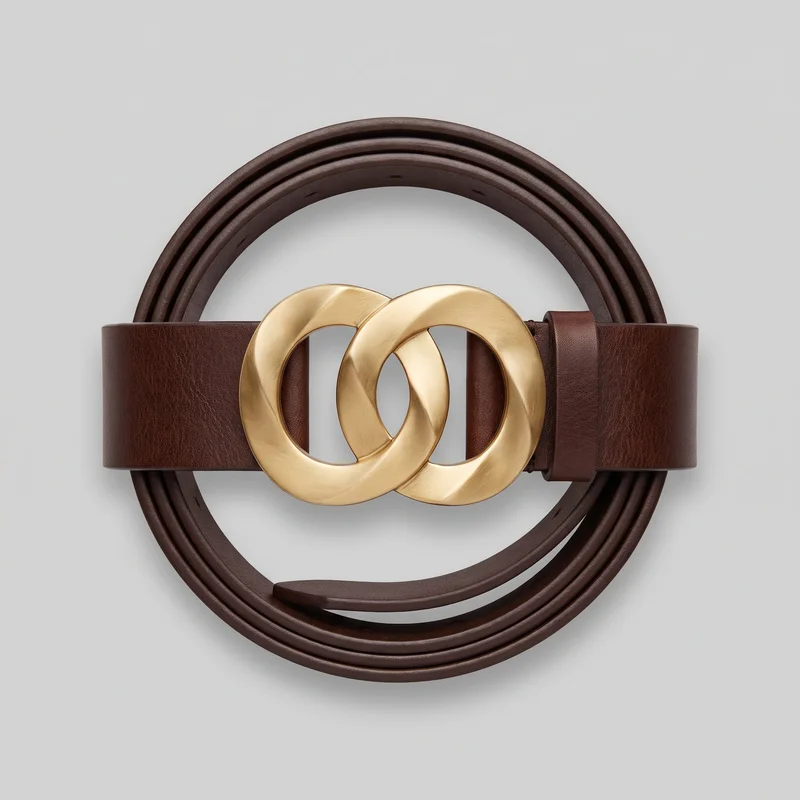 Logo Statement Belt
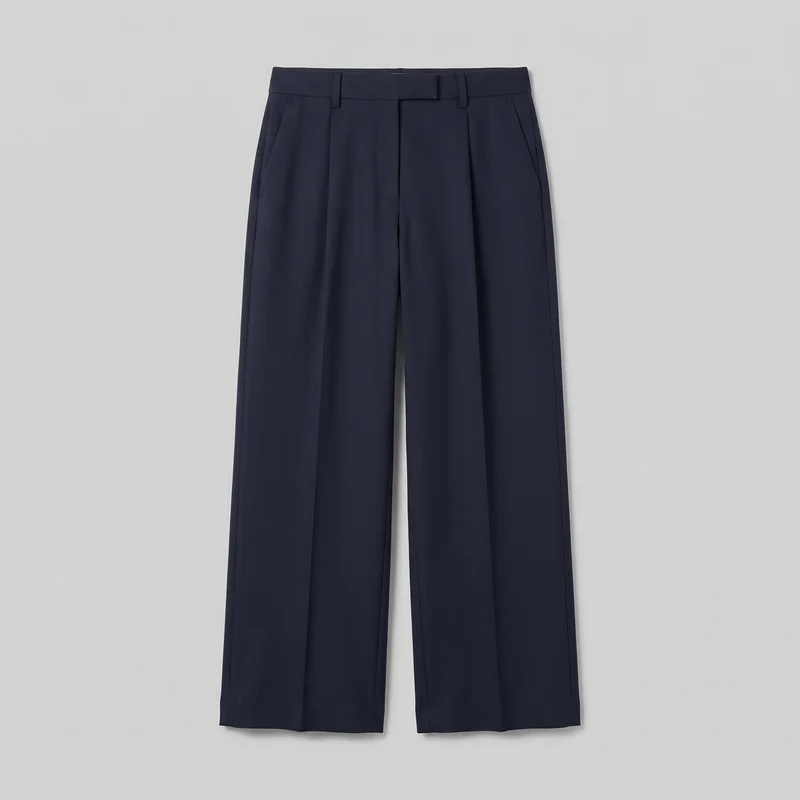 Navy Tailored Wide-Leg Trousers
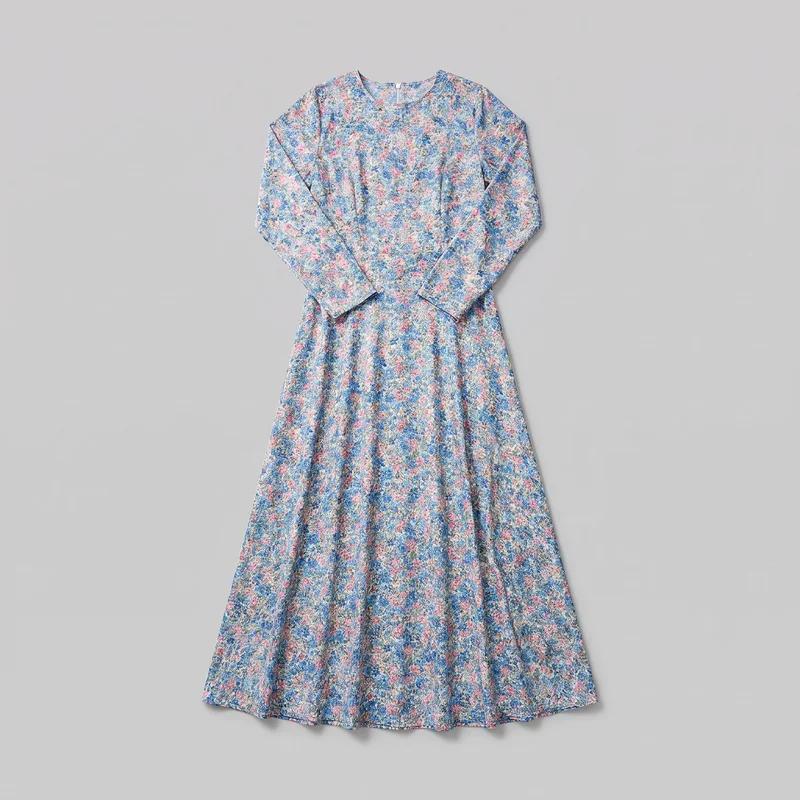 Floral Print Modest Maxi Dress
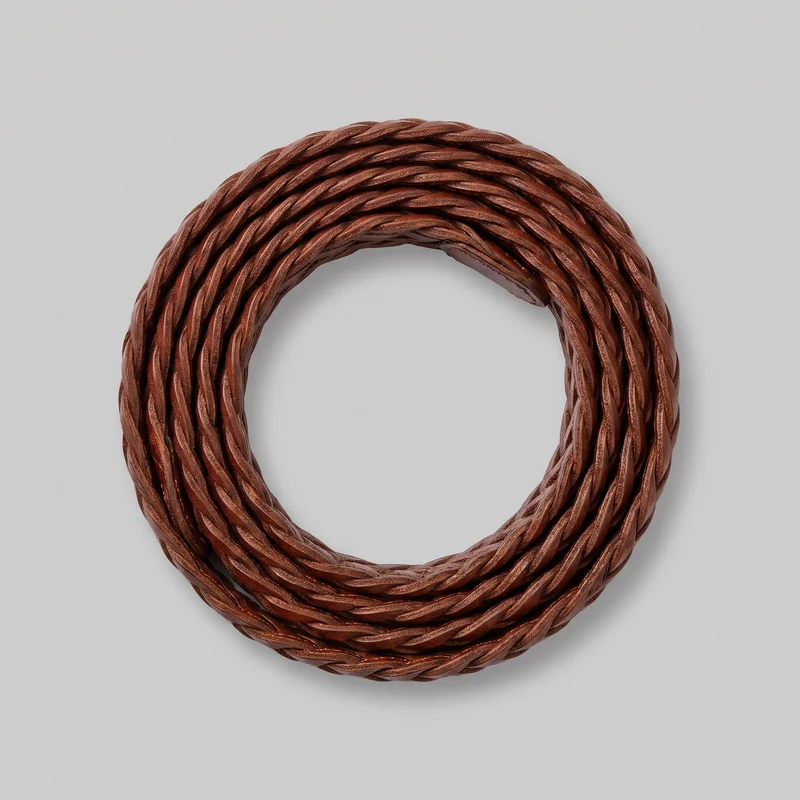 Women's Brown Braided Belt
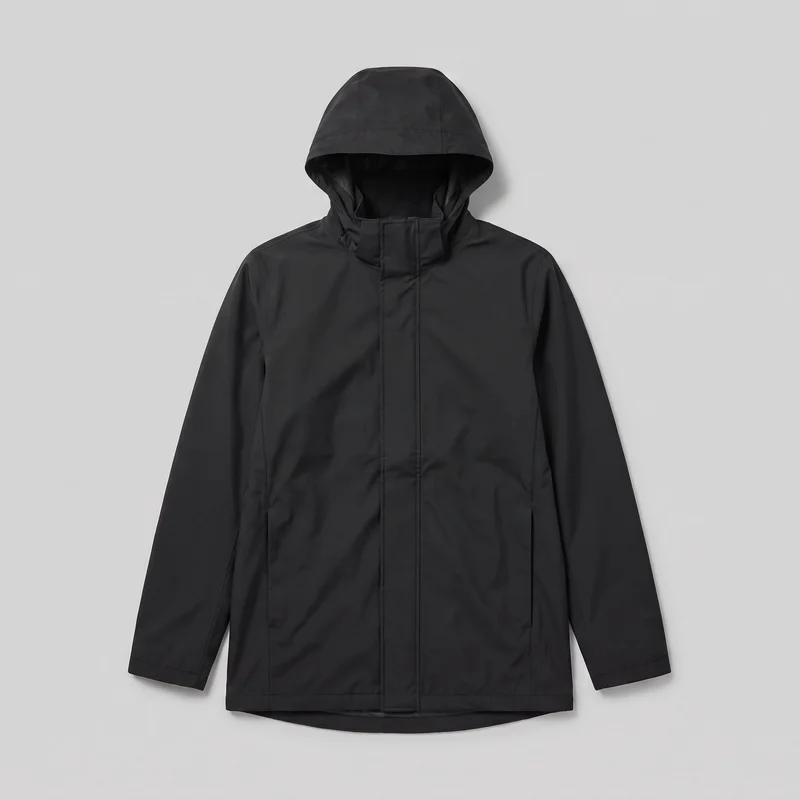 Men's Black Hooded Raincoat
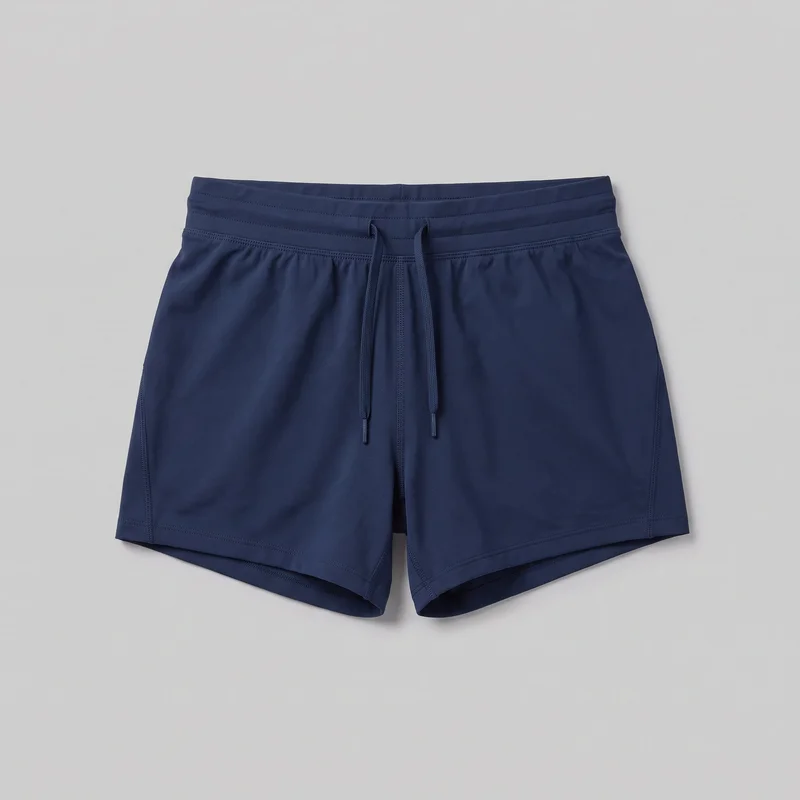 Women's Navy Running Shorts
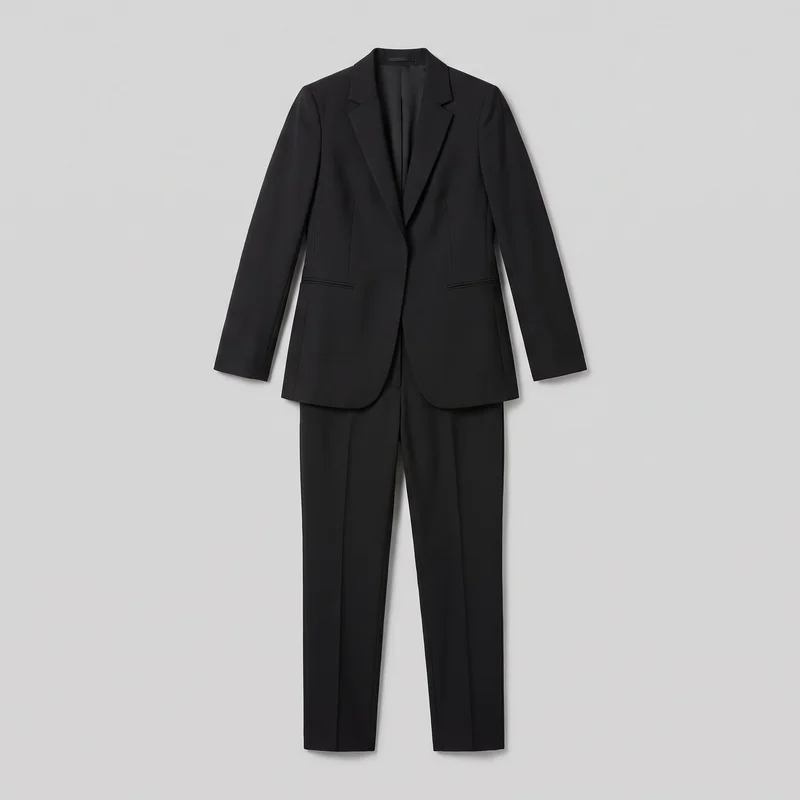 Black Tailored Trouser Suit
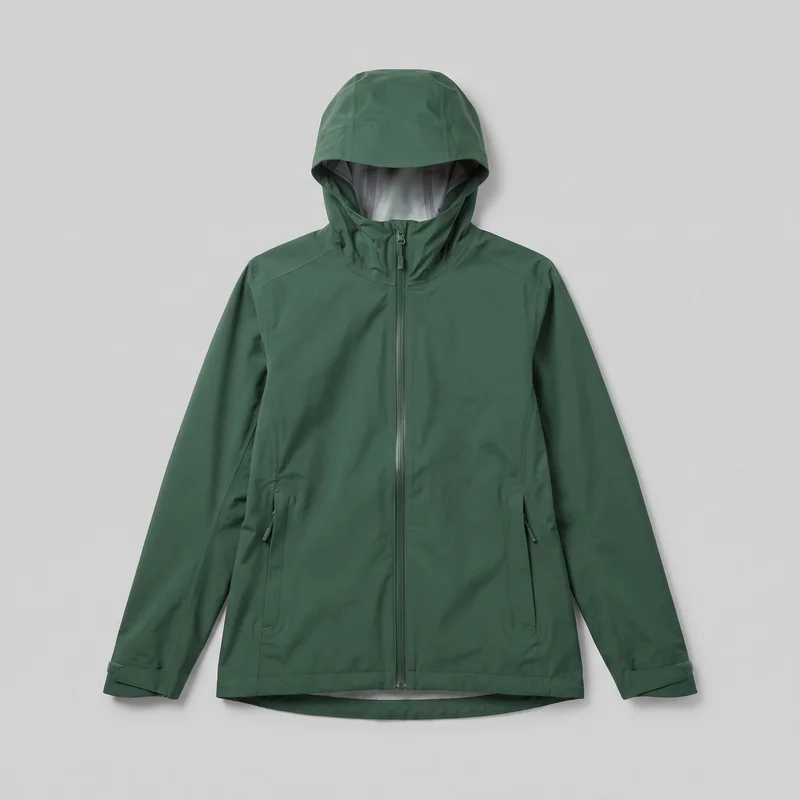 Women's Green Waterproof Jacket
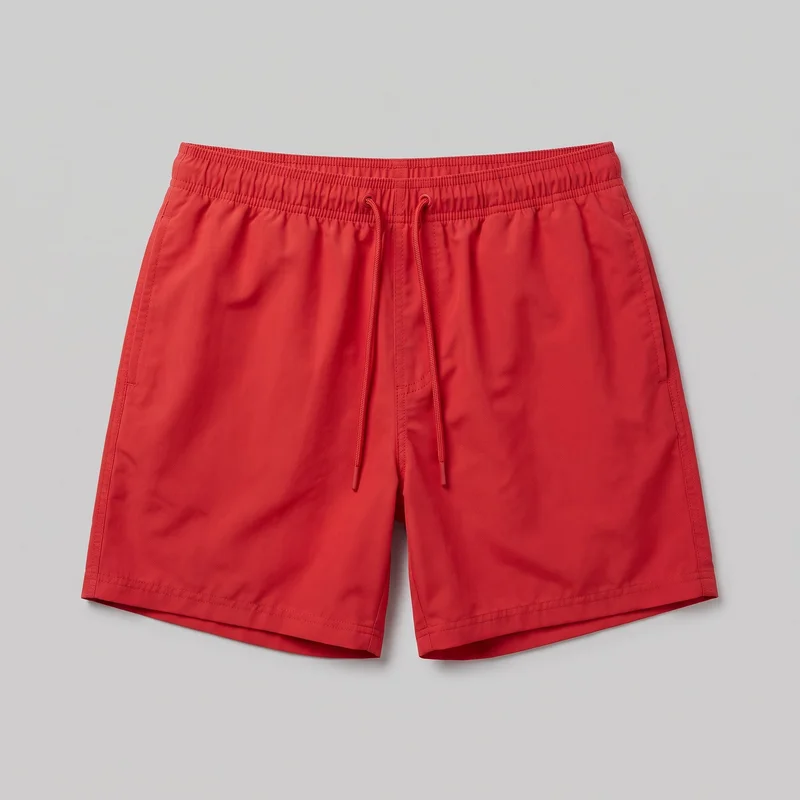 Red Swim Trunks
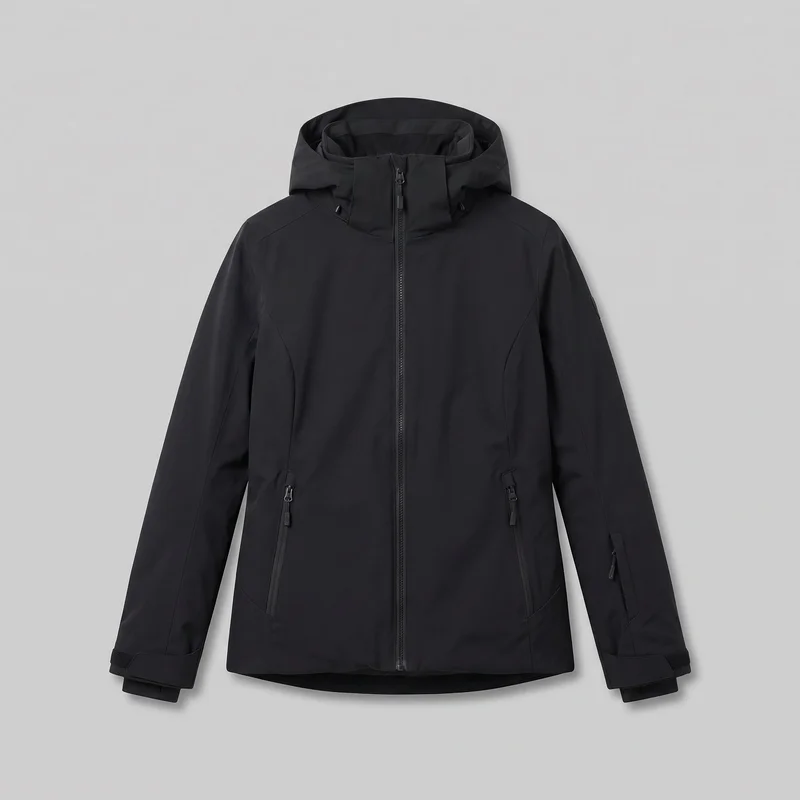 Women's Black Ski Jacket
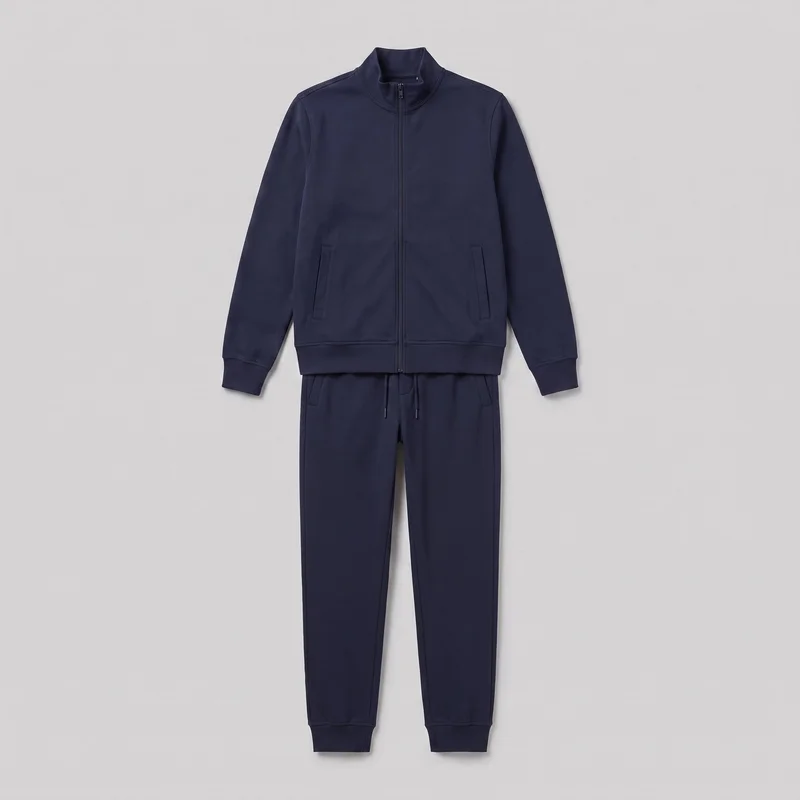 Men's Navy Tracksuit
Showing 24 of 339
Who it's for
Is RAWSHOT right for your buyer-ready range work?
A good fit
This fits you when you pitch many products or a whole line and need buyers to see each piece presented in one visual language. It also fits you when you choose from visible studio options and value a complete lookbook over extended edits to one image.
Teams who get the most from it
- RAWSHOT is a good solution for you as a manufacturer if you pitch ranges from technical sketches, flat-lays or mockups before samples arrive.
- This work fits you as a private-label supplier if you need a consistent lookbook and linesheet for recurring buyer reviews.
- Choose this for you as a factory-direct supplier if you present new pieces repeatedly and can work from visible model, styling, light and framing choices.
Work it handles well
- You can show buyers a finished on-model pitch image before every sample is ready.
- You can build a lookbook that presents the range with one coherent visual direction.
- You can keep imagery consistent across new pieces, colourways and line updates.
Outside this scope
Skip this when you need to direct exact garment fit through free-form instructions or refine one hero image through many rounds. You should also skip it when your work depends on a specific real person, an artistic treatment, or a product-system connection.
Teams this is not for
- Skip it if you need to type exact instructions for waist position, leg width or extra fabric at the hem.
- This is not the right path if you work through many rounds of edits on one hero image until every detail matches.
- It is not a fit if you need a specific real person, an artistic treatment beyond the available image style, or a connection to your product systems.
Where this stops
- You cannot direct free-form garment fit changes beyond the available styling choices.
- You cannot bring a specific real person or ambassador into the image.
- You need to work in the browser and select from defined options rather than connect a product system or reuse a configuration in a later shoot.
Rights
You own every image. Every image says what it is.
Yours
- Full commercial rights to every image, permanently.
- No recurring licence fees on any model in the library.
- Every model is a synthetic composite, so there is no real-person likeness.
Labelled
- C2PA content credentials on every image.
- AI-labelled output, meeting EU AI Act Article 50.
EU-hosted, GDPR-compliant handling.
- EU AI Act Article 50
- C2PA
- Full commercial rights
- GDPR
- EU-hosted
Questions
What should manufacturers check before first use.
Can manufacturers benefit from an AI fashion photography tool like RAWSHOT when pitching ranges before samples arrive?
Manufacturers can benefit from RAWSHOT when they need buyer-facing fashion imagery before every sample is ready. You can turn technical sketches, flat-lays, mockups, or product references into on-model pitch images with a consistent visual direction. This helps you present a range as a finished collection rather than asking buyers to imagine the garment from a drawing. You can select the model, styling, light, and framing, then apply that visual language across new pieces and colourways.
What jobs and channels can manufacturers use RAWSHOT for when building a buyer-facing collection?
Manufacturers can use RAWSHOT for buyer pitch images, pre-sample lookbooks, linesheets, wholesale catalogues, and launch channels. You can show a technical sketch or flat-lay as an on-model presentation, build a coherent view of a range, and prepare imagery for recurring buyer reviews. The same visual direction can support private-label presentations, factory-direct outreach, product discussions, and collection updates when new pieces need to sit naturally beside existing imagery.
Which shop and launch formats can manufacturers produce with RAWSHOT for linesheets and buyer reviews?
Manufacturers can produce 4:5 product-page frames, 9:16 social frames, and adaptable linesheet and catalogue crops with RAWSHOT. You can choose framing that keeps the garment legible for a buyer review, then prepare vertical imagery for launch communication without changing the collection’s visual direction. Model presentation, camera view, light, and crop remain practical controls, so the same product input can support shop imagery, wholesale pages, social layouts, and pitch materials.
What can manufacturers start with in RAWSHOT if a collection is not fully sampled yet?
Manufacturers can start with a technical sketch, flat-lay, mockup, or clear product photo in RAWSHOT when physical samples are not ready. A sketch works best when it communicates material, silhouette, and construction clearly, while a flat-lay or mockup gives the system more visible product information. You can then choose the model, styling, light, and frame to create a credible pitch image for a lookbook or buyer conversation before the full range reaches production.
How is RAWSHOT different from a studio shoot or flat-lay for manufacturers preparing a buyer pitch?
RAWSHOT turns product references into selected on-model pitch imagery, while a studio shoot requires a ready sample and a flat-lay leaves the buyer to interpret the garment. You can work from a technical sketch, flat-lay, mockup, or product photo and choose a consistent model, light, styling, and frame. That makes it useful for presenting a range before samples arrive, while a studio shoot remains valuable when you need physical-product proof and detailed final capture.
How can manufacturers keep a whole collection visually consistent in RAWSHOT across colourways and line updates?
Manufacturers can keep a collection visually consistent by holding the model, styling direction, light, camera view, and framing steady across product inputs. You can present new pieces, colourways, and line updates with the same visual language, making a lookbook or linesheet feel assembled rather than fragmented. The approach works best when each sketch, flat-lay, mockup, or product photo clearly communicates the garment’s material and construction, because the input still influences how accurately the piece is represented.
Can manufacturers use RAWSHOT images in buyer-facing lookbooks, linesheets, and wholesale sales materials?
You get full commercial rights to every image, permanently, with no recurring licence fee. Every image carries C2PA content credentials and is labelled as AI-generated.
Get started
Start building the buyer-ready range.
Start with a 7-day free trial including 50 tokens, then move to the plan that matches your production volume.