
Marketing teams
RAWSHOT for marketing teams
Keep campaign creative moving across every channel.
You manage recurring campaign, paid-social and social content work, but every new market, format or variant can wait on another production day. RAWSHOT gives you a studio for building a consistent creative set from the real product, with the model, light, background, frame and composition chosen on screen.
7-day free trial • 50 tokens (10 images) • Cancel anytime
A 2K image in roughly 35 seconds · AI-labelled with C2PA content credentials
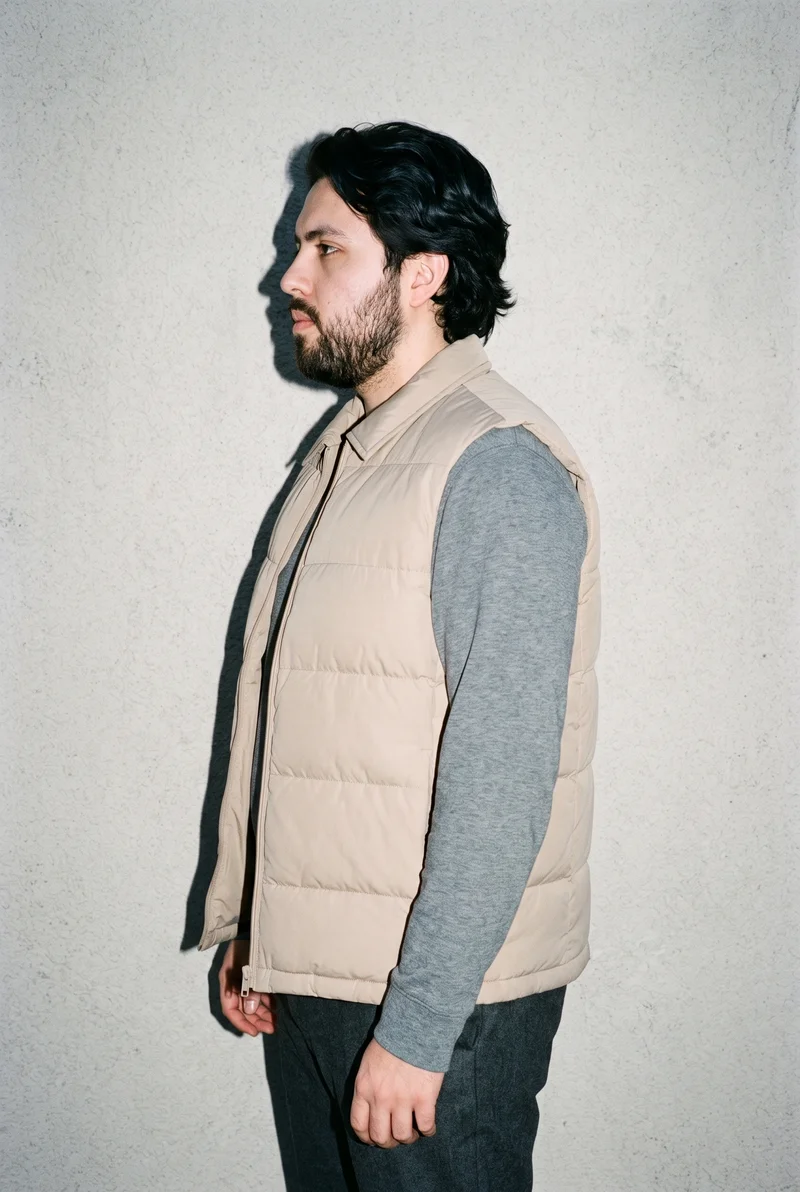
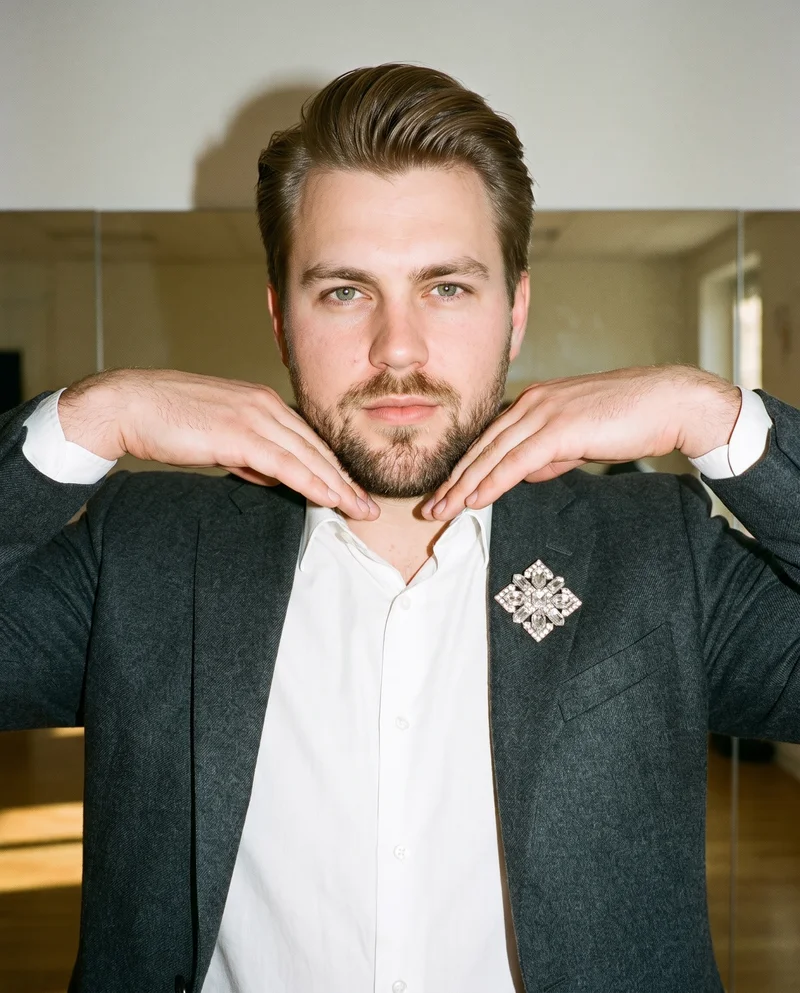
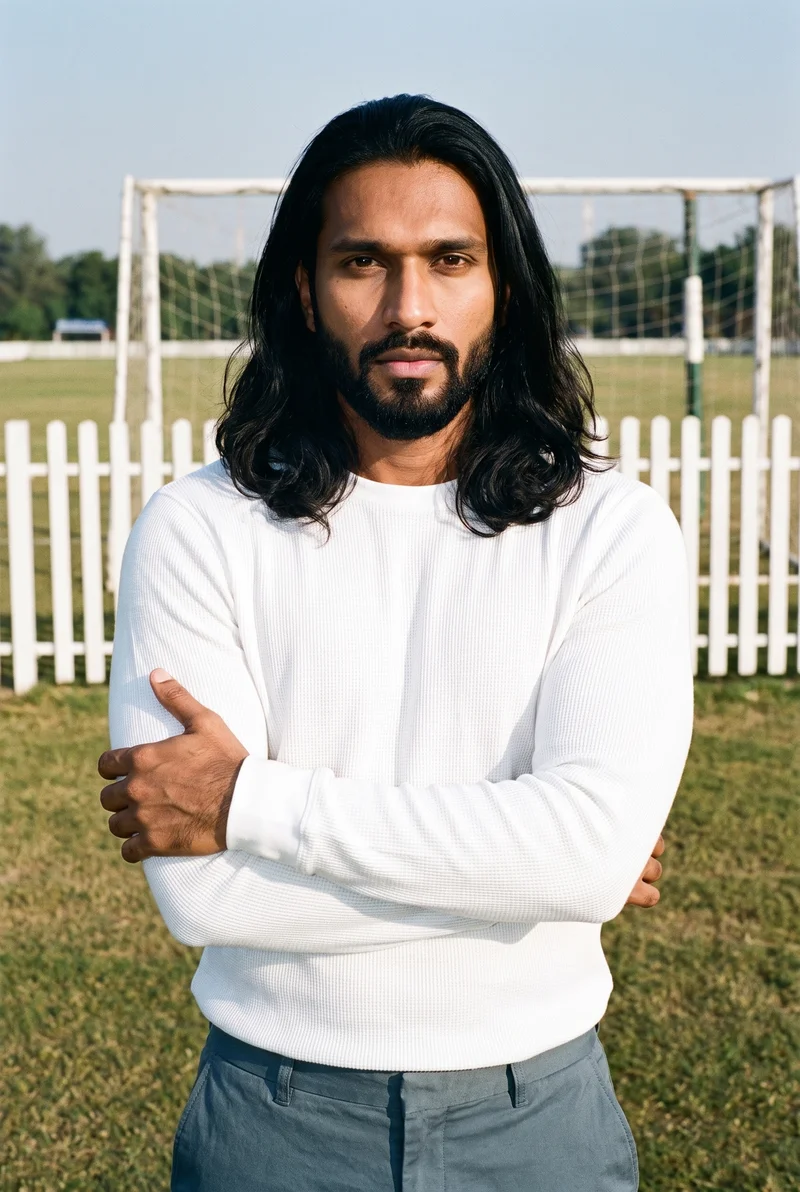
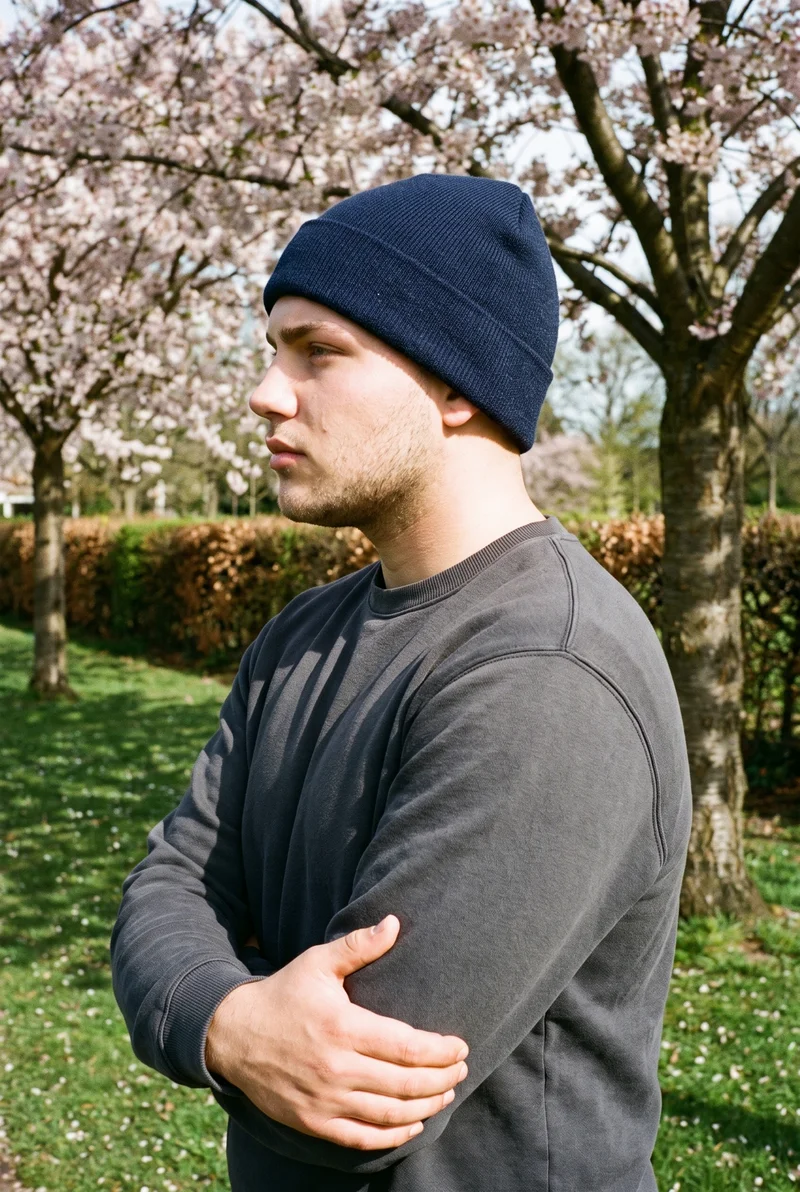
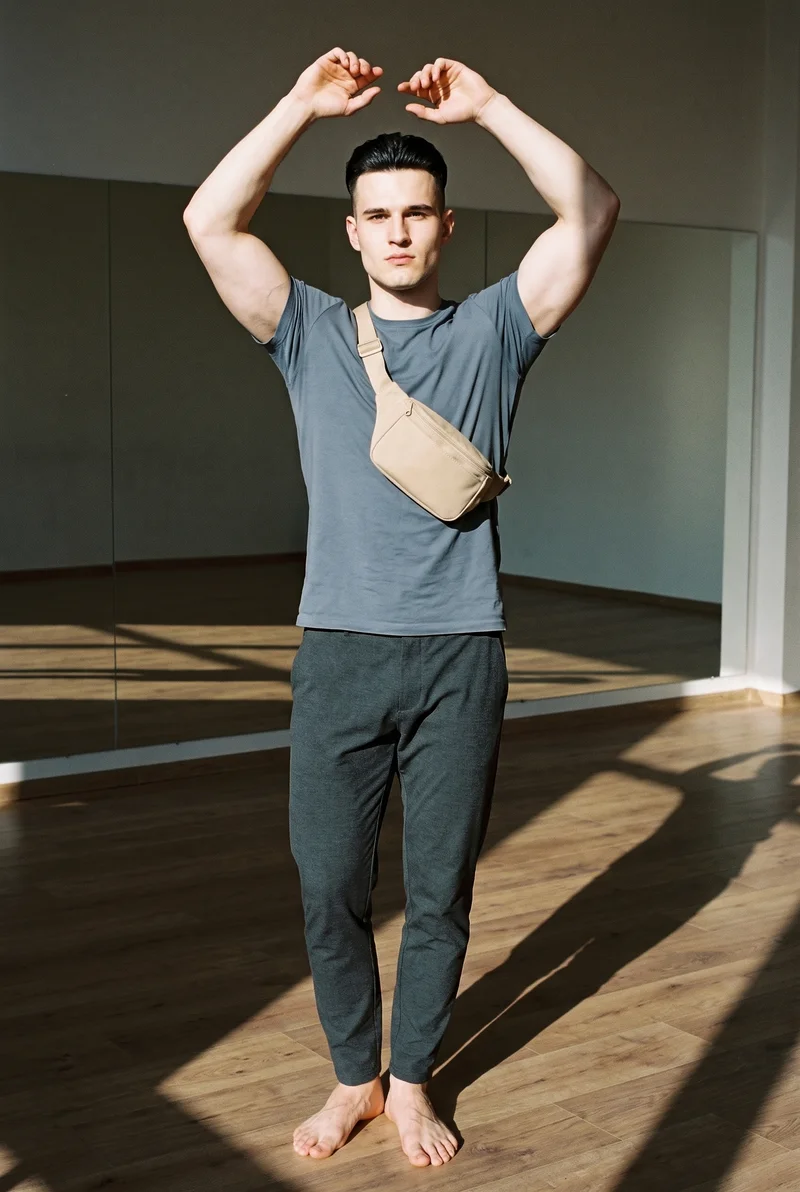
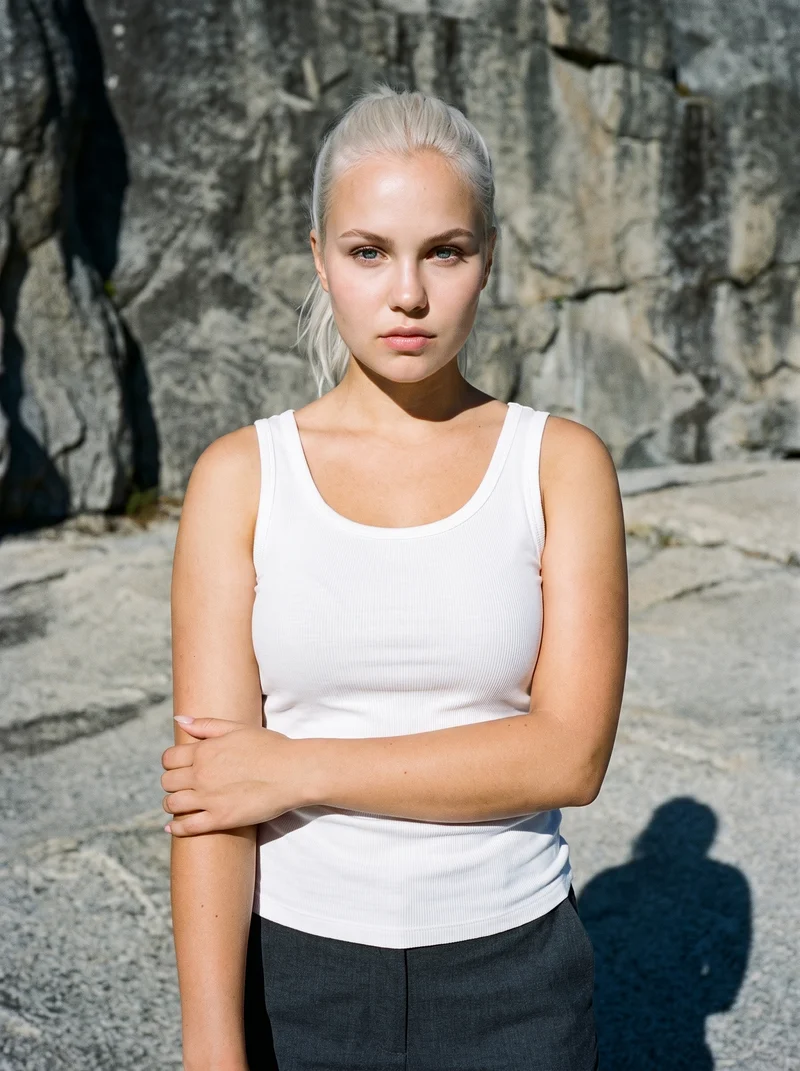
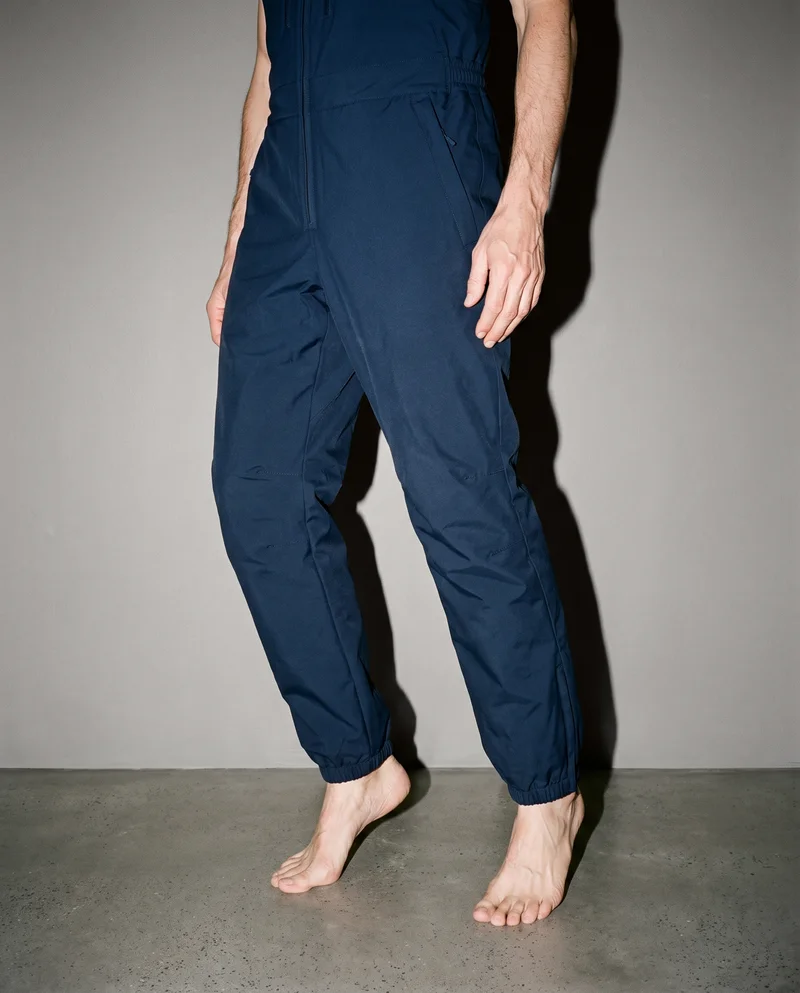
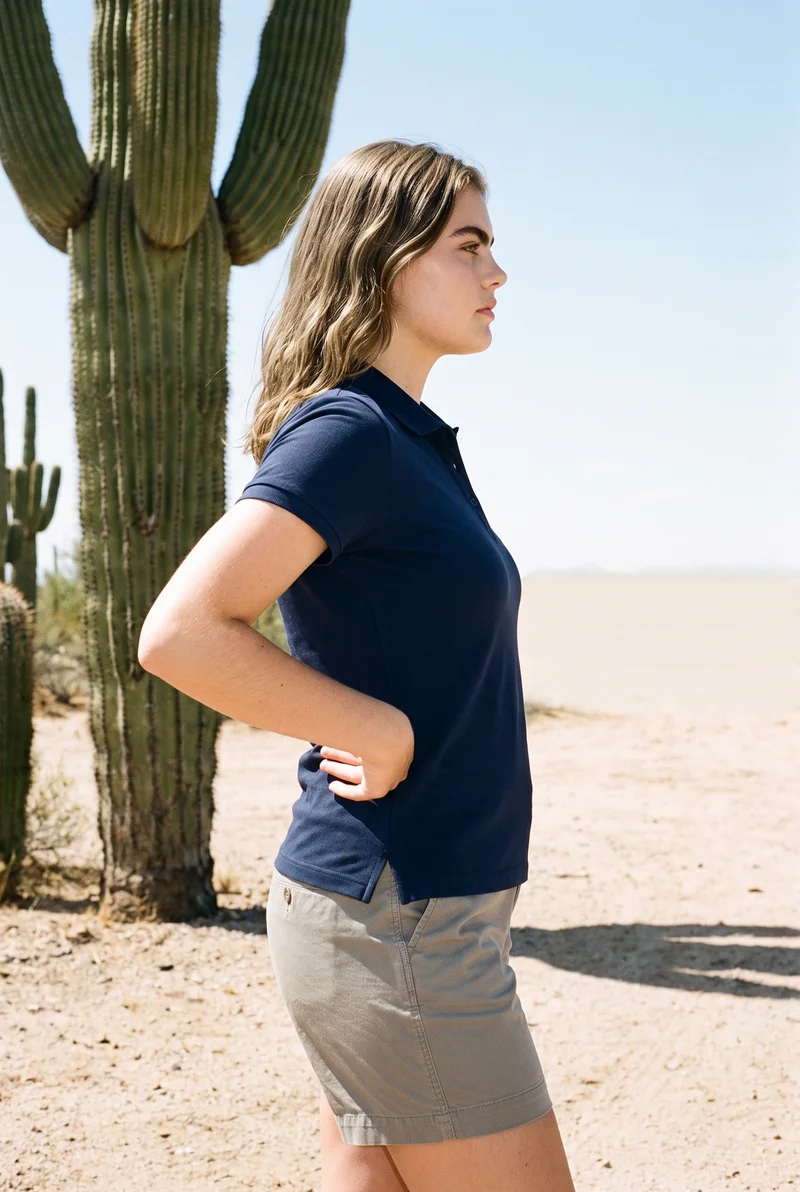
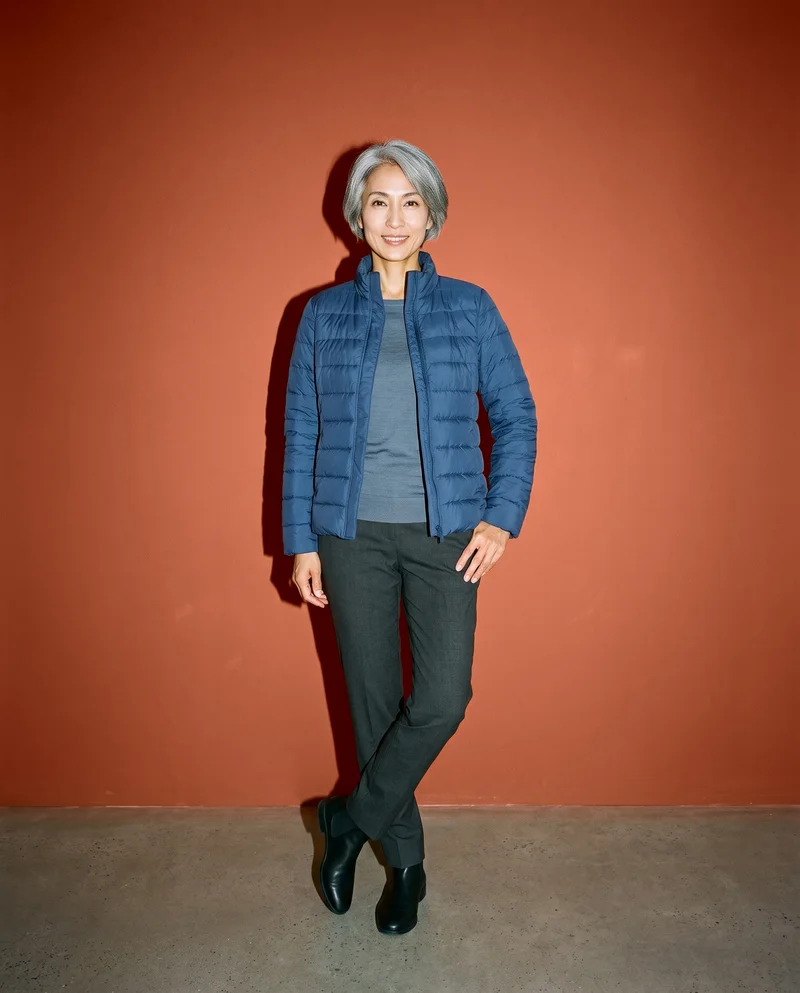
Showing 9 of 496, shot in RAWSHOT
The situation
Every campaign needs more variants.
The same product has to work across campaign placements, markets, formats and channels, while fresh variants are needed for testing and ongoing content. RAWSHOT lets you build those directions from the real product, keeping the composition coherent while you change the decisions that matter.
In the browser
Campaign, market and social creative in one place.
Make ad creative for a campaign
TodayBrief an agency, wait two weeks, get three usable frames.
With RAWSHOTFive looks for the campaign, from one product, this afternoon.
- 1Real product import
- 2Model selection
- 3Photography direction
Get the same shot in every format
TodayA designer crops one hero image nine ways and the crop ruins the composition.
With RAWSHOTShoot for the format instead of cropping into it.
- 1Composition frame
- 2Aspect ratio
- 3Camera view
Refresh a season without a reshoot
TodayLast season's imagery gets reused and everyone notices.
With RAWSHOTNew season, same product, new pictures.
- 1Real product import
- 2Background choice
- 3Model selection
Localise creative per market
TodayOne shoot serves every market and lands in none of them.
With RAWSHOTOne product. The model and the setting that fit the market.
- 1Model selection
- 2Background choice
- 3Photography direction
Produce creative variants fast enough to test
TodayThe same three assets get re-cut until they fatigue.
With RAWSHOTTest the creative, not just the copy.
- 1Model selection
- 2Pose choice
- 3Composition frame
Match creative to audience
TodayOne model, one setting, one implied customer.
With RAWSHOTA different model for a different audience, same product.
- 1Model selection
- 2Background choice
- 3Real product import
Fill a month of feed and stories
TodayReposts customer photos and hopes.
With RAWSHOTA month of posts from the products you already have.
- 1Real product import
- 2Composition frame
- 3Aspect ratio
Make motion for Reels and TikTok
TodayNo budget for video, so there is no video.
With RAWSHOTThe shot you just took, in motion.
- 1Finished still
- 2Camera motion
- 3Model action
Rawshot Features
Your model, light and scene choices shape each campaign.
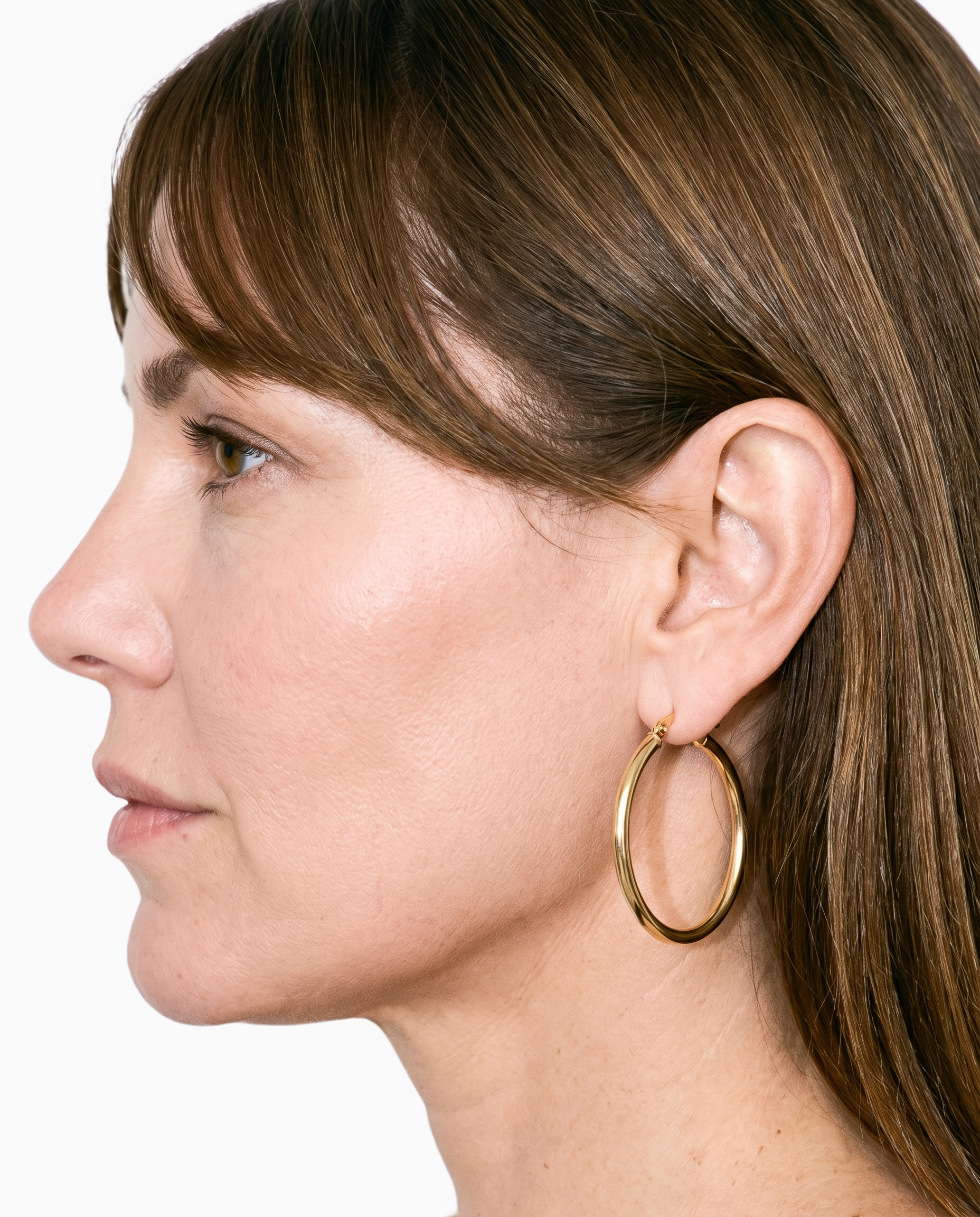
Product import and handling
Starting from the real product keeps campaign variants tied to the item you are marketing across channels and markets.
Start from your real item and keep product fidelity while building the scene.
See the feature →
AI model generator
Selectable adult models and private model building help you cast creative for different audiences while keeping a campaign set coherent.
Library filters plus private model building for consistent identity across the set.
See the feature →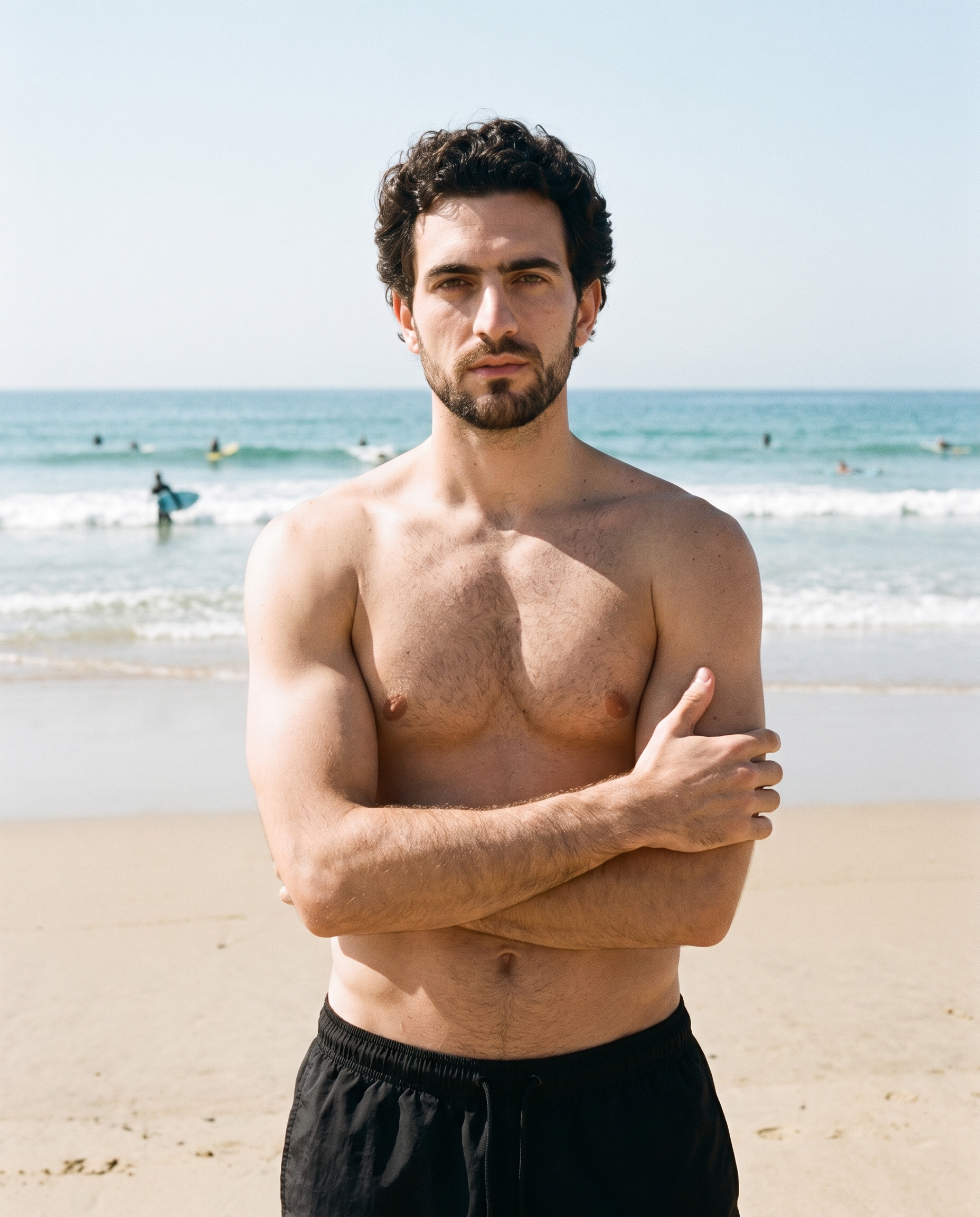
Photography direction
Named light directions give you a deliberate visual treatment that can carry through campaign, testing and social assets.
4 named choices that set mood and shadow the same way across a shoot.
See the feature →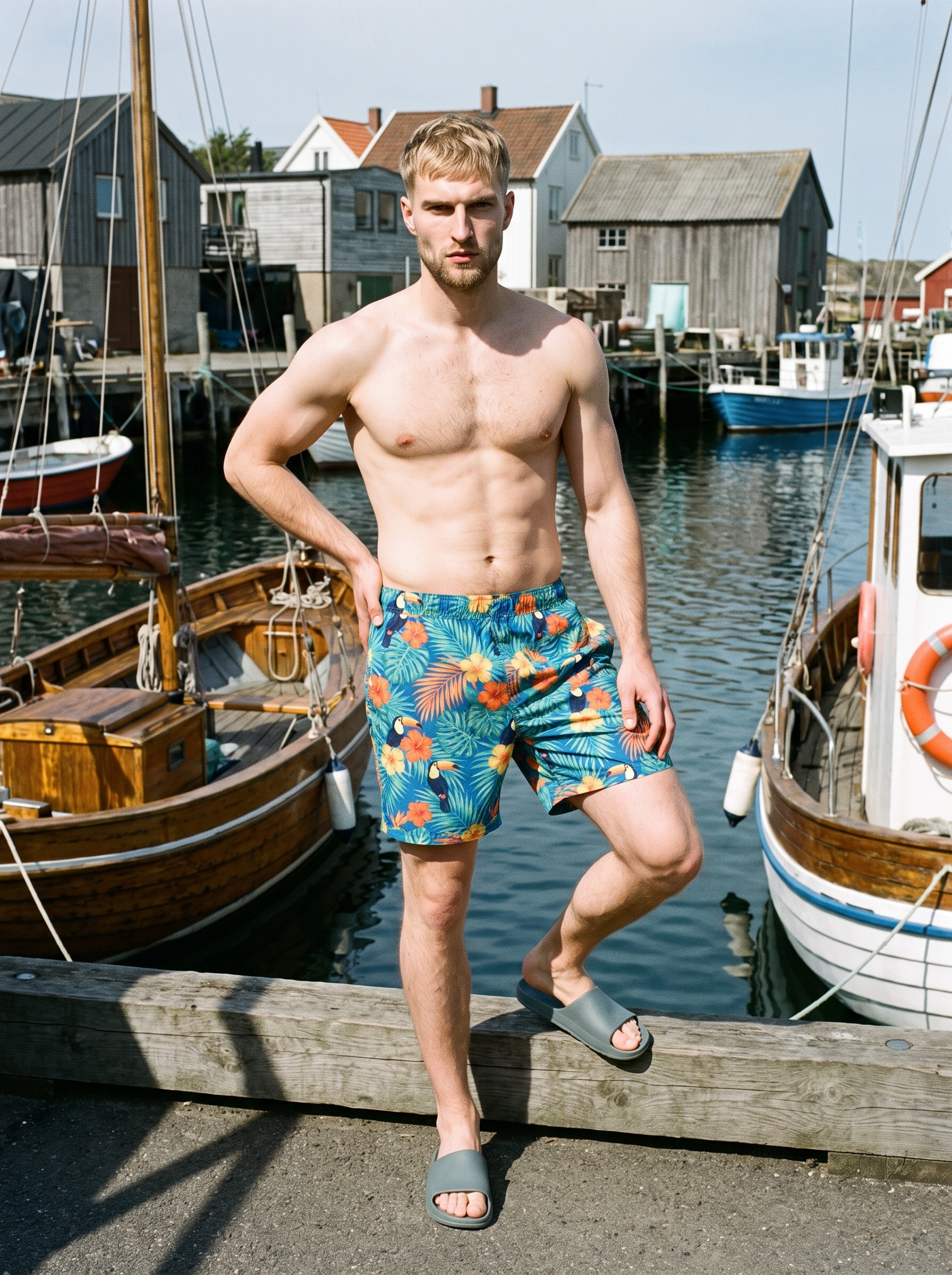
AI photo background generator
Changing the scene context lets you adapt the same product and composition for markets, seasons and campaign placements.
Swap scene context while keeping model, product, and framing stable.
See the feature →AI image to image generator
Change one decision and keep the rest of the composition stable.
AI image to video generator
17 model actions on a full-body shot · 132 in total
AI makeup generator
Branch-aware named options applied without altering casting or scene setup.
AI outfit generator
Combine the main piece with neutral supporting items in one coherent frame.
AI suggestions
Preselected control values you can always override in the same configurator.
Fashion model poses
22 poses on a full-body shot · 104 in total
Garment styling
Choose how the garment is worn and keep brand presentation consistent.
Inspiration gallery
Load editable finished looks as fast starting points for new shoots.
Gallery
Frames for posts, stories and short video.
The pictures show fashion campaign sets built from real products, with consistent models, deliberate light, varied backgrounds, format-ready framing and short motion for social channels.
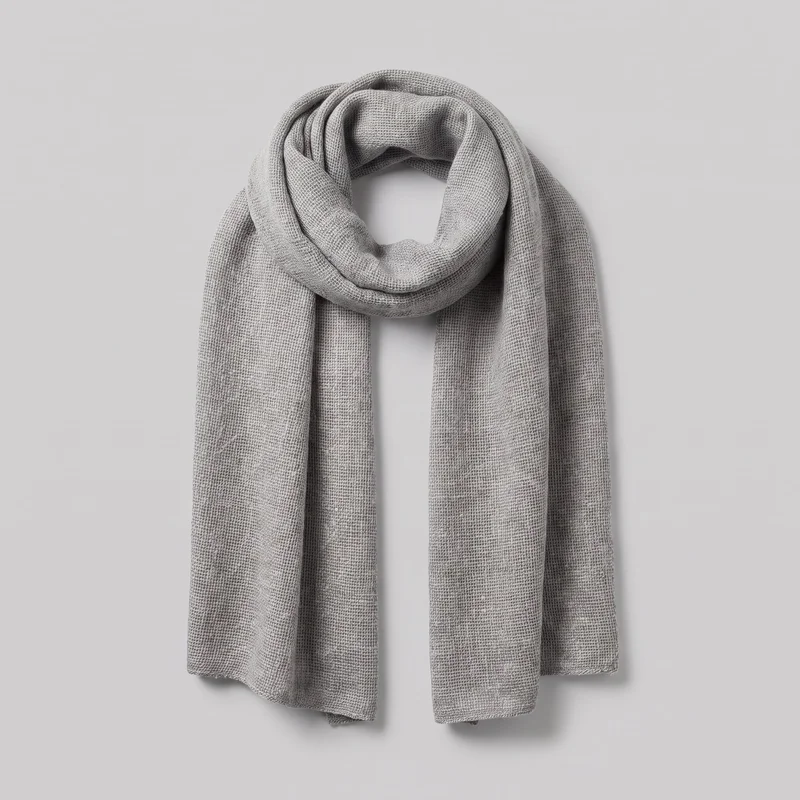 Women's Grey Wool Scarf
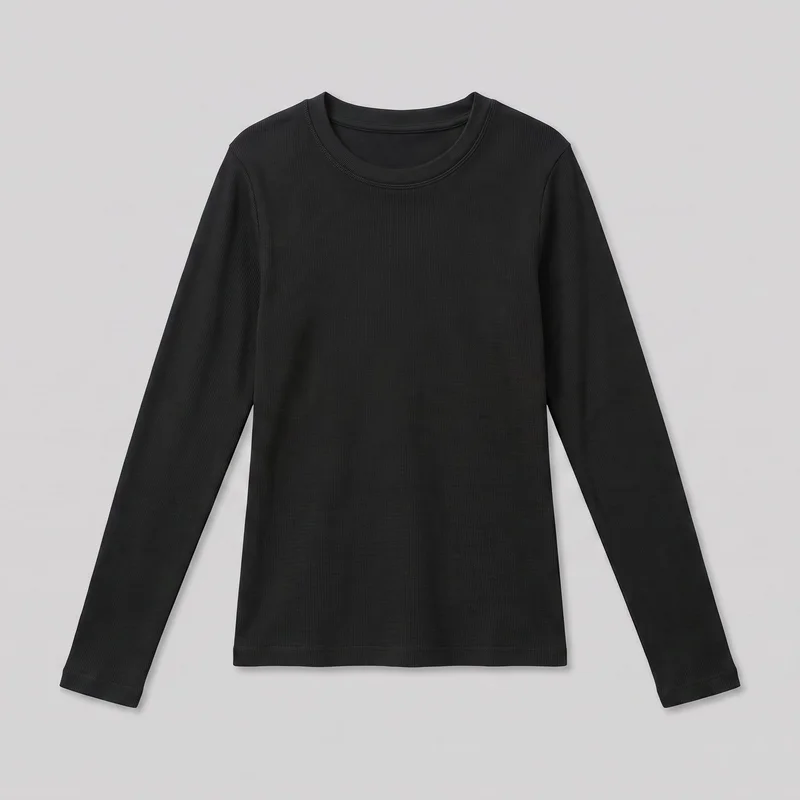 Women's Black Thermal Top
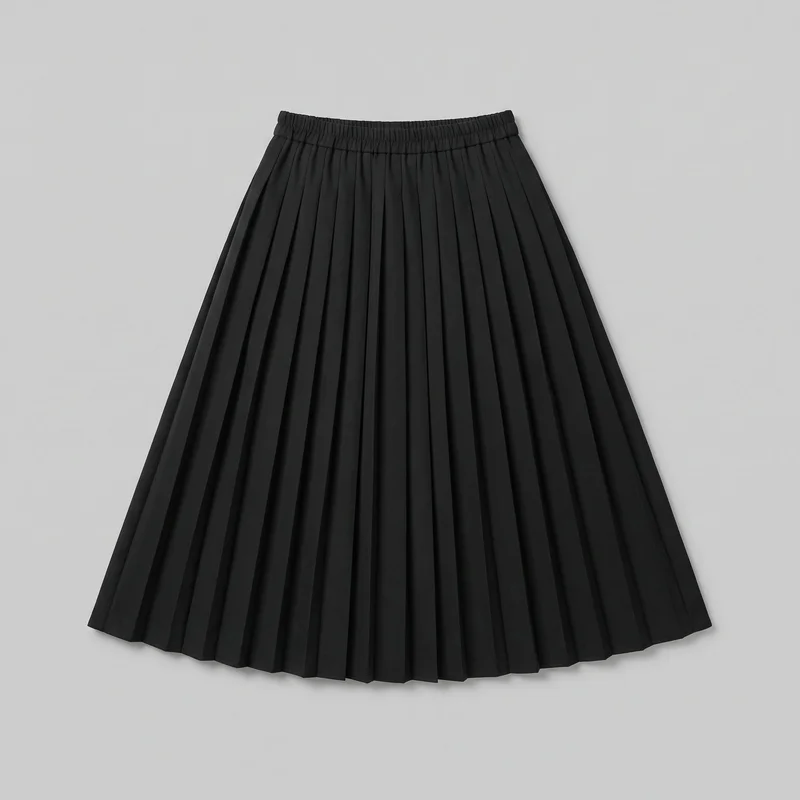 Black Pleated Skirt
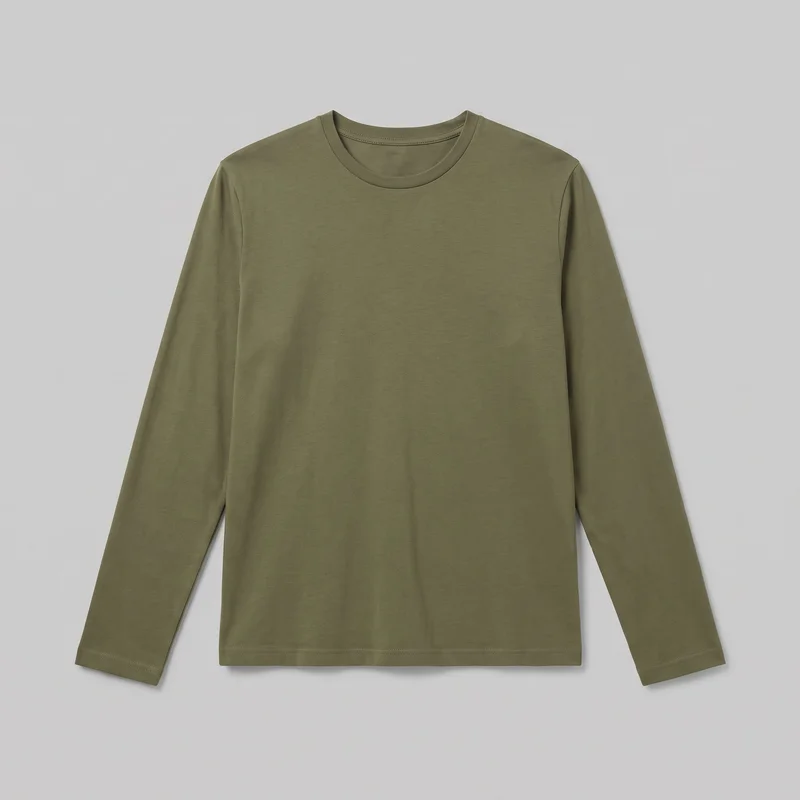 Men's Olive Cotton Long-Sleeve Tee
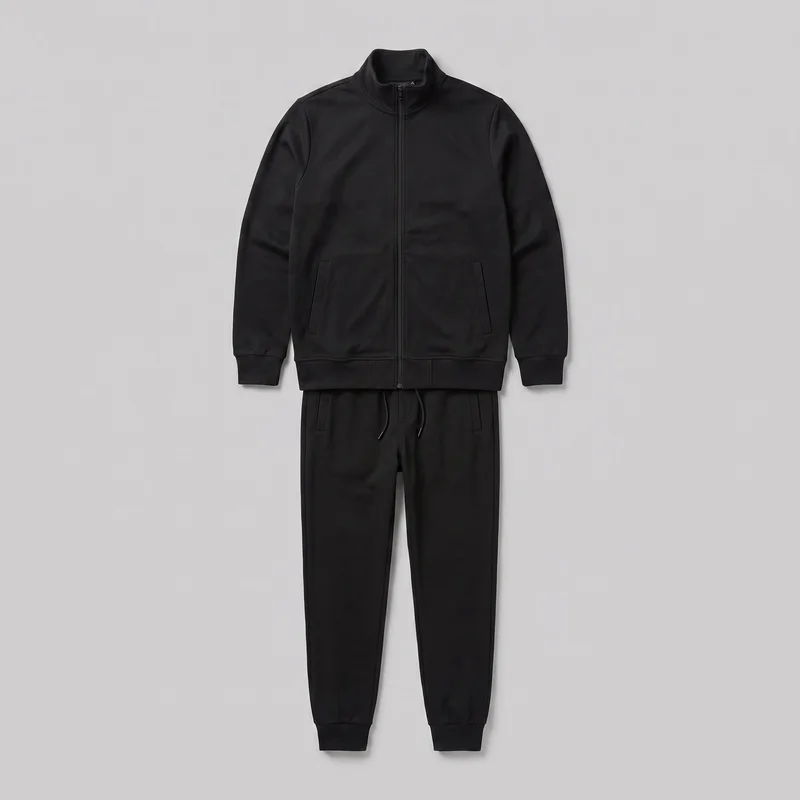 Men's Black Tracksuit
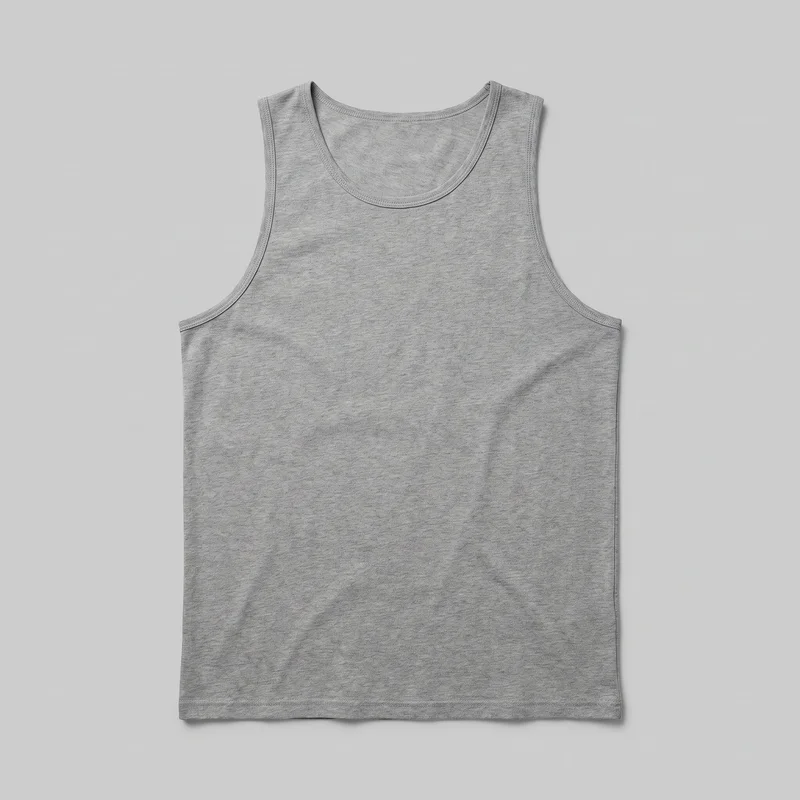 Men's Grey Tank Top
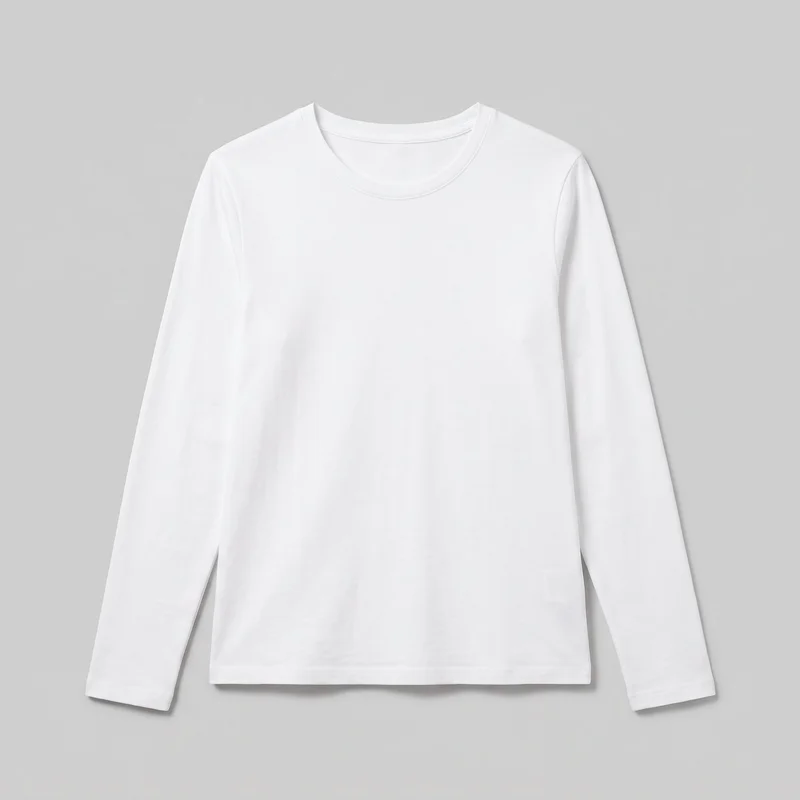 Women's White Long-Sleeve Tee
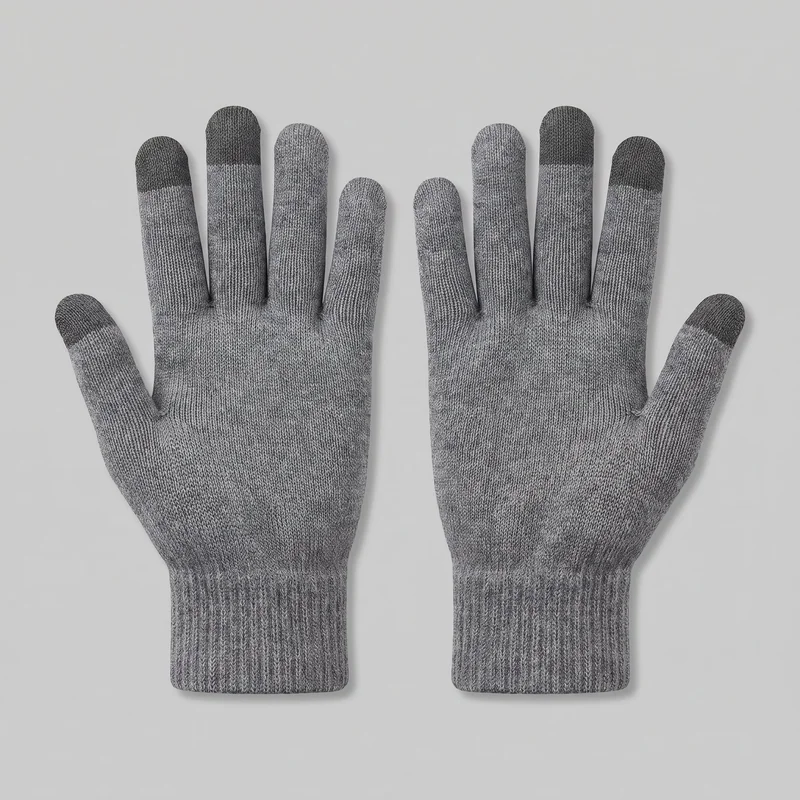 Men's Grey Touchscreen Gloves
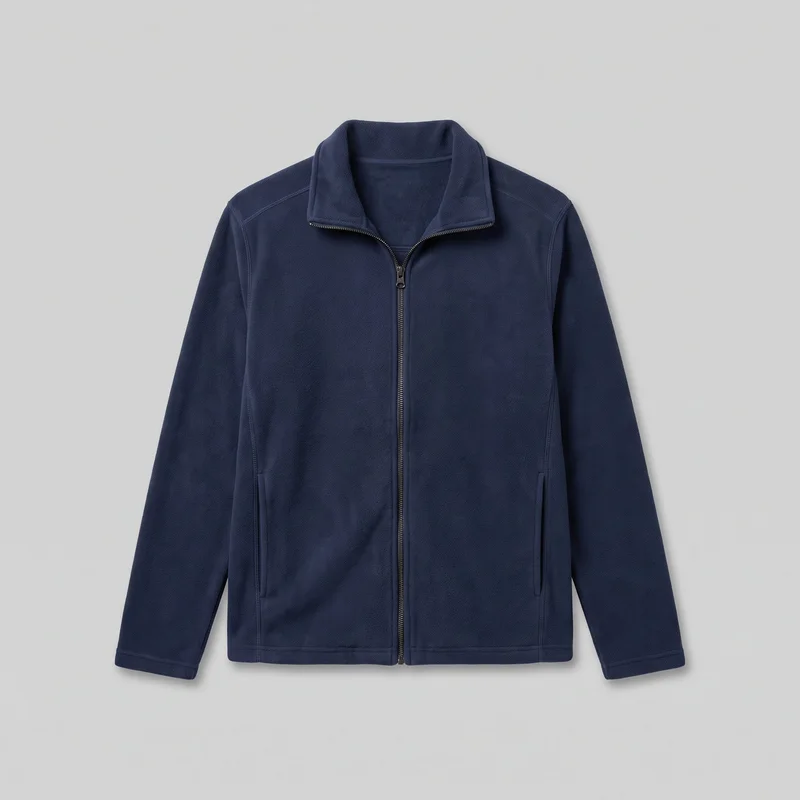 Men's Navy Zip-Up Fleece Jacket
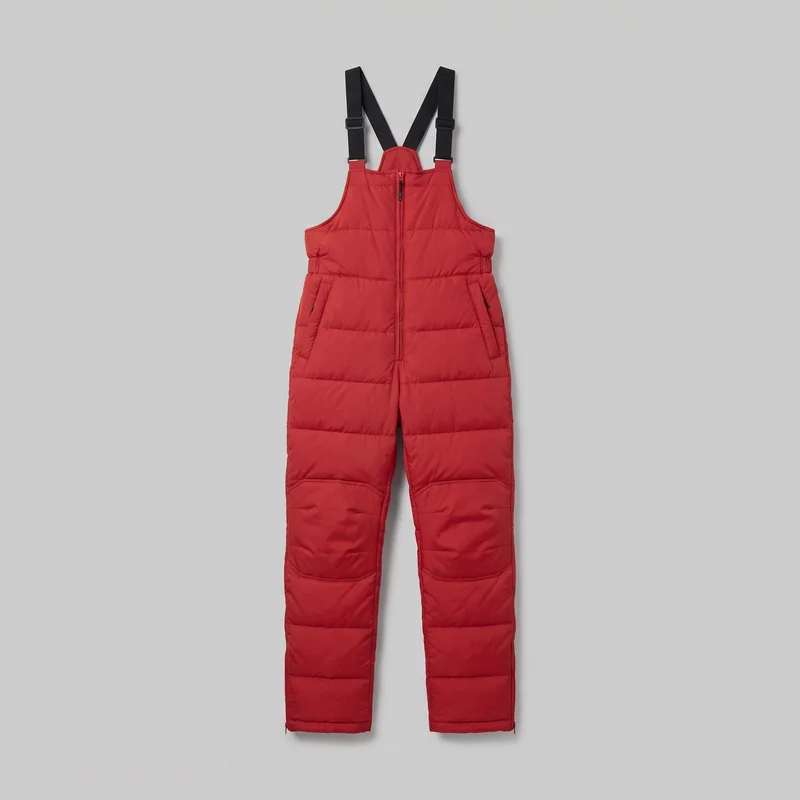 Men's Red Padded Salopettes
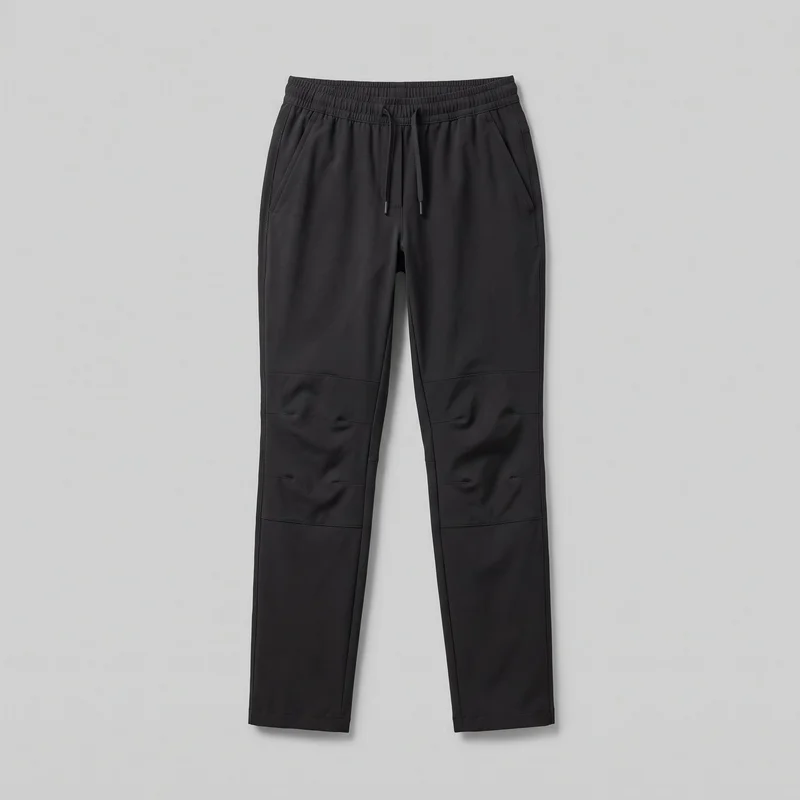 Women's Black Hiking Trousers
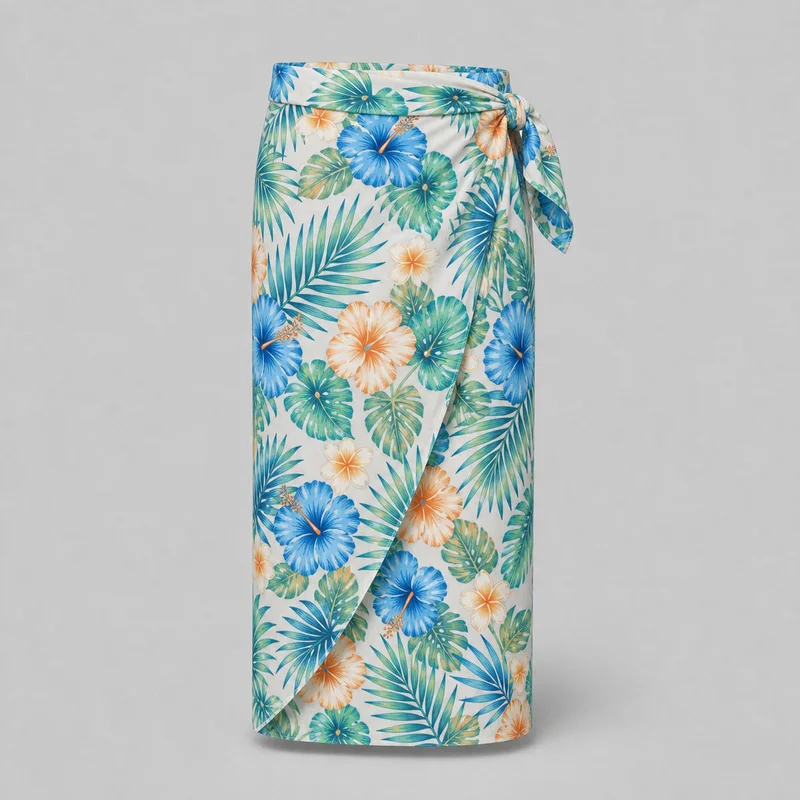 Men's Floral Print Sarong
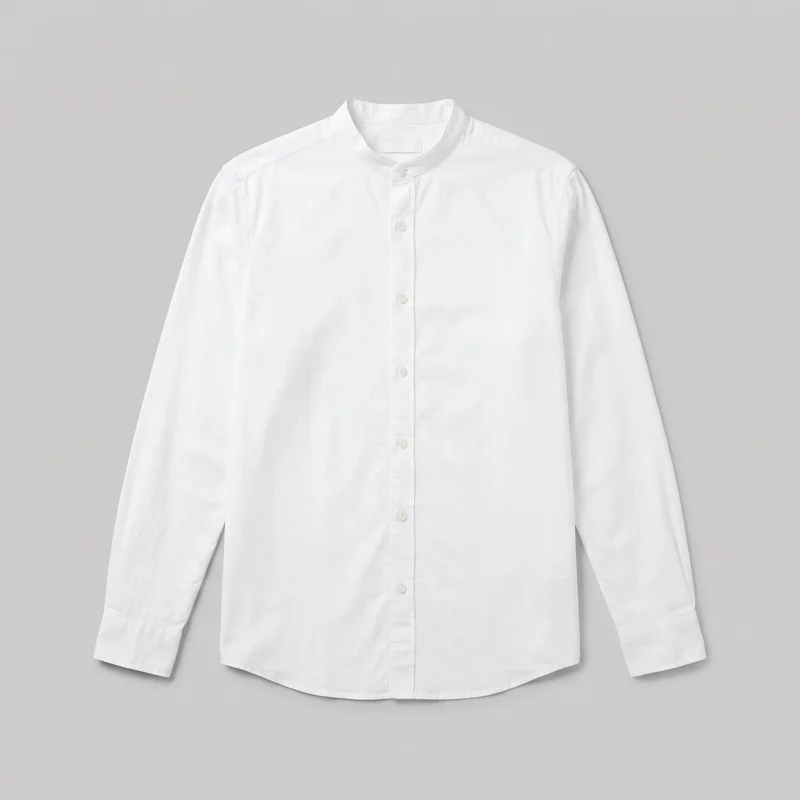 White Grandad Shirt
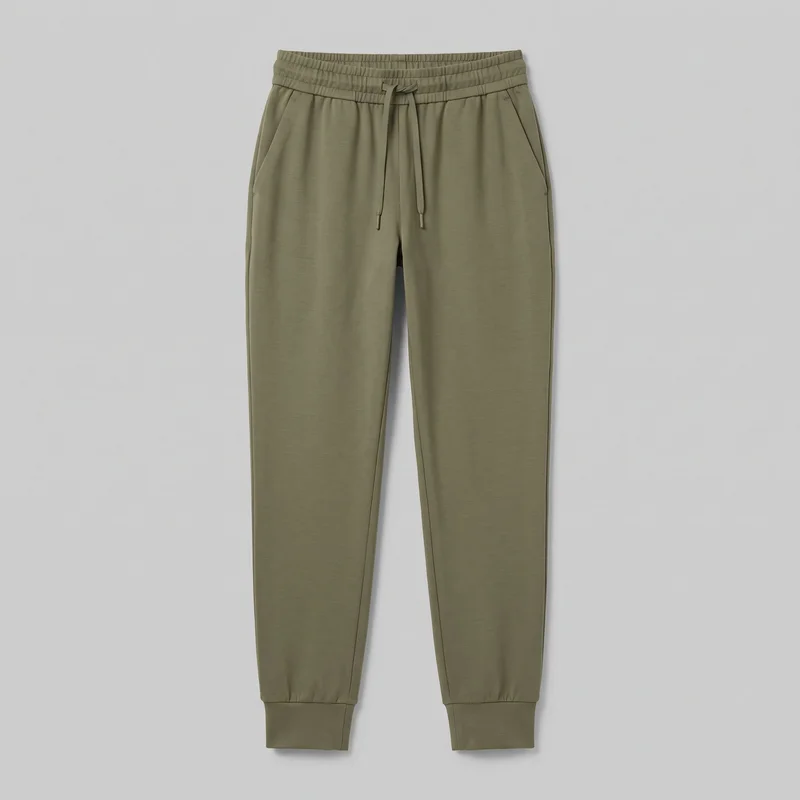 Women's Olive Cuffed JoggersMen's Navy Zip-Up Fleece Jacket
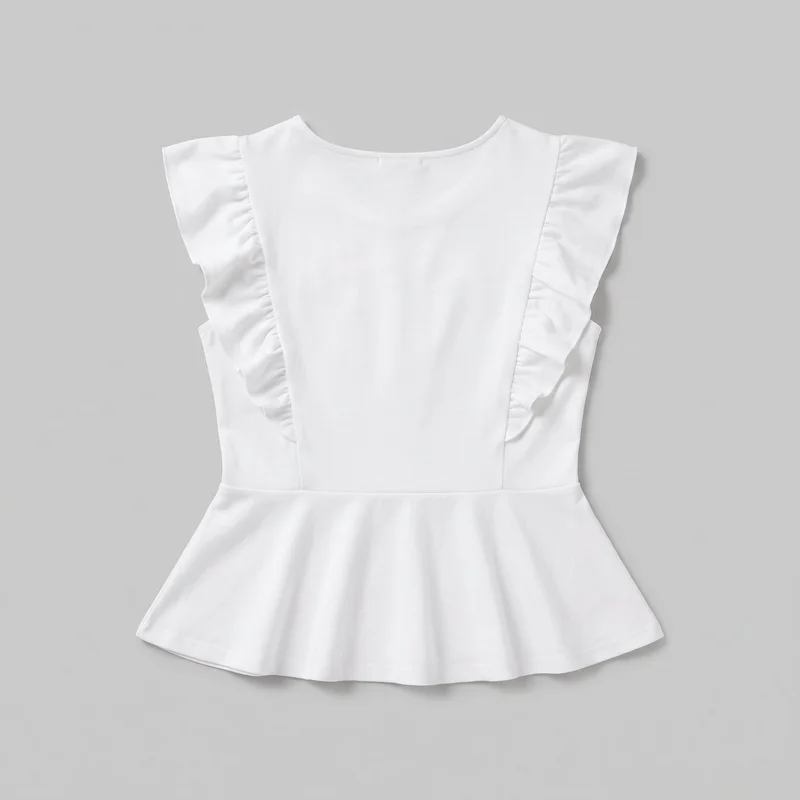 White Peplum Top
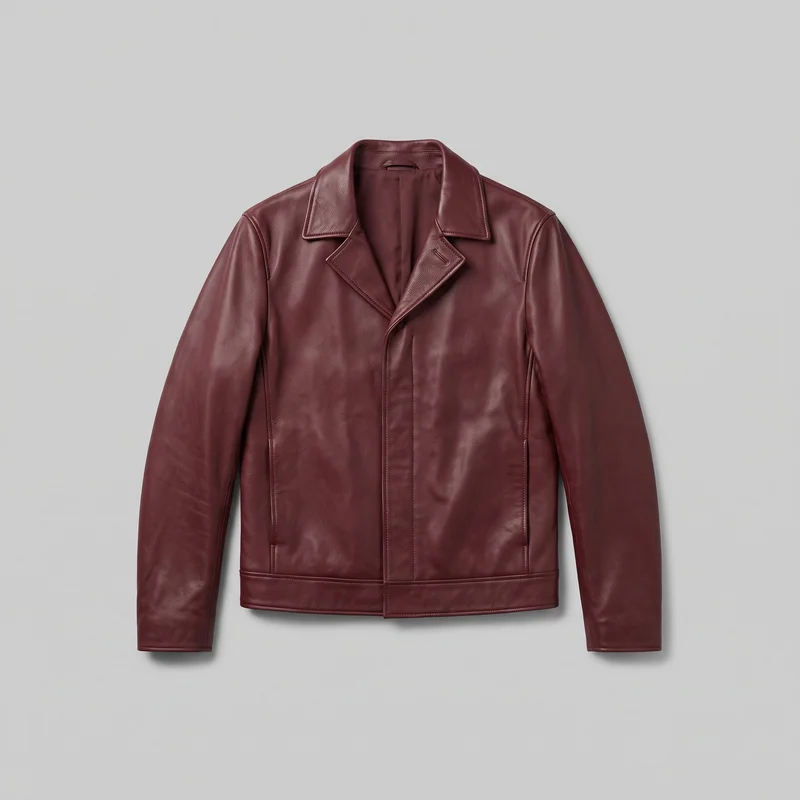 Men's Burgundy Leather Jacket
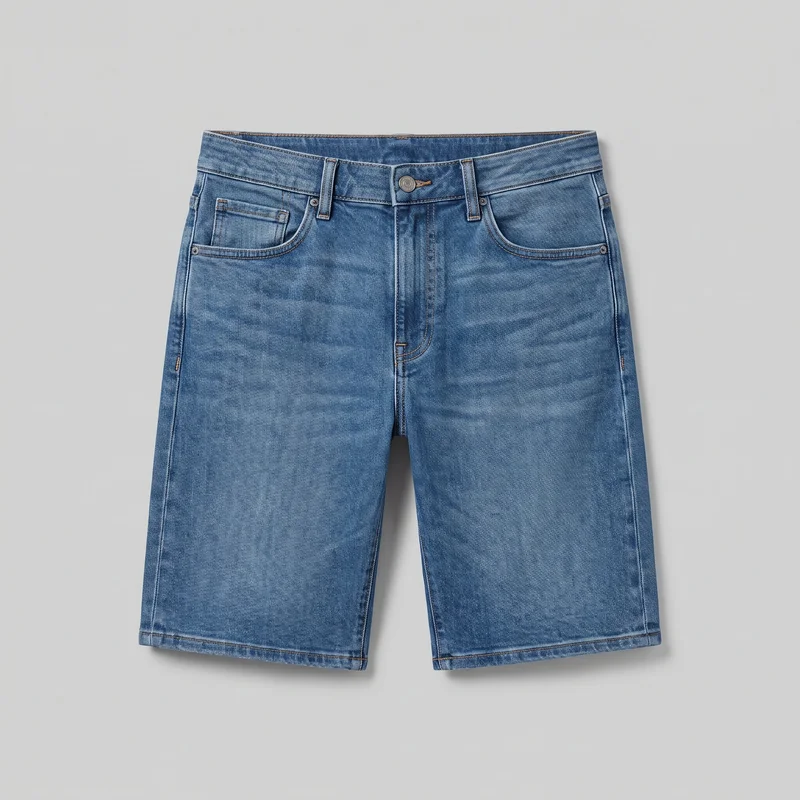 Men's Denim Shorts
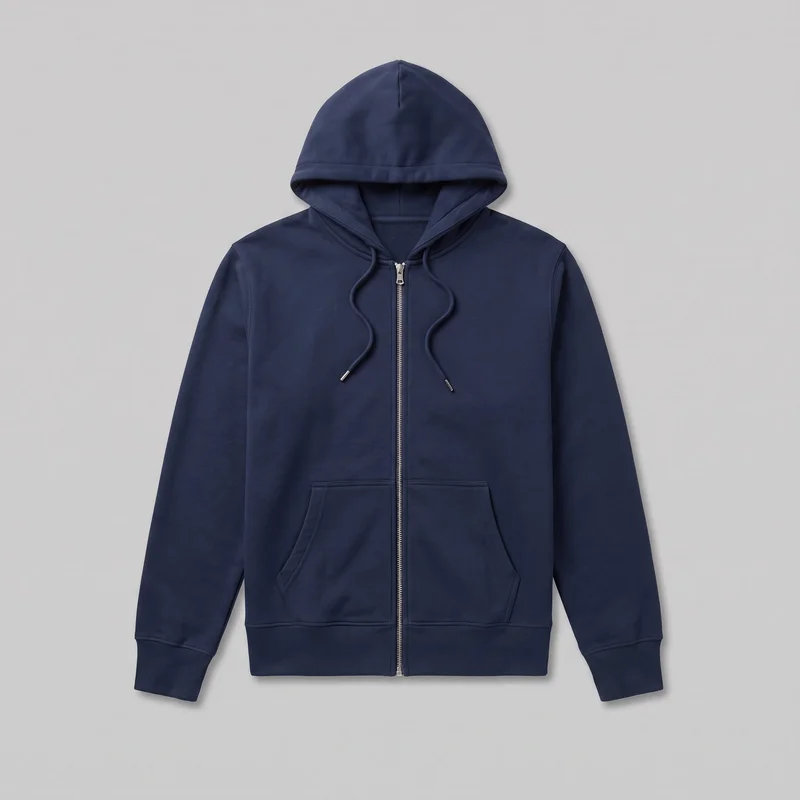 Men's Navy Zip-Up Hoodie
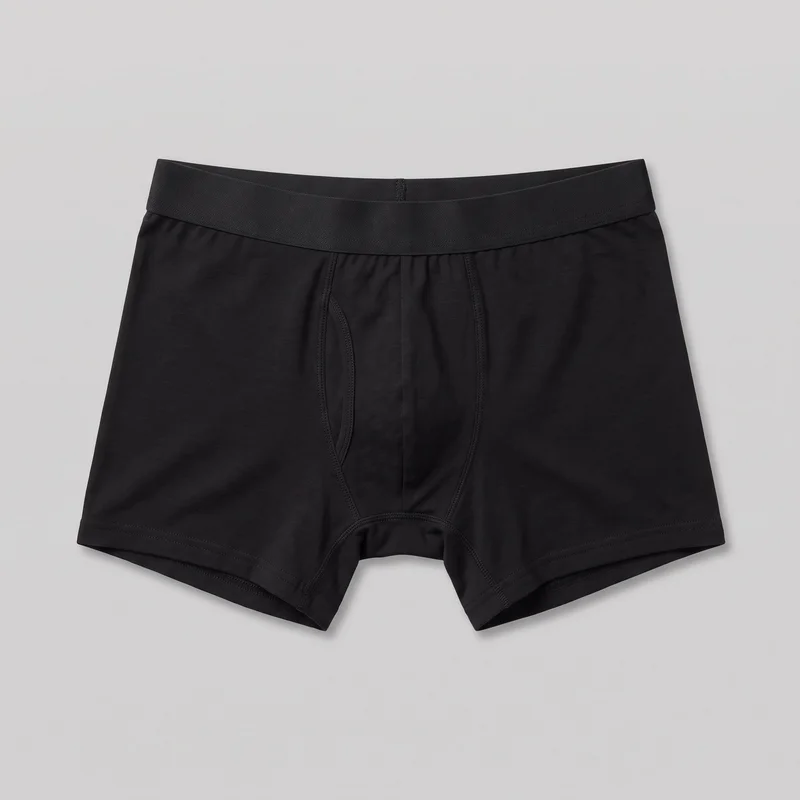 Black Boxers
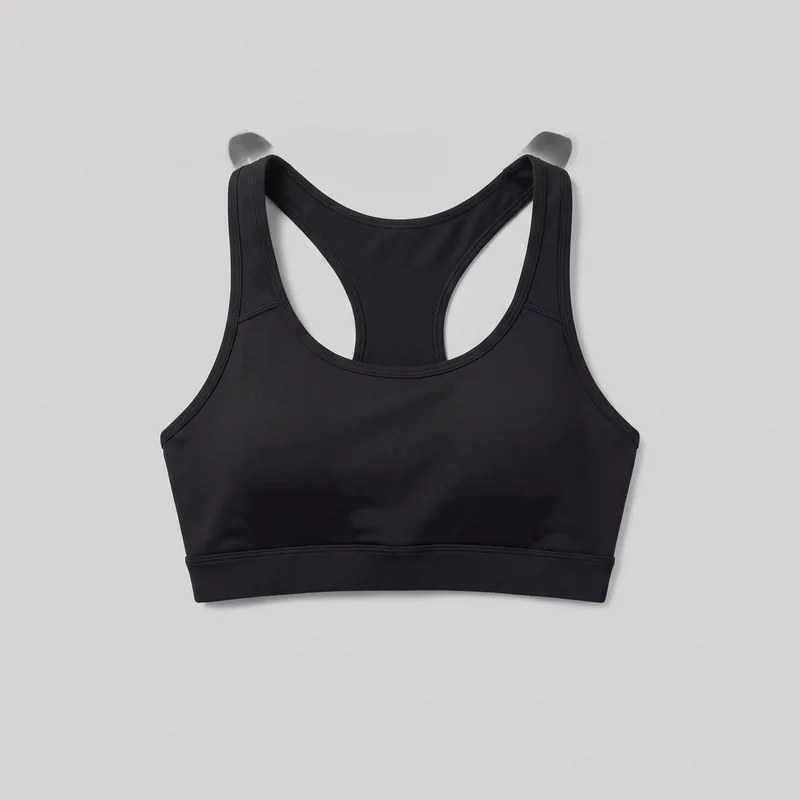 Black High-Impact Sports Bra
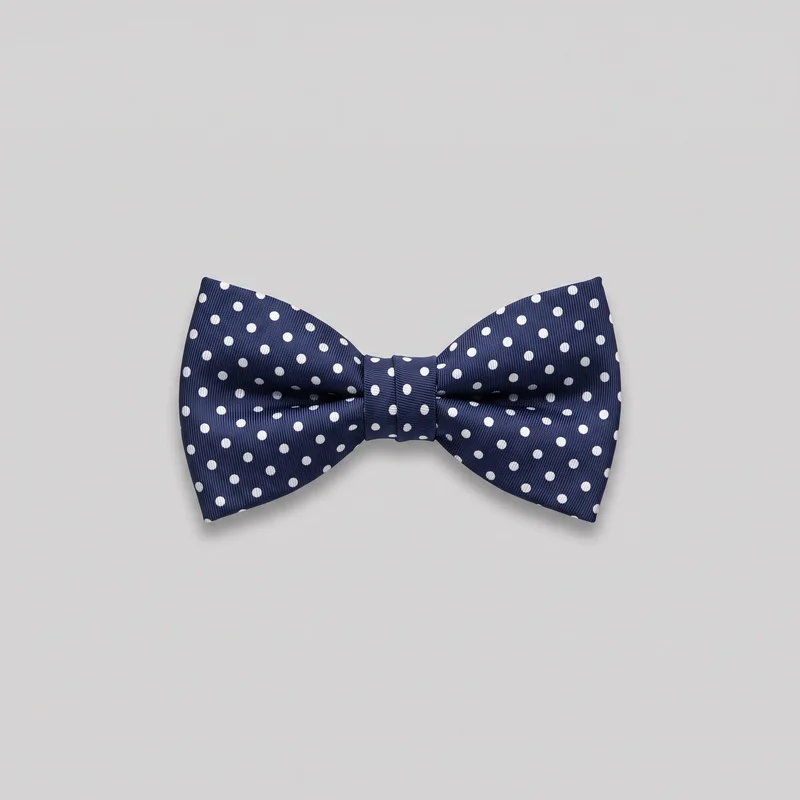 Polka-Dot Bow Tie
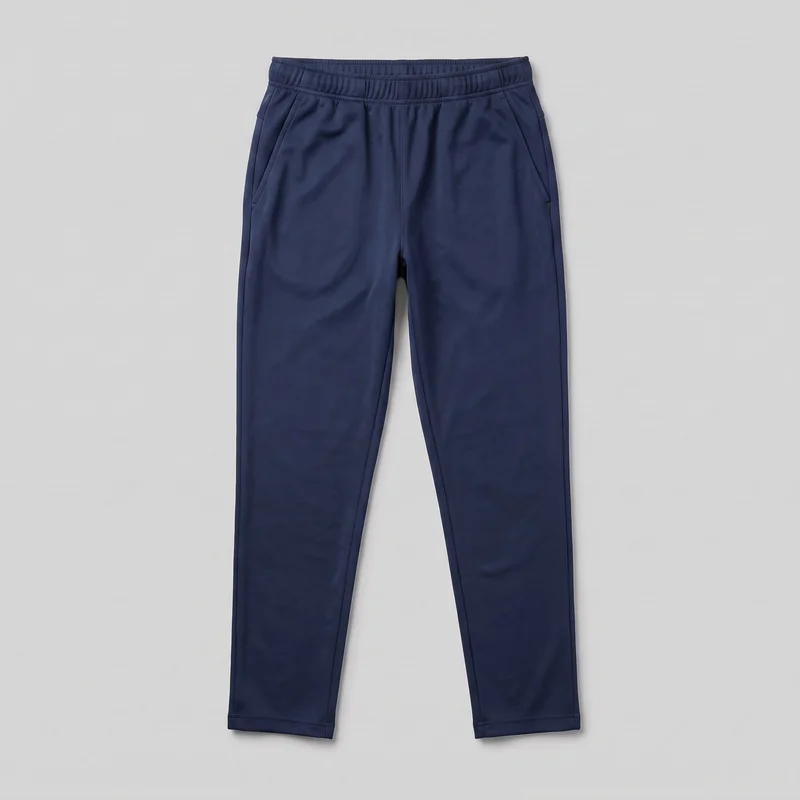 Men's Navy Training Joggers
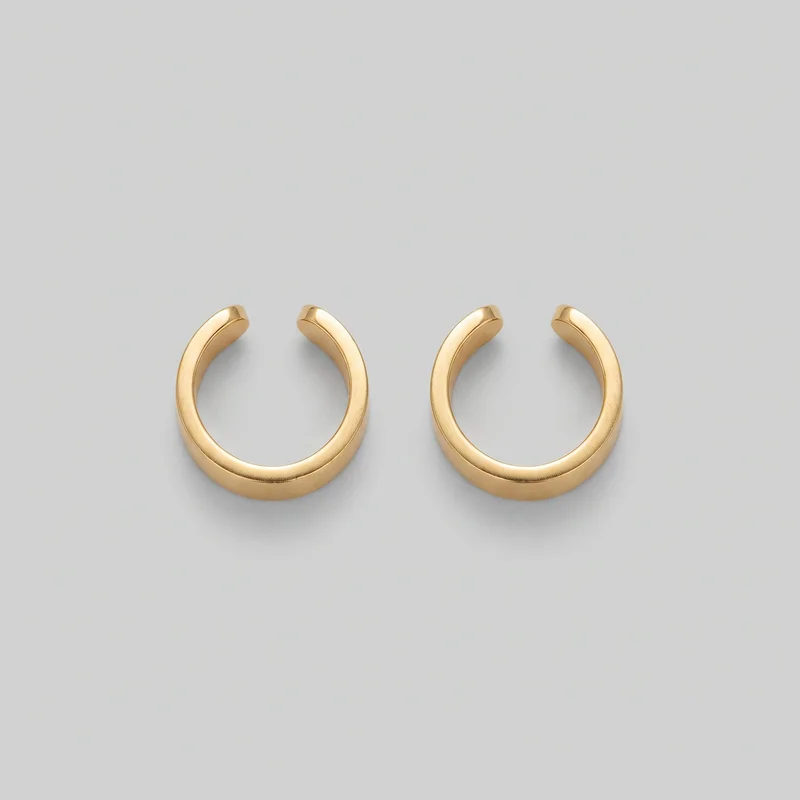 Men's Gold Ear Cuffs
Showing 24 of 496
Who it's for
Is RAWSHOT right for recurring campaign and social creative?
A good fit
This work fits you when you have recurring campaign, paid-social or social content deliverables and need many good, consistent images from the products already in hand. It suits you when you prefer selecting visible options and regenerating a miss rather than spending an hour editing one image.
Teams who get the most from it
- RAWSHOT is a good solution for you as a brand marketing lead if you need campaign creative on schedule across formats and markets.
- It works for you as a paid social marketer if you need product and model variants to test instead of repeatedly recutting the same assets.
- Choose it for you as a social content manager if you need a steady set of feed, story and short motion assets from products you already have.
Work it handles well
- You can build a channel-ready campaign set from the real product.
- You can keep the model, light and composition coherent while creating market and format variants.
- You can turn finished stills into short motion for Reels and TikTok.
Outside this scope
Skip this work when your campaign depends on a specific real person, a stylised treatment beyond the available image style or detailed instructions for how a garment sits on the body. It is also the wrong path when you need a saved configuration reused later, programmatic access, a PIM or DAM connection, or extended edits on one hero image.
Teams this is not for
- Skip it if you need a specific real person or ambassador to appear in the campaign.
- This is not the right path if you need to direct garment fit through detailed free-form adjustments or refine one hero image through many edit rounds.
- It is not a fit if you need saved configurations, programmatic access or a connection to your PIM or DAM.
Where this stops
- You cannot create a stylised or graded treatment beyond the available accurate image style.
- You cannot reuse a configuration automatically in a later photoshoot.
- You need to choose from the available controls and regenerate a miss rather than edit every detail of one image.
Rights
You own every image. Every image says what it is.
Yours
- Full commercial rights to every image, permanently.
- No recurring licence fees on any model in the library.
- Every model is a synthetic composite, so there is no real-person likeness.
Labelled
- C2PA content credentials on every image.
- AI-labelled output, meeting EU AI Act Article 50.
EU-hosted, GDPR-compliant handling.
- EU AI Act Article 50
- C2PA
- Full commercial rights
- GDPR
- EU-hosted
Questions
What should marketing teams know first?
Can marketing teams benefit from an AI fashion photography tool like RAWSHOT for recurring campaign work?
Marketing teams can benefit from RAWSHOT when they need consistent campaign creative from products already in hand. You can select the model, styling, light, background, frame and composition on screen, then regenerate a direction that misses the mark. This suits paid-social, social content and market localisation where the same product needs fresh visual treatment across channels. Finished stills can also become short motion for Reels and TikTok, helping you build a broader campaign set without another studio day.
What jobs and channels can marketing teams use RAWSHOT for when building fashion campaign creative?
Marketing teams can use RAWSHOT for campaign ads, paid-social testing, feed and story content, market localisation, seasonal refreshes and short motion for Reels and TikTok. You can work from a real product import while changing the model, background, pose, camera view or composition to suit each audience and placement. The same product can support launch creative, ongoing social content and alternative directions for testing, without relying on a single hero image being recut everywhere.
Which campaign crops and aspect ratios can marketing teams produce with RAWSHOT for paid social and social channels?
Marketing teams can produce feed, story and vertical campaign frames, including 4:5 and 9:16 crops, with RAWSHOT. You choose the aspect ratio, composition frame and camera view before generating the image, so the subject can be composed for its placement rather than forced into a later crop. This helps you prepare stills for shop and campaign use, then adapt finished imagery into short motion for vertical social channels while keeping the product and visual direction coherent.
What can marketing teams start with in RAWSHOT when a campaign schedule cannot wait for another studio shoot?
Marketing teams can start with a clear product photo, flat-lay, mockup or technical sketch in RAWSHOT when the campaign schedule cannot wait for another studio shoot. A stronger source image gives the product a more accurate foundation, while the selected model, outfit, styling, background, light and composition shape the campaign direction. You can begin with the product already available and build usable creative around it, then regenerate a miss instead of refining every detail by hand.
How is RAWSHOT different from a studio shoot for marketing teams producing recurring campaign variants?
RAWSHOT lets marketing teams create campaign variants from a real product by selecting the model, light, background, frame and camera view on screen, while a studio shoot requires each physical direction to be produced on set. You can keep the product and visual language coherent while exploring market, audience and placement changes. This is useful when you need fresh creative for testing or social publishing, rather than a single production designed around one fixed shoot day.
Can marketing teams keep a consistent model, light and composition across a campaign collection in RAWSHOT?
Marketing teams can keep a campaign collection visually consistent in RAWSHOT by holding the model, light, background, styling and composition direction steady while changing the product or audience treatment. You can create related variants for a seasonal refresh, market adaptation or creative test without making every image feel unrelated. Consistency comes from selecting the available controls deliberately; when a result misses, you regenerate the direction rather than manually editing every detail of a single hero image.
What are RAWSHOT's limits for marketing teams directing campaign imagery across markets and channels?
RAWSHOT is limited to the available image styles and controls, so marketing teams cannot direct a treatment beyond those options or specify every garment-fit detail through free-form instructions. It is not suited to campaigns requiring a specific real person or ambassador, saved configurations reused automatically, programmatic access, or PIM and DAM connections. Source quality also affects product accuracy, and you choose from the available directions and regenerate a miss rather than extending edits across one hero image.
Can marketing teams use RAWSHOT images on paid ads, social channels and other campaign placements?
You get full commercial rights to every image, permanently, with no recurring licence fee. Every image carries C2PA content credentials and is labelled as AI-generated.
Get started
Your next campaign set starts here.
Start with a 7-day free trial including 50 tokens, then move to the plan that matches your production volume.