
Online boutiques
RAWSHOT for online boutiques
You keep every drop moving from product page to feed.
You keep product pages, drops and social channels moving while supplier photos make your online boutiques look like every other shop. RAWSHOT gives you a repeatable studio for turning real product images into consistent on-model content through visible choices.
7-day free trial • 50 tokens (10 images) • Cancel anytime
A 2K image in roughly 35 seconds · AI-labelled with C2PA content credentials
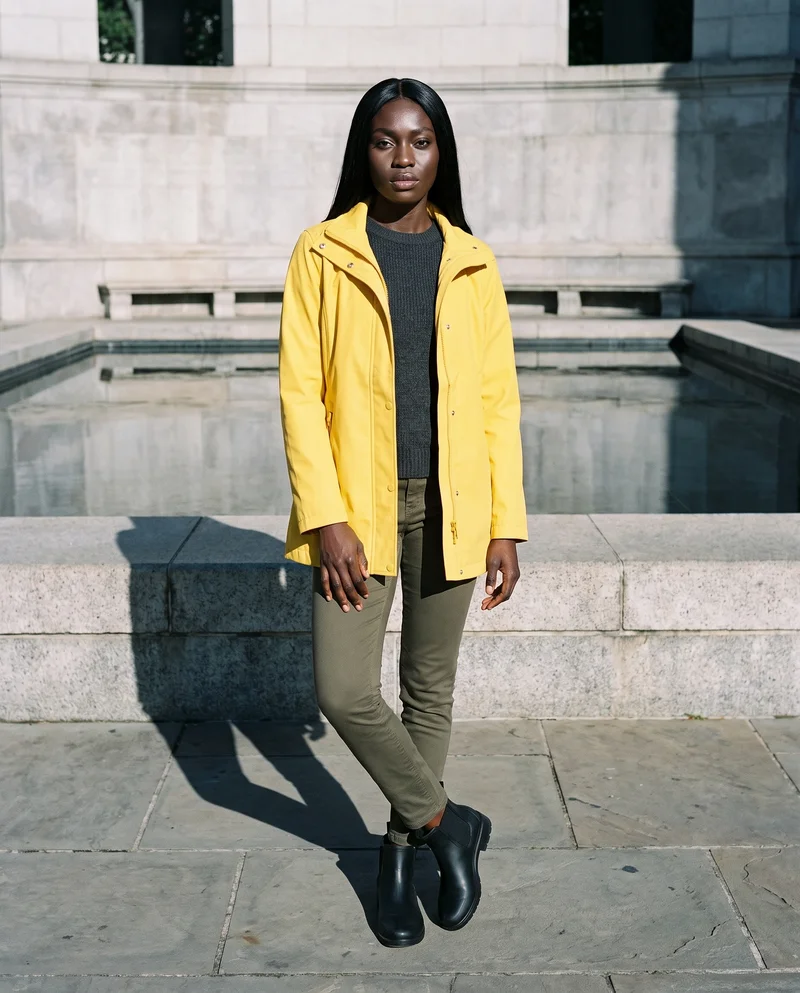
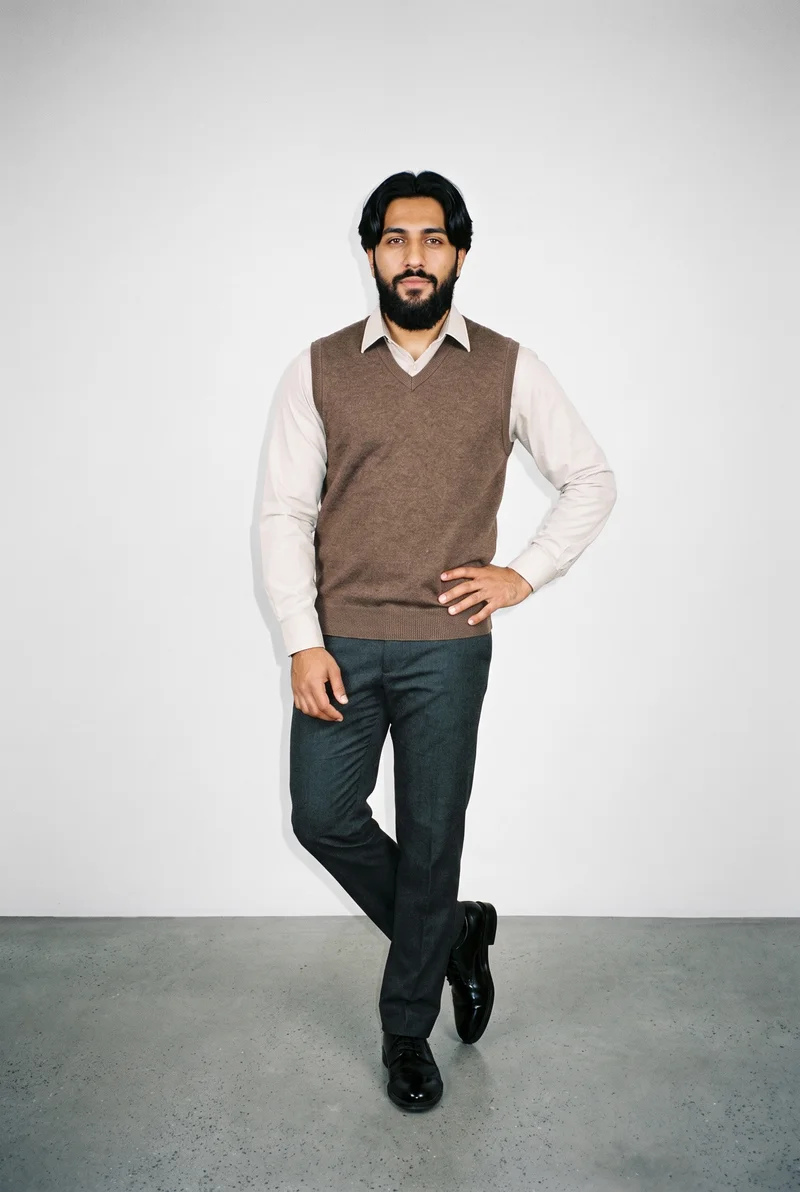
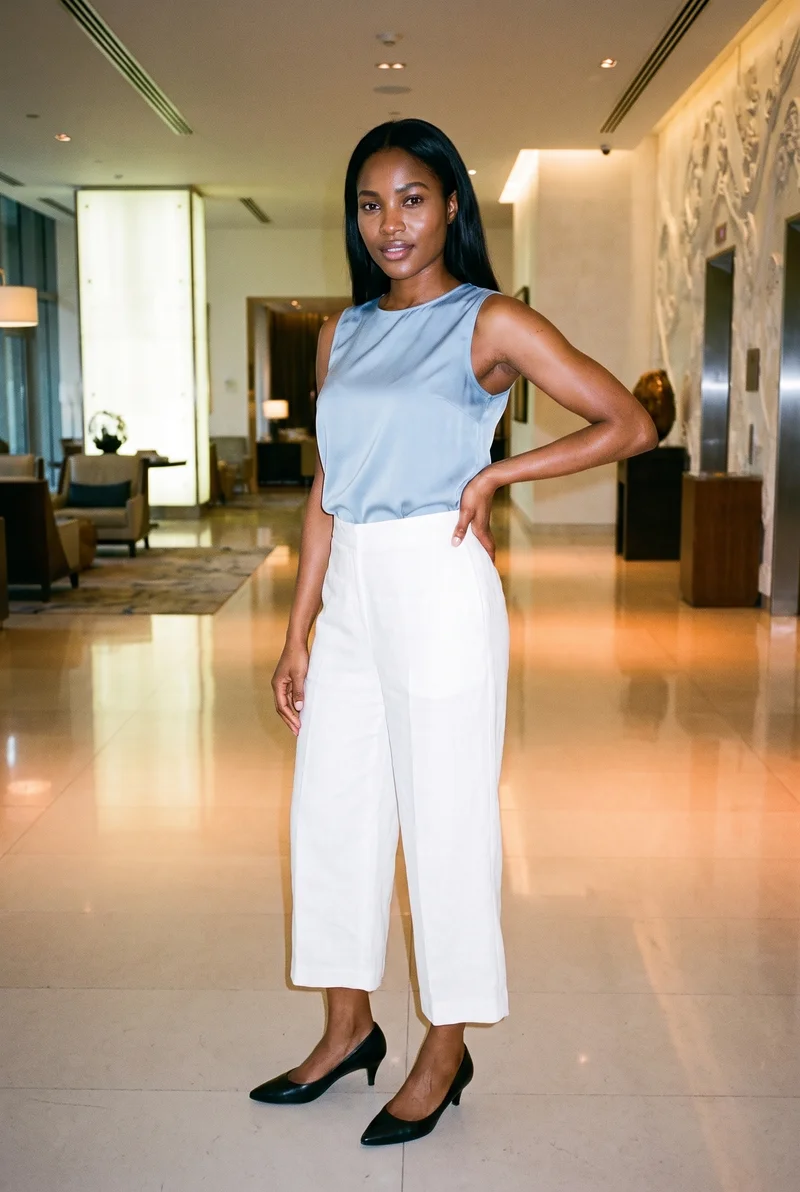
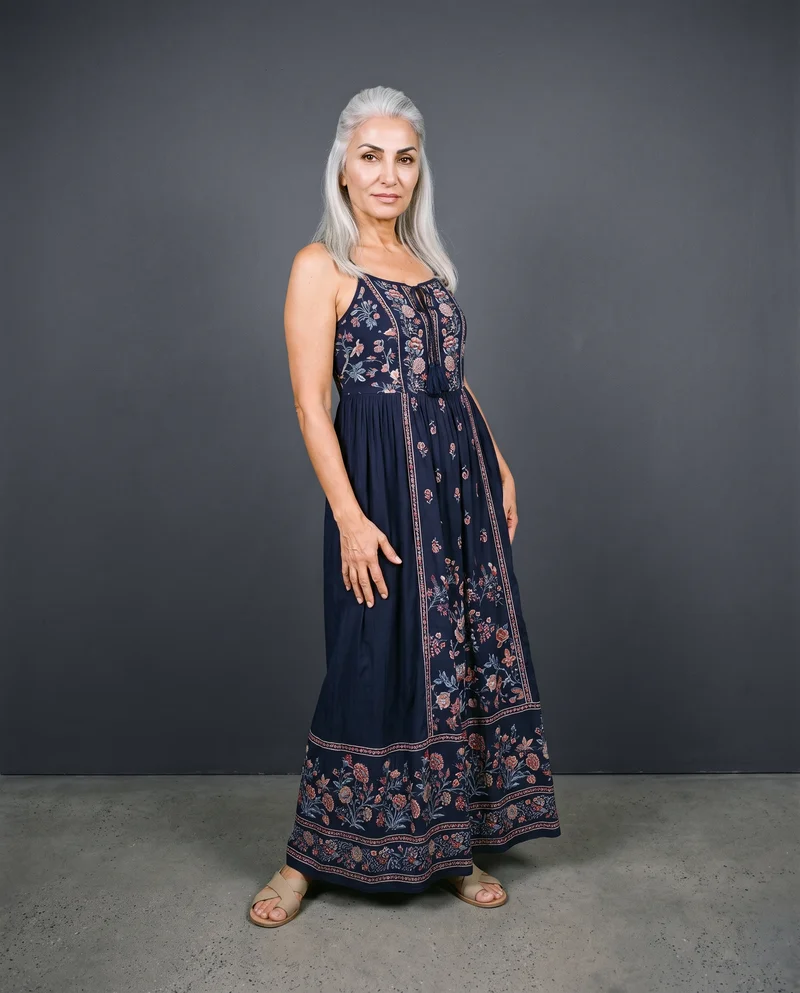
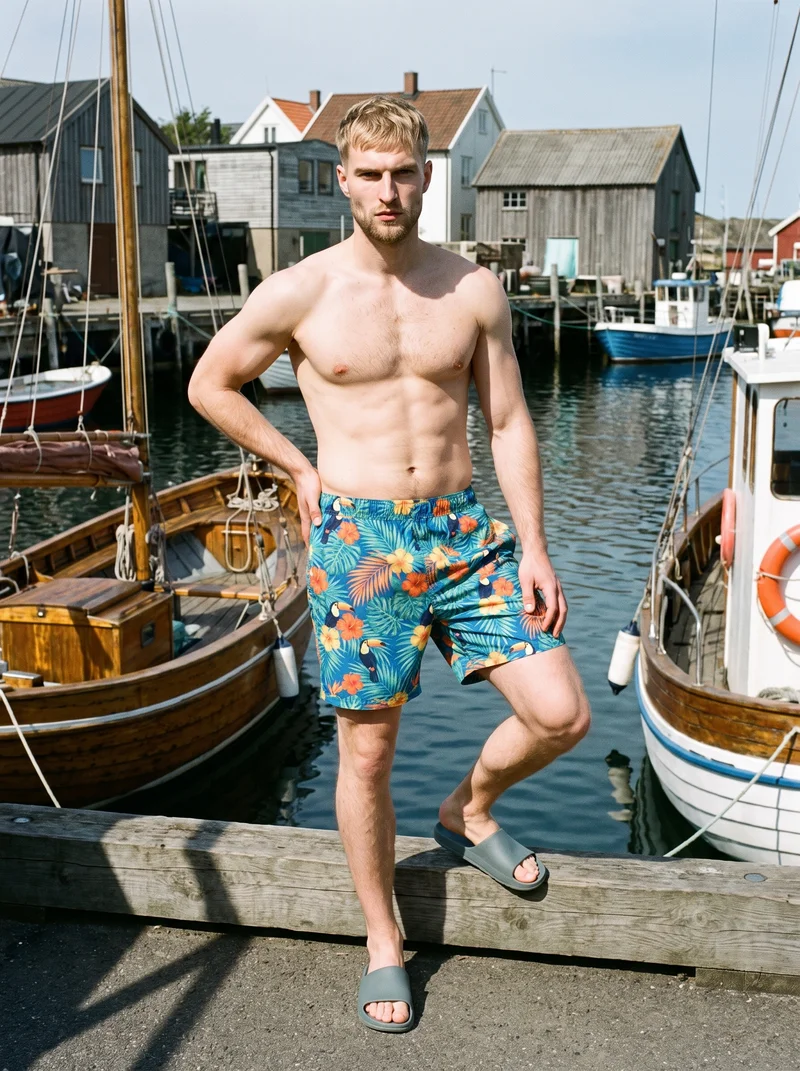
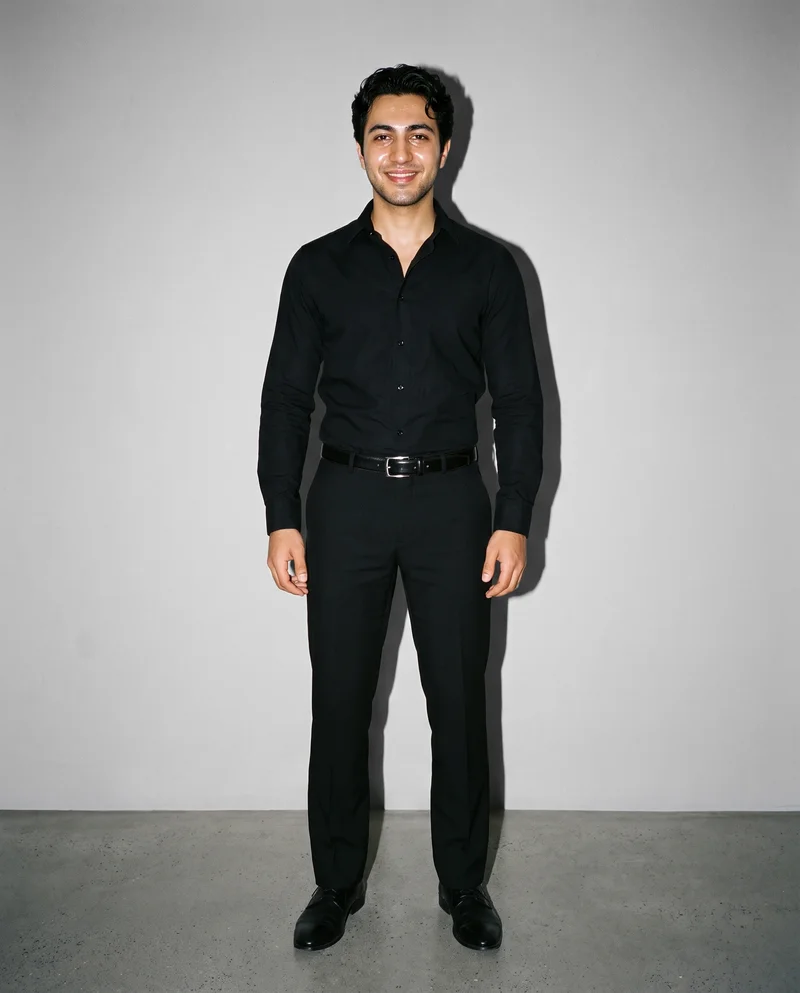
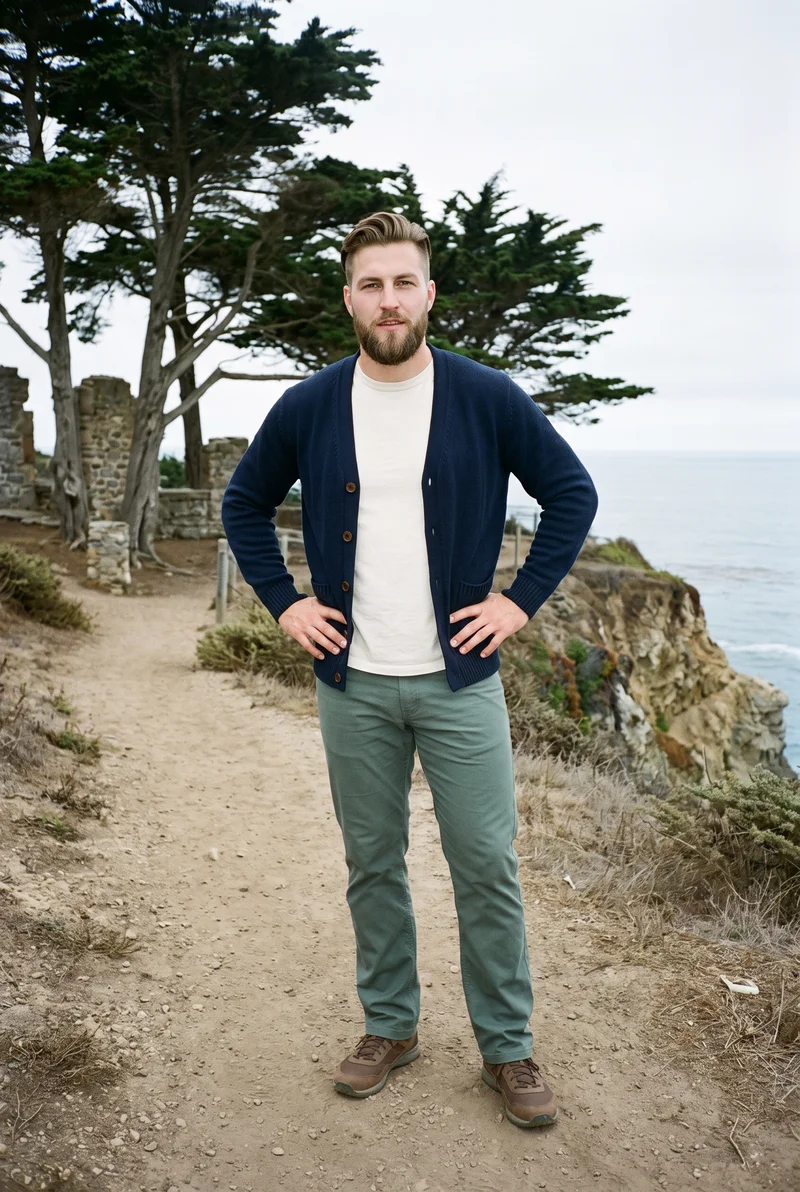
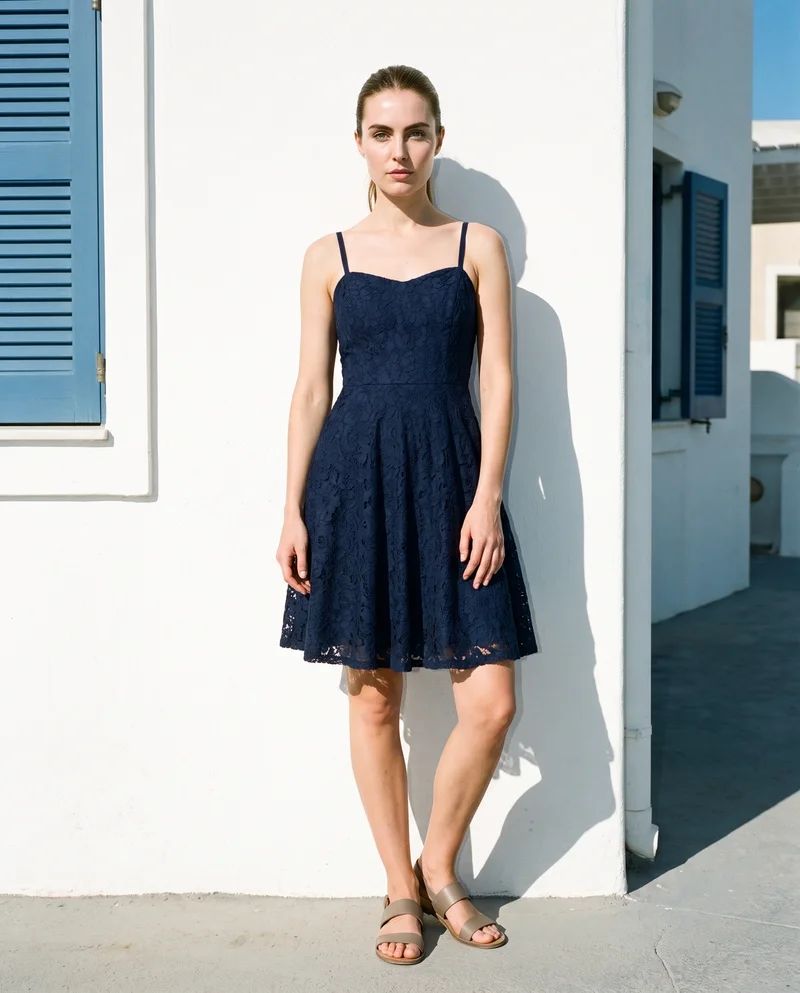
Showing 9 of 41, shot in RAWSHOT
The situation
Supplier photos arrive in uneven styles.
Supplier photos arrive in uneven styles, colourways appear at different times, and new listings go live without the imagery you need. You need a consistent product presentation that can keep pace with every drop, new listing and content calendar.
In the browser
Posts, stories and short video move product pages.
Fill a month of feed and stories
TodayReposts customer photos and hopes.
With RAWSHOTA month of posts from the products you already have.
- 1Import the product
- 2Pick one model
- 3Set the frame
Fill empty product pages before a drop goes live
TodayThe drop ships with flat-lays and the conversion gap shows up two weeks later.
With RAWSHOTEvery piece on a model before the drop goes live.
- 1Import the product
- 2Choose the light
- 3Direct the composition
Re-shoot a bestseller that photographs badly
TodayA reshoot means a studio day for one product, so it never happens.
With RAWSHOTOne product, reshot this afternoon.
- 1Import the product
- 2Choose the model
- 3Set the background
Rawshot Features
Model, light and frame choices keep listings coherent.
Product import and handling
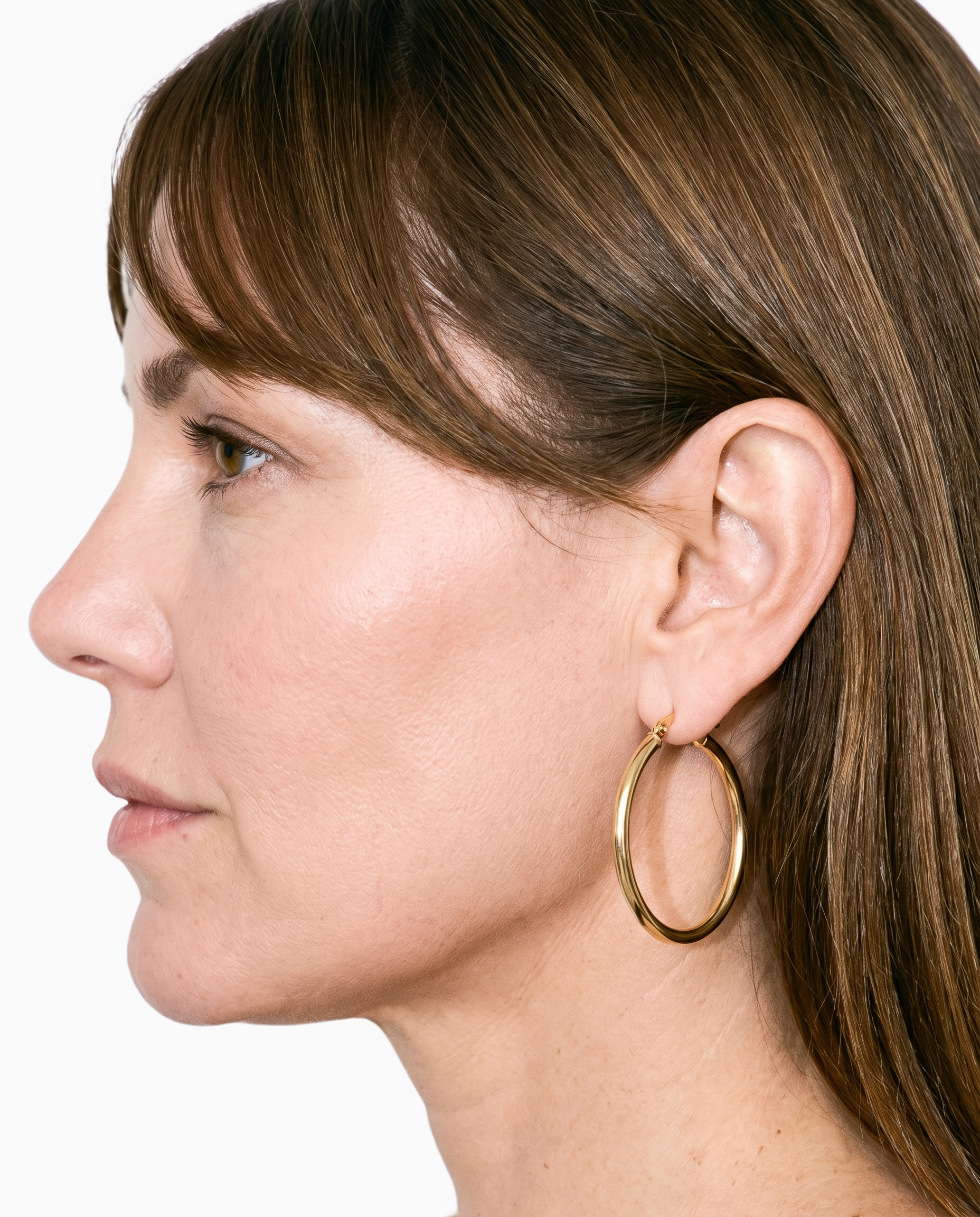
You can start with the product photo, flat-lay, mockup or technical sketch you already have instead of repeating the supplier image.
Start from your real item and keep product fidelity while building the scene.
See the feature →
AI model generator
You can choose a consistent synthetic fashion model so your product pages, colourways and social images feel like one shop.
Library filters plus private model building for consistent identity across the set.
See the feature →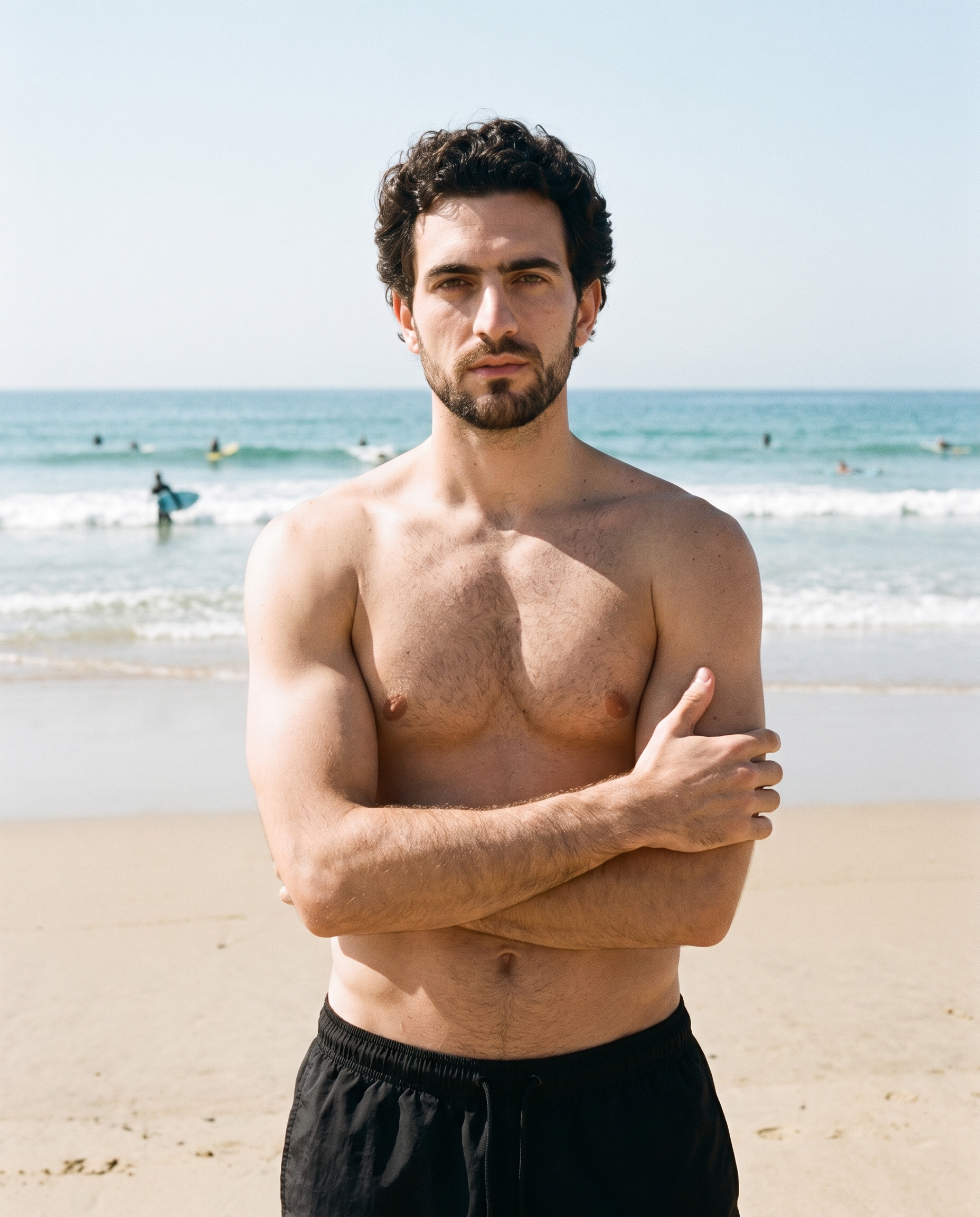
Photography direction
You can select a named light direction that keeps new listings and recurring content visually coherent.
4 named choices that set mood and shadow the same way across a shoot.
See the feature →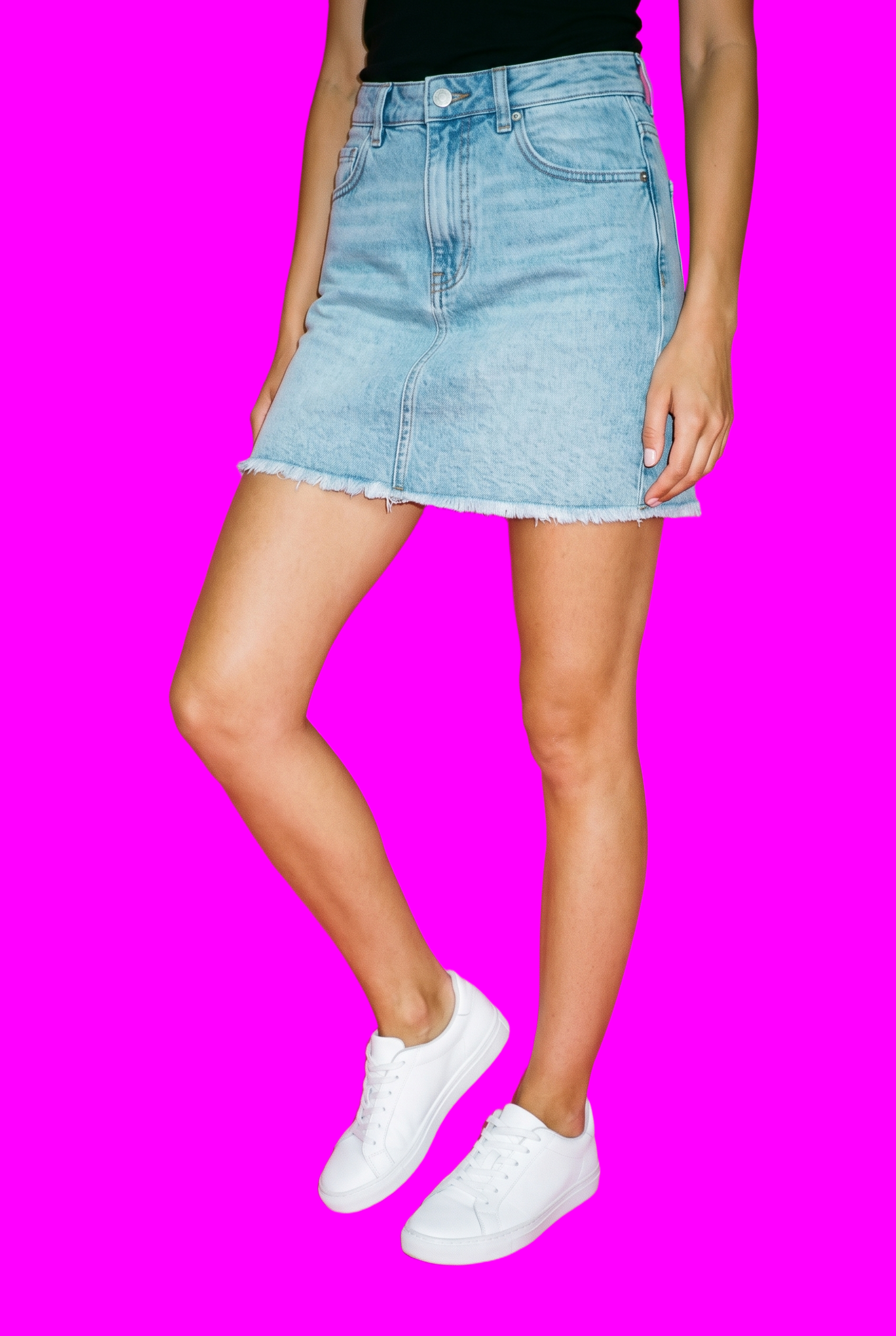
AI image to image generator
You can change the model, background or another visible decision while holding the rest of a related composition in place.
Change one decision and keep the rest of the composition stable.
See the feature →AI image to video generator
17 model actions on a full-body shot · 132 in total
AI makeup generator
Branch-aware named options applied without altering casting or scene setup.
AI outfit generator
Combine the main piece with neutral supporting items in one coherent frame.
AI photo background generator
Swap scene context while keeping model, product, and framing stable.
AI suggestions
Preselected control values you can always override in the same configurator.
Fashion model poses
22 poses on a full-body shot · 104 in total
Garment styling
Choose how the garment is worn and keep brand presentation consistent.
Inspiration gallery
Load editable finished looks as fast starting points for new shoots.
Gallery
Product pages and social posts show one coherent shop.
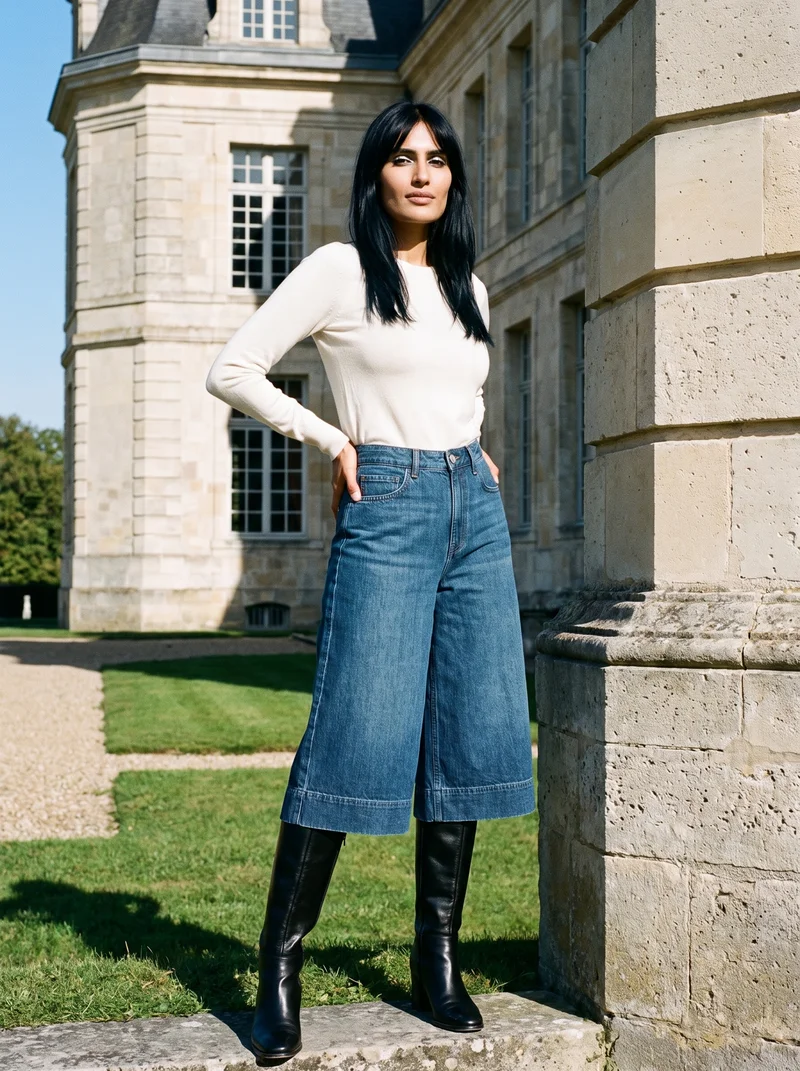
The pictures show real boutique products presented on consistent models, in coordinated light and framing, across product pages, colourways and social content.
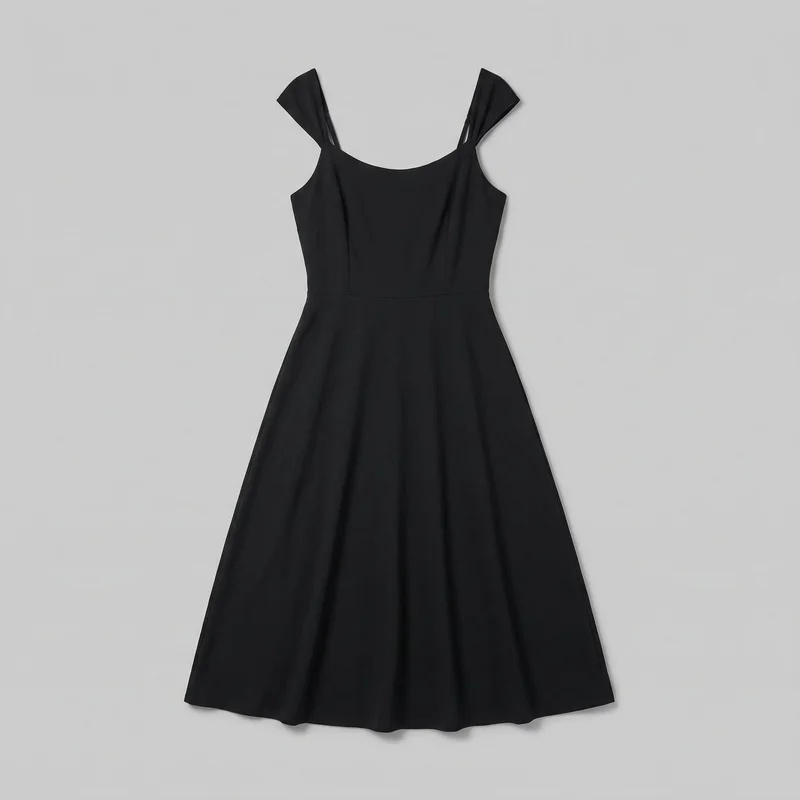 Black Midi Dress
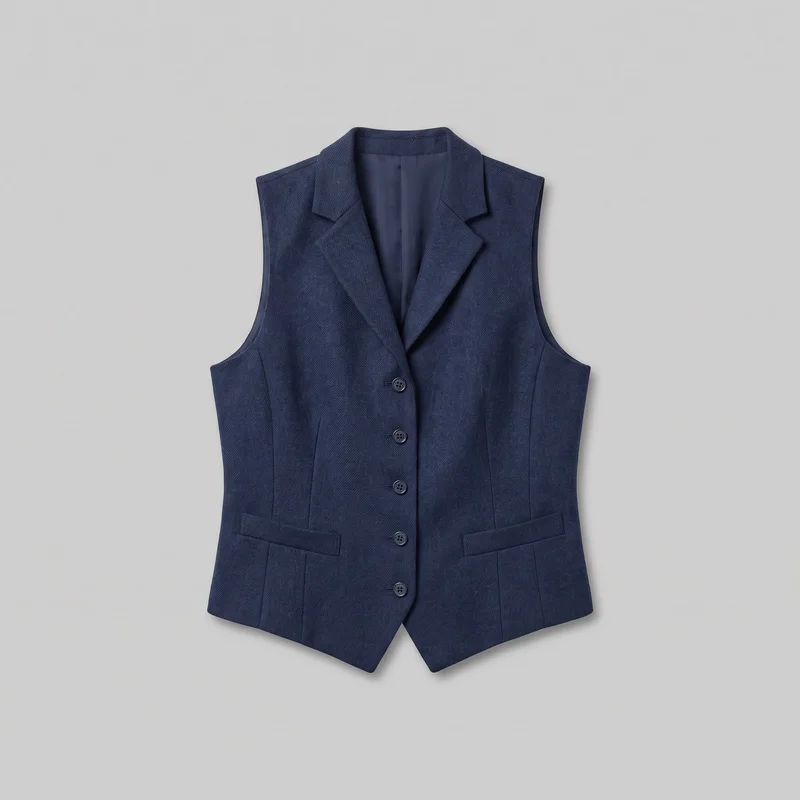 Women's Navy Wool Waistcoat
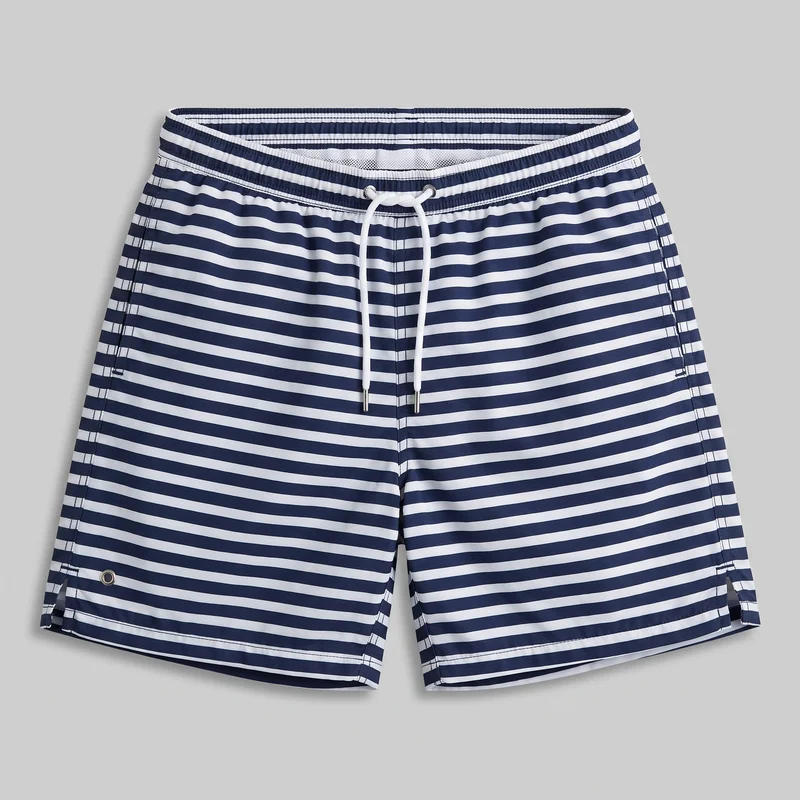 Striped Swim Shorts
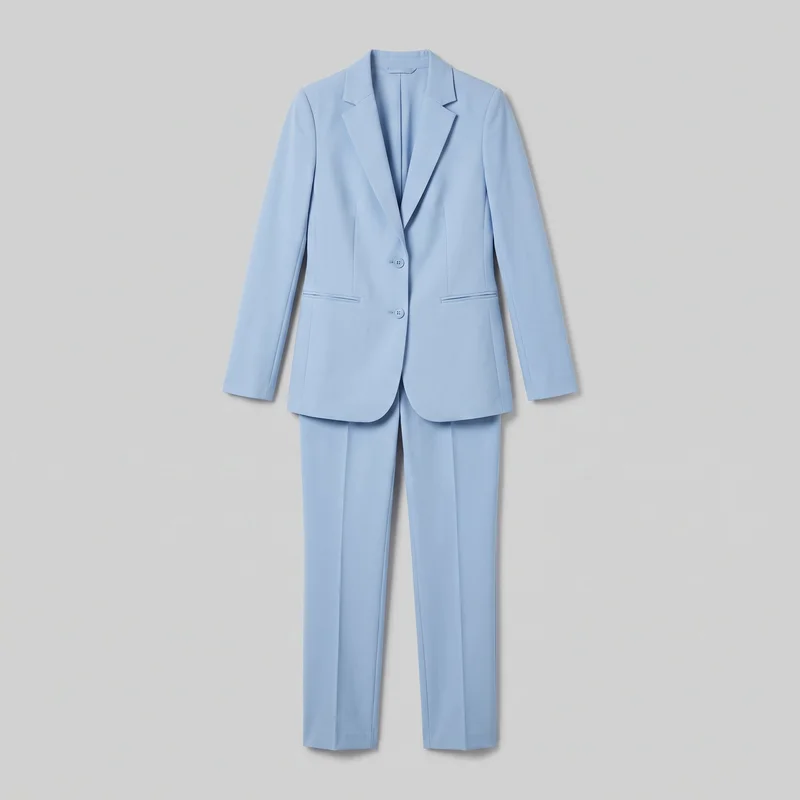 Powder Blue Trouser Suit
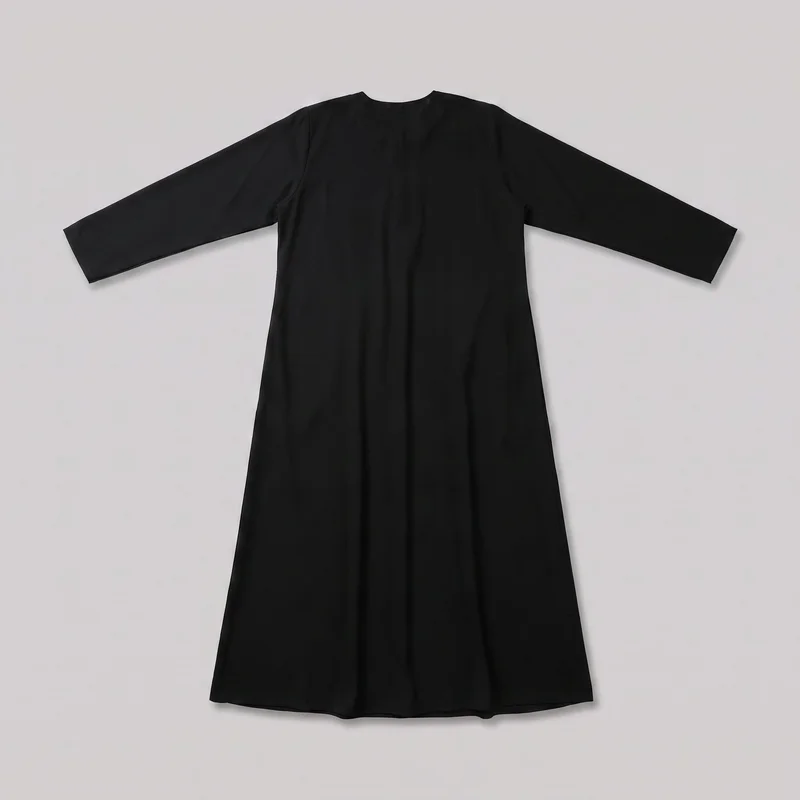 Black Classic Abaya
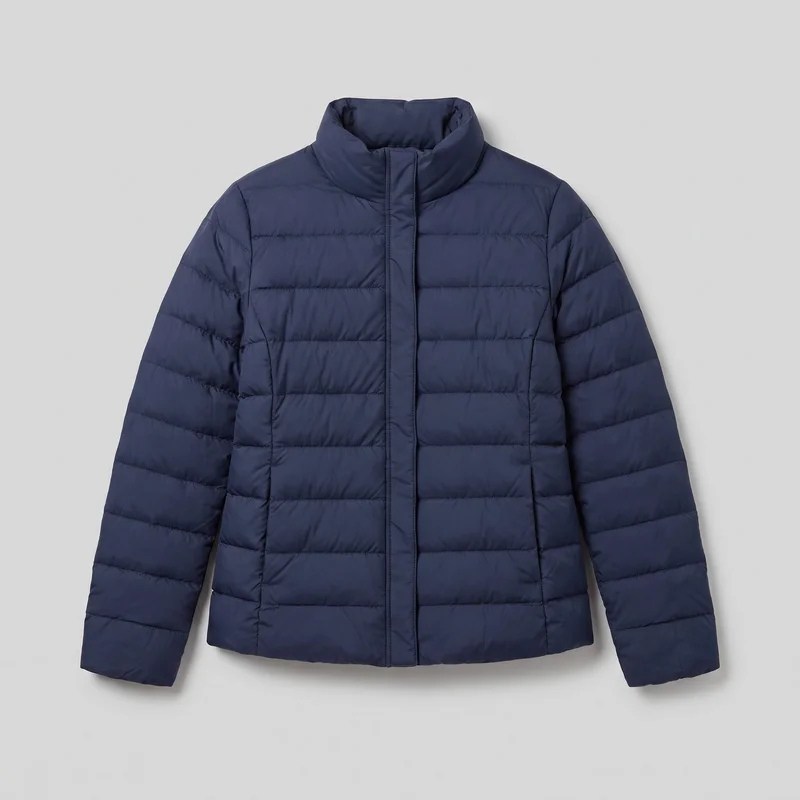 Women's Navy Padded Jacket
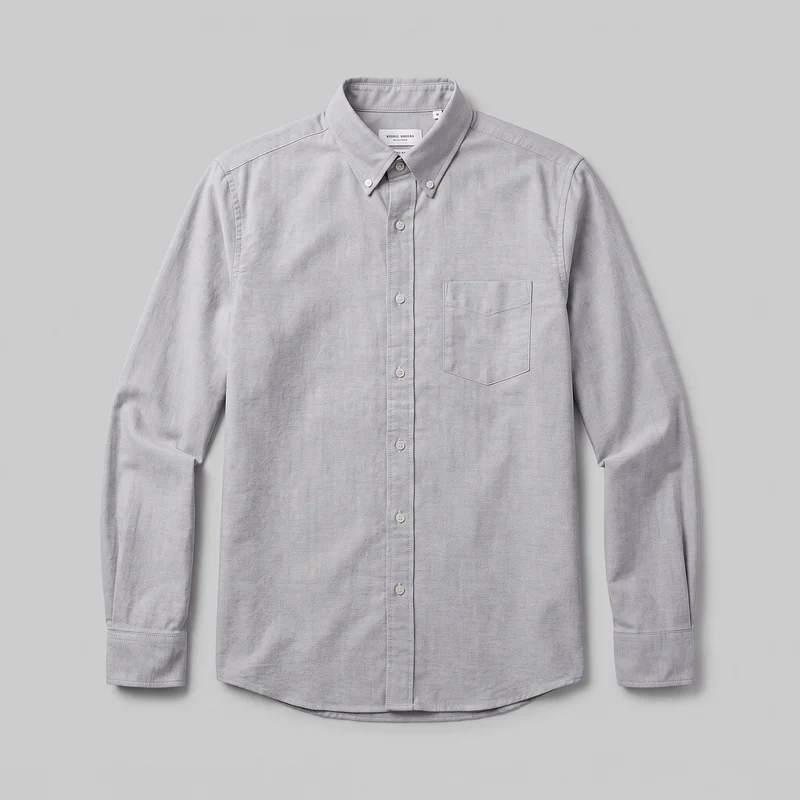 Grey Cotton Oxford Shirt
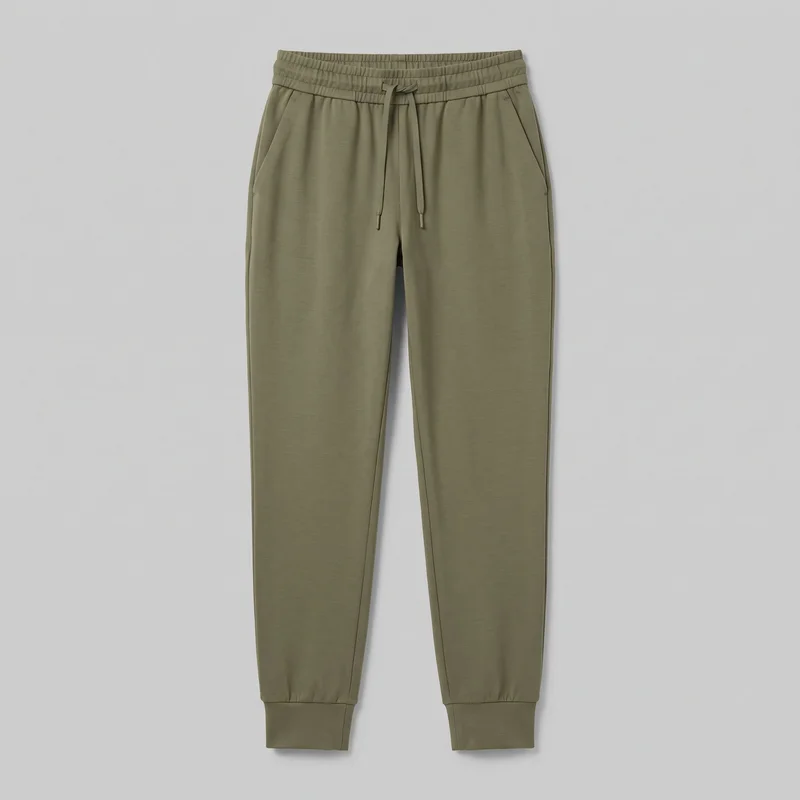 Women's Olive Cuffed Joggers
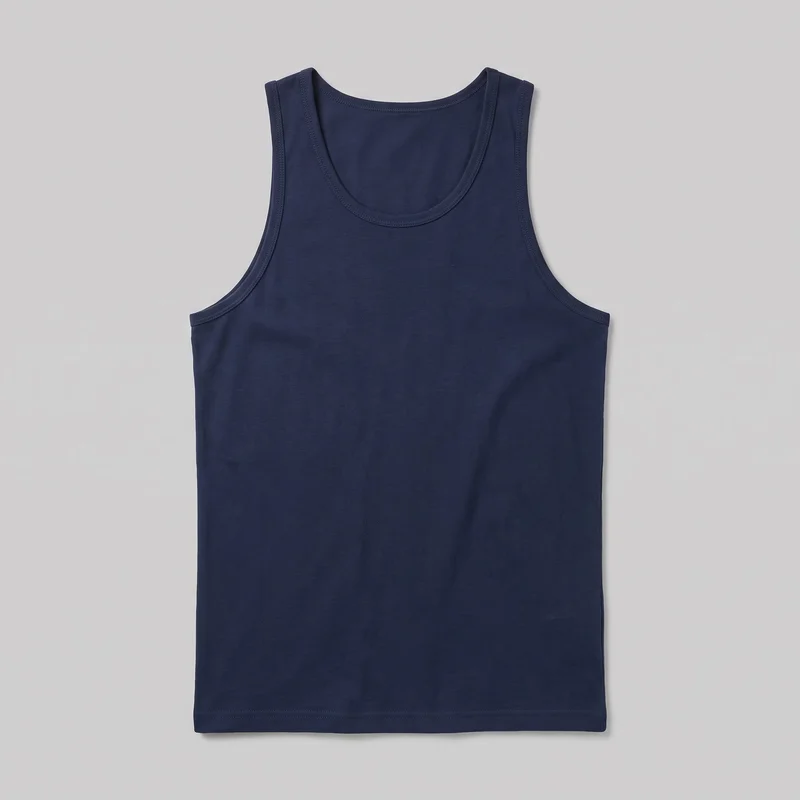 Men's Navy Blue Tank Top
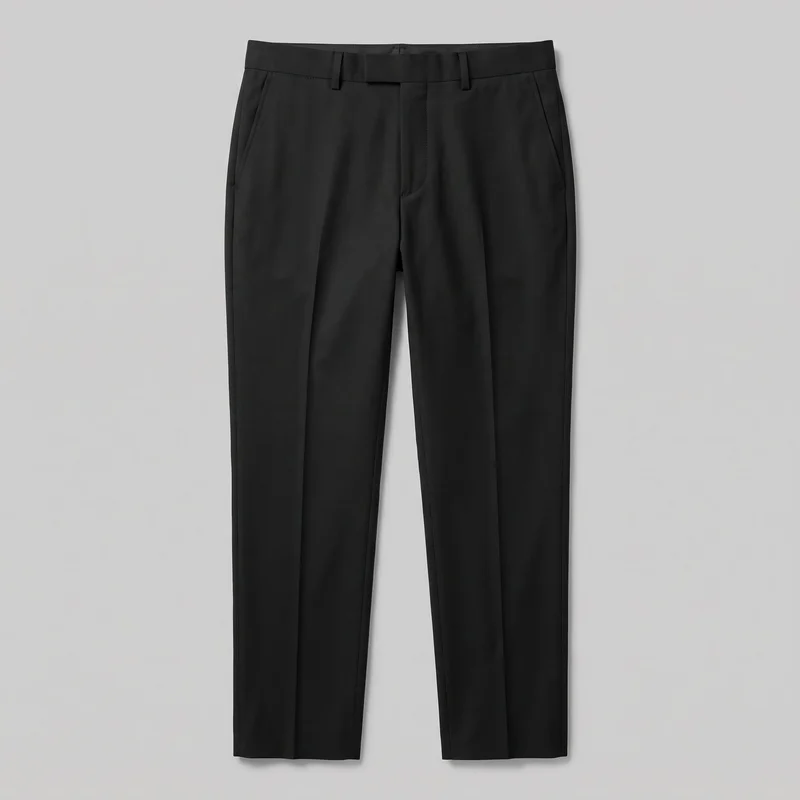 Men's Black Suit Trousers
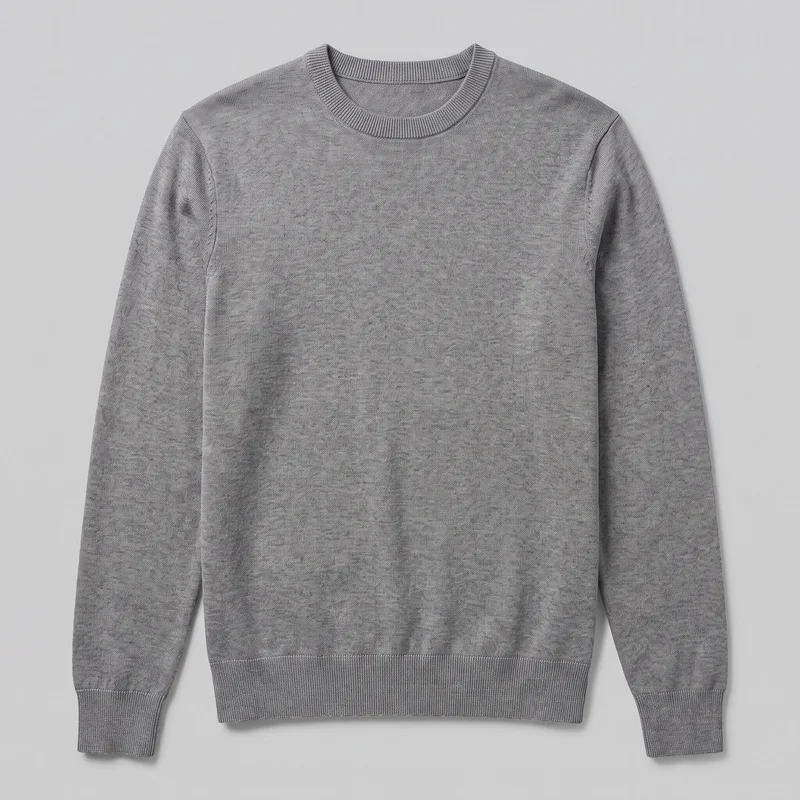 Men's Grey Crewneck Pullover Jumper
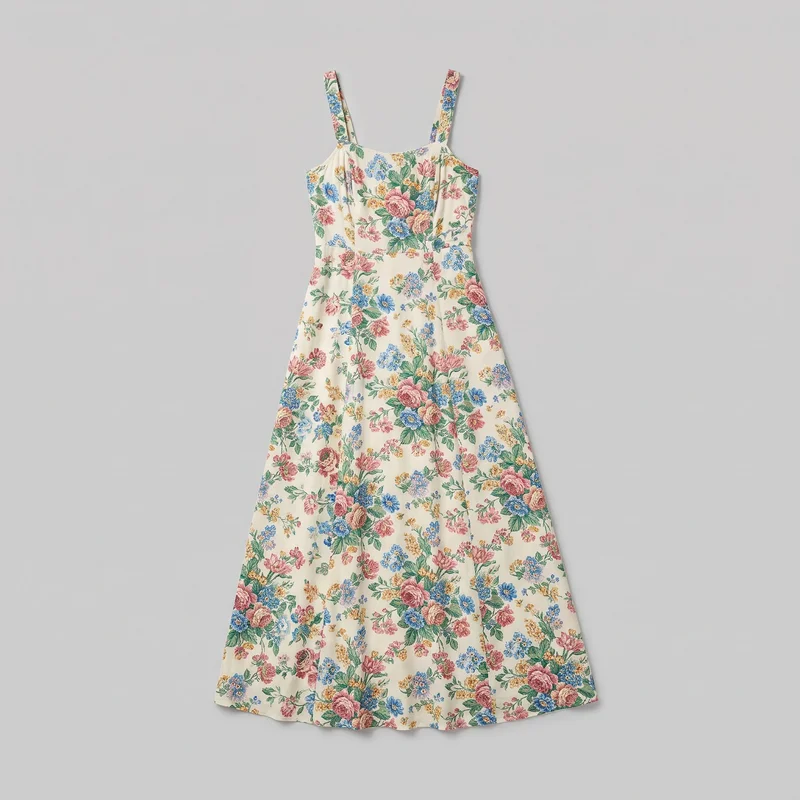 Floral Print Maxi Dress
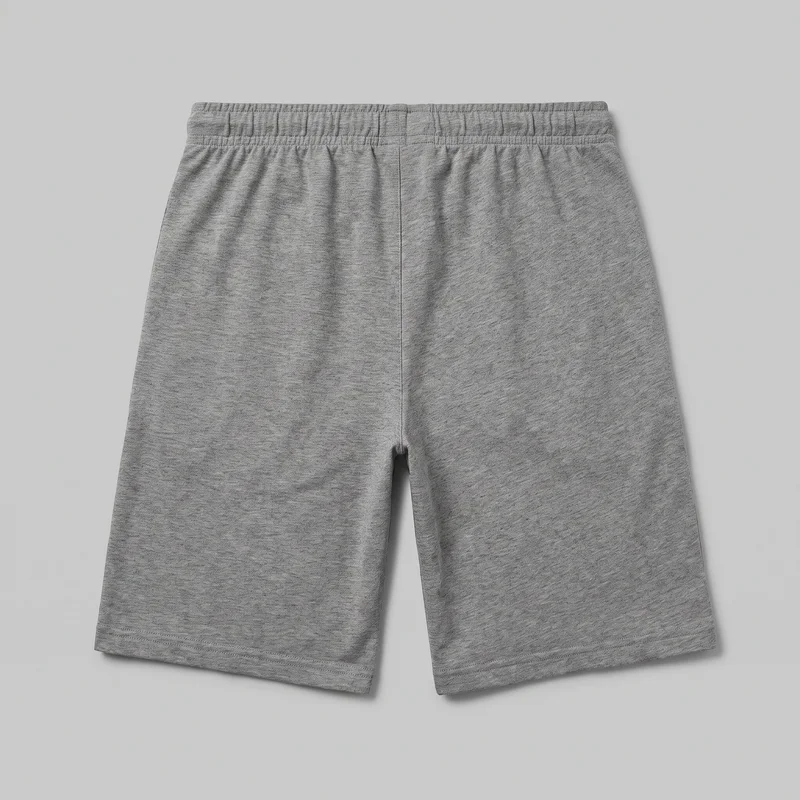 Men's Grey Jersey Shorts
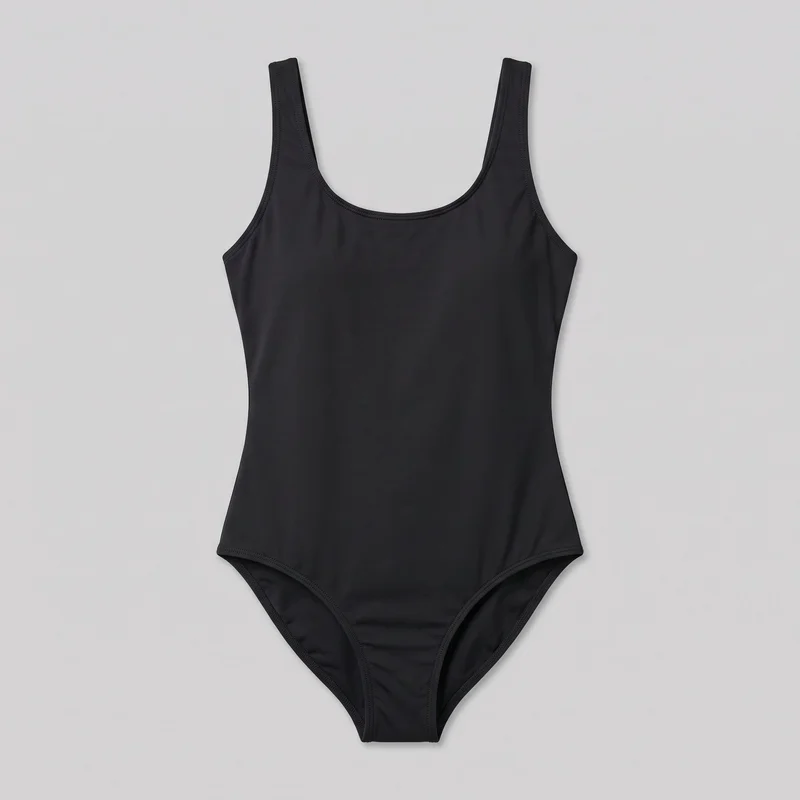 Black One-Piece Swimsuit
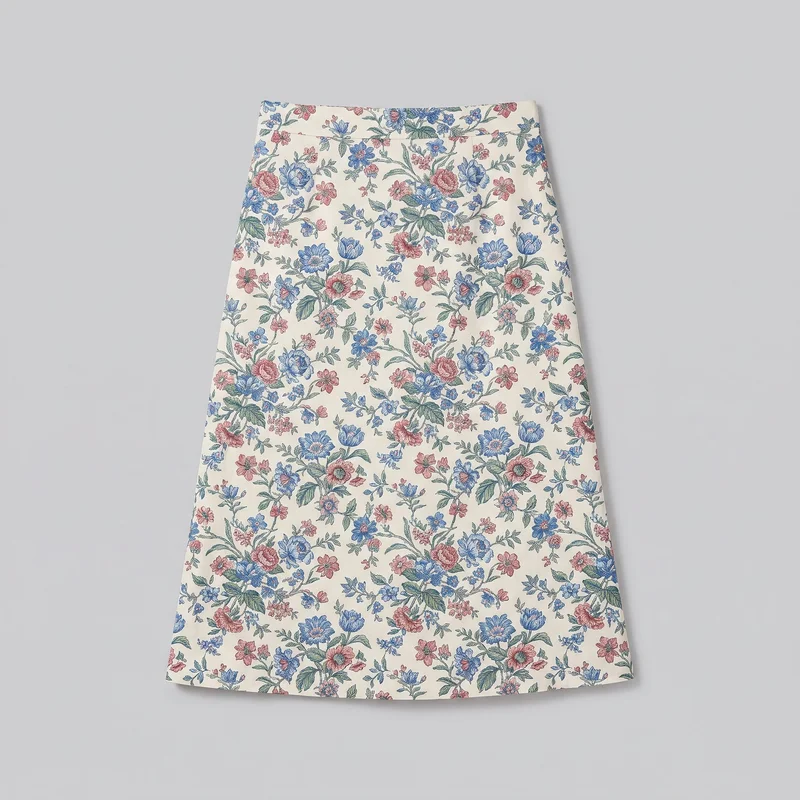 Floral Print Midi Skirt
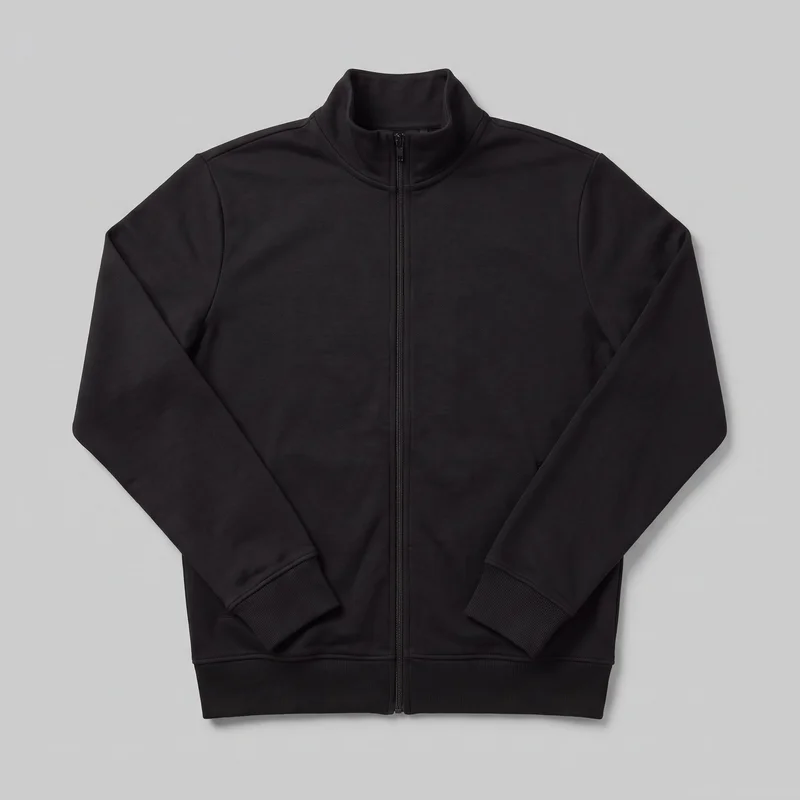 Men's Black Tracksuit Top
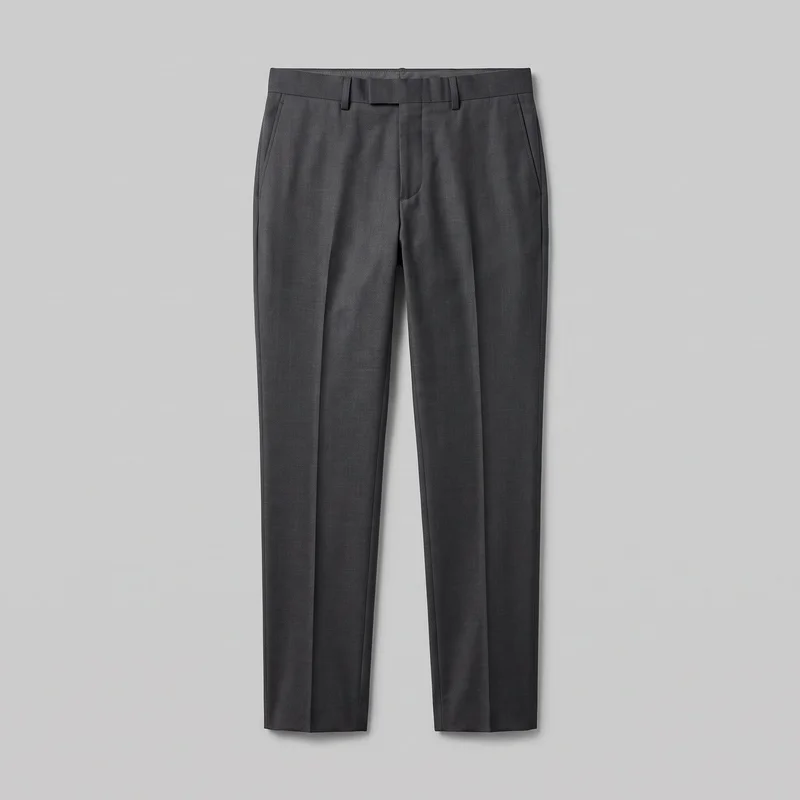 Men's Charcoal Suit Trousers
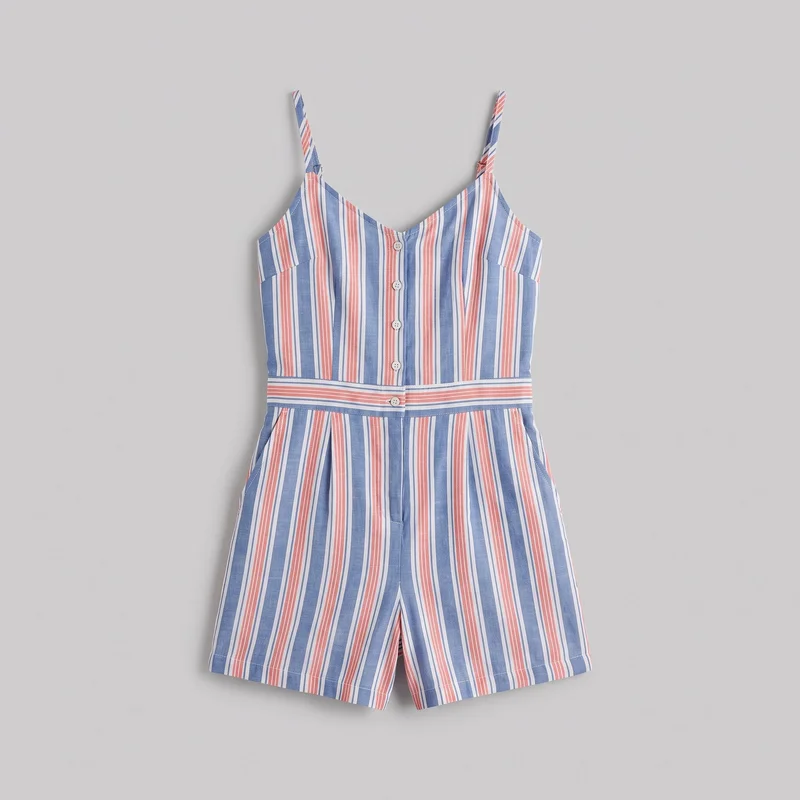 Striped Playsuit
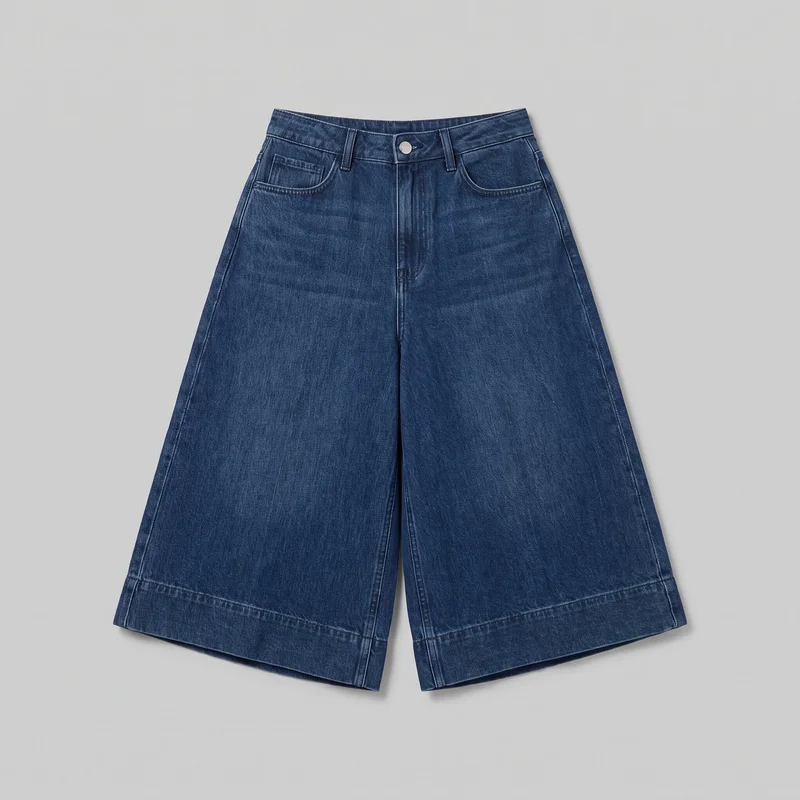 Wide-Leg Denim Culottes
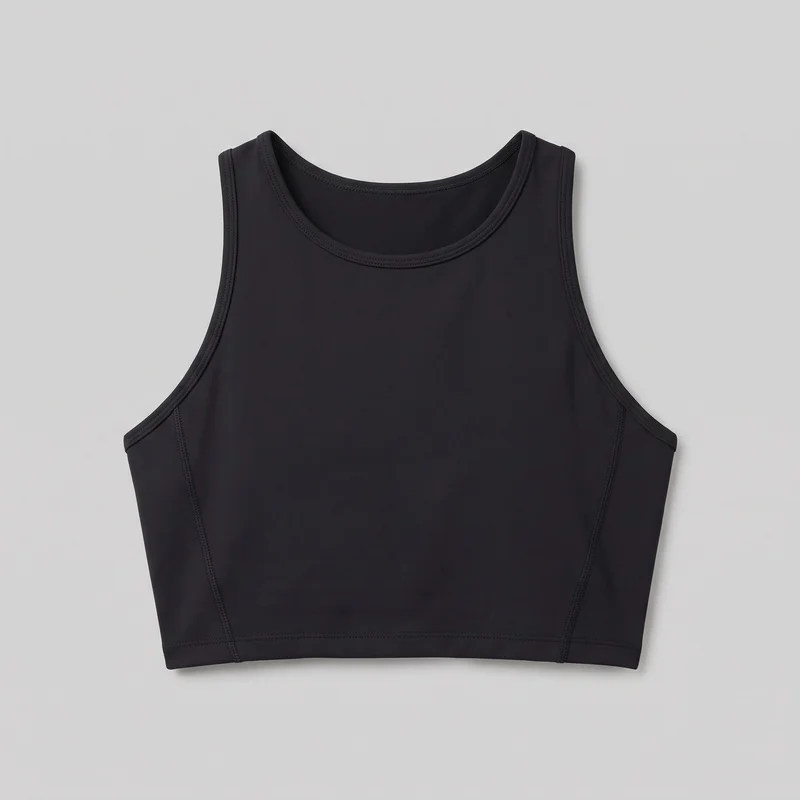 Women's Black Performance Top
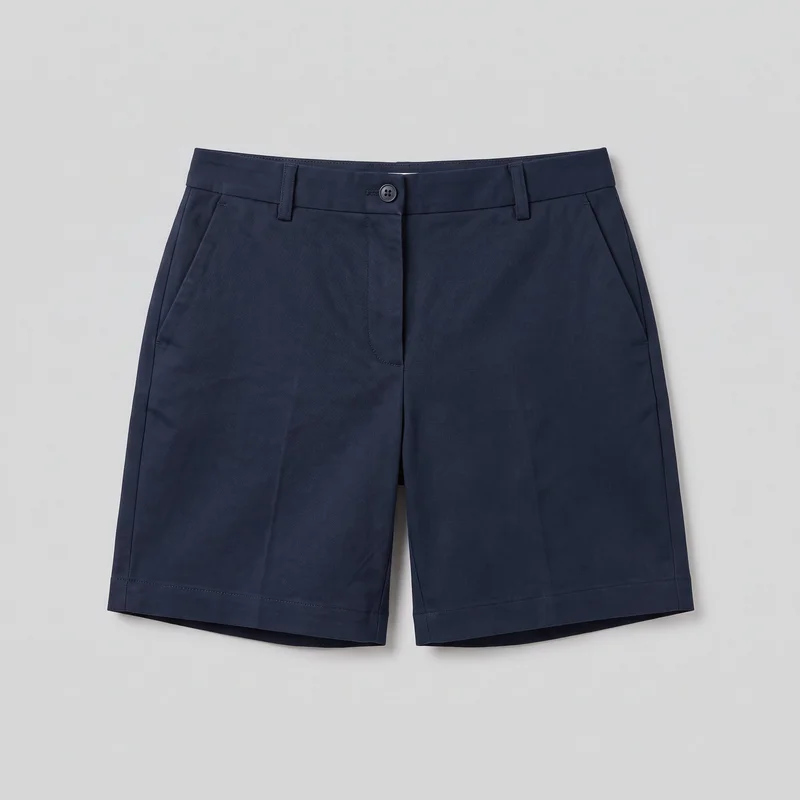 Women's Navy Tailored Shorts
Showing 21 of 41
Who it's for
Is RAWSHOT right when drops keep arriving?
A good fit
This fits you when new products, colourways or drops keep arriving and you need a complete set of images on a recurring schedule. It also fits you when you prefer visible choices and a strong repeatable result over extended editing of one image.
Teams who get the most from it
- For you as an e-commerce manager if you need every piece shown on a model before your next drop goes live.
- As a social media and content manager, this fits you if you need a month of feed and story material from products you already have.
- RAWSHOT is a good solution for you as a performance marketer if your paid-social testing needs several variants from the same product.
Work it handles well
- You can turn supplier images, flat-lays or mockups into on-model product content.
- You can make colourways and new listings look like part of the same shop.
- You can keep feed, story and product-page imagery moving as new products arrive.
Outside this scope
Skip this work when one hero image needs many rounds of detailed adjustment until every garment detail follows an exact instruction. You should also skip it when you need a specific real person, an artistic treatment, or an integration-led catalogue workflow.
Teams this is not for
- Skip it if you need one hero image refined through many rounds of detailed edits.
- This is not the right path if you need a specific real person or ambassador in your imagery.
- It is not a fit if you need programmatic, PIM or DAM integration for your catalogue.
Where this stops
- You cannot direct garment fit beyond the available styling and composition choices.
- You cannot save and reapply a shoot configuration across later shoots.
- You need to handle stylised grading or unsupported post-production treatment elsewhere.
Rights
You own every image. Every image says what it is.
Yours
- Full commercial rights to every image, permanently.
- No recurring licence fees on any model in the library.
- Every model is a synthetic composite, so there is no real-person likeness.
Labelled
- C2PA content credentials on every image.
- AI-labelled output, meeting EU AI Act Article 50.
EU-hosted, GDPR-compliant handling.
- EU AI Act Article 50
- C2PA
- Full commercial rights
- GDPR
- EU-hosted
Questions
What should you confirm before your first shoot?
What can online boutiques use RAWSHOT for across product pages, feeds, stories, and paid social?
You can use RAWSHOT for product-page imagery, feed and story content, bestseller refreshes, and paid-social variants. Work from supplier images, flat-lays, or mockups, then choose a model, light, background, and composition for each product presentation. This helps you keep new listings and recurring content moving as products and colourways arrive.
Which shop and social crops can online boutiques produce with RAWSHOT for launches?
You can produce product-page frames, 4:5 feed crops, and 9:16 story crops with RAWSHOT. Choose the camera view, model placement, background, light, and pose to suit each shop or launch layout. The same product input can support a coordinated set of imagery across your boutique, feed, stories, and paid-social placements.
What can online boutiques start with in RAWSHOT when physical samples are not ready?
You can start with supplier product photos, flat-lays, mockups, or technical sketches when physical samples are not ready. Use the available input to establish the product, model direction, styling, light, and composition for an early listing or content concept. Stronger, clearer source imagery improves accuracy, so check colour, construction, and details before publishing.
Can online boutiques keep colourways and a collection visually consistent in RAWSHOT?
You can keep colourways and a collection visually consistent in RAWSHOT by making deliberate choices for the model, outfit, styling, light, background, and composition. Use the same visual direction when creating related listings so your shop, feed, and stories feel connected. Each variant is a new generation, so review product details and alignment rather than assuming every result will match perfectly.
What are RAWSHOT's limits for online boutiques managing recurring product content?
RAWSHOT's limits for online boutiques include limited control over exact garment fit, no saved shoot configuration, and no integration-led catalogue workflow. You can direct named choices such as model, styling, light, background, and composition, but not every precise garment adjustment. Upload quality affects accuracy, each variant is newly generated, and specialised grading or unsupported post-production needs another tool.
May online boutiques use RAWSHOT images on product pages, social channels, and commercial sales materials?
You get full commercial rights to every image, permanently, with no recurring licence fee. Every image carries C2PA content credentials and is labelled as AI-generated.
Get started
Start your next drop with consistent product pages.
Start with a 7-day free trial including 50 tokens, then move to the plan that matches your production volume.