
Print-on-demand sellers
RAWSHOT for print-on-demand sellers
You bring designs to life before production.
You sell designs that may not exist physically yet, so supplier mockups leave your listings and launches without a clear on-model presentation. RAWSHOT lets you start with the product source you have and direct a consistent fashion image around it before the first unit ships.
7-day free trial • 50 tokens (10 images) • Cancel anytime
A 2K image in roughly 35 seconds · AI-labelled with C2PA content credentials
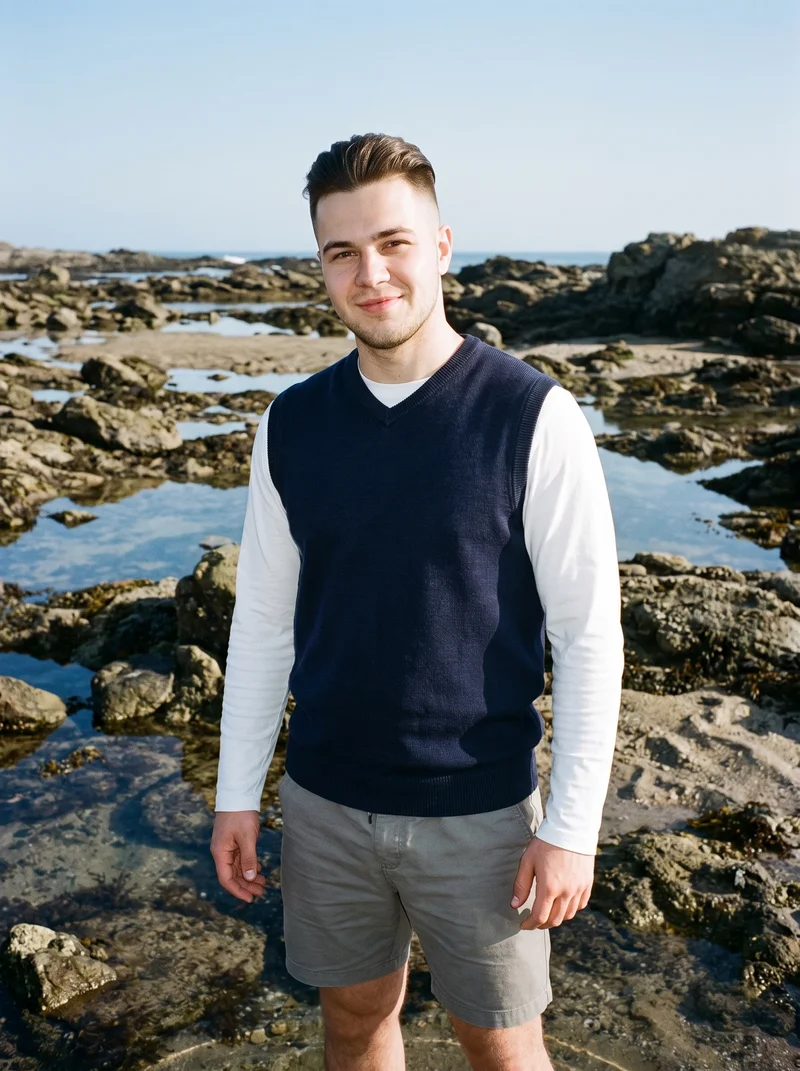
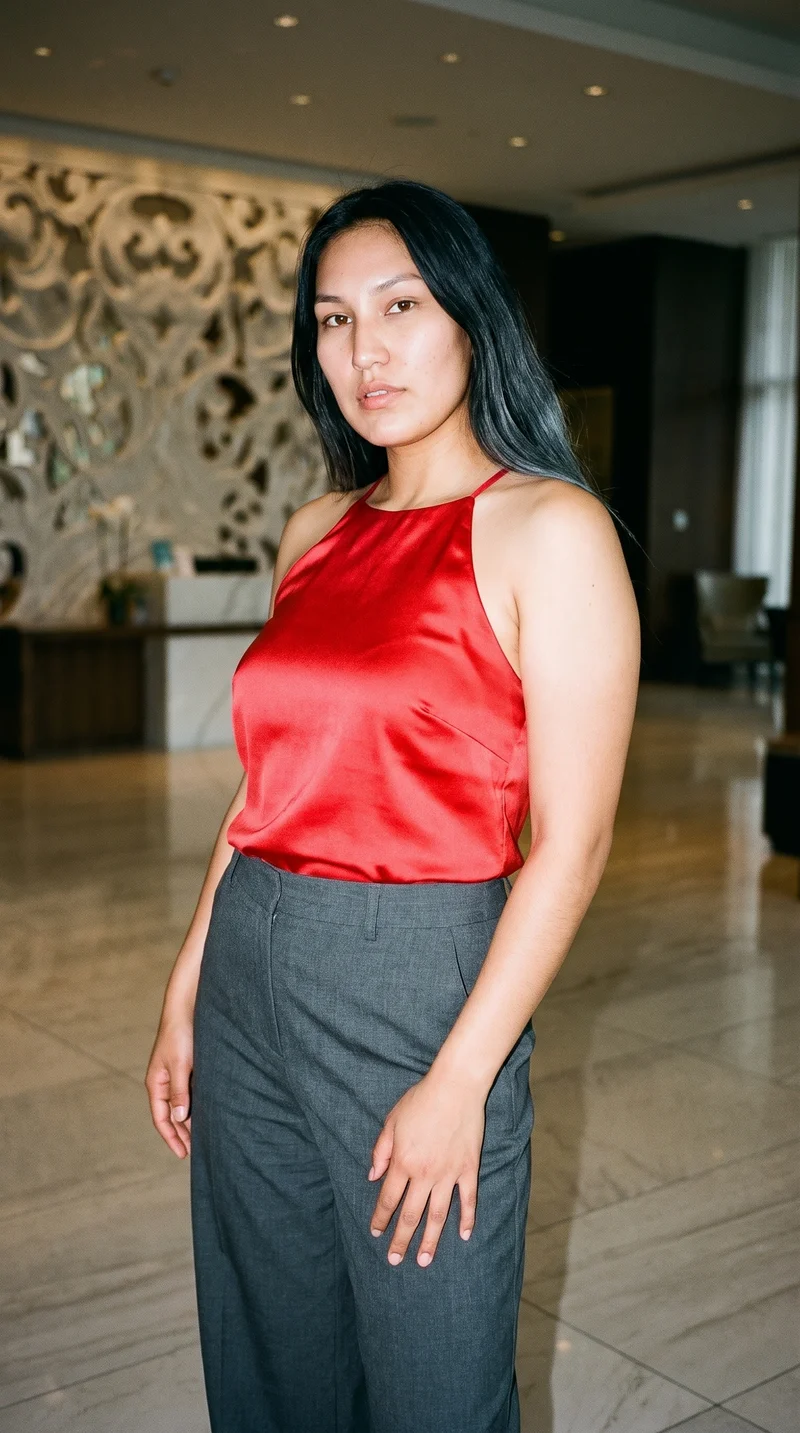
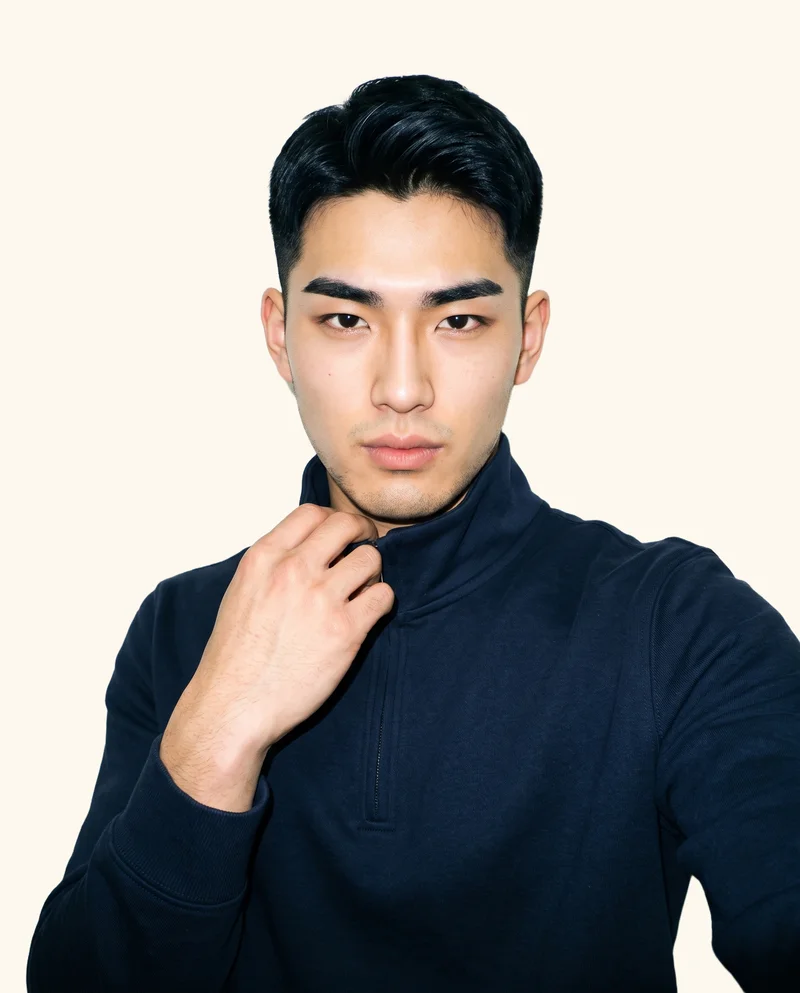
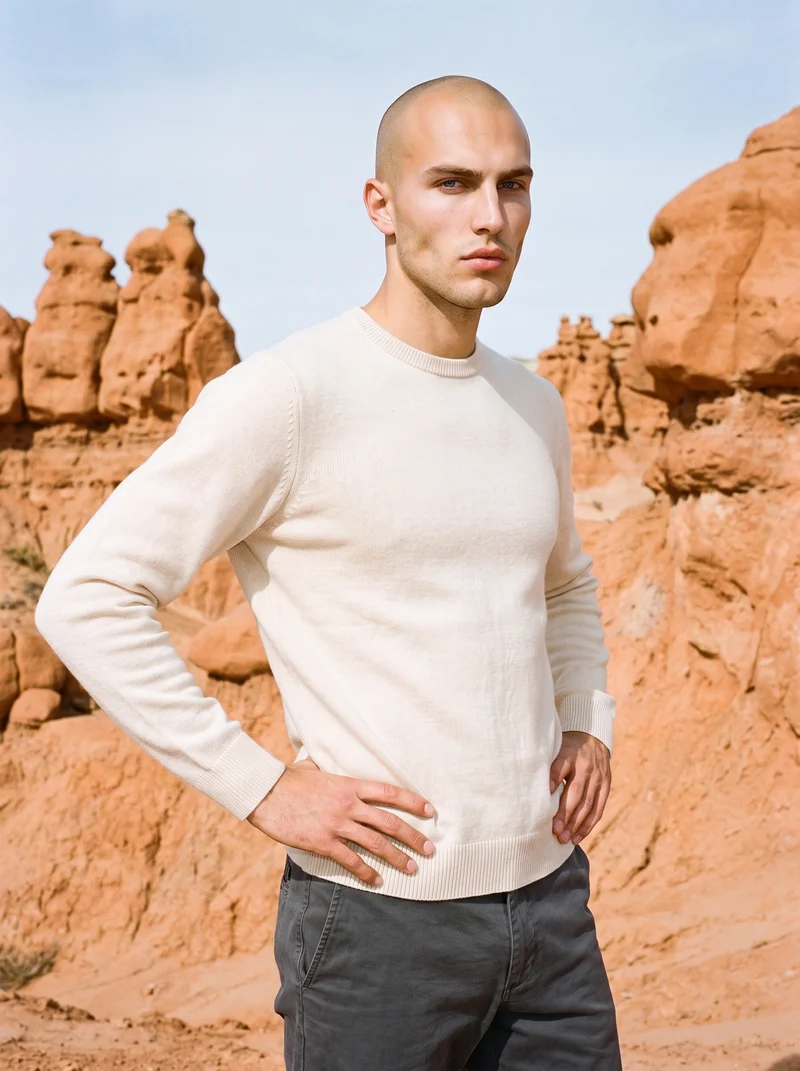
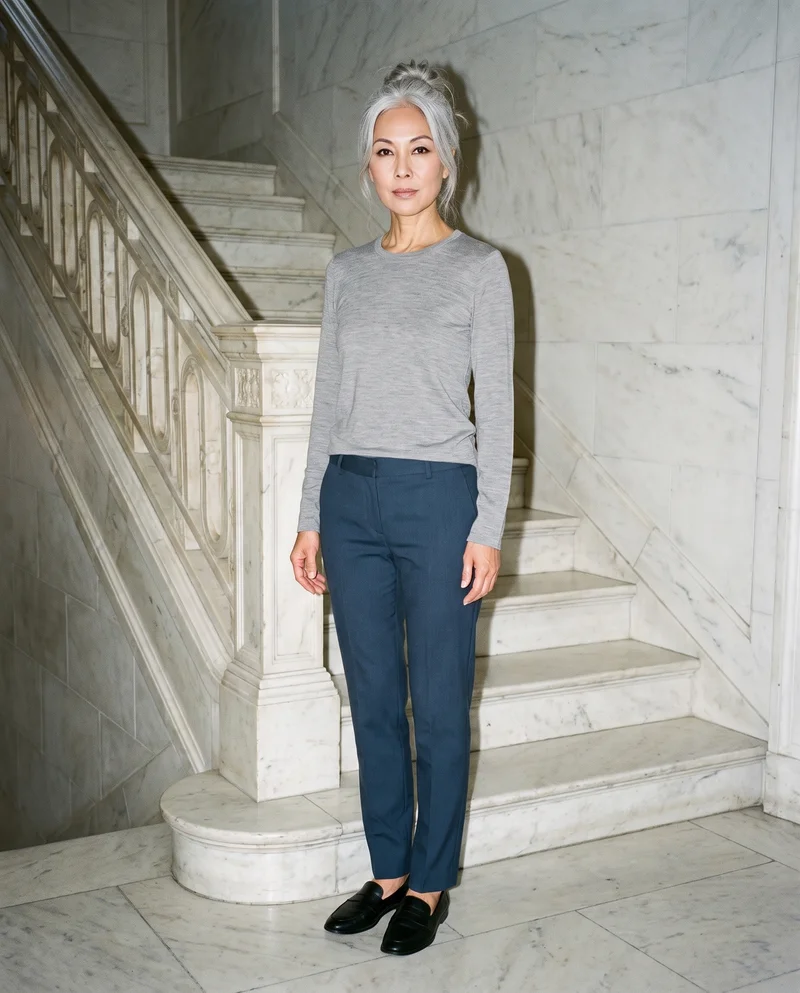
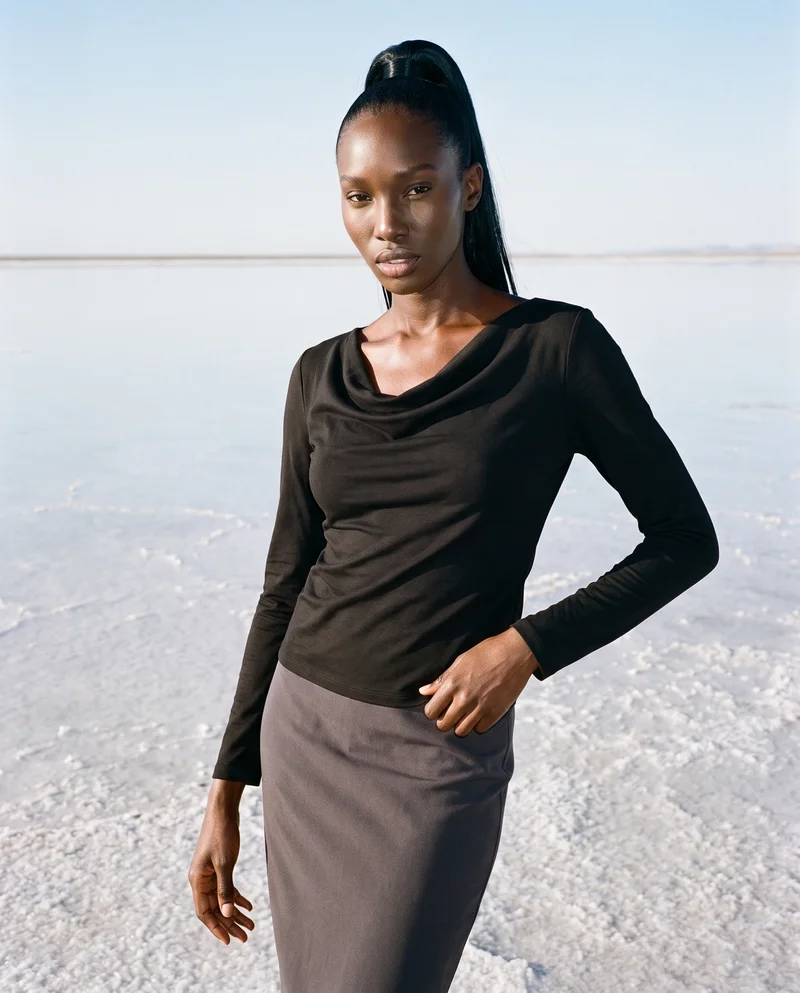
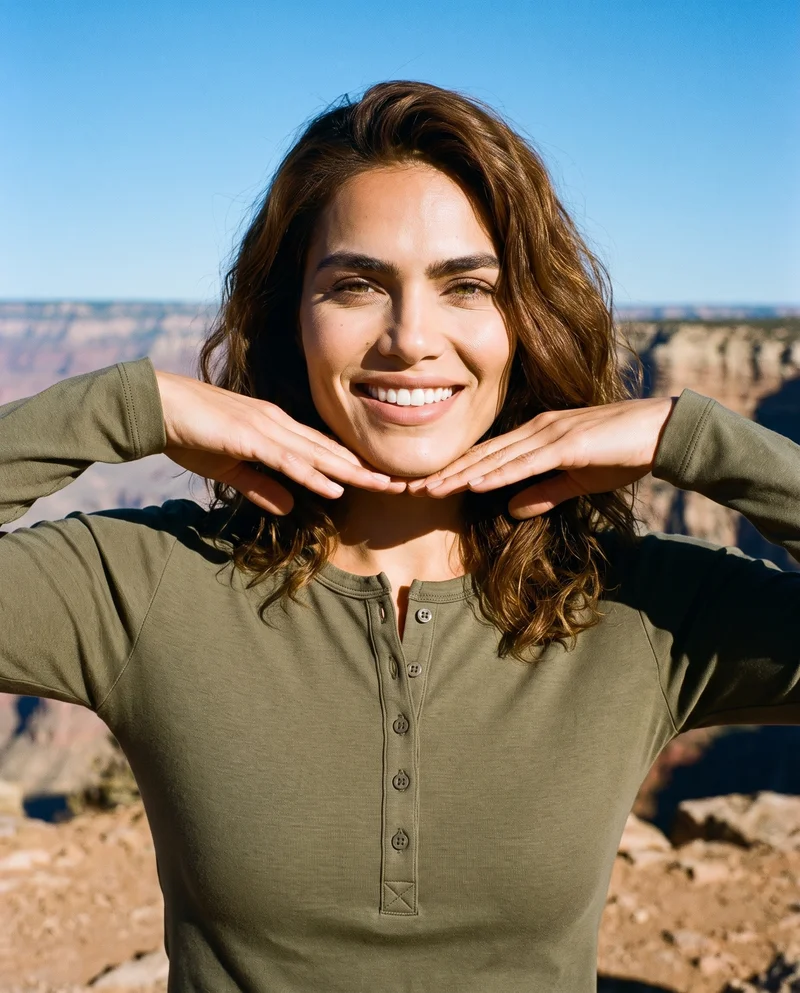
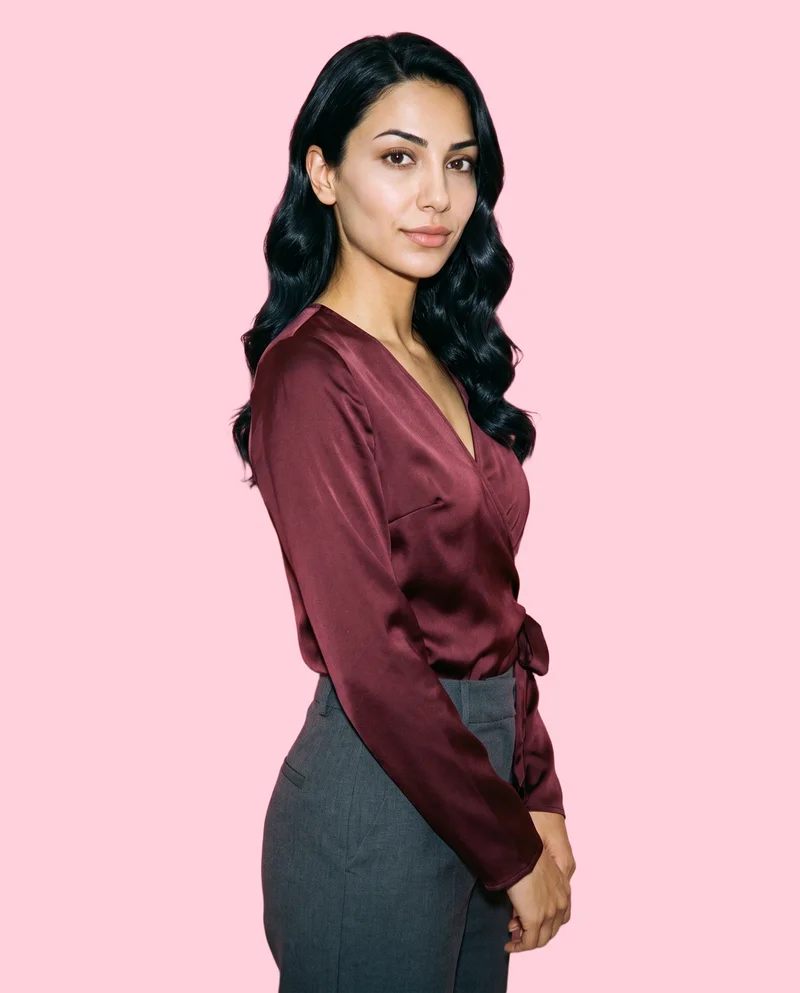
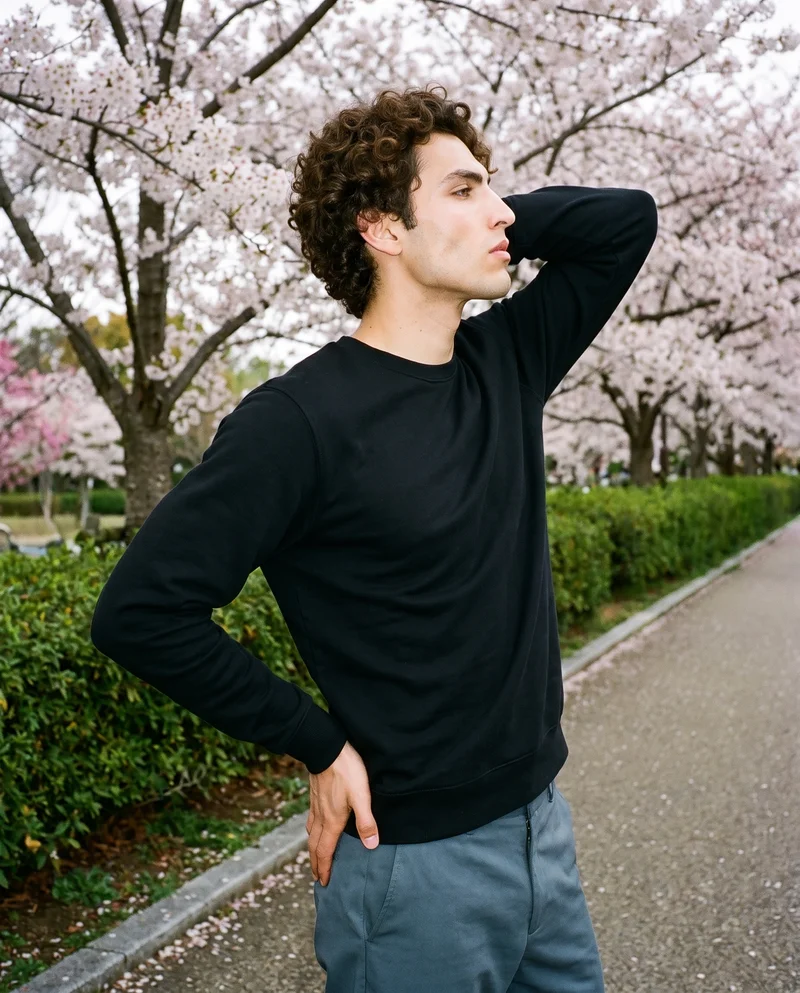
Showing 9 of 1,052, shot in RAWSHOT
The situation
New designs need listings before production.
A new design needs to look ready for a listing, a drop or a paid-social test before production begins. You pick one model, one light, and one crop, then use that same set on the next piece.
In the browser
You show designs worn across listings and colourways.
Show a design worn before a single unit ships
TodayThe same supplier mockup everyone else in the category is using.
With RAWSHOTYour design, worn, before a single unit ships.
- 1Import the product
- 2Pick one model
- 3Set the frame
Fill empty product pages before a drop goes live
TodayThe drop ships with flat-lays and the conversion gap shows up two weeks later.
With RAWSHOTEvery piece on a model before the drop goes live.
- 1Import the product
- 2Style the garment
- 3Choose the light
Get every colourway shot the same way
TodayColourways get added over months and none of them match.
With RAWSHOTSame model, same light, same crop — every colourway.
- 1Import the product
- 2Pick one model
- 3Set the frame
Rawshot Features
RAWSHOT lets you choose the model, light and pose.
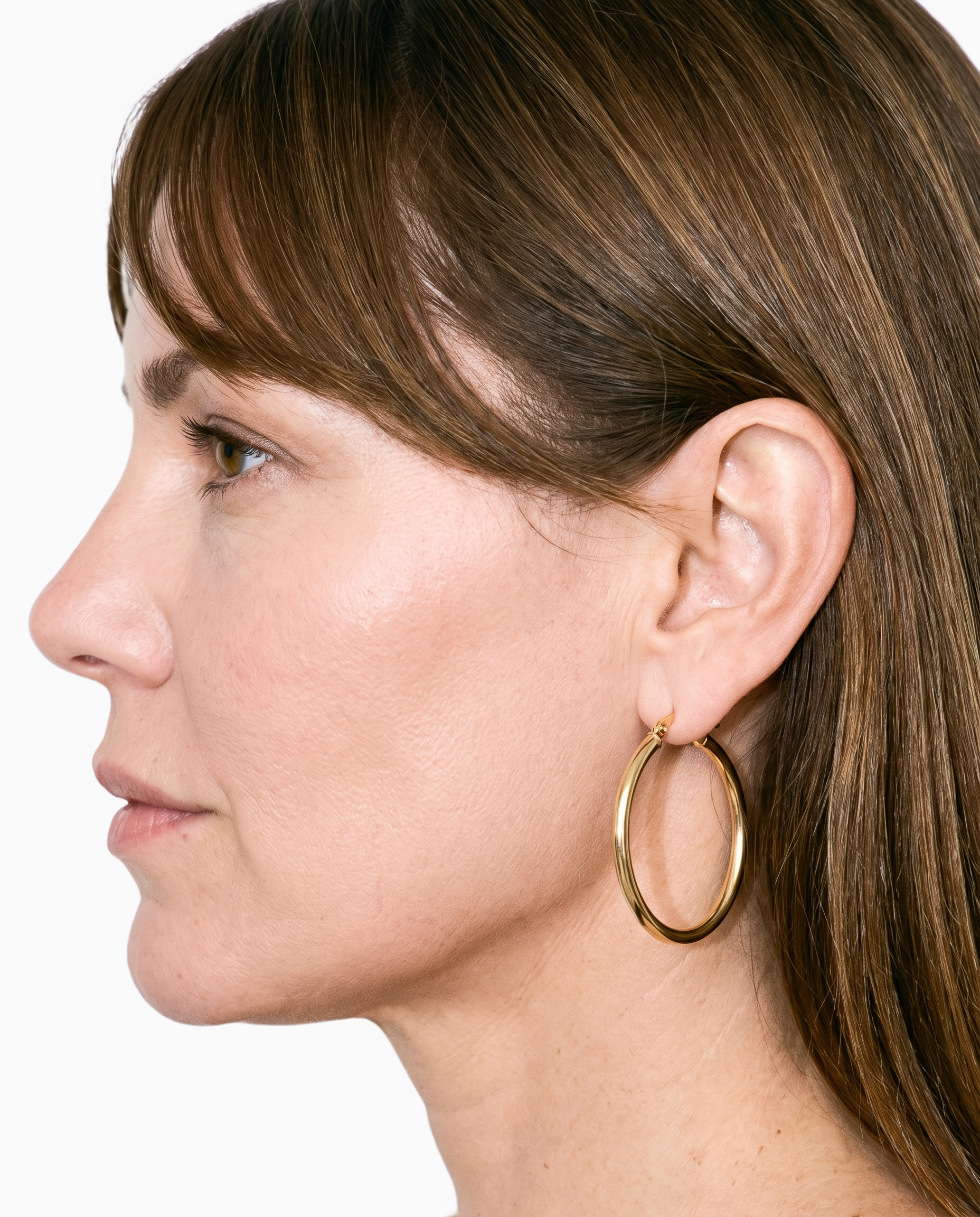
Product import and handling
You can keep the real design at the centre of each listing image by starting from the mockup, product photo, flat-lay or technical sketch you already have.
Start from your real item and keep product fidelity while building the scene.
See the feature →
AI model generator
You can give recurring drops a recognisable visual identity by choosing a synthetic model that stays part of the presentation across your designs.
Library filters plus private model building for consistent identity across the set.
See the feature →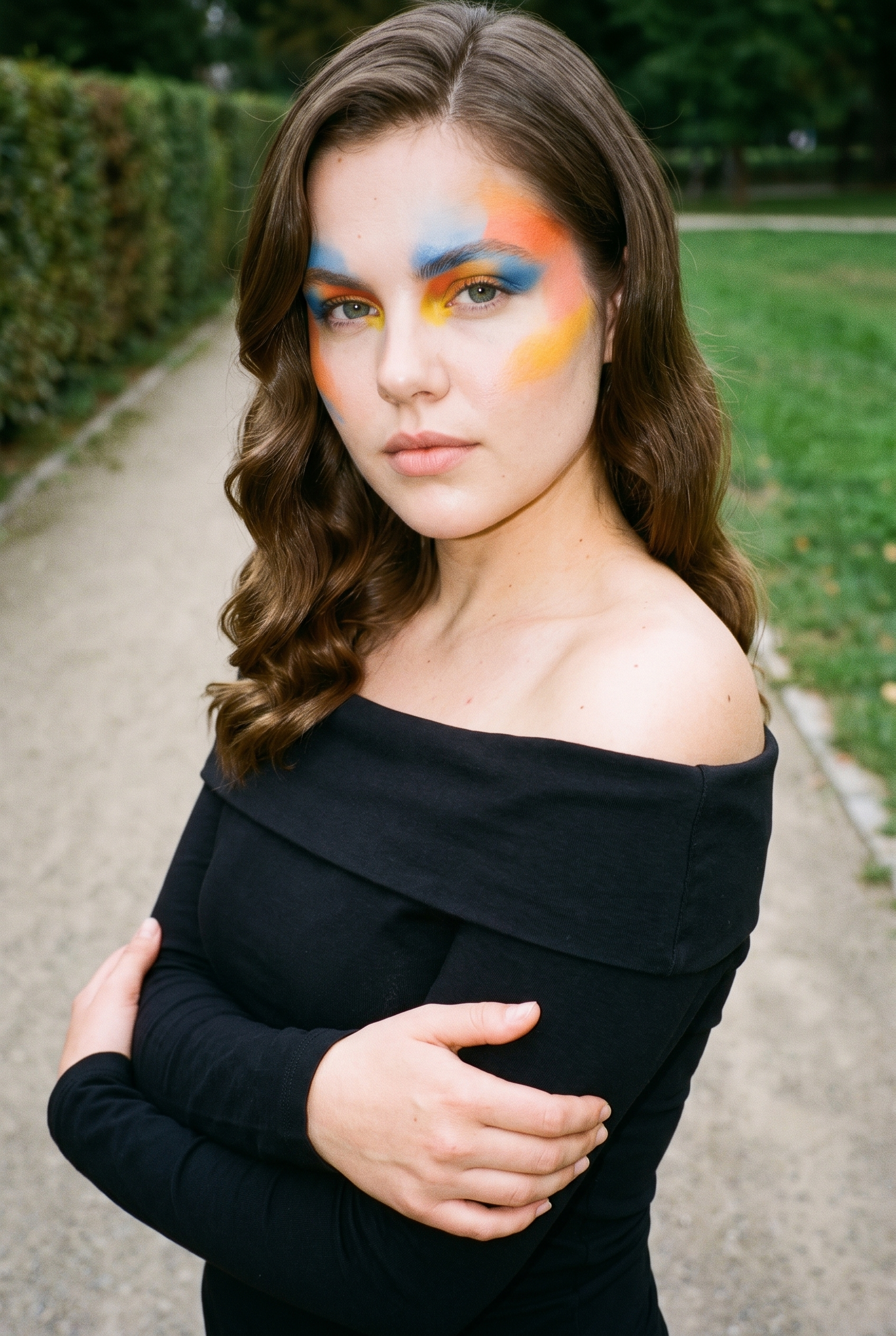
Garment styling
You can present the design as something worn rather than leave the product looking like a flat supplier asset.
Choose how the garment is worn and keep brand presentation consistent.
See the feature →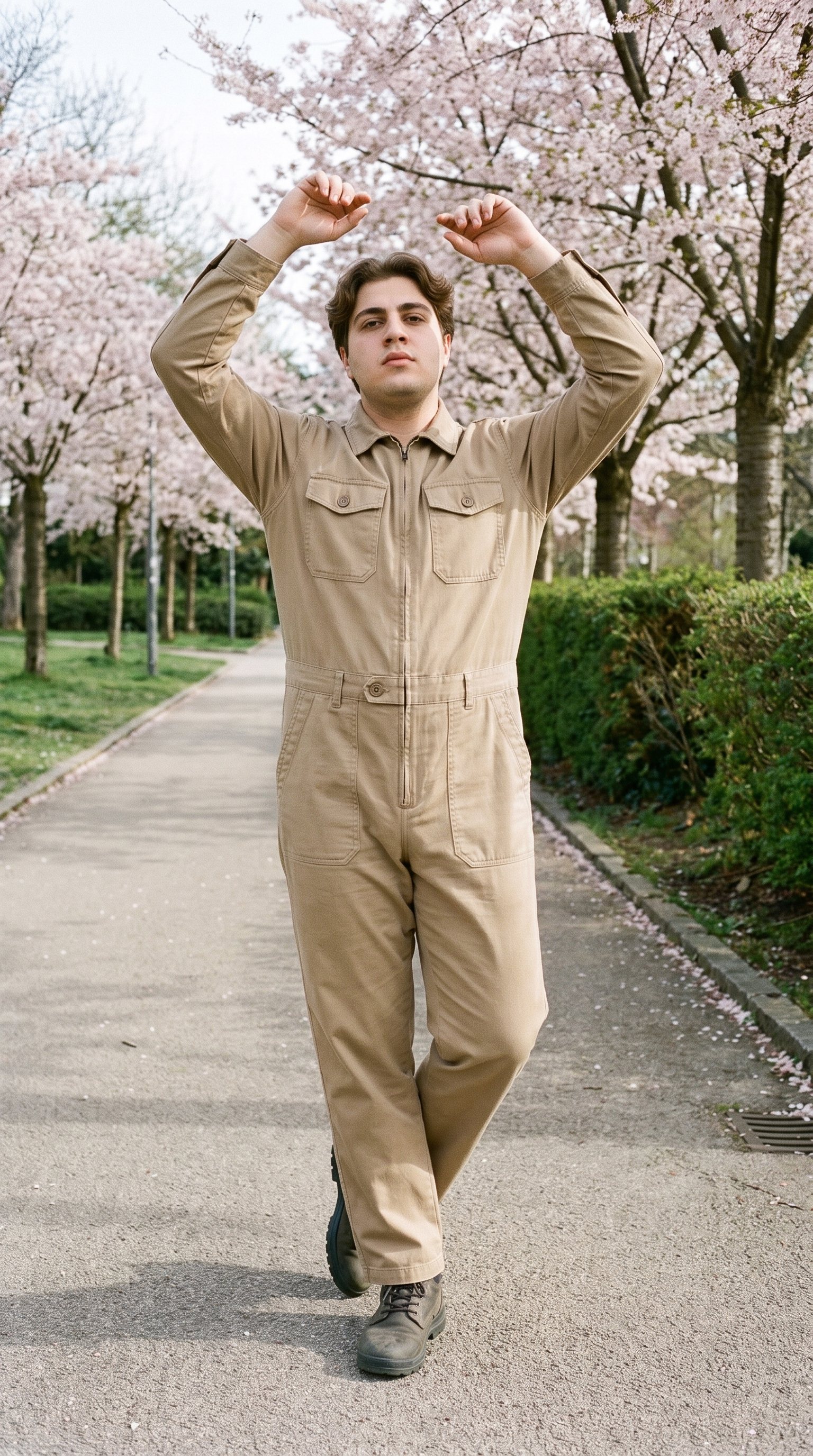
Fashion model poses
You can show the design clearly in a product presentation by selecting a pose that supports the frame and the listing.
22 poses on a full-body shot · 104 in total
See the feature →AI image to image generator
Change one decision and keep the rest of the composition stable.
AI image to video generator
17 model actions on a full-body shot · 132 in total
AI makeup generator
Branch-aware named options applied without altering casting or scene setup.
AI outfit generator
Combine the main piece with neutral supporting items in one coherent frame.
AI photo background generator
Swap scene context while keeping model, product, and framing stable.
AI suggestions
Preselected control values you can always override in the same configurator.
Inspiration gallery
Load editable finished looks as fast starting points for new shoots.
Photography direction
4 named choices that set mood and shadow the same way across a shoot.
Gallery
Your designs share styling, light and framing.
The pictures show recurring designs presented on models with consistent styling, light and framing across listings, drops and colourways.
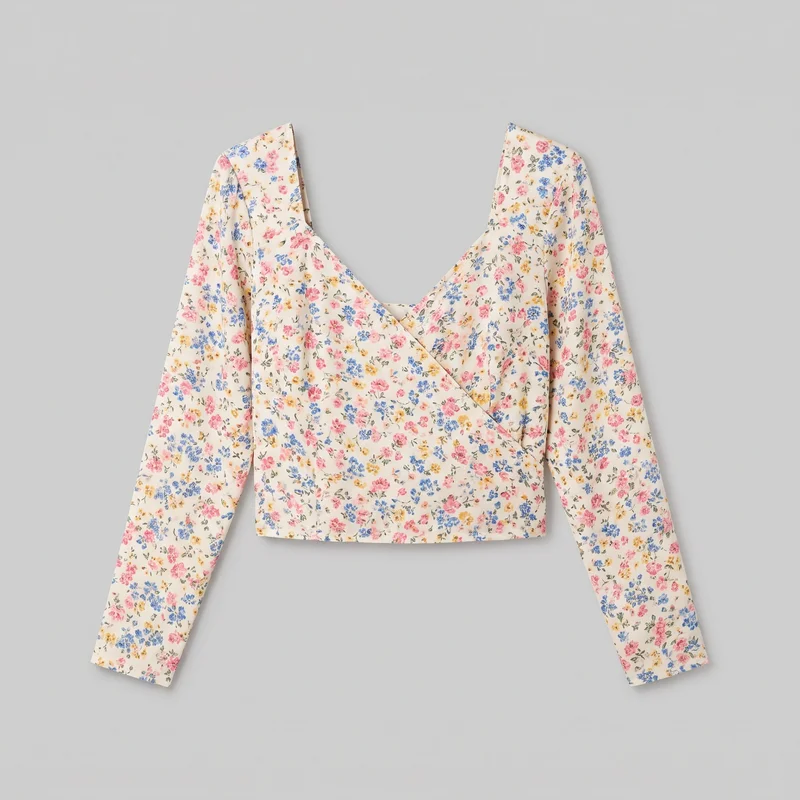 Floral Print Wrap Top
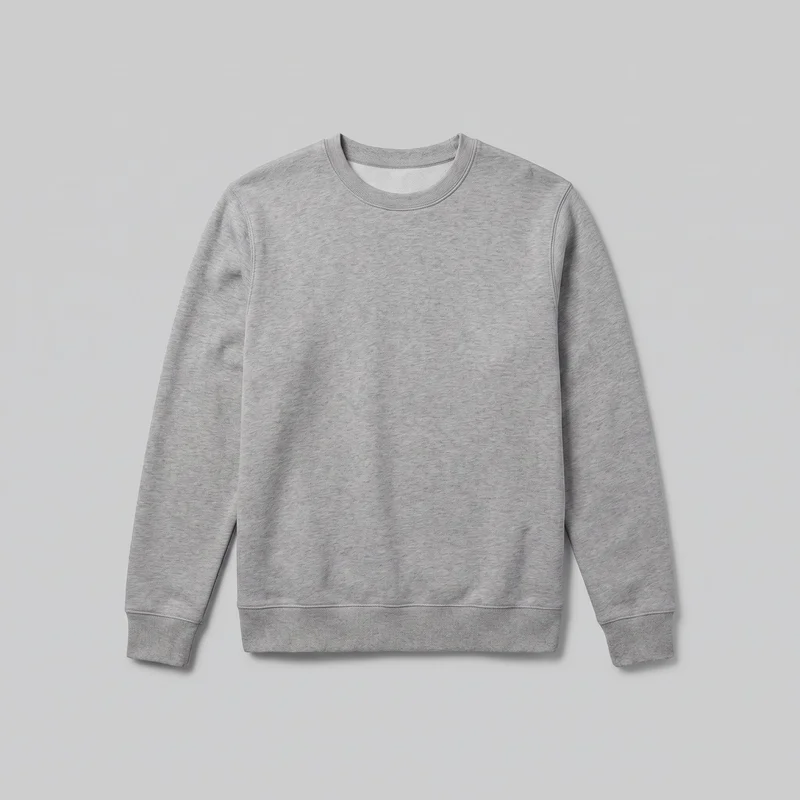 Men's Grey Crewneck Sweatshirt
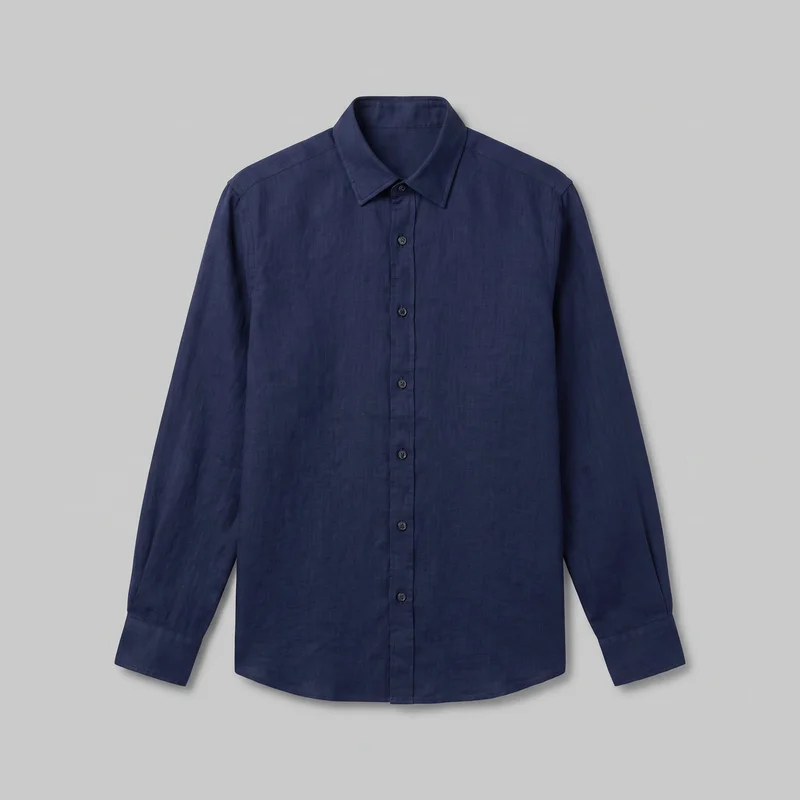 Navy Linen Shirt
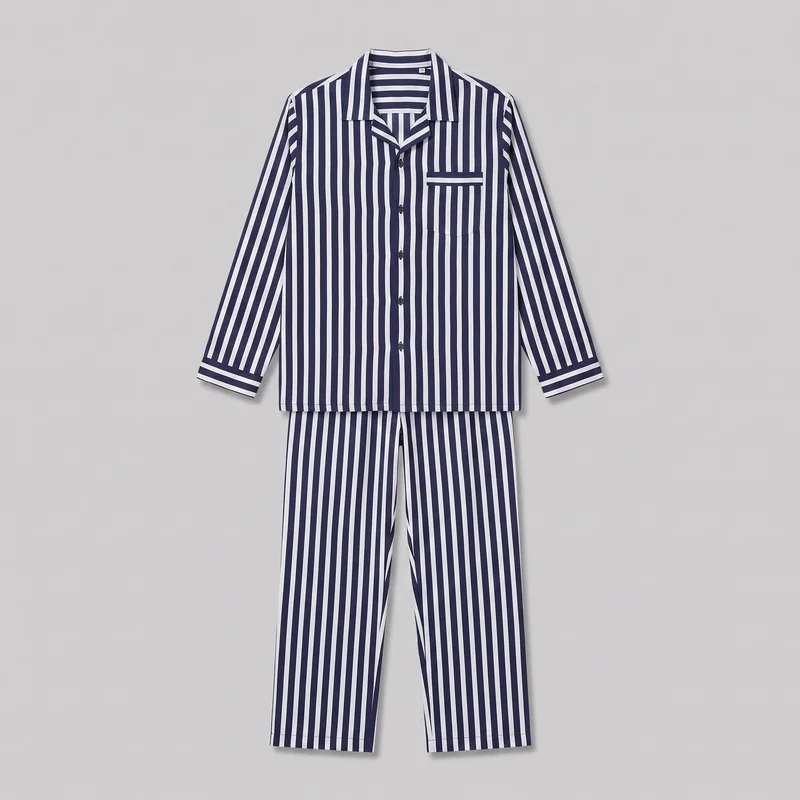 Men's Striped Pyjama Set
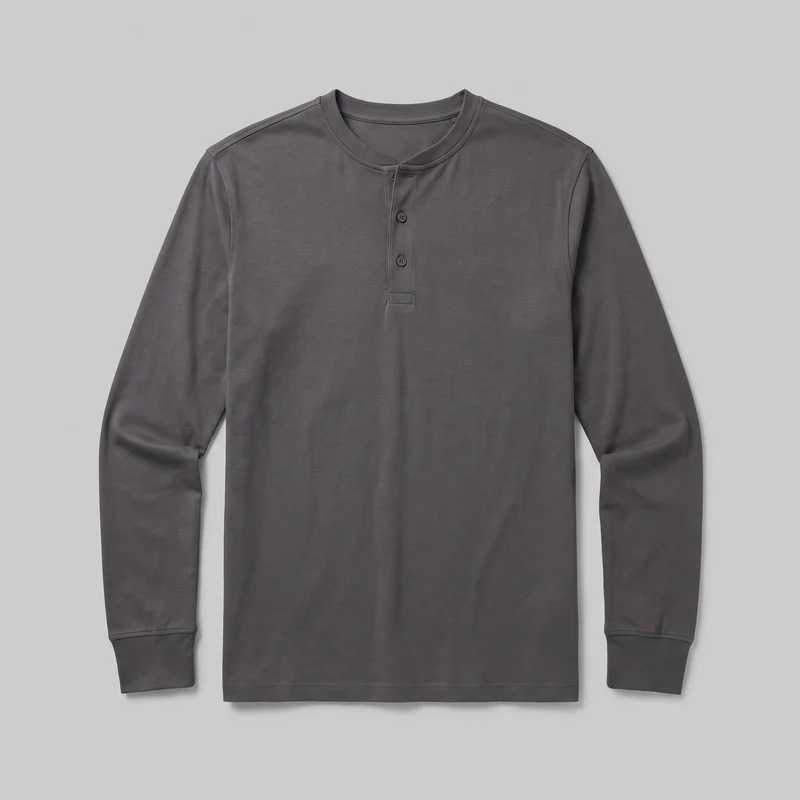 Men's Charcoal Henley Top
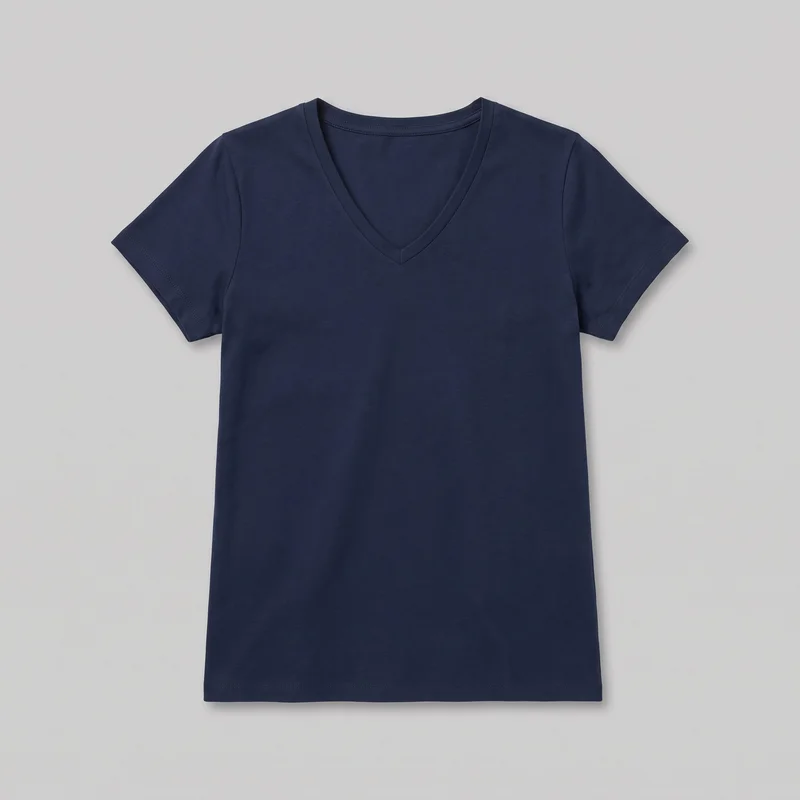 Women's Navy V-Neck T-shirt
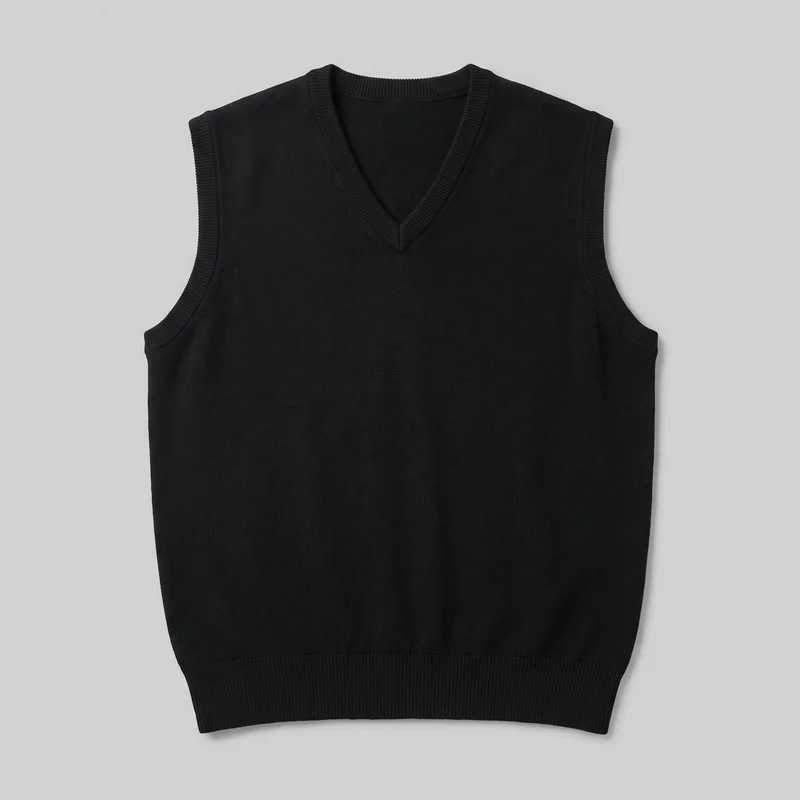 Men's Black Sweater Vest
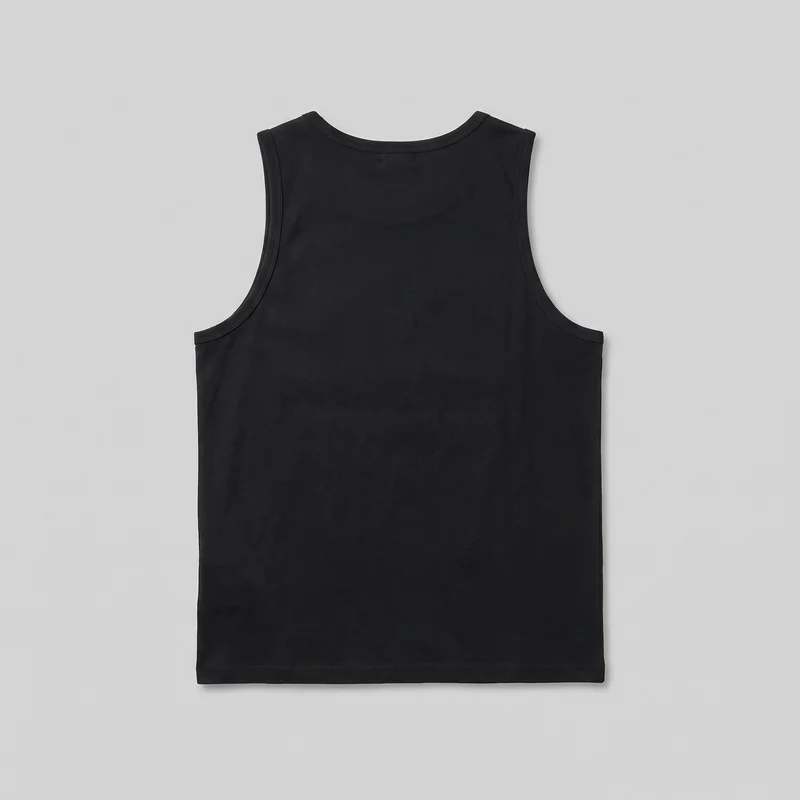 Black Vest
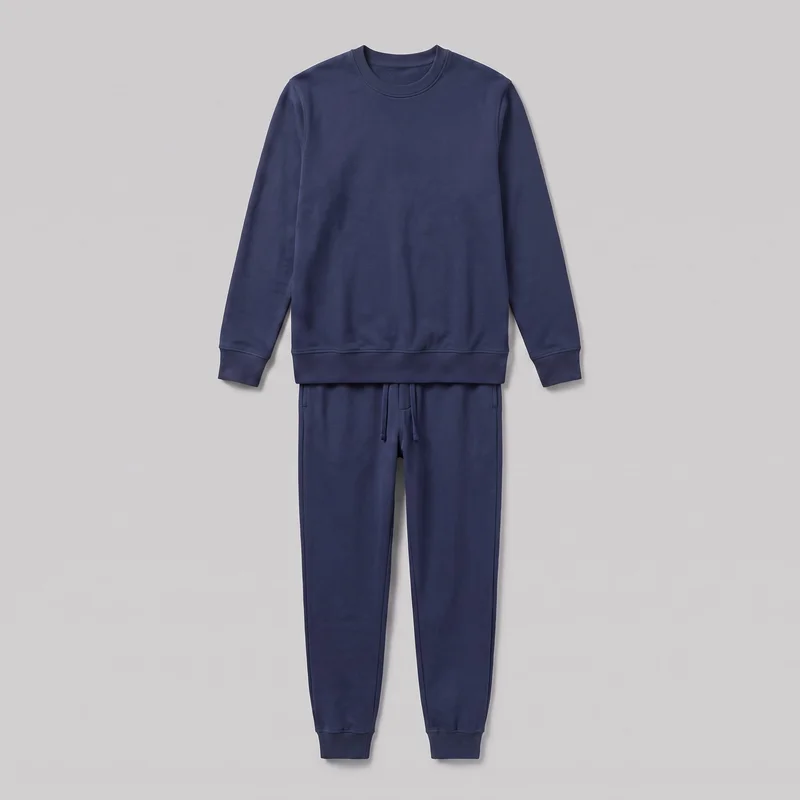 Men's Navy Loungewear Set
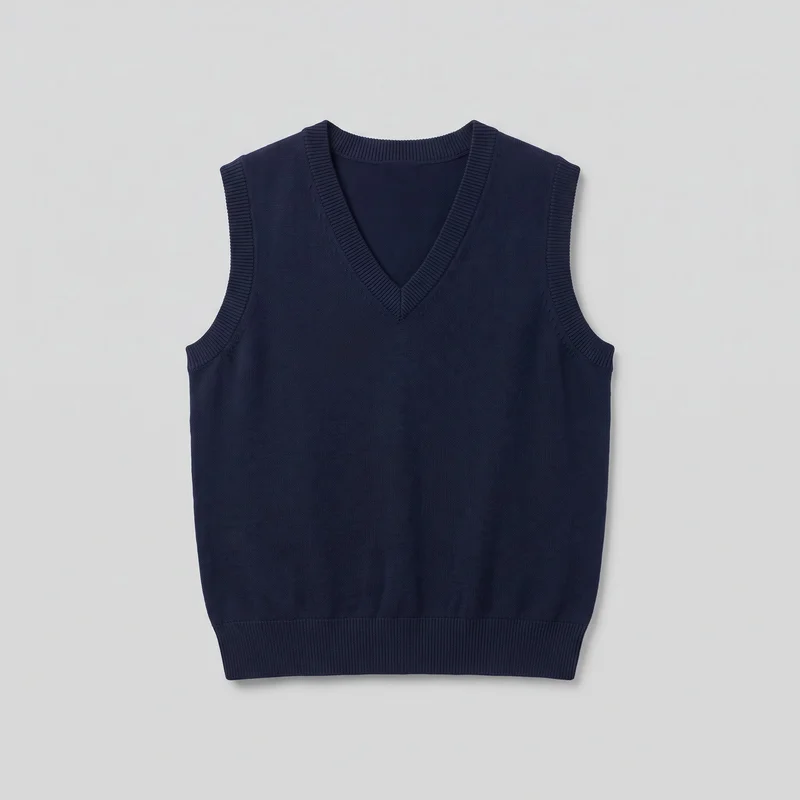 Women's Navy Knit Sweater Vest
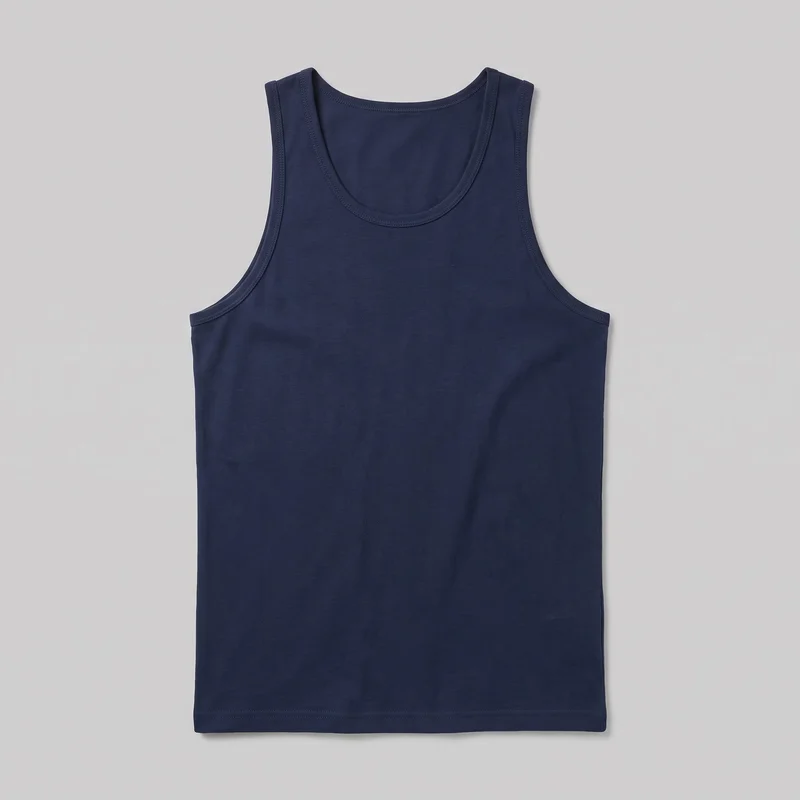 Men's Navy Blue Tank Top
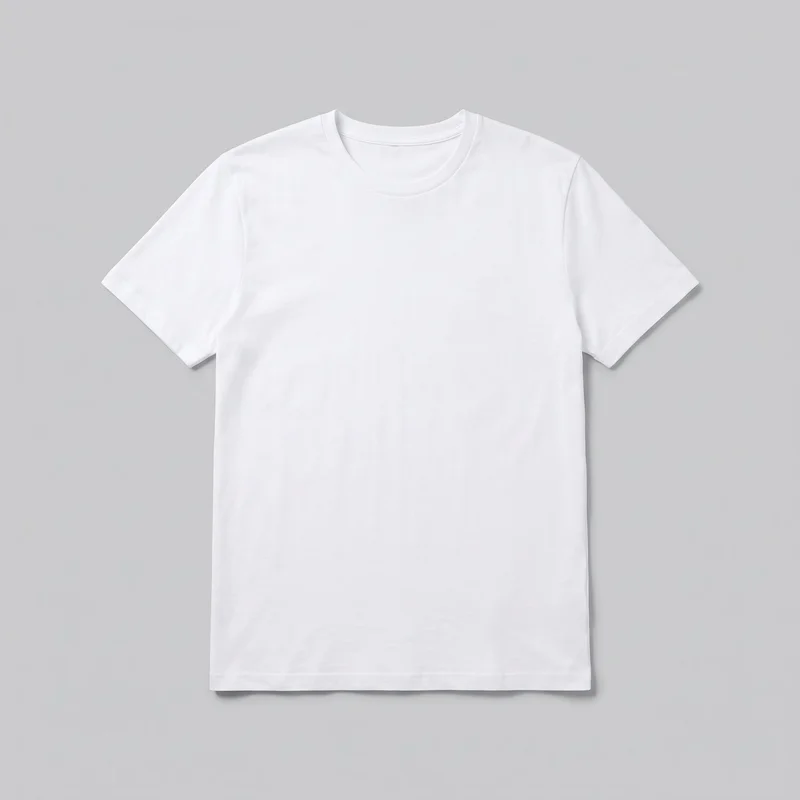 Men's White Crew-Neck T-shirt
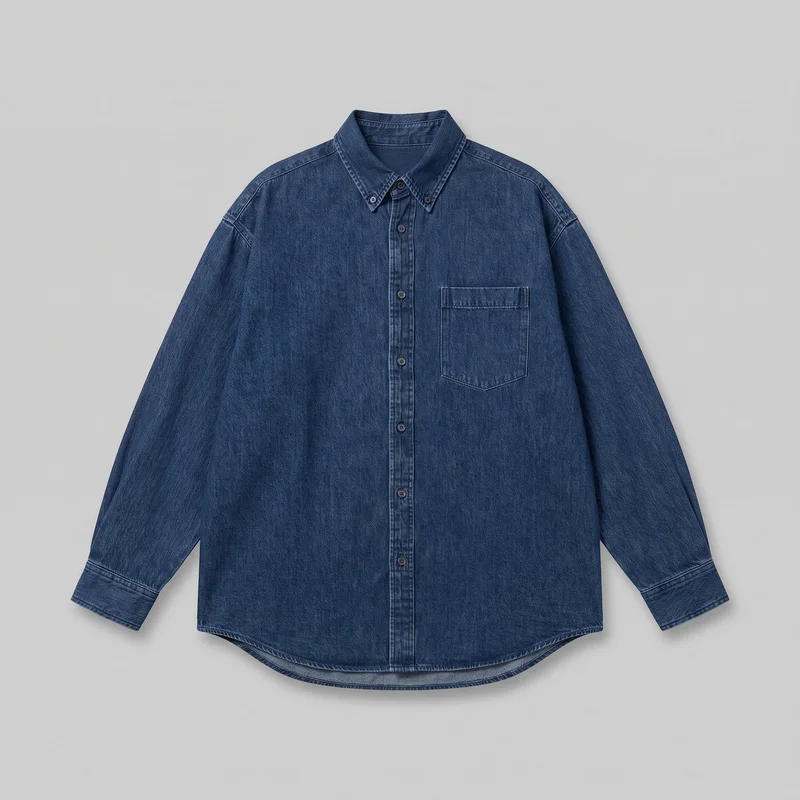 Oversized Denim Shirt
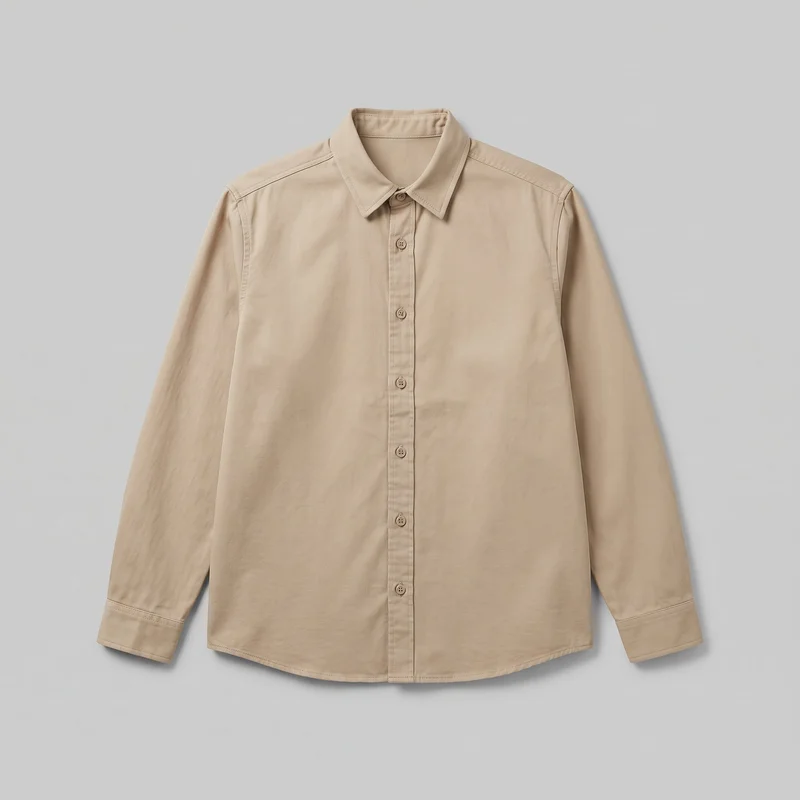 Beige Twill Overshirt
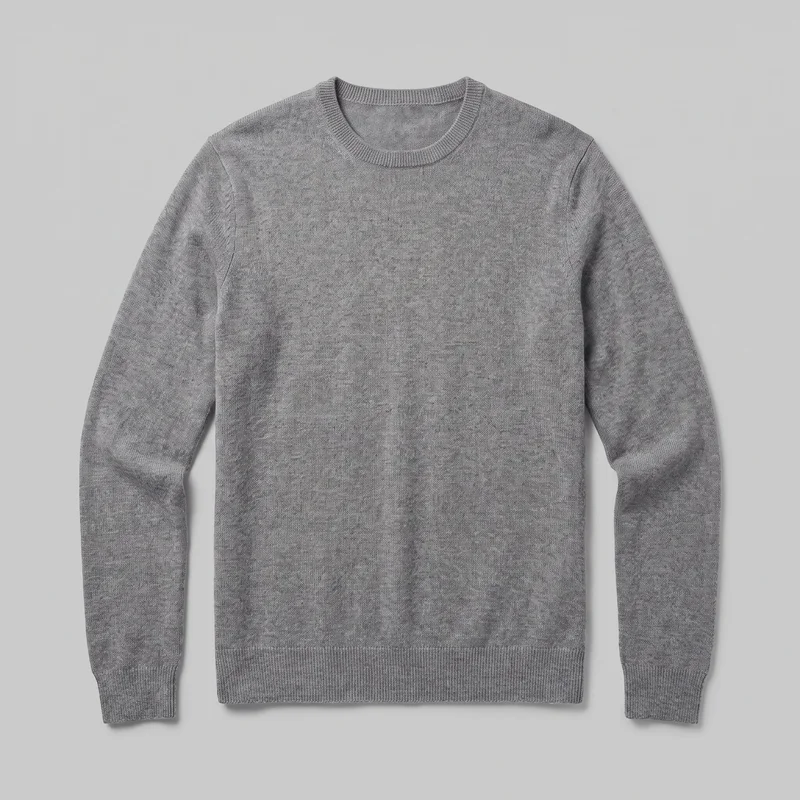 Men's Grey Cashmere Knit
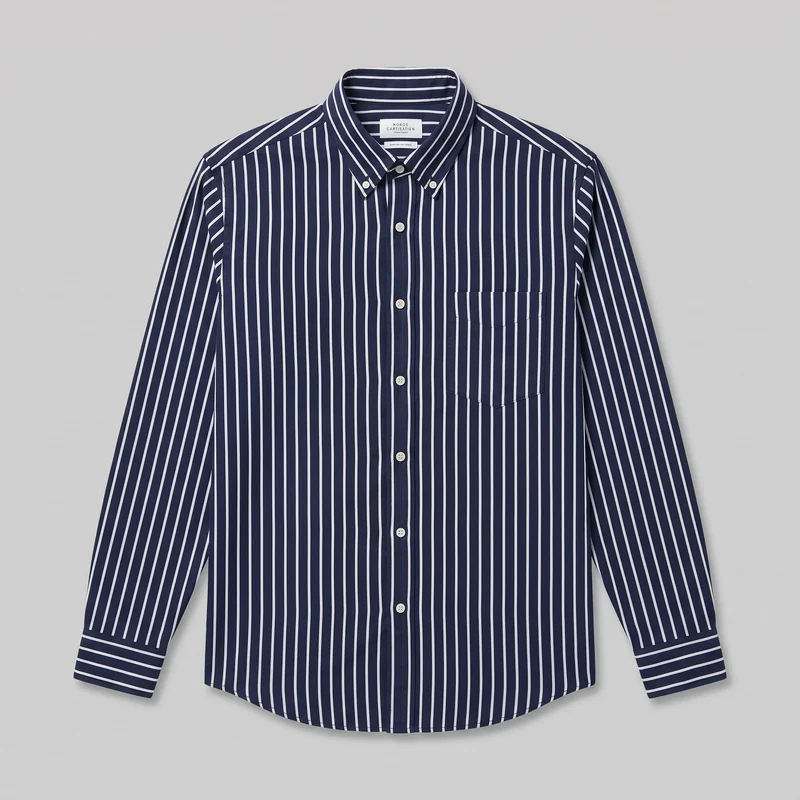 Navy Striped Oxford Shirt
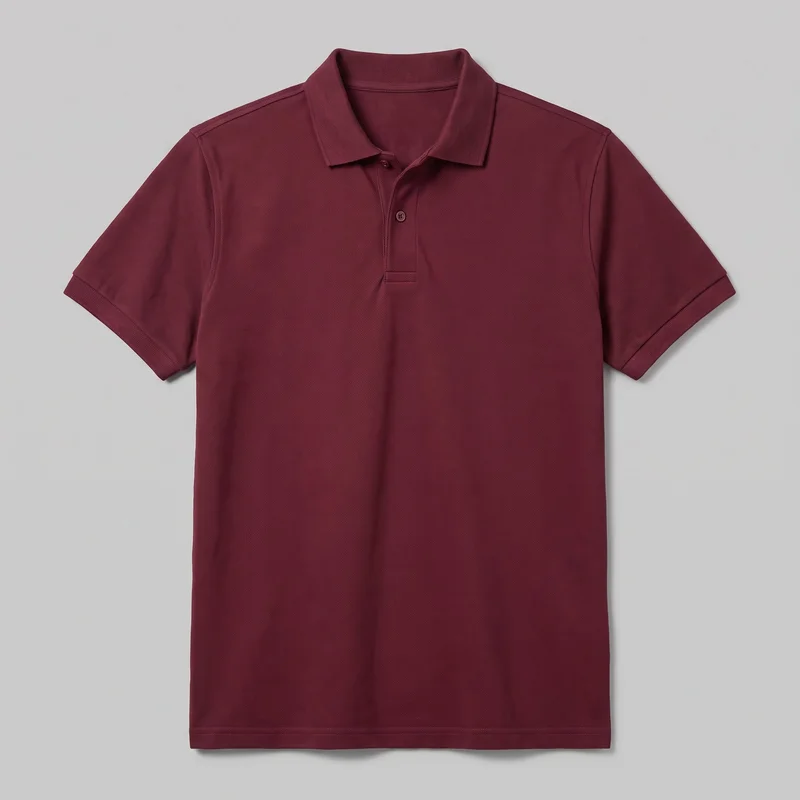 Men's Burgundy Pique Polo Shirt
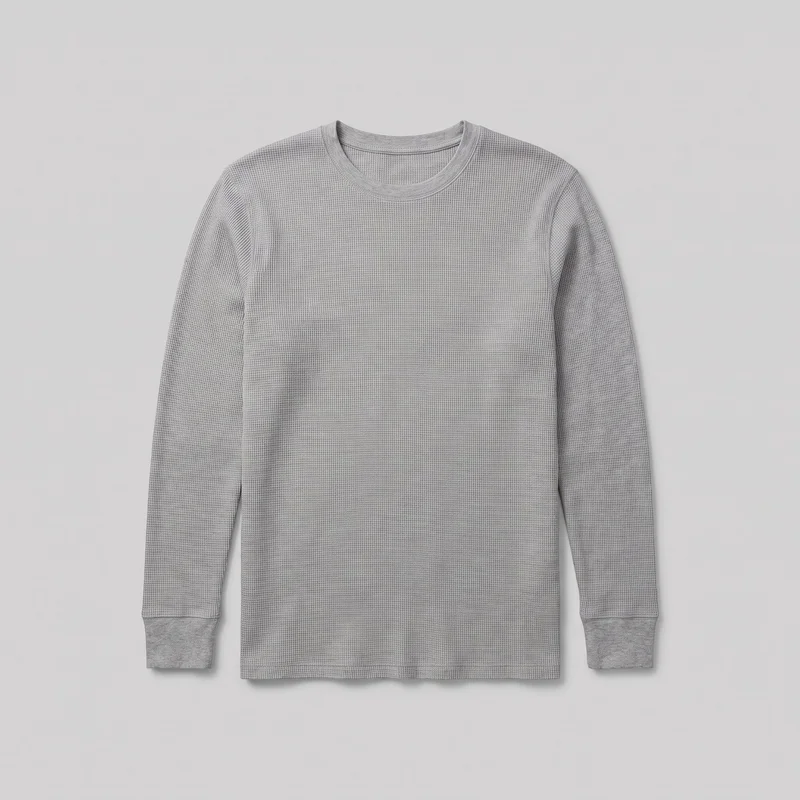 Men's Grey Thermal Base Layer
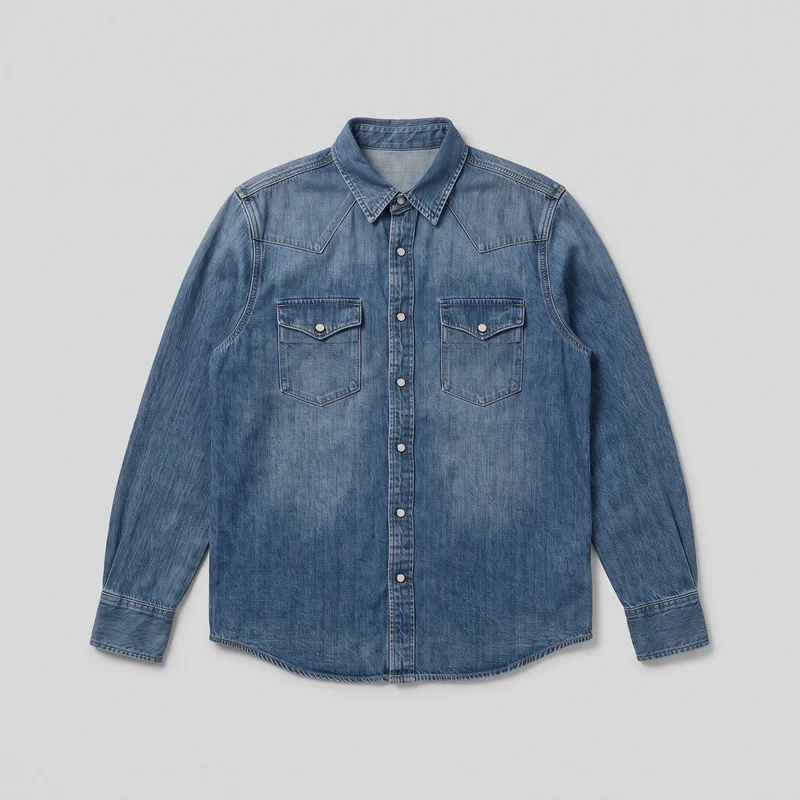 Mid-Wash Western Denim Shirt
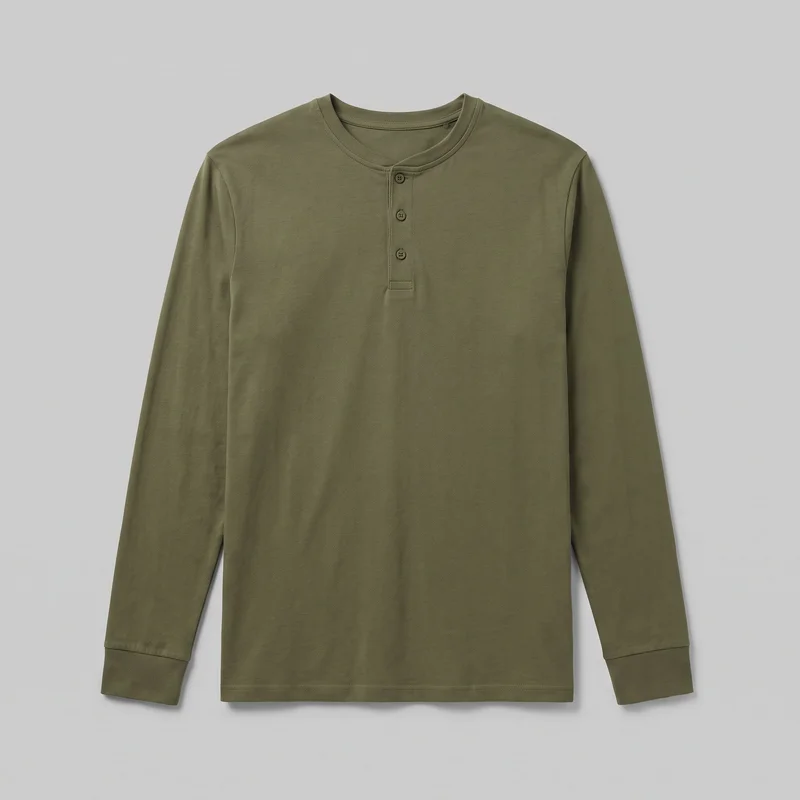 Men's Olive Long-Sleeve Henley Top
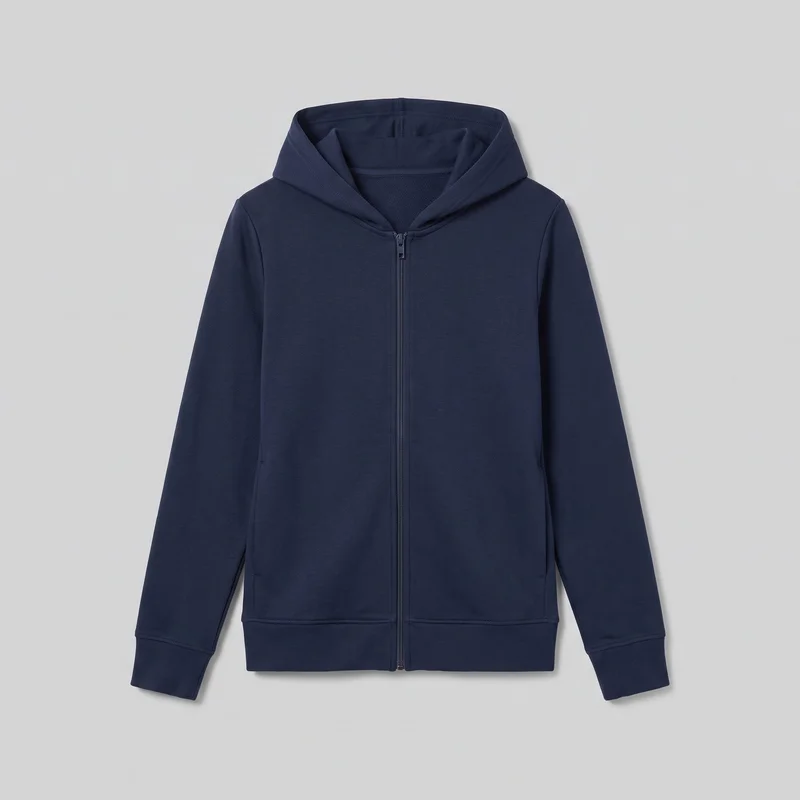 Women's Navy Zip-Up Hoodie
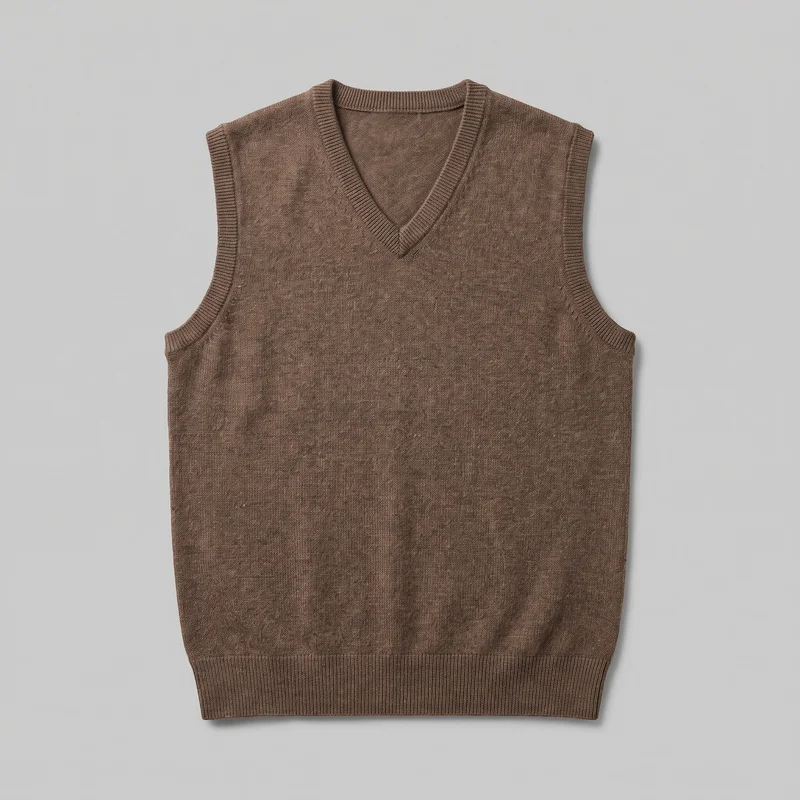 Men's Brown Wool Sweater Vest
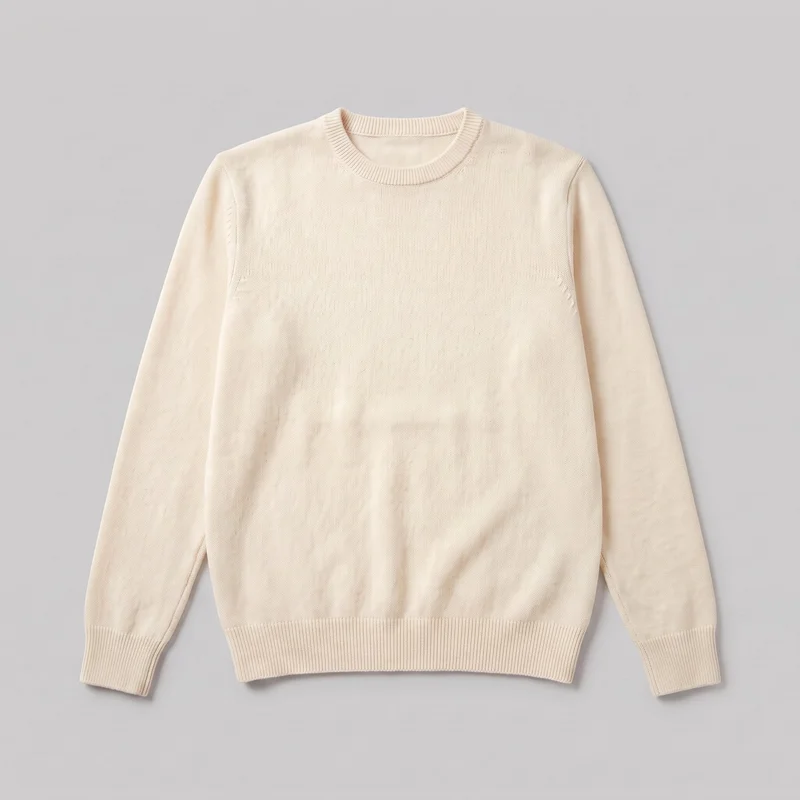 Men's Cream Cashmere Knit
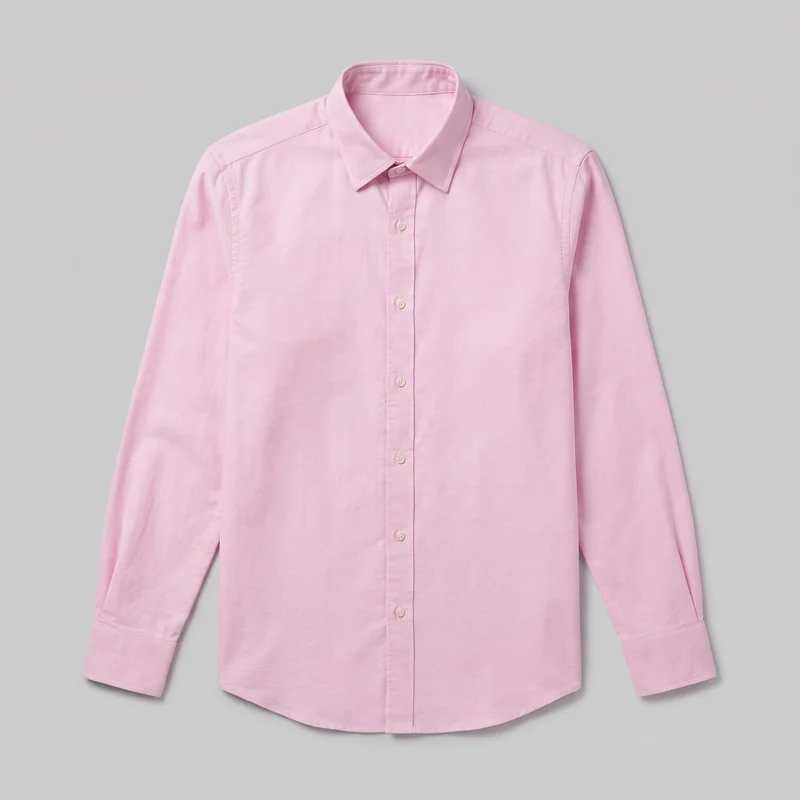 Pink Oxford Shirt
Showing 24 of 1,052
Who it's for
Is RAWSHOT right for listings before production?
A good fit
This fits you when new designs keep coming and you need a consistent set of on-model images for listings, launches or social tests. It also suits you when you prefer choosing visible model, styling, light and framing options over spending hours refining one image.
Teams who get the most from it
- RAWSHOT is a good solution for you as a print-on-demand creator if you need to show recurring designs before production and keep their presentation consistent.
- For you as an e-commerce manager, it fits if you need product pages filled before a drop and colourways shown as one coherent set.
- Recurring launches make this a fit for you as a print-on-demand creator if you value a complete set from visible choices over extended work on one image.
Work it handles well
- You can show a design worn before a unit is produced.
- You can fill product pages with on-model images before a drop goes live.
- You can present every colourway with the same model, light and crop.
Outside this scope
Skip it when you need to direct exactly how a garment sits through free-form instructions or refine one hero image through many editing rounds. You should also skip it when your work depends on a specific real person, a stylised treatment, reusable configurations across later shoots or a catalogue-system connection.
Teams this is not for
- Skip it if you need to direct a garment's exact fit through free-form instructions and revise one image through many rounds.
- This is not the right path if you need a specific real person or a stylised treatment beyond the available image style.
- It is not a fit if you need reusable configurations for later shoots or a connection to your product catalogue system.
Where this stops
- You cannot set every detail of how the garment sits on the body outside the available styling choices.
- You need to accept the available image style and regenerate a miss rather than build one image through prolonged edits.
- You need to work in the browser and provide each colourway as its own product source rather than recolour one uploaded mockup.
Rights
You own every image. Every image says what it is.
Yours
- Full commercial rights to every image, permanently.
- No recurring licence fees on any model in the library.
- Every model is a synthetic composite, so there is no real-person likeness.
Labelled
- C2PA content credentials on every image.
- AI-labelled output, meeting EU AI Act Article 50.
EU-hosted, GDPR-compliant handling.
- EU AI Act Article 50
- C2PA
- Full commercial rights
- GDPR
- EU-hosted
Questions
What do you need before a first listing?
Can print-on-demand sellers benefit from an AI fashion photography tool like RAWSHOT before products are physically made?
Print-on-demand sellers can benefit from RAWSHOT when they need to show designs worn before production. You can turn a product source into consistent on-model imagery for product listings, launches, and social tests without waiting for a finished unit. Choose the visible model, styling, light, and framing, then carry that visual direction across recurring designs and colourways.
What can print-on-demand sellers use RAWSHOT for across product pages, drop launches, and paid social?
Print-on-demand sellers can use RAWSHOT to create on-model product-page listings, drop launch imagery, and paid-social tests. You can present a new design before a unit ships, fill empty shop pages before a release, and show colourways as a coherent set. The workflow suits recurring apparel launches where a clear garment presentation matters more than refining one isolated hero image.
Which shop and launch image formats can print-on-demand sellers produce with RAWSHOT for listings and social layouts?
Print-on-demand sellers can produce product-page frames, 4:5 shop crops, and 9:16 social crops with RAWSHOT. You can set a consistent camera view, model, light, and garment presentation for listing imagery, launch layouts, and vertical social placements. Start from the product source you have, then choose framing that keeps the design visible in each destination.
What can print-on-demand sellers start with in RAWSHOT when a physical unit is not ready?
Print-on-demand sellers can start with a product photo, flat-lay, mockup, or technical sketch in RAWSHOT when a physical unit is unavailable. Use that source to establish the garment, then select the model, styling, light, and frame for an on-model presentation. Each colourway should be supplied as its own product source when you want accurate, consistent listing imagery.
How is RAWSHOT different from a flat-lay or 3D render for print-on-demand sellers preparing a launch?
RAWSHOT gives print-on-demand sellers an on-model fashion image, while a flat-lay presents the product without wear and a 3D render depends on a constructed digital representation. You can choose visible model, styling, light, and framing around a supplied product source. That makes the design easier to judge in a shop or launch context before a physical unit exists.
What are RAWSHOT's limits for print-on-demand sellers showing garments before production?
RAWSHOT's limits for print-on-demand sellers include controlled styling choices rather than free-form direction of every garment detail, and no guarantee of measured fit. You cannot base the work on a specific real person or rely on a stylised treatment outside the available image style. You also need separate product sources for colourways and cannot connect the workflow directly to a catalogue system.
May print-on-demand sellers use RAWSHOT images on product pages, launch channels, and commercial sales materials?
You get full commercial rights to every image, permanently, with no recurring licence fee. Every image carries C2PA content credentials and is labelled as AI-generated.
Get started
Your next drop starts with on-model listings.
Start with a 7-day free trial including 50 tokens, then move to the plan that matches your production volume.