
Resale sellers
RAWSHOT for resale sellers
Turn each resale piece into a clear listing image.
You sell one item at a time on marketplaces, with new listings and resale drops arriving regularly. RAWSHOT turns your real product photo into a consistent on-model image, so your shop can look considered without arranging a separate shoot for every piece.
7-day free trial • 50 tokens (10 images) • Cancel anytime
A 2K image in roughly 35 seconds · AI-labelled with C2PA content credentials
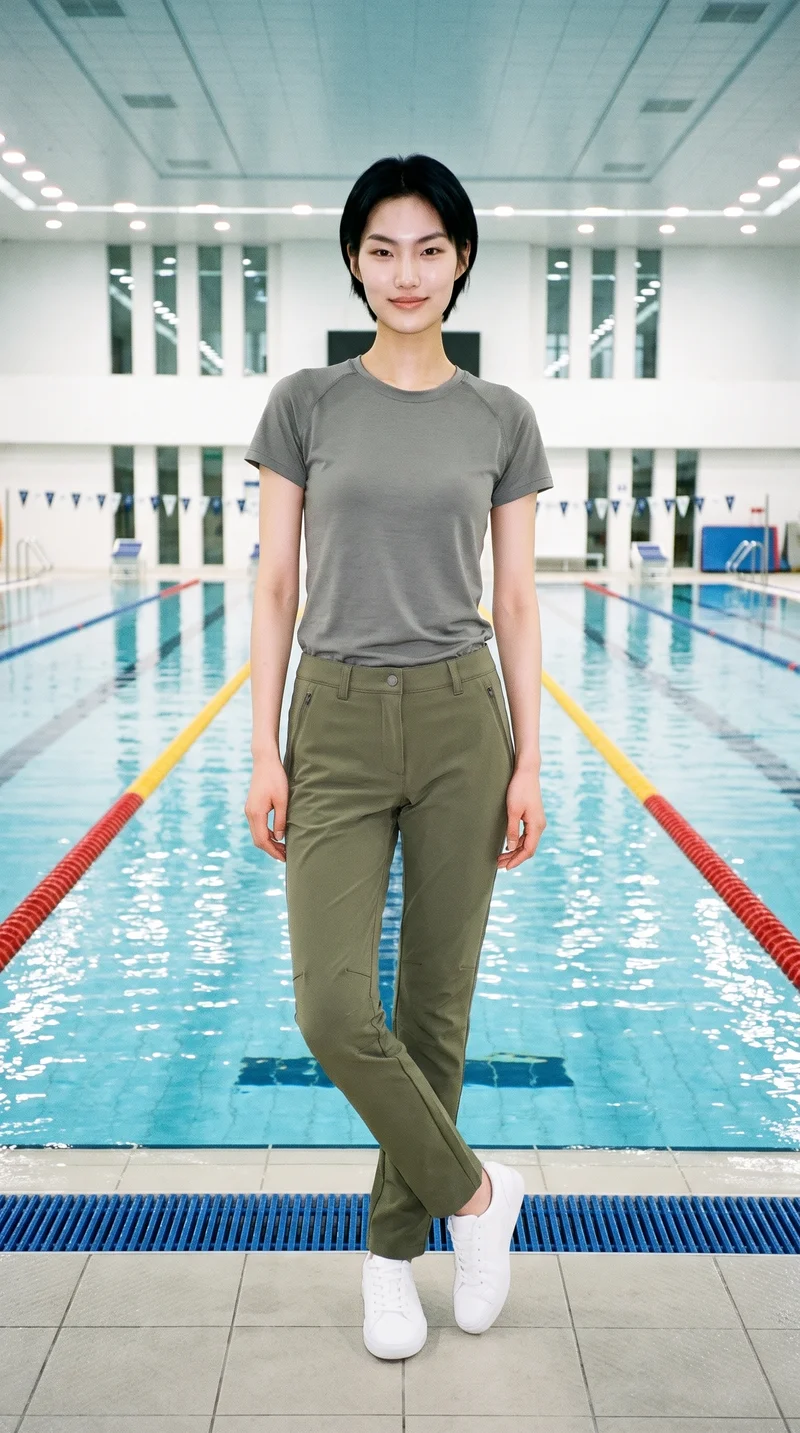

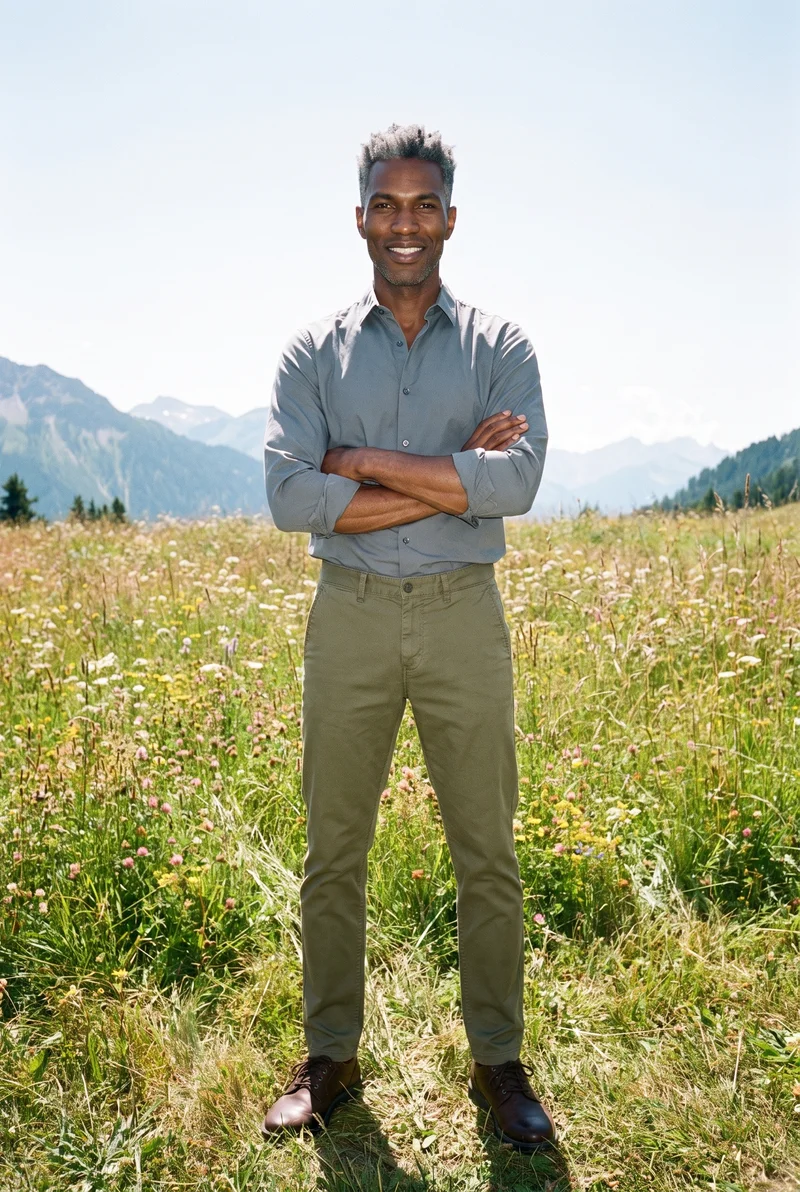
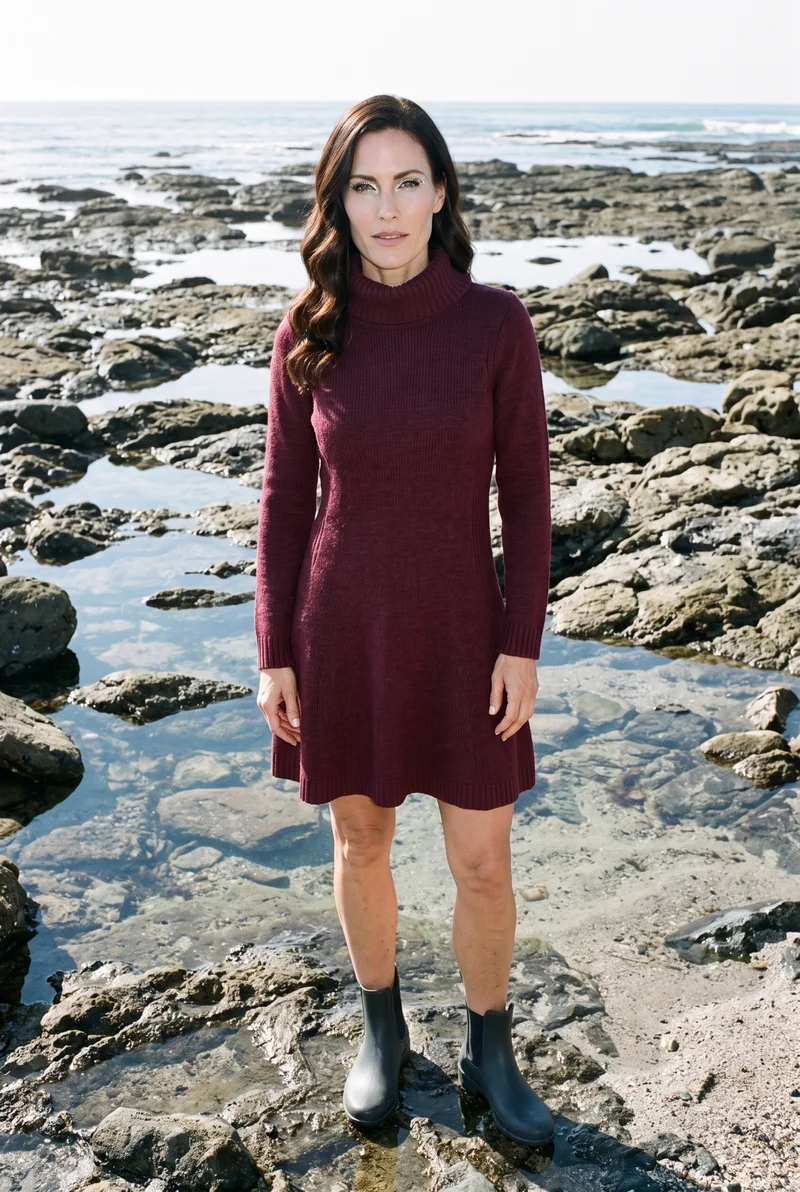
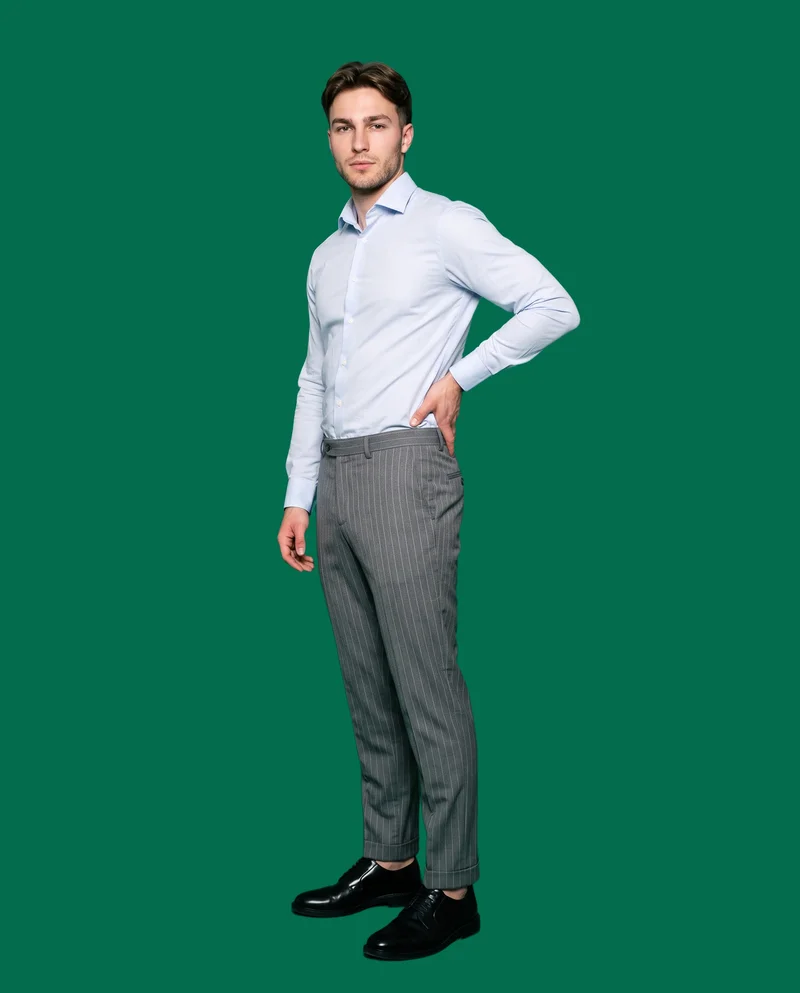
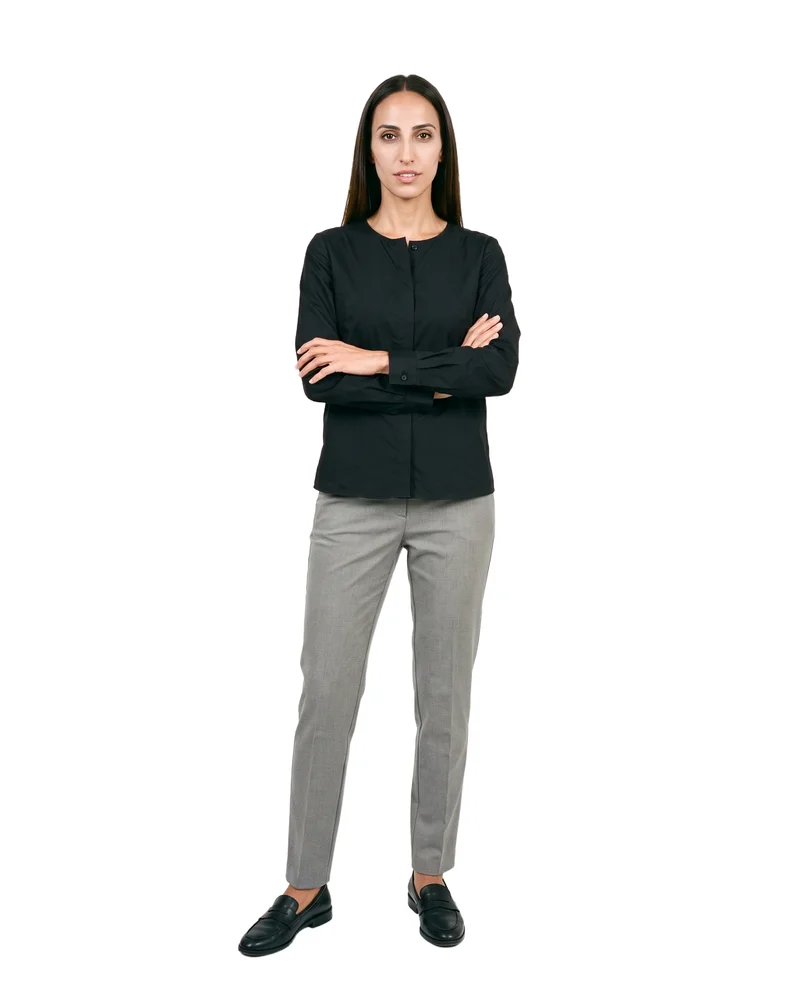
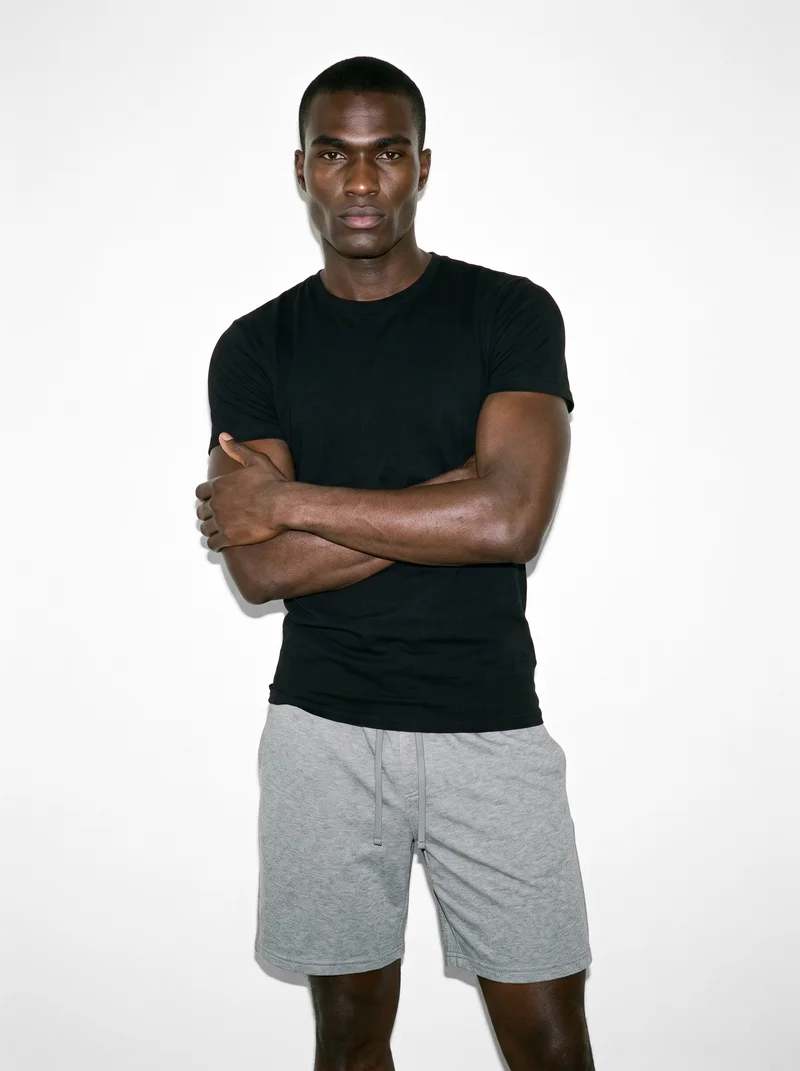
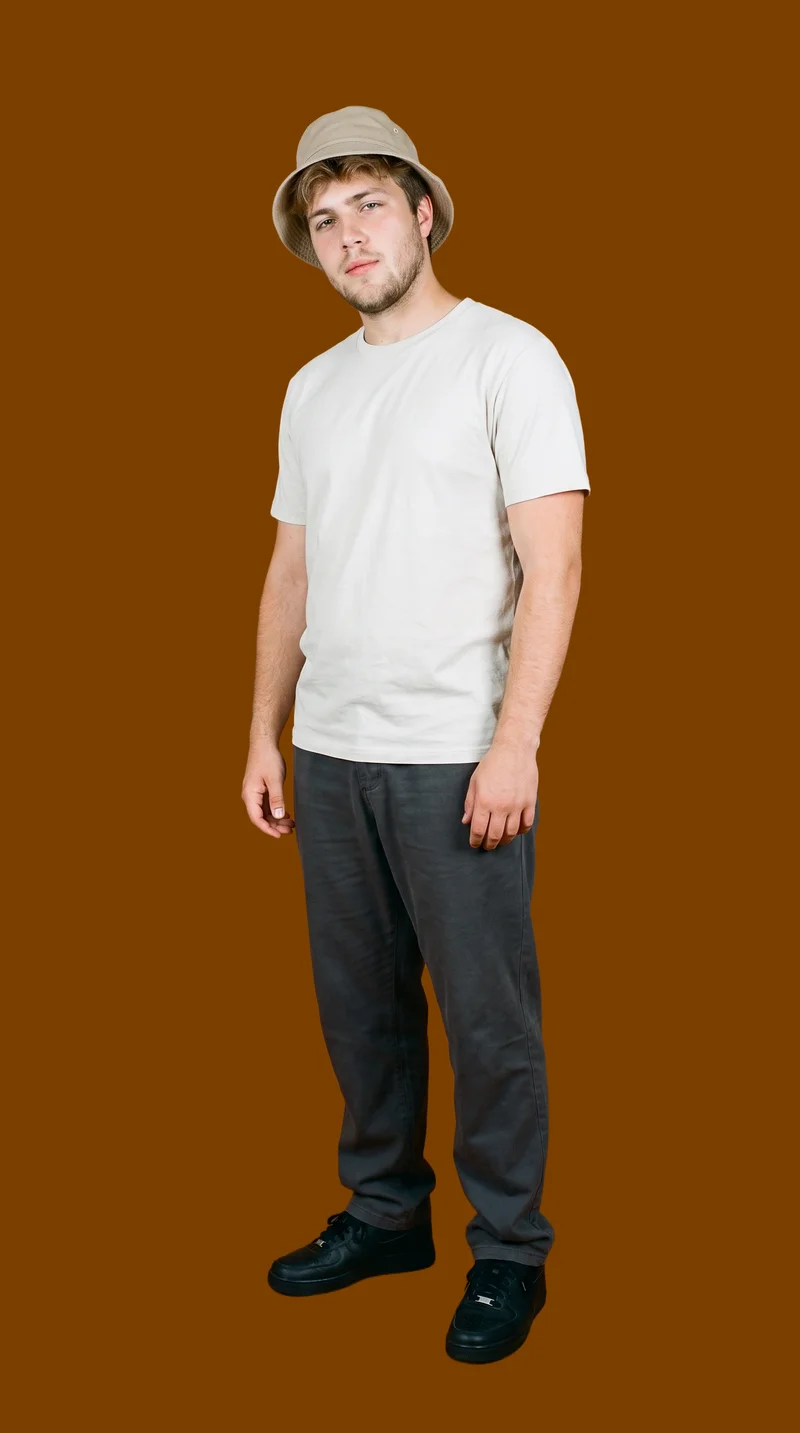

Showing 9 of 815, shot in RAWSHOT
The situation
Phone photos leave each new piece behind.
Your item starts on a bed, hanger, or wardrobe door, and the listing ends up looking like the others around it. You need a usable image for each new piece, including the bestseller whose weak photo is holding it back. You pick one model, one light, and one crop, then use that same set on the next piece.
In the browser
Create listings and refresh weak product photos.
Turn a phone photo into a listing image
TodayShot on a bed, on a hanger, or against a wardrobe door.
With RAWSHOTSell the piece, not the room behind it.
- 1Import the product
- 2Pick one model
- 3Set the frame
Make a listing look like a brand
TodayThe listing looks exactly like the twelve above it.
With RAWSHOTA listing that looks like a shop.
- 1Choose the product
- 2Select the model
- 3Pick the photography direction
Re-shoot a bestseller that photographs badly
TodayA reshoot means a studio day for one product, so it never happens.
With RAWSHOTOne product, reshot this afternoon.
- 1Import the bestseller
- 2Choose the model
- 3Set the background
Rawshot Features
Choose the model, light, crop and background.
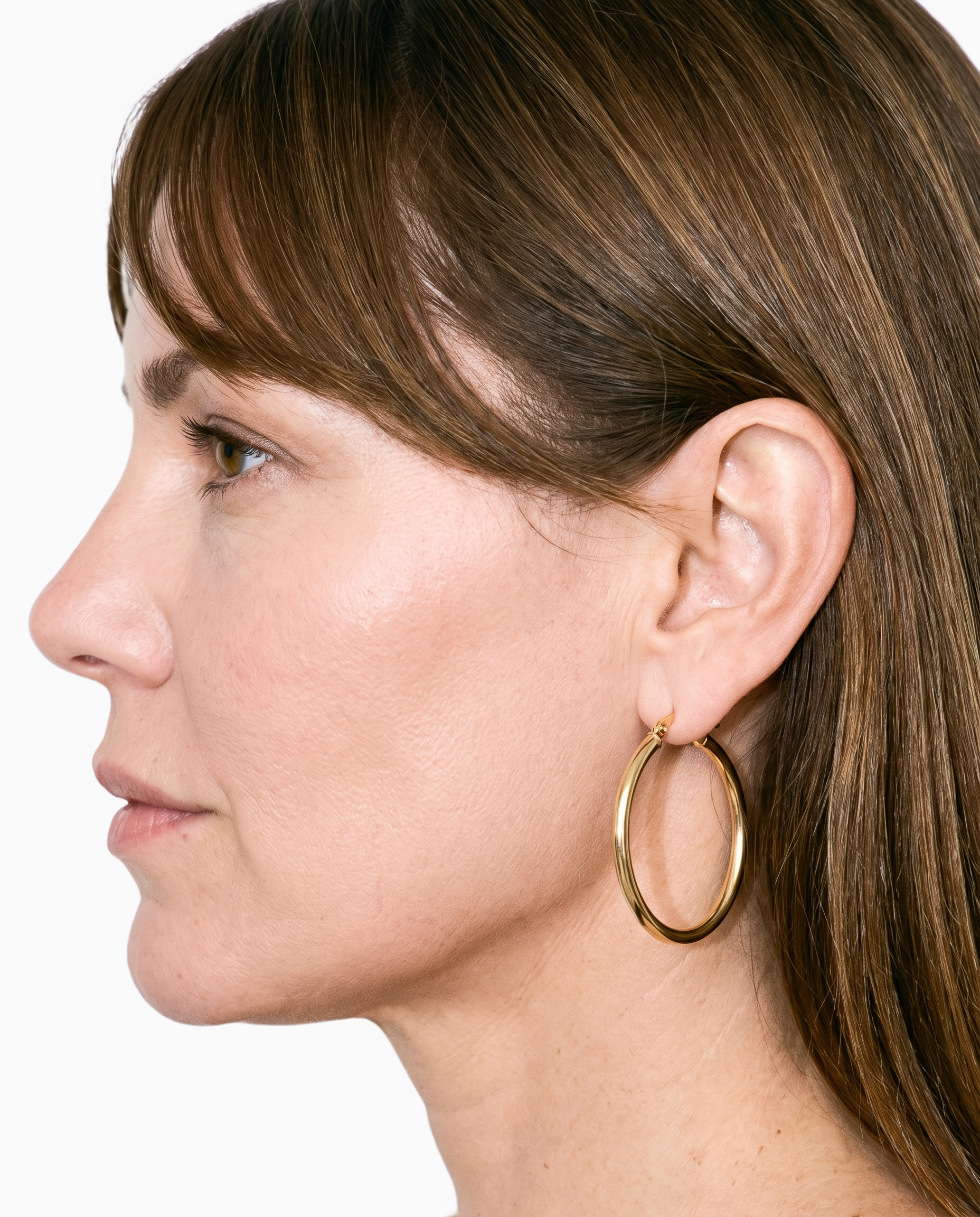
Product import and handling
Starting with your real item keeps its cut, colour, pattern, and material central to the listing composition.
Start from your real item and keep product fidelity while building the scene.
See the feature →
AI model generator
A selectable adult model lets you show a resale piece on a body instead of leaving the buyer to imagine how it looks worn.
Library filters plus private model building for consistent identity across the set.
See the feature →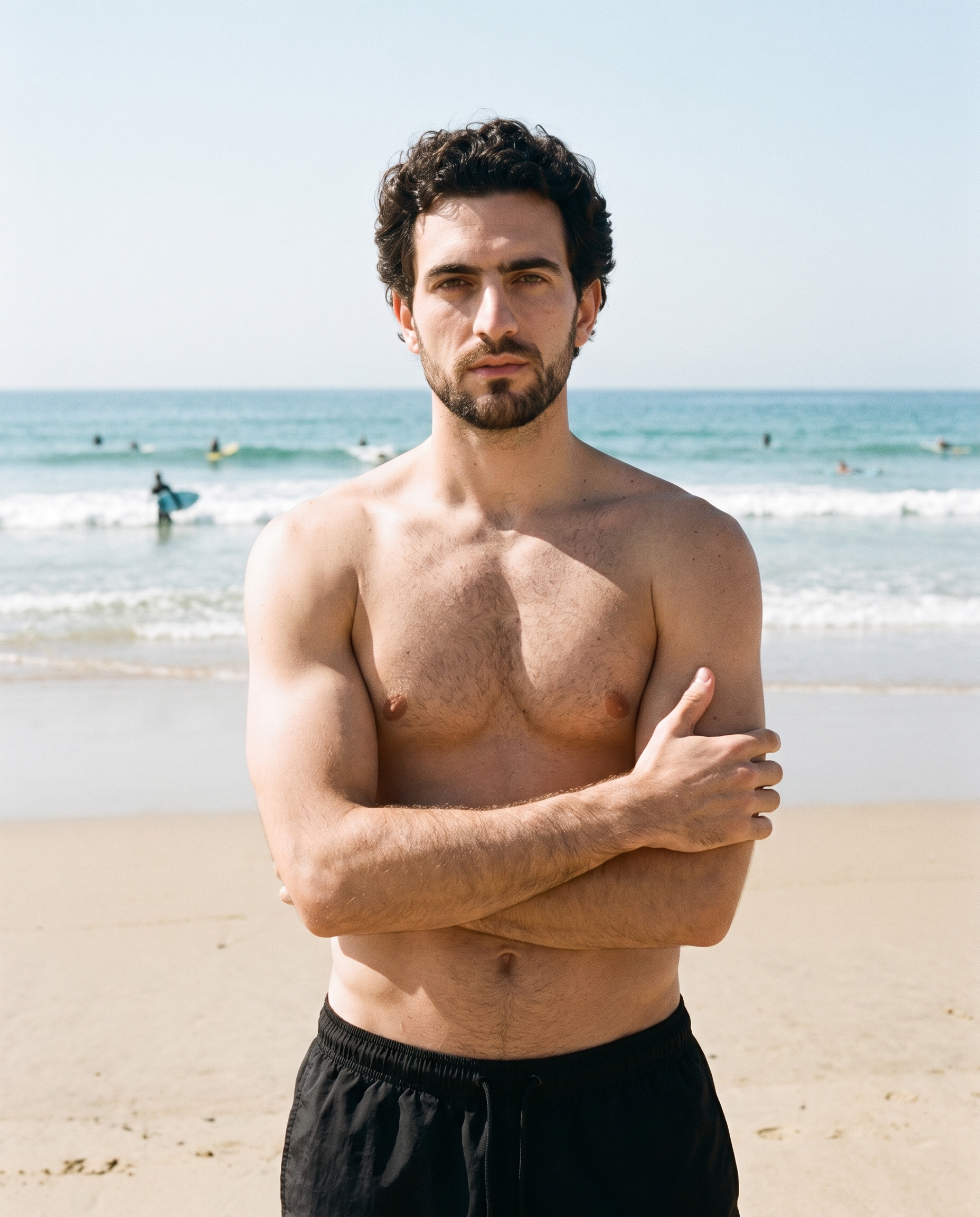
Photography direction
Named lighting directions help you keep a clean catalogue treatment across listings without having to direct every lighting detail yourself.
4 named choices that set mood and shadow the same way across a shoot.
See the feature →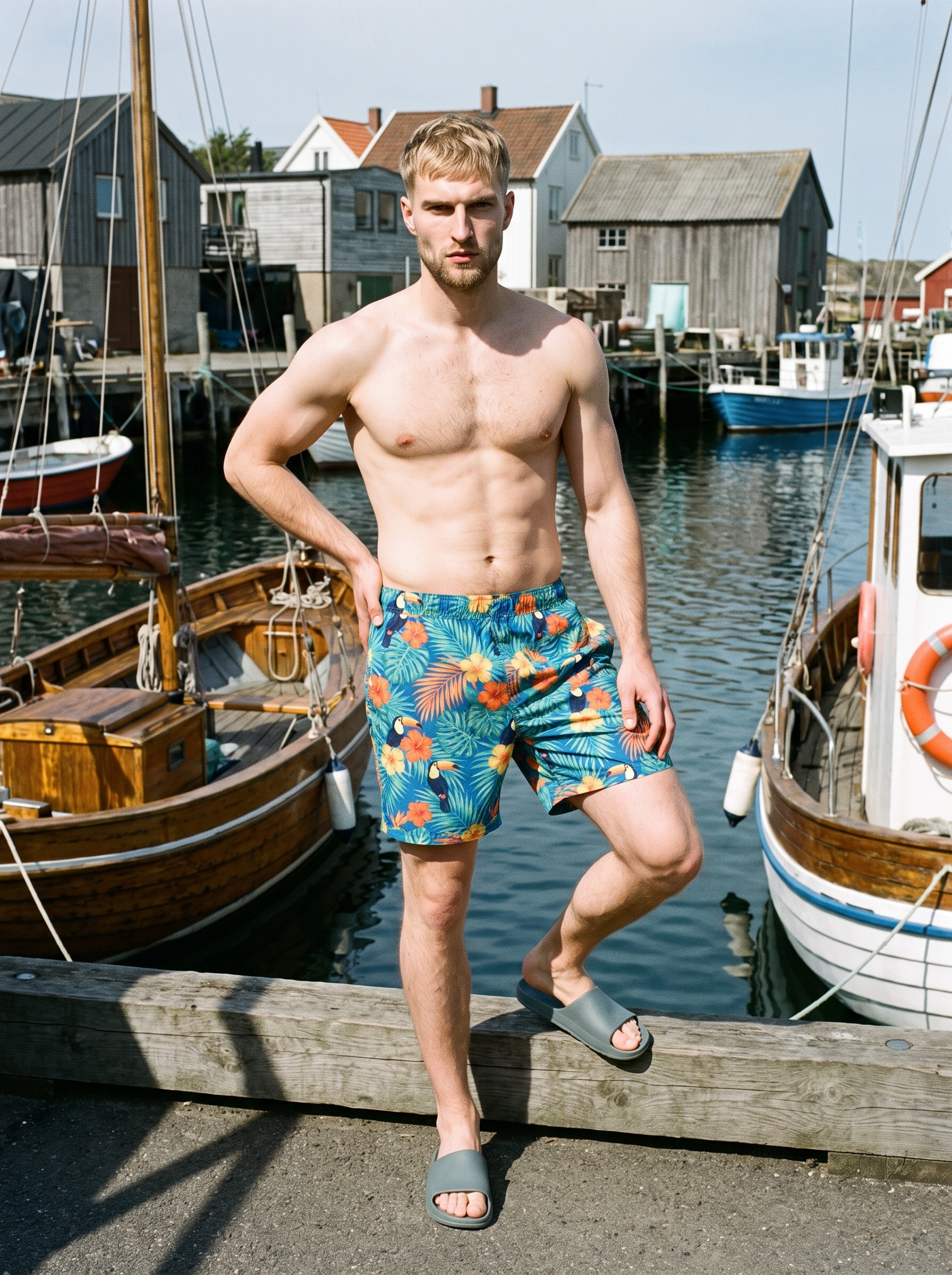
AI photo background generator
A separate background choice removes the room around your item while keeping the product, model, and framing steady.
Swap scene context while keeping model, product, and framing stable.
See the feature →AI image to image generator
Change one decision and keep the rest of the composition stable.
AI image to video generator
17 model actions on a full-body shot · 132 in total
AI makeup generator
Branch-aware named options applied without altering casting or scene setup.
AI outfit generator
Combine the main piece with neutral supporting items in one coherent frame.
AI suggestions
Preselected control values you can always override in the same configurator.
Fashion model poses
22 poses on a full-body shot · 104 in total
Garment styling
Choose how the garment is worn and keep brand presentation consistent.
Inspiration gallery
Load editable finished looks as fast starting points for new shoots.
Gallery
Resale pieces appear in clean on-model listings.
The gallery shows resale items moved from informal phone photos into clean, on-model listing images with a shared shop presentation.
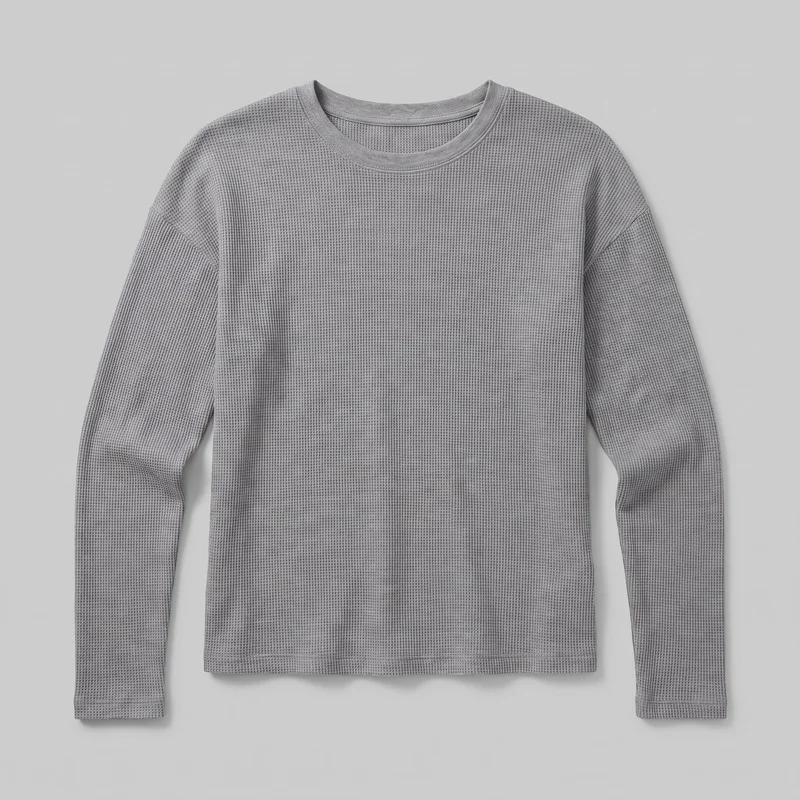 Women's Grey Waffle-Knit Long-Sleeve Tee
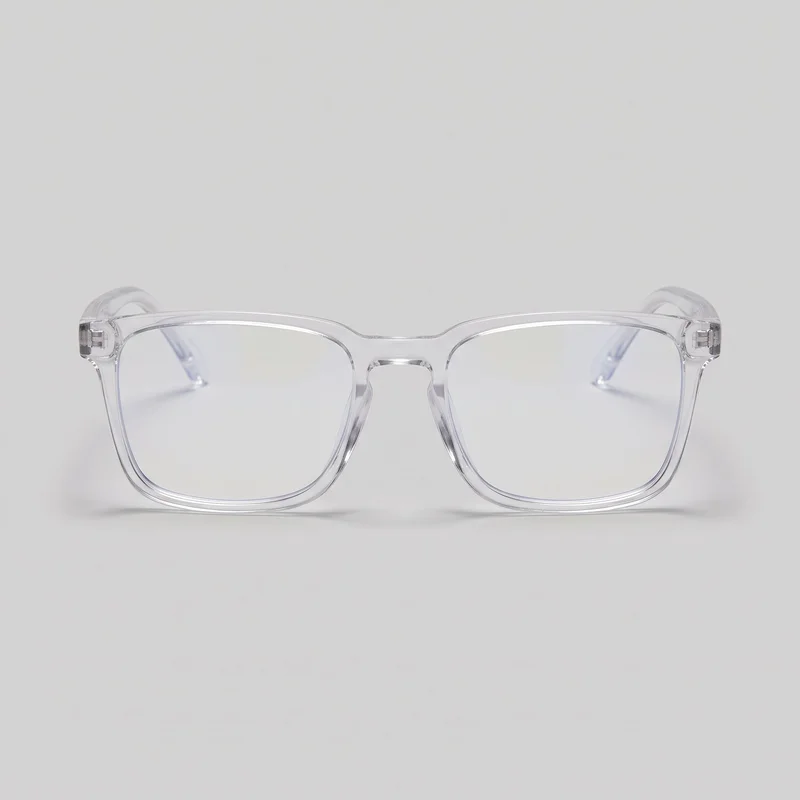 Men's Clear-Frame Blue-Light Glasses
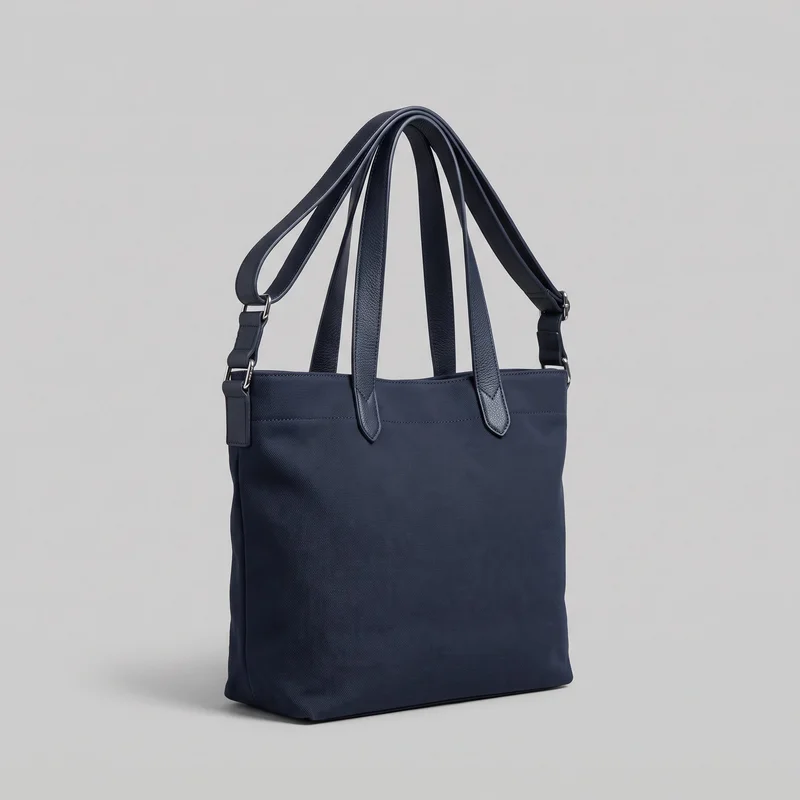 Navy Shopper Tote
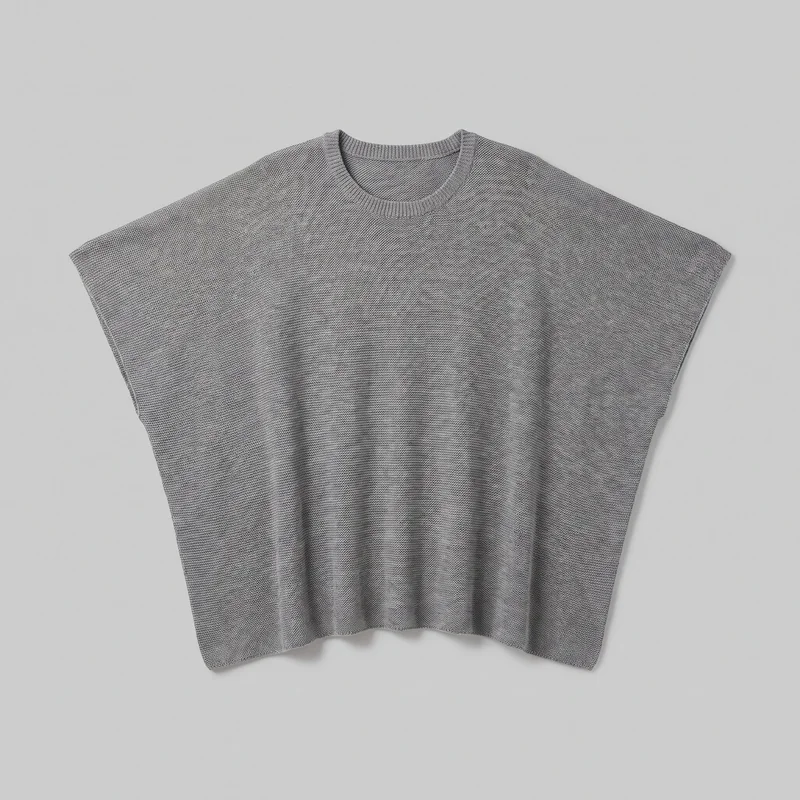 Grey Poncho
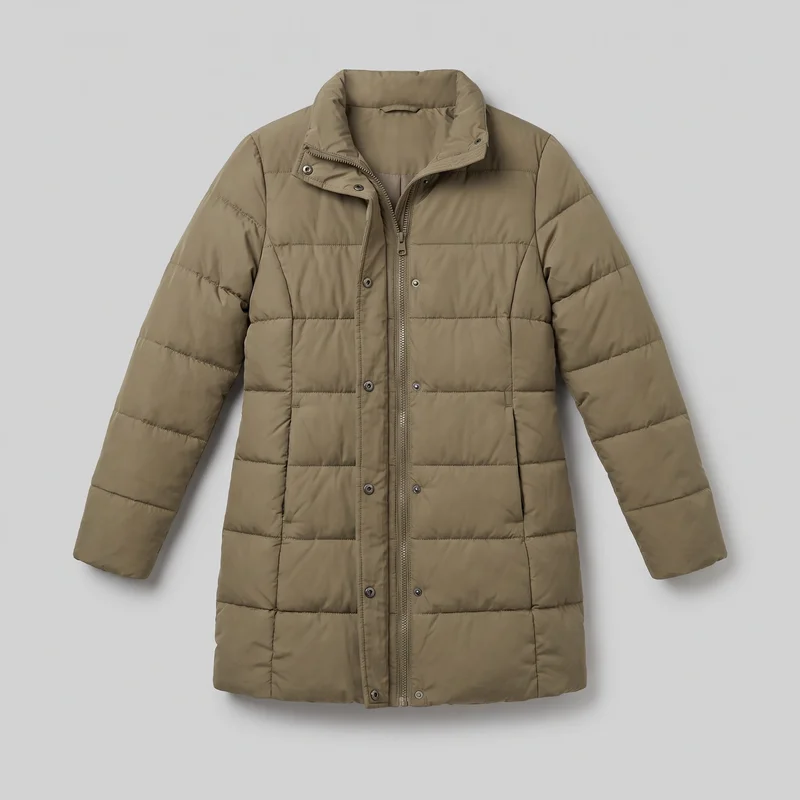 Women's Khaki Longline Puffer Jacket
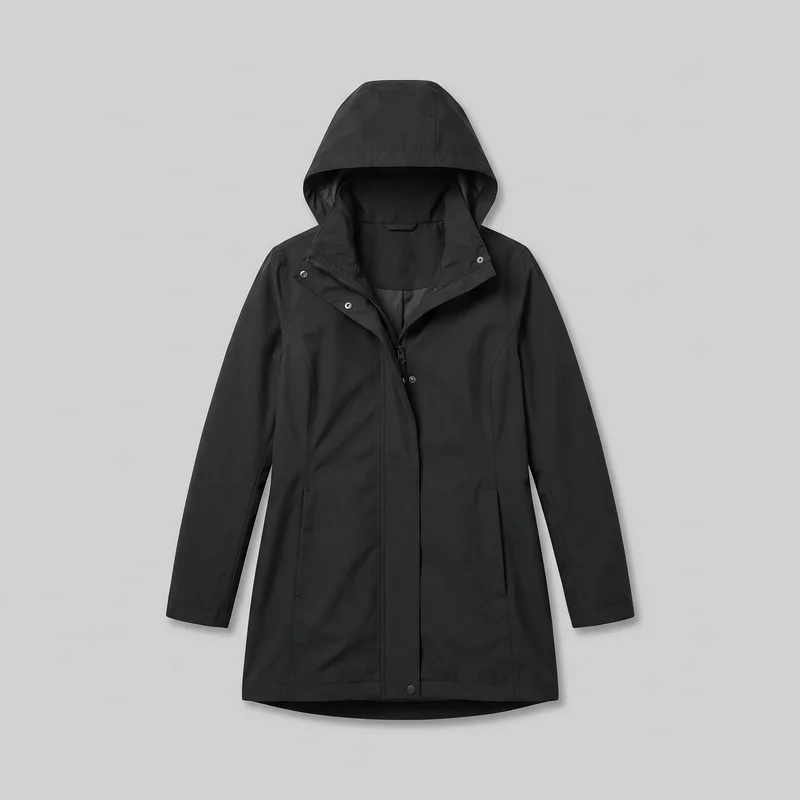 Women's Black Hooded Raincoat
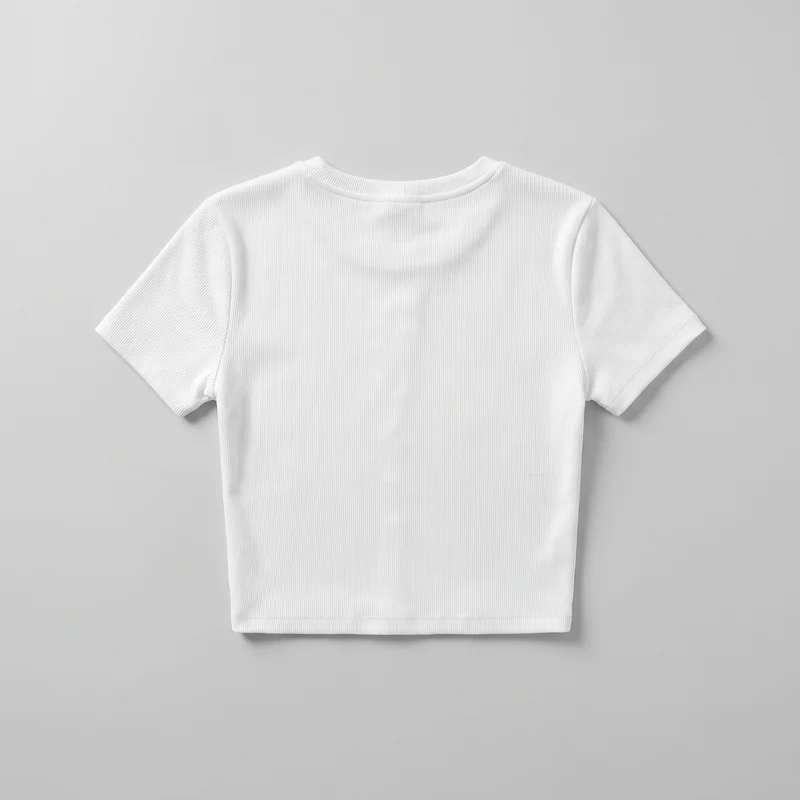 White Ribbed Crop Top
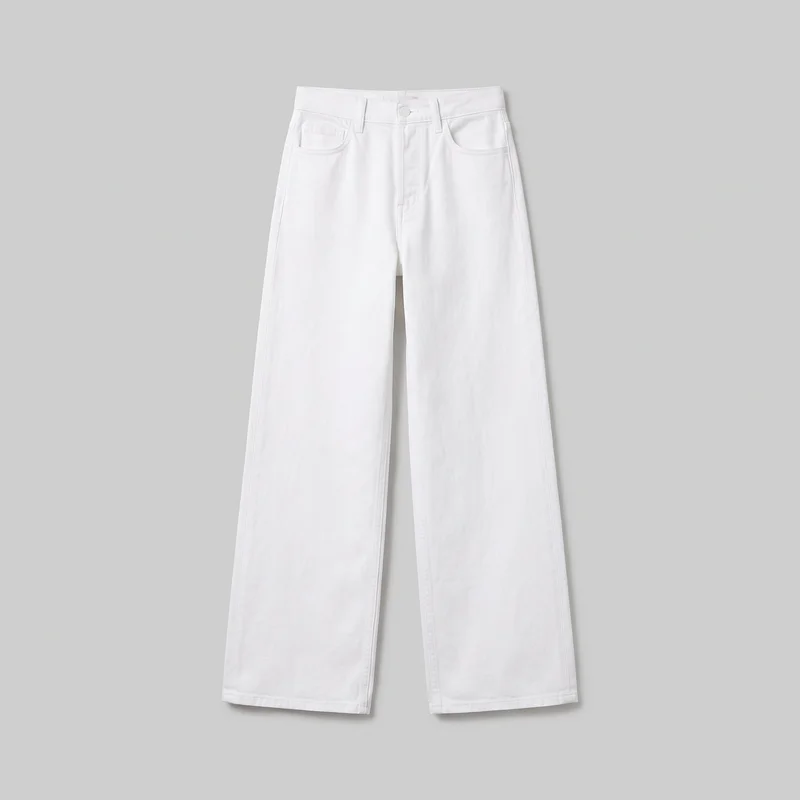 Women's White Wide-Leg Jeans
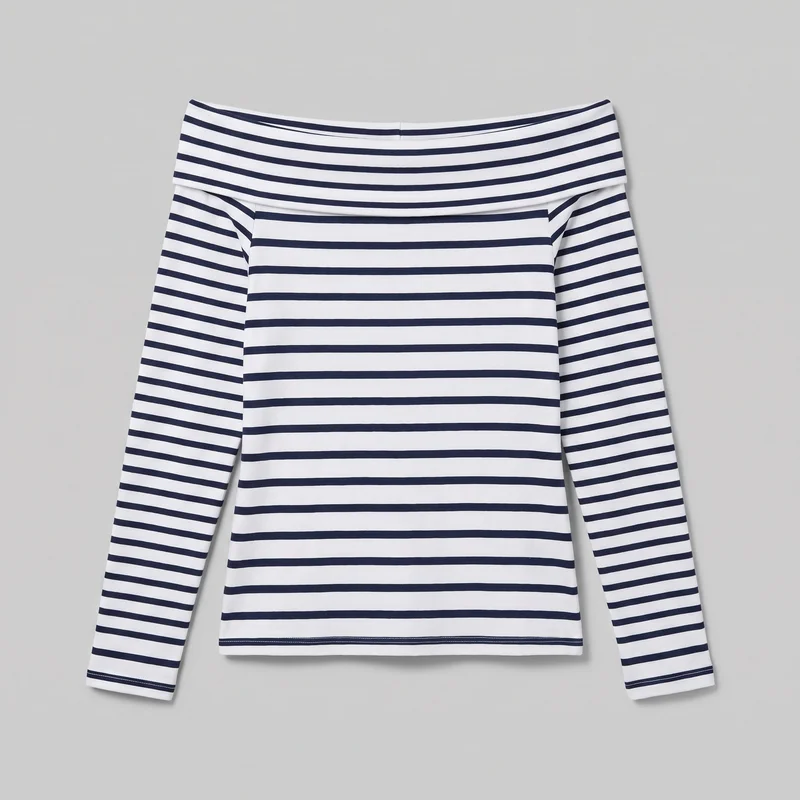 Striped Bardot Top
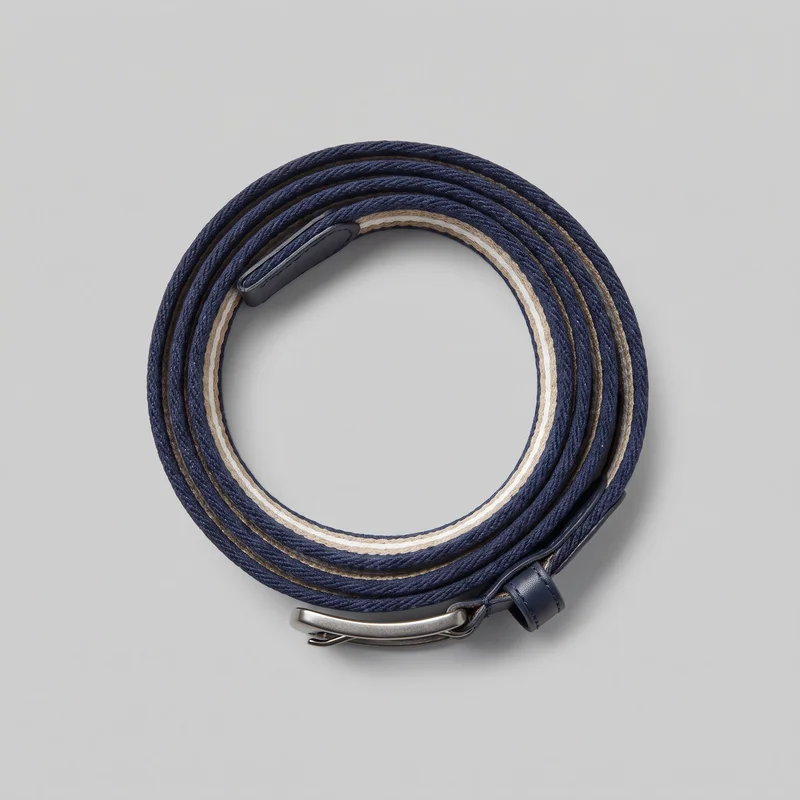 Men's Striped Woven Belt
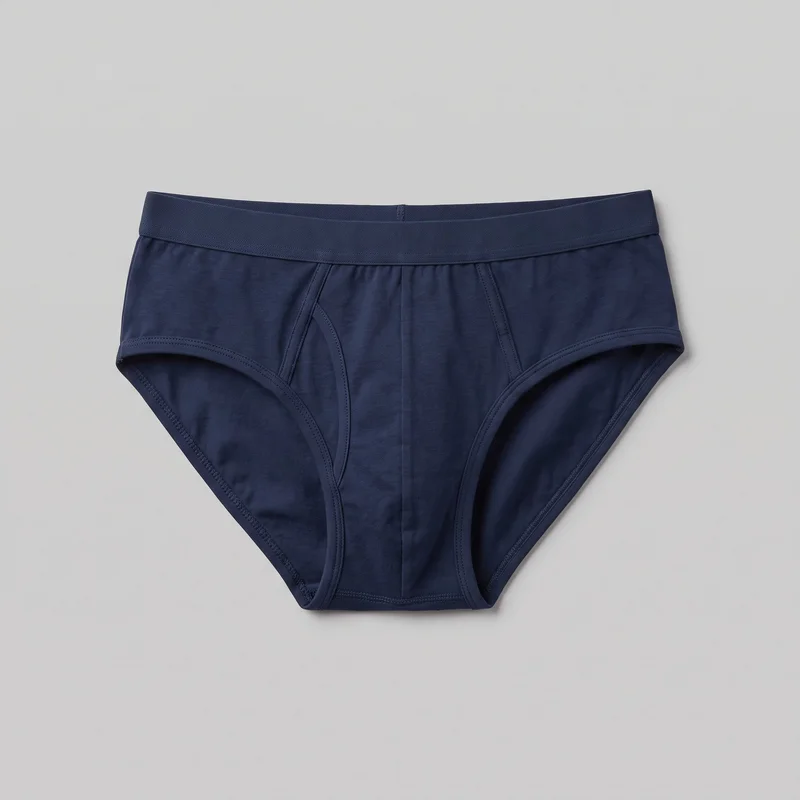 Men's Navy Briefs
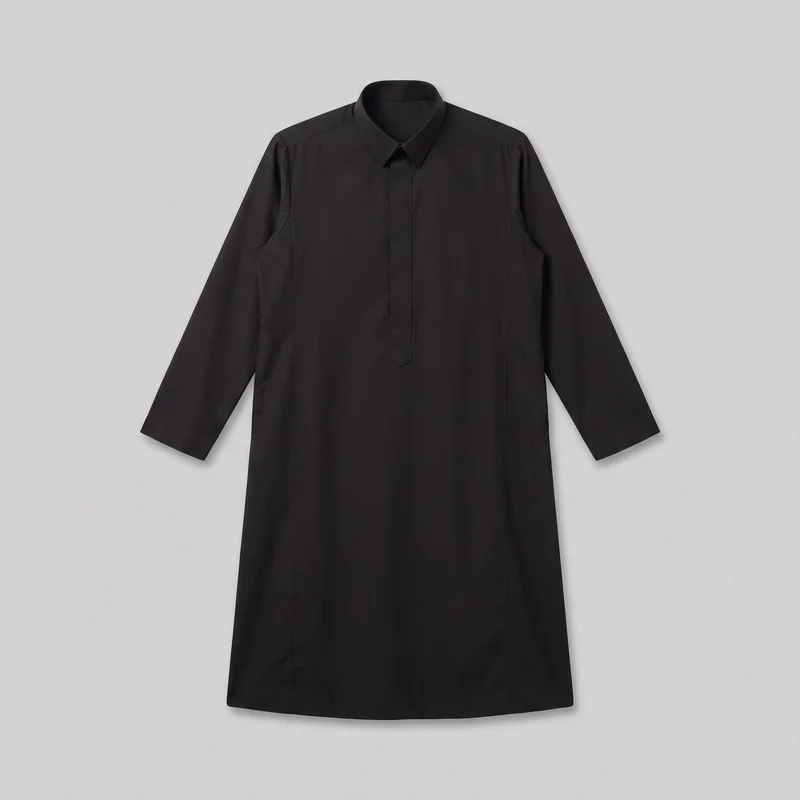 Black Thobe
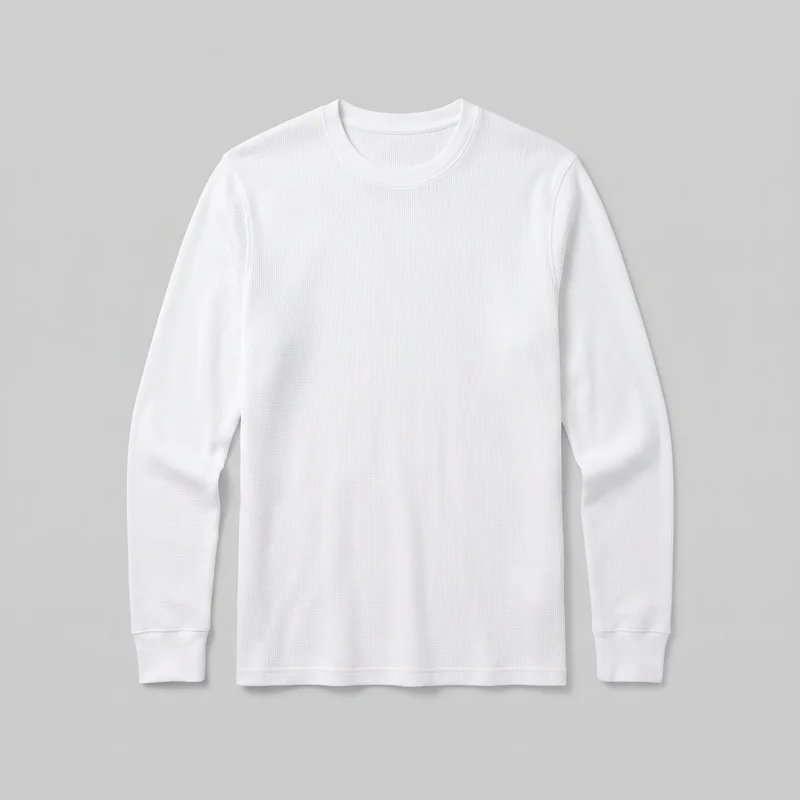 Men's White Base-Layer Thermal Top
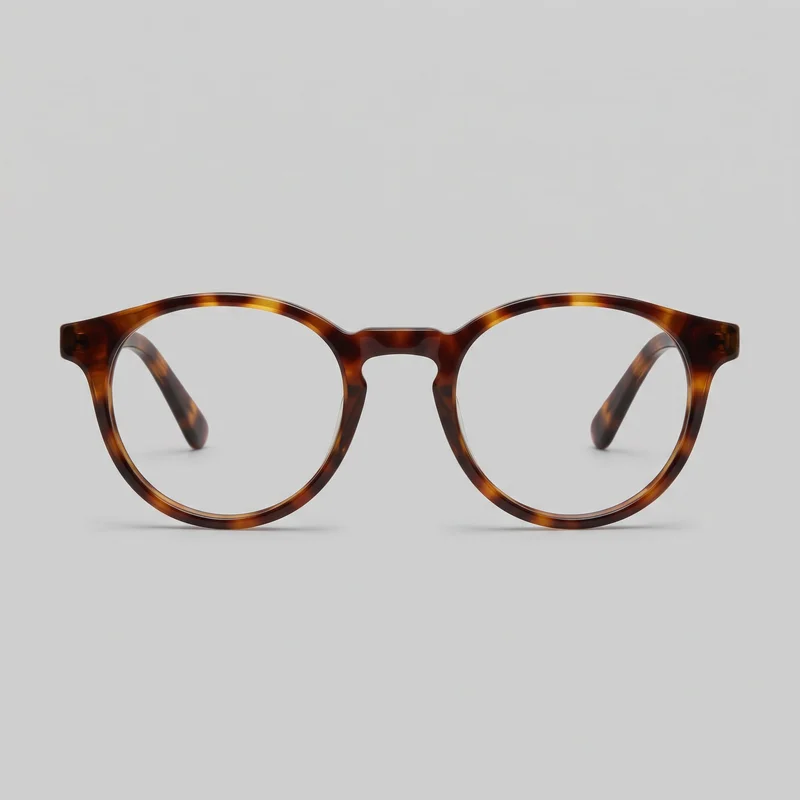 Men's Tortoiseshell Round Optical Frame
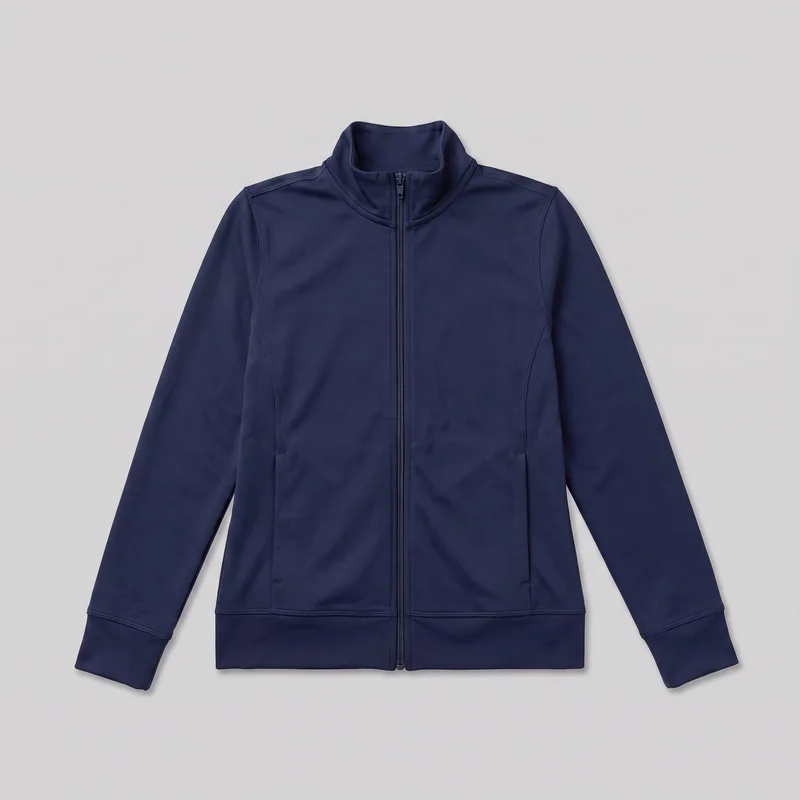 Women's Navy Tracksuit Top
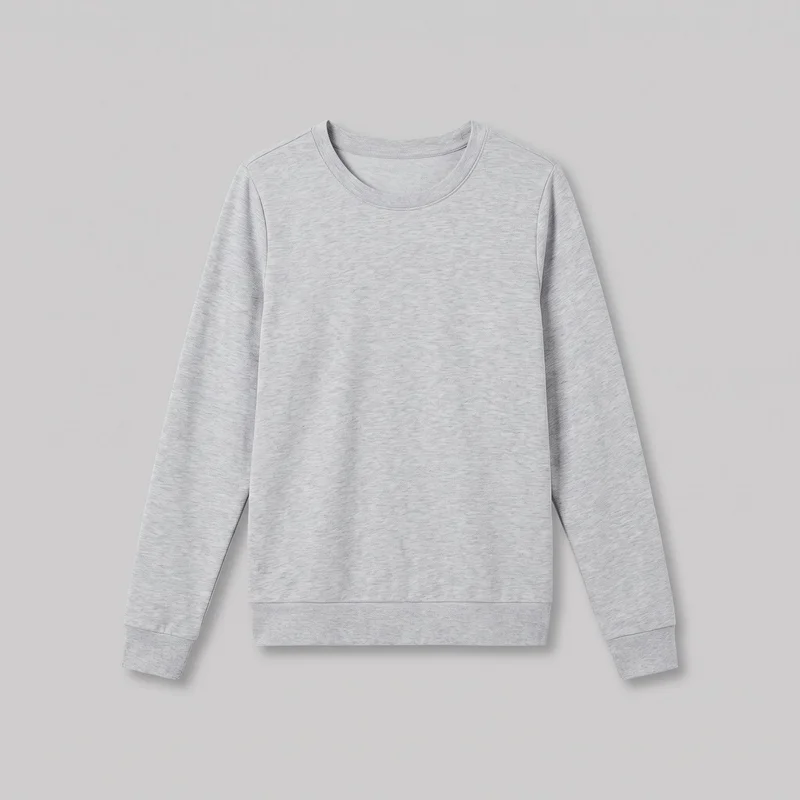 Women's Grey Tracksuit Top
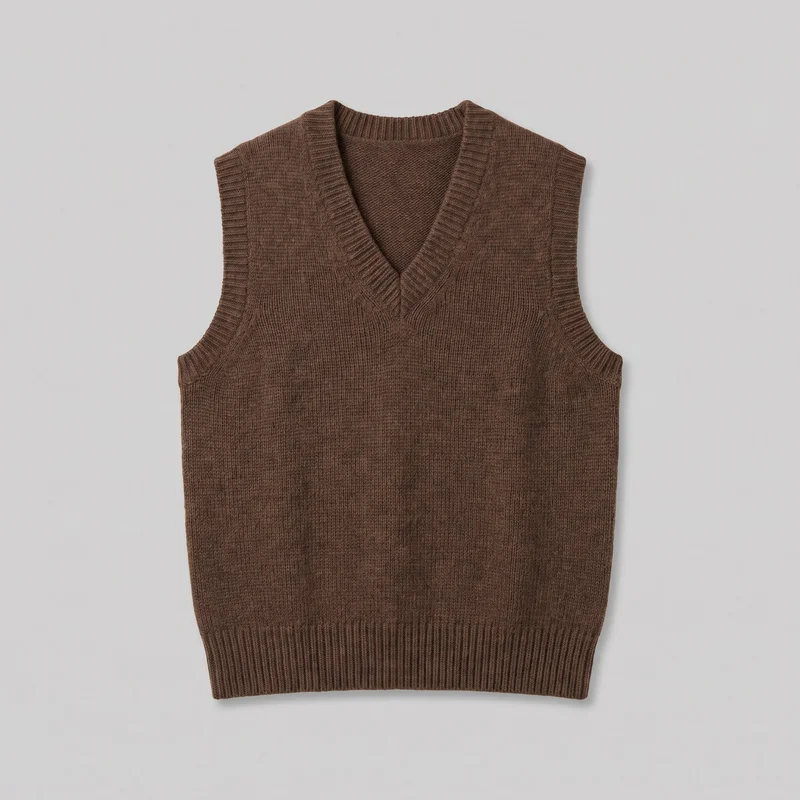 Women's Brown Wool Sweater Vest
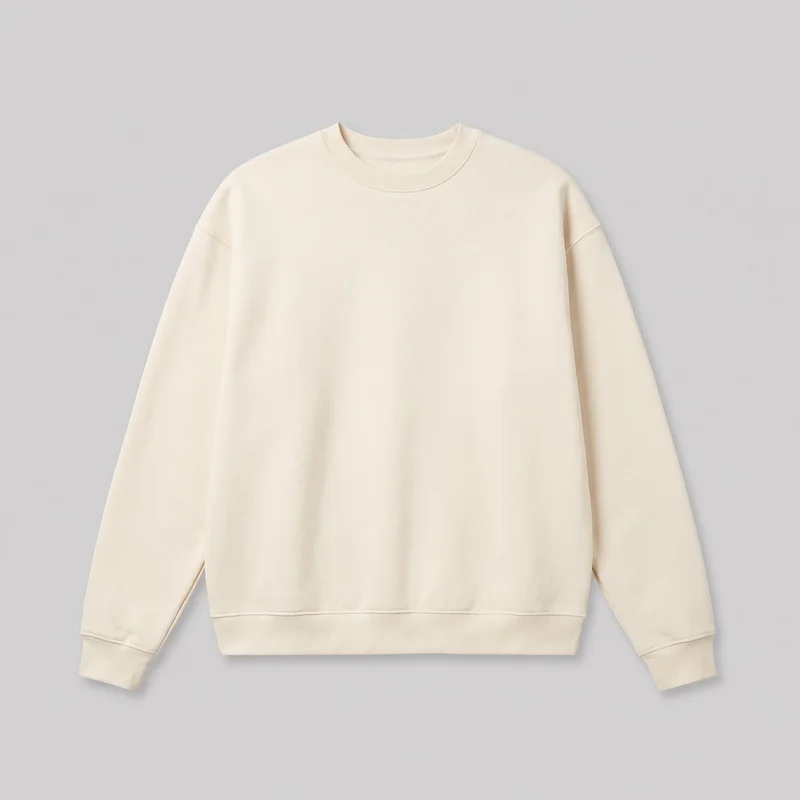 Men's Cream Oversized Crewneck Sweatshirt
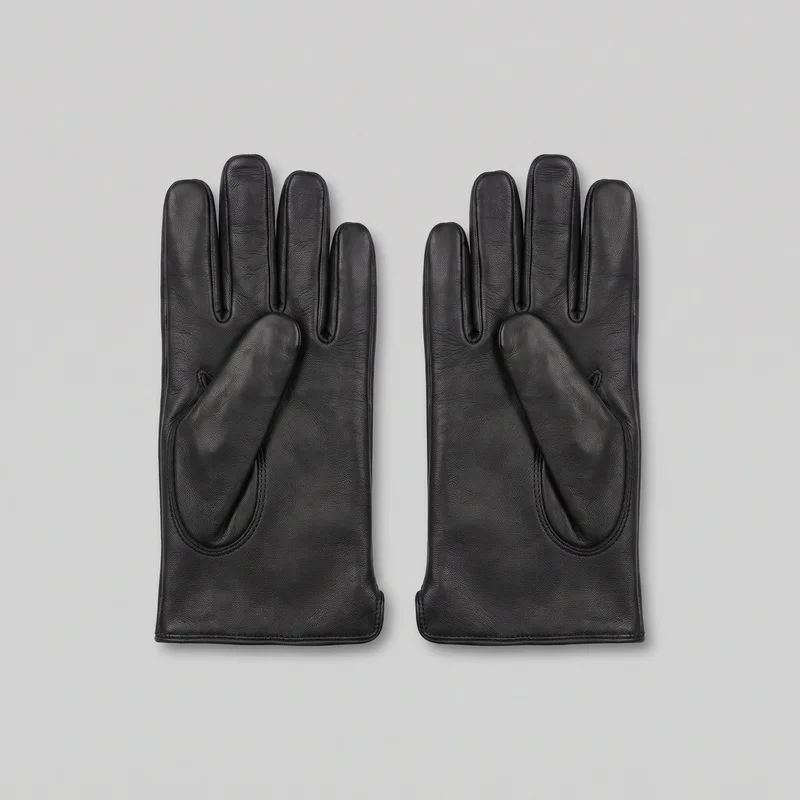 Men's Black Leather Gloves
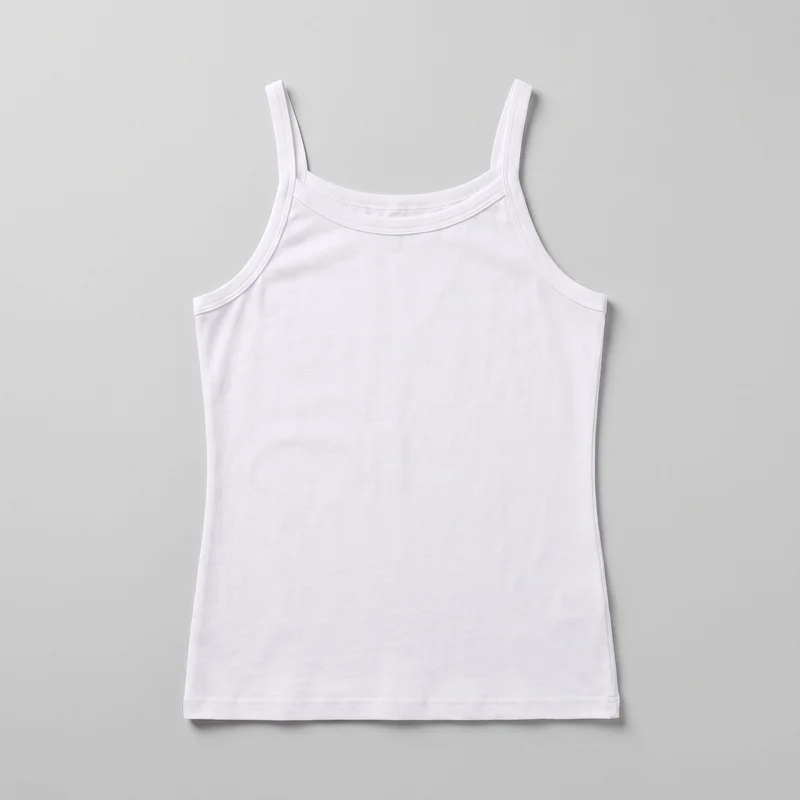 White Cotton Vest
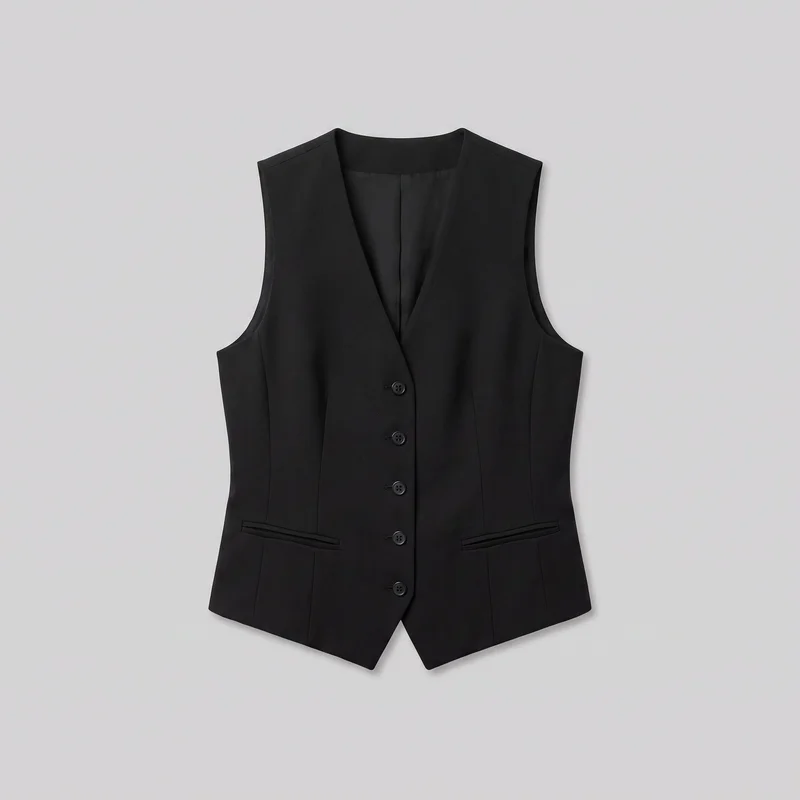 Women's Black Waistcoat
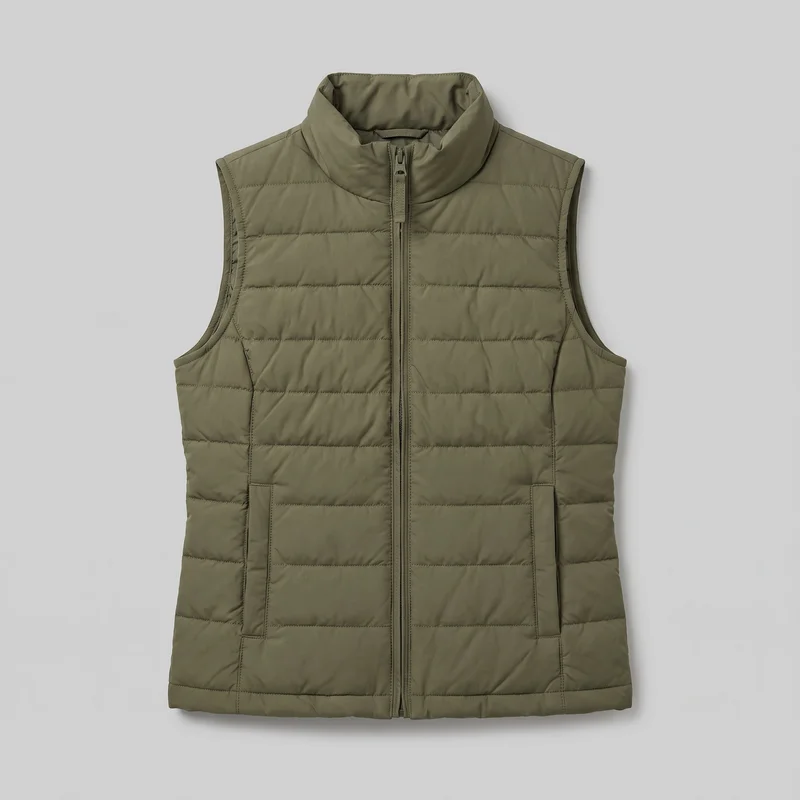 Women's Olive Gilet
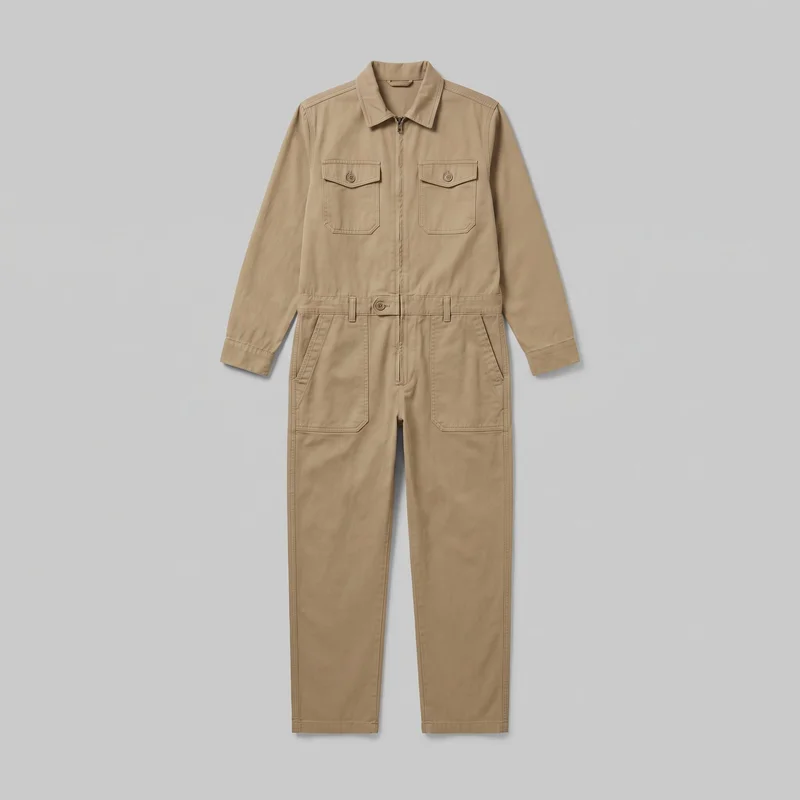 Men's Khaki Utility Boilersuit
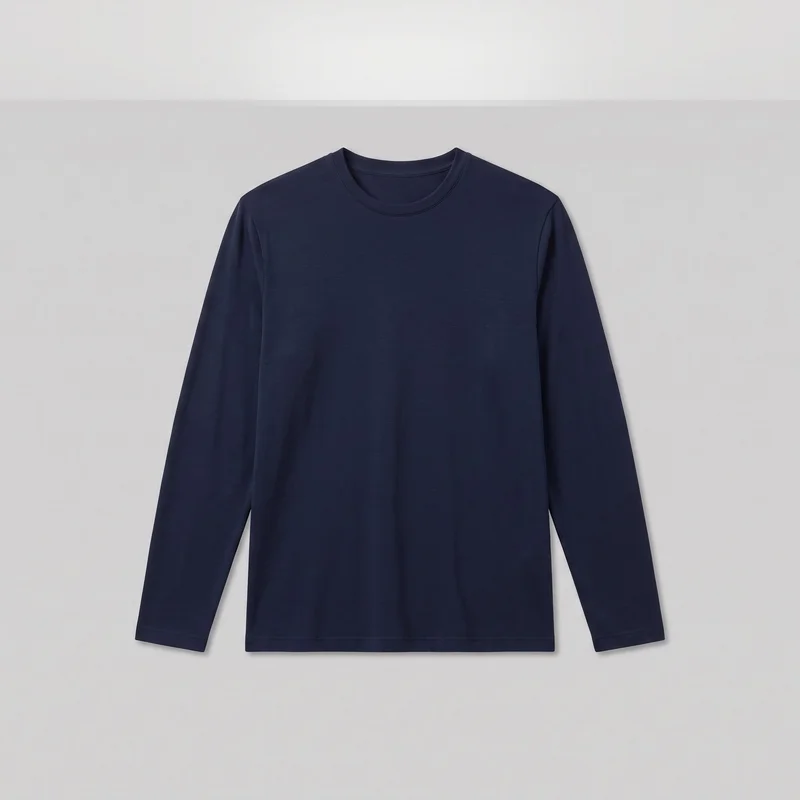 Men's Navy Long-Sleeve Base Layer
Showing 24 of 815
Who it's for
Is RAWSHOT right for consistent resale listings?
A good fit
This fits you when new items keep arriving and you want each listing to use a consistent model, light, and frame. It also fits your resale work when you prefer visible choices and a very good complete image over spending an hour refining one frame.
Teams who get the most from it
- RAWSHOT is a good solution for you as a resale seller if you add listings regularly and want each piece to look like part of the same shop.
- This fits you as a marketplace seller if you turn informal item photos into on-model images through visible choices rather than extended image editing.
- It works for you as an e-commerce manager if you need to give a poorly photographed bestseller a clearer listing image without arranging a full studio day.
Work it handles well
- You can turn a phone photo into a usable on-model listing image.
- You can give new listings the same model, light, and crop.
- You can refresh a bestseller with a clearer product presentation.
Outside this scope
Skip this when your work depends on telling the image exactly how fabric should sit and iterating through many custom adjustments. You should also skip it when you need a specific real person, a stylised treatment, or a configuration carried into a later shoot.
Teams this is not for
- Skip it if you need to direct exactly where a waist, hem, or extra fold sits through repeated custom changes.
- This is not the right path if you need one specific real person or ambassador in your listing images.
- It is not a fit if you need a stylised treatment, a saved configuration for later shoots, or a connected catalogue workflow.
Where this stops
- You cannot freely improvise beyond the available models, frames, views, poses, styling, backgrounds, and lighting directions.
- You cannot work toward one image through many rounds of detailed edits.
- You need to make each later shoot's choices again because a completed configuration does not carry forward.
Rights
You own every image. Every image says what it is.
Yours
- Full commercial rights to every image, permanently.
- No recurring licence fees on any model in the library.
- Every model is a synthetic composite, so there is no real-person likeness.
Labelled
- C2PA content credentials on every image.
- AI-labelled output, meeting EU AI Act Article 50.
EU-hosted, GDPR-compliant handling.
- EU AI Act Article 50
- C2PA
- Full commercial rights
- GDPR
- EU-hosted
Questions
What should you check before your first listing?
Can resale sellers benefit from RAWSHOT when turning phone photos into listing images?
RAWSHOT helps resale sellers turn informal product photos into consistent on-model listing images. You can give new pieces a shared model, light, crop, and shop-like presentation without arranging a separate studio shoot for every item. This is useful when listings arrive regularly and a weak image is holding back a bestseller. You choose visible controls such as the model, outfit, styling, background, camera view, pose, and lighting direction, while the original product photo remains the starting point.
What jobs and channels can resale sellers use RAWSHOT for across marketplace listings?
Resale sellers can use RAWSHOT for marketplace listings, shop refreshes, bestseller reshoots, and clearer product presentation. You can turn a bed, hanger, or wardrobe-door photo into an on-model image for resale channels such as marketplace product pages and shop feeds. It also helps you make a group of unrelated pieces feel connected through shared model, light, frame, and styling choices. Use it when you need a practical listing image rather than a heavily directed campaign treatment.
Which listing crops and aspect ratios can resale sellers produce with RAWSHOT for marketplace shops?
Resale sellers can produce portrait 4:5, vertical 9:16, and adaptable shop frames with RAWSHOT. These formats support product listings, marketplace previews, social posts, and launch-style shop placements while keeping the garment clearly visible. You can select the frame, camera view, pose, background, and lighting direction to suit the channel and make a phone-sourced item look more considered. The right crop helps you present the product consistently without turning a resale listing into a full editorial shoot.
What can resale sellers start with in RAWSHOT when the original item photo is informal?
Resale sellers can start with a clear phone photo, flat-lay, hanger image, or simple product view in RAWSHOT. You do not need a studio capture to begin presenting the item on a model. Import the product image, choose a model, then set the frame, background, camera view, pose, and light direction. Upload quality sets how accurately the garment details carry through, so a clean, well-lit source gives you a stronger foundation for the listing image.
How is RAWSHOT different from a studio shoot for resale sellers refreshing marketplace listings?
RAWSHOT turns an existing product photo into an on-model listing image, while a studio shoot requires arranging a physical capture. You can refresh a badly photographed bestseller by selecting the model, frame, background, pose, and lighting direction without booking a separate production day. A studio shoot still gives you direct control over fabric placement and physical styling, whereas RAWSHOT works through available choices and the quality of your uploaded product image. It is additive when you need useful resale content quickly.
Can resale sellers use RAWSHOT images on marketplace listings and commercial shop pages?
You get full commercial rights to every image, permanently, with no recurring licence fee. Every image carries C2PA content credentials and is labelled as AI-generated.
Get started
Start turning phone photos into listing images.
Start with a 7-day free trial including 50 tokens, then move to the plan that matches your production volume.