
Size-inclusive brands
RAWSHOT for size-inclusive brands
Your range appears on more bodies, consistently.
You need to show a growing range on the bodies it was designed for, without making one or two physical models stand in for everyone. size-inclusive brands can build repeatable on-model sets by choosing visible casting and shoot controls, then holding the product, light and frame together.
7-day free trial • 50 tokens (10 images) • Cancel anytime
A 2K image in roughly 35 seconds · AI-labelled with C2PA content credentials
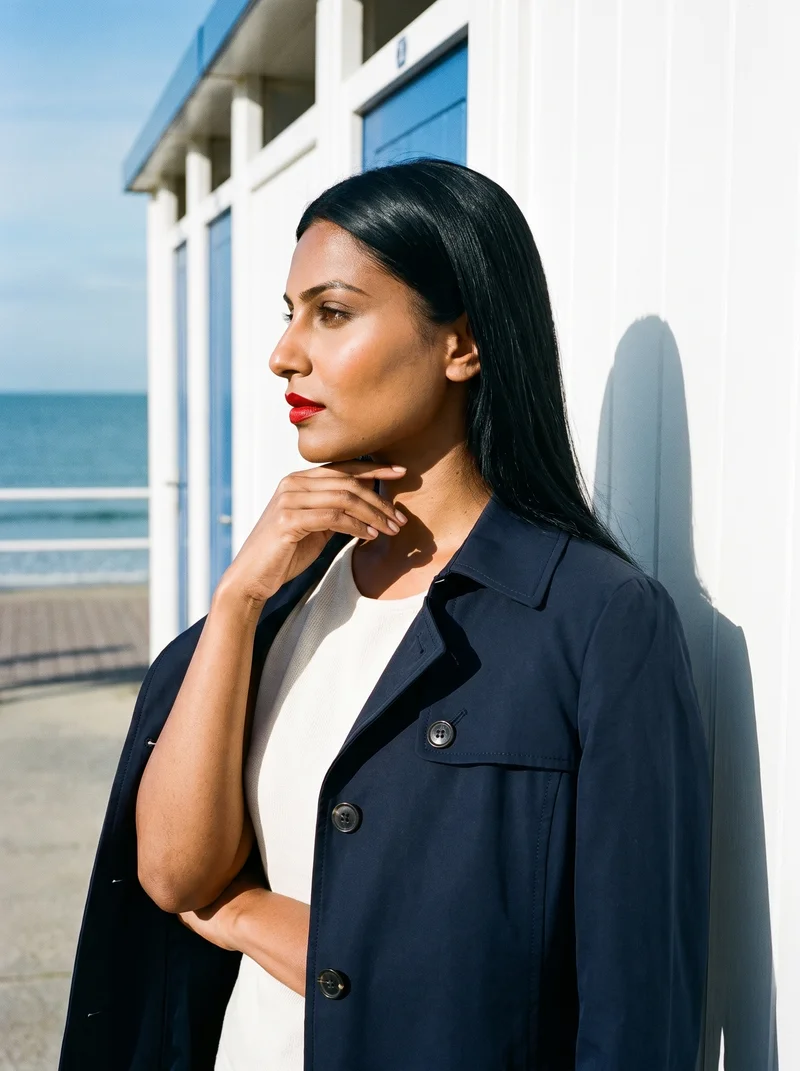
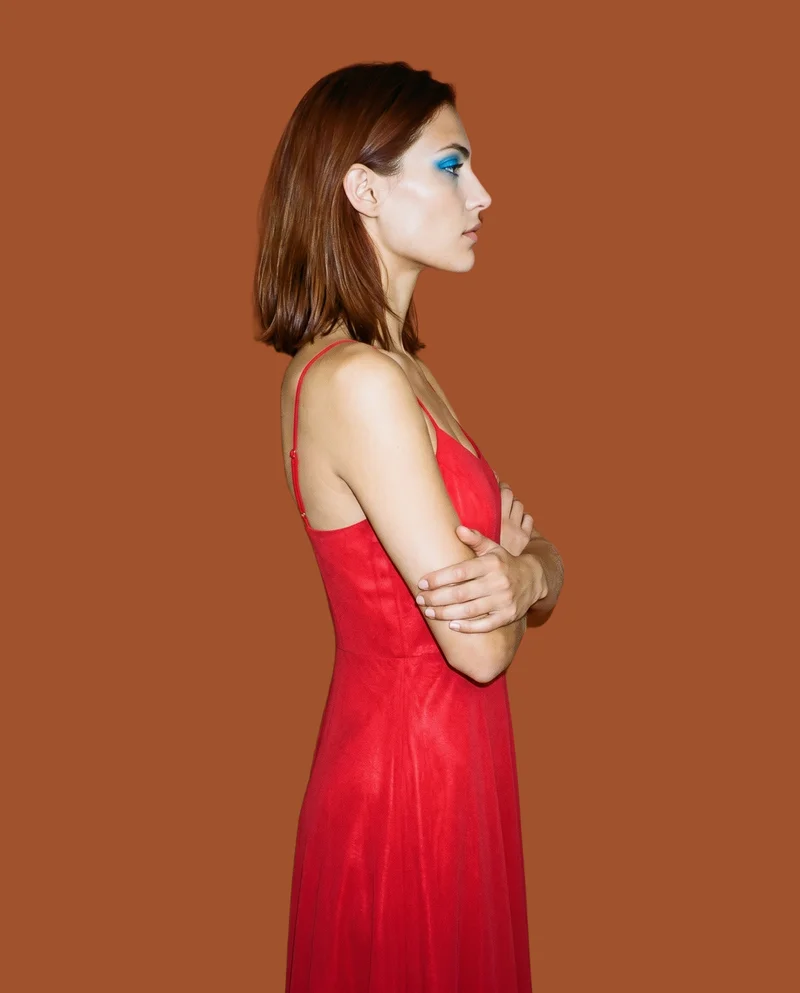
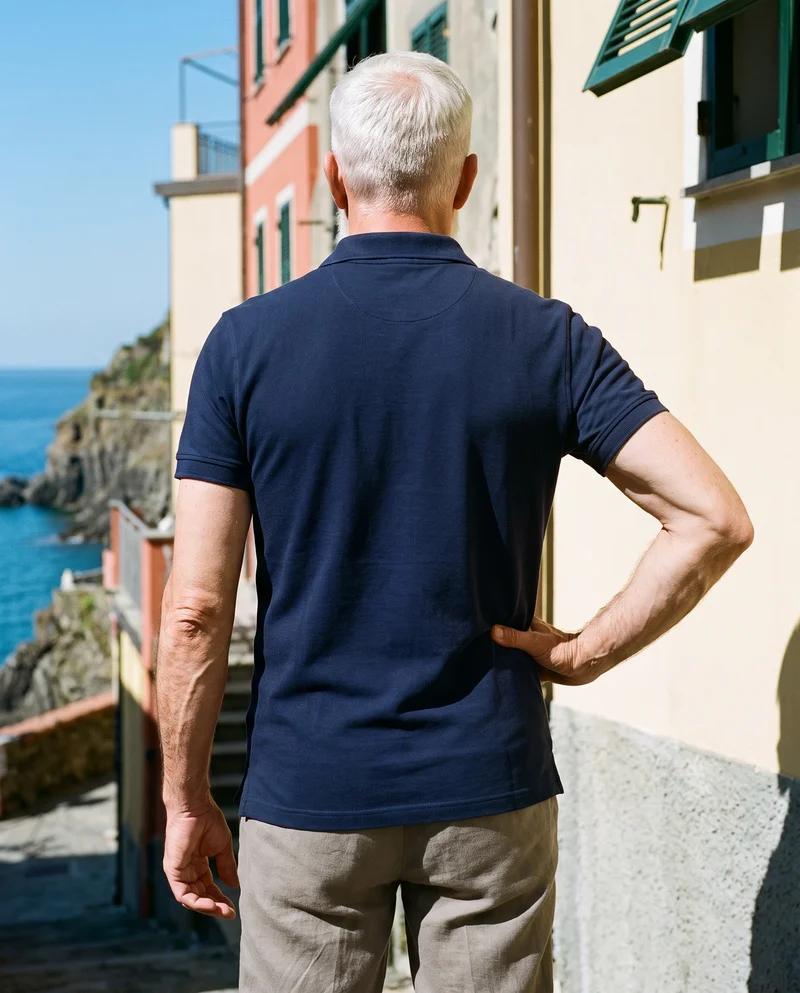
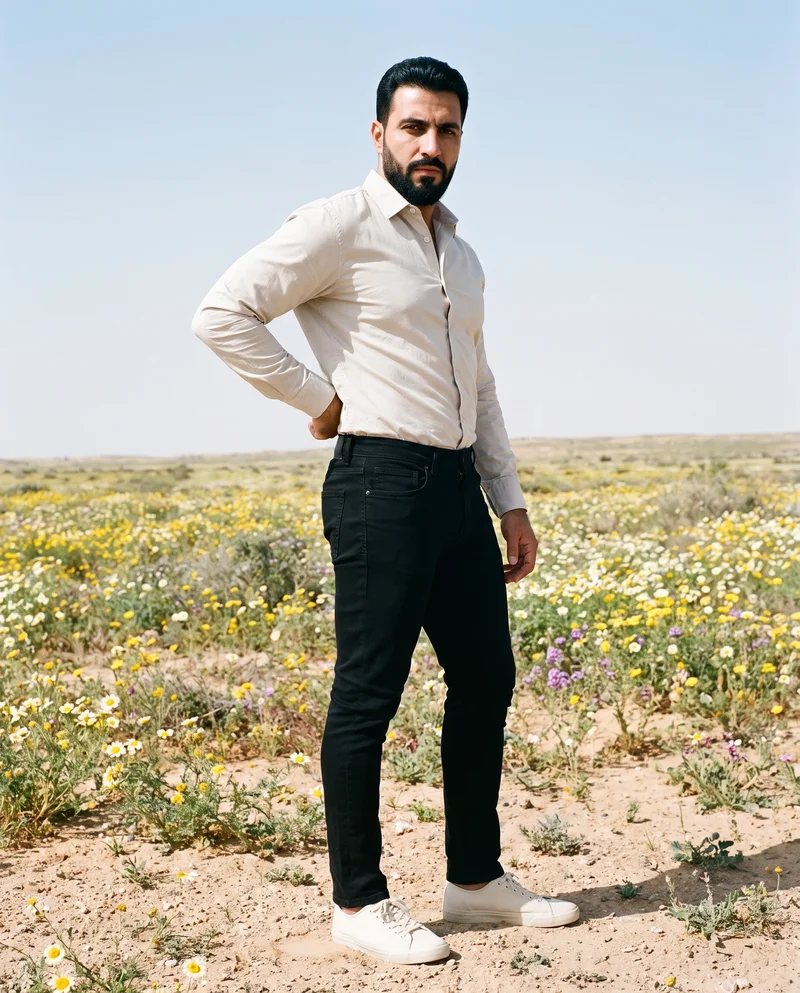
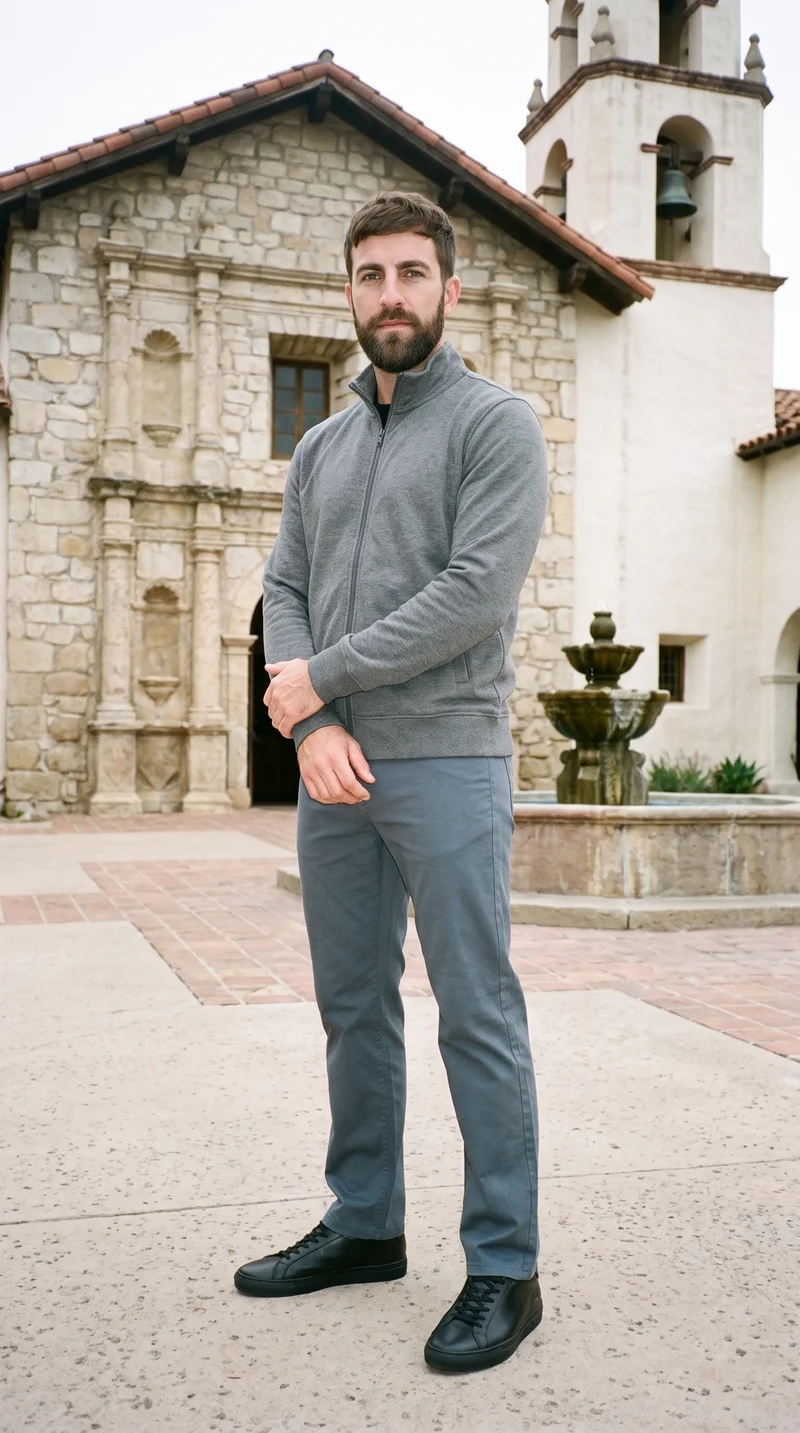
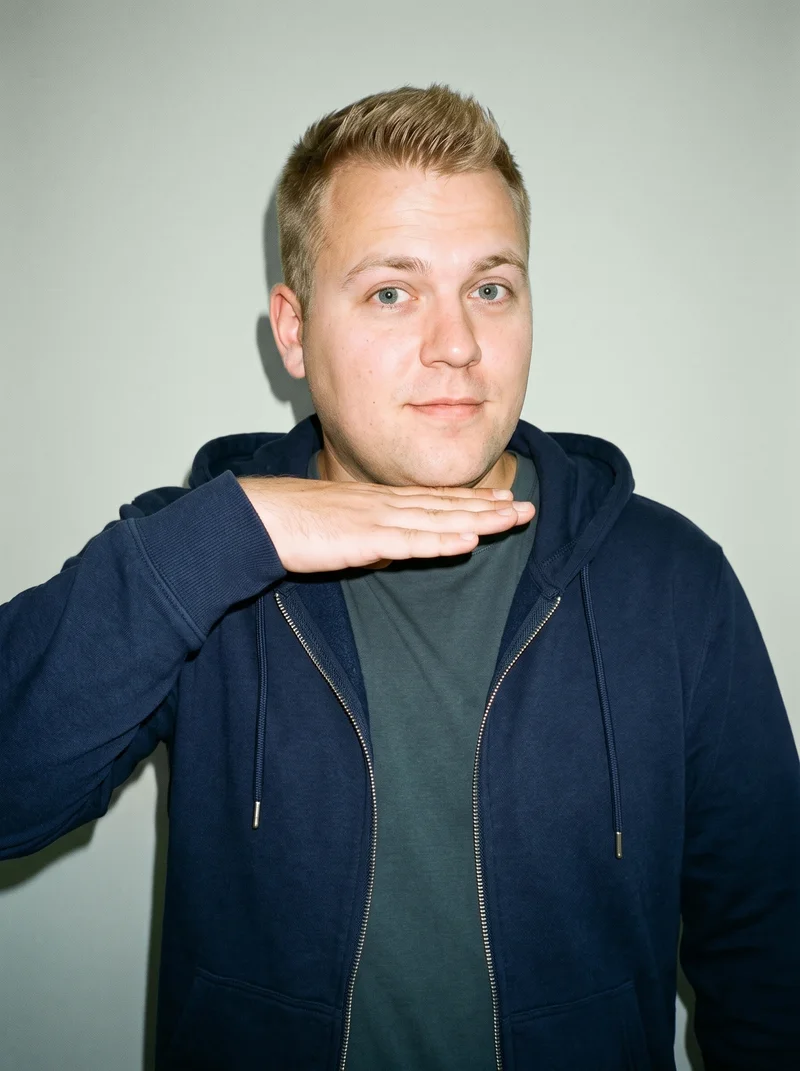
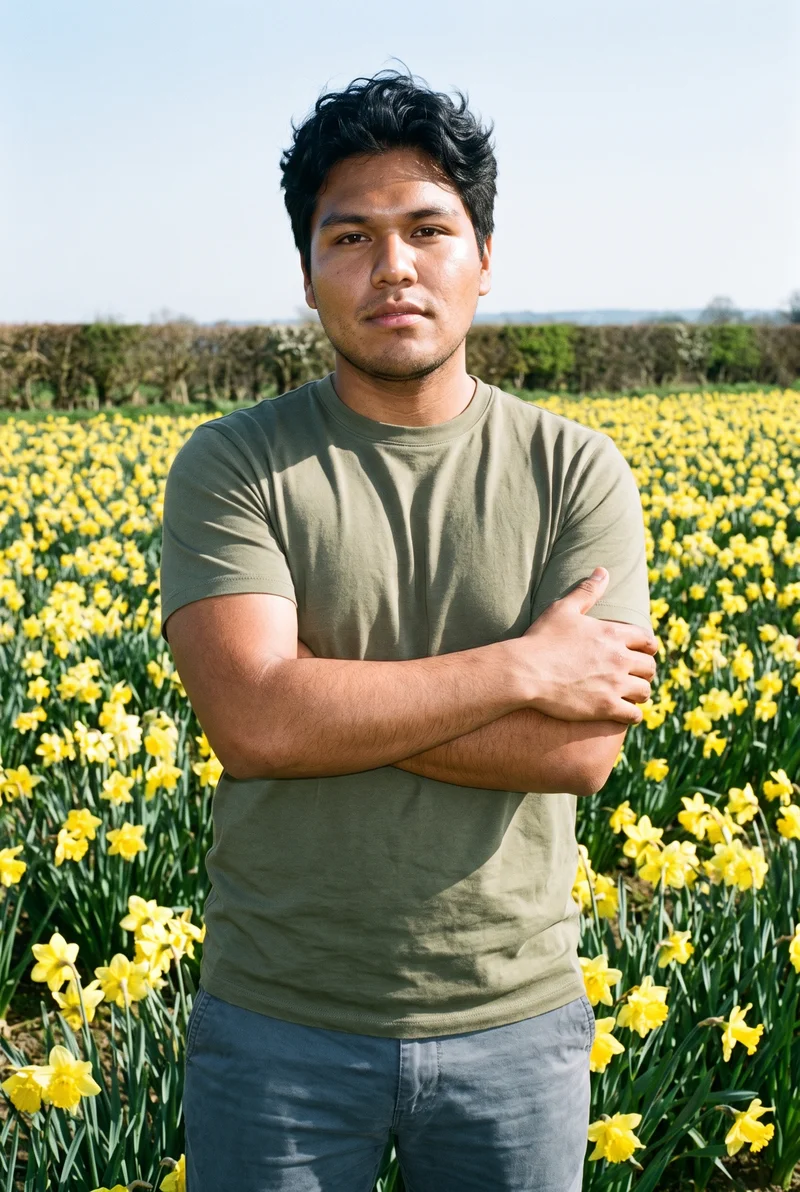
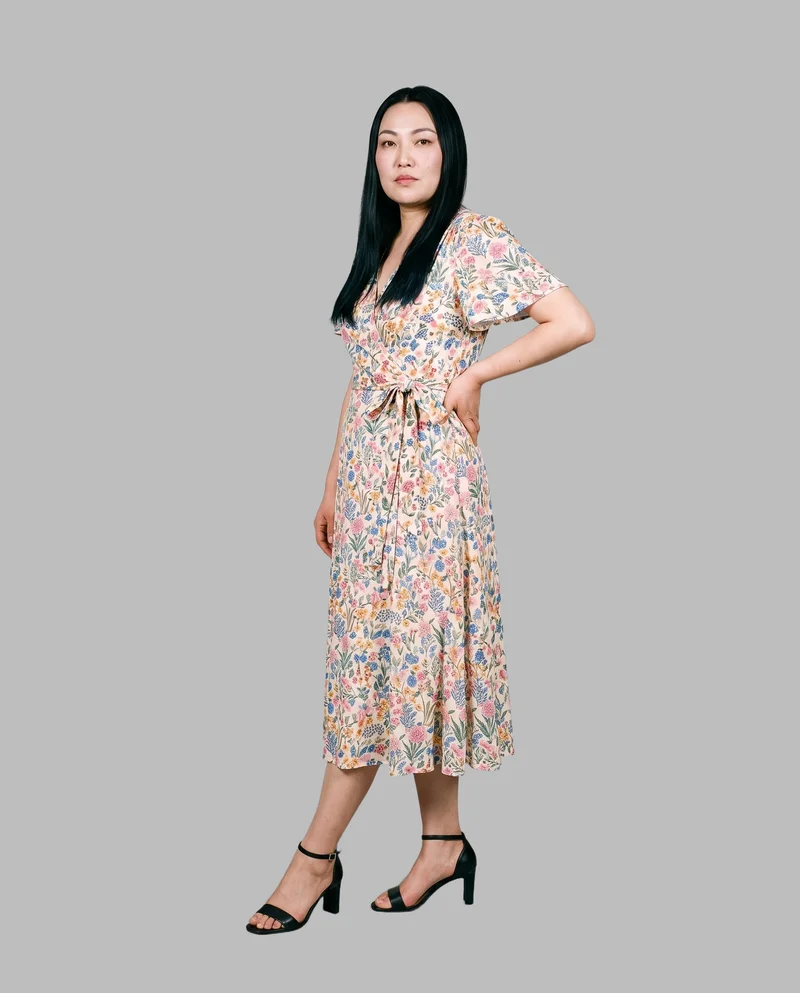
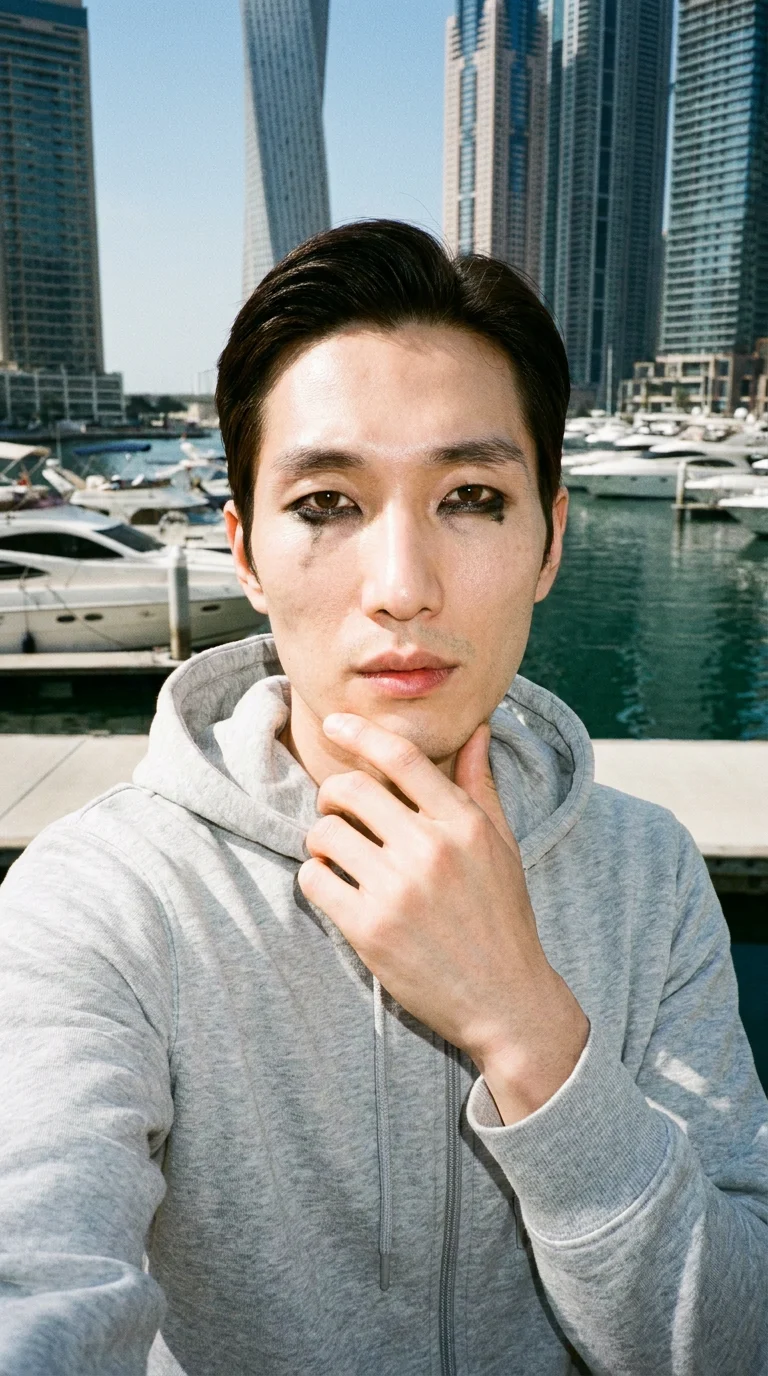
Showing 9 of 3,629, shot in RAWSHOT
The situation
Each drop needs more than one body.
You are trying to make representation visible across every drop, listing update and campaign, but each new colourway or product can bring a different model, crop and lighting direction. You need a complete range that reads as one set while showing more than one body.
In the browser
Your range work covers more bodies and colourways.
Show the range on the bodies it was designed for
TodayOne or two models stand in for a whole customer base.
With RAWSHOTRepresentation without casting constraints.
- 1Import the product
- 2Pick one model
- 3Set the frame
Show fit on more than one body
TodayOne fit model, one body, and a returns rate that reflects it.
With RAWSHOTThe same piece, on more than one body.
- 1Import the product
- 2Pick one model
- 3Set the frame
Get every colourway shot the same way
TodayColourways get added over months and none of them match.
With RAWSHOTSame model, same light, same crop — every colourway.
- 1Import the product
- 2Pick one model
- 3Set the frame
Rawshot Features
Bodies, poses and styling stay aligned.
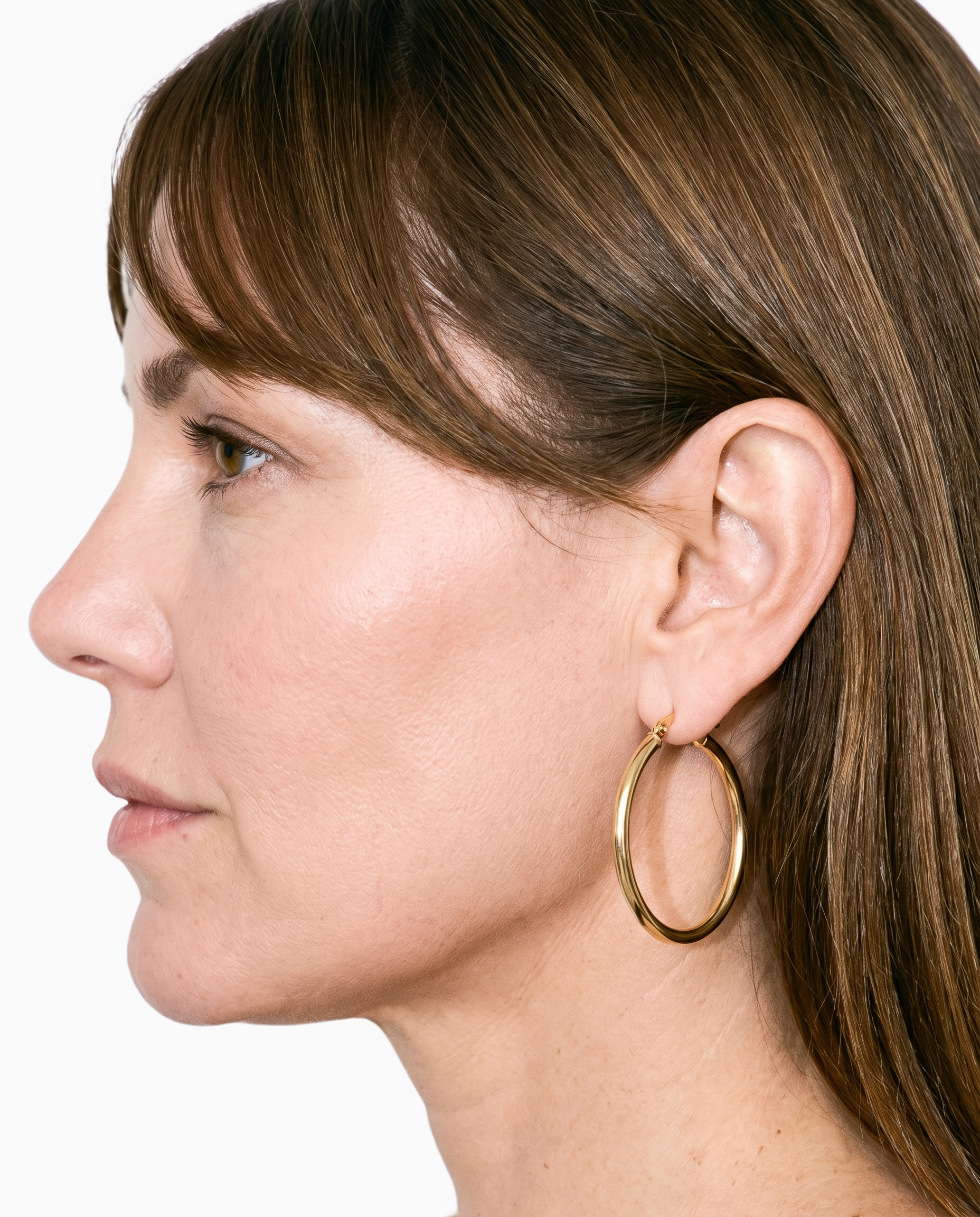
Product import and handling
You can keep each real product central while building a consistent on-model range set.
Start from your real item and keep product fidelity while building the scene.
See the feature →
AI model generator
You can select synthetic models with visible attributes that help your range speak to more of the people you design for.
Library filters plus private model building for consistent identity across the set.
See the feature →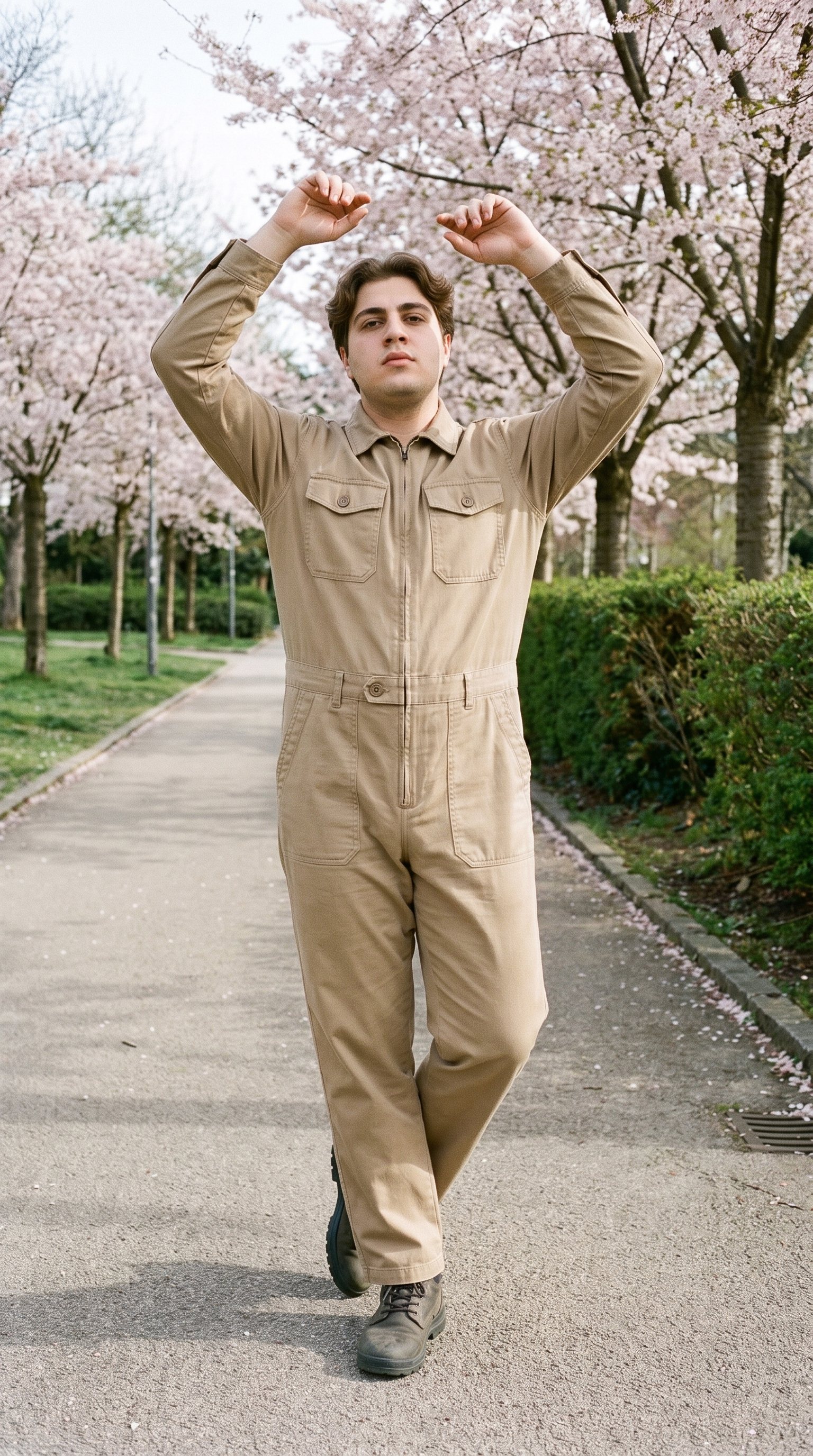
Fashion model poses
You can repeat a clear pose direction so products across bodies and colourways read as one range.
22 poses on a full-body shot · 104 in total
See the feature →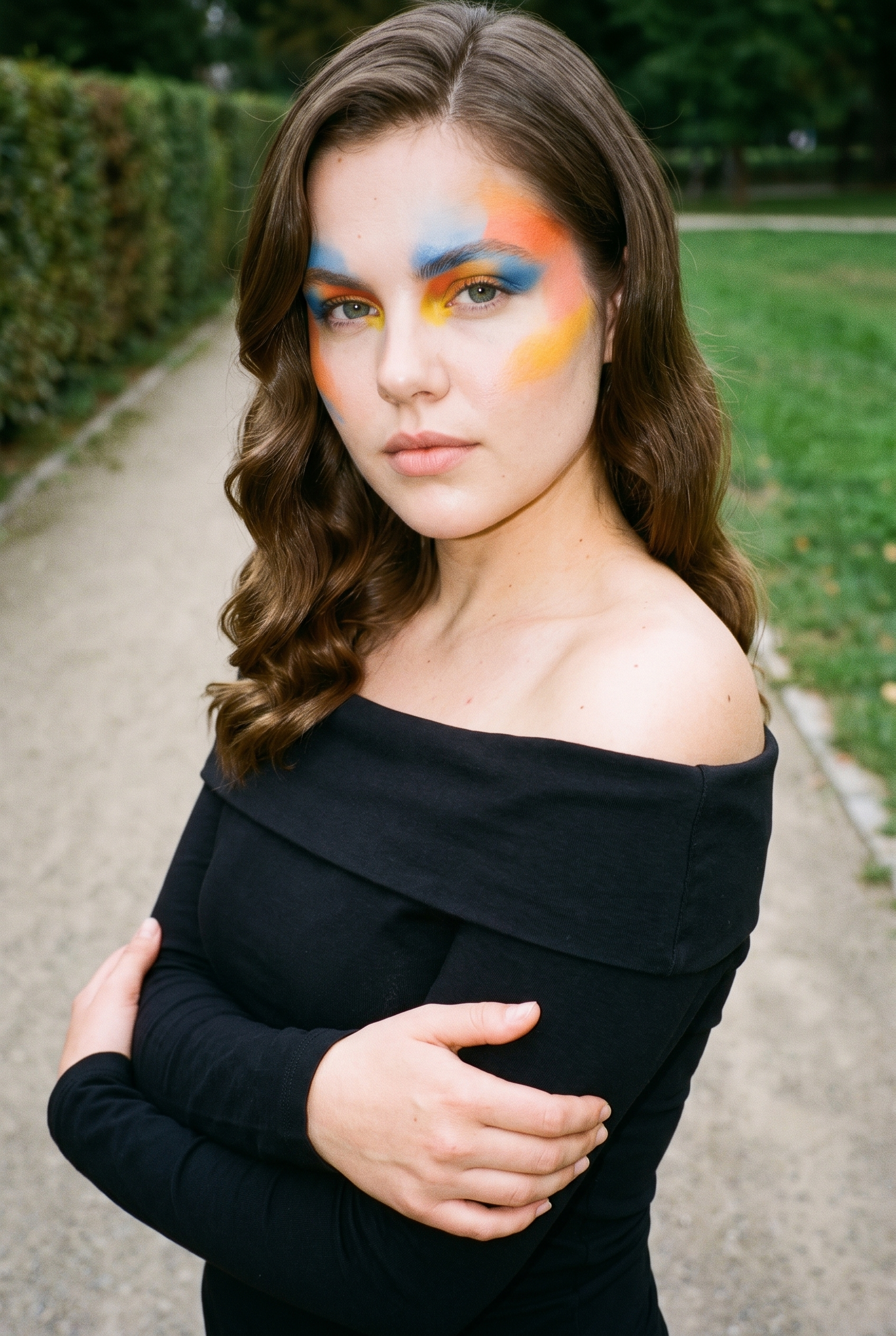
Garment styling
You can make colourways and new listings feel like one collection by using a repeatable styling direction for each garment category.
Choose how the garment is worn and keep brand presentation consistent.
See the feature →AI image to image generator
Change one decision and keep the rest of the composition stable.
AI image to video generator
17 model actions on a full-body shot · 132 in total
AI makeup generator
Branch-aware named options applied without altering casting or scene setup.
AI outfit generator
Combine the main piece with neutral supporting items in one coherent frame.
AI photo background generator
Swap scene context while keeping model, product, and framing stable.
AI suggestions
Preselected control values you can always override in the same configurator.
Inspiration gallery
Load editable finished looks as fast starting points for new shoots.
Photography direction
4 named choices that set mood and shadow the same way across a shoot.
Gallery
Your collection appears across bodies and colourways.
The pictures show real products presented on selected bodies with consistent framing, light and styling across a size-inclusive range.
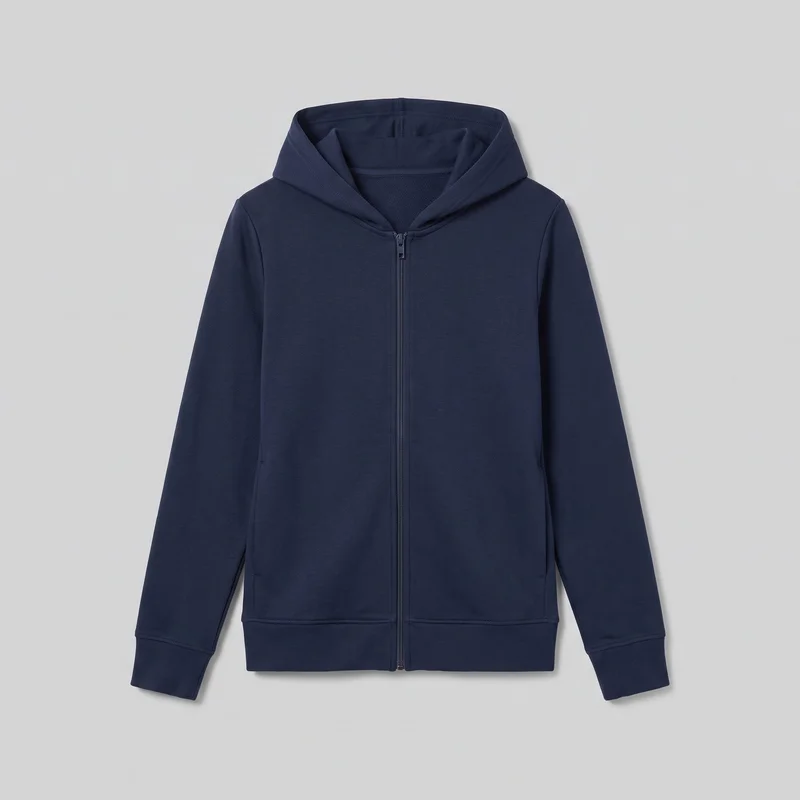 Women's Navy Zip-Up Hoodie
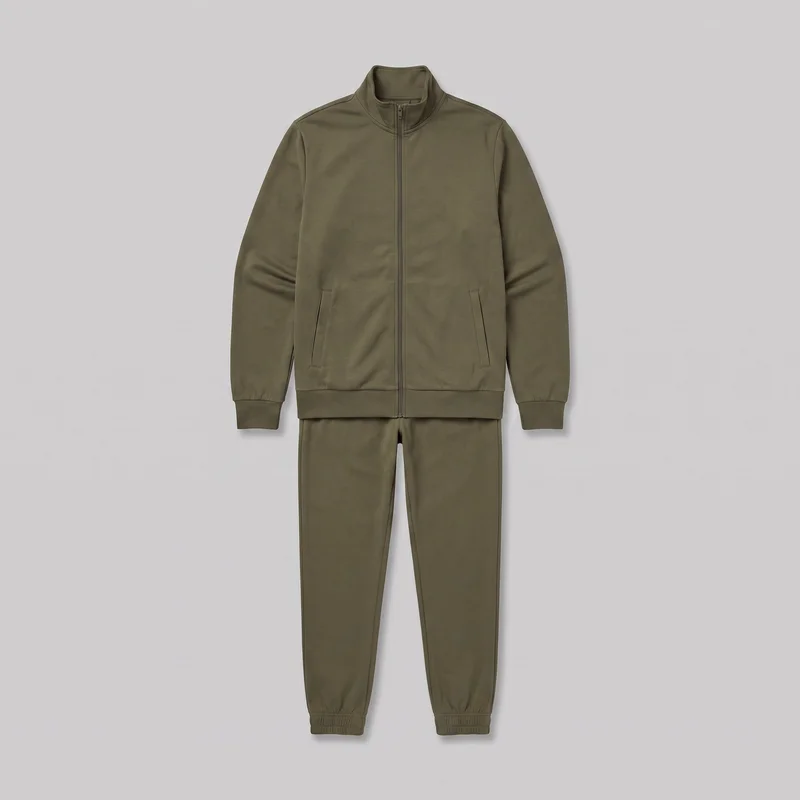 Men's Olive Tracksuit
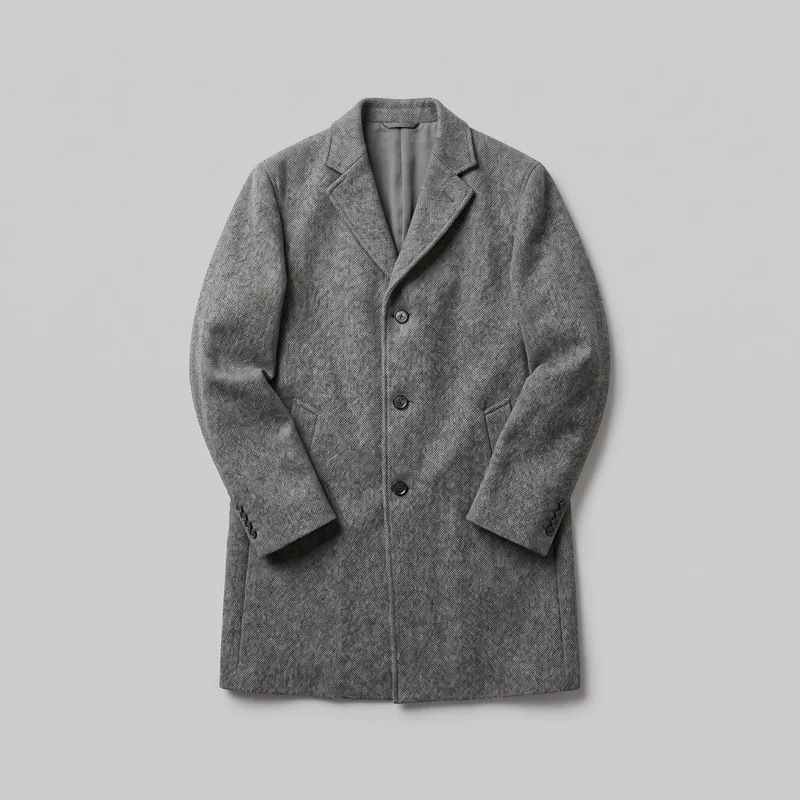 Men's Grey Wool Coat
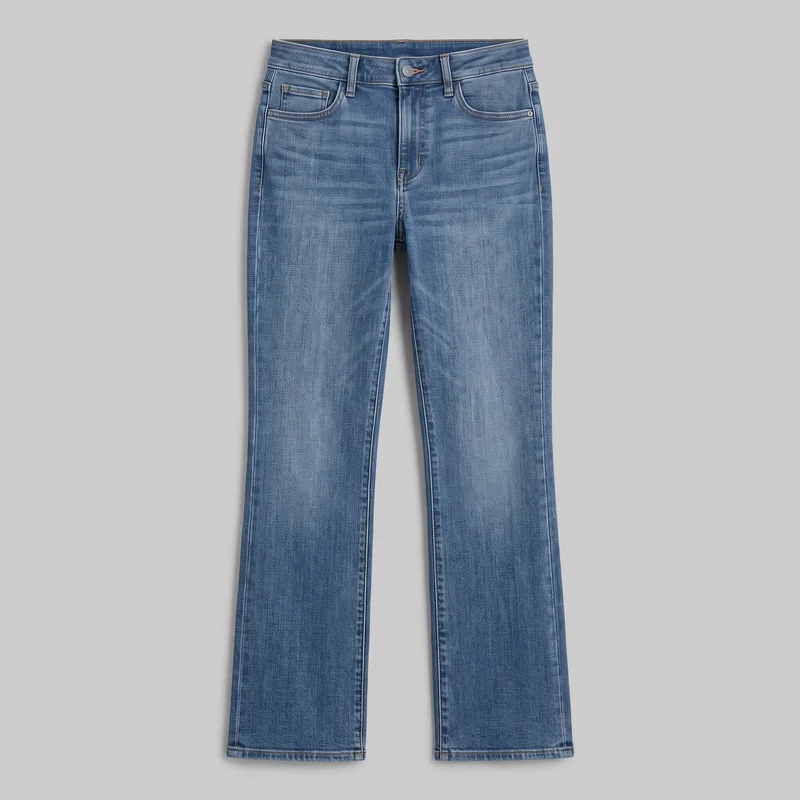 Women's Mid-Wash Bootcut Jeans
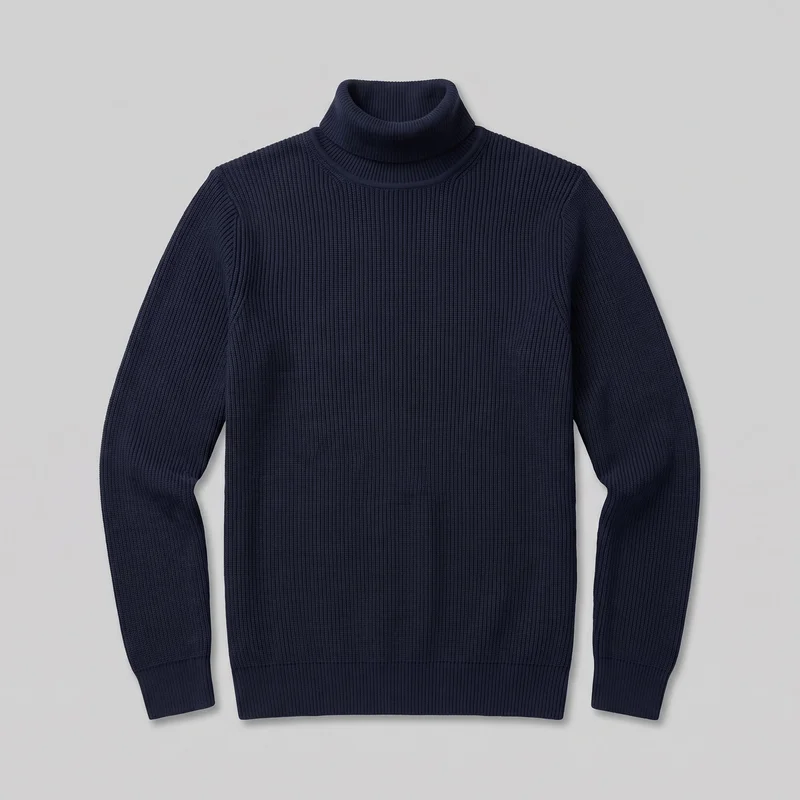 Men's Navy Ribbed Turtleneck
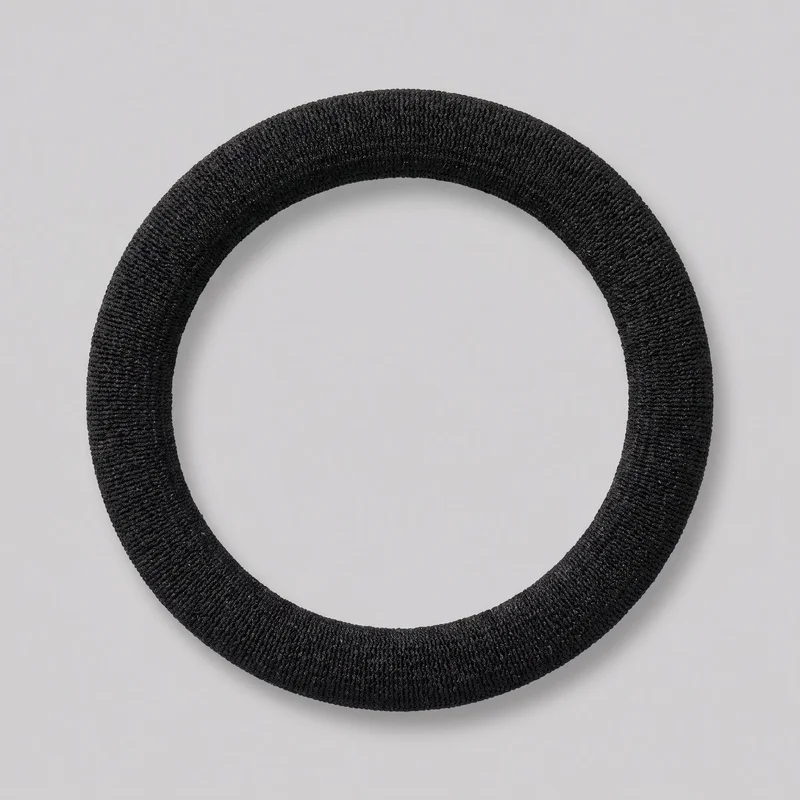 Black Hair Tie
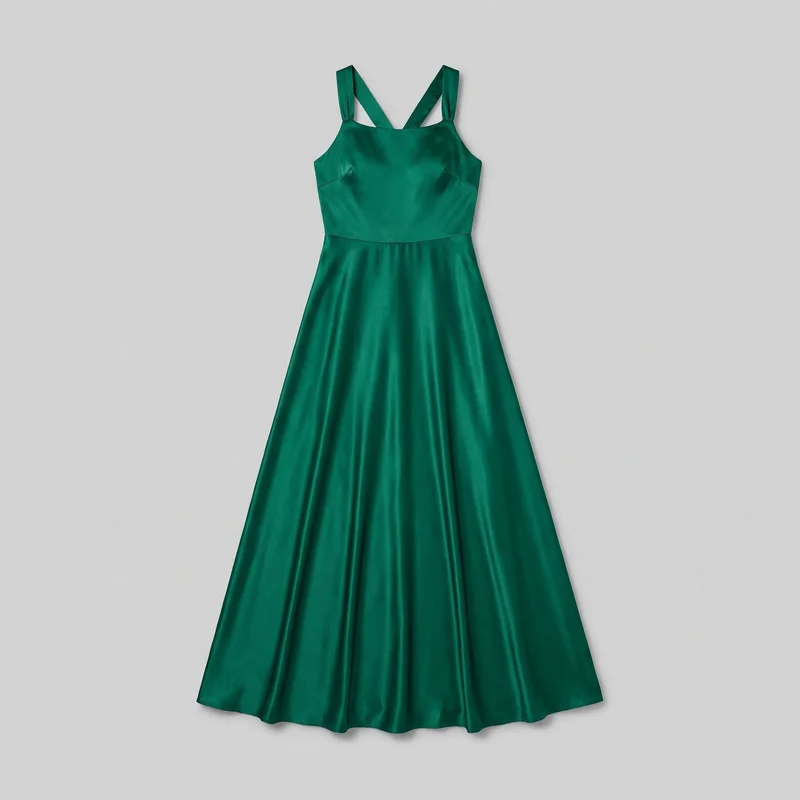 Emerald Green Satin Maxi Dress
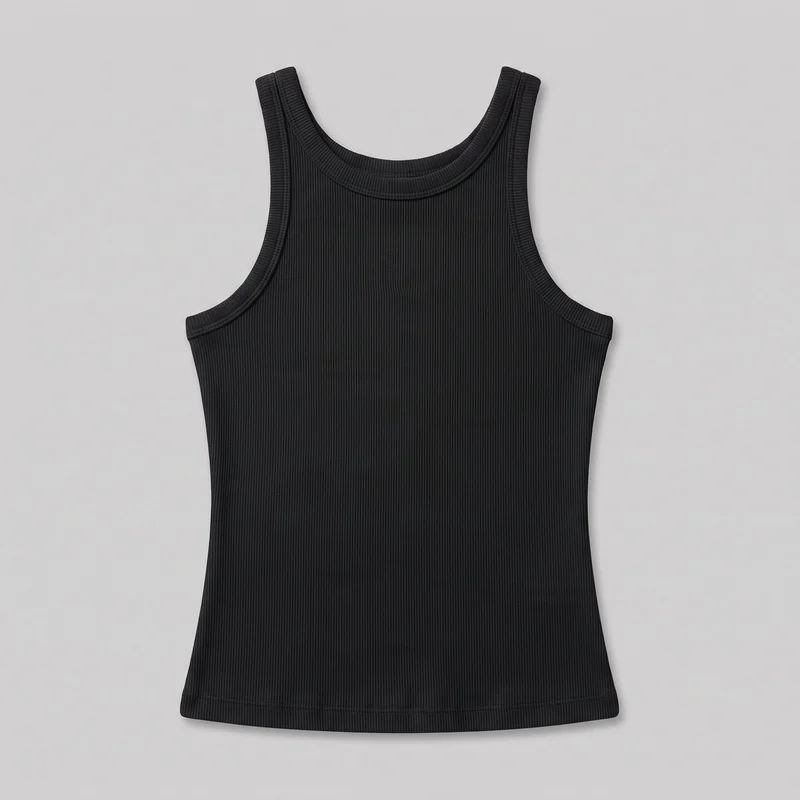 Women's Black Ribbed Tank Top
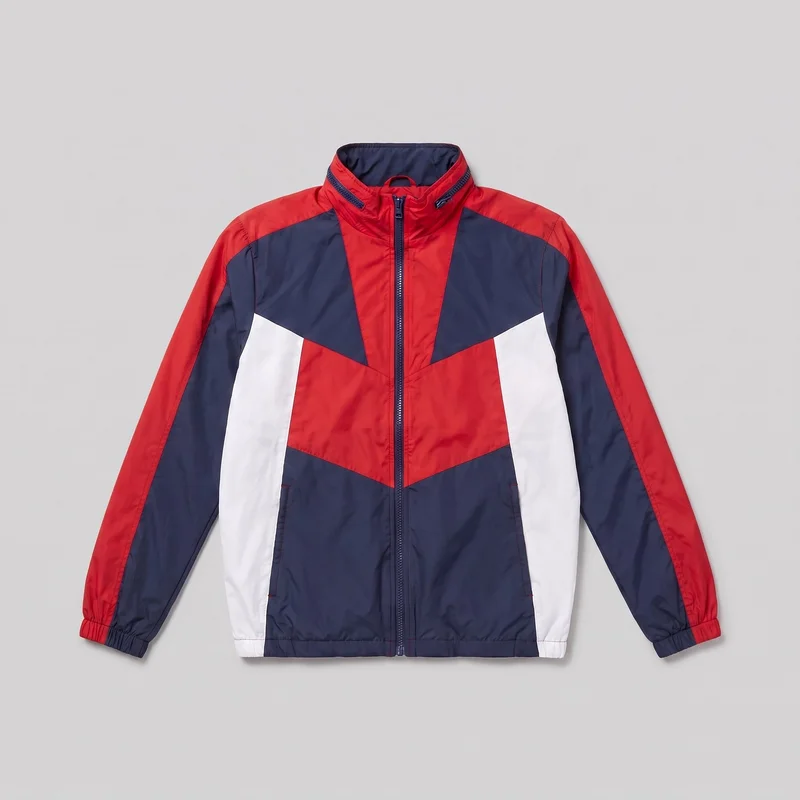 Men's Red Colour-Block Windbreaker
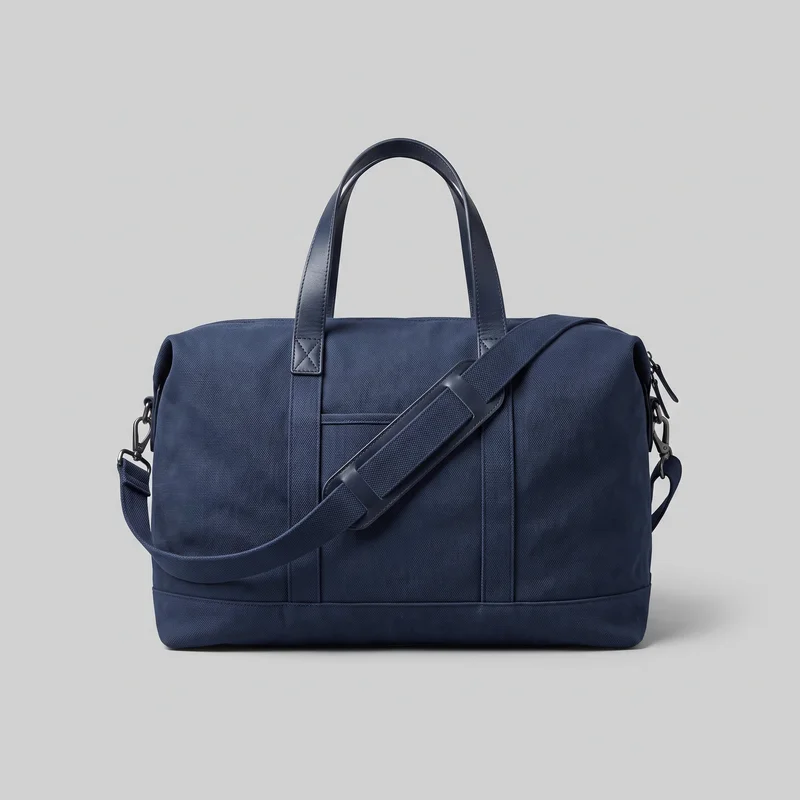 Navy Canvas Weekend Bag
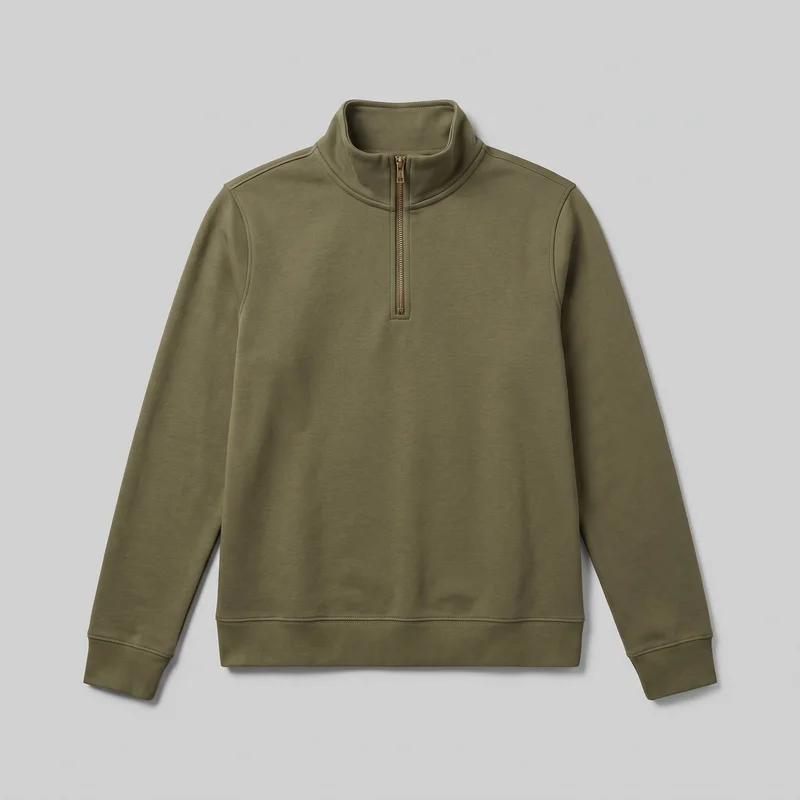 Women's Olive Quarter-Zip
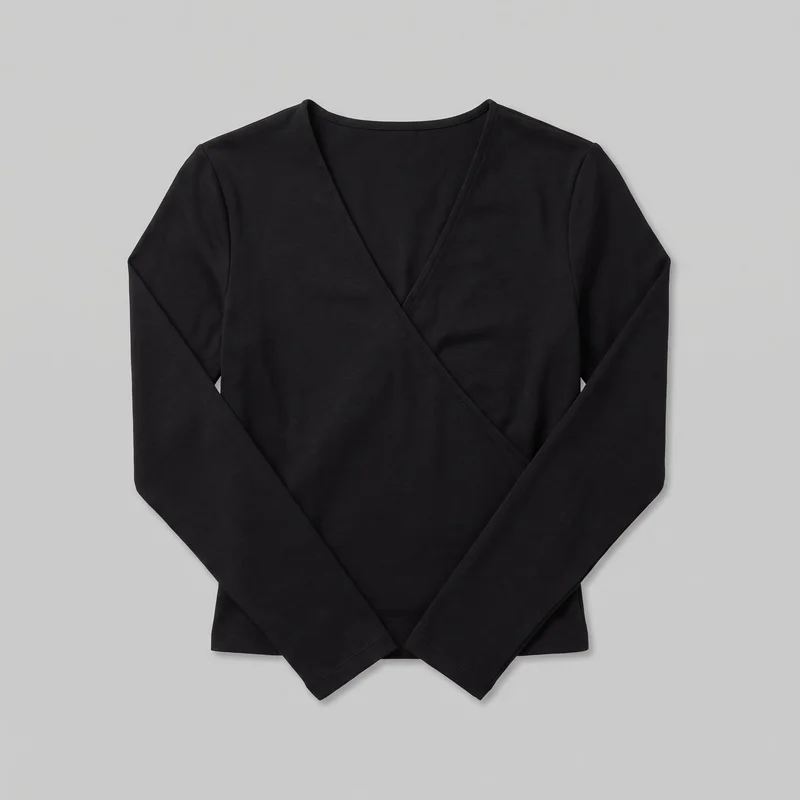 Black Wrap Top
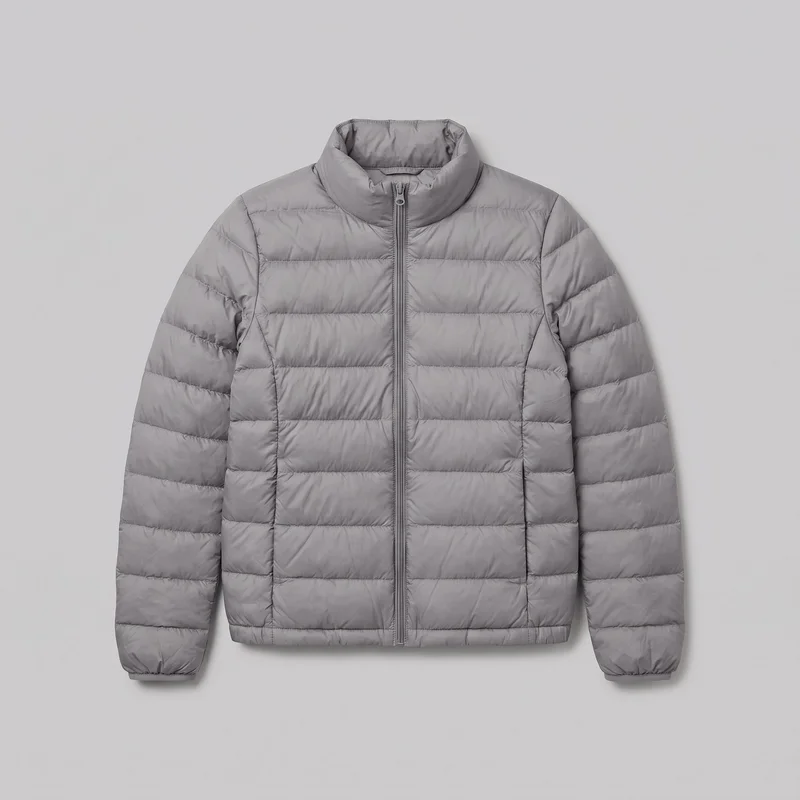 Women's Grey Lightweight Down Jacket
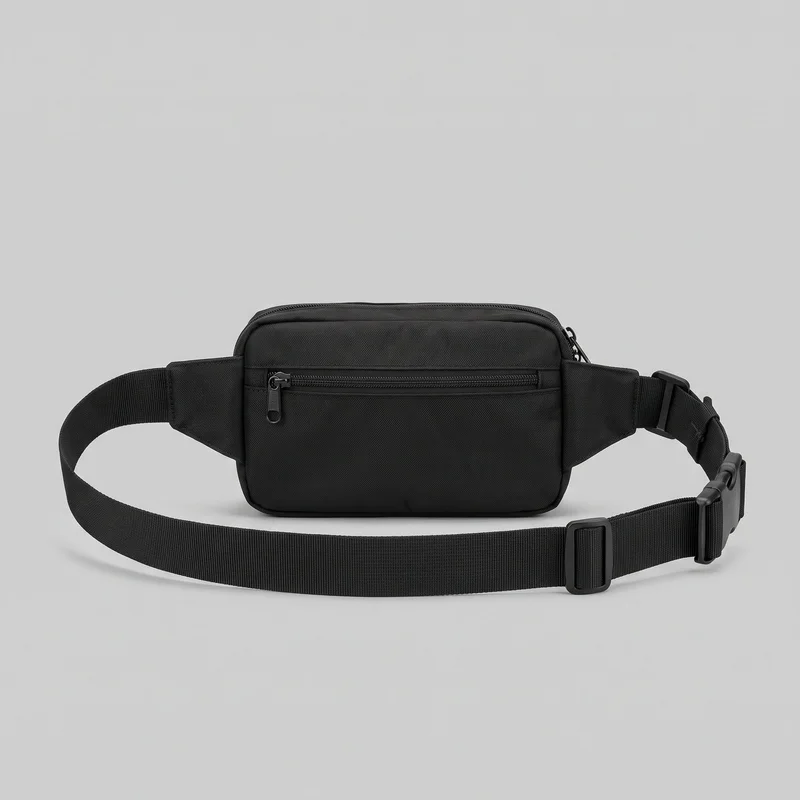 Men's Black Belt Bag
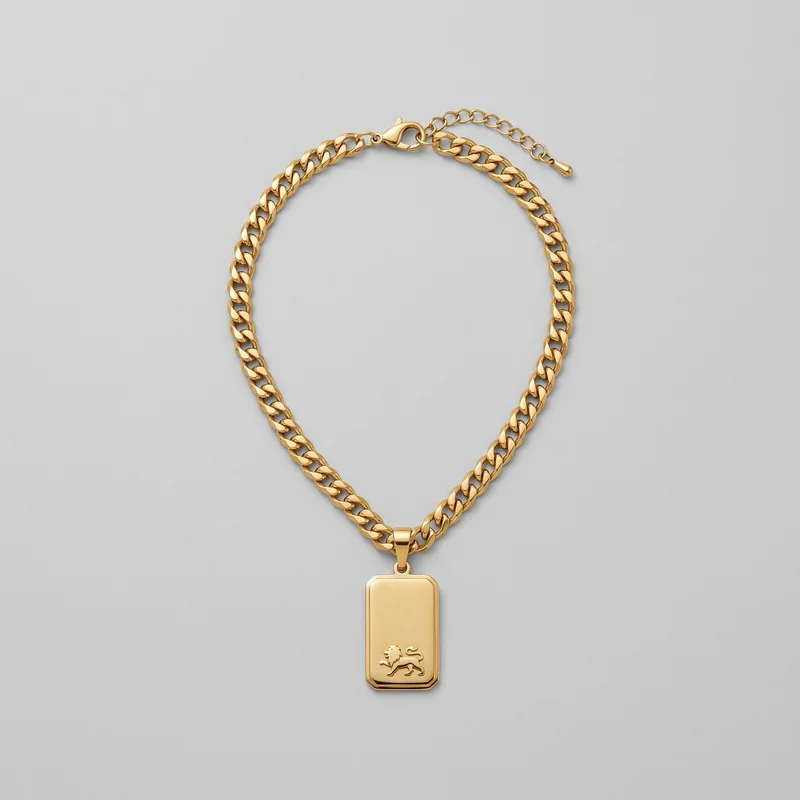 Men's Gold Pendant Necklace
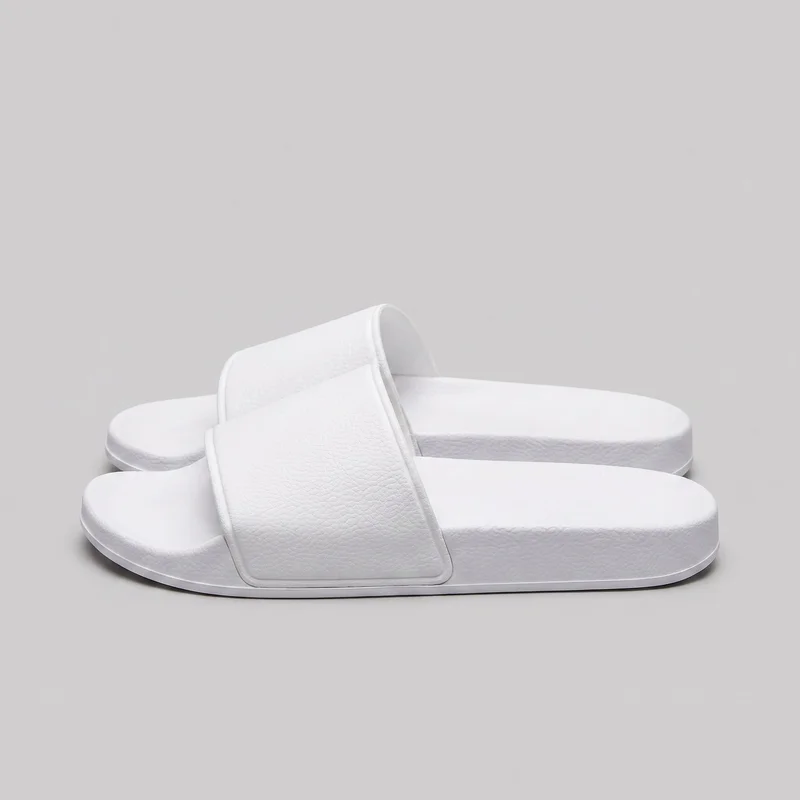 Men's White Sliders
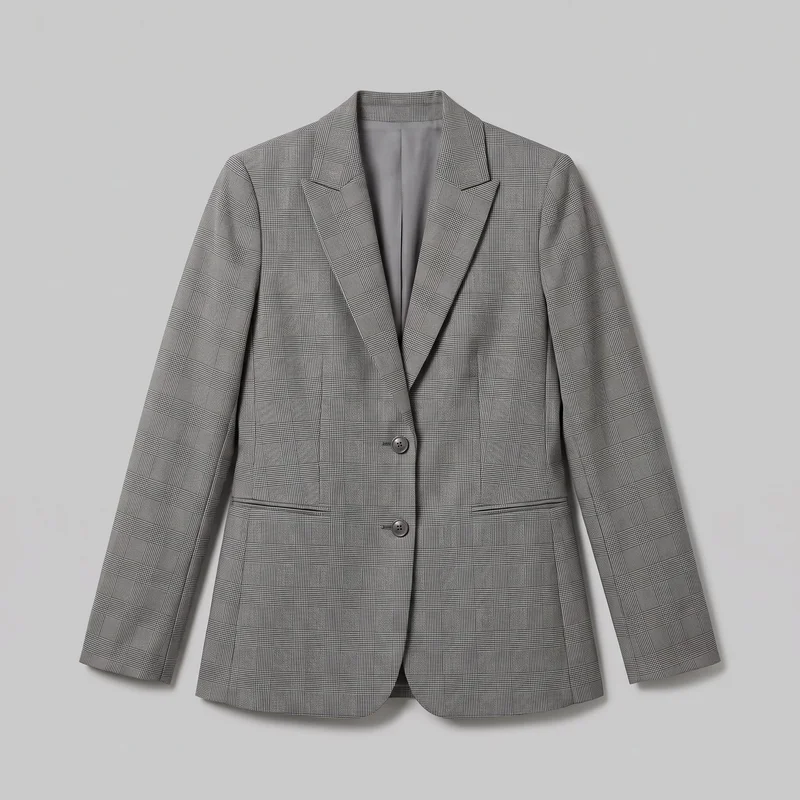 Women's Grey Checked Blazer
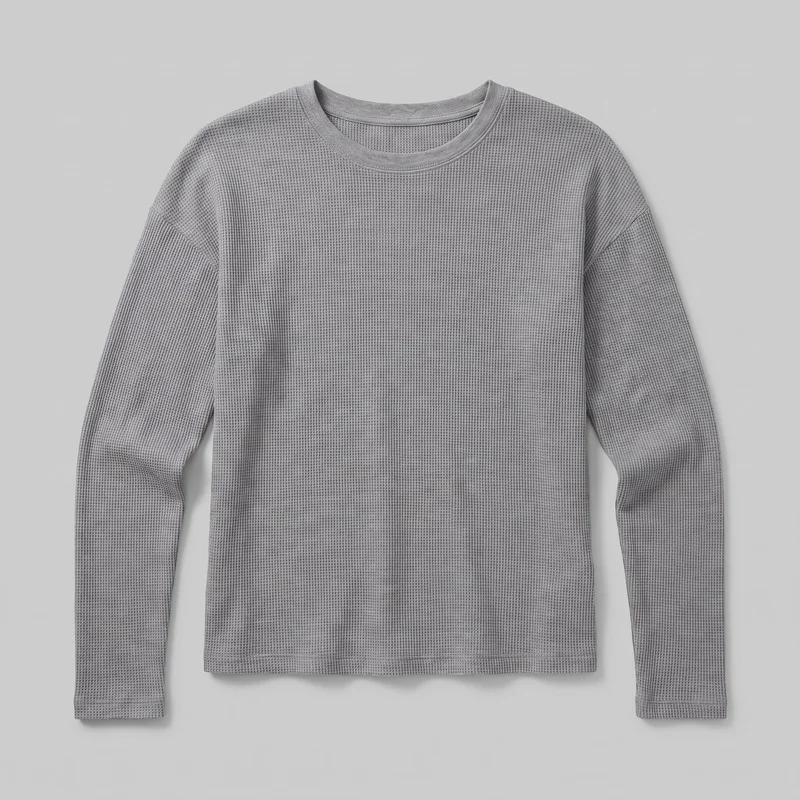 Women's Grey Waffle-Knit Long-Sleeve Tee
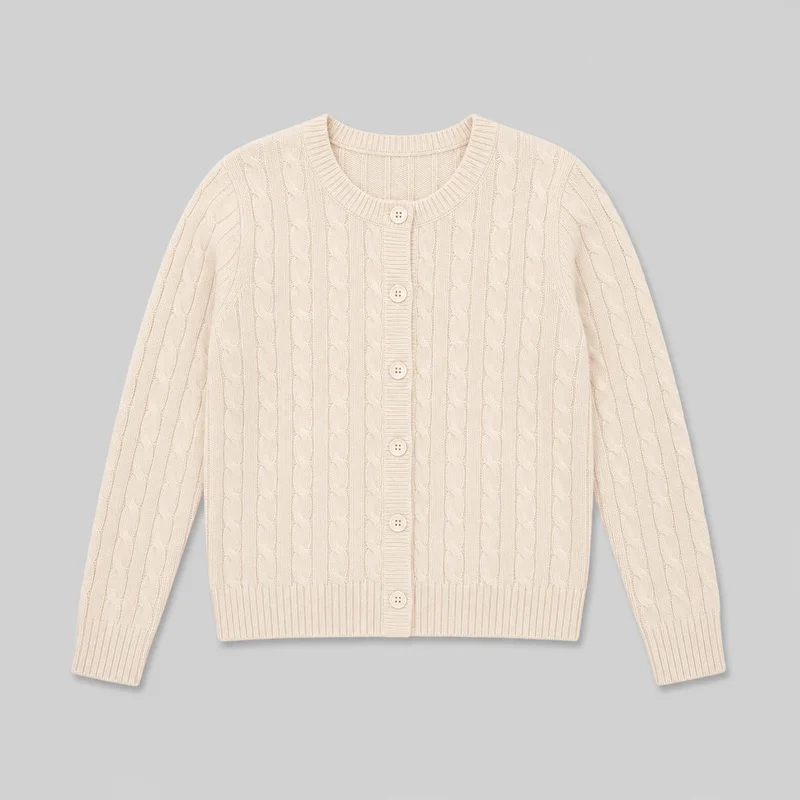 Women's Cream Cable-Knit Cardigan
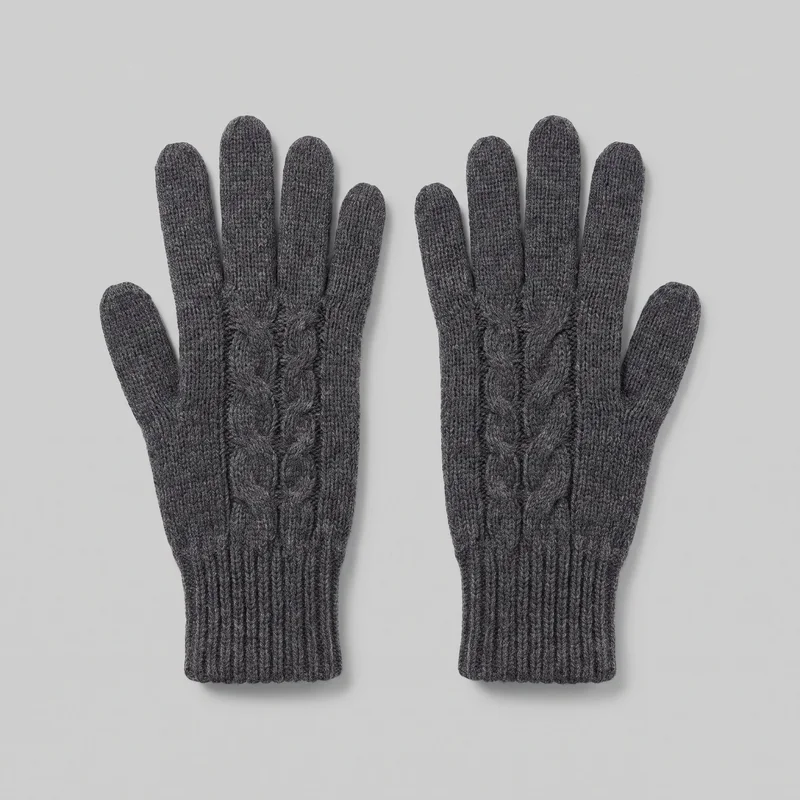 Women's Grey Knit Gloves
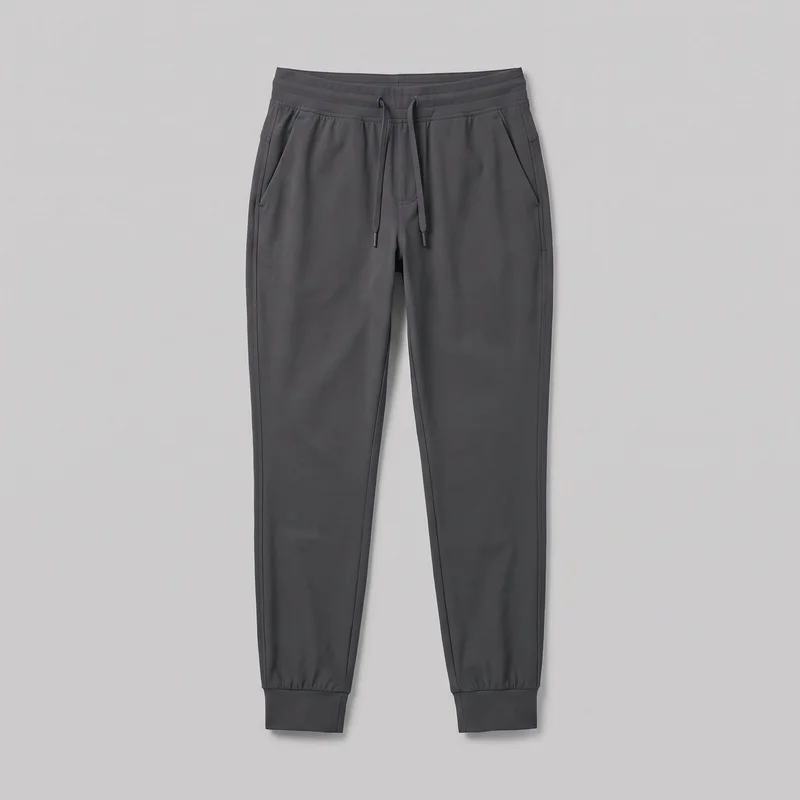 Women's Charcoal Tech Joggers
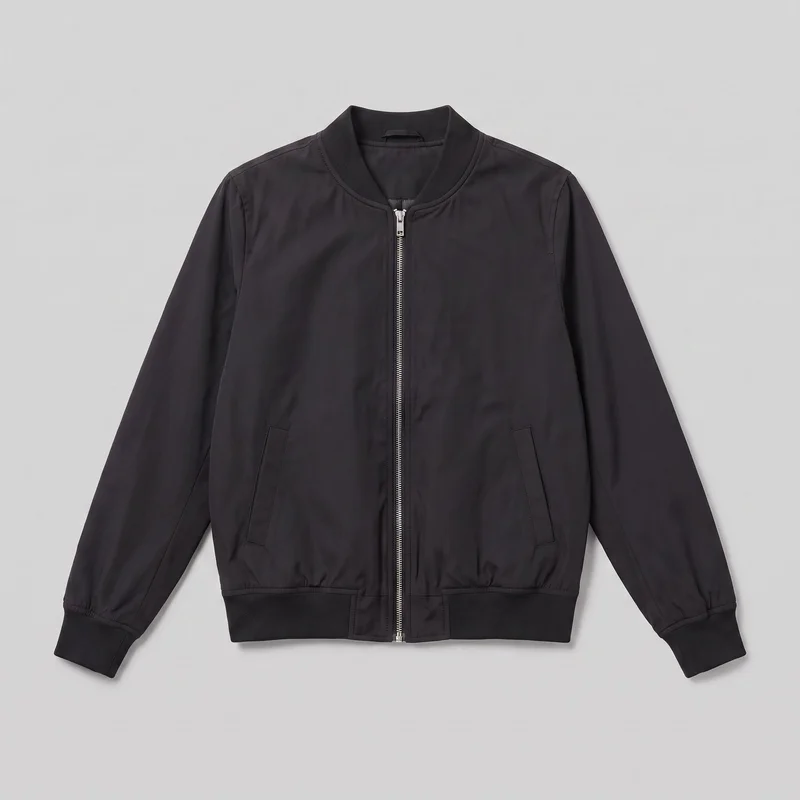 Women's Black Bomber Jacket
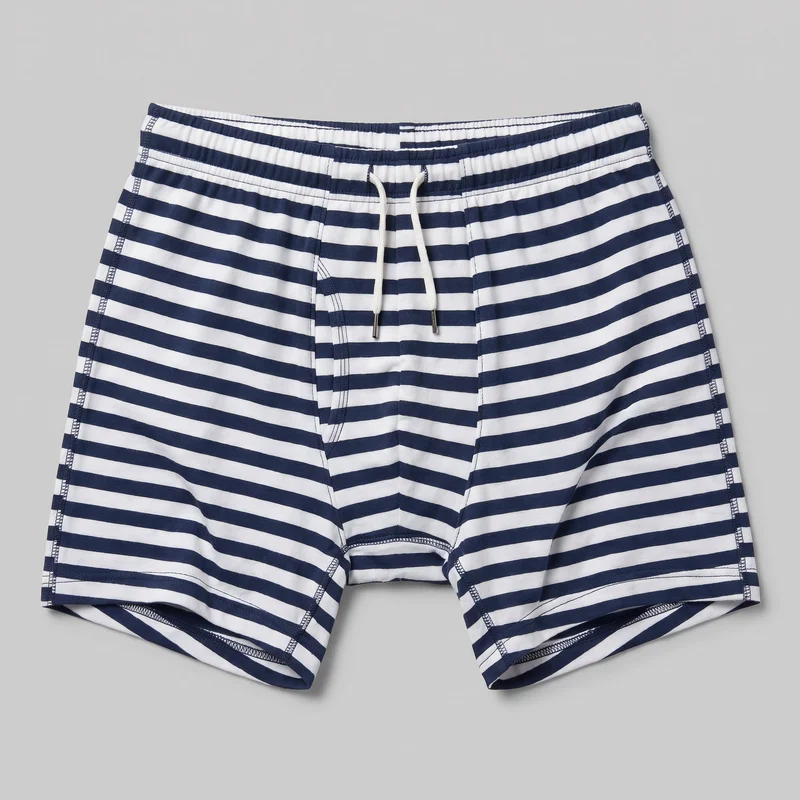 Striped Trunks
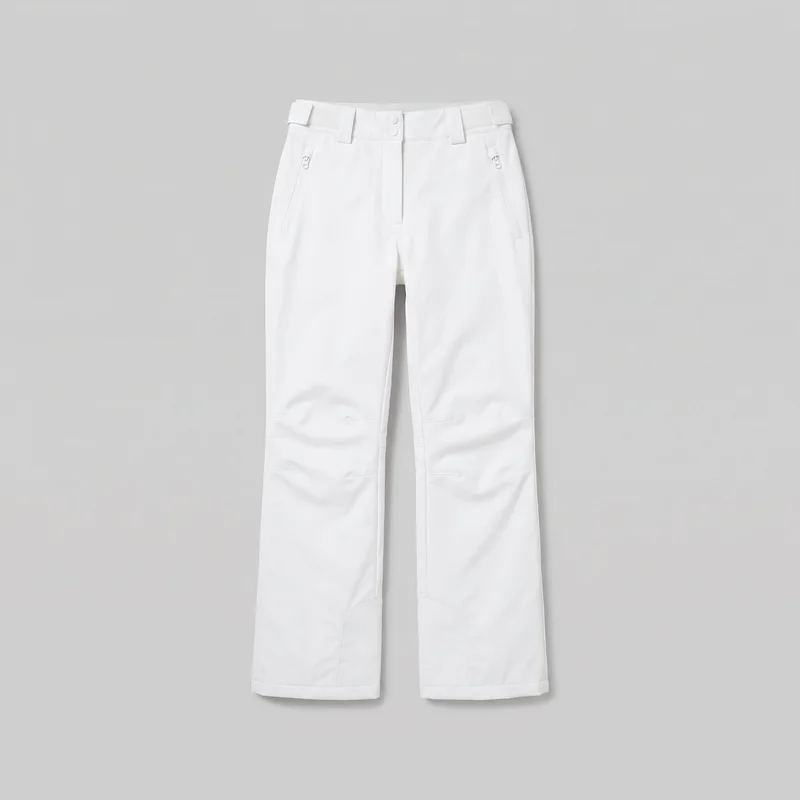 Women's White Shell Ski Trousers
Showing 24 of 3,629
AI fashion models
Your customers see the range on varied bodies.
1,197 licence-free adult models across ages and body types. Or build a private model from visible attributes.
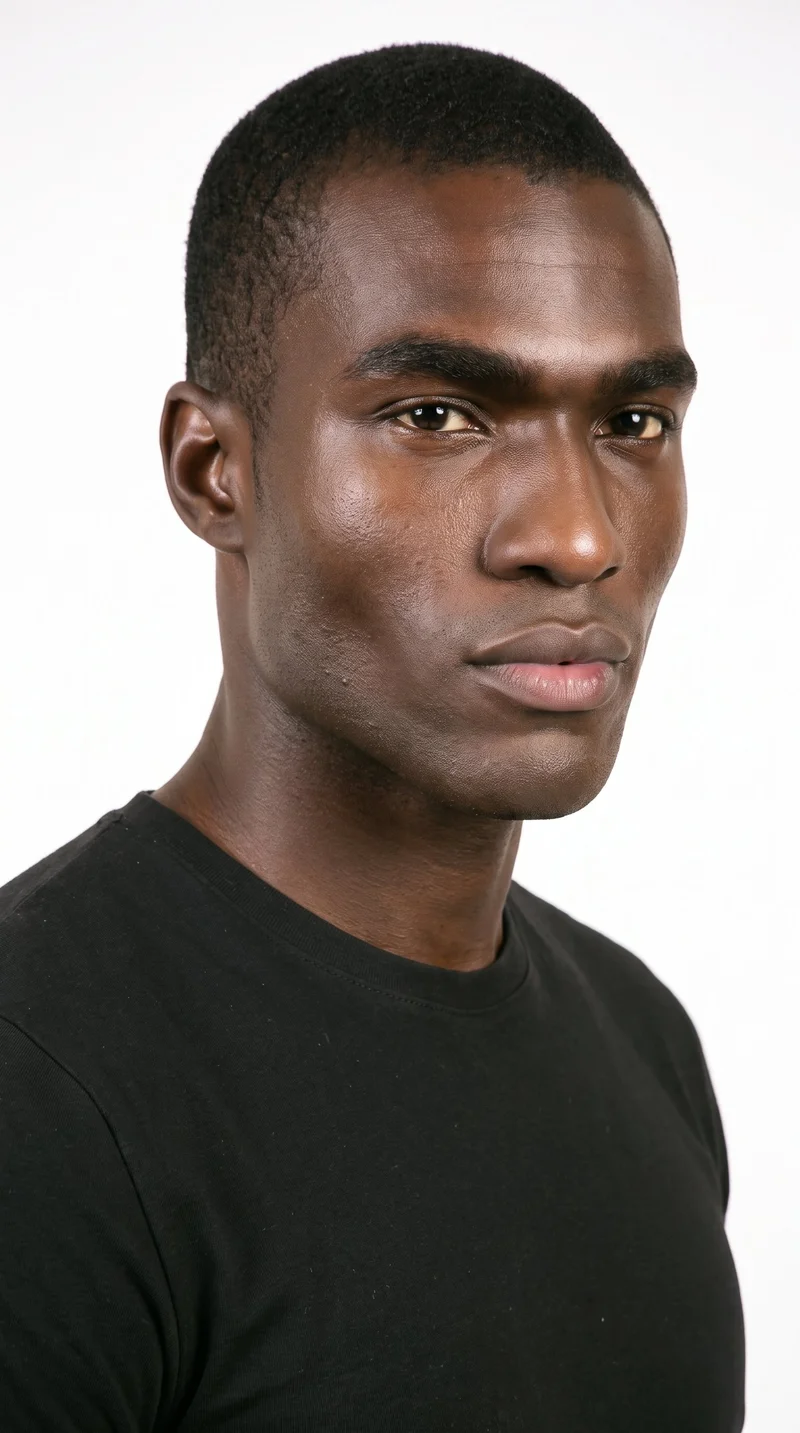
Male · 25
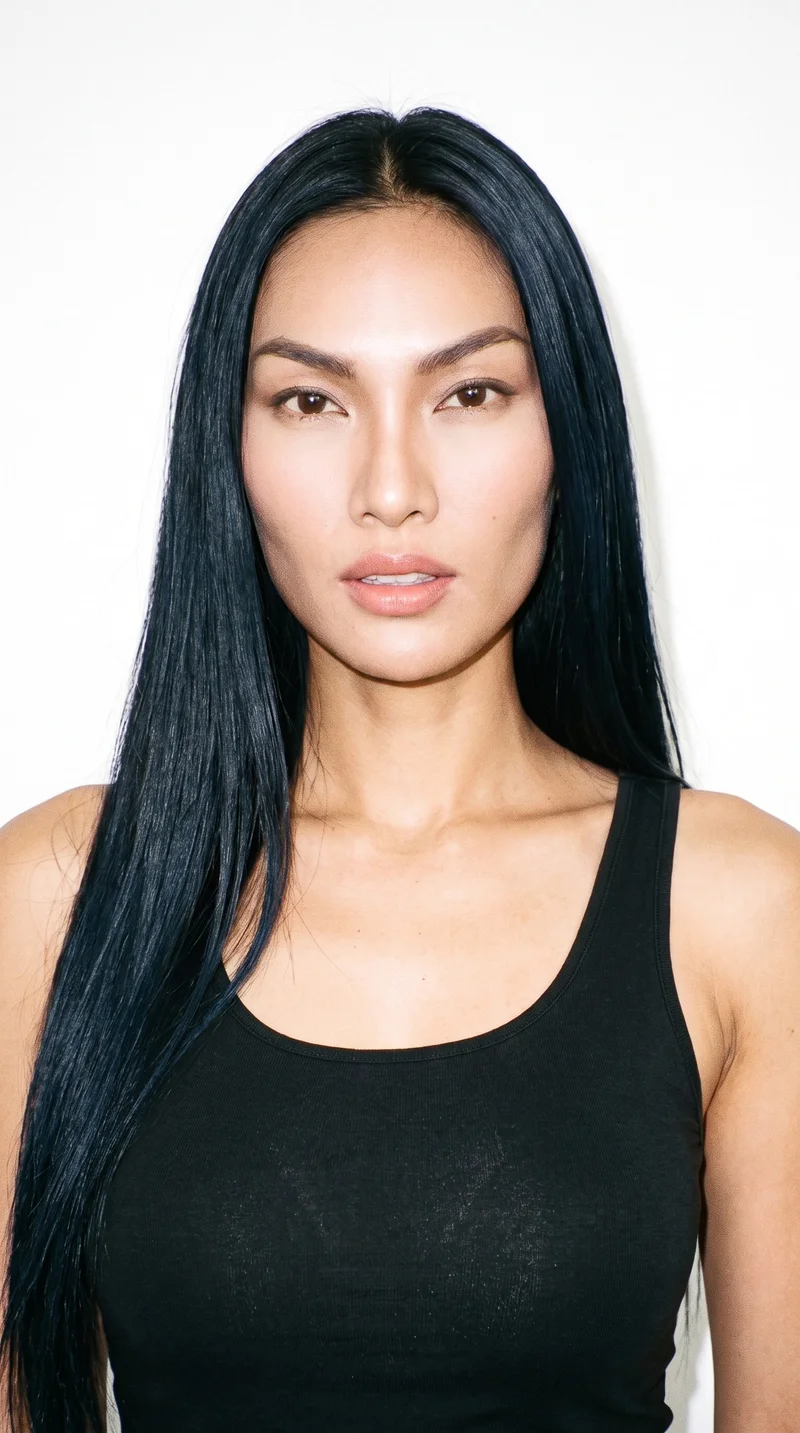
Female · 32
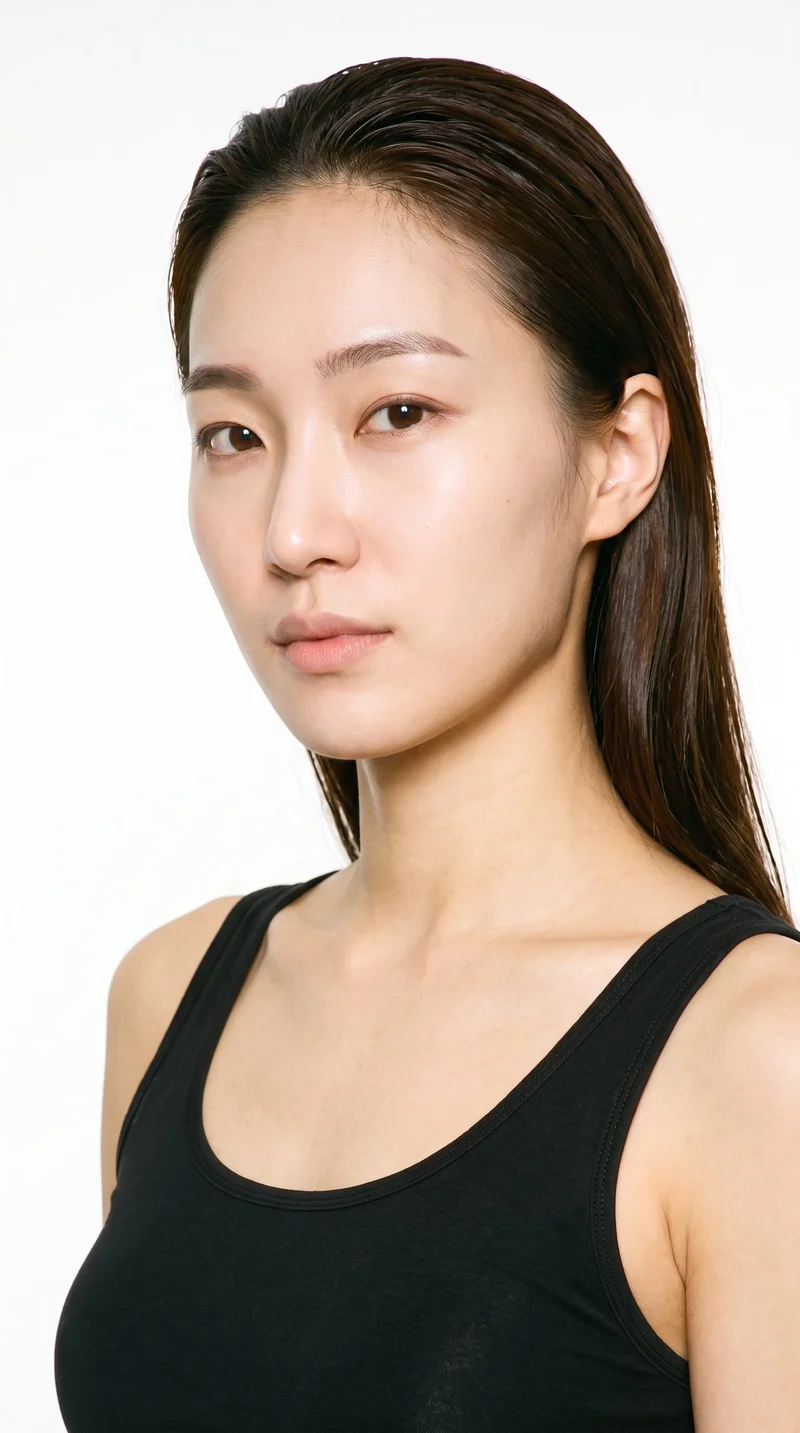
Female · 26
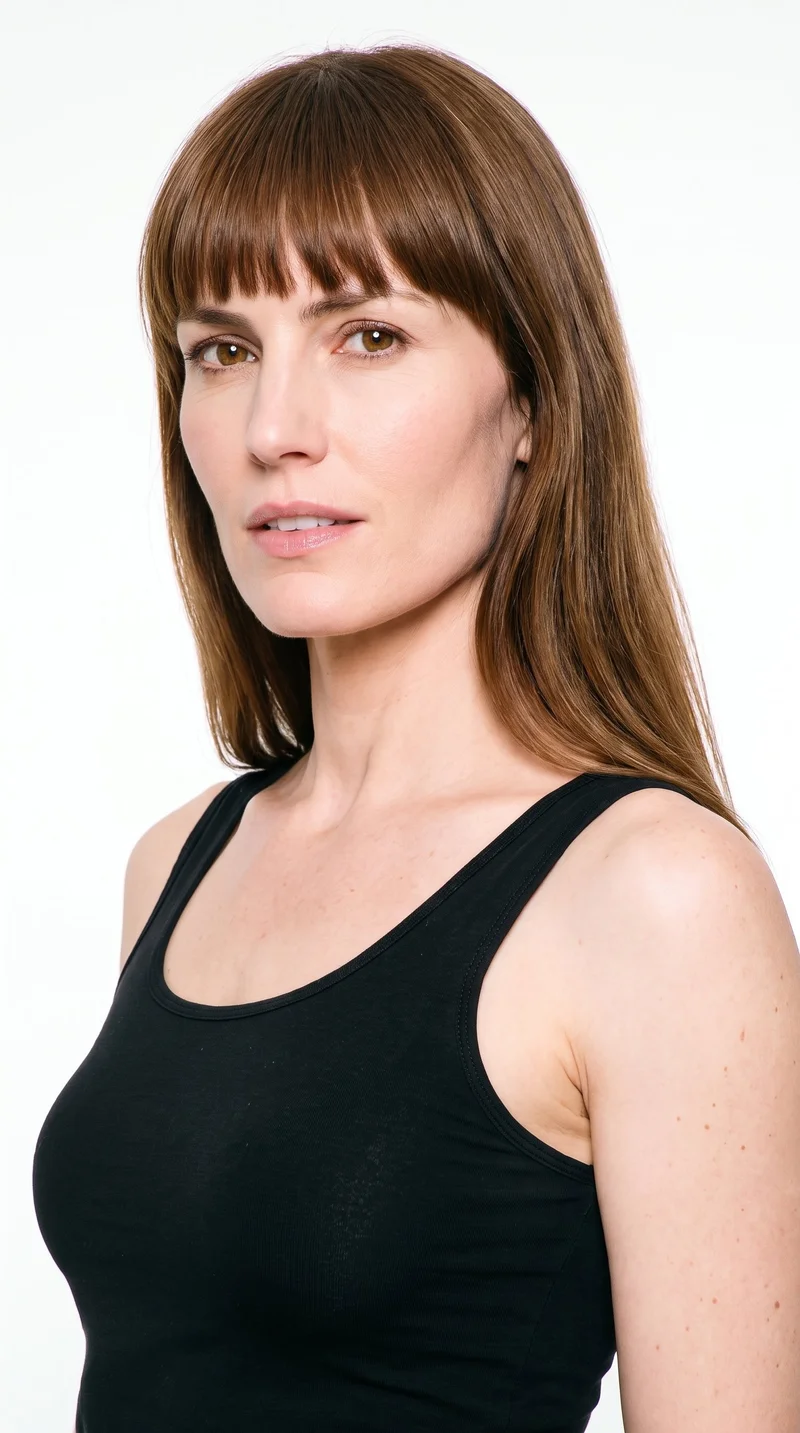
Female · 43
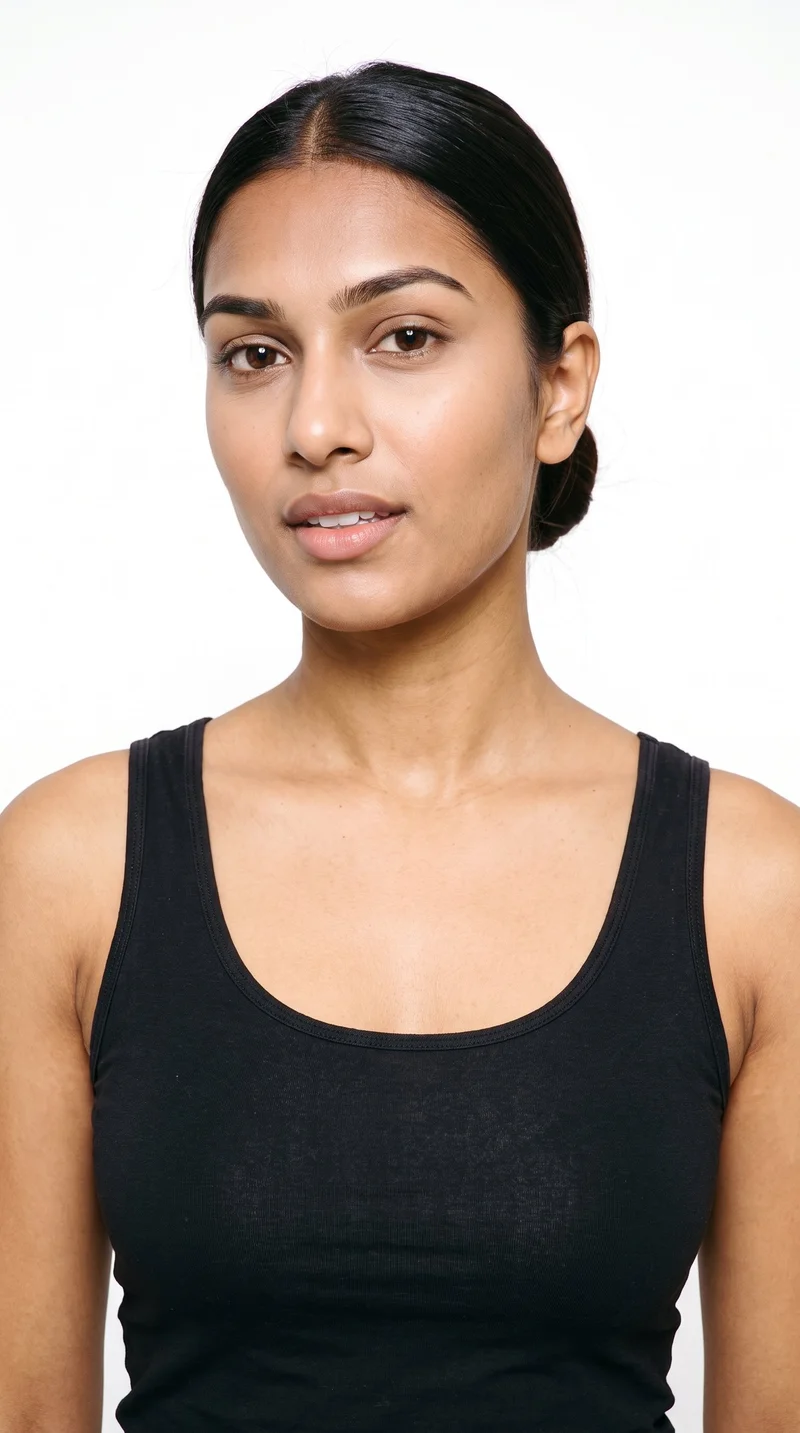
Female · 19
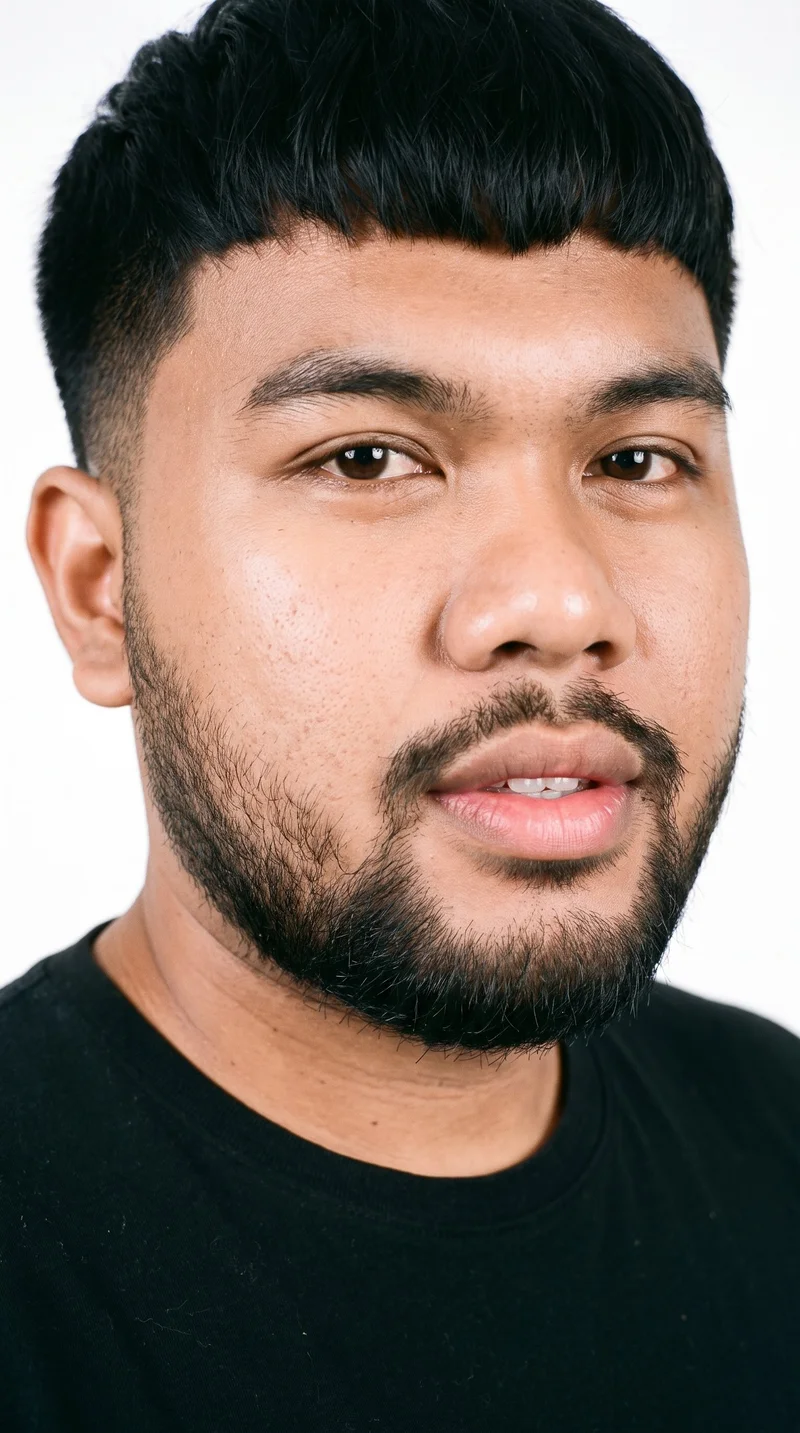
Male · 24
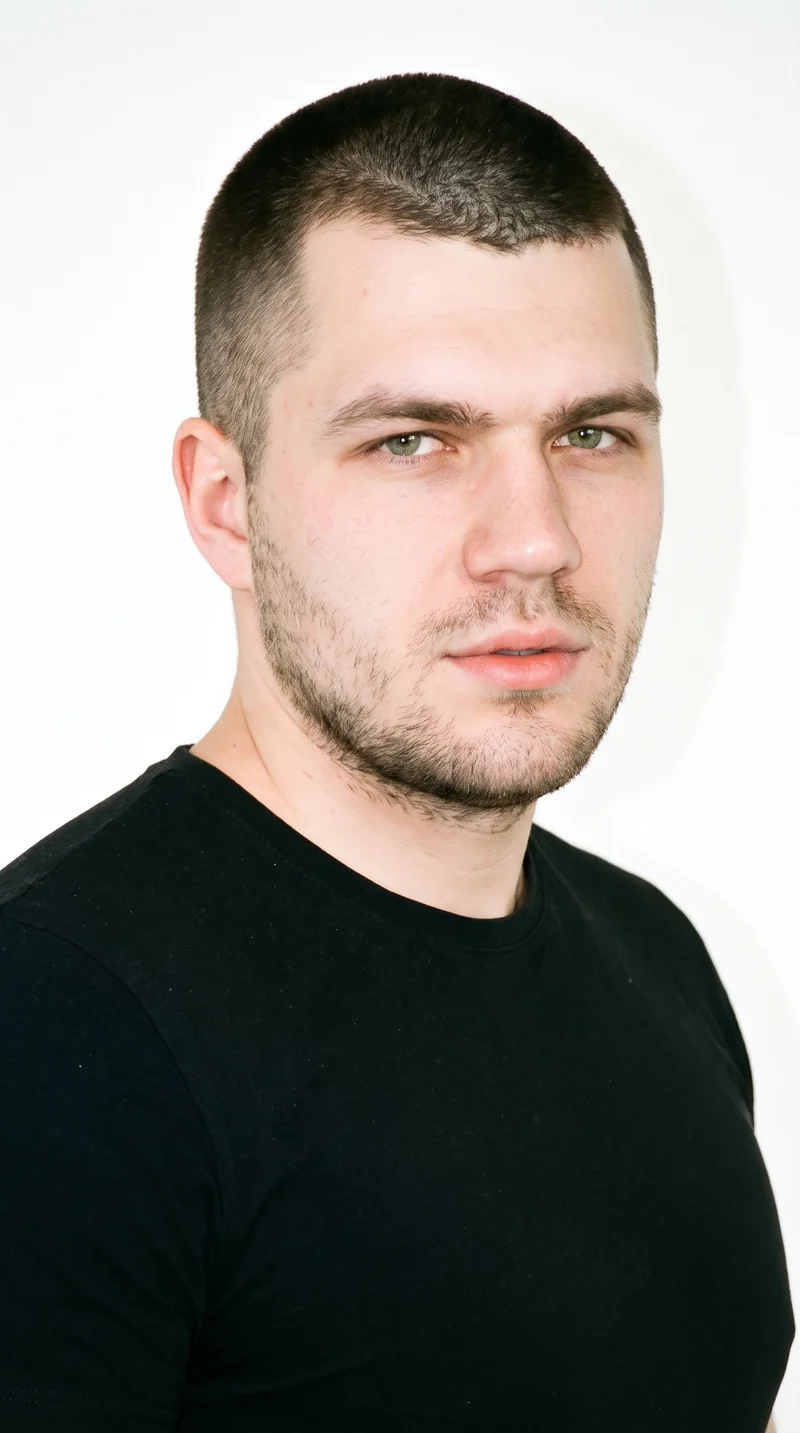
Male · 23
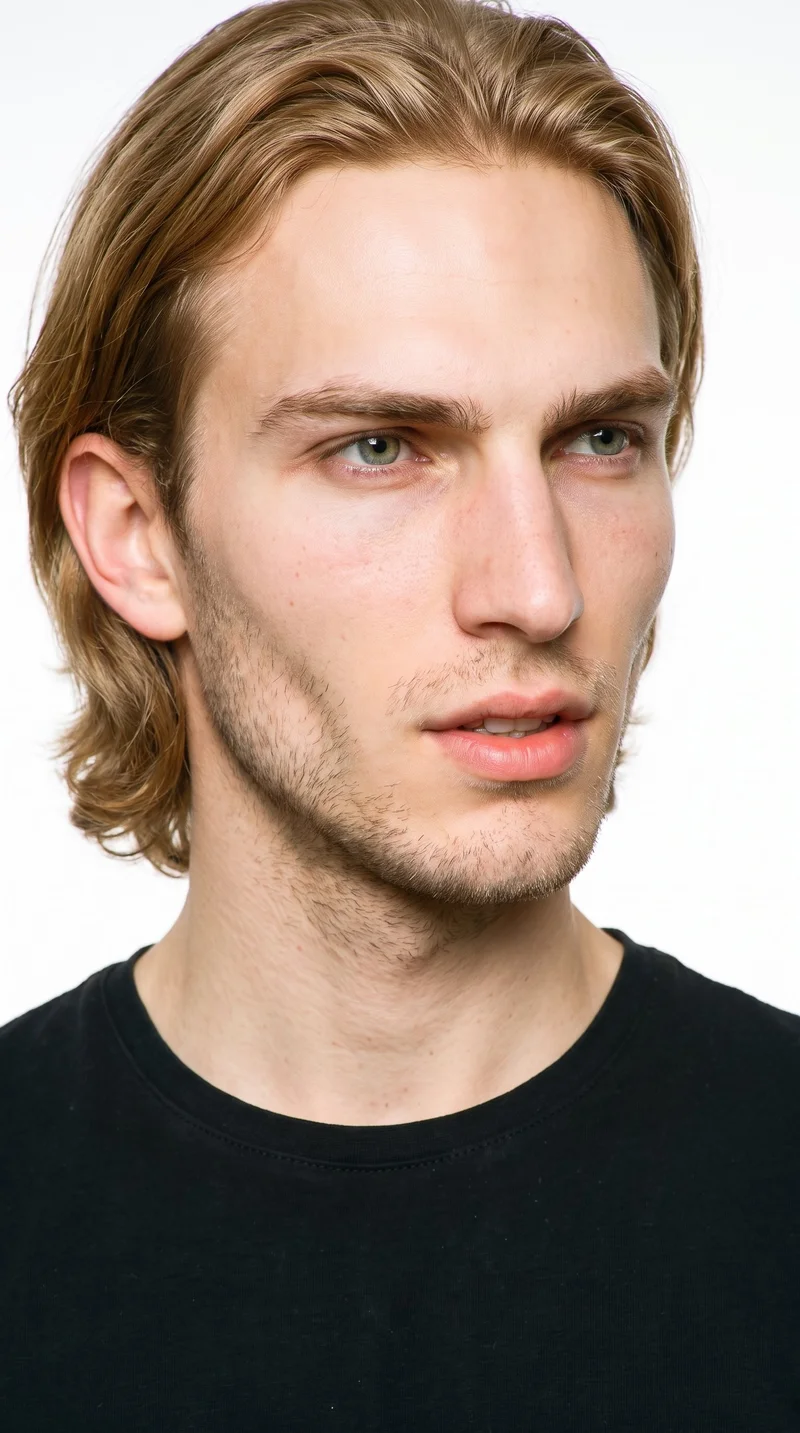
Male · 22
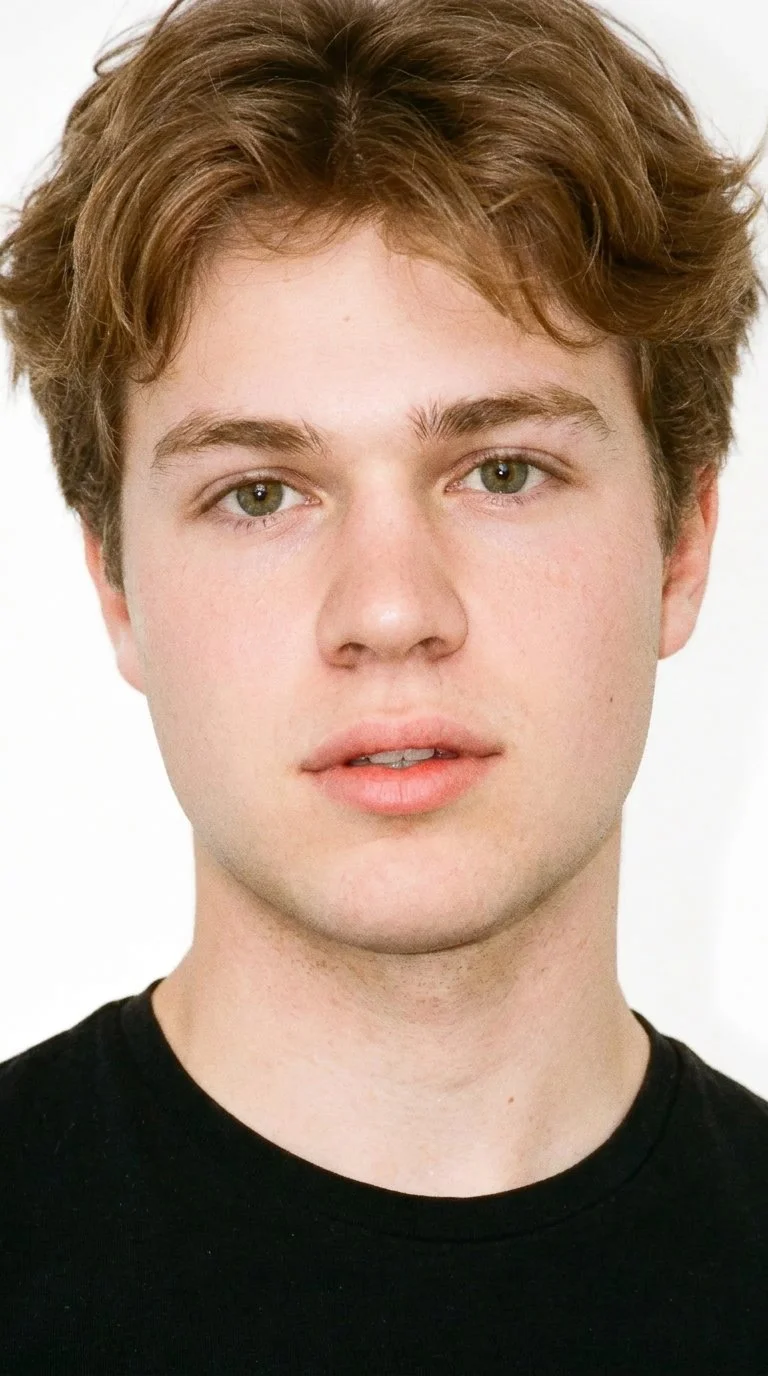
Male · 19
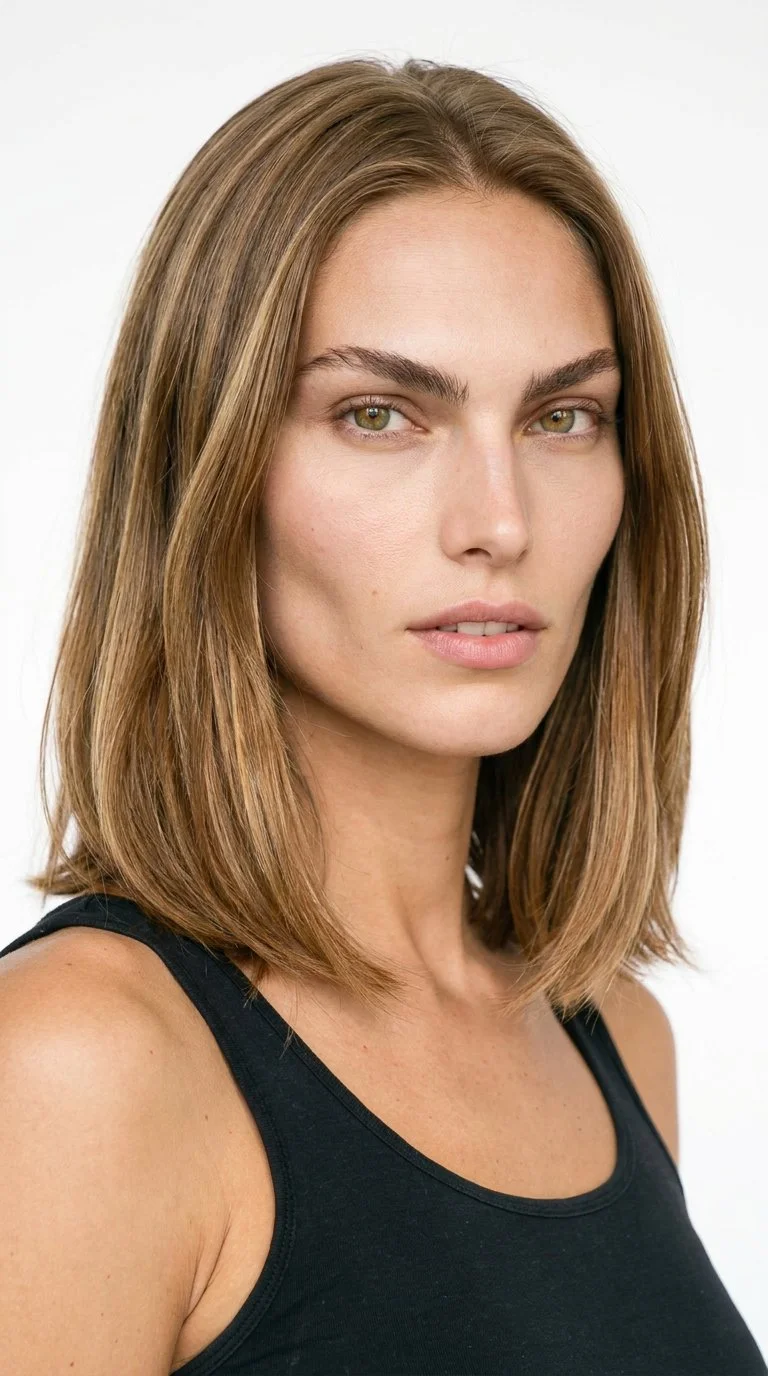
Female · 25
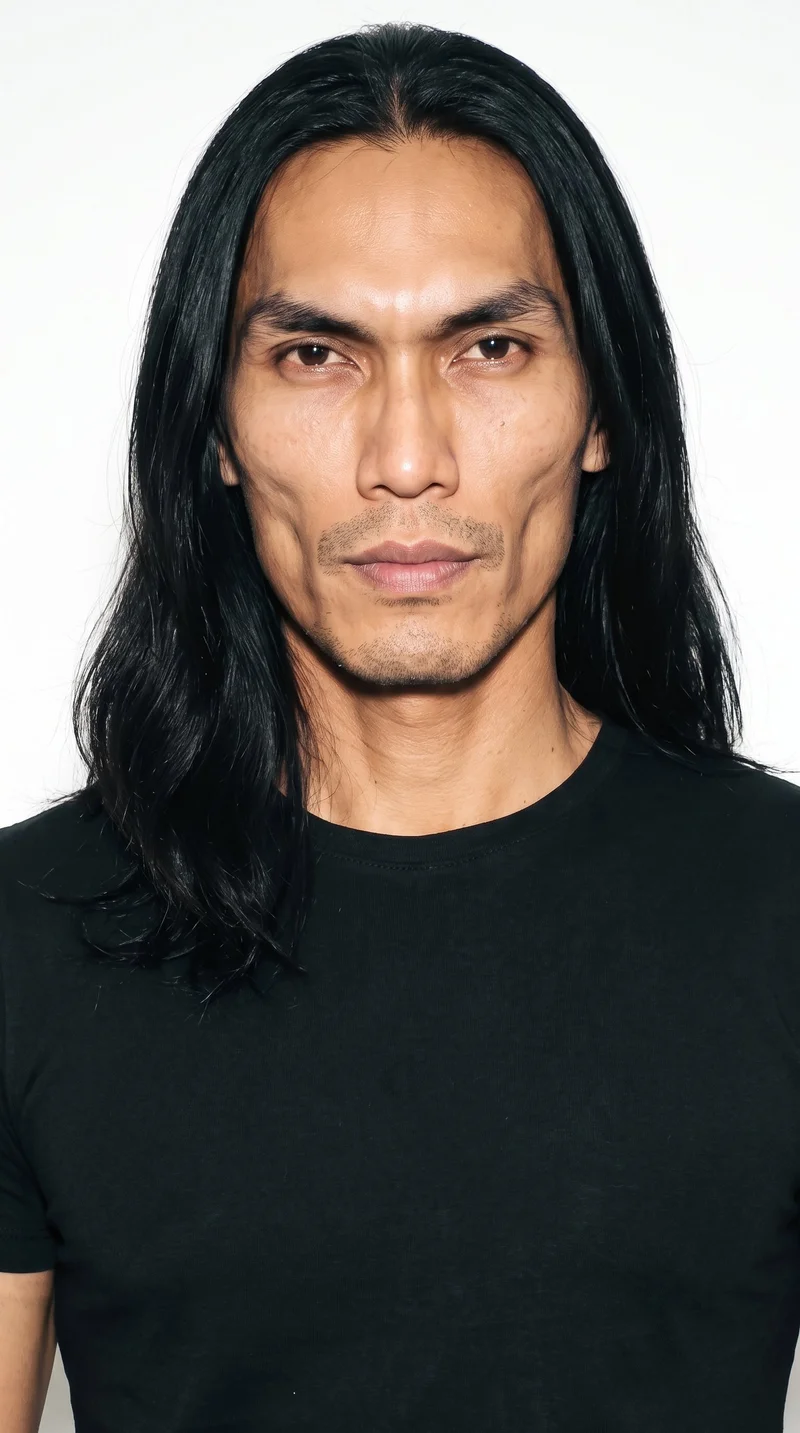
Male · 40
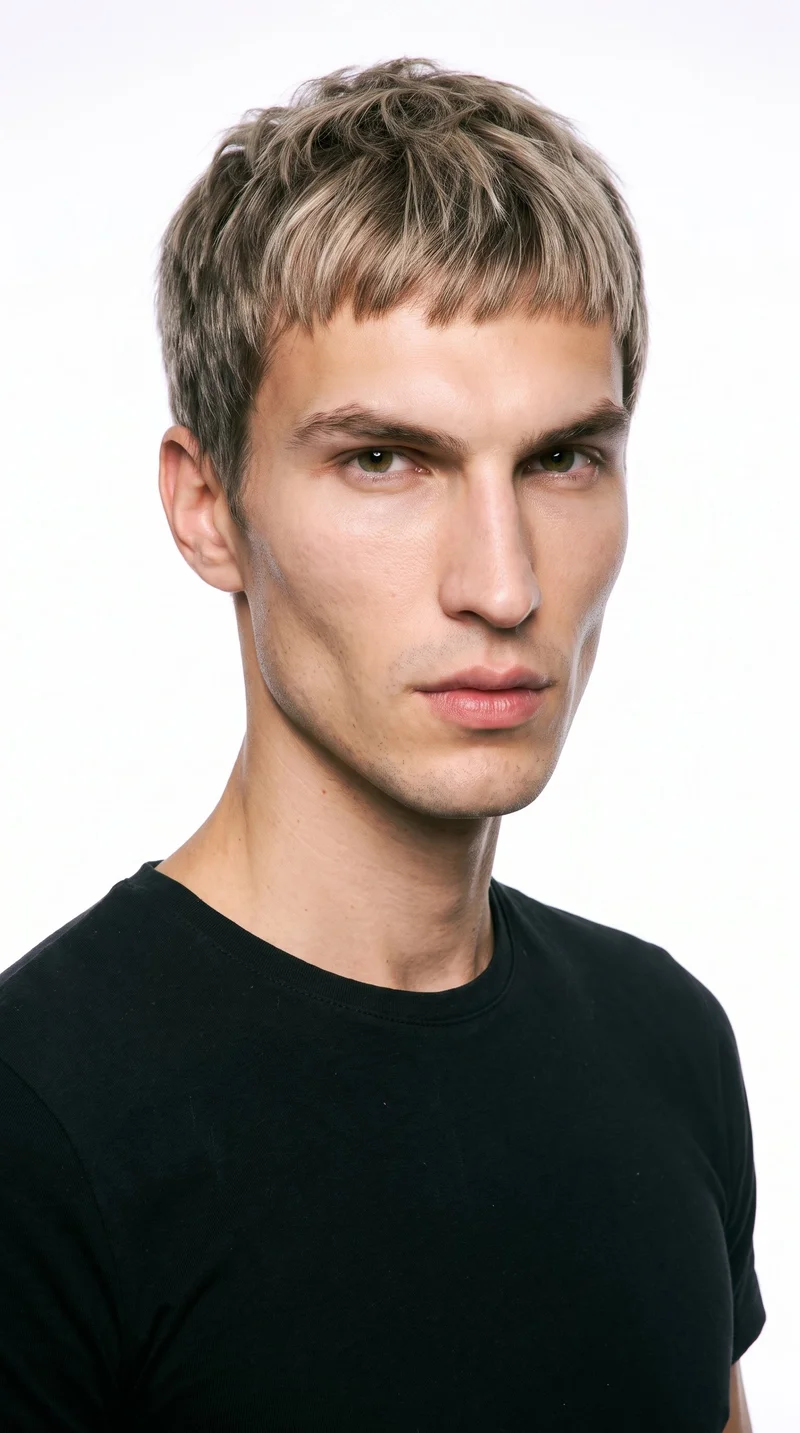
Male · 27
Showing 12 of 1,197
Cast your modelWho it's for
Is RAWSHOT right for recurring range images?
A good fit
This fits you when you have recurring drops, listings or campaigns and need many good on-model images from real products. It works when you choose from visible casting and styling options and value a consistent range over extended edits to one image.
Teams who get the most from it
- RAWSHOT is a good solution for you as the person responsible for an inclusive range if you need to show products on representative bodies throughout each drop.
- It suits you as a product lead if you need the same model, light and frame carried across colourways and new listings.
- Choose it for you as the owner of a growing label if you want a complete on-model set from selected options rather than a long edit of one image.
Work it handles well
- You can show more of your range on selected bodies before each drop goes live.
- You can make colourways and new products read as one consistent collection.
- You can build recurring on-model image sets without waiting for a separate physical shoot for every update.
Outside this scope
You should skip it when you need measured fit verification, exact garment adjustments by instruction or a specific real person. You should also skip it when your work depends on a stylised treatment, saved configurations for later shoots or programmatic catalogue integration.
Teams this is not for
- Skip it if you need a specific real person, ambassador or measured representation of an individual.
- This is not the right path if you need to direct exact waist position, leg width or fabric behaviour through repeated adjustments.
- It is not a fit if you need to save a configuration for later shoots or connect your catalogue through an integration.
Where this stops
- You cannot use it to measure or verify garment fit, so your size charts and fit notes still need to do that work.
- You cannot choose every possible body configuration or request a real person outside the available model options.
- You need to accept the defined styling and composition choices instead of controlling every detail through free-form direction.
Rights
You own every image. Every image says what it is.
Yours
- Full commercial rights to every image, permanently.
- No recurring licence fees on any model in the library.
- Every model is a synthetic composite, so there is no real-person likeness.
Labelled
- C2PA content credentials on every image.
- AI-labelled output, meeting EU AI Act Article 50.
EU-hosted, GDPR-compliant handling.
- EU AI Act Article 50
- C2PA
- Full commercial rights
- GDPR
- EU-hosted
Questions
What should you confirm before the first shoot?
Can size-inclusive brands benefit from an AI fashion photography tool like RAWSHOT for showing range across bodies?
Yes, size-inclusive brands can use RAWSHOT to build repeatable on-model imagery for drops, listings, and campaigns. You can show products across selected representative bodies without relying on a small physical cast to represent your whole customer base. Choose visible model, outfit, styling, light, frame, and camera-view options, then carry a consistent visual language across colourways. This suits you when recurring product updates matter more than extending one image through detailed edits.
What jobs and channels can size-inclusive brands use RAWSHOT for when showing a collection?
Size-inclusive brands can use RAWSHOT for on-model product listings, collection drops, lookbooks, and campaign assets. You can show a range on selected bodies, prepare launch imagery, present colourways together, and support recurring listing updates. The same visual direction can carry across shop pages, social feeds, stories, and commercial creative while your product, model, light, and frame remain aligned.
Which shop, lookbook, and social crops can size-inclusive brands produce with RAWSHOT?
Size-inclusive brands can produce 4:5 shop crops, 9:16 social frames, and consistent launch imagery in RAWSHOT. You can set a frame and camera view for product pages, lookbooks, feeds, stories, and campaign placements. Keep the model, light, styling, and composition aligned so colourways read as one range across different channel layouts.
What can size-inclusive brands start with in RAWSHOT when physical samples are not ready?
You can start with a product photo, flat-lay, mockup, or technical sketch when physical samples are not ready. RAWSHOT lets you choose a representative model and set styling, light, pose, frame, and camera view around that input. This helps you prepare on-model product and launch imagery while the collection is still being developed, without presenting the output as measured fit verification.
How is RAWSHOT different from a studio shoot, flat-lay, or 3D render for size-inclusive brands?
RAWSHOT gives size-inclusive brands a repeatable on-model route, while a studio shoot, flat-lay, or 3D render serves a different production need. You can select visible body, outfit, styling, light, pose, and frame options around a product input rather than arranging a physical set for every update. A studio shoot remains useful for physical capture, while flat-lays and 3D renders support product views that do not show the garment on a body.
Can size-inclusive brands keep colourways and a collection visually consistent in RAWSHOT?
Yes, size-inclusive brands can keep colourways and collection imagery visually consistent in RAWSHOT. You can carry the same selected model, light, styling direction, frame, and camera view across new products and listing updates. That gives your range a connected look while allowing each garment to appear on representative bodies. You still need to review each result for product accuracy and keep fit notes separate from visual presentation.
What are RAWSHOT's limits for size-inclusive brands showing fit across bodies?
RAWSHOT cannot verify measured garment fit or guarantee every possible body configuration for size-inclusive brands. You cannot use it to direct exact waist position, leg width, or fabric behaviour through repeated adjustments, and you cannot request a specific real person outside the available model options. Styling and composition stay within defined choices, so size charts, fit notes, and physical checks still need to carry the verification work.
Can size-inclusive brands use RAWSHOT images on product pages, campaigns, and commercial sales channels?
You get full commercial rights to every image, permanently, with no recurring licence fee. Every image carries C2PA content credentials and is labelled as AI-generated.
Get started
Your next on-model range set starts here.
Start with a 7-day free trial including 50 tokens, then move to the plan that matches your production volume.