
Product photography
Hat photography
Hats take shape in clear on-model frames.
For Hat photography, build on-model product views from your real hat, then choose the frame, camera view, pose, background and named light direction for each composition.
7-day free trial • 50 tokens (10 images) • Cancel anytime
92 images in this range · AI-labelled with C2PA content credentials
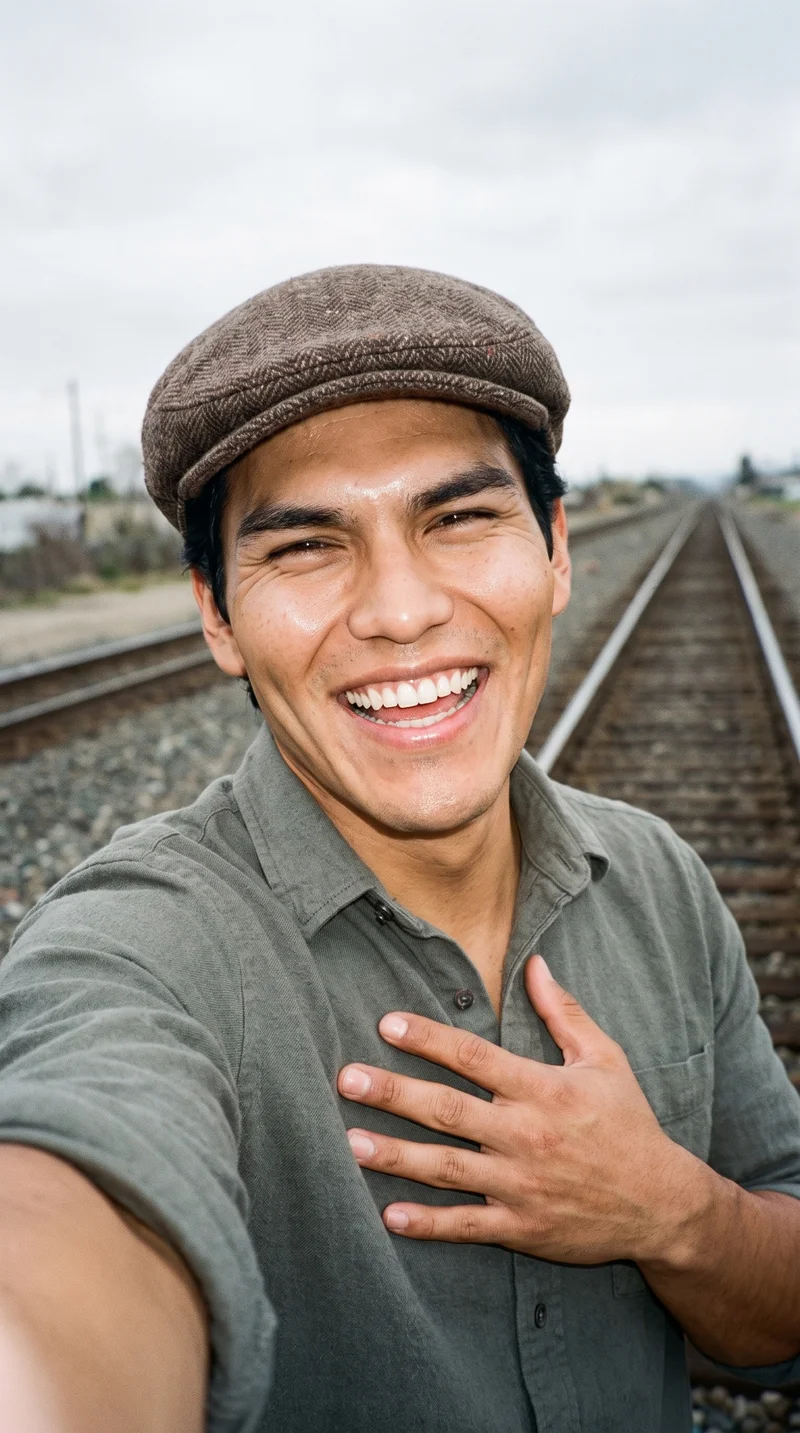
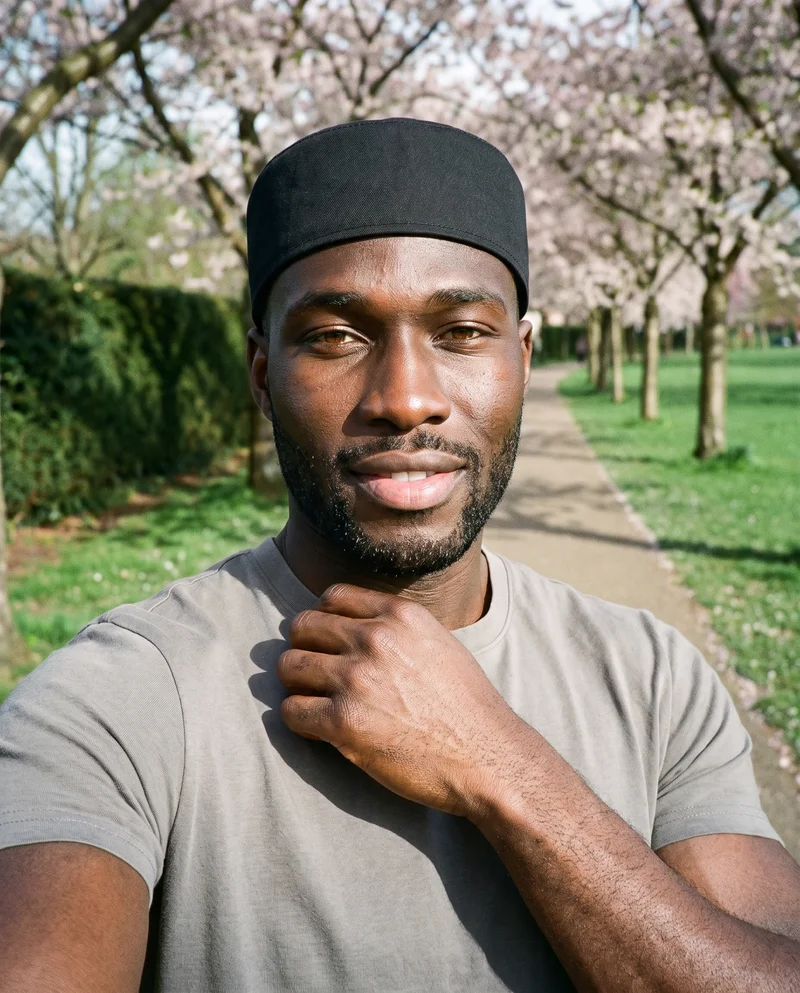
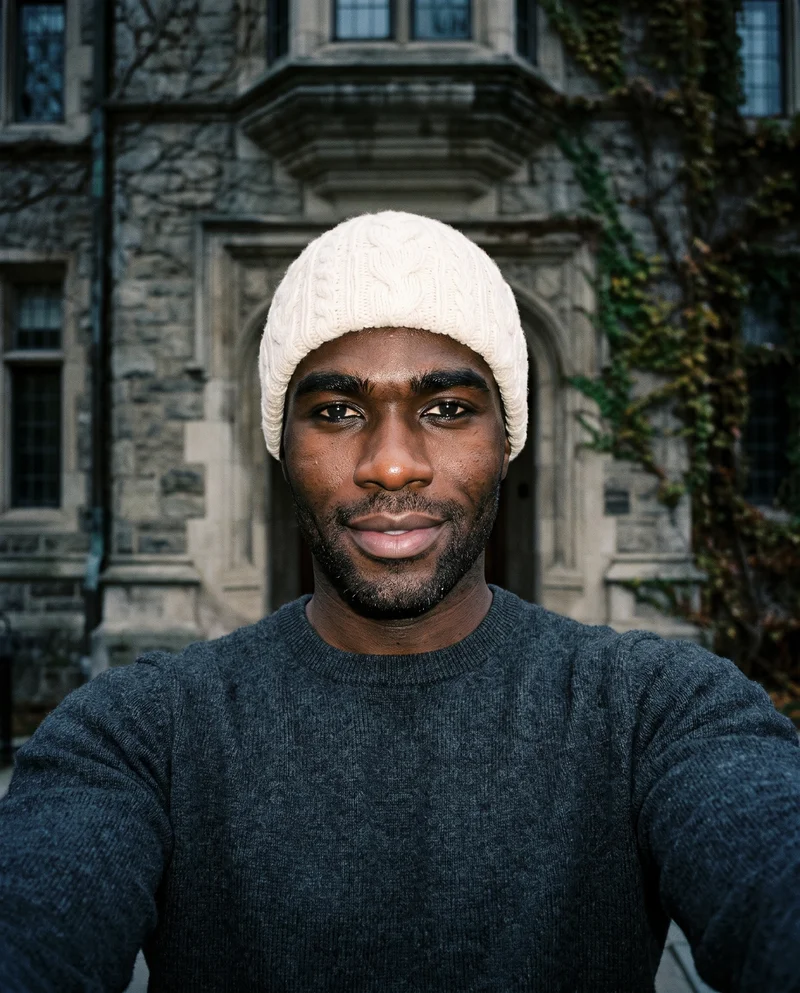
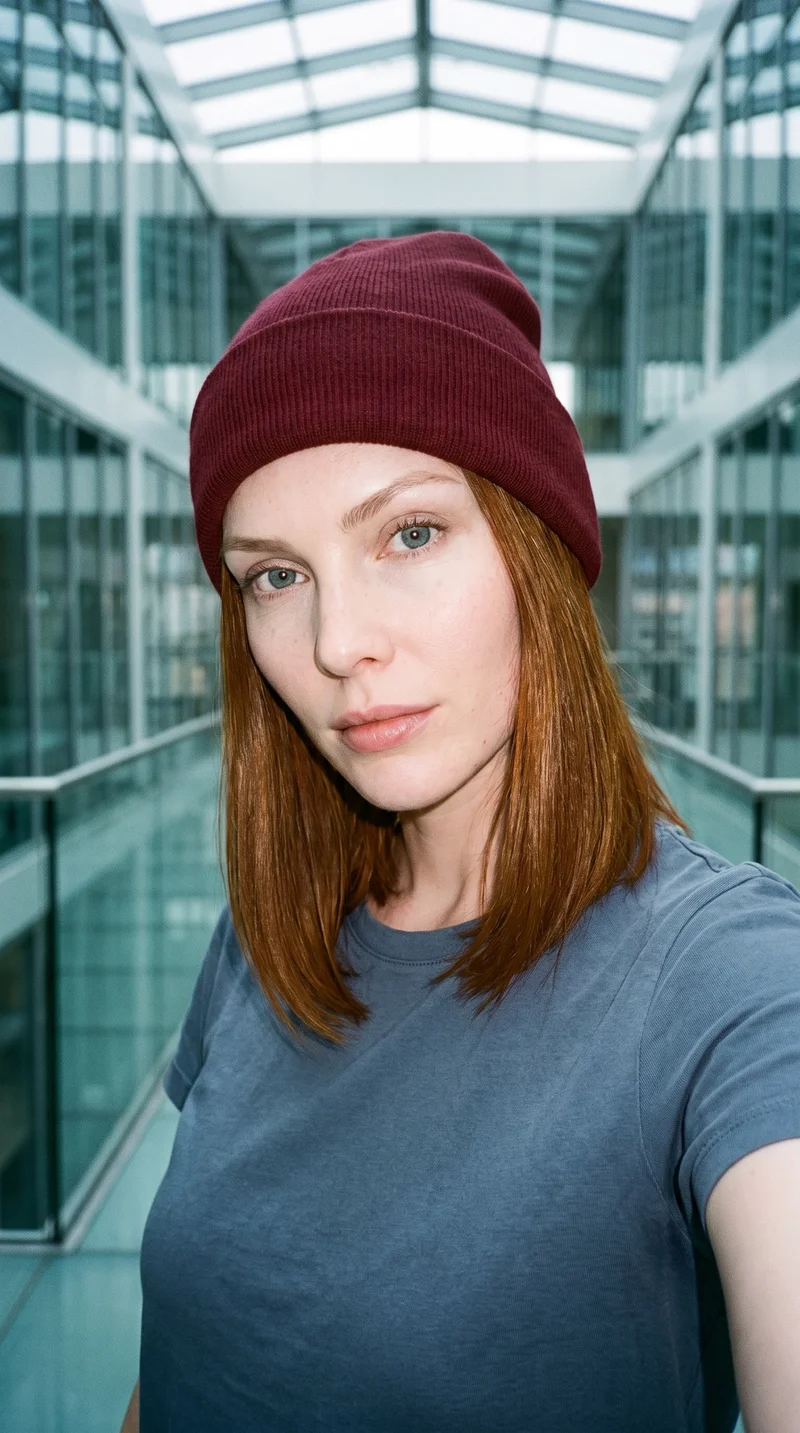
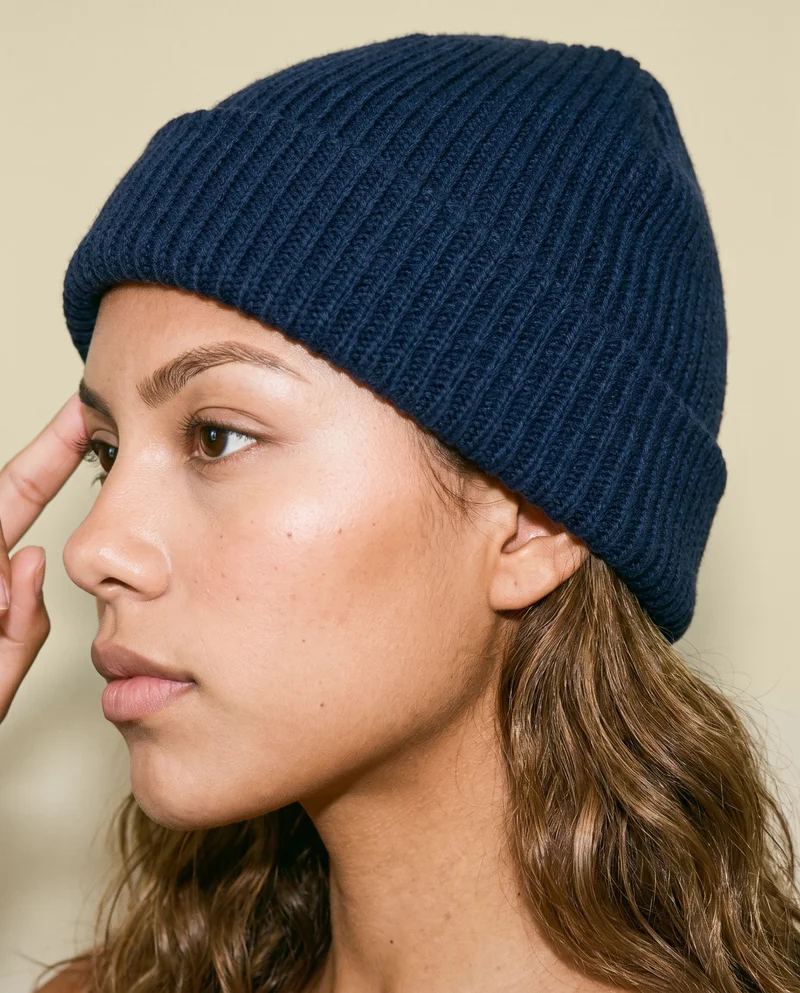
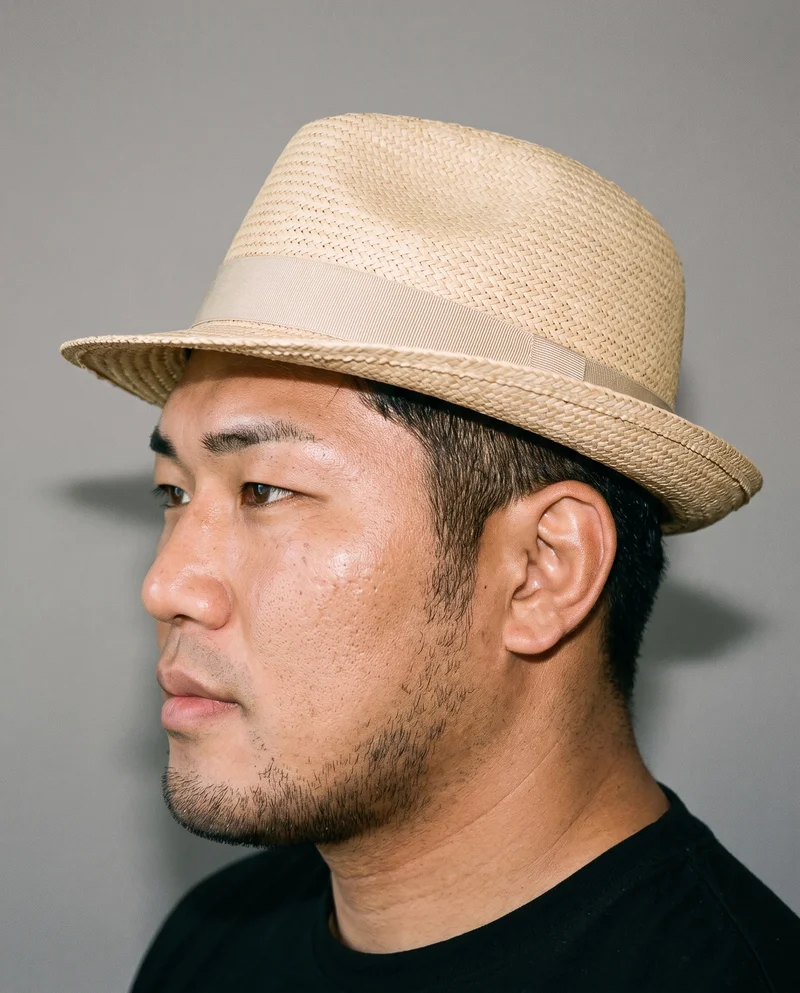
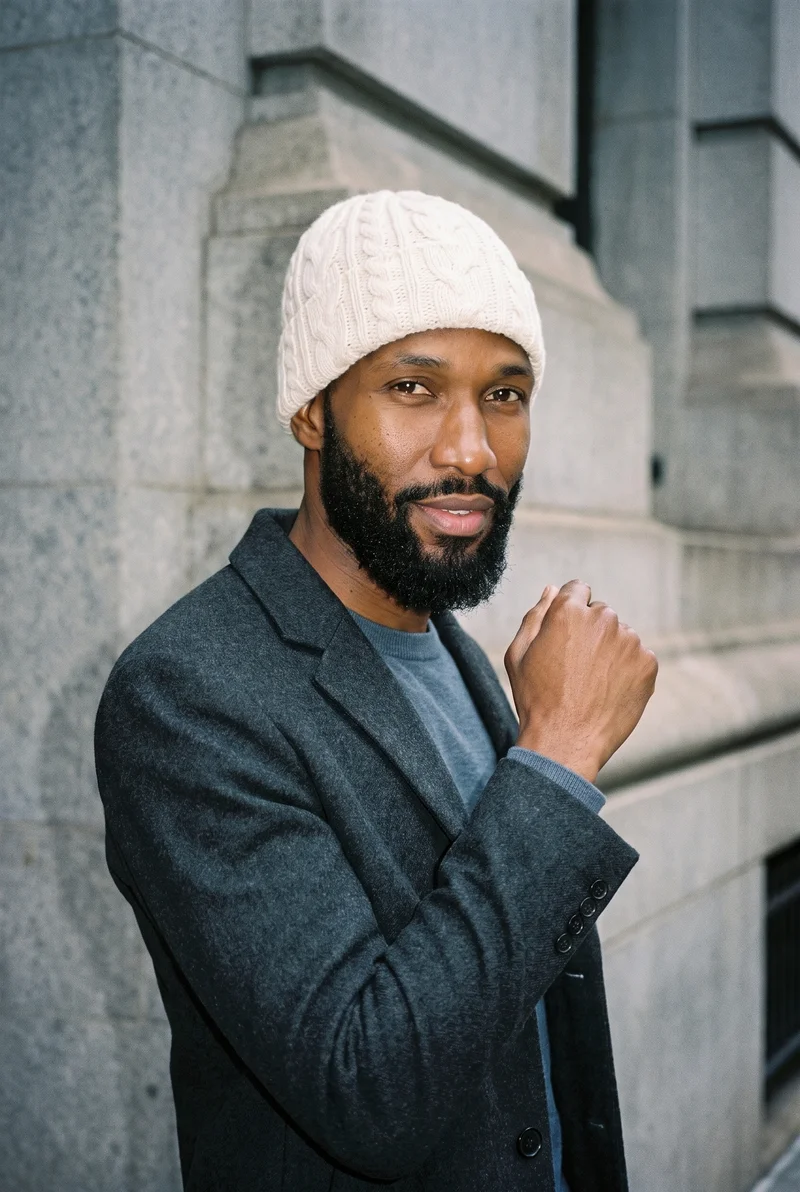
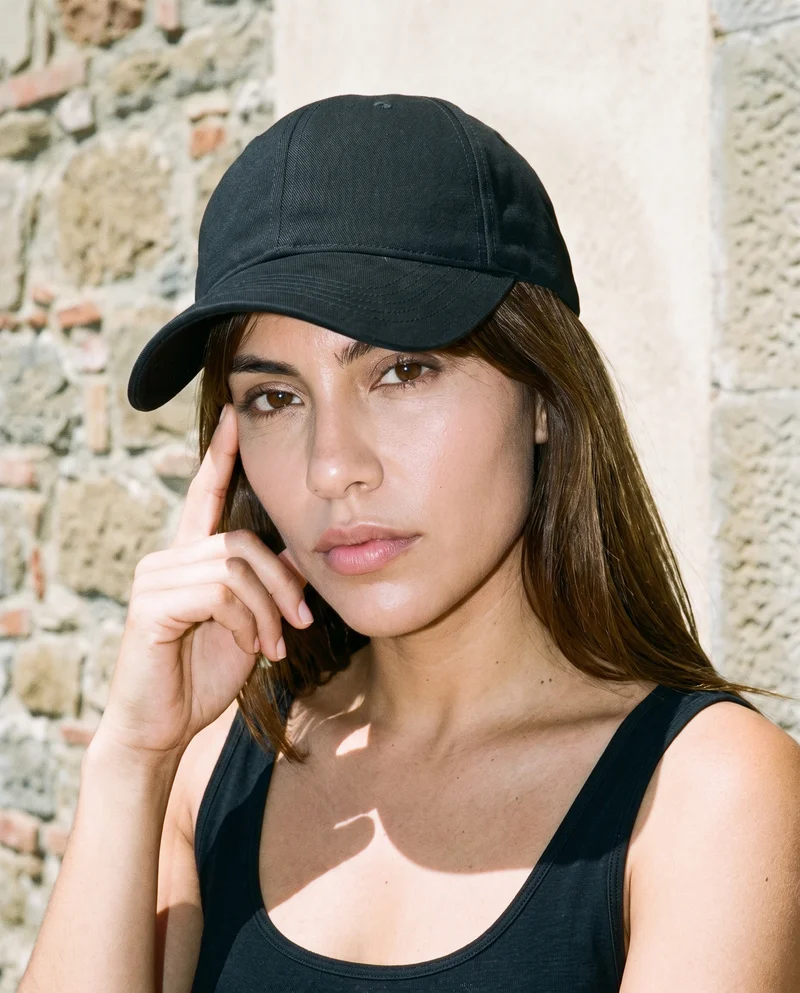
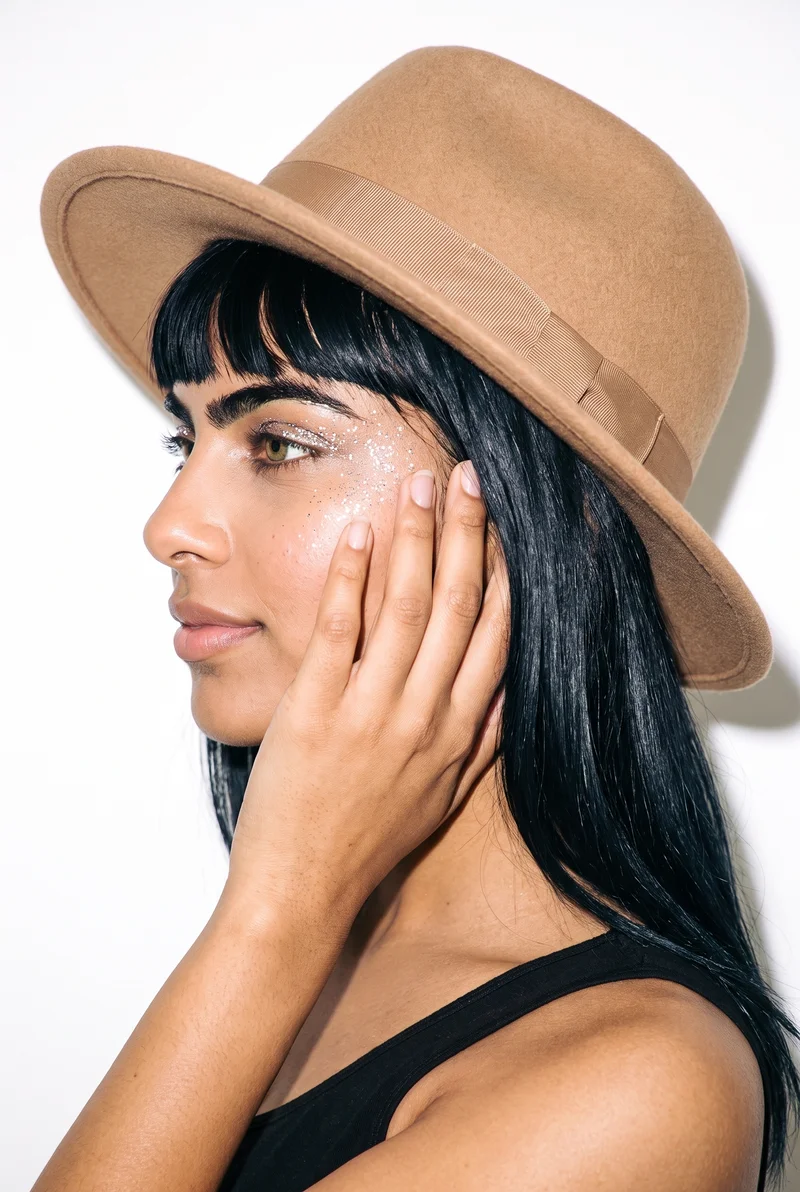
Showing 9 of 92, shot in RAWSHOT
Gallery
Hats span product, linesheet and campaign views.
Browse hat examples across product-page, linesheet and campaign contexts, then select the model, product and composition that suit your work.
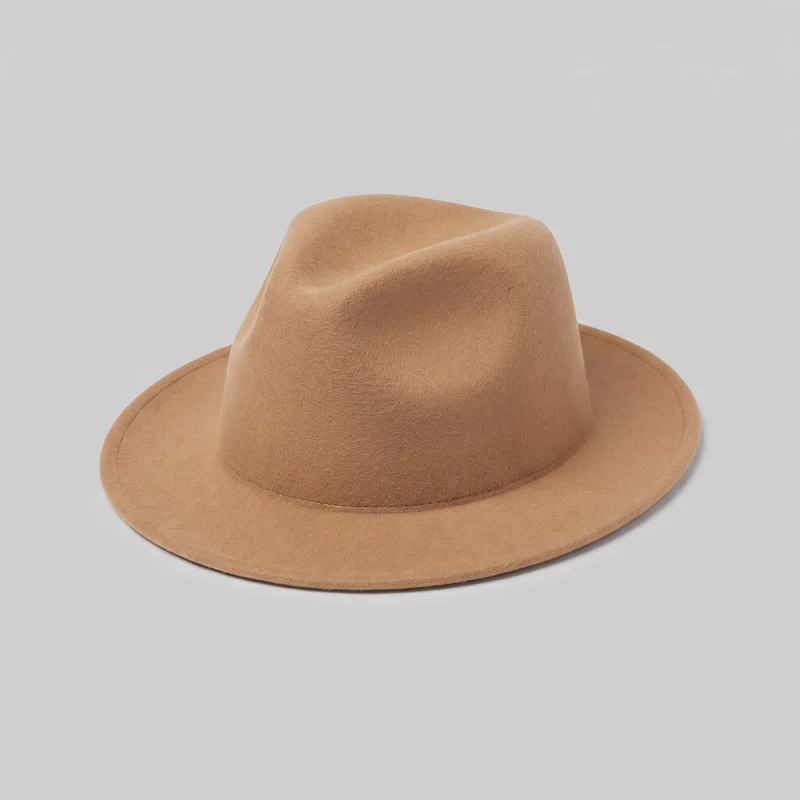 Men's Camel Felt FedoraMen's Camel Felt Fedora
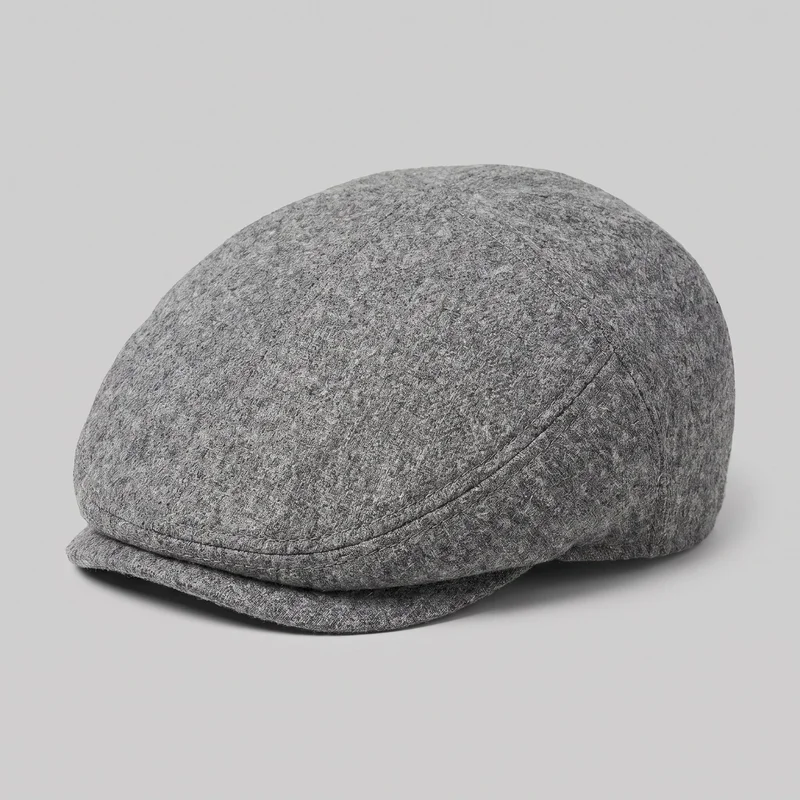 Men's Grey Wool Flat Cap
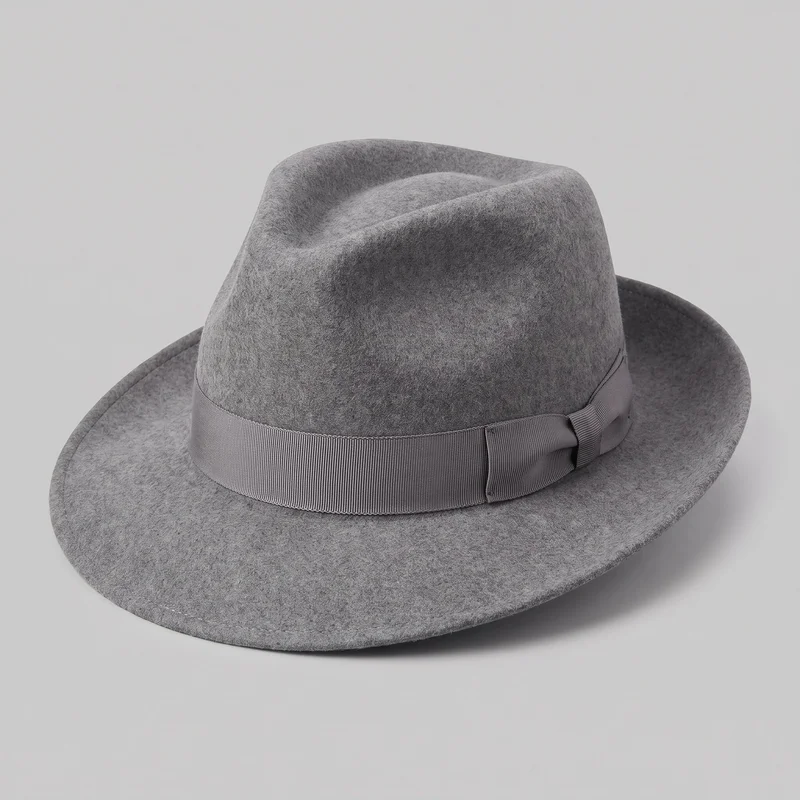 Men's Grey Fedora
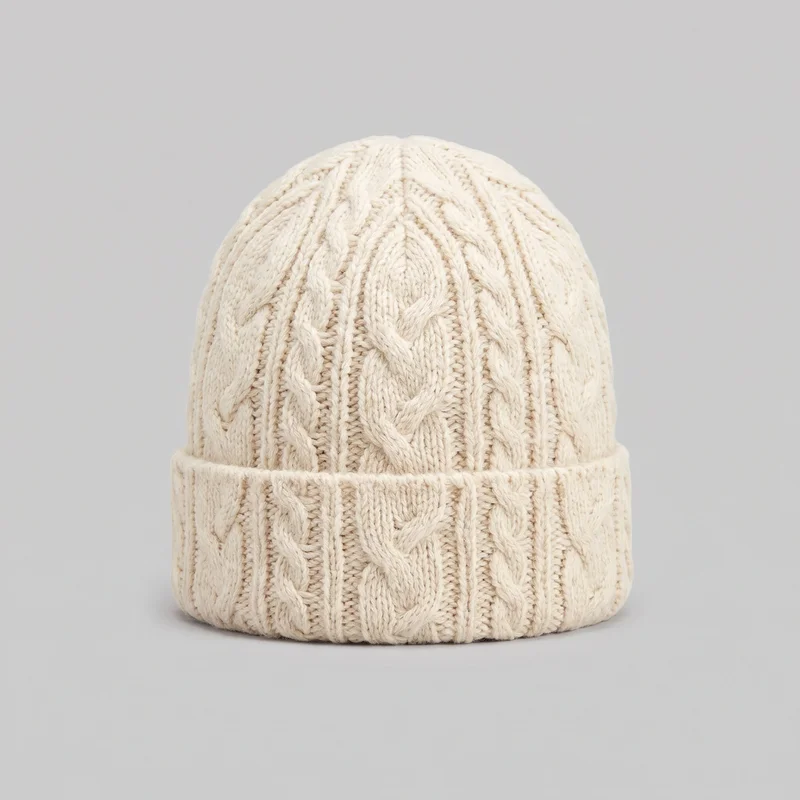 Men's Cream Cable-Knit Beanie
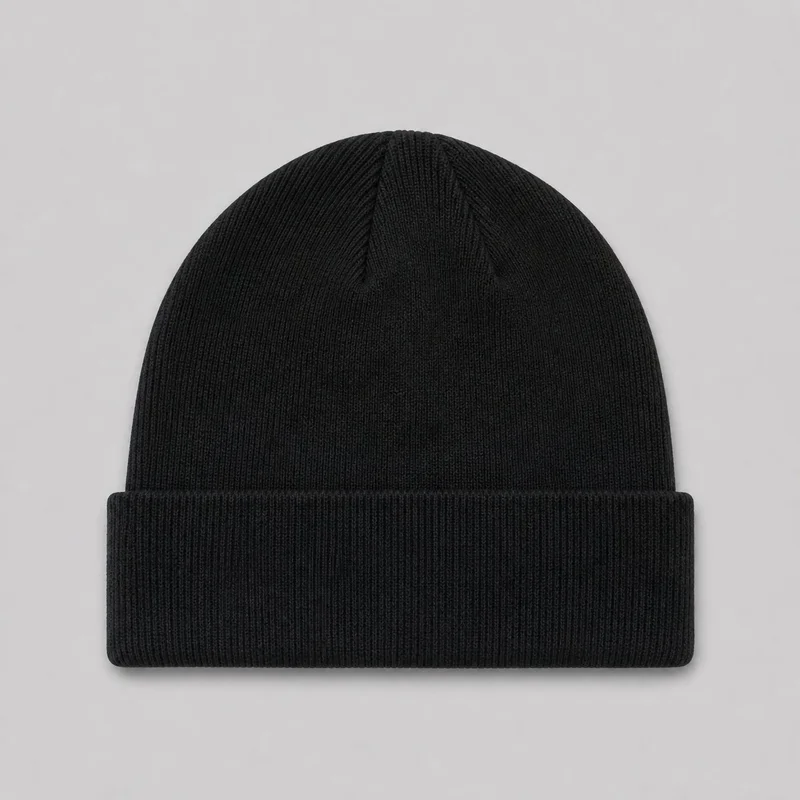 Men's Black Knit Beanie
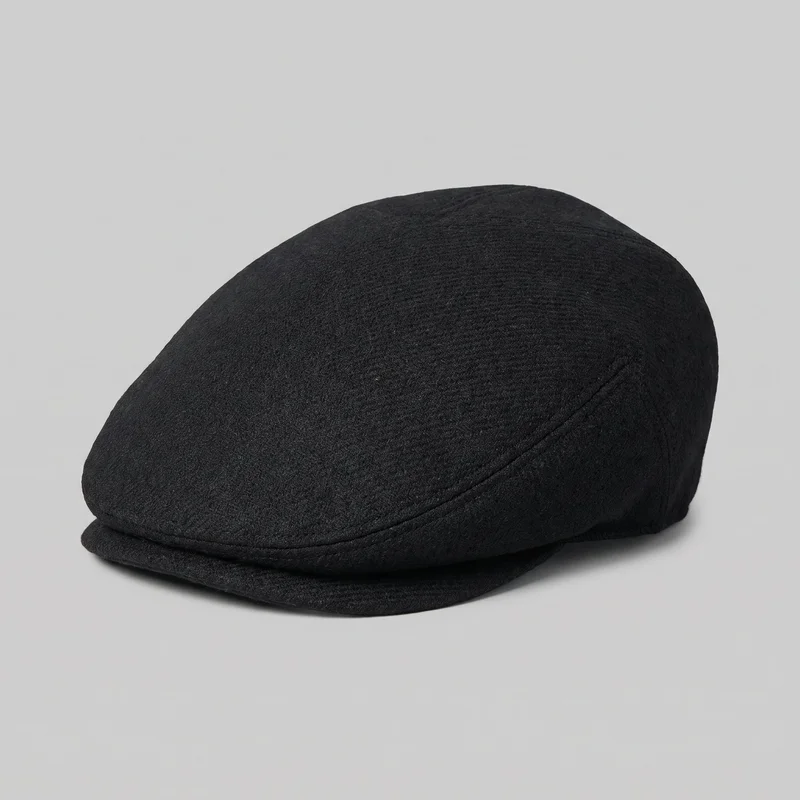 Women's Black Flat Cap
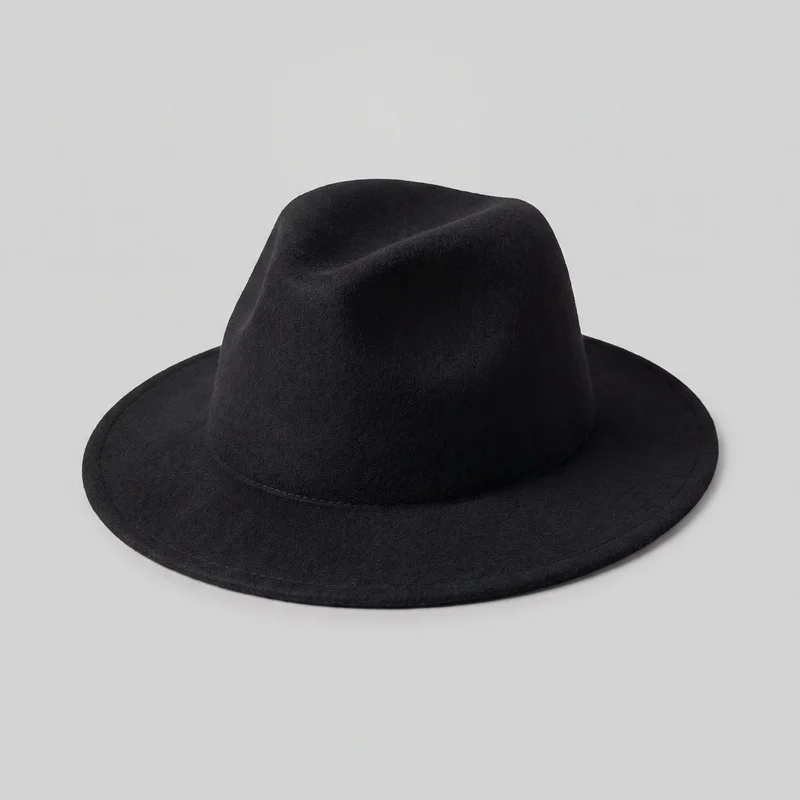 Women's Black Wool Fedora
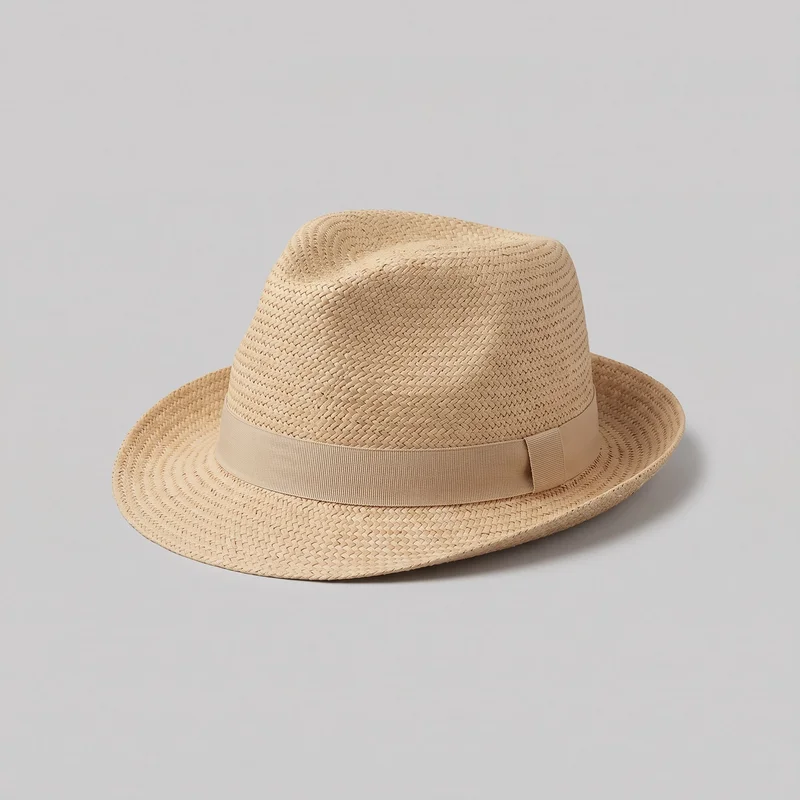 Men's Beige Straw FedoraMen's Grey Wool Flat Cap
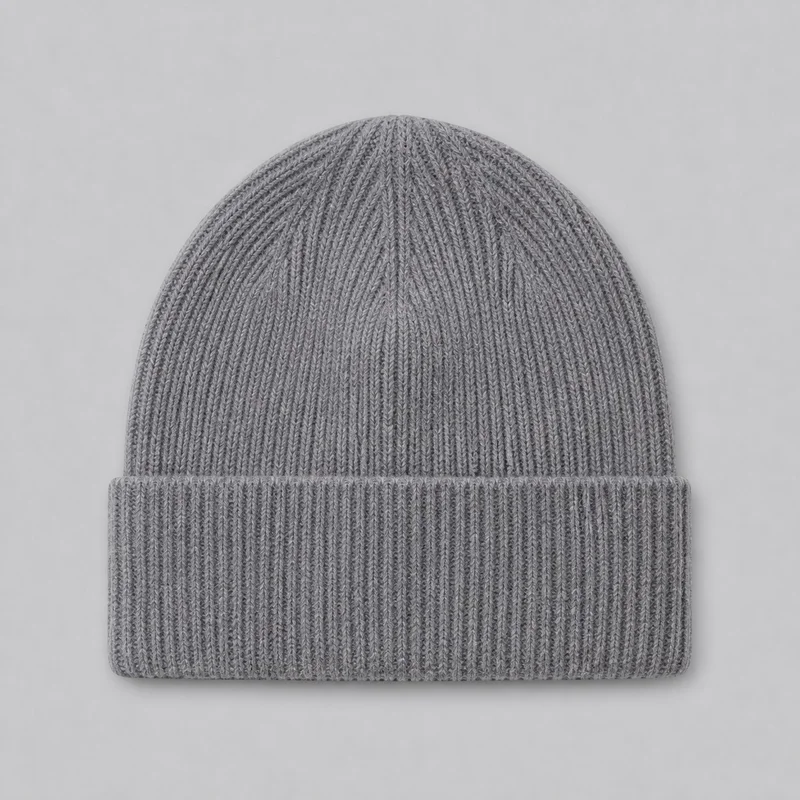 Men's Grey Ribbed Beanie
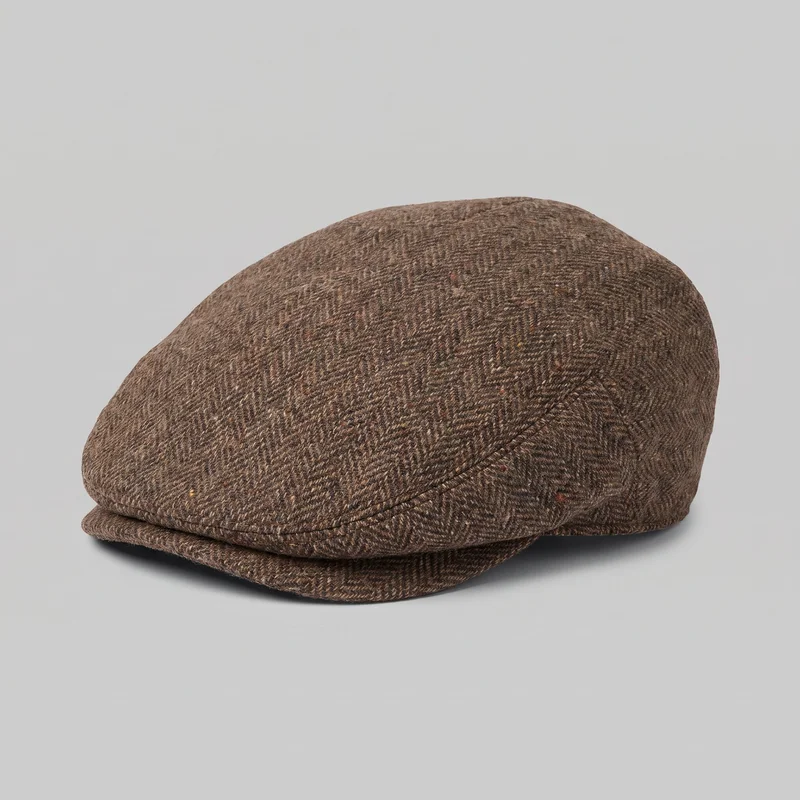 Men's Brown Tweed Flat Cap
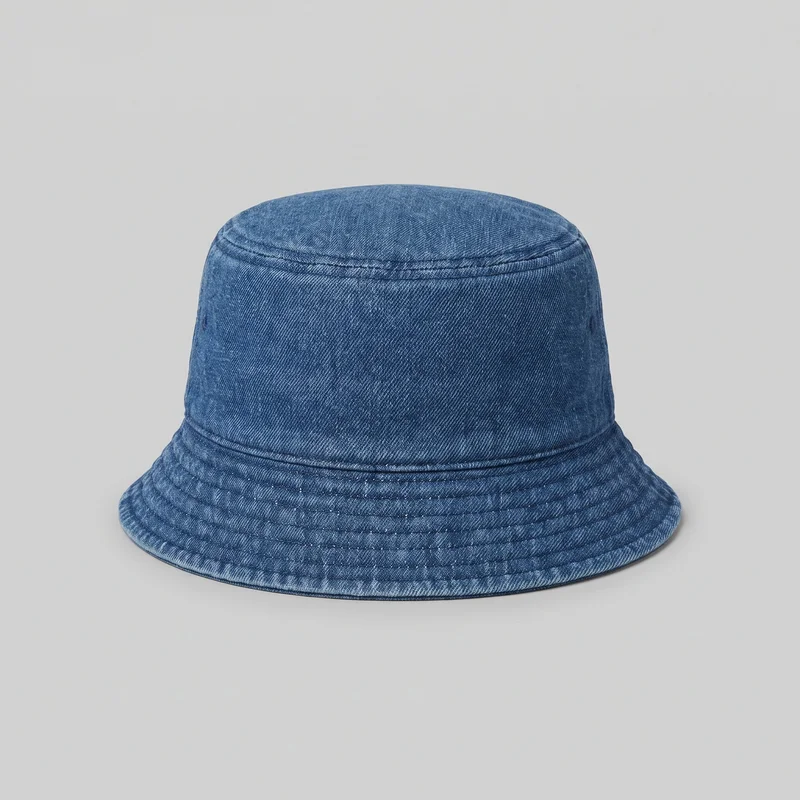 Men's Denim Bucket HatWomen's Black Wool Fedora
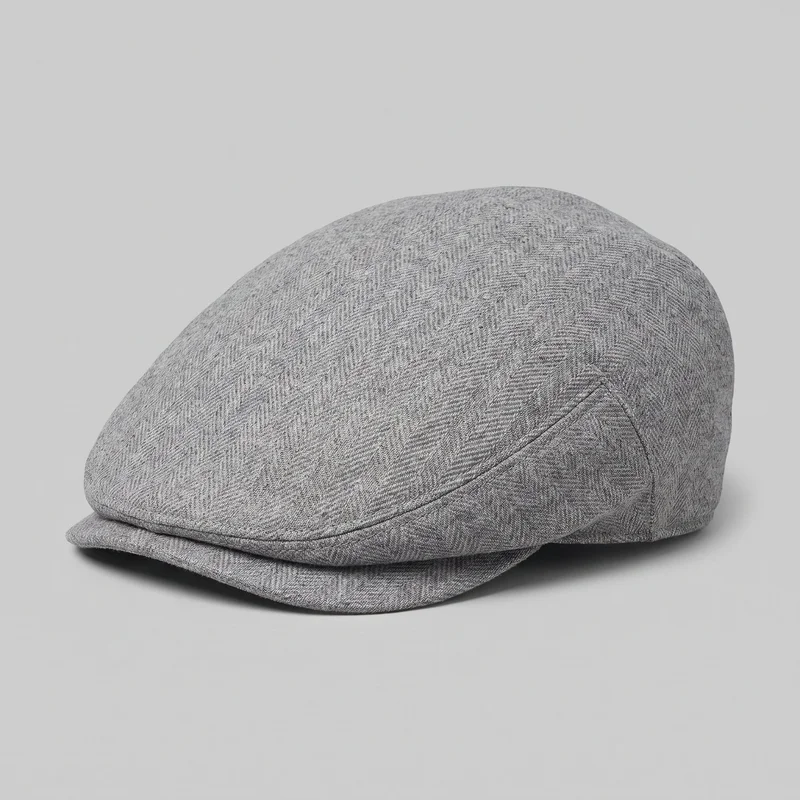 Women's Grey Wool Flat Cap
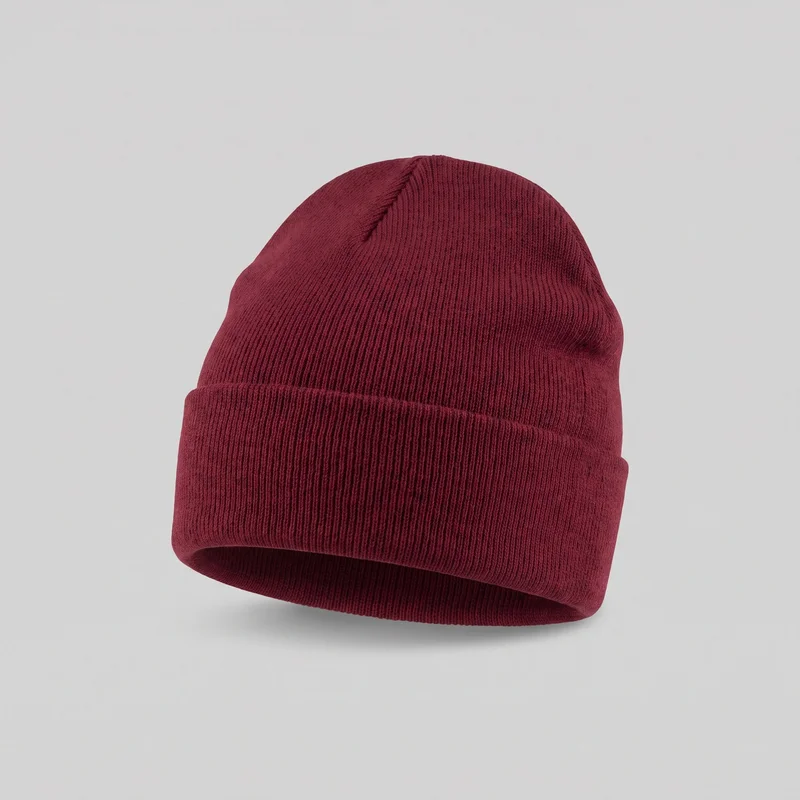 Women's Burgundy Beanie
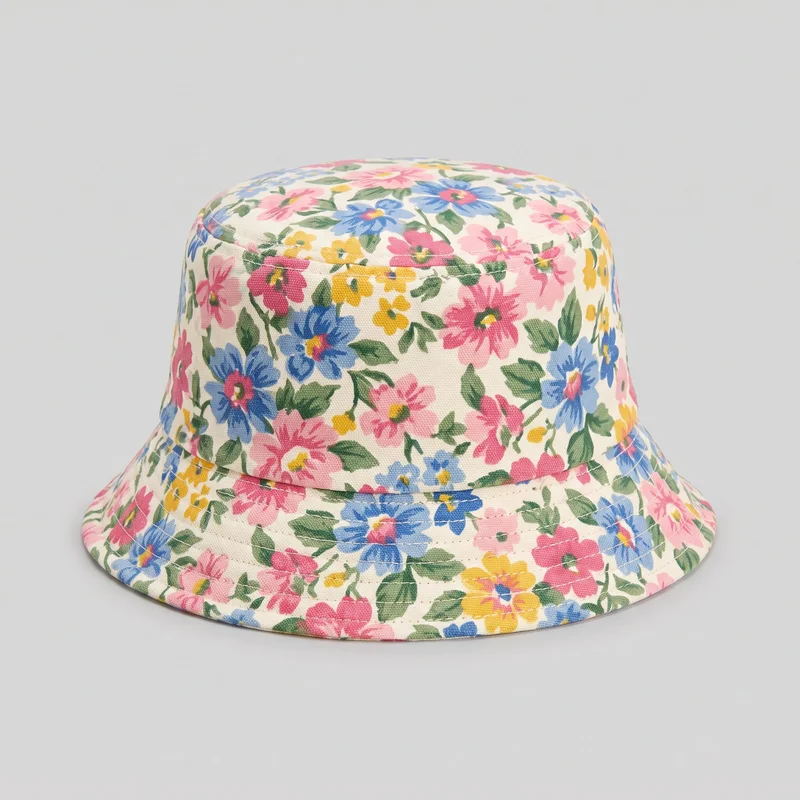 Women's Floral Print Bucket HatMen's Black Knit Beanie
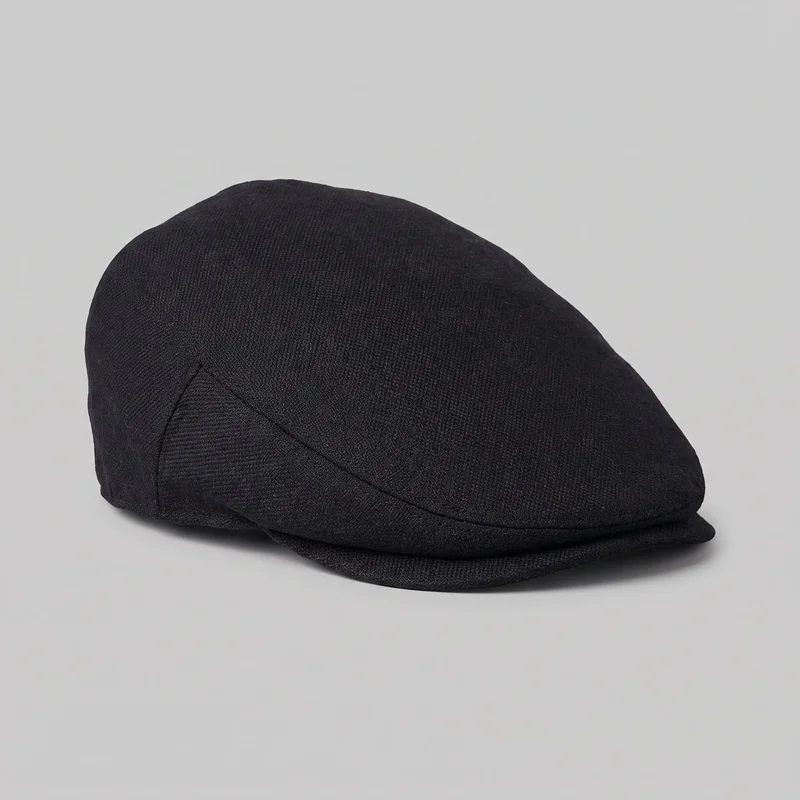 Men's Black Flat CapMen's Black Knit Beanie
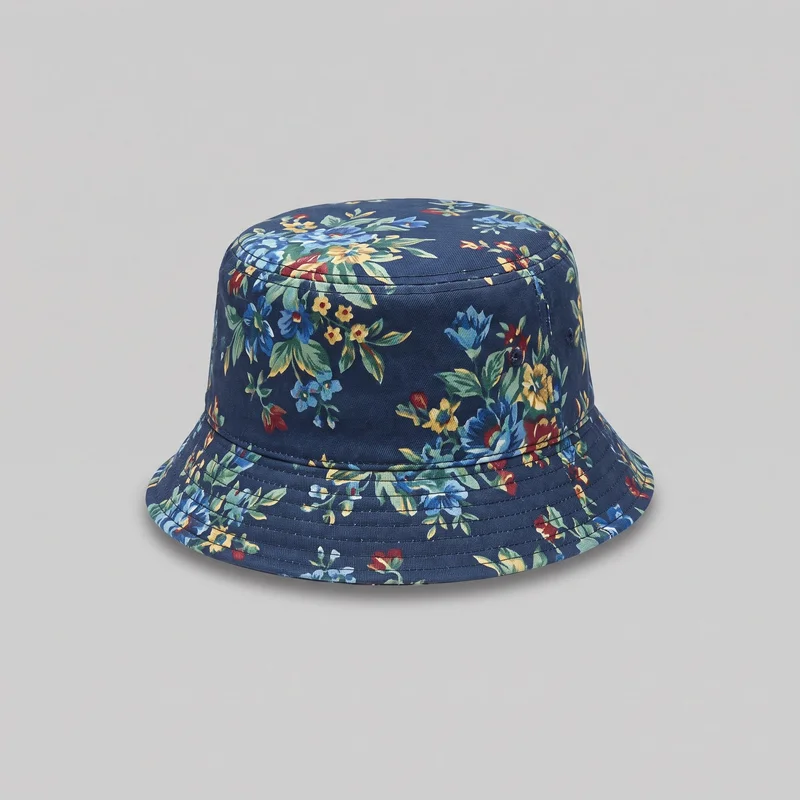 Men's Floral Print Bucket Hat
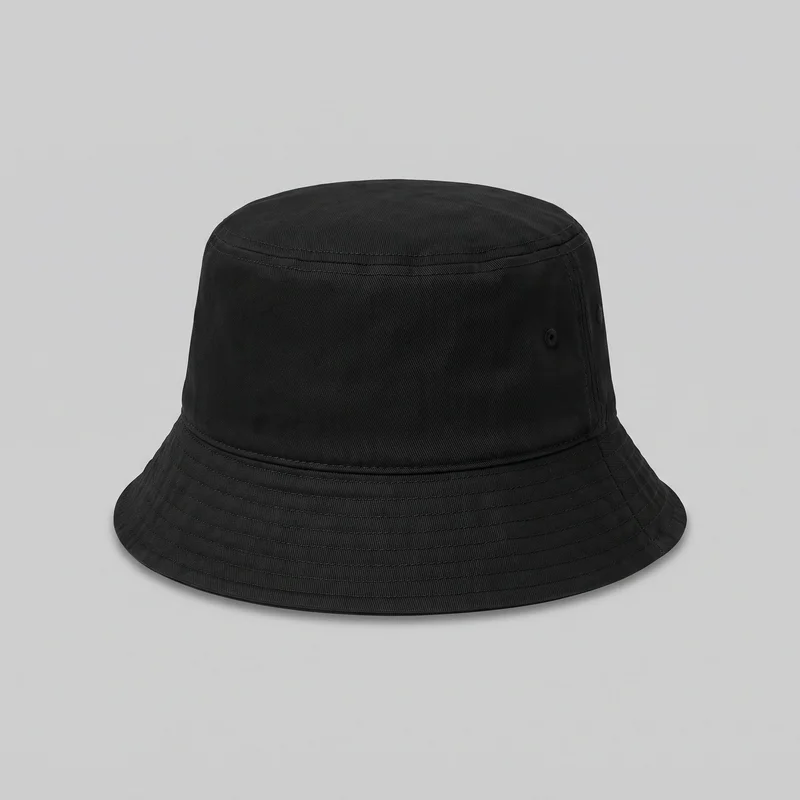 Women's Black Bucket Hat
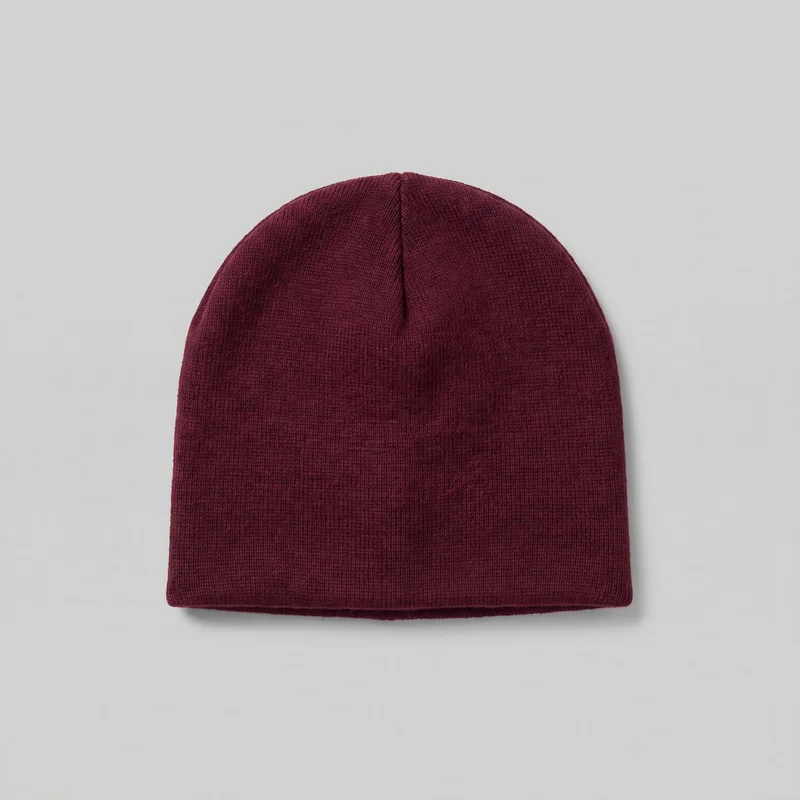 Men's Burgundy Beanie
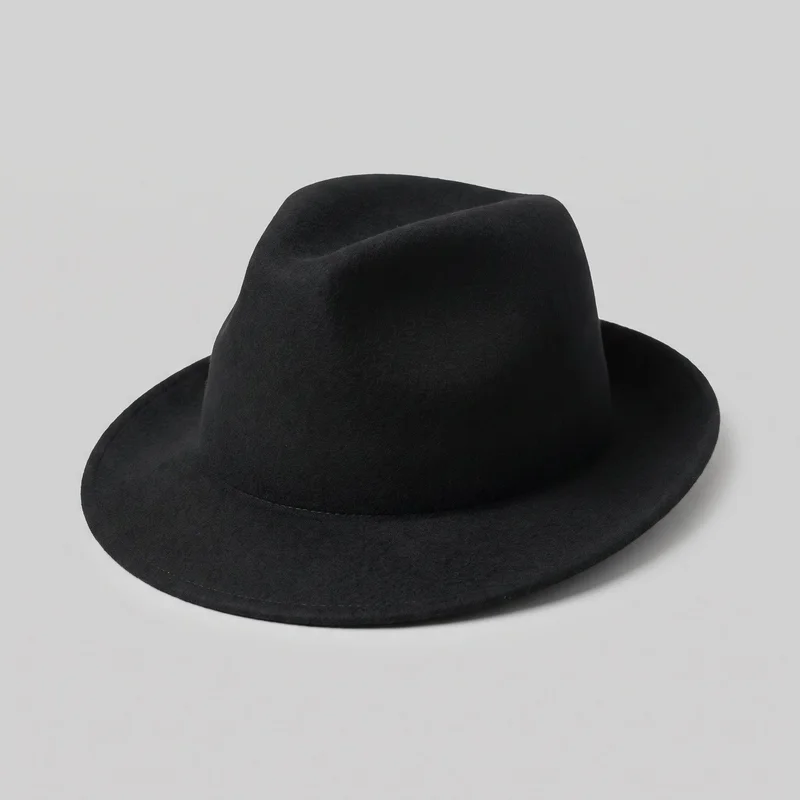 Men's Black Wool Fedora
Showing 24 of 92
Direct the shoot
Your frame, view, pose and light shape each hat.
Image frame
4
Pose
22 poses on this frame
Camera view
4
Format
9
Pose style
4
Facial expression
10
Photography direction
4
Create photoshoot
Step 7 of 7 · Composition
Image 1 · readyGallery image from this pageProduct
Your product
Model
From the library
Composition
Full Body · Front View · Catalog pose · Neutral
Delivery
2K · 1:1
Light
Studio Cutout
Total cost
5 tokens
Rawshot Features
The brim, crown and surface stay clear in each view.
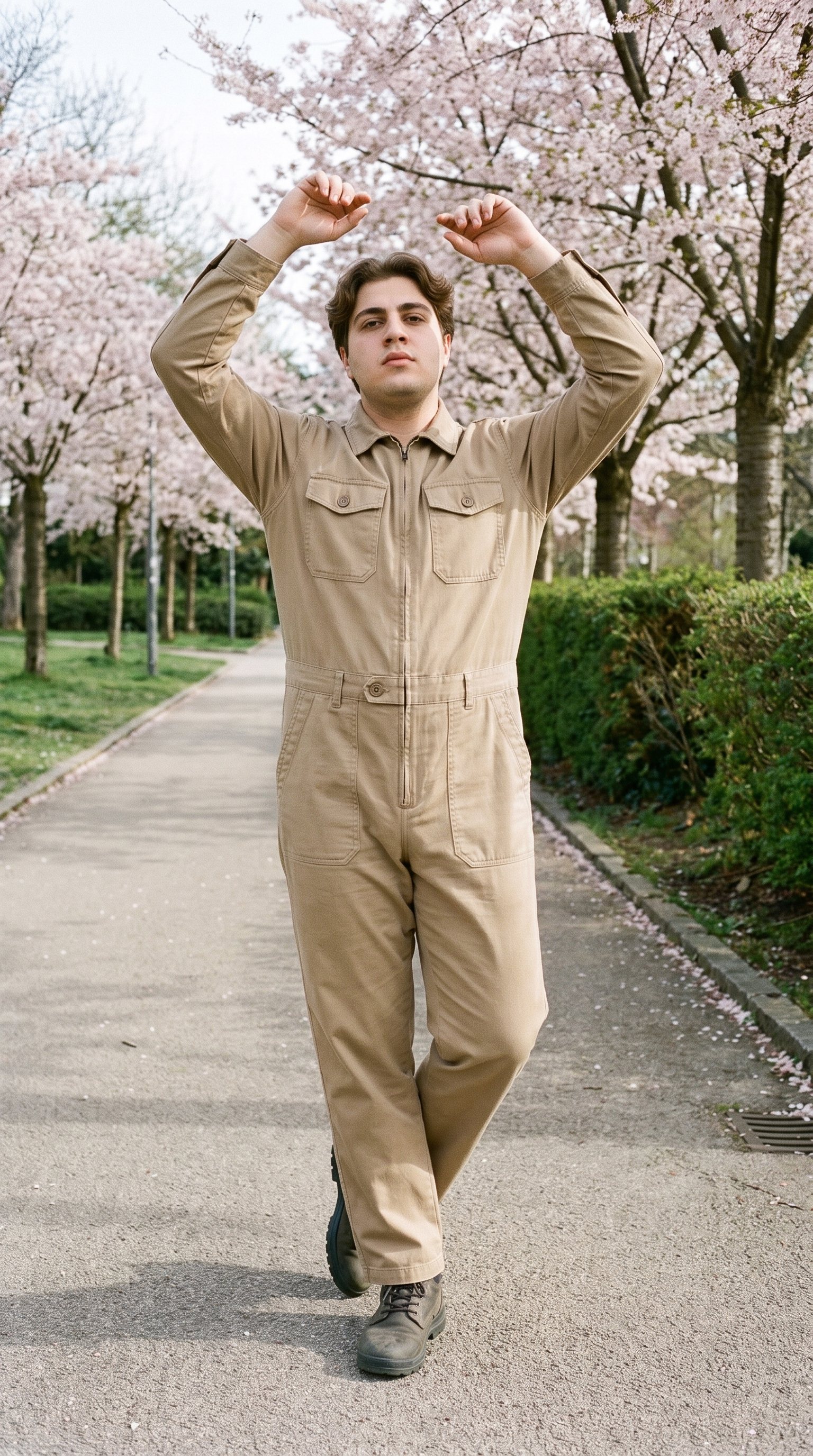
Direct Clear Hat Views
For hats, selectable framing and posing keeps the brim, crown and wear position readable across catalogue views.
22 poses on a full-body shot · 104 in total
See the feature →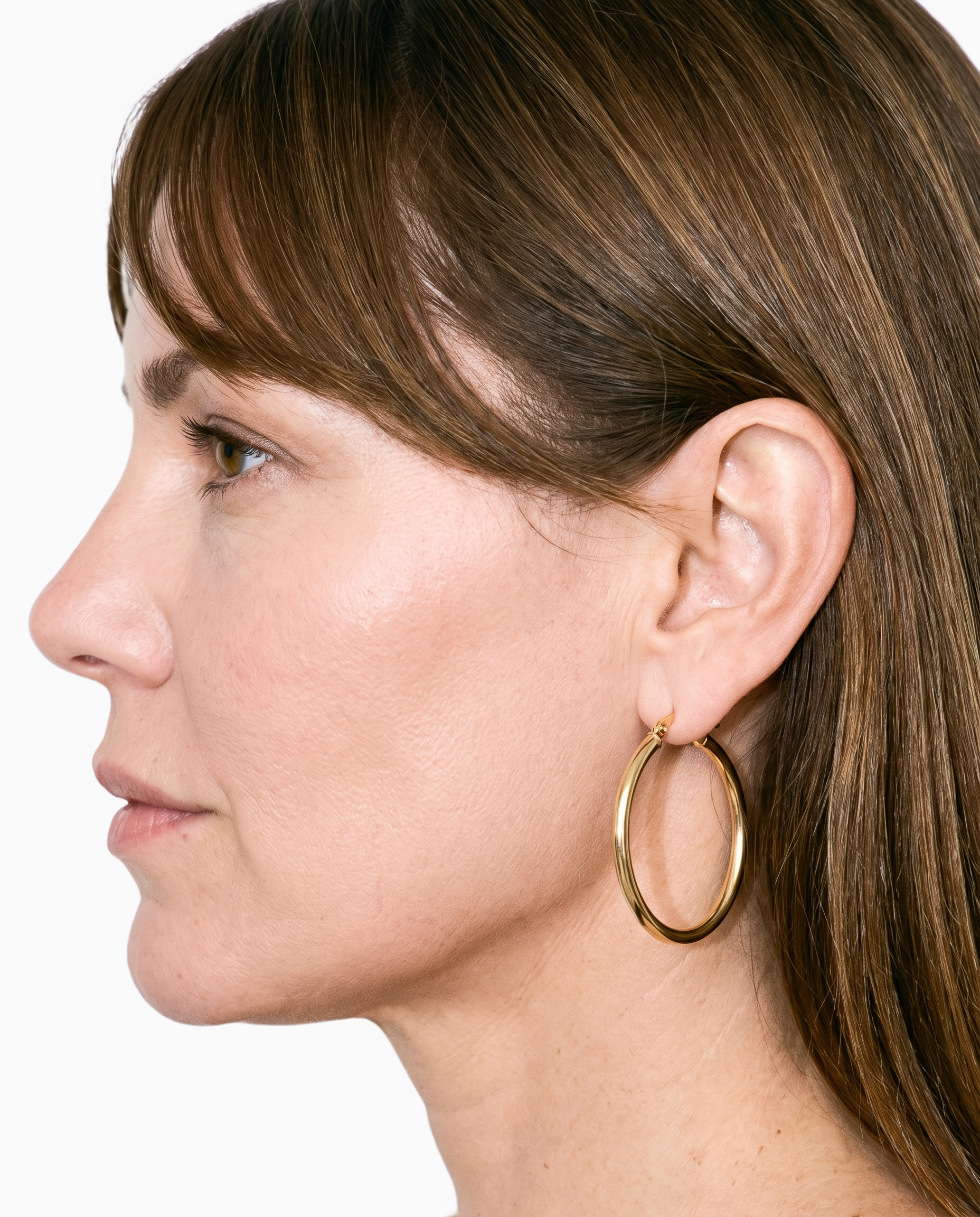
Start With Your Hat
Starting with the actual hat keeps colour, material and construction central to each on-model composition.
Start from your real item and keep product fidelity while building the scene.
See the feature →
Keep Model Context Consistent
A chosen model and body context give colourways a stable visual reference without changing the product focus.
Library filters plus private model building for consistent identity across the set.
See the feature →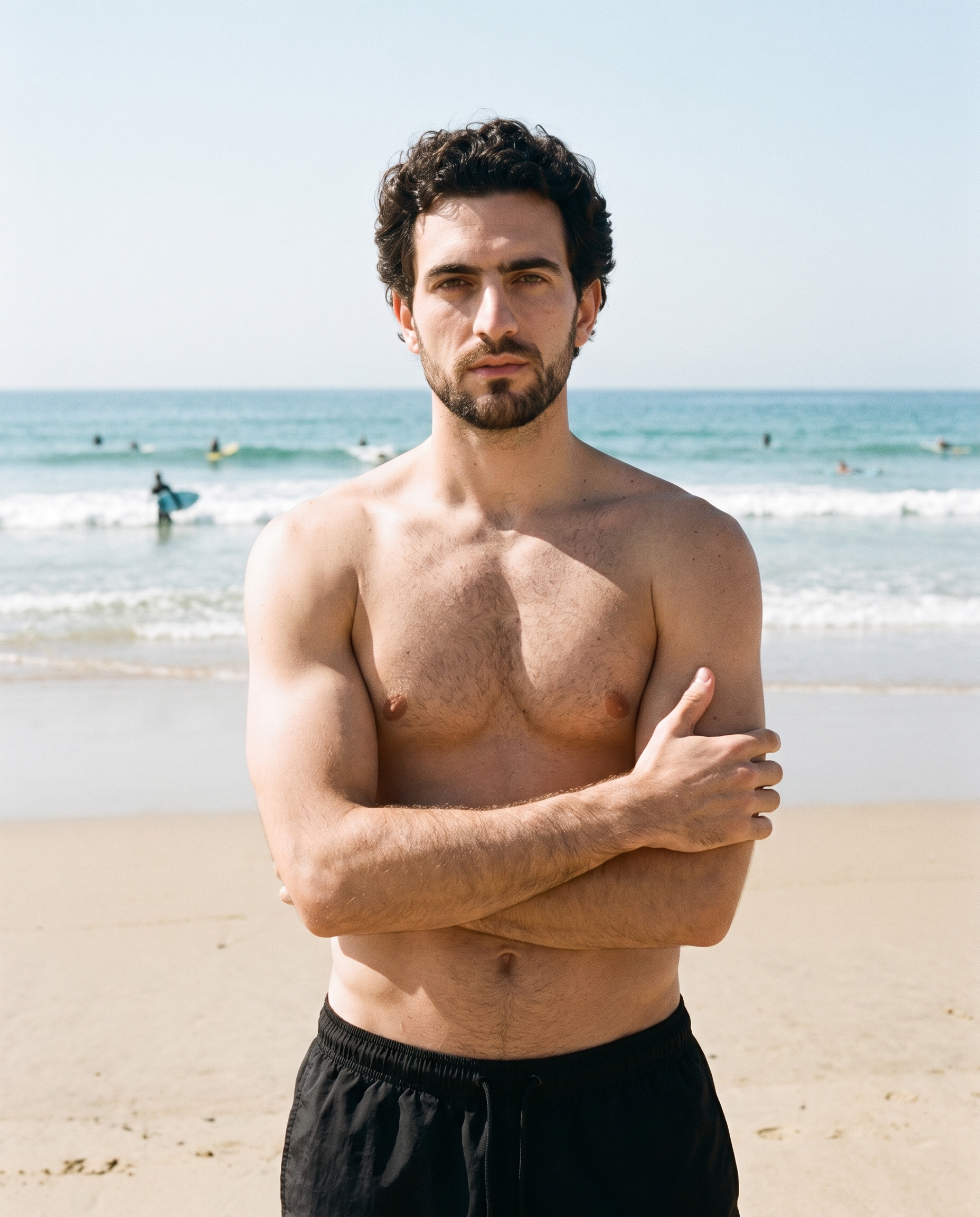
Set the Light Direction
A named light direction lets you keep the hat's surface and silhouette presented consistently.
4 named choices that set mood and shadow the same way across a shoot.
See the feature →AI image to image generator
Change one decision and keep the rest of the composition stable.
AI image to video generator
17 model actions on a full-body shot · 132 in total
AI makeup generator
Branch-aware named options applied without altering casting or scene setup.
AI outfit generator
Combine the main piece with neutral supporting items in one coherent frame.
AI photo background generator
Swap scene context while keeping model, product, and framing stable.
AI suggestions
Preselected control values you can always override in the same configurator.
Garment styling
Choose how the garment is worn and keep brand presentation consistent.
Inspiration gallery
Load editable finished looks as fast starting points for new shoots.
Use cases
Your hat work spans pages, linesheets and campaigns.
Colourway Product Pages
The situation
An e-commerce manager is preparing a hat drop and needs every colourway presented with a stable model, pose and light.
With RAWSHOT
In your e-commerce role, import the approved hat photo and choose the Full Body or Upper Body frame. The composition controls keep your selected model, pose and light aligned across colourways, giving product pages a coherent visual sequence.
Wholesale Linesheet Views
The situation
A wholesale team is building a hat linesheet before samples arrive, using approved product references to show wear and shape.
With RAWSHOT
Before wholesale review, use product import with the 3/4 Length frame and a chosen camera view. That combination presents the hat's profile and placement clearly, creating a practical linesheet reference for buyers.
Social Channel Formats
The situation
A social manager has approved hat images but needs feed, story and ad formats with a controlled product presentation.
With RAWSHOT
For social planning, select the Upper Body frame, aspect ratio and photography direction from the visible controls. Your approved hat stays the subject while each composition suits its placement, producing a coordinated group for scheduled content.
Paid Motion Testing
The situation
A performance marketer is preparing a paid-social test and wants motion built from the same hat imagery as static ads.
With RAWSHOT
During paid-social testing, choose a finished still with its frame and product placement already set, then select a frame-matched action. The resulting short clip extends the approved hat presentation into a motion creative without changing its core composition.
Campaign Pre-Visualisation
The situation
A creative lead is planning a hat campaign and needs directional references before committing to production.
With RAWSHOT
While planning the campaign, set the model, camera view, pose and named photography direction for each reference. These controls shape a focused pre-visualisation board, showing how the brim and silhouette can read within the intended visual treatment.
New Hat Listing Launch
The situation
A millinery maker has a clear sketch or product photo and needs an on-model listing view for a new hat.
With RAWSHOT
When launching a new hat, import the product source and choose the Lower Body or Upper Body frame where its placement reads best. A defined pose and selected background turn the reference into an useful listing composition for review.
Consistency
The hat stays central as one choice shifts.
Choose the hat, model, light and crop as visible composition controls. When you change one element, the remaining choices hold, helping each colourway read as part of one considered range.
You change one
- Frame
- Pose
- Camera view
- Model
The rest holds
Model
Keep the selected model as colourways change.
Light
Retain the chosen photography direction across views.
Frame
Hold the selected crop for a coherent presentation.
Product focus
Keep the hat central while other choices remain controlled.
Who it's for
Is RAWSHOT right for recurring hat work?
A good fit
This fits you when recurring hat work needs consistent on-model views for product pages, linesheets, social placements or campaign planning. You choose from visible controls and review each composition before publishing.
Work it handles well
- You can present every colourway with consistent direction.
- You can work from photos, flat-lays or sketches.
- You can prepare recurring hat listings before launch.
Outside this scope
It is not suited to measured hat-fit decisions or free-form pose direction. You still need size information, fit notes and a clear product source outside the imagery.
Where this stops
- You cannot measure hat fit through the imagery.
- You cannot upload a custom reference pose.
- You need clear colour and material cues in sources.
Rights
You own every image. Every image says what it is.
Yours
- Full commercial rights to every image, permanently.
- No recurring licence fees on any model in the library.
- Every model is a synthetic composite, so there is no real-person likeness.
Labelled
- C2PA content credentials on every image.
- AI-labelled output, meeting EU AI Act Article 50.
EU-hosted, GDPR-compliant handling.
- EU AI Act Article 50
- C2PA
- Full commercial rights
- GDPR
- EU-hosted
Questions
What should you settle before a hat shoot?
Can RAWSHOT show hat photography accurately on a model for product pages and campaign planning?
RAWSHOT can show hat photography on a model with controlled product placement, pose, camera view, background and named light direction. You can work from a product photo, flat-lay or technical sketch while keeping the hat central in the composition. This supports recurring colourways and planned visual sequences for product pages, linesheets, social placements and campaign references. Review each composition before publishing, and keep clear colour and material cues in your source so the result represents the real hat.
What product source does RAWSHOT need to begin hat photography accurately for a listing or linesheet?
RAWSHOT needs a clear product photo, flat-lay or technical sketch to begin hat photography for a listing or linesheet. You can import the approved source, then choose a model, frame, camera view, pose, background and named photography direction. Strong colour and material cues help the hat remain recognisable, especially across colourways. The source establishes the product reference, while the visible composition controls shape how the brim and silhouette appear on the model.
Where does RAWSHOT stop with hat photography when you need measured fit, a custom pose or unrestricted styling?
RAWSHOT stops short of measured hat-fit decisions, custom reference poses and unrestricted styling direction. You still need size information and fit notes outside the imagery, because an on-model view cannot verify how the hat fits a wearer. A clear product source is also important for dependable colour and material cues. You can control the model, pose, frame, camera view, background and light direction, but those controls do not replace physical fitting or open-ended production direction.
What usage rights apply to hat photography created with RAWSHOT for product pages, social placements and campaigns?
You get full commercial rights to every image, permanently, with no recurring licence fee. Every image carries C2PA content credentials and is labelled as AI-generated.
Get started
Your next hat shoot can start at RAWSHOT.
Start with a 7-day free trial including 50 tokens, then move to the plan that matches your production volume.