
Fashable alternative
Fashable and RAWSHOT take different routes from product photo to campaign image
Compare design exploration and campaign imagery with a configurable studio for photographing real fashion products.
Published: Updated:
The short answer
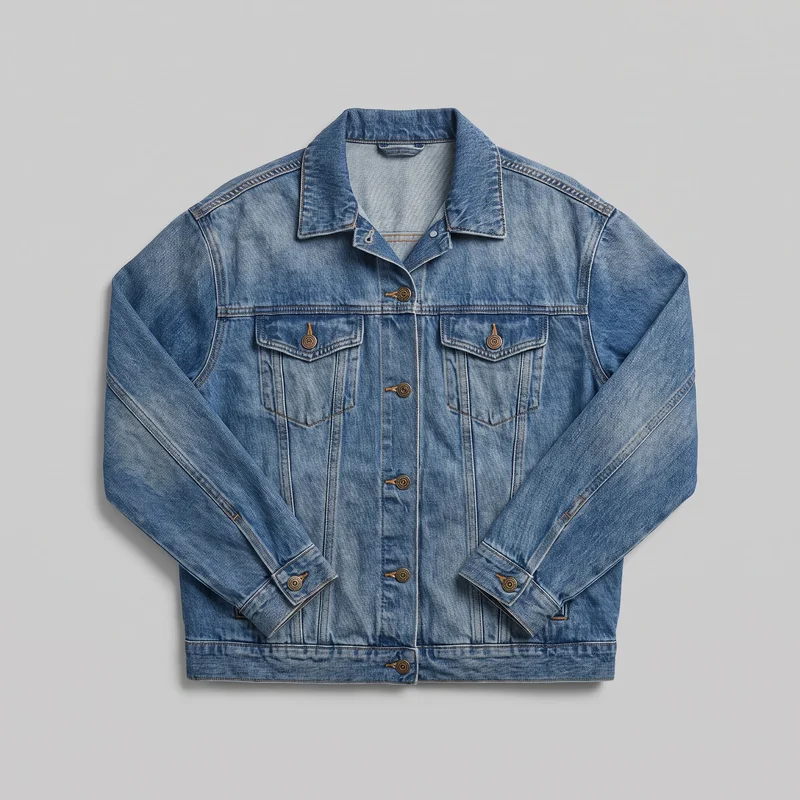
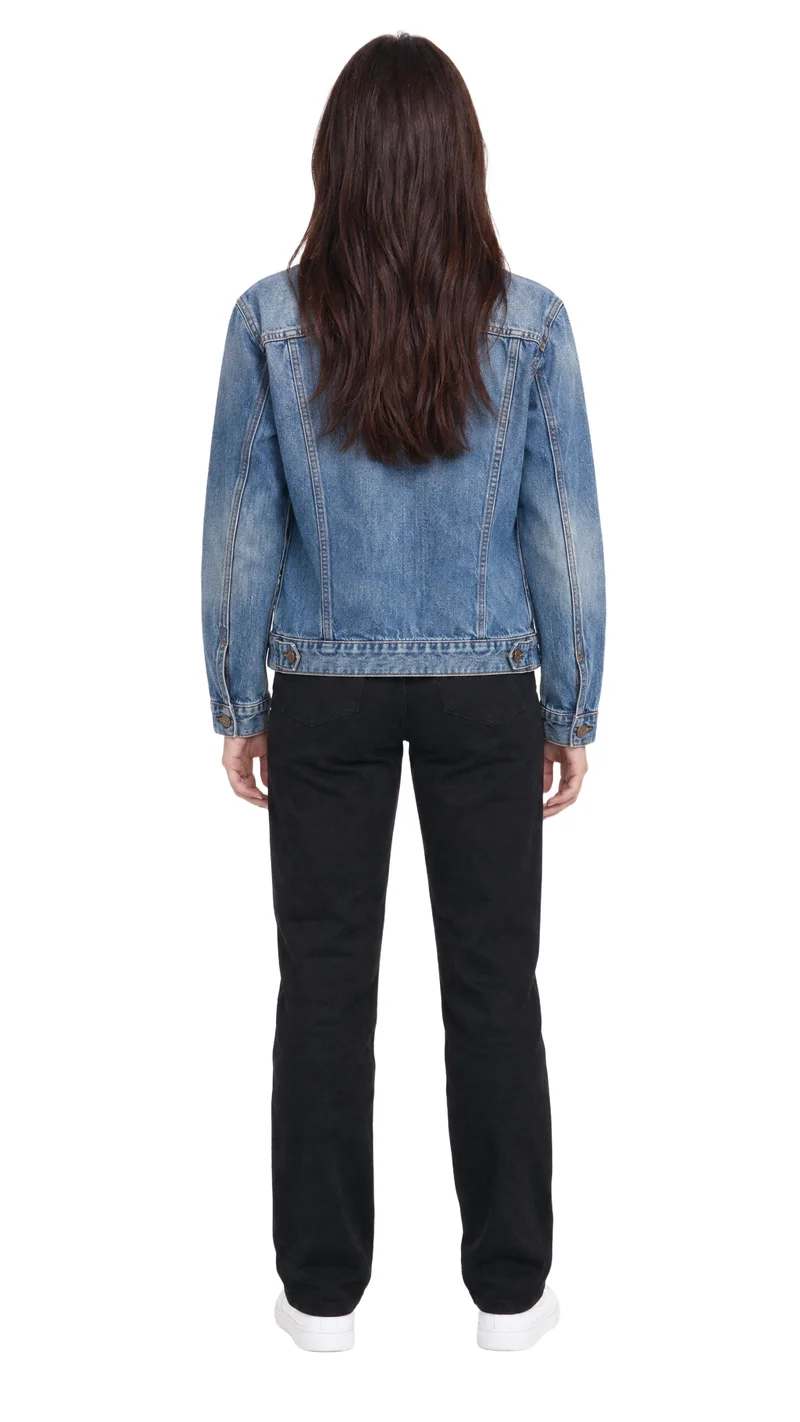
Both workflows start from a clothing-item photo. Fashable also documents on-figure imagery, but real-person photo input is unconfirmed; RAWSHOT uses synthetic models. RAWSHOT supports consistent imagery within a shoot by holding other settings when one element changes, and its outputs carry C2PA content credentials.
- Fashable is built for
- Fashion teams exploring designs and building campaign imagery.
- RAWSHOT is built for
- Fashion teams directing on-model images of their real products.
Fashable facts checked on fashable.ai, 24 September 2026 · RAWSHOT facts from the app
Decide in three questions
Answer the three questions to see which workflow fits better.
Strengths
Fashable's documented fashion workflow
Design exploration
Fashable documents trend analysis, custom design creation, and sketch-to-image work alongside technical design and production workflows.
SourceCampaign and collection imagery
Fashable presents campaign-ready model imagery and generated collection sets with hero shots, social crops, and merchandising variants.
SourceOn-figure imagery and virtual try-on
Fashable's platform pages document on-figure imagery and virtual try-on as part of its fashion workflow.
SourceDifferences
How RAWSHOT configures a fashion shoot
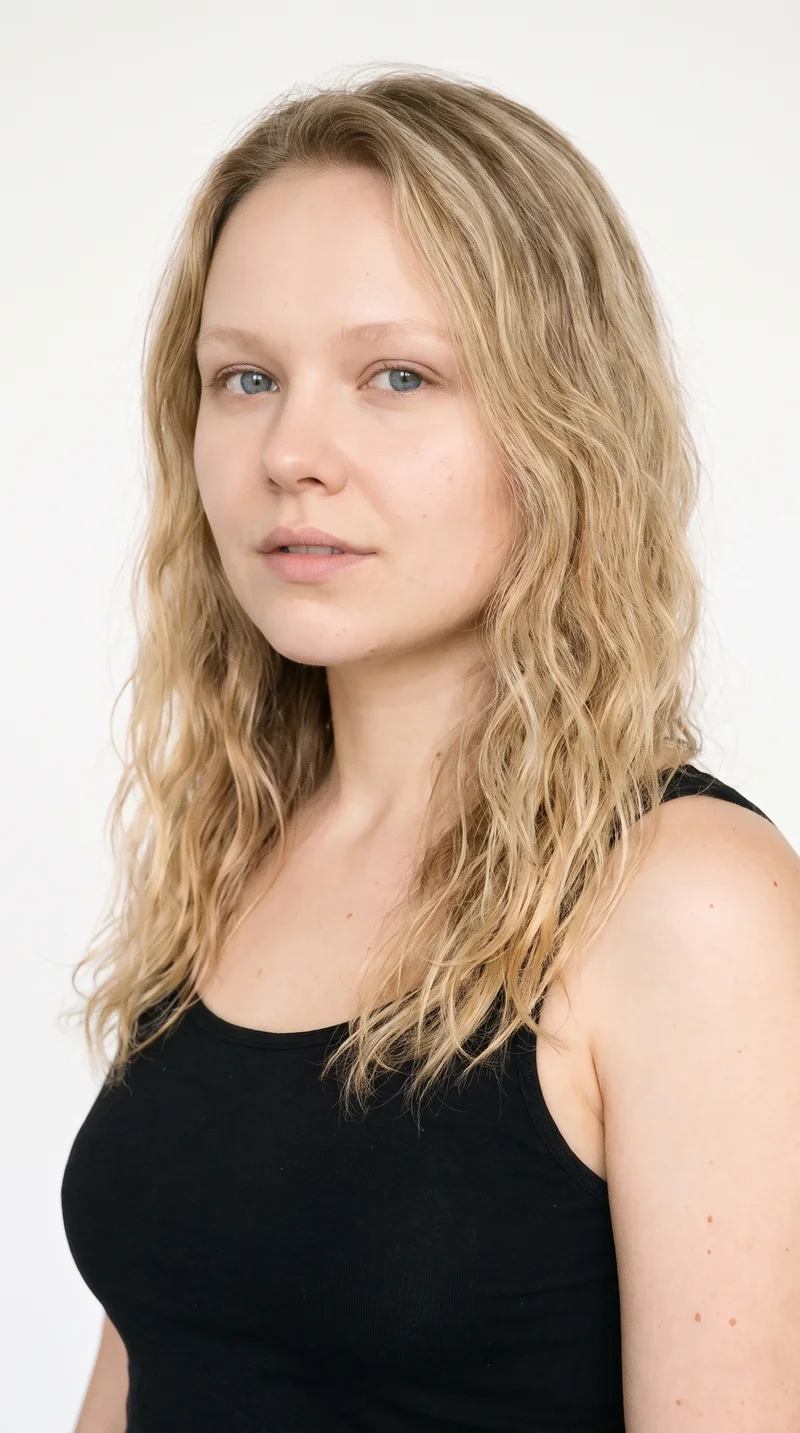
Choose the model identity
Direct the shoot with synthetic adult models. RAWSHOT documents 1,000+ models and a private model builder.
See the feature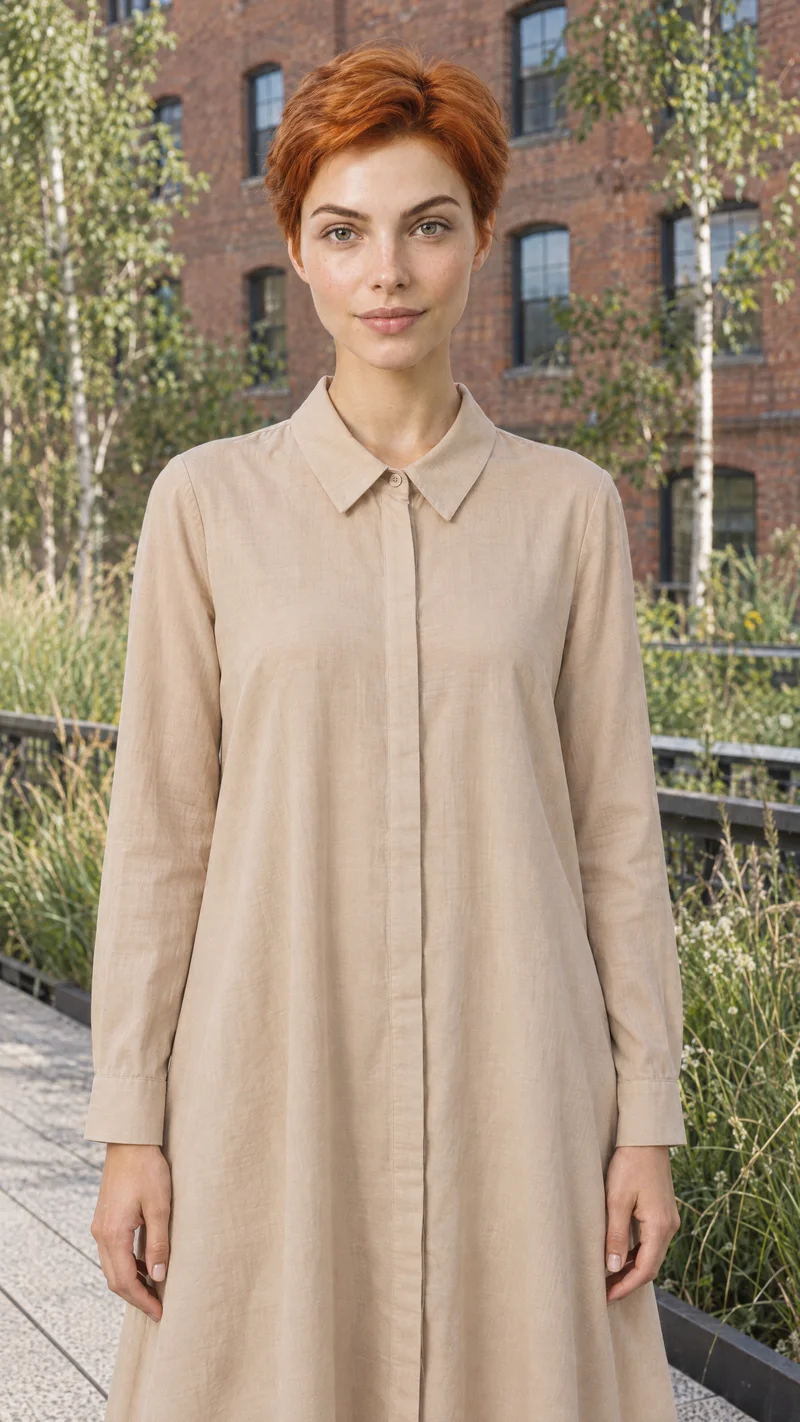
Set how the garment is worn
Adjust details such as buttons, zips, and sleeves, or choose automatic styling for the composition.
See the feature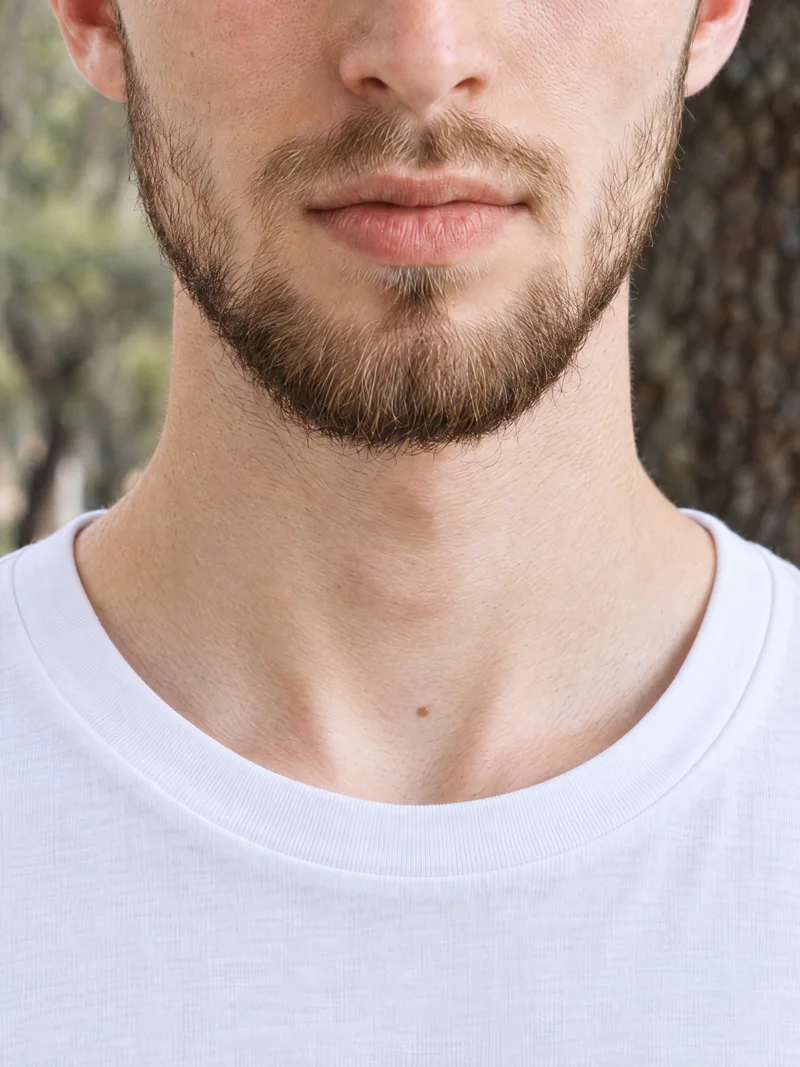
Start with your real product
Use product photos, flat-lays, mockups, or technical sketches; upload checks explain what could improve an image.
See the featureFrom the catalog
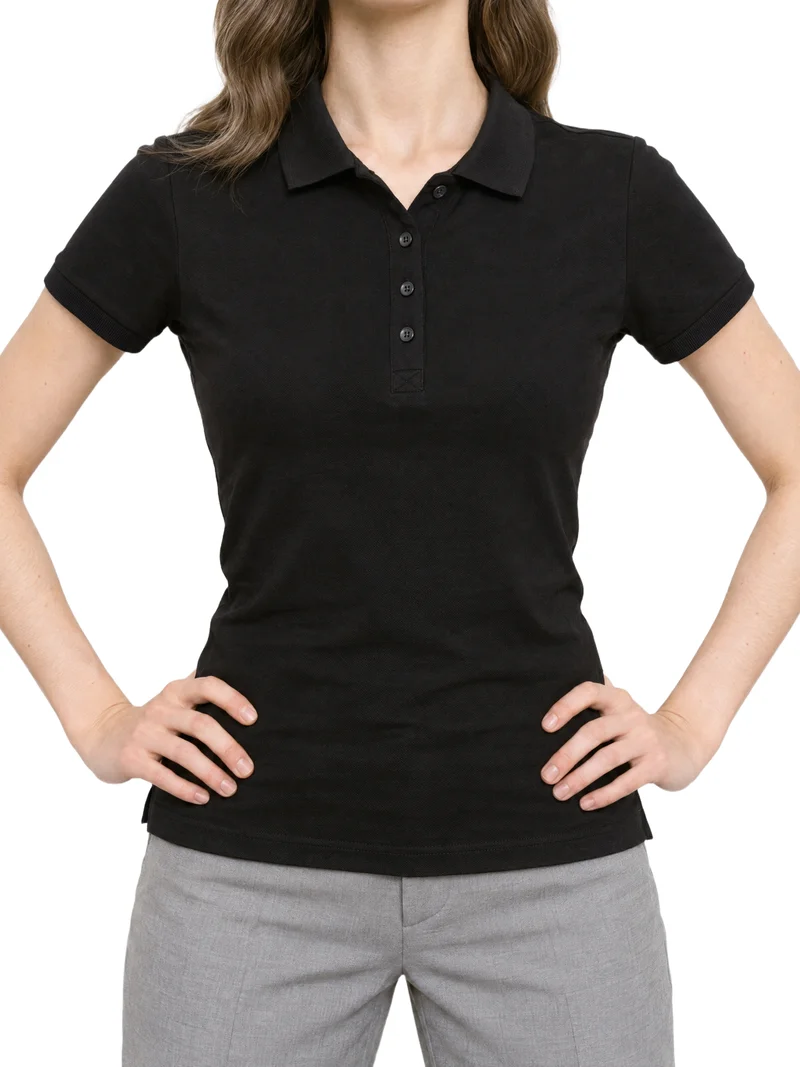
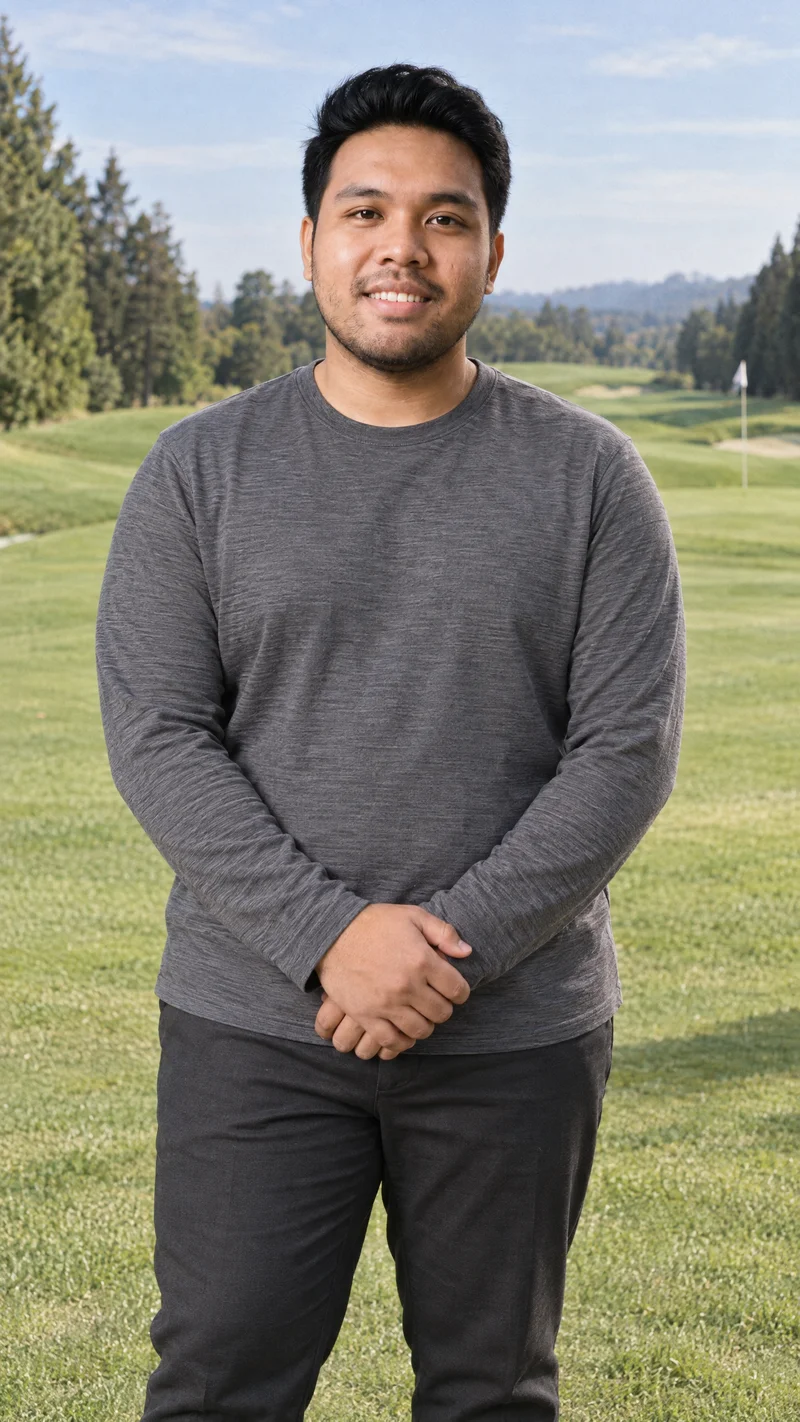
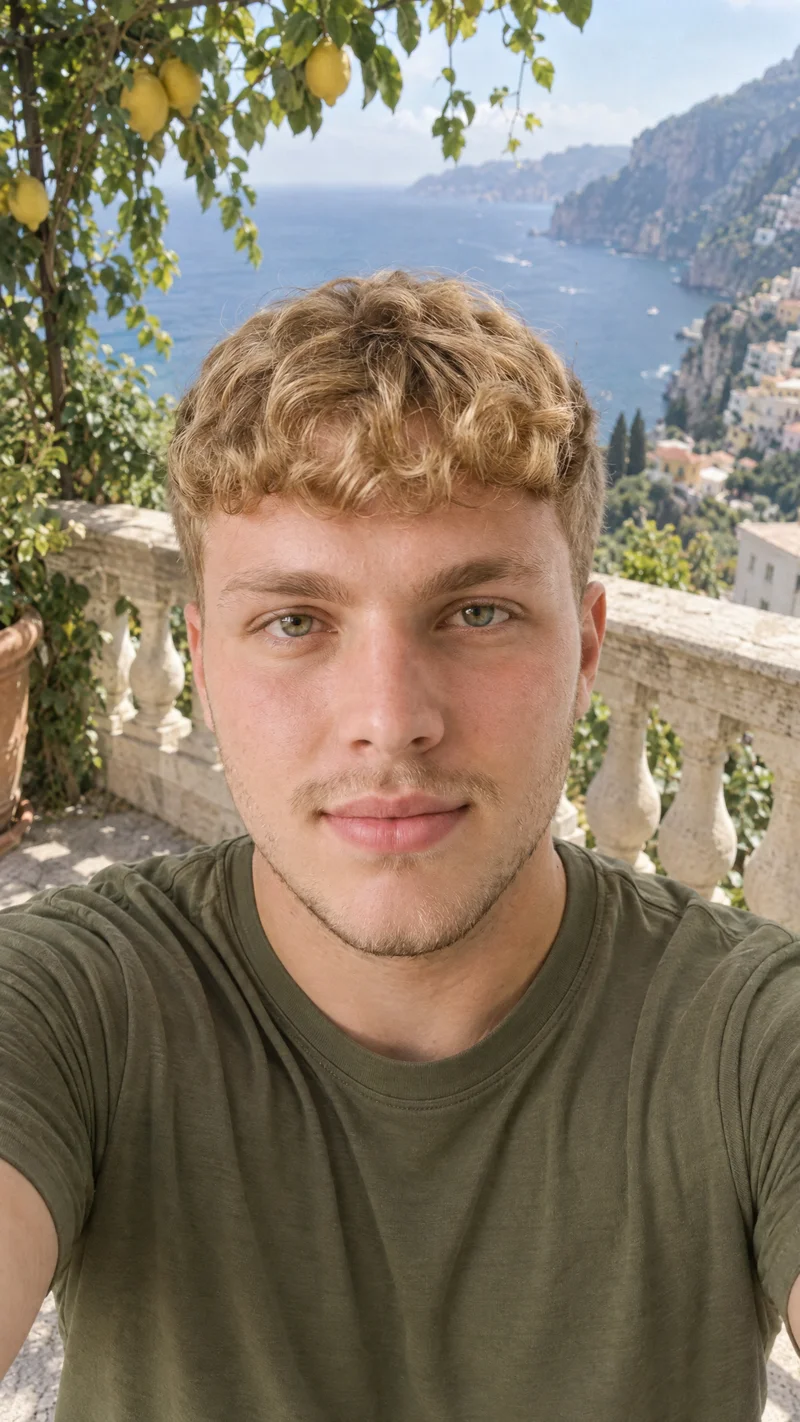
More finished shoots
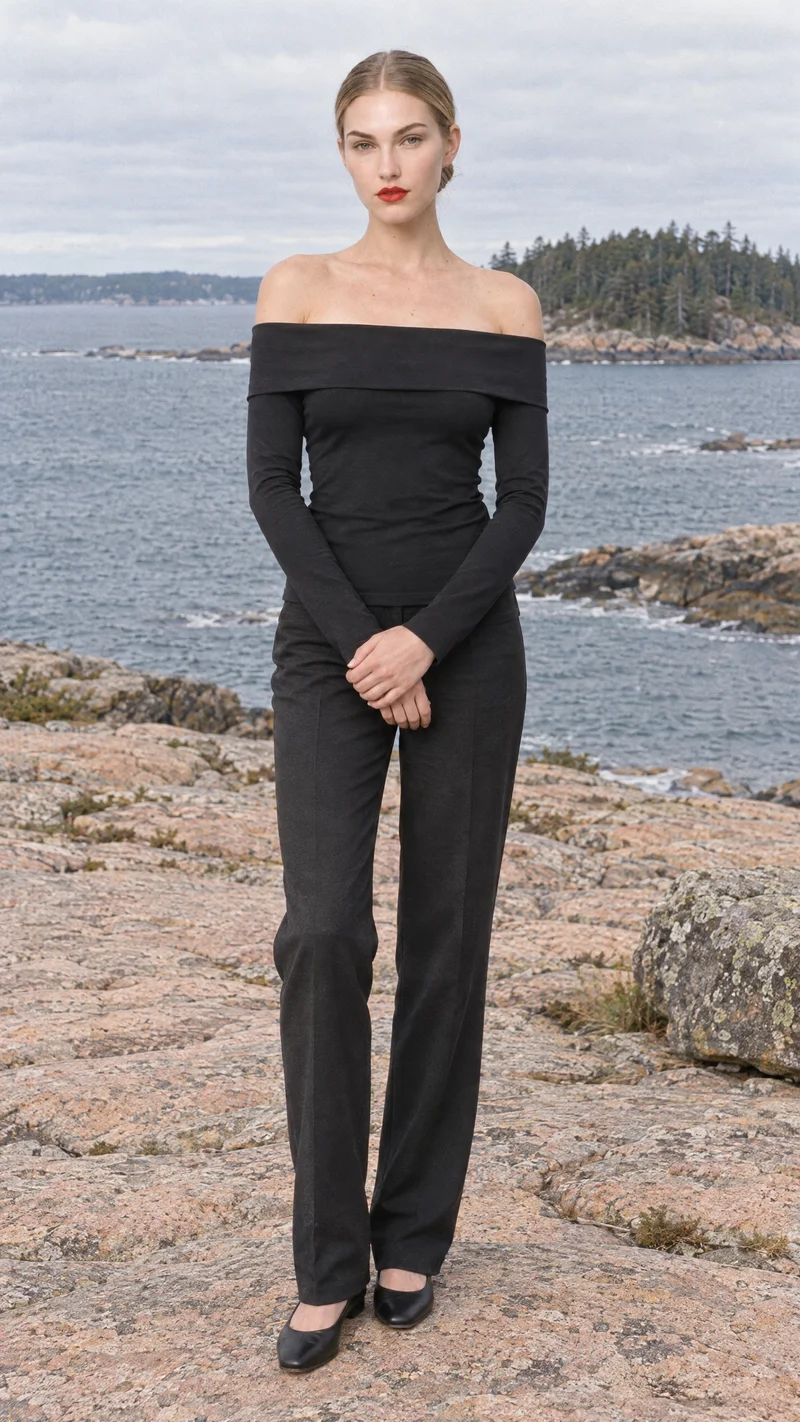
Side by side
Considering a Fashable alternative for fashion imagery?
Both workflows can begin with a clothing-item photo. The rows compare features documented in Fashable's materials with RAWSHOT's published product information.
| Comparison | RAWSHOT | Fashable |
|---|---|---|
| Starting point | Clothing-item photo, flat-lay, mockup, or technical sketch. | Clothing-item photo; also documents design creation and sketch-to-image workflows. |
| Creative controls | Visible controls for model, styling, background, light, frame, camera view, and pose. | Documents moodboards, custom designs, trend analysis, and fully outfitted looks. |
| Models | Synthetic composite models; other composition settings can change while the selected model holds. | Documents on-figure imagery and model-diversity controls; real-person photo input is unconfirmed. |
| Products per image | Up to four products in one composition. | Public pages describe looks and campaign variants; per-image product count isn't specified. |
| Video | Any finished RAWSHOT still can be turned into video. | Navigation lists video albums; generation inputs and capabilities aren't specified on cited pages. |
| Rights and provenance | Full and permanent commercial rights; C2PA credentials, watermarking, and AI-labelled metadata on every output. | Terms address user-submitted contributions; generated-output rights and credentials aren't specified there. |
Sources are Fashable's official product, platform, showcase, and terms pages, alongside RAWSHOT's published product information.
Use cases
Fits for fashion teams and their work
Marketing and brand managers
Fashable
You want to explore custom designs and develop campaign imagery.
Fashable documents design creation alongside campaign-ready imagery.
E-commerce managers filling product pages before a drop goes live
RAWSHOT
You need on-model imagery for product pages and consistent collection images.
Within a shoot, RAWSHOT lets you change one composition choice while the other settings hold.
See the solutionPerformance marketers
RAWSHOT
You need creative variations for fashion campaigns.
Configure the model, styling, background, light, and composition as visible choices.
See the solutionWholesale and sales teams building lookbooks and linesheets before samples land
RAWSHOT
You need to present products from digital materials before physical samples arrive.
RAWSHOT can generate imagery from product photos, flat-lays, mockups, or technical sketches.
See the solutionMore options
More ways to approach fashion imagery

Refabric
Compare Refabric and RAWSHOT for apparel imagery, including garment-photo workflows, model choices, collection consistency, and image provenance.
Compare with RAWSHOT

Resleeve
Compare Resleeve and RAWSHOT for apparel imagery: model references, creative controls, video, and commercial rights.
Compare with RAWSHOT

Yoona
Compare Yoona’s text- and sketch-led fashion design tools with RAWSHOT’s controlled on-model product photography and composition consistency.
Compare with RAWSHOT
Rights
You own every image. Every image says what it is.
Yours
- Full commercial rights to every image, permanently.
- No recurring licence fees on any model in the library.
- Every model is a synthetic composite, so there is no real-person likeness.
Labelled
- C2PA content credentials on every image.
- AI-labelled output, aligned with EU AI Act Article 50.
Checked
- Every image is checked against your model, frame, view and pose before delivery; one that misses is made again.
- A safety filter screens every upload and blocks nude or explicit images.
EU-based hosting, GDPR-compliant handling.
- Aligned with EU AI Act Article 50
- C2PA
- Full commercial rights
- Quality-checked images
- Safety-filtered uploads
- GDPR-compliant handling
- EU-based hosting
Questions
Fashable and RAWSHOT, answered
What is the difference between Fashable and RAWSHOT for apparel photos?
Both workflows start from a clothing-item photo. Fashable documents design creation and campaign imagery; RAWSHOT configures an on-model shoot of a real product using synthetic models. Choose Fashable when design exploration is central; choose RAWSHOT when you want to direct product imagery.
When is Fashable a better choice than RAWSHOT?
Fashable may fit when your work includes fashion design creation. Its pages describe trend analysis, custom designs, sketch-to-image creation, and technical design workflows alongside campaign imagery. RAWSHOT focuses on configuring a shoot around real products. If design creation is central to your work, Fashable's documented workflow is relevant.
Which models can I use in Fashable and RAWSHOT?
Fashable documents on-figure imagery and model-diversity controls, but its public pages do not confirm whether you can supply a real-person photo as a model input. RAWSHOT uses synthetic composite models and documents 1,000+ models plus a private model builder. Confirm any specific model-input requirements directly with the provider before planning your workflow.
Can I use Fashable and RAWSHOT images commercially?
RAWSHOT provides full and permanent commercial rights to every generation, with no ongoing licensing fees on library models. Its outputs carry C2PA content credentials, multi-layer watermarking, and AI-labelled metadata. Fashable's cited terms address rights in user-submitted contributions but do not specify generated-output rights in the material cited. Check Fashable's current terms for your intended use.
How do I switch from Fashable to RAWSHOT?
A direct transfer process for Fashable projects is not documented, so plan to configure new shoots in RAWSHOT. Start with a product photo, flat-lay, mockup, or technical sketch, then select settings in its photoshoot flow. Keep the source product files you intend to use and build the new composition in RAWSHOT.
Get started
Direct a fashion shoot in RAWSHOT
Set the model, product, styling, and composition in the browser, then generate on-model imagery of your real product.