
Product pages
Ecommerce product photography
You bring clearer on-model views to product pages before launch.
You are managing ecommerce product photography while product pages approach launch with flat-lays or no on-model imagery. The range is nearly live, but shoppers still lack clear product views.
7-day free trial • 50 tokens (10 images) • Cancel anytime
A 2K image in roughly 35 seconds · AI-labelled with C2PA content credentials
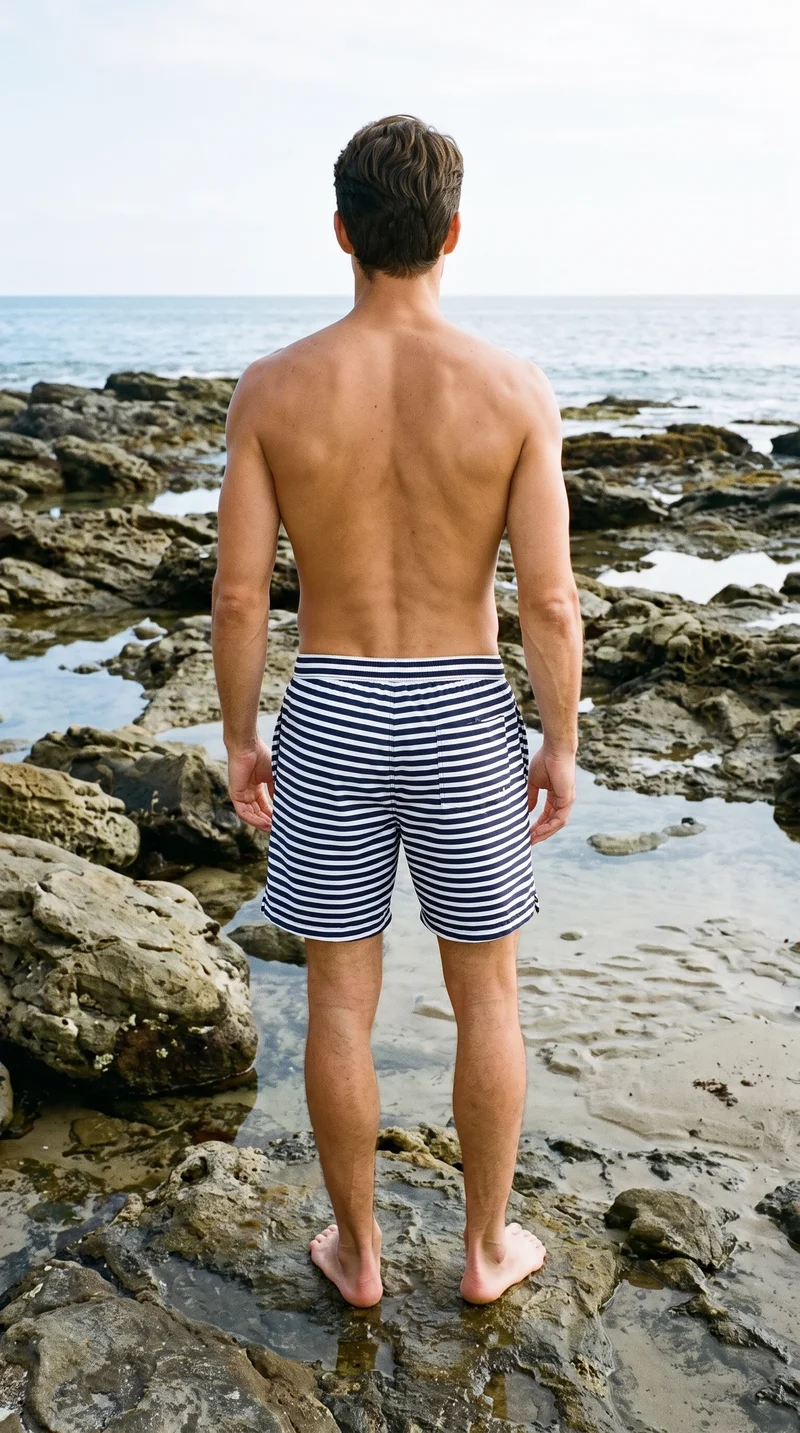
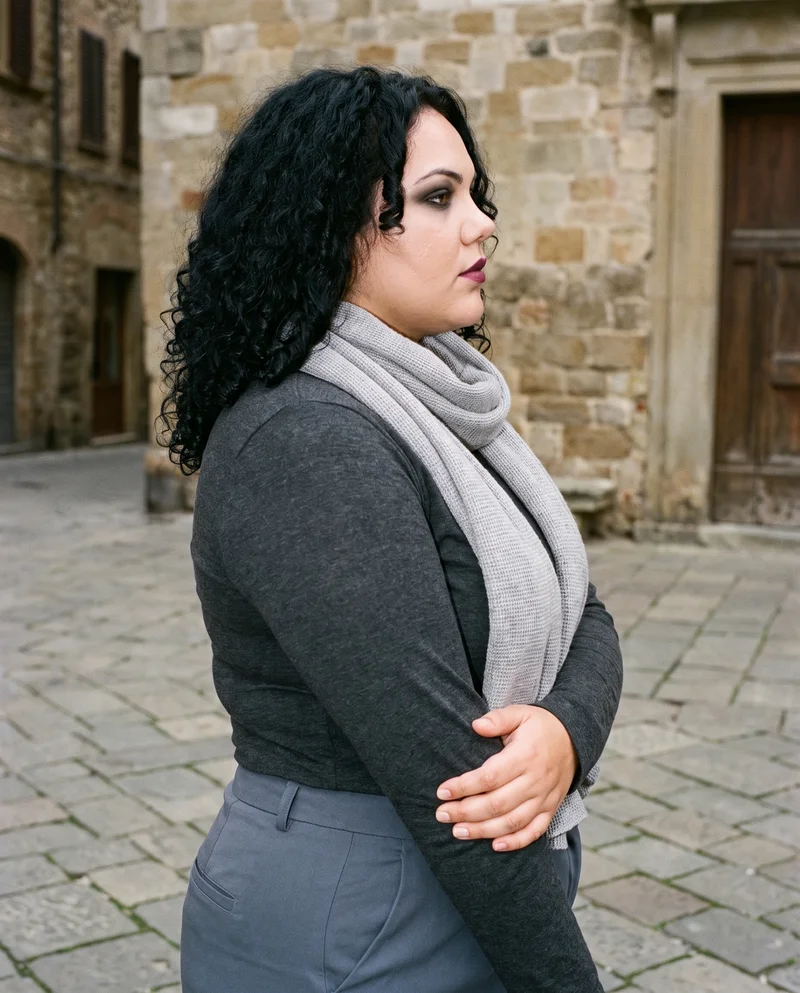
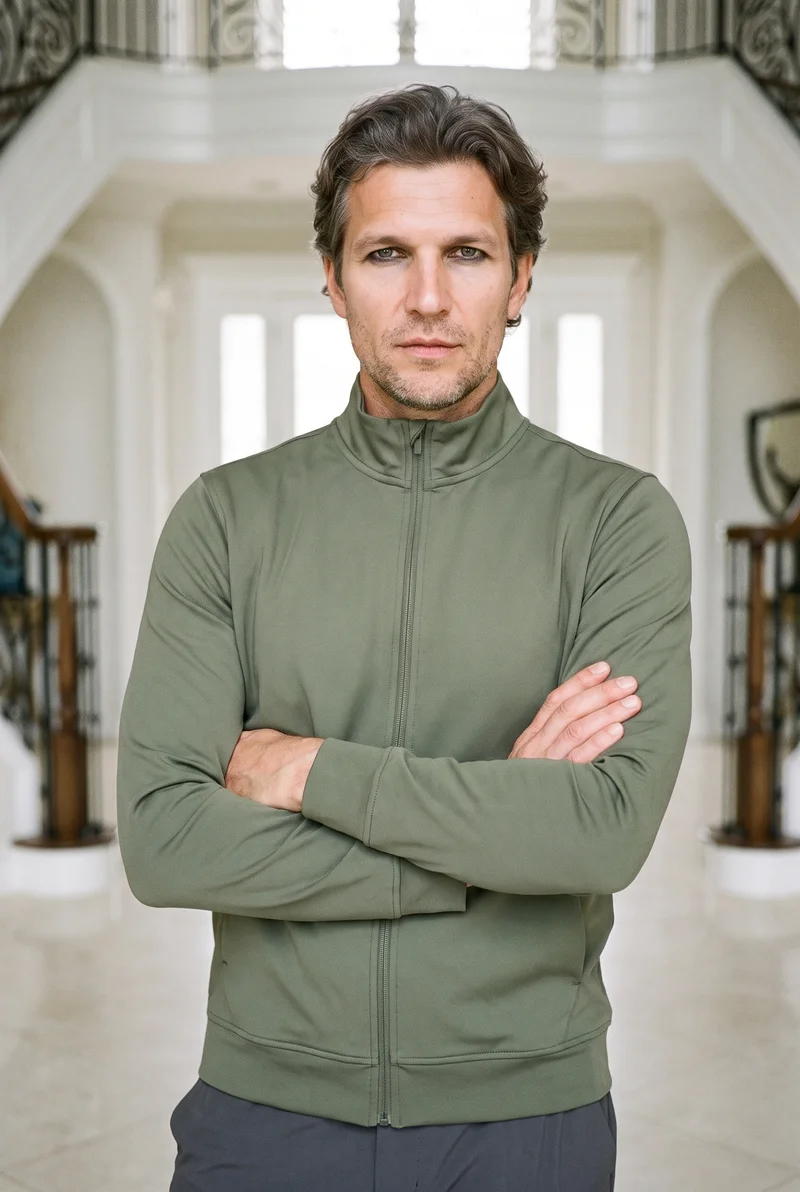
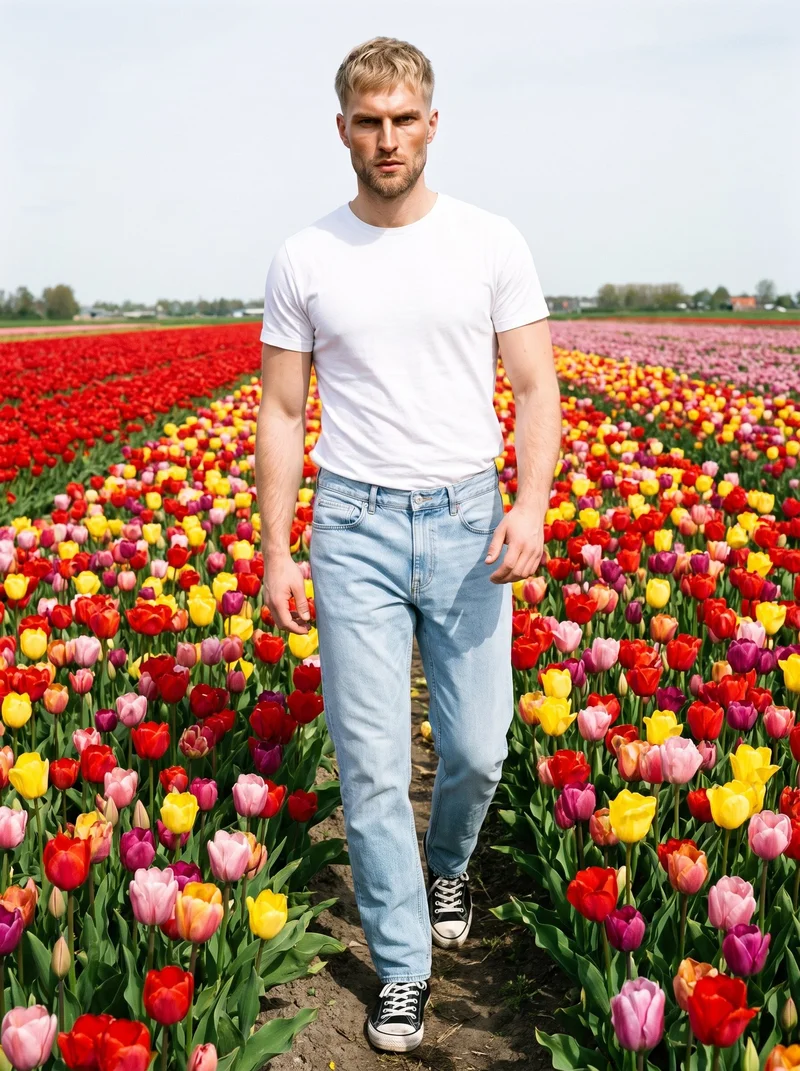
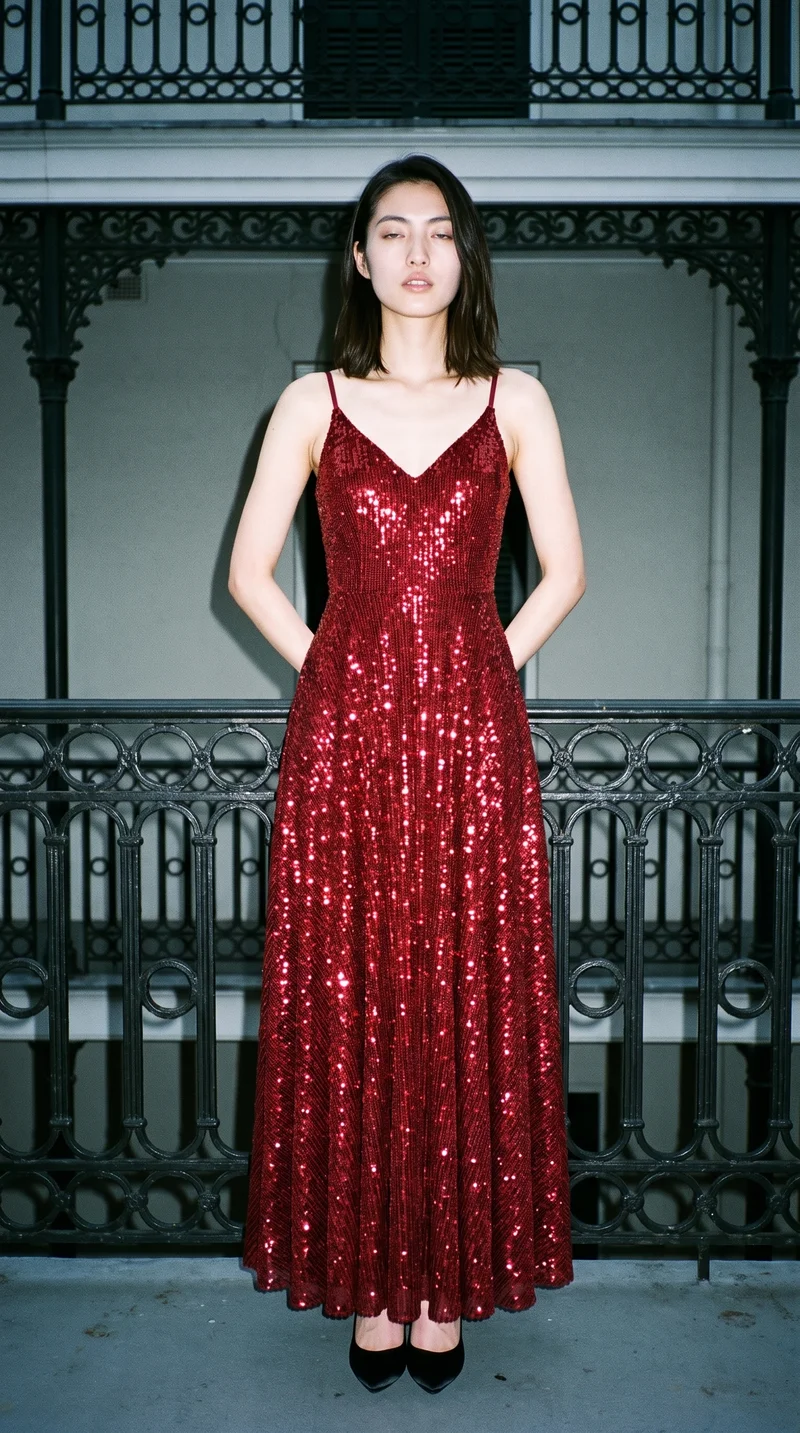
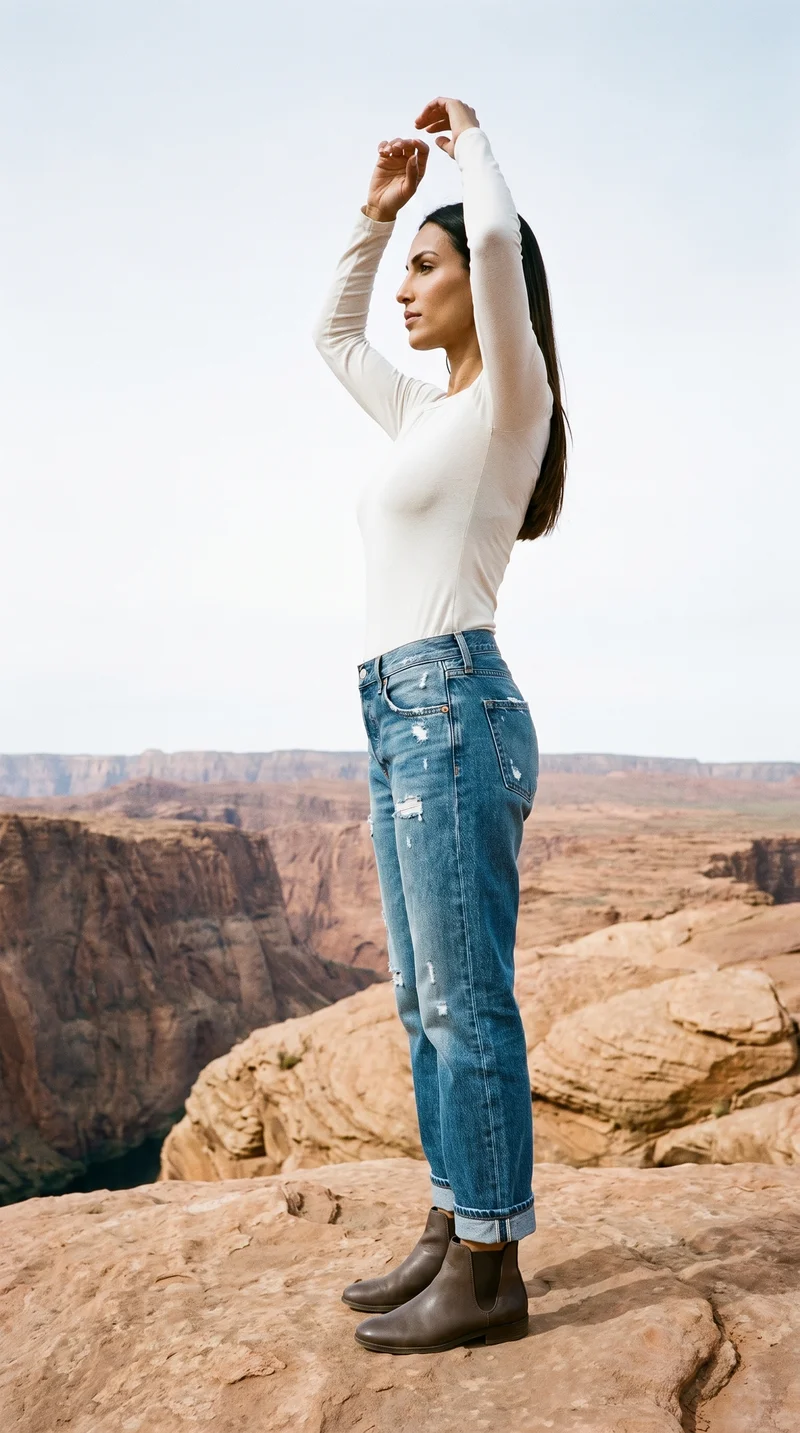
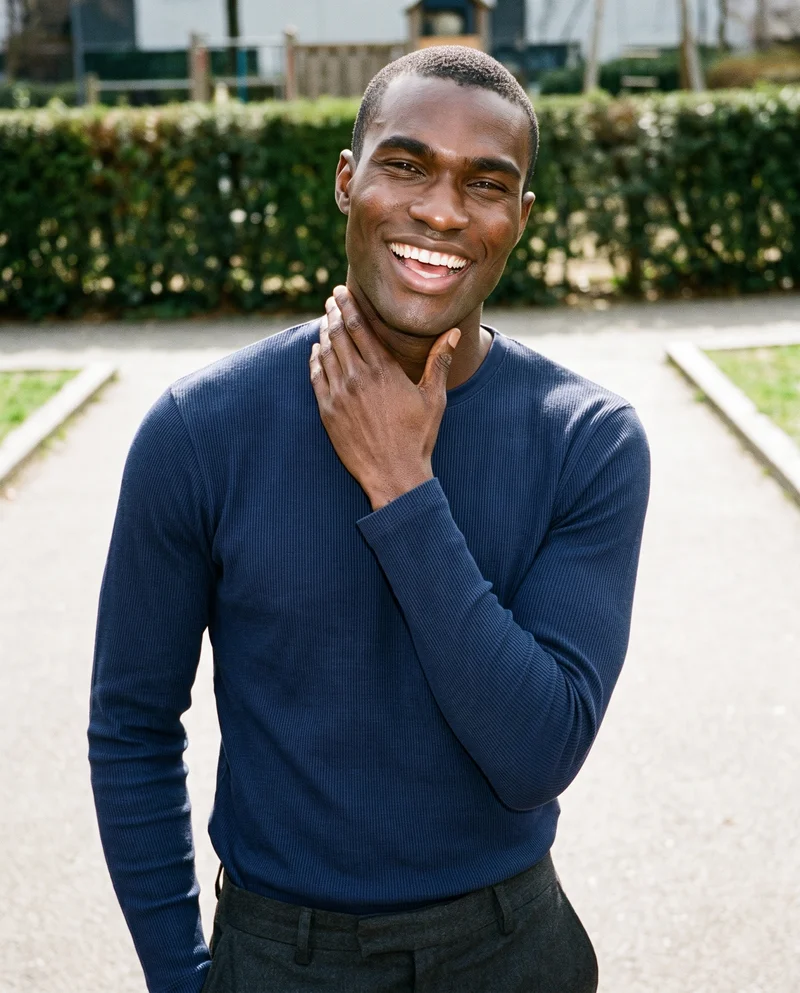
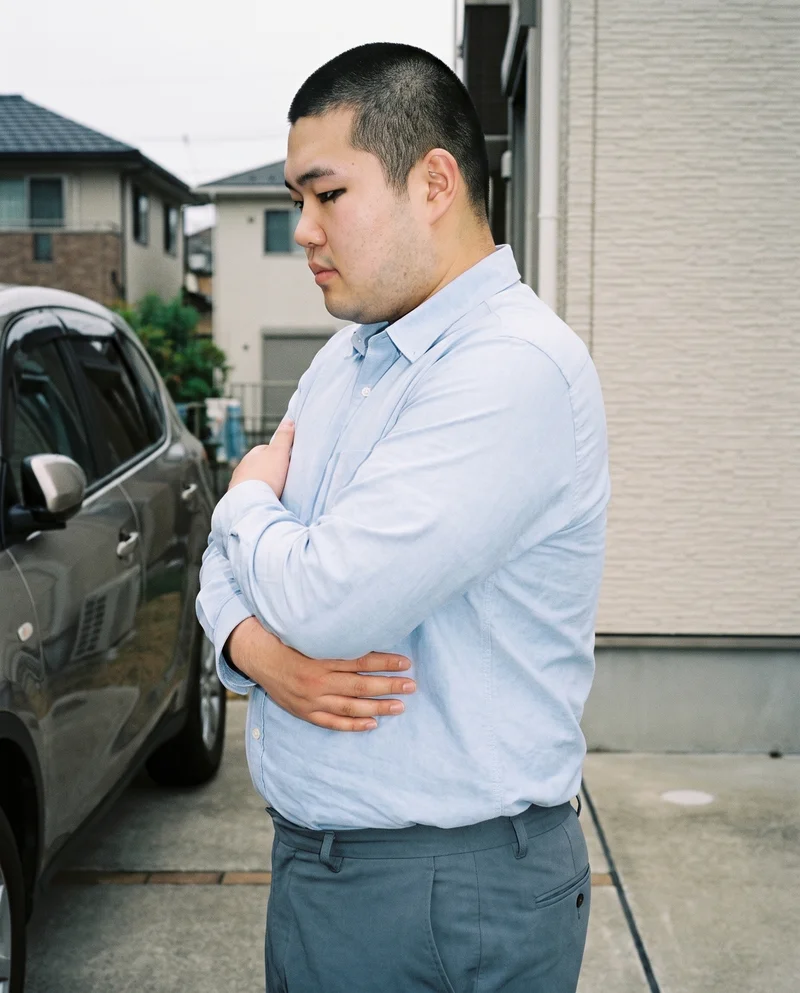
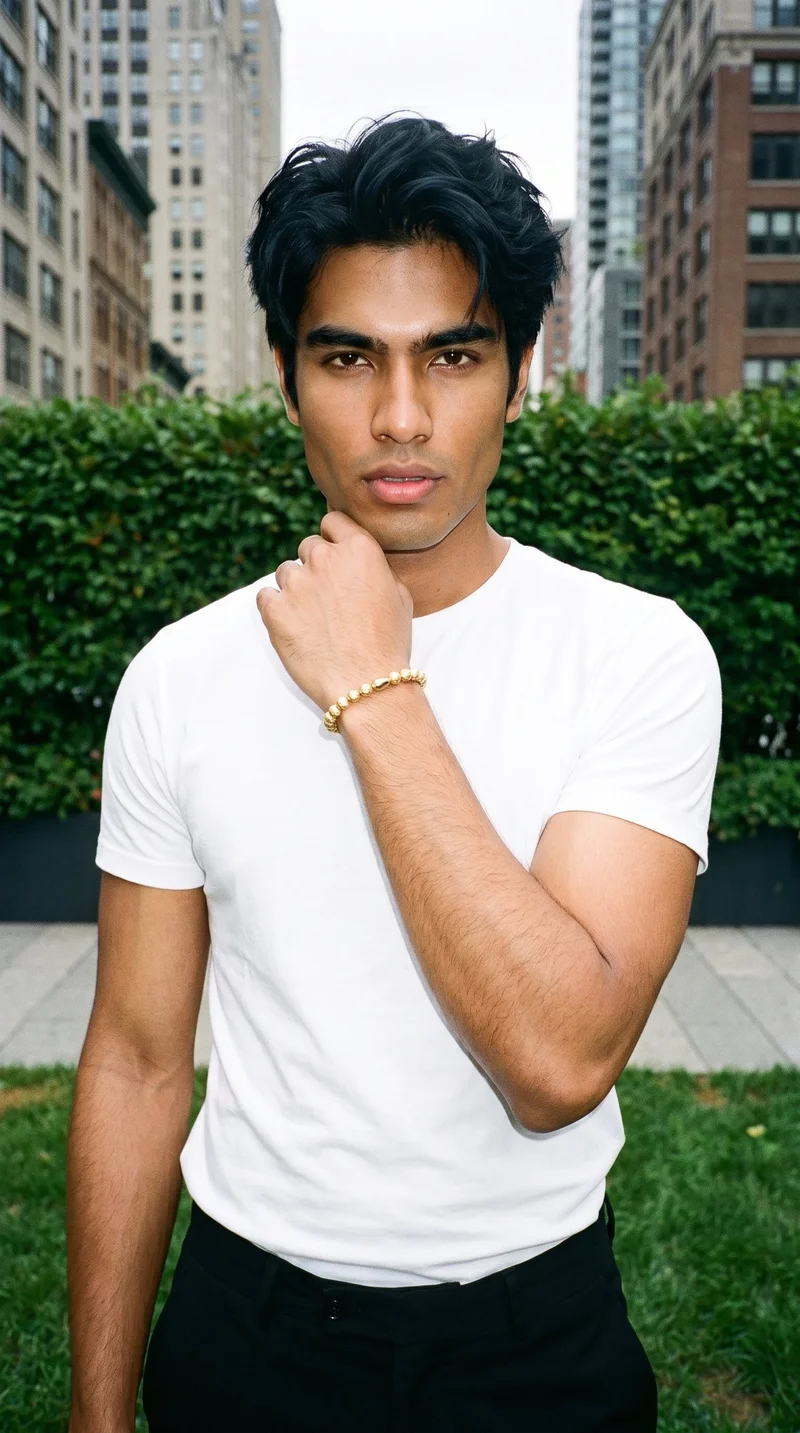
Showing 9 of 1,273, shot in RAWSHOT
Use cases
Flat-lays leave product pages without worn views.
Flat-Lay Product Drop
The situation
An active range is nearing launch with flat-lays but no consistent on-model imagery.
With RAWSHOT
You are an e-commerce manager. Set the real product as the basis, choose one model, and direct useful frames and views. You get product-page imagery with clearer context for shoppers.
Range View Coverage
The situation
A sample exists, but the live range lacks front, back, side, and detail coverage.
With RAWSHOT
You are an indie designer preparing a collection launch. Set the sample, model, pose, camera view, and lighting direction. You get a considered on-model set for presenting the range.
Colourway Comparison
The situation
Several colourways need matching product-page images, but the visual treatment keeps changing.
With RAWSHOT
You are a merchandising or product manager. Set the same model and photography direction while changing the product colourway. You get comparable imagery that helps shoppers read the range.
Launch Image Review
The situation
Products are approaching launch with incomplete imagery and detail views still missing.
With RAWSHOT
You are a performance marketer reviewing launch creative. Set the product, frame, pose, view, and lighting for the missing coverage. You get a reviewed static set for product pages and campaign testing.
What you get
You build front, back, side and detail views for product pages.
Build a consistent on-model image set for product pages from the product sources you already have. The finished set gives shoppers clearer product context across views, details, and colourways.
On-model product views
Create front, back, side, and supporting views that show how the real product presents on an adult synthetic model.
Detail frames for product features
Include close views where relevant for jewellery, hardware, footwear details, hand placement, ankle context, or other construction cues.
Colourway continuity
Keep the selected model and visual treatment aligned across colourways so shoppers can compare products within the same range.
Product-page image set
Prepare a reviewed group of on-model images for product pages, with each variant checked for hands, hardware, colour, and material details.
Direct the shoot
Frame, view, pose and light shape each product view.
Image frame
15
Pose
22 poses on this frame
Camera view
4
Format
9
Pose style
4
Facial expression
10
Photography direction
4
Create photoshoot
Step 7 of 7 · Composition
Image 1 · readyGallery image from this pageProduct
Your product
Model
From the library
Composition
Full Body · Front View · Catalog pose · Neutral
Delivery
2K · 1:1
Light
Studio Cutout
Total cost
5 tokens
AI fashion models
You choose the wearer for each product.
1,197 licence-free grown models across ages and body types. Or build a private model from visible attributes.
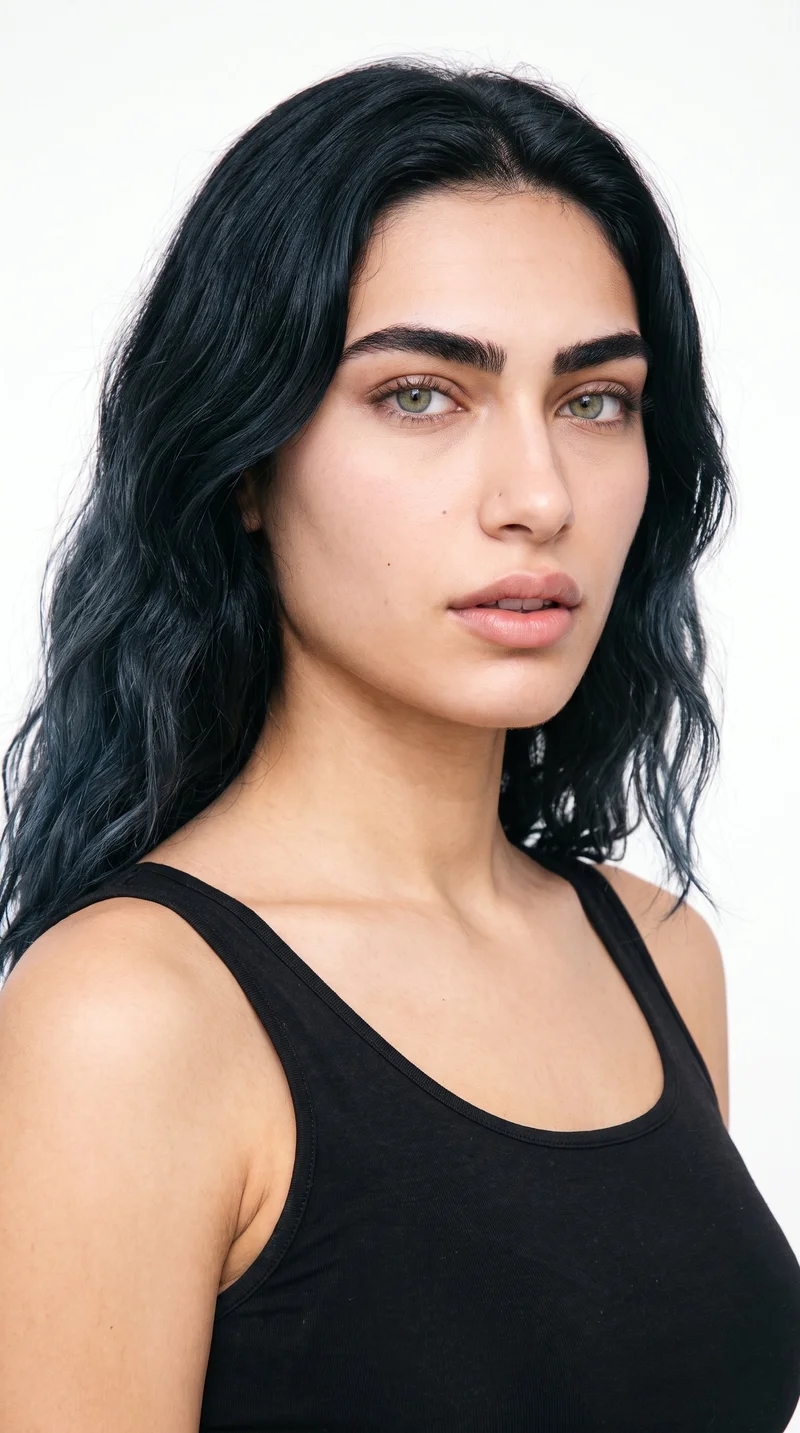
Female · 18
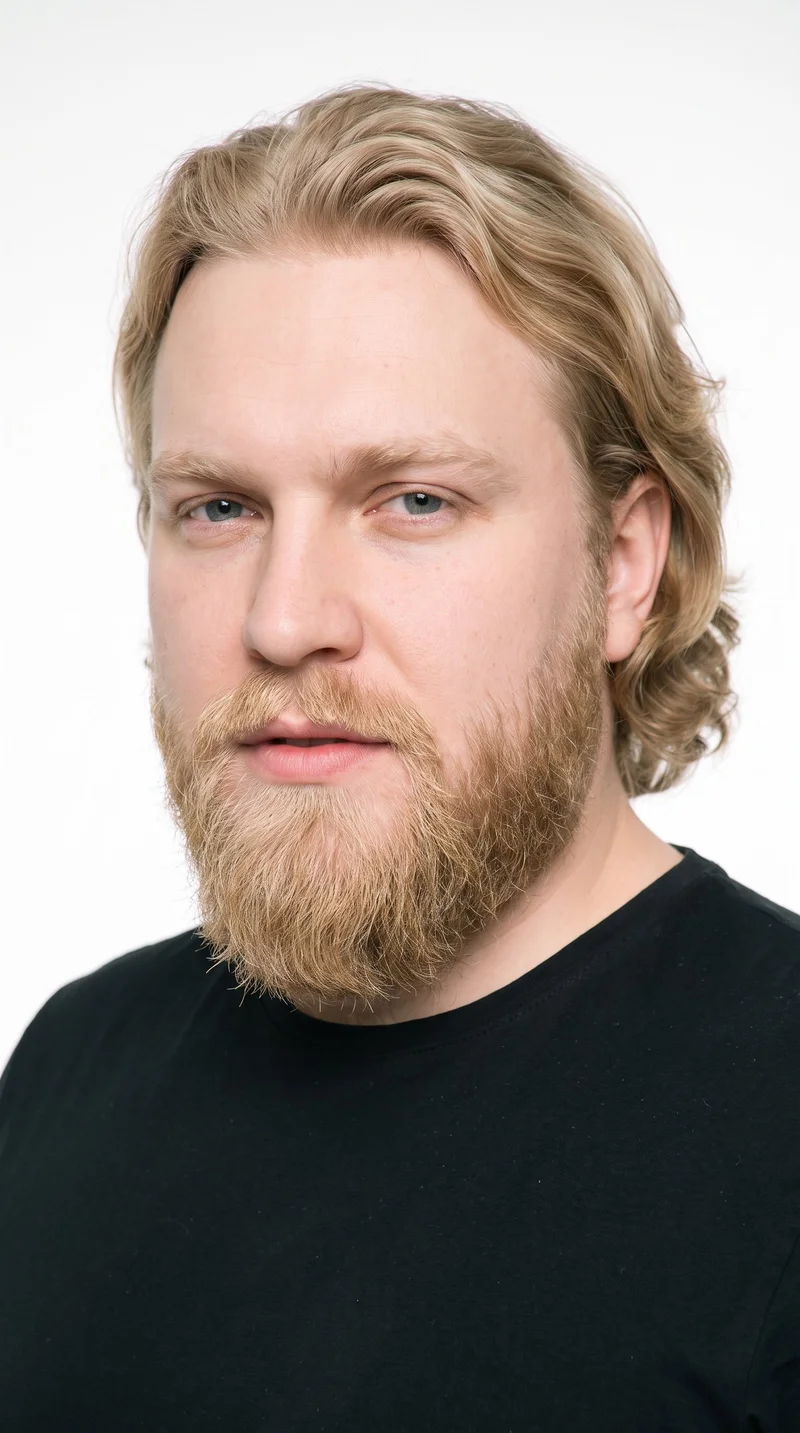
Male · 37
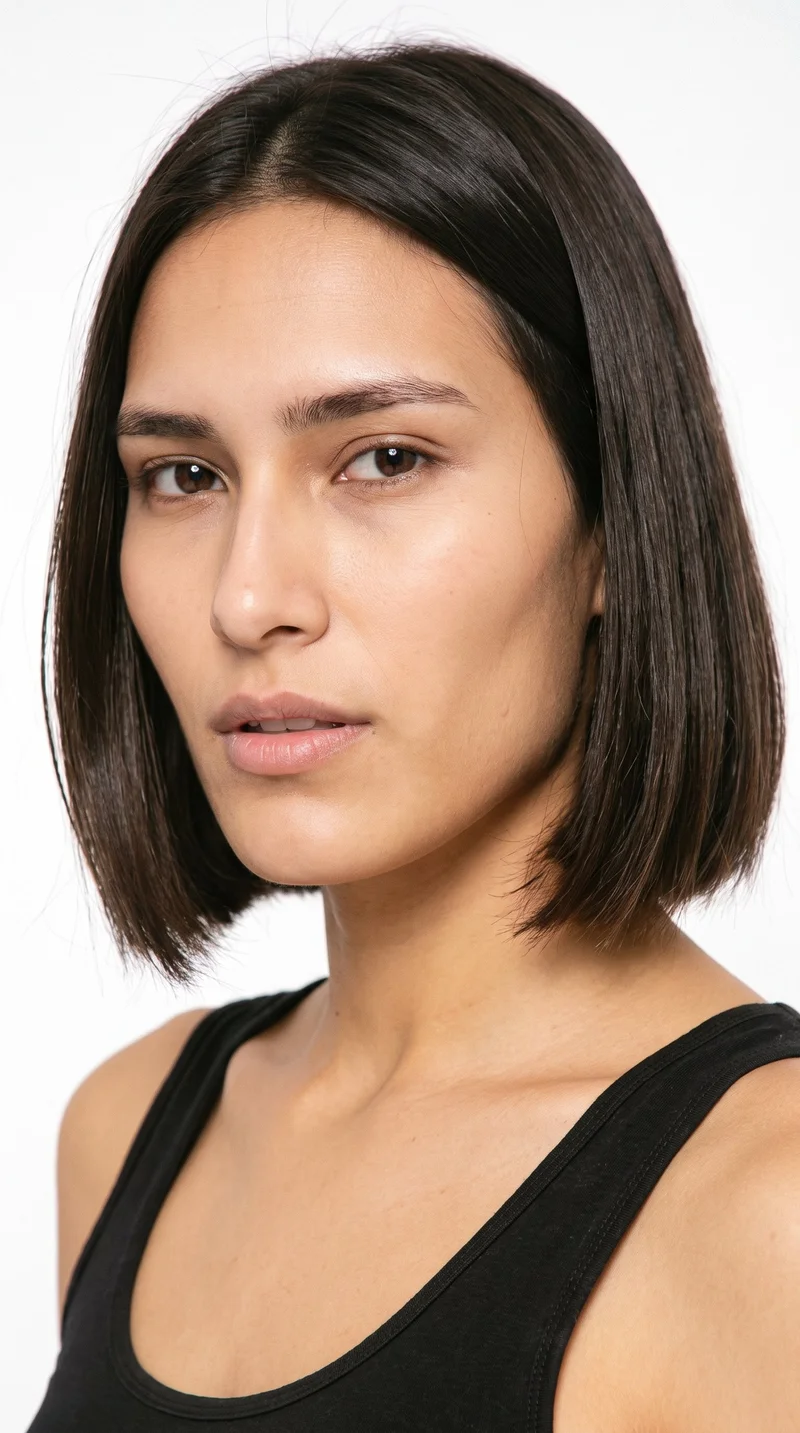
Female · 21
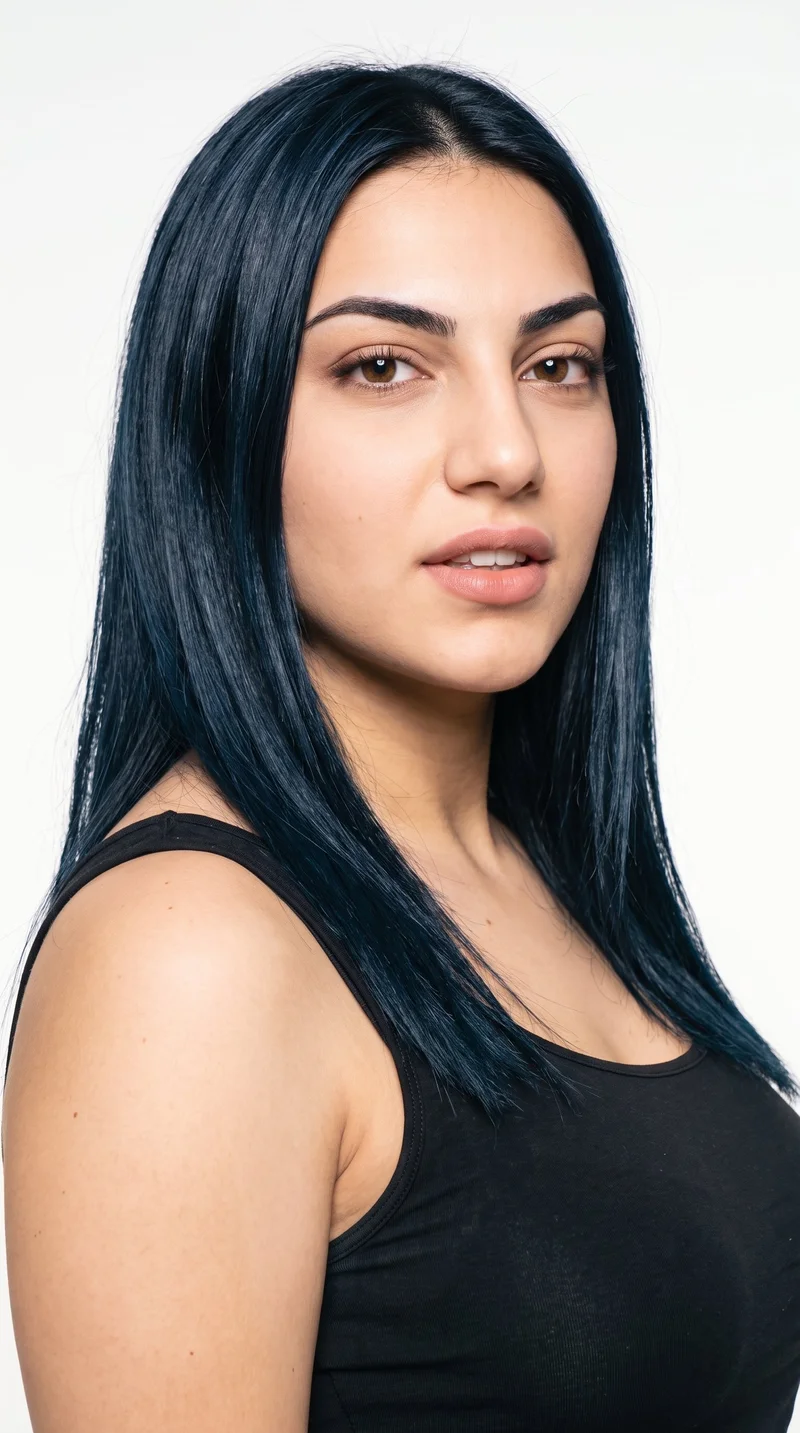
Female · 19
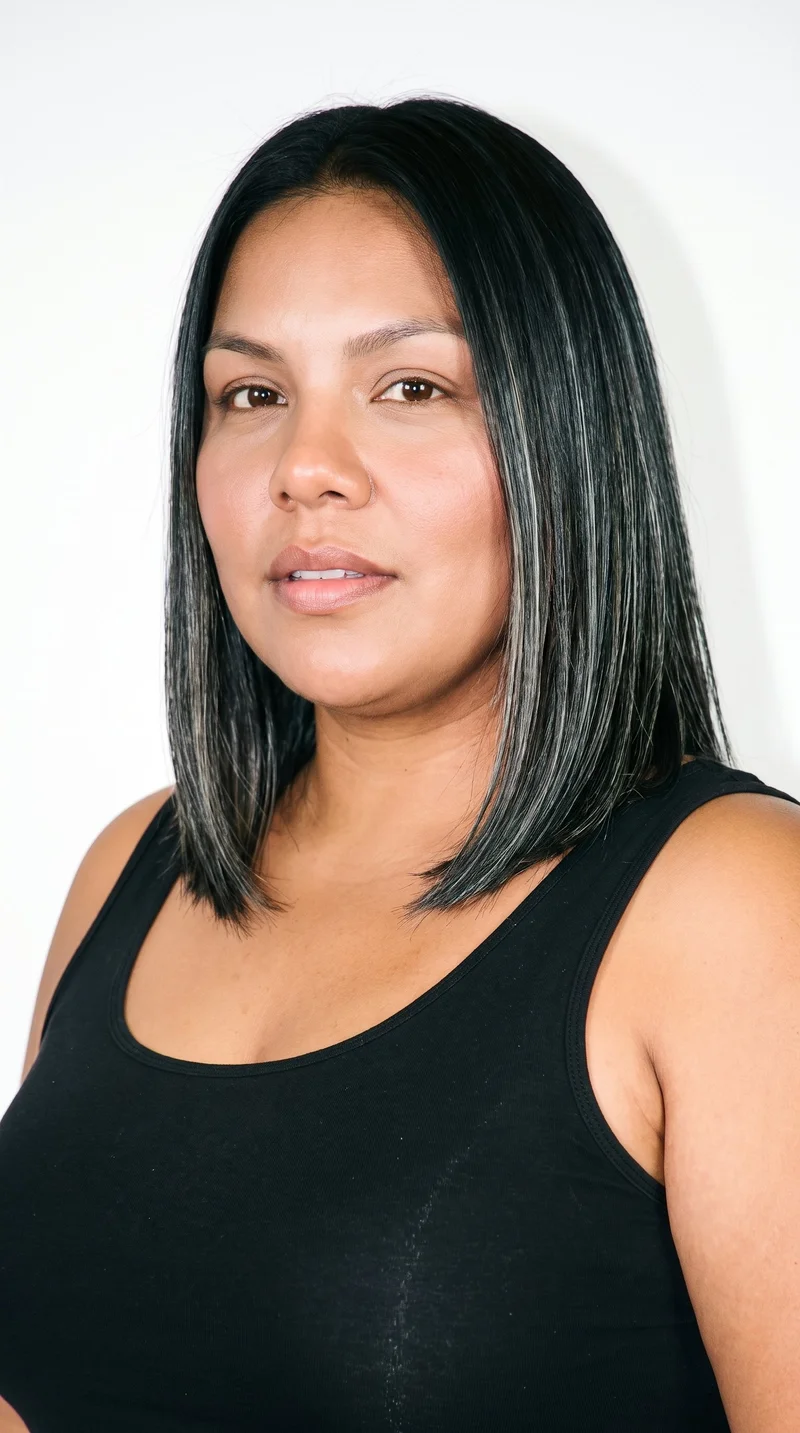
Female · 36
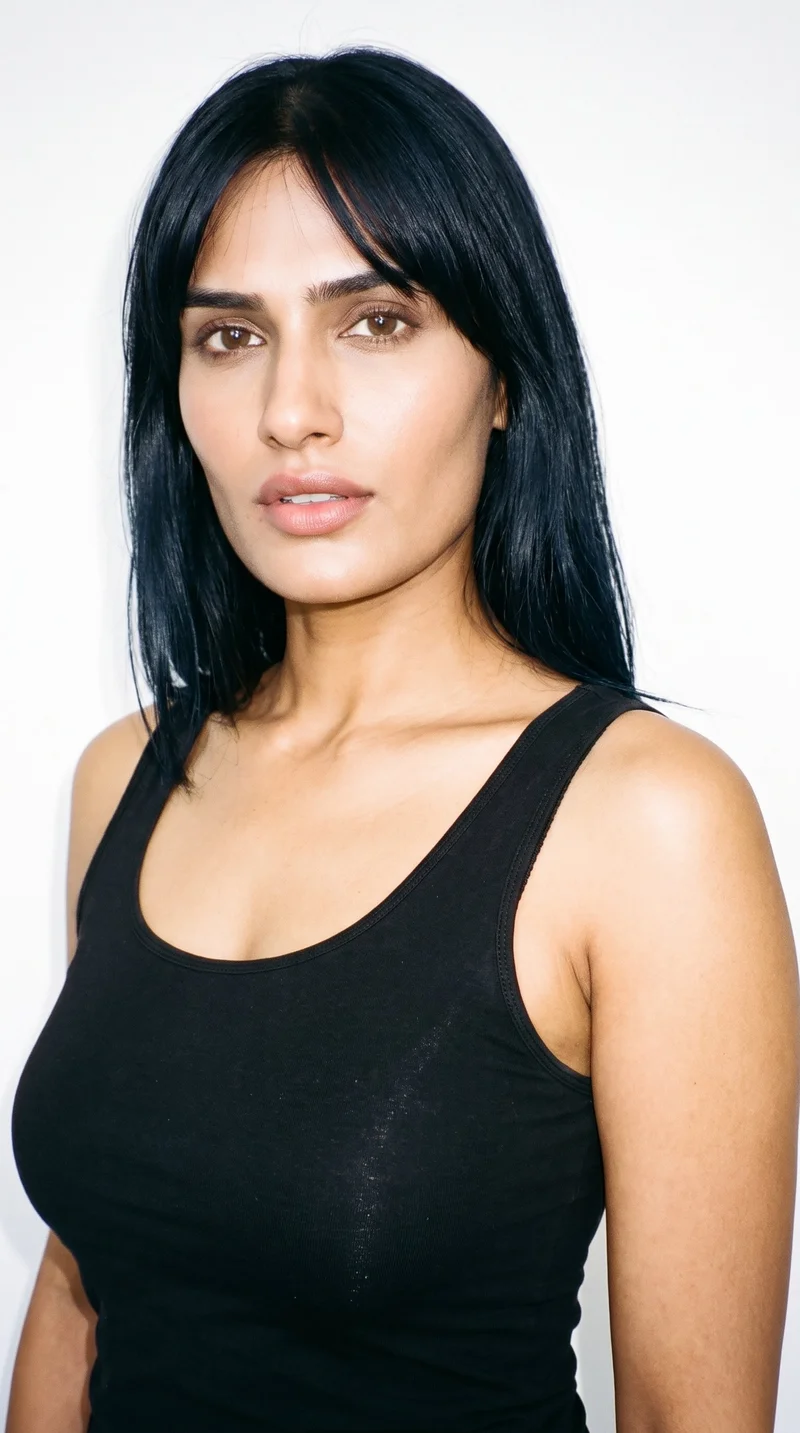
Female · 37
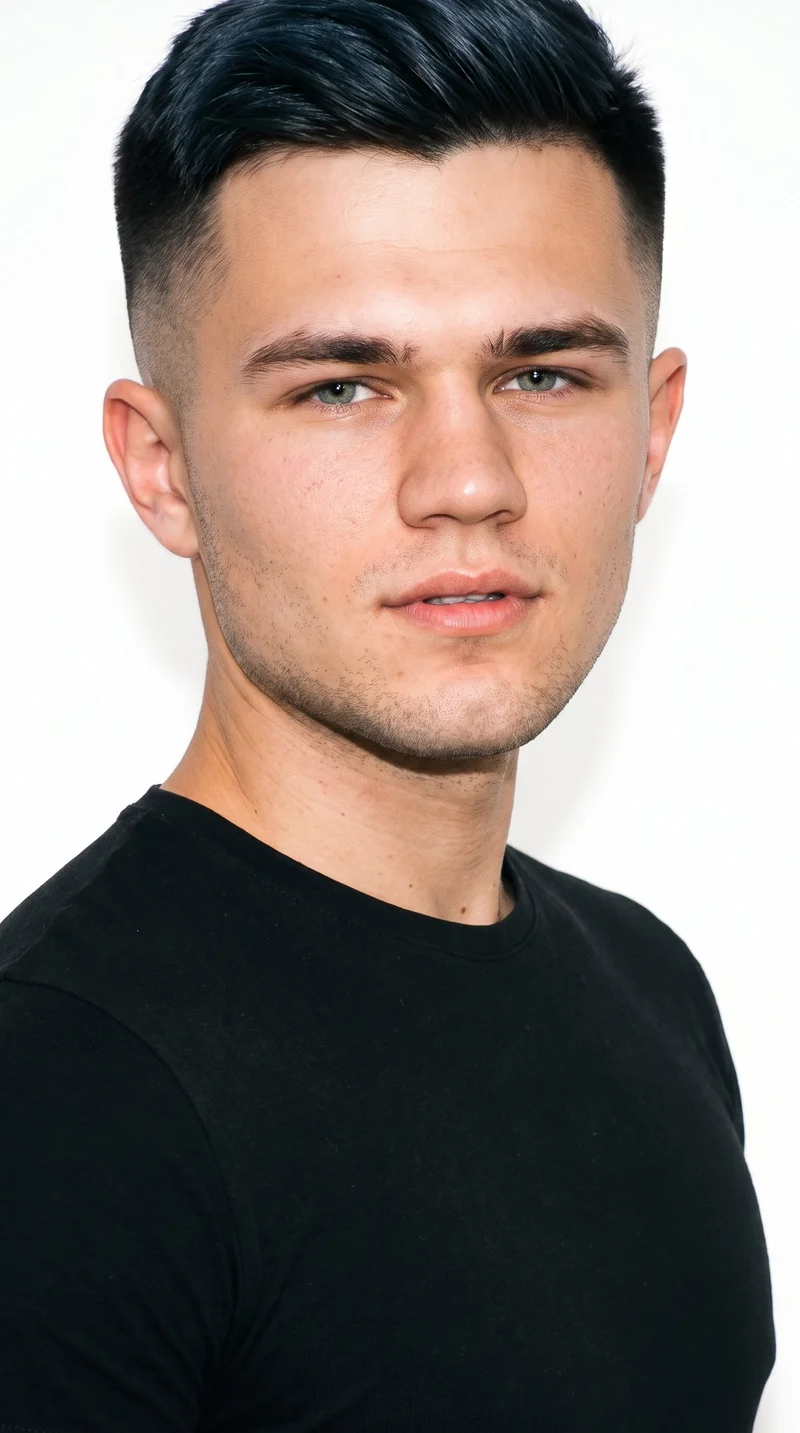
Male · 18
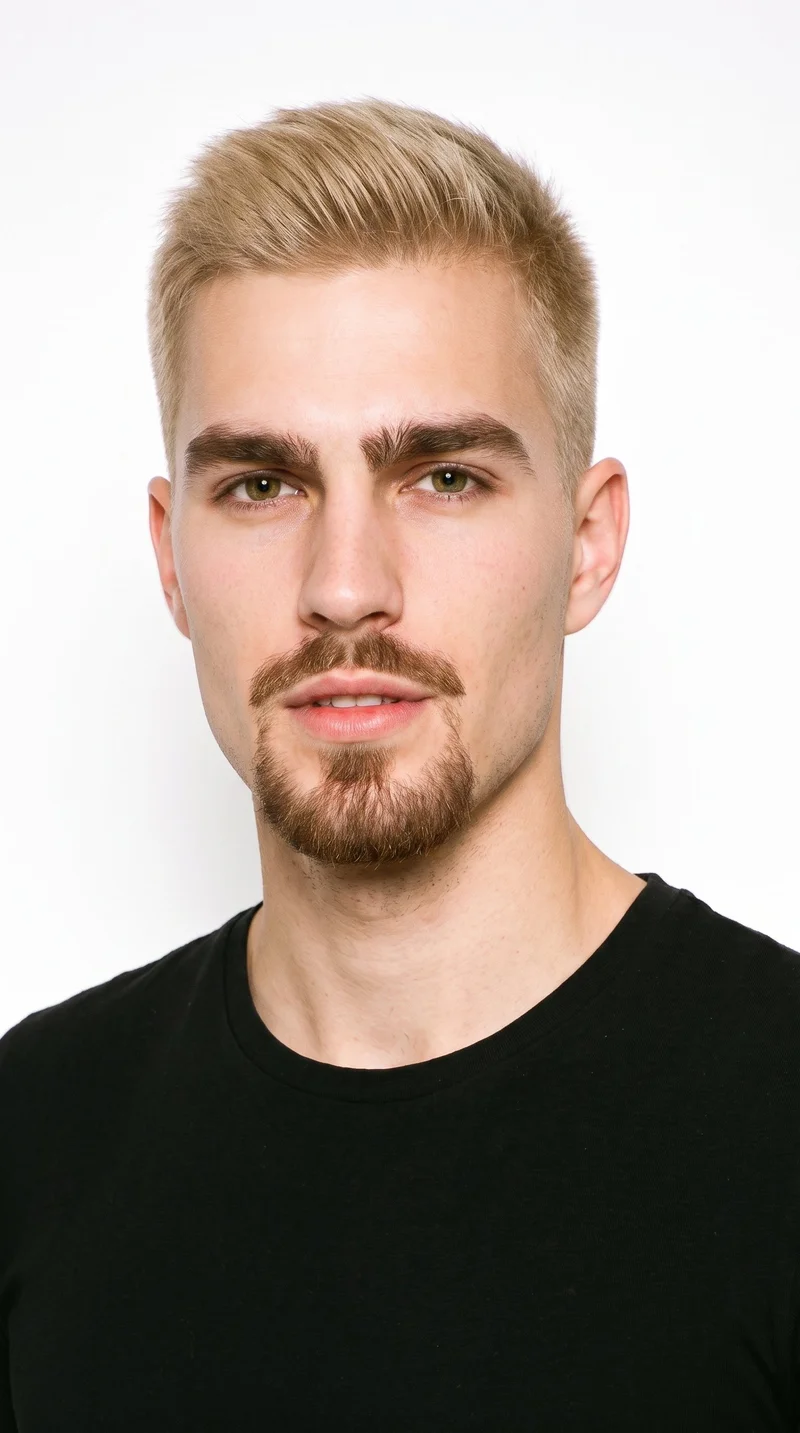
Male · 26
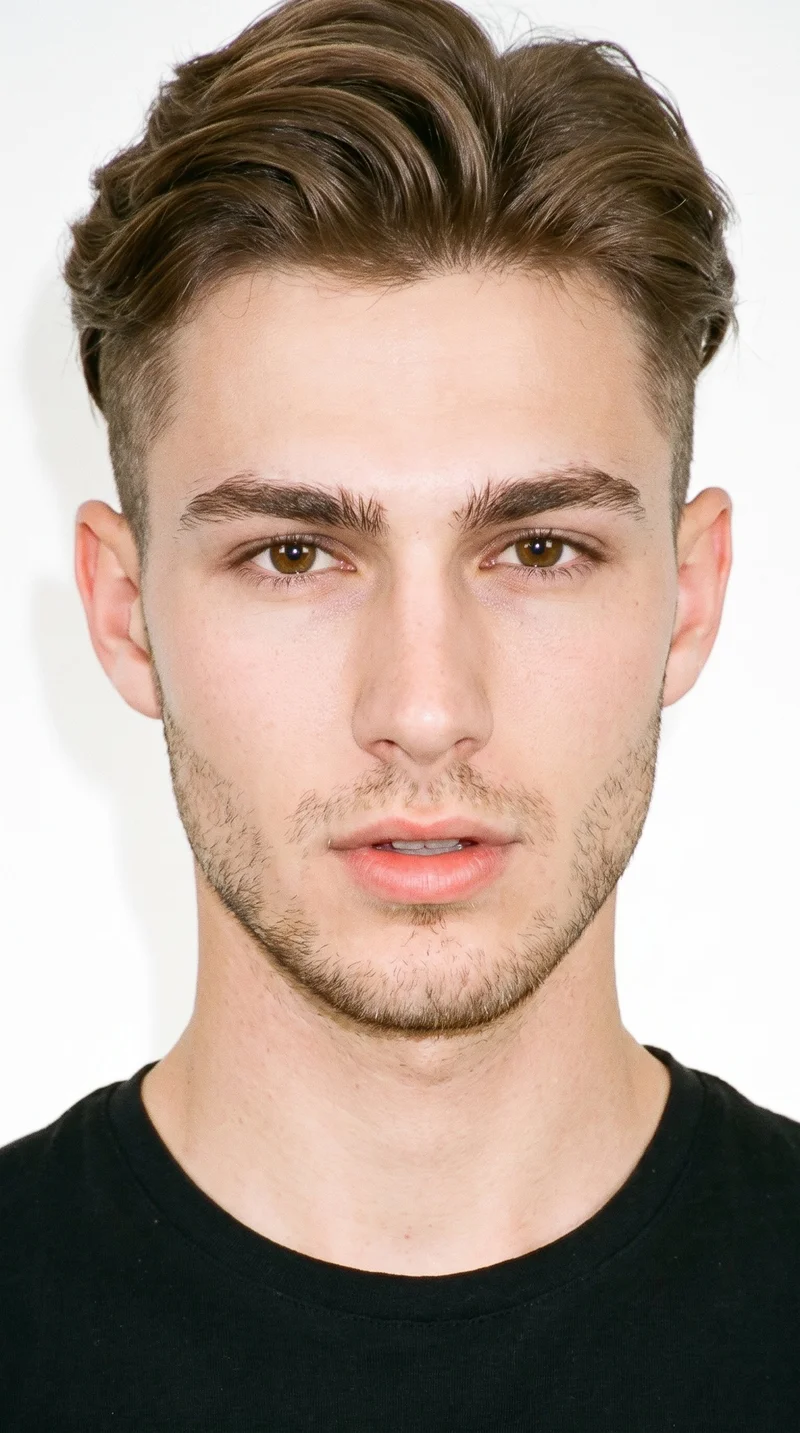
Male · 18
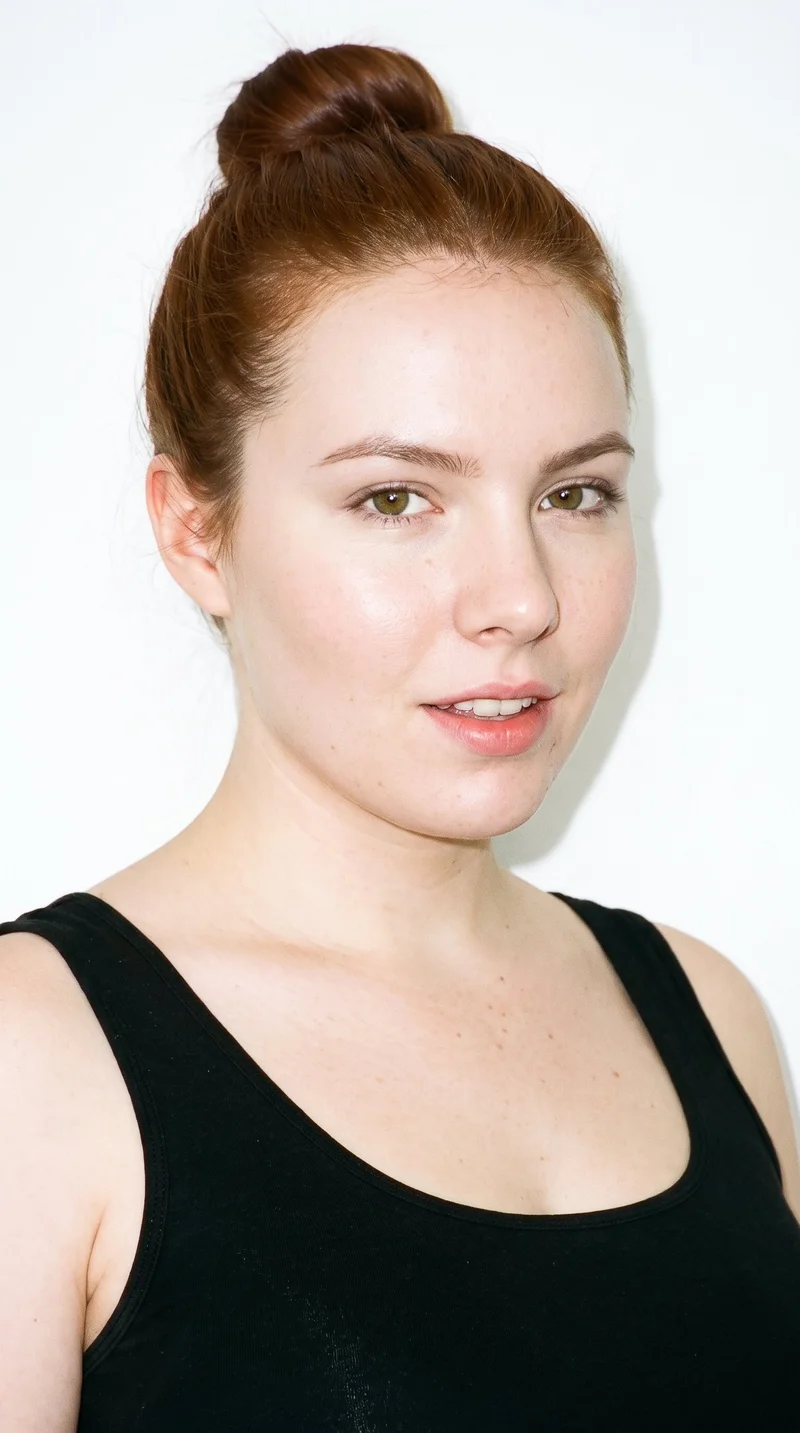
Female · 18
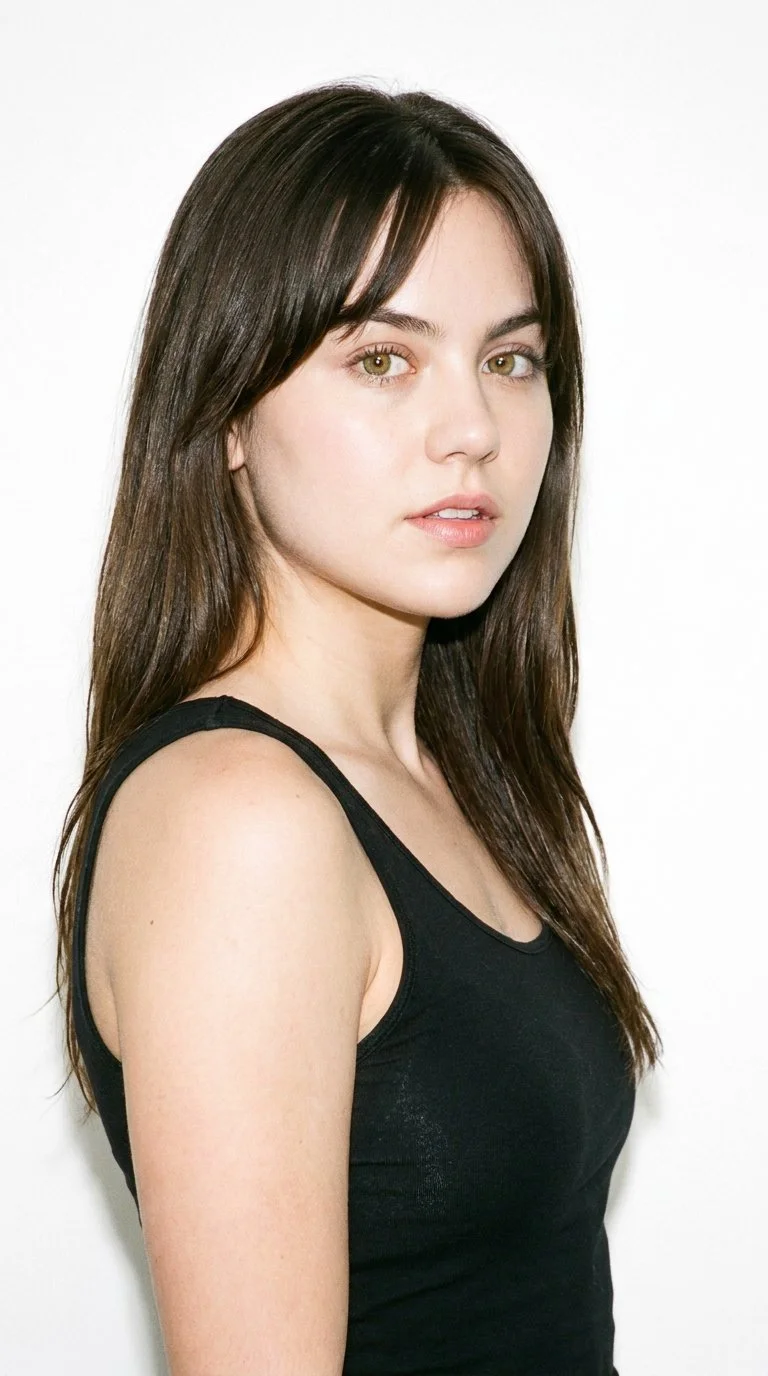
Female · 22
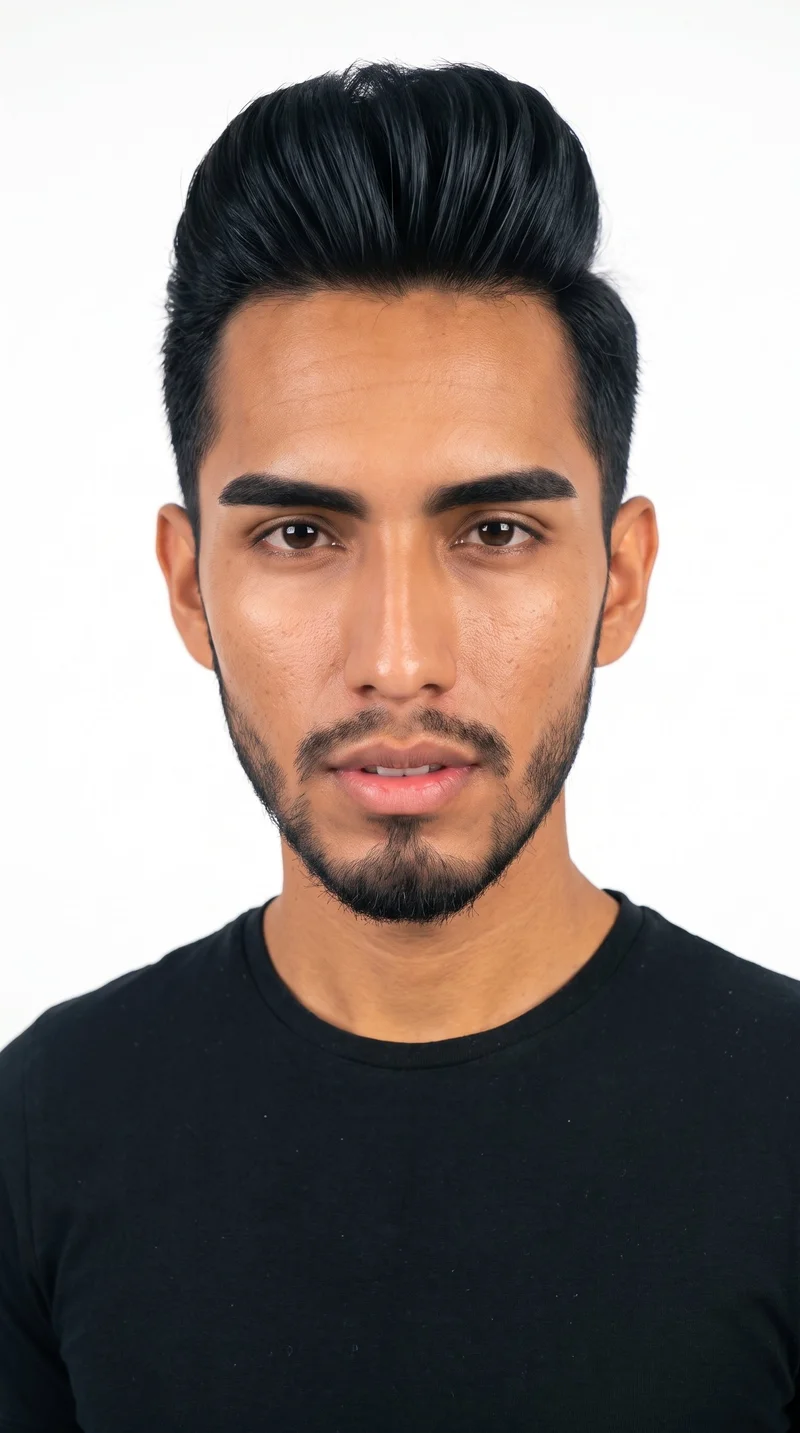
Male · 20
Showing 12 of 1,197
Cast your modelRawshot Features
Shared direction aligns product views across colourways.
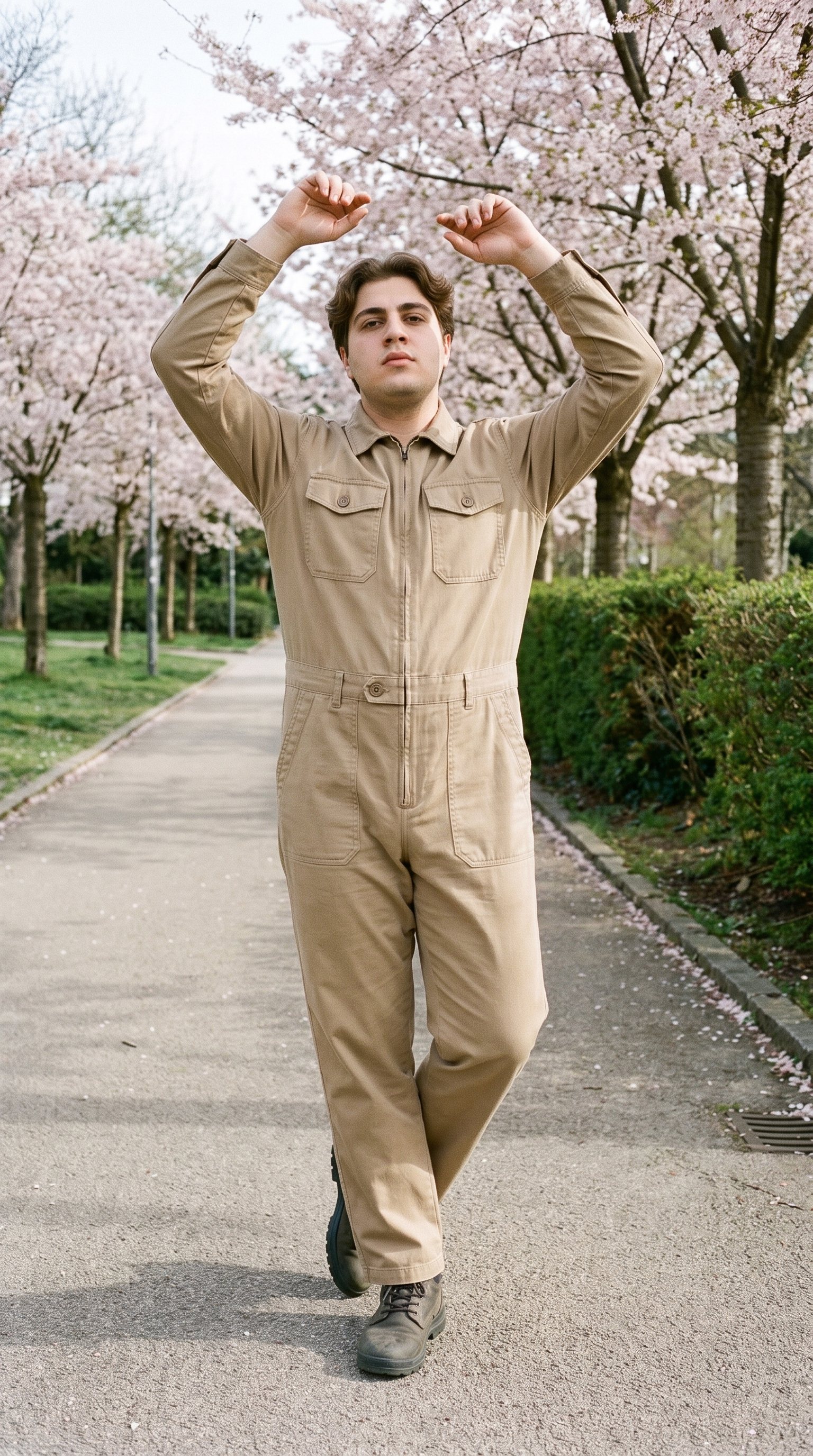
Fashion model poses
Product pages need views that show construction clearly, so you can direct front, back, side, and detail framing for a coherent set.
22 poses on a full-body shot · 104 in total
See the feature →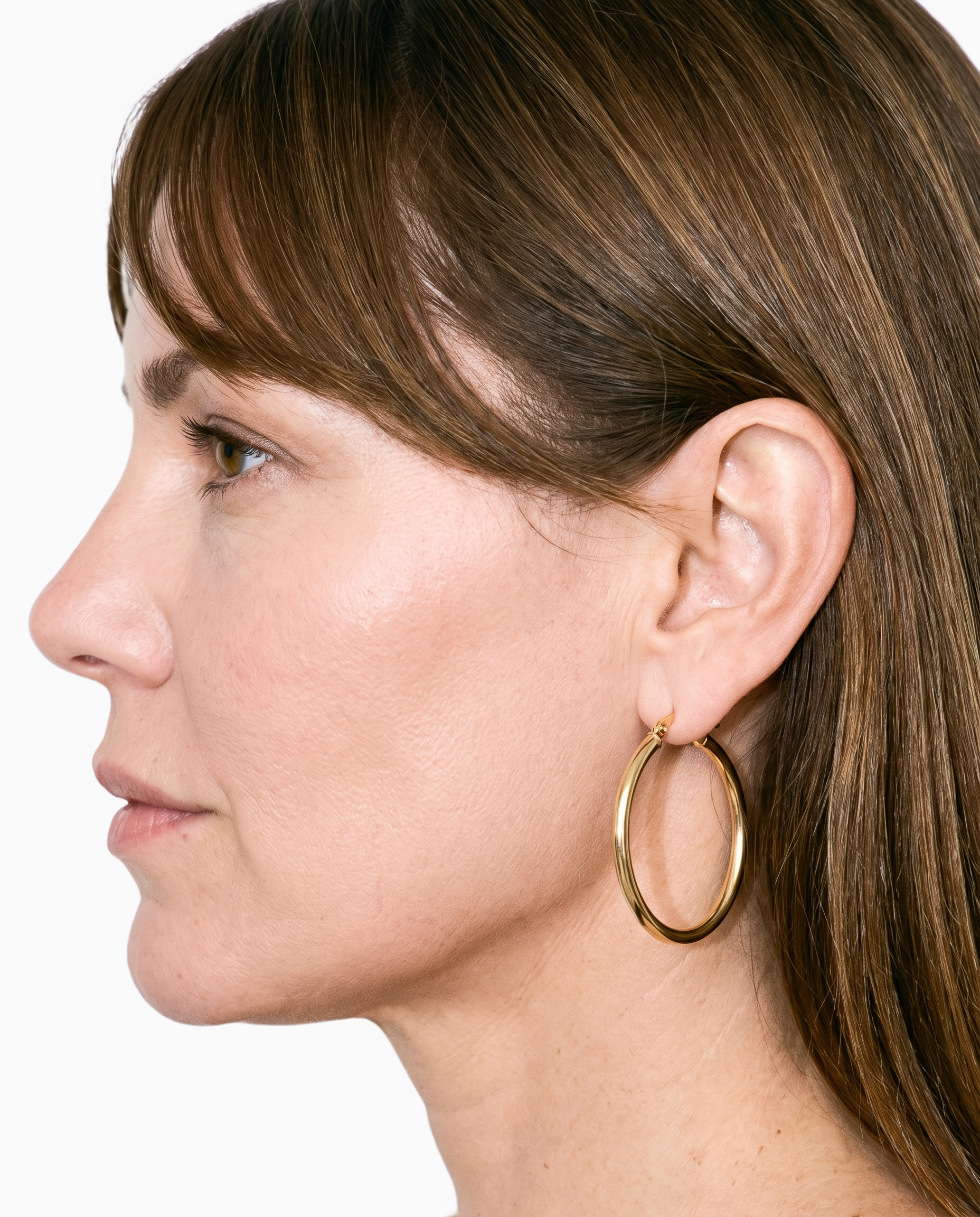
Product import and handling
Using the real item keeps the product at the centre when flat-lays or mockups are the only source available.
Start from your real item and keep product fidelity while building the scene.
See the feature →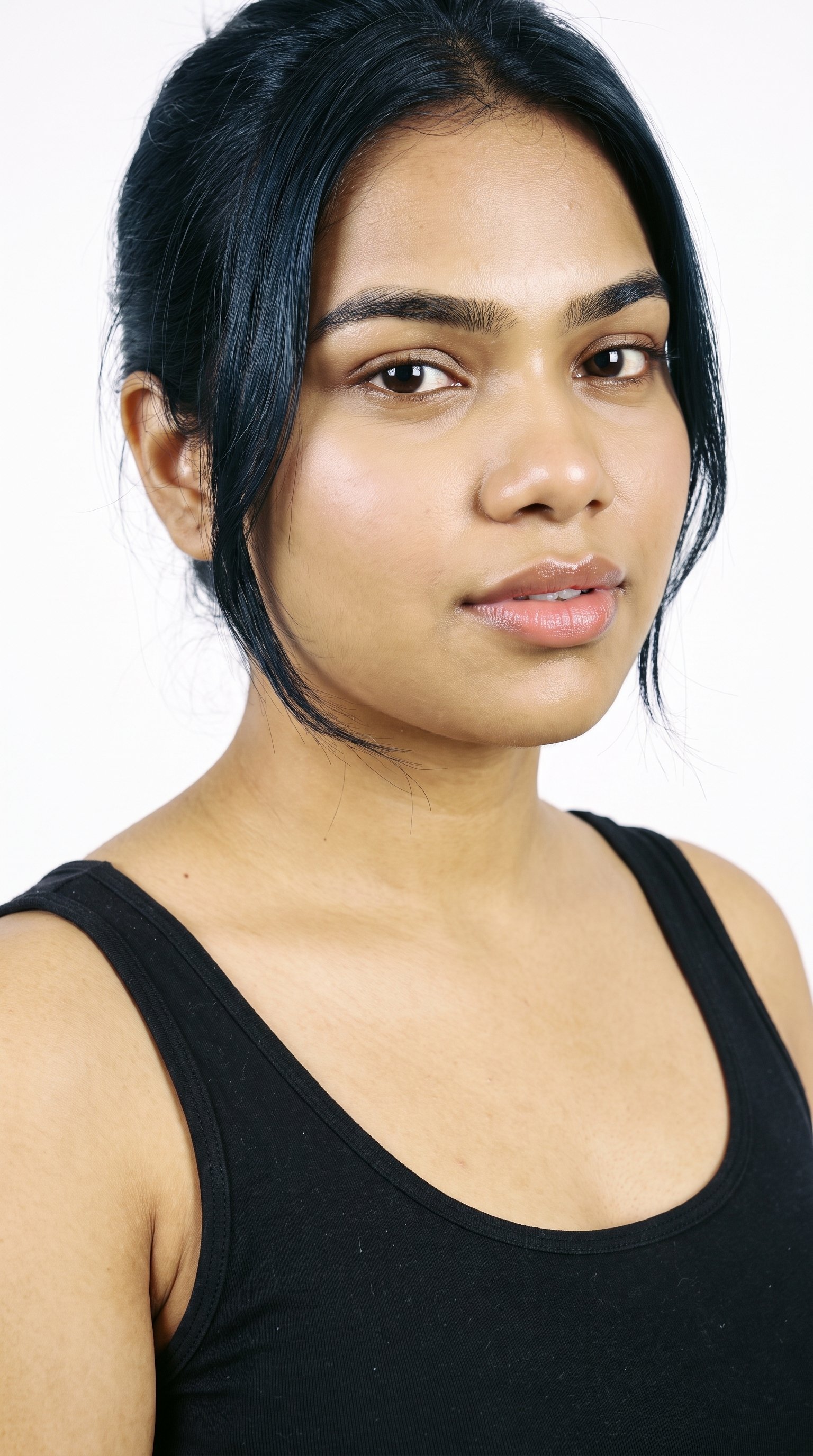
AI model generator
A selected model gives colourways and related products a shared visual reference across the range.
Library filters plus private model building for consistent identity across the set.
See the feature →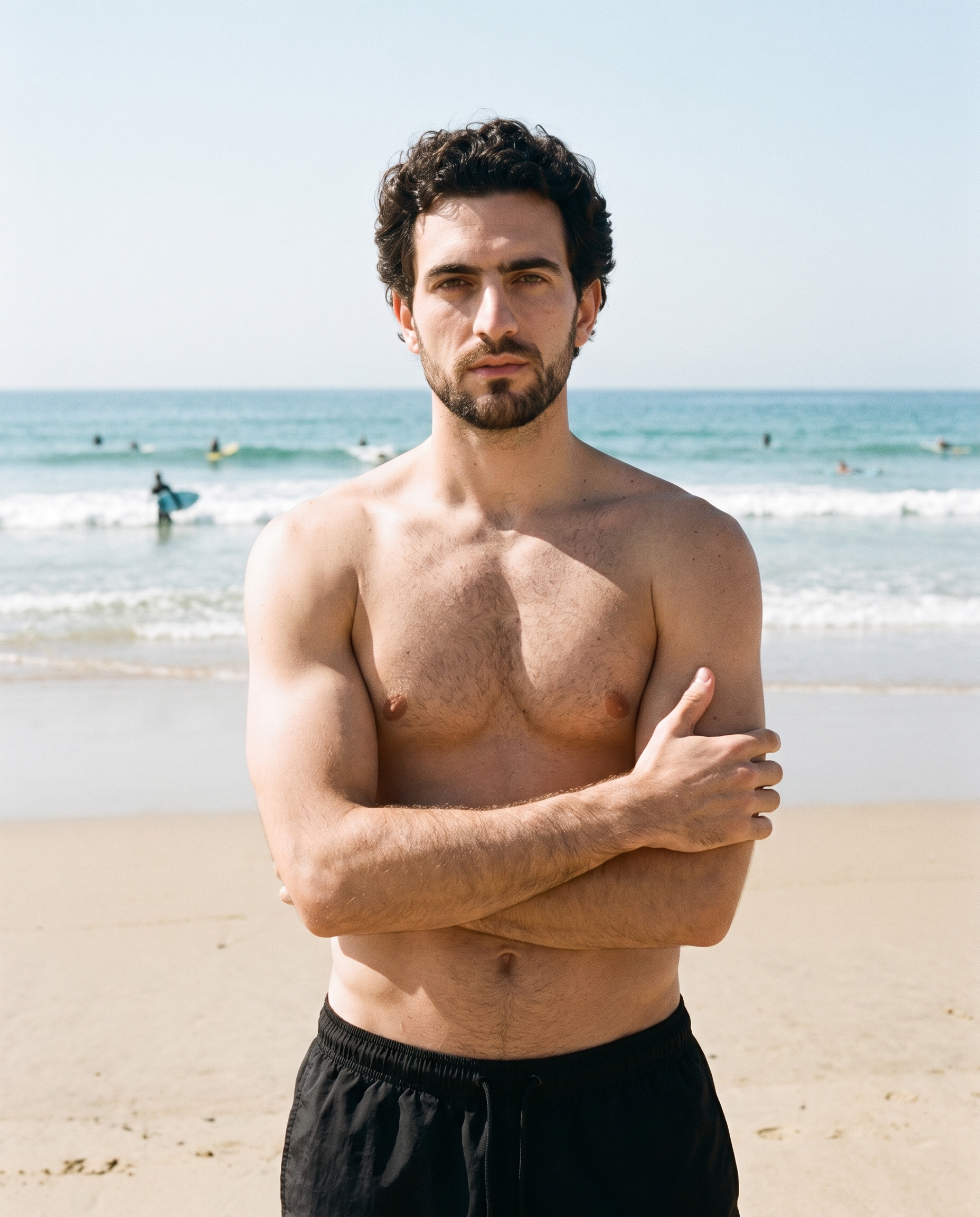
Photography direction
A named lighting choice gives the range one visual treatment suited to catalogue presentation and online shopping.
4 named choices that set mood and shadow the same way across a shoot.
See the feature →AI image quality control
Every generated image is checked against your model, frame, view and pose before you see it.
AI image to image generator
Change one decision and keep the rest of the composition stable.
AI image to video generator
17 model actions on a full-body shot · 132 in total
AI makeup generator
Branch-aware named options applied without altering casting or scene setup.
AI outfit generator
Combine the main piece with neutral supporting items in one coherent frame.
AI photo background generator
Swap scene context while keeping model, product, and framing stable.
AI suggestions
Preselected control values you can always override in the same configurator.
Garment styling
Choose how the garment is worn and keep brand presentation consistent.
Inspiration gallery
Load editable finished looks as fast starting points for new shoots.
Gallery
Shot in RAWSHOT, views show product detail.
Explore product-page compositions with on-model framing, useful views, and lighting suited to ecommerce presentation.
Looks & backgrounds
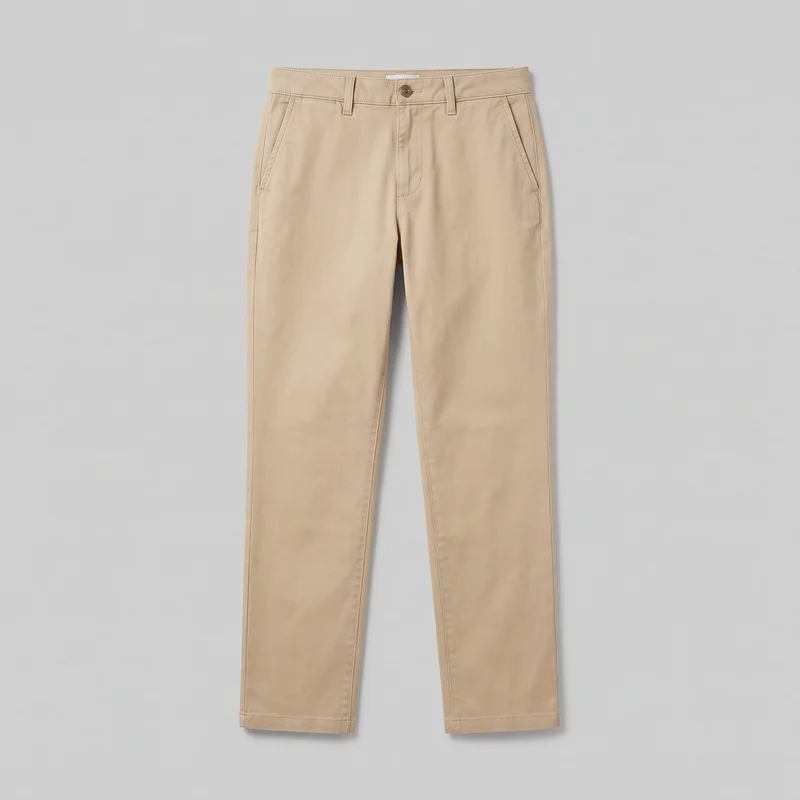 Women's Khaki Chinos
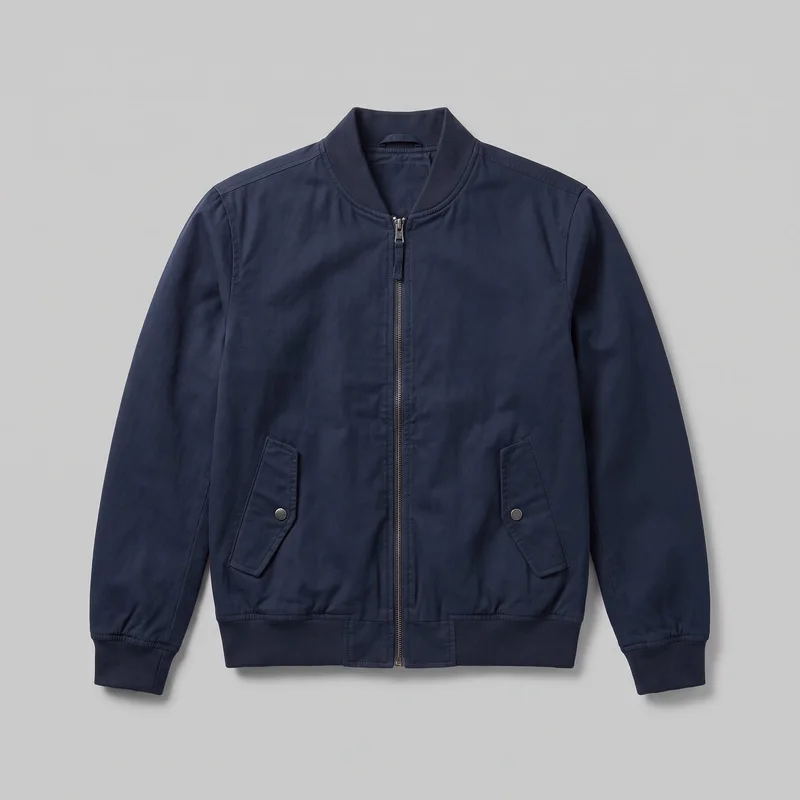 Men's Navy Bomber Jacket
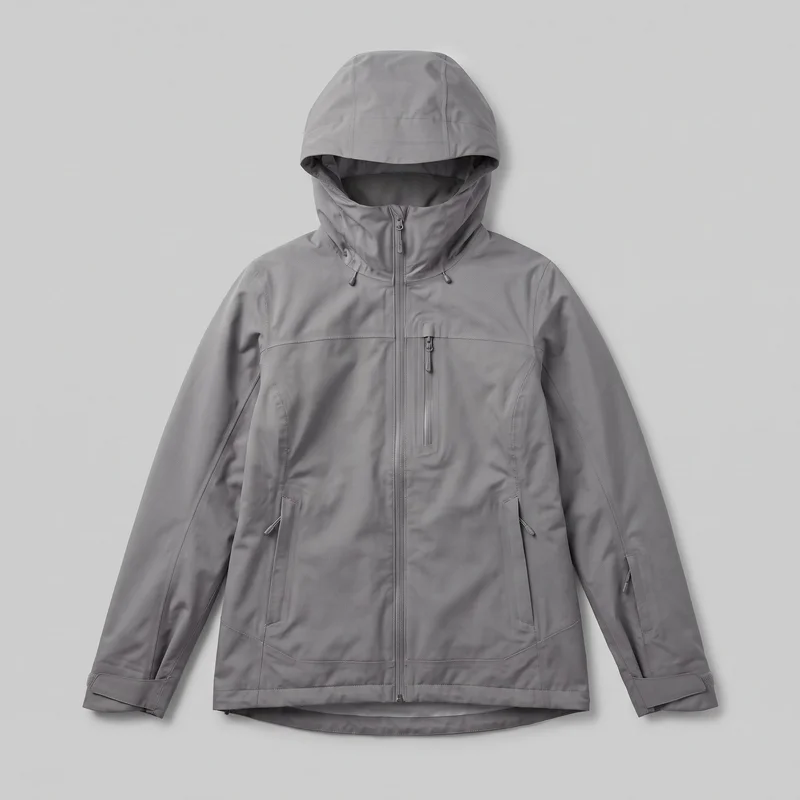 Women's Grey Shell Ski Jacket
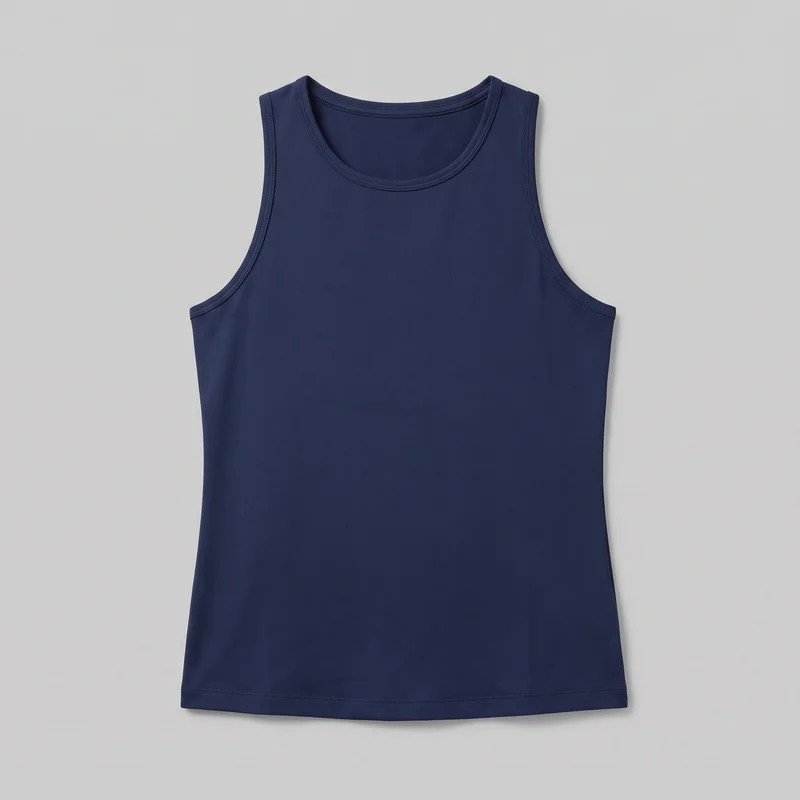 Women's Navy Training Tank
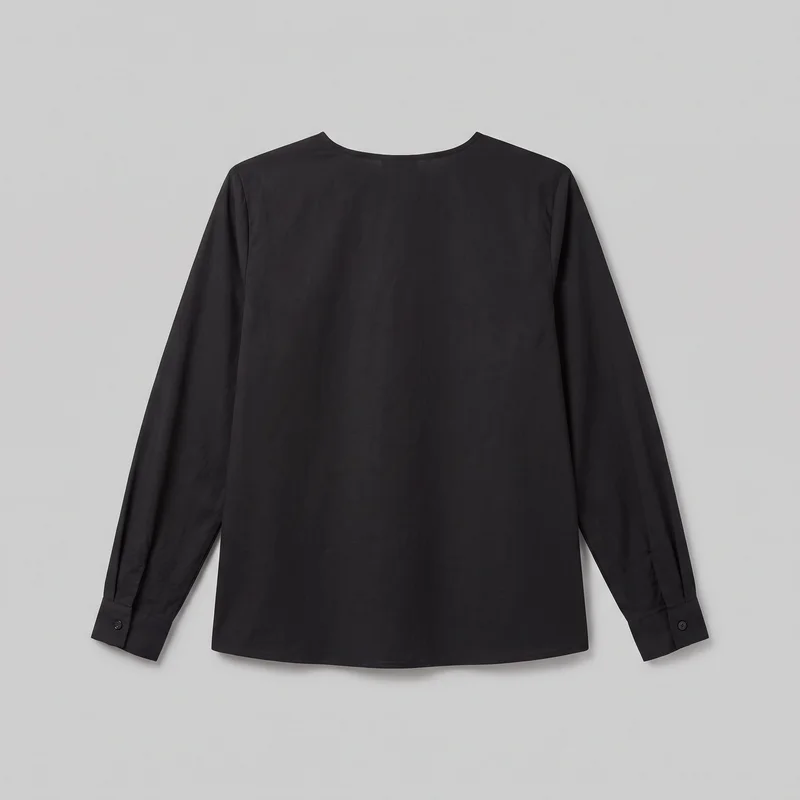 Black Classic Blouse
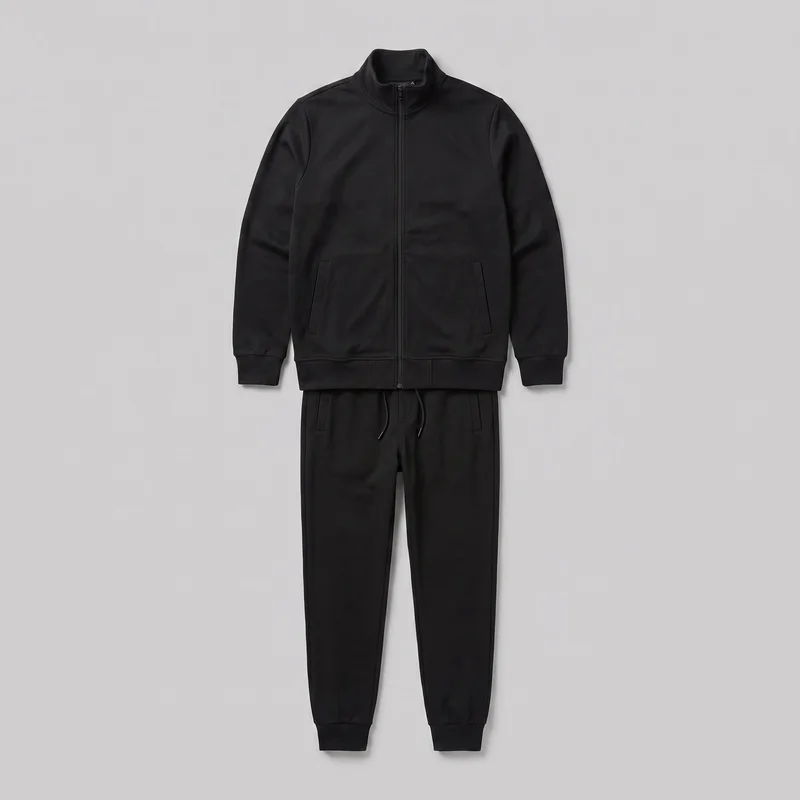 Men's Black Tracksuit
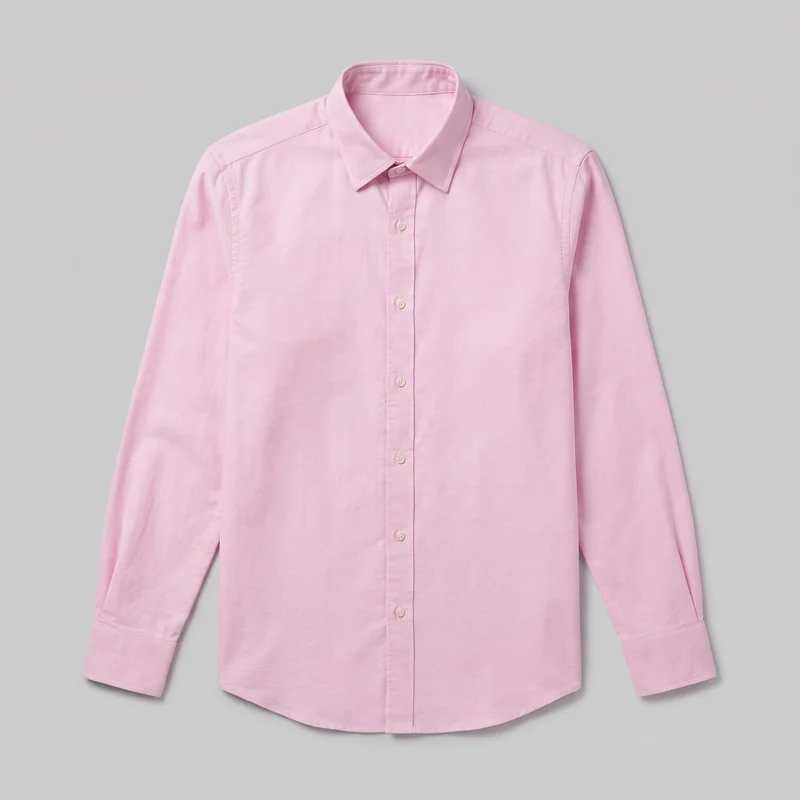 Pink Oxford Shirt
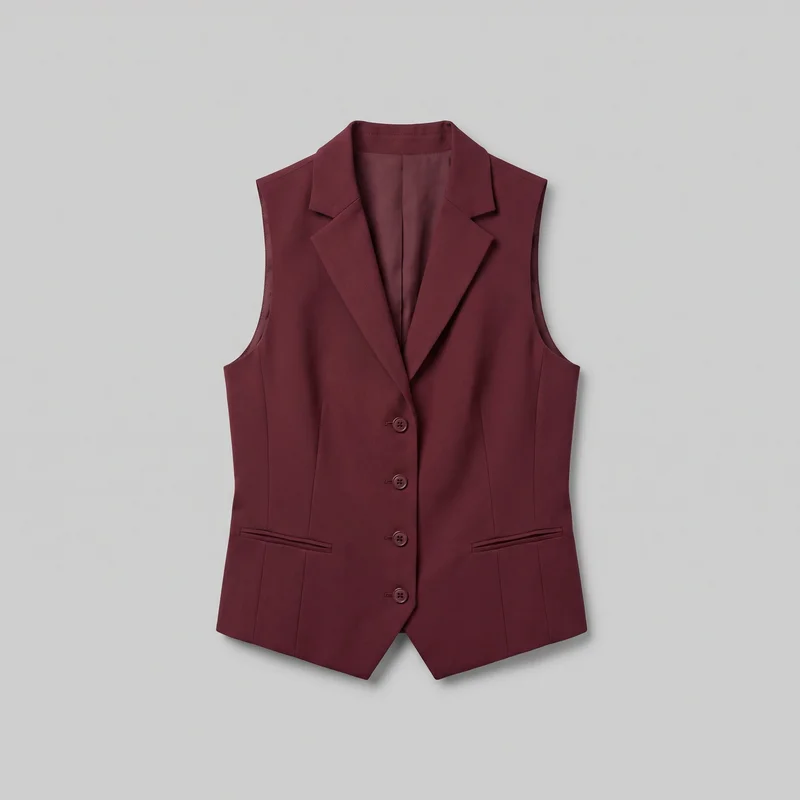 Women's Burgundy Waistcoat
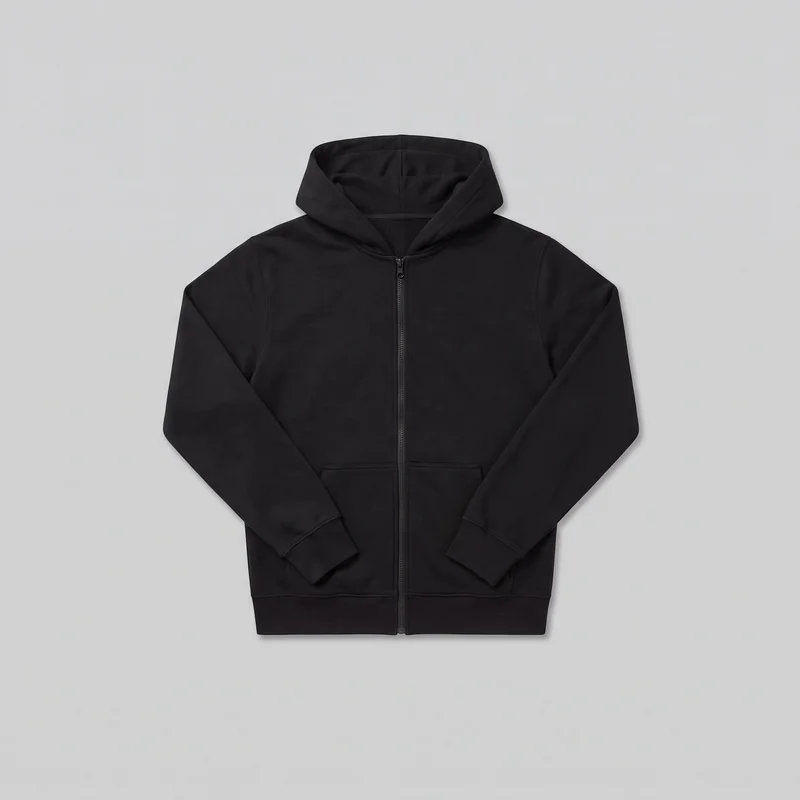 Men's Black Zip-Up Hoodie
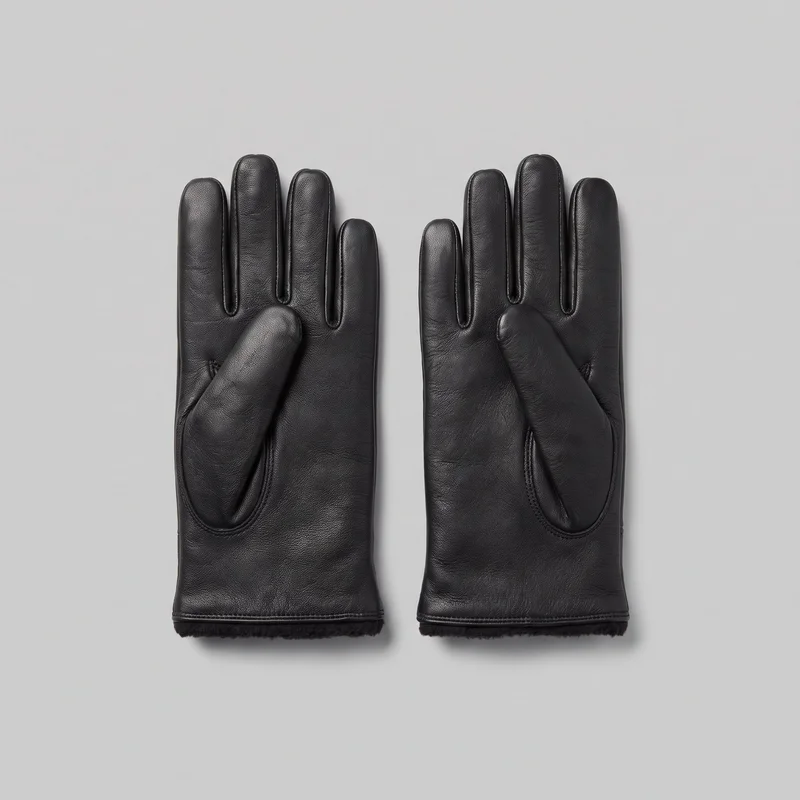 Men's Black Fleece-Lined Leather Gloves
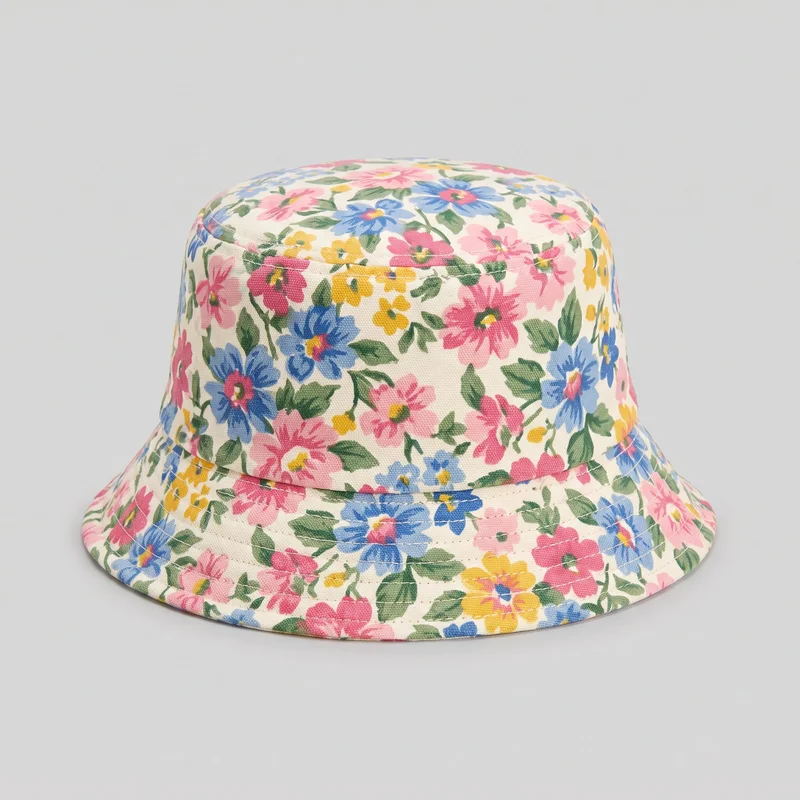 Women's Floral Print Bucket Hat
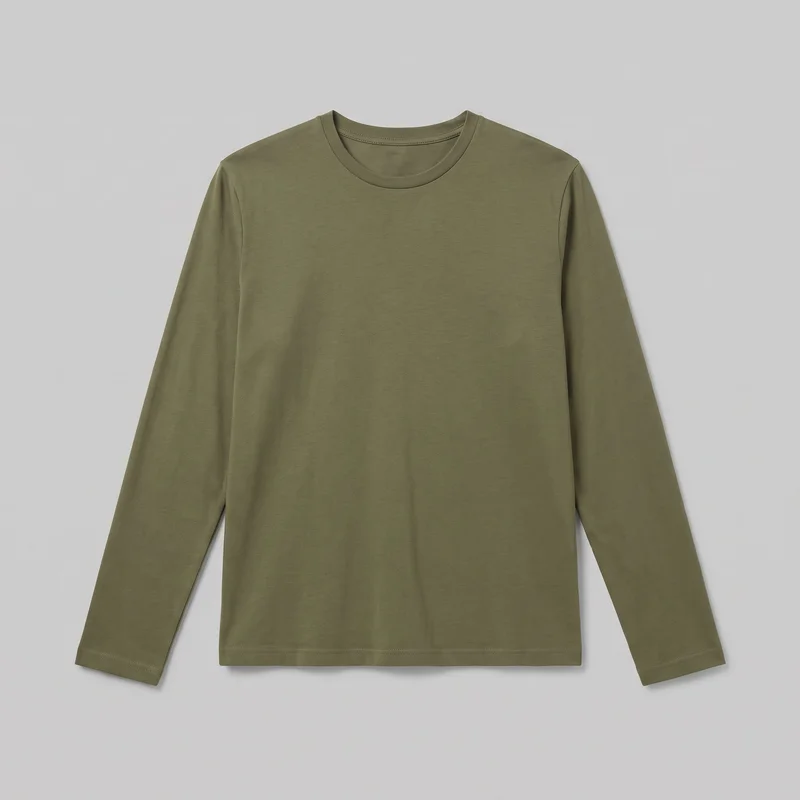 Men's Olive Cotton Long-Sleeve Tee
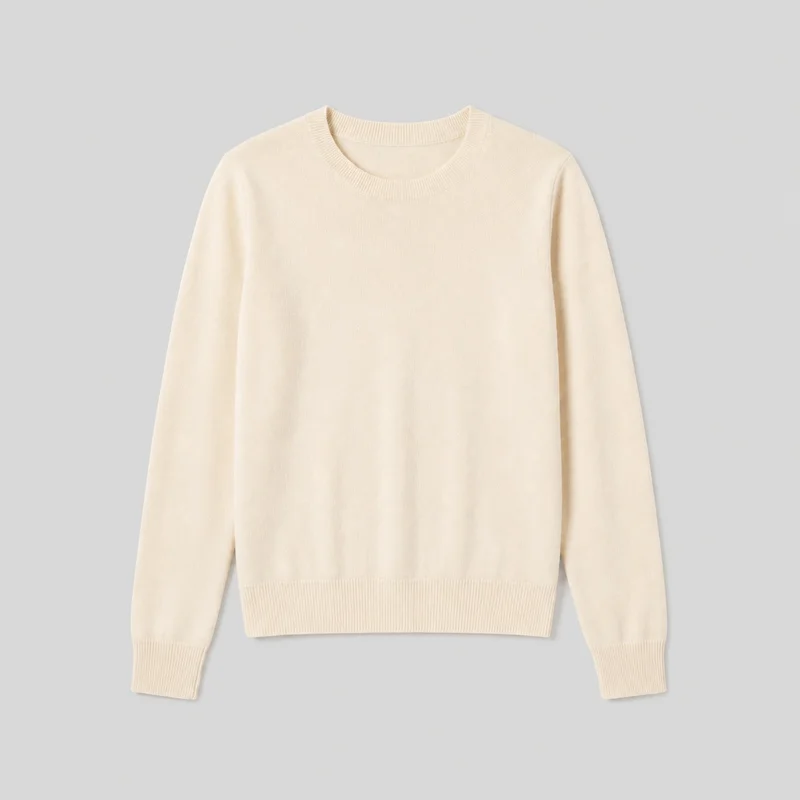 Women's Cream Cashmere Knit
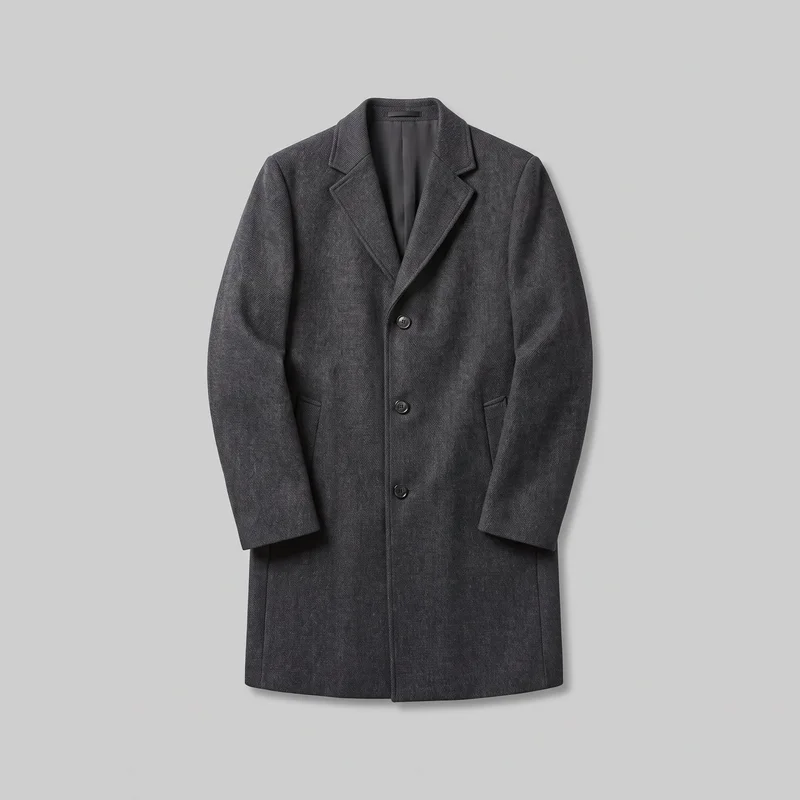 Men's Charcoal Overcoat
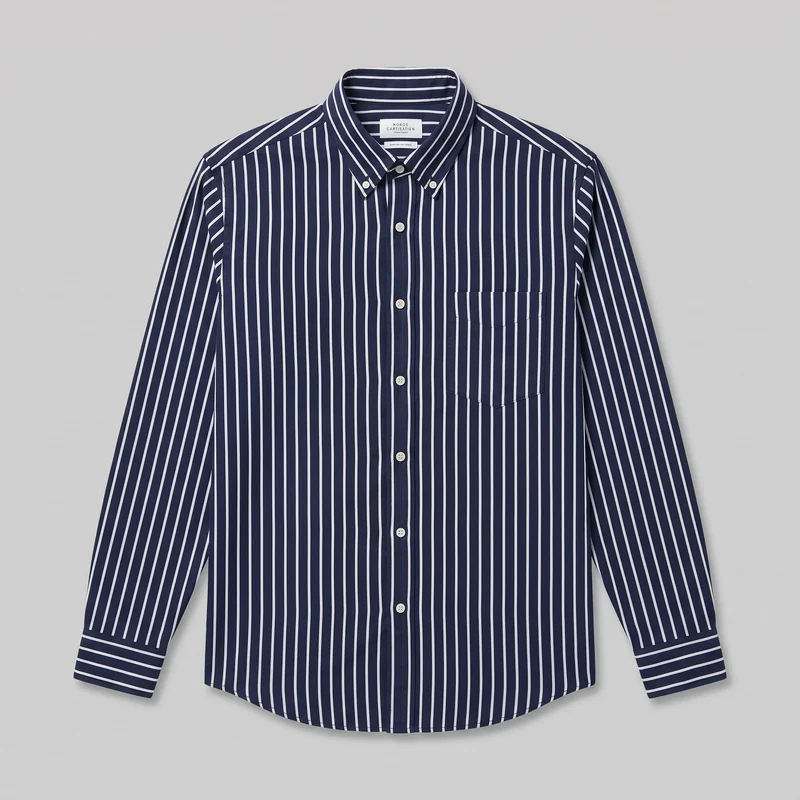 Navy Striped Oxford Shirt
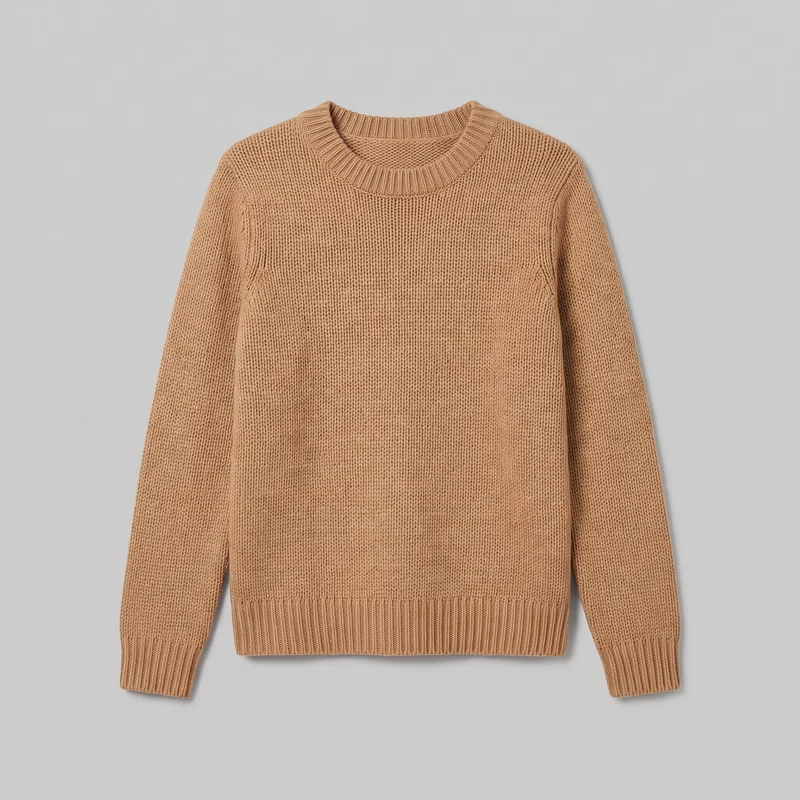 Women's Camel Knit Pullover Jumper
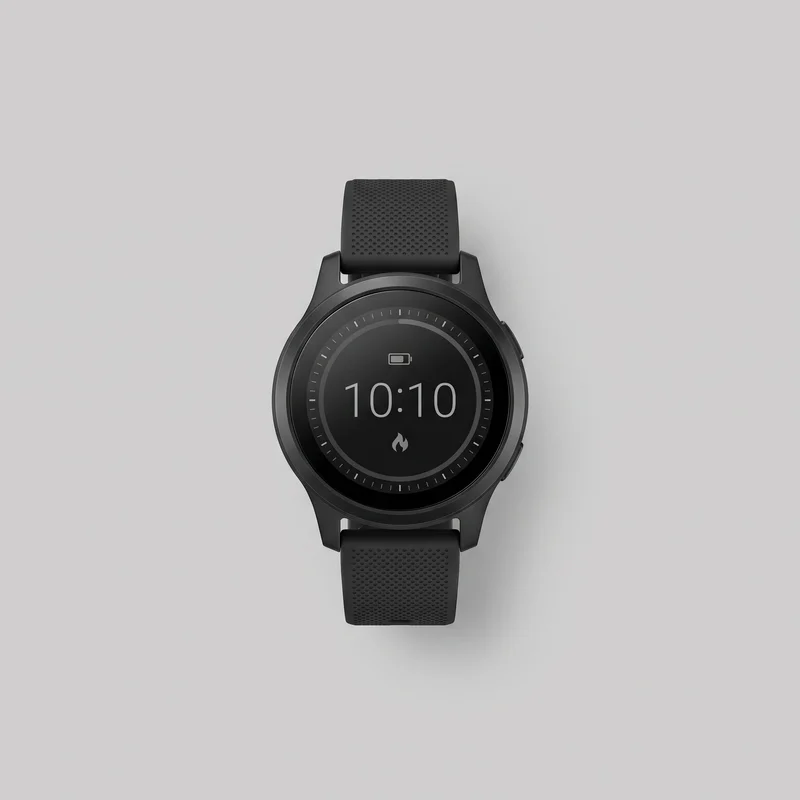 Men's Black Smartwatch
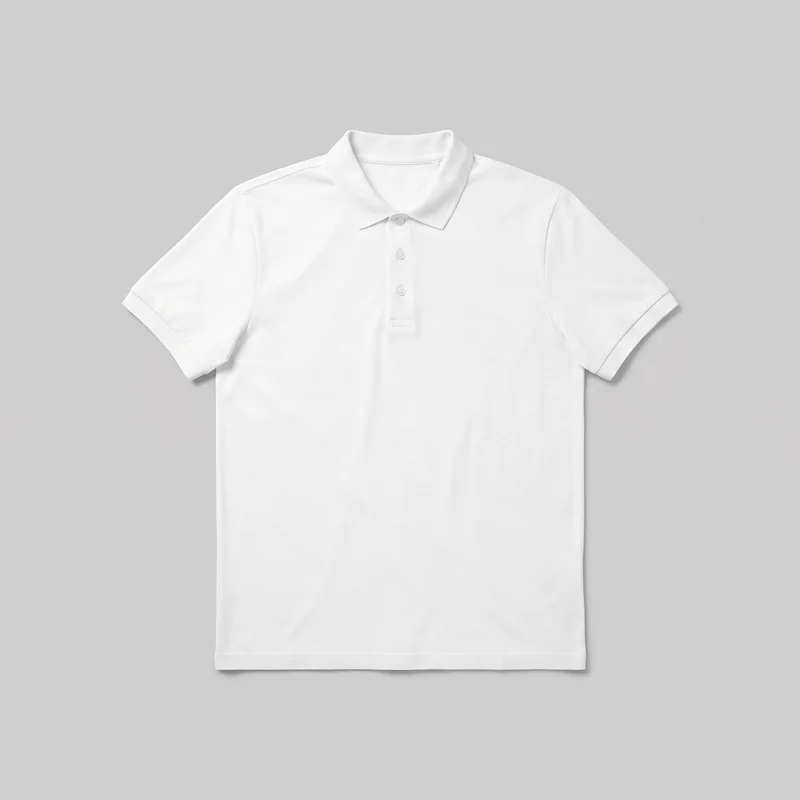 Men's White Polo Shirt
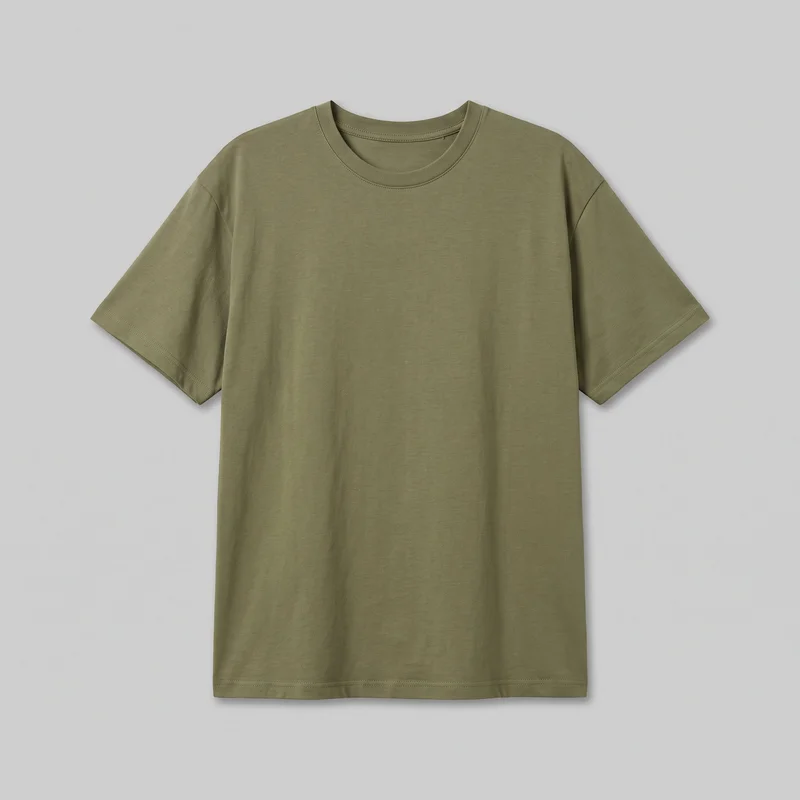 Women's Olive Oversized T-shirt
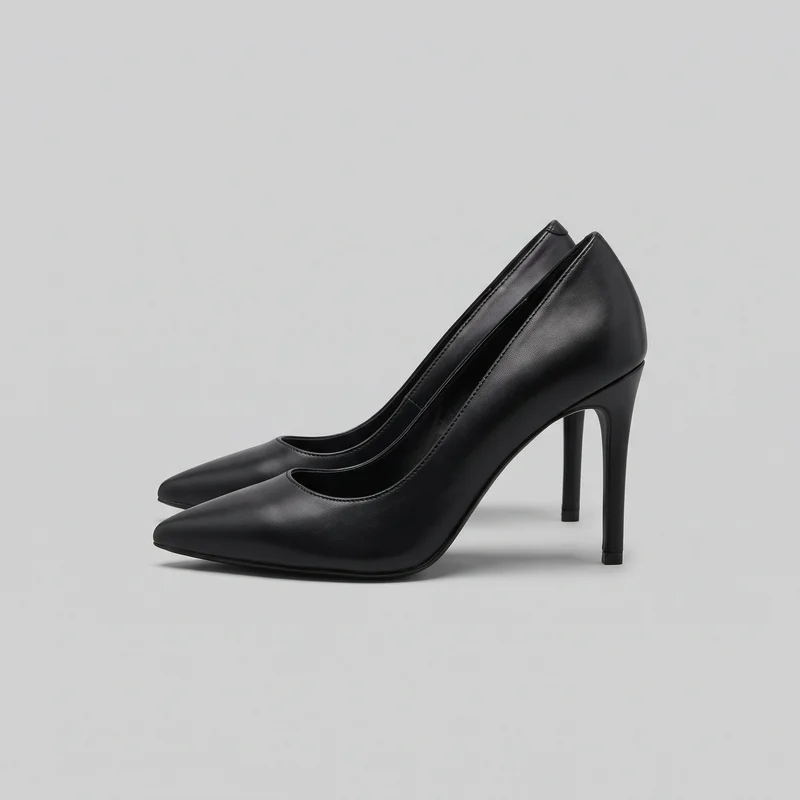 Black Stiletto Heels
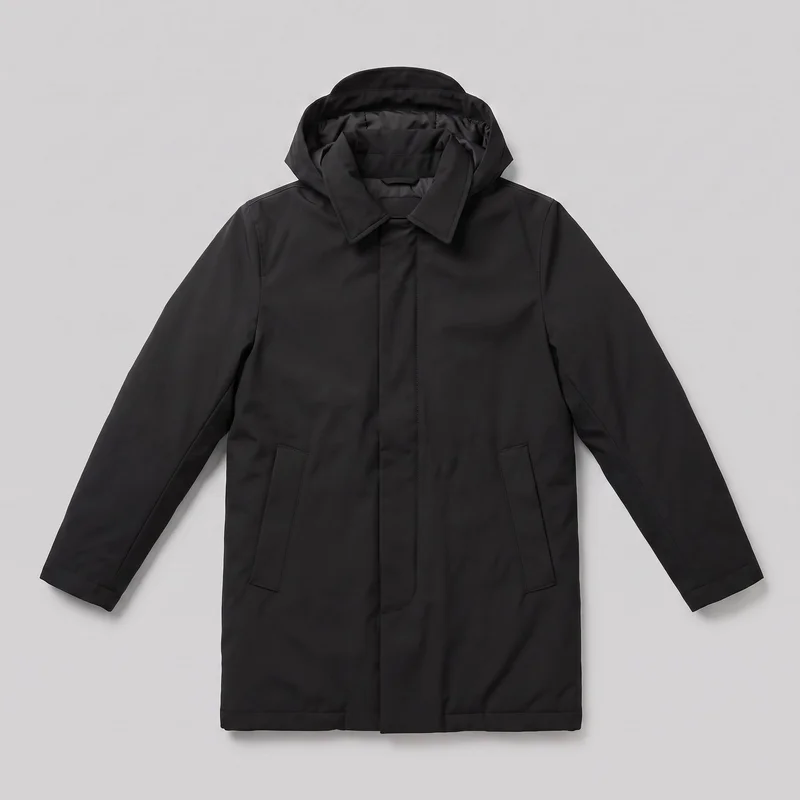 Men's Black Parka
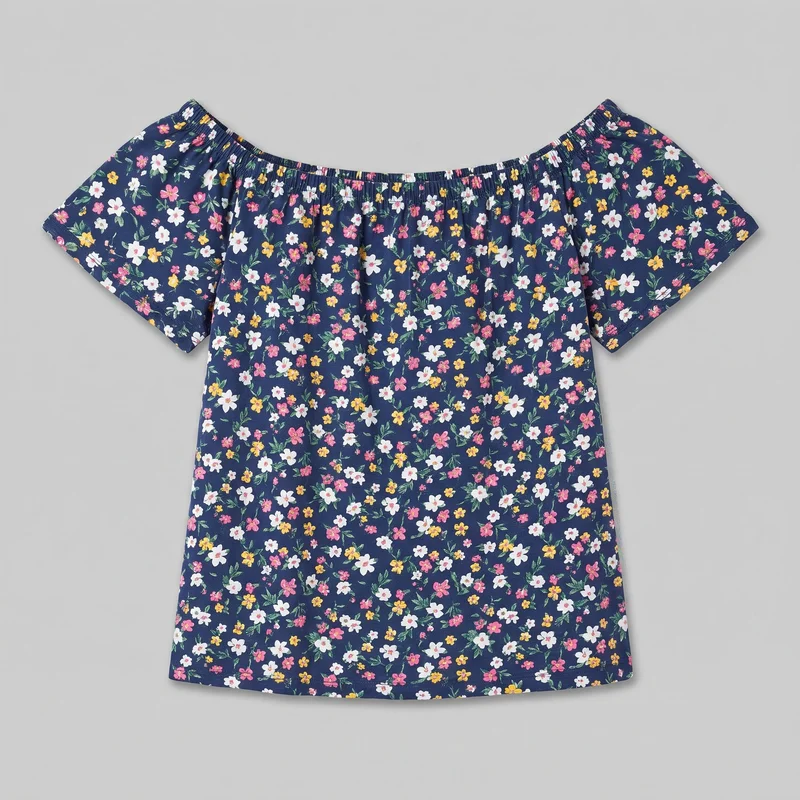 Floral Print Bardot Top
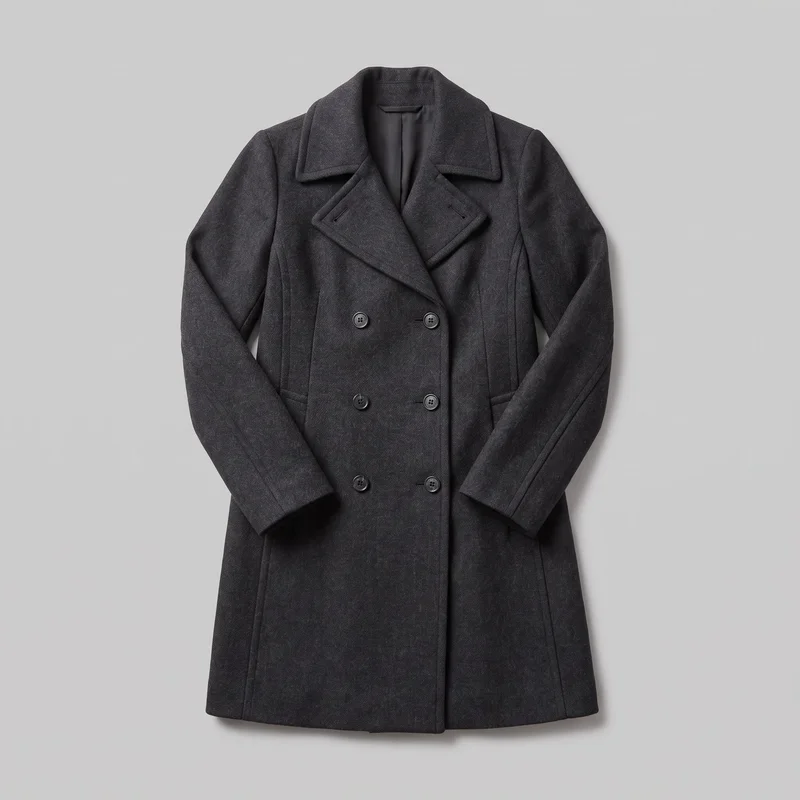 Women's Charcoal Overcoat
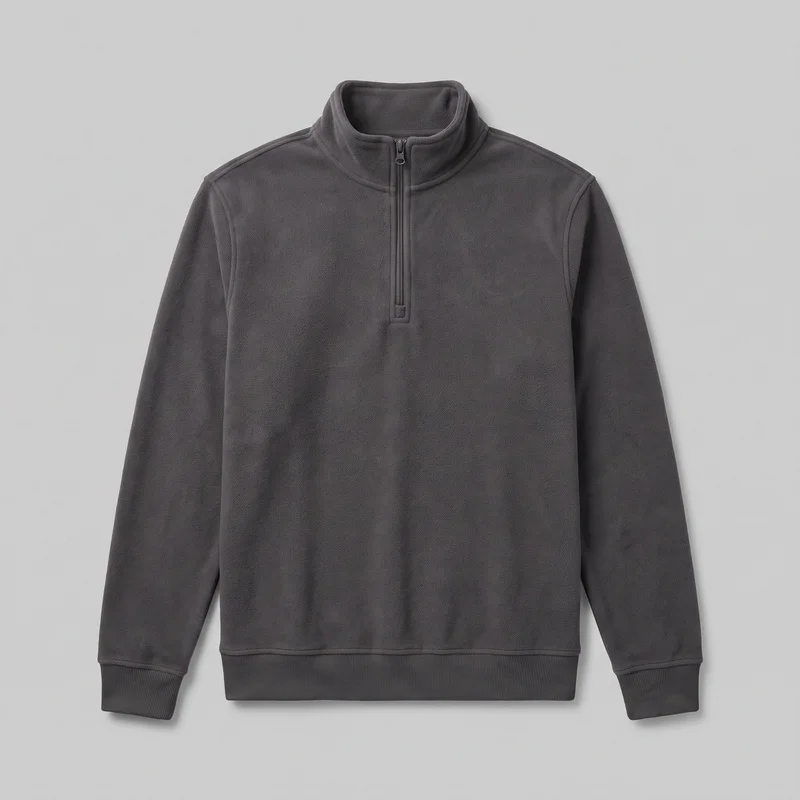 Men's Charcoal Fleece Quarter-Zip
Showing 24 of 1,273
Catalog
Browse the catalog
By product
Consistency
One product or view changes while the set stays aligned.
Keep the selected model, product basis, frame choices, camera views, and photography direction aligned across the set. Change the product or view when needed, while reviewing each new generation for hands, hardware, colour, and material details.
You change one
- Frame
- Pose
- Camera view
- Model
The rest holds
Model
Keep one selected model as a shared reference across related products and colourways.
Product
Start from the real item so its visible construction remains central to the image.
Frame
Choose the framing that shows the product clearly for each page and detail.
Who it's for
Is RAWSHOT right for shared views, not fit checks or weak sources?
A good fit
This fits you as an e-commerce manager if recurring product pages need the same model, views, and lighting across a live range.
Work it handles well
- You can turn existing product sources into on-model page imagery.
- You can keep one model across colourways and related products.
- You can direct frames, views, poses, and lighting visibly.
Outside this scope
It is not suited to measured fit decisions or weak source material that cannot show product details clearly.
Where this stops
- You cannot measure garment fit from generated imagery.
- You need clear sources for accurate product details.
- You cannot request unsupported frame and view combinations.
Rights
You own every image. Every image says what it is.
Yours
- Full commercial rights to every image, permanently.
- No recurring licence fees on any model in the library.
- Every model is a synthetic composite, so there is no real-person likeness.
Labelled
- C2PA content credentials on every image.
- AI-labelled output, aligned with EU AI Act Article 50.
EU-based hosting, GDPR-compliant handling.
- Aligned with EU AI Act Article 50
- C2PA
- Full commercial rights
- GDPR-compliant handling
- EU-based hosting
Questions
Before you publish the first product-page set.
Can RAWSHOT create a consistent on-model image set for a product-page launch from the product sources you already have?
RAWSHOT can create a consistent on-model image set for a product-page launch from suitable product sources. You can start with a product photo, flat-lay, mockup, or technical sketch, then direct the model, outfit, frame, camera view, pose, and lighting. This gives shoppers clearer context across product views, details, and colourways. Review each image for hands, hardware, colour, and material accuracy before publishing.
Which jobs and channels suit RAWSHOT product-page imagery for launches, range reviews, and colourway comparison?
Product-page launches, range merchandising, colourway comparison, and ecommerce listing review are suitable jobs and channels for RAWSHOT imagery. You can build on-model coverage when a live range has flat-lays but lacks useful context, or when related products need a shared visual treatment. The same direction can support product pages and campaign testing while keeping the selected model, product basis, and photography style aligned.
Which crops, frames, and aspect ratios work for a RAWSHOT product-page image set across ecommerce views?
Portrait 4:5, vertical 9:16, square crops, and clearly directed detail frames work for a RAWSHOT product-page image set. Choose the crop according to the page placement, then set the frame and camera view to show the product rather than obscure its construction. Front, back, side, and close detail views can support different page needs, provided the requested frame and view combination is supported.
What do I need to start a RAWSHOT product-page image set from existing product sources?
You need a clear product photo, flat-lay, mockup, or technical sketch, plus a direction for the model, outfit, frame, camera view, pose, and lighting. Strong source material keeps visible construction central to the image and helps preserve colour, hardware, and material details. You can then select a shared model and visual treatment for related products or colourways, reviewing each generated image before it reaches the page.
How does RAWSHOT compare with a studio shoot for building a consistent product-page image set?
RAWSHOT builds a product-page image set from existing product sources by directing model, styling, frame, camera view, pose, and lighting in generated imagery. A studio shoot captures those decisions physically with a crew, sample, location, and production setup. RAWSHOT is useful when you need clearer on-model context from available sources, while a studio shoot remains suited to situations requiring measured physical fit, controlled samples, or production-specific capture.
How can RAWSHOT keep product-page variants consistent across models, views, colourways, and product details?
RAWSHOT can keep product-page variants aligned by carrying the selected model, product basis, frame choices, camera views, and photography direction across the set. Change the product or view deliberately while holding the shared visual treatment steady. Compare colourways under the same direction, then inspect hands, hardware, colour, material details, and construction so an inconsistent variant does not pass into the finished page set.
What can't RAWSHOT do for a product-page image set when garment fit and source detail matter?
RAWSHOT cannot provide measured garment-fit decisions or recover product details that are absent or unclear in the source material. You should supply imagery or drawings that show the item’s construction, colour, hardware, and material clearly, then review every result for accuracy. Unsupported frame and camera-view combinations may not be available, so keep requests within the named directions and inspect the finished set before publication.
What usage rights apply when you publish RAWSHOT imagery for a product-page image set?
You get full commercial rights to every image, permanently, with no recurring licence fee. Every image carries C2PA content credentials and is labelled as AI-generated.
Get started
Bring your clearest product source to the first set.
Start with a 7-day free trial including 50 tokens, then move to the plan that matches your production volume.