
Product photography
Jewelry photography
Show each piece in its worn context.
Build Jewelry photography around the real piece, from a product photo, flat-lay, mockup or technical sketch. Set the model, crop, light and composition for collection launches, listings and campaign work.
7-day free trial • 50 tokens (10 images) • Cancel anytime
168 images in this range · AI-labelled with C2PA content credentials
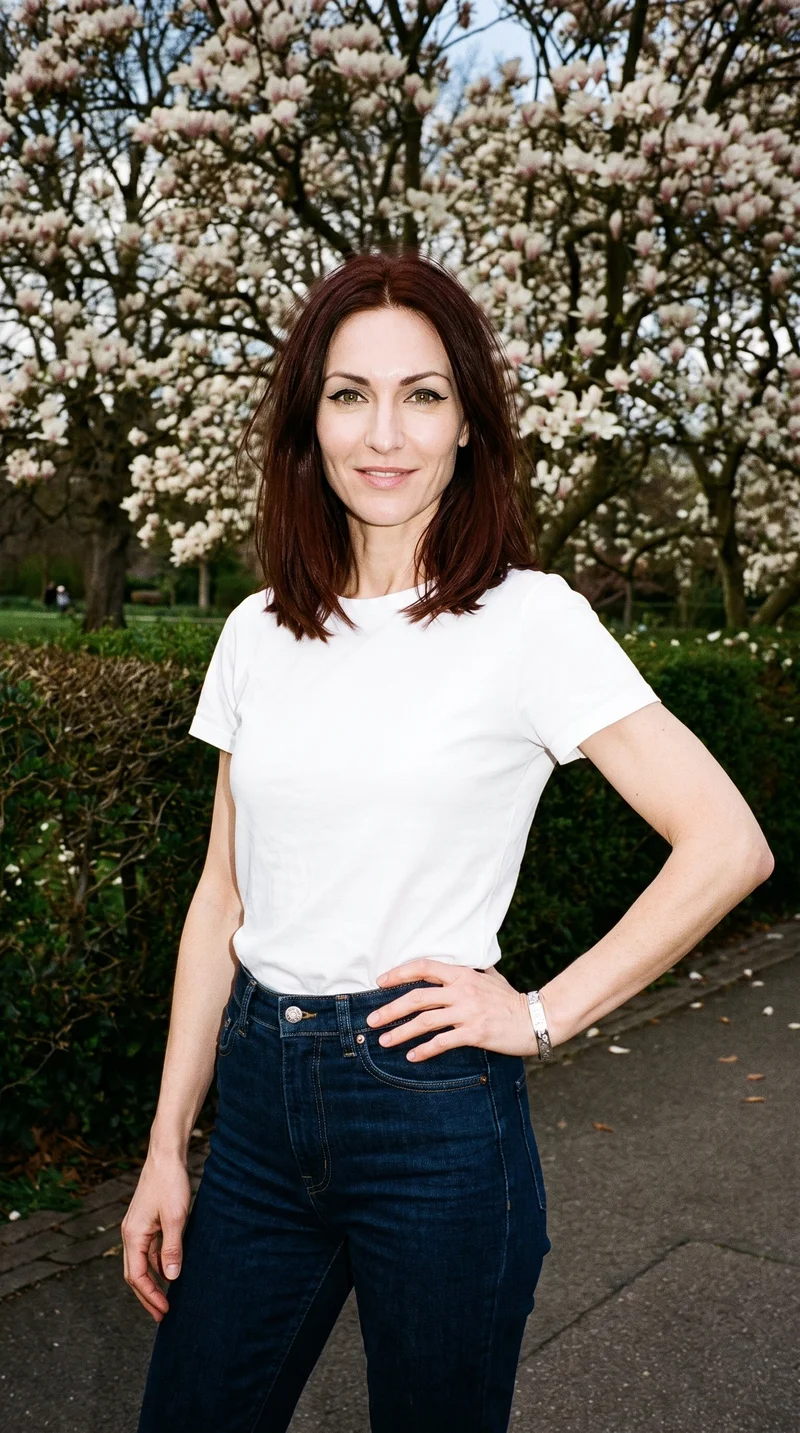
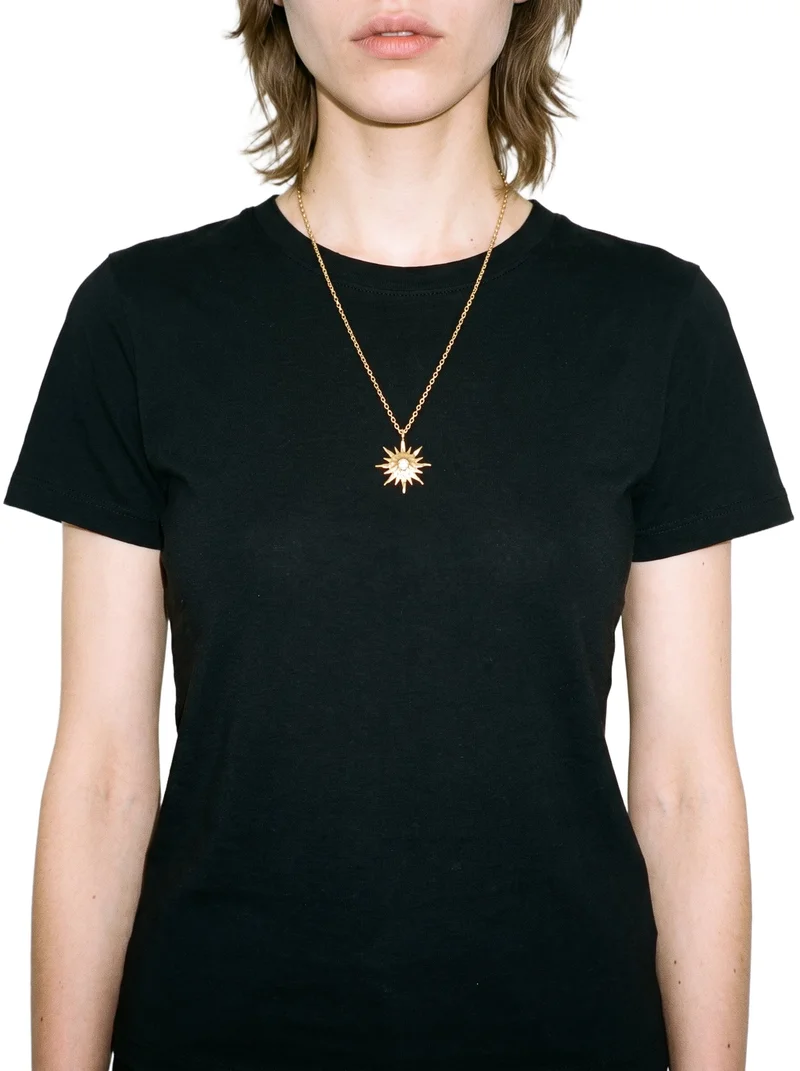
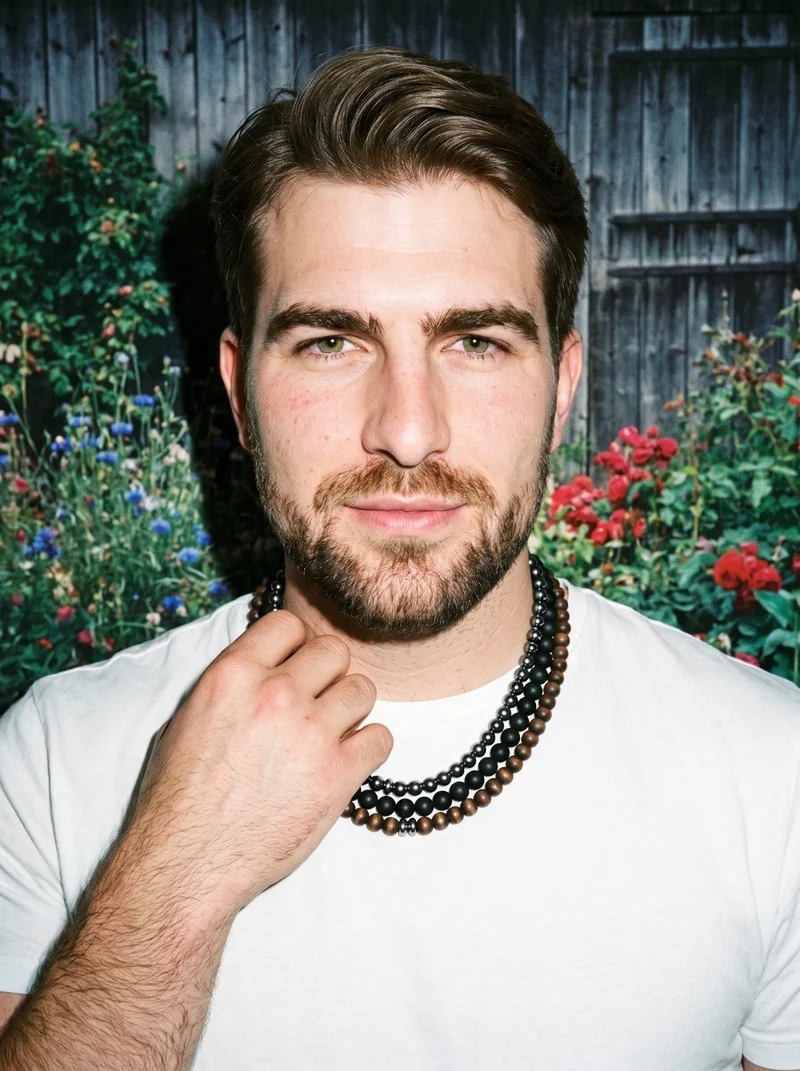
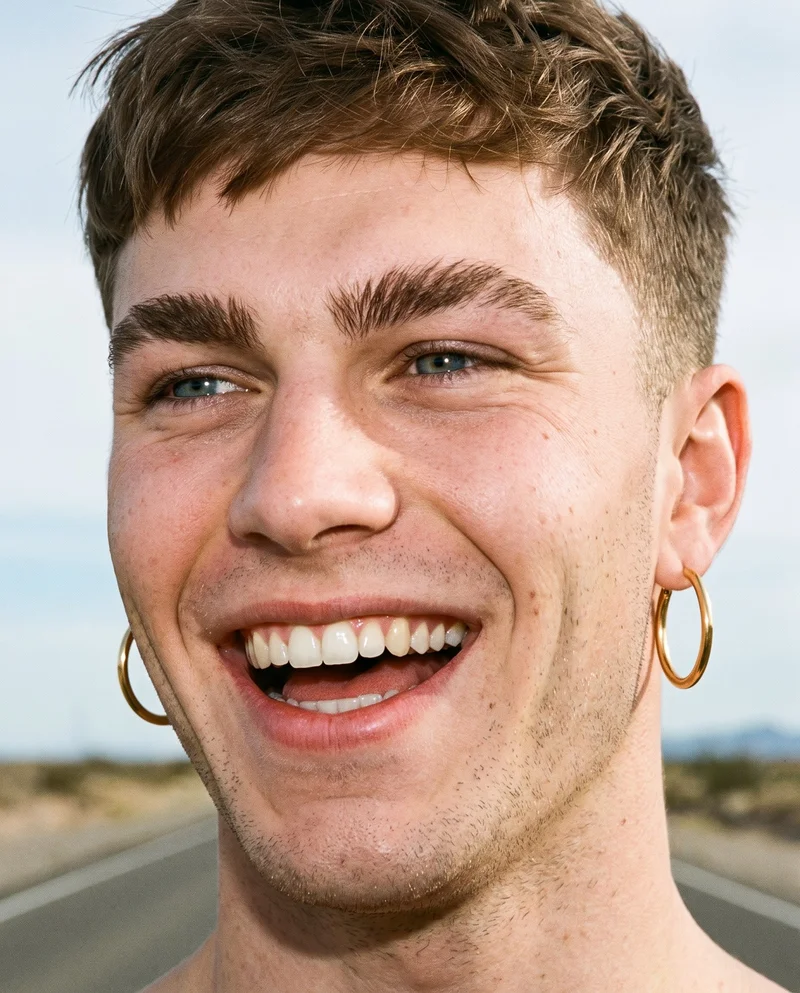
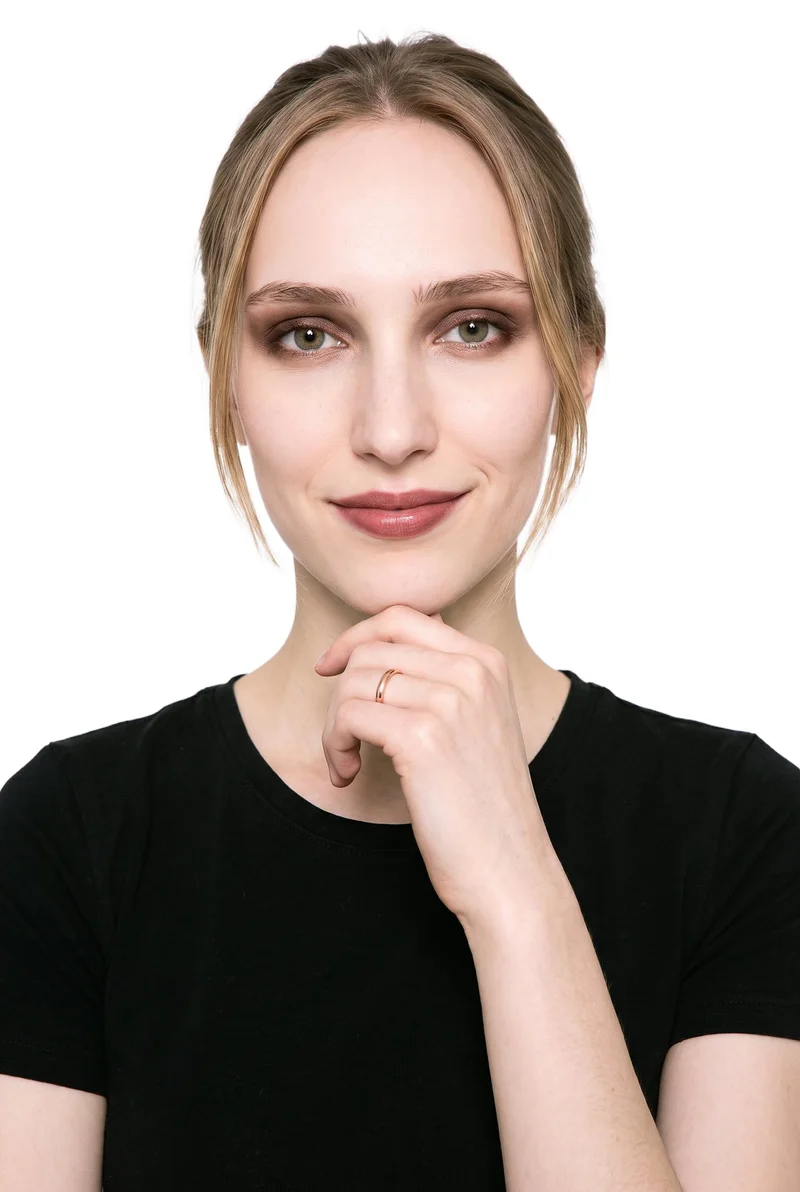
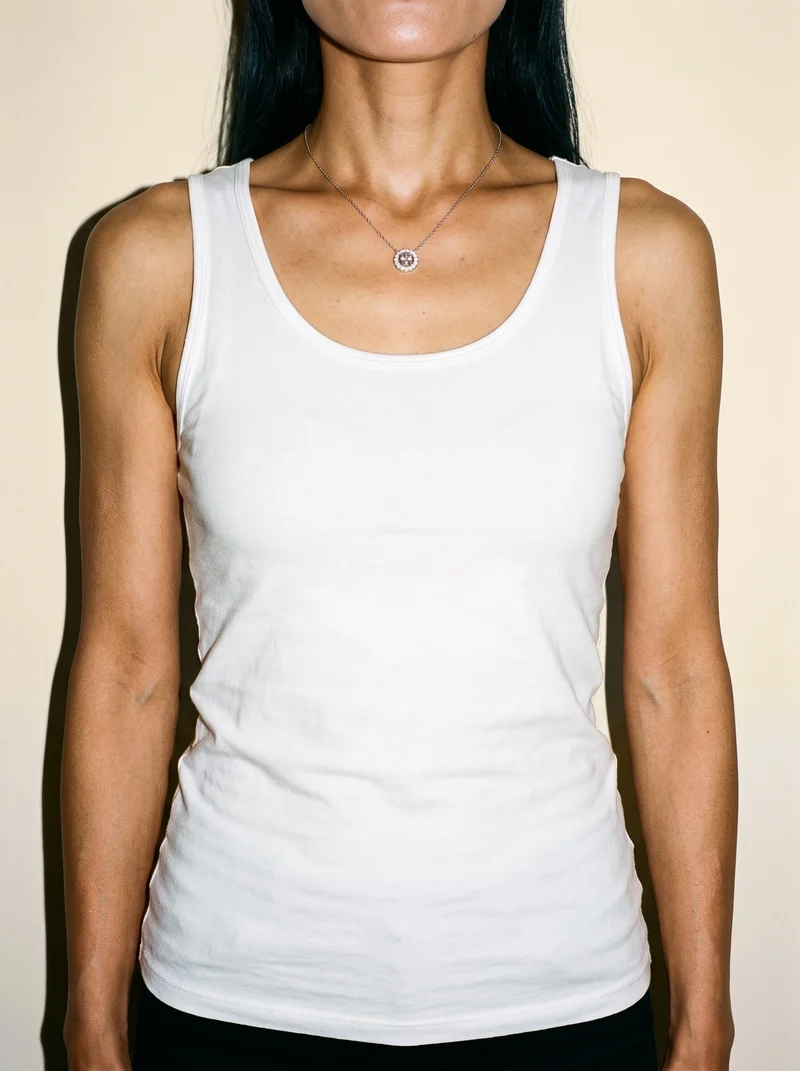
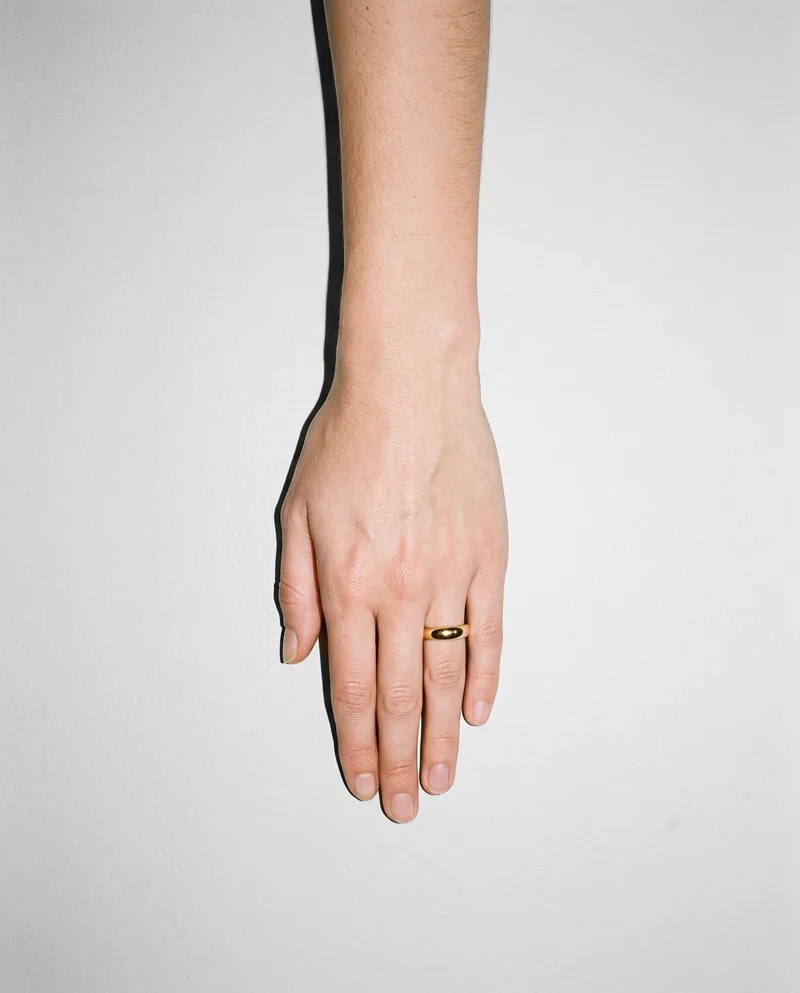
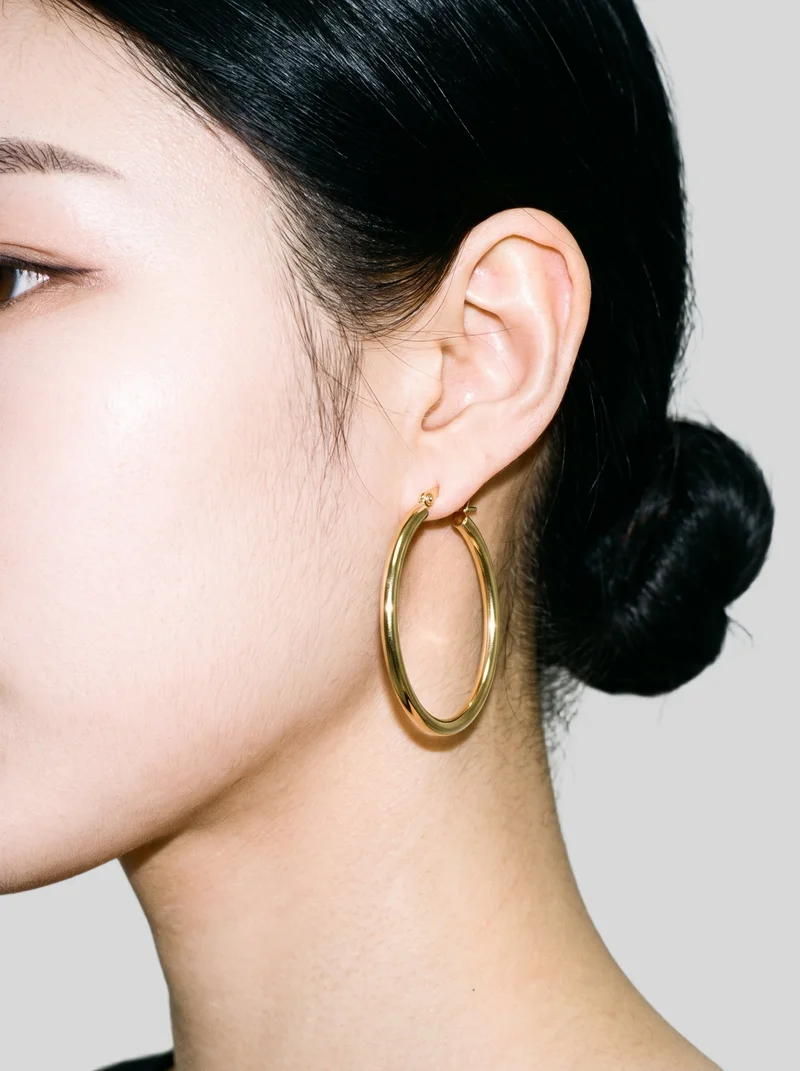
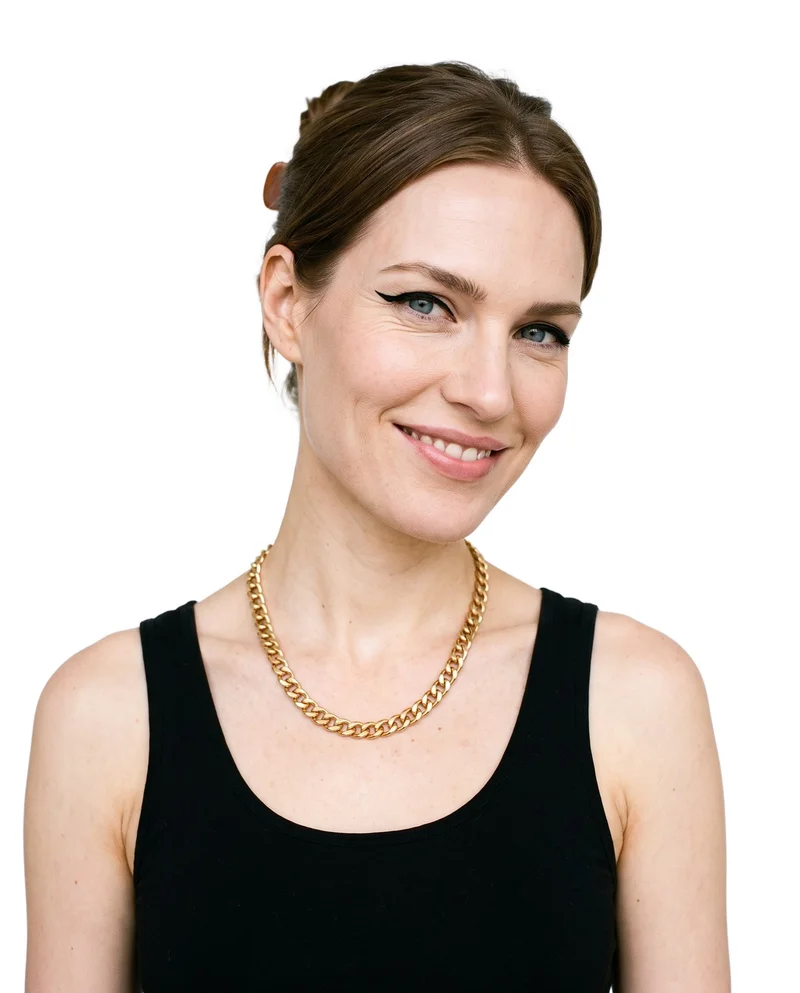
Showing 9 of 168, shot in RAWSHOT
Gallery
Pieces appear in body context, from detail to campaign.
Browse jewelry compositions showing pieces in body context, from close detail to supporting campaign imagery.
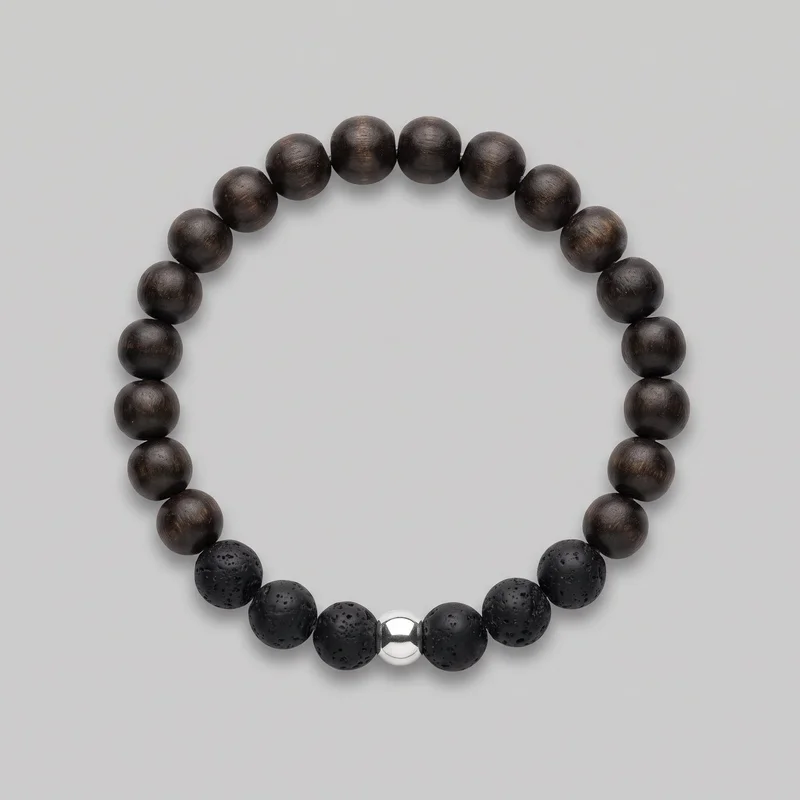 Men's Beaded Bracelet
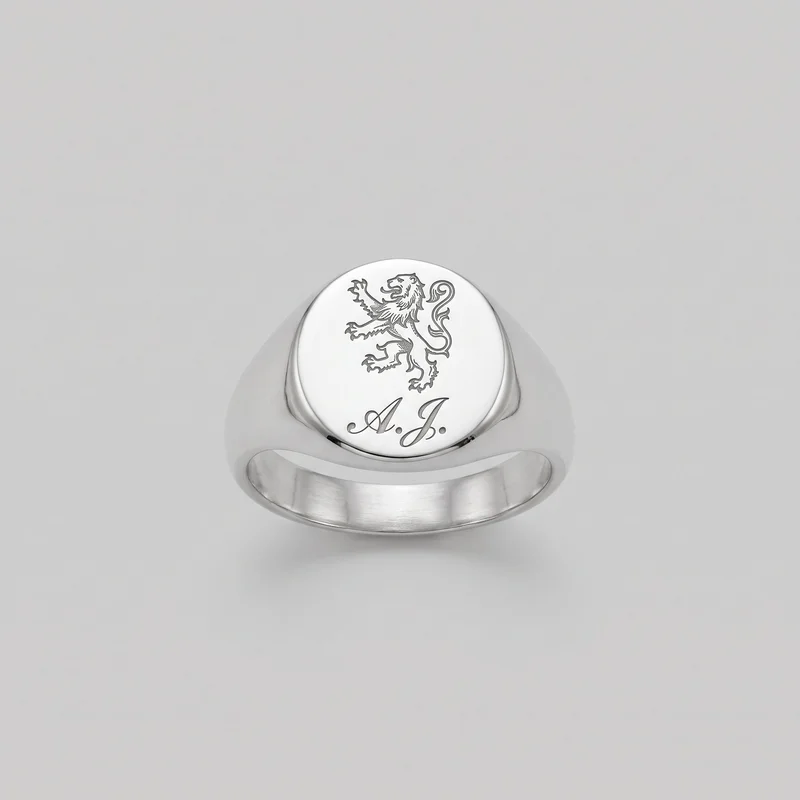 Engraved Signet Ring
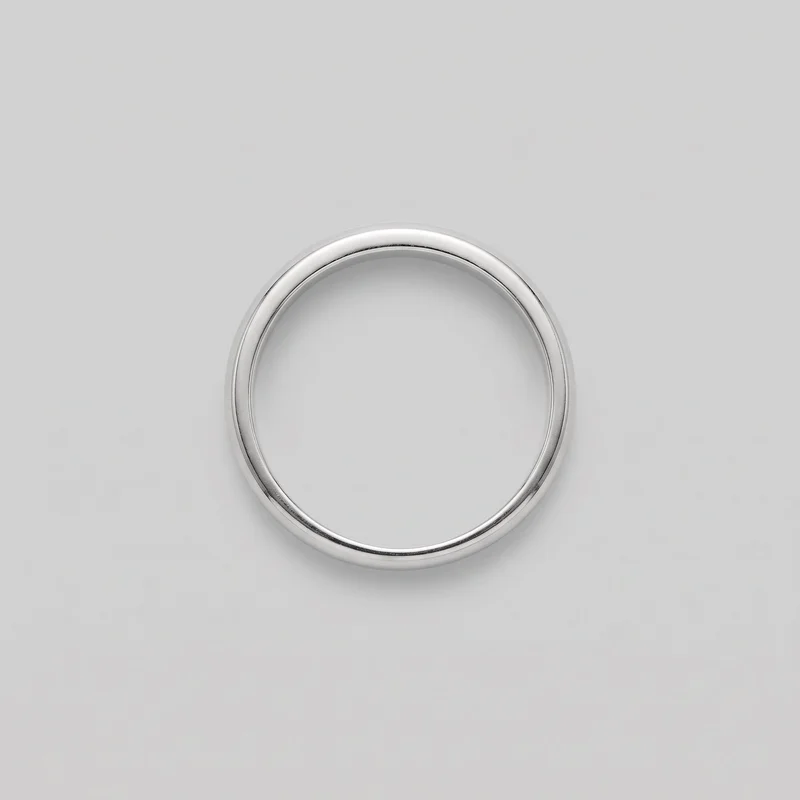 Women's Silver Band Ring
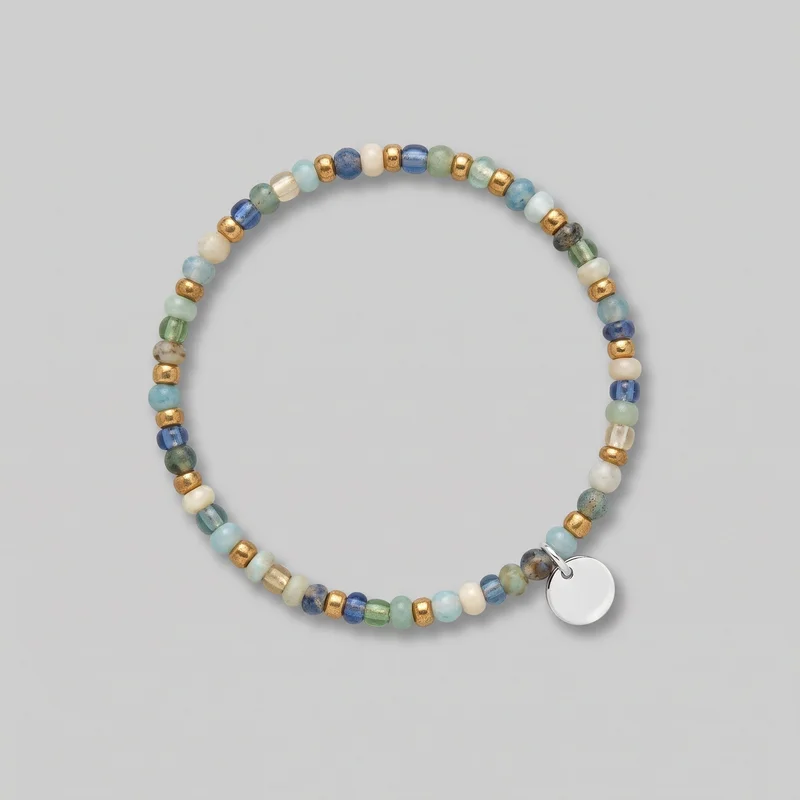 Women's Beaded Bracelet
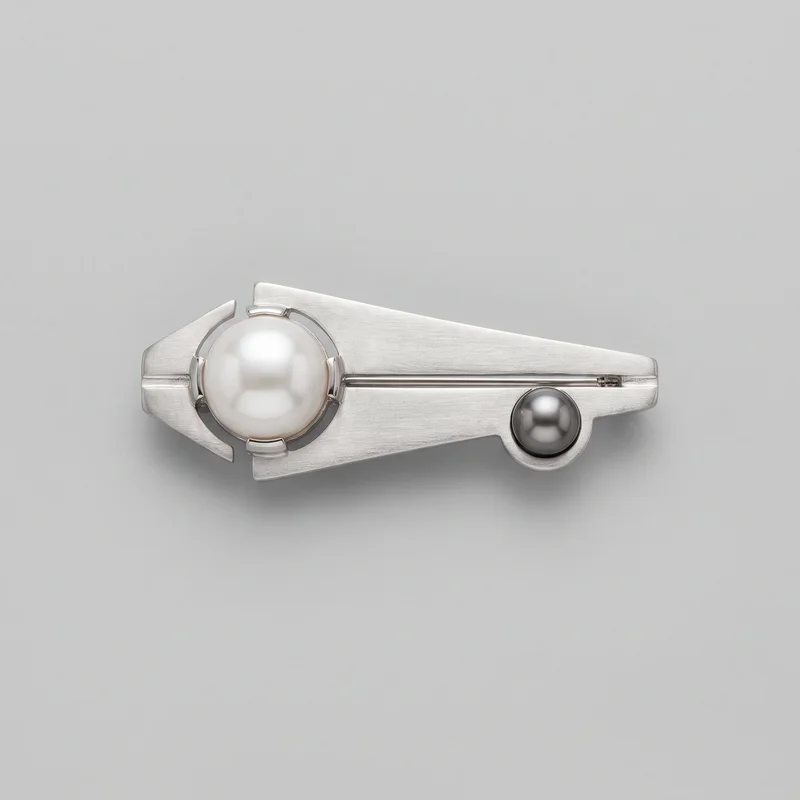 Men's Pearl Brooch
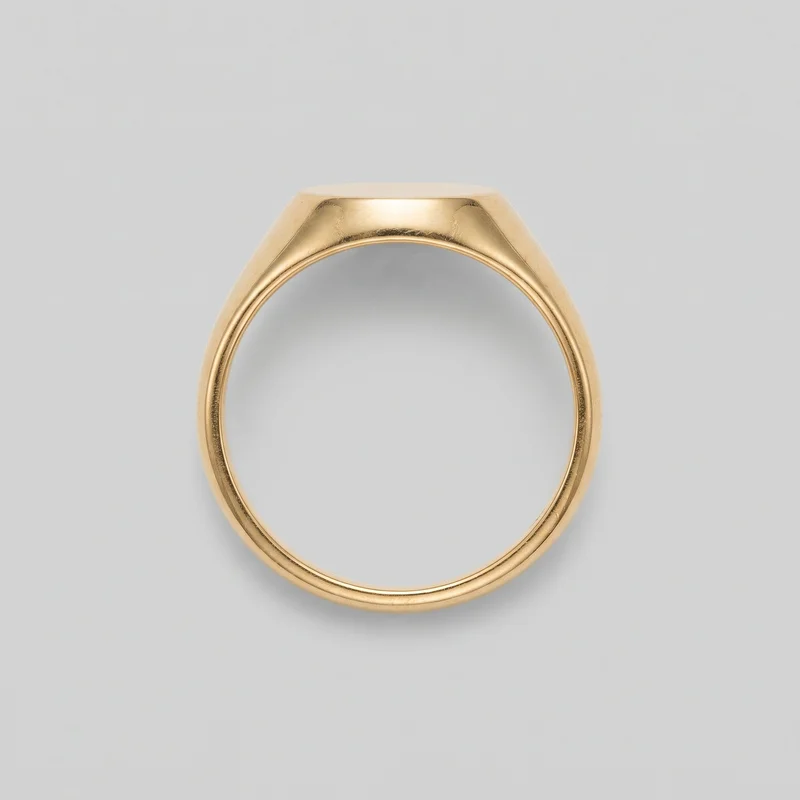 Gold Signet Ring
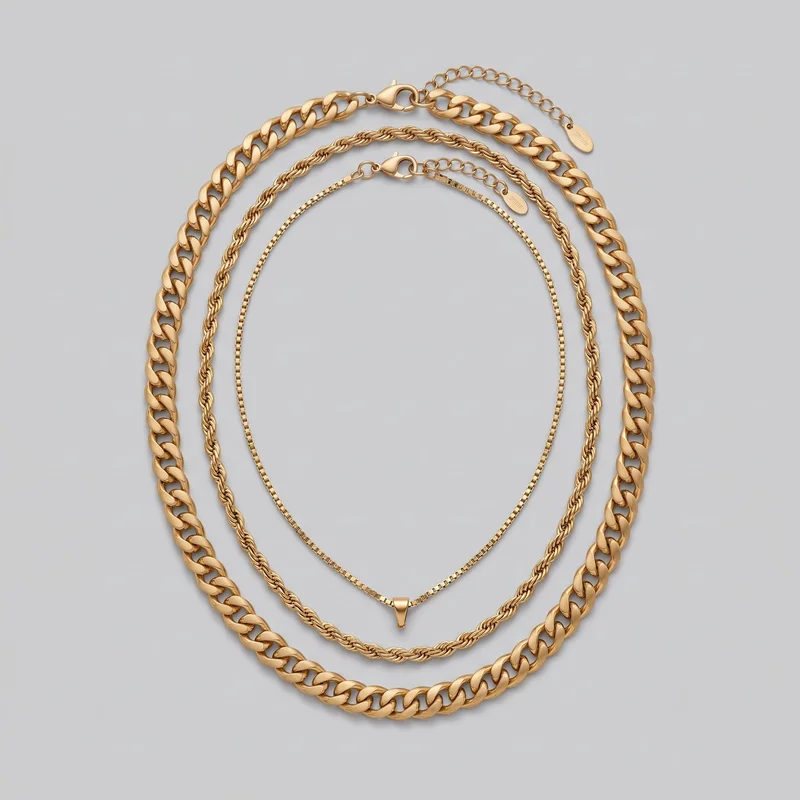 Men's Gold Layered Necklace
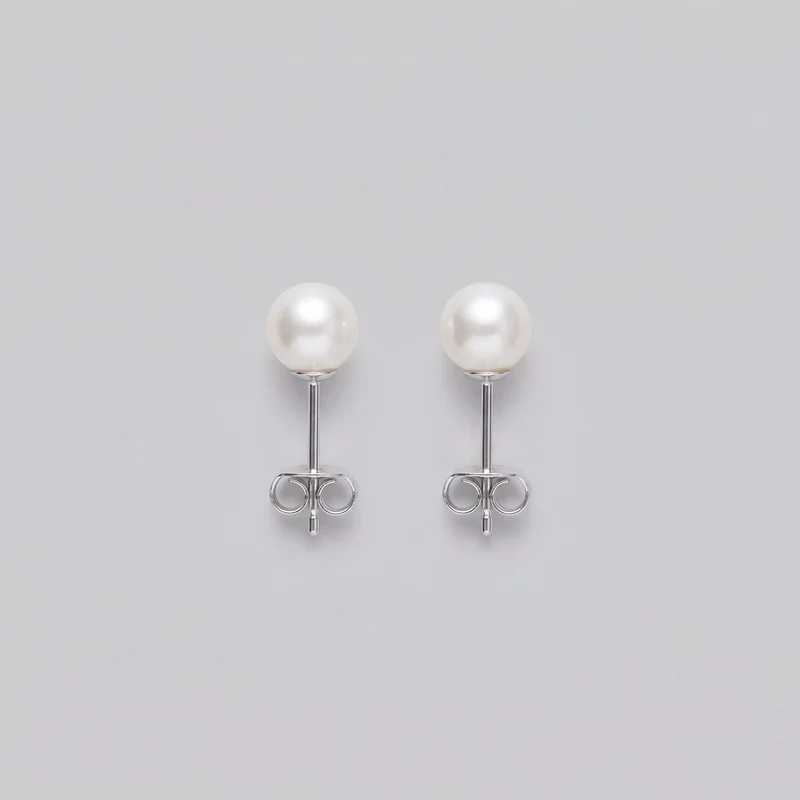 Women's Pearl Stud Earrings
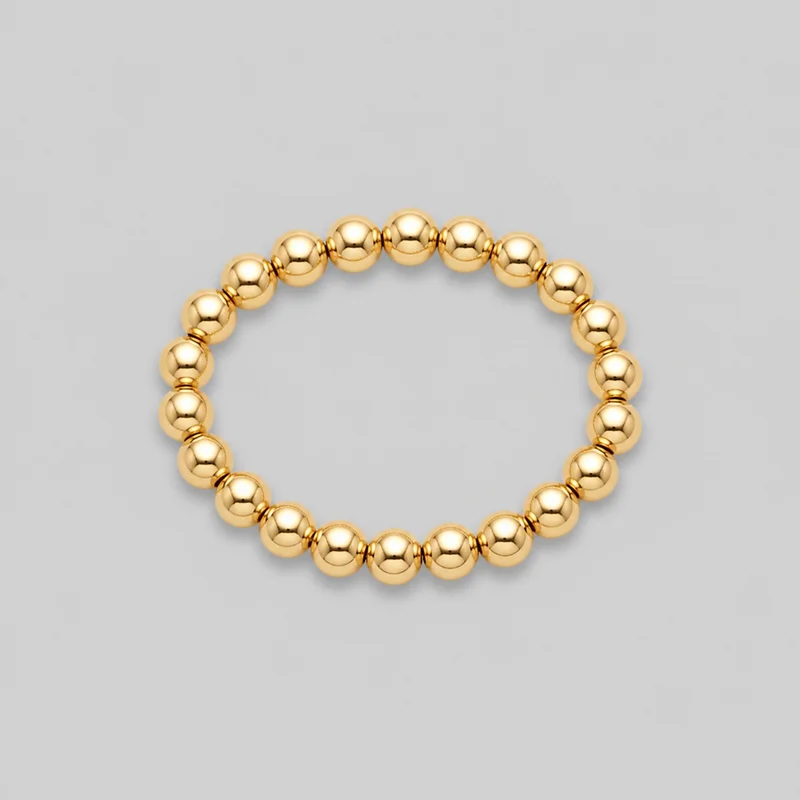 Women's Gold Beaded Bracelet
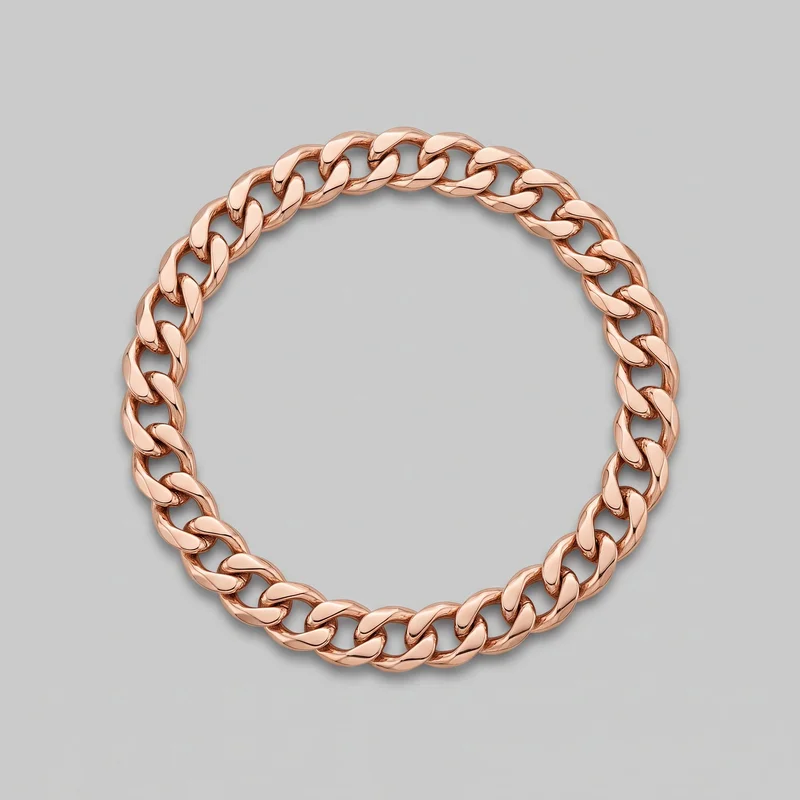 Men's Rose Gold Chain Bracelet
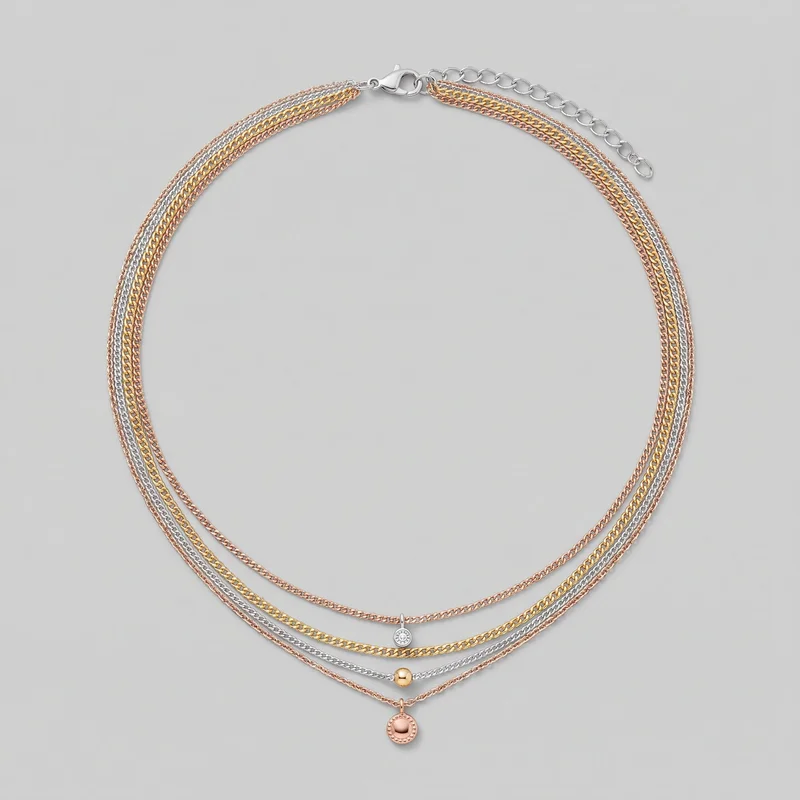 Women's Mixed-Metal Layered Necklace
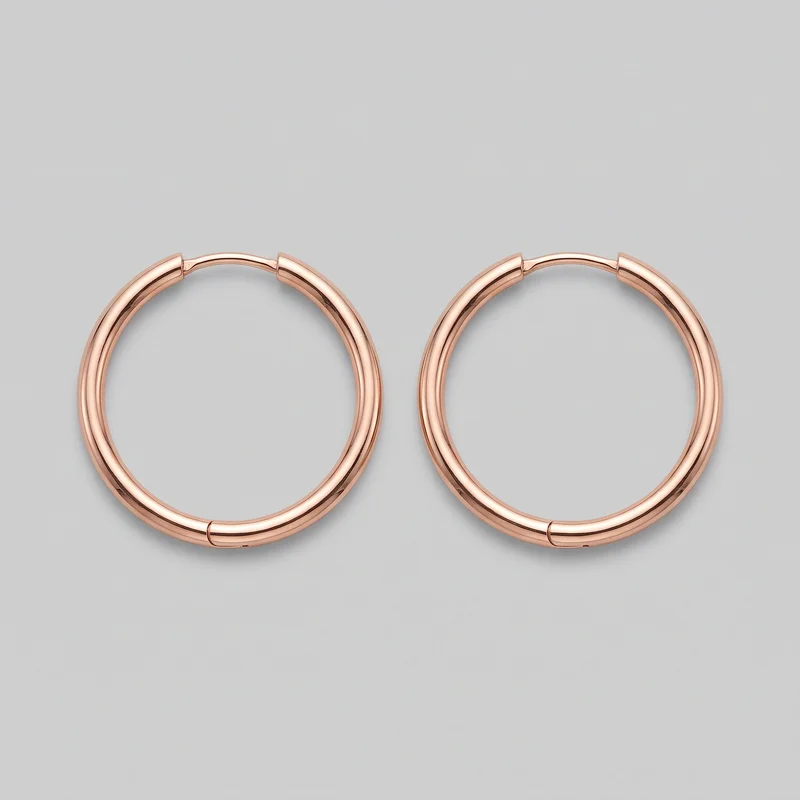 Men's Rose Gold Hoop Earrings
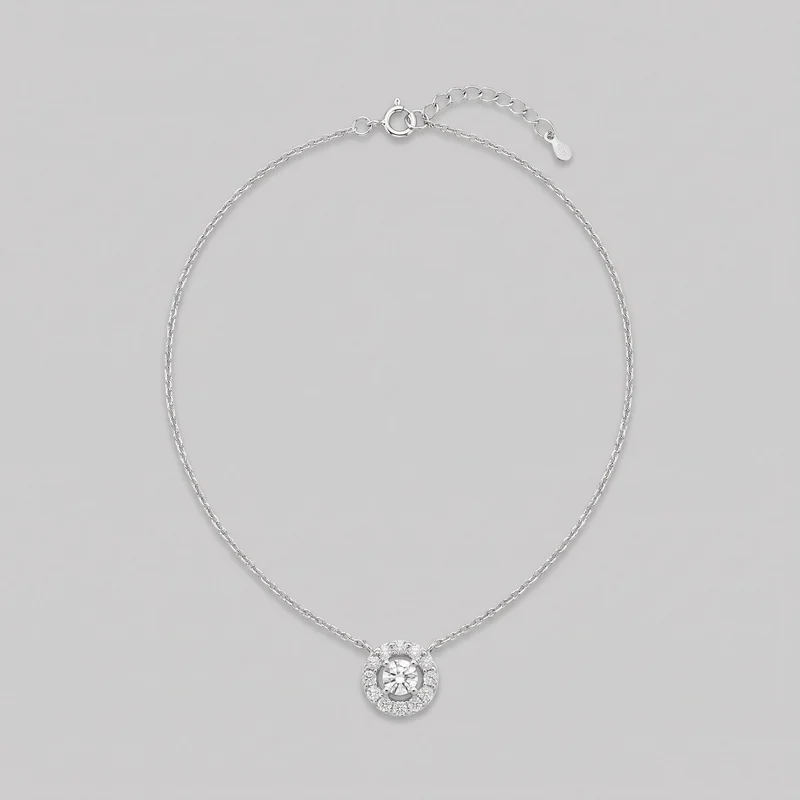 Women's Diamond Pendant
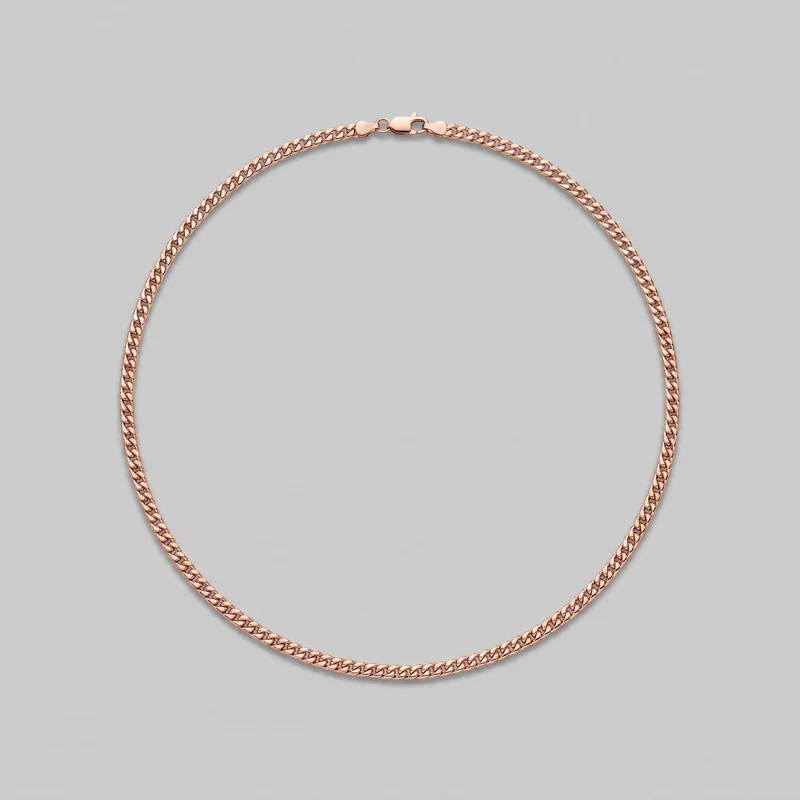 Men's Rose Gold Chain
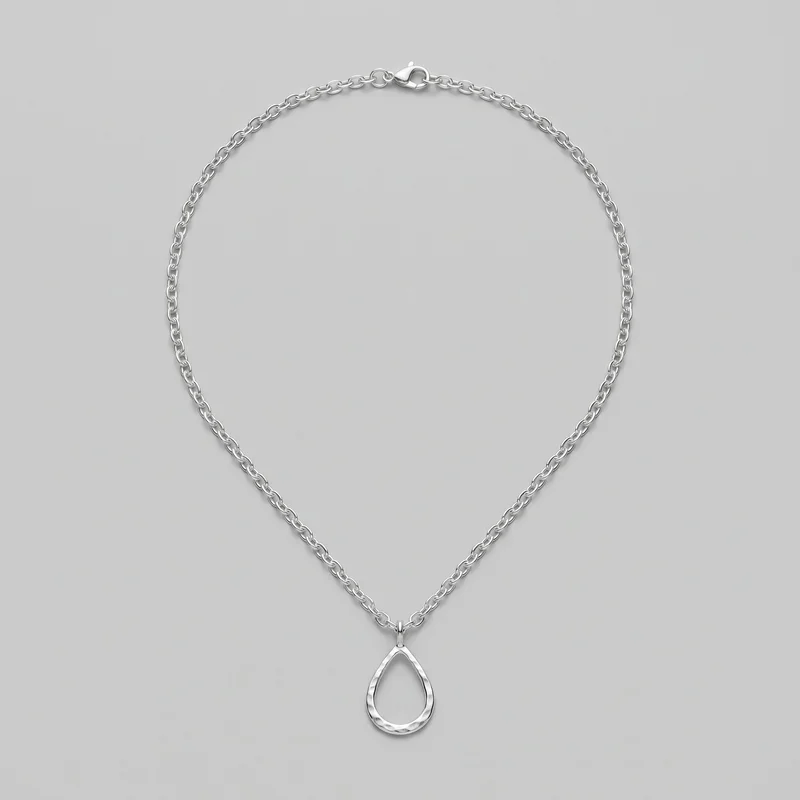 Women's Silver Pendant NecklaceMen's Rose Gold Hoop Earrings
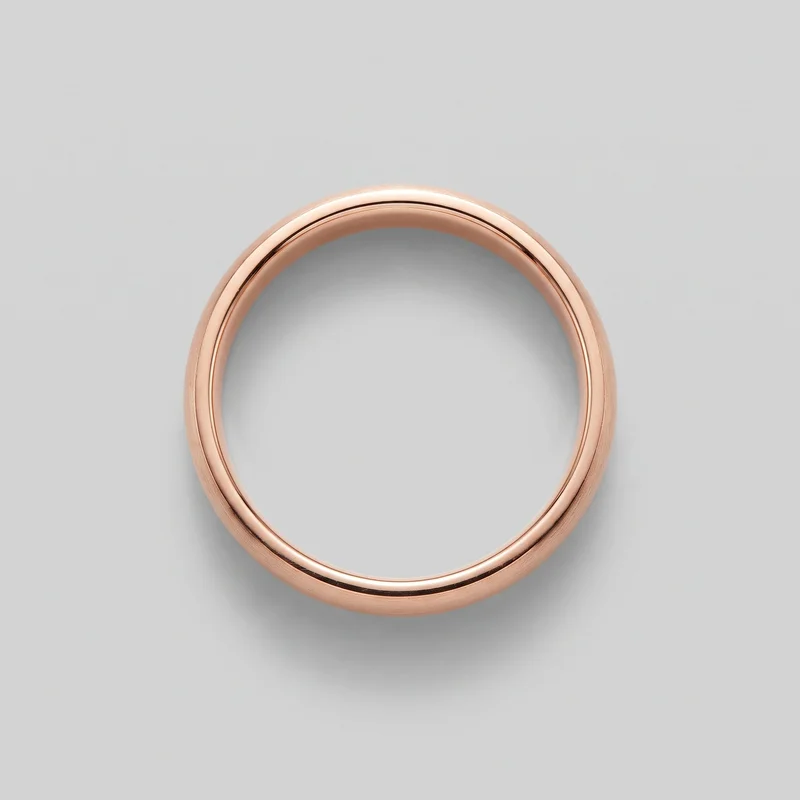 Men's Rose Gold Band
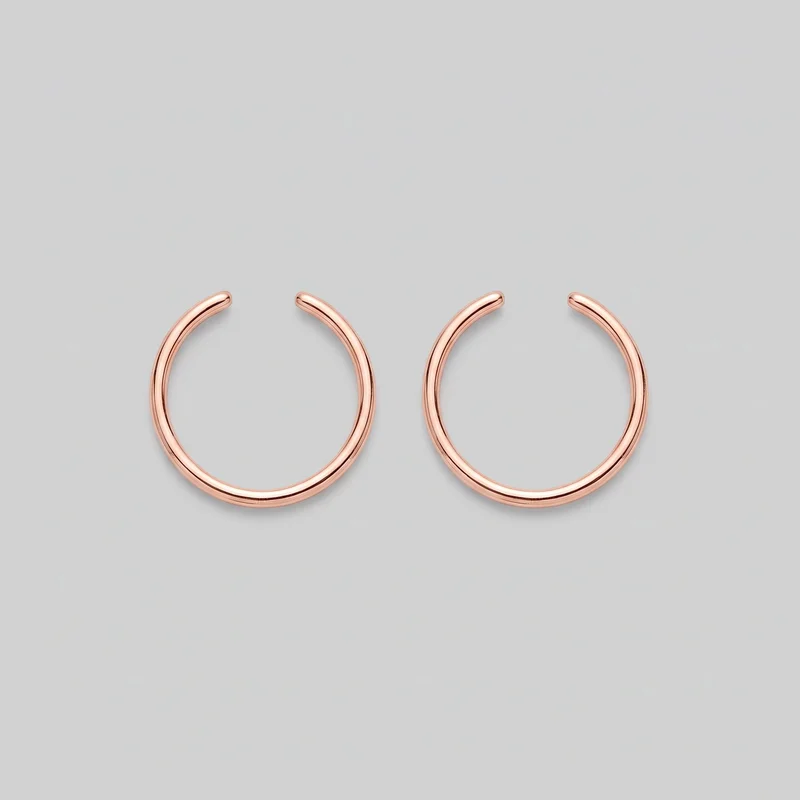 Women's Rose Gold Ear Cuffs
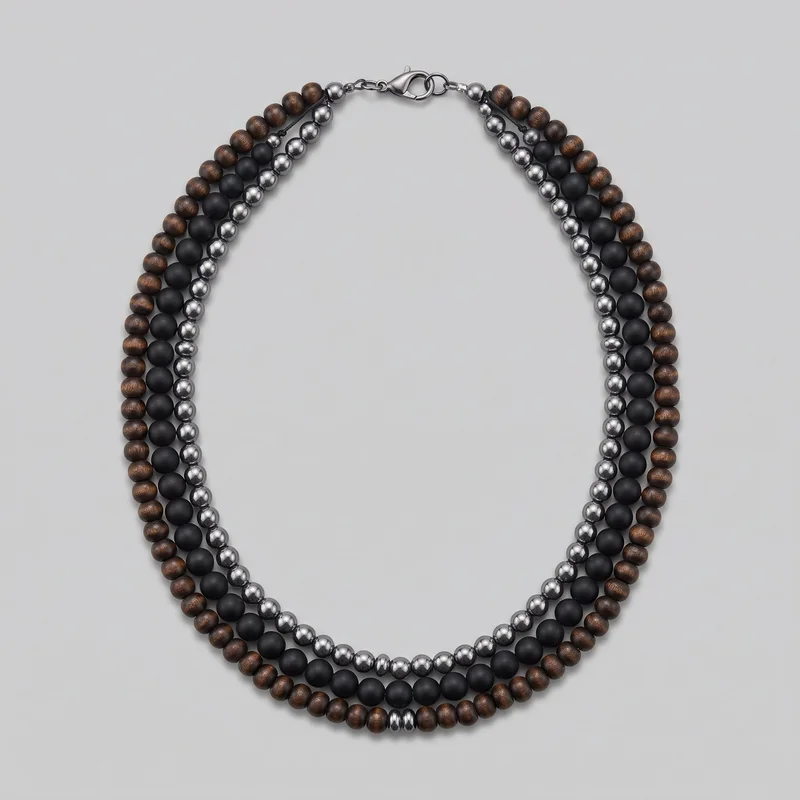 Men's Beaded Layered NecklaceWomen's Beaded BraceletMen's Rose Gold Chain
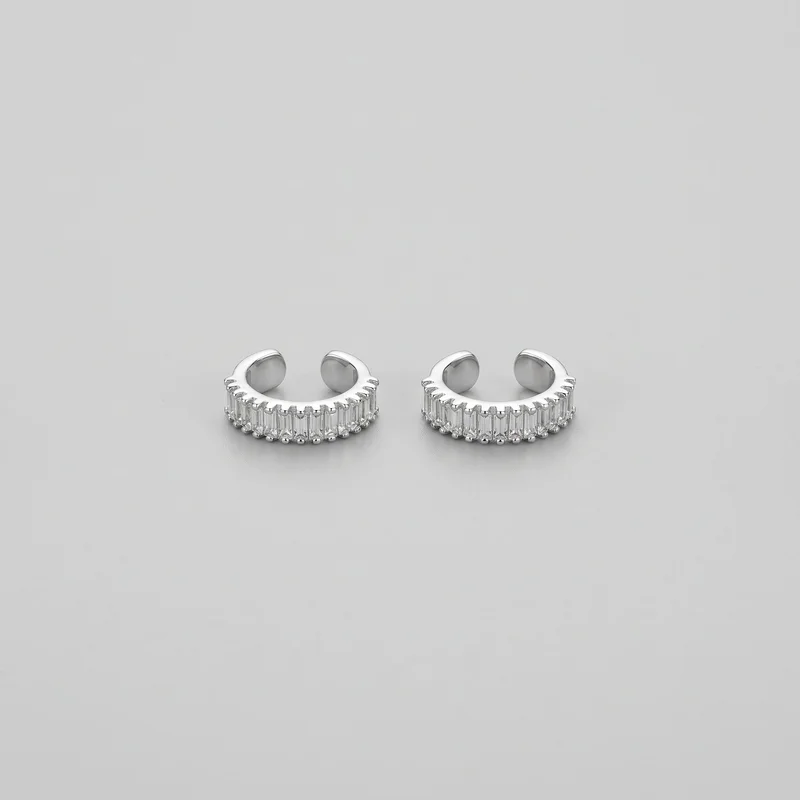 Men's Crystal Ear CuffsMen's Pearl Brooch
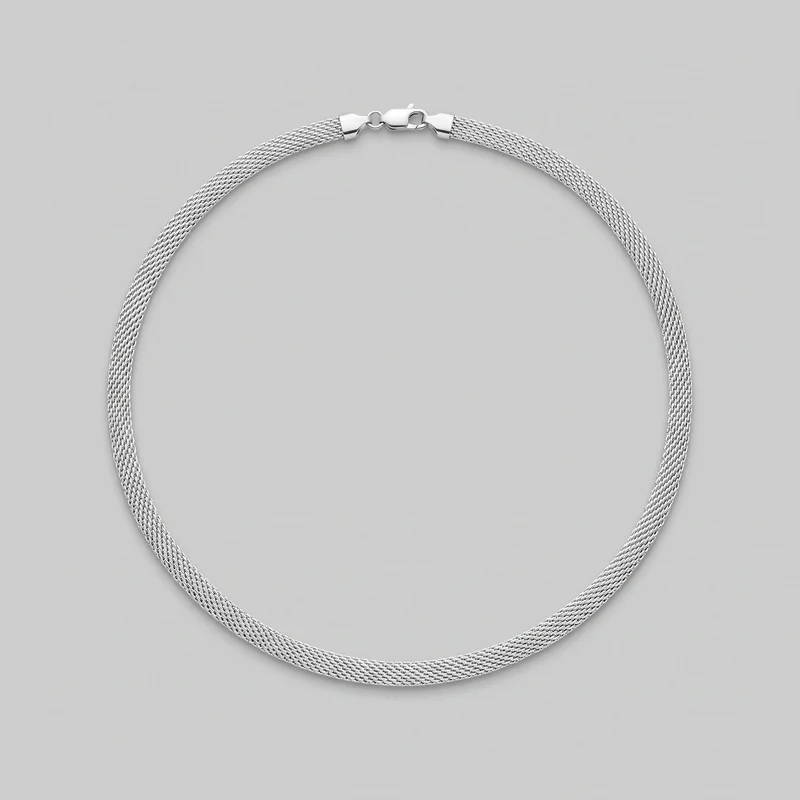 Silver Choker
Showing 24 of 168
Catalog
Browse the catalog
By product
Direct the shoot
Choose the crop, pose and light around each piece.
Image frame
4
Pose
7 poses on this frame
Camera view
1
Format
7
Pose style
4
Facial expression
10
Photography direction
4
Create photoshoot
Step 7 of 7 · Composition
Image 1 · readyGallery image from this pageProduct
Your product
Model
From the library
Composition
Hand & Wrist Area · Top View · Catalog pose · Neutral
Delivery
2K · 1:1
Light
Studio Cutout
Total cost
5 tokens
Rawshot Features
Use your source, light and composition to direct each frame.
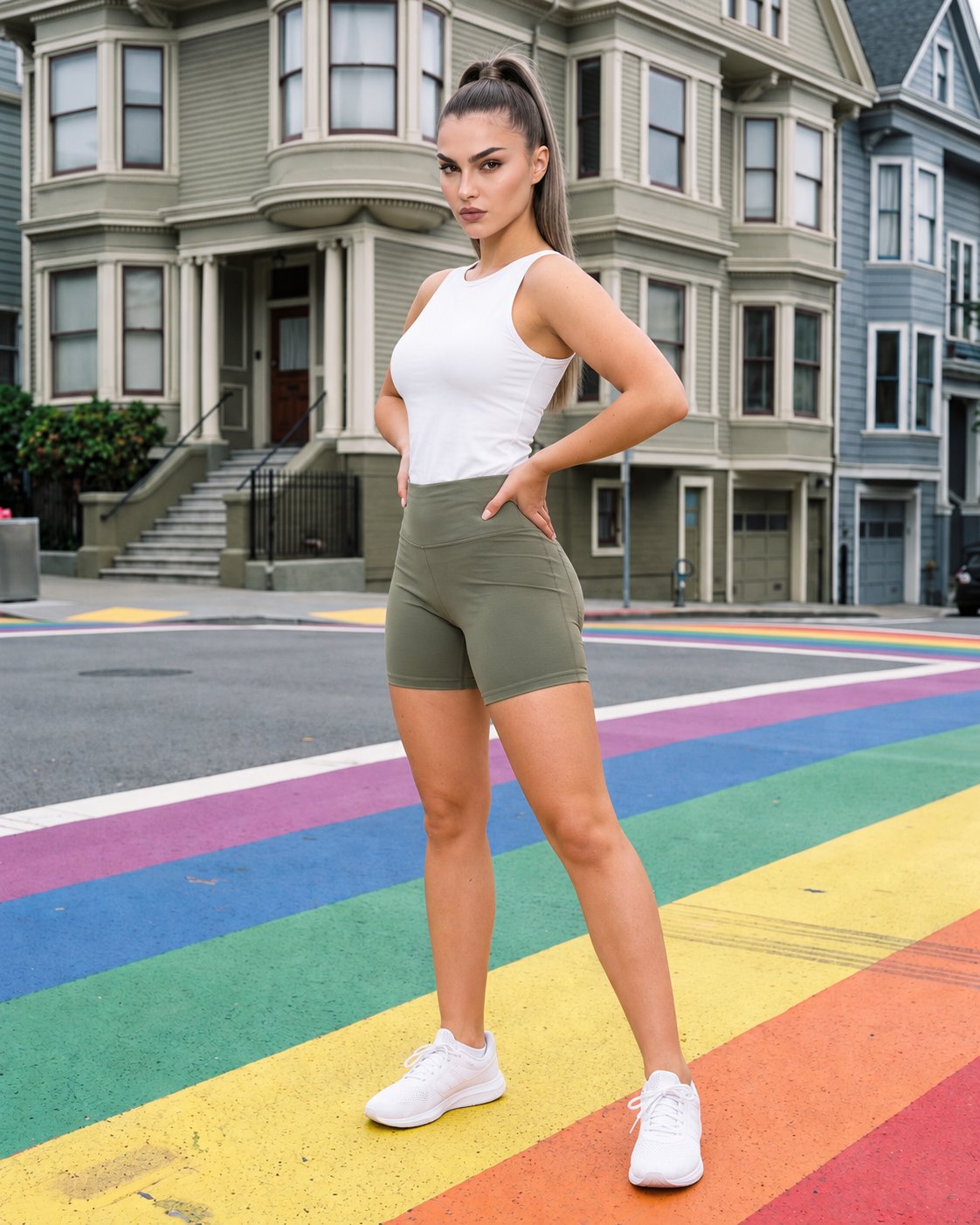
Show Pieces In Context
Close body-context options help you show rings, bracelets and earrings where their scale and placement can be understood.
22 poses on a full-body shot · 104 in total
See the feature →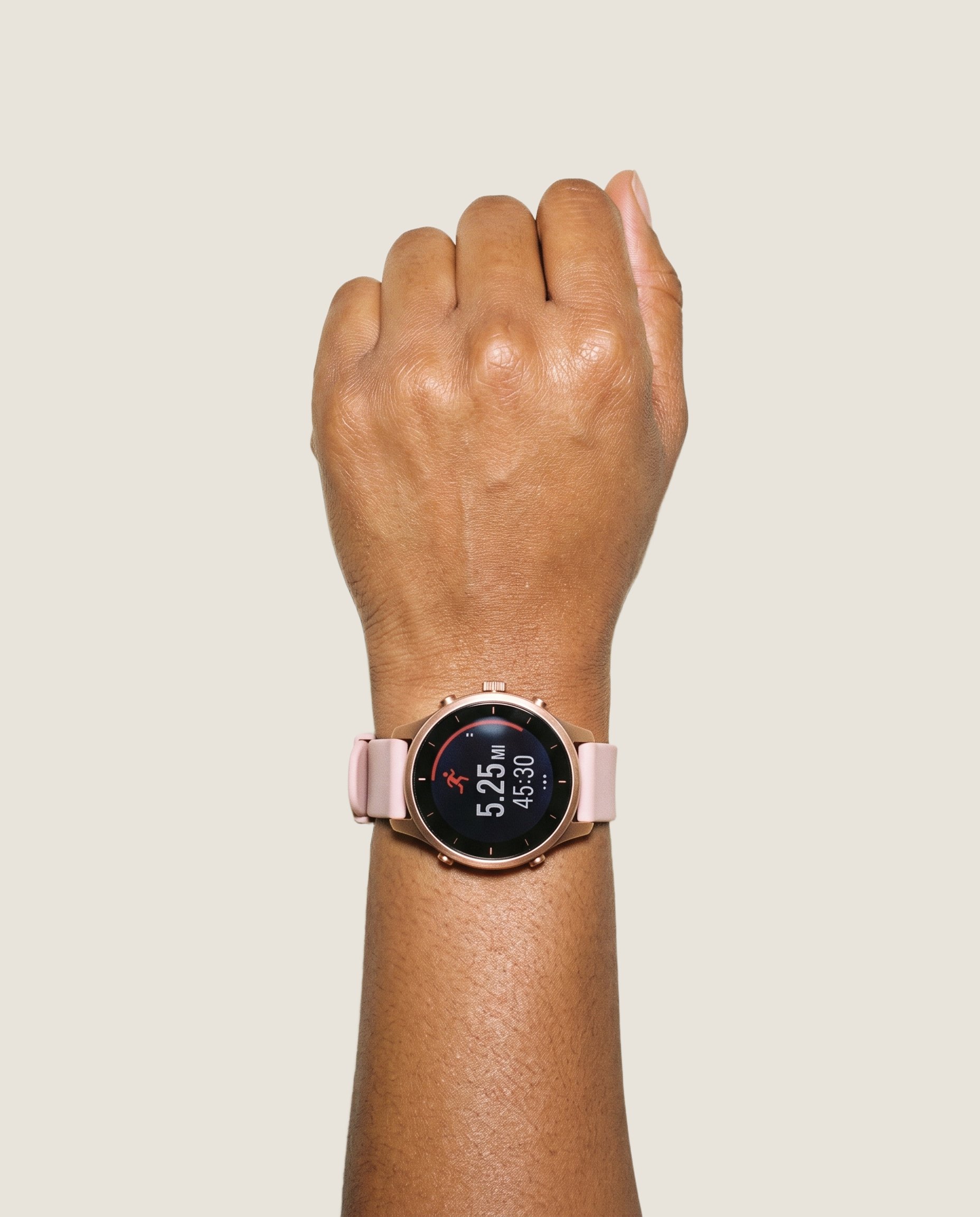
Start With Your Piece
Starting with the source you already have keeps the product at the centre of the catalog image.
Start from your real item and keep product fidelity while building the scene.
See the feature →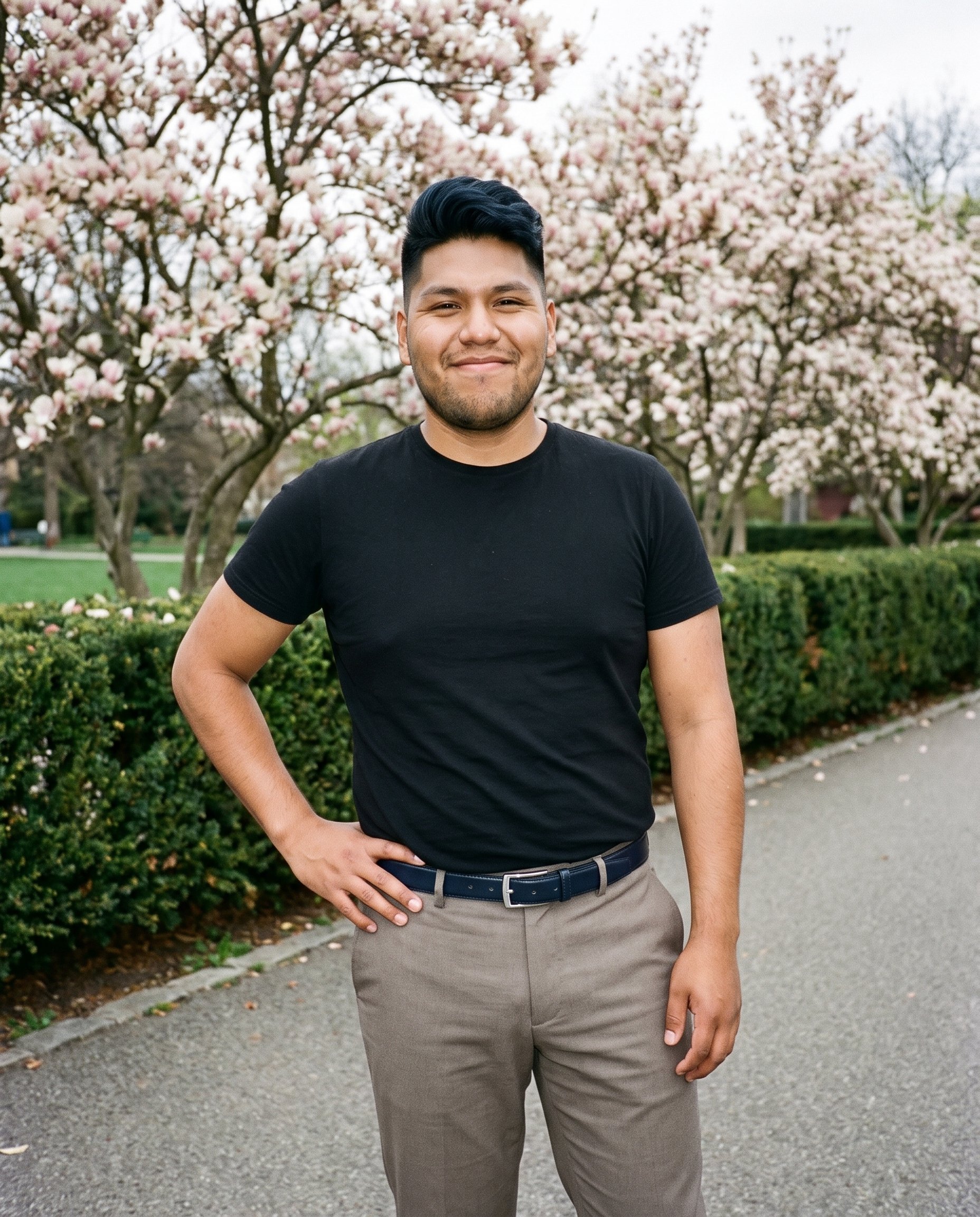
Shape The Light
A named light direction lets you match the visual treatment to a product page, launch, or campaign brief.
4 named choices that set mood and shadow the same way across a shoot.
See the feature →
Develop More Variants
Controlled variations help you test a different product or format while retaining the chosen composition around it.
Change one decision and keep the rest of the composition stable.
See the feature →AI image quality control
Every generated image is checked against your model, frame, view and pose before you see it.
AI image to video generator
17 model actions on a full-body shot · 132 in total
AI makeup generator
Branch-aware named options applied without altering casting or scene setup.
AI model generator
Library filters plus private model building for consistent identity across the set.
AI outfit generator
Combine the main piece with neutral supporting items in one coherent frame.
AI photo background generator
Swap scene context while keeping model, product, and framing stable.
AI suggestions
Preselected control values you can always override in the same configurator.
Garment styling
Choose how the garment is worn and keep brand presentation consistent.
Inspiration gallery
Load editable finished looks as fast starting points for new shoots.
Use cases
Plan launches, listings and campaign imagery around each piece.
Collection Drop Details
The situation
A jewelry brand is preparing a collection drop and needs body-context imagery before the pieces launch.
With RAWSHOT
Choose a close frame such as Hand & Wrist Area, Ear, Neck, or Bust, then pair it with a suitable pose for each piece. The resulting detail imagery gives your launch team clear placement references for rings, bracelets, earrings, and necklaces.
Product Page Coverage
The situation
An e-commerce manager is preparing jewelry product pages and a new range launch from approved product sources.
With RAWSHOT
Bring in the piece through product import and handling, using a product photo, flat-lay, mockup, or technical sketch. Product-led compositions support front, side, and detail presentation so your listings explain the item more clearly.
Paid Social Variants
The situation
A social media manager is testing paid-social creative built from approved jewelry images and launch messaging.
With RAWSHOT
Set a named photography direction alongside the background and composition controls, then prepare distinct placements for feed, story, and ad use. The selected light treatment gives your approved product imagery a deliberate visual role in each placement.
Campaign Direction Review
The situation
A brand lead is reviewing campaign pre-visuals before choosing the final direction for a jewelry launch.
With RAWSHOT
Use image-to-image variation to change the piece or format while retaining the selected model, light, crop, and surrounding arrangement. That gives your campaign review a practical shot board for comparing routes before production decisions.
Linesheet Preparation
The situation
A wholesale team is preparing a jewelry linesheet and needs consistent body context before samples travel to buyers.
With RAWSHOT
Select the model and composition through the visible configurator choices, then place each item within an appropriate crop. The resulting presentation helps buyers understand scale, placement, and collection relationships without relying on a plinth-only view.
Small-Batch Launch
The situation
A small-batch jewelry maker is preparing new listings while the collection remains limited and physical samples are close at hand.
With RAWSHOT
Start with a clear flat-lay or product photograph, choose a body-context frame, and set a suitable light direction. This route turns available source material into launch imagery that shows the piece being worn rather than only displayed alone.
Consistency
The piece stays as you change one composition choice.
Set the model, light and crop before you generate, then change the product or format without rebuilding every decision. That gives a jewelry range a considered visual relationship across listings, launch material and campaign selections.
You change one
- Frame
- Pose
- Camera view
- Model
The rest holds
Model choice
The selected model remains part of the composition while you adjust the product.
Light direction
Your chosen photography direction stays in place through controlled changes.
Crop and composition
The selected crop and surrounding arrangement provide continuity across related variants.
Who it's for
Is RAWSHOT right for recurring jewelry work?
A good fit
This fits you as an e-commerce manager preparing listings, a social and content manager developing launch assets, or a creative and art director planning campaign imagery. It suits recurring jewelry work built from clear product sources and visible choices.
Work it handles well
- You can prepare recurring jewelry launches from real pieces.
- You can keep model, light and crop decisions aligned.
- You can work from photos, flat-lays, mockups or sketches.
Outside this scope
This is not a fit if you need free-form lighting, pixel-level editing, or a reference pose upload. It also does not measure fit or preserve every detail automatically through a new generation.
Where this stops
- You cannot set custom light positions beyond named directions.
- You need clear uploads for accurate product detail.
- You cannot edit generated pixels directly.
Rights
You own every image. Every image says what it is.
Yours
- Full commercial rights to every image, permanently.
- No recurring licence fees on any model in the library.
- Every model is a synthetic composite, so there is no real-person likeness.
Labelled
- C2PA content credentials on every image.
- AI-labelled output, aligned with EU AI Act Article 50.
EU-based hosting, GDPR-compliant handling.
- Aligned with EU AI Act Article 50
- C2PA
- Full commercial rights
- GDPR-compliant handling
- EU-based hosting
Questions
What matters before your first jewelry shoot?
Can RAWSHOT show jewelry photography accurately on a model for product pages and campaign planning?
RAWSHOT can show jewelry photography in model-led compositions built from your approved product source. You can choose a model, body-context frame, pose, light direction, crop and surrounding arrangement for rings, bracelets, earrings or necklaces. Clear product photos, flat-lays, mockups and technical sketches help preserve visible product detail. The result supports listings, collection launches, linesheets and campaign reviews while keeping key visual decisions aligned.
Where does jewelry photography work best across product pages, wholesale, social and campaign channels?
Jewelry photography works best for product pages, wholesale linesheets, social placements, collection launches and campaign direction reviews. You can show a piece in hand, at the ear, around the neck or against the bust, giving buyers and customers useful body context. Product-led compositions clarify placement and scale, while selected backgrounds and photography directions help you adapt approved imagery for feed, story and advertising work.
Which crops and frames suit jewelry photography for product pages, feed posts, stories and advertising placements?
Close detail, body-context frames, 4:5 crops and 9:16 crops suit jewelry photography across product pages, feed posts, stories and advertising placements. You can choose Hand & Wrist Area, Ear, Neck or Bust according to the piece and the intended placement. Pair the frame with a deliberate pose, background and light direction so the jewelry remains legible while the composition fits each channel.
What product source does RAWSHOT need to begin jewelry photography accurately?
RAWSHOT needs a clear product photo, flat-lay, mockup or technical sketch to begin jewelry photography accurately. You can import the piece, then select the model, body-context frame, pose, light direction and composition that suit the intended use. Source clarity matters because generated imagery cannot automatically preserve every product detail through a new generation. Review the result against the approved piece before using it for listings or campaigns.
How does RAWSHOT keep jewelry photography consistent across colourway variants and product changes?
RAWSHOT keeps jewelry photography consistent by retaining your selected model, light direction, crop and surrounding arrangement while you change the product or create a related variation. You can establish the visual direction first, then work through colourways or adjacent pieces without rebuilding every choice. This supports coherent listings, launch material, linesheets and campaign shot boards, although each variant is a new generation that still needs product-detail review.
Where does RAWSHOT stop with jewelry photography when you need custom light placement, pixel editing or a reference pose?
RAWSHOT stops short of custom light positions, direct pixel editing and reference-pose uploads for jewelry photography. You can choose from named photography directions, visible model and composition controls, and suitable body-context frames, but you cannot freely place every light or retouch generated pixels inside the tool. Clear uploads remain important for accurate product detail, and a new generation does not automatically preserve every feature of the original piece.
What usage rights apply to RAWSHOT jewelry photography for product pages, social placements and campaigns?
You get full commercial rights to every image, permanently, with no recurring licence fee. Every image carries C2PA content credentials and is labelled as AI-generated.
Get started
Start your next jewelry shoot here.
Start with a 7-day free trial including 50 tokens, then move to the plan that matches your production volume.