
FASHN alternative
FASHN and RAWSHOT take different approaches to apparel imagery
Compare how each product turns clothing-item photos into on-model images, with different options for model choice and composition.
Published: Updated:
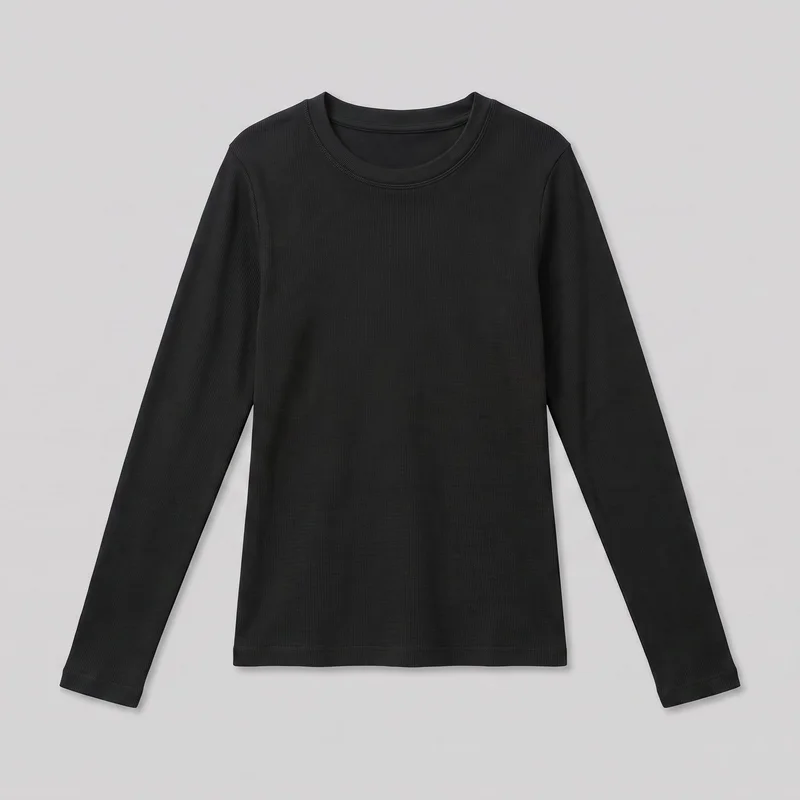
The short answer
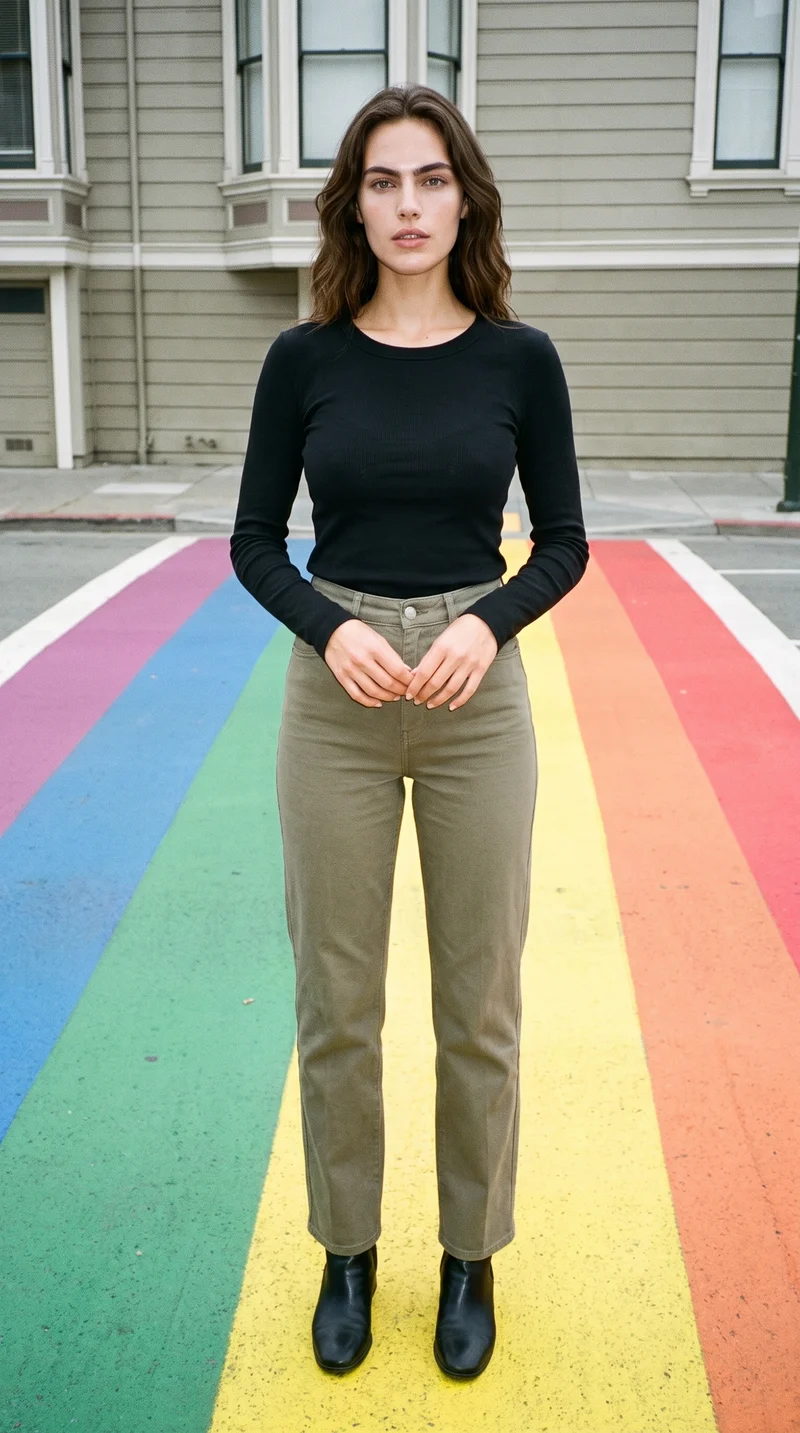
FASHN and RAWSHOT both start from a clothing-item photo; FASHN can also use a person’s photo, while RAWSHOT uses synthetic models. RAWSHOT lets you change one composition choice while the others hold within a shoot, supporting collection consistency. Every RAWSHOT output carries C2PA content credentials.
- FASHN is built for
- Turning product photos into on-model images, including Try-On with a person photo.
- RAWSHOT is built for
- Directing apparel imagery with visible controls and maintaining a consistent composition within a shoot.
FASHN facts checked on fashn.ai, 24 September 2026 · RAWSHOT facts from the app
Decide in three questions
Answer the three questions to see which workflow fits better.
Strengths
FASHN workflows for specific briefs
Use a person photo for Try-On
FASHN documents uploading a person’s photo alongside a clothing-product image, or choosing a person from its model library. That supports briefs built around someone your team already works with.
SourceStart with a product photo
FASHN documents Product to Model for flat-lay and ghost-mannequin photos, a useful route when the apparel image you have is not already on a model.
SourceAnimate a finished image
FASHN documents turning a finished image into a short clip, with optional motion instructions and an end-image reference.
SourceDifferences
RAWSHOT controls for a directed shoot
Hold composition choices within a shoot
Change one element while the other composition choices hold within that shoot. The setup cannot be reapplied to a later shoot.
See the feature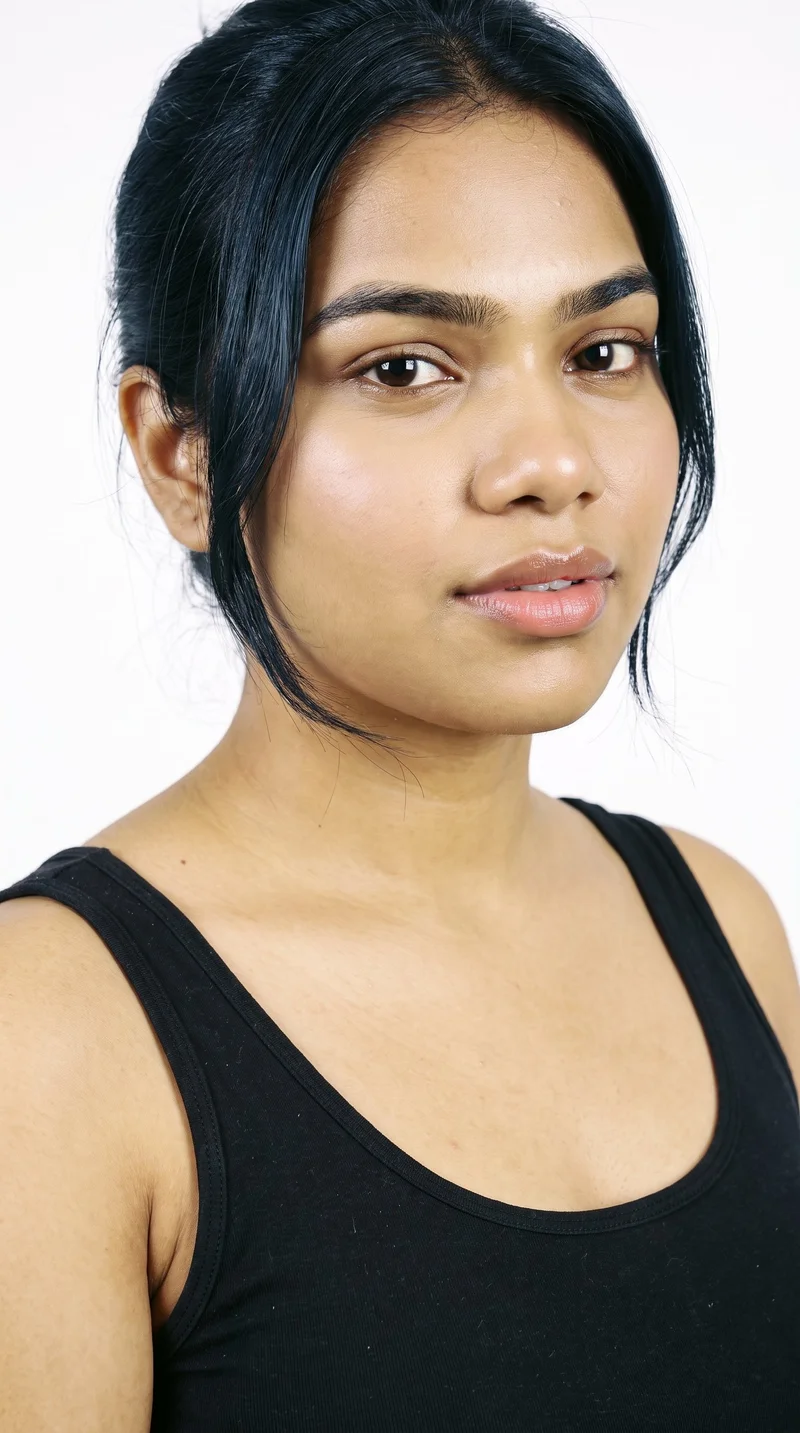
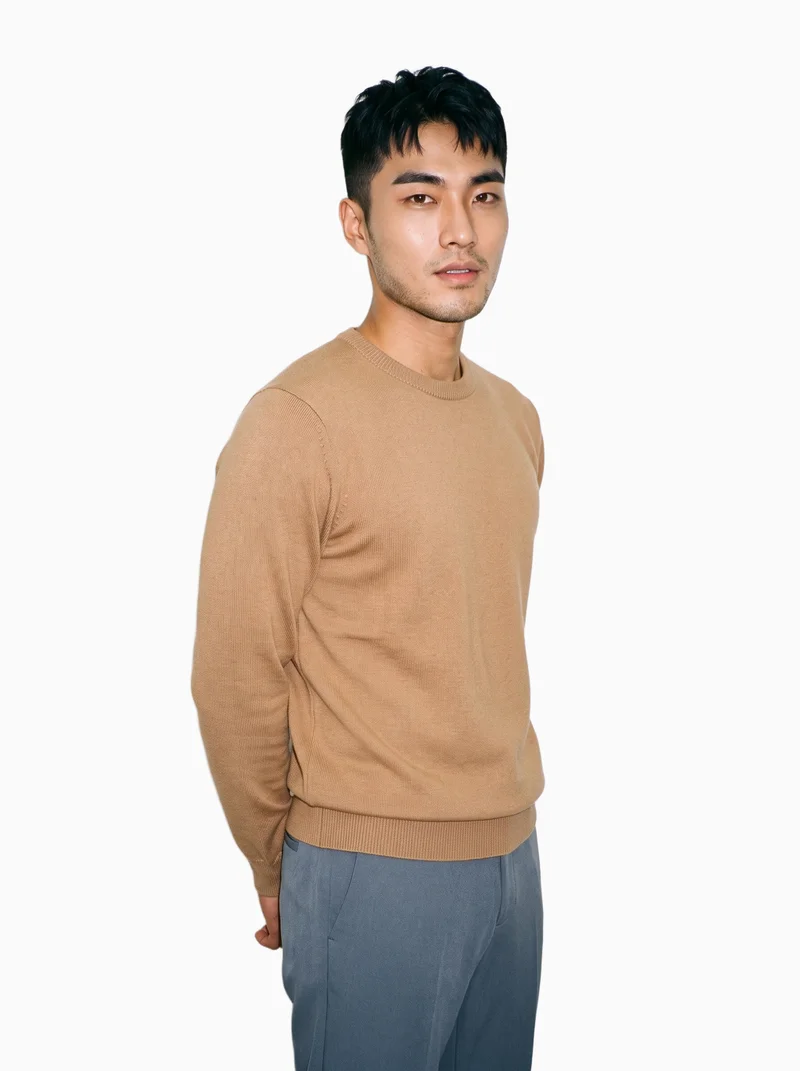
Choose or build a model
Select from 1,197 models or use the private model builder to shape a model identity from published attributes.
See the feature
Set the photography direction
Choose among 4 photography directions, from studio cut-out to flash editorial, before setting the frame.
See the featureFrom the catalog
More finished shoots
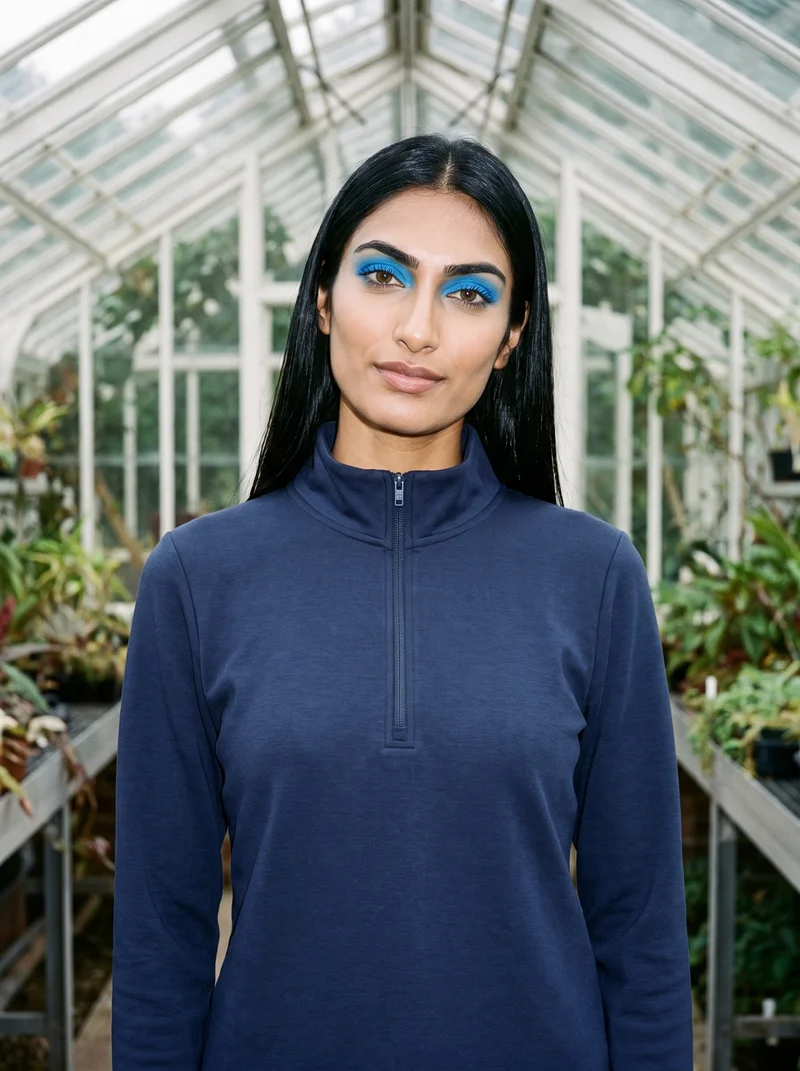
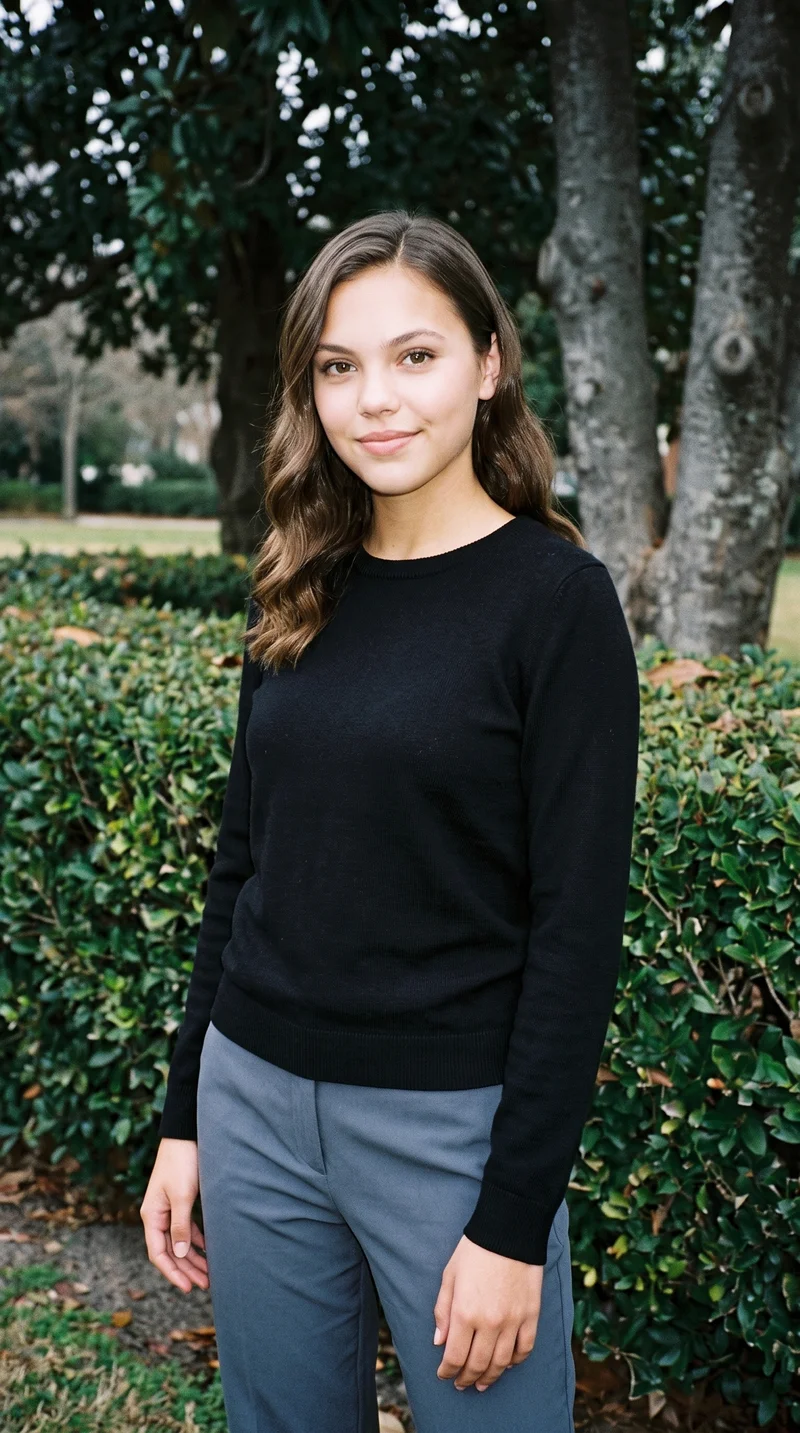
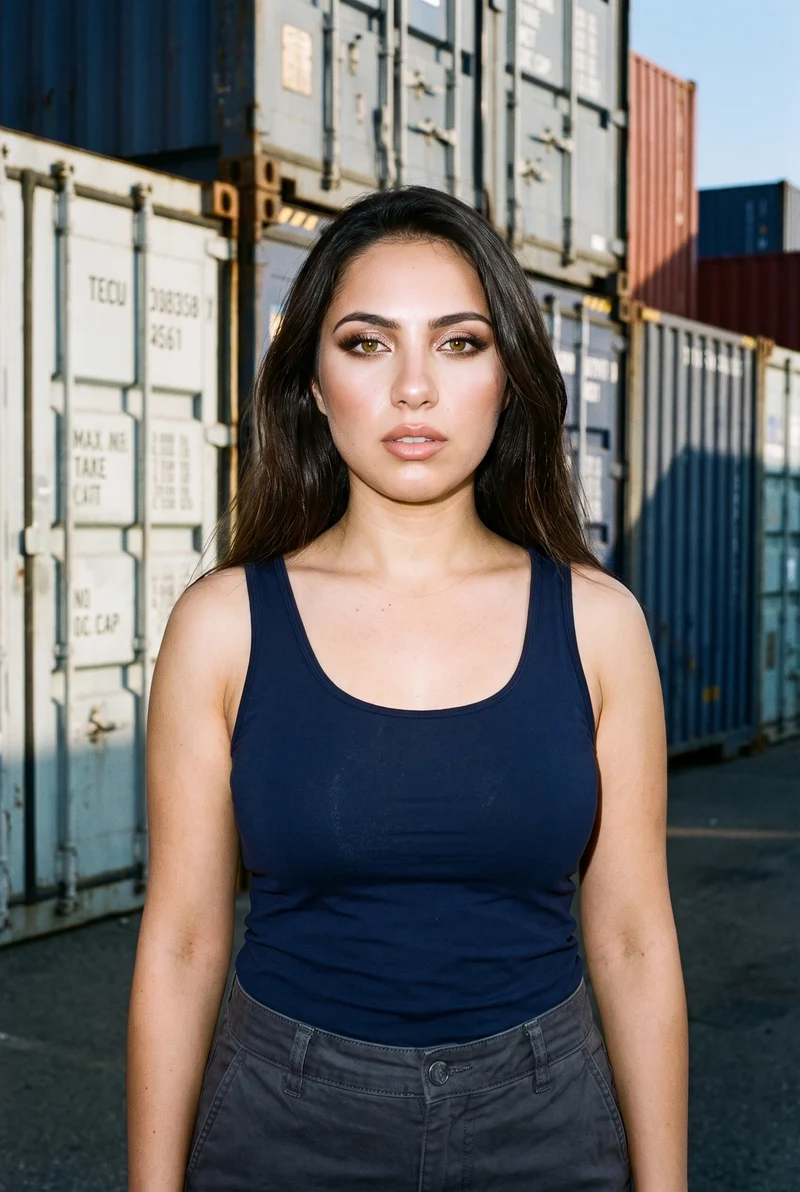
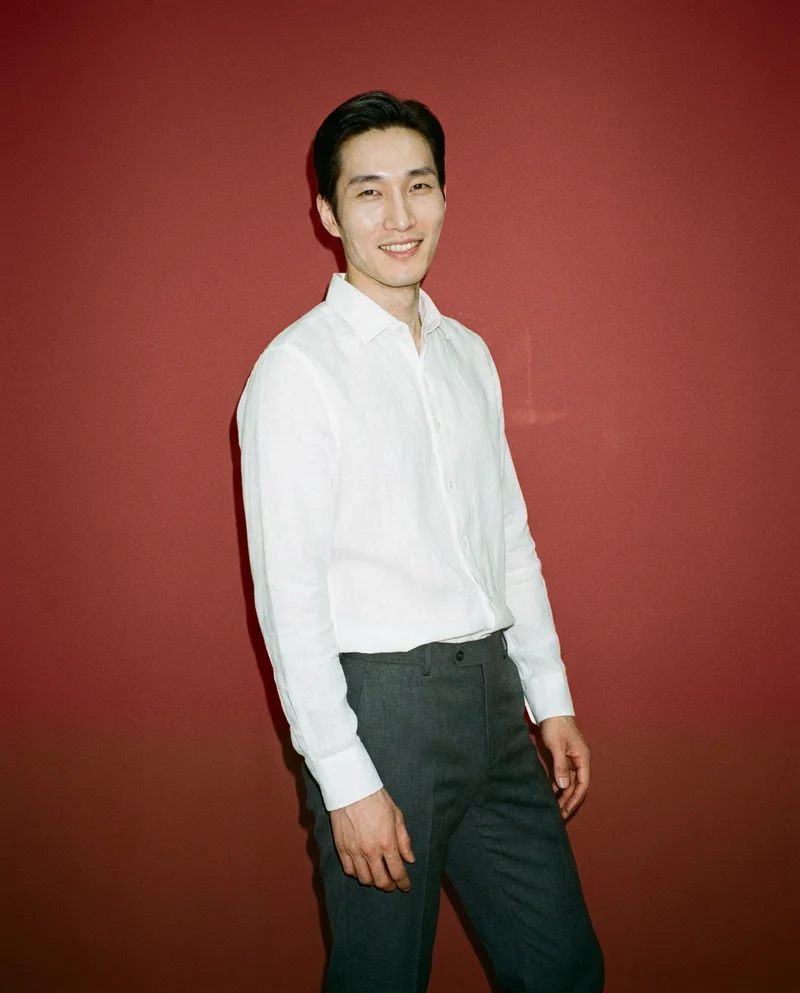
Side by side
Looking for a FASHN alternative? Compare the documented workflows.
Both products document ways to create on-model fashion imagery from product photos. Their documented options differ across starting points, controls, and output details.
| Comparison | RAWSHOT | FASHN |
|---|---|---|
| Starting point | Starts from clothing-item photos and uses synthetic models. | Product to Model accepts flat-lay or ghost-mannequin photos; Try-On also accepts a person photo. |
| Creative controls | Visible controls include model, styling, light, frame, camera view, and pose. | Studio documents image references and settings for ratio, resolution, and generation mode. |
| Models | Synthetic composites only; no real-person likeness is referenced. | Supports a person photo for Try-On and documents reusable AI model identities. |
| Products per image | Supports up to four products in one composition. | FASHN’s mobile page documents combining up to three products for on-model results. |
| Video | A finished still can be turned into video. | Documents image-to-video clips and an Agent workflow using text or image references. |
| Rights and provenance | Full and permanent commercial rights; C2PA content credentials on every output. | Terms allow commercial use under the applicable plan; output rights assigned where law permits. |
Sources: FASHN Help Center, product and mobile pages, and terms; RAWSHOT product and About pages.
Use cases
A fit for your team and brief
Marketing and brand managers
FASHN
Your campaign needs to show a person already known to your audience.
FASHN documents Try-On from a person photo, which directly supports that brief.
E-commerce managers filling product pages before a drop goes live
RAWSHOT
You need product-page imagery with deliberate control over the composition.
RAWSHOT exposes visible choices for directing a shoot.
See the solutionWholesale and sales teams building lookbooks and linesheets before samples land
RAWSHOT
You are preparing imagery while physical samples are not yet available.
RAWSHOT accepts product photos, flat-lays, mockups, or technical sketches.
See the solutionMore options
Explore other fashion imagery options

Shootify
Compare Shootify and RAWSHOT for apparel imagery, from product inputs and catalogue consistency to model control, video and provenance.
Compare with RAWSHOT

Lalaland
Compare Lalaland and RAWSHOT for apparel imagery, model control, collection consistency, video, and verifiable content credentials.
Compare with RAWSHOT

PicJam
Compare PicJam and RAWSHOT for apparel imagery, model control, collection consistency, product video, and verifiable content credentials.
Compare with RAWSHOT

Mocky
Compare Mocky and RAWSHOT for apparel imagery, model selection, collection consistency, short videos, and verifiable content credentials.
Compare with RAWSHOT
Rights
You own every image. Every image says what it is.
Yours
- Full commercial rights to every image, permanently.
- No recurring licence fees on any model in the library.
- Every model is a synthetic composite, so there is no real-person likeness.
Labelled
- C2PA content credentials on every image.
- AI-labelled output, aligned with EU AI Act Article 50.
EU-based hosting, GDPR-compliant handling.
- Aligned with EU AI Act Article 50
- C2PA
- Full commercial rights
- GDPR-compliant handling
- EU-based hosting
Questions
Questions about FASHN and RAWSHOT
What is the difference between FASHN and RAWSHOT for apparel photos?
Both products start from a clothing-item photo to create on-model apparel imagery. FASHN also documents Try-On with a person photo and settings such as image references, aspect ratio, resolution, and generation mode. RAWSHOT uses synthetic models and documents visible controls for directing the composition; every output carries C2PA content credentials. For apparel photos, choose FASHN if using a person photo is central, or RAWSHOT if you want to direct the composition and have credentials on every output.
When is FASHN a better choice than RAWSHOT?
FASHN can suit a brief that needs a person your team already works with. Its Try-On workflow documents using that person’s photo alongside a clothing-product image. RAWSHOT uses synthetic models, so that is not a documented starting point. If the brief depends on a known person, FASHN’s documented workflow is the more direct fit.
Which models can I use in FASHN and RAWSHOT?
FASHN documents a model library and the creation of reusable AI model identities. RAWSHOT offers 1,197 models and a private model builder with published attributes. Compare the available model options against the identity and creative direction your brief requires.
Can I use FASHN and RAWSHOT images commercially?
FASHN’s terms allow commercial use under the applicable plan and assign output rights to the user to the extent permitted by law. RAWSHOT provides full and permanent commercial rights to every generation, with no ongoing licensing fees on library models. Check FASHN’s current plan terms for your account before publishing.
How do I switch from FASHN to RAWSHOT?
The reviewed materials do not establish an automatic project transfer between the products. Keep your original product assets, then use them to configure a new RAWSHOT shoot; supported inputs include product photos, flat-lays, mockups, and technical sketches. Recreate the composition with the settings you need, and confirm that your source assets suit the new workflow before moving a live project.
Get started
Direct your next apparel shoot
Set a composition in RAWSHOT and see how your product looks in a new frame.