
Ford Models alternative
Ford Models or RAWSHOT: which fits your apparel shoot?
Compare represented fashion talent with a configurable studio for apparel product imagery.
Published: Updated:
The short answer
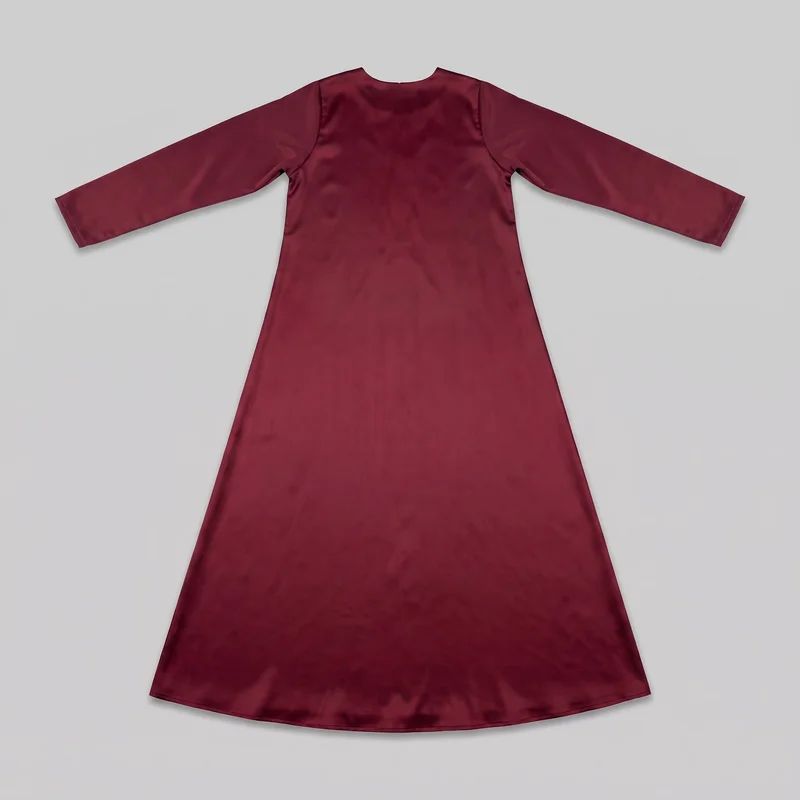
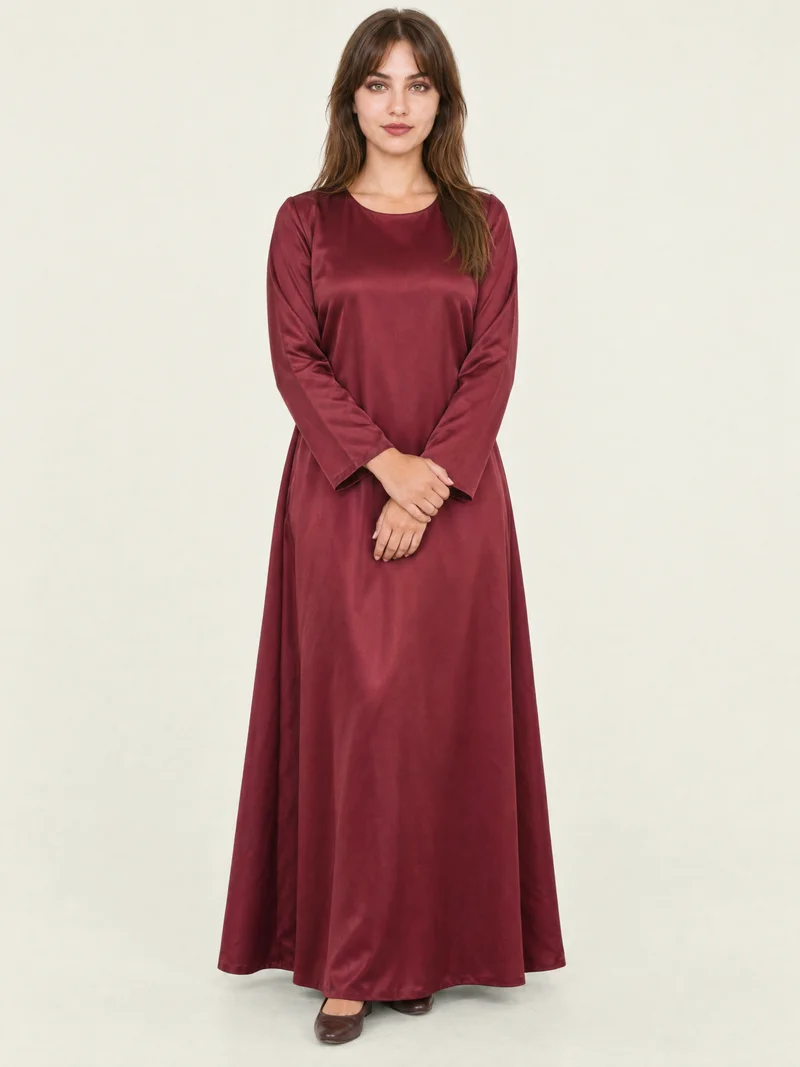
Both apparel workflows can begin with a clothing-item photo; Ford Models also presents represented human talent, while RAWSHOT generates product imagery from item photos using synthetic models only. Within a RAWSHOT shoot, composition choices can hold across images, and every output carries C2PA content credentials.
- Ford Models is built for
- Campaigns and briefs that call for represented human fashion talent.
- RAWSHOT is built for
- On-model apparel product imagery directed through visible controls.
Ford Models facts checked on fordmodels.com, 24 September 2026 · RAWSHOT facts from the app
Decide in three questions
Answer the three questions to see which workflow fits better.
Strengths
What Ford Models brings to fashion briefs
Represented human fashion talent
Ford Models publishes a roster of models and examples of their credited editorial and campaign work, supporting briefs that call for represented human talent.
SourceA model-application route
Ford Models’ privacy policy describes applicants submitting photographs and videos when seeking model representation.
SourceA public model directory
Ford Models’ digital directory presents represented fashion models and examples of their work.
SourceDifferences
Direct product imagery with editable shoot choices
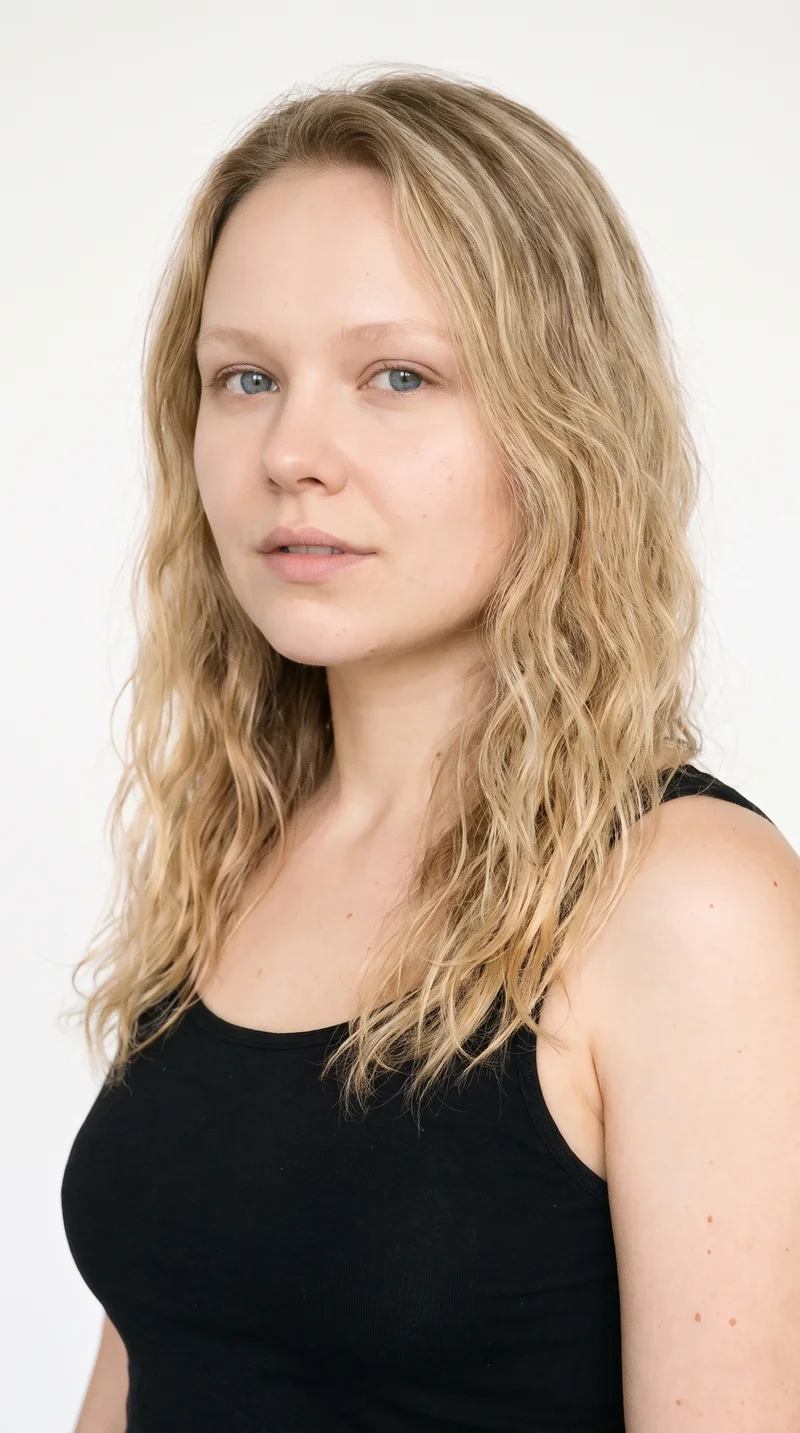
Select a model for the composition
RAWSHOT offers synthetic models and visible model controls for directing product imagery.
See the feature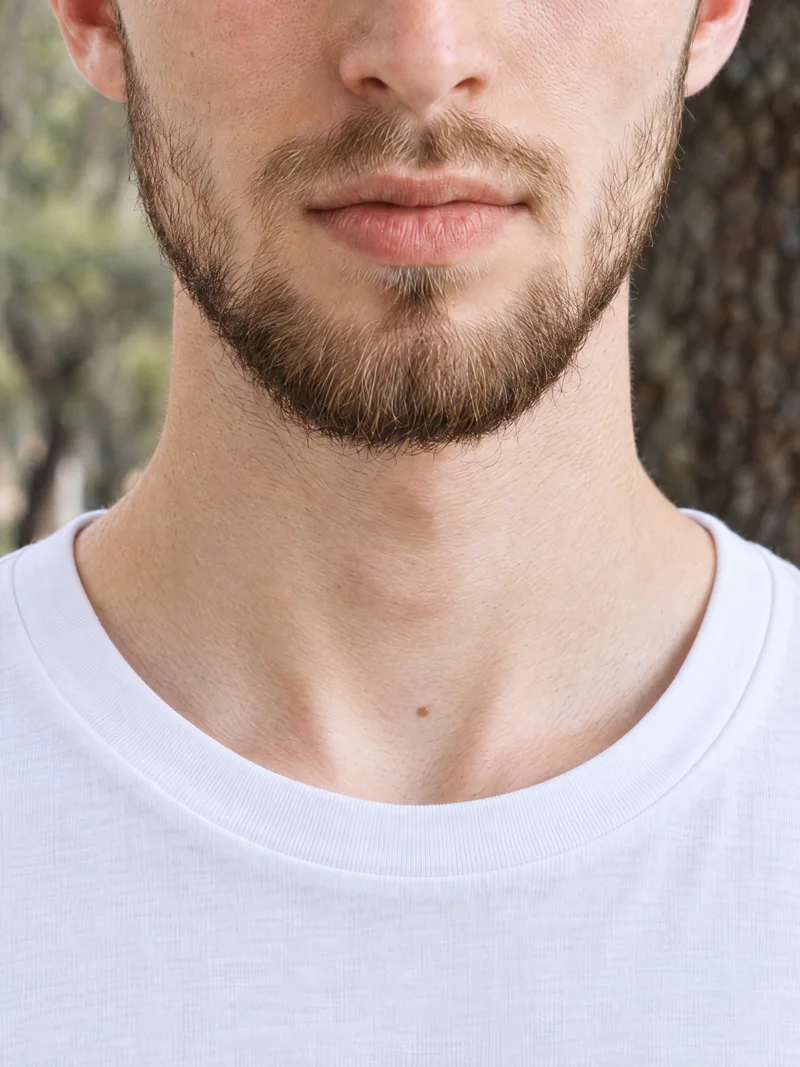
Build the image around your item
Start with a product photo, then set styling, background, light, frame, camera view and pose.
See the feature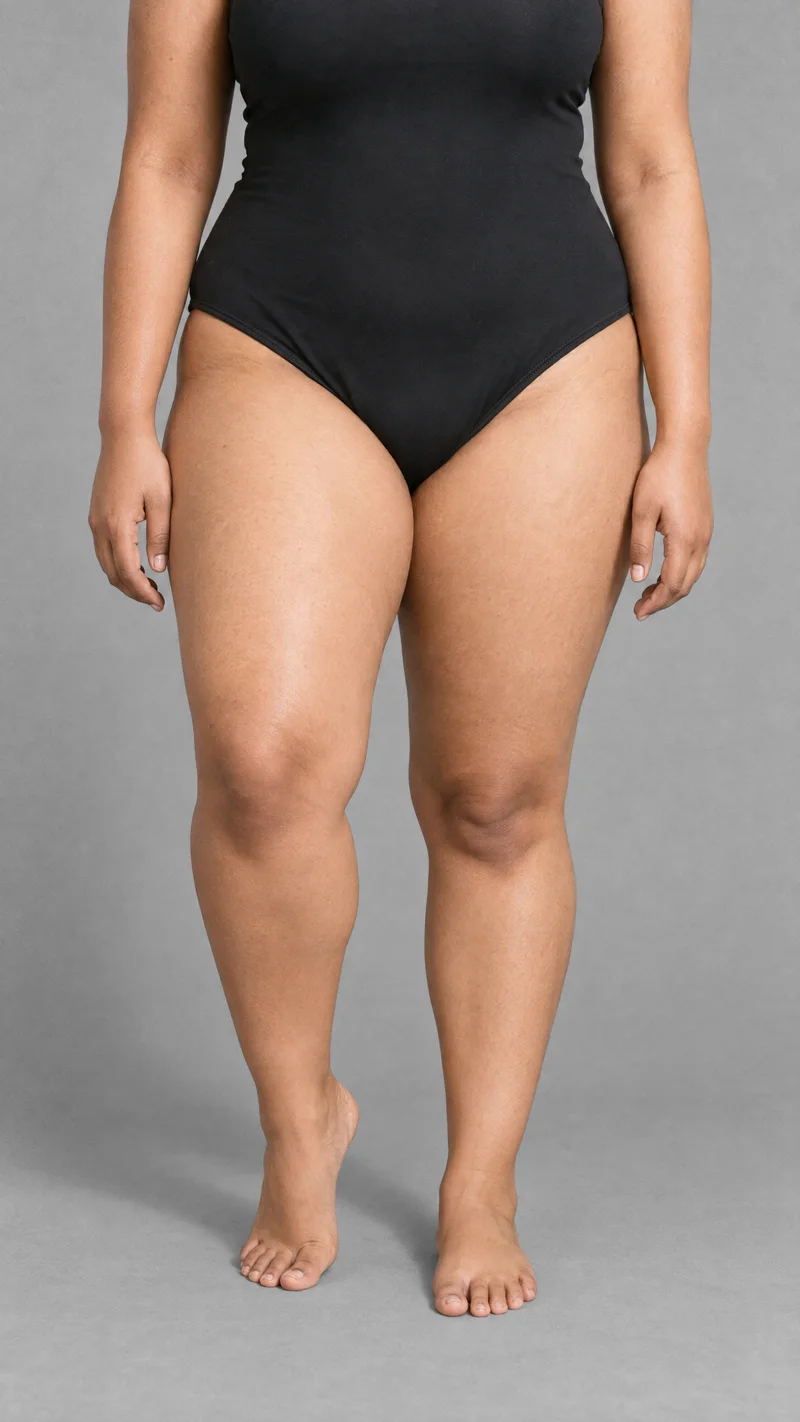
Continue from a finished image
Turn a finished RAWSHOT still into video using the same composition logic.
See the featureFrom the catalog
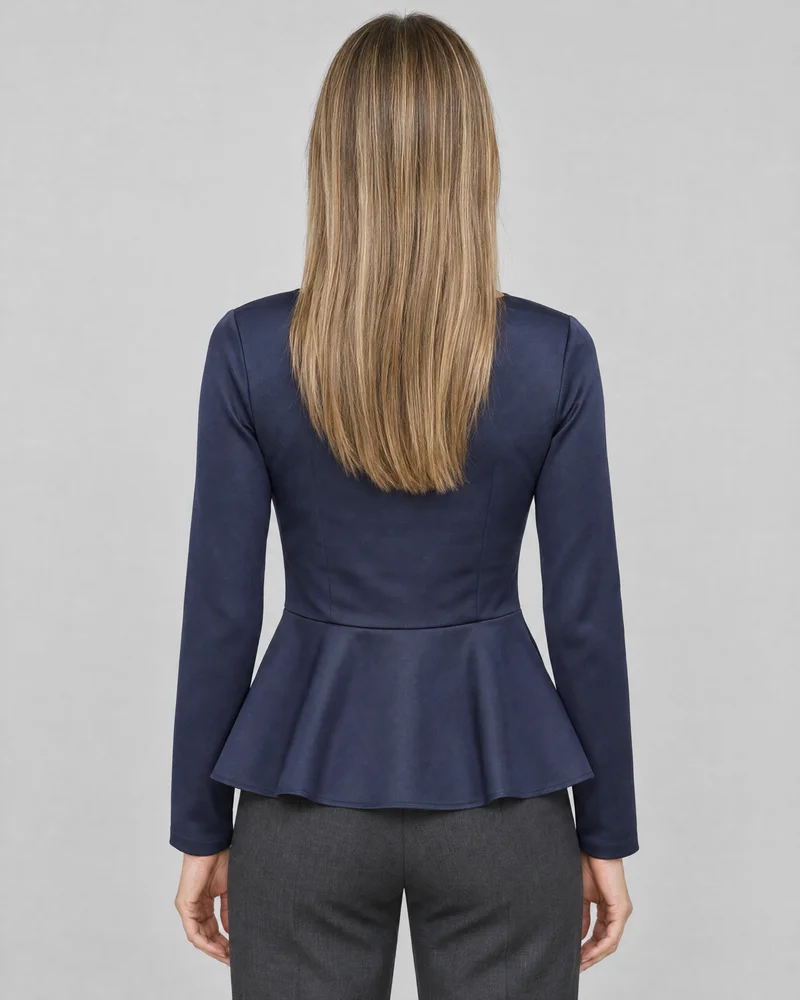
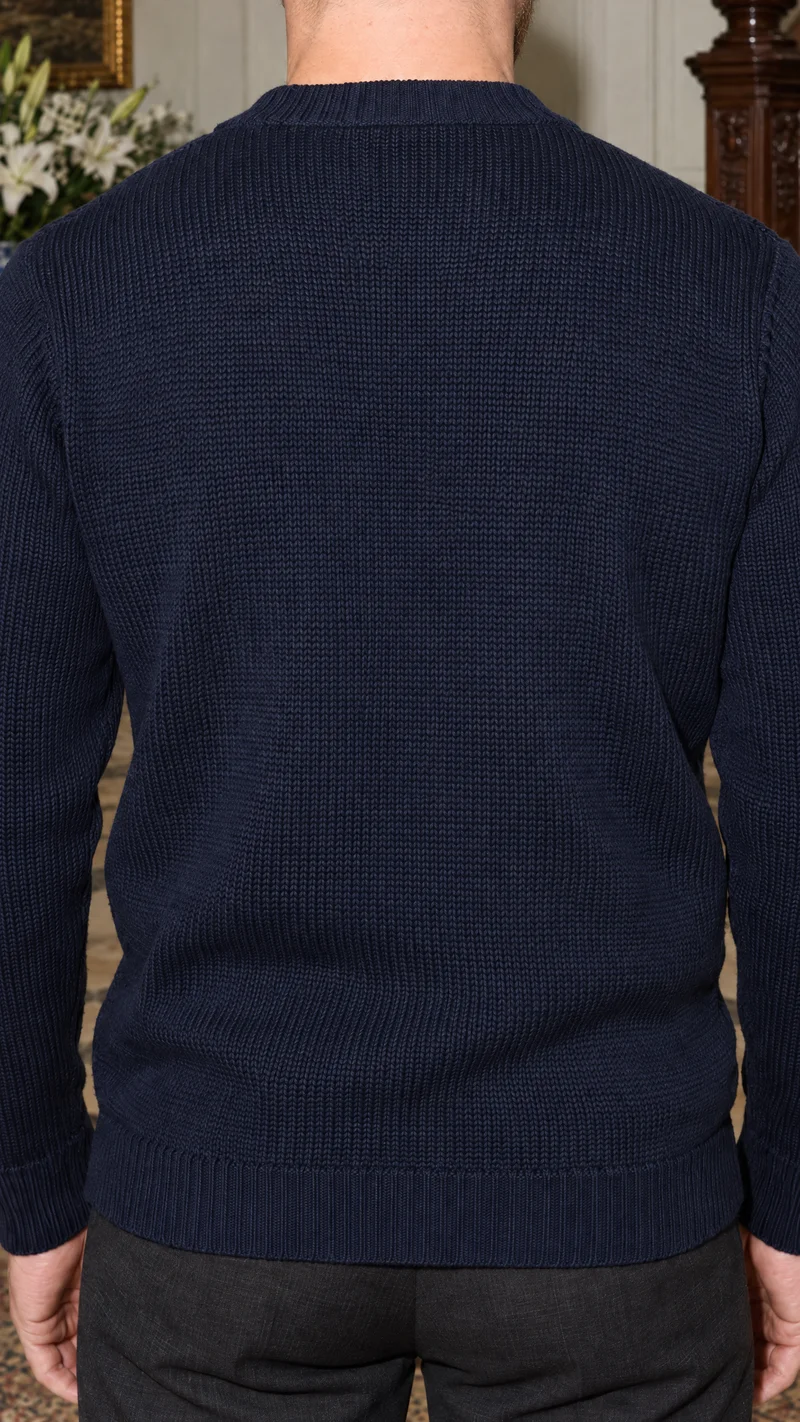
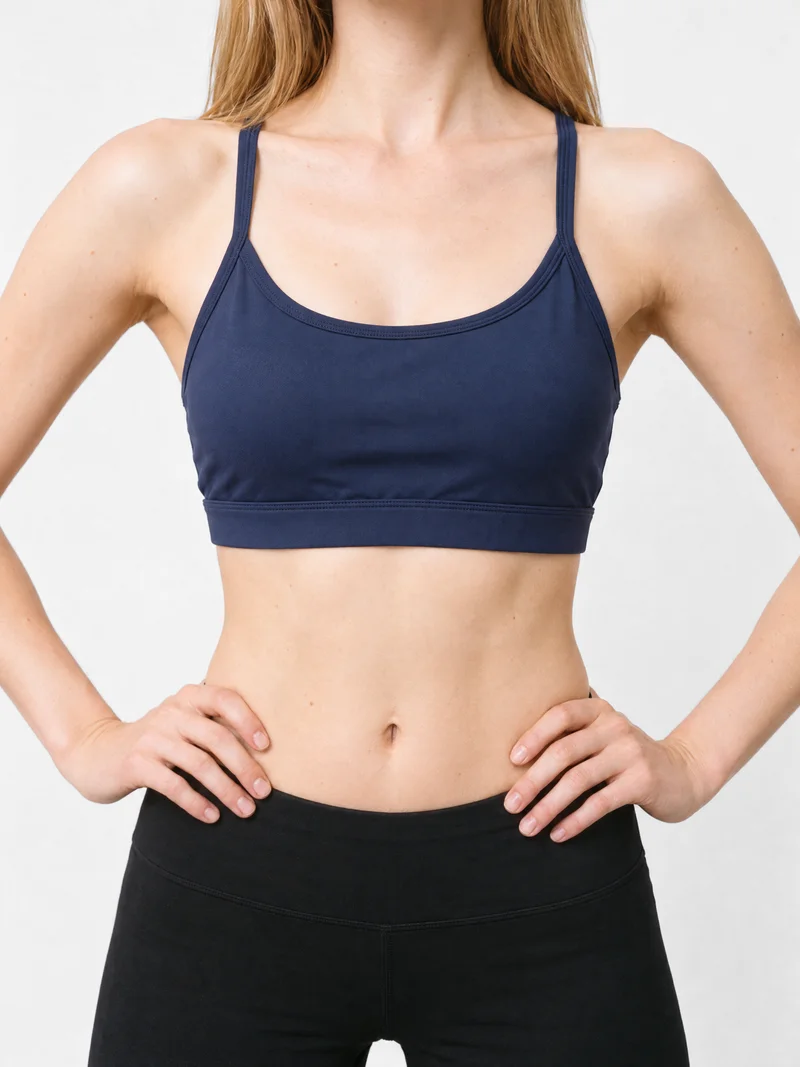
More finished shoots
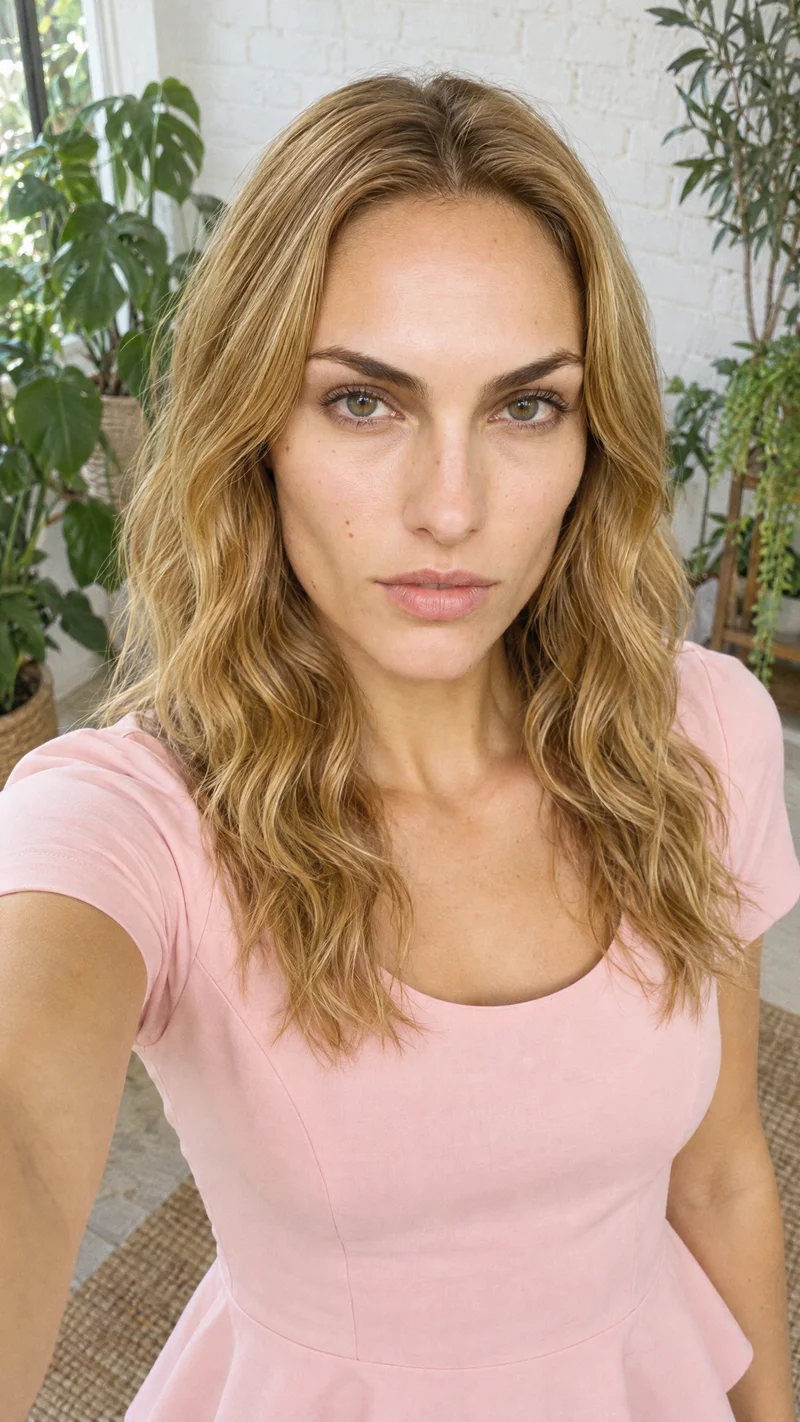
Side by side
Looking for a Ford Models alternative? Compare RAWSHOT for apparel imagery.
Ford Models’ cited pages document model representation, portfolios and application routes. RAWSHOT’s product documents describe configurable product imagery and video.
| Comparison | RAWSHOT | Ford Models |
|---|---|---|
| Starting point | Starts from product photos, including clothing-item photos, to generate on-model imagery. | Publishes model portfolios and contact routes; applicant photo and video submissions concern representation applications. |
| Creative controls | Visible controls include model, styling, background, light, frame, camera view and pose. | Published pages show portfolios and credited campaign work; they do not describe image-generation controls. |
| Models | Uses synthetic models only; no real-person likeness is referenced. | Publishes a roster of represented fashion models and examples of their work. |
| Products per image | Can place up to four products in a single composition. | The cited pages do not specify a product-image generation workflow or products-per-image capability. |
| Video | Can create video from a finished image. | Presents model and campaign portfolios; image-to-video generation is not described. |
| Rights and provenance | Full permanent commercial rights; C2PA credentials, multi-layer watermarking and AI-labelled output metadata. | The cited pages do not specify commercial rights or content credentials for generated product images. |
Sources reviewed on 24 September 2026: Ford Models’ public site, digital directory and privacy policy. The cited pages are identified for each category.
Use cases
Teams and briefs, matched to the work
Marketing and brand managers
Ford Models
A campaign brief calls for professionally represented human talent.
Ford Models publishes represented talent and examples of credited campaign work.
E-commerce managers filling product pages before a drop goes live
RAWSHOT
Product-page images need to share composition choices within one shoot.
RAWSHOT lets images in one shoot share a composition while individual choices remain editable.
See the solutionWholesale and sales teams building lookbooks and linesheets before samples land
RAWSHOT
A team needs on-model product imagery for a lookbook.
RAWSHOT generates on-model imagery from product photos.
See the solutionMore options
Other options for fashion imagery

IMG Models
Compare IMG Models’ documented human-model roster and portfolios with RAWSHOT’s directed fashion imagery, collection consistency and C2PA credentials.
Compare with RAWSHOT

Storm Management
Compare Storm Management’s represented-model booking with RAWSHOT’s configurable synthetic-model imagery, video, and documented image provenance.
Compare with RAWSHOT

Next Management
Compare Next Management’s fashion talent agency with RAWSHOT’s fashion image studio, from real-person talent to configurable imagery and content credentials.
Compare with RAWSHOT

Wilhelmina Models
Compare Wilhelmina Models and RAWSHOT for apparel imagery: represented human models, creator services, collection consistency, and image provenance.
Compare with RAWSHOT
Rights
You own every image. Every image says what it is.
Yours
- Full commercial rights to every image, permanently.
- No recurring licence fees on any model in the library.
- Every model is a synthetic composite, so there is no real-person likeness.
Labelled
- C2PA content credentials on every image.
- AI-labelled output, aligned with EU AI Act Article 50.
Checked
- Every image is checked against your model, frame, view and pose before delivery; one that misses is made again.
- A safety filter screens every upload and blocks nude or explicit images.
EU-based hosting, GDPR-compliant handling.
- Aligned with EU AI Act Article 50
- C2PA
- Full commercial rights
- Quality-checked images
- Safety-filtered uploads
- GDPR-compliant handling
- EU-based hosting
Questions
Common questions about Ford Models and RAWSHOT
What is the difference between Ford Models and RAWSHOT for apparel photos?
Ford Models publishes represented human models and campaign work. RAWSHOT starts with a clothing-item photo and generates on-model apparel imagery using synthetic models, with controls for the model, styling, background, light and composition. Within one shoot, composition choices can hold across images. For product-led apparel photos, choose RAWSHOT; for a brief centered on represented human talent, contact Ford Models.
When is Ford Models a better choice than RAWSHOT?
Ford Models is a better fit when a campaign specifically calls for professionally represented human talent. Its public site presents a model roster and examples of editorial and campaign work. Its privacy policy also describes photo and video submissions from people applying for representation. When a represented human model is central to the brief, Ford Models offers that talent route.
Which models can I use in Ford Models and RAWSHOT?
Ford Models publishes represented fashion models and examples of their work. RAWSHOT uses synthetic models only, with no real-person likeness referenced. These are different kinds of model choice: represented talent and portfolios at Ford Models, and selectable synthetic models in RAWSHOT.
Can I use Ford Models and RAWSHOT images commercially?
RAWSHOT provides full and permanent commercial rights to every generation, with no ongoing licensing fees on library models. The cited Ford Models pages do not specify commercial image rights; its privacy policy discusses website and applicant information. For Ford Models imagery, confirm usage, territory and duration in the relevant agreement before publication.
How do I switch from Ford Models to RAWSHOT?
RAWSHOT is a product-imagery workflow in a browser application. Start with a photo of the apparel item, then select a model and set styling, background, light and composition before generating. You can configure multiple images within one shoot. Ford Models’ cited pages describe talent portfolios and representation applications, not a product-image transfer process.
Get started
Set up an apparel shoot around your product
Choose the model, styling and composition for on-model product imagery, then review the finished image.