FeatureImage-to-image fashion generatorRAWSHOT · 2026

On-model imagery · 150+ styles · 4K

Turn garment photos into campaign-ready fashion imagery with the AI Image To Image Generator.

Generate on-model fashion images from your garment inputs with directorial control built for commerce teams. Click lens, framing, aspect ratio, and visual style in a real interface built around the product. No studio. No samples. No typed instructions.

  • ~$0.55 per image
  • ~30–40s per generation
  • 150+ styles
  • 2K or 4K
  • Every aspect ratio
  • Full commercial rights

7-day free trial • 30 tokens (10 images) • Cancel anytime

From flat garment input to directed on-model output
Cover · Feature
Try it — every setting is a click
Clicks become direction
4:5

Direct the shoot. Zero prompts.

For image-to-image fashion work, the garment photo is the starting point and every creative choice is set in controls. Here, the setup leans into a clean half-body frame, 85mm lens, 4:5 crop, and 4K output for PDPs, ads, and launch assets. ~$0.55 per image · ~30-40s

  • 4 clicks · 0 keystrokes
  • app.rawshot.ai / new_shoot
Image Composition
app.rawshot.ai / new_shoot
Mood
Pose
Camera angle
Lens
Framing
Lighting
Background
Resolution
Aspect ratio
Visual style
Product focus
4:5 · 4K · Half body
Generate

How it works

From Garment Image to Directed Output

A product photo goes in, then you shape the result with controls made for fashion imagery and catalog work.

  1. Step 01
    Import products

    Upload the Garment Image

    Start with your product photo, flat lay, or reference garment image. The product stays at the center of the workflow, so the cut, colour, pattern, and logo lead the result.

  2. Step 02
    Customize photoshoot

    Set the Shot With Controls

    Choose lens, framing, style, aspect ratio, and output resolution with clicks. You direct the image in an application interface built for fashion teams, not a chat box.

  3. Step 03
    Select images

    Generate and Ship Assets

    Create labelled outputs for PDPs, ads, lookbooks, and marketplaces in around 30–40 seconds. Keep iterating in the browser or scale the same workflow through the REST API.

Spec sheet

Proof That the Workflow Holds Up

These twelve surfaces show what fashion teams actually need from image transformation: control, garment fidelity, provenance, rights, and scale.

  1. 01

    Built to Avoid Likeness Risk

    Every model is a synthetic composite built from 28 body attributes with 10+ options each, so accidental resemblance to a real person is statistically negligible by design.

  2. 02

    Every Setting Is a Click

    Lens, framing, pose, light, background, and style live in buttons, sliders, and presets. You direct the output without learning command syntax.

  3. 03

    The Garment Stays the Brief

    RAWSHOT is engineered around the product, so cut, colour, pattern, logo, fabric feel, and proportion are represented faithfully instead of being bent around generic image logic.

  4. 04

    Diverse Synthetic Models, Transparently Labelled

    Cast across a wide range of body presentations for fashion categories without relying on real-person datasets. The result is labelled clearly for honest publishing.

  5. 05

    Consistency Across Variants

    Keep the same model logic, framing direction, and visual system across repeated outputs. That matters when one collection becomes hundreds or thousands of SKUs.

  6. 06

    150+ Visual Styles

    Move from catalog clean to campaign gloss, street flash, vintage grain, noir, or editorial lighting without rebuilding your workflow. Style lives in presets you can reuse.

  7. 07

    2K, 4K, and Every Ratio

    Generate assets for 1:1, 4:5, 9:16, 16:9, PDP crops, paid social, and launch pages from the same product-led setup. Resolution and crop are production controls, not afterthoughts.

  8. 08

    Labelled and Compliance-Ready

    Outputs carry C2PA-signed provenance, visible and cryptographic watermarking, and AI labelling. RAWSHOT is built for GDPR, EU-hosting, and emerging disclosure rules.

  9. 09

    Signed Audit Trail per Image

    Each output can carry a persistent record of what it is and how it was produced. That gives teams a practical paper trail for brand, platform, and legal review.

  10. 10

    Browser to REST API

    Use the GUI for one-off shoots or connect the same engine to catalog pipelines through the REST API. Single-look brands and enterprise teams use the same product surface.

  11. 11

    Fast, Clear, and Refund-Aware

    Images run at about $0.55 and usually land in 30–40 seconds. Tokens never expire, failed generations refund tokens, and there is no seat tax layered on top.

  12. 12

    Commercial Rights Stay Simple

    Every output includes full commercial rights, permanent and worldwide. That clarity matters when assets move from PDPs to marketplaces, ads, wholesale decks, and packaging comps.

Outputs

Image In, fashion out.

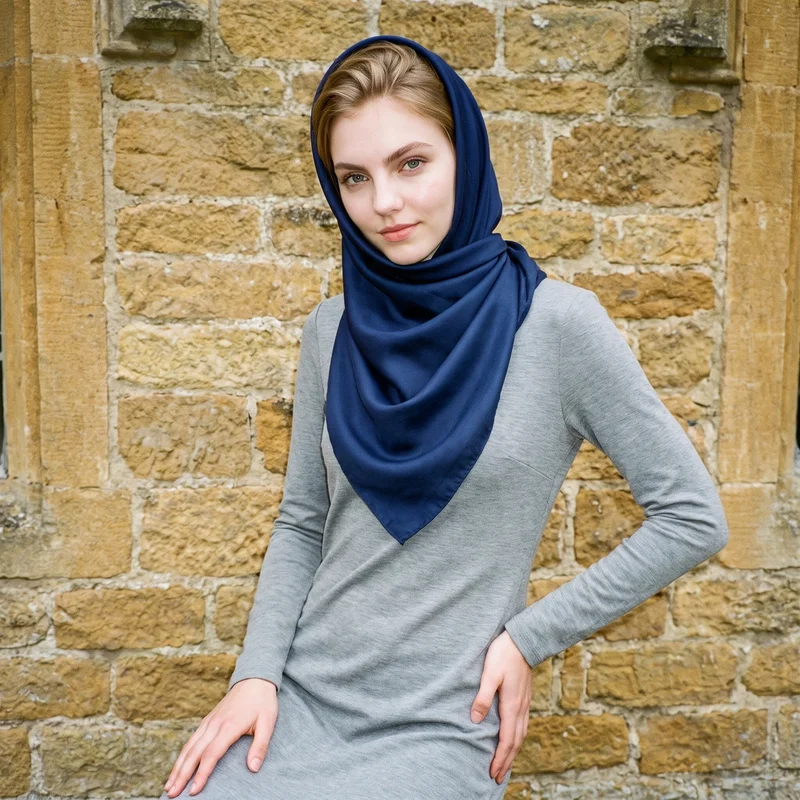
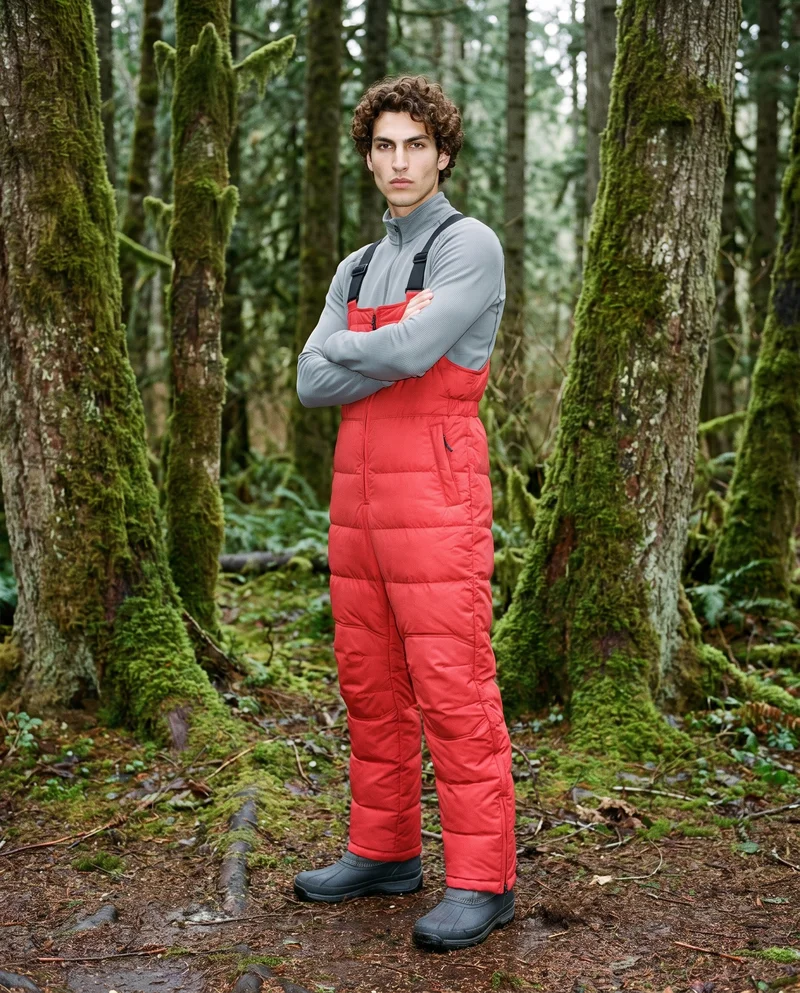
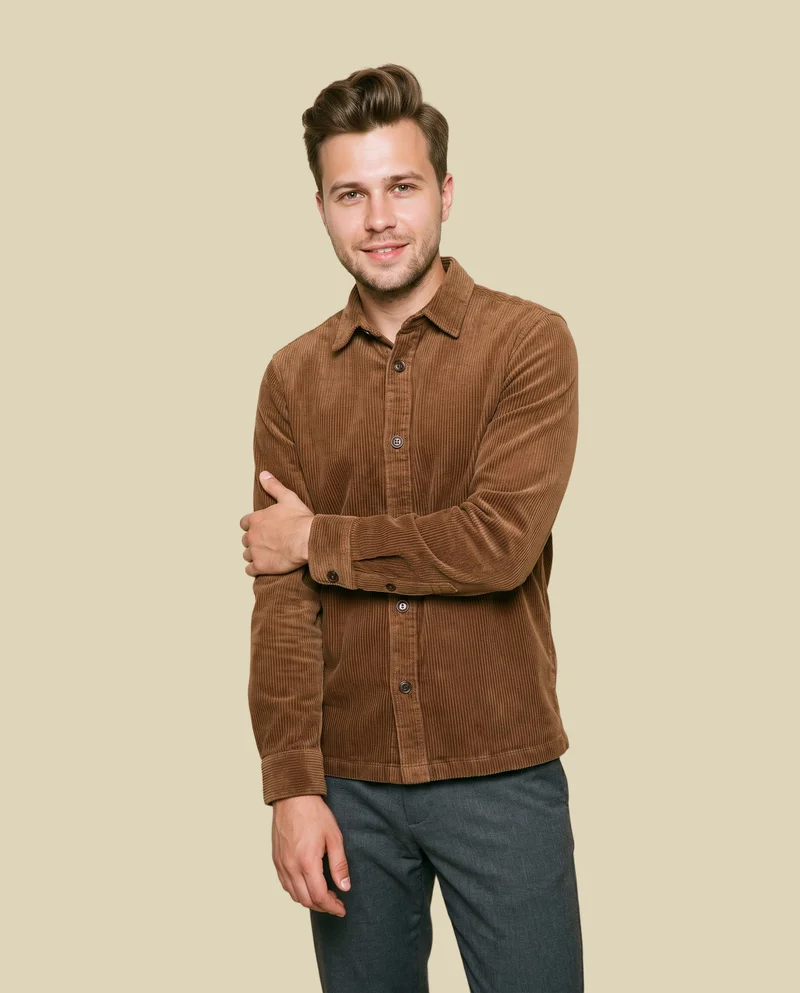
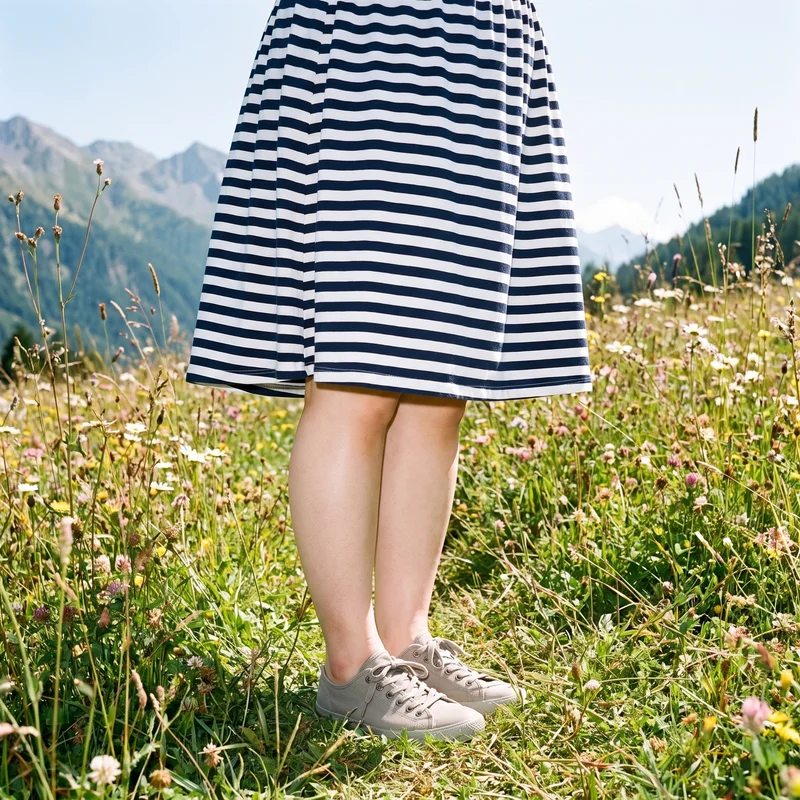
Start from the garment image and direct the result into clean commerce frames, styled campaign visuals, or marketplace-ready outputs. The product remains the anchor across each treatment.

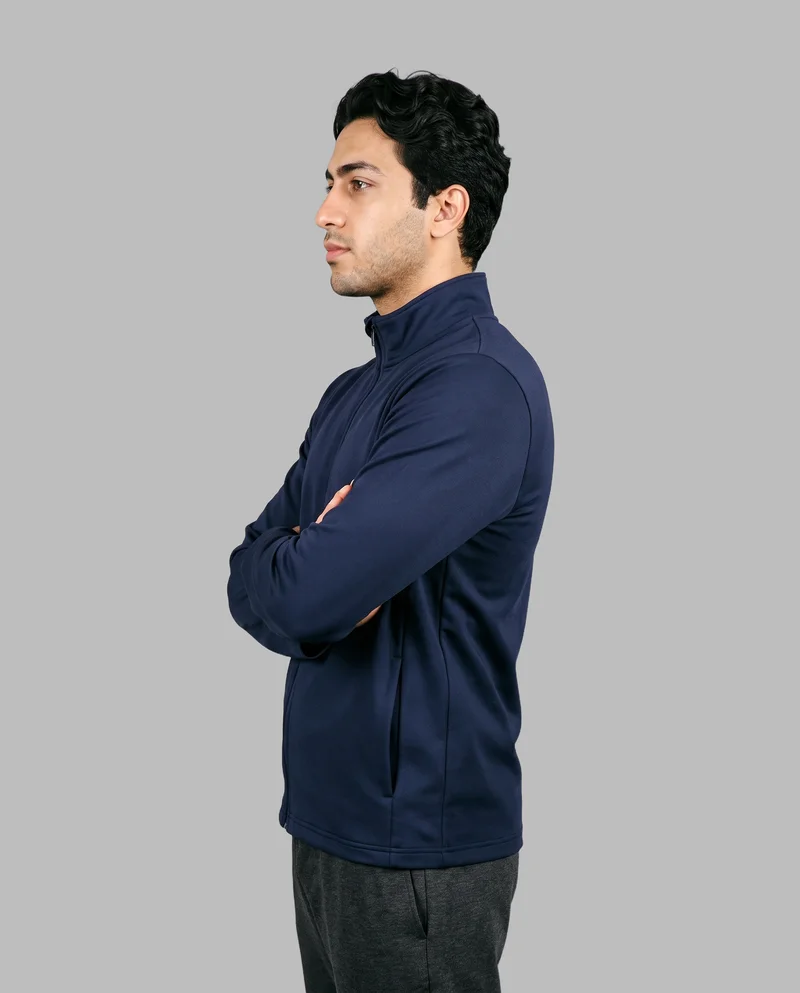
ai image to image generator 1
Catalog Clean
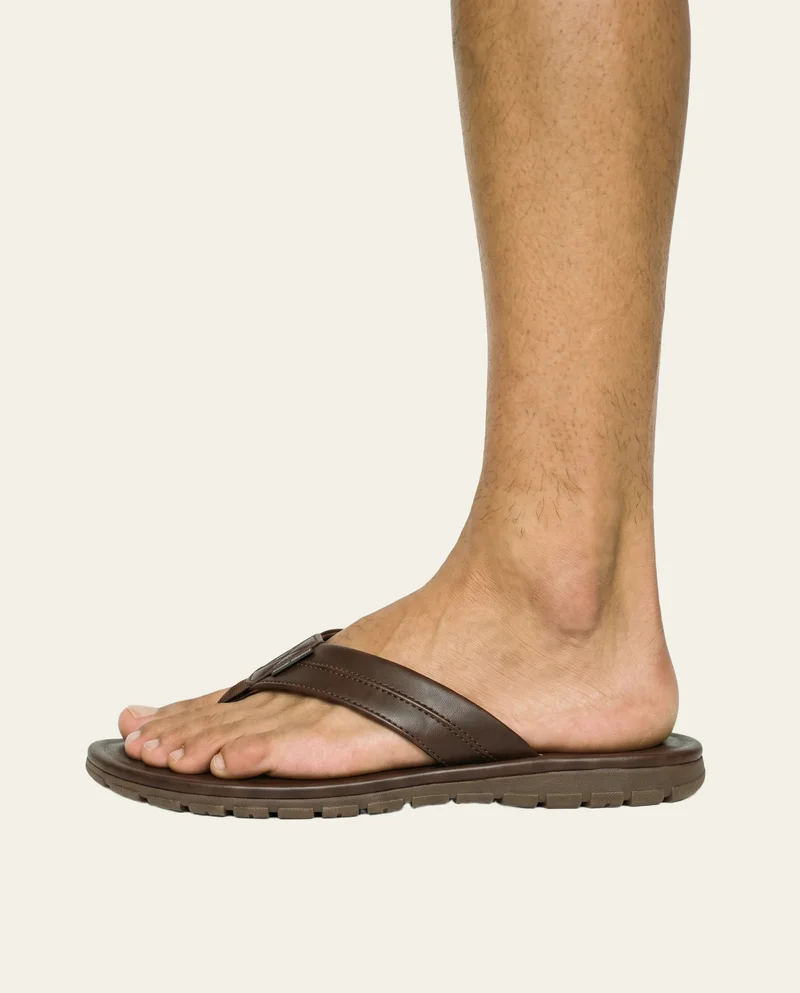
ai image to image generator 2
Campaign Gloss
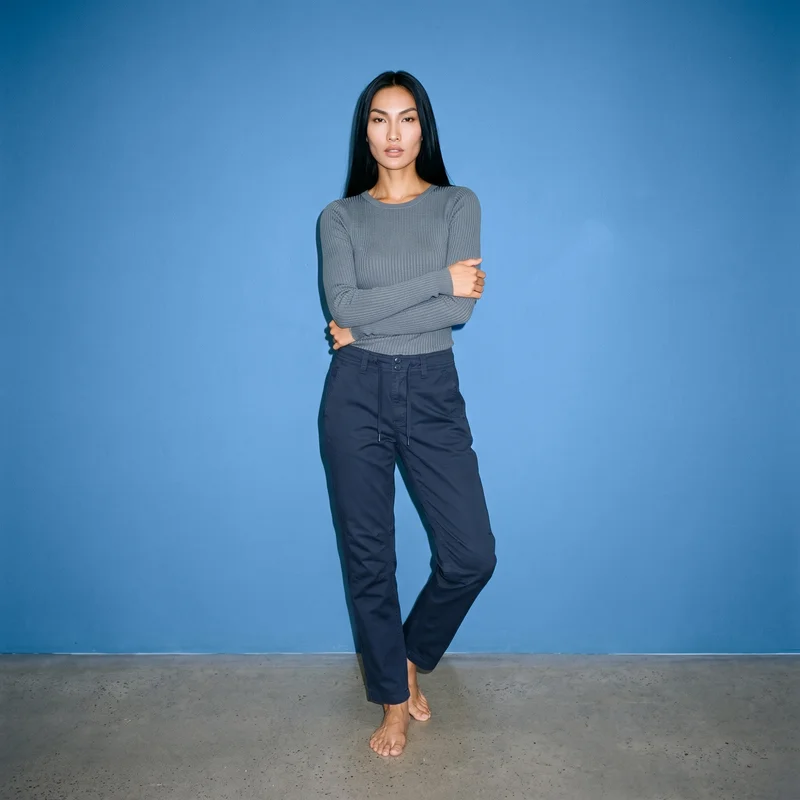
ai image to image generator 3
Editorial Crop
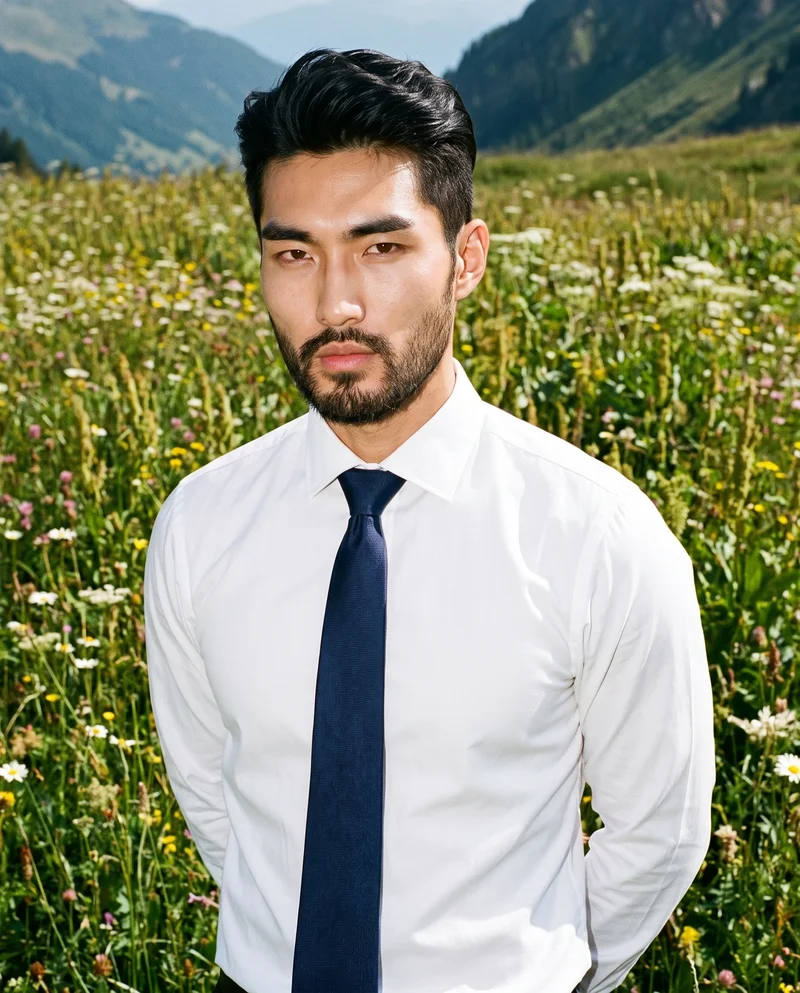
ai image to image generator 4
Marketplace Ready

Browse 150+ visual styles →

Comparison

RAWSHOT vs category tools vs DIY prompting

Three lenses on every dimension — what you optimize for in RAWSHOT versus typical category tools and blank-box AI workflows.

  1. 01

    Interface

    RAWSHOT

    Click-driven controls for lens, framing, light, style, and output ratios

    Category tools + DIY

    Often mix a few presets with loose text fields and thinner production control. DIY prompting: You steer with typed instructions, retries, and guesswork inside generic image tools
  2. 02

    Garment fidelity

    RAWSHOT

    Built around the product so cut, colour, logos, and drape stay grounded

    Category tools + DIY

    Can hold the general look but often soften detail or simplify trims. DIY prompting: Garments drift, logos mutate, prints change, and product proportions wander
  3. 03

    Model consistency

    RAWSHOT

    Consistent synthetic model logic across repeated outputs and large SKU runs

    Category tools + DIY

    Consistency may weaken across batches or require extra manual correction. DIY prompting: Faces, bodies, and styling change from one generation to the next
  4. 04

    Provenance and labelling

    RAWSHOT

    C2PA-signed outputs with visible and cryptographic watermarking plus AI labelling

    Category tools + DIY

    Labelling is inconsistent and provenance metadata is often absent. DIY prompting: No dependable provenance metadata, no signed record, and weak disclosure support
  5. 05

    Commercial rights

    RAWSHOT

    Full commercial rights to every output, permanent and worldwide

    Category tools + DIY

    Rights can vary by plan, vendor terms, or negotiated usage scope. DIY prompting: Rights clarity is often unclear once assets pass through generic model platforms
  6. 06

    Iteration speed

    RAWSHOT

    Variant generation in around 30–40 seconds with reusable control presets

    Category tools + DIY

    Fast enough for short runs but less reliable for repeated art direction. DIY prompting: Iteration slows down because every new angle needs another round of typing
  7. 07

    Pricing transparency

    RAWSHOT

    About $0.55 per image, no seat gates, tokens never expire

    Category tools + DIY

    Pricing often stacks seats, plans, or gated features as teams grow. DIY prompting: Low entry cost hides labour time, retries, rejects, and manual cleanup
  8. 08

    Catalog scale

    RAWSHOT

    Same engine works in browser GUI and REST API for large nightly pipelines

    Category tools + DIY

    Scale features may sit behind enterprise packaging or custom deals. DIY prompting: No stable production pipeline for thousands of SKUs with auditability

Use cases

Where Garment-Led Image Transformation Pays Off

Operator archetypes and how click-directed, garment-first output fits the way they actually work.

  1. 01

    Indie Designer Launching a First Drop

    Turn garment photos into on-model campaign assets before a traditional shoot budget exists, then reuse the same visual system across launch channels.

    Confidence · high

  2. 02

    DTC Brand Refreshing PDP Images

    Update catalogue imagery for a seasonal shift in framing, crop, or styling without reshooting every core SKU in a studio.

    Confidence · high

  3. 03

    Marketplace Seller Standardising Listings

    Convert mixed product images into cleaner on-model outputs that feel consistent across crowded multi-brand marketplaces.

    Confidence · high

  4. 04

    Pre-Order Label Testing Demand

    Photograph garments before bulk production decisions by using existing product visuals to generate launch-ready imagery for waitlists and ads.

    Confidence · high

  5. 05

    Factory-Direct Manufacturer Building Samples Lightly

    Use existing garment references to create sales and buyer-facing visuals without shipping every sample across regions.

    Confidence · high

  6. 06

    Resale Operator Elevating One-Off Inventory

    Give singular pieces stronger fashion presentation from the images already available, without building a full production workflow around each item.

    Confidence · high

  7. 07

    Kidswear Brand Creating Safer Asset Pipelines

    Build labelled synthetic-model imagery for apparel lines that need honest disclosure and reproducible presentation at catalog speed.

    Confidence · high

  8. 08

    Adaptive Fashion Team Showing Fit More Clearly

    Represent design intent across body presentations with product-led controls that keep the garment, not generic styling, in charge.

    Confidence · high

  9. 09

    Lingerie DTC Brand Directing Cleaner Crops

    Move from source garment imagery to controlled close framing, ratio-specific ads, and consistent merchandising outputs through clicks.

    Confidence · high

  10. 10

    Student Designer Building a Thesis Collection

    Create polished lookbook and commerce visuals from garment photos without booking a studio day or learning brittle image-tool syntax.

    Confidence · high

  11. 11

    Retail Catalog Team Running Bulk Variants

    Push the same image-to-image workflow through the REST API to generate repeatable assets across large SKU libraries.

    Confidence · high

  12. 12

    Brand Marketing Team Testing Paid Social Creatives

    Spin one product reference into multiple styled outputs for 1:1, 4:5, and 9:16 placements while keeping the garment recognizable.

    Confidence · high

— Principle

Honest is better than perfect.

When teams use an image-to-image fashion workflow, disclosure cannot be an afterthought. RAWSHOT labels outputs, signs provenance with C2PA, and applies visible plus cryptographic watermarking so your commerce assets carry proof as well as polish. That matters for platform trust, internal review, and the practical reality of publishing synthetic-model imagery responsibly.

RAWSHOT · Editorial

Pricing

~$0.55 per image.

~30–40 seconds per generation. Tokens never expire. Cancel in one click.

  • 01The cancel button is on the pricing page.
  • 02No per-seat gates. No 'contact sales' walls for core features.
  • 03Failed generations refund their tokens.
  • 04Full commercial rights to every output, permanent, worldwide.

FAQ

Practical answers on control, rights, pricing, scale, and compliant publishing.

Do I need to write prompts to use RAWSHOT?

Never—you direct every output with sliders, presets, and clicks on the garment, not typed prompts. That UI control is consistent across GUI and REST API payloads, which is why ecommerce teams onboard buyers without rewriting creative briefs as chat threads. You choose framing, lens, lighting direction, style preset, crop, and output resolution in a way that behaves like production software rather than a chatbot.

For catalog teams, reliability matters more than model cleverness; RAWSHOT keeps tokens, timings, refund rules, commercial rights framing, provenance signalling, watermarking cues, REST surface, and SKU-scale batch patterns explicit so operations can rehearse PDP launches without hallucinated garment inventions. The practical takeaway is simple: if your team can click through a creative tool, it can direct fashion imagery here without training anyone to speak in brittle command language.

What does an ai image to image generator actually change for fashion catalog teams?

It changes where the work starts. Instead of building a shoot around studio access, talent, sample logistics, and retouch queues, your team starts from the garment image it already has and directs the result into on-model outputs inside one interface. That matters for catalog teams because the problem is rarely making one hero image; it is making hundreds of product images stay visually coherent while preserving the garment itself.

RAWSHOT is built for that commerce reality. You set lens, framing, aspect ratio, and style with controls, then generate 2K or 4K outputs in roughly 30–40 seconds per image. The outputs are labelled, watermarked, and C2PA-signed, with full commercial rights included and failed generations refunded. In practice, that means teams can move faster on PDP updates, marketplace feeds, and launch calendars without sacrificing traceability or turning buyers into full-time image wranglers.

Why skip reshooting every SKU when seasons, channels, or campaigns change?

Because most seasonal changes are art-direction changes, not garment changes. If the product remains the same but you need a new crop, different visual mood, alternate merchandising frame, or channel-specific ratio, reshooting every SKU is expensive, slow, and operationally heavy. Traditional fashion photography can still be the right choice for flagship moments, but many commerce updates do not justify a fresh studio day.

RAWSHOT lets teams keep the garment central while changing the presentation around it through controls and reusable presets. That means a collection can be adapted for PDPs, paid social, wholesale decks, and marketplace requirements without rebuilding production from scratch. For operators managing margin and calendar pressure, the smart move is to reserve physical shoots for the moments that need them and use garment-led generation for the repeatable asset work around them.

How do we turn flat garments into catalogue-ready imagery without prompting?

You begin with the garment image, then choose the shot structure in the interface. Select the lens, framing, output ratio, visual style, and resolution, then generate the result. Because the workflow is built around apparel rather than open-ended image invention, the garment remains the brief and the controls do the directing. That keeps the process understandable for merchandising, ecommerce, and creative teams who need repeatability more than novelty.

In RAWSHOT, that same method works whether you are making one hero image in the browser or preparing a repeatable process for a larger catalog through the REST API. You can create half-body PDP crops, campaign-style outputs, detail-driven compositions, and channel-specific aspect ratios without shifting into typed instruction workflows. The operational takeaway is to standardise a few preset combinations by category, then reuse them across drops to keep quality and pace aligned.

Why does RAWSHOT beat DIY prompting in ChatGPT, Midjourney, or generic image models for fashion PDPs?

Because fashion commerce needs controlled representation, not open-ended interpretation. Generic image tools are good at producing interesting pictures, but they are unreliable when the garment must stay stable across colourways, trims, logos, proportions, and repeated product families. Once a team depends on typed instructions to preserve those details, it spends more time correcting drift than producing sellable assets.

RAWSHOT removes that failure mode by replacing command guessing with explicit controls and by engineering the system around garments. It also adds what generic tools usually leave vague: C2PA-signed provenance, visible and cryptographic watermarking, labelled outputs, full commercial rights, transparent token pricing, failed-generation refunds, and a path from browser work to REST API scale. For PDP teams, that combination matters more than novelty because product truth, reproducibility, and reviewability are what keep listings publishable.

Are RAWSHOT images labelled, and can we use them commercially across storefronts and ads?

Yes. RAWSHOT outputs are AI-labelled and include visible plus cryptographic watermarking, with C2PA-signed provenance metadata designed to make disclosure and traceability practical rather than symbolic. That matters for fashion brands because the asset often moves far beyond a single PDP: into marketplaces, paid social, email, wholesale materials, internal review decks, and archived brand systems. If origin is unclear, risk compounds as the image travels.

Commercially, RAWSHOT gives full commercial rights to every output, permanent and worldwide. The platform is also built with EU hosting and compliance-minded disclosure practices in view, including GDPR alignment and support for evolving transparency expectations. The useful operational rule is to treat provenance as part of your asset spec from day one, not as a legal clean-up task after publishing.

What should our team check before publishing synthetic fashion imagery on a product page?

Check the garment first, not the spectacle around it. Confirm that cut, colour, pattern placement, logos, trims, and overall proportion are represented correctly, then verify that the crop, aspect ratio, and merchandising focus match the placement where the image will appear. For fashion commerce, the best image is not the most dramatic one; it is the one that helps a customer understand the product quickly and truthfully.

With RAWSHOT, teams should also confirm the presence of proper labelling, watermarking cues, and provenance handling in their publishing workflow. Because outputs are C2PA-signed and transparently labelled, review can include both visual QA and trust QA. A good operating habit is to create a short publish checklist that covers garment fidelity, disclosure status, channel crop, and rights handling so creative review and compliance review happen in the same pass.

How much does the ai image to image generator cost for still images, and what happens to unused tokens?

For still images, RAWSHOT runs at about $0.55 per generation, and most outputs arrive in roughly 30–40 seconds. Tokens never expire, which matters for fashion teams whose workload comes in waves around drops, campaigns, and merchandising deadlines rather than in perfectly even monthly usage. That pricing model is designed to stay usable whether you are testing one look or building a broader asset set across a collection.

There are also a few operational details teams usually care about immediately: failed generations refund their tokens, there are no per-seat gates for core usage, and cancelling is one click from the pricing page. Video and model generation are priced separately because they use different compute patterns, but for still-image planning the practical approach is straightforward: estimate output volume by SKU, keep a buffer for variants, and know that unused tokens remain available for the next cycle.

Can we plug RAWSHOT into Shopify-scale catalog workflows through an API?

Yes. RAWSHOT supports both browser-based work for single shoots and a REST API for teams that need catalog-scale throughput. That means the same core engine can serve a designer refining a handful of launch assets and an operations team processing large SKU libraries on a schedule. For commerce organisations, that continuity matters because it reduces the gap between experimentation and production.

The practical advantage is consistency. Teams can establish a visual system in the GUI, validate garment handling and crop logic, then carry that workflow into API-driven pipelines for larger batches. Because outputs also include labelled provenance support, auditability does not disappear when scale increases. The best implementation pattern is usually to set approved presets by category, test them on edge-case garments, then automate around those known-good configurations.

How do small creative teams and large catalog teams use the same system without different product tiers?

RAWSHOT is built on the idea that one shoot and ten thousand should use the same engine, the same models, and the same per-image logic. Small teams can work in the browser, click through art direction, and generate assets one by one, while larger teams can push the same structure through the REST API for repeatable production. That avoids the common pattern where core capability disappears behind sales-led packaging once volume increases.

For operators, the result is a cleaner workflow handoff between creative direction and production operations. There are no per-seat gates for core features, tokens do not expire, failed generations refund, and rights remain permanent and worldwide across outputs. The useful lesson for team planning is to build one approved workflow library that serves both exploratory work and scale execution, instead of maintaining separate tools for each stage.

AI Image To Image Generator | Rawshot.ai