
AI lookbook
Your lookbook on models before samples arrive.
“My lookbook is due before the samples arrive for pre-orders.” You can turn early product imagery, mockups, or technical sketches into on-model collection stills for the meeting or launch window.
7-day free trial • 50 credits (10 images) • Cancel anytime
- A 2K image in roughly 35 seconds
- AI-labelled with C2PA content credentials
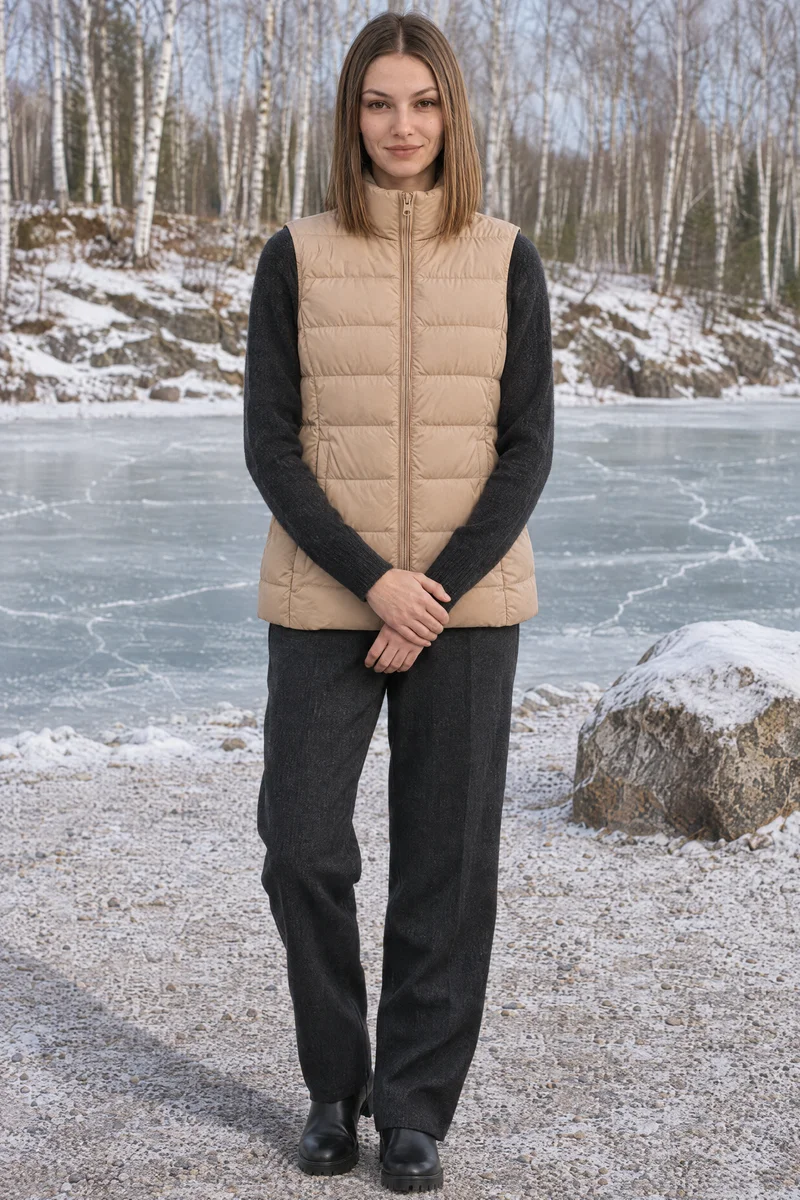
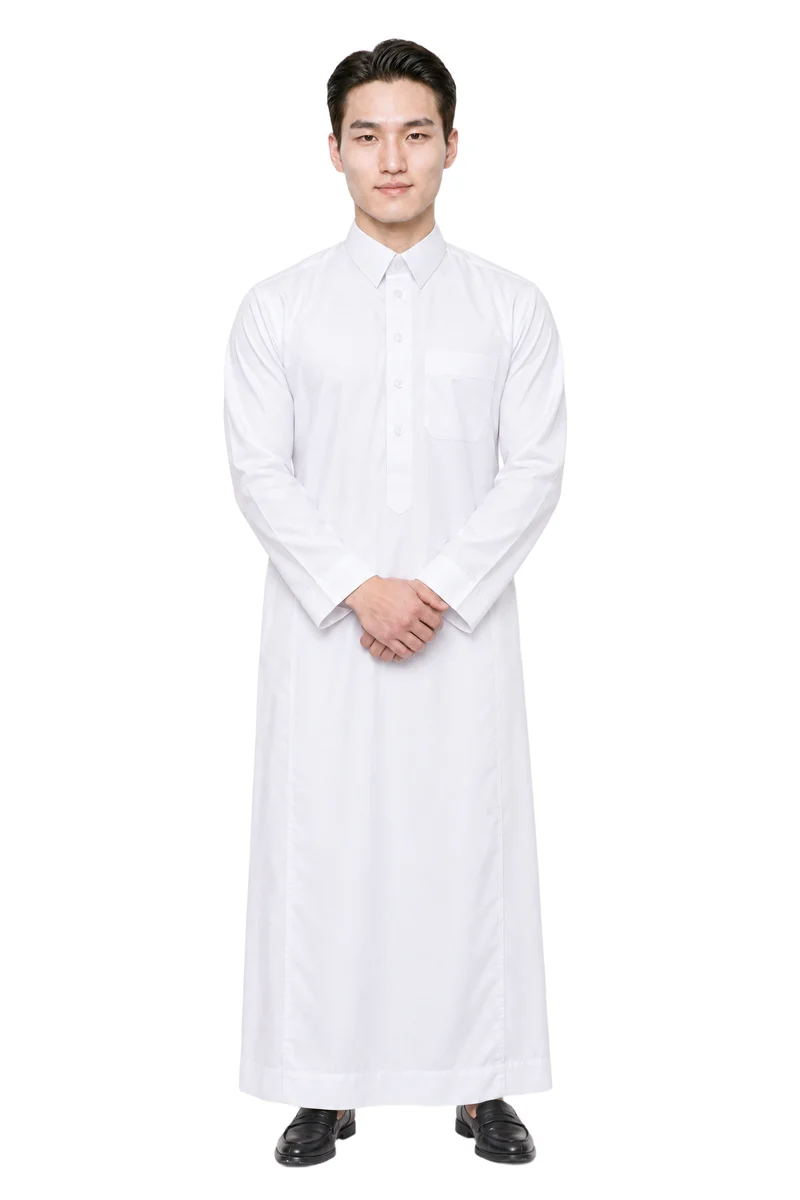
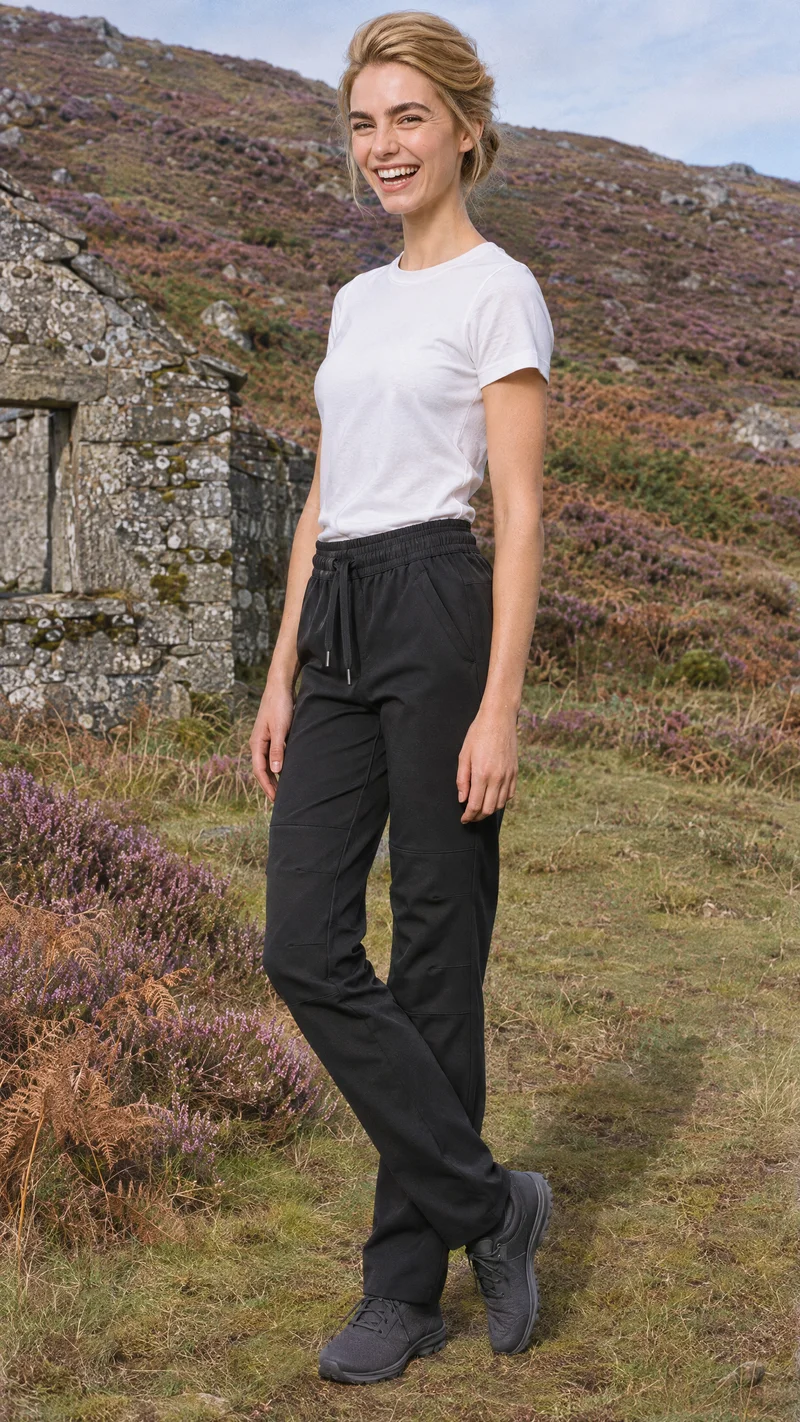
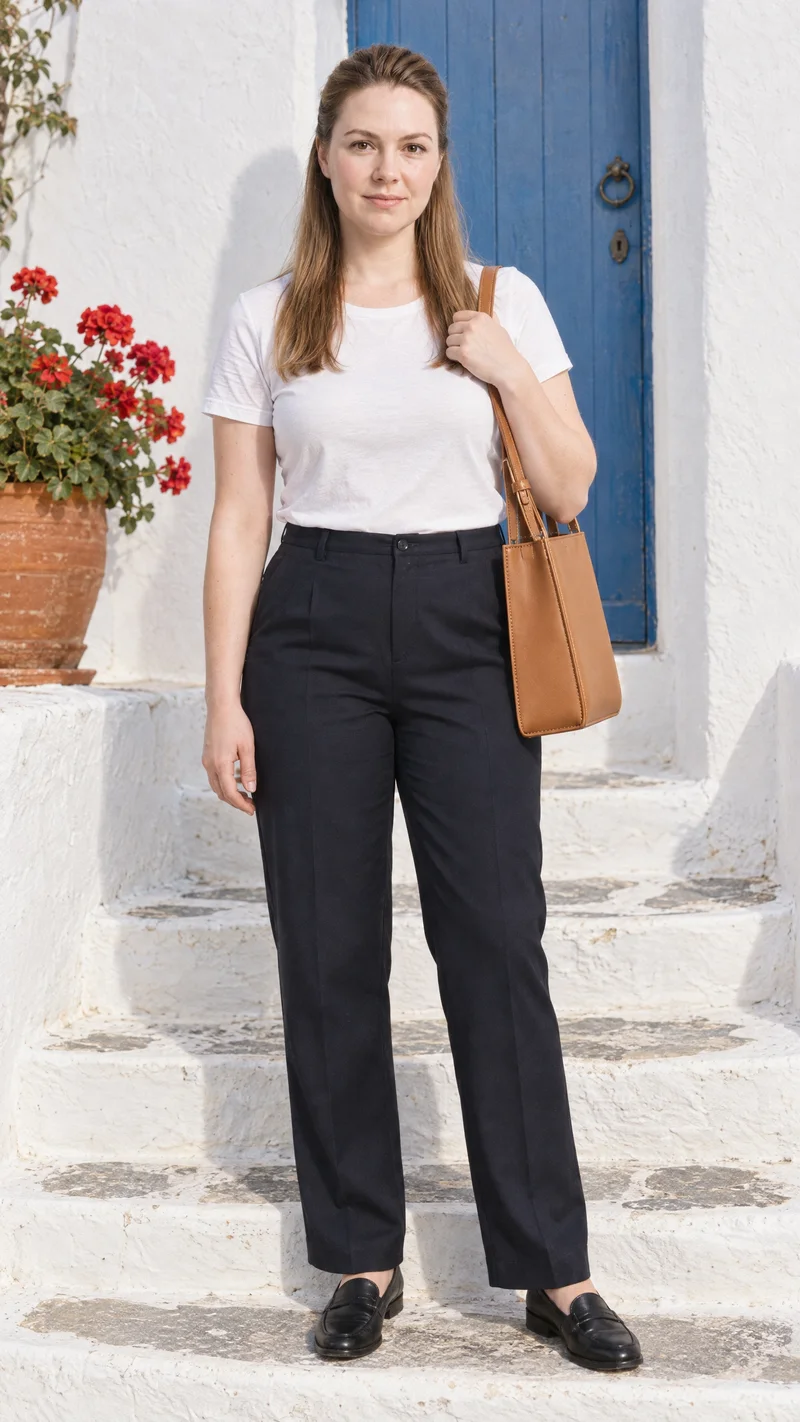
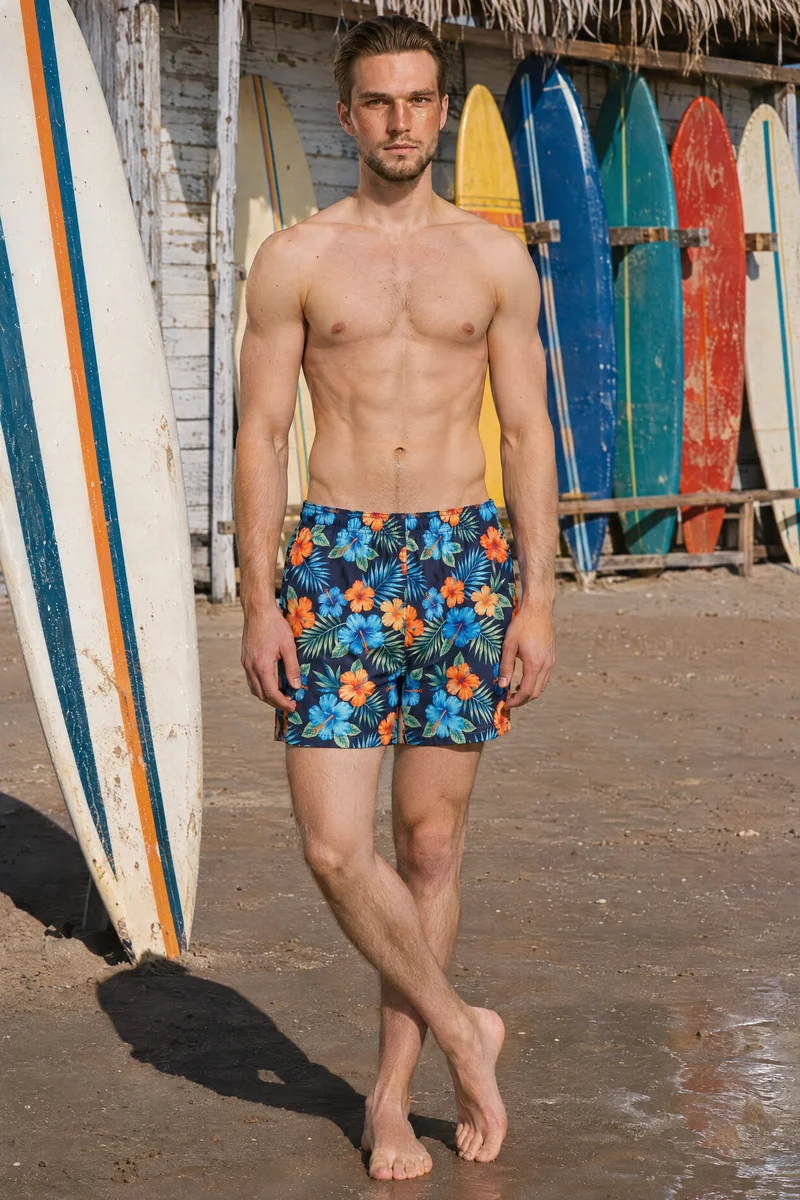
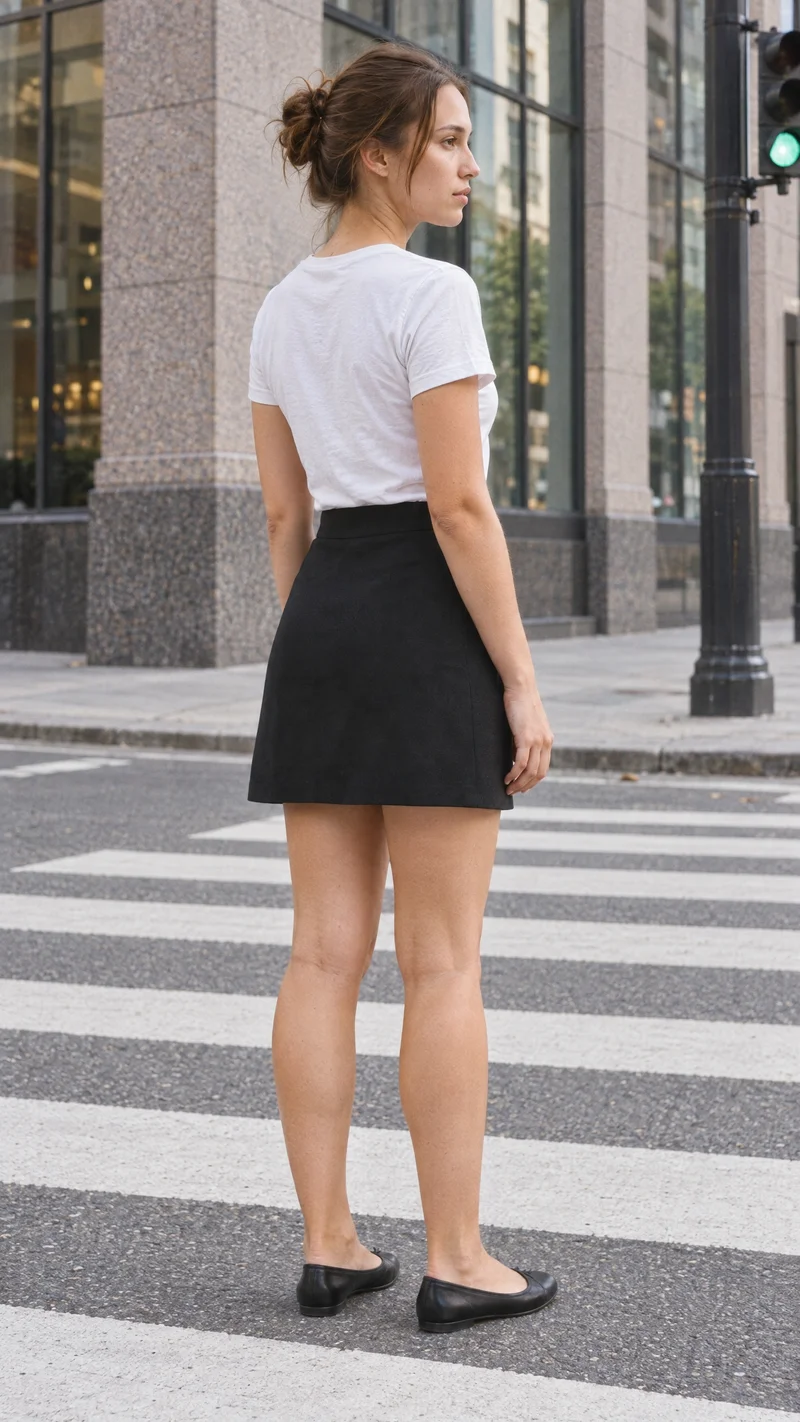
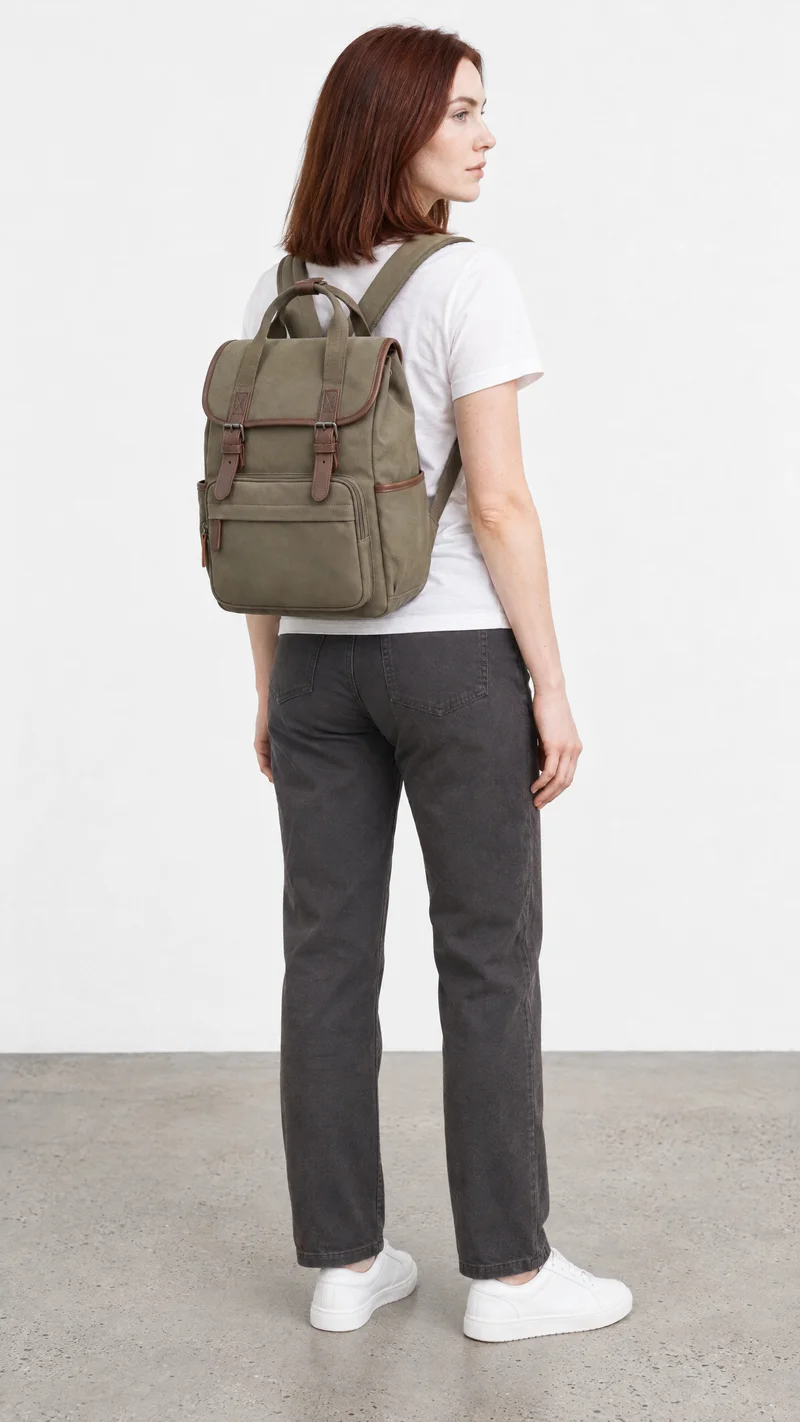
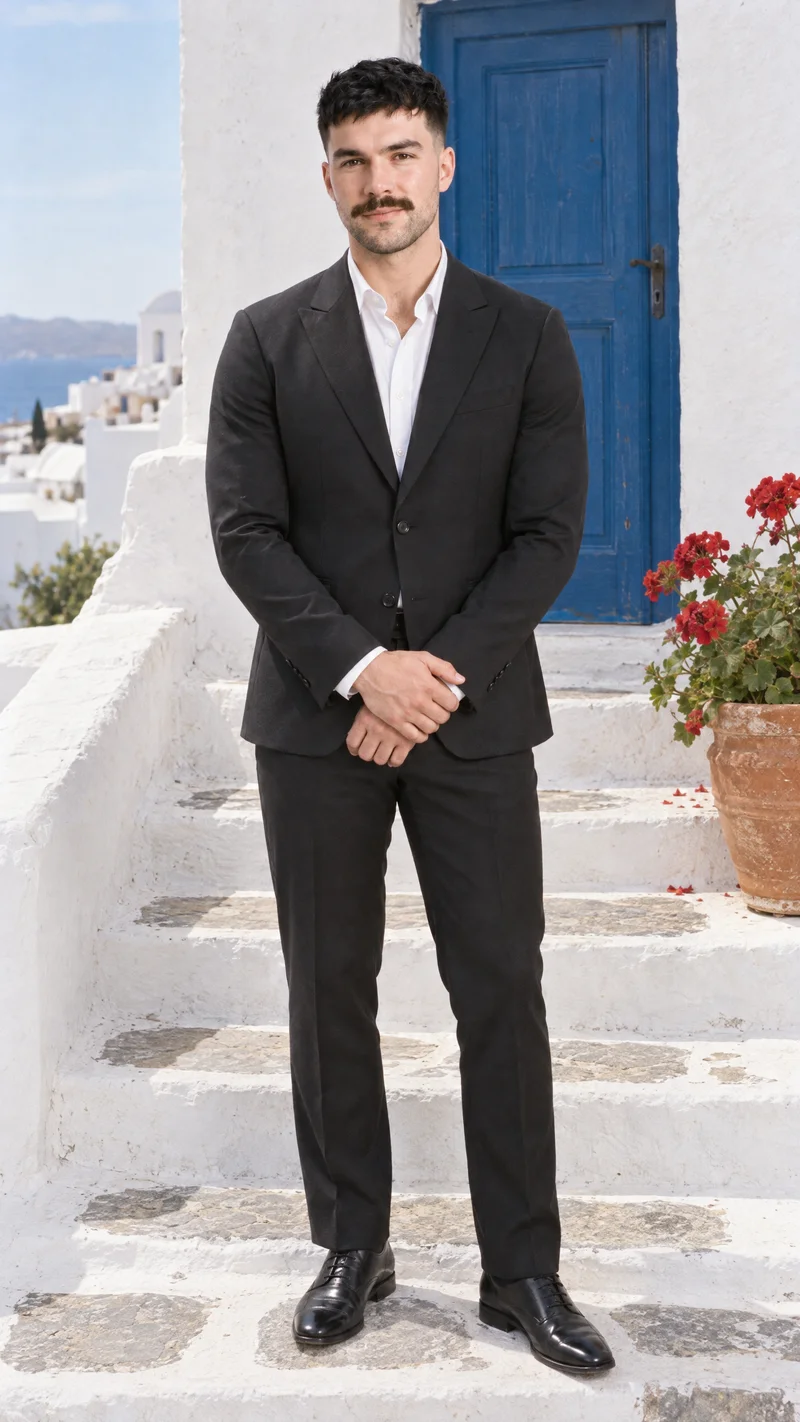
Showing 8 of 475, shot in RAWSHOT
Use cases
When pre-orders need collection images
- 01
Pre-orders open before samples
For an indie designer opening pre-orders, you shoot a technical sketch as an on-model hero look with a full-body frame for the collection presentation.
- 02
Buyer meeting approaches
For a wholesale manager preparing for a buyer meeting, you shoot early product images as coordinated outfits on one model for a polished collection lookbook.
- 03
Colourways need one composition
For a marketing manager planning a collection launch, you shoot each colourway in the same full-body composition for aligned launch imagery.
- 04
Several pieces tell one story
For an e-commerce manager preparing a drop, you shoot up to four collection pieces together on a model as an editorial look for launch pages.
What you get
On-model stills for pre-orders and meetings
Your finished set is a coordinated group of on-model still lookbook images for presenting the collection before pre-orders or a wholesale meeting. Each image keeps the collection readable while showing the pieces as complete looks.
On-model collection stills
Full-body still images present the collection on a selected model, giving buyers and pre-order customers a clear view of each complete look.
Coordinated colourways
Colourway images retain the selected model and full-body composition so the range reads as one collection.
Complete outfit looks
Hero pieces appear with supporting items where needed, helping the lookbook show how the collection is intended to be worn together.
Meeting-ready presentation
A focused set of collection images gives you material to present before samples arrive for a wholesale meeting or pre-order window.
Direct the shoot
Set full-body frames, views, poses and light
Image frame
4
Pose
22 poses on this frame
Camera view
4
Format
9
Pose style
4
Facial expression
10
Photography direction
4
Create photoshoot
Step 7 of 7 · Composition
Image 1 · readyGallery image from this pageProduct
Your product
Model
From the library
Composition
Full Body · Front View · Catalog pose · Neutral
Delivery
2K · 2:3
Light
Studio Cutout
Total cost
5 credits
AI fashion models
Choose from 1,000+ models for your collection
1,243 licence-free grown models across ages and body types. Or build a private model from visible attributes.
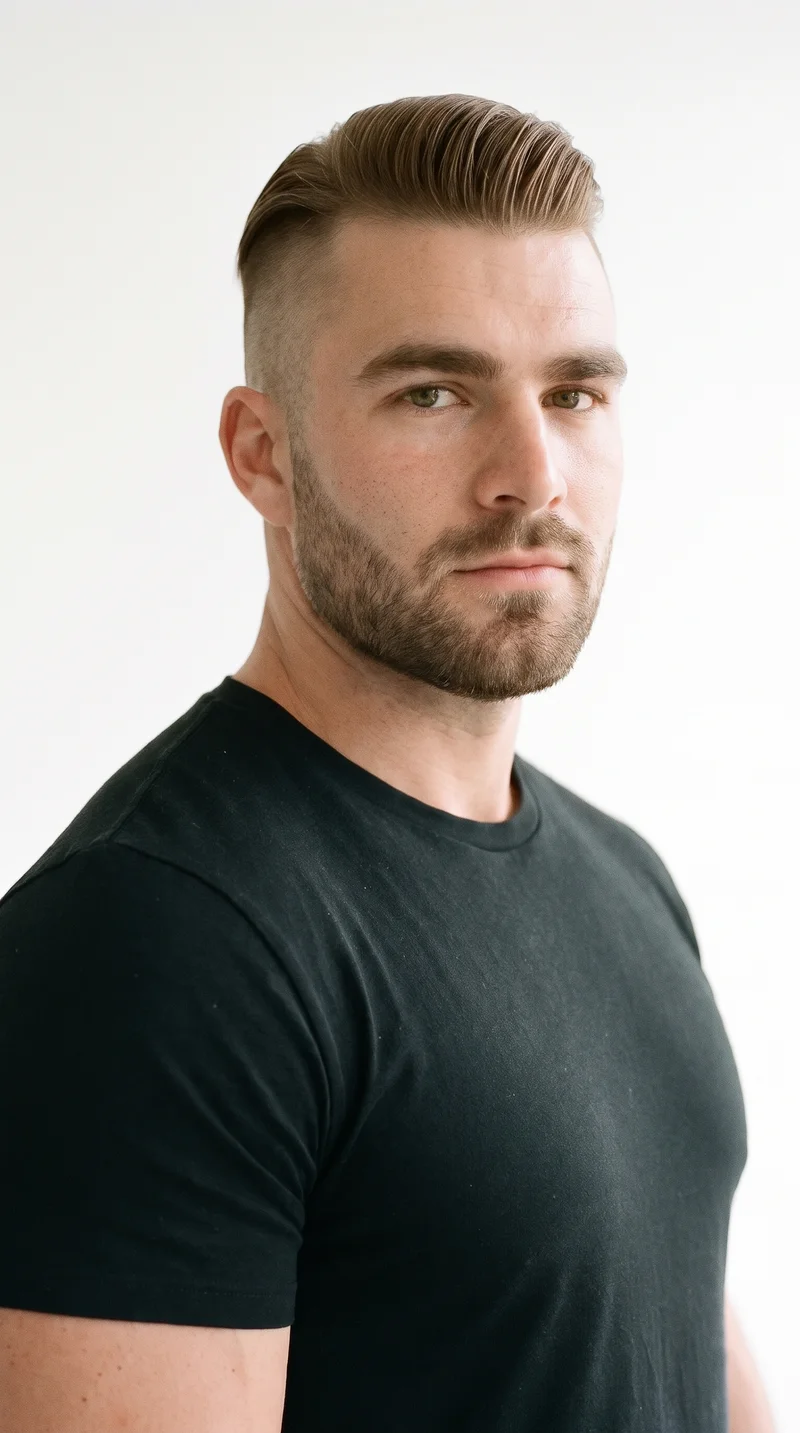
Male · 26
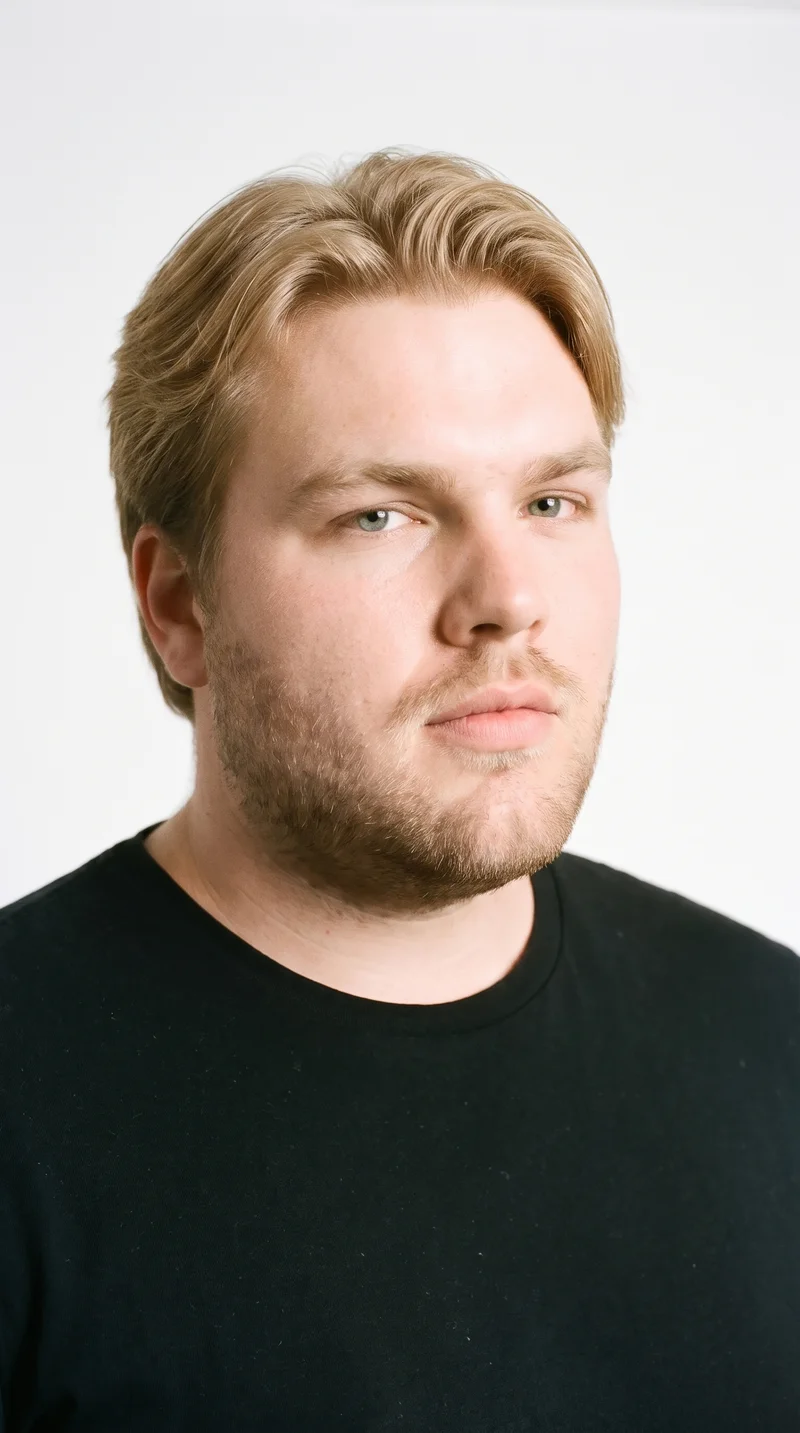
Male · 26
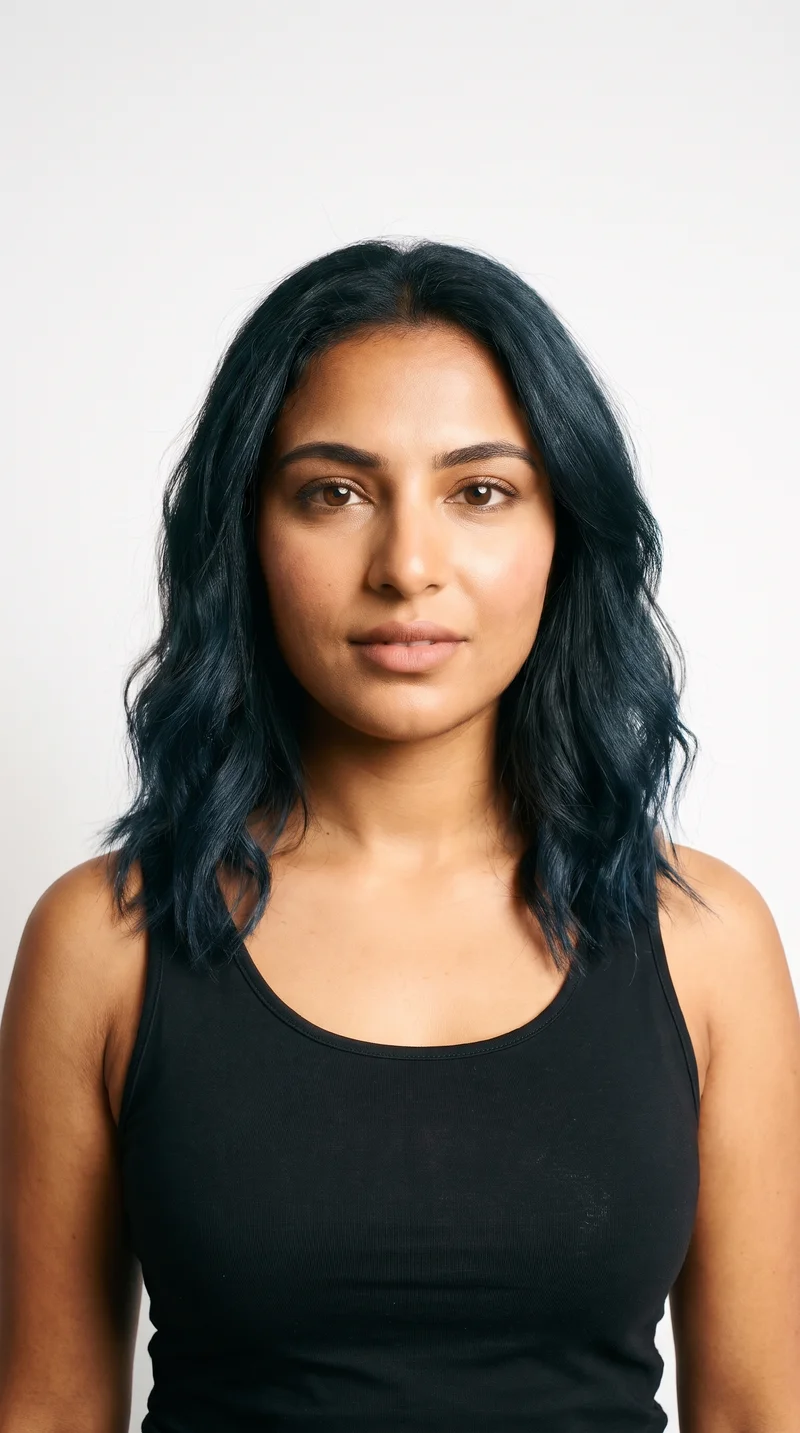
Female · 24
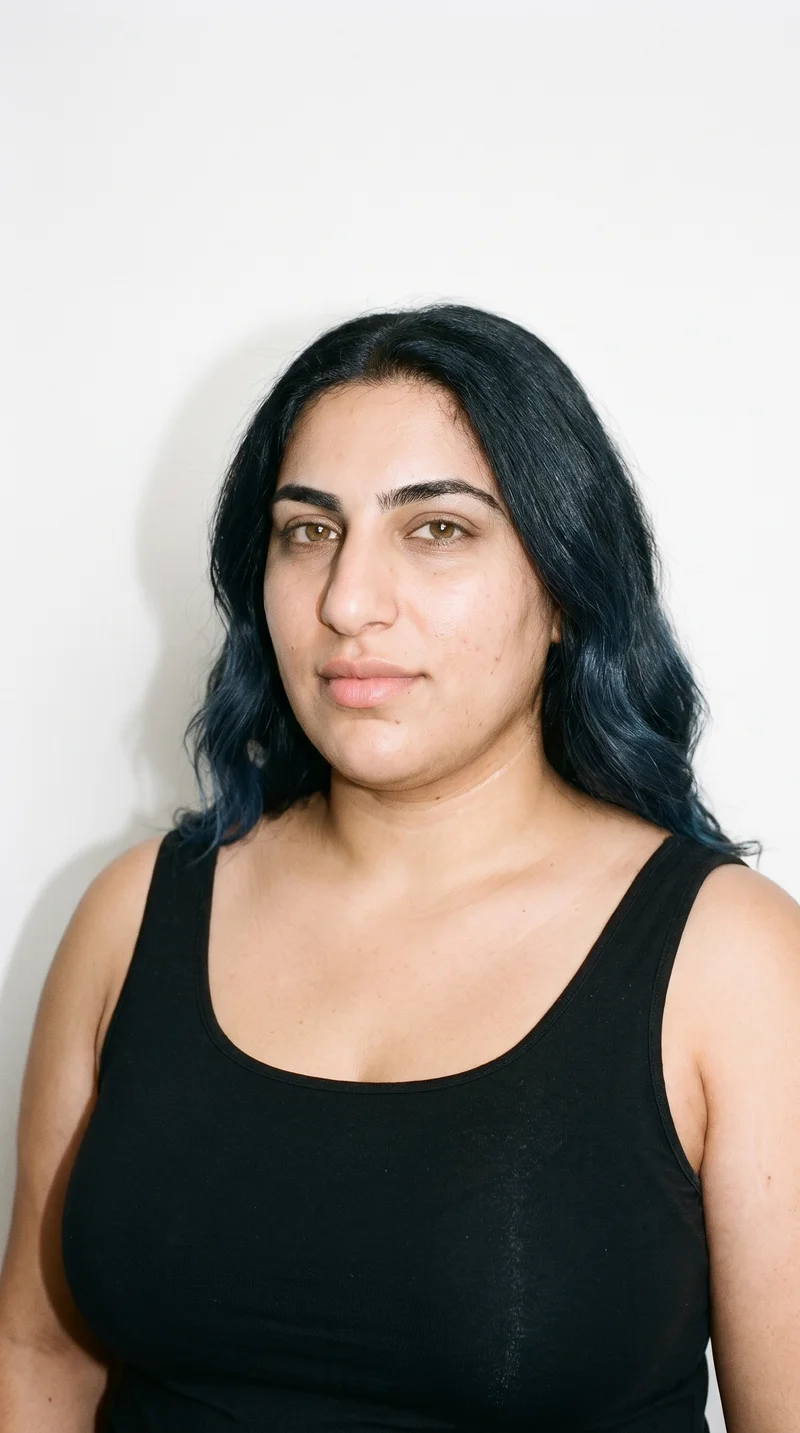
Female · 23
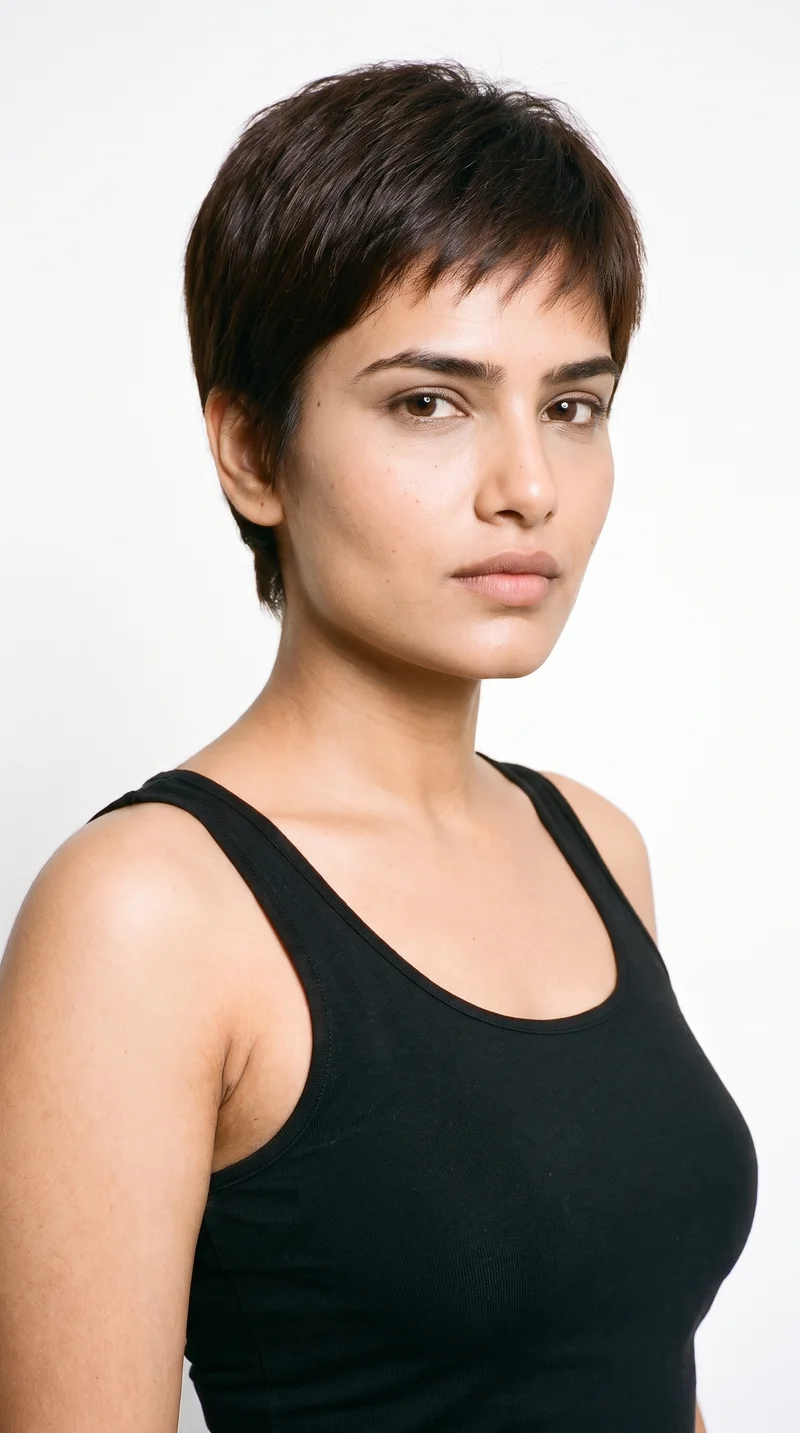
Female · 20
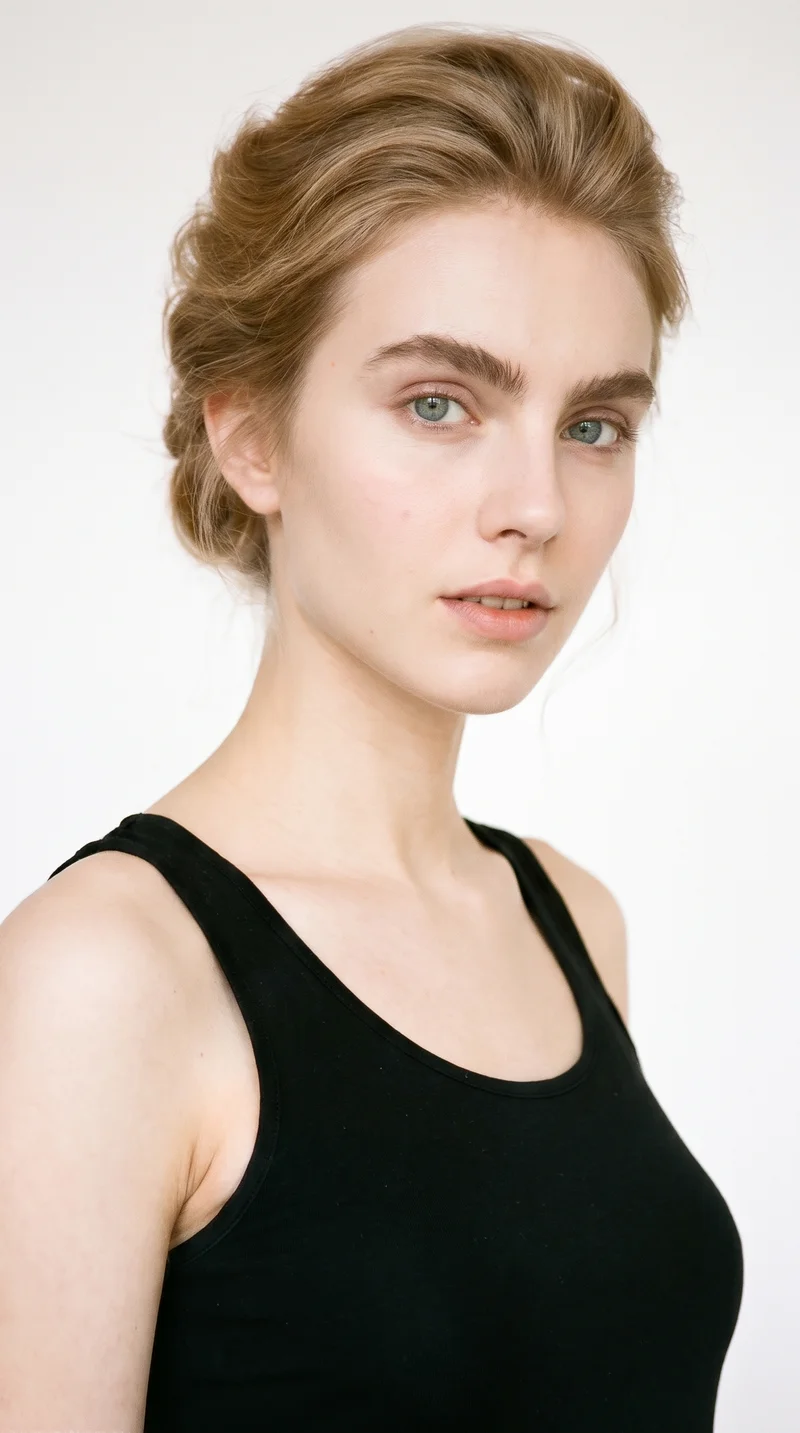
Female · 18
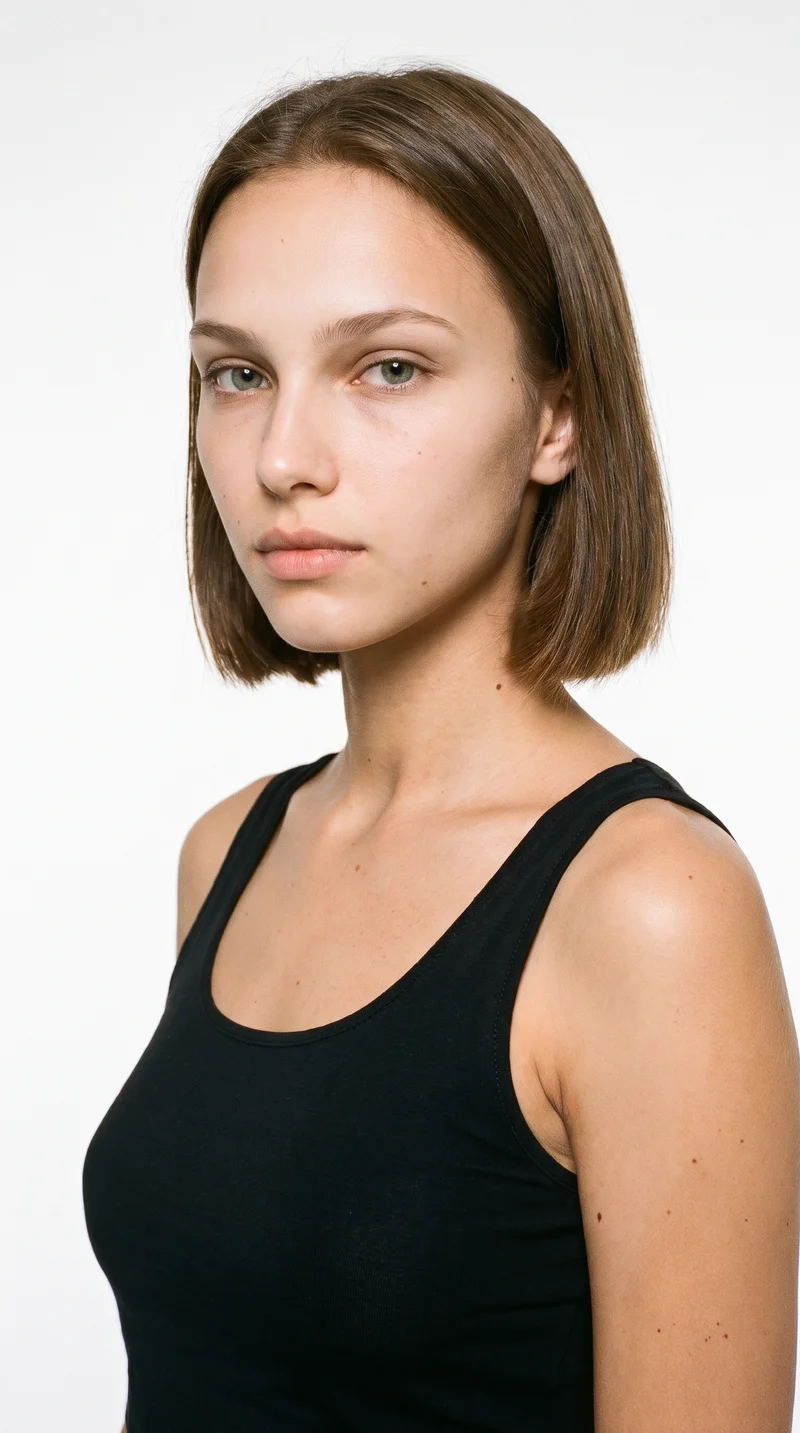
Female · 20
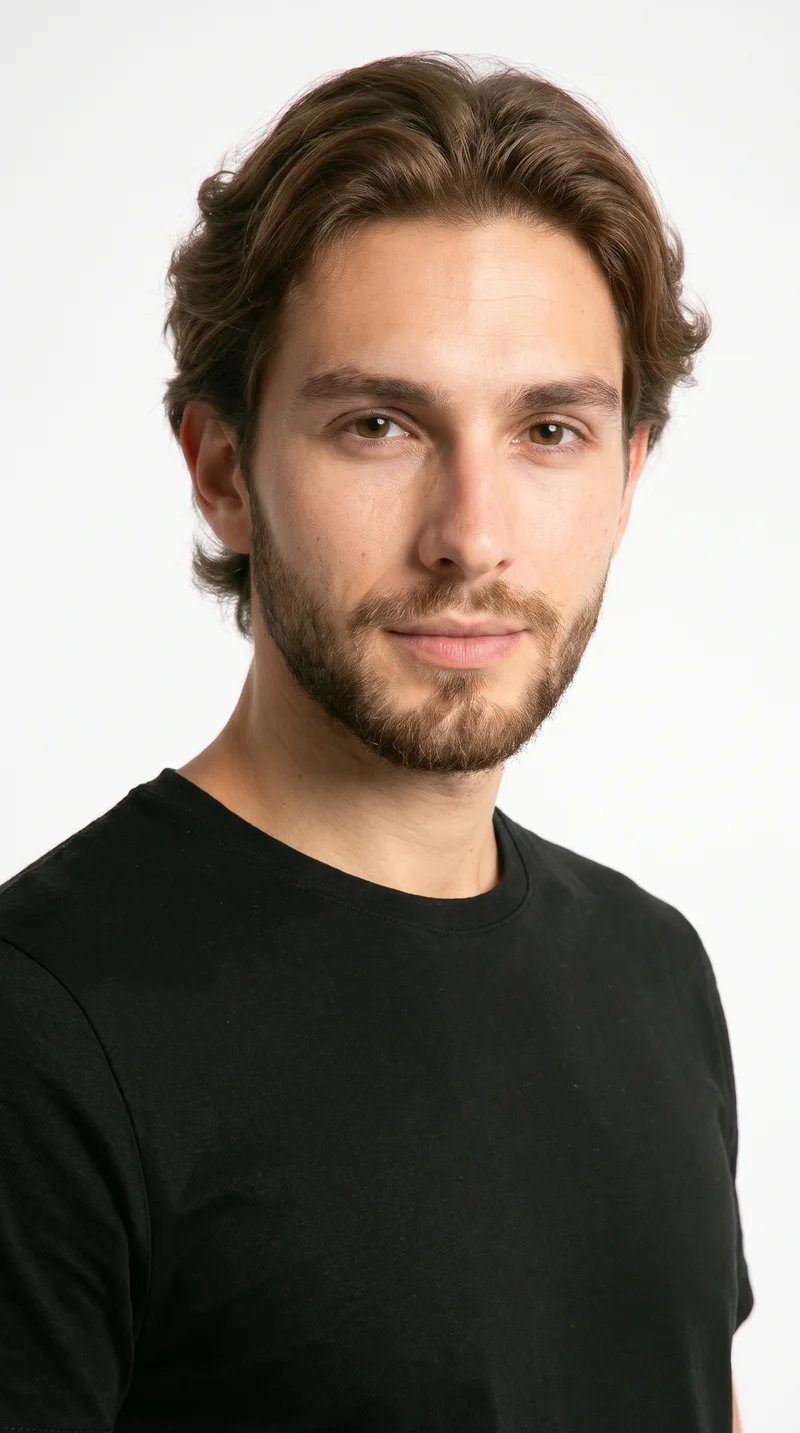
Male · 22
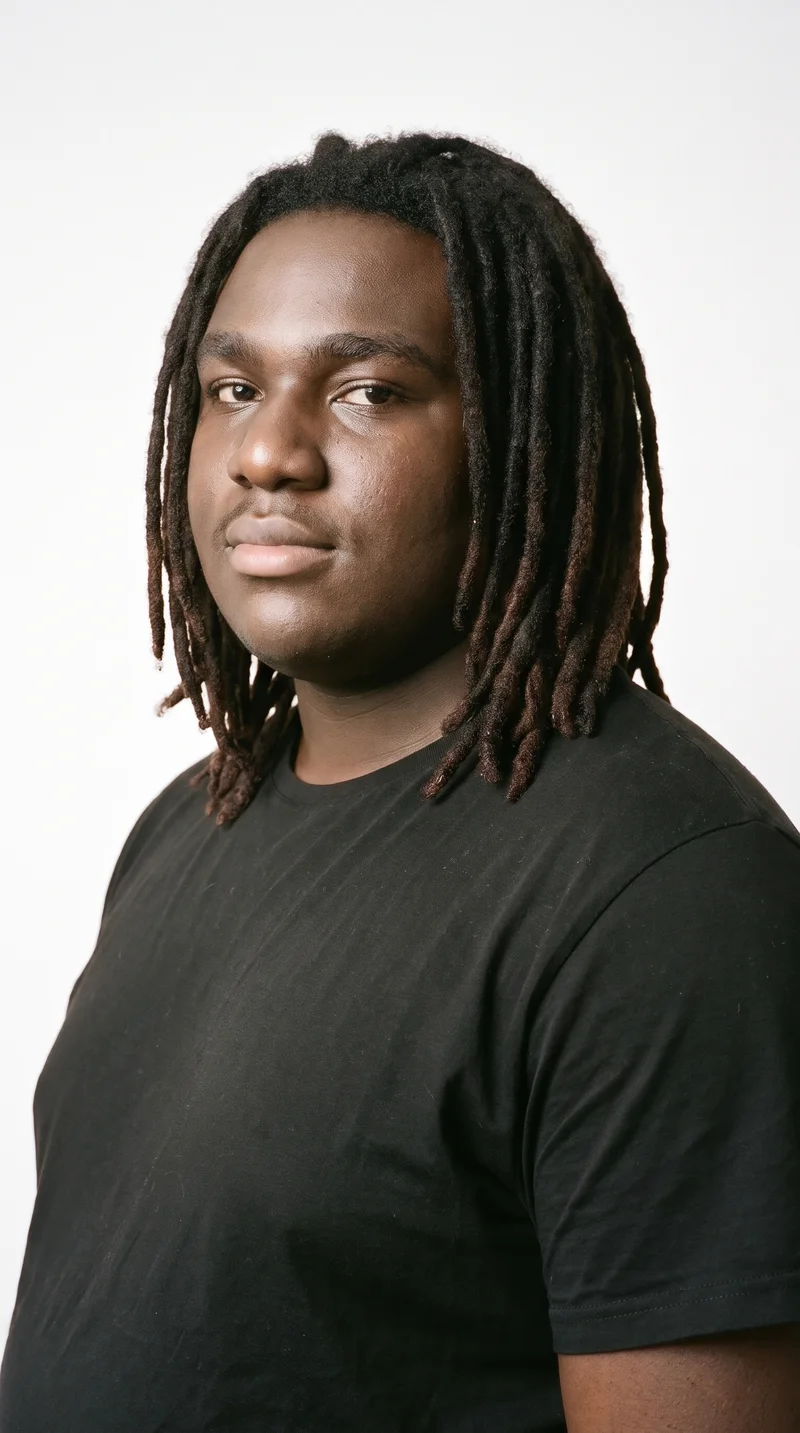
Male · 21
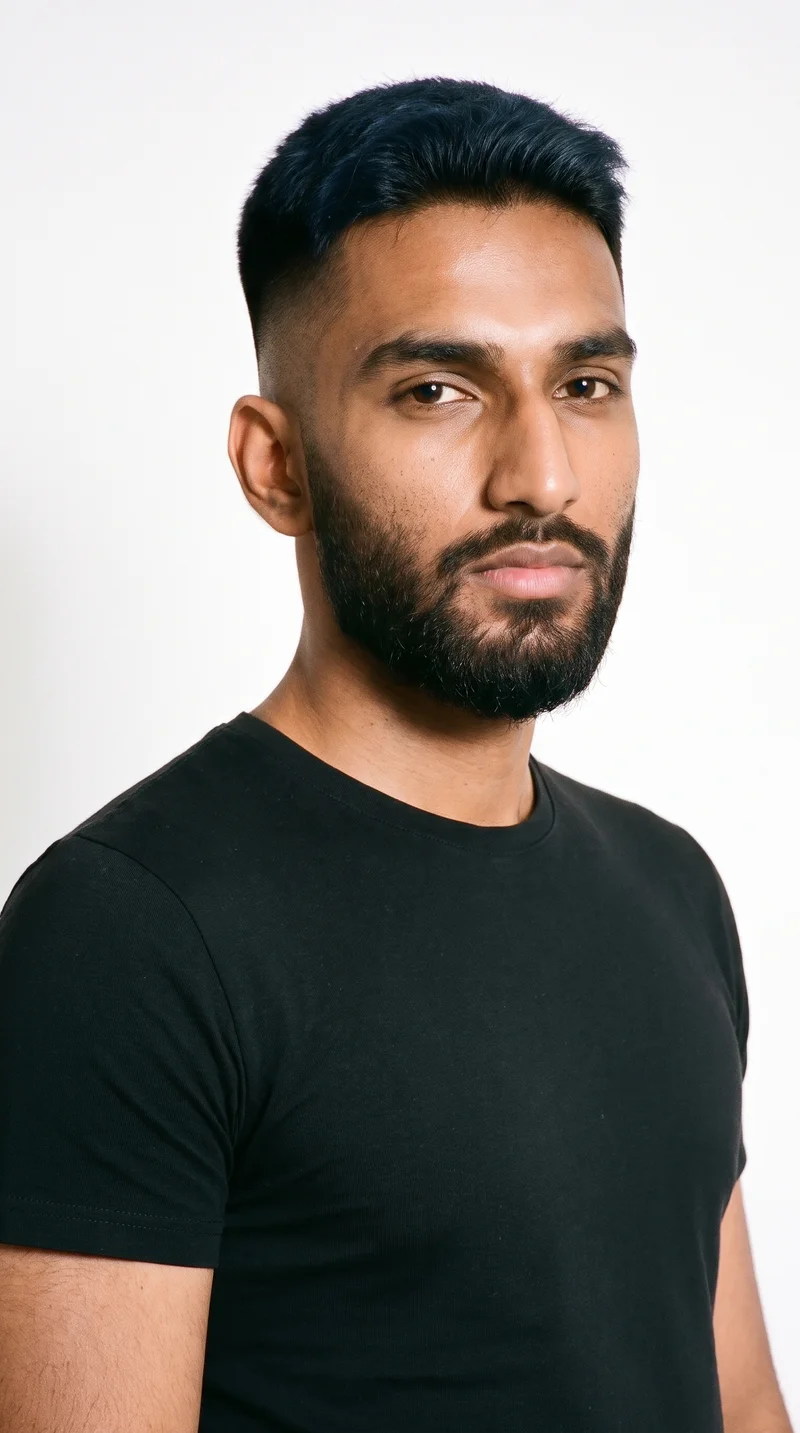
Male · 20
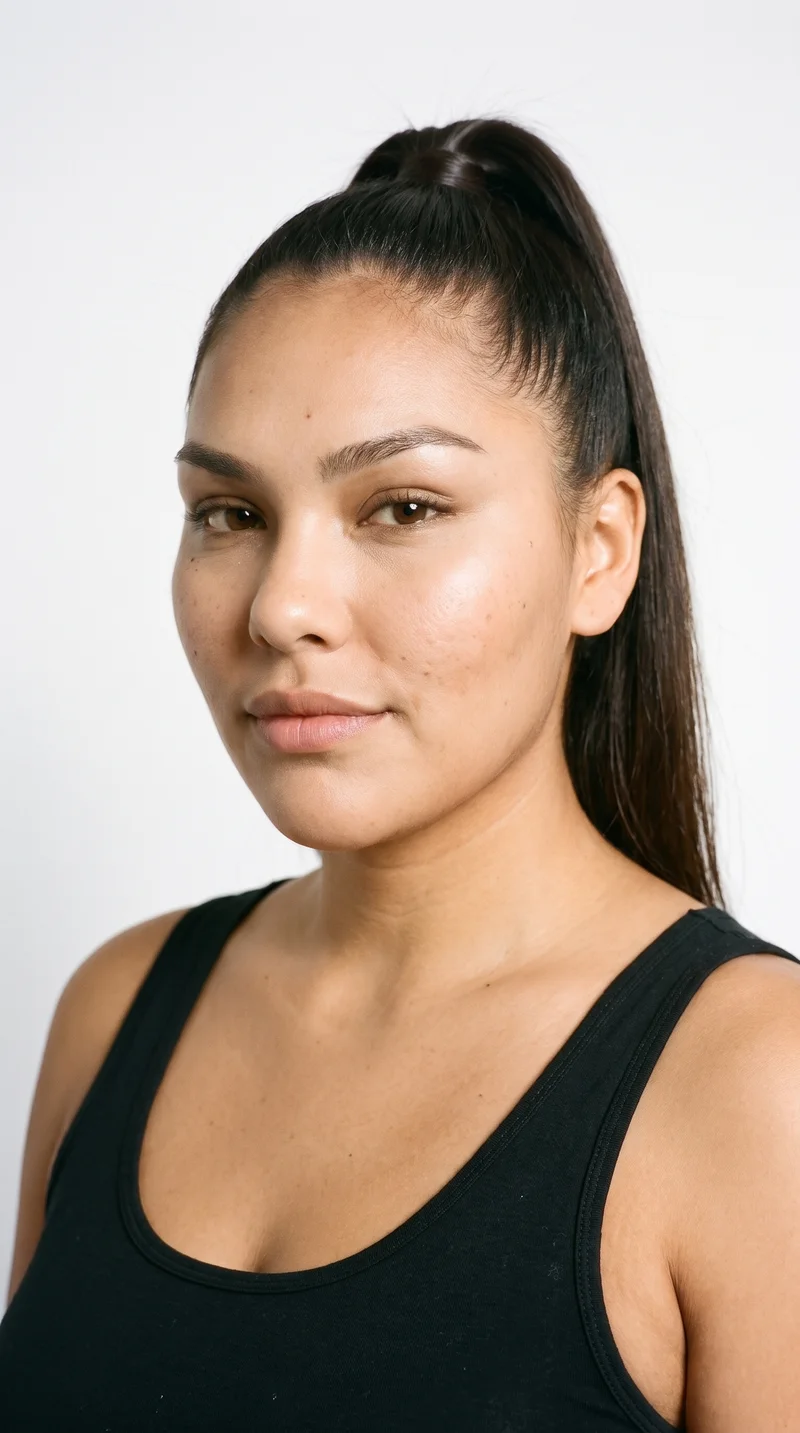
Female · 22
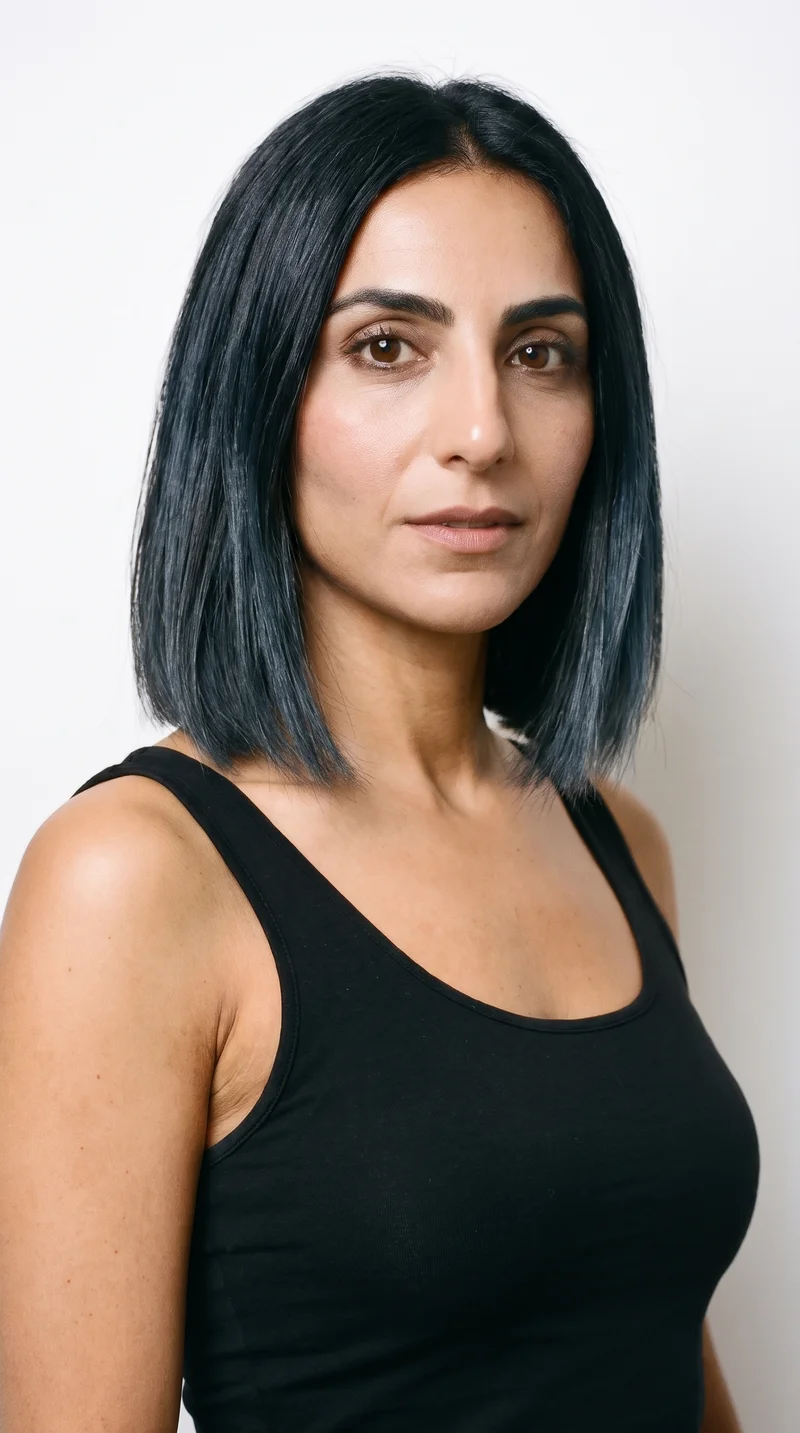
Female · 34
Showing 12 of 1,243
Cast your modelHow it works
One flat-lay in. A checked collection out.
Bring the product
A product photo, flat-lay or sketch is enough. Or start from a finished look and swap your piece in.
Direct the shoot
Every line of the shoot is a choice you click, from model to light. AI suggests a composition, you change any of it.
Get the whole collection, checked
Keep the setup and swap in the next style. Every image is checked against your choices, and one that misses is made again before you see it.
Gallery
See the hero piece in a complete look
A full-body collection image that shows the hero piece as part of a complete on-model look.
Looks & backgrounds
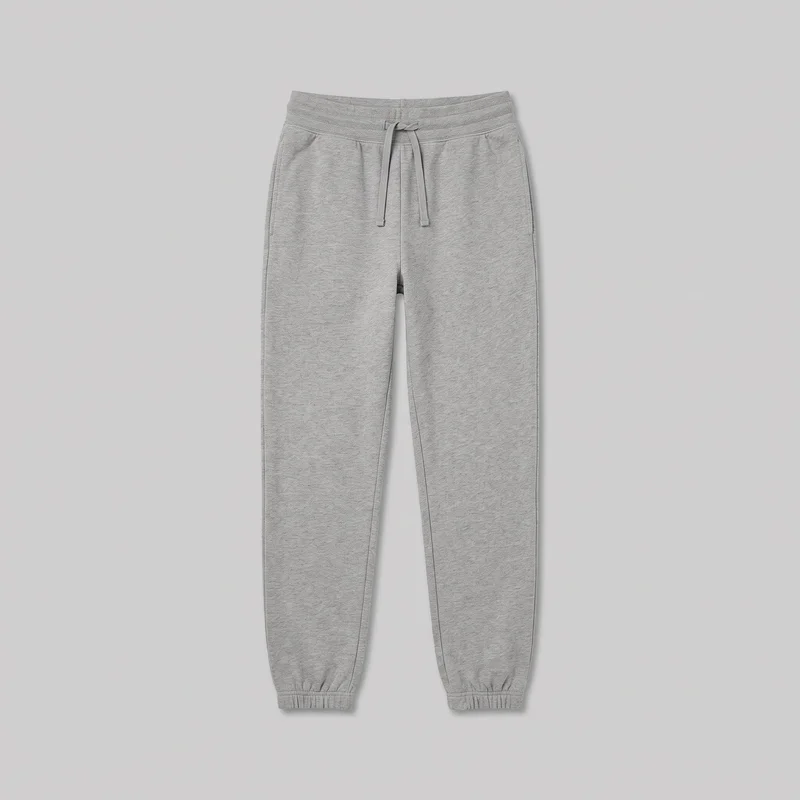 Women's Grey Joggers
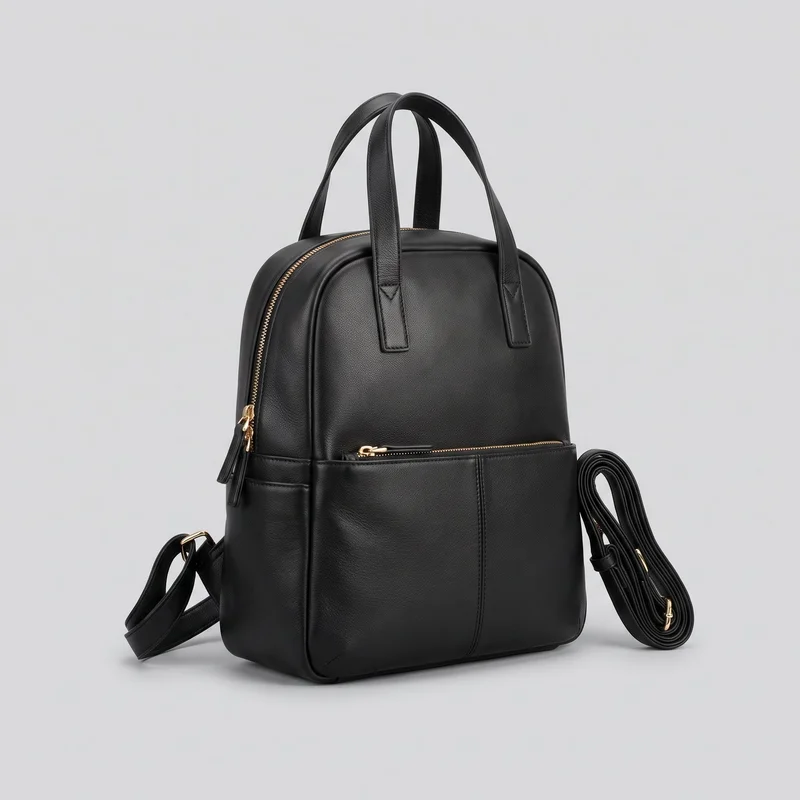 Women's Black Leather Backpack
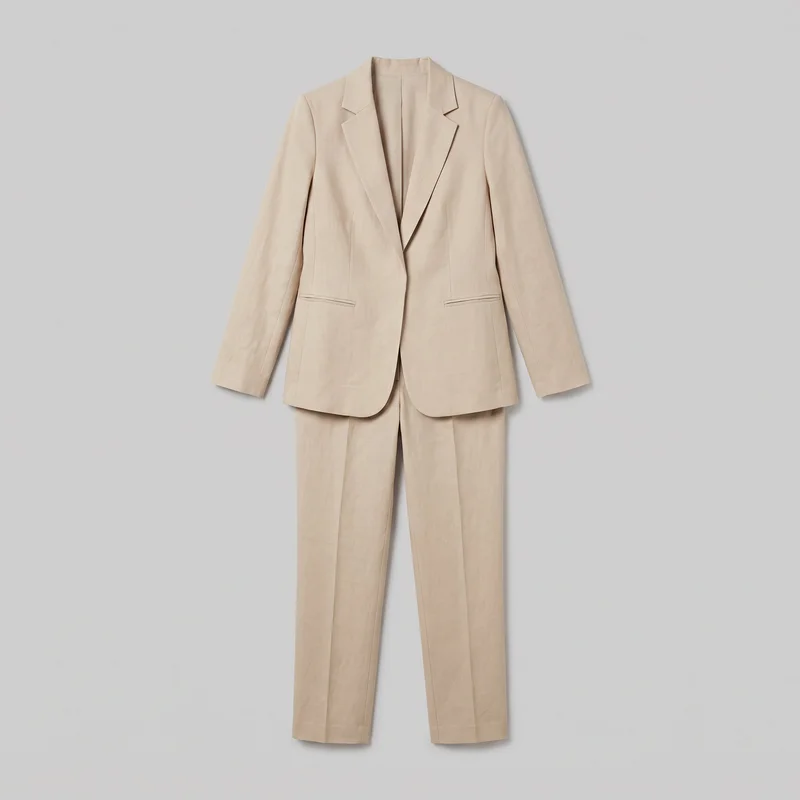 Women's Beige Linen Suit
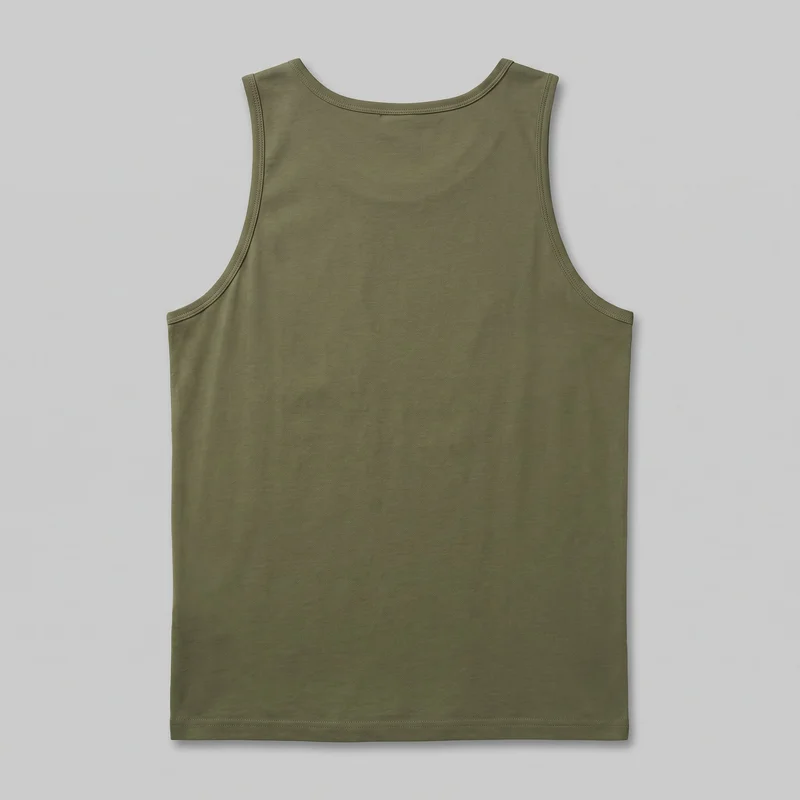 Men's Olive Cotton Tank Top
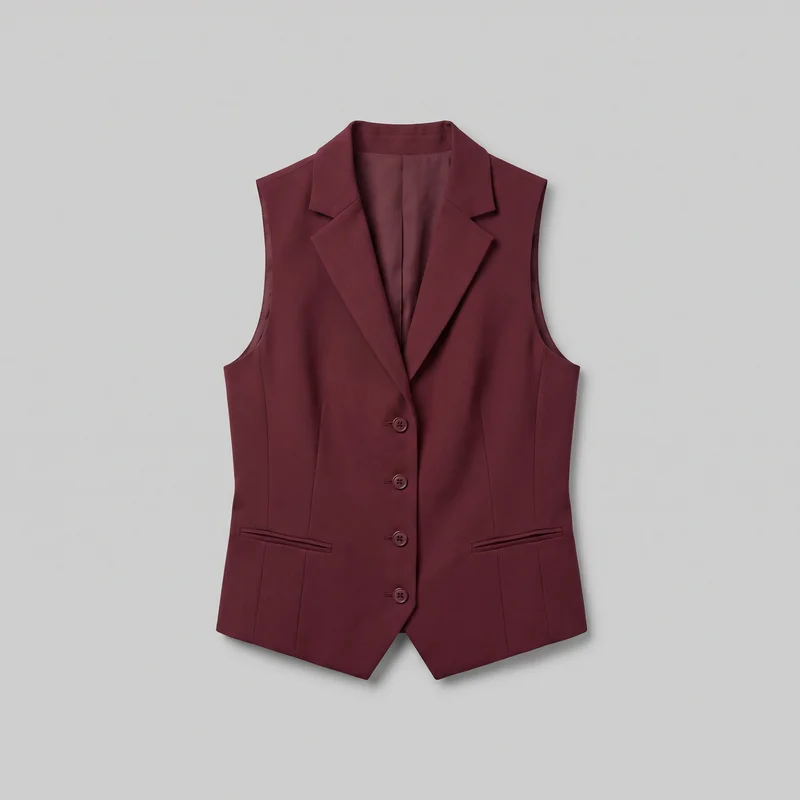 Women's Burgundy Waistcoat
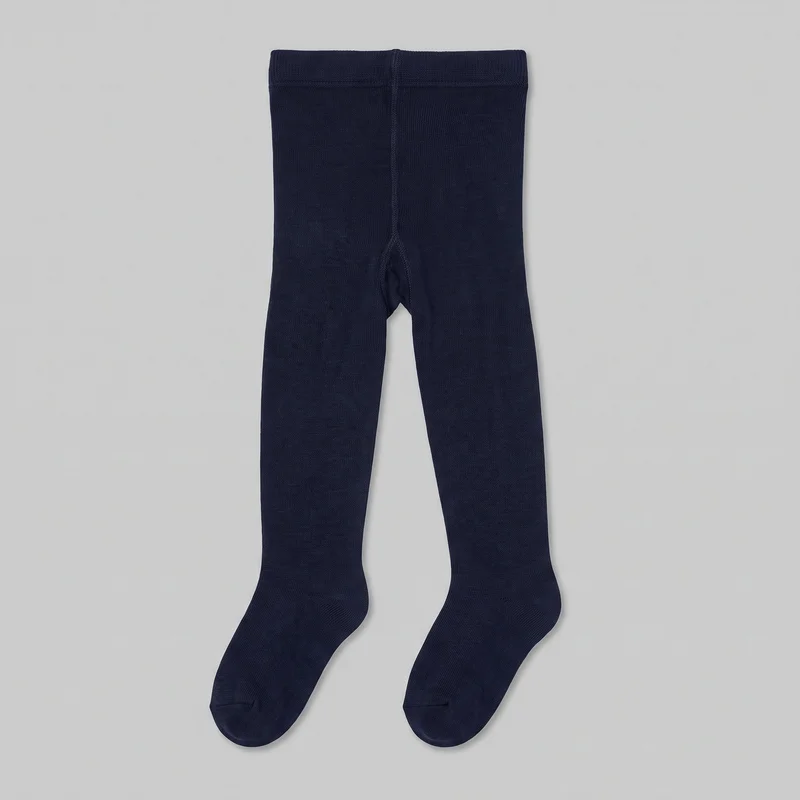 Navy Wool Tights
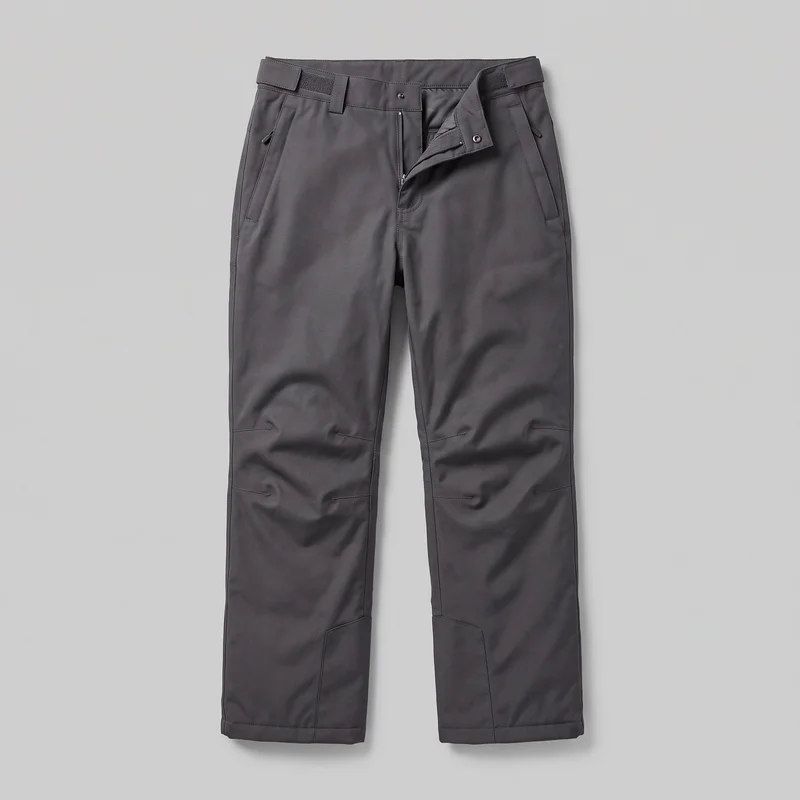 Men's Grey Waterproof Ski Trousers
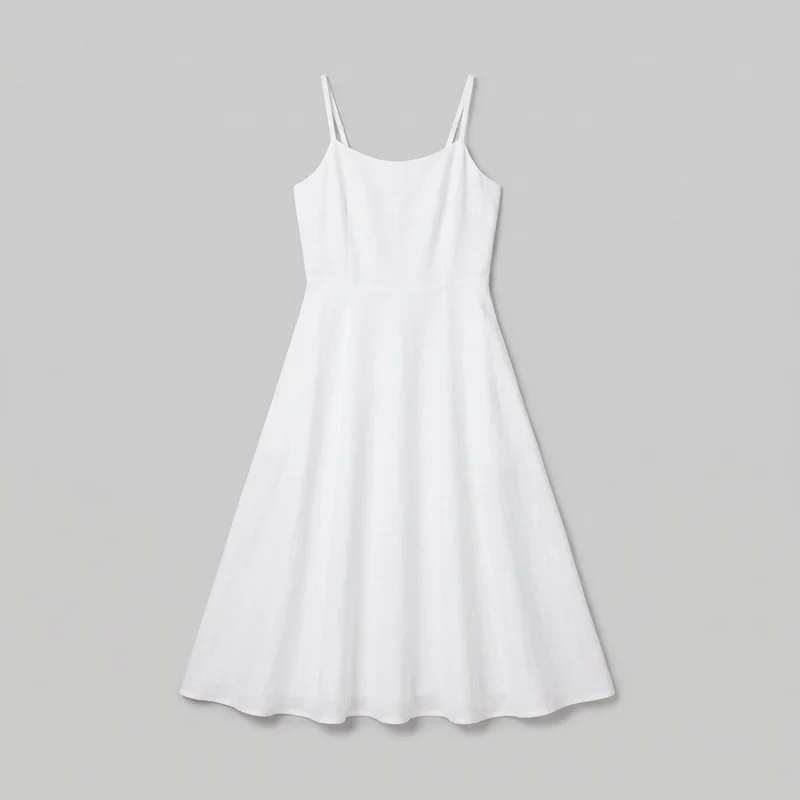 White Linen Midi Dress
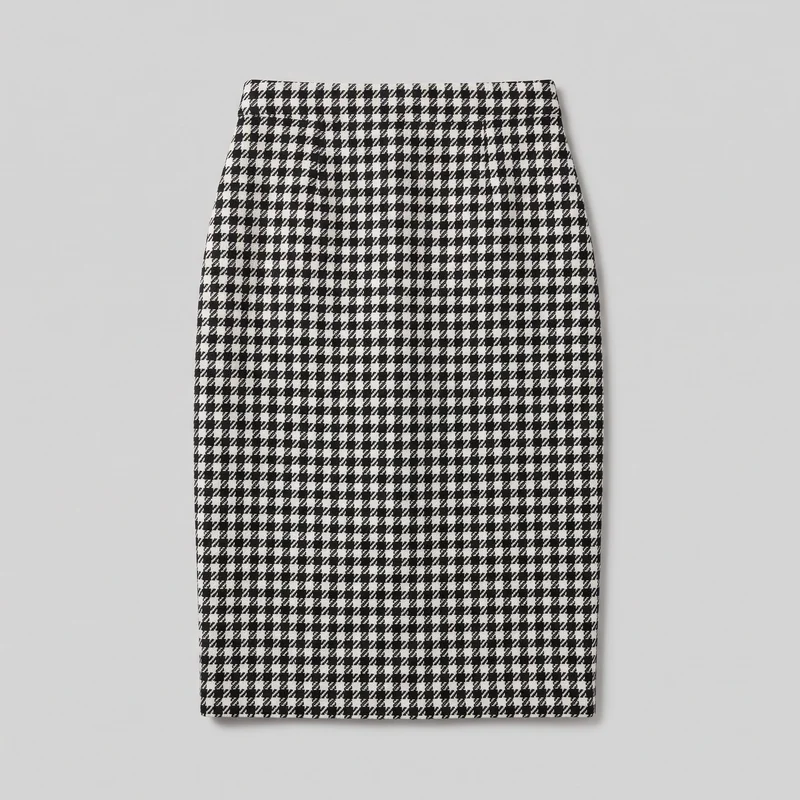 Houndstooth Pencil Skirt
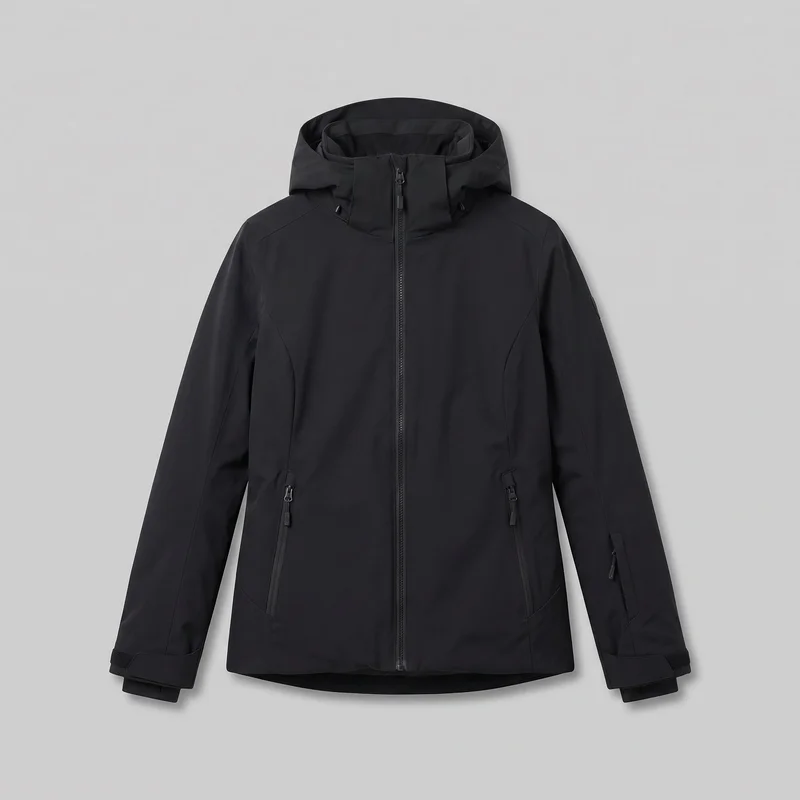 Women's Black Ski Jacket
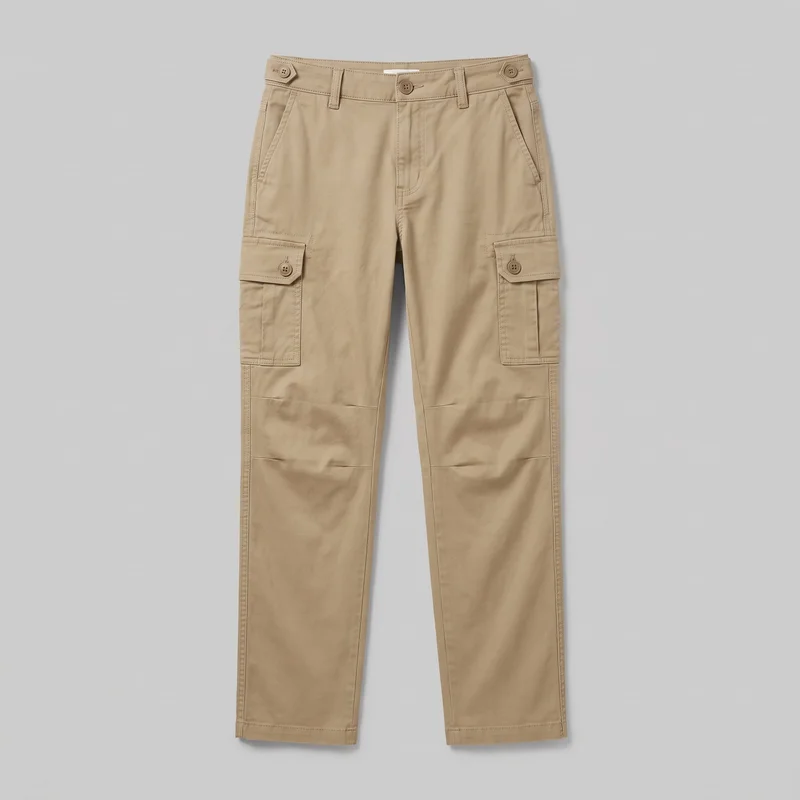 Women's Khaki Cargo Pants
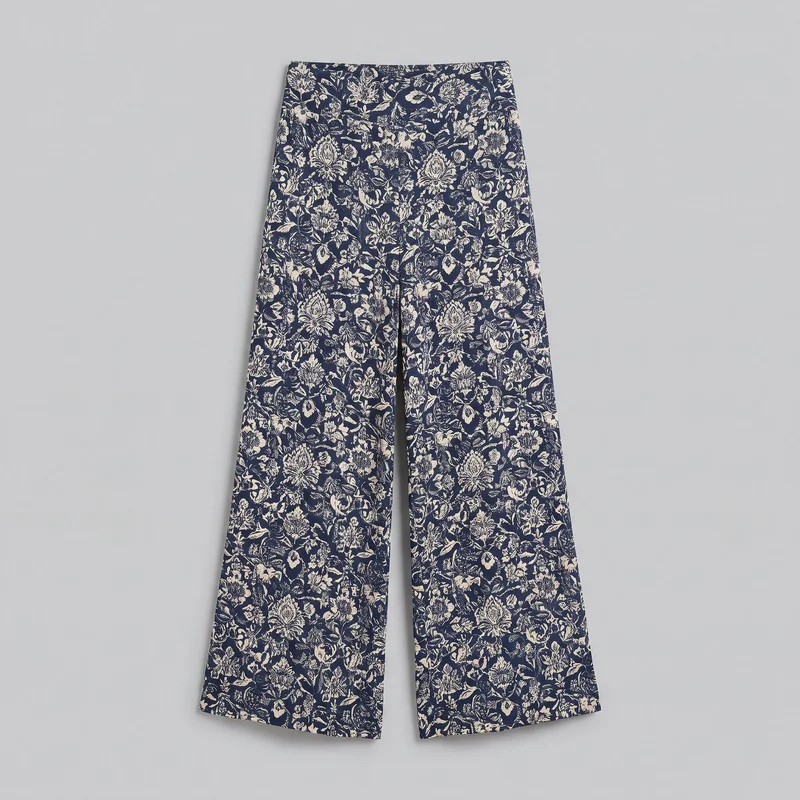 Printed Palazzo Trousers
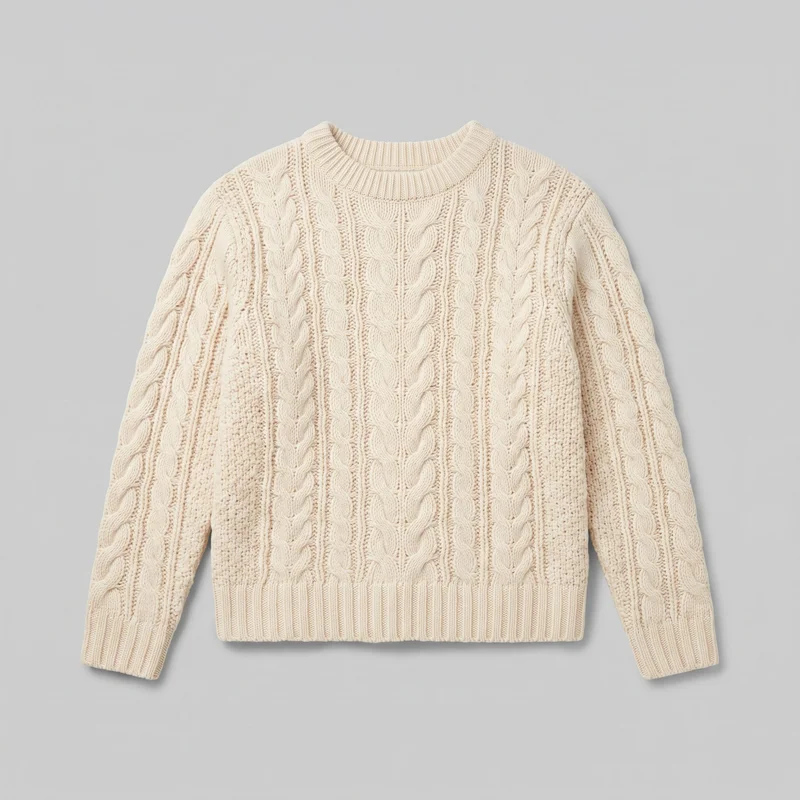 Women's Cream Cable-Knit Pullover Jumper
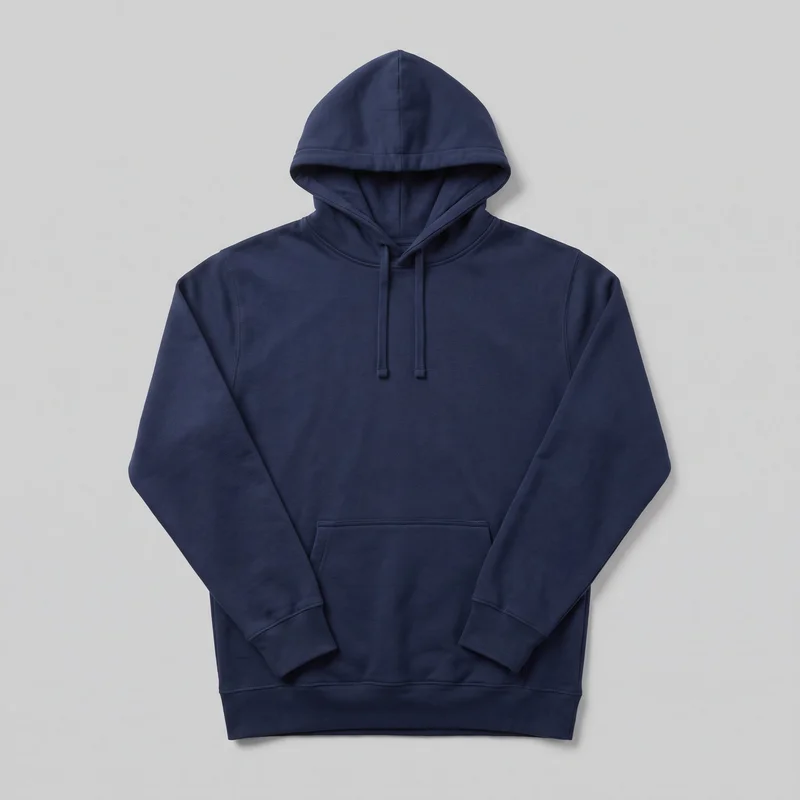 Men's Navy Cotton Pullover Hoodie
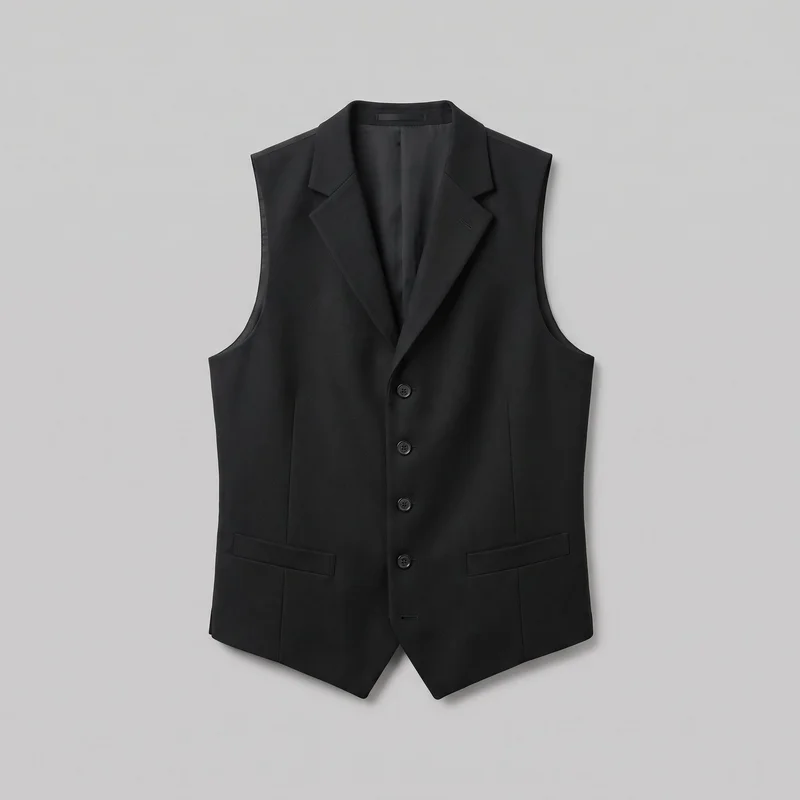 Men's Black Waistcoat
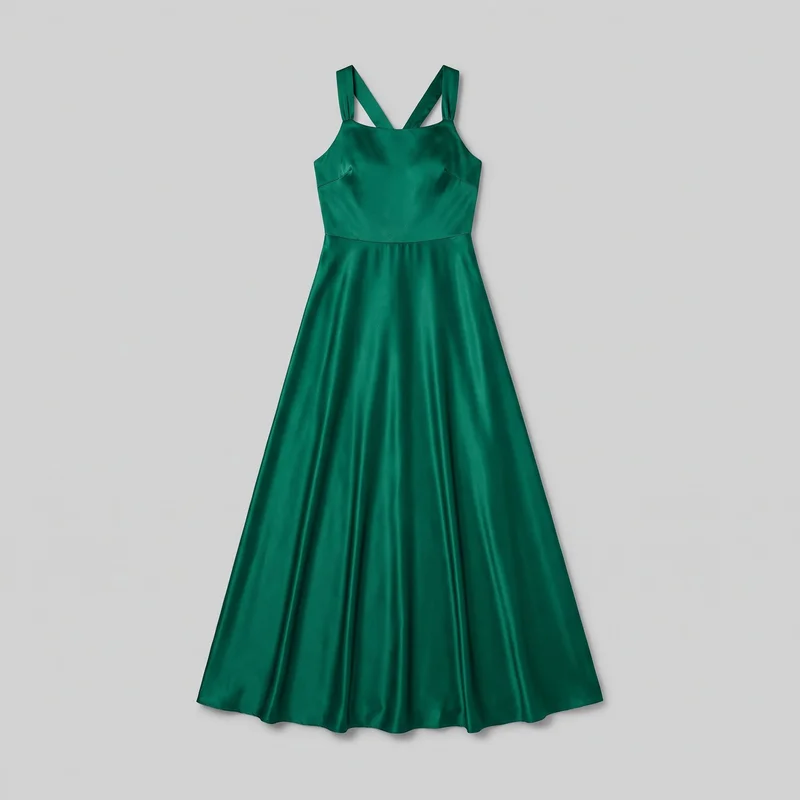 Emerald Green Satin Maxi Dress
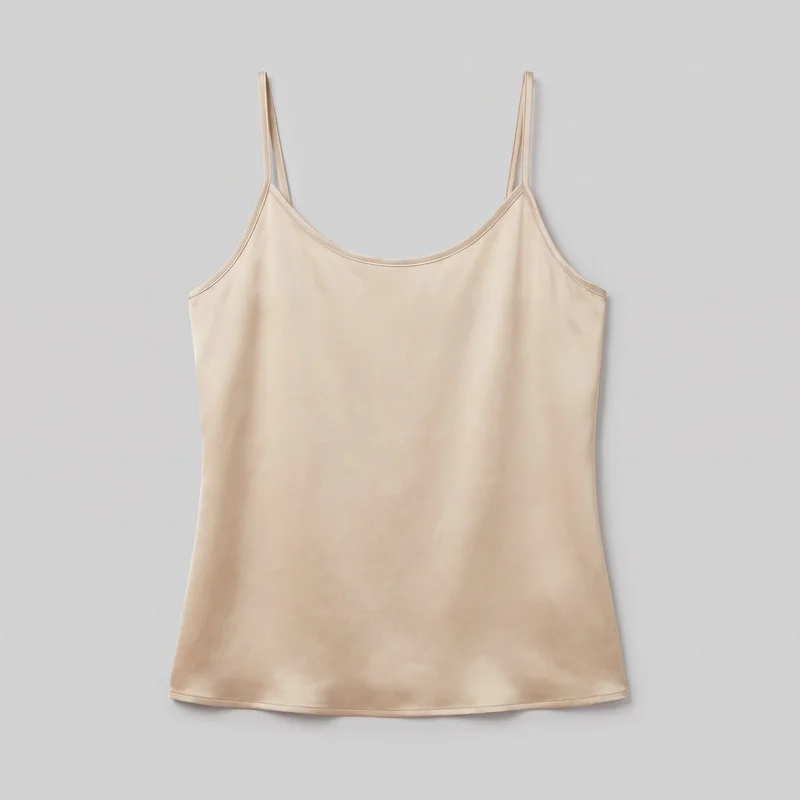 Champagne Silk Camisole
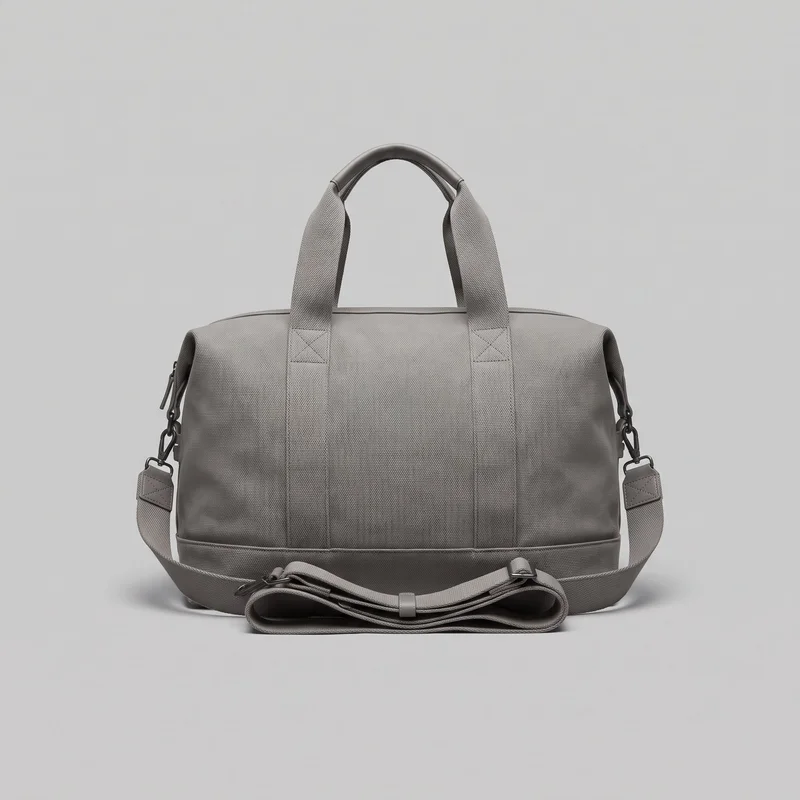 Grey Weekend Bag
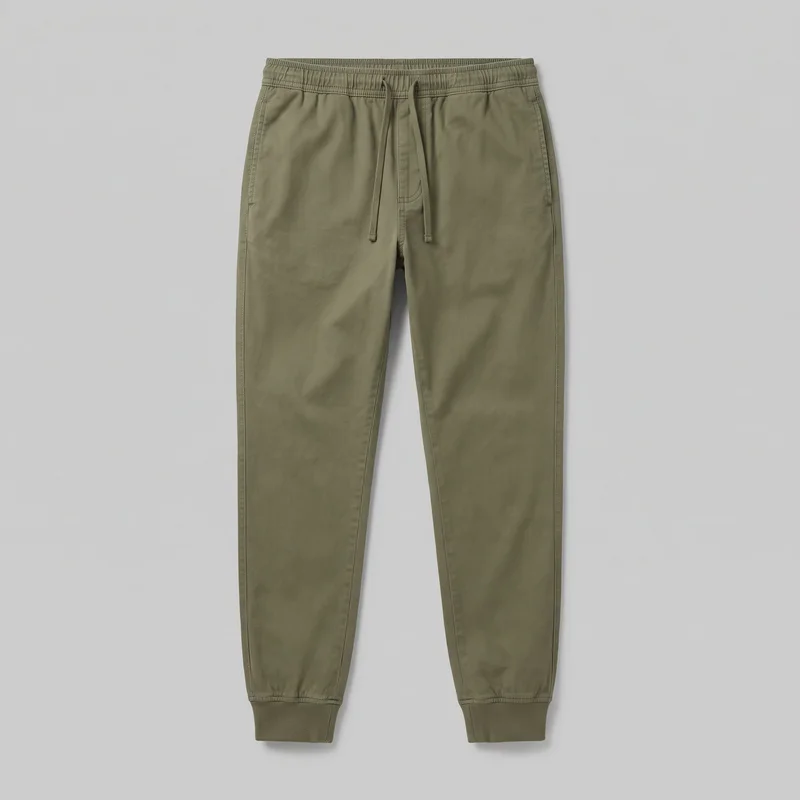 Men's Olive Cuffed Joggers
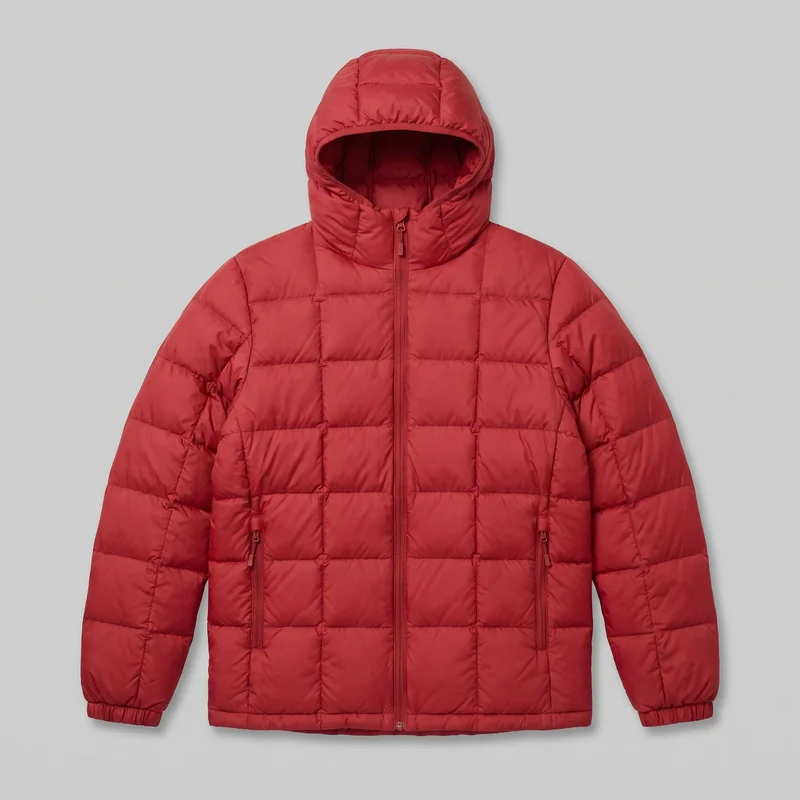 Men's Red Quilted Down Jacket
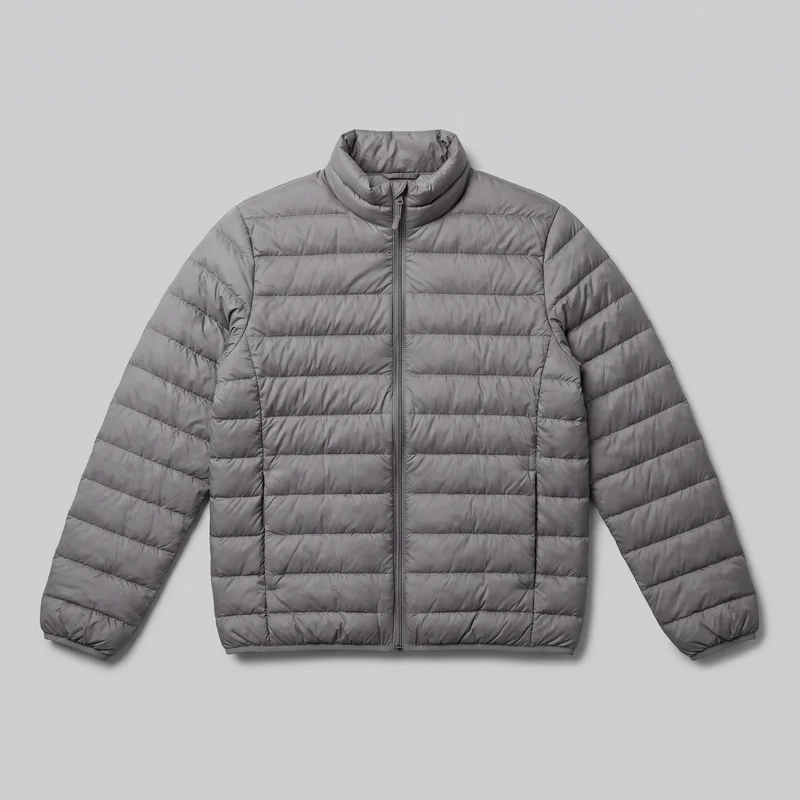 Men's Grey Lightweight Down Jacket
Showing 21 of 475
Consistency
Change colourways while model and frame hold
Early product imagery can share a connected visual language for pre-orders or a wholesale meeting, with the selected model, full-body framing, and view aligned across pieces.
You change one
- Frame
- Pose
- Camera view
- Model
The rest holds
Model
Keep the selected model present across the collection.
Composition
Keep full-body framing and view aligned as colourways change.
Presentation
Keep the collection focused on the pieces and complete looks.
Who it's for
Does your wholesale role need lookbook stills?
A perfect fit
This fits wholesale managers, indie designers, and marketing managers who need on-model collection stills before samples arrive for pre-orders, launches, or buyer meetings.
Work it handles well
- You can prepare pre-order imagery from early product references.
- You can present coordinated looks for buyer meetings.
- You can keep collection stills aligned across colourways.
Rights
You own every image. Every image says what it is.
Yours
- Full commercial rights to every image, permanently.
- No recurring licence fees on any model in the library.
- Every model is a synthetic composite, so there is no real-person likeness.
Labelled
- C2PA content credentials on every image.
- AI-labelled output, aligned with EU AI Act Article 50.
Checked
- Every image is checked against your model, frame, view and pose before delivery; one that misses is made again.
- A safety filter screens every upload and blocks nude or explicit images.
EU-based hosting, GDPR-compliant handling.
- Aligned with EU AI Act Article 50
- C2PA
- Full commercial rights
- Quality-checked images
- Safety-filtered uploads
- GDPR-compliant handling
- EU-based hosting
Questions
What do brands ask before lookbooks begin?
What is an on-model lookbook shoot for an early fashion collection?
An on-model lookbook shoot turns early collection references into coordinated still photos of complete outfits. It gives your brand presentation-ready imagery when samples are not available for pre-orders, launches, or a wholesale meeting. You can keep one selected model, full-body frame, camera view, styling direction, and light aligned as pieces and colourways change. Supporting items can show how hero garments are intended to be worn together while keeping the collection readable. Gather your clearest product references and choose the visual direction for the set.
Which fashion jobs and channels suit on-model lookbook photos?
Wholesale buyer meetings, pre-order launches, collection landing pages, and marketing launch materials suit on-model lookbook photos. They help wholesale managers present a connected range, indie designers open a collection before samples arrive, and marketing teams keep colourways visually aligned. Use the stills where buyers or customers need to understand complete looks rather than isolated garments. A selected model and consistent full-body composition keep the collection coherent across the images. Choose the meeting, launch, or pre-order placement you need to prepare first.
Which lookbook image ratios work for collection pages, feeds, and stories?
4:5 frames suit collection pages and feed placements, 9:16 frames suit stories, and 1:1 frames suit square social placements. For a lookbook, keep the model full body where the channel needs buyers to read the entire outfit, then preserve the same view across colourways. Check the finished set for the selected frame, camera direction, and pose before using crops across channels. Plan the required ratios around your collection page, social feed, and story placements, then generate each still to its intended frame.
How does RAWSHOT create a lookbook from early collection references?
RAWSHOT turns approved product photos, flat-lays, mockups, or technical sketches into on-model lookbook stills. You provide clear references, then select the model, complete outfit, styling, light, frame, camera view, and pose that fit your collection presentation. The generated images enter your library as a coordinated set for pre-orders or buyer meetings. Every image is automatically checked against the chosen model, frame, view, and pose; clear failures are discarded and regenerated without a setting to switch on. Upload the clearest references and set the collection direction before generating.
How is RAWSHOT different from a studio shoot or flat-lay lookbook?
RAWSHOT creates on-model collection stills from early references, while a studio shoot requires physical samples and a flat-lay shows garments without a worn outfit. It lets you set a selected model, full-body frame, view, pose, styling, and light before the collection is ready to photograph. Each generated image is checked against the chosen model, frame, view, and pose before delivery, and clear failures are regenerated automatically. Use RAWSHOT for early presentation imagery, then retain studio photography where physical sample detail is required.
What does RAWSHOT cost for on-model fashion lookbook stills?
RAWSHOT is self-serve: you choose a monthly plan, use tokens for each image, and can begin with a free trial. Plans range from to per month, with each image using 5 and effective image pricing from to. That structure lets you make a coordinated set for a pre-order window or buyer meeting without arranging a studio production. Start with the plan that matches your expected image volume and generate the key collection looks first.
What should brands check before creating AI fashion lookbook photos?
AI lookbook photos are not measured fit evidence and need clear product references to represent a collection well. Keep size charts and fit notes alongside these images, especially when customers need garment measurements or precise fit information. Technical sketches need clear colour and material cues, and very layered outfits may need simplifying so each piece remains readable on the model. The automated review catches clear mistakes but allows natural pose variation and small crop differences; it is measured against hand-checked images, not a guarantee. Review your references, simplify complex looks, and reserve fit claims for verified product information.
Who owns RAWSHOT lookbook images, and can my brand use them commercially?
You get full commercial rights to every image, permanently, with no recurring licence fee. Every image carries C2PA content credentials and is labelled as AI-generated.
Get started
Make your lookbook stills in RAWSHOT
Start with a 7-day free trial including 50 tokens, then move to the plan that matches your production volume.