
Ghost mannequin photography
Your ghost mannequin stills on models, before launch.
Your range was shot on mannequins, but the product pages still need people wearing each piece. Use a clear mannequin photo to create a new on-model composition with product-page views for the range.
7-day free trial • 50 credits (10 images) • Cancel anytime
- A 2K image in roughly 35 seconds
- AI-labelled with C2PA content credentials
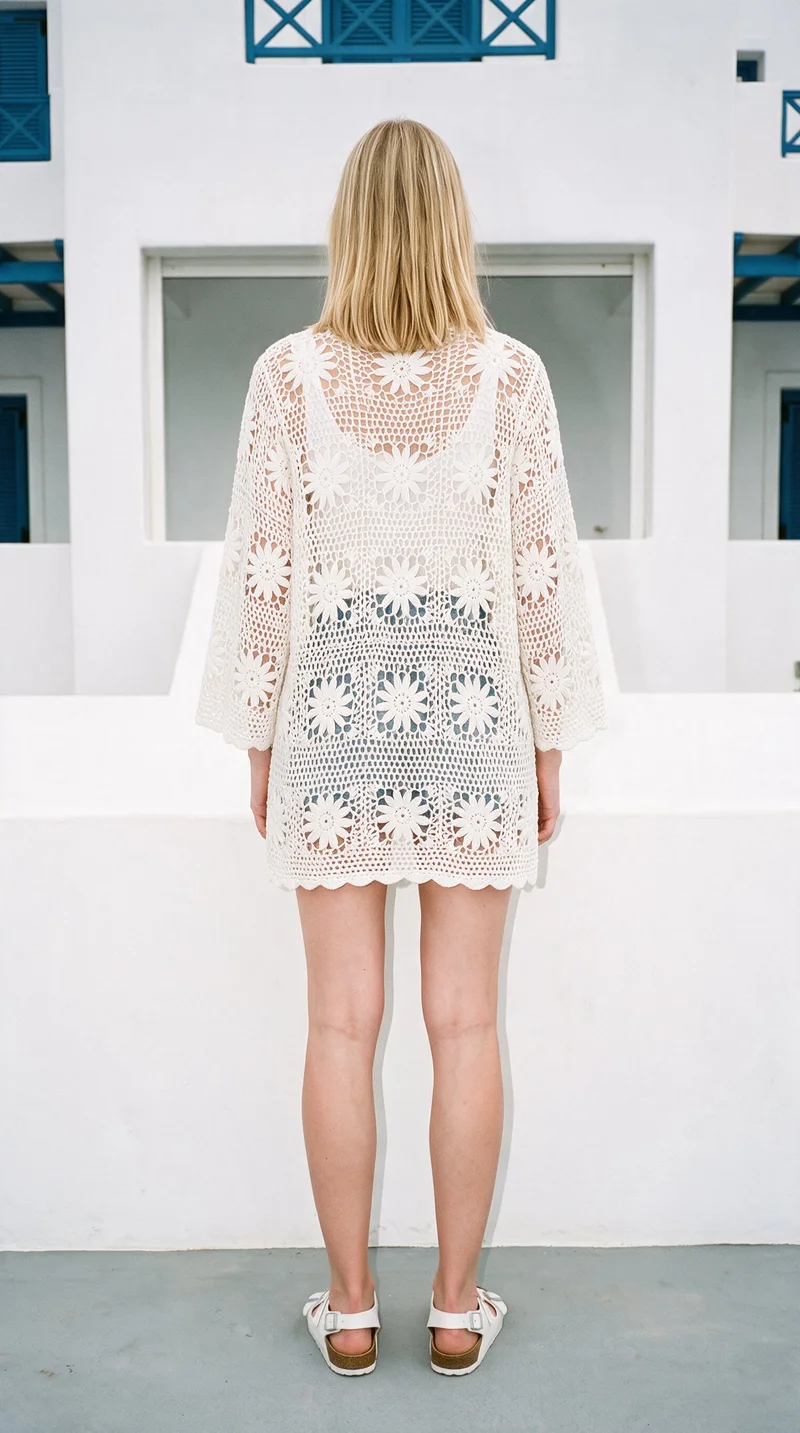
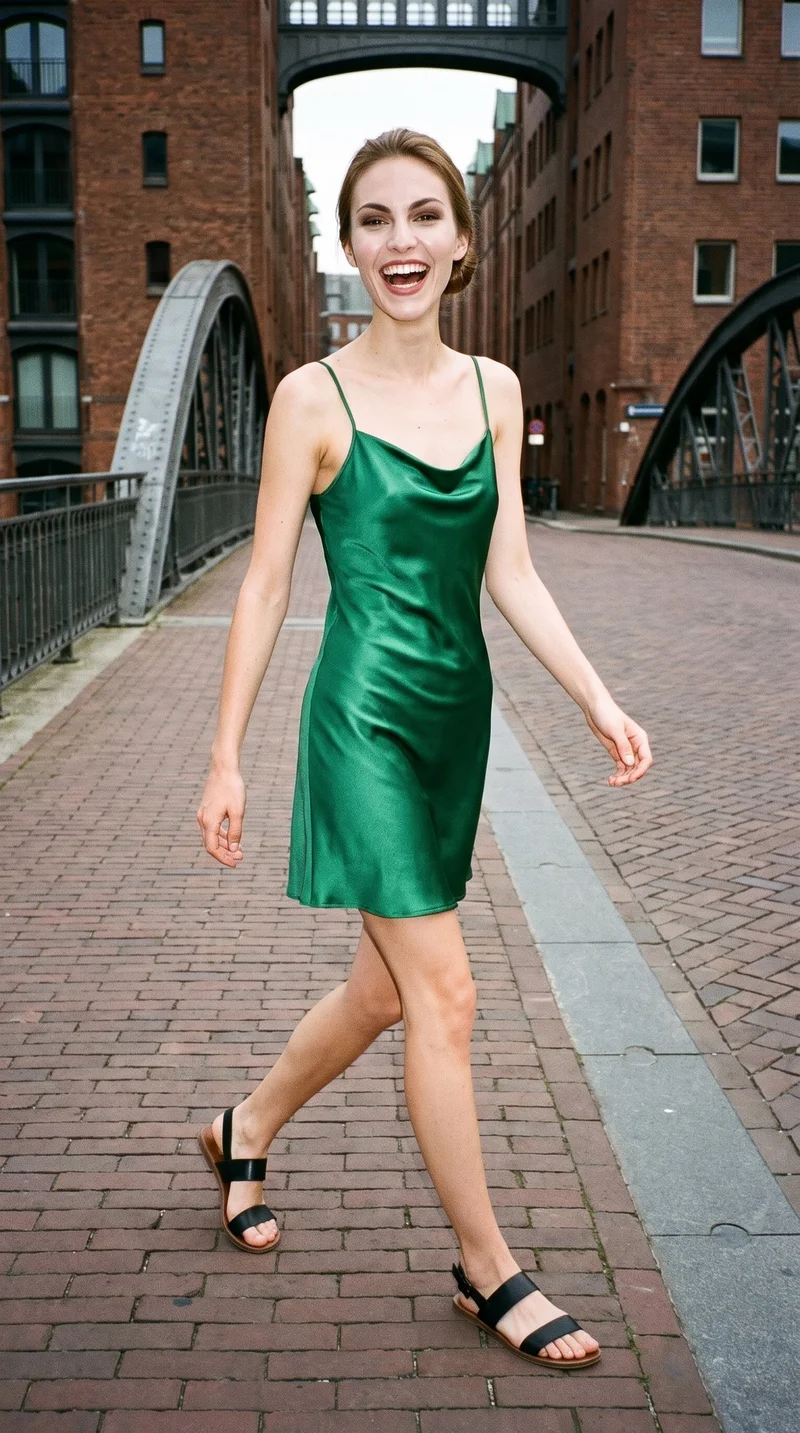
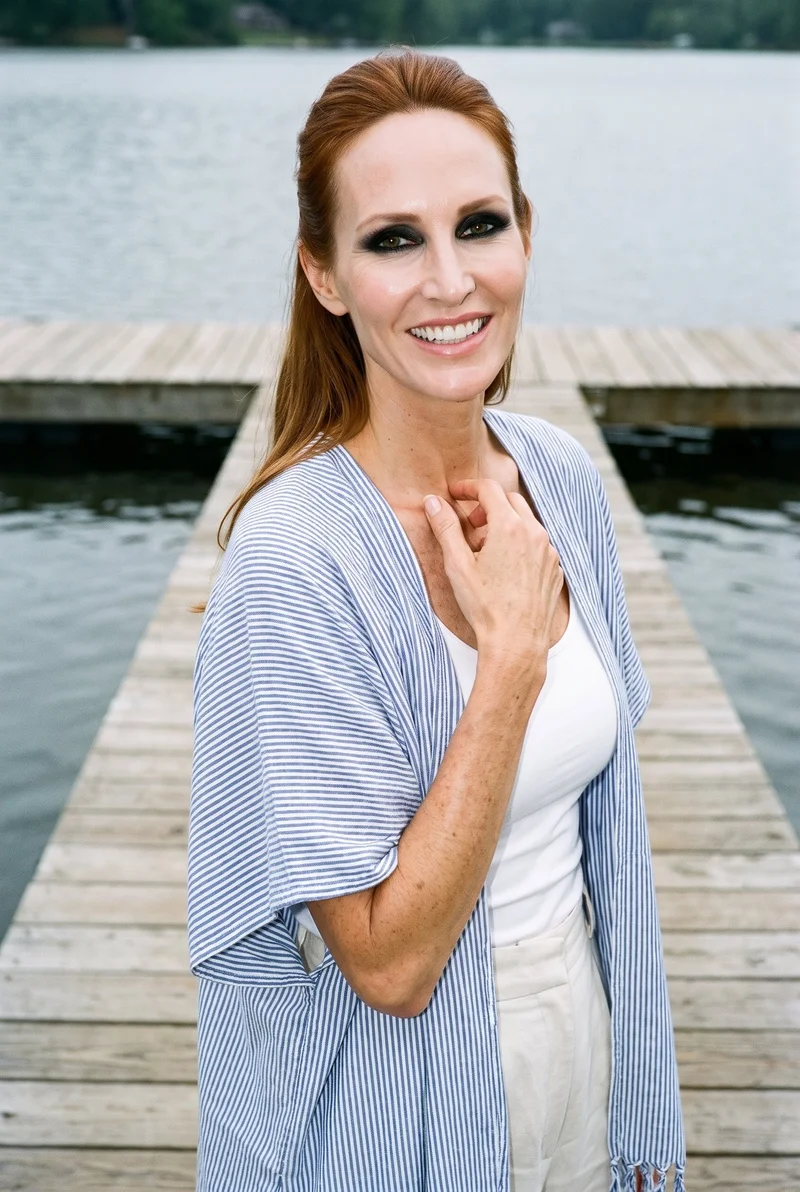
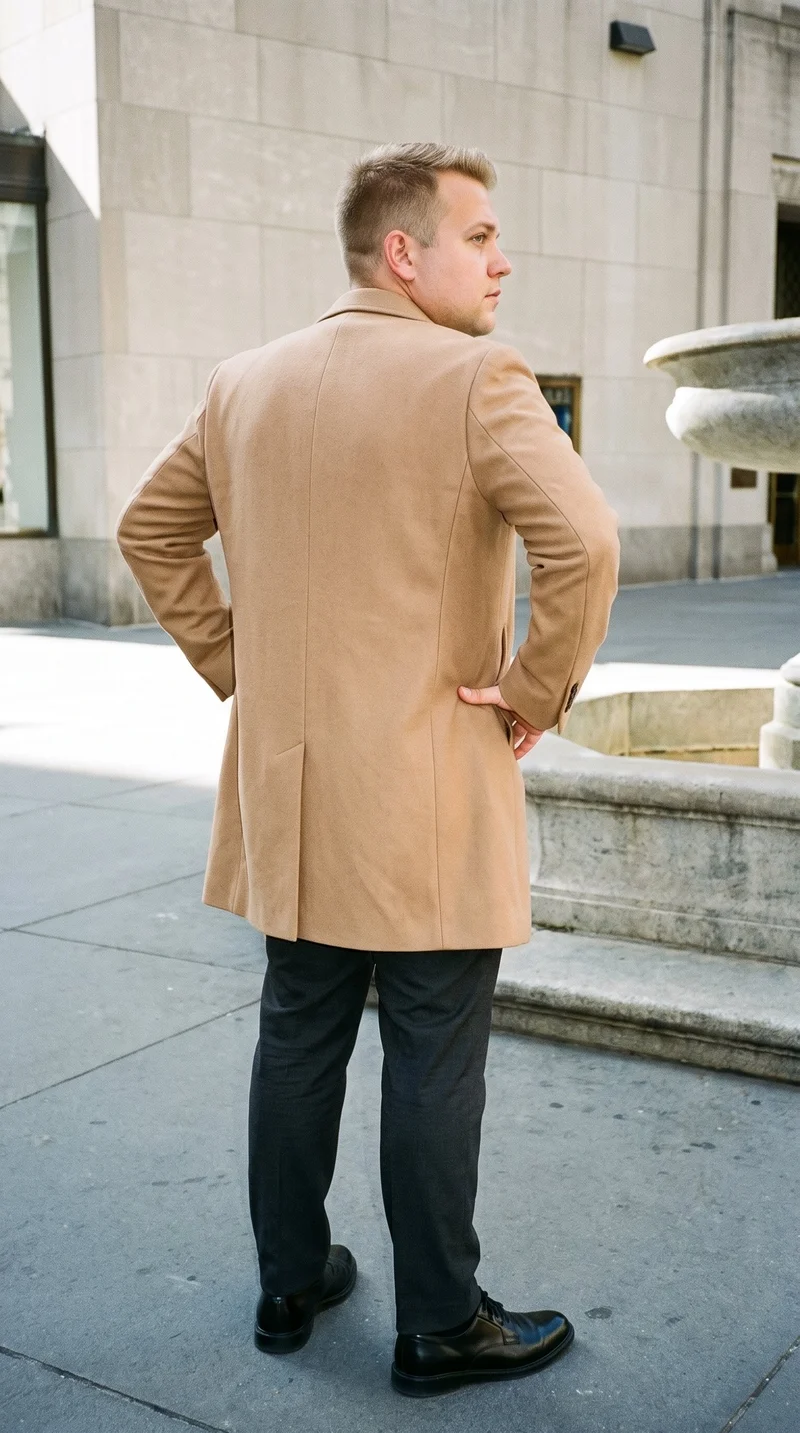
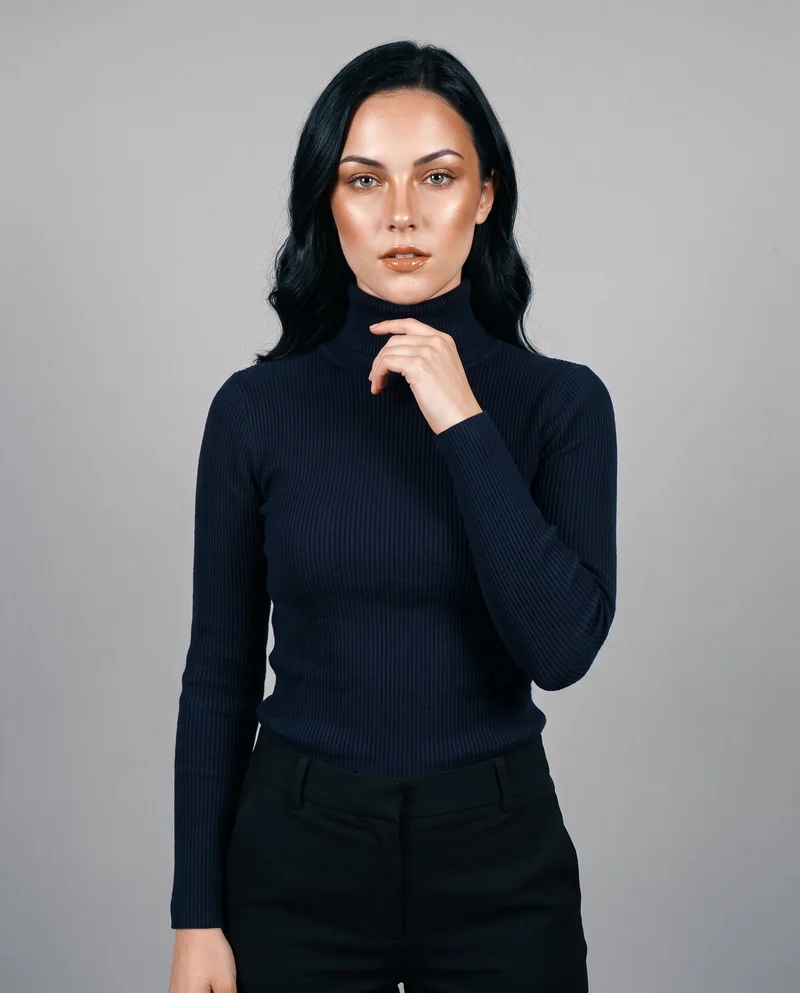
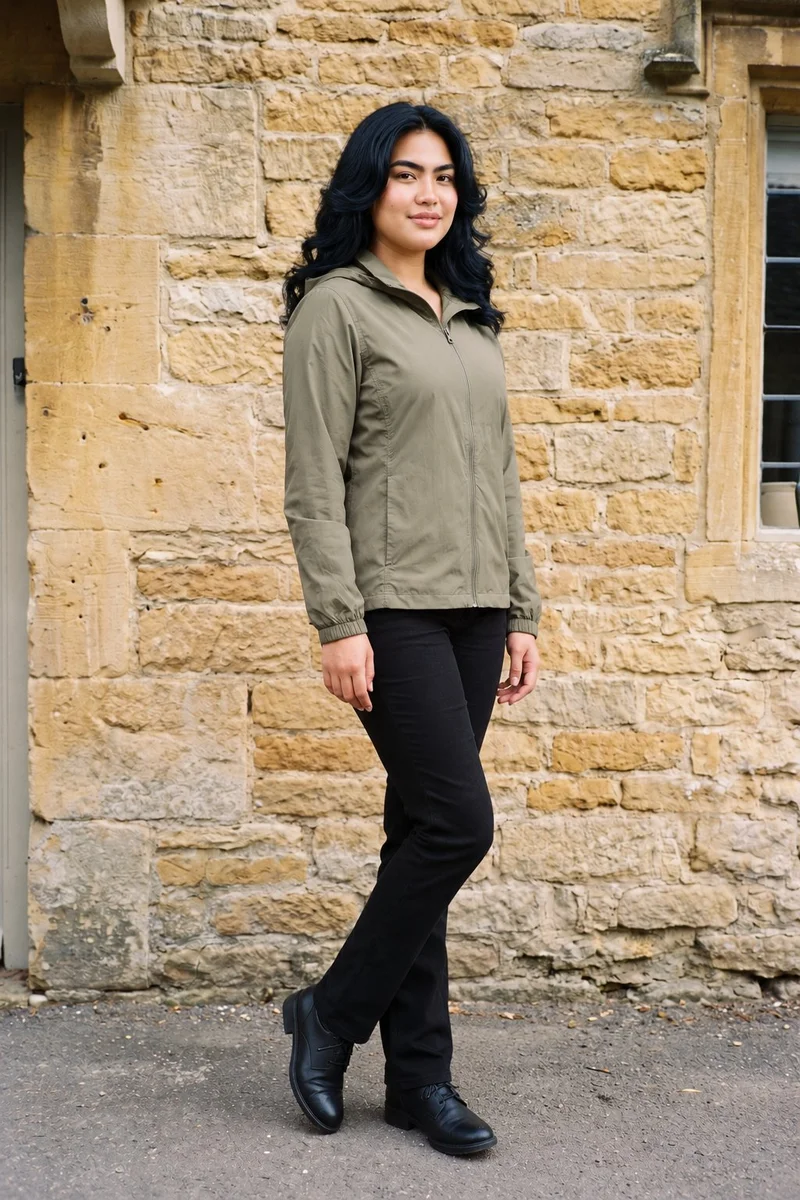
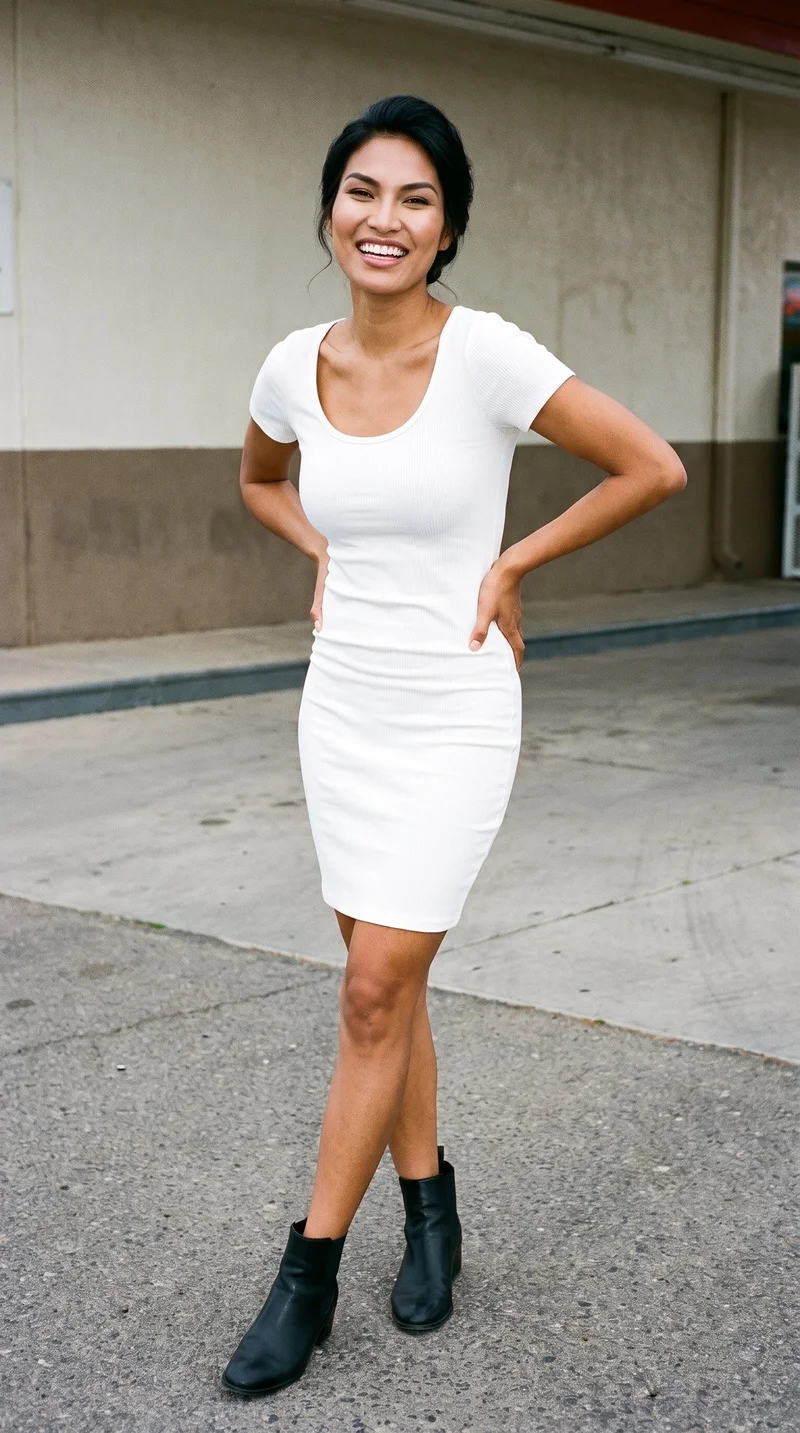
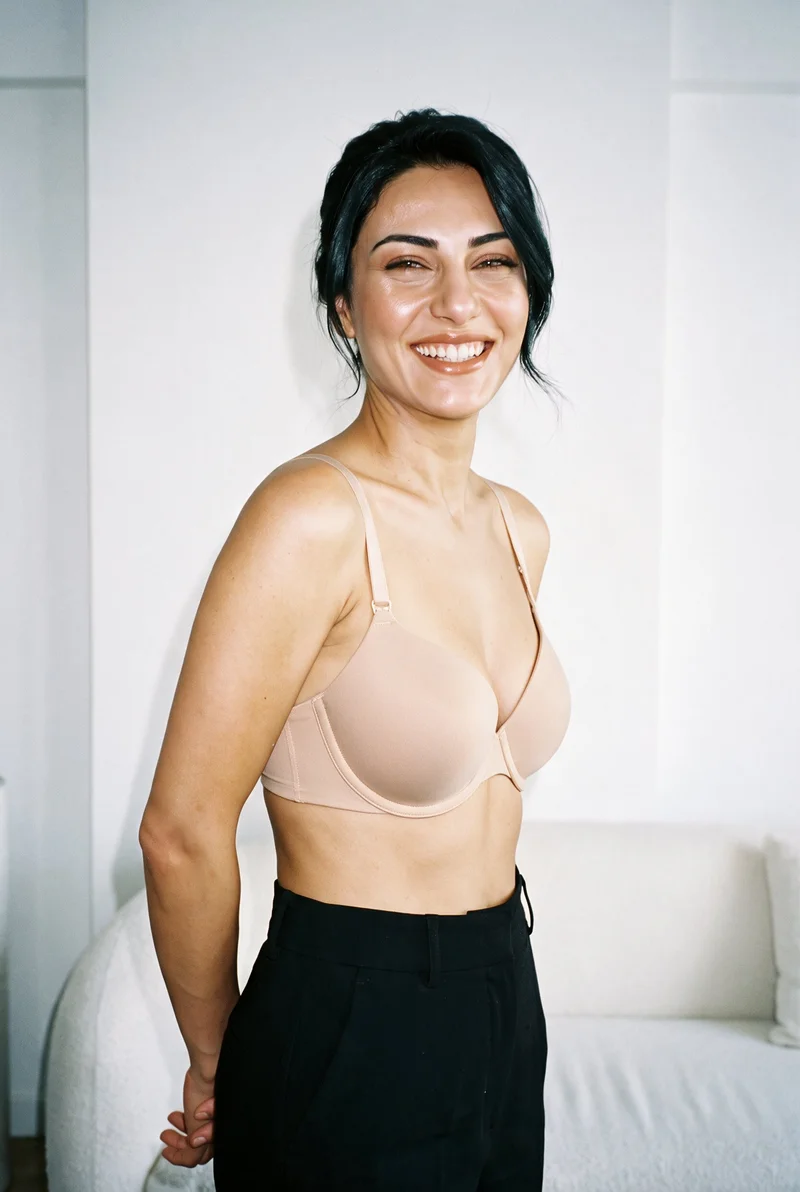
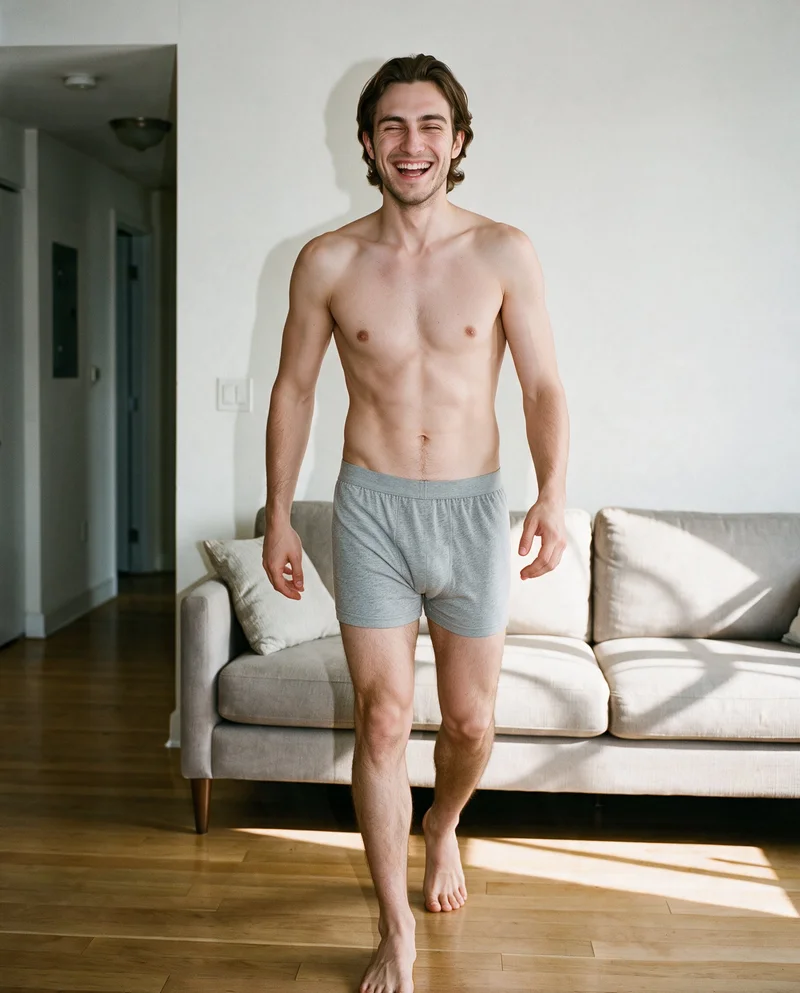
Showing 9 of 761, shot in RAWSHOT
Use cases
When mannequin shots leave product pages without people
- 01
Launch range coverage
When a mannequin-shot launch range needs matching front and back views, you direct on-model product-page stills that show every piece in a shared treatment.
- 02
Colourway page refresh
When mannequin images span several colourways, you shoot each product on the same model with aligned light and composition for coherent product pages.
- 03
Missing detail views
When a product page lacks side and detail coverage, you use clear mannequin source photos to shoot focused on-model stills for important product features.
- 04
Late product changes
When product changes arrive late, you create new on-model stills that align with the established model, light, and composition of the range.
What you get
On-model stills for your product-page views
A directed set of on-model stills for product pages, built from clear mannequin source photos. It gives each piece the coverage needed to show the range as a considered collection.
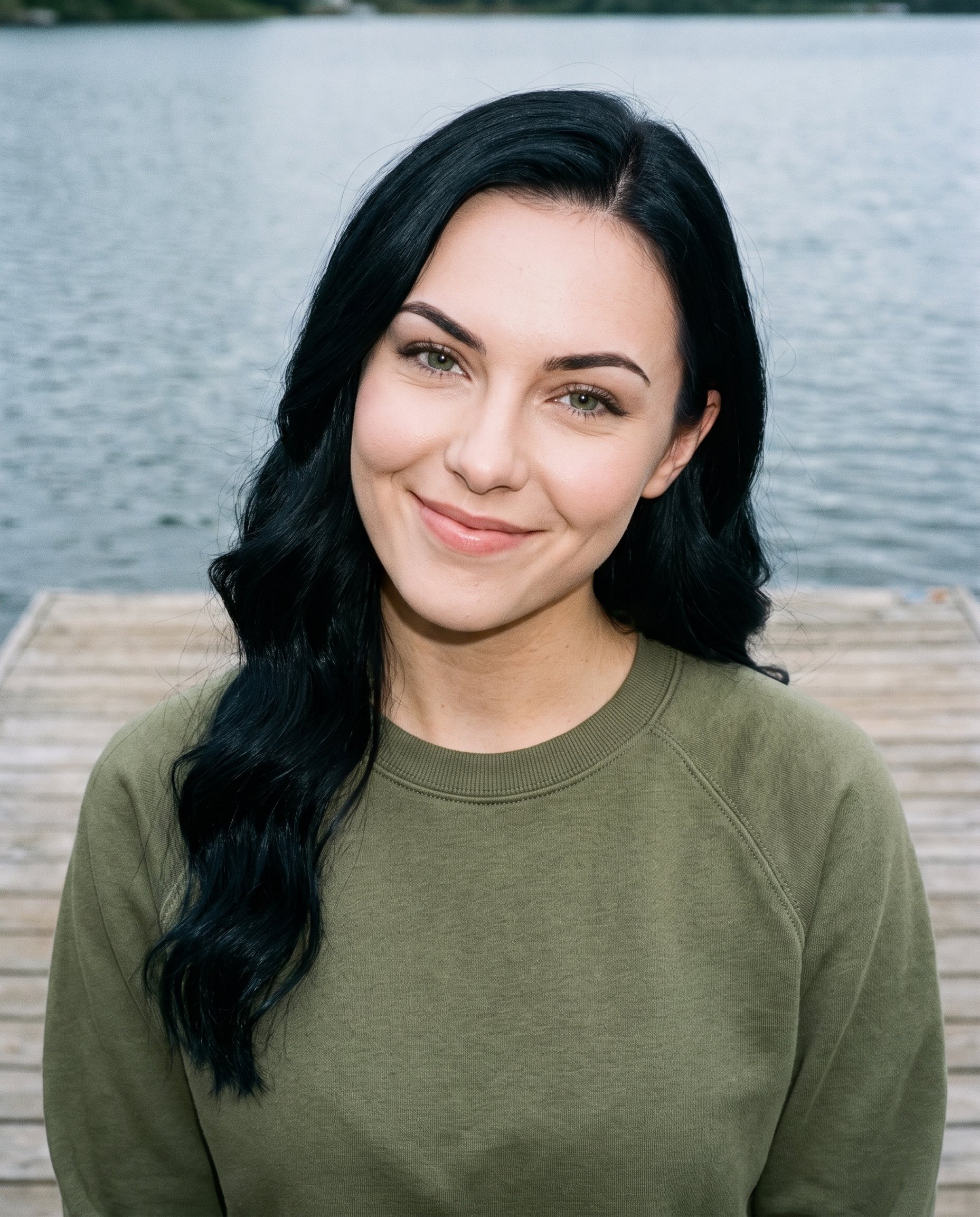
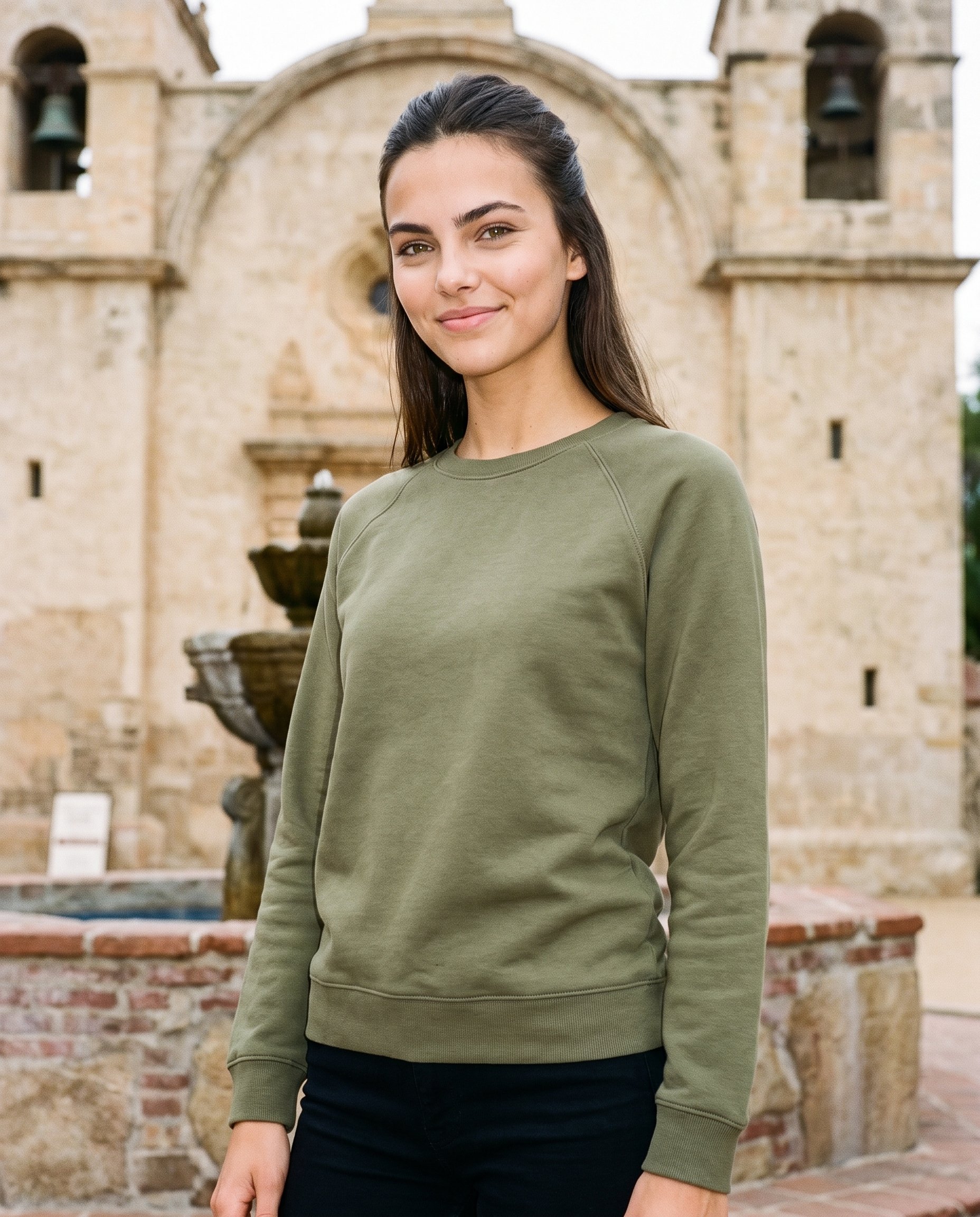
Direct the shoot
Set frames, views, poses and light
Image frame
4
Pose
22 poses on this frame
Camera view
4
Format
9
Pose style
4
Facial expression
10
Photography direction
4
Create photoshoot
Step 7 of 7 · Composition
Image 1 · readyGallery image from this pageProduct
Your product
Model
From the library
Composition
Full Body · Front View · Catalog pose · Neutral
Delivery
2K · 1:1
Light
Studio Cutout
Total cost
5 credits
AI fashion models
Choose a model for your mannequin-shot range
1,197 licence-free grown models across ages and body types. Or build a private model from visible attributes.
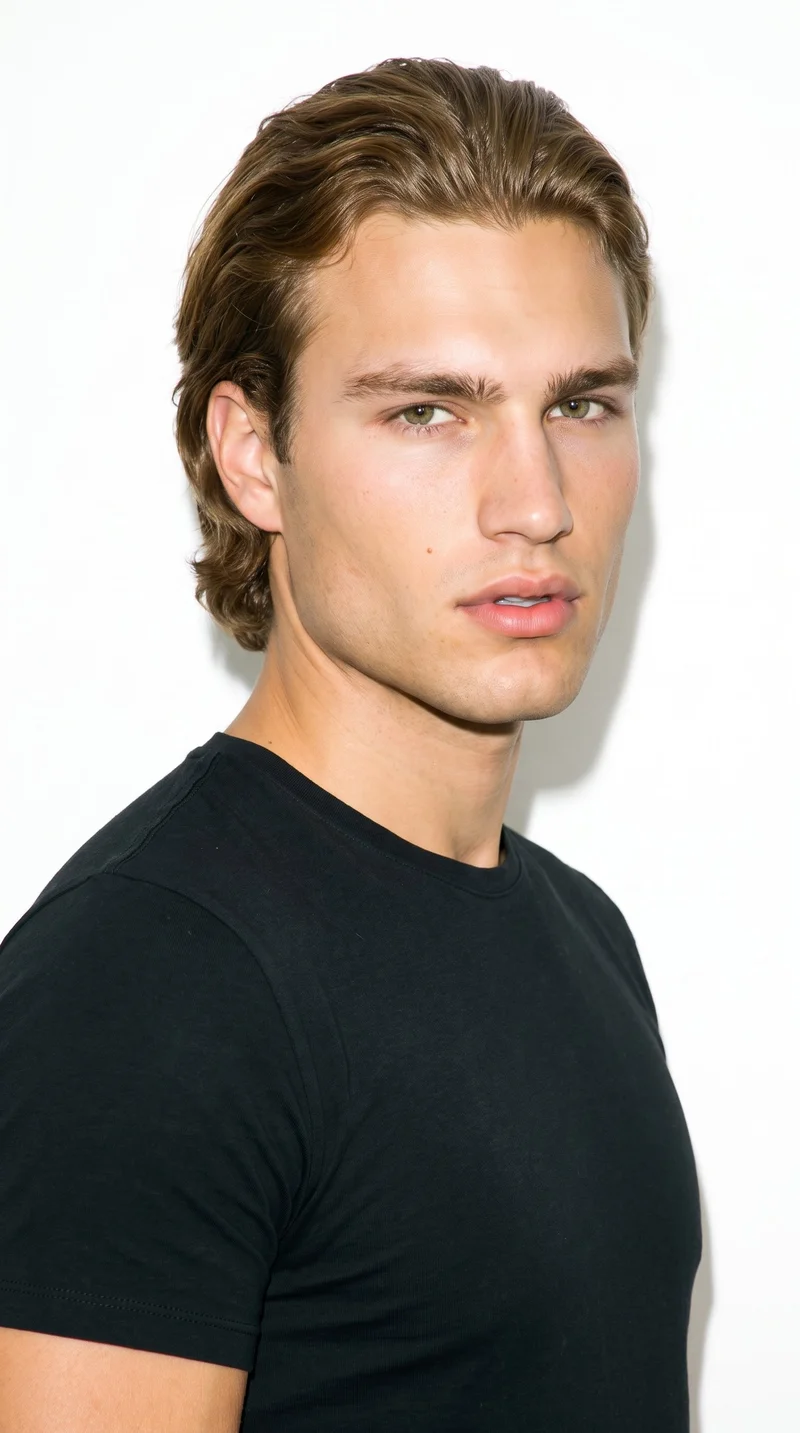
Male · 23
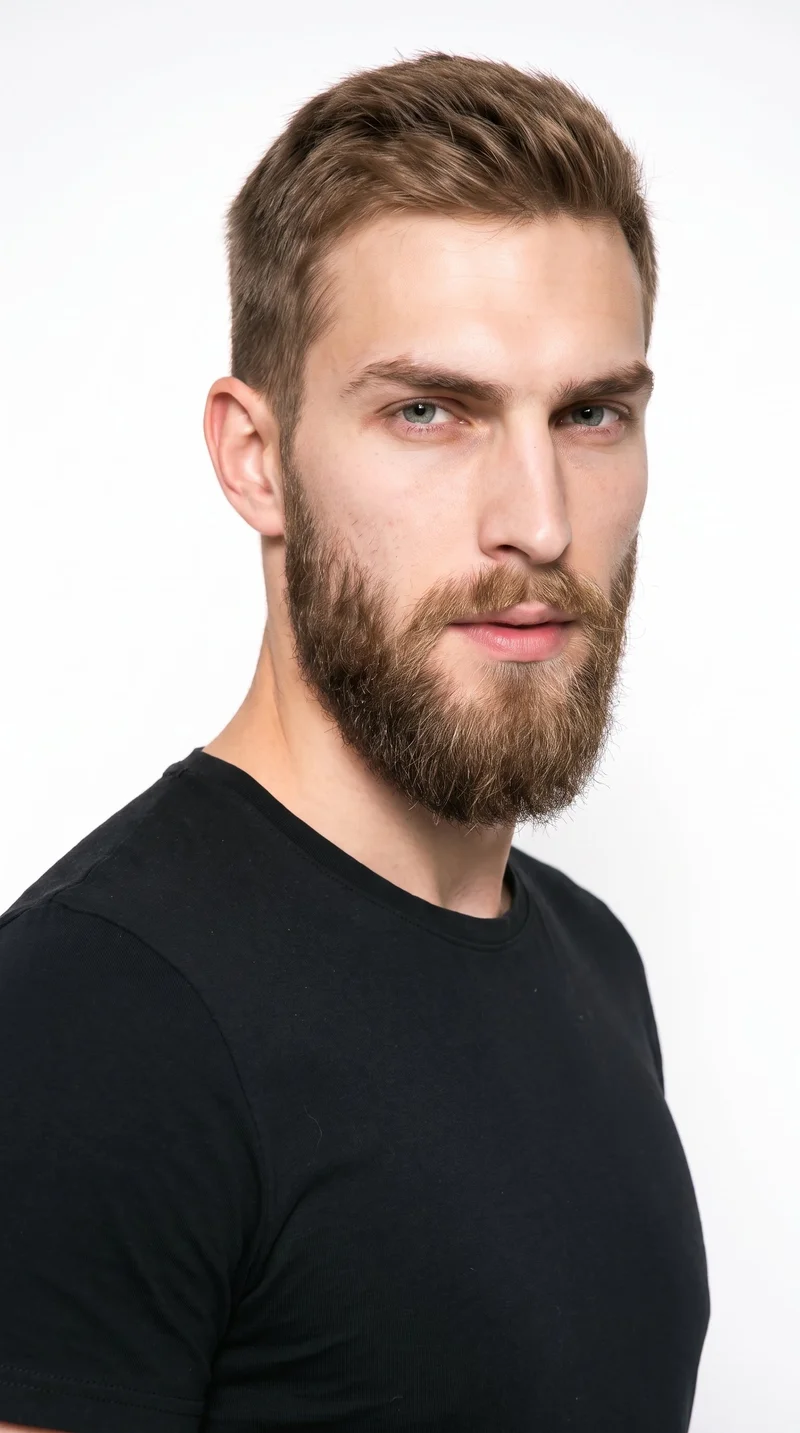
Male · 23
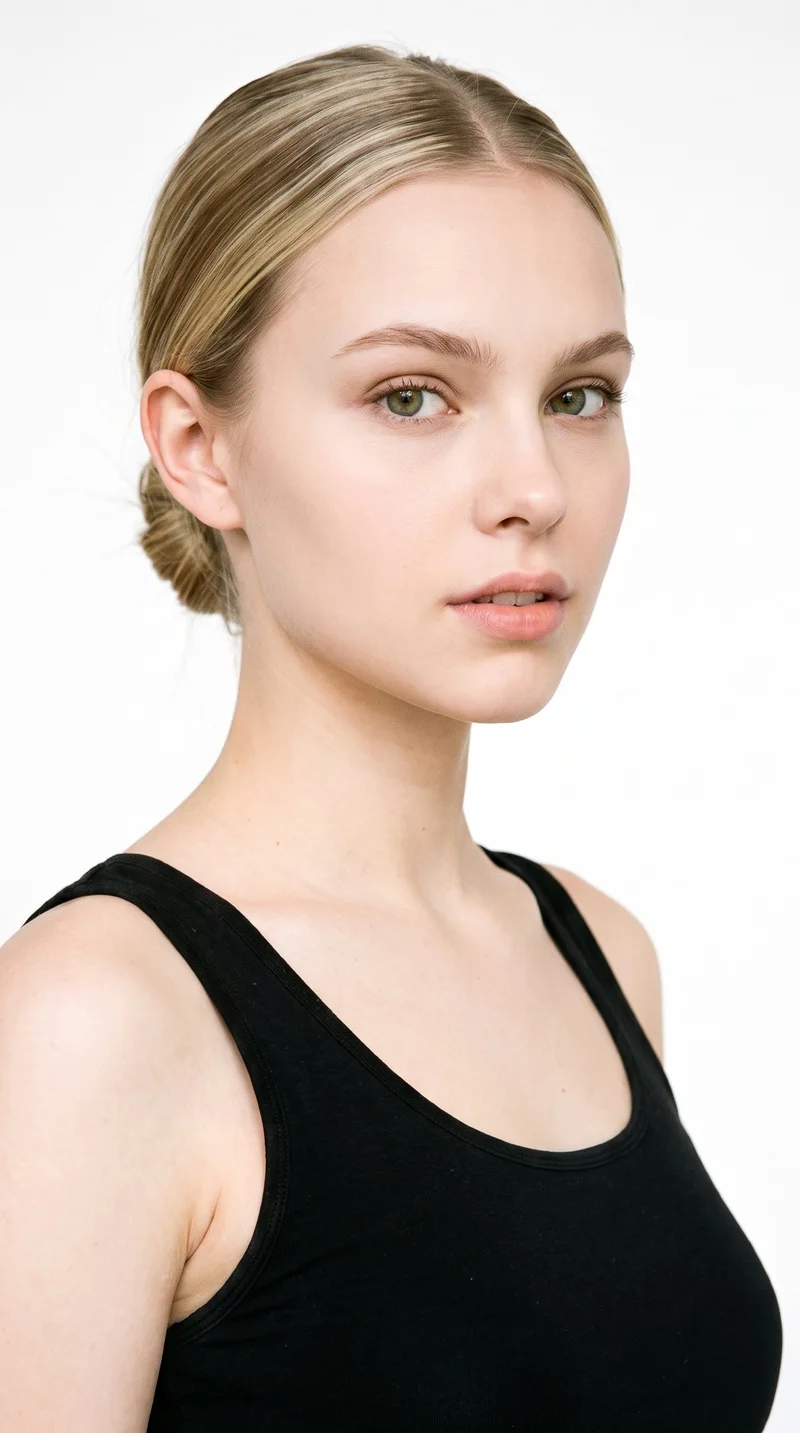
Female · 18
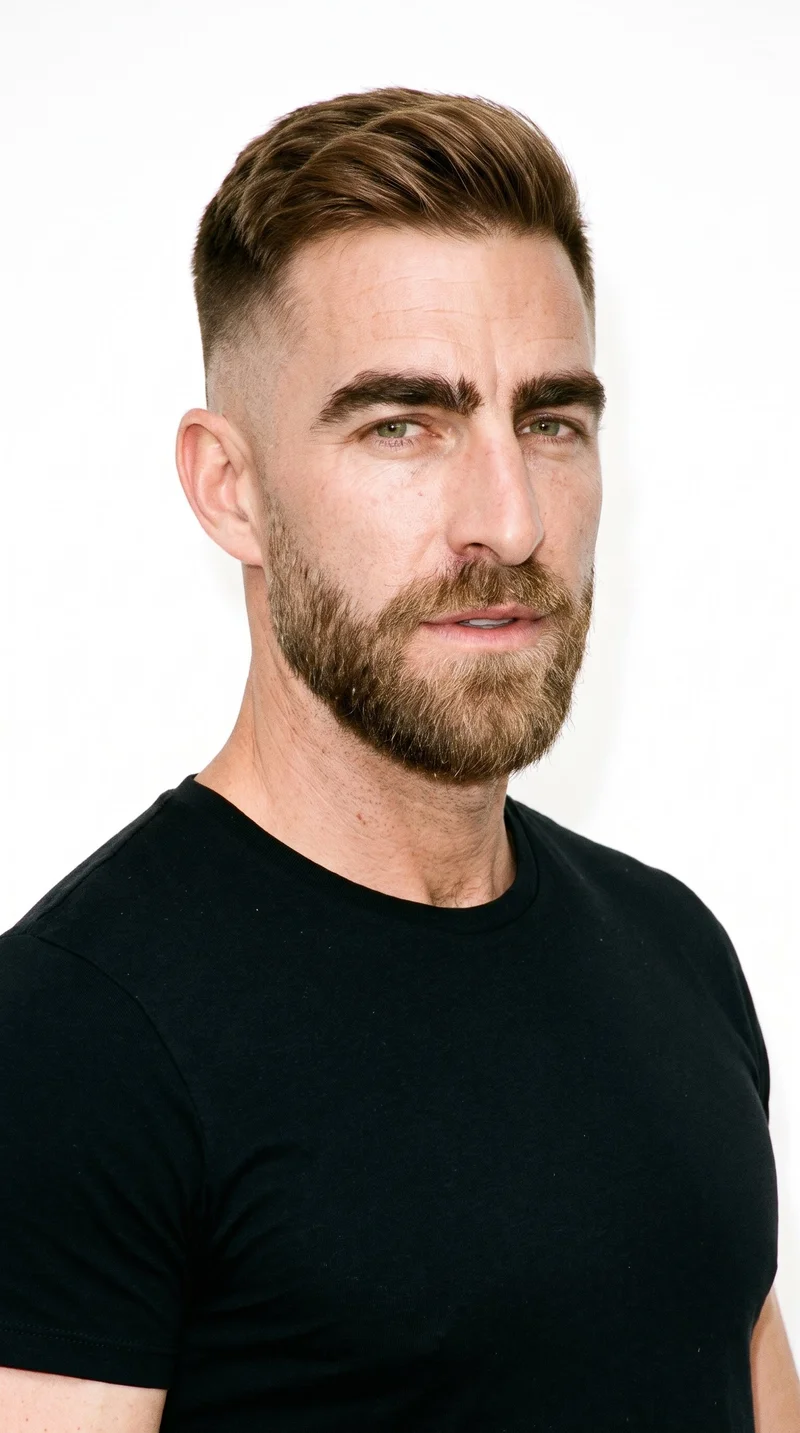
Male · 45
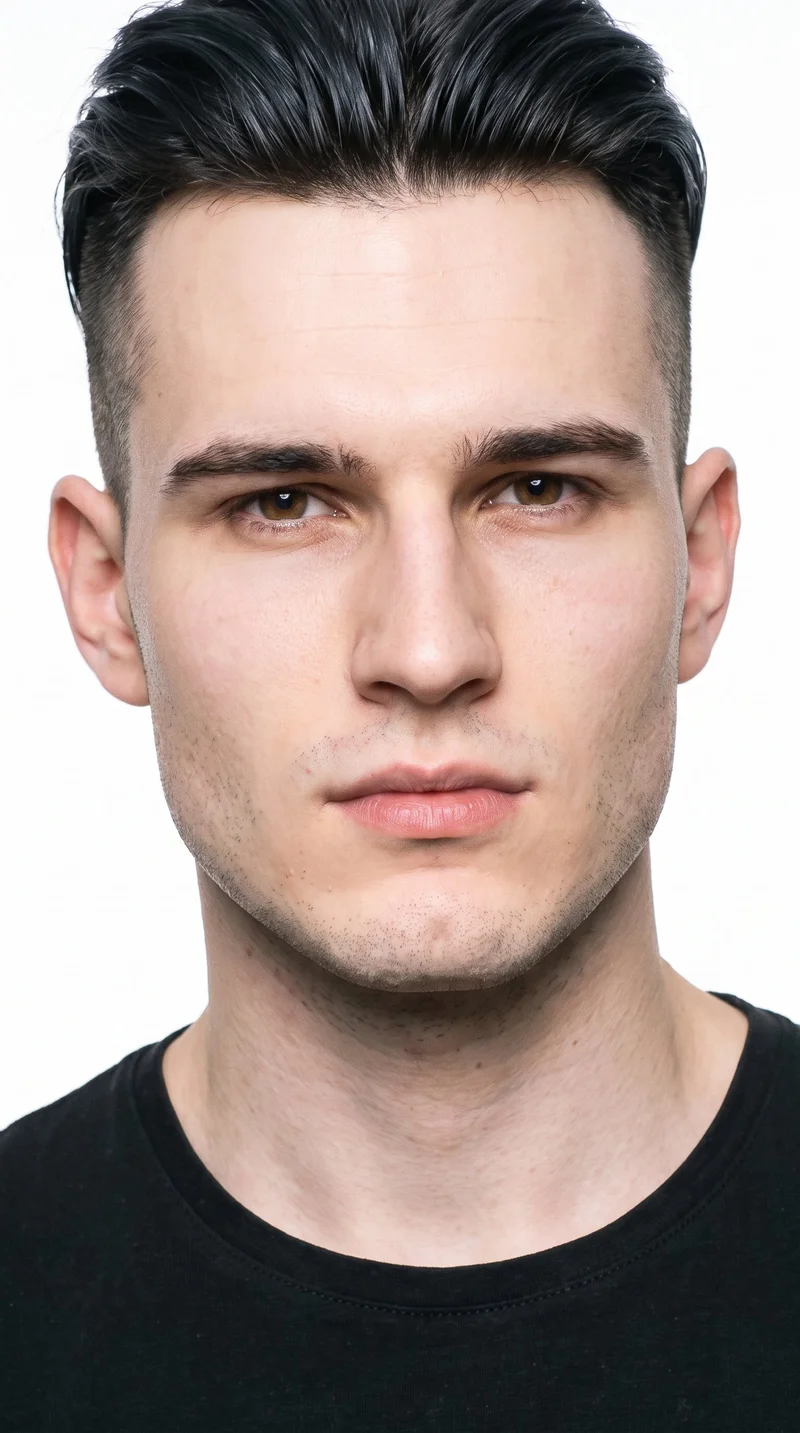
Male · 20
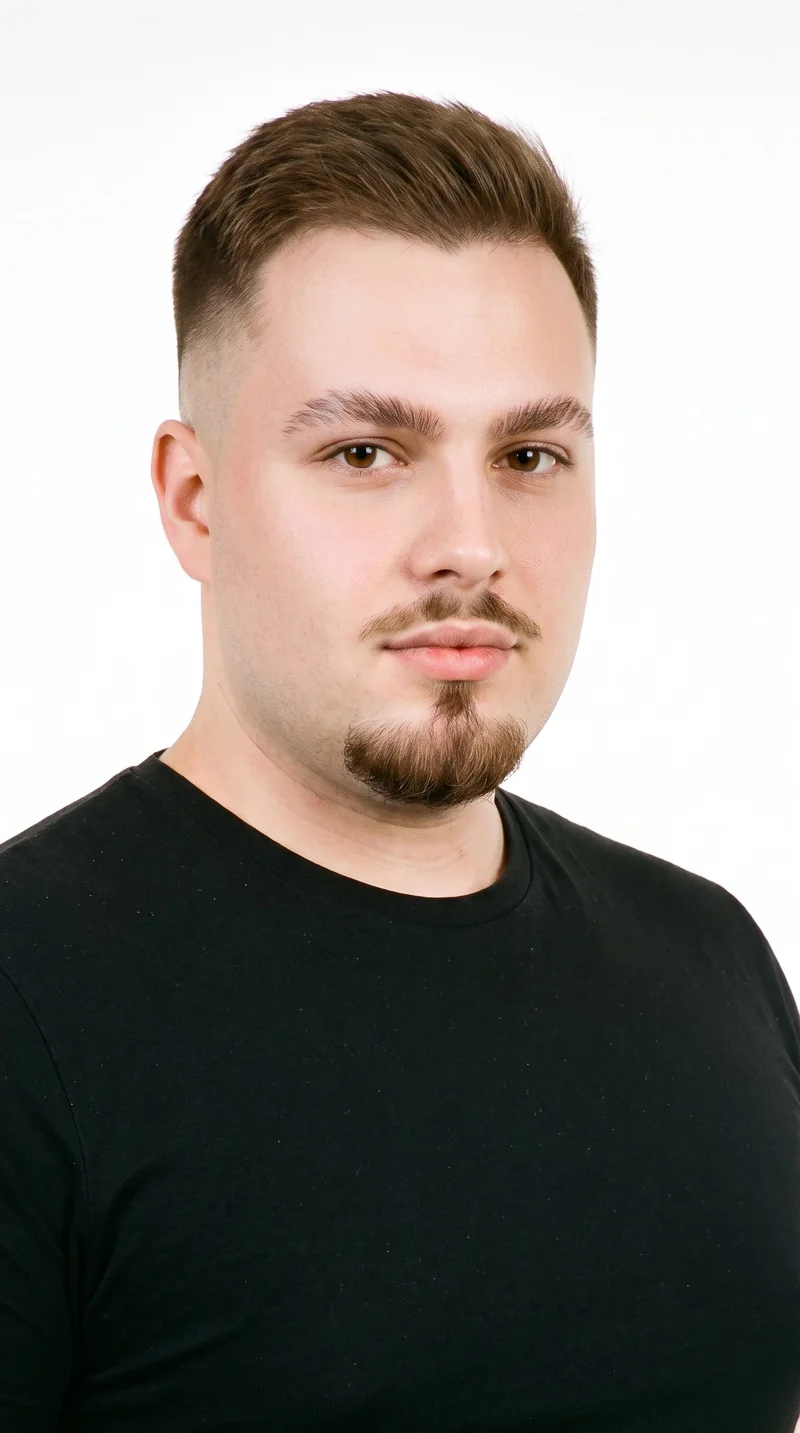
Male · 28
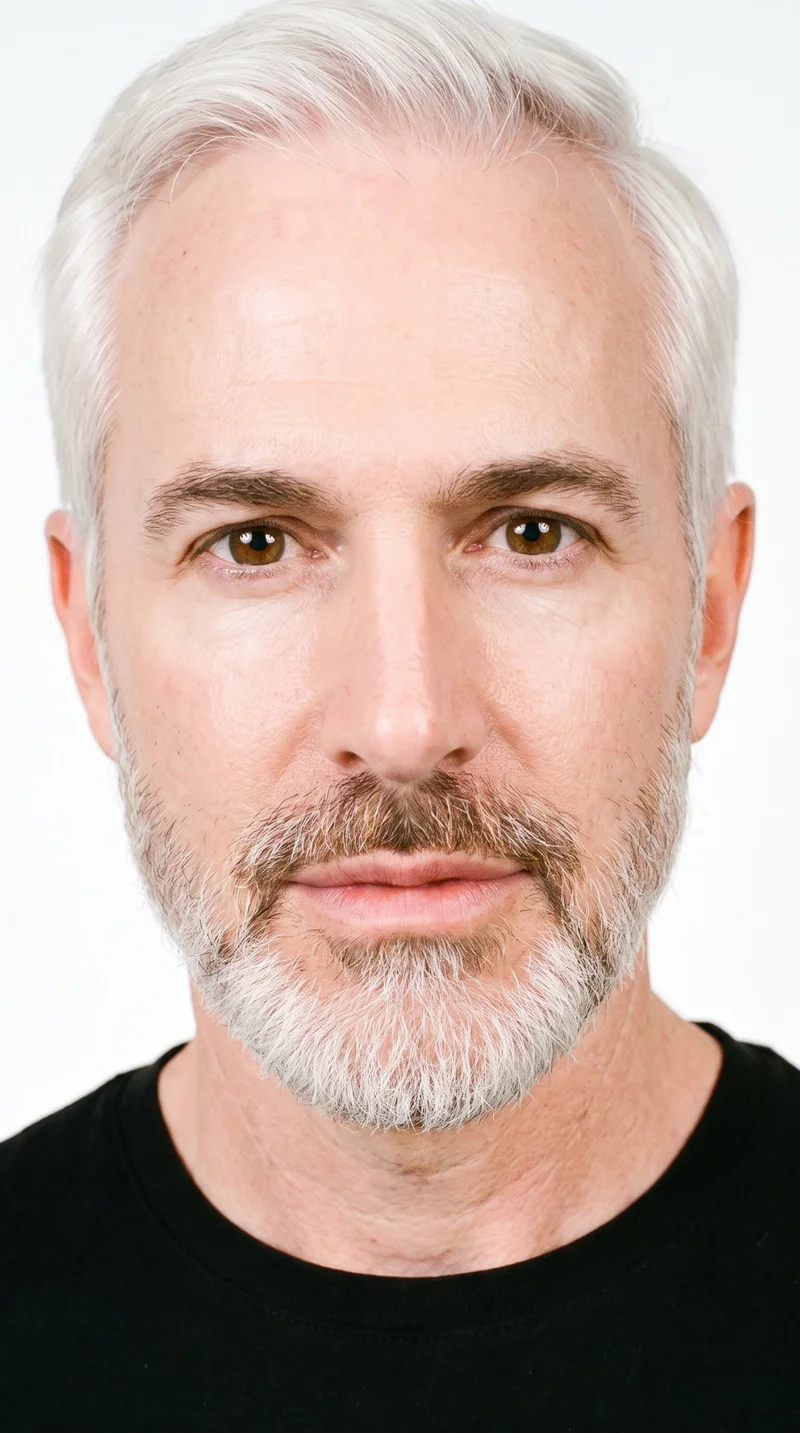
Male · 58
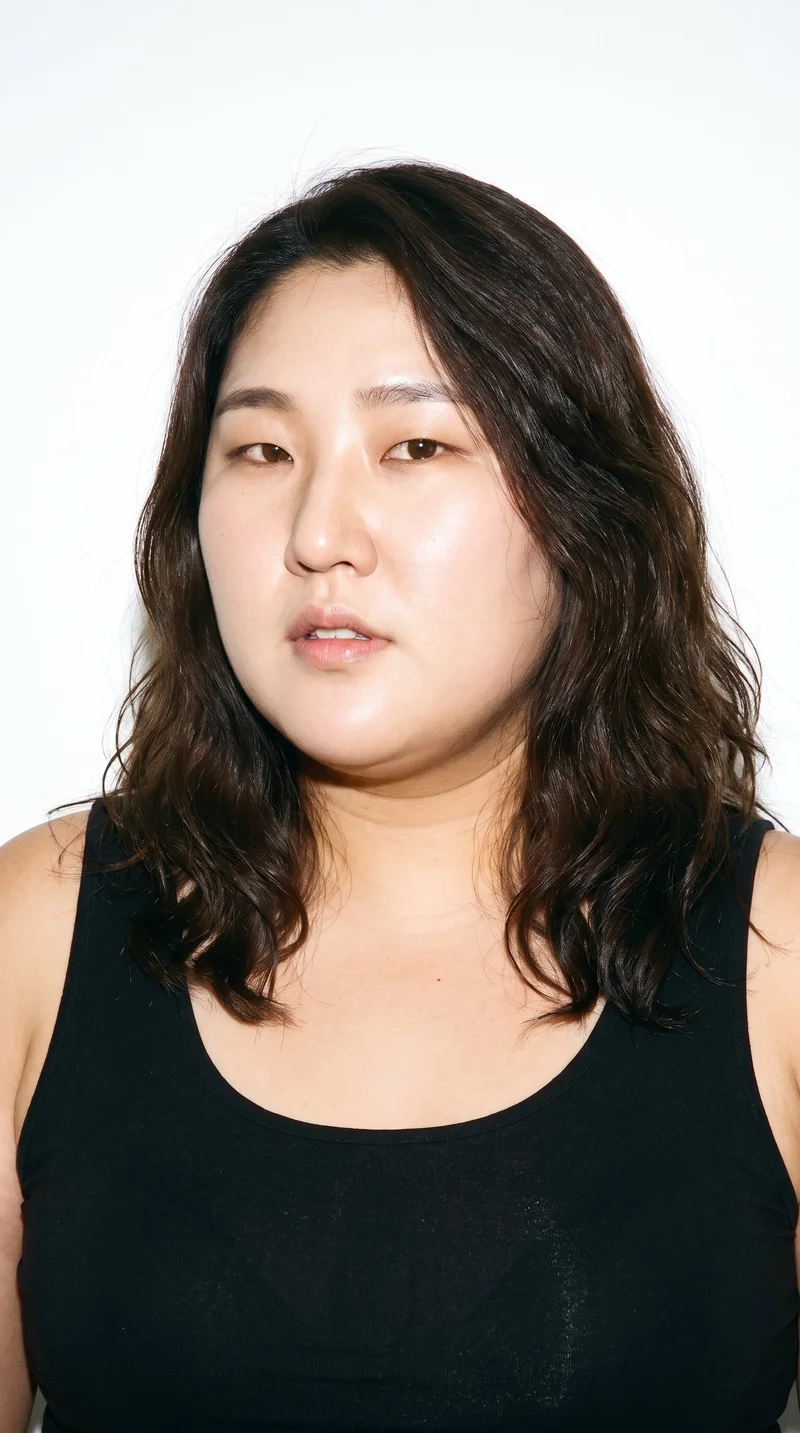
Female · 37
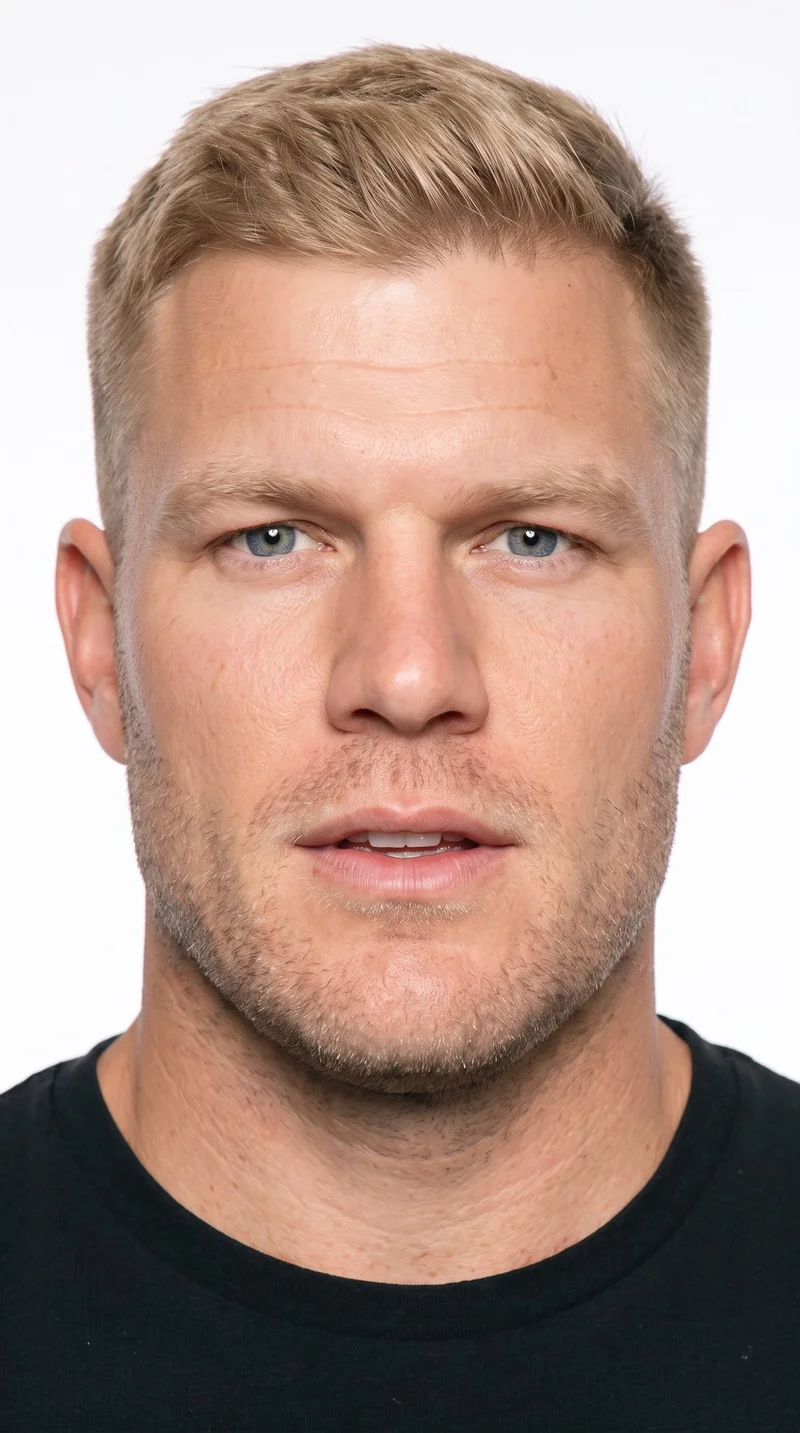
Male · 36
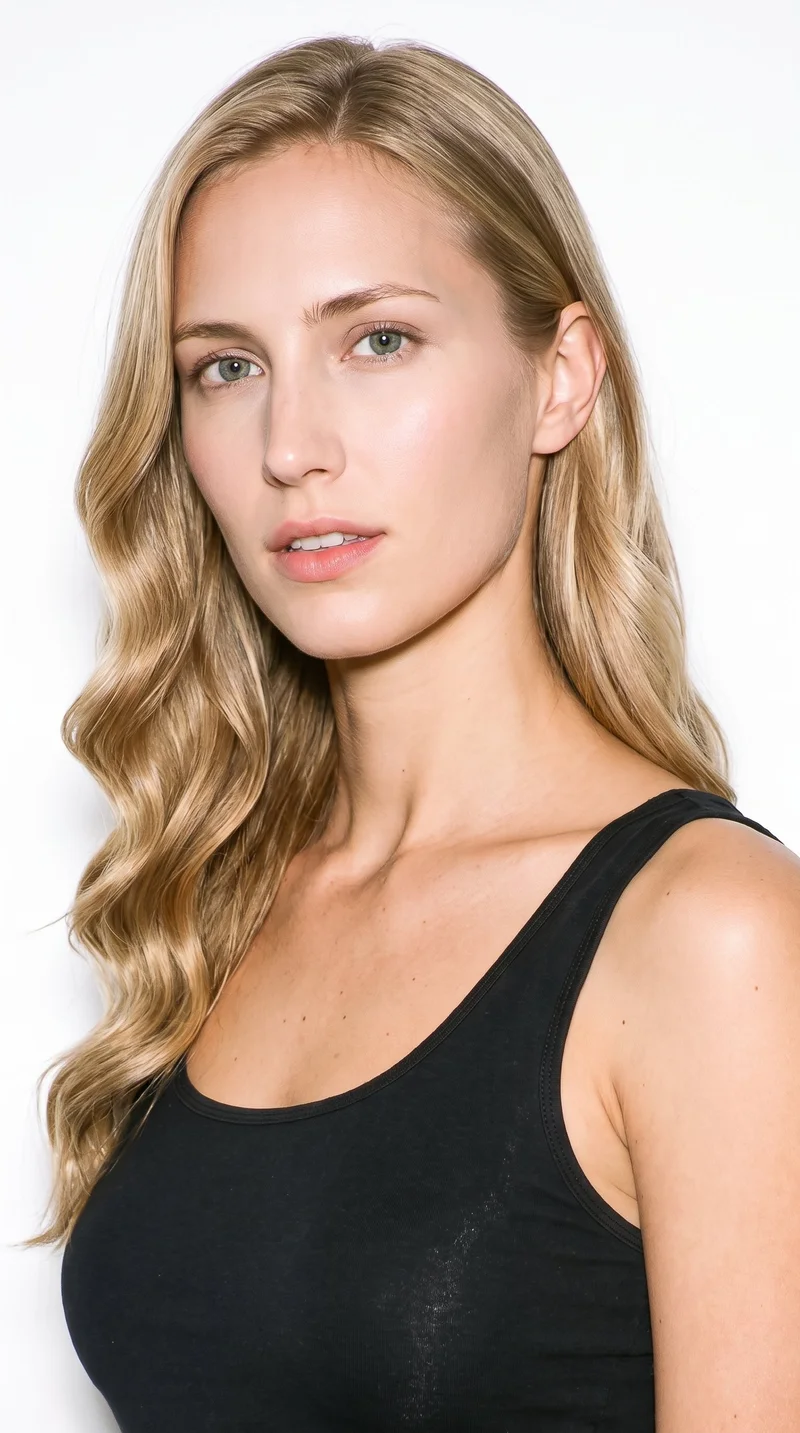
Female · 25
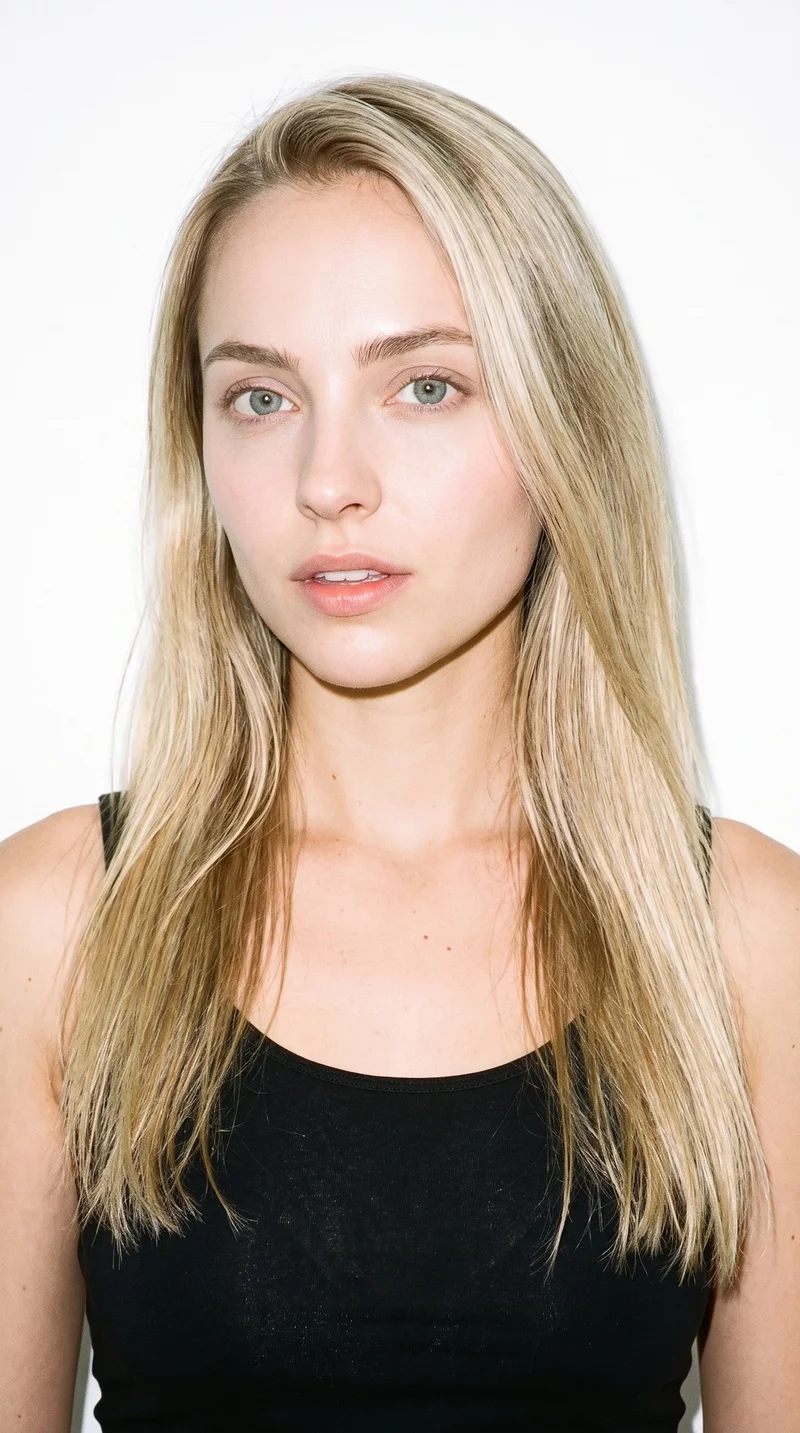
Female · 26
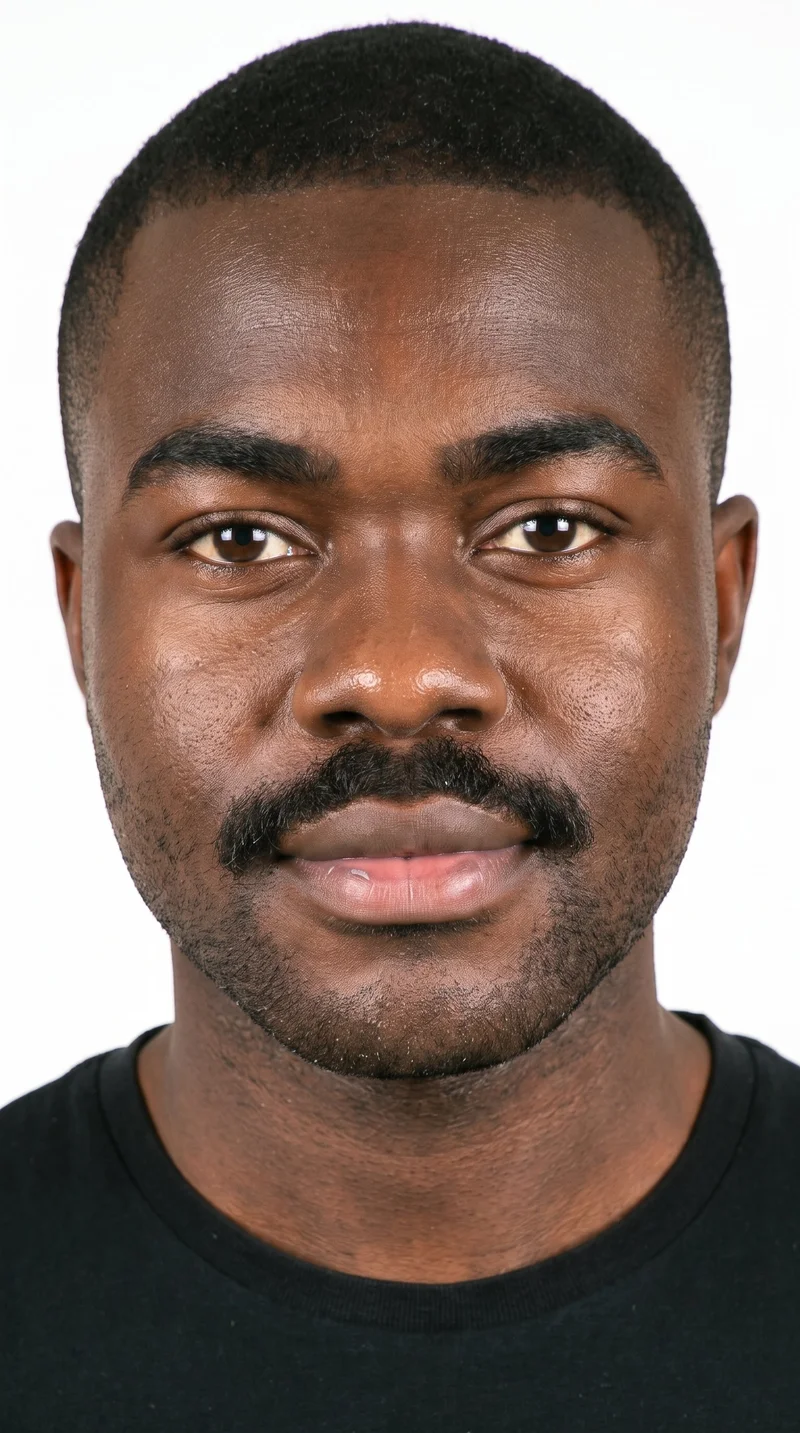
Male · 26
Showing 12 of 1,197
Cast your modelHow it works
One flat-lay in. A checked collection out.
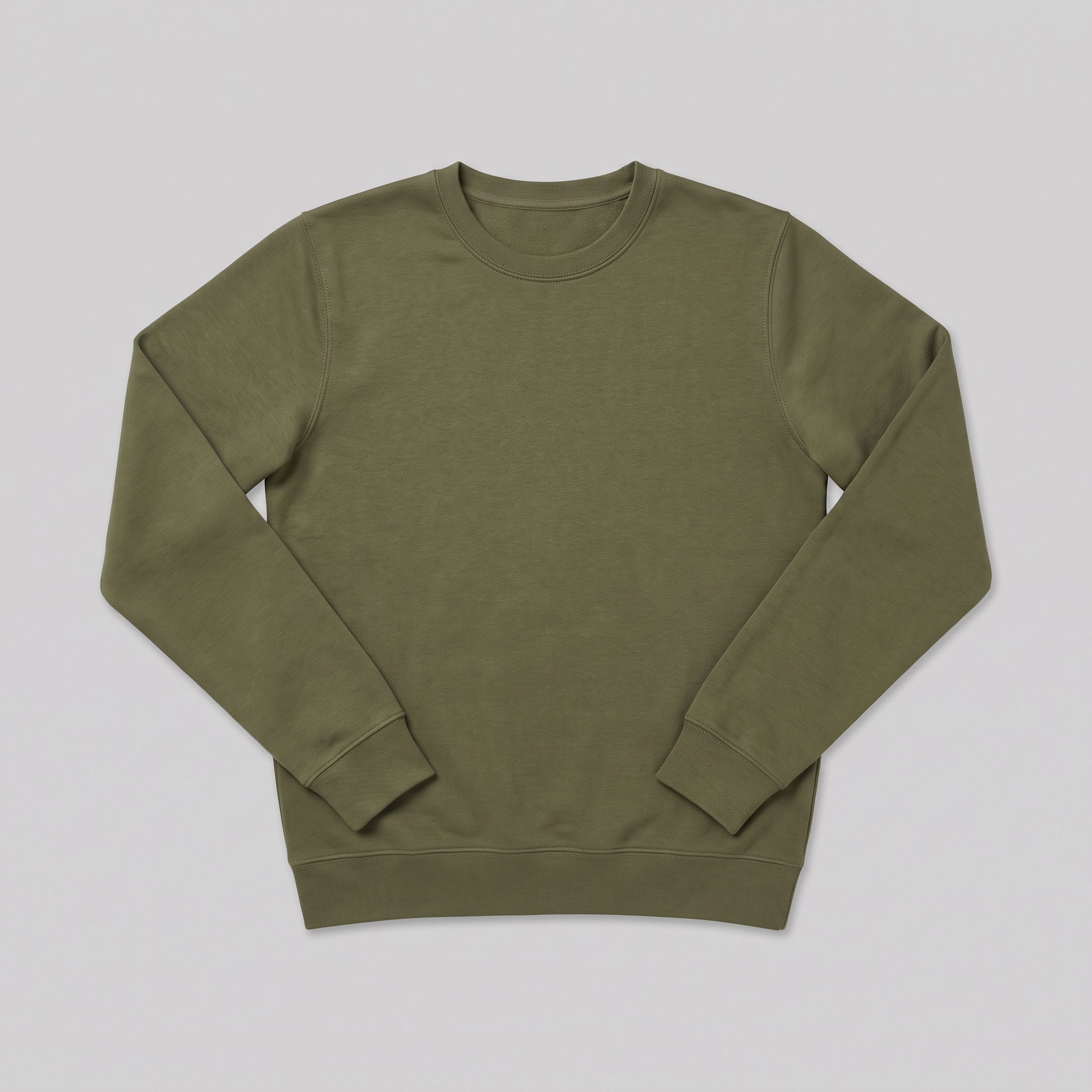 FrontSide
Bring the product
A product photo, flat-lay or sketch is enough. Or start from a finished look and swap your piece in.
Direct the shoot
Every line of the shoot is a choice you click, from model to light. AI suggests a composition, you change any of it.
Get the whole collection, checked
Keep the setup and swap in the next style. Every image is checked against your choices, and one that misses is made again before you see it.
Gallery
On-model product views from mannequin photos
On-model product-page stills built from clear mannequin-source photos.
Looks & backgrounds
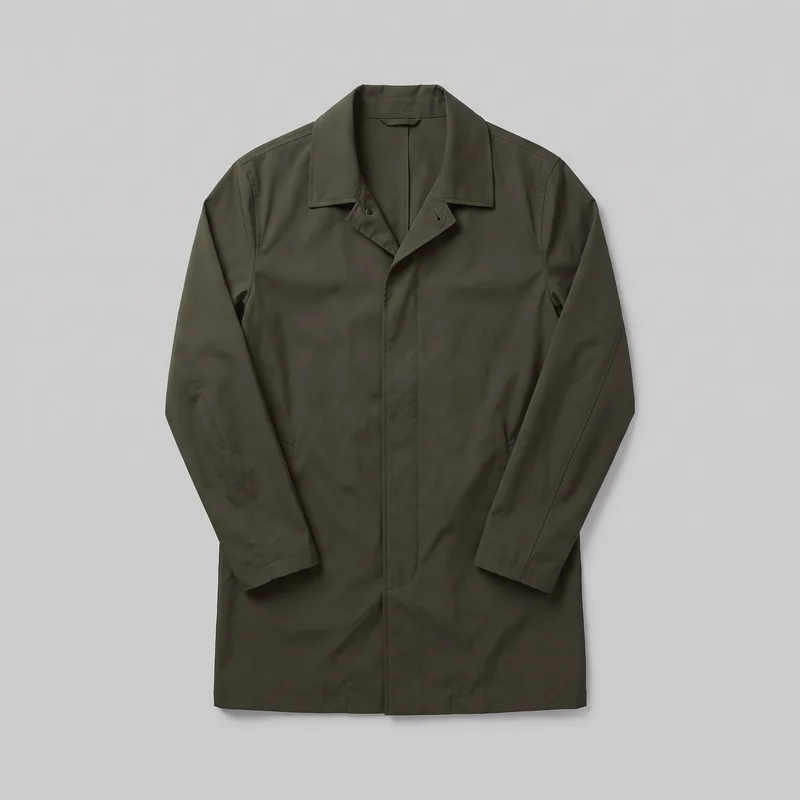 Men's Olive Packable Raincoat
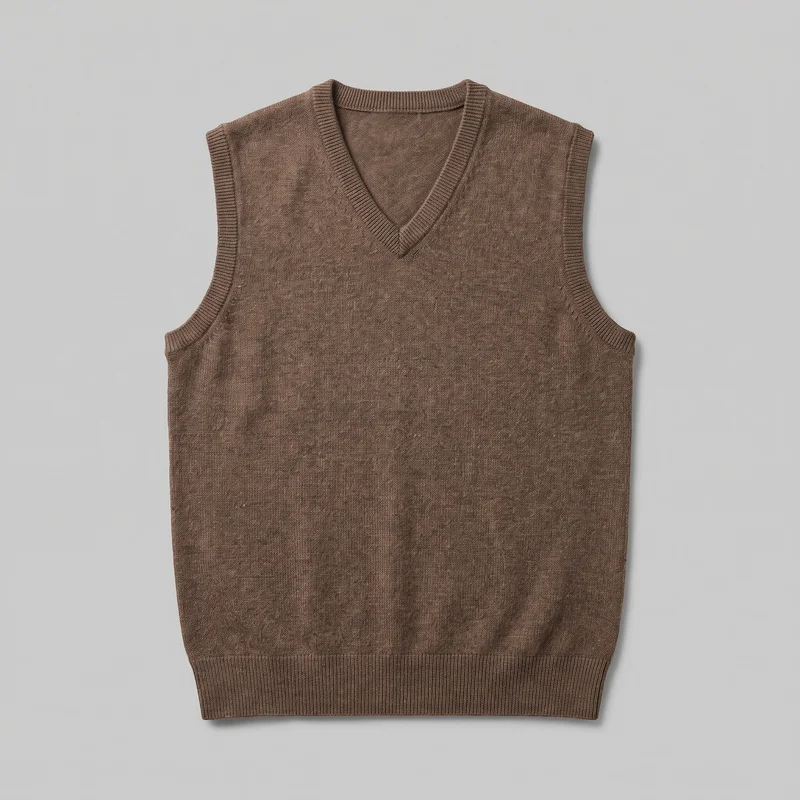 Men's Brown Wool Sweater Vest
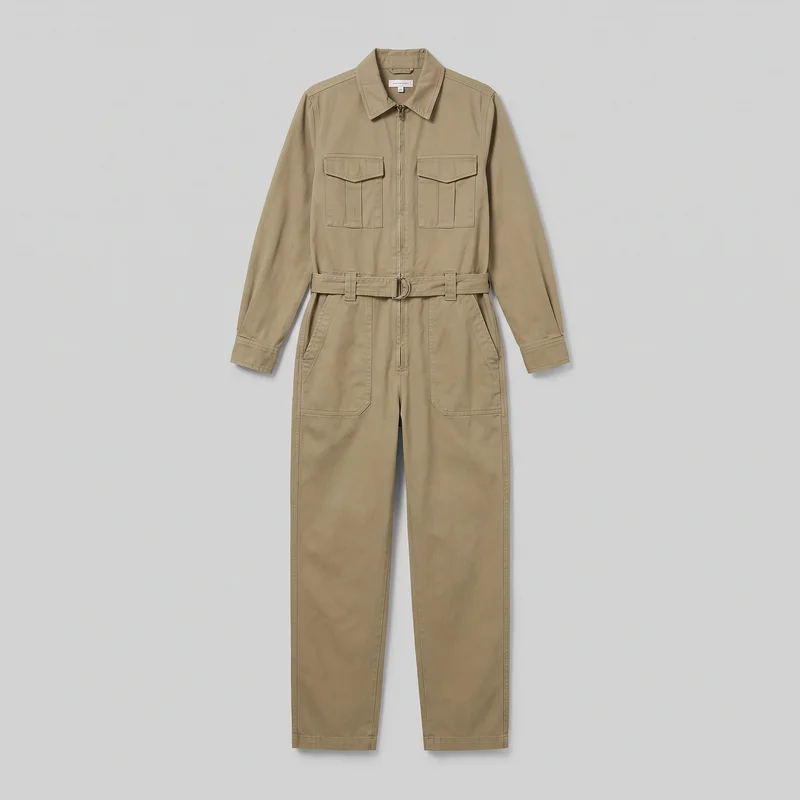 Women's Khaki Utility Boilersuit
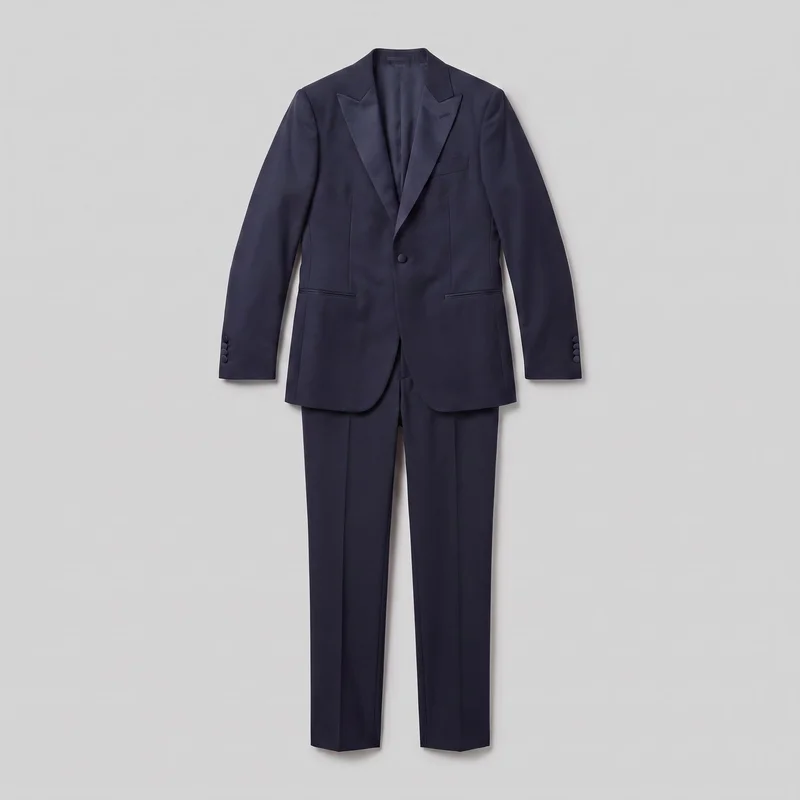 Midnight Blue Tuxedo
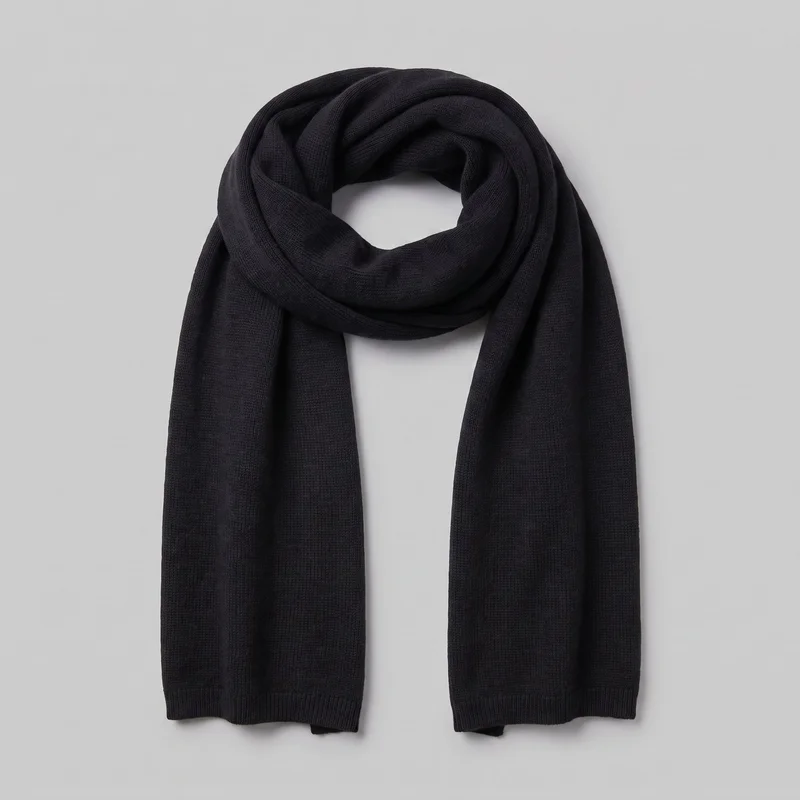 Men's Black Wool Scarf
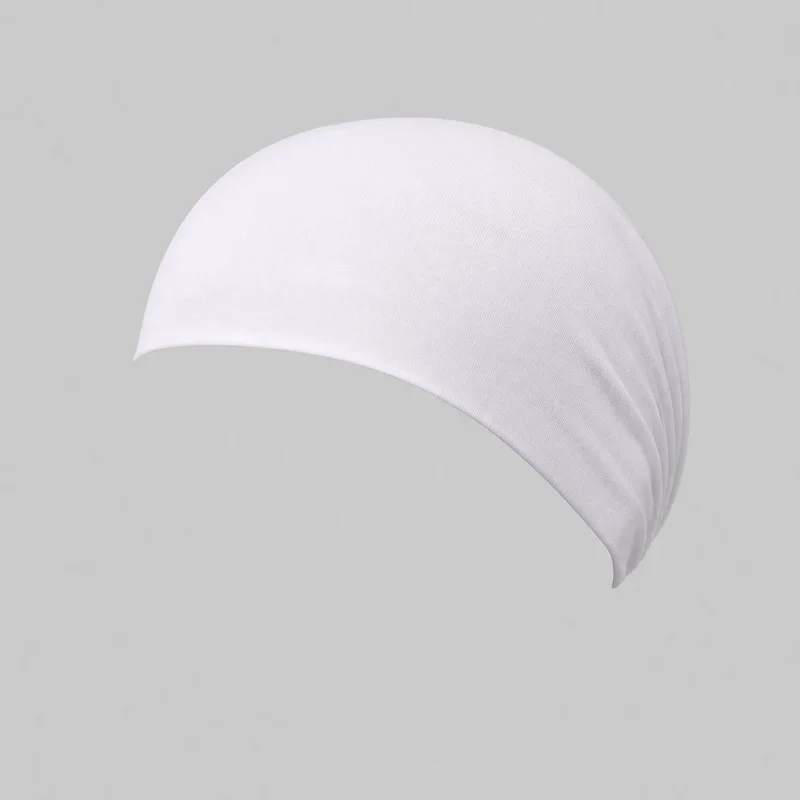 White Modal Underscarf
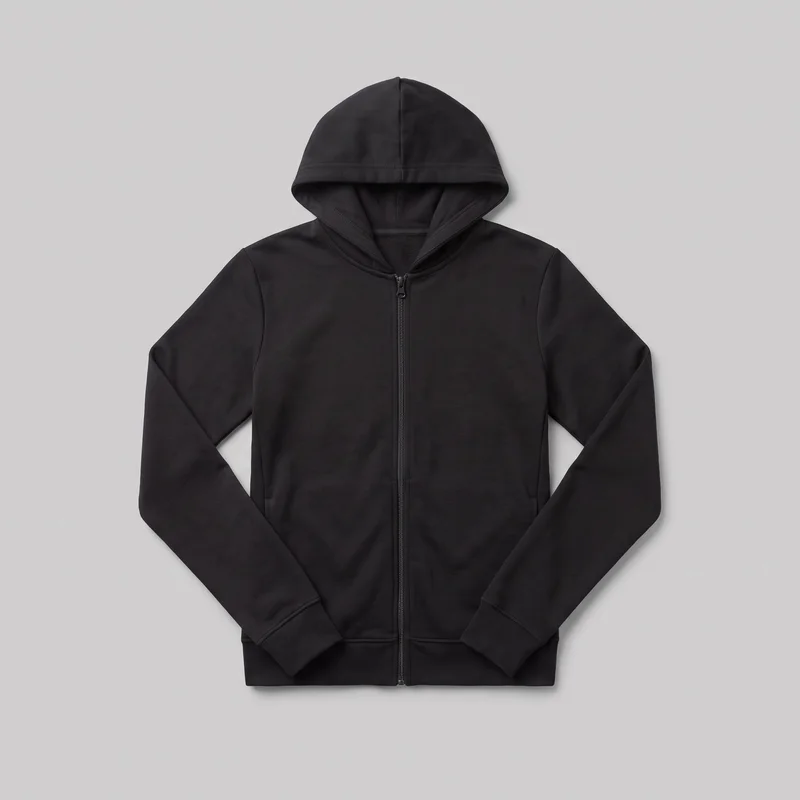 Women's Black Zip-Up Hoodie
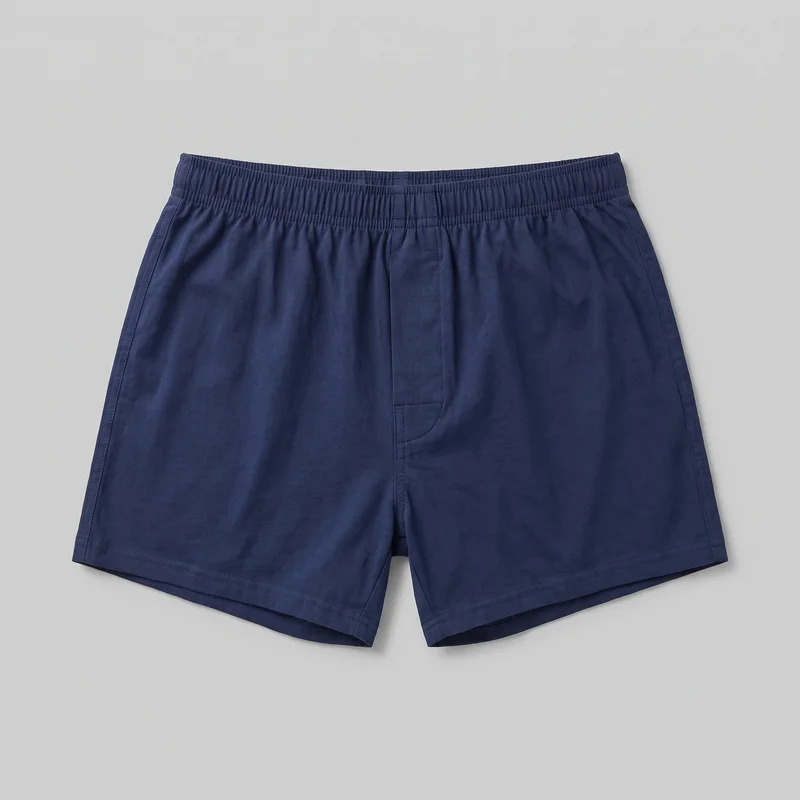 Navy Cotton Boxers
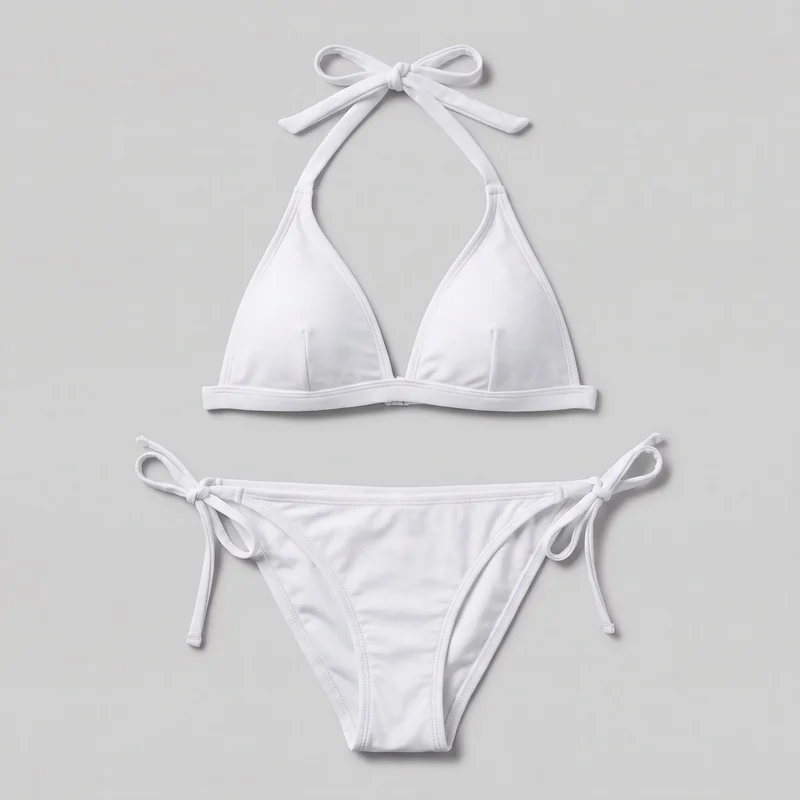 White Halter Bikini
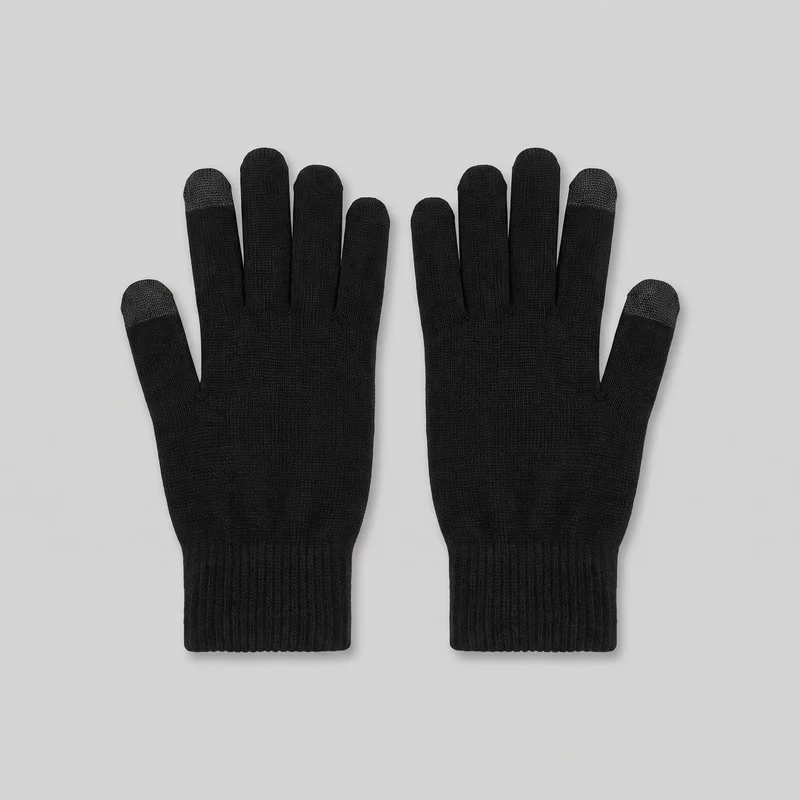 Women's Black Touchscreen Gloves
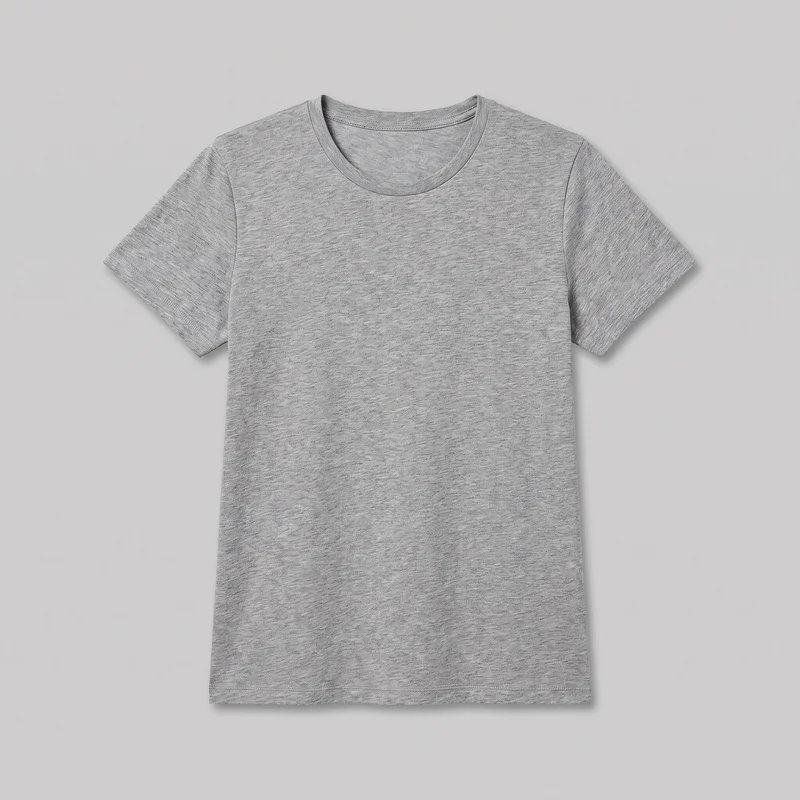 Women's Grey Marl T-shirt
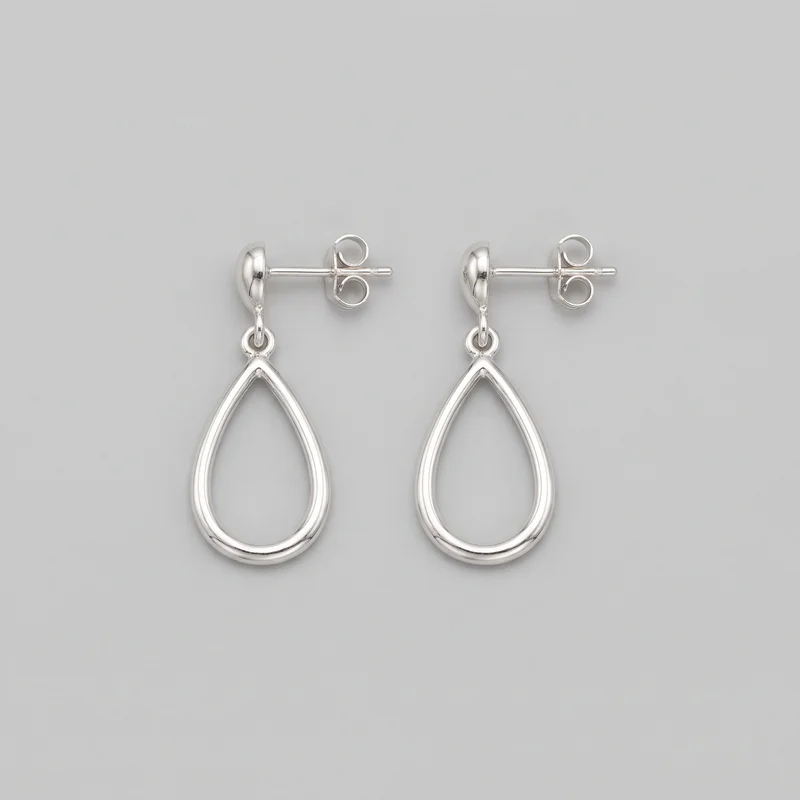 Silver Drop Earrings
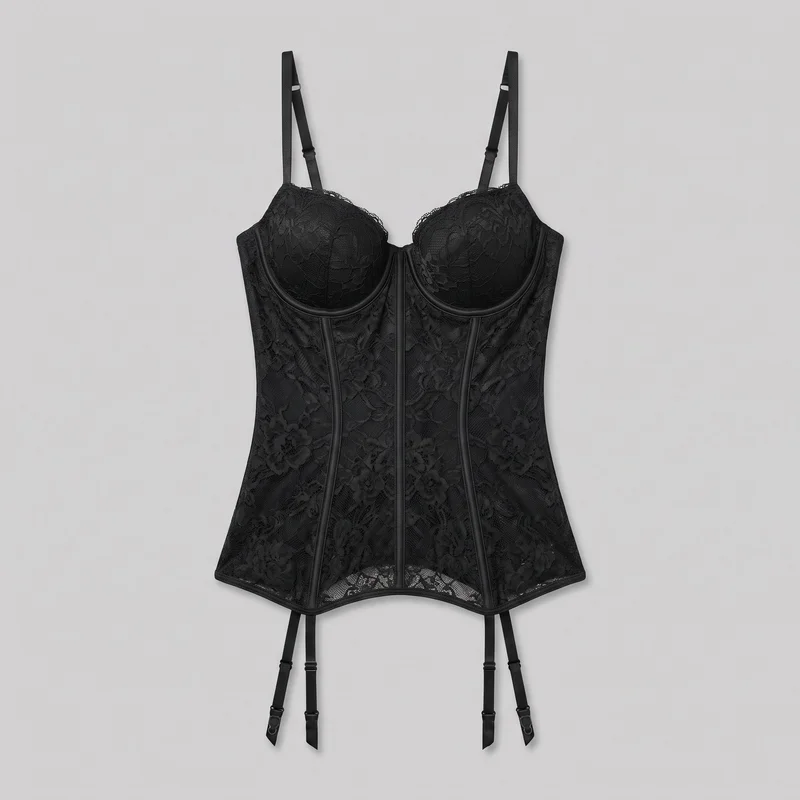 Black Lace Basque
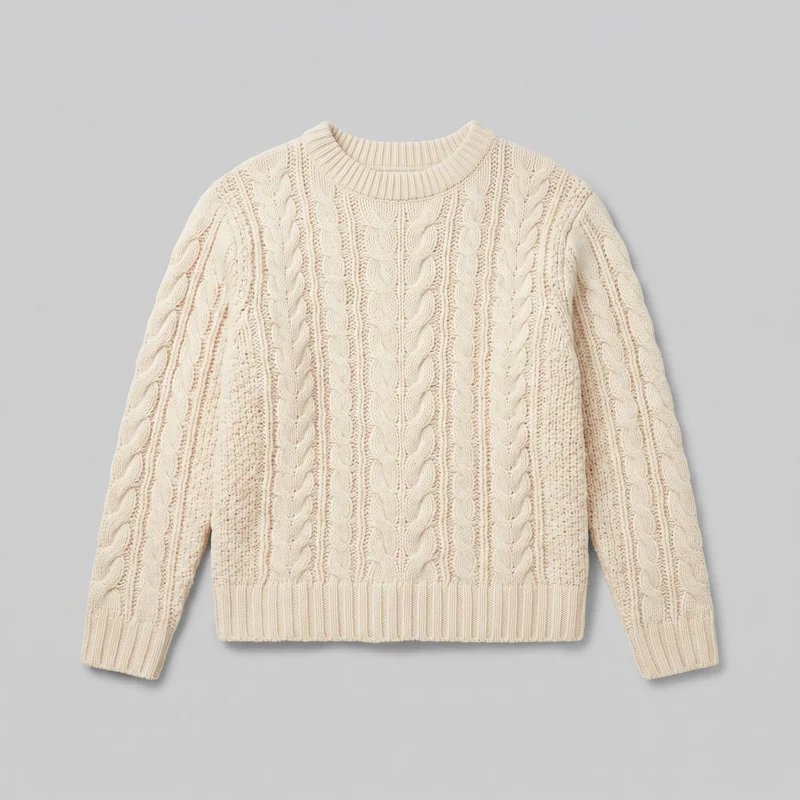 Women's Cream Cable-Knit Pullover Jumper
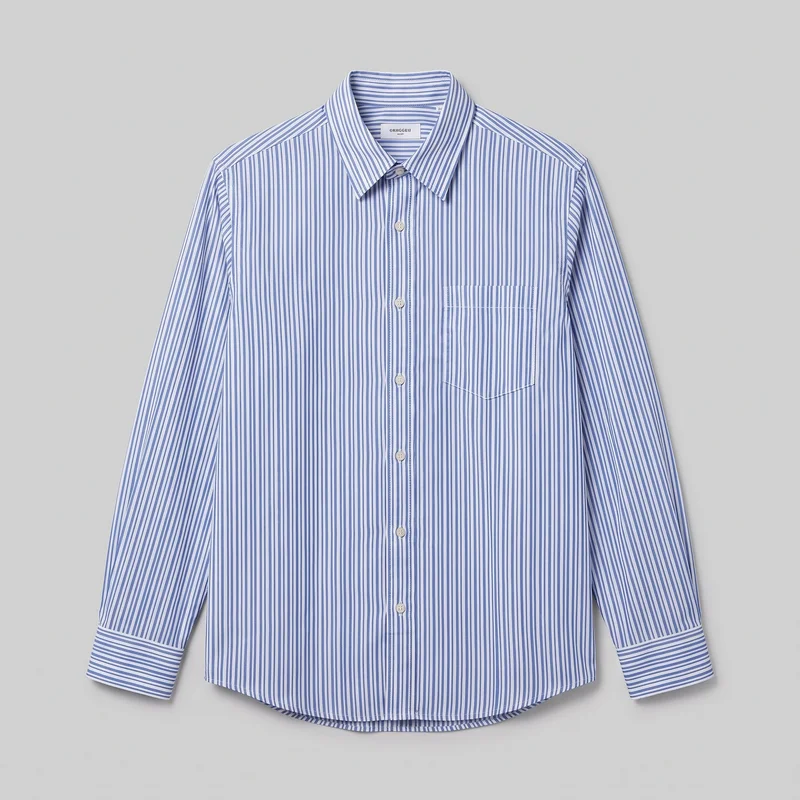 Striped Poplin Button-Down Shirt
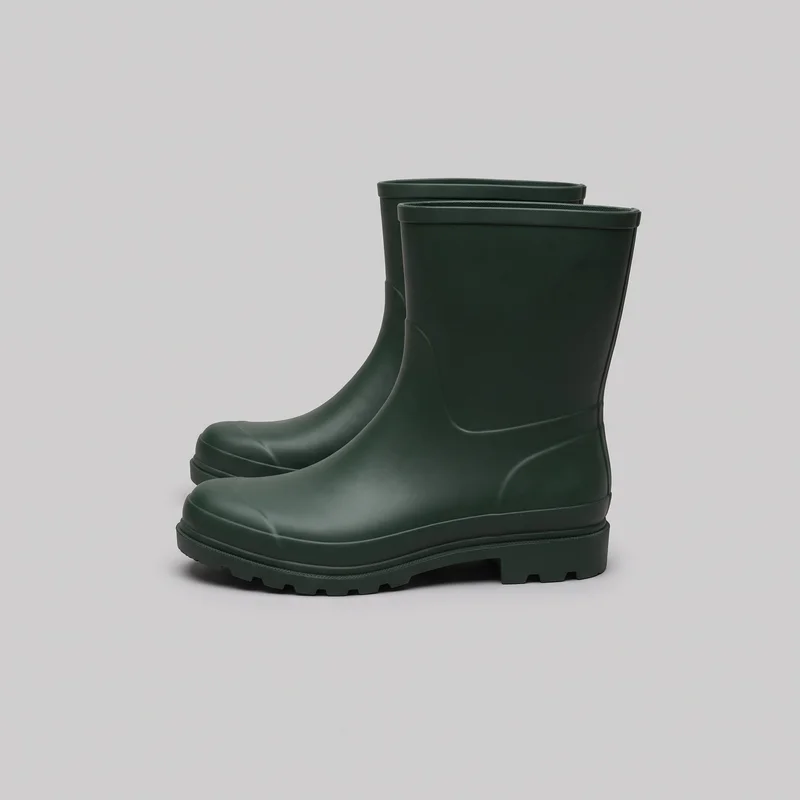 Women's Green Wellington Boots
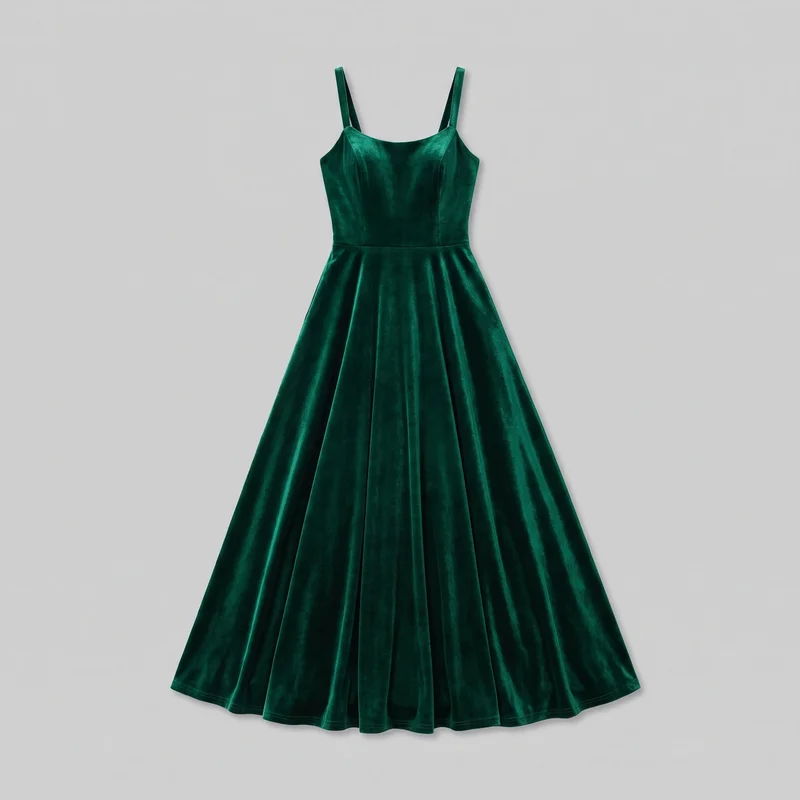 Emerald Velvet Evening Gown
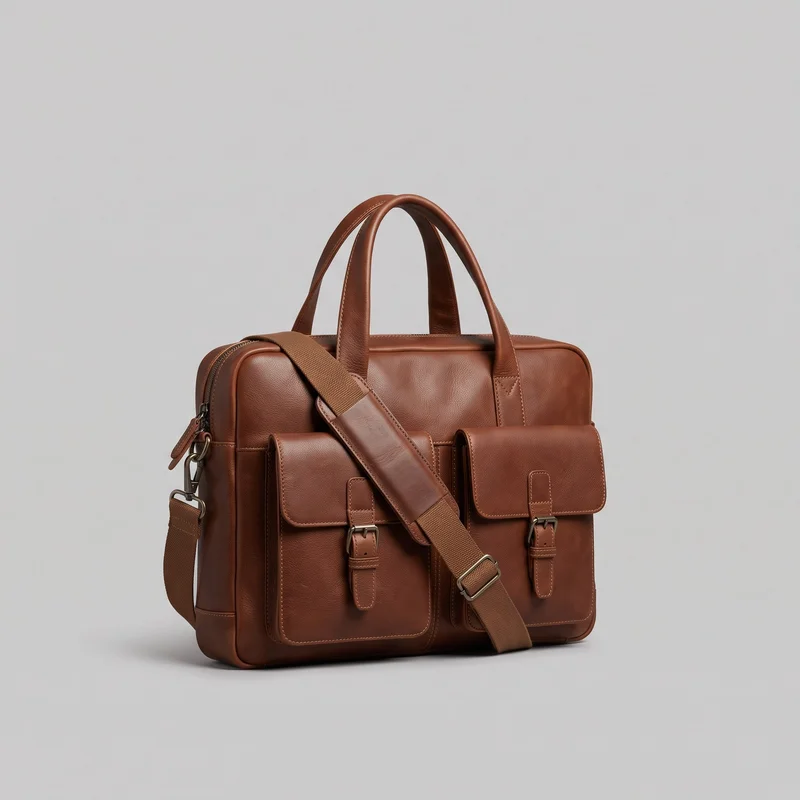 Brown Laptop Messenger Bag
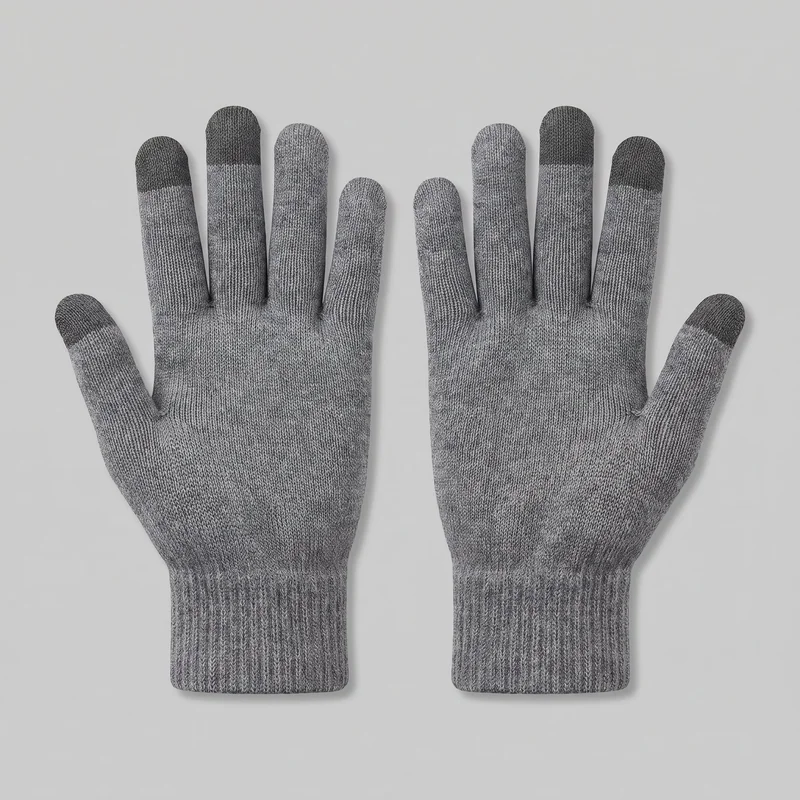 Men's Grey Touchscreen Gloves
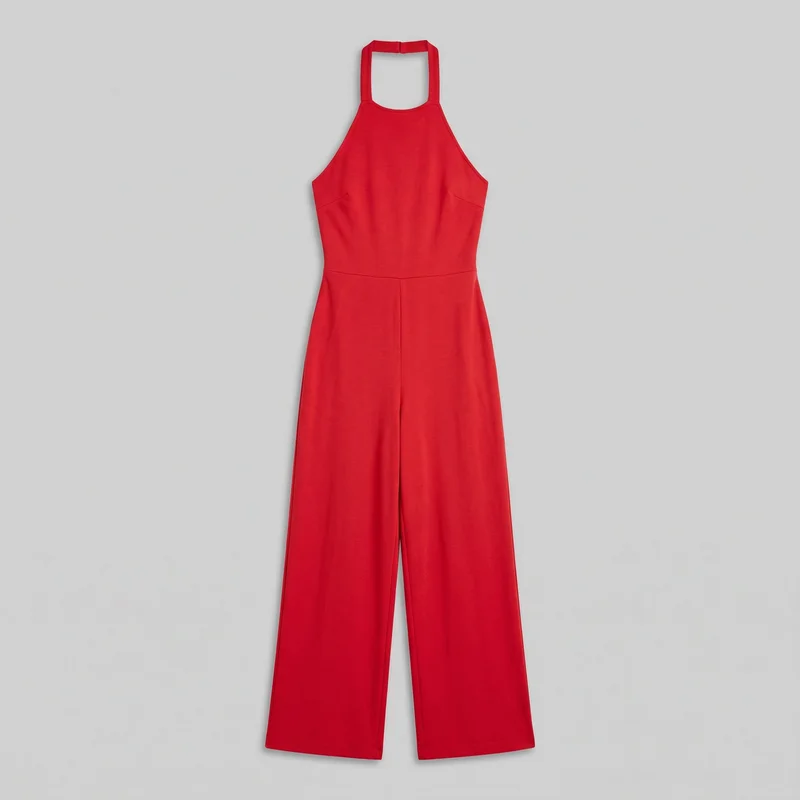 Red Halter Jumpsuit
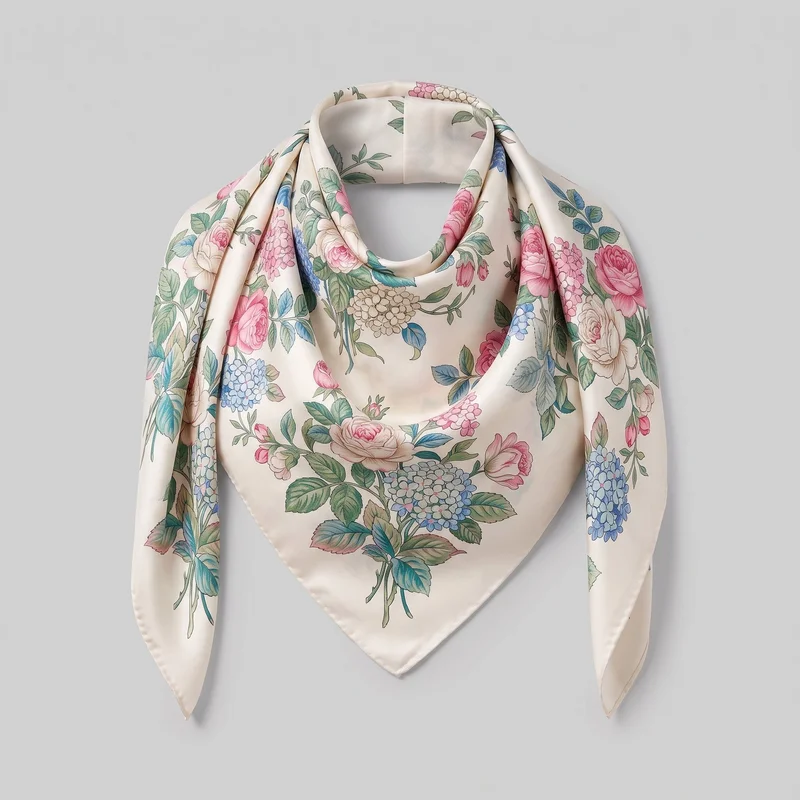 Women's Floral Print Silk Scarf
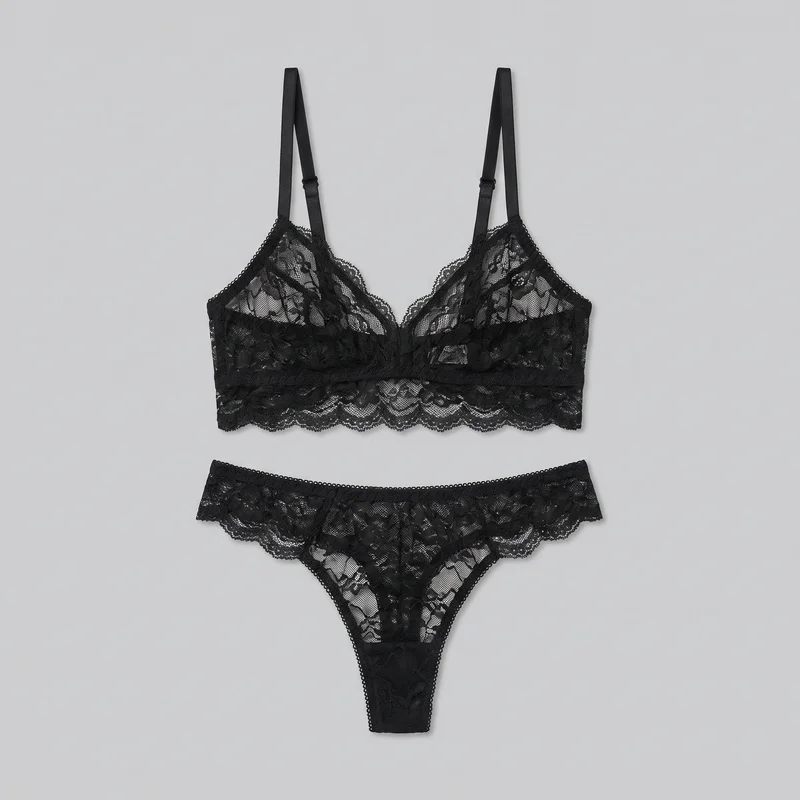 Black Lace Lingerie Set
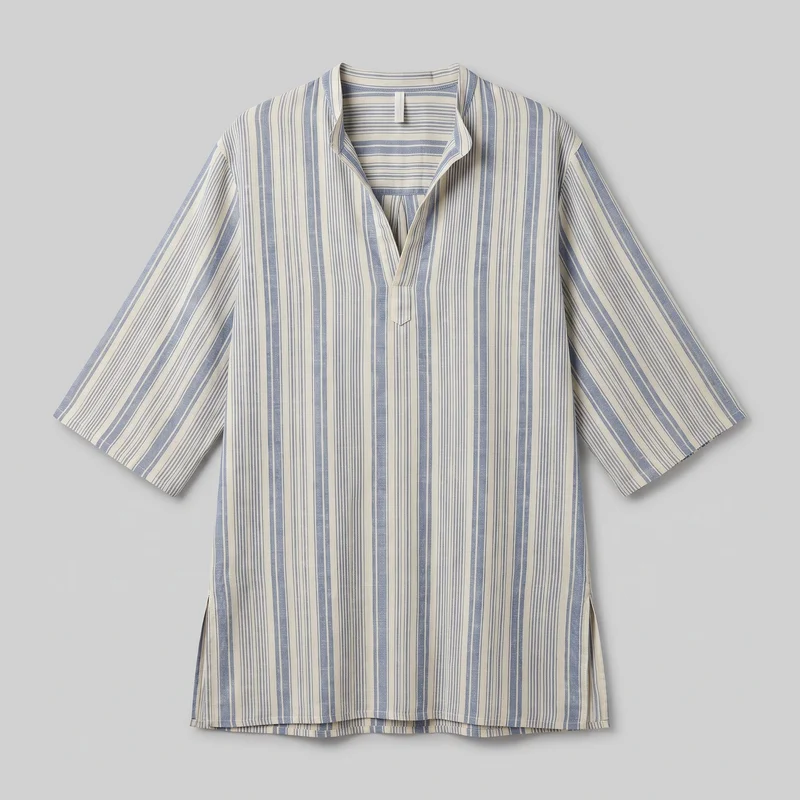 Men's Striped Beach Cover-Up
Showing 23 of 761
Consistency
Change products, keep model, light and composition
RAWSHOT creates a new on-model composition from the mannequin source photo. The selected model, photography direction, frame, and camera view can align across product coverage, so the range reads as one product-page set.
You change one
- Frame
- Pose
- Camera view
- Model
The rest holds
Model
The selected model can appear across the product-page set.
Light
The chosen photography direction keeps the lighting treatment aligned across stills.
Composition
Frame and camera view can remain aligned across products.
Who it's for
Does this fit your e-commerce product-page work?
A perfect fit
It fits you as an e-commerce manager when clear mannequin photos need on-model product-page stills with a shared model, light, and composition.
Work it handles well
- You can turn clear mannequin photos into on-model stills.
- You can direct product-page views for each piece.
- You can keep model, light, and composition aligned.
Rights
You own every image. Every image says what it is.
Yours
- Full commercial rights to every image, permanently.
- No recurring licence fees on any model in the library.
- Every model is a synthetic composite, so there is no real-person likeness.
Labelled
- C2PA content credentials on every image.
- AI-labelled output, aligned with EU AI Act Article 50.
Checked
- Every image is checked against your model, frame, view and pose before delivery; one that misses is made again.
- A safety filter screens every upload and blocks nude or explicit images.
EU-based hosting, GDPR-compliant handling.
- Aligned with EU AI Act Article 50
- C2PA
- Full commercial rights
- Quality-checked images
- Safety-filtered uploads
- GDPR-compliant handling
- EU-based hosting
Questions
What e-commerce managers ask before product pages?
What is a ghost mannequin shoot for clothing product pages?
A ghost mannequin shoot creates new on-model still photos from clear mannequin source photos for your clothing product pages. It gives each garment a person wearing it while preserving a considered, consistent treatment across the range. You choose the model, photography direction, frame and camera view, then direct front, back, side or detail coverage where the product needs it. Use clear mannequin photos of each piece and plan the views that shoppers need before you create the set.
Which retail jobs suit ghost mannequin photos on models?
Launch-range product pages, colourway refreshes, missing product views and late product changes suit these on-model stills. They work for e-commerce teams whose mannequin-shot clothing needs a shared model, light and composition across storefront listings. Use them when front, back or side views need to make construction, silhouette, closures or pattern placement easier to inspect. They are also useful when a detail frame is needed for texture, hardware or finishing. Start with the product pages that have incomplete visual coverage.
Which image ratios work for clothing product pages and stories?
Use 4:5 crops for product-page and feed images, and 9:16 frames for story placements. Build each on-model still around the destination frame so the garment, pose and camera view remain useful after cropping. A full-body frame can show silhouette and proportion, while a tighter detail frame can prioritise hardware, texture or construction. Choose the required ratio before generating, then check that the delivered set has the front, back, side and detail coverage your storefront needs.
How does RAWSHOT turn mannequin photos into on-model product images?
RAWSHOT creates a new on-model composition from your clear mannequin source photo. Select a model, photography direction, frame, camera view and pose, then generate the stills needed for each product page without changing your existing product-image workflow. Every generated image is automatically checked against the chosen model, frame, view and pose before it reaches your library; clear failures are discarded and regenerated. Import clean mannequin photos, set a shared direction for the range, and create the required product views.
How is RAWSHOT different from a studio shoot for mannequin-shot clothing?
RAWSHOT is different from a studio shoot because it builds directed on-model stills from clear mannequin photos rather than requiring the garment, model, photographer and set to be available together. It is also different from a flat-lay or smartphone image, which can show the item but not the garment worn in a consistent product-page treatment. You control model, light, frame, camera view and pose, and every image is checked against those choices before delivery. Use it to add coordinated on-model coverage to an existing mannequin-shot range.
How much does RAWSHOT cost for ghost mannequin product images?
RAWSHOT is self-serve, with monthly plans starting at $9 and a per-image cost of $0.56 on the Starter plan. Images use 5 tokens each, while the available plans include monthly token and image allowances for different catalogue volumes. A free trial lets you test whether your mannequin source photos produce the product-page coverage you need. Choose a plan that matches the number of front, back, side and detail stills you expect to make each month.
What are the limits of AI ghost mannequin photos?
AI ghost mannequin photos need clear source images and cannot provide measured fit, pixel-level mannequin retouching or a specific real person's likeness. They create a new on-model composition rather than making the mannequin disappear from the original photo, so source-photo quality sets the accuracy of the garment result. Automated review catches clear mistakes, such as the wrong model, frame, view, pose or visible compositing defects, but it is measured against hand-checked images and is not a guarantee. Use clear product photography and keep fit claims to your own garment specifications.
Who owns ghost mannequin images and can my brand use them commercially?
You get full commercial rights to every image, permanently, with no recurring licence fee. Every image carries C2PA content credentials and is labelled as AI-generated.
Get started
Create mannequin-source stills in RAWSHOT
Start with a 7-day free trial including 50 tokens, then move to the plan that matches your production volume.