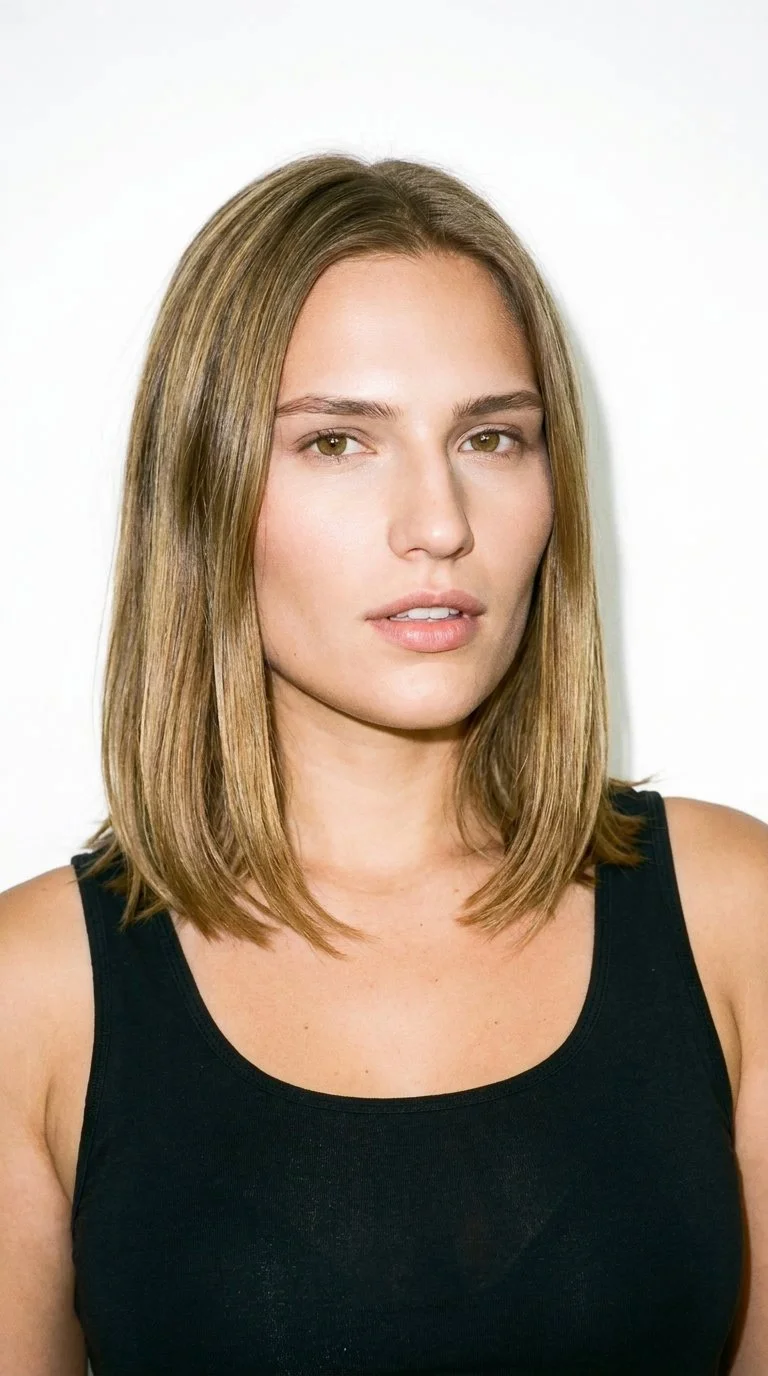
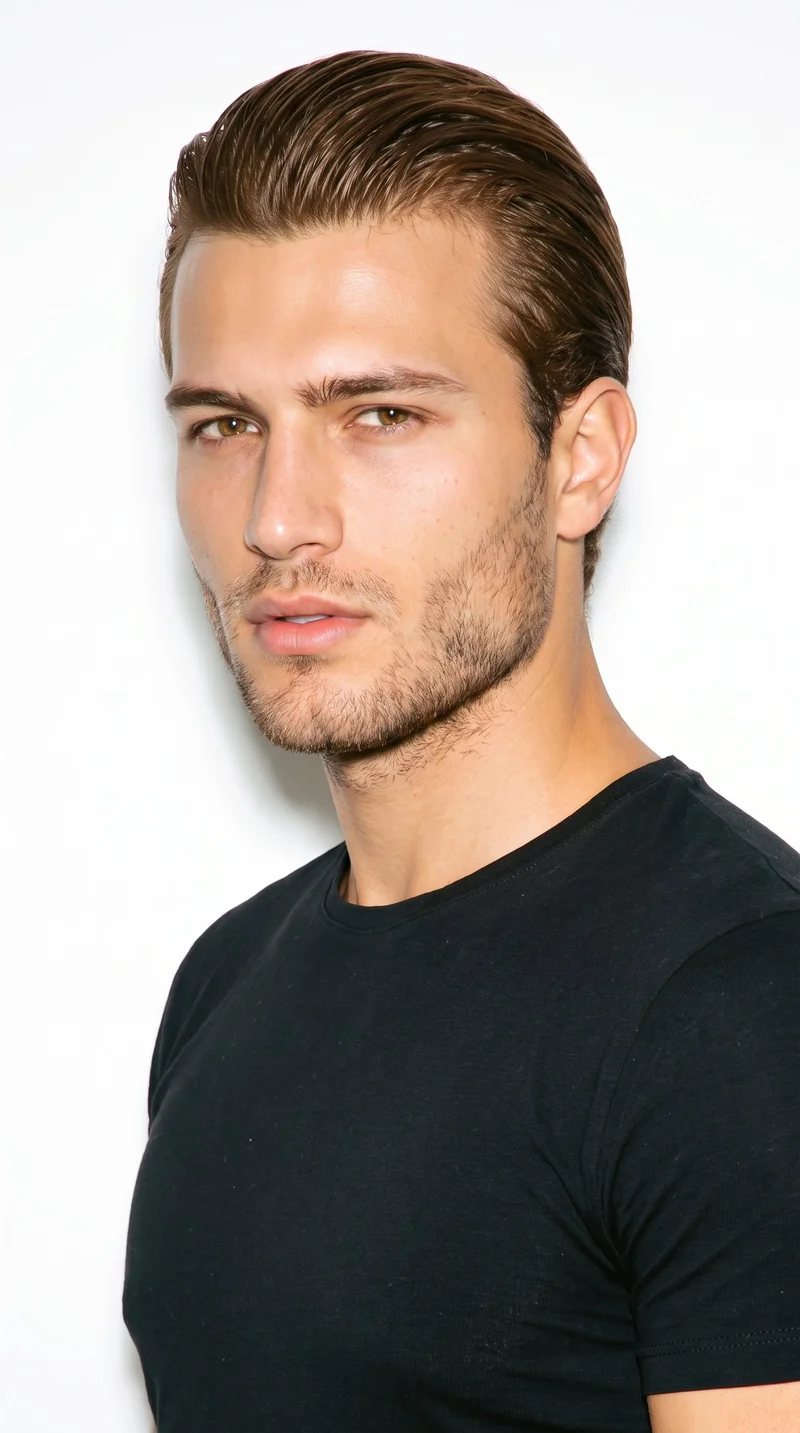
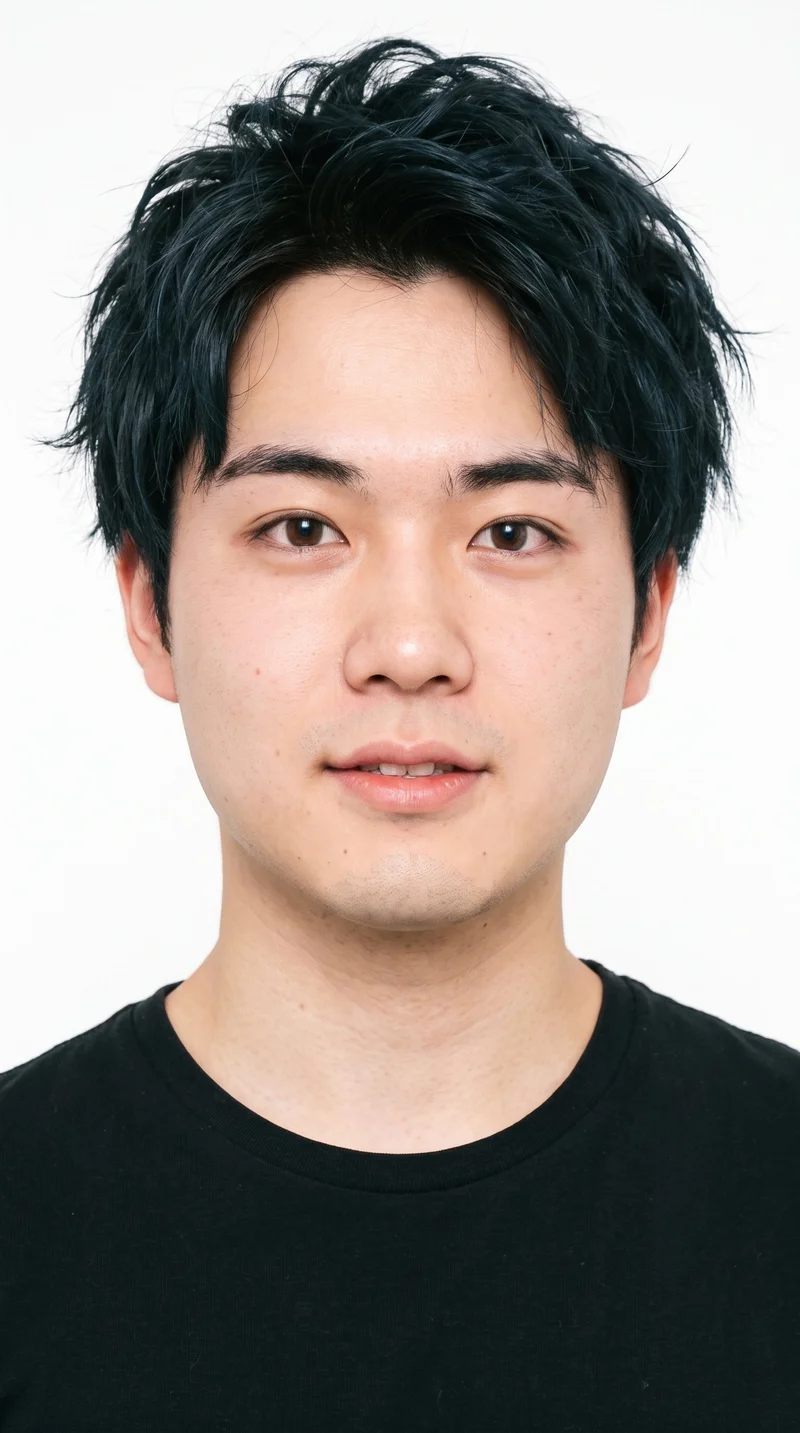
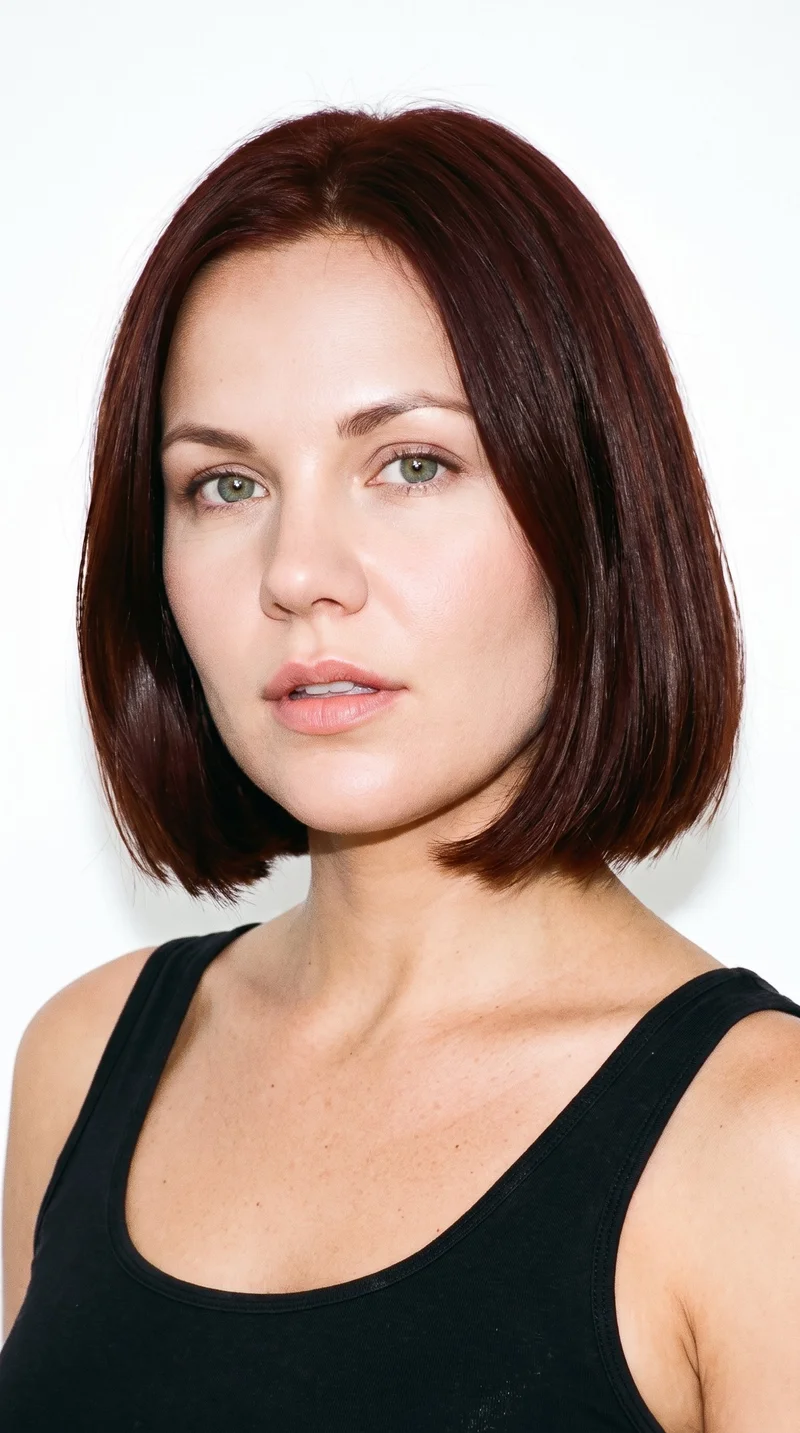
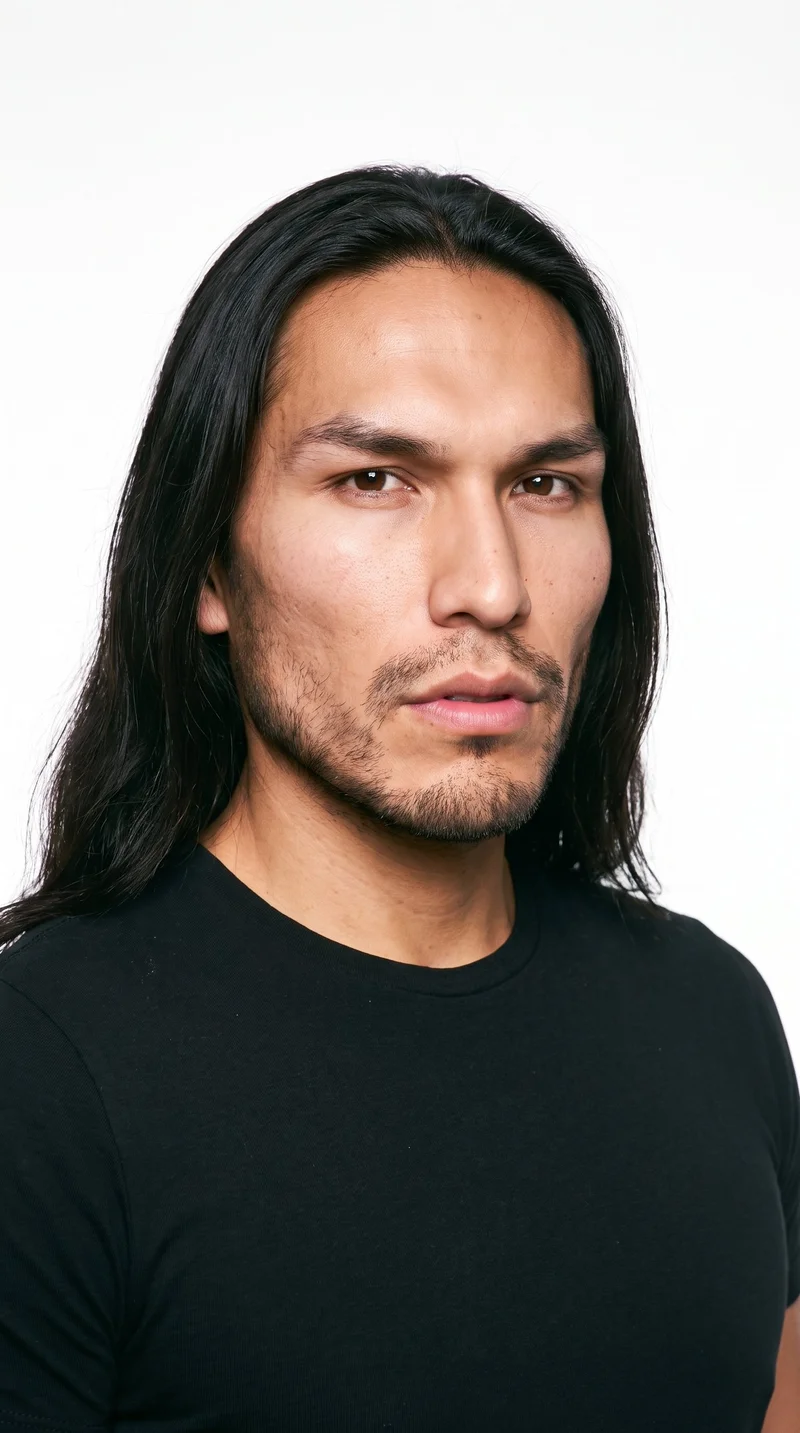
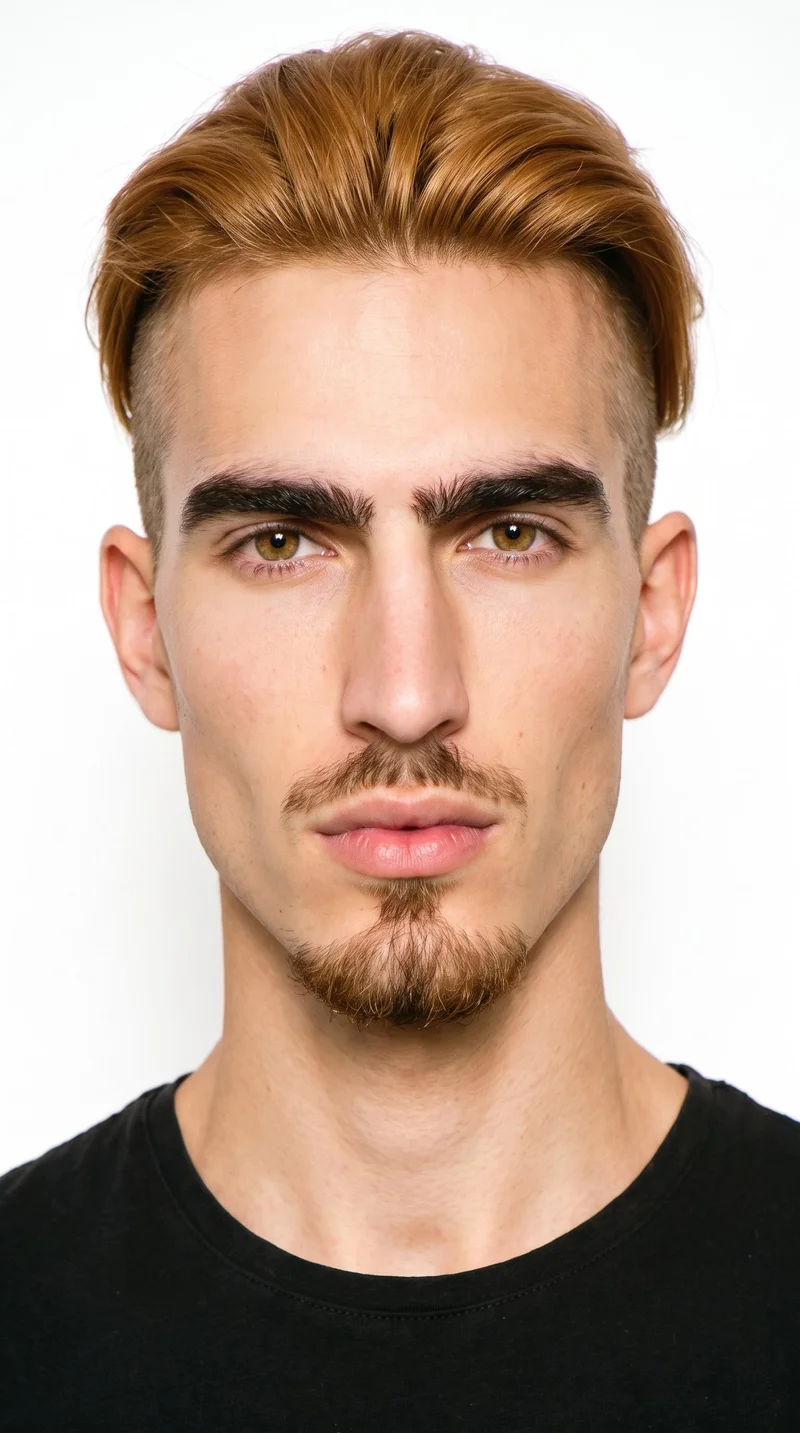
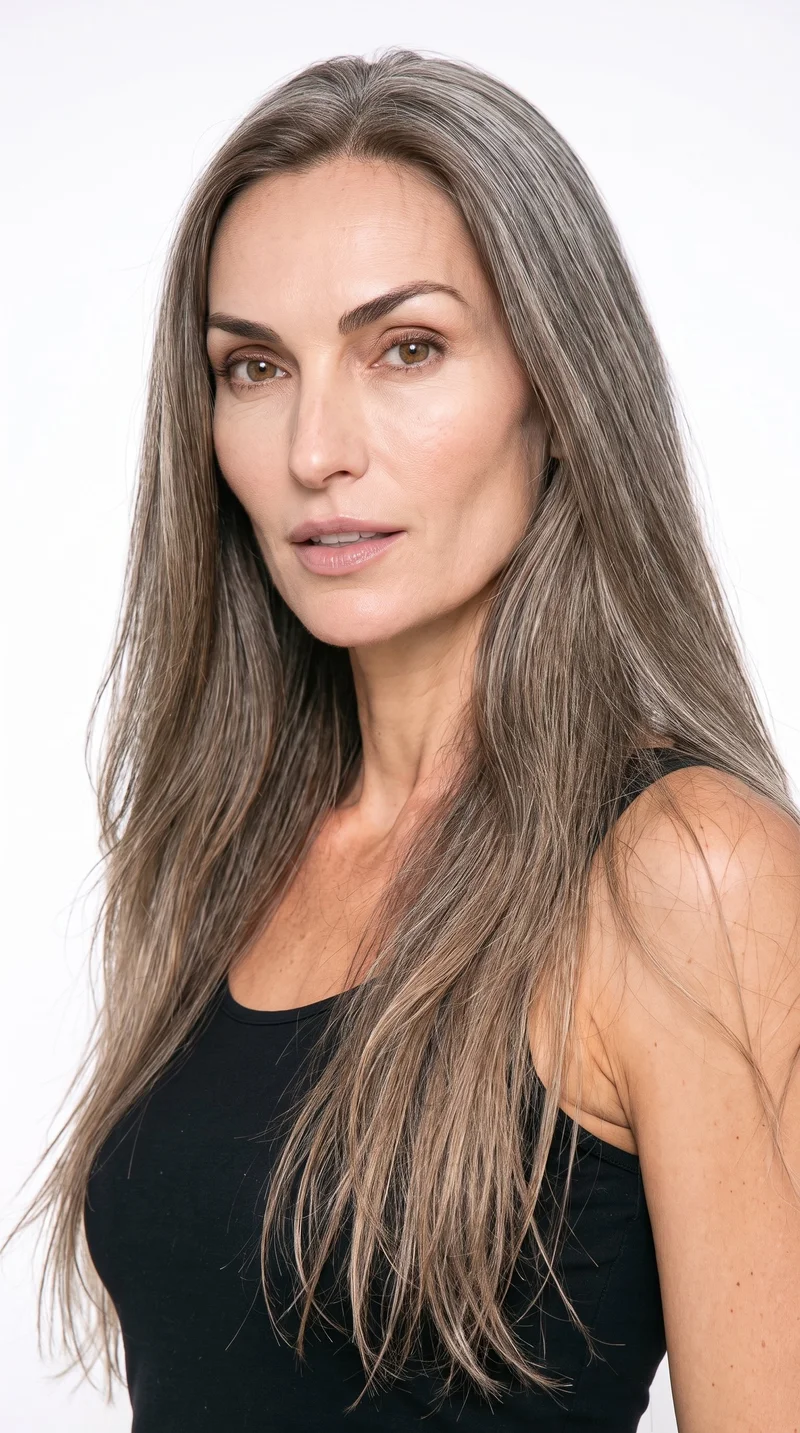
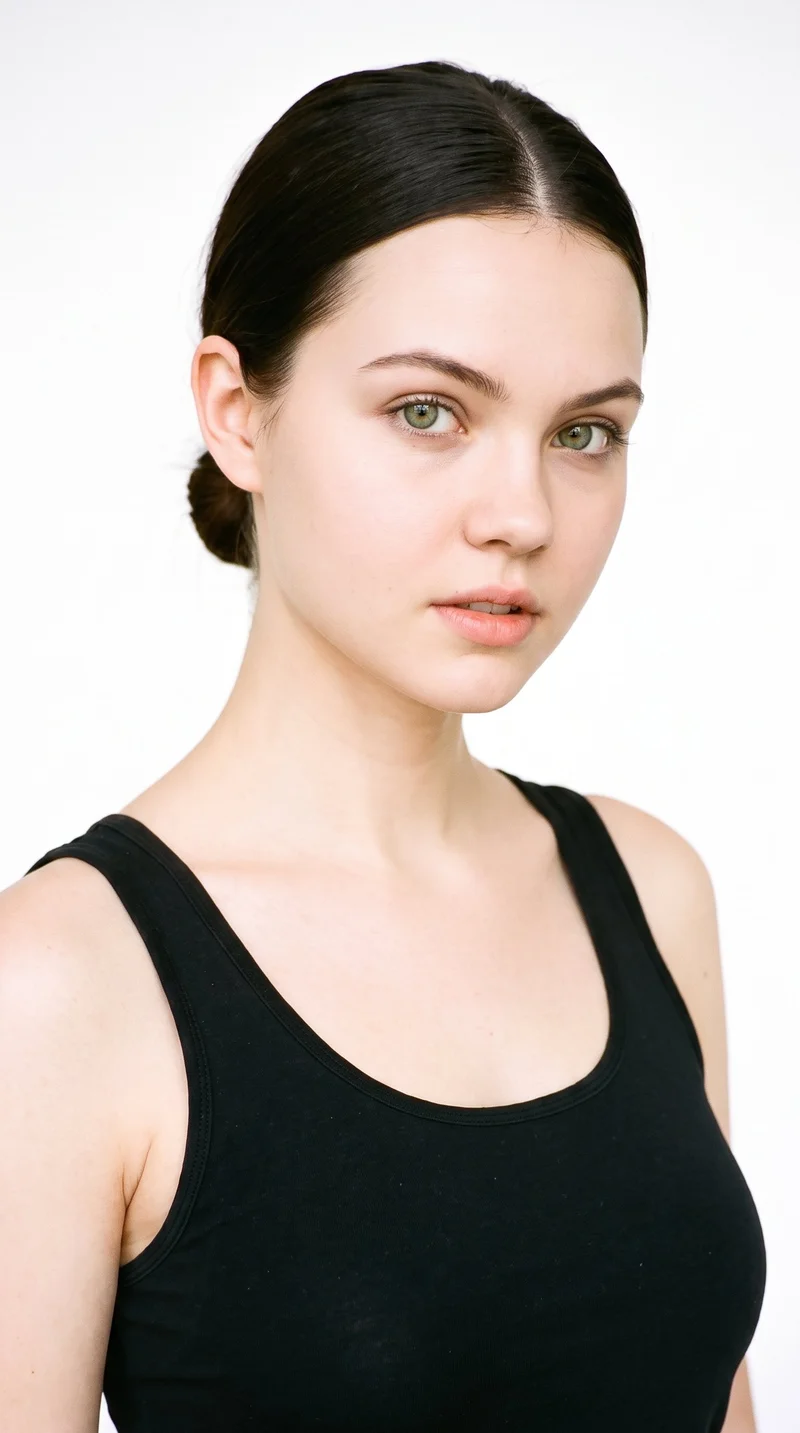
— 28 attributes · 10+ options each · Save once
AI Model Generator — with click-driven control over every attribute.
Build a reusable synthetic model that fits your brand, then keep that same face and body consistent across every look, season, and SKU. You direct skin tone, age range, body type, hair, expression, and more with buttons, sliders, and presets. The result is a synthetic composite designed for fashion workflows, transparently labelled and C2PA-signed.
- ~$0.99 per generation
- ~50–60s per generation
- 150+ styles
- 28 attributes × 10+ options each
- Save once, reuse across catalog
- EU-hosted
7-day free trial • 30 tokens (10 images) • Cancel anytime

How it works
Build Once, Reuse Across Every SKU
Start with the attributes that define your brand face, save the model, then keep it consistent from one hero look to ten thousand products.
- Step 01

Set the Entry Attributes
Choose the body attributes that matter to your brand first, then refine the details with clicks. Skin tone, age range, body type, hair, and expression are all controlled in the interface.
- Step 02

Save the Model to Your Library
Once the model looks right, save it as a reusable asset instead of rebuilding it for every shoot. The same identity stays available across lookbooks, PDPs, campaigns, and seasonal updates.
- Step 03

Reuse Across Every Garment
Apply the saved model to single shoots in the browser or large catalogs through the API. You keep visual consistency while directing clothing, framing, lighting, and style around the product.
Spec sheet
Proof for Reusable Model Workflows
These twelve points show how RAWSHOT keeps identity consistent, garments faithful, and operations clear from first click to catalog scale.
- 01
Attribute Depth by Design
Each model is built from 28 body attributes with 10+ options each, giving you precise control without relying on typed instructions. That composite structure also makes accidental real-person likeness statistically negligible by design.
- 02
Every Setting Is a Click
You direct the model builder through buttons, sliders, and presets in a real application. No empty text field, no syntax learning curve, and no translation gap between intent and output.
- 03
Built Around the Garment
The clothing stays the brief. RAWSHOT is engineered to represent cut, colour, pattern, logo, fabric, drape, and proportion faithfully instead of bending the product around guesswork.
- 04
Diverse Synthetic Models
Build from a wide range of body attributes for brands that need broader representation, not one narrow default. The result is transparently labelled synthetic output suited to modern fashion teams.
- 05
Consistency Across SKUs
Save a model once and reuse the same face and body across your whole catalog. That means fewer visual resets between products, seasons, and channel-specific shoots.
- 06
150+ Visual Styles
Once your model is saved, place it into catalog, lifestyle, editorial, campaign, studio, street, vintage, noir, and more. Identity stays stable while art direction changes around it.
- 07
Ready for Every Format
Generate outputs in 2K or 4K and in every aspect ratio your channels require. The same saved model can move from PDP crops to marketplace listings to campaign formats without rebuilding.
- 08
Labelled and Compliant
Outputs are AI-labelled, watermarked, and aligned with EU AI Act Article 50 and California SB 942 requirements. Compliance is part of the product surface, not hidden legal cleanup after the fact.
- 09
Signed Audit Trail
Every image carries C2PA-signed provenance metadata and a traceable audit record. Teams can review what was made, how it was labelled, and what should be published with confidence.
- 10
GUI and API, Same Engine
Build one model in the browser, then reuse it in REST API workflows at catalog scale. The indie label and the enterprise assortment team work on the same product, not separate editions.
- 11
Fast, Predictable Setup
A model generation is about $0.99 and usually takes around 50–60 seconds. Tokens never expire, failed generations refund tokens, and the economics stay clear while you iterate.
- 12
Rights Stay Clear
Every output includes full commercial rights, permanent and worldwide. That gives teams a clean path from internal review to published commerce imagery without rights ambiguity.
Outputs
One Model, Many Brand Directions
The saved identity stays consistent while the styling, framing, and lighting change around it. That is the point of a model library built for fashion operations, not one-off experiments.


Browse all 600+ models →
Comparison
RAWSHOT vs category tools vs DIY prompting
Three lenses on every dimension — what you optimize for in RAWSHOT versus typical category tools and blank-box AI workflows.
01
Interface
RAWSHOT
Click-driven model builder with sliders, presets, and reusable saved identitiesCategory tools + DIY
Template-led controls with narrower editing and less workflow depth. DIY prompting: Typed instructions in a chat box with uneven repeatability between runs02
Garment fidelity
RAWSHOT
Engineered around real garments, preserving cut, colour, logos, and drapeCategory tools + DIY
Often prioritises mood and styling over exact product representation. DIY prompting: Garments drift, logos get invented, and proportions change across outputs03
Model consistency across SKUs
RAWSHOT
Save one synthetic model and reuse it across the entire catalogCategory tools + DIY
Consistency exists, but often with limited identity control or gated workflows. DIY prompting: Faces and body details shift from image to image, forcing retakes04
Provenance + labelling
RAWSHOT
C2PA-signed, visibly watermarked, cryptographically watermarked, and AI-labelledCategory tools + DIY
Labelling varies by vendor and provenance is not always embedded. DIY prompting: Usually no signed provenance metadata and no standard labelling trail05
Commercial rights
RAWSHOT
Permanent worldwide commercial rights included with every outputCategory tools + DIY
Rights terms can vary by plan, seat, or workflow layer. DIY prompting: Rights clarity depends on model terms and is often hard to audit06
Pricing transparency
RAWSHOT
Per-model pricing, tokens never expire, refunds on failed generationsCategory tools + DIY
Seats, tiers, or volume gates often shape access and spend. DIY prompting: Low entry price hides high iteration waste and manual rework time07
Catalog API
RAWSHOT
Same engine in browser GUI and REST API for large SKU pipelinesCategory tools + DIY
API access is often reserved for higher plans or custom deals. DIY prompting: No reliable commerce pipeline, just manual prompting and file wrangling08
Operational overhead
RAWSHOT
Direct attributes once, save, reuse, and keep the workflow auditableCategory tools + DIY
More setup across tools and less explicit auditability per image. DIY prompting: Teams spend time rewriting instructions and checking avoidable output failures
Use cases
Who Builds Reusable Brand Faces
Operator archetypes and how click-directed, garment-first output fits the way they actually work.
- 01
Indie Designer Launching a First Drop
Build a Copper-skin model once, then use it across your debut collection so the brand looks intentional before you ever book a studio.
Confidence · high
- 02
DTC Womenswear Team Refreshing PDPs
Keep one consistent model identity across new colourways and restocks instead of reshooting every product when the assortment changes.
Confidence · high
- 03
Marketplace Seller Managing Fast Turnover
Save a reusable model for rapid listing updates when inventory rotates too quickly for traditional photography to keep up.
Confidence · high
- 04
Adaptive Fashion Brand Needing Steady Representation
Create inclusive on-model imagery around a consistent identity and use it across categories without rebuilding the person every time.
Confidence · high
- 05
Lingerie Label Protecting Fit Context
Reuse the same model across sets and silhouettes so shoppers compare products on a stable body reference, not a different shoot each week.
Confidence · high
- 06
Kidswear Founder Building Investor Decks
Use a saved adult brand model for adjacent lifestyle and merchandise storytelling while product concepts are still moving toward production.
Confidence · high
- 07
Resale Operator Standardising Mixed Inventory
Present varied garments on one repeatable model identity to bring order and consistency to a catalog assembled from many sources.
Confidence · high
- 08
Factory-Direct Manufacturer Testing New Lines
Build a model library for different buyer personas, then apply each saved identity across sample garments before wholesale outreach.
Confidence · high
- 09
Crowdfunded Fashion Project Pre-Launching Looks
Show a full branded cast direction early by saving models once and using them across campaign pages, product teasers, and updates.
Confidence · high
- 10
Editorial Commerce Team Creating Seasonal Stories
Hold the same model identity while changing visual style, framing, and environment for spring, resort, or holiday storylines.
Confidence · high
- 11
Catalog Manager Running API Pipelines
Pass saved model selections through the REST API so thousands of SKUs stay visually aligned without manual rebuilds.
Confidence · high
- 12
Student Label Building a Professional Portfolio
Create consistent on-model work with a reusable synthetic cast, even when studio access, samples, and production budgets are out of reach.
Confidence · high
— Principle
Honest is better than perfect.
A model builder only works for real commerce teams if identity, provenance, and labelling stay explicit. RAWSHOT signs outputs with C2PA metadata, applies visible and cryptographic watermarking, and labels synthetic output clearly so your saved model library is usable in public, not just in a hidden test folder.
Pricing
~$0.99 per model generation.
~50–60 seconds per generation. Save the model once, reuse it across your entire catalog.
- 01Tokens never expire. Cancel in one click.
- 02Same face, same body, every SKU — no drift between shoots.
- 03No per-seat gates. No 'contact sales' walls for core features.
- 04Failed generations refund their tokens.
FAQ
Practical answers on control, rights, pricing, scale, and compliant publishing.
Do I need to write prompts to use RAWSHOT?
Never—you direct every output with sliders, presets, and clicks on the garment, not typed prompts. That UI control is consistent across GUI and REST API payloads, which is why ecommerce teams onboard buyers without rewriting creative briefs as chat threads. Instead of learning syntax, you select body attributes, camera choices, lighting, framing, visual style, and product focus inside a structured application designed for fashion work.
For catalog teams, reliability matters more than model cleverness; RAWSHOT keeps tokens, timings, refund rules, commercial rights framing, provenance signalling, watermarking cues, REST surface, and SKU-scale batch patterns explicit so operations can rehearse PDP launches without hallucinated garment inventions. The practical takeaway is simple: your team can standardise decisions in an interface, save repeatable settings, and publish with fewer surprises because every important choice is visible, not hidden in text.
What does an ai model generator actually change for fashion catalog teams?
It changes who gets access to consistent on-model imagery. Instead of booking talent repeatedly or stitching together inconsistent outputs from generic tools, a fashion team can build a reusable synthetic model once and carry that identity across many garments, channels, and release cycles. That matters for PDPs, seasonal drops, investor decks, and marketplace listings where visual continuity shapes trust and conversion readiness.
In RAWSHOT, that means 28 body attributes with 10+ options each, saved into a model library you can reuse in the browser or through the REST API. The benefit is not abstract speed alone; it is operational stability. Buyers, marketers, and catalog managers can keep the same face and body while changing clothing, framing, style presets, and output format. That gives smaller brands access to photography structure they were previously priced out of, while larger teams gain a repeatable model workflow without hiding core features behind seat gates.
Why skip reshooting every SKU when the season, styling, or channel changes?
Because the expensive part is often rebuilding consistency, not just capturing another frame. When a season changes, most teams do not want a new human identity for every update; they want the same recognizable presentation adapted to new styling, backgrounds, crops, and assortment priorities. Reusing a saved model lets you keep continuity while changing the creative treatment around the product.
RAWSHOT supports that by separating identity from art direction. You save the model once, then change visual style across 150+ presets, adjust framing from close-up to full-body, switch lighting systems, and output in 2K or 4K for different channels. That turns seasonal refreshes into a controlled production workflow instead of another expensive reset. The practical move for commerce teams is to lock the model identity first, then update garments and creative surfaces as the assortment evolves.
How do we turn flat garments into catalogue-ready imagery without prompting?
You start with the product and the model as two explicit parts of the workflow. First, build or select the saved model identity your brand wants to use. Then place the real garment on that model inside RAWSHOT, where you control framing, pose, camera distance, angle, lighting, background, and visual style through interface controls rather than free text.
That matters because apparel teams need dependable handling of cut, colour, pattern, logo, fabric, drape, and proportion, not a loosely interpreted fashion scene. RAWSHOT is engineered around the garment so the product stays central while the on-model presentation remains reusable and consistent. In practice, teams should treat the saved model like a cast asset and the garment like the live brief. That workflow is easier to review internally, easier to repeat across categories, and easier to scale into catalog production without retraining staff on chat-based tools.
Why does garment-led control beat ChatGPT, Midjourney, or generic image models for fashion PDPs?
Because fashion PDPs fail when the garment drifts. Generic image systems often make the user carry too much of the production burden in typed instructions, then return outputs with invented logos, altered proportions, unstable faces, or styling choices that compete with the product. That may be tolerable for concept mood boards, but it breaks quickly when a commerce team needs repeatable product presentation.
RAWSHOT is built as a fashion application, not a general text interface. You direct the output with structured controls, save model identities for reuse, and publish images that include C2PA-signed provenance, watermarking, and clear AI labelling. The difference is practical rather than philosophical: buyers and marketers get a workflow they can audit, standardise, and hand across teams. When the goal is a trustworthy PDP, garment-led controls beat instruction roulette because they reduce ambiguity at the source.
Can we use these labelled synthetic model outputs in paid commerce and marketing?
Yes. RAWSHOT includes full commercial rights to every output, permanent and worldwide, which is what commerce and marketing teams need when assets move from internal review to live PDPs, ads, email, marketplaces, and campaign pages. Rights clarity matters because unclear usage terms create friction long after the image looks finished.
RAWSHOT also treats trust as part of the deliverable, not a legal footnote. Outputs are AI-labelled, carry visible and cryptographic watermarking, and include C2PA-signed provenance metadata so teams can show what the image is and keep an audit trail per image. That combination matters for modern brand operations because it supports internal governance as well as external publication. The best practice is to treat these outputs as commercial assets with explicit provenance, then build your review and publishing workflow around that honesty rather than trying to hide the method.
What should our team check before publishing on-model images from RAWSHOT?
Check the same things a disciplined commerce team would review in any product image workflow: garment fidelity, identity consistency, framing, crop suitability for the channel, and whether labels and provenance are present as expected. The garment should match the real item in cut, colour, pattern, logo placement, and overall proportion. The saved model should remain the intended face and body across the set, especially if you are publishing a coordinated group of SKUs.
With RAWSHOT, you should also verify the operational trust layer. Confirm that the output carries the expected AI labelling, watermarking cues, and C2PA provenance record, then approve the file into your normal publishing path. Because the application keeps decisions explicit, these checks are easier to formalise into team QA. The right operational habit is to review model consistency and product fidelity together, then publish only when both the image and its provenance are aligned.
How much does the model workflow cost, and what happens if a generation fails?
A model generation is about $0.99 and usually completes in around 50–60 seconds. That pricing is useful because it gives buyers, founders, and catalog managers a clear unit cost for building reusable identities before they start producing large runs of imagery. Tokens never expire, so you do not need to force production into an arbitrary monthly deadline just to avoid waste.
If a generation fails, the tokens are refunded. RAWSHOT also keeps cancellation simple with one-click cancel available on the pricing page, and there are no per-seat gates or contact-sales walls around core features. For fashion teams, that means the model-building stage is predictable to budget and easy to test before scaling. The best way to use the pricing is to build your core cast first, save those models to the library, and then reuse them broadly so each model setup carries value across many garments.
Can we plug saved models into Shopify-scale pipelines through the API?
Yes. RAWSHOT supports a browser GUI for single-shoot work and a REST API for catalog-scale production, which lets teams move from manual setup to structured pipelines without changing products or retraining around a different engine. That matters for brands managing large assortments because the same model identity needs to stay stable whether one buyer is testing a look or an operations team is processing thousands of SKUs.
In practice, teams can build and save model identities, then reference those selections in API-driven workflows alongside garment assets and output settings. That keeps the same face, body, and brand presentation available across ecommerce updates, marketplace feeds, and internal content operations. The operational advantage is consistency with fewer handoffs: creative teams define the reusable cast once, then technical teams scale it through the API with an audit-friendly workflow.
How do teams scale from one browser-based shoot to a 10,000-SKU run without losing consistency?
They use the same engine and the same saved model logic at both ends of the workflow. A founder or stylist can start in the browser by selecting attributes, saving a model, and proving the visual direction on a small set of garments. Once that identity and style logic are approved, the catalog team can extend the exact same structure into large-volume production through the API.
RAWSHOT is built for that continuity. The per-model economics stay the same, core features are not split into a separate enterprise edition, and outputs remain labelled and provenance-signed whether you are making one asset or many thousands. That matters because scale failures usually come from switching tools, not simply increasing volume. The practical approach is to approve the reusable model and settings in the GUI, then operationalise them in batch so identity, rights clarity, and auditability hold steady as volume grows.