
HUHU alternative
HUHU and RAWSHOT take different approaches to fashion imagery
Compare documented garment try-on, model references, garment controls, multi-garment outfits, video, and provenance for fashion imagery.
Published: Updated:
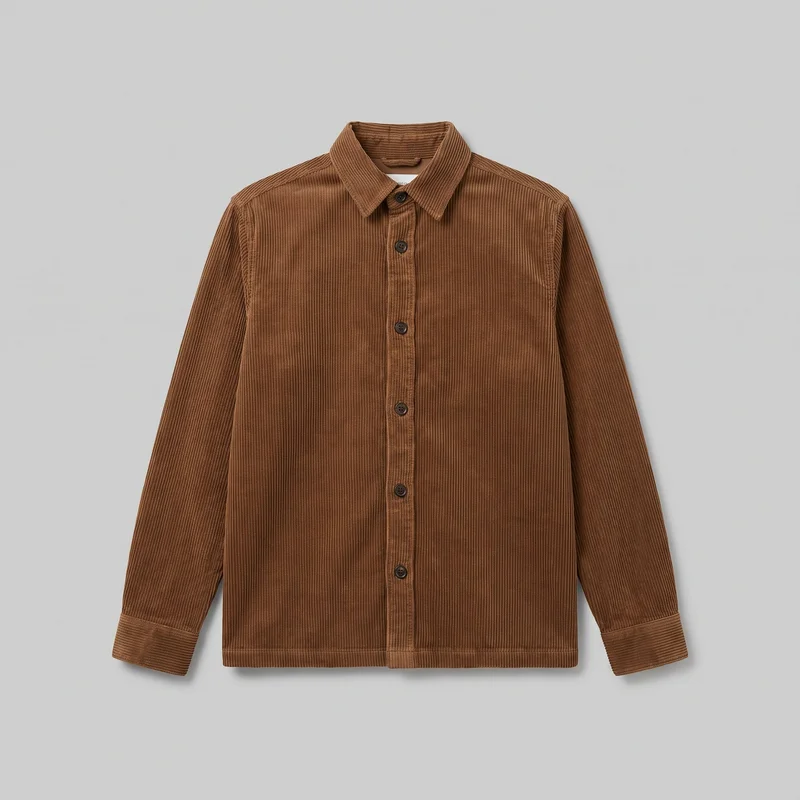
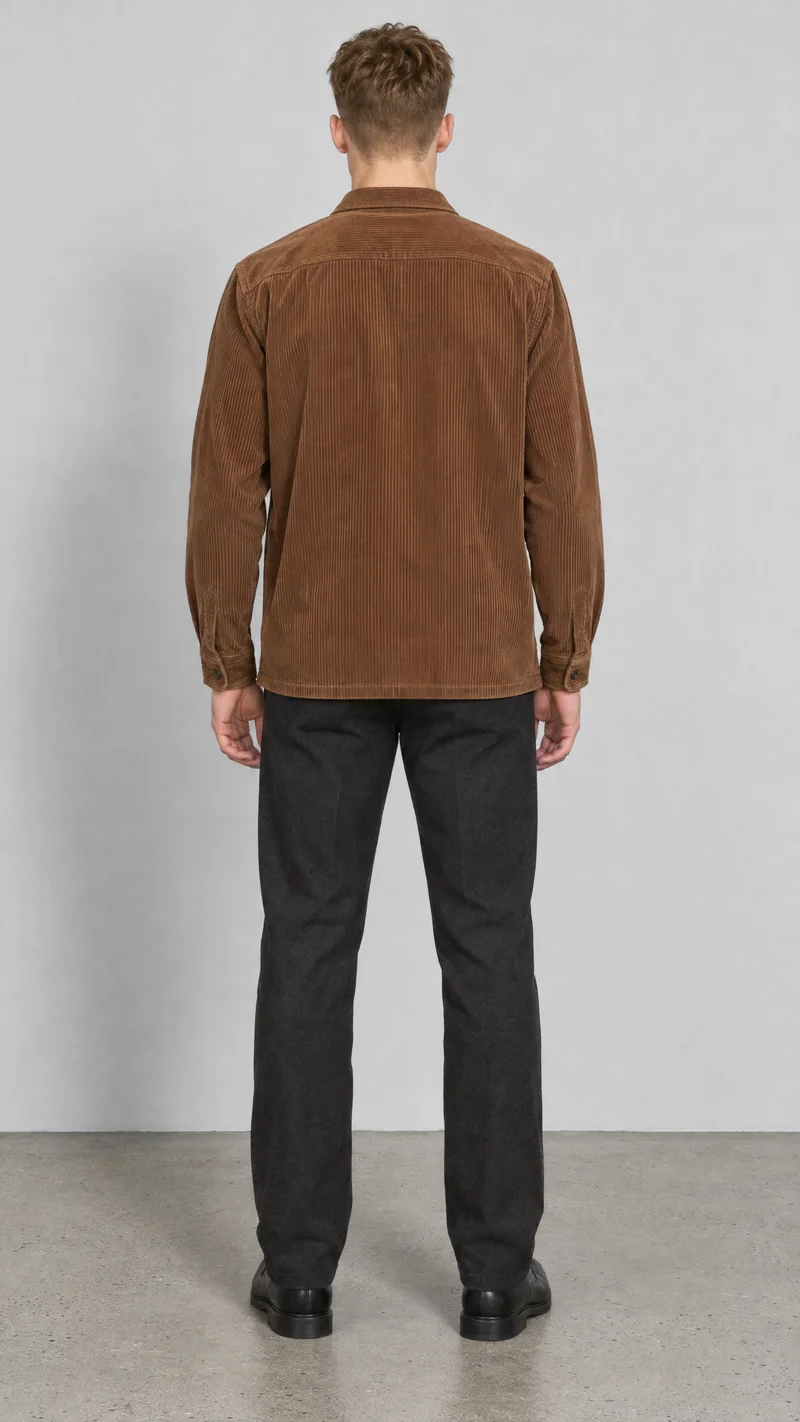
The short answer
Both begin with a clothing-item photo. HUHU also accepts an uploaded model reference that may resemble a real-life individual; RAWSHOT uses synthetic composites only. RAWSHOT compositions hold when you change one element, and every output carries C2PA content credentials.
- HUHU is built for
- Garment try-on when you want to use a model reference or combine garments.
- RAWSHOT is built for
- Fashion shoots where you want to configure the composition and document each image’s provenance.
HUHU facts checked on huhu.ai, 24 September 2026 · RAWSHOT facts from the app
Decide in three questions
Answer the three questions to see which workflow fits better.
Strengths
Documented HUHU capabilities
Use a model reference
HUHU documents garment-photo try-on and a model-generation feature that accepts an uploaded reference photo. Its page says references may resemble real-life individuals; its terms require permission for third-party content and personal information.
SourceAdjust garment presentation
HUHU documents overall-fit controls and selected top and bottom adjustments, including sleeve length, cuff width, and whether a top is tucked in.
SourceCombine garments in one try-on
HUHU documents combining up to four garments in one try-on, explicitly naming tops, bottoms, and outerwear.
SourceDifferences
A configurable shoot in RAWSHOT
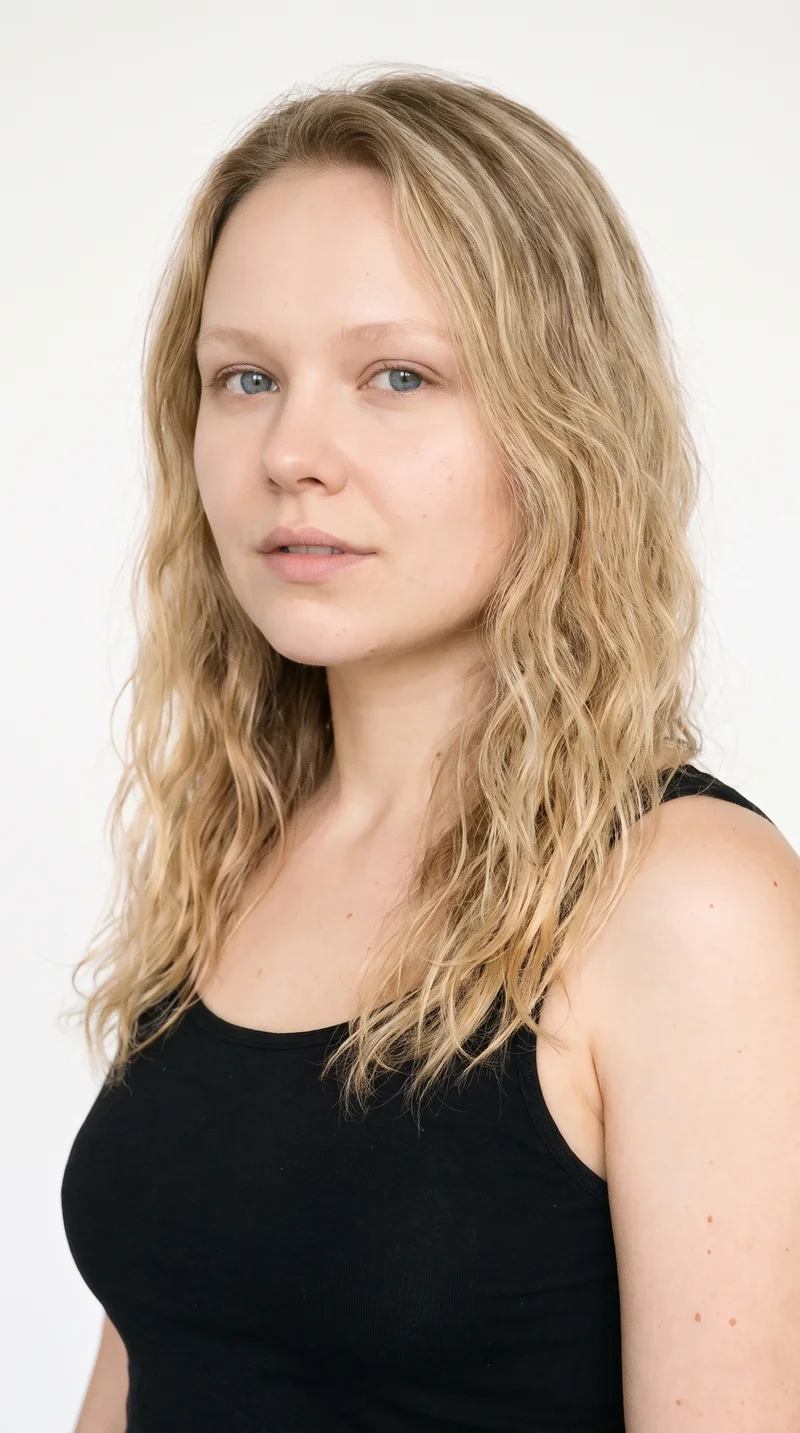
Choose a synthetic model
Select from 1,000+ models or build a private model. All models are synthetic composites; no real-person likeness is referenced.
See the feature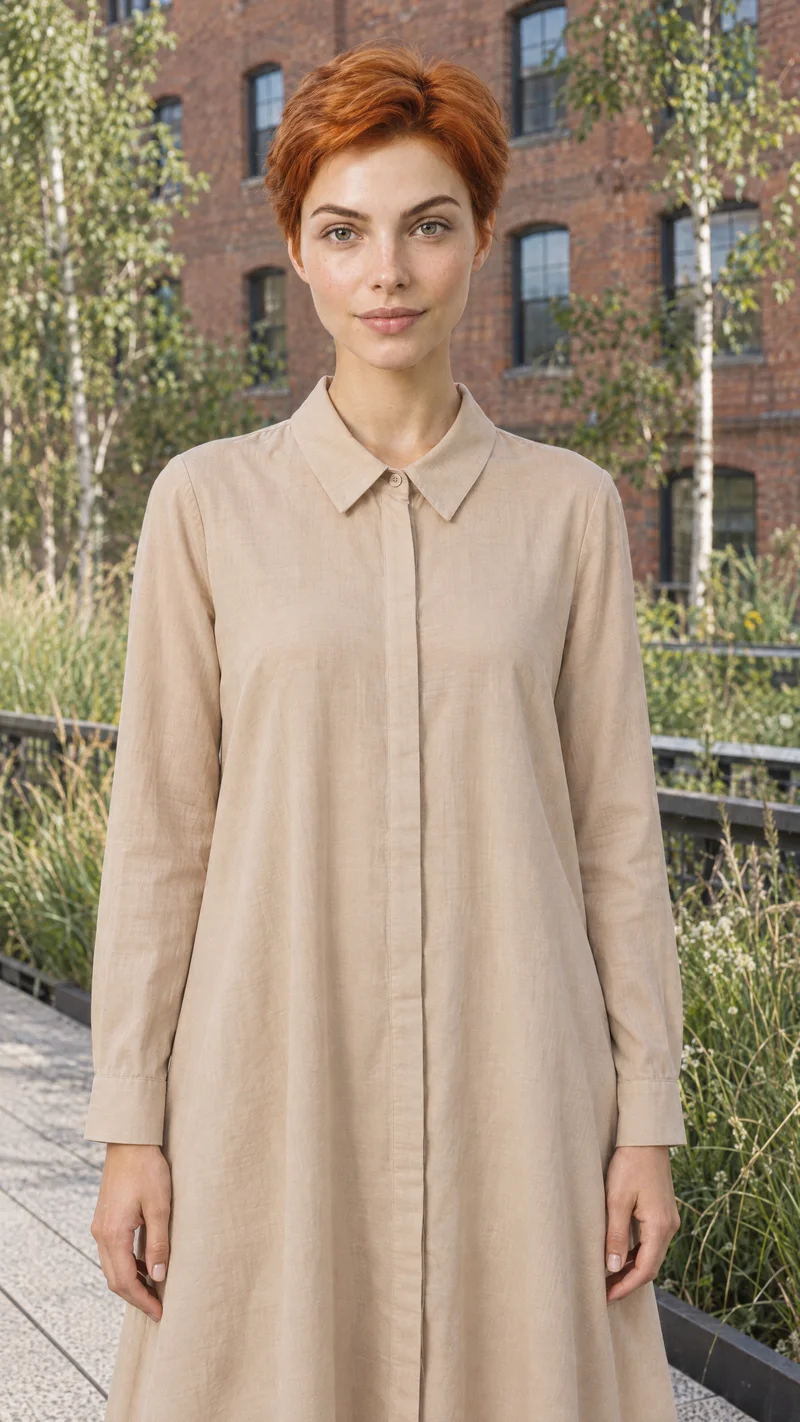
Set garment styling
Choose manual styling for details such as buttons, zips, and sleeves, or use automatic styling in the configured shoot.
See the feature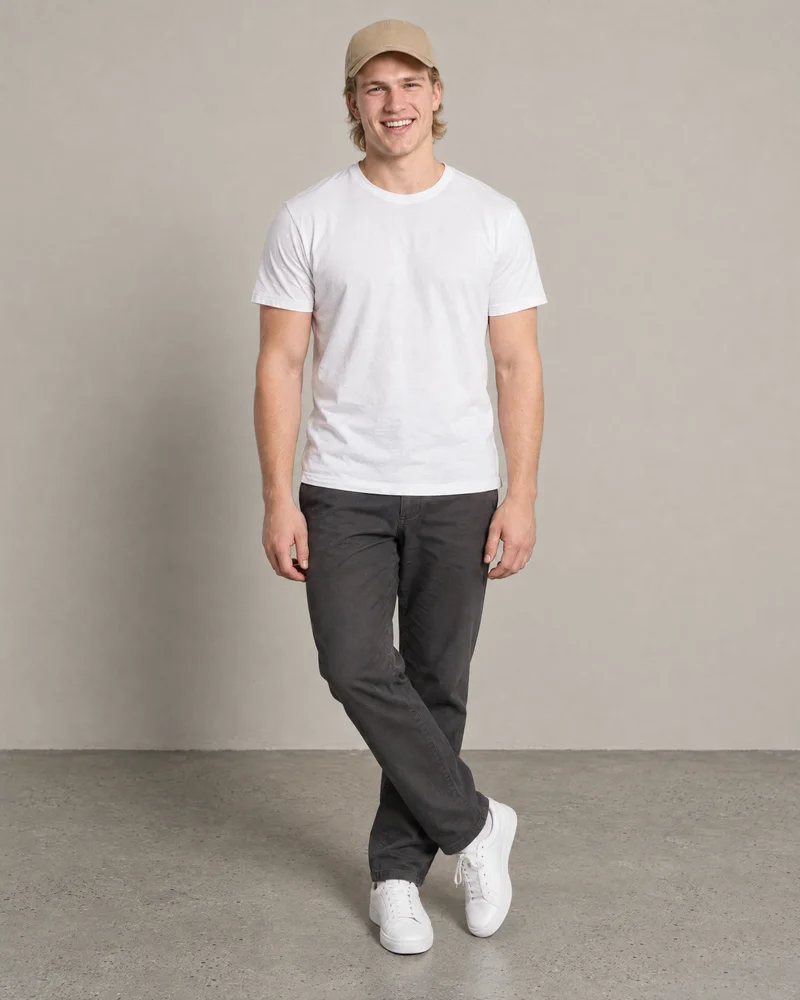
Review suggested settings
AI pre-selects composition settings you can change before generation; the choices remain visible and editable.
See the featureFrom the catalog
More finished shoots
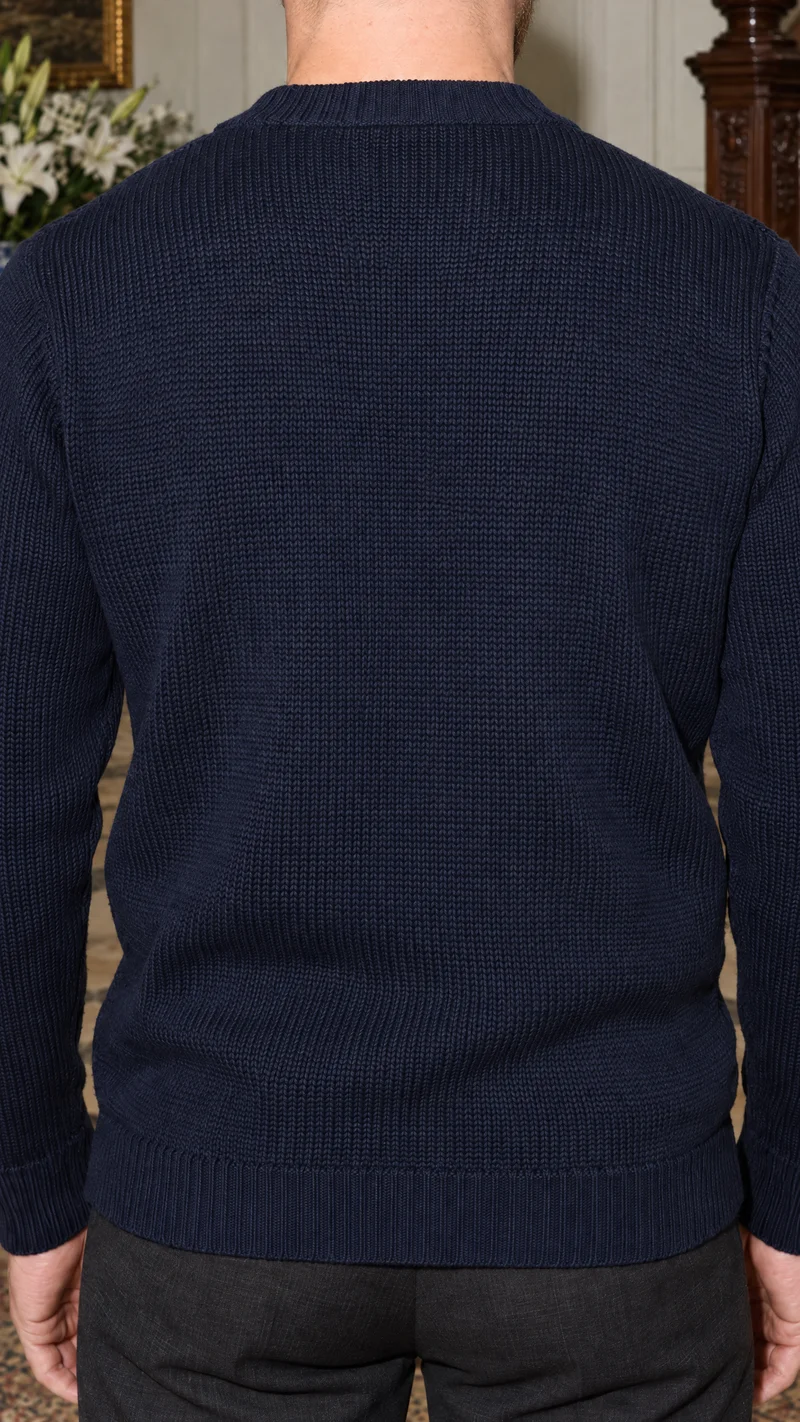
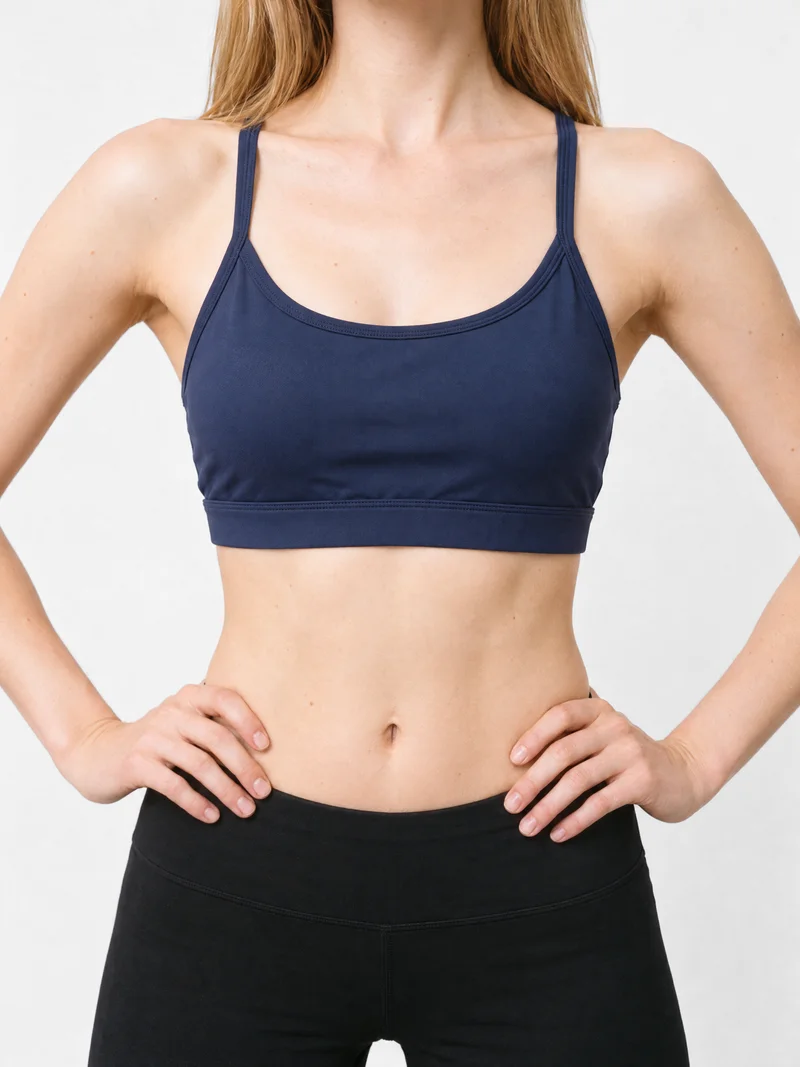
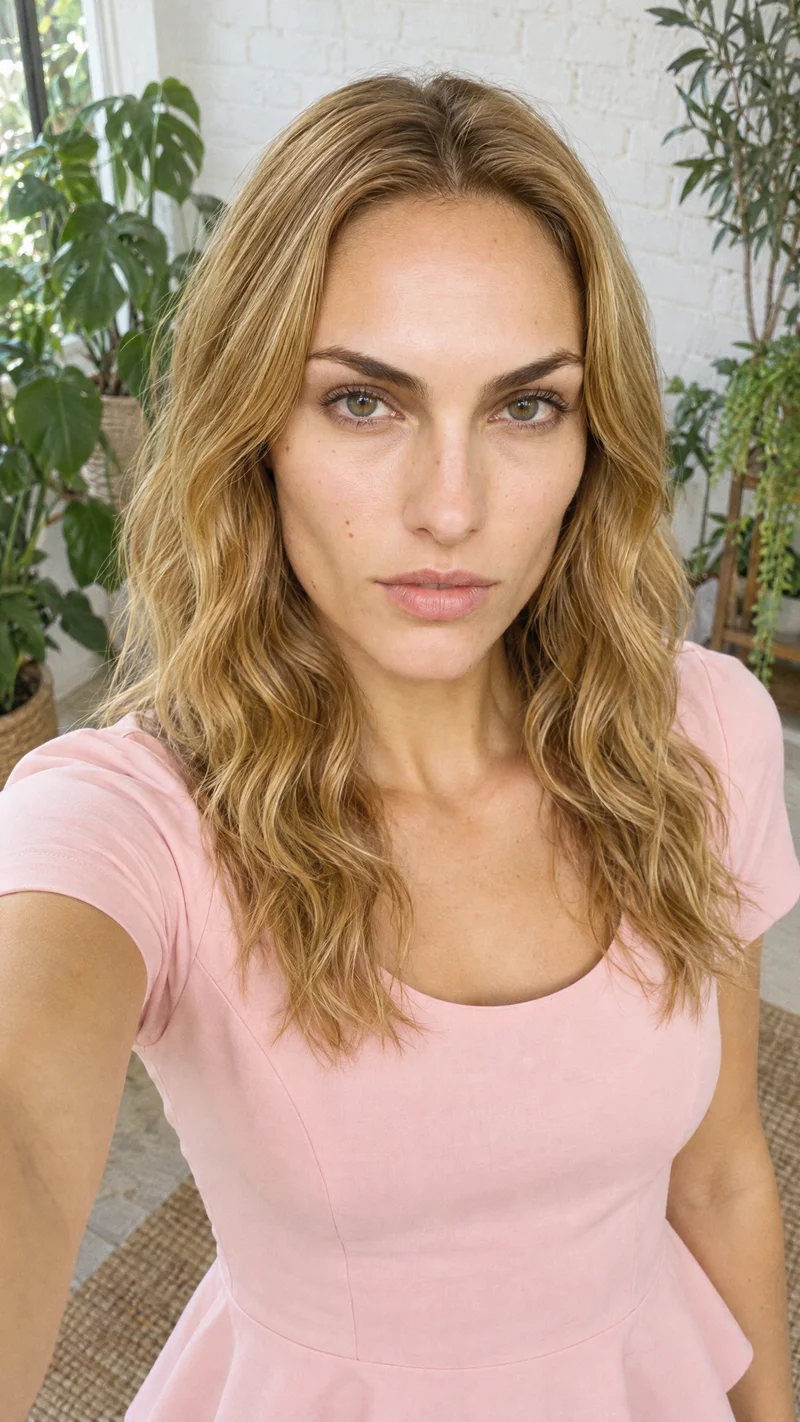
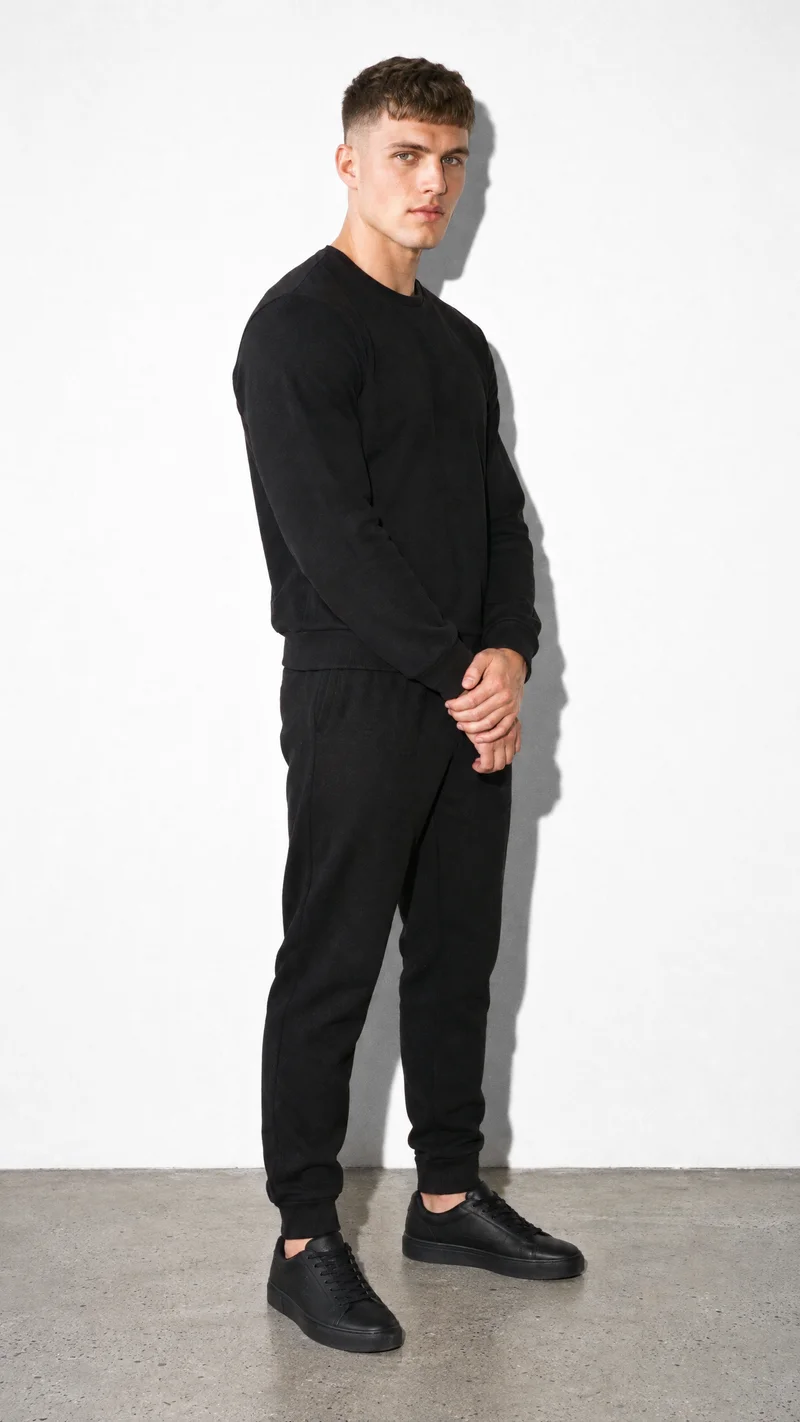
Side by side
Is HUHU an alternative to RAWSHOT for a fashion shoot?
HUHU documents garment try-on; RAWSHOT configures the fashion shoot. These rows summarize published capabilities.
| Comparison | RAWSHOT | HUHU |
|---|---|---|
| Starting point | Product photos, flat-lays, mockups, or technical sketches for fashion imagery. | Garment-photo try-on; model-generation also accepts an uploaded model reference. |
| Creative controls | Configure the whole shoot; changing one element leaves the rest of the composition in place. | Overall fit and selected top and bottom details, including sleeves, cuffs, and tucking. |
| Models | 1,000+ models, plus private model building; synthetic composites only. | Create models from attributes or an uploaded reference; HUHU documents reusing model looks. |
| Products per image | Up to four products in one composition. | Up to four garments, including tops, bottoms, and outerwear, in one try-on. |
| Video | Video from a finished still, as one 10-second clip. | Image-to-video from product photos, portraits, or illustrations. |
| Rights and provenance | Permanent commercial rights; C2PA content credentials on every output. | HUHU’s terms permit commercial use; cited sources do not document verifiable content credentials. |
Sources: HUHU’s official feature, tutorial, updates, and terms pages.
Use cases
Choose by the work at hand
Marketing and brand managers
HUHU
A campaign needs a reference of a real person associated with the brand.
HUHU documents an uploaded model reference that may resemble a real-life individual; RAWSHOT uses synthetic composites only.
E-commerce managers filling product pages before a drop goes live
RAWSHOT
A collection needs a consistent composition across product images.
In RAWSHOT, changing one element leaves the rest of the composition in place.
See the solutionWholesale and sales teams building lookbooks and linesheets before samples land
RAWSHOT
A team needs on-model imagery before physical samples arrive.
RAWSHOT can generate imagery from product photos, flat-lays, mockups, or technical sketches.
See the solutionPerformance marketers
RAWSHOT
A team needs different compositions for creative testing.
RAWSHOT exposes model, styling, background, light, frame, pose, and other composition choices.
See the solutionMore options
Other approaches to fashion imagery

Shootify
Compare Shootify and RAWSHOT for apparel imagery, from product inputs and catalogue consistency to model control, video and provenance.
Compare with RAWSHOT

Lalaland
Compare Lalaland and RAWSHOT for apparel imagery, model control, collection consistency, video, and verifiable content credentials.
Compare with RAWSHOT

PicJam
Compare PicJam and RAWSHOT for apparel imagery, model control, collection consistency, product video, and verifiable content credentials.
Compare with RAWSHOT

Mocky
Compare Mocky and RAWSHOT for apparel imagery, model selection, collection consistency, short videos, and verifiable content credentials.
Compare with RAWSHOT
Rights
You own every image. Every image says what it is.
Yours
- Full commercial rights to every image, permanently.
- No recurring licence fees on any model in the library.
- Every model is a synthetic composite, so there is no real-person likeness.
Labelled
- C2PA content credentials on every image.
- AI-labelled output, aligned with EU AI Act Article 50.
Checked
- Every image is checked against your model, frame, view and pose before delivery; one that misses is made again.
- A safety filter screens every upload and blocks nude or explicit images.
EU-based hosting, GDPR-compliant handling.
- Aligned with EU AI Act Article 50
- C2PA
- Full commercial rights
- Quality-checked images
- Safety-filtered uploads
- GDPR-compliant handling
- EU-based hosting
Questions
Questions about apparel image workflows
How do HUHU and RAWSHOT work with apparel photos?
Both begin with a clothing-item photo. HUHU documents garment try-on and an uploaded model-reference option; RAWSHOT configures a fashion shoot with selectable composition settings. RAWSHOT uses synthetic composites and adds C2PA content credentials to every output. Choose HUHU when an uploaded model reference matters; choose RAWSHOT when you want to configure the complete shoot.
When might HUHU suit a model-reference workflow?
HUHU documents an uploaded reference photo for its model-generation feature, and its page says references may resemble real-life individuals. Its terms require permission for third-party content and personal information. RAWSHOT uses synthetic composites only. If using an uploaded real-person reference is essential to the work, HUHU documents that option.
How do model options differ between HUHU and RAWSHOT?
HUHU documents creating models from attributes or an uploaded reference, and reusing model looks. RAWSHOT offers 1,000+ models and a private model builder. All RAWSHOT models are synthetic composites; no real-person likeness is referenced. Choose based on whether you need HUHU’s documented reference option or RAWSHOT’s synthetic model selection.
What commercial rights do HUHU and RAWSHOT provide?
HUHU’s terms permit commercial use and grant a license for generated images; they also require permission for third-party content and personal information. RAWSHOT grants full and permanent commercial rights to every generation, with no ongoing licensing fees on library models. Review HUHU’s terms for the license and permissions that apply to your use.
What should I prepare when moving a workflow to RAWSHOT?
The cited HUHU information does not establish transfer of projects or settings into RAWSHOT. Start with a product photo, flat-lay, mockup, or technical sketch, then configure the RAWSHOT shoot through its seven steps. Have the source product image ready and treat the work as a new configuration.
Get started
Configure a shoot around your product
Select the model, styling, scene, and composition in RAWSHOT, then review the result as your creative work.