
iFoto alternative
iFoto or RAWSHOT: which suits your apparel shoot?
Compare iFoto’s documented apparel-photo workflow with RAWSHOT’s configurable fashion shoots for collection imagery.
Published: Updated:
The short answer
Both start from clothing-item photos; iFoto also documents photos showing a real person or mannequin, while RAWSHOT uses synthetic models. RAWSHOT holds a chosen composition across a collection and adds C2PA content credentials to every output.
- iFoto is built for
- Teams starting from apparel shown on a person or mannequin.
- RAWSHOT is built for
- Teams directing a full apparel composition with visible controls.
iFoto facts checked on ifoto.ai, 24 September 2026 · RAWSHOT facts from the app
Decide in three questions
Answer the three questions to see which workflow fits better.
Strengths
What iFoto documents for apparel imagery
Start with a person or mannequin
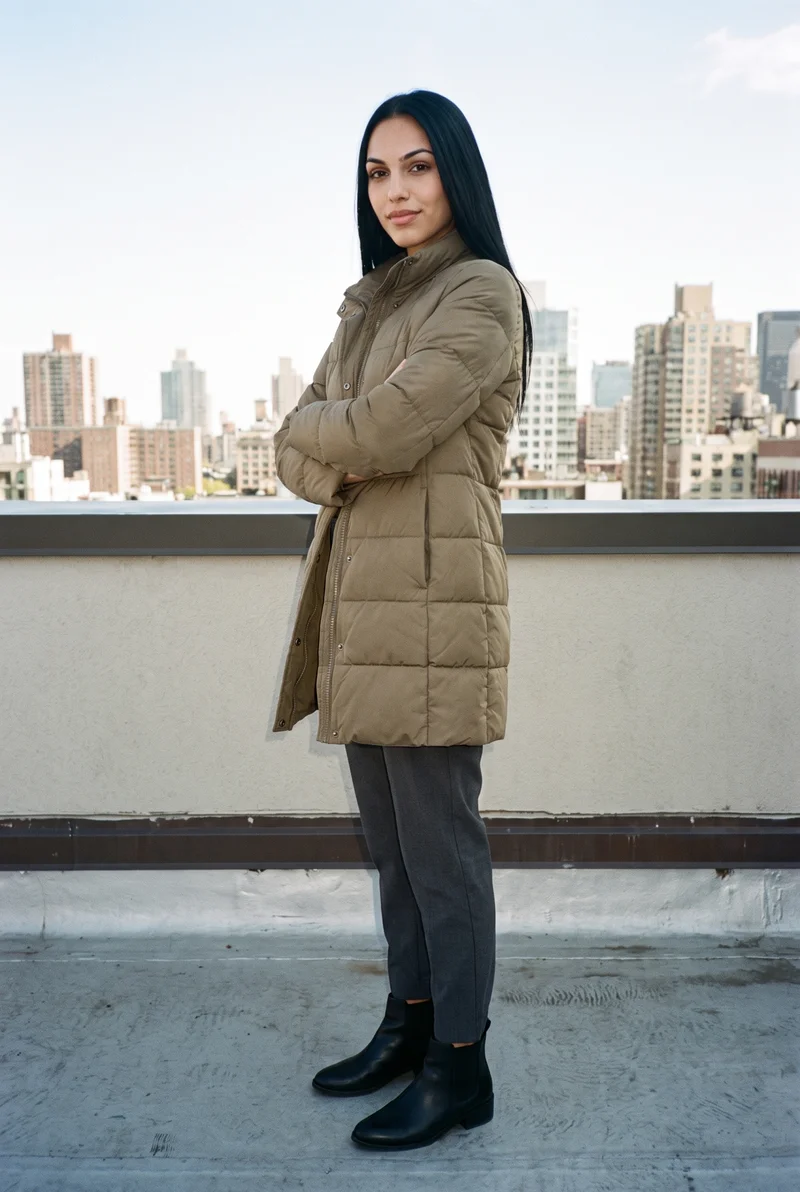
iFoto documents uploading apparel photos shown on a real person or mannequin, then choosing an AI fashion model.
SourceSelect model attributes
Its fashion-model page describes choices including gender, ethnicity, age, expression and makeup.
SourcePresent apparel in different formats
iFoto describes on-model shots, flat-lay apparel and 3D clothing designs as presentation options.
SourceDifferences
How RAWSHOT approaches a fashion shoot
Start from the product file you have
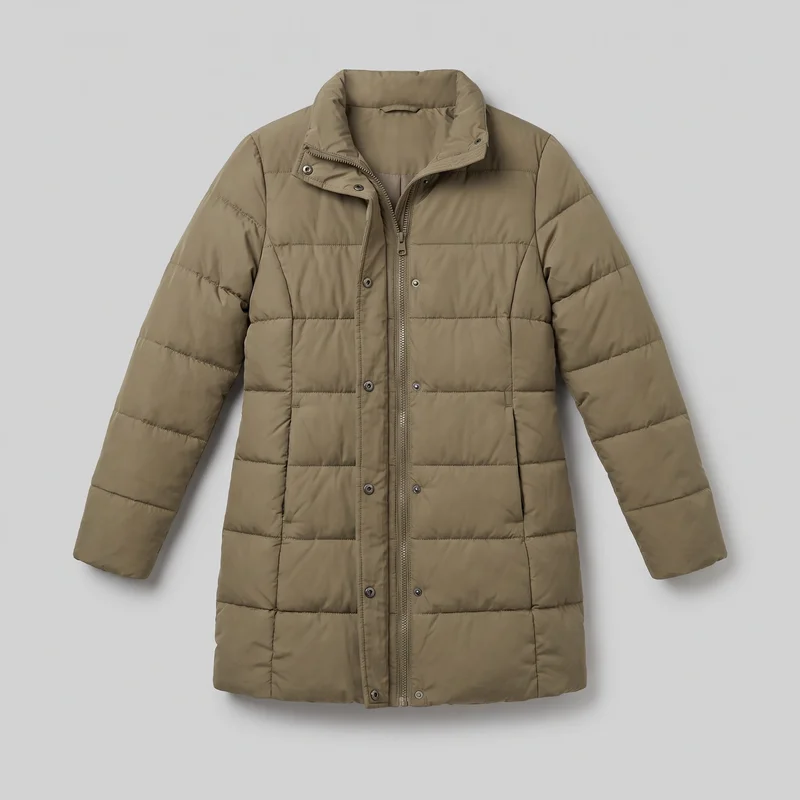
Use product photos, flat-lays, mockups or technical sketches as the source for a shoot around the actual piece.
See the feature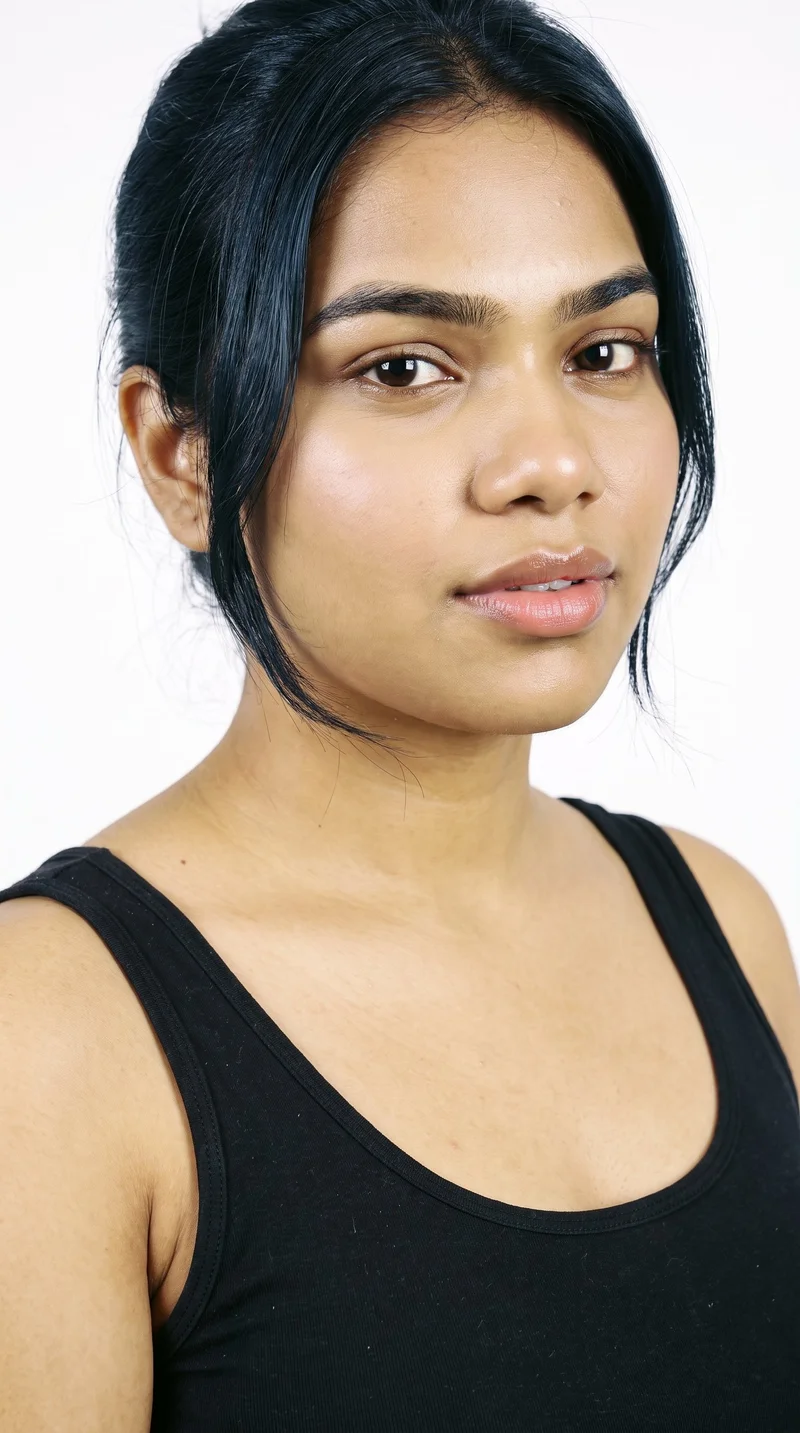
Choose or build a model
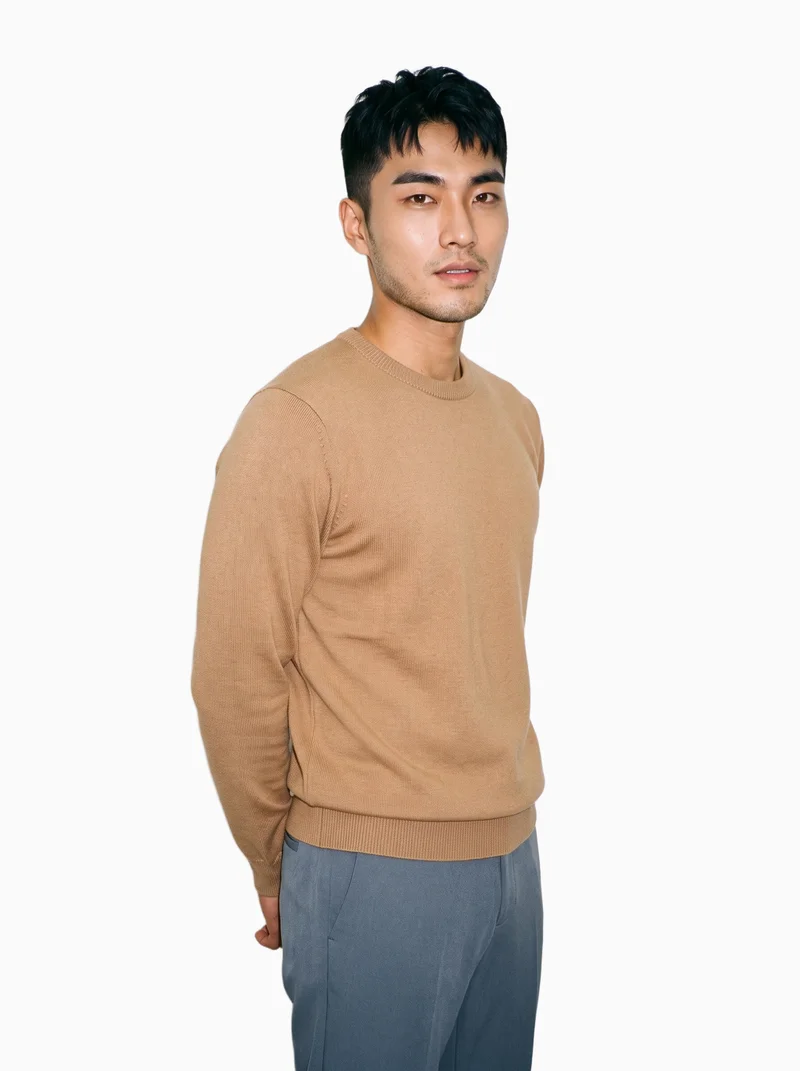
Choose from 1,197 models or build a private synthetic model using published attribute controls.
See the feature
Direct the light
Choose among 4 photography directions: studio cut-out, clean catalogue, natural e-commerce or flash editorial.
See the featureFrom the catalog
More finished shoots
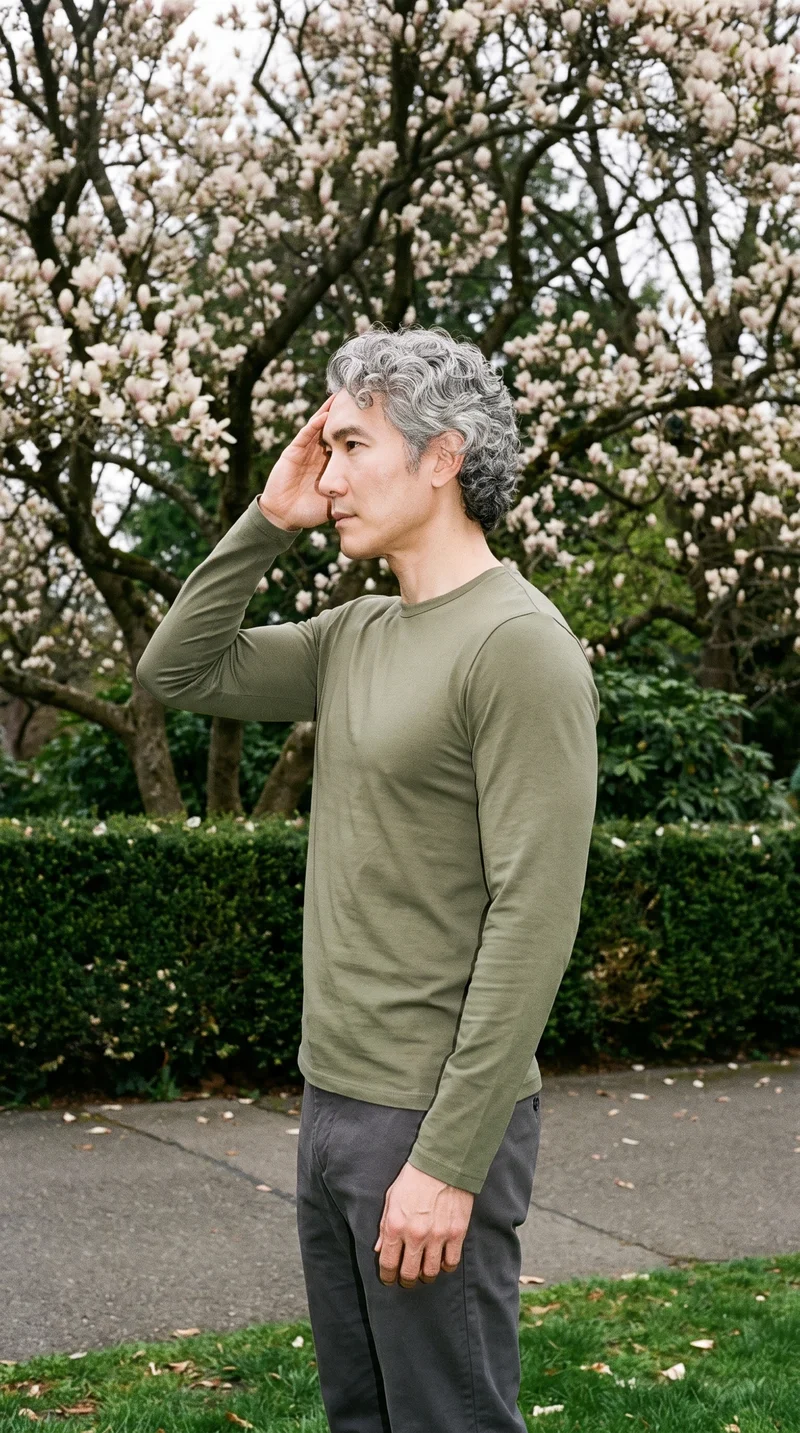
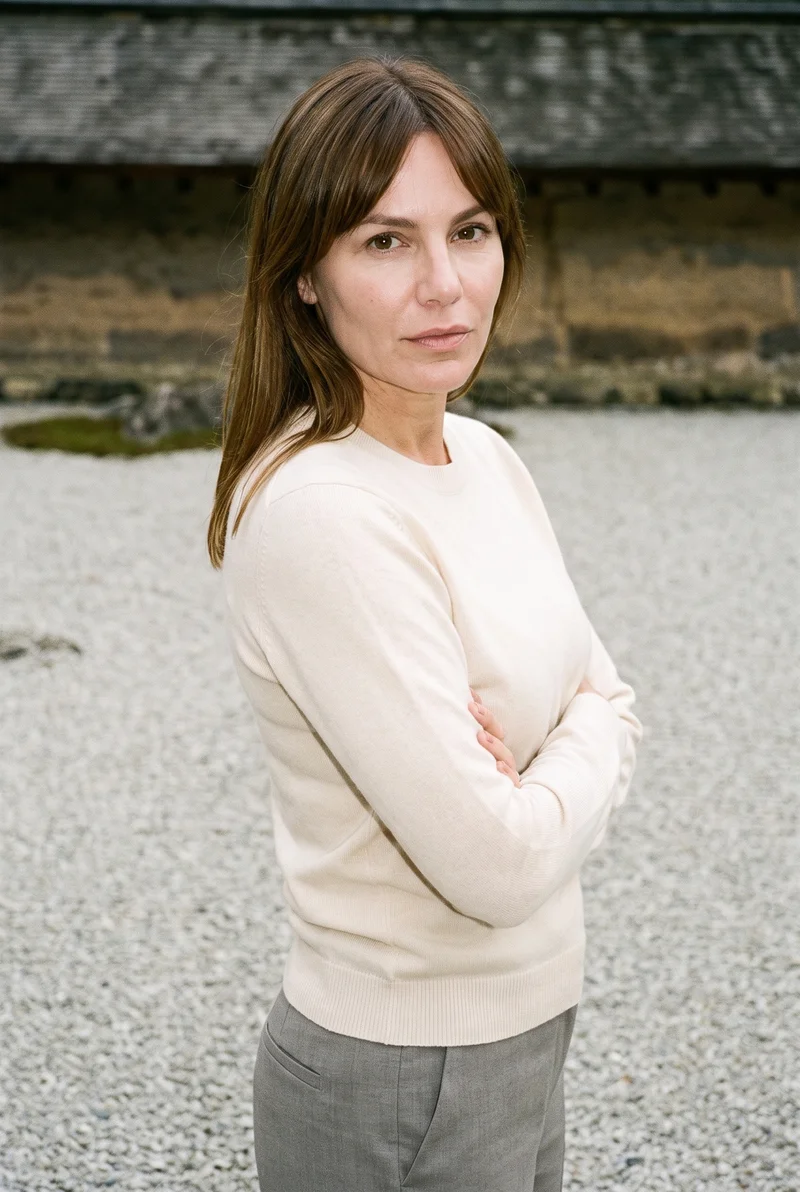
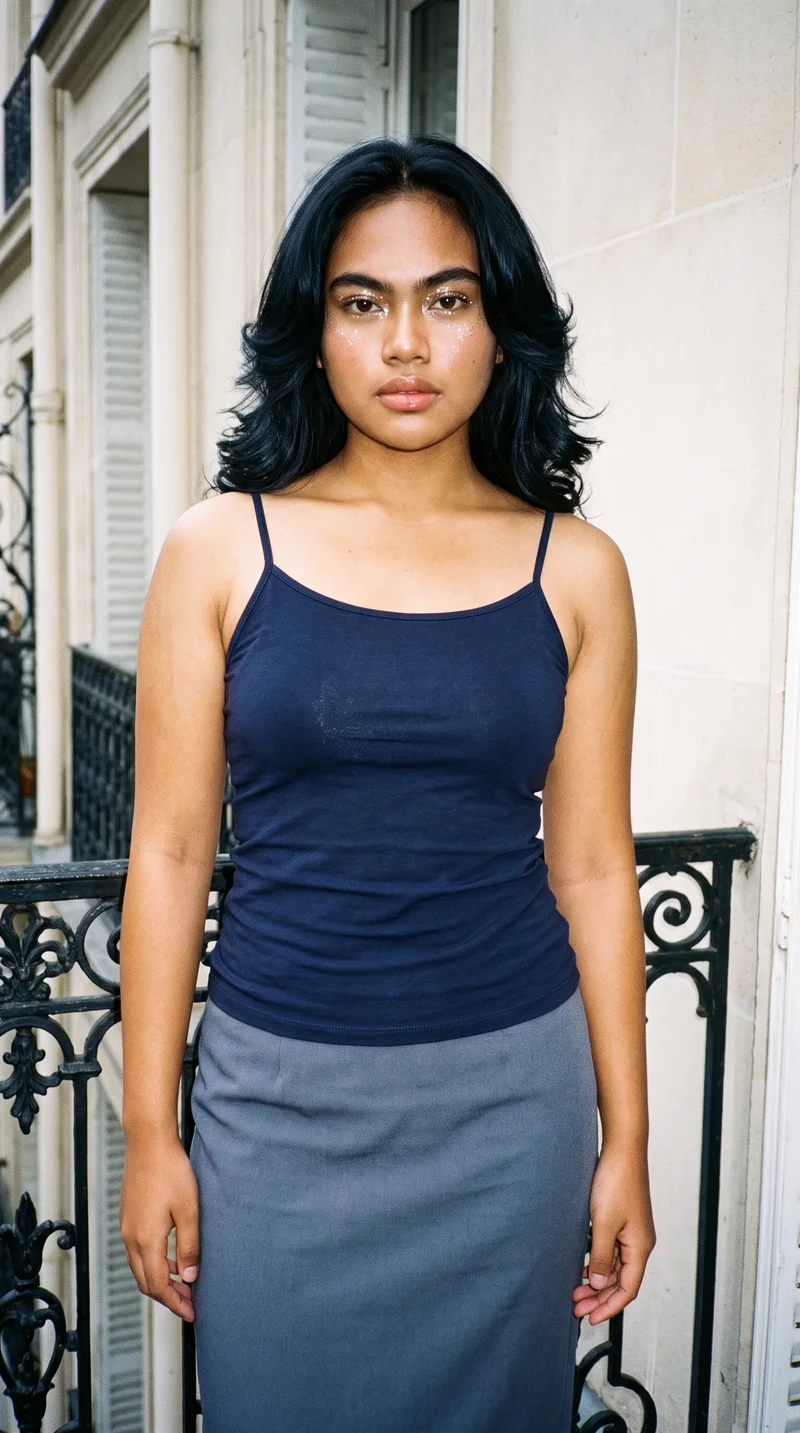
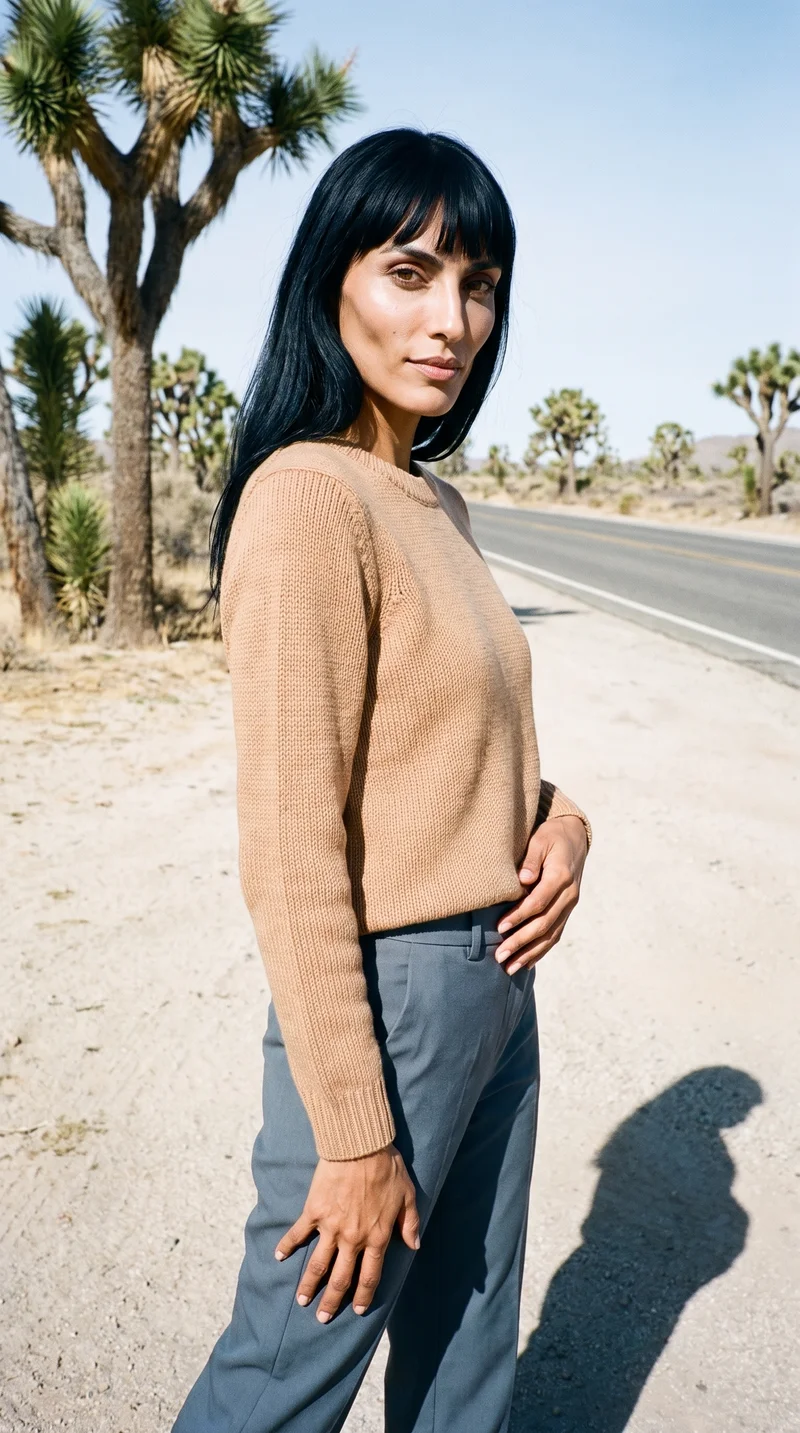
Side by side
Choosing an iFoto alternative: compare apparel workflows
The documented workflows differ in their input options, shoot controls and output terms.
| Comparison | RAWSHOT | iFoto |
|---|---|---|
| Starting point | Product photos, flat-lays, mockups or technical sketches for fashion products. | Apparel photos, including clothing shown on a real person or mannequin. |
| Creative controls | Visible controls cover composition, including styling, light, frame and pose. | Model attributes and background changes are documented; broader control details are unspecified. |
| Models | 1,197 models plus a private builder; all are synthetic composites. | Selectable male and female virtual models; documented attributes include age and expression. |
| Products per image | Combine up to four products in one composition. | The cited page does not specify a per-image product limit. |
| Video | A finished still can become video: up to three five-second scenes, at 720p or 1080p. | Fashion-video generation is not described on the cited fashion-model page. |
| Rights and provenance | Full permanent commercial rights; no ongoing model-library fees; C2PA credentials on every output. | Users own generated images; virtual models are described as royalty-free; credentials unspecified. |
iFoto details are drawn from its AI fashion-models page; information not specified there remains unspecified.
Use cases
Teams and situations each workflow suits
Marketing and brand managers
iFoto
The source apparel photo shows a real person the team already works with.
iFoto documents apparel uploads shown on a real person or mannequin before model selection.
E-commerce managers filling product pages before a drop goes live
RAWSHOT
The team wants a collection to hold a consistent chosen composition.
Change one element and the rest of the composition holds.
See the solutionWholesale and sales teams building lookbooks and linesheets before samples land
RAWSHOT
The team needs to prepare imagery from product files before samples arrive.
RAWSHOT accepts product photos, flat-lays, mockups and technical sketches.
See the solutionMore options
Other apparel image tools to consider

Shootify
Compare Shootify and RAWSHOT for apparel imagery, from product inputs and catalogue consistency to model control, video and provenance.
Compare with RAWSHOT

Lalaland
Compare Lalaland and RAWSHOT for apparel imagery, model control, collection consistency, video, and verifiable content credentials.
Compare with RAWSHOT

PicJam
Compare PicJam and RAWSHOT for apparel imagery, model control, collection consistency, product video, and verifiable content credentials.
Compare with RAWSHOT

Mocky
Compare Mocky and RAWSHOT for apparel imagery, model selection, collection consistency, short videos, and verifiable content credentials.
Compare with RAWSHOT
Rights
You own every image. Every image says what it is.
Yours
- Full commercial rights to every image, permanently.
- No recurring licence fees on any model in the library.
- Every model is a synthetic composite, so there is no real-person likeness.
Labelled
- C2PA content credentials on every image.
- AI-labelled output, aligned with EU AI Act Article 50.
EU-based hosting, GDPR-compliant handling.
- Aligned with EU AI Act Article 50
- C2PA
- Full commercial rights
- GDPR-compliant handling
- EU-based hosting
Questions
Questions about iFoto and RAWSHOT
How do iFoto and RAWSHOT handle apparel photos?
Both workflows start from a clothing-item photo. iFoto also documents apparel shown on a real person or mannequin before model selection; RAWSHOT uses synthetic composites and accepts product photos, flat-lays, mockups or technical sketches. Choose RAWSHOT if you want to configure the full fashion composition from those product inputs.
When is iFoto a better choice than RAWSHOT?
iFoto may fit when your workflow specifically begins with apparel photographed on a real person or mannequin. Its fashion-model page documents those uploads followed by model selection. The page does not establish whether the original person remains in the generated result, so do not assume likeness preservation. Choose iFoto if that documented source format fits your process.
Which models can I use in iFoto and RAWSHOT?
iFoto describes male and female virtual models with selectable gender, ethnicity, age, expression and makeup. RAWSHOT offers 1,197 models and a private model builder; all models are synthetic composites, with no real-person likeness referenced. The cited iFoto page does not give a model count or describe a private model builder. Choose RAWSHOT if a private synthetic model builder is important to your workflow.
Can I use iFoto and RAWSHOT images commercially?
iFoto says users own generated images and describes its virtual models as royalty-free; the cited page does not specify content credentials. RAWSHOT grants full and permanent commercial rights to every generation, with no ongoing licensing fees on library models, and provides C2PA content credentials on every output. Confirm the provider’s terms if rights or credentials are important to your review.
How do I switch from iFoto to RAWSHOT?
Start a RAWSHOT shoot with a product image you already have; flat-lays, mockups and technical sketches are also accepted. Configure the product, model, outfit, styling, background, photography direction and composition in the browser. The cited iFoto page does not document an export or migration path, so keep your source assets and recreate the desired shoot in RAWSHOT.
Get started
Direct your next apparel shoot
Set the product, model, styling, background and composition in RAWSHOT, then generate an image from your product.