
Krea alternative
Choose a fashion studio with the controls your shoot needs
See how Krea and RAWSHOT approach fashion imagery, model references, creative direction, and coordinated collections.
Published: Updated:
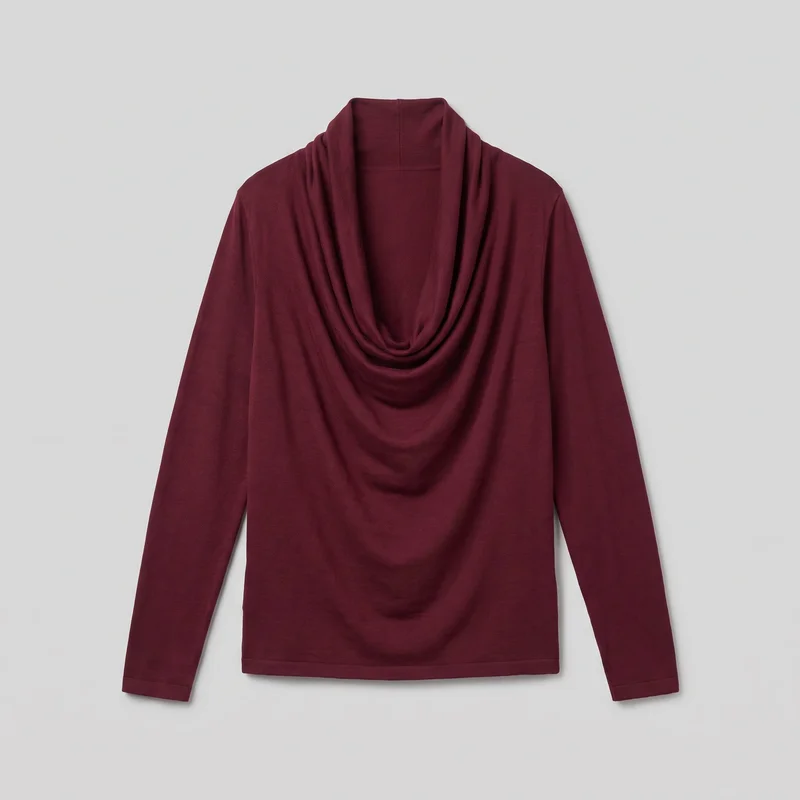
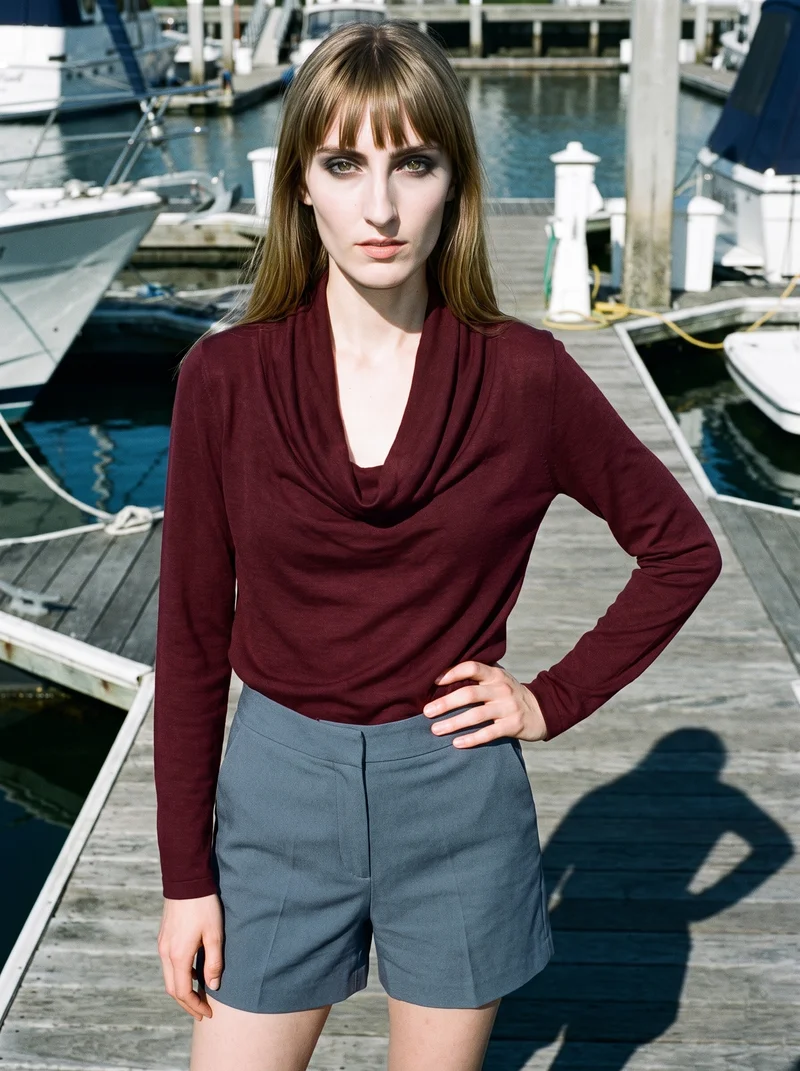
The short answer
Both can start from a clothing-item photo. Krea may also use real-person face references for custom-model training; RAWSHOT uses synthetic composites only. Krea documents campaign refinement, while RAWSHOT lets you change one element while the rest of a composition holds for coordinated imagery within a shoot. Every RAWSHOT output carries C2PA content credentials.
- Krea is built for
- Fashion campaigns that need refinement from garment or product images, moodboards, or a real-person face reference.
- RAWSHOT is built for
- Fashion teams configuring coordinated product imagery with selectable controls and synthetic models.
Krea facts checked on krea.ai, 24 September 2026 · RAWSHOT facts from the app
Decide in three questions
Answer the three questions to see which workflow fits better.
Strengths
Krea capabilities documented for fashion work
Face-reference custom-model training
Krea’s enterprise documentation supports training a custom model from reference images, which may include a face.
SourceFashion campaign refinement
Krea Agent supports refining styling, framing, and scenes, comparing directions, and reviewing garment and model details.
SourceFashion imagery and motion
Krea’s fashion workflow documents image and video creation, including motion tests and fashion films developed from still concepts and product shots.
SourceDifferences
Details to direct in the RAWSHOT studio
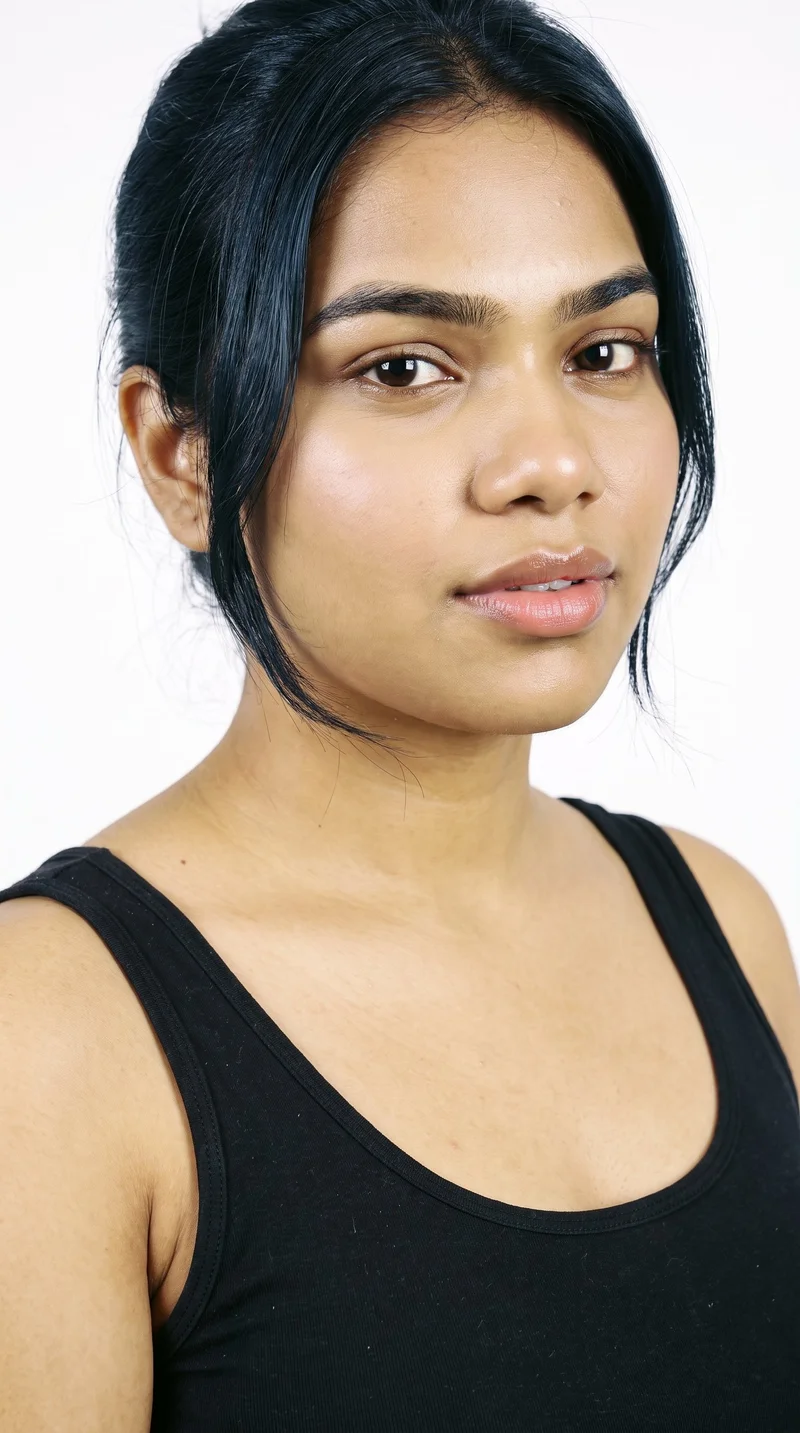
Set the model attributes
RAWSHOT offers a private model builder with selectable attributes for configuring a synthetic model.
See the feature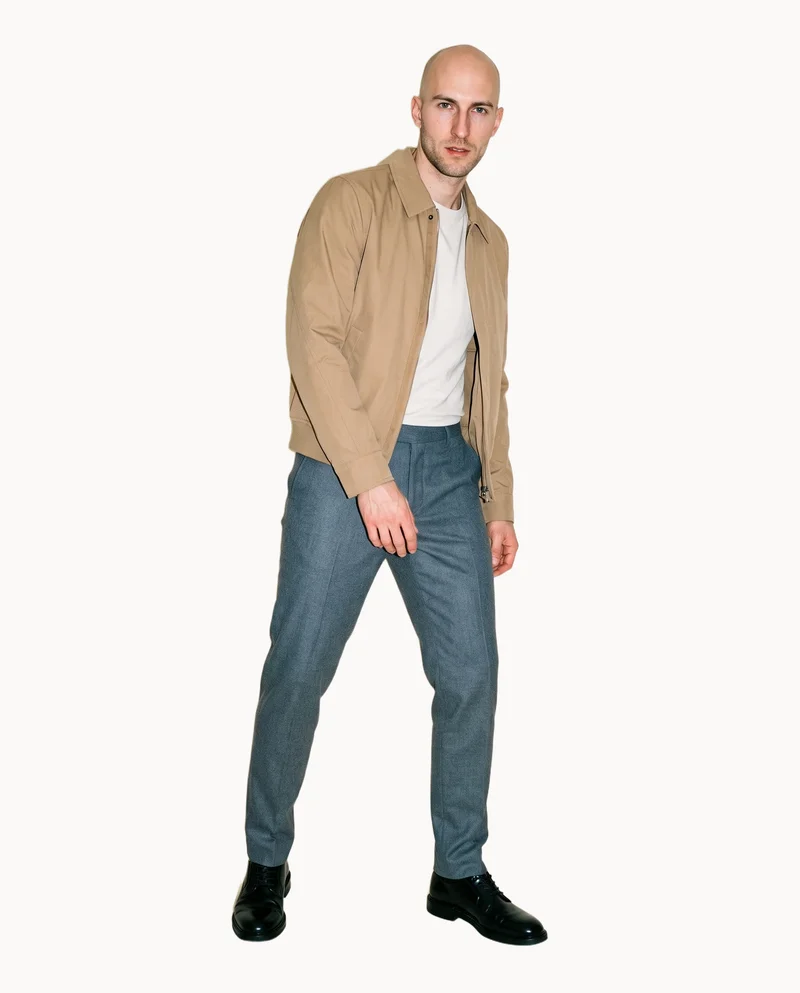
Review suggested compositions
AI pre-selects composition settings you can change before generation; nothing is locked.
See the feature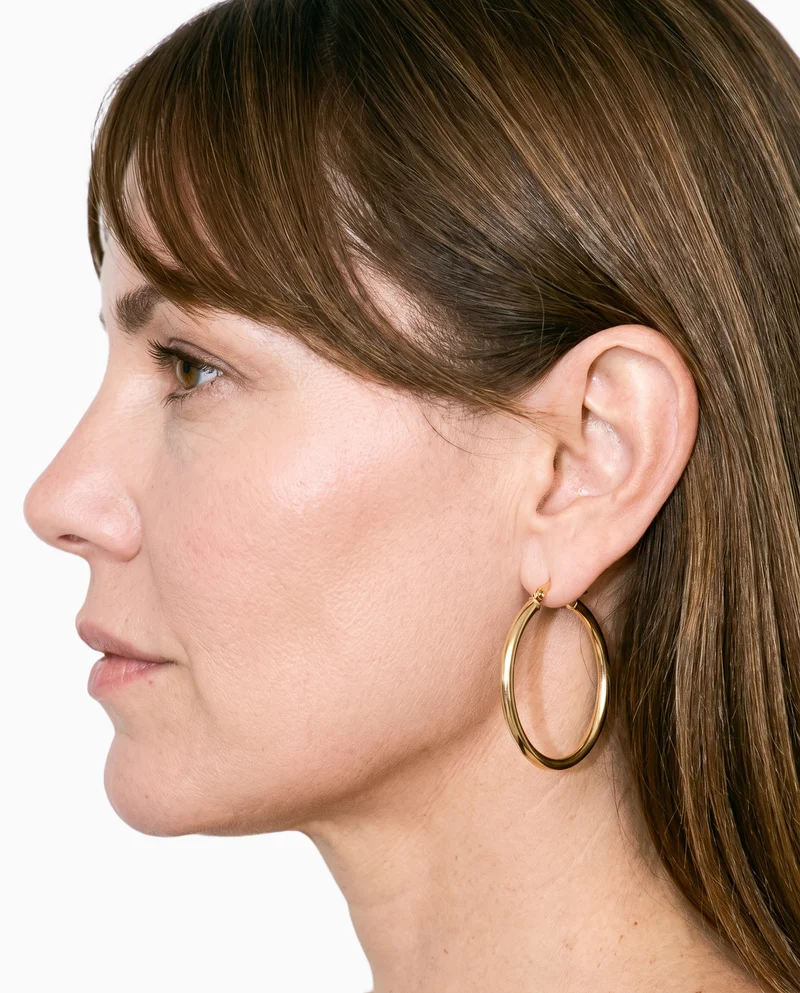
Check product images before generation
Upload checks explain in plain language what could improve the result before you spend a generation.
See the featureFrom the catalog
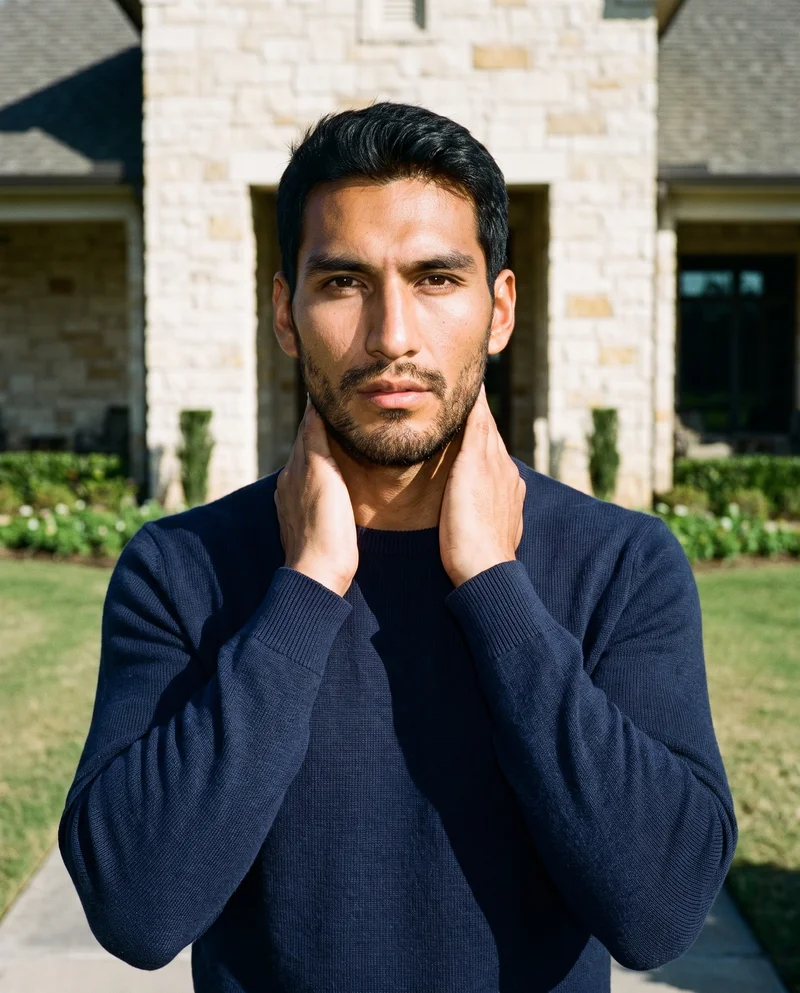
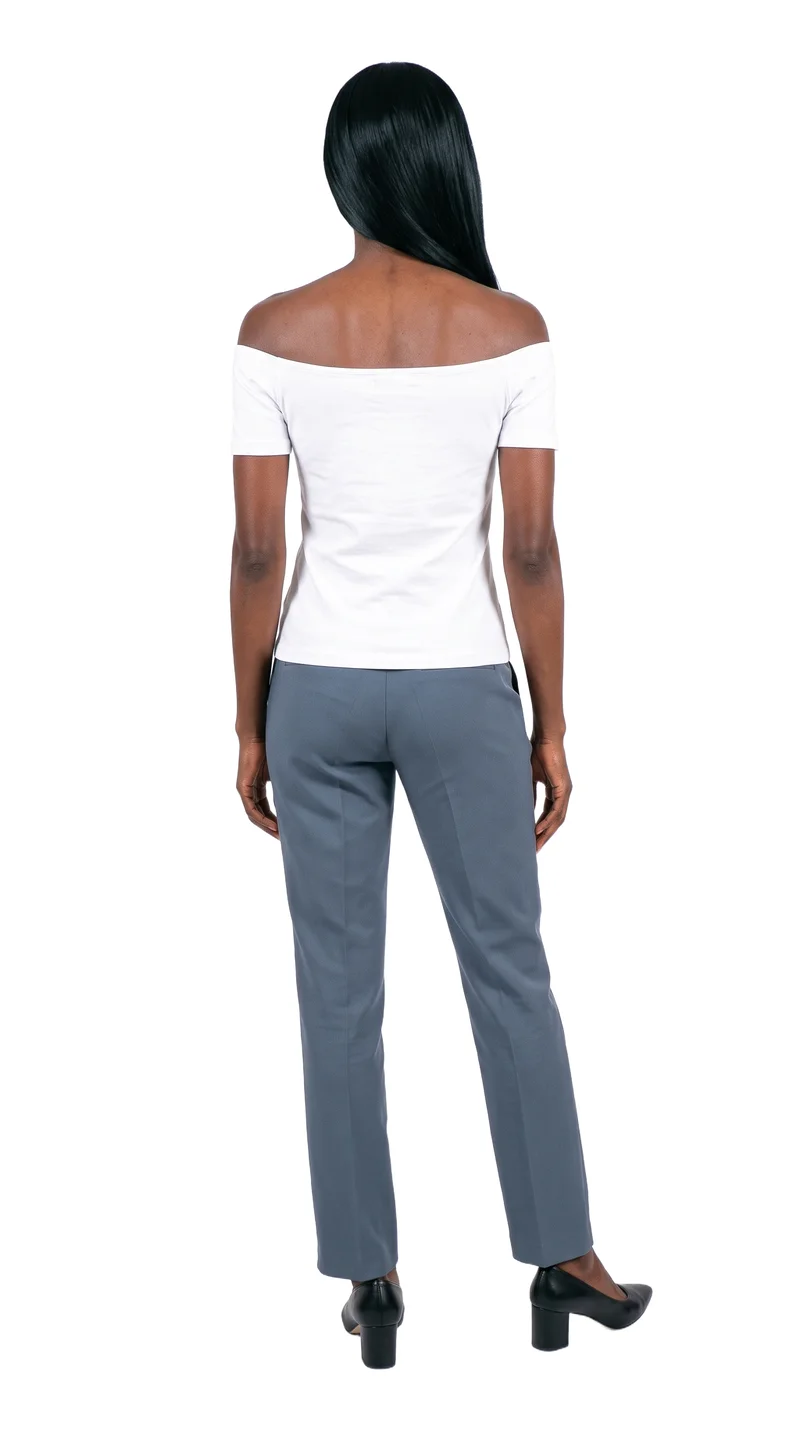
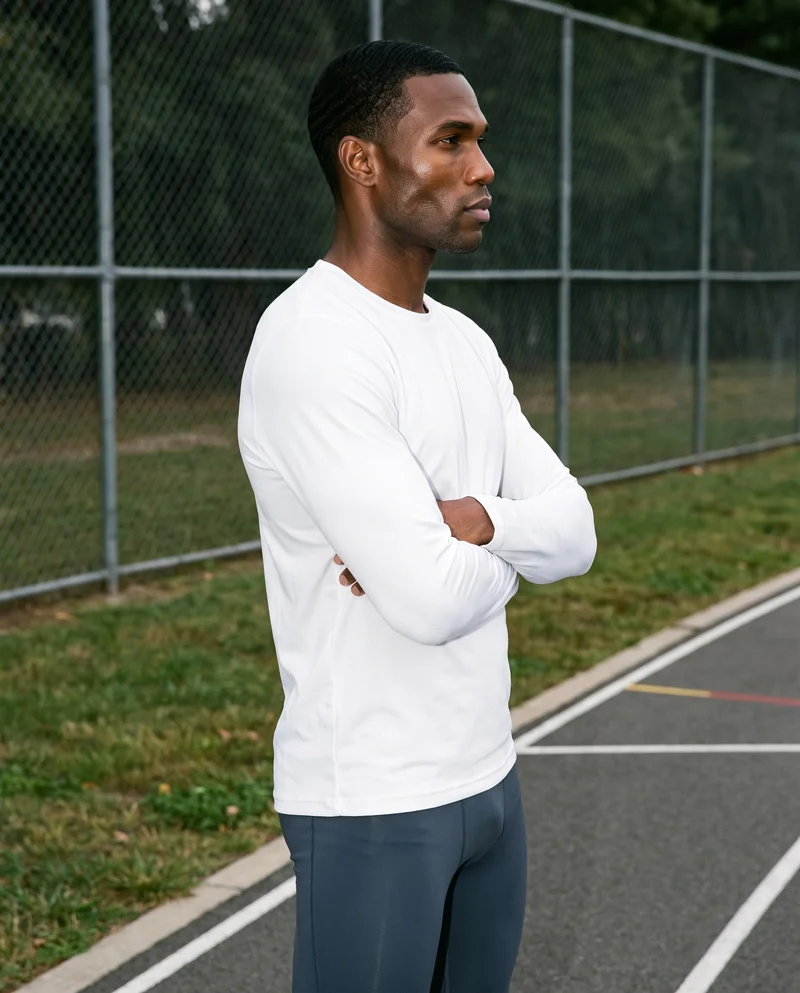
More finished shoots
Side by side
Choosing a Krea alternative for a fashion shoot
Krea documents a fashion workflow for campaign refinement; RAWSHOT presents a configurable photoshoot with visible controls.
| Comparison | RAWSHOT | Krea |
|---|---|---|
| Starting point | Product photos, flat-lays, mockups, or technical sketches. | Garment photos, product photos, or a moodboard. |
| Creative controls | Set styling, background, light, frame, view, pose, expression, ratio, and resolution. | Refine styling, framing, and scenes in conversation; compare directions. |
| Models | 1,197 models and a private builder; all models are synthetic composites. | Enterprise documentation supports face-reference custom-model training. |
| Products per image | Up to four products in one composition. | The reviewed fashion page does not specify a products-per-image capability. |
| Video | Up to 3 scenes of 5 seconds; 720p or 1080p. | Fashion workflow documents videos, motion tests, and short fashion films. |
| Rights and provenance | Full and permanent commercial rights; C2PA content credentials on every output. | Terms describe plan-dependent usage rights; business terms address output ownership and commercial use. |
Krea’s official fashion, enterprise, and business-terms pages were reviewed; RAWSHOT details reflect verified product information.
Use cases
Fashion teams and the work in front of them
Marketing and brand managers
Krea
Your campaign needs a known face already associated with your brand. Krea documents face-reference custom-model training for on-brand content.
That documented reference-image workflow may suit a campaign built around a specific person.
E-commerce managers filling product pages before a drop goes live
RAWSHOT
You need coordinated product-page imagery for a drop. RAWSHOT keeps the rest of a composition in place when you change one element.
That supports a consistent collection look within a shoot.
See the solutionWholesale and sales teams building lookbooks and linesheets before samples land
RAWSHOT
You need to present a range before physical samples are available. RAWSHOT can start from a technical sketch or flat-lay.
Those inputs are supported in the product workflow.
See the solutionMore options
Other tools for fashion imagery

DALL·E 3
Compare DALL·E 3 and RAWSHOT for fashion imagery across apparel, footwear, bags, jewelry, and accessories.
Compare with RAWSHOT

Leonardo.Ai
Compare Leonardo.Ai and RAWSHOT for apparel imagery, including product-photo workflows, image references, video generation, collection consistency, and provenance.
Compare with RAWSHOT

Higgsfield
Compare Higgsfield and RAWSHOT for apparel and accessory imagery, from product-photo workflows and real-person identity to configurable fashion shoots.
Compare with RAWSHOT

Ideogram
Compare Ideogram’s garment-photo editing and real-person references with RAWSHOT’s directed fashion shoots, collection consistency, and C2PA credentials.
Compare with RAWSHOT
Rights
You own every image. Every image says what it is.
Yours
- Full commercial rights to every image, permanently.
- No recurring licence fees on any model in the library.
- Every model is a synthetic composite, so there is no real-person likeness.
Labelled
- C2PA content credentials on every image.
- AI-labelled output, aligned with EU AI Act Article 50.
EU-based hosting, GDPR-compliant handling.
- Aligned with EU AI Act Article 50
- C2PA
- Full commercial rights
- GDPR-compliant handling
- EU-based hosting
Questions
Questions about fashion image workflows
What is the difference between Krea and RAWSHOT for apparel photos?
Both can start from clothing-item photos. Krea’s Fashion Agent describes refining styling, framing, and scenes through conversation, then comparing creative directions. RAWSHOT configures a shoot through visible controls, and changing one element leaves the rest of that composition in place. For coordinated apparel imagery where the composition should hold within a shoot, RAWSHOT is the more direct fit.
When is Krea a better choice than RAWSHOT?
Krea may suit a campaign that depends on a real-person face reference or on refining creative directions through conversation. Its enterprise documentation supports custom-model training from reference images that may include a face, while its fashion workflow documents comparing directions and developing imagery into motion tests. RAWSHOT uses synthetic composites only. If a known person’s face is central to the brief, Krea documents a relevant workflow; check its plan terms for your intended use.
Which models can I use in Krea and RAWSHOT?
Krea’s enterprise materials describe custom-model training from reference images, including images with a face, and its fashion workflow refers to casting direction and approved references. RAWSHOT offers 1,197 models and a private model builder; all models are synthetic composites, with no real-person likeness referenced. Choose based on whether your work needs a face reference or synthetic models.
Can I use Krea and RAWSHOT images commercially?
Krea’s general terms describe usage rights as plan-dependent, while its business terms address output ownership and commercial use. RAWSHOT provides full and permanent commercial rights to every generation, with no ongoing licensing fees on library models. Check Krea’s terms for your plan before commercial publication.
How do I switch from Krea to RAWSHOT?
The reviewed official pages do not document a transfer process, so treat the move as starting new projects rather than importing a Krea campaign. Keep your original product files; RAWSHOT accepts product photos, flat-lays, mockups, or technical sketches, then lets you configure each shoot through visible controls. Start with one product image and set the composition for your first shoot.
Get started
Configure your next fashion shoot
Bring a product image into RAWSHOT and set the composition with selectable controls.