
Resleeve alternative
Resleeve and RAWSHOT: two ways to direct apparel imagery
See how each workflow handles clothing-photo inputs, model references, creative direction, and finished imagery.
Published: Updated:
The short answer
Both start from clothing-item photos. Resleeve documents real-person model references and saved-model collection consistency; RAWSHOT uses synthetic models, keeps composition choices consistent within a shoot, and adds C2PA credentials to every output.
- Resleeve is built for
- Teams creating apparel imagery from clothing photos, including work with an existing real-person model reference.
- RAWSHOT is built for
- Fashion teams configuring a model, styling, scene, light, and framing for an on-model shoot.
Resleeve facts checked on resleeve.ai, 24 September 2026 · RAWSHOT facts from the app
Decide in three questions
Answer the three questions to see which workflow fits better.
Strengths
Resleeve capabilities documented for apparel teams
Use a real-person model reference
A Resleeve fashion workflow documents applying a garment to an uploaded model photo, including a user's own photo or a stock model's.
SourceRefine brand-styled variations
Resleeve describes using plain-language requests to refine images and create variations in a brand's style.
SourceCreate fashion video
Its fashion page describes runway-style films, drop teasers, and try-on reels generated from fashion pieces.
SourceDifferences
How RAWSHOT lets you direct a shoot
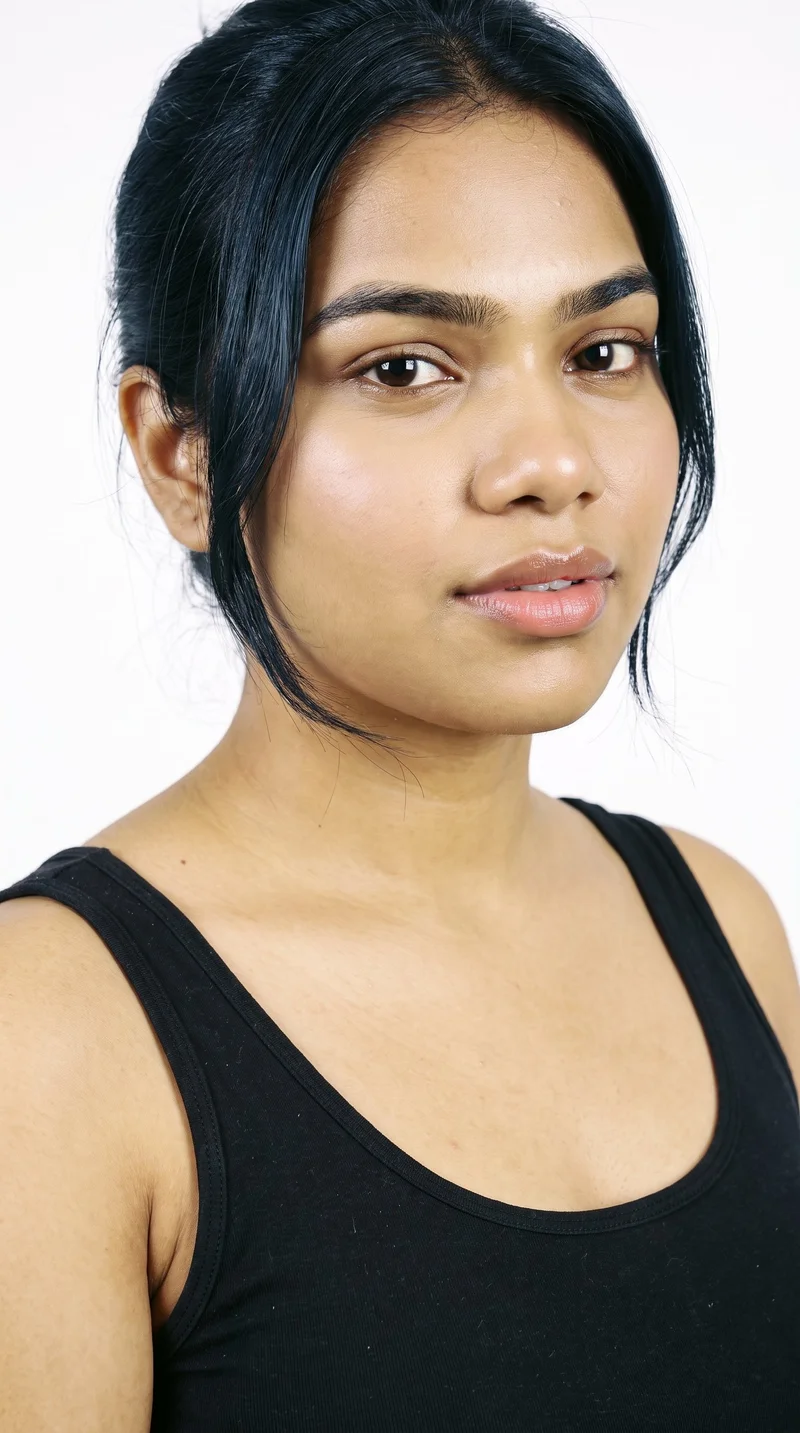
Choose the model for the composition
Select from 1,197 models or build a private synthetic model as part of the shoot configuration.
See the feature
Start with the garment reference you have
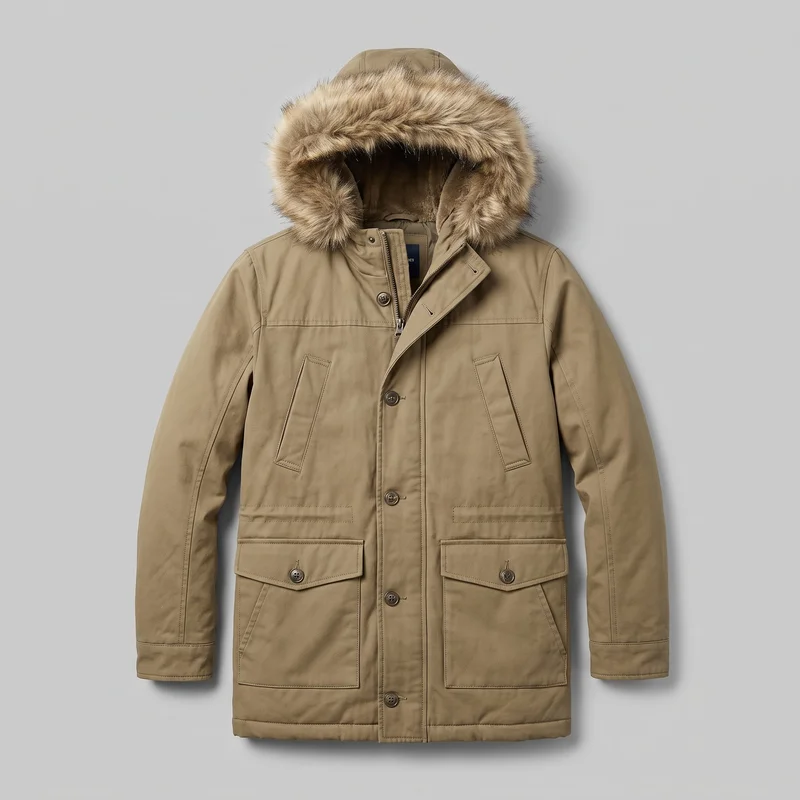
Bring in product photos, flat-lays, mockups, or technical sketches as the starting point for a fashion shoot.
See the feature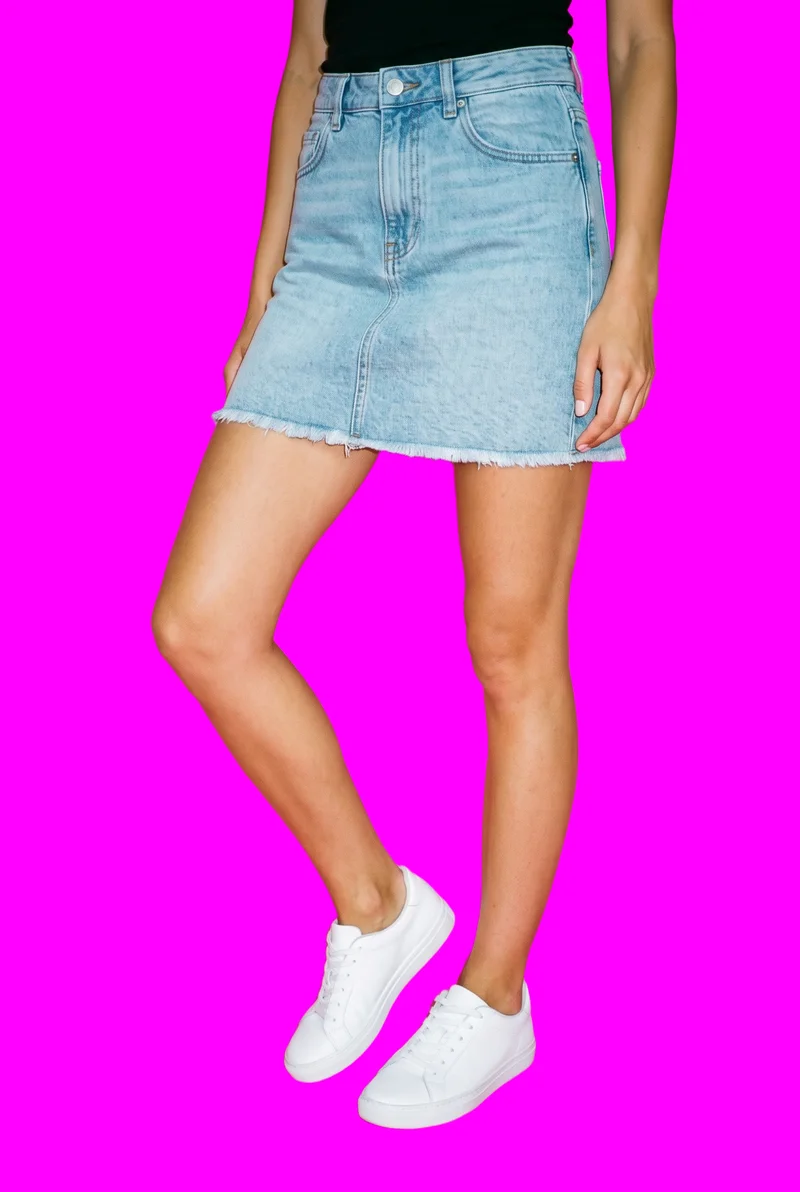
Adjust one composition choice
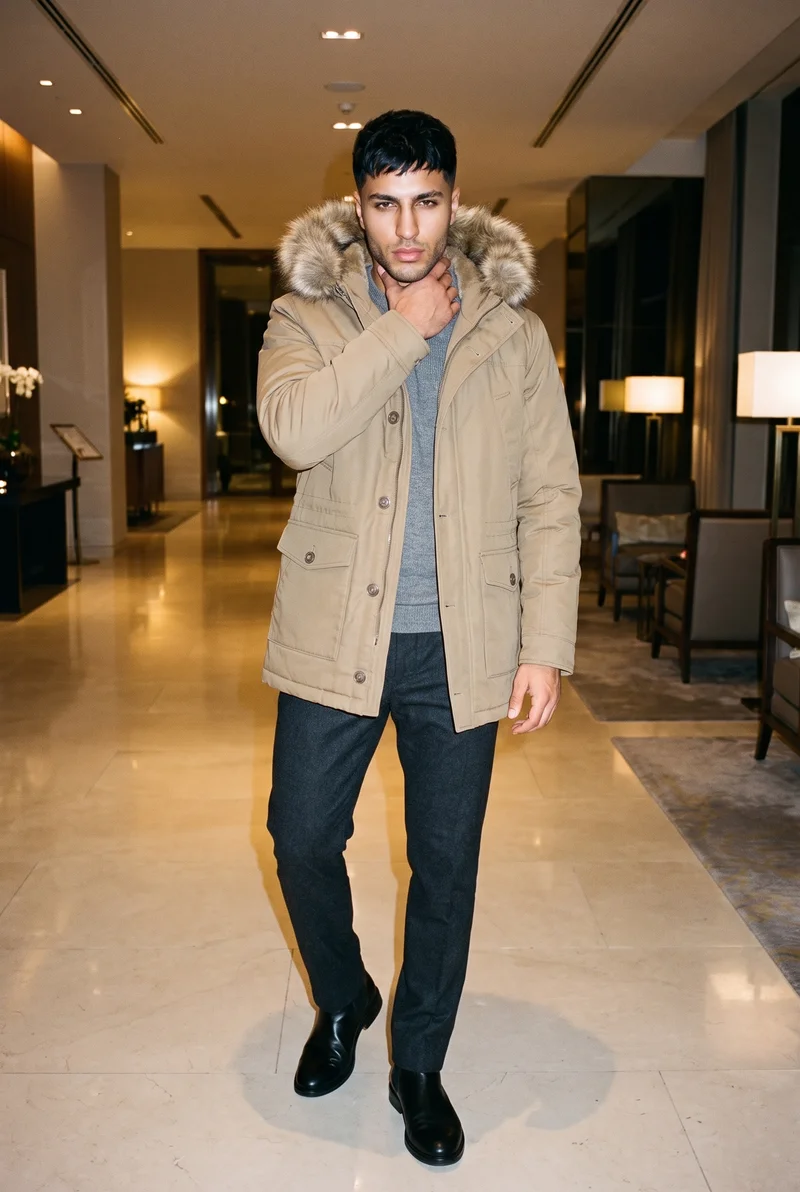
Change one element and the rest of the composition holds within the shoot, including the model, light, and crop.
See the featureFrom the catalog
More finished shoots
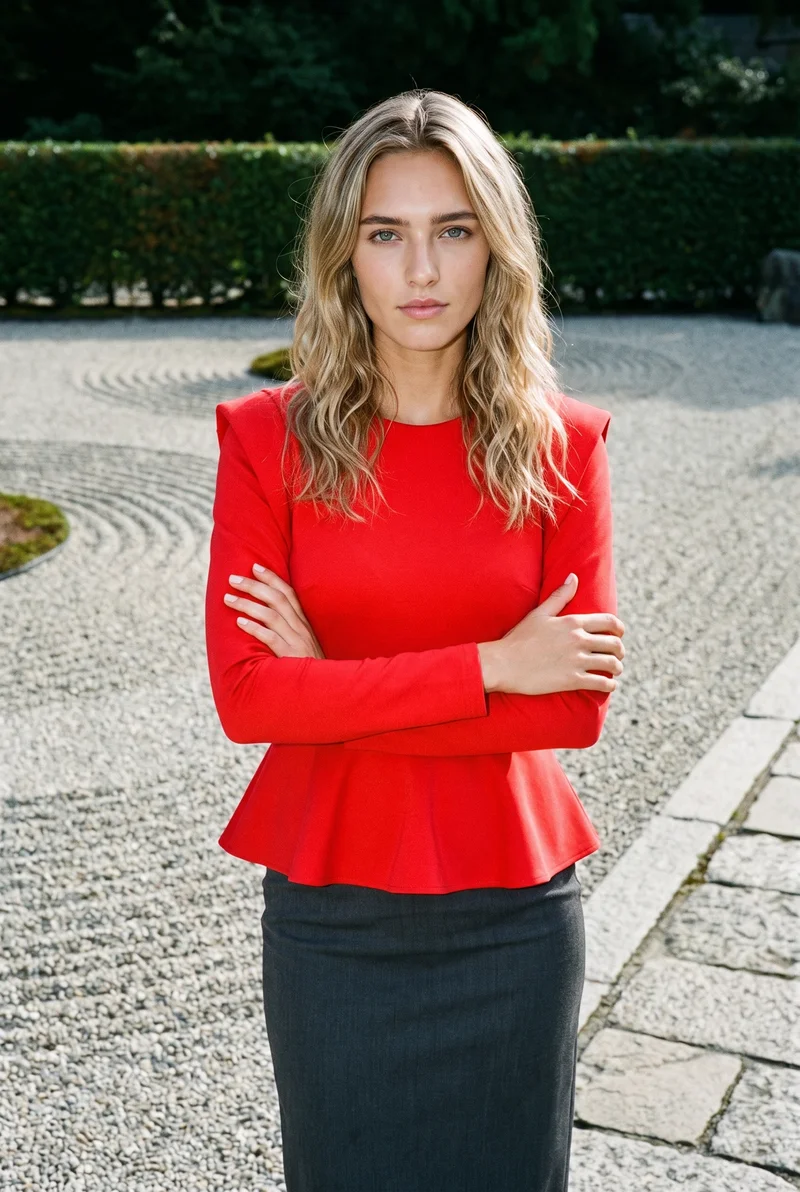
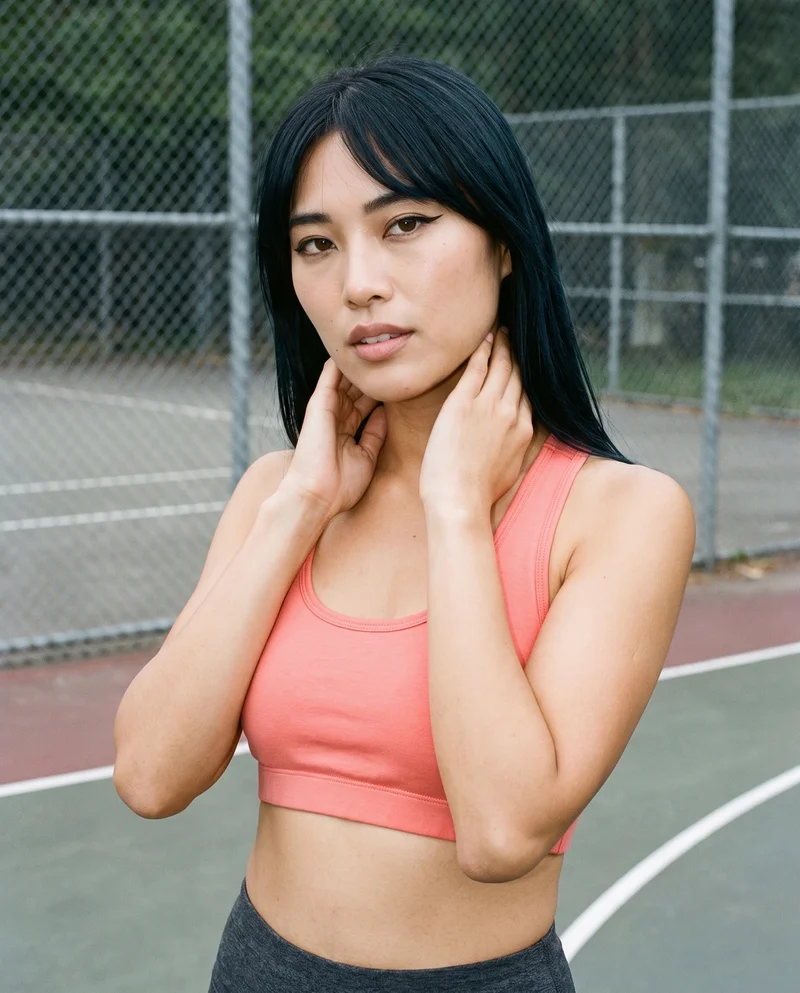
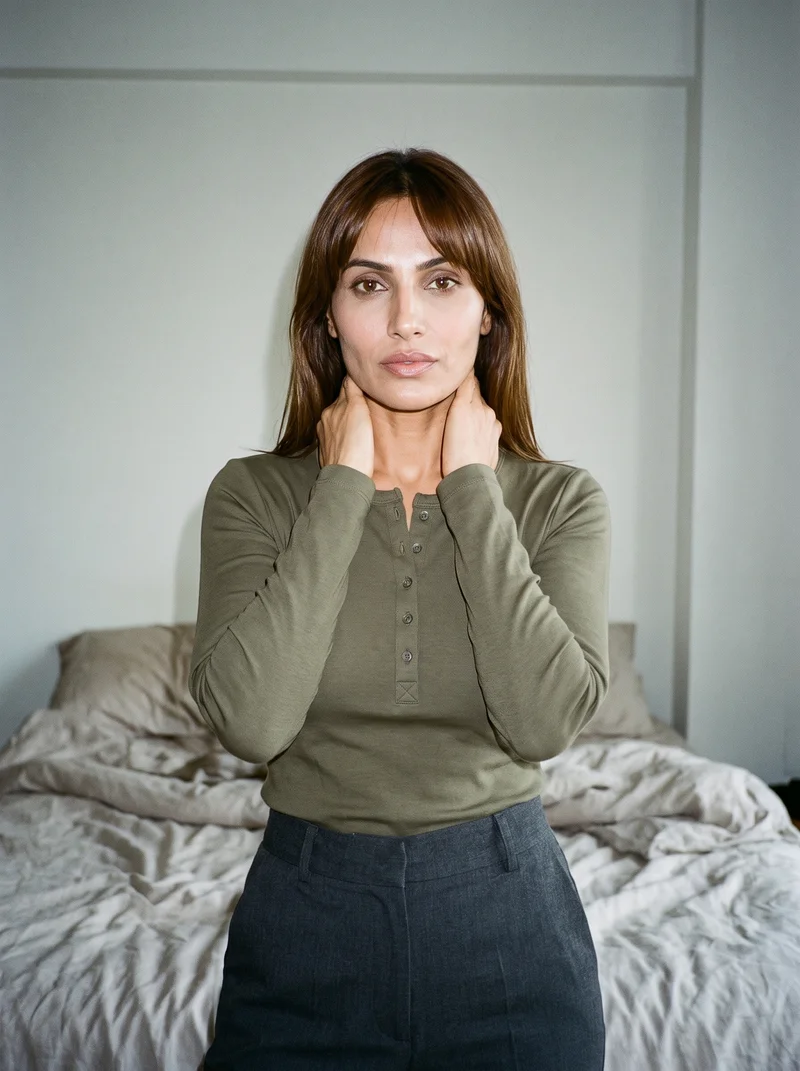
Side by side
Considering a Resleeve alternative? Compare the workflows.
The useful distinction is how each tool handles model references, creative direction, and the finished image.
| Comparison | RAWSHOT | Resleeve |
|---|---|---|
| Starting point | Accepts product photos, flat-lays, mockups, and technical sketches. | Product, lifestyle, and on-model workflows from clothing or product photos. |
| Creative controls | Visible, click-driven controls for styling, background, light, framing, camera view, and pose. | Brand and style briefs, with plain-language edits for backgrounds, angles, and settings. |
| Models | Synthetic composite models only; no real-person likeness is referenced. | Documents custom face or body references and garments applied to uploaded model photos. |
| Products per image | One composition can include up to four products. | Documents product imagery from a product photo; no simultaneous garment count is specified. |
| Video | Turns a finished image into video, with up to 3 scenes of 5 seconds. | Fashion page describes runway-style films, drop teasers, and try-on reels. |
| Rights and provenance | Permanent commercial rights, AI labelling, watermarking, and C2PA credentials on every output. | Commercial use is permitted subject to terms and third-party rights; C2PA is unspecified. |
Resleeve details are grounded in cited product, fashion, workflow, and terms sources; RAWSHOT details use its official product information.
Use cases
Apparel workflows and team needs
Marketing and brand managers
Resleeve
A campaign needs imagery built around a familiar person already used by the brand.
Resleeve documents applying a garment to an uploaded model photo.
E-commerce managers filling product pages before a drop goes live
RAWSHOT
An e-commerce team needs several release views configured in one shoot.
RAWSHOT lets you adjust composition choices while the rest of the shoot stays set.
See the solutionWholesale and sales teams building lookbooks and linesheets before samples land
RAWSHOT
A wholesale team needs imagery before physical samples arrive.
RAWSHOT accepts technical sketches and flat-lays as garment references.
See the solutionMore options
Other apparel image tools to compare

Refabric
Compare Refabric and RAWSHOT for apparel imagery, including garment-photo workflows, model choices, collection consistency, and image provenance.
Compare with RAWSHOT

Fashable
Compare Fashable and RAWSHOT for fashion design creation, campaign imagery, collection consistency, creative controls, and image credentials.
Compare with RAWSHOT

Yoona
Compare Yoona’s text- and sketch-led fashion design tools with RAWSHOT’s controlled on-model product photography and composition consistency.
Compare with RAWSHOT
Rights
You own every image. Every image says what it is.
Yours
- Full commercial rights to every image, permanently.
- No recurring licence fees on any model in the library.
- Every model is a synthetic composite, so there is no real-person likeness.
Labelled
- C2PA content credentials on every image.
- AI-labelled output, aligned with EU AI Act Article 50.
EU-based hosting, GDPR-compliant handling.
- Aligned with EU AI Act Article 50
- C2PA
- Full commercial rights
- GDPR-compliant handling
- EU-based hosting
Questions
Questions about apparel imagery workflows
Can I create apparel photos from a clothing photo?
Yes. Resleeve documents product, lifestyle, and on-model imagery from a clothing or product photo. RAWSHOT also accepts product photos, alongside flat-lays, mockups, and technical sketches, and uses synthetic composite models only. Choose the workflow that fits the references and composition control you need.
When is Resleeve a better choice than RAWSHOT?
Resleeve may suit teams seeking plain-language refinement and brand-styled variations: its product-photography page describes both. RAWSHOT exposes visible composition choices for users to select. Choose Resleeve if its described refinement workflow is important to your team.
Which models can I use in Resleeve and RAWSHOT?
Resleeve documents custom face or body references and applying a garment to an uploaded model photo, including a user's own or a stock model's. RAWSHOT uses synthetic composite models only; no real-person likeness is referenced. Choose based on whether your workflow requires a real-person reference or synthetic models.
Can I use Resleeve and RAWSHOT images commercially?
Resleeve's terms permit commercial use subject to its terms and third-party rights. RAWSHOT provides full and permanent commercial rights to every generation, with no ongoing licensing fees on library models. Review Resleeve's terms for your intended use and choose based on the rights scope you need.
How do I switch from Resleeve to RAWSHOT?
The cited sources do not describe a direct project-transfer workflow. Start a new RAWSHOT shoot with a product photo, flat-lay, mockup, or technical sketch, then configure the model, outfit, styling, background, photography direction, and composition. Treat it as a fresh configuration and check the resulting images against your intended presentation.
Get started
Set up your next apparel shoot
Bring a product reference into RAWSHOT and configure the composition you want to photograph.