
Sprello alternative
Sprello and RAWSHOT take different routes from product image to fashion content
Compare Sprello’s visual workflow canvas with RAWSHOT’s configurable photoshoots for product imagery and fashion content.
Published: Updated:
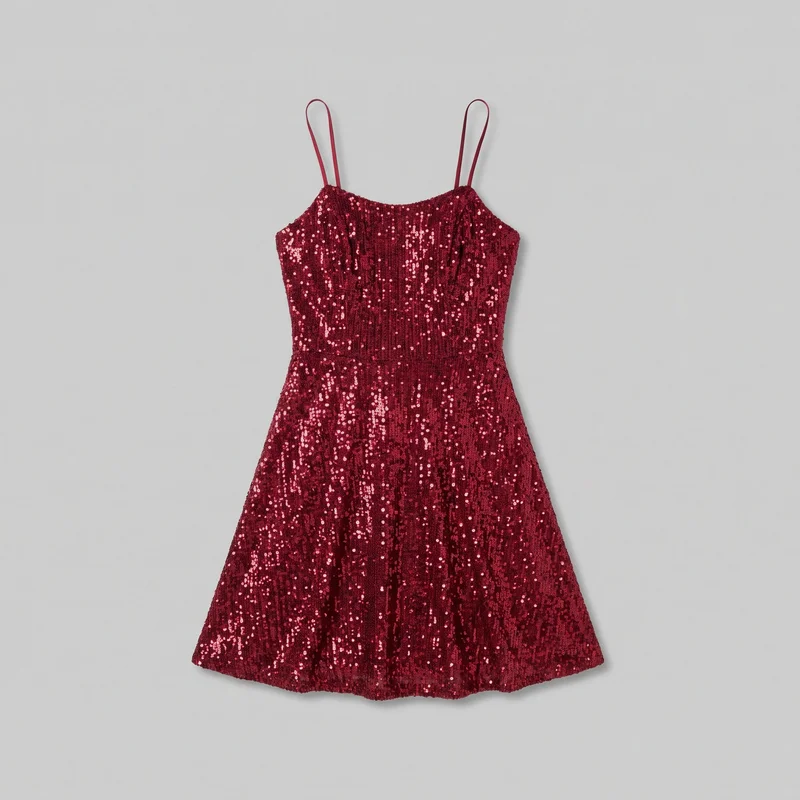
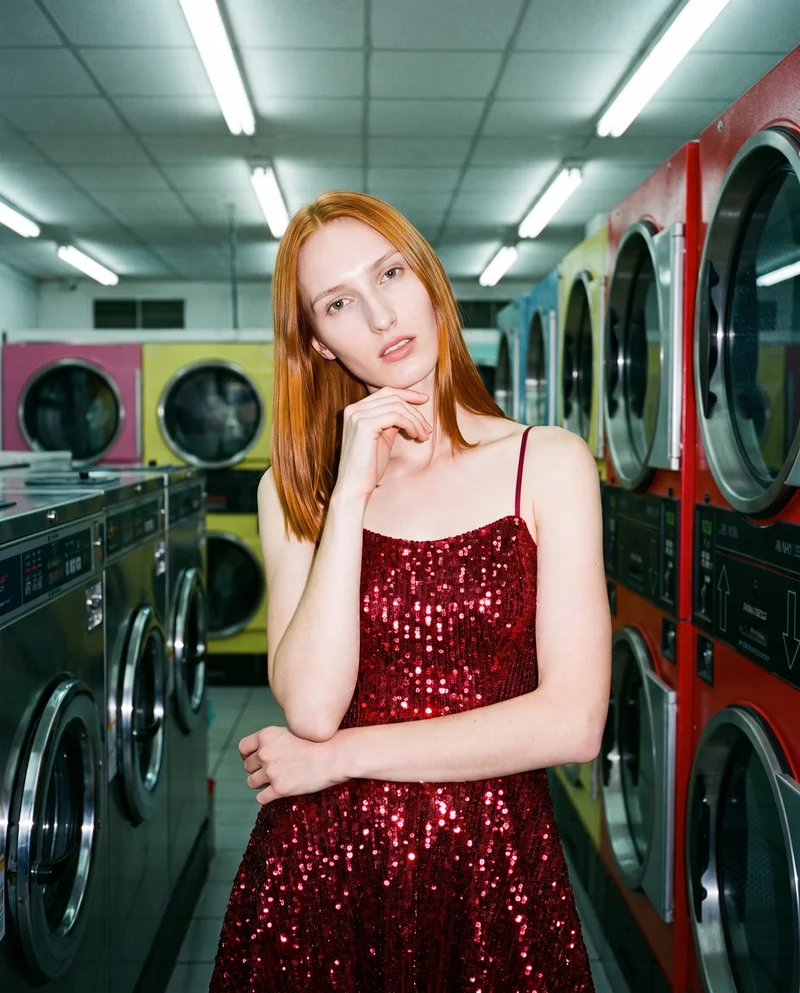
The short answer
Both Sprello and RAWSHOT start from a clothing-item photo. Sprello documents product-on-model workflows, but its reviewed public pages do not establish real-person uploads; RAWSHOT uses synthetic models only. RAWSHOT keeps the rest of a composition steady when one setting changes, supporting collection consistency, and adds C2PA content credentials to every output.
- Sprello is built for
- Connecting fashion product visuals to collection reviews and buyer assortments.
- RAWSHOT is built for
- Directing on-model fashion imagery from product input to finished composition.
Sprello facts checked on sprello.ai, 24 September 2026 · RAWSHOT facts from the app
Decide in three questions
Answer the three questions to see which workflow fits better.
Strengths
Where Sprello has a clear fit
Merchandising handoff
Sprello describes product records and generated visuals flowing into collection reviews, line sheets, and buyer assortments.
SourceEditorial and motion workflows
Sprello’s fashion editorial template lists product-on-model compositing, outfit-reference blending, street-style generation, and motion-video output.
SourceProduct-photo workflow
Sprello’s product-photography template documents raw-product inputs alongside background removal, lighting simulation, backdrop generation, and multi-angle rendering.
SourceDifferences
What you can direct in RAWSHOT
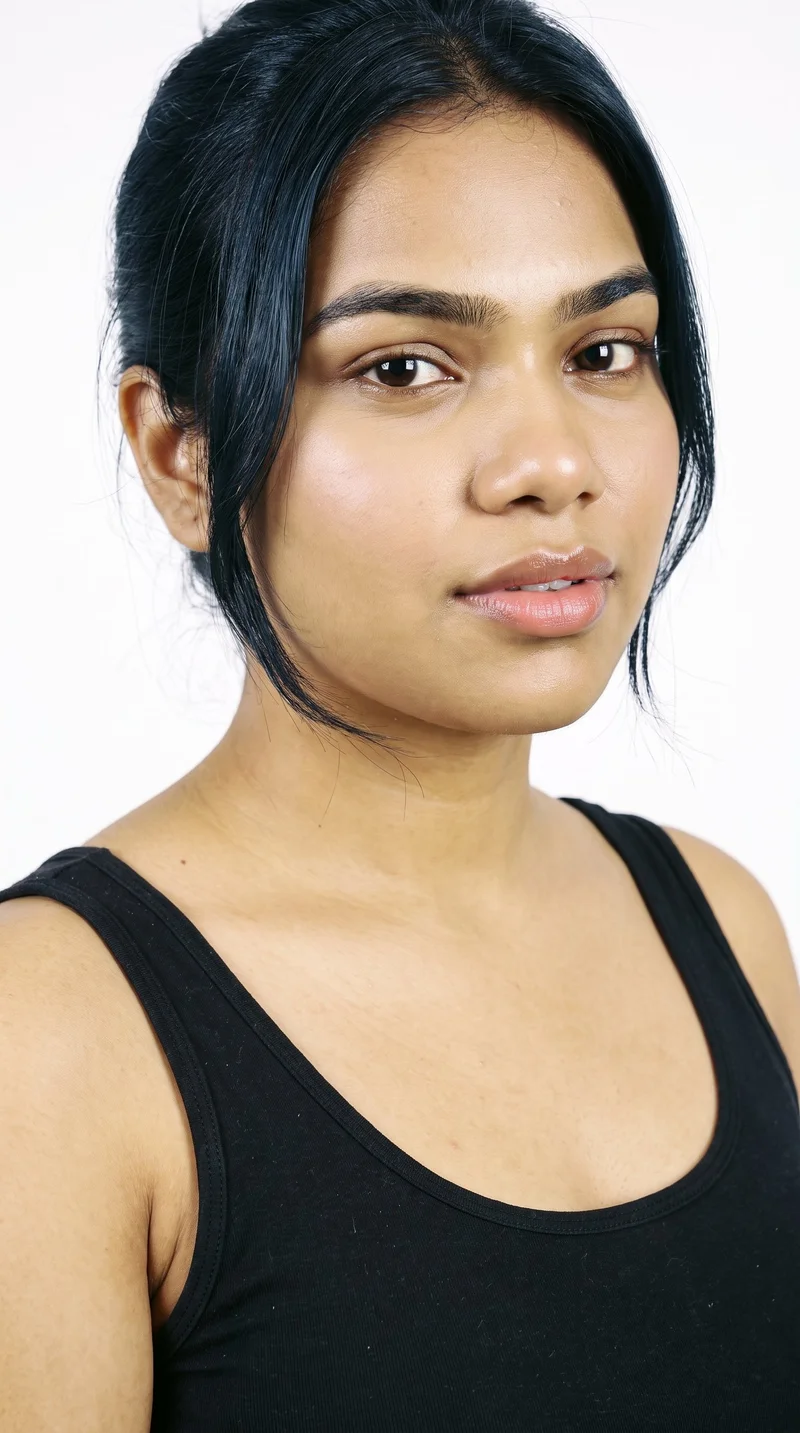
Choose a synthetic model for the shoot
Choose from the model options or use the private model builder to shape a model from visible attributes.
See the feature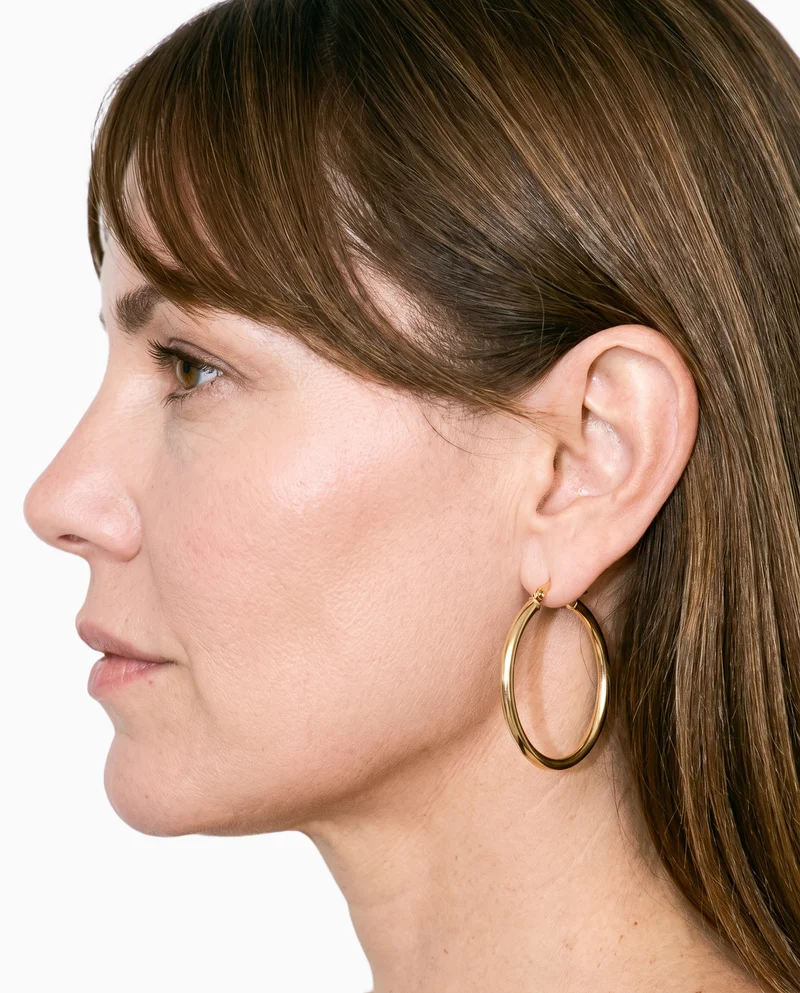
Bring your product image into the shoot
Start from a product photo, flat-lay, mockup, or technical sketch; upload checks explain what could improve the result.
See the feature
Set the photography direction
Choose one of four photography directions to control the light as part of the shoot configuration.
See the featureFrom the catalog
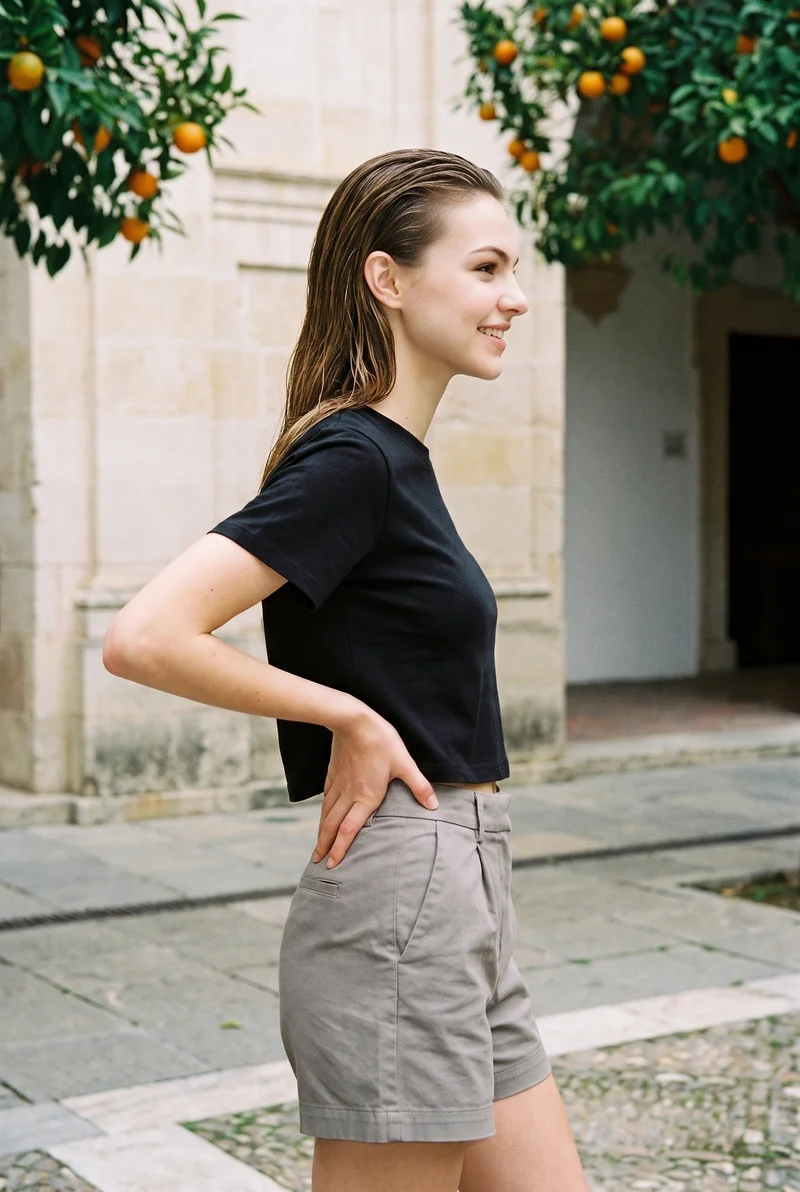
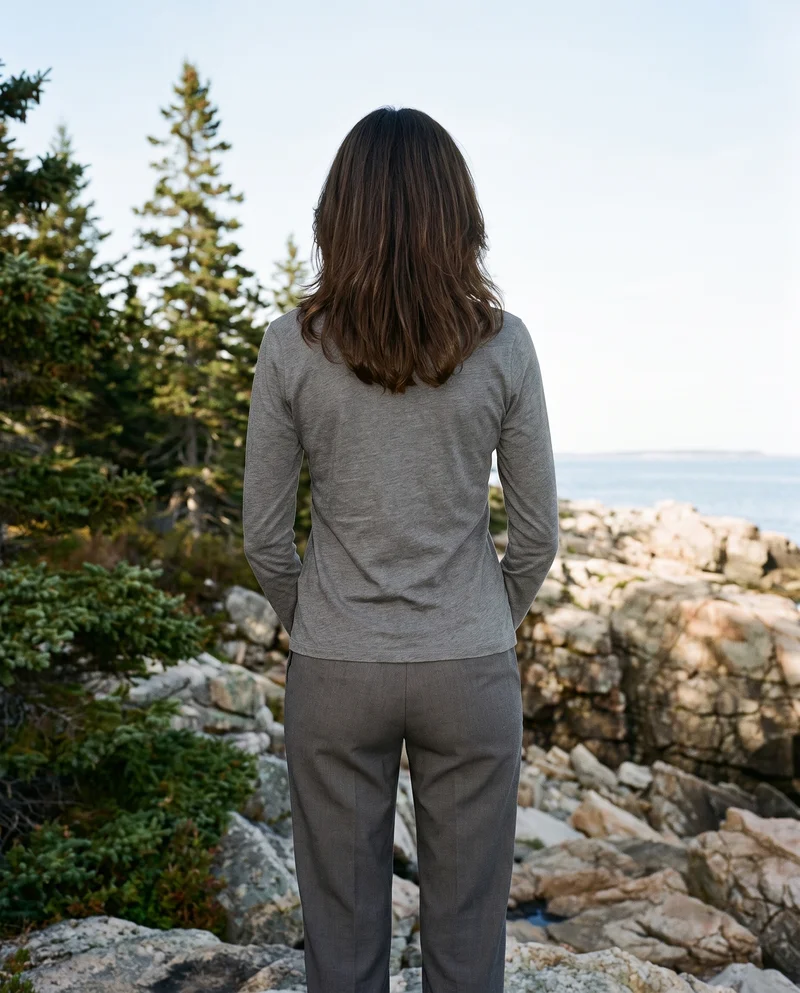
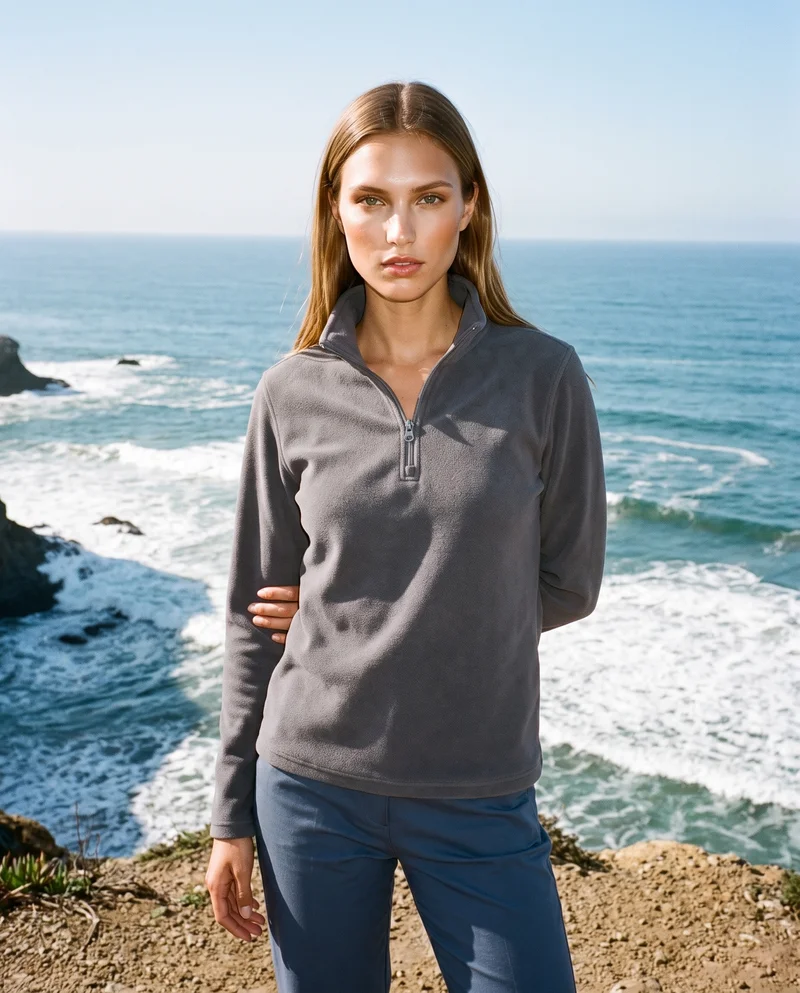
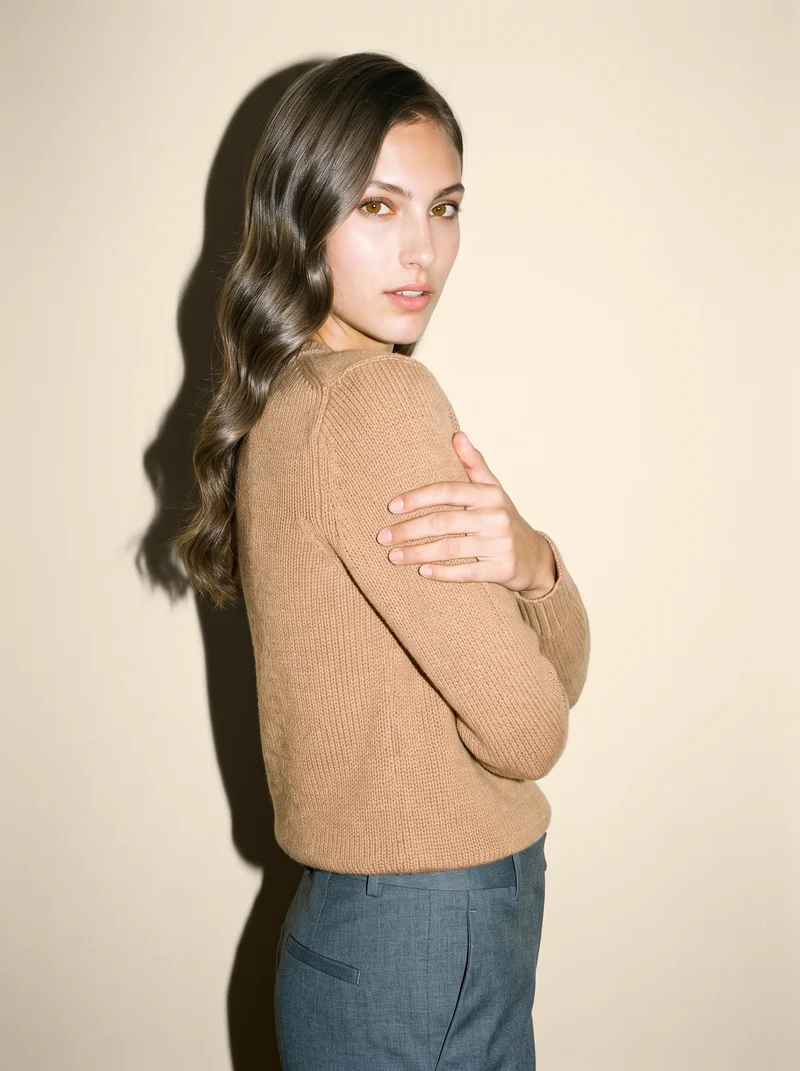
More finished shoots
Side by side
Could a Sprello alternative fit your fashion imagery workflow?
The documented scopes range from merchandising handoffs to shoot configuration, with differences in image controls, output workflows, and rights documentation.
| Comparison | RAWSHOT | Sprello |
|---|---|---|
| Starting point | Starts from product photos and uses synthetic models only. | Documents raw-product fashion workflows and outfit-reference blending; real-person uploads are unspecified. |
| Creative controls | Visible settings include model, outfit, light, frame, camera view, pose, and expression. | Documents a visual workflow canvas and product-photo controls for backgrounds, lighting, backdrops, and angles. |
| Models | Uses synthetic composite models; no real-person likeness is referenced. | Documents product-on-model compositing and outfit-reference blending; model-reference uploads are unspecified. |
| Products per image | Supports up to four products in one composition. | Public pages do not specify a supported product count per image. |
| Video | Supports up to three five-second scenes at 720p or 1080p. | Fashion editorial template lists motion-video output; controls and formats are unspecified. |
| Rights and provenance | Full and permanent commercial rights; C2PA content credentials on every output. | Terms say customers retain rights to content and outputs and are responsible for permissions; C2PA is unspecified. |
Based on Sprello’s official product pages and terms accessed 24 September 2026; unreported details are marked unspecified.
Use cases
A fit for the teams and work involved
Wholesale and sales teams building lookbooks and linesheets before samples land
Sprello
Your team needs product visuals to move into buyer assortments.
Sprello describes visuals flowing into collection reviews, line sheets, and buyer assortments.
E-commerce managers filling product pages before a drop goes live
RAWSHOT
You are preparing on-model images for product pages.
RAWSHOT generates fashion imagery from product photos and other product inputs.
See the solutionMarketing and brand managers
RAWSHOT
You are planning fashion imagery for a campaign.
RAWSHOT lets you configure the shoot before the image is generated.
See the solutionPerformance marketers
RAWSHOT
You need creative variations for fashion campaigns.
You can change composition settings and generate a new image for the direction you choose.
See the solutionMore options
Other options to consider

Generated Photos
Compare Generated Photos and RAWSHOT for apparel imagery, model choice, product control, collection consistency, video and provenance.
Compare with RAWSHOT

insMind
Compare insMind and RAWSHOT for fashion imagery: product-photo workflows, creative controls, collection consistency, video, and provenance.
Compare with RAWSHOT

Pixelz
Compare documented Pixelz and RAWSHOT workflows for product imagery, model options, composition controls, video, and image provenance.
Compare with RAWSHOT

Pixfocal
Compare Pixfocal’s garment-photo workflows with RAWSHOT’s configurable fashion shoots, collection consistency, and documented image provenance.
Compare with RAWSHOT
Rights
You own every image. Every image says what it is.
Yours
- Full commercial rights to every image, permanently.
- No recurring licence fees on any model in the library.
- Every model is a synthetic composite, so there is no real-person likeness.
Labelled
- C2PA content credentials on every image.
- AI-labelled output, aligned with EU AI Act Article 50.
EU-based hosting, GDPR-compliant handling.
- Aligned with EU AI Act Article 50
- C2PA
- Full commercial rights
- GDPR-compliant handling
- EU-based hosting
Questions
Questions about Sprello and RAWSHOT
What is the difference between Sprello and RAWSHOT for apparel photos?
Both Sprello and RAWSHOT support apparel imagery that starts from a clothing-item photo. Sprello documents product-on-model compositing, while its reviewed public pages do not establish a real-person upload path. RAWSHOT uses synthetic models and lets you configure the shoot around your product. For a confirmed real-person workflow, verify it with the provider; for a configurable synthetic-model apparel shoot, consider RAWSHOT.
When is Sprello a better choice than RAWSHOT?
Sprello may fit better when your central task is connecting product visuals to buyer assortments. Its official materials describe product records and generated visuals flowing into collection reviews, line sheets, and assortments. Confirm that its documented handoff matches your team’s process; if that connection is essential, assess Sprello for the job.
Which models can I use in Sprello and RAWSHOT?
Sprello documents product-on-model compositing and outfit-reference blending, but its reviewed public pages do not specify model-reference uploads or reusable model identity. RAWSHOT uses synthetic composite models, with a private model builder for creating a model from visible attributes. If you need a particular real person represented, Sprello’s reviewed public materials do not confirm that workflow; check with Sprello before relying on it.
Can I use Sprello and RAWSHOT images commercially?
Sprello’s terms say customers retain rights to their content and outputs and are responsible for permissions. RAWSHOT provides full and permanent commercial rights to every generation, with no ongoing licensing fees on library models. Review each service’s current terms and confirm you have permission to use any material you provide.
How do I switch from Sprello to RAWSHOT?
Treat a switch as setting up new RAWSHOT photoshoots rather than assuming a direct migration. RAWSHOT accepts product photos, flat-lays, mockups, and technical sketches. Start with one representative item, configure its shoot, and check the result against your product and channel requirements before moving other work.
Get started
Set up a fashion shoot in RAWSHOT
Start with a product image, configure the composition, and see the result in the browser.