
BEST LIST
Best AI Jewelry Product Photography Generator
RAWSHOT configures the complete picture before generation, offering a shoot-based approach to AI jewelry product photography.
- 10 tools
- 4 approaches
- no rankings · no scores
By the RAWSHOT team · Updated
 AI-generated · C2PA
THE SHORT ANSWER
RAWSHOT sets the model, jewelry, styling, background, light, frame, camera view, pose, expression, ratio, and resolution before taking the picture. The main decision is whether you need complete shoot direction, an image transformation, product-photo editing, or written concept development.
The tools on this list
- 01
RAWSHOT AIour productControl-based generatorsBest for: Strongest when a brand wants to direct the model, jewelry placement, pose, light, frame, and camera view.
- 02
CaimeraControl-based generatorsBest for: Strongest when fashion teams already have flat-lay jewelry or accessory images for catalog and editorial production.
- 03
Outfit.fmControl-based generatorsBest for: Strongest when a fashion brand wants self-service jewelry photos and videos from an existing product image.
- 04
Bandy AIModel and product swap toolsBest for: Strongest when an ecommerce workflow begins with a product photo and needs listing views or lifestyle scenes.
- 05
CatalogXModel and product swap toolsBest for: Strongest when jewelry, watches, bags, or footwear need on-model presentation with a specified product size.
- 06
DresmaModel and product swap toolsBest for: Strongest when an ecommerce team needs jewelry creation, refinement, model changes, or background edits from existing assets.
- 07
GreenOnionProduct photo editorsBest for: Strongest when a seller has a product photo and needs a coordinated set for marketplaces or product pages.
- 08
PebblelyProduct photo editorsBest for: Strongest when jewelry cutouts need new studio or lifestyle surroundings guided by templates, references, or brand colors.
- 09
Freepik AI Image GeneratorPrompt-based generatorsBest for: Strongest when the workflow combines written art direction with product, color, camera, and style references.
- 10
Higgsfield AI Product PhotographyPrompt-based generatorsBest for: Strongest when uploaded accessory photos need studio, lifestyle, detail, and on-model treatments under written creative direction.
Control-based generators
- How it works
- You usually choose the model, garment, pose, setting, framing, and other controls before generating the image.
- Fits
- Teams that need repeatable fashion images and want to see every creative decision before they generate.
RAWSHOT AIour product
rawshot.ai
Software photo studio that generates original on-model jewelry, fashion imagery, and video from a brand’s real products.
Best for
Strongest when a brand wants to direct the model, jewelry placement, pose, light, frame, and camera view.
Strong at
- The control surface includes 15 frames, 5 camera views, 104 poses, 10 expressions, 24 makeup looks, and 9 aspect ratios.
- A composition can contain up to 4 products, and changing one element keeps the same model, light, and crop.
Requirements
- Input:
- Product photo and shoot settings
- Output:
- Newly generated images
- Models:
- Synthetic, licence-free models
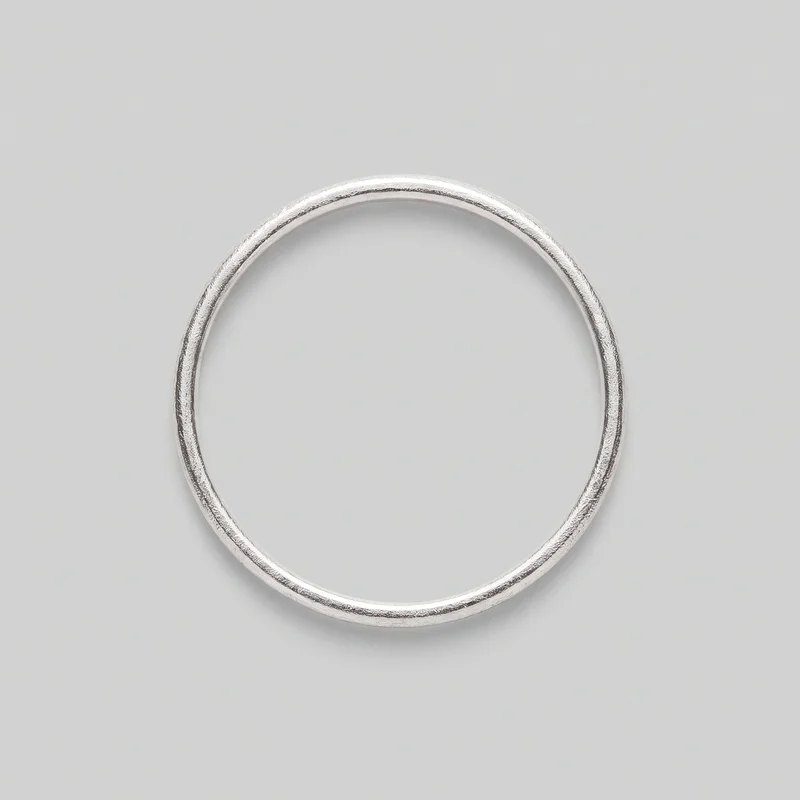
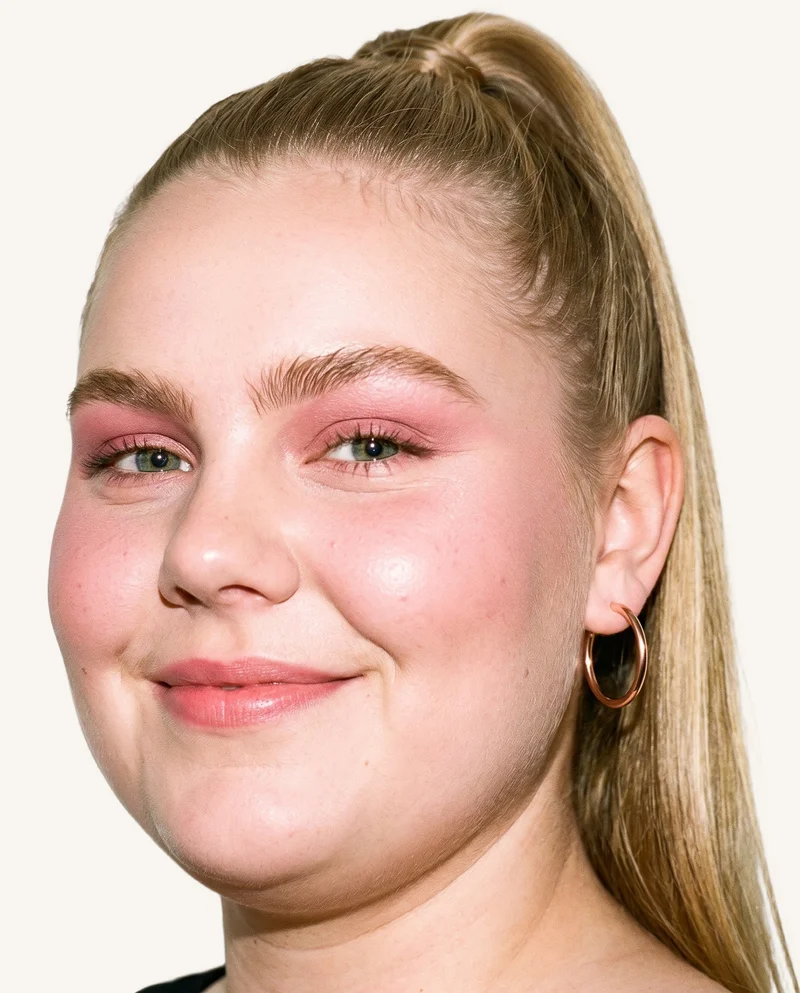
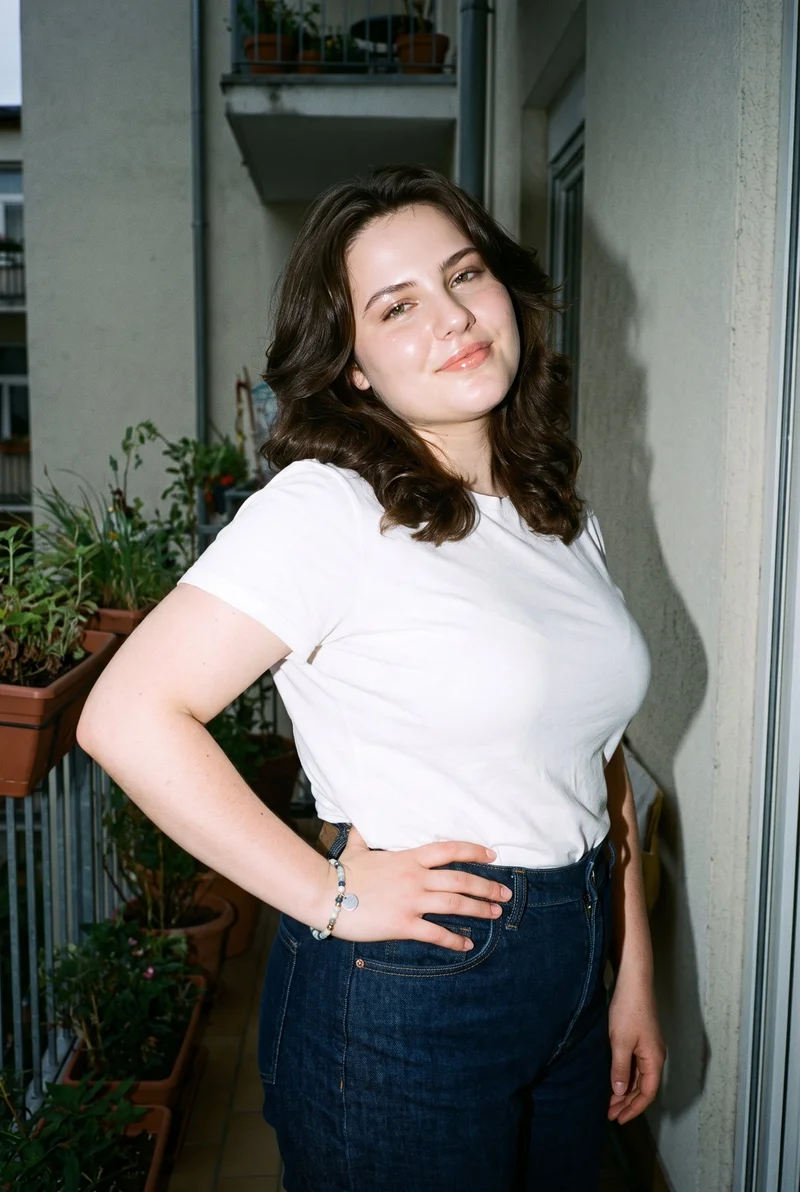
Women's Rose Gold Ear Cuffs · Head
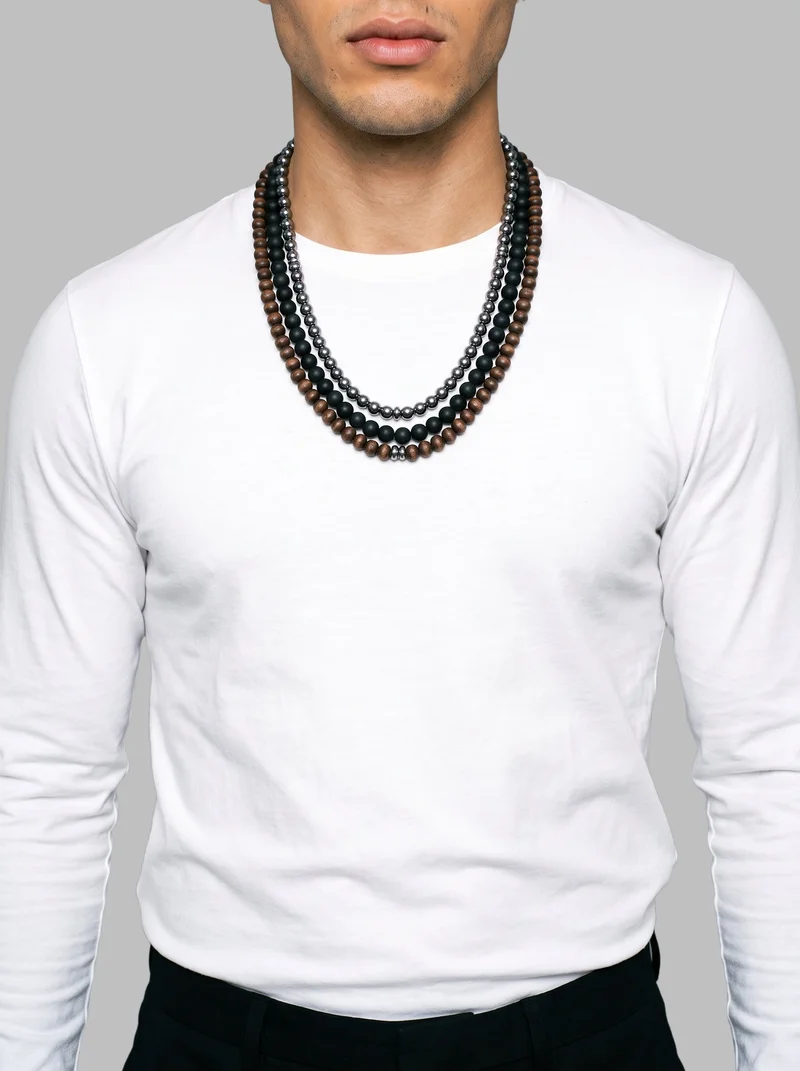
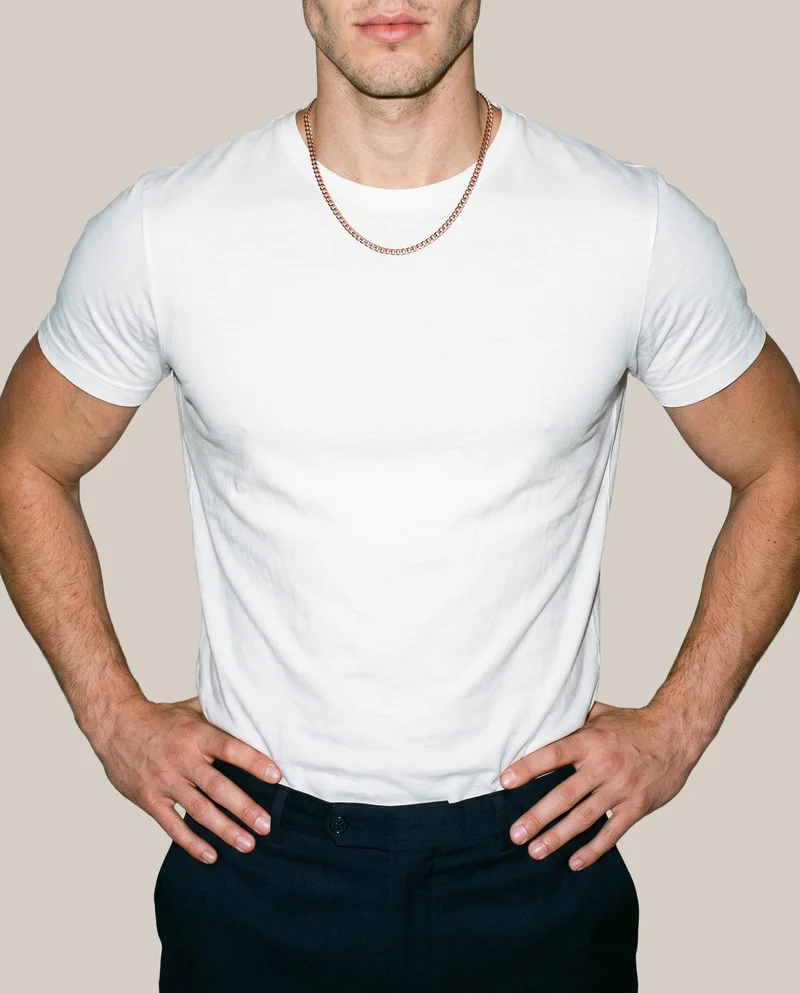
Men's Beaded Layered Necklace · Torso
Women's Beaded Bracelet · Upper body
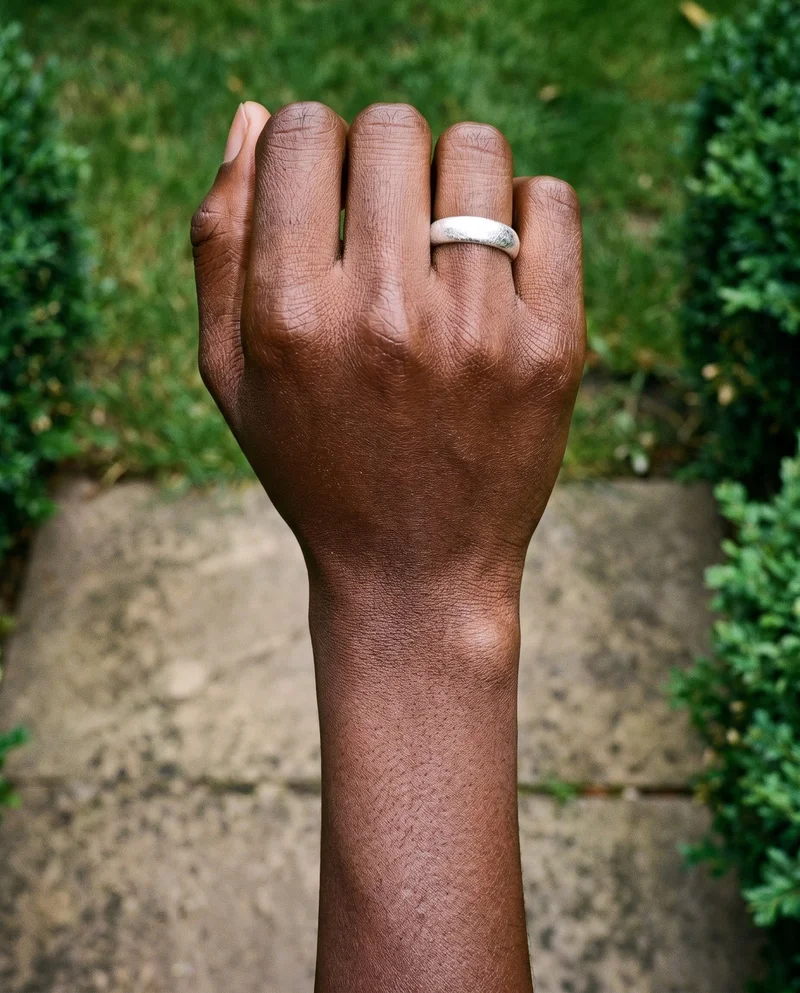
Men's Rose Gold Chain · Torso
Caimera
caimera.ai
AI visual production platform for fashion teams creating catalog imagery, editorial images, product visualizations, and image edits.
Best for
Strongest when fashion teams already have flat-lay jewelry or accessory images for catalog and editorial production.
Strong at
- Flat-lay product images become catalog images with selectable models, poses, and backgrounds.
- Editorial workflows reuse products from a library across fashion categories, including jewelry, bags, footwear, eyewear, and accessories.
Requirements
- Input:
- Product photo and shoot settings, text prompt
- Output:
- Newly generated images
- Models:
- Models from a library
- Labelling:
- AI label, watermark
Outfit.fm
outfit.fm
Self-service product photography platform that creates on-model fashion images and videos for fashion brands from uploaded product photos.
Best for
Strongest when a fashion brand wants self-service jewelry photos and videos from an existing product image.
Strong at
- The workflow starts with an uploaded product photo and provides model and background customization.
- Finished product photos and videos are available as high-resolution downloads for websites, advertisements, and social media.
Model and product swap tools
- How it works
- You typically upload a garment or model image and combine it with an existing photo, template, or model from a library.
- Fits
- Teams that already have a useful source image and need quick variations without rebuilding the full scene.
Bandy AI
bandy.ai
Ecommerce creative agent that generates product images, videos, and on-model listing visuals from uploaded product assets.
Best for
Strongest when an ecommerce workflow begins with a product photo and needs listing views or lifestyle scenes.
Strong at
- A product photo can produce listing images with multiple views and lifestyle scenes.
- The try-on workflow provides a model library and accepts a custom model or face for product placement.
Requirements
- Input:
- Product photo and shoot settings, text prompt
- Output:
- Your product on library photos
- Models:
- Models from a library, your own model or the shopper
CatalogX
catalogx.app
Self-service product photography tool that turns garment and accessory photos into images of those products on models.
Best for
Strongest when jewelry, watches, bags, or footwear need on-model presentation with a specified product size.
Strong at
- Accessory workflows present jewelry, watches, bags, and footwear on models with the product size specified.
- Quality Mode checks color, pattern, and embroidery against the source image and can trigger a reviewed retry.
Dresma
dresma.com
Ecommerce visual-content platform for product imagery and video, including jewelry creation, on-model photography, and model swaps.
Best for
Strongest when an ecommerce team needs jewelry creation, refinement, model changes, or background edits from existing assets.
Strong at
- Jewelry imagery can start from uploaded images, written direction, or reference images and then receive fine-tuning.
- Model swaps retain the product, while editing workflows cover AI backgrounds, lighting correction, and coordinated image changes.
Requirements
- Input:
- Product photo, product photo and shoot settings, text prompt
Product photo editors
- How it works
- You typically upload a product shot, then remove or replace the background, retouch details, or resize it for different channels.
- Fits
- Teams with finished product photos that need clean backgrounds, consistent retouching, or channel-ready formats at volume.
GreenOnion
greenonion.ai
Self-service product image generator that turns a product photo into coordinated, platform-ready ecommerce image sets.
Best for
Strongest when a seller has a product photo and needs a coordinated set for marketplaces or product pages.
Strong at
- A product photo can become hero, detail, lifestyle, feature, comparison, and trust images.
- Dedicated workflows prepare imagery for Amazon, Etsy, Shopify, fashion catalogs, and general product photography.
Pebblely
pebblely.com
AI image-generation app that creates product and marketing scenes around uploaded product photos for ecommerce imagery.
Best for
Strongest when jewelry cutouts need new studio or lifestyle surroundings guided by templates, references, or brand colors.
Strong at
- The workflow generates a new scene and background around an uploaded jewelry or watch product photo.
- Scene direction can use free text, templates, style images, and brand colors while preserving visible packaging text.
Requirements
- Input:
- Product photo and shoot settings, text prompt
- Output:
- Real photography
Prompt-based generators
- How it works
- You describe the image in words, then refine the prompt or regenerate until the composition and styling are close.
- Fits
- Concept exploration, mood development, and teams comfortable directing images through written prompts.
Freepik AI Image Generator
freepik.com
AI image generator for creating and editing fashion and product imagery from written direction, reference images, or both.
Best for
Strongest when the workflow combines written art direction with product, color, camera, and style references.
Strong at
- Text and visual references can direct characters, products, colors, cameras, effects, and visual style.
- Custom Objects maintain a product across scenes, and generated images remain available for editing, variation, download, or video.
Requirements
- Input:
- Text prompt
- Output:
- Newly generated images
- Labelling:
- AI label
Higgsfield AI Product Photography
higgsfield.ai
Browser-based visual creation tool that produces fashion, accessory, and product photography from uploaded photos.
Best for
Strongest when uploaded accessory photos need studio, lifestyle, detail, and on-model treatments under written creative direction.
Strong at
- Generated imagery retains the uploaded product’s shape, label, color, and texture.
- The product workflow creates studio, lifestyle, detail, and on-model images, including coordinated catalog variants.
Requirements
- Input:
- Brief and product samples, text prompt
- Output:
- Your product on library photos
- Labelling:
- Watermark
Criteria and tests
What to check for jewelry photography
What to look for
- 1Shape fidelity: stones, settings, links, and clasps keep their exact count and geometry.
- 2Placement: the piece sits naturally on the neck, ear, wrist, finger, or garment.
- 3Scale consistency: the product remains the right size relative to the model across views.
- 4Surface rendering: polished metal, gems, and fine details hold up under controlled highlights.
Test these shots
- 1A fine chain necklace with a small pendant centered on the collarbone.
- 2A pair of earrings that must match in scale, orientation, and fastening.
- 3A ring with a faceted stone and a clearly visible setting.
- 4A bracelet or watch crossing the wrist without broken links or warped hardware.
- 5The same piece shown as a full styling image and a macro product detail.
Crops to check: Full styled view showing scale, Body-area crop at neck, ear, wrist, or hand, Macro crop of stones, settings, links, and clasps, Reflection and highlight detail
Questions
Frequently asked questions
What does an AI jewelry product photography generator actually create?
An AI jewelry product photography generator creates new product, lifestyle, or on-model images using jewelry photos and digital creative direction. Control-based generators such as RAWSHOT and Caimera configure the scene before generation. Model and product swap tools such as CatalogX and Dresma place jewelry into model or reference imagery. Product photo editors such as Pebblely build new surroundings, while Freepik AI Image Generator and Higgsfield use written direction and references. Choose according to the source image and the amount of composition control required.
Which AI jewelry workflow fits model shots, listings, and campaign concepts?
Match the workflow to the required deliverable. For directed model shots, control-based generators such as RAWSHOT, Caimera, and Outfit.fm expose model and scene decisions. For existing product or model imagery, CatalogX, Bandy AI, and Dresma handle product placement and transformations. GreenOnion and Pebblely create listing scenes around product photos. Freepik AI Image Generator and Higgsfield support campaign concepts directed through text and references. Start by deciding whether the source asset, the complete composition, or the concept should drive production.
Can a small jewelry brand use AI model photography for launches?
Yes, when the brand has clear source images and someone responsible for product accuracy and creative approval. Prepare clean photographs showing the jewelry’s true shape, scale, metal color, stones, settings, links, and clasps. RAWSHOT suits a directed on-model shoot, CatalogX supports sized accessory presentation, and Pebblely creates scenes around product cutouts. The reviewer should also have channel specifications and visual references ready. Begin with representative necklaces, earrings, rings, and bracelets before approving launch imagery.
How do I check AI ring photos preserve settings and band width?
Check the generated ring against the source photograph before approving any image. Compare the stone count, facet arrangement, prongs, bezel or claw geometry, band width, engraving, metal color, reflections, and scale on the finger. Review a close crop beside the source, then inspect another camera view for geometry changes. Repeat the check at the final product-page resolution and reject warped settings or altered stones. Use a documented checklist and require approval from the person who maintains the product specification.
How should AI jewelry photography enter an existing ecommerce workflow?
Start with approved product images, dimensions, material information, and channel requirements. A creative lead selects the workflow and directs the model, placement, background, lighting, and framing; the chosen tool then generates the required product-page or campaign assets. A merchandiser verifies the SKU, scale, color, stone setting, fastening, and product title. A designer handles final crops and channel formats, while a compliance owner checks required AI labeling. Publish only after product, creative, and channel approvals are recorded.
How can retailers measure whether AI jewelry images improve production?
Track production and commerce signals by SKU and image type. Useful production measures include time from approved product input to publication, approval rounds, rejected images, manual retouching, reshoots, and missing channel formats. Commerce teams should monitor product-page engagement, add-to-cart activity, conversion, returns, and customer-service comments mentioning size, color, stone appearance, or misleading placement. Separate model images from plain product images in reporting. Continue the workflow when it shortens publication time without increasing corrections, returns, or product-representation complaints.
When is a conventional jewelry photoshoot still the better route?
A conventional shoot is the better route when the campaign depends on bespoke art direction, complex physical interaction, unusual reflections, celebrity talent, or macro detail requiring specialist capture. A managed provider also fits when the brand wants another team to operate production and perform human review. Generated imagery is sufficient for approved catalog, marketplace, testing, and supporting campaign assets when the jewelry remains accurate and the composition meets channel requirements. Keep the decision with the creative and product owners.
How do RAWSHOT and Caimera handle jewelry catalog model images?
RAWSHOT and Caimera use different workflows for jewelry catalog model images: RAWSHOT configures the complete composition, and Caimera starts with flat-lay product assets for catalog or editorial generation. RAWSHOT exposes the model, up to four products, styling, background, light, frame, camera view, pose, expression, ratio, and resolution before generation. Caimera provides selectable models, poses, and backgrounds and can reuse products from a library. Choose based on whether the job begins with shoot direction or a flat-lay catalog workflow.
Get started
See your products on a model.
Upload a product, choose the model, pose, setting, and framing, then generate the shot with every decision visible.