
Generated Photos alternative
Generated Photos or RAWSHOT: which fits your apparel shoot?
Compare Generated Photos and RAWSHOT for product-led fashion imagery, model choice, collection consistency and verifiable provenance.
Published: Updated:
The short answer
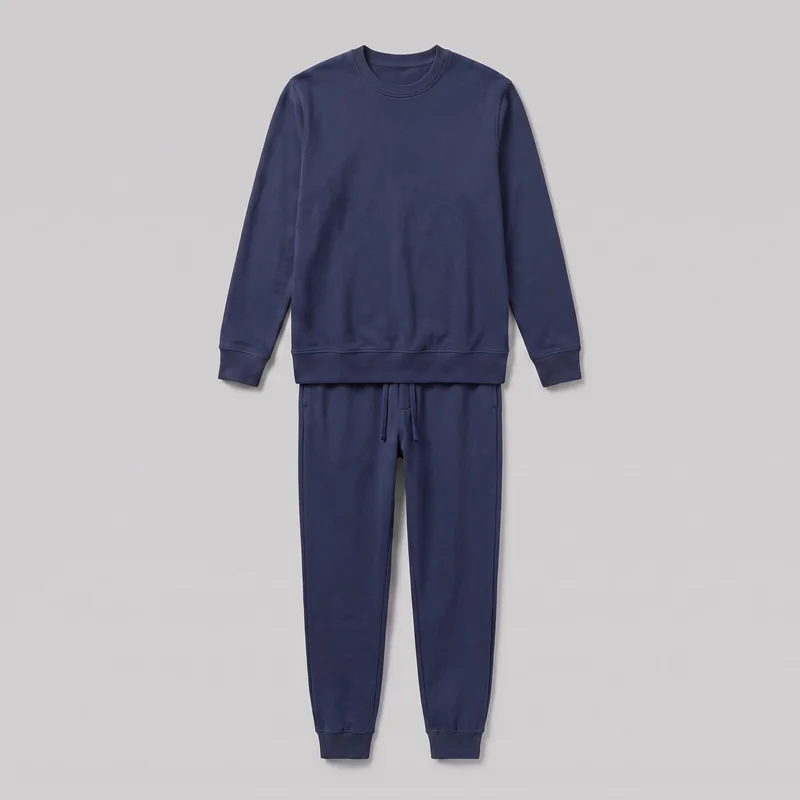
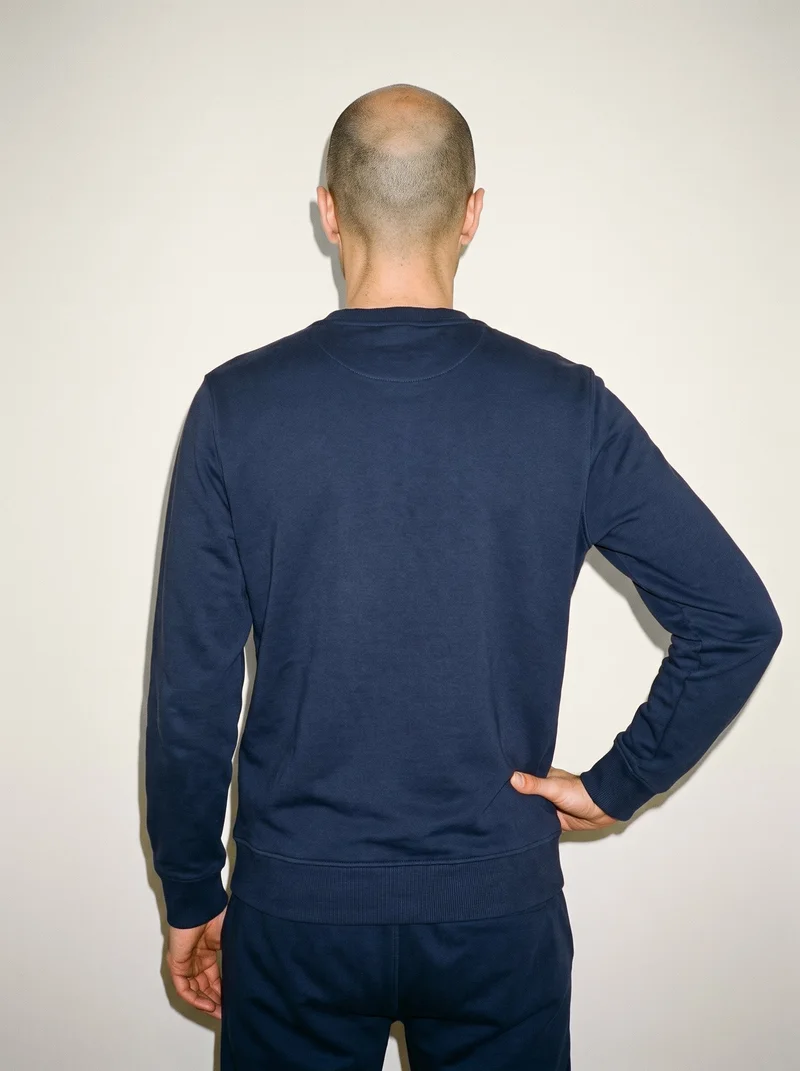
Generated Photos and RAWSHOT can both start from a clothing-item photo. Generated Photos can additionally place a real person’s face on a generated body, while RAWSHOT uses synthetic models only. RAWSHOT holds a chosen composition within a shoot and adds C2PA credentials to every output.
- Generated Photos is built for
- Campaigns that need an existing real person’s face on a generated body.
- RAWSHOT is built for
- Fashion teams directing consistent product imagery within a photoshoot.
Generated Photos facts checked on generated.photos, 24 September 2026 · RAWSHOT facts from the app
Decide in three questions
Answer the three questions to see which workflow fits better.
Strengths
Where Generated Photos is strong
Use an existing real face
The Human Generator documents uploading a face and placing it on a generated body, supporting campaigns built around a known person’s appearance.
SourceBroad fashion and accessory controls
The generator interface lists controls for demographics, body type, pose, clothing style and colour, including tops, dresses, footwear, handbags, jewelry and accessories.
SourceDocumented identity-file provenance
Generated Photos’ identity documentation describes custom identity files as fully synthetic and shipping without embedded provenance.
SourceDifferences
Where the workflows diverge
Keep a chosen model through the shoot
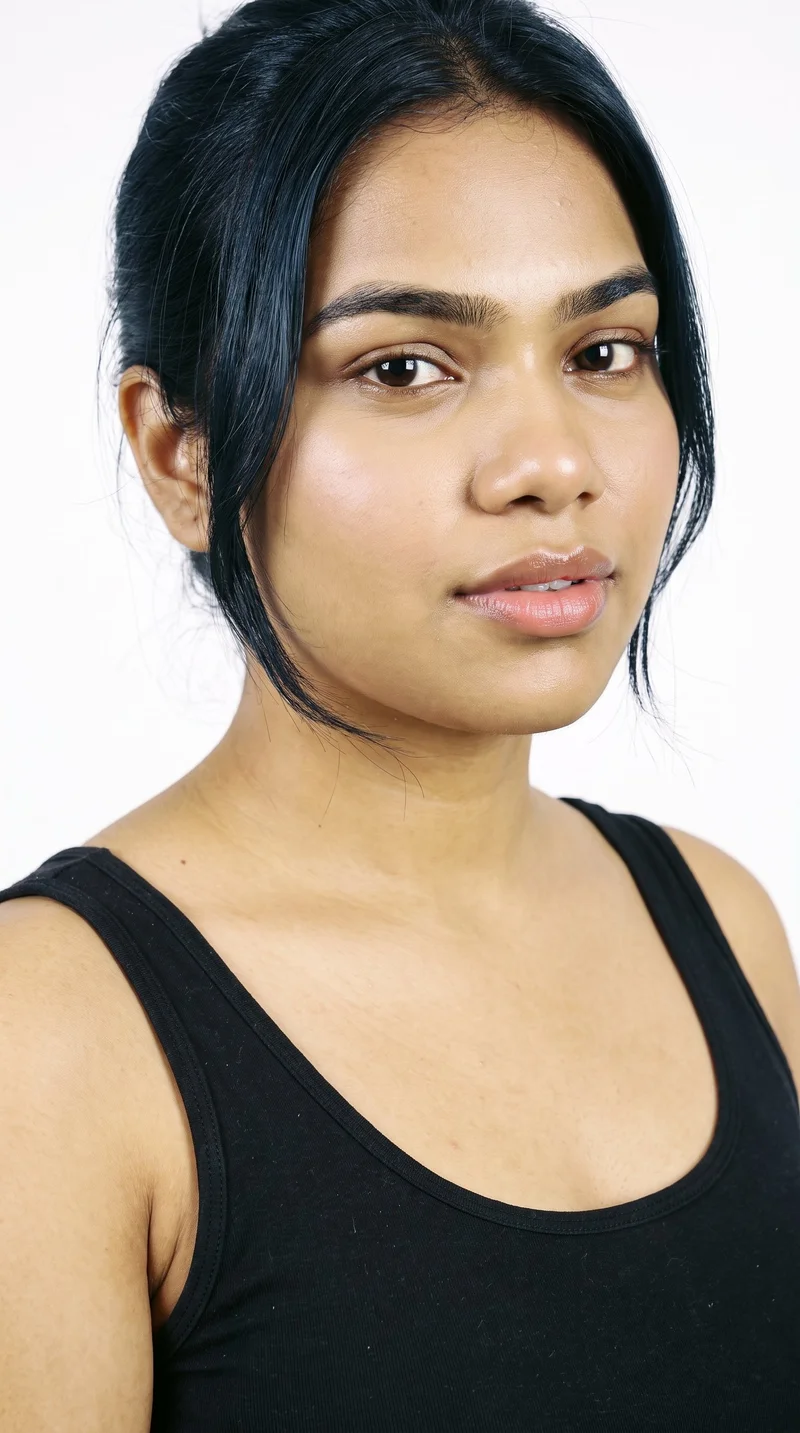
RAWSHOT uses synthetic models only. Choose from 1,197 models or build a private model, then keep that model while changing other composition decisions.
See the feature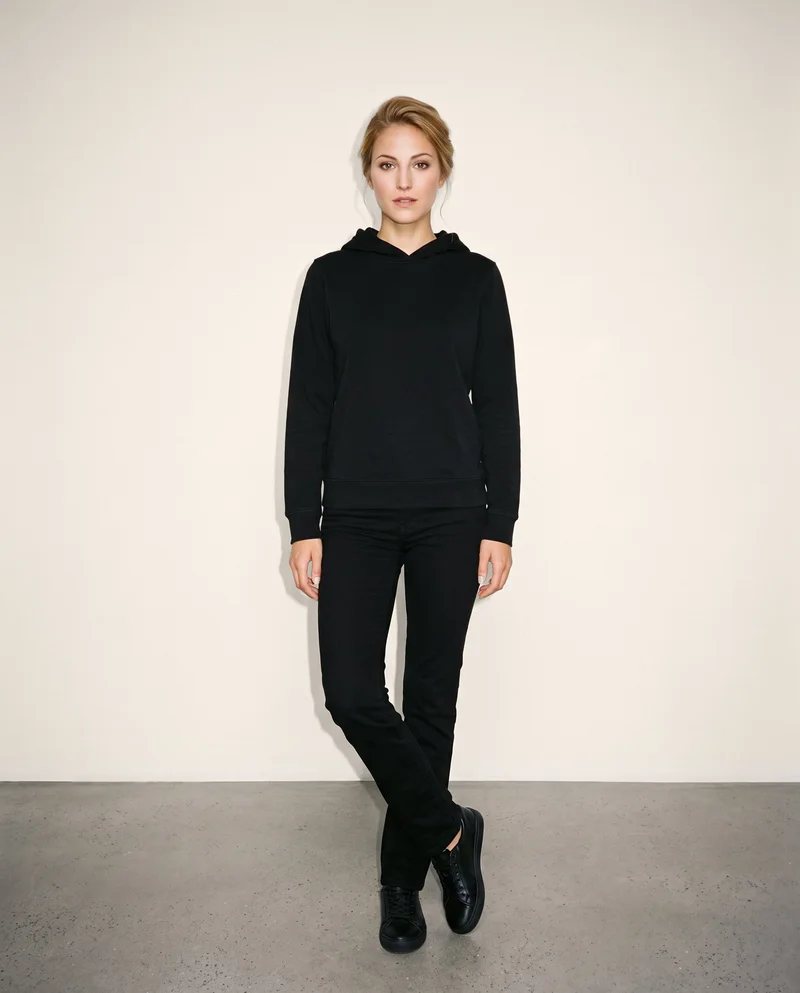
Direct the product composition
RAWSHOT can place up to four products in one composition. Change one element and the rest holds, including the model, light and crop.
See the feature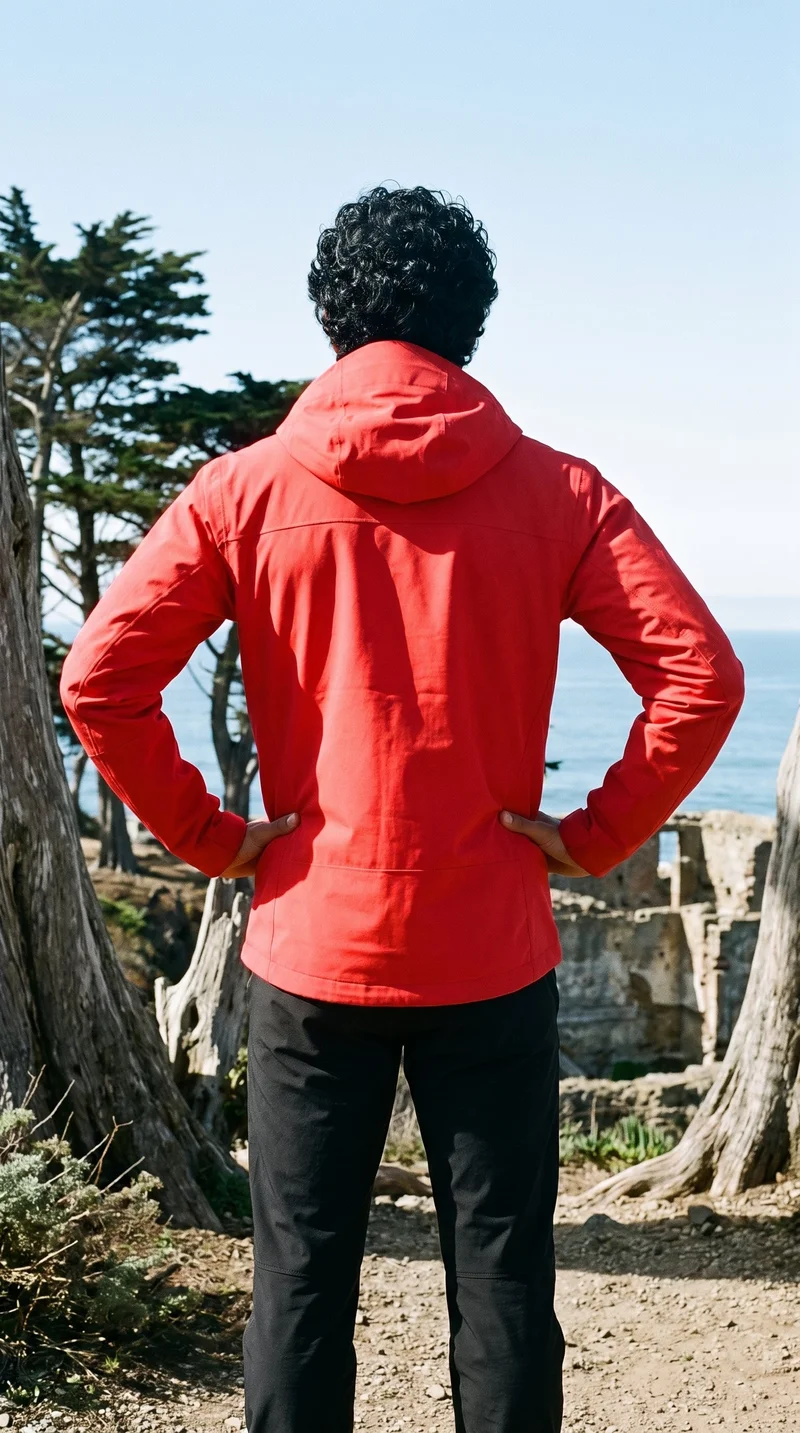
Build the image as a complete shoot
RAWSHOT exposes model, styling, background, light, frame, camera view, pose, expression, ratio and resolution as selectable controls.
See the featureFrom the catalog
More finished shoots
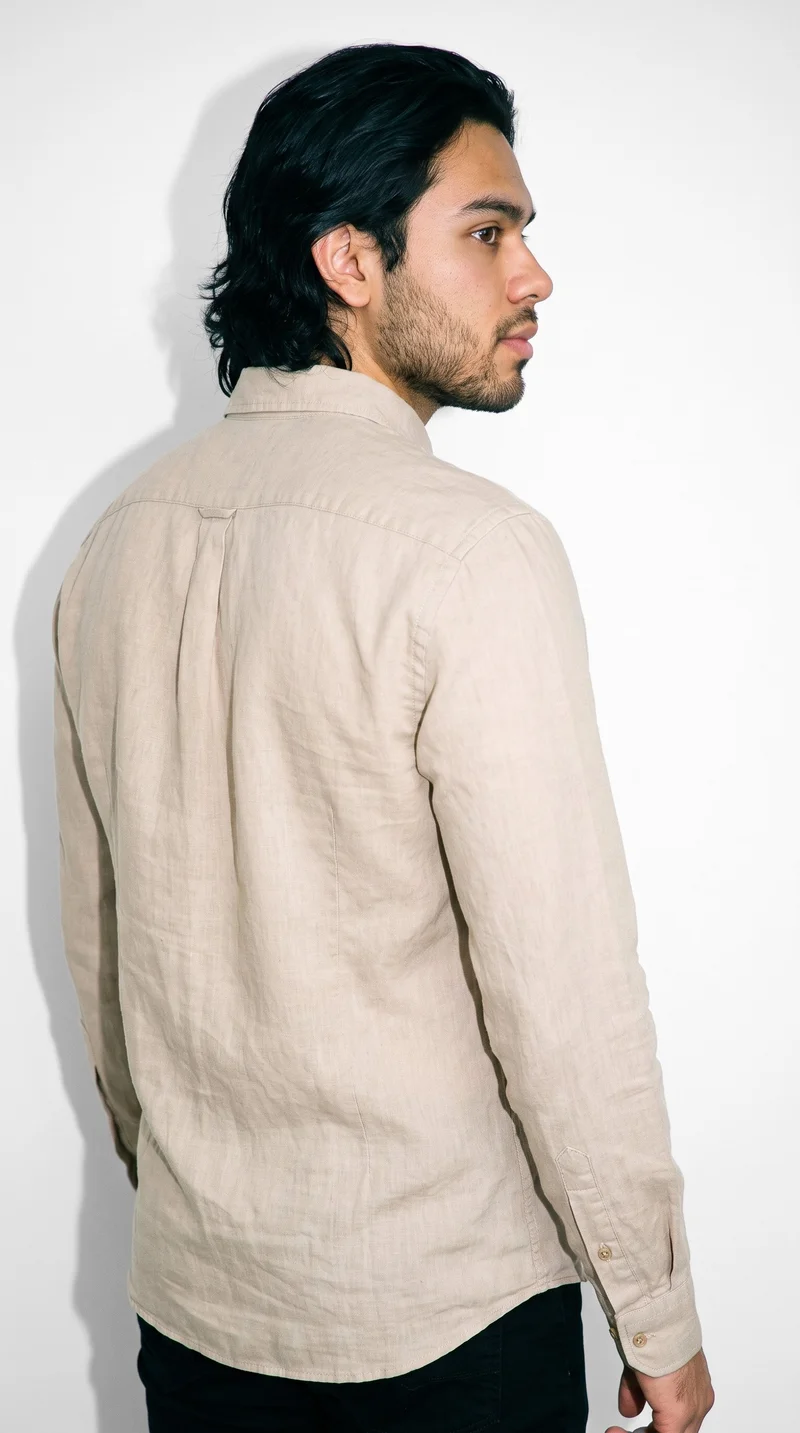
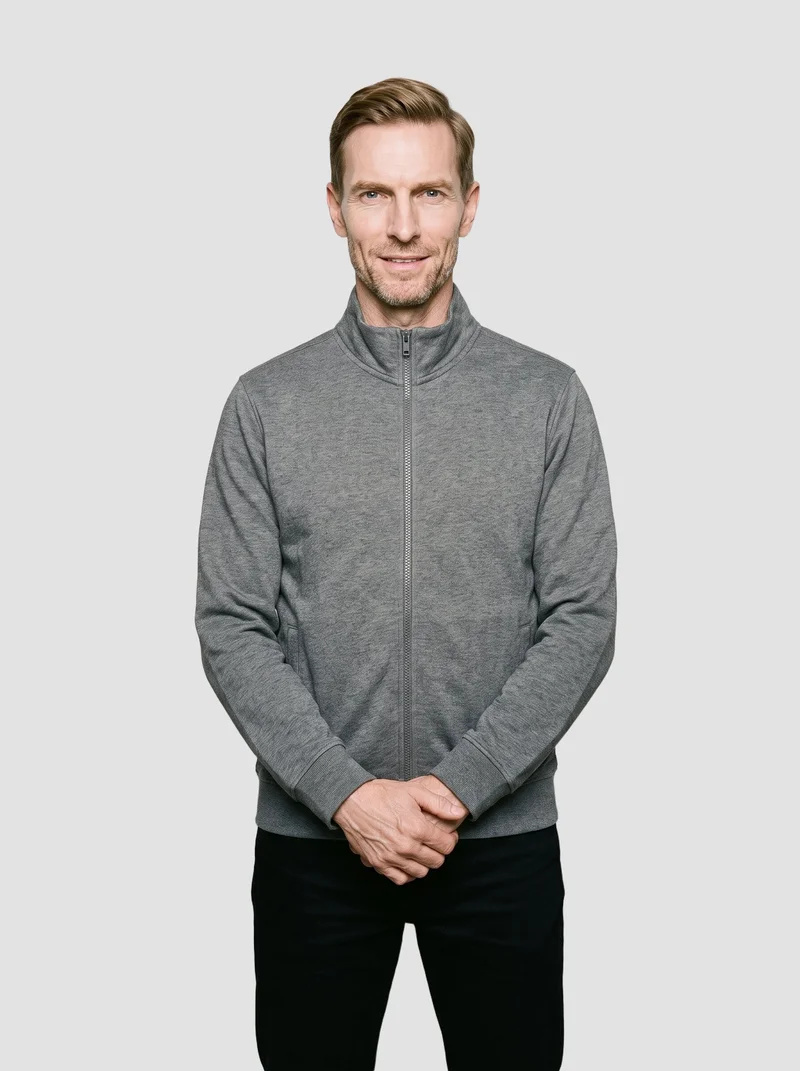
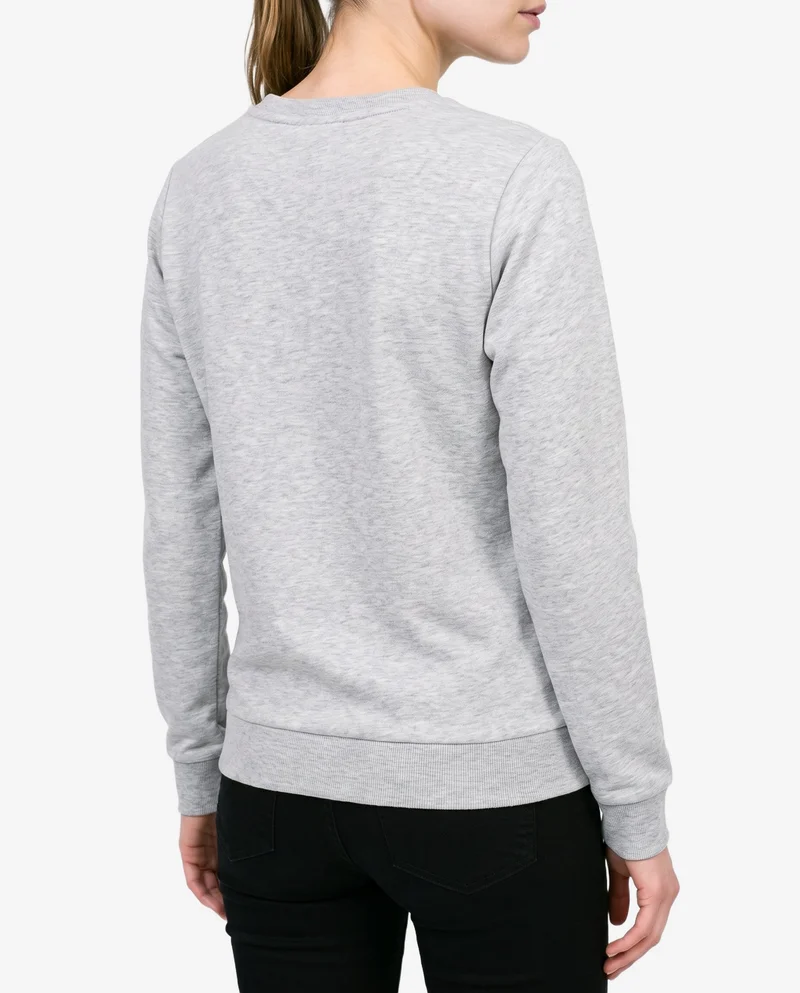
Side by side
Considering a Generated Photos alternative? Compare it with RAWSHOT.
Both products support product-led fashion imagery, but they expose different controls and model options. Generated Photos documents an additional real-face option; RAWSHOT is built around directing a product shoot.
| Comparison | RAWSHOT | Generated Photos |
|---|---|---|
| Starting point | Fashion product inputs including photos, flat-lays, mockups and technical sketches. | Clothing-item photo; real-face upload onto generated bodies is also documented. |
| Creative controls | Seven-step controls for styling, background, light, frame, view, pose, expression, ratio and resolution. | Demographics, body type, pose, clothing, colour, accessories and backgrounds. |
| Models | Synthetic models only: 1,197 models plus a private builder. | Synthetic humans, plus an uploaded real face on a generated body. |
| Products per image | Up to four products in one composition. | Reviewed pages do not specify a product count per image. |
| Video | Video from finished images: up to three five-second scenes. | Animations are described as coming soon; current video availability is not documented. |
| Rights and provenance | C2PA credentials, watermarking, AI-labelled metadata and permanent commercial rights. | Commercial use is documented when an applicable license is purchased. |
Generated Photos values are sourced from its Human Generator, interface and identity pages. RAWSHOT values come from its product documentation.
Use cases
Who each workflow suits
Marketing and brand managers
Generated Photos
A campaign must show a specific real person the brand already works with.
Generated Photos documents placing an uploaded face on a generated body.
E-commerce managers filling product pages before a drop goes live
RAWSHOT
A team needs product imagery that keeps a chosen model and composition coherent within a shoot.
RAWSHOT holds the composition while individual decisions change.
See the solutionPerformance marketers
RAWSHOT
A team needs several directed product variants for creative testing.
RAWSHOT exposes frame, view, pose, light and ratio as selectable controls.
See the solutionWholesale and sales teams building lookbooks and linesheets before samples land
RAWSHOT
A sales team needs on-model imagery from product photos, flat-lays, mockups or technical sketches.
RAWSHOT accepts those product inputs and supports up to four products in one composition.
See the solutionMore options
Other tools to consider

insMind
Compare insMind and RAWSHOT for fashion imagery: product-photo workflows, creative controls, collection consistency, video, and provenance.
Compare with RAWSHOT

Sprello
Compare Sprello’s documented fashion workflows with RAWSHOT’s configurable photoshoots, composition controls, and image provenance.
Compare with RAWSHOT

Pixelz
Compare documented Pixelz and RAWSHOT workflows for product imagery, model options, composition controls, video, and image provenance.
Compare with RAWSHOT

Pixfocal
Compare Pixfocal’s garment-photo workflows with RAWSHOT’s configurable fashion shoots, collection consistency, and documented image provenance.
Compare with RAWSHOT
Rights
You own every image. Every image says what it is.
Yours
- Full commercial rights to every image, permanently.
- No recurring licence fees on any model in the library.
- Every model is a synthetic composite, so there is no real-person likeness.
Labelled
- C2PA content credentials on every image.
- AI-labelled output, aligned with EU AI Act Article 50.
Checked
- Every image is checked against your model, frame, view and pose before delivery; one that misses is made again.
- A safety filter screens every upload and blocks nude or explicit images.
EU-based hosting, GDPR-compliant handling.
- Aligned with EU AI Act Article 50
- C2PA
- Full commercial rights
- Quality-checked images
- Safety-filtered uploads
- GDPR-compliant handling
- EU-based hosting
Questions
Generated Photos and RAWSHOT questions
What is the difference between Generated Photos and RAWSHOT for apparel photos?
Generated Photos and RAWSHOT both support apparel imagery from a clothing-item photo, but their workflows differ. Generated Photos documents controls for synthetic people, clothing and accessories, plus an option to upload a real face onto a generated body. RAWSHOT configures a complete fashion shoot around the real product, with the model, styling, light, frame and pose selected together. Its composition can hold while one decision changes, and every output carries C2PA content credentials. For collection-led apparel work, RAWSHOT is the more directed option.
When is Generated Photos a better choice than RAWSHOT?
Generated Photos and RAWSHOT serve different starting points. Generated Photos is the better fit when the finished image must use a real person’s uploaded face on a generated body, because that capability is documented in its Human Generator. It also documents broad controls for demographics, body type, pose, clothing, accessories and backgrounds. RAWSHOT uses synthetic models only and is built around real product inputs. Choose Generated Photos when known-face continuity is the central requirement rather than product-shoot direction.
Which models can I use in Generated Photos and RAWSHOT?
Generated Photos and RAWSHOT both document synthetic people, but Generated Photos additionally documents uploading a real face onto a generated body. RAWSHOT uses synthetic composites only, with 1,197 models and a private model builder. Its models do not reference a real-person likeness. The practical distinction is therefore identity source: Generated Photos can support an existing person’s face, while RAWSHOT gives fashion teams a controlled synthetic casting system. Select the product whose model policy matches the campaign.
Can I use Generated Photos and RAWSHOT images commercially?
Generated Photos and RAWSHOT both document commercial-use paths, but their terms are expressed differently. Generated Photos’ official FAQ says commercial use is available when an applicable license is purchased, so the relevant license should be checked for the intended work. RAWSHOT grants full and permanent commercial rights to every generation, with no ongoing licensing fees on library models. For either product, confirm the license or rights language before publishing a campaign, listing or advertisement.
How do I switch from Generated Photos to RAWSHOT?
Generated Photos and RAWSHOT use different production workflows, so switching means bringing the product into a new shoot rather than transferring a finished setup. In RAWSHOT, start with a product photo, flat-lay, mockup or technical sketch, then select the model, outfit, styling, background, light and composition. You can change one decision while the rest holds and generate stills or video from a finished image. Begin with one representative product and rebuild the composition around it.
Get started
Direct your next fashion shoot in RAWSHOT
Bring a real product into a configurable studio, choose the model and composition, and create labelled on-model imagery for your collection.