
Hautech alternative
Hautech and RAWSHOT: two approaches to apparel imagery
Compare their apparel workflows, model options, collection direction, and image provenance before planning your next shoot.
Published: Updated:
The short answer
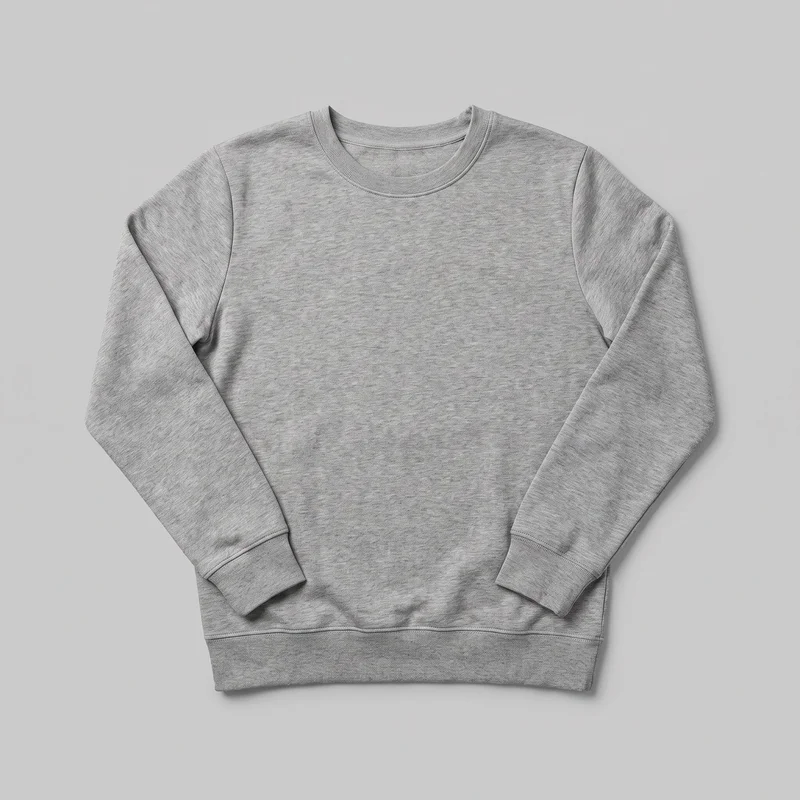
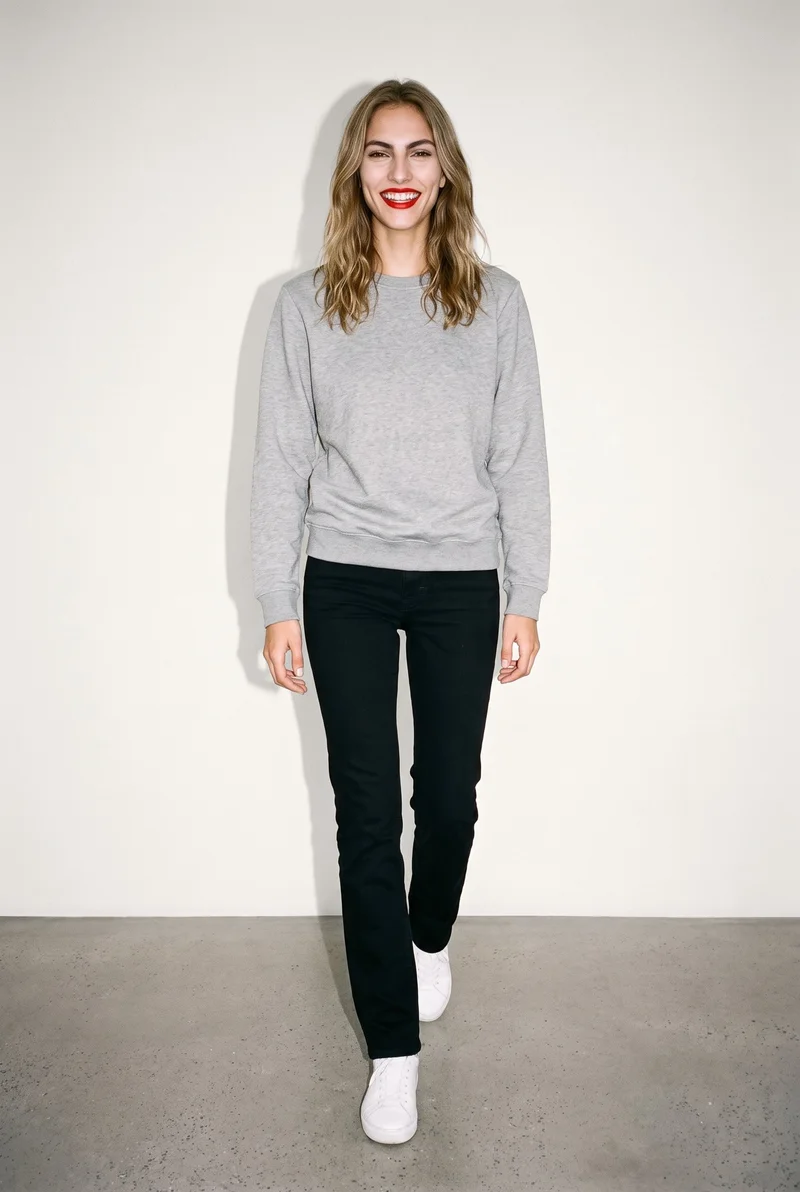
Both tools start from a clothing-item photo; Hautech also accepts a real person's photo for virtual try-on, while RAWSHOT uses synthetic models only. RAWSHOT keeps composition choices consistent within a shoot, and every output carries C2PA content credentials.
- Hautech is built for
- Teams that need virtual try-on featuring a person they already work with.
- RAWSHOT is built for
- Teams directing apparel imagery with synthetic models and visible shoot controls.
Hautech facts checked on hautech.ai, 24 September 2026 · RAWSHOT facts from the app
Decide in three questions
Answer the three questions to see which workflow fits better.
Strengths
Where Hautech has a clear fit
Virtual try-on with a person photo
Hautech’s virtual try-on starts with apparel imagery and can also use a customer selfie or another photo of a person.
SourceDocumented apparel coverage
Its try-on demo lists shirts or blouses, dresses, outerwear, sweaters or knits, pants or denim, and skirts among supported clothing types.
SourceTemplate and workflow options
For product photography, Hautech documents ready-to-use templates alongside custom templates and generative workflows.
SourceDifferences
Direct each composition with visible choices
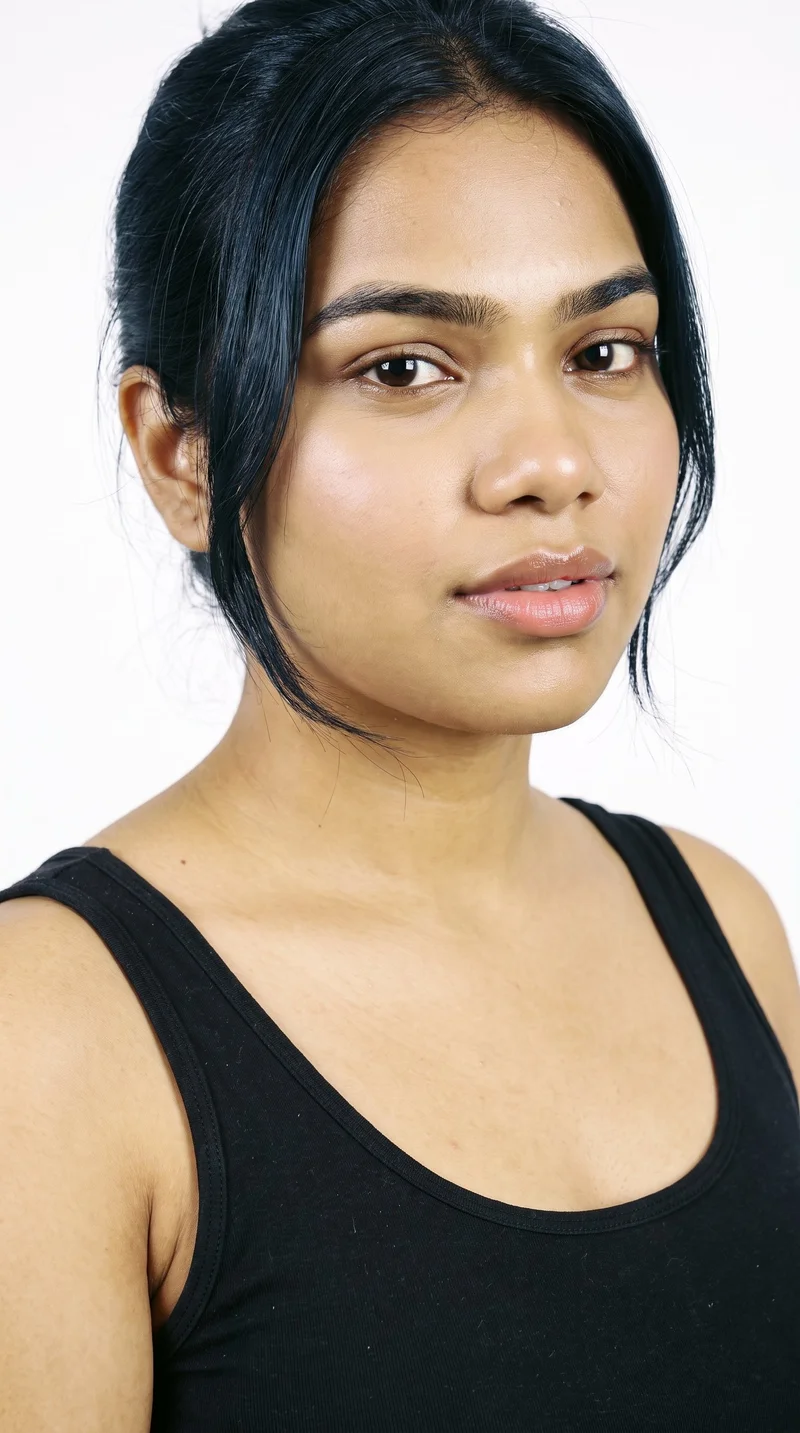
Choose a synthetic model
Select a licence-free adult model or build a private model from selectable attributes. RAWSHOT models are synthetic composites.
See the feature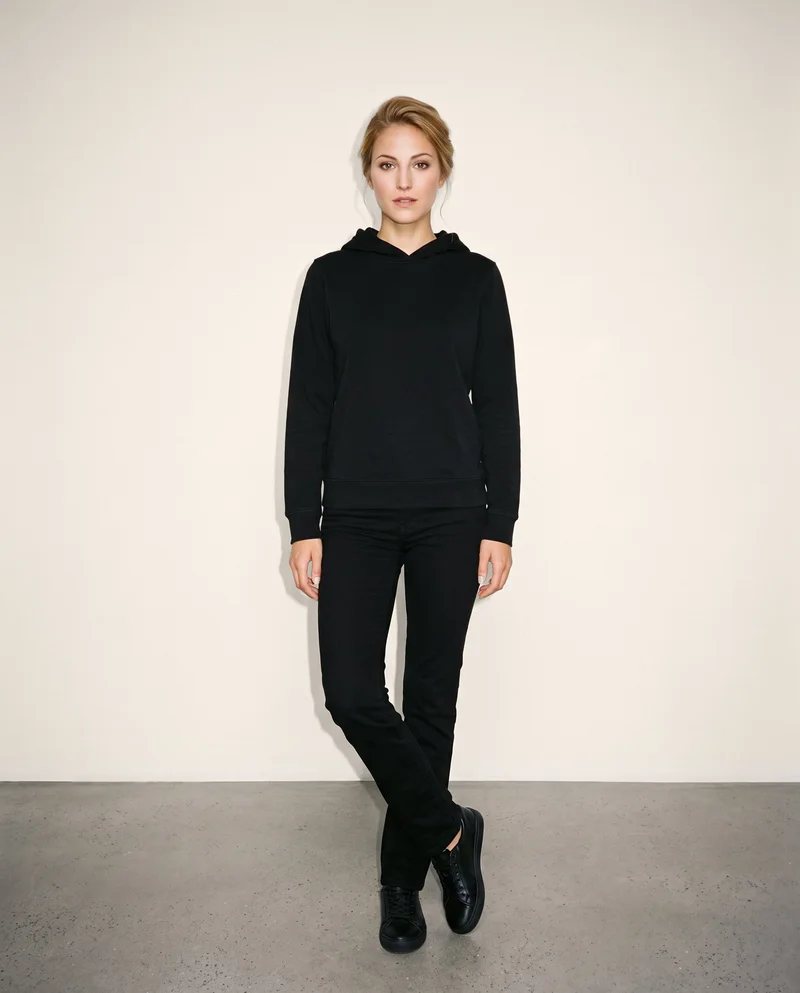
Build the outfit around the real item
Combine one main product with up to three supporting products, then set manual or automatic styling.
See the feature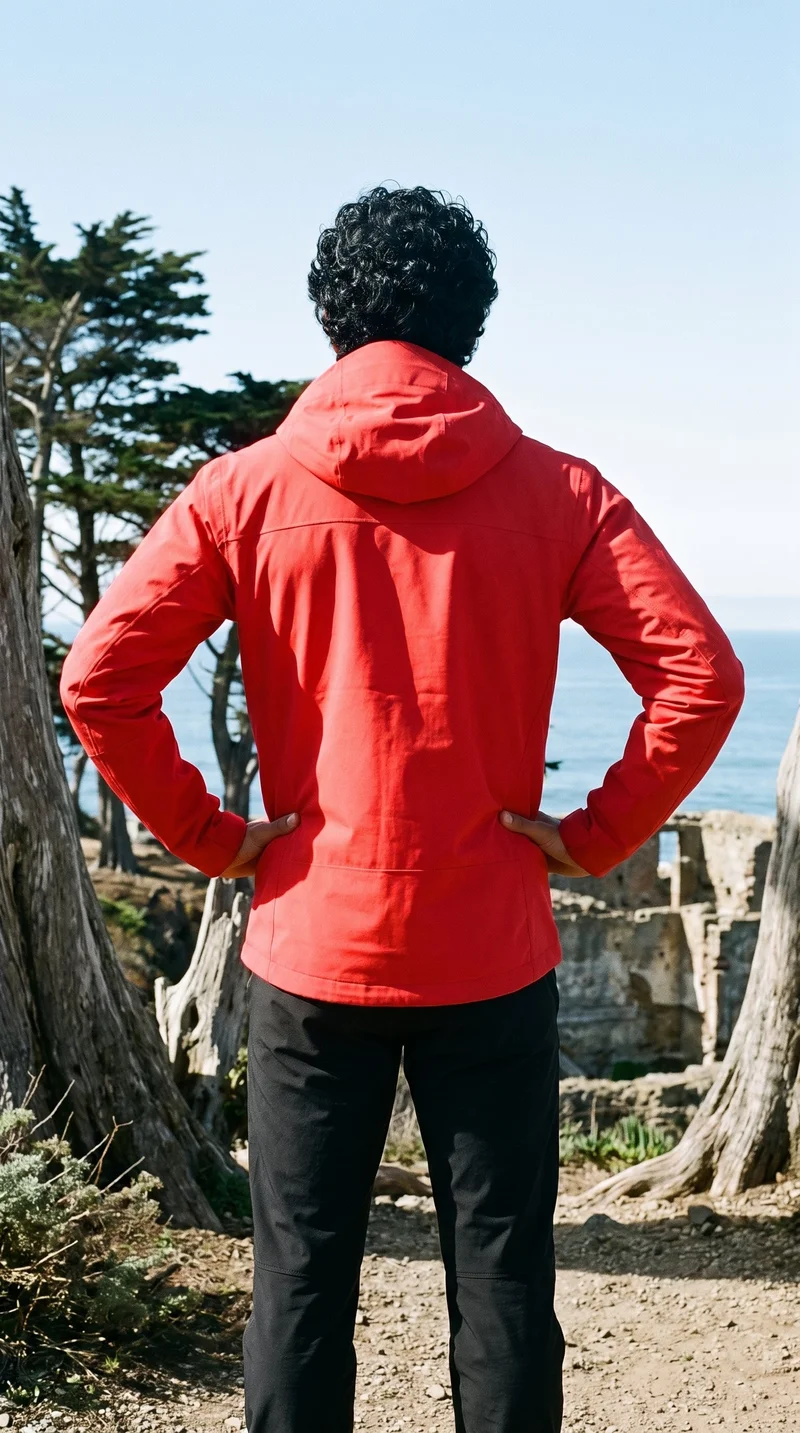
Let a finished still move
A hold action keeps the pose on each video frame while allowing natural movement through it.
See the featureFrom the catalog
More finished shoots
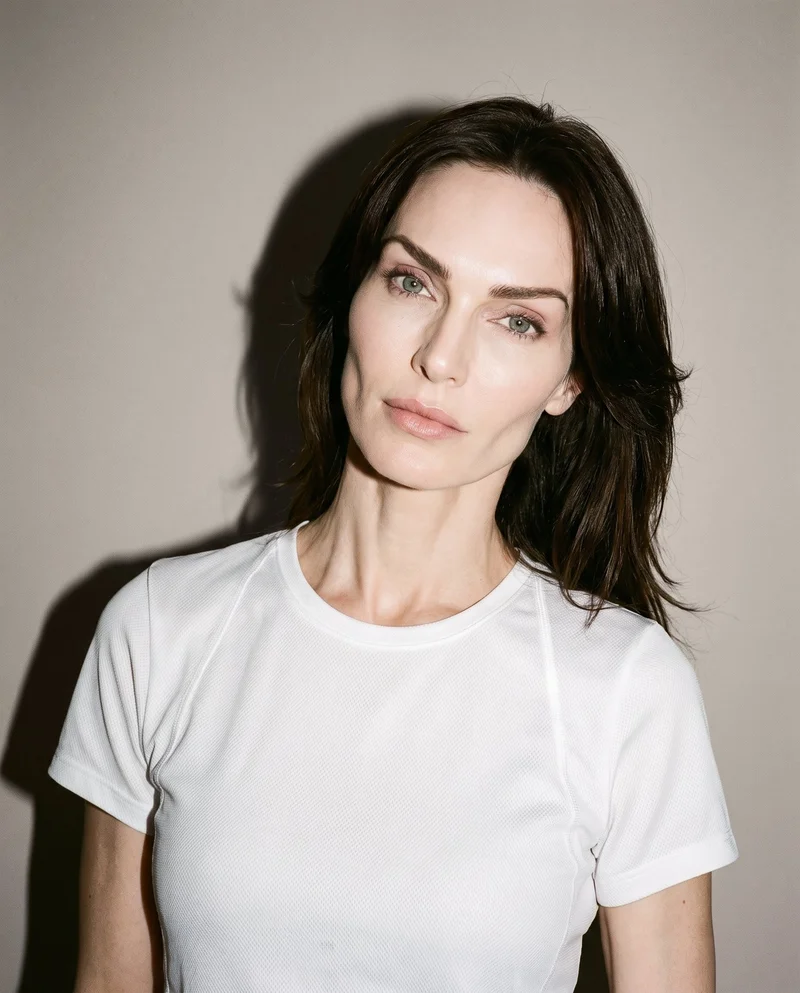
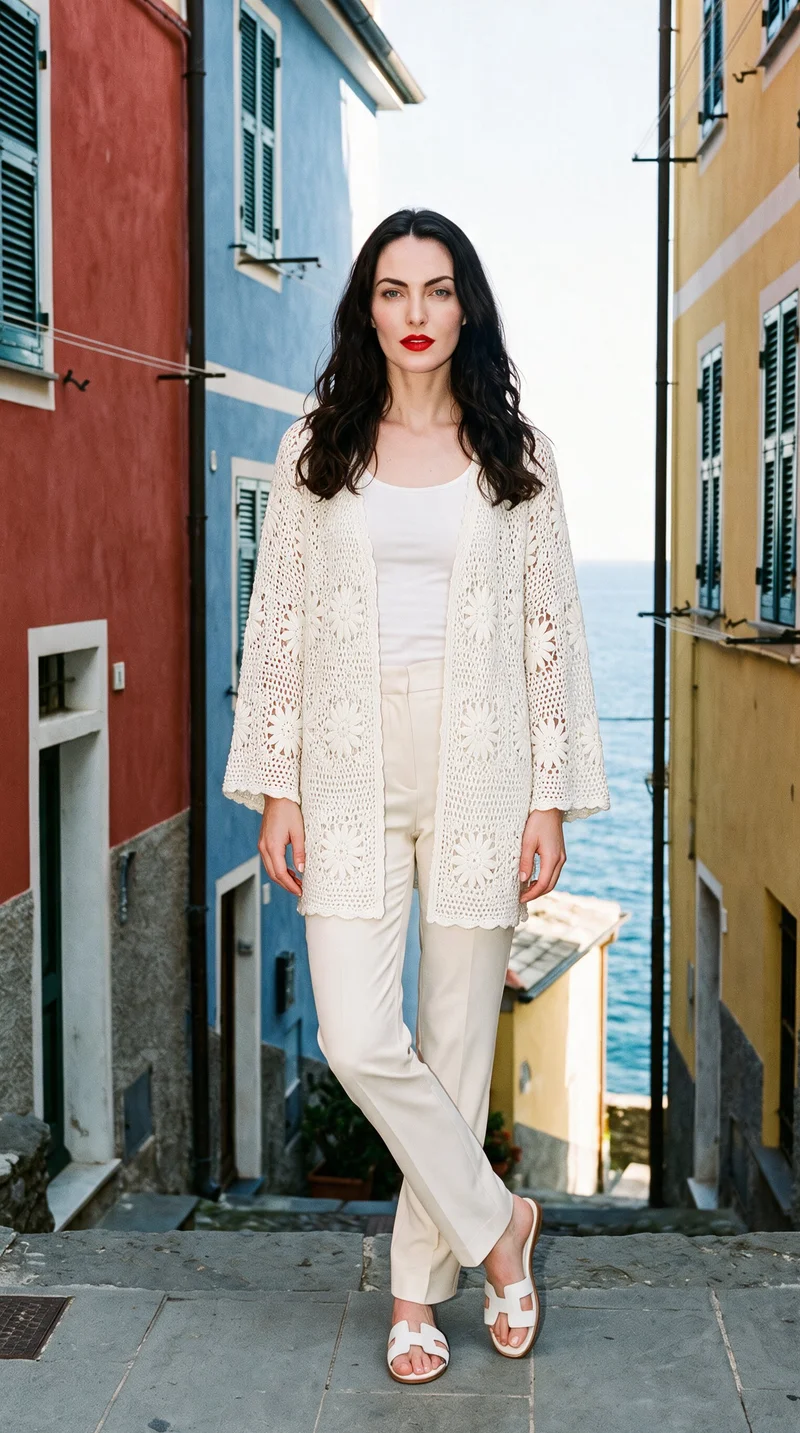
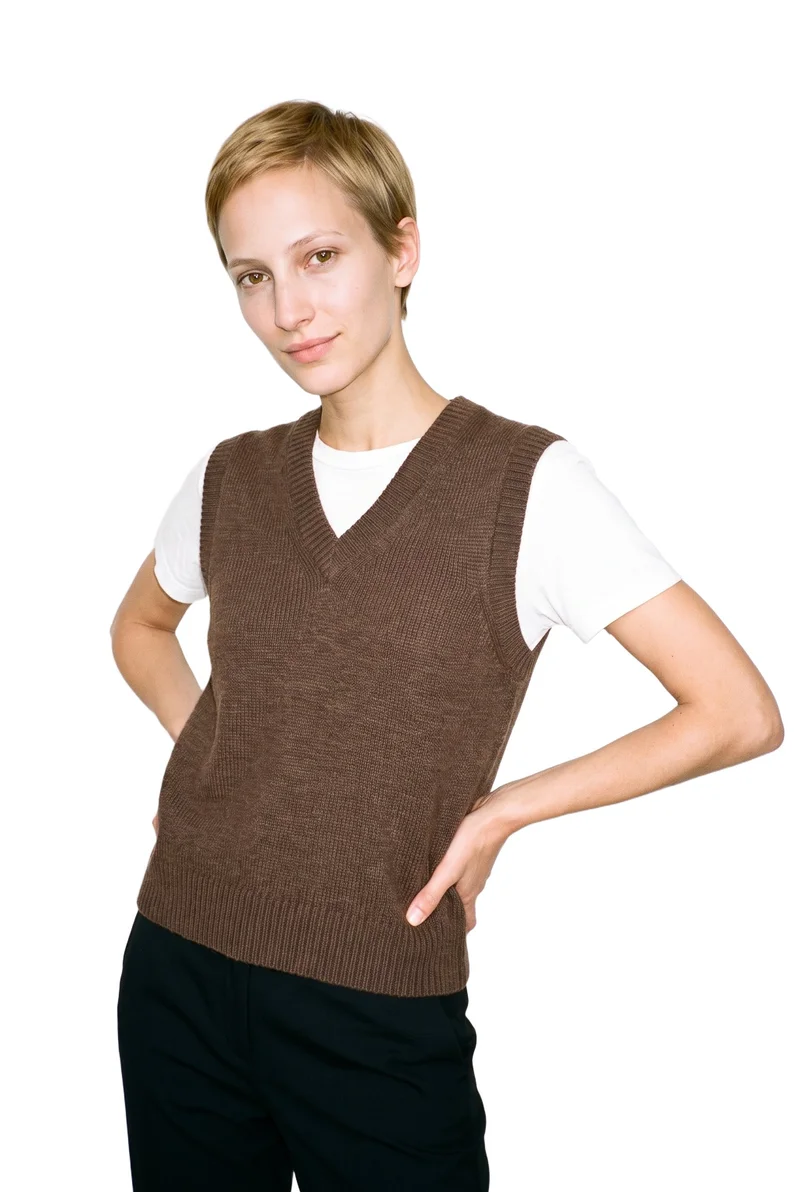
Side by side
When is Hautech an alternative to RAWSHOT?
Their documented workflows differ in inputs, directing options, model sources, video, and provenance.
| Comparison | RAWSHOT | Hautech |
|---|---|---|
| Starting point | Starts with product photos, flat-lays, mockups, or technical sketches; uses synthetic models. | Clothing-photo workflows; virtual try-on can additionally use a customer photo. |
| Creative controls | Visible options set the model, styling, background, light, and composition. | Ready-to-use templates, custom templates, and generative workflows. |
| Models | Synthetic composites only; no real-person likeness is referenced. | Documents generated models, digital twins, and try-on with customer photos. |
| Products per image | Up to four products can appear in one composition. | Try-on returns one image; apparel-generation operations return one or two, per documentation. |
| Video | Turns a finished image into video, with up to three five-second scenes. | Offers short image-to-video clips for campaigns, tutorials, and product launches. |
Hautech statements are sourced to its linked product and documentation pages; RAWSHOT details follow its verified product facts.
Use cases
A fit for different teams and image jobs
Marketing and brand managers
Hautech
A campaign brief must feature a specific person the team already works with.
Hautech documents virtual try-on using a customer selfie or another photo of a person.
E-commerce managers filling product pages before a drop goes live
RAWSHOT
The team needs product imagery from the assets it already has.
RAWSHOT accepts product photos, flat-lays, mockups, and technical sketches.
See the solutionWholesale and sales teams building lookbooks and linesheets before samples land
RAWSHOT
The team needs to present a range before physical samples are available.
RAWSHOT can generate imagery from technical sketches as well as product photos.
See the solutionPerformance marketers
RAWSHOT
A campaign needs short video made from an apparel image.
RAWSHOT can turn a finished still into video.
See the solutionMore options
More ways to plan your apparel imagery

Shootify
Compare Shootify and RAWSHOT for apparel imagery, from product inputs and catalogue consistency to model control, video and provenance.
Compare with RAWSHOT

Lalaland
Compare Lalaland and RAWSHOT for apparel imagery, model control, collection consistency, video, and verifiable content credentials.
Compare with RAWSHOT

PicJam
Compare PicJam and RAWSHOT for apparel imagery, model control, collection consistency, product video, and verifiable content credentials.
Compare with RAWSHOT

Mocky
Compare Mocky and RAWSHOT for apparel imagery, model selection, collection consistency, short videos, and verifiable content credentials.
Compare with RAWSHOT
Rights
You own every image. Every image says what it is.
Yours
- Full commercial rights to every image, permanently.
- No recurring licence fees on any model in the library.
- Every model is a synthetic composite, so there is no real-person likeness.
Labelled
- C2PA content credentials on every image.
- AI-labelled output, aligned with EU AI Act Article 50.
Checked
- Every image is checked against your model, frame, view and pose before delivery; one that misses is made again.
- A safety filter screens every upload and blocks nude or explicit images.
EU-based hosting, GDPR-compliant handling.
- Aligned with EU AI Act Article 50
- C2PA
- Full commercial rights
- Quality-checked images
- Safety-filtered uploads
- GDPR-compliant handling
- EU-based hosting
Questions
Questions about Hautech and RAWSHOT
What is the difference between Hautech and RAWSHOT for apparel photos?
Both tools start from a clothing-item photo. Hautech documents apparel-photo workflows and virtual try-on that can also use a customer's photo. RAWSHOT uses synthetic models and lets you direct a shoot through visible settings. If you need a person photo for try-on, choose Hautech; for a shoot directed around synthetic models, choose RAWSHOT.
When is Hautech a better choice than RAWSHOT?
Hautech is a strong fit when an image must include a real person your team already works with. Its virtual try-on accepts a customer selfie or another photo of a person, in addition to apparel imagery. RAWSHOT uses synthetic models only, so it does not offer that same real-person input. If a known person is essential to the image, Hautech documents the relevant workflow.
Which models can I use in Hautech and RAWSHOT?
Hautech documents generated models, digital twins, and virtual try-on with customer photos; its reviewed materials do not clarify every model-identity reuse condition. RAWSHOT uses synthetic composites, with no real-person likeness referenced, and its library contains 1,197 models. Choose based on whether your work calls for a real-person photo input or synthetic models.
Can I use Hautech and RAWSHOT images commercially?
Hautech says high-resolution outputs include commercial rights; the cited pricing page does not state whether outputs carry C2PA credentials. RAWSHOT provides full and permanent commercial rights to every generation, with no ongoing licensing fees on library models, and C2PA content credentials on every output. Check the terms for the specific Hautech output you plan to use.
How do I switch from Hautech to RAWSHOT?
The materials reviewed do not document an automatic migration path, so do not assume settings or model identities transfer. In RAWSHOT, start with a product photo, flat-lay, mockup, or technical sketch, then configure the shoot in the browser. Try one representative image and assess the result in your own workflow before moving further.
Get started
Direct an apparel shoot with RAWSHOT
Start with a clothing-item photo, set the composition, and review the finished image with its C2PA content credentials.