
NeuralFashion alternative
Choose the right setup for an apparel shoot
NeuralFashion and RAWSHOT serve apparel teams whose image workflows start with different kinds of creative direction.
Published: Updated:
The short answer
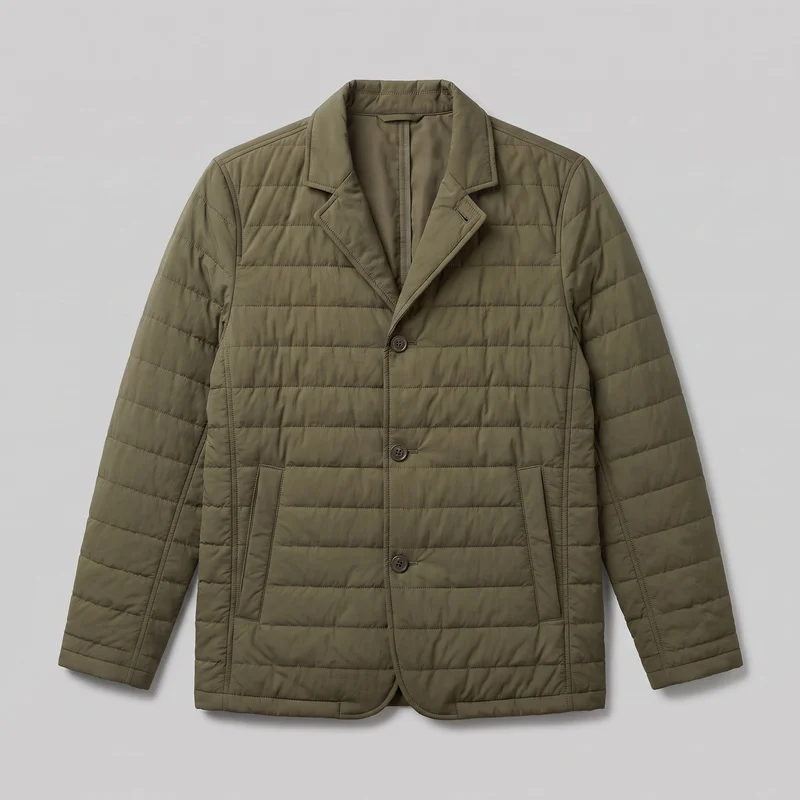
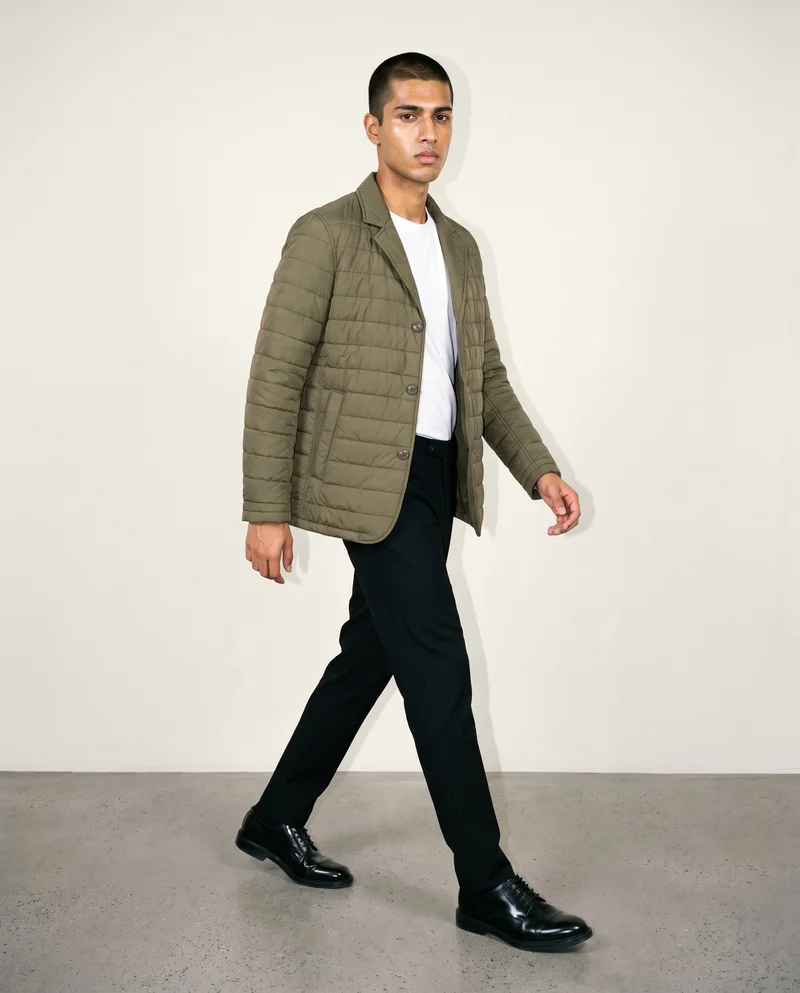
Both NeuralFashion and RAWSHOT can start from a clothing-item photo. NeuralFashion can also use a real person’s model or mannequin photo; RAWSHOT uses synthetic models only. RAWSHOT keeps the rest of a composition in place when you change one choice, and every output carries C2PA content credentials.
- NeuralFashion is built for
- Teams adapting garment imagery or building campaigns with support from NeuralFashion’s creative team.
- RAWSHOT is built for
- Apparel teams configuring a complete product shoot with synthetic models.
NeuralFashion facts checked on neuralfashion.ai, 24 September 2026 · RAWSHOT facts from the app
Decide in three questions
Answer the three questions to see which workflow fits better.
Strengths
Documented NeuralFashion capabilities
Campaigns can begin with garment photos
NeuralFashion documents uploading garment photos and creating multiple campaign images with input from a campaign brief and its creative team.
SourceUse a model or mannequin photo
For its clothes-change workflow, NeuralFashion documents uploading a model or mannequin image, including an existing studio shot.
SourceEdit garment details and lighting
NeuralFashion documents clothing descriptions or references and edits to garment details, light, and images in its clothes-change workflow.
SourceDifferences
What you direct in RAWSHOT
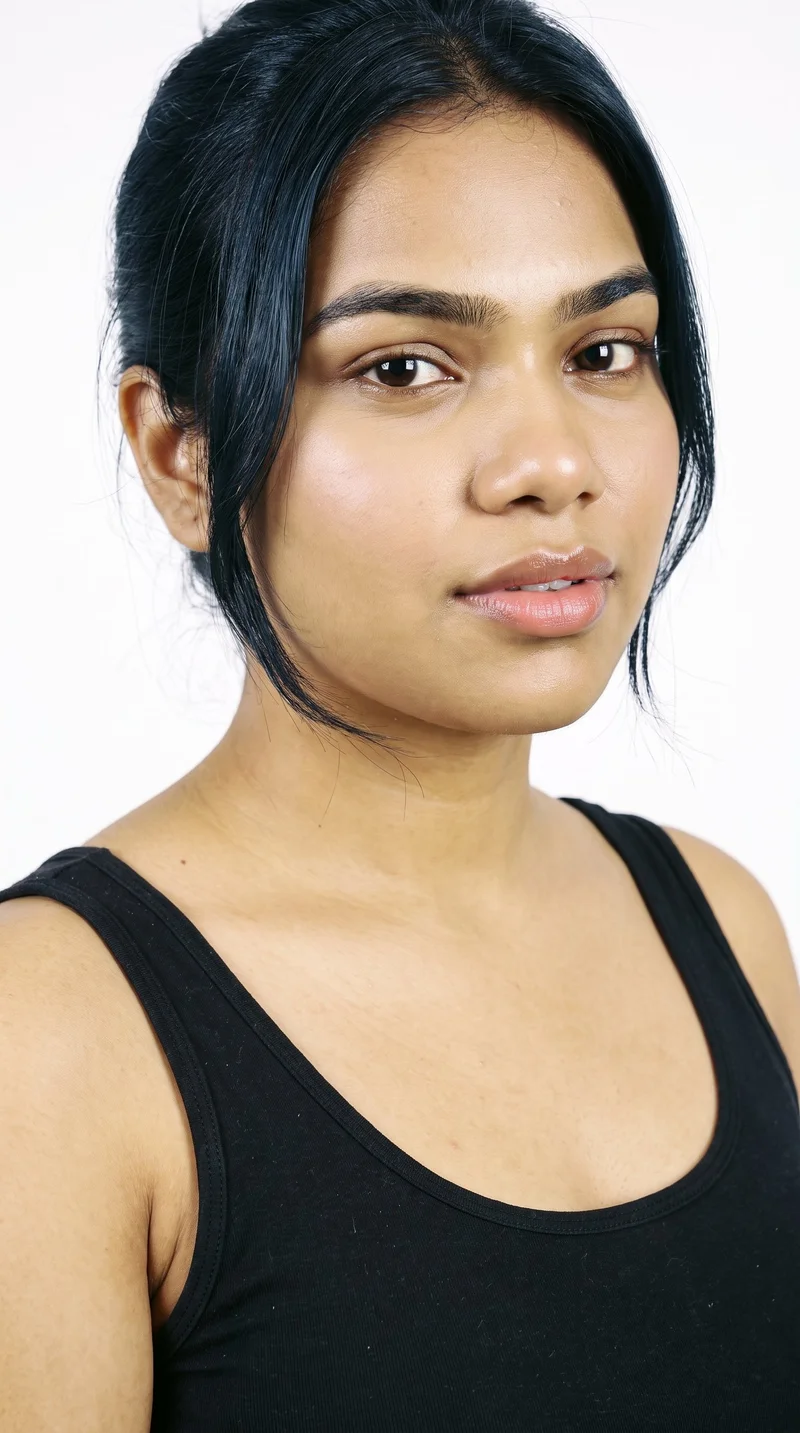
Choose a synthetic model
Select from 1,197 models or build a private model. RAWSHOT models are synthetic composites.
See the feature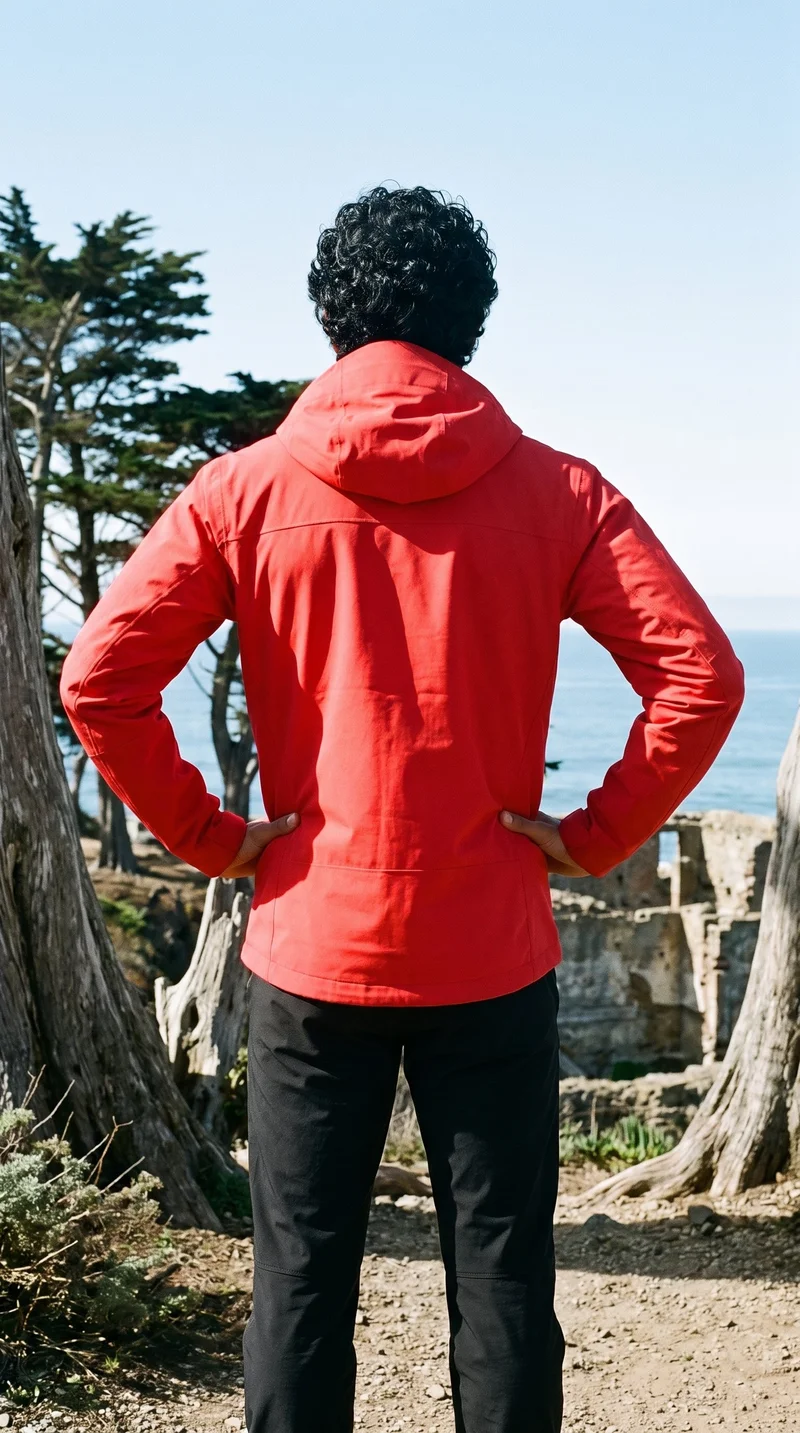
Change a composition choice
Within a shoot, change one choice while the rest of the composition holds, supporting a consistent collection.
See the feature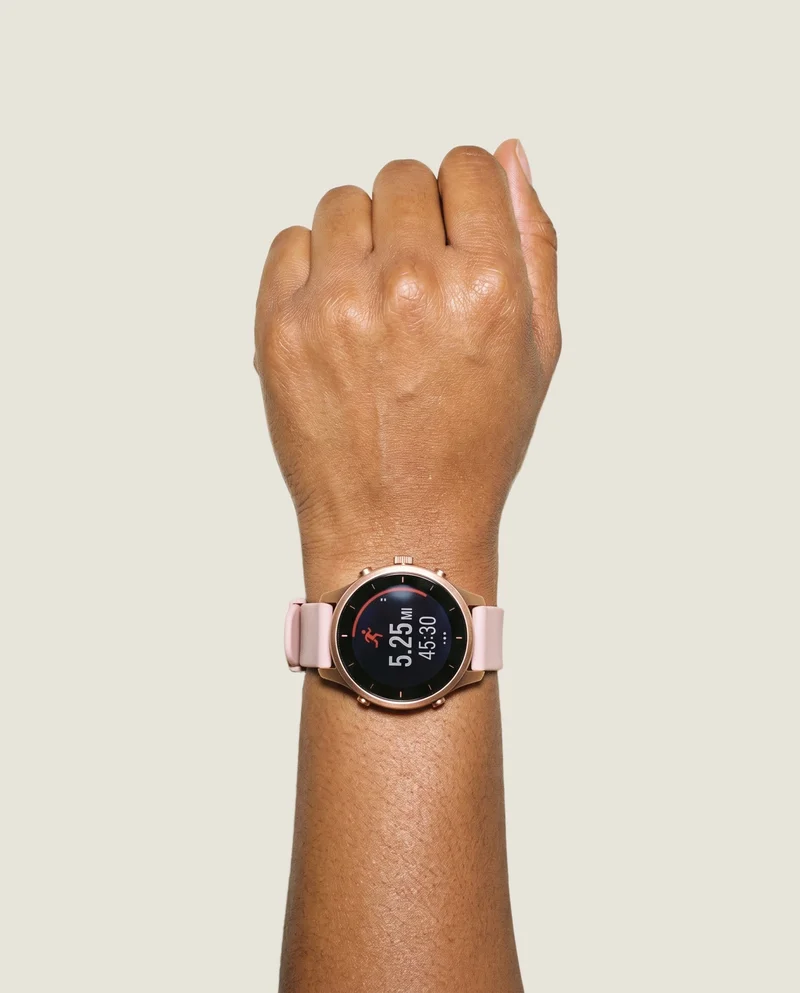
Start from product input
Use product photos, flat-lays, mockups, or technical sketches, then configure the shoot in seven visible steps.
See the featureFrom the catalog
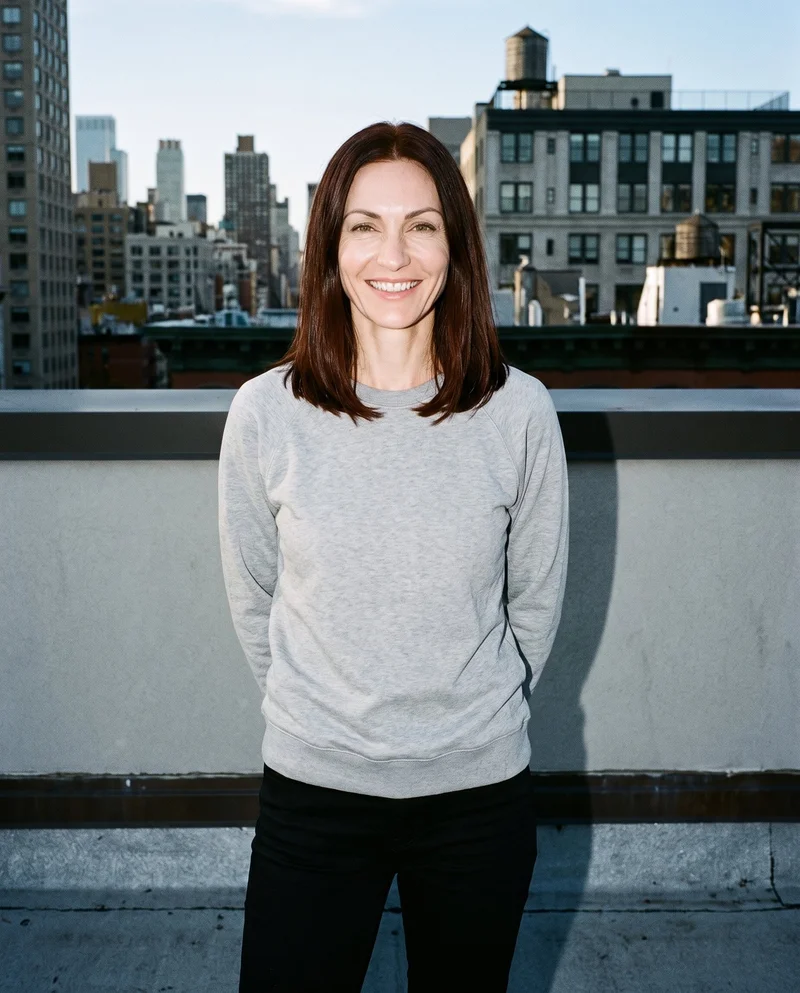
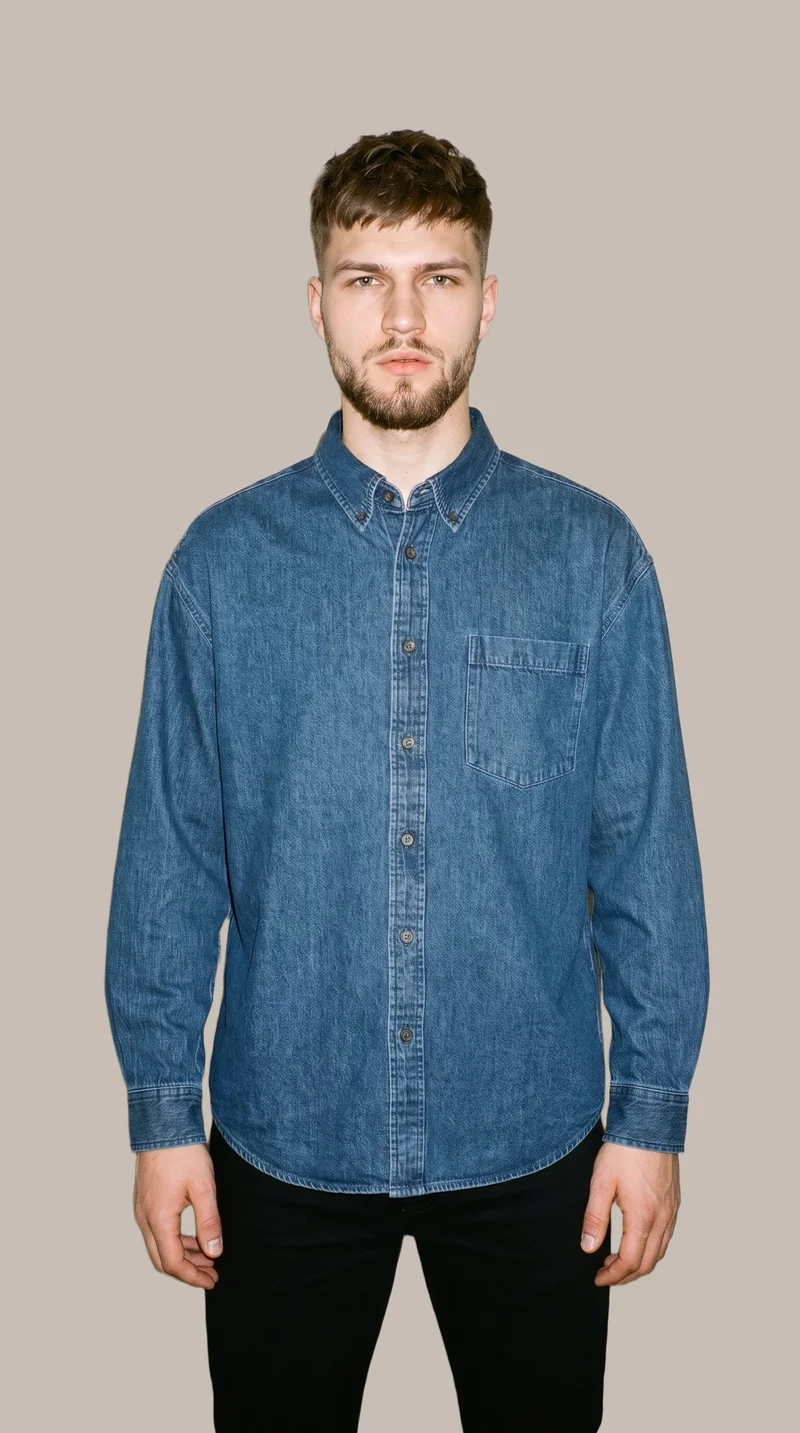
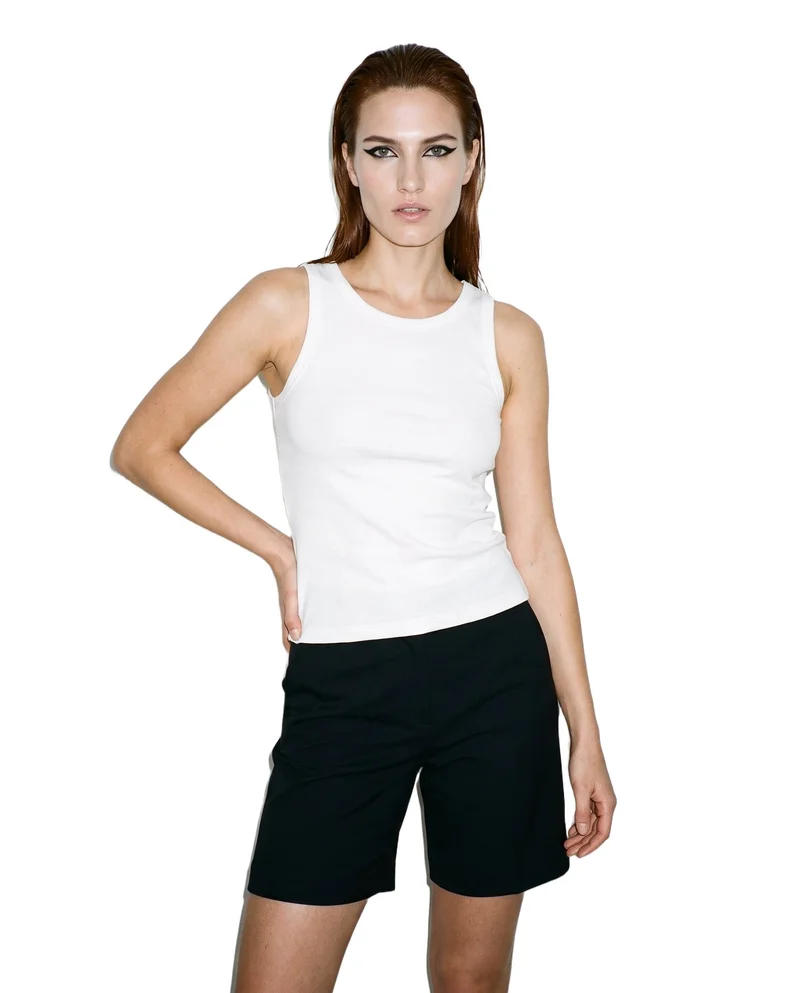
More finished shoots
Side by side
Looking for a NeuralFashion alternative? Compare RAWSHOT.
NeuralFashion documents a campaign workflow and a separate clothes-change workflow. The distinctions below cover their documented inputs and controls alongside RAWSHOT’s published capabilities.
| Comparison | RAWSHOT | NeuralFashion |
|---|---|---|
| Starting point | Start from product photos, flat-lays, mockups, or technical sketches. | Campaigns use garment photos; clothes-change also accepts a model or mannequin photo. |
| Creative controls | Choose product, model, styling, background, light, frame, view, pose, expression, ratio, and resolution. | Campaign brief and team support; clothes-change documents garment-detail and lighting edits. |
| Models | Synthetic composites only, with a model library and private model builder. | Accepts a model or mannequin photo; its FAQ says models and poses can be customized. |
| Products per image | Combine up to four products in one composition. | The workflow renders a garment onto the uploaded image; a maximum is not specified. |
| Video | Turn a finished still into video with up to three five-second scenes. | Video generation is not specified on the reviewed official product pages. |
| Rights and provenance | Full and permanent commercial rights; C2PA content credentials on every output. | Generated-image rights and content credentials are not specified in the reviewed legal notice. |
Sources are NeuralFashion’s official campaign workflow, clothes-change page, and legal notice. Undocumented capabilities are identified as unspecified.
Use cases
Which workflow fits your work?
Marketing and brand managers
NeuralFashion
A campaign needs to feature a model or mannequin image the team already has.
NeuralFashion documents using that image as the clothes-change workflow canvas.
E-commerce managers filling product pages before a drop goes live
RAWSHOT
The team is preparing on-model product images for product pages.
Configure a photoshoot from product input and direct its composition.
See the solutionPerformance marketers
RAWSHOT
The team needs several creative options within a single shoot.
Configure as many images as needed in one pass within a single shoot.
See the solutionWholesale and sales teams building lookbooks and linesheets before samples land
RAWSHOT
The team needs range imagery before physical samples are ready.
RAWSHOT accepts product photos, flat-lays, mockups, and technical sketches.
See the solutionMore options
Other fashion image tools to compare

Shootify
Compare Shootify and RAWSHOT for apparel imagery, from product inputs and catalogue consistency to model control, video and provenance.
Compare with RAWSHOT

Lalaland
Compare Lalaland and RAWSHOT for apparel imagery, model control, collection consistency, video, and verifiable content credentials.
Compare with RAWSHOT

PicJam
Compare PicJam and RAWSHOT for apparel imagery, model control, collection consistency, product video, and verifiable content credentials.
Compare with RAWSHOT

Mocky
Compare Mocky and RAWSHOT for apparel imagery, model selection, collection consistency, short videos, and verifiable content credentials.
Compare with RAWSHOT
Rights
You own every image. Every image says what it is.
Yours
- Full commercial rights to every image, permanently.
- No recurring licence fees on any model in the library.
- Every model is a synthetic composite, so there is no real-person likeness.
Labelled
- C2PA content credentials on every image.
- AI-labelled output, aligned with EU AI Act Article 50.
Checked
- Every image is checked against your model, frame, view and pose before delivery; one that misses is made again.
- A safety filter screens every upload and blocks nude or explicit images.
EU-based hosting, GDPR-compliant handling.
- Aligned with EU AI Act Article 50
- C2PA
- Full commercial rights
- Quality-checked images
- Safety-filtered uploads
- GDPR-compliant handling
- EU-based hosting
Questions
Questions about NeuralFashion and RAWSHOT
What is the difference between NeuralFashion and RAWSHOT for apparel photos?
Both workflows can start from a clothing-item photo. NeuralFashion also documents a clothes-change workflow that accepts a model or mannequin photo, while RAWSHOT uses synthetic models and lets you configure a complete composition from product input. For apparel photos, choose RAWSHOT when you want to direct the composition; choose NeuralFashion when you need to use an existing model or mannequin image.
When is NeuralFashion a better choice than RAWSHOT?
NeuralFashion may be a better fit when the image needs to retain a real model or mannequin photo your team already has. Its clothes-change page documents that image as the canvas, and its campaign workflow describes creative-team support. If keeping that existing person in the image is essential, NeuralFashion’s documented workflow is the closer fit.
Which models can I use in NeuralFashion and RAWSHOT?
NeuralFashion’s clothes-change workflow accepts a model or mannequin photo, and its FAQ says models and poses can be customized. RAWSHOT uses synthetic composite models, with a library of 1,197 models and a private model builder. Choose based on whether you need an existing person in the image or synthetic casting.
Can I use NeuralFashion and RAWSHOT images commercially?
RAWSHOT grants full and permanent commercial rights to every generation, with no ongoing licensing fees on library models. NeuralFashion’s reviewed legal notice addresses website content ownership but does not specify generated-image rights. Check NeuralFashion’s current terms before using its generated images commercially.
How do I switch from NeuralFashion to RAWSHOT?
The reviewed pages do not describe a direct migration process. Prepare a product photo, flat-lay, mockup, or technical sketch and configure a new RAWSHOT photoshoot; do not assume NeuralFashion edits or settings transfer. This approach suits teams ready to create a new composition.
Get started
Configure an apparel shoot in RAWSHOT
Start with your product and set the model, styling, light, and composition in the browser.