
Style3D alternative
Style3D and RAWSHOT take different routes to fashion imagery
Compare Style3D garment workflows with RAWSHOT’s configurable studio for product-led fashion imagery.
Published: Updated:
The short answer
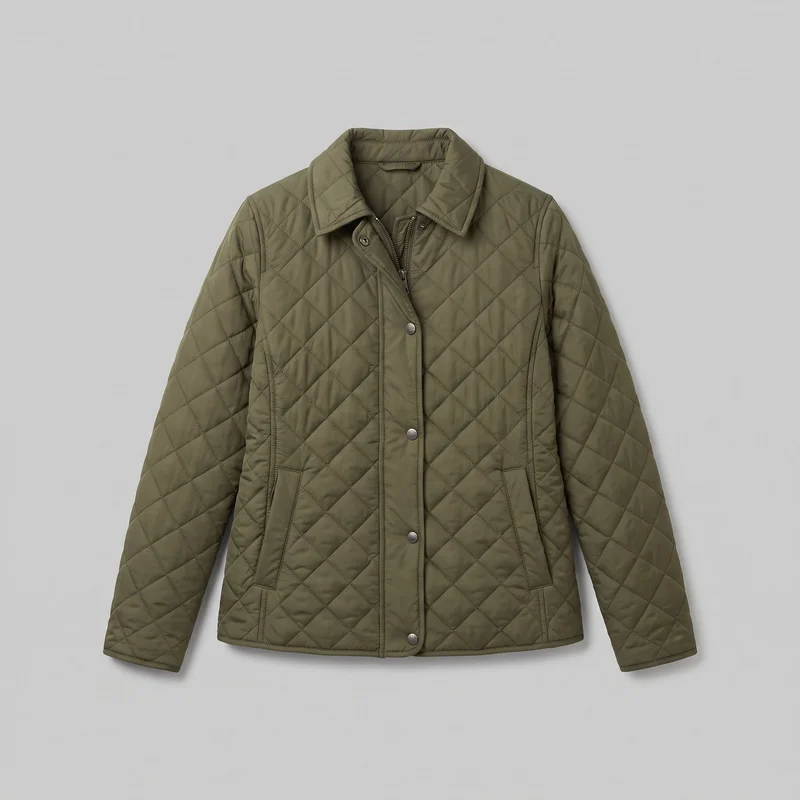
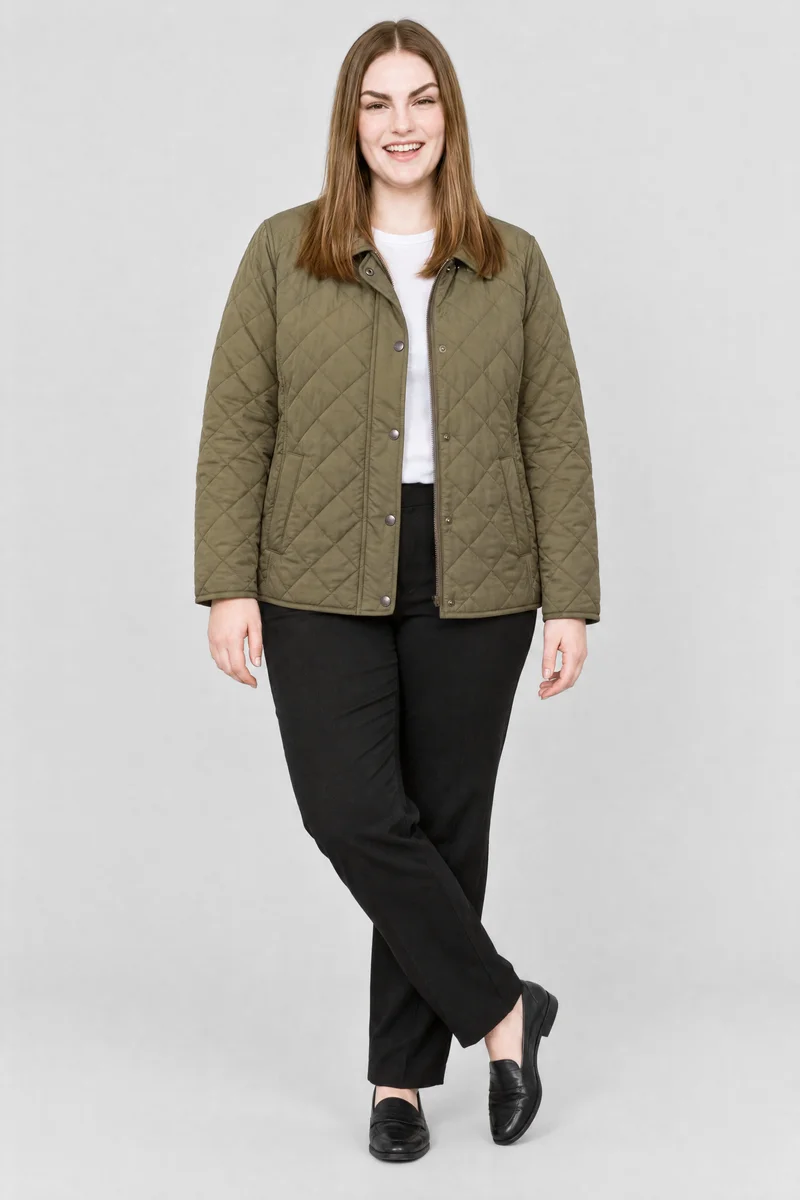
Both Style3D and RAWSHOT start from a clothing-item photo. Style3D also documents real-person photo uploads; RAWSHOT uses synthetic models. RAWSHOT holds other composition choices steady when one changes, supporting collection consistency, and adds C2PA content credentials to every output.
- Style3D is built for
- Teams that want to try on garments using a model photo they already have.
- RAWSHOT is built for
- Fashion teams directing consistent product imagery through a configurable shoot.
Style3D facts checked on style3d.com, 24 September 2026 · RAWSHOT facts from the app
Decide in three questions
Answer the three questions to see which workflow fits better.
Strengths
Style3D capabilities documented in its help materials
Use a model photo your team already has
Style3D documents using a built-in model or uploading a model photo for try-on with a garment image.
SourceCombine separate clothing items
Style3D Moda documents generating a single piece or a top-bottom combination, with front and slight-side views.
SourceAdjust garment presentation
Style3D Studio documents controls for wrinkle intensity, retained garment details, and output material settings.
SourceDifferences
How RAWSHOT puts you in control of the shoot
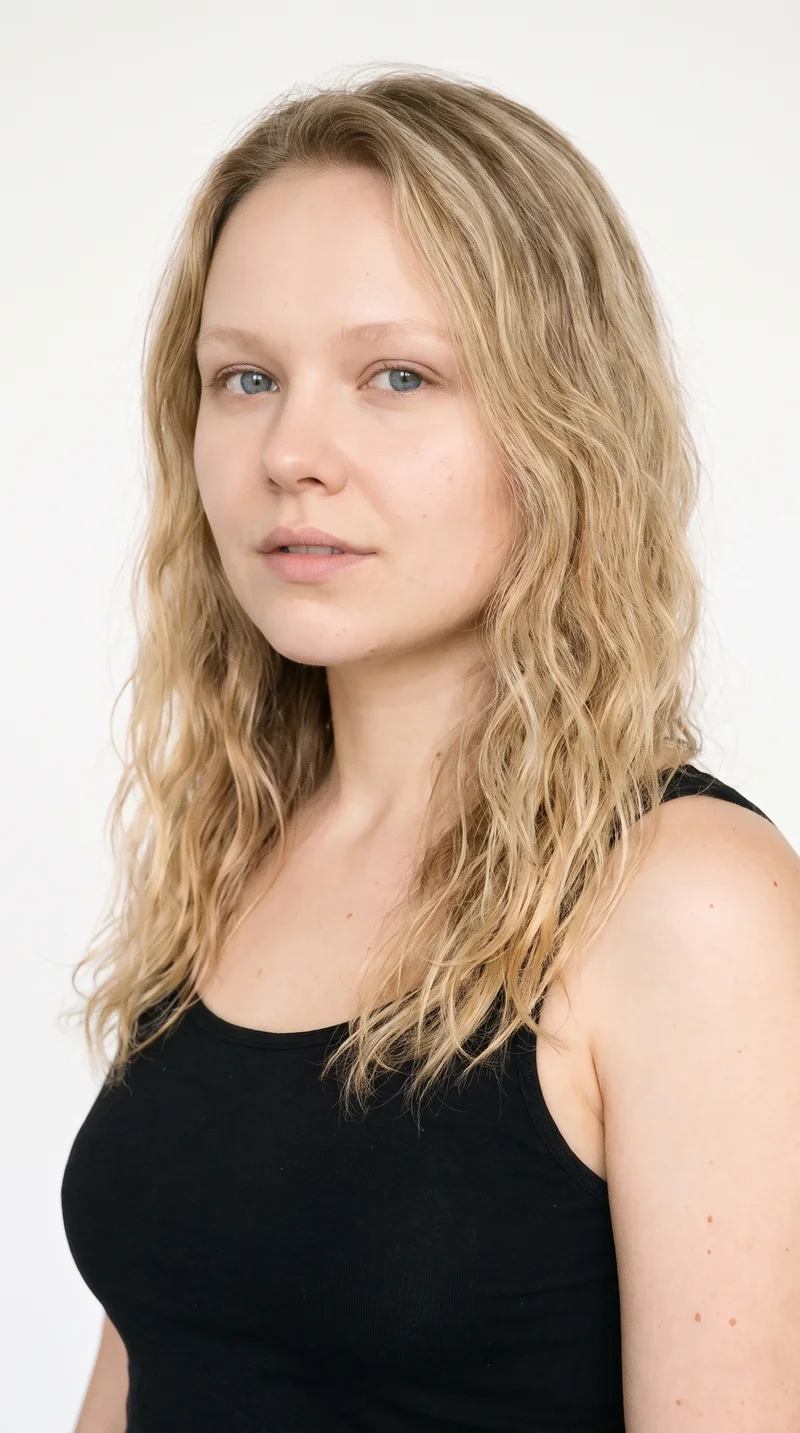
Build a model for the composition
Choose from 1,000+ models or use the private model builder to set the model’s attributes.
See the feature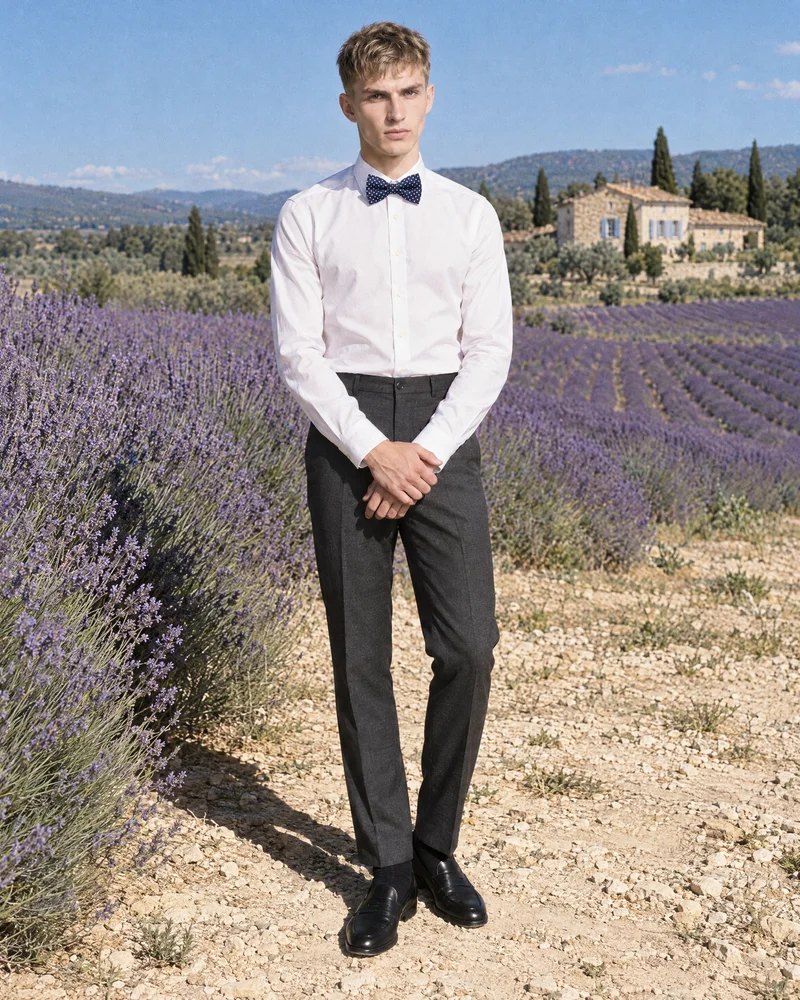
Keep the rest of the composition steady
Change one element and the other composition choices hold, helping a collection keep a consistent presentation.
See the feature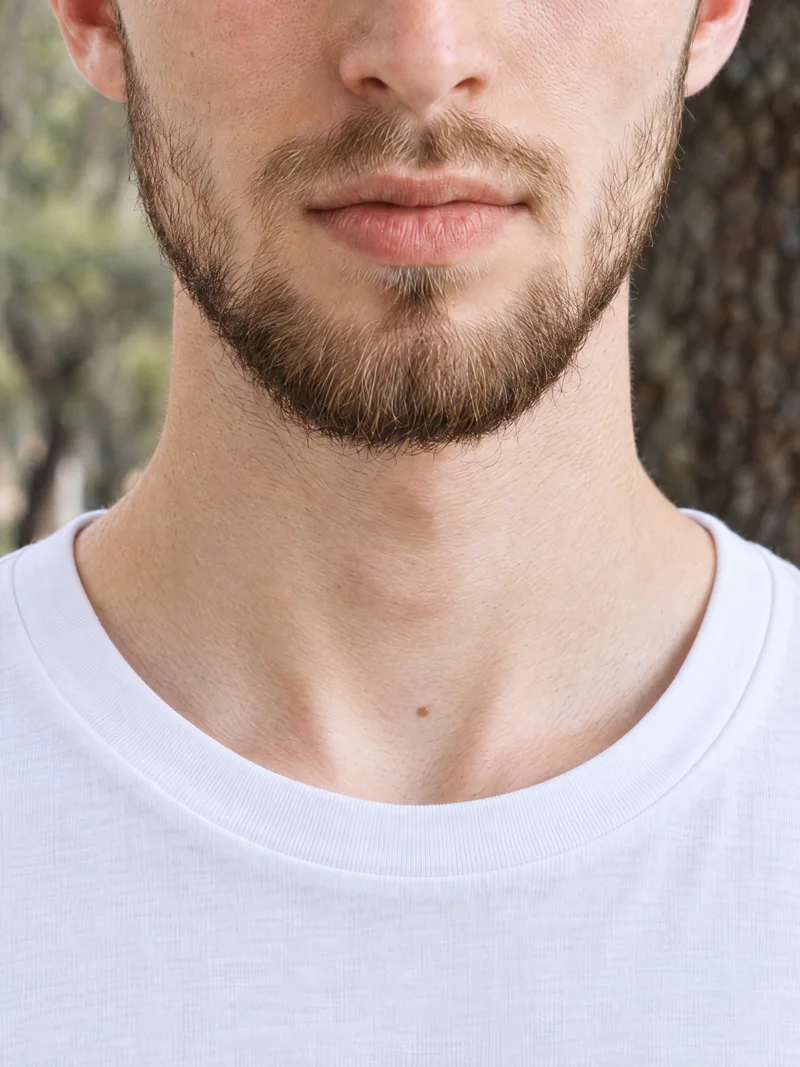
Make a finished still move
Turn any finished still into a short video using the same composition logic.
See the featureFrom the catalog
More finished shoots
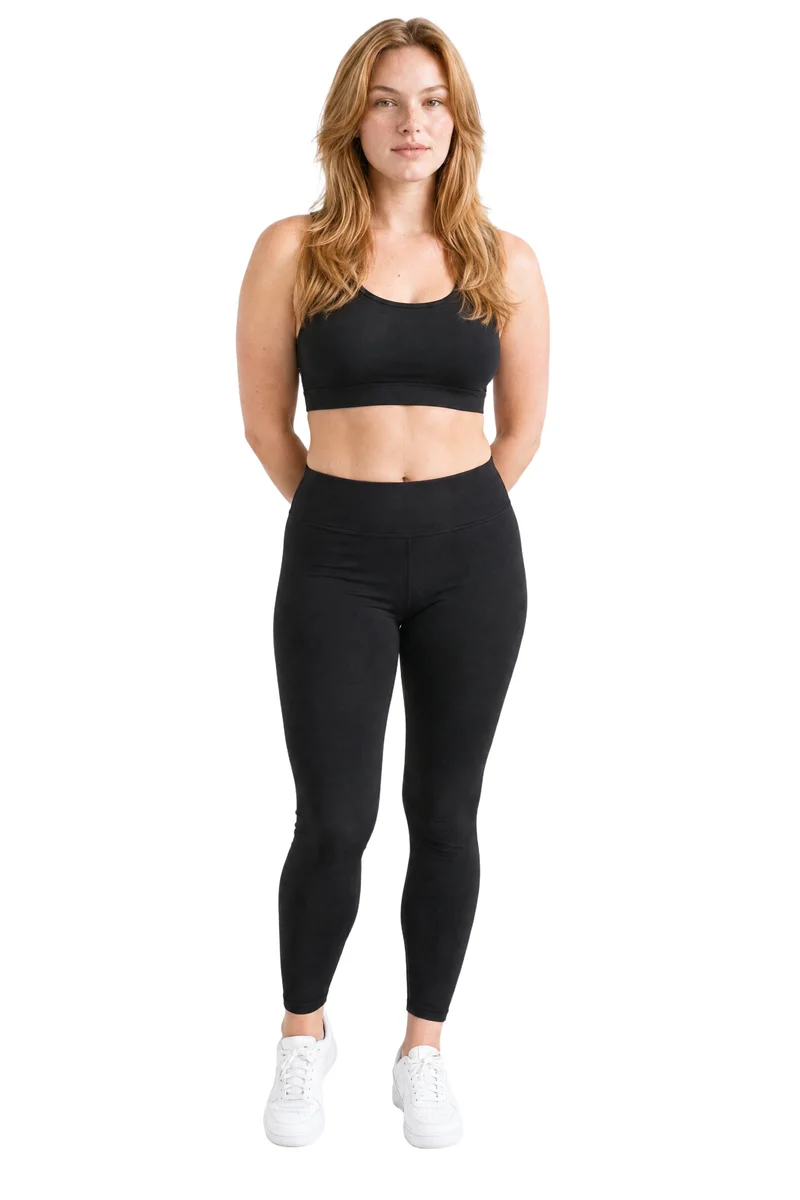
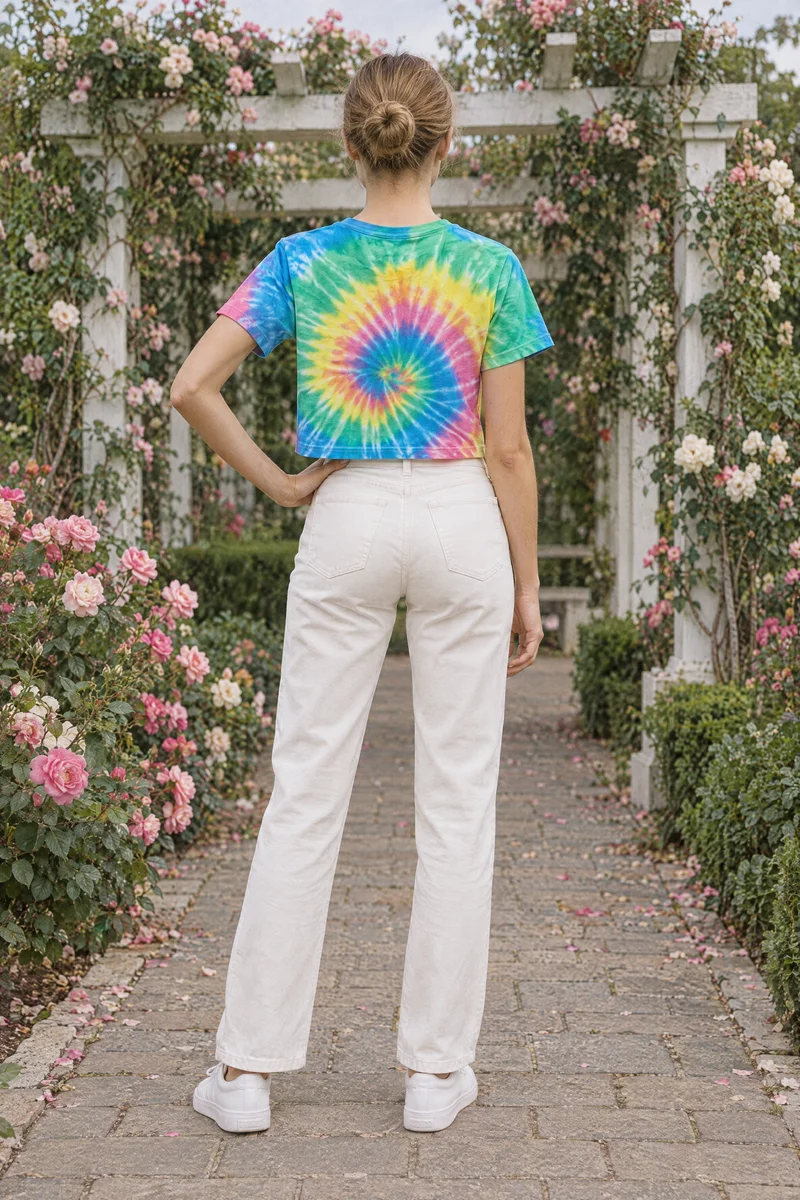
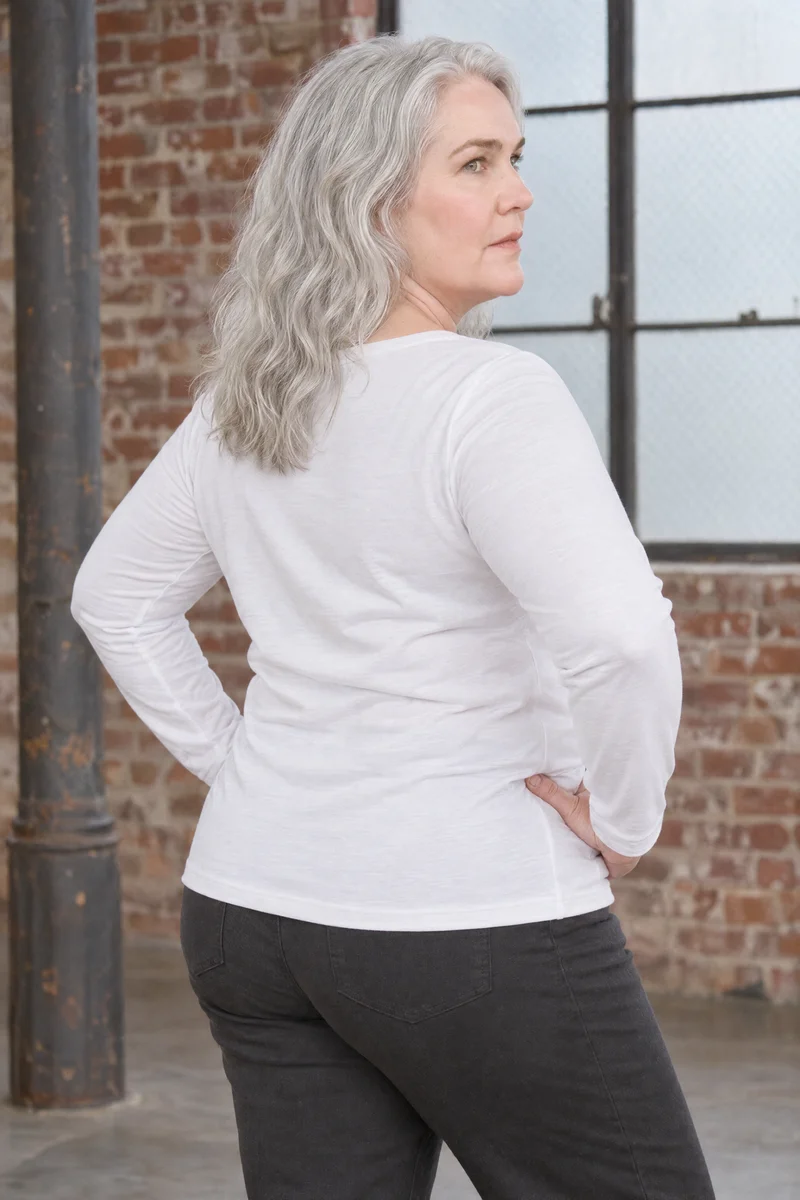
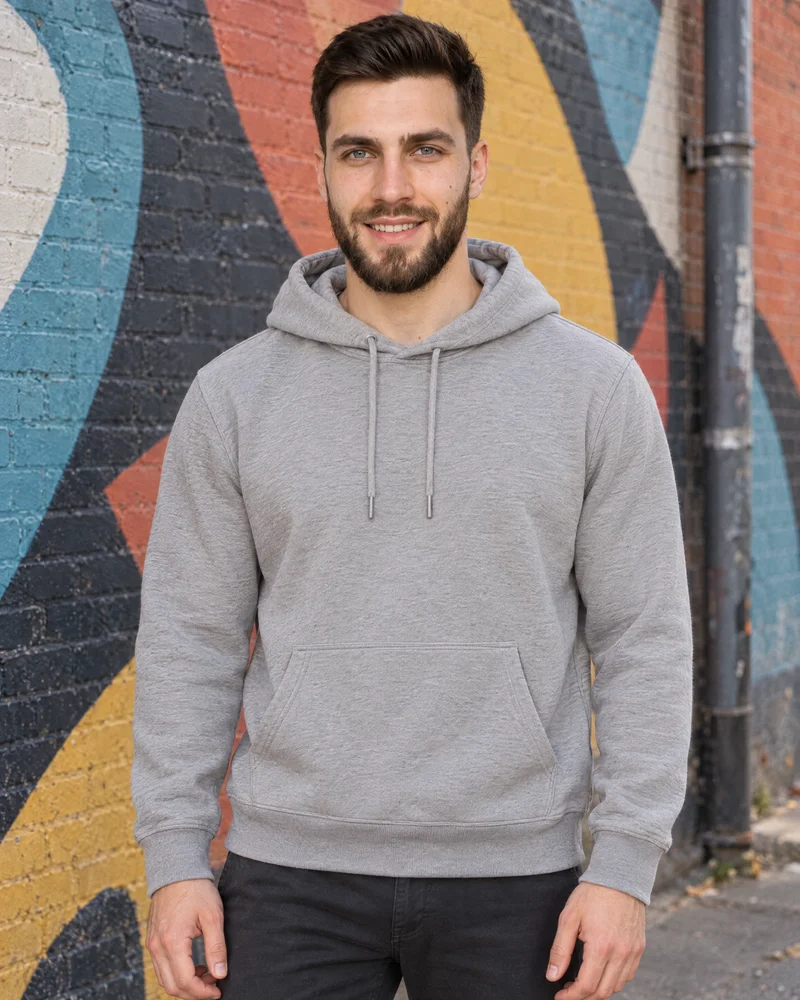
Side by side
Choosing a Style3D alternative for fashion imagery
Compare documented workflows across product inputs, garment presentation, model choices, video, and provenance.
| Comparison | RAWSHOT | Style3D |
|---|---|---|
| Starting point | Start from product photos, flat-lays, mockups, or technical sketches. | Moda takes a garment style image; Studio documents completed 3D garments and reference-model photos. |
| Creative controls | Choose styling, background, light, frame, view, pose, expression, ratio, and resolution. | Studio documents wrinkle intensity, retained garment details, material settings, and try-on modes. |
| Models | Synthetic composites only; no real-person likeness is referenced. | Built-in models and uploaded model photos; Studio modes differ in pose preservation. |
| Products per image | Up to four products: one main product plus three supporting products. | Moda supports single pieces or top-bottom combinations; Studio documents tops, bottoms, and dresses. |
| Video | A finished still can become one silent 10-second clip in the source image’s aspect ratio, in 720p or 1080p. | Outfit replacement for simple styles; supports 9:16 or 16:9, up to 10 seconds. |
| Rights and provenance | Permanent commercial rights; no ongoing library-model licensing; C2PA content credentials on every output. | Terms retain user ownership and grant affiliates a broad, free, worldwide non-exclusive sublicensable license. |
Style3D help materials and Cloud terms document the capabilities and terms summarized here.
Use cases
Which workflow fits the work at hand
Marketing and brand managers
Style3D
A campaign needs garment presentation adjustments for wrinkles, details, or material.
Style3D Studio documents controls for those garment presentation details.
E-commerce managers filling product pages before a drop goes live
RAWSHOT
Product pages need a consistent presentation across a clothing range.
RAWSHOT lets you change one composition choice while the rest holds.
See the solutionWholesale and sales teams building lookbooks and linesheets before samples land
RAWSHOT
A team needs on-model imagery to prepare a linesheet before samples arrive.
RAWSHOT generates original on-model imagery from product inputs.
See the solutionMore options
Other fashion image tools to consider

The Fabricant
Compare The Fabricant and RAWSHOT for apparel photos, including product and model inputs, creative direction, collection workflows, video, and image provenance.
Compare with RAWSHOT

CLO
Compare CLO’s documented AI image tools with RAWSHOT’s configurable fashion photoshoots for apparel imagery, collection consistency, and image provenance.
Compare with RAWSHOT

Browzwear
Compare Browzwear’s 3D garment design and AI imagery with RAWSHOT’s configurable fashion shoots, collection consistency, and C2PA credentials.
Compare with RAWSHOT
Rights
You own every image. Every image says what it is.
Yours
- Full commercial rights to every image, permanently.
- No recurring licence fees on any model in the library.
- Every model is a synthetic composite, so there is no real-person likeness.
Labelled
- C2PA content credentials on every image.
- AI-labelled output, aligned with EU AI Act Article 50.
Checked
- Every image is checked against your model, frame, view and pose before delivery; one that misses is made again.
- A safety filter screens every upload and blocks nude or explicit images.
EU-based hosting, GDPR-compliant handling.
- Aligned with EU AI Act Article 50
- C2PA
- Full commercial rights
- Quality-checked images
- Safety-filtered uploads
- GDPR-compliant handling
- EU-based hosting
Questions
Questions about Style3D and RAWSHOT
How do Style3D and RAWSHOT approach apparel photos?
Both tools can start from a clothing-item photo. Style3D also documents try-on with an uploaded model photo; RAWSHOT builds a configurable composition around the product using synthetic models and adds C2PA content credentials to every output. Choose RAWSHOT when you want to direct a full fashion composition with documented provenance.
When might Style3D suit a garment presentation workflow?
Style3D may suit a workflow that needs its documented garment presentation controls. Style3D Studio describes settings for wrinkle intensity, retained garment details, and output material. Review those controls against the adjustments your team needs before choosing a workflow.
Which models can I use in Style3D and RAWSHOT?
Style3D documents built-in models and the option to upload a model photo. RAWSHOT uses synthetic composites, with 1,000+ models and a private model builder. Consider Style3D when you need its documented model-photo workflow, or RAWSHOT when synthetic models fit the shoot.
Can I use Style3D and RAWSHOT images commercially?
Style3D’s Cloud terms say uploaded content remains legally owned by users and grant Style3D and its affiliates a broad, free, worldwide non-exclusive license with sublicensing rights. RAWSHOT grants full and permanent commercial rights to every generation, with no ongoing licensing fees on library models. Review Style3D’s current terms for your intended use; RAWSHOT generations include permanent commercial rights.
How do I move a workflow from Style3D to RAWSHOT?
The reviewed materials do not establish a direct transfer process between the tools. To start in RAWSHOT, bring a product photo, flat-lay, mockup, or technical sketch into the browser application, then configure the shoot. You can also begin with an editable look from the Inspiration Gallery. Prepare the product input and desired composition choices before starting.
Get started
Direct a fashion shoot in RAWSHOT
Bring a product into the studio, configure the composition, and review each choice before generation.