
Lookbooks and line sheets
Line sheet
Buyers see the range worn before samples arrive.
Wholesale and sales teams use line sheet imagery when buyers need more than technical drawings. The work is unfinished because the range still lacks clear on-model views before samples arrive.
7-day free trial • 50 tokens (10 images) • Cancel anytime
A 2K image in roughly 35 seconds · AI-labelled with C2PA content credentials
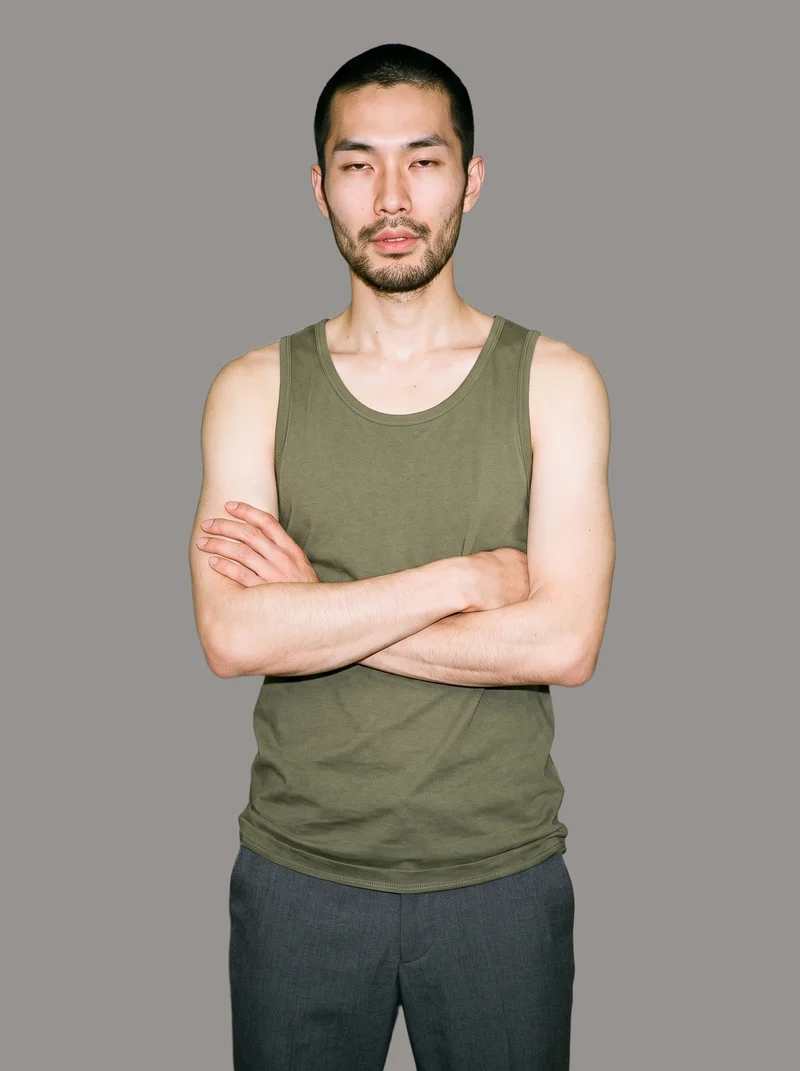
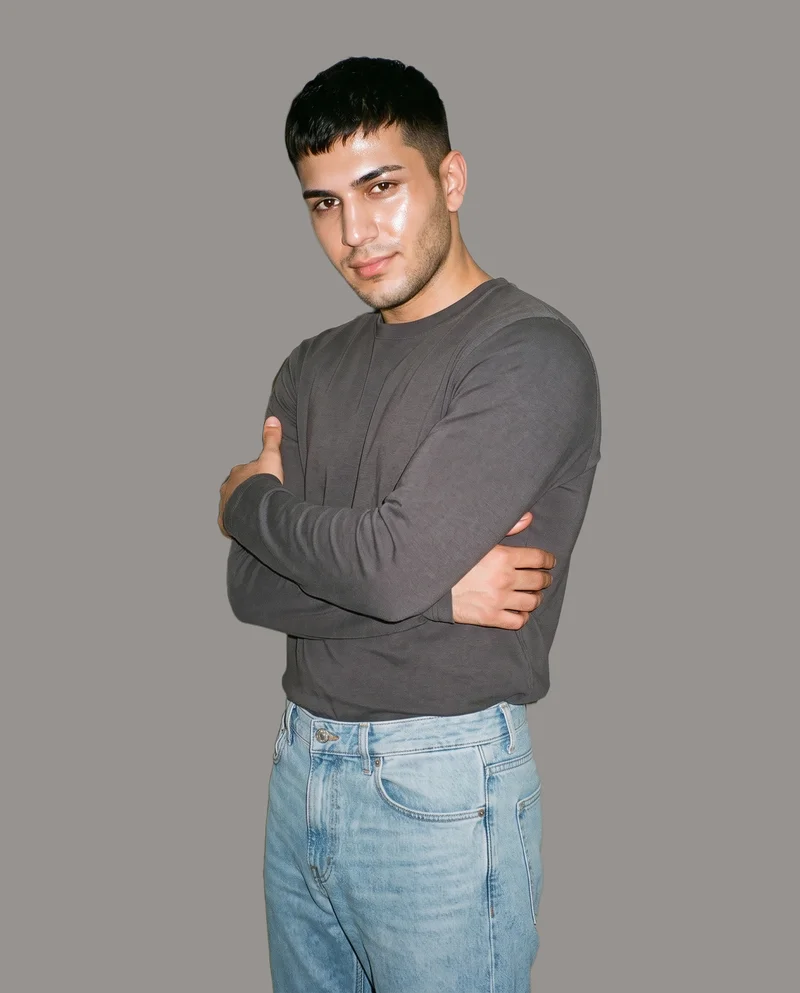
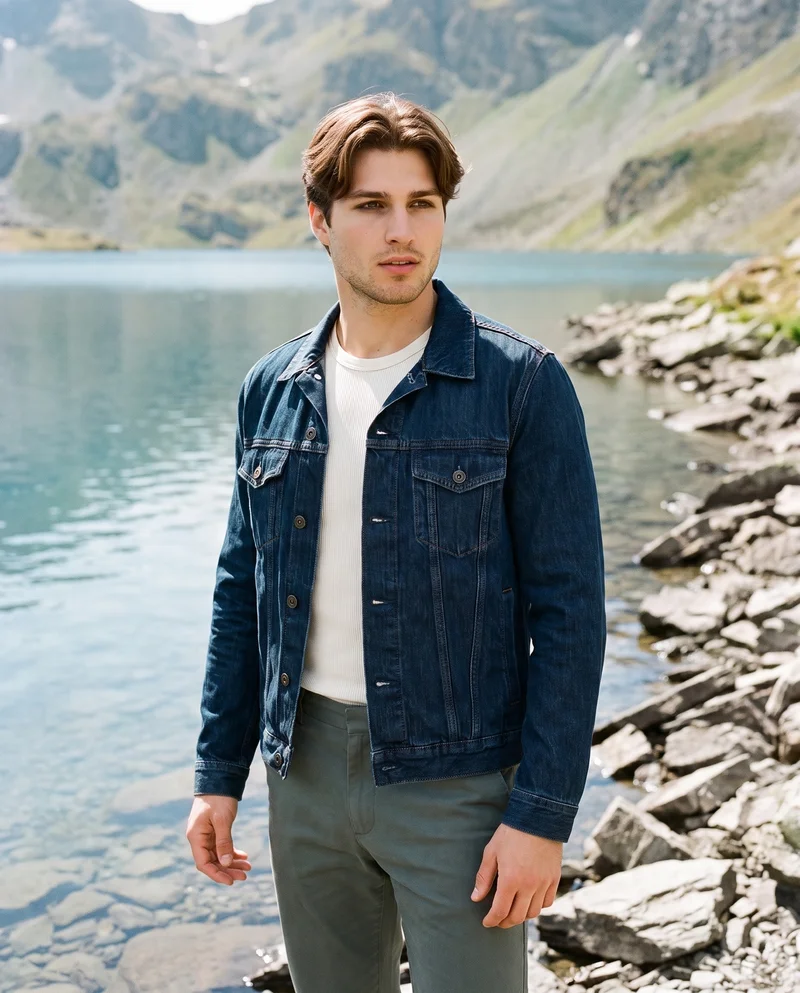
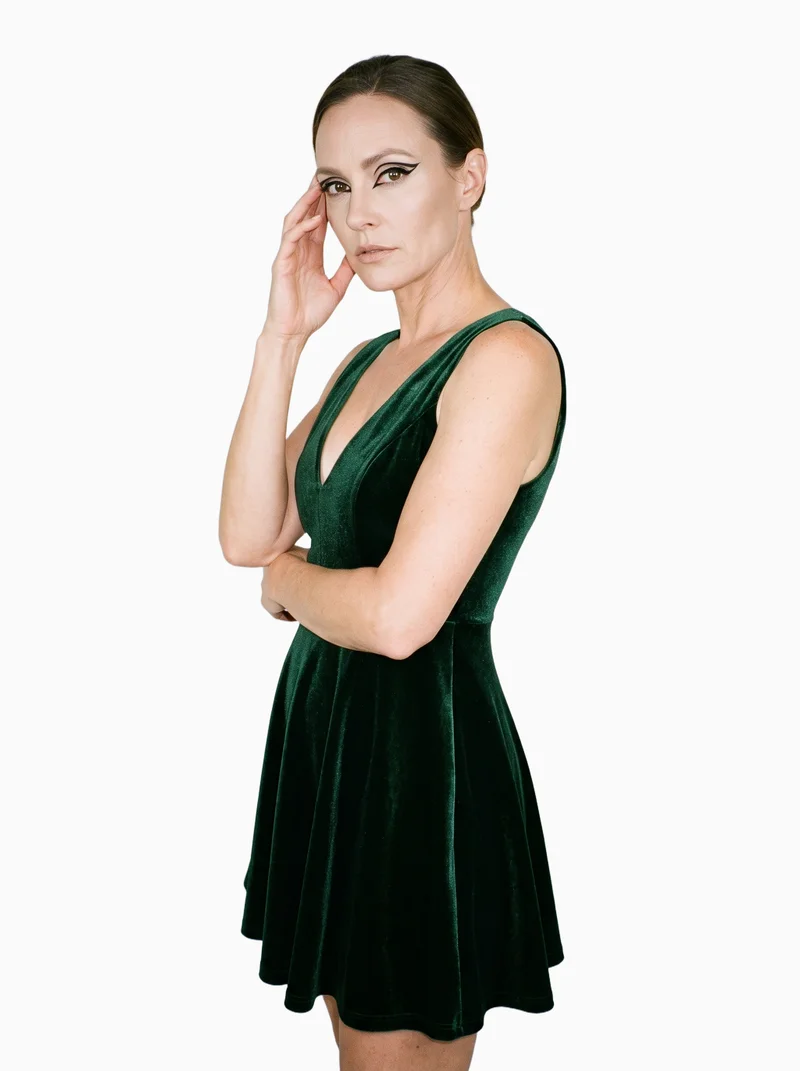
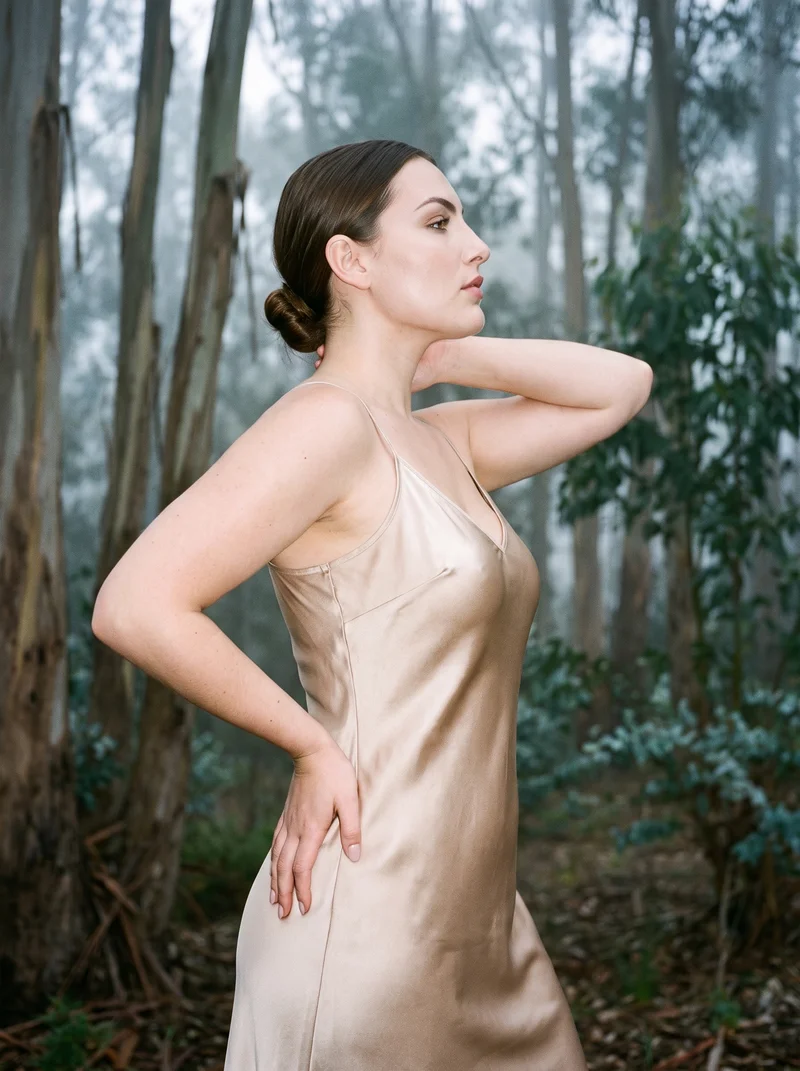
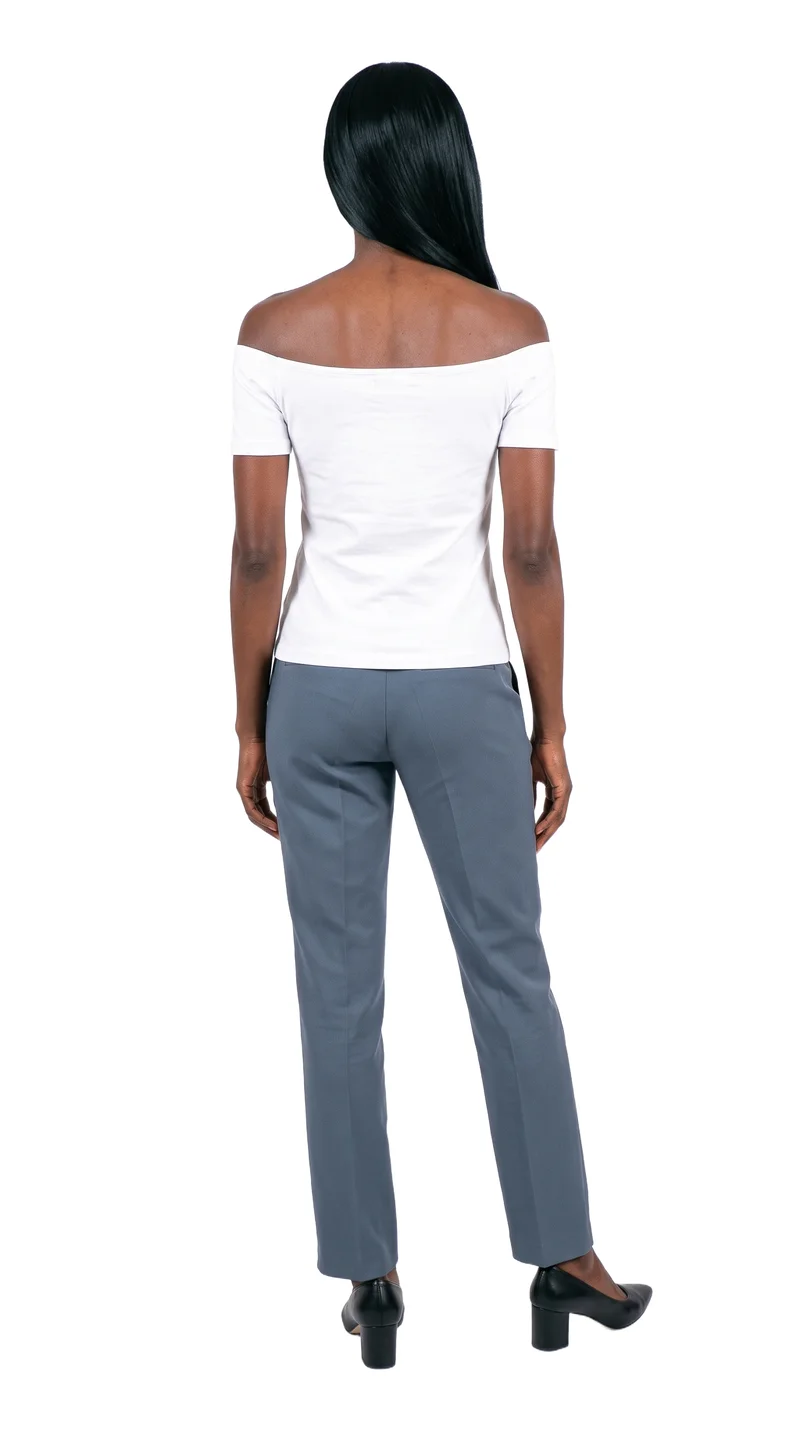
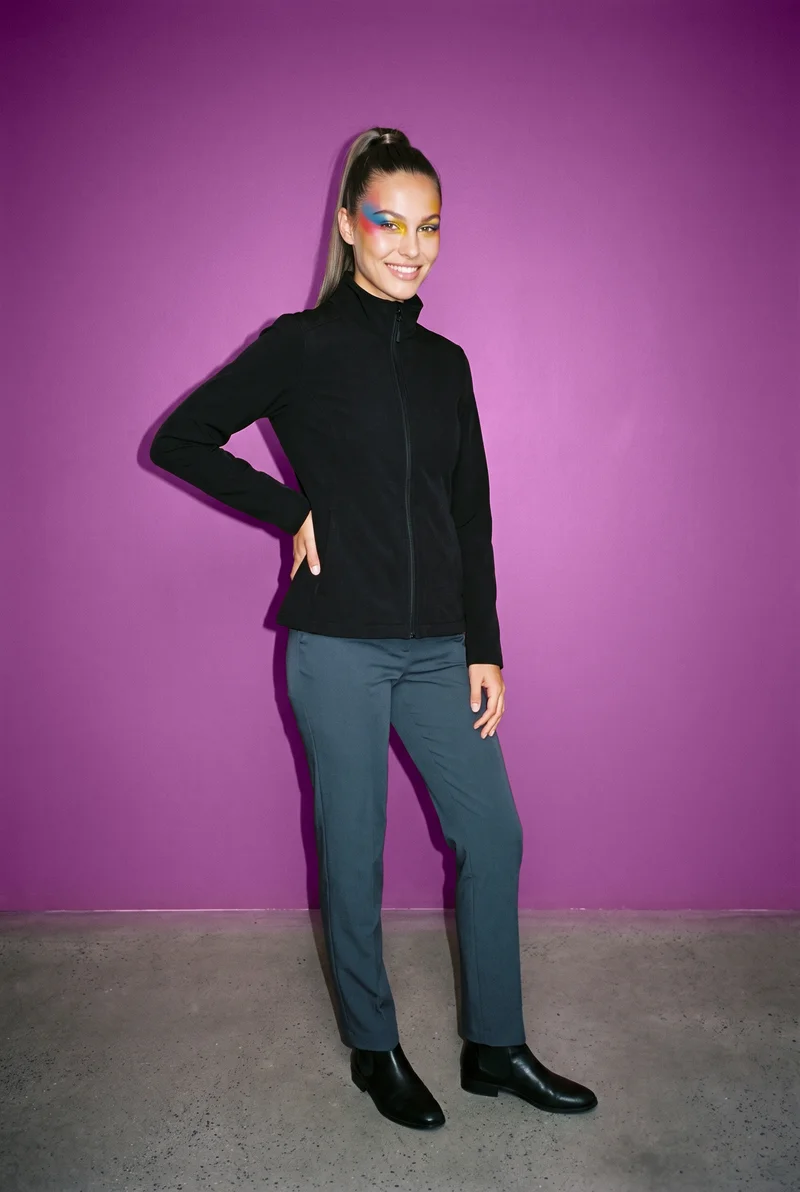
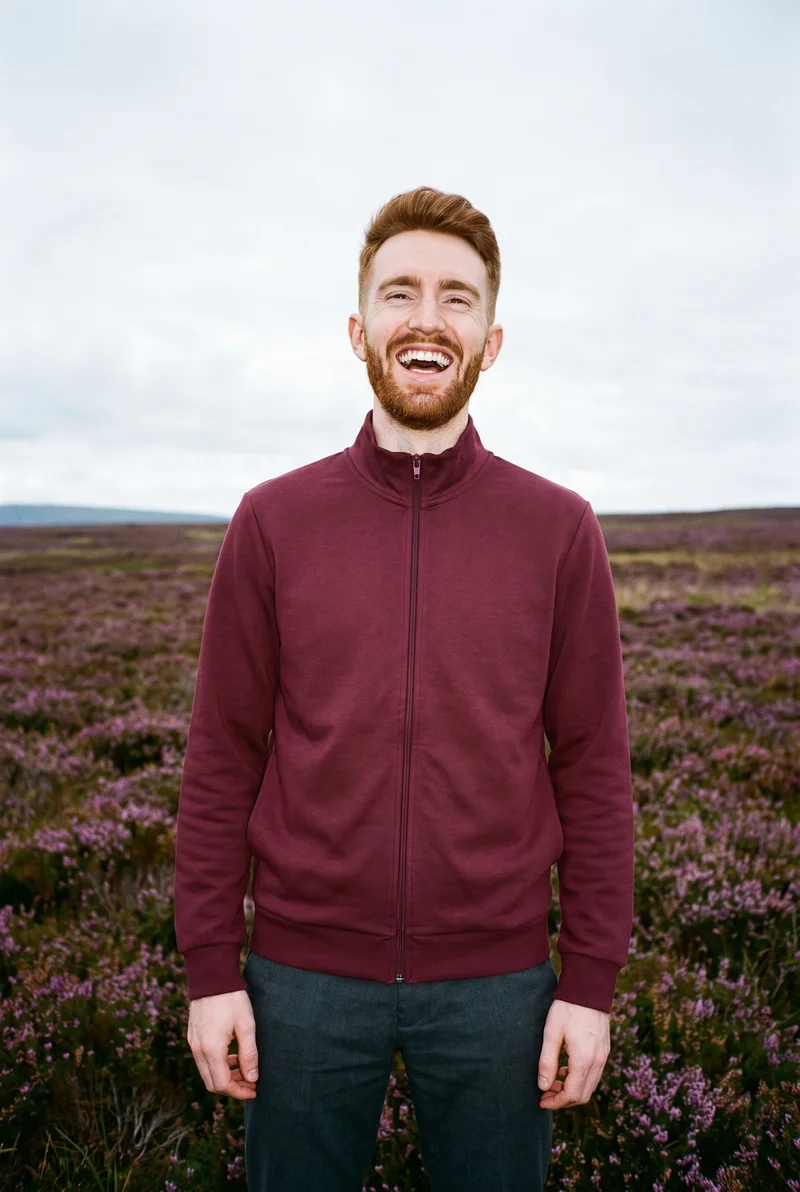
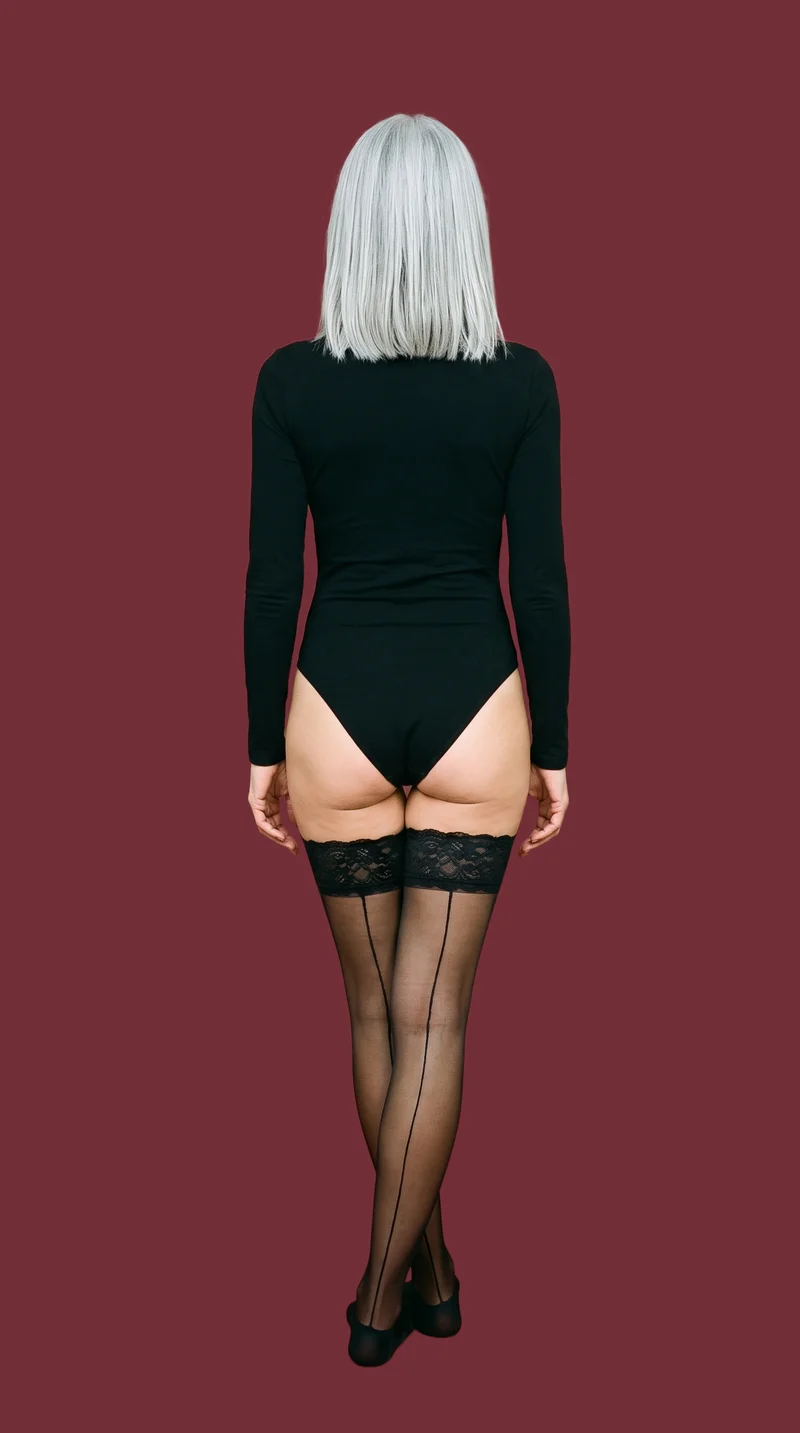
Showing 9 of 815, shot in RAWSHOT
Use cases
Buyers need more than technical drawings.
Dress range review
The situation
A dress sketch reaches buyers before samples arrive, so the range needs a clearer view of the finished piece.
With RAWSHOT
Start from the technical sketch and set the model, full-body frame, pose and photography direction. You get an on-model image that gives buyers useful context for the dress range.
Accessory context
The situation
A footwear or accessory mockup needs to show buyers how the piece is worn during a wholesale presentation.
With RAWSHOT
For an accessory range, choose the mockup, a tighter frame, camera view, pose and suitable background. You get a product-context image that shows the piece on the body rather than as an isolated drawing.
Variant comparison
The situation
Several garment variants need a shared visual treatment so buyers can compare the range clearly.
With RAWSHOT
Select the same model and photography direction while adjusting the product for each variant. You get separate on-model images with a comparable visual composition for comparison.
Factory-direct presentation
The situation
A factory-direct product source must become a clear presentation image for an upcoming wholesale meeting.
With RAWSHOT
Start from a product photo, flat-lay or mockup and choose the frame, styling, background and light. You get a polished image for the range presentation.
What you get
Full-body and tighter views cover garments, footwear and accessories.
Create a buyer-ready range of on-model images from technical drawings, mockups, flat-lays or product photos. The finished set helps buyers review garments, footwear and accessories in context before samples arrive.
On-model range images
Show the collection on an adult model with full-body and tighter views suited to garments, footwear, jewellery, bags and other accessories.
Product context
Present each real piece from its available source, giving buyers a clearer sense of how the product is worn or carried.
Consistent presentation
Keep the selected model, light and framing aligned across product variants so the range reads as one considered presentation.
Buyer review material
Give wholesale meetings a visual reference that supports range review while samples are still in development or transit.
Direct the shoot
Your frame, view, pose and light shape each image.
Image frame
15
Pose
22 poses on this frame
Camera view
4
Format
9
Pose style
4
Facial expression
10
Photography direction
4
Create photoshoot
Step 7 of 7 · Composition
Image 1 · readyGallery image from this pageProduct
Your product
Model
From the library
Composition
Full Body · Front View · Catalog pose · Neutral
Delivery
2K · 1:1
Light
Studio Cutout
Total cost
5 tokens
AI fashion models
The range appears on 1,197 adult library models.
1,197 licence-free grown models across ages and body types. Or build a private model from visible attributes.
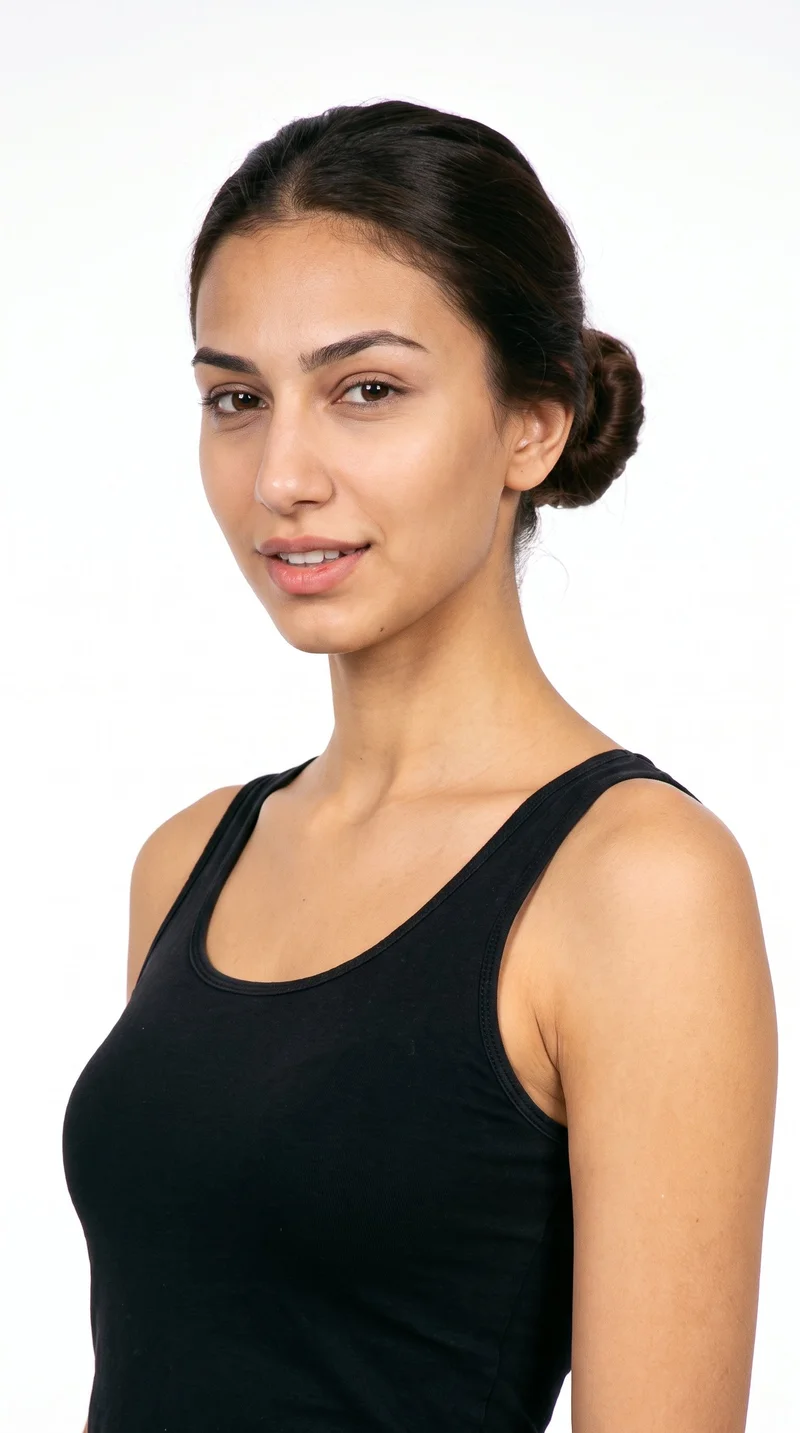
Female · 18
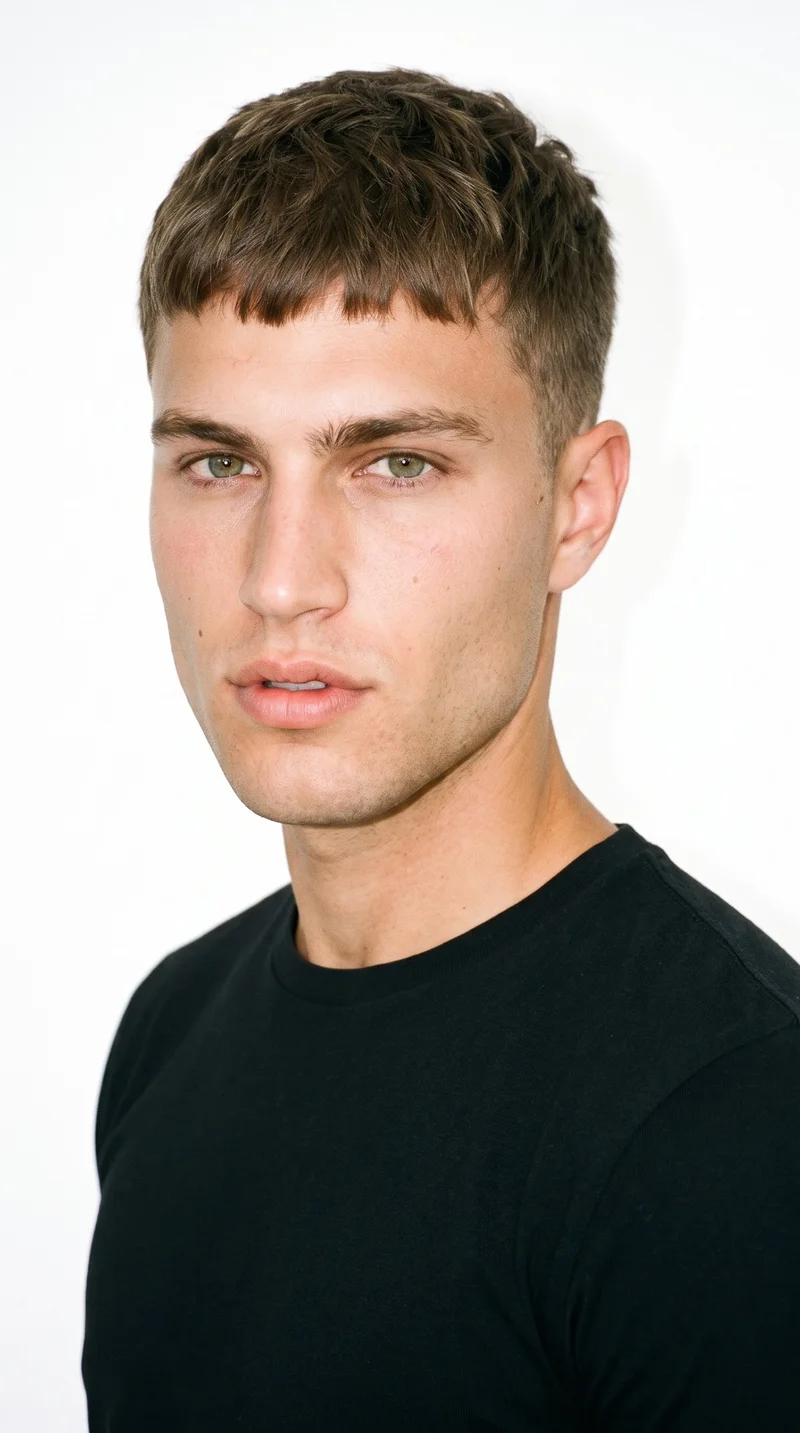
Male · 21
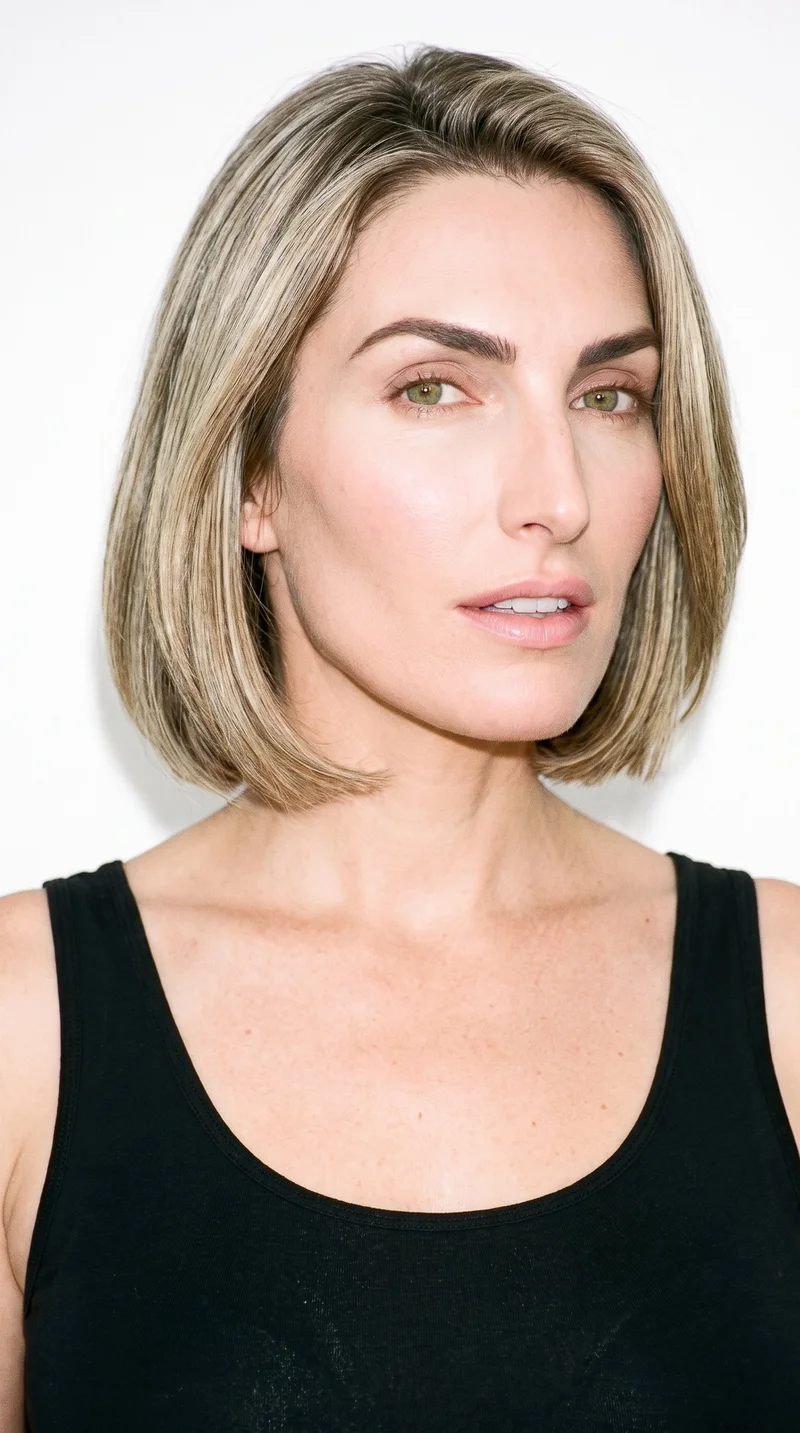
Female · 40
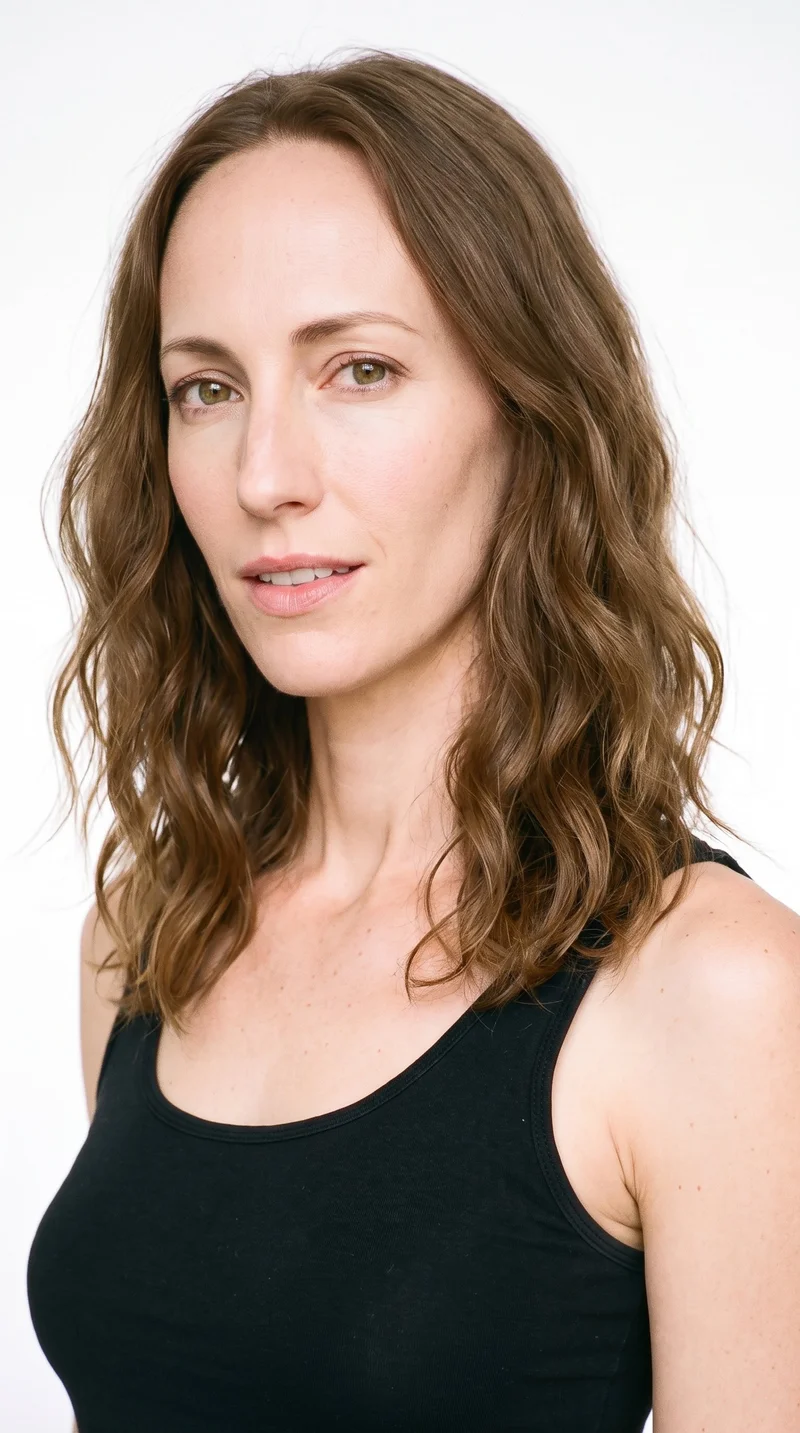
Female · 35
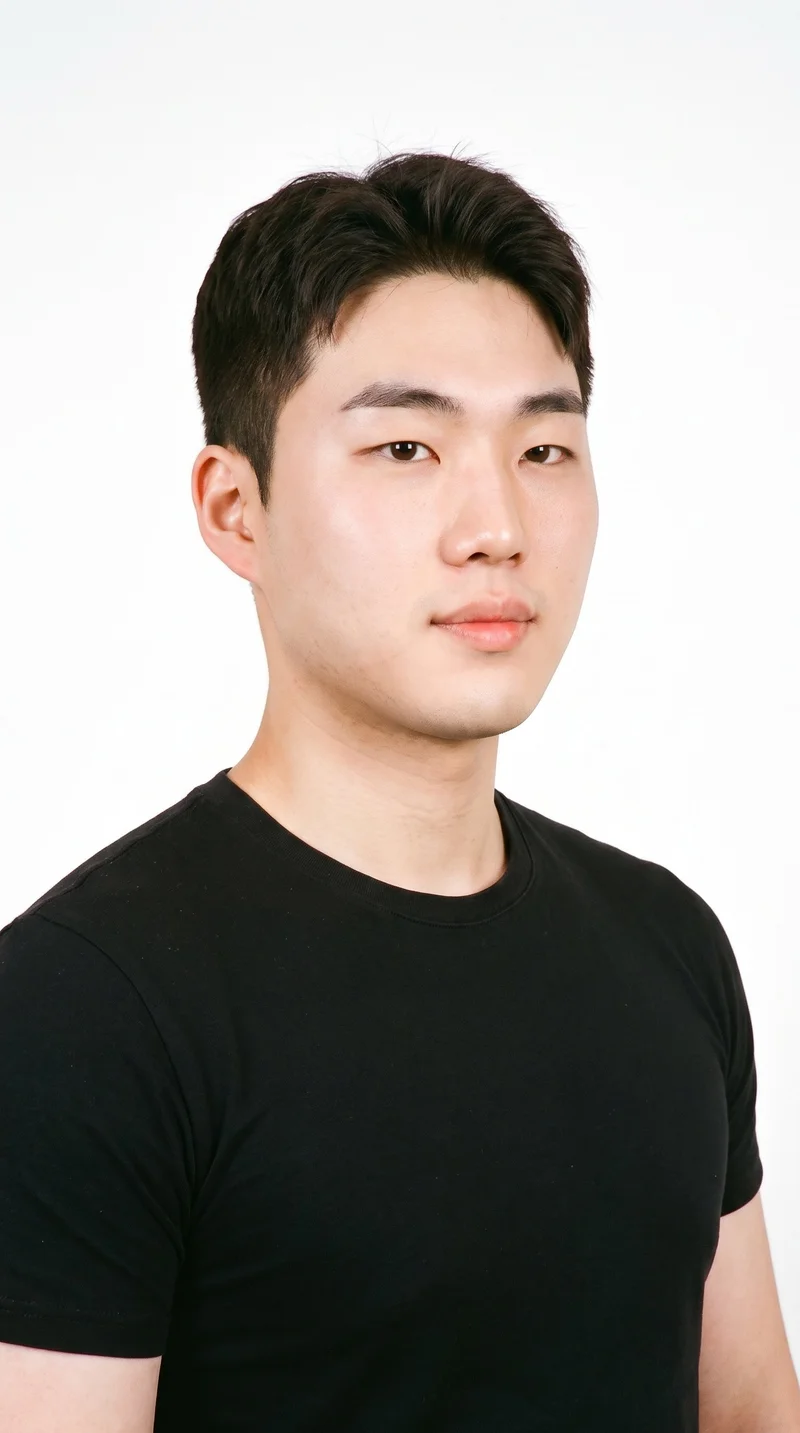
Male · 21
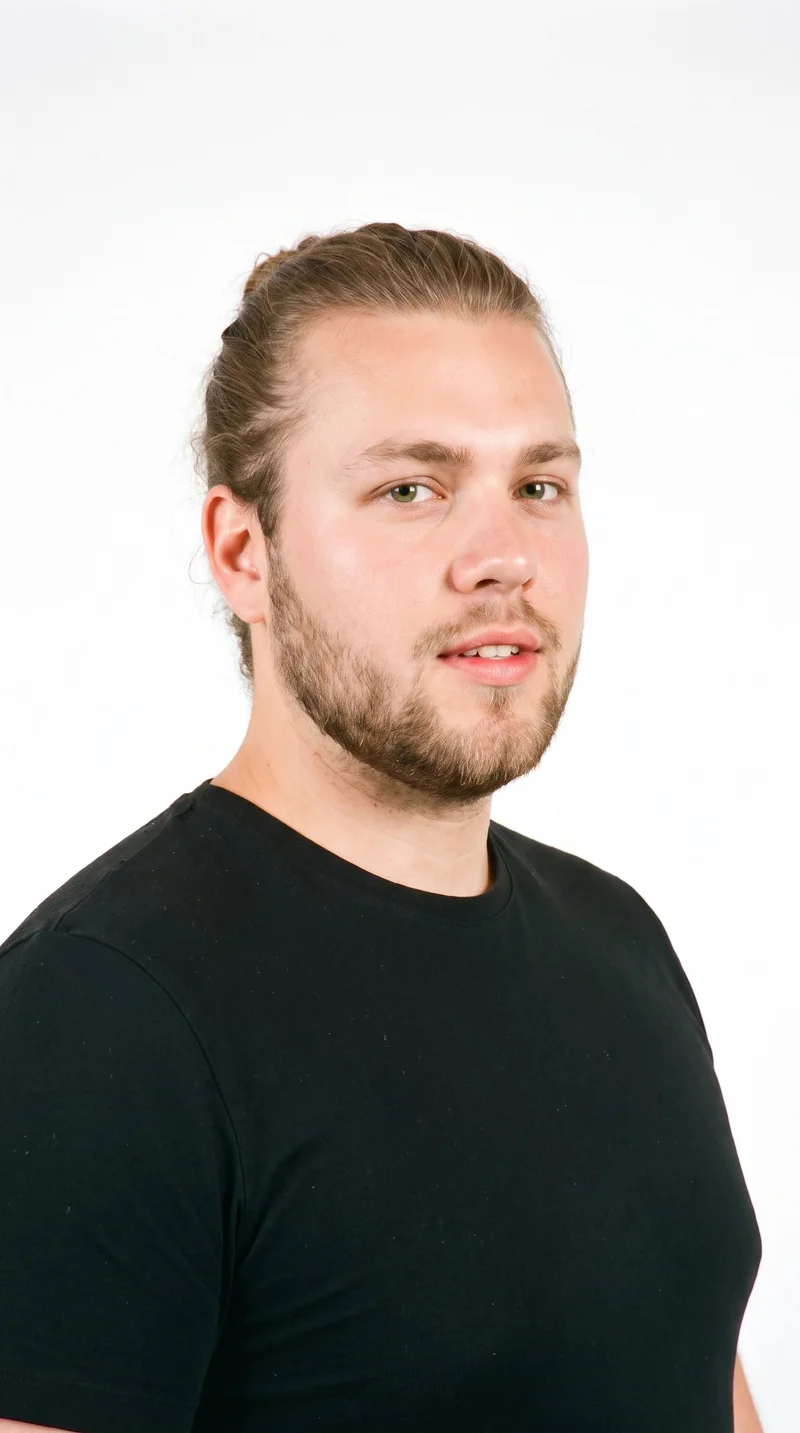
Male · 22
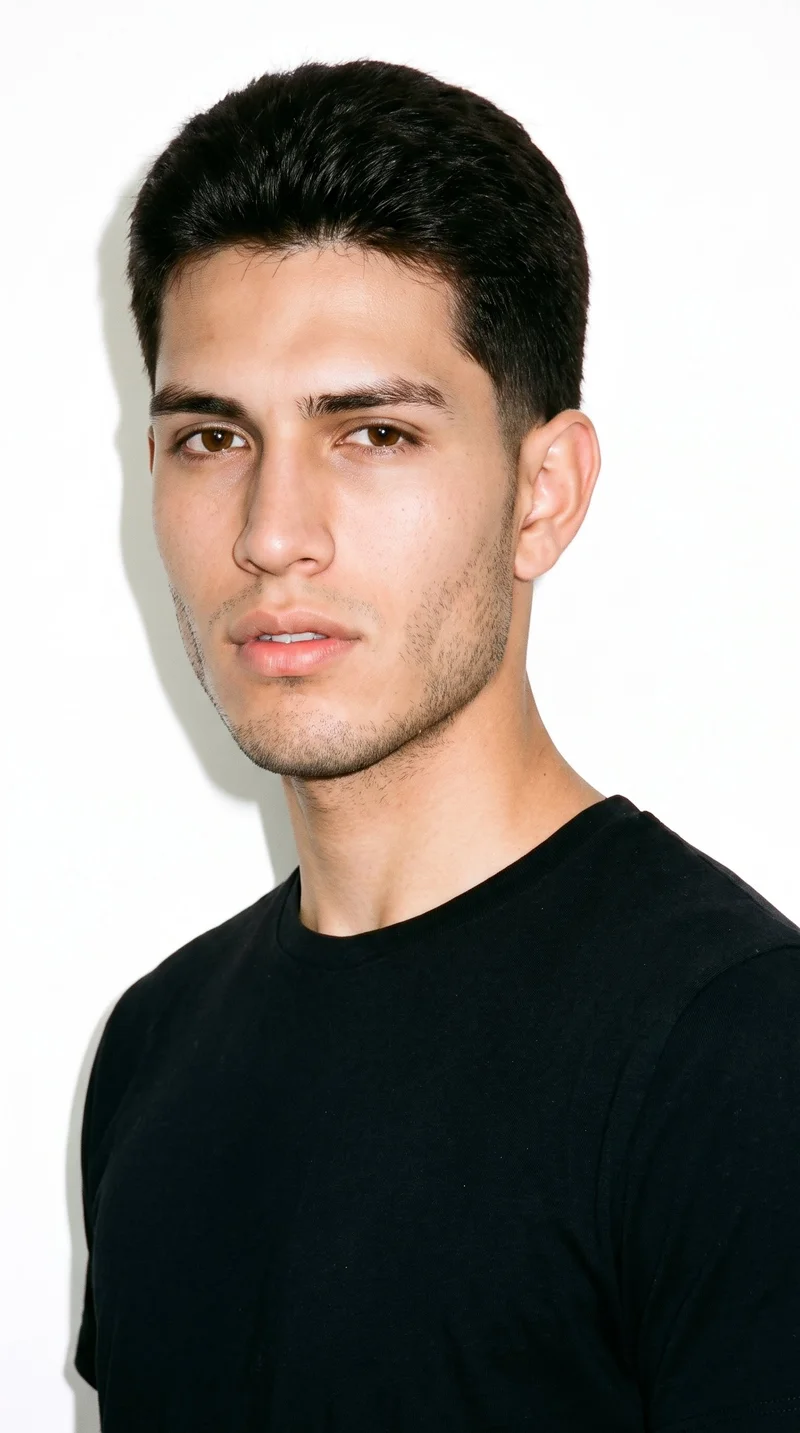
Male · 19
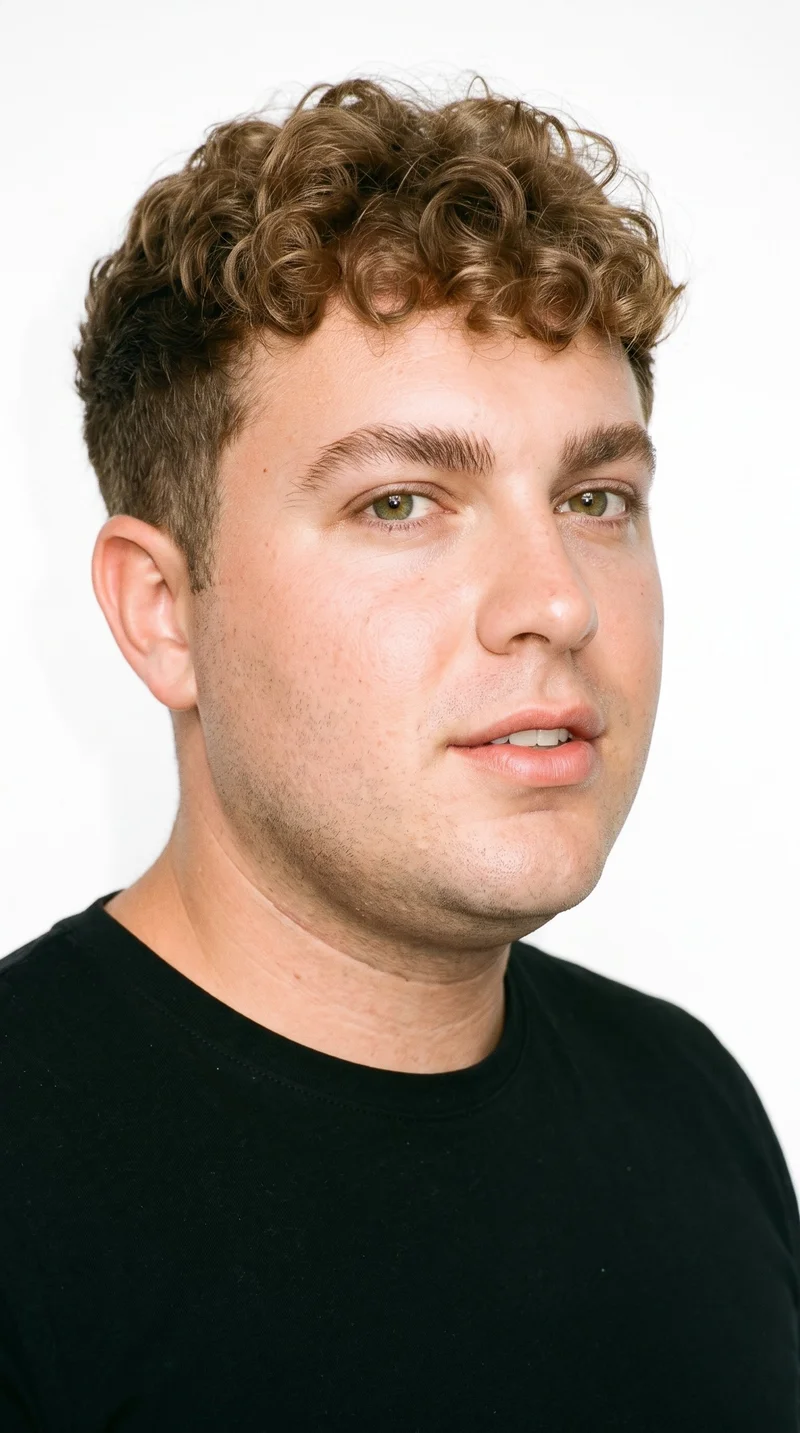
Male · 32
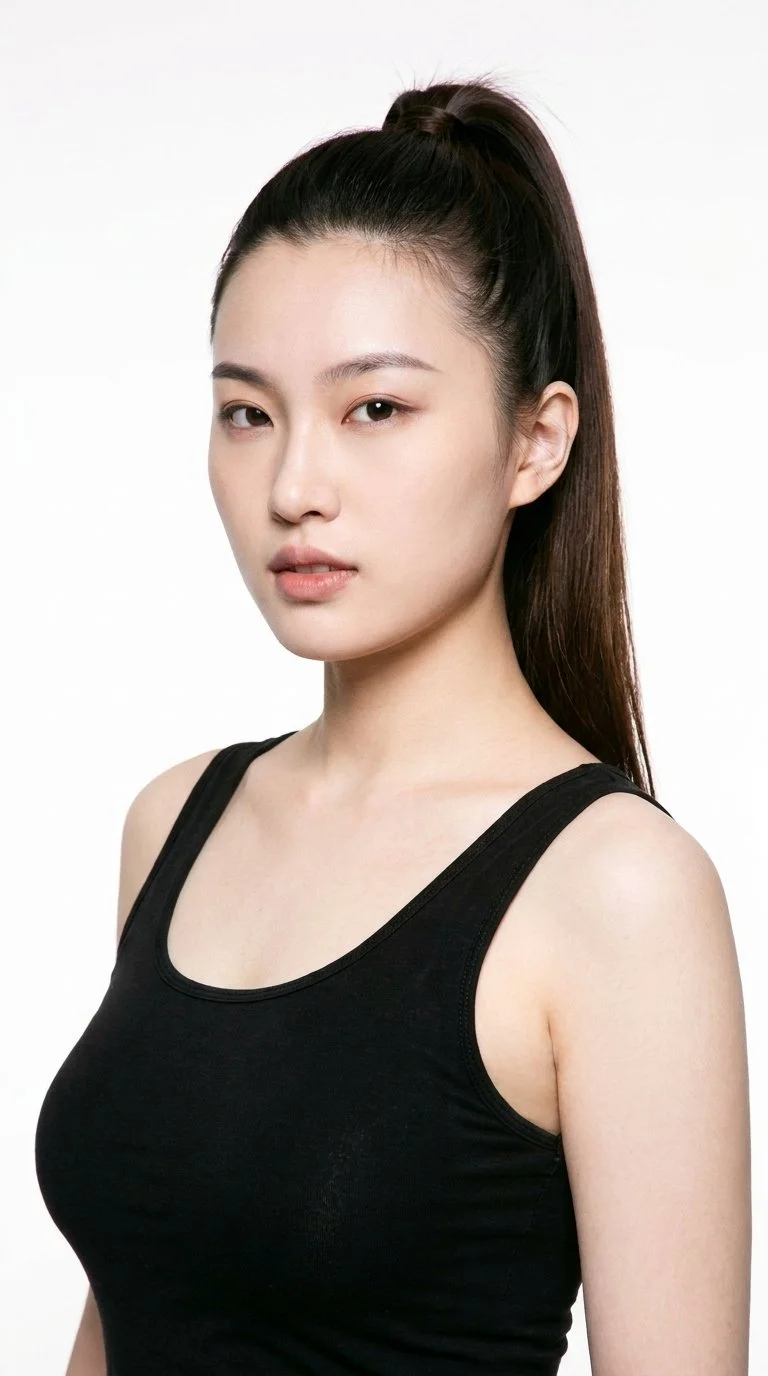
Female · 22
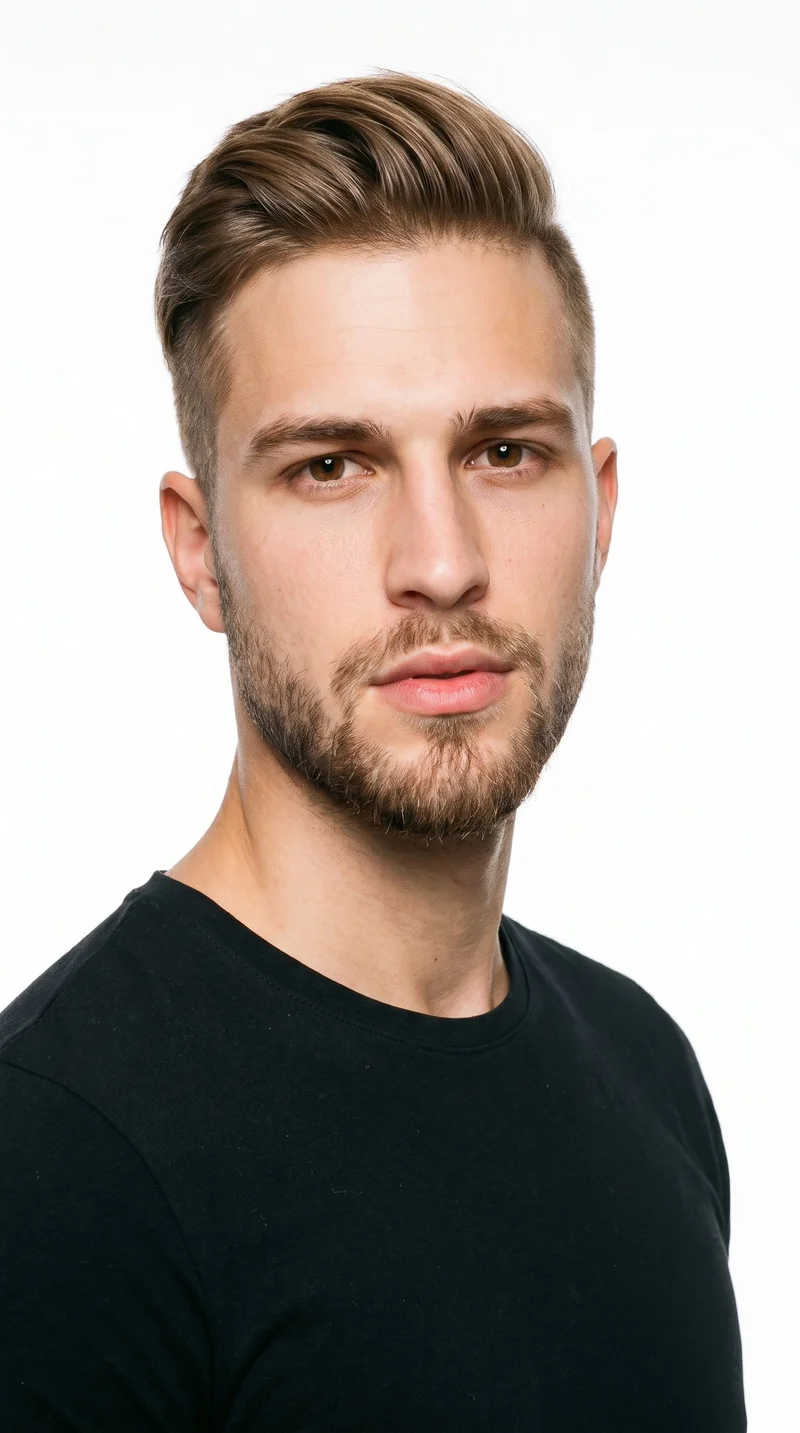
Male · 22
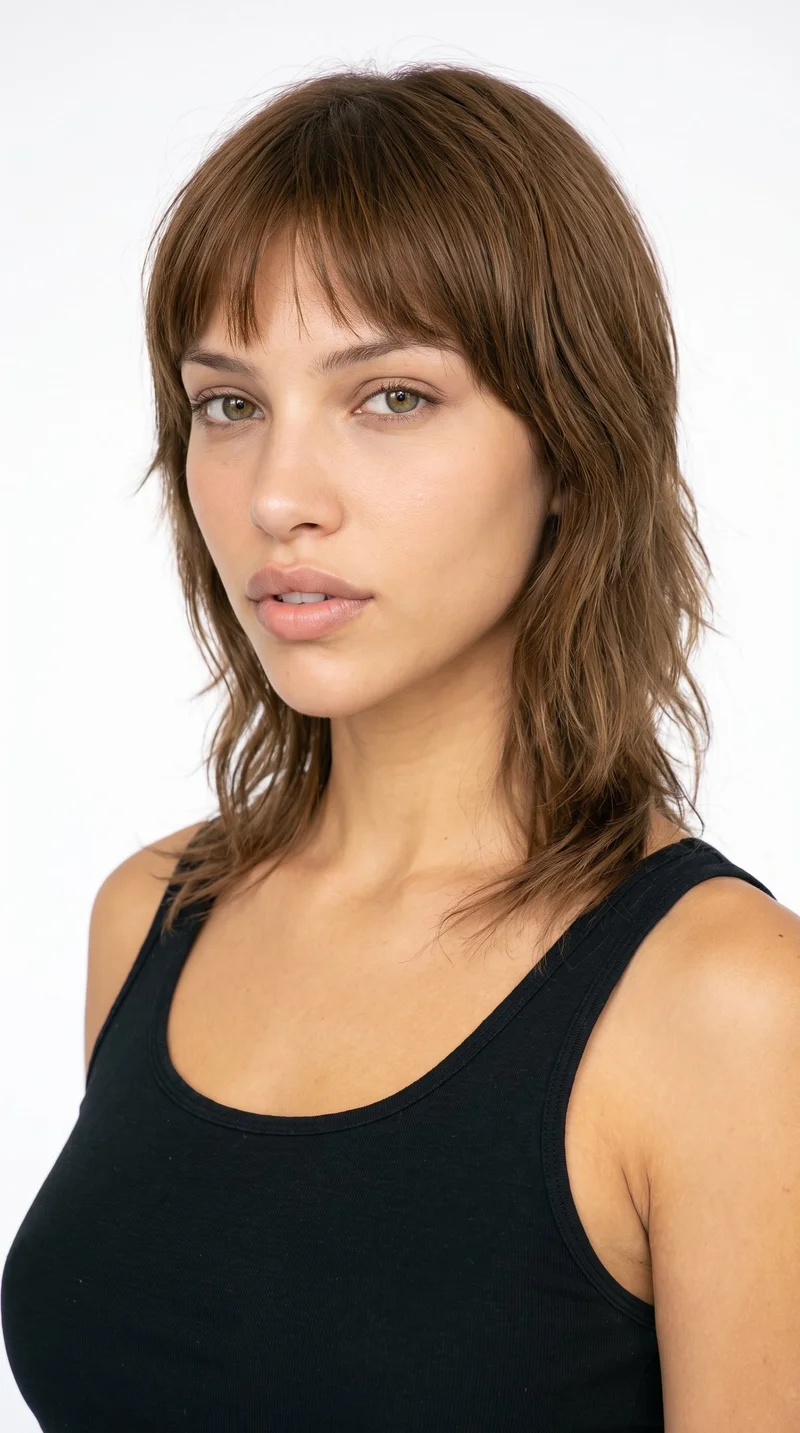
Female · 18
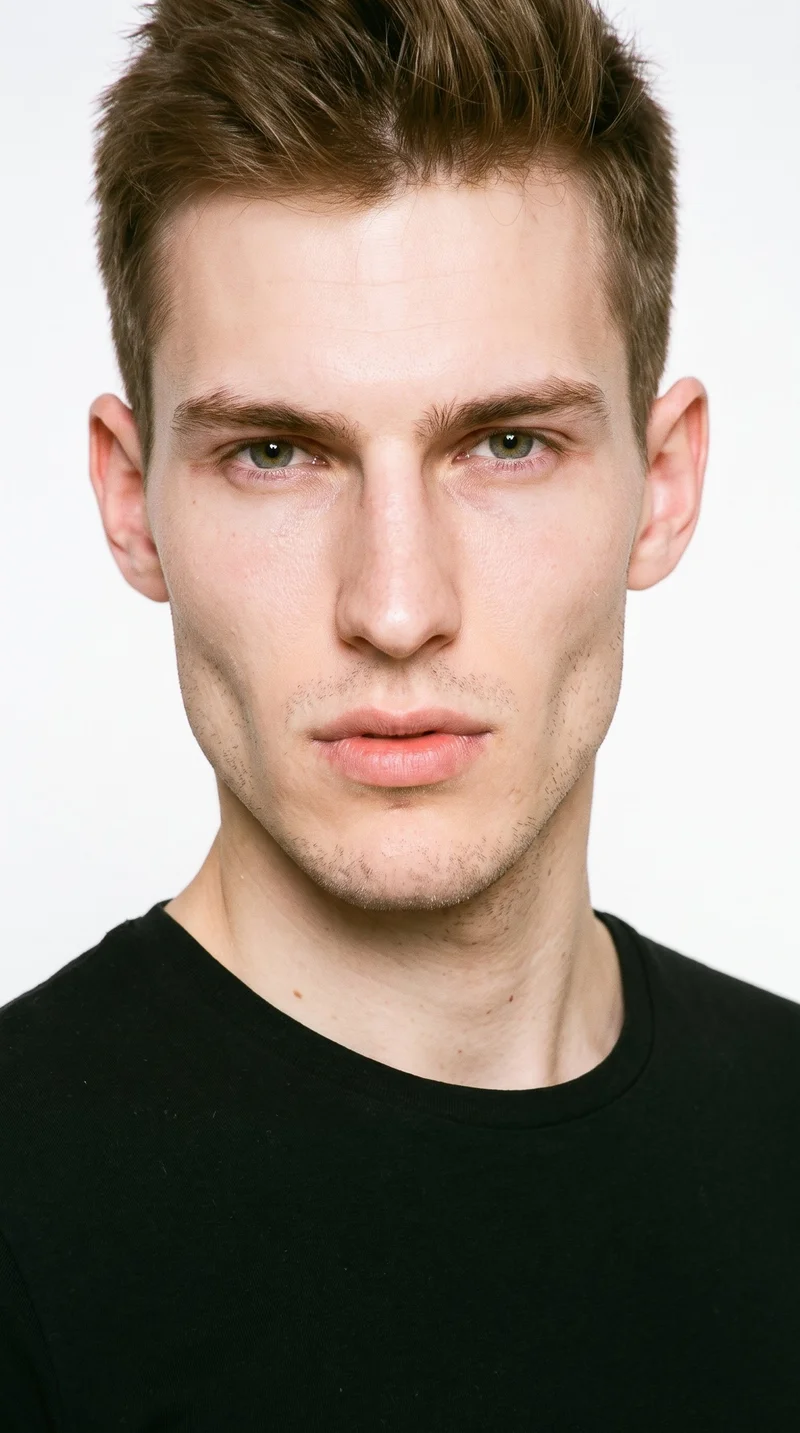
Male · 21
Showing 12 of 1,197
Cast your modelRawshot Features
RAWSHOT shapes each product view for buyer review.
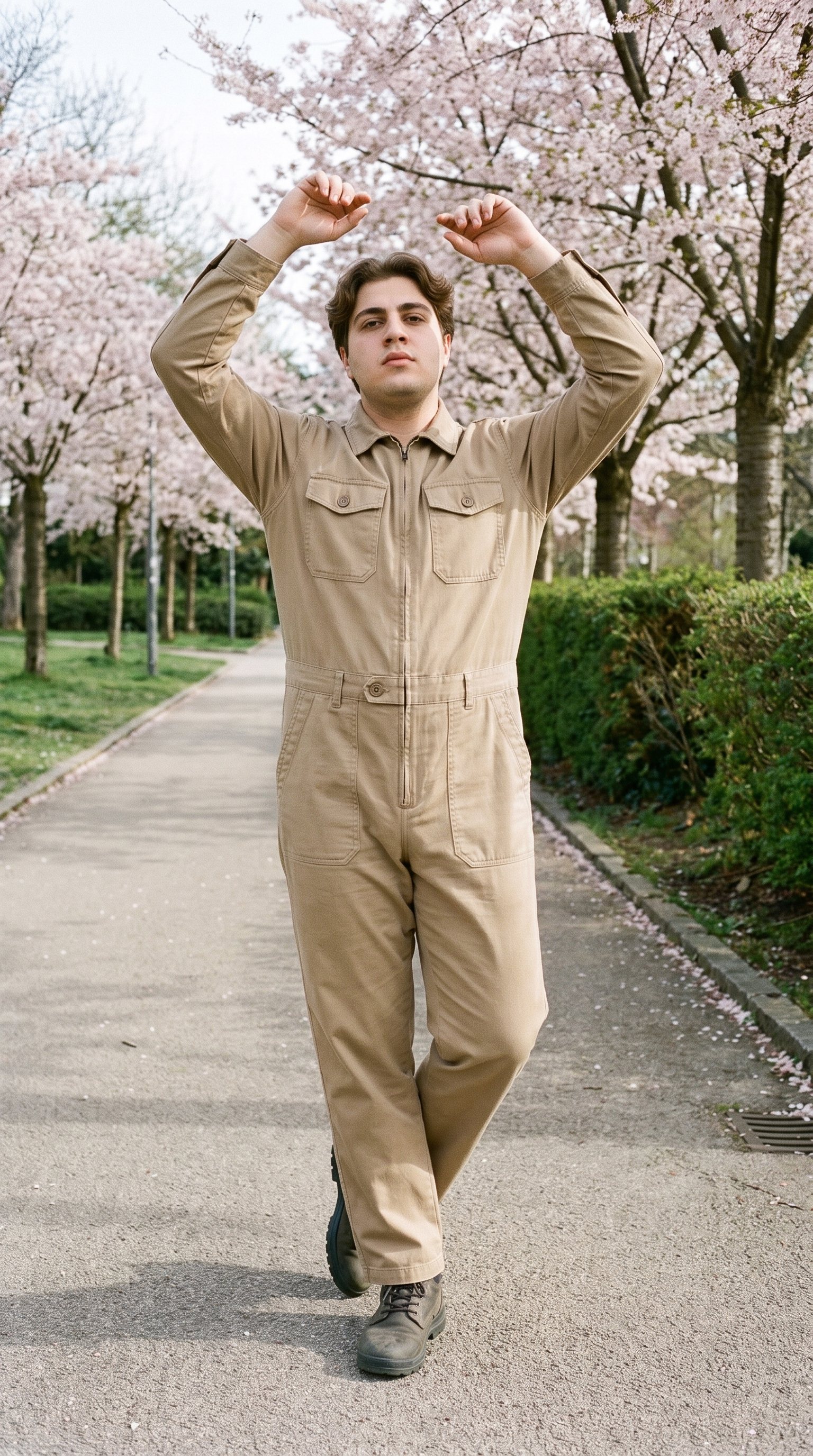
Fashion model poses
Choose frames and poses that show how each garment, footwear piece or accessory sits on the body for buyer review.
22 poses on a full-body shot · 104 in total
See the feature →
Product import and handling
Start with the technical drawing, mockup, flat-lay or product photo already available for the range.
Start from your real item and keep product fidelity while building the scene.
See the feature →
Photography direction
Set the light for a clear buyer presentation while keeping the background as a separate choice.
4 named choices that set mood and shadow the same way across a shoot.
See the feature →
AI model generator
Select a consistent adult model so buyers can compare pieces across the range more easily.
Library filters plus private model building for consistent identity across the set.
See the feature →AI image quality control
Every generated image is checked against your model, frame, view and pose before you see it.
AI image to image generator
Change one decision and keep the rest of the composition stable.
AI image to video generator
17 model actions on a full-body shot · 132 in total
AI makeup generator
Branch-aware named options applied without altering casting or scene setup.
AI outfit generator
Combine the main piece with neutral supporting items in one coherent frame.
AI photo background generator
Swap scene context while keeping model, product, and framing stable.
AI suggestions
Preselected control values you can always override in the same configurator.
Garment styling
Choose how the garment is worn and keep brand presentation consistent.
Inspiration gallery
Load editable finished looks as fast starting points for new shoots.
Gallery
Shot in RAWSHOT, views show products in context.
Review full-body, product-context and detail imagery suited to a buyer-facing range presentation.
Looks & backgrounds
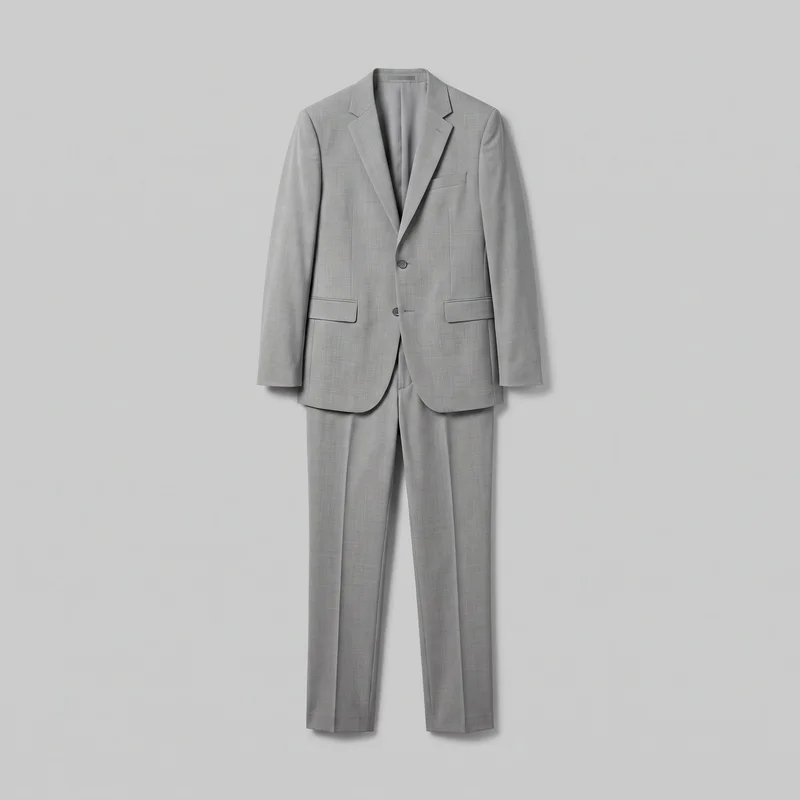 Men's Light Grey Suit
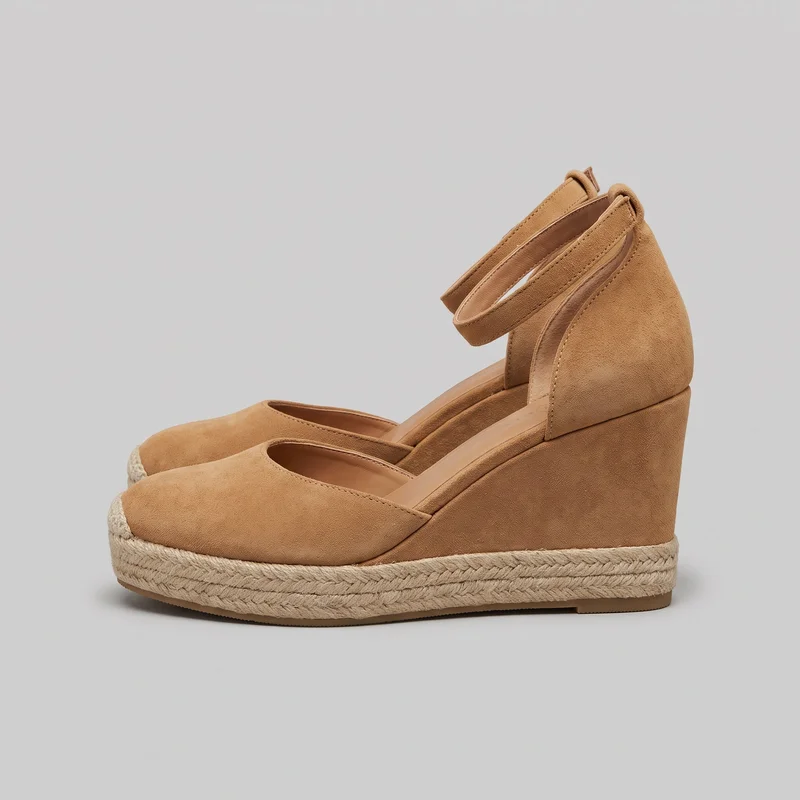 Tan Espadrille Wedges
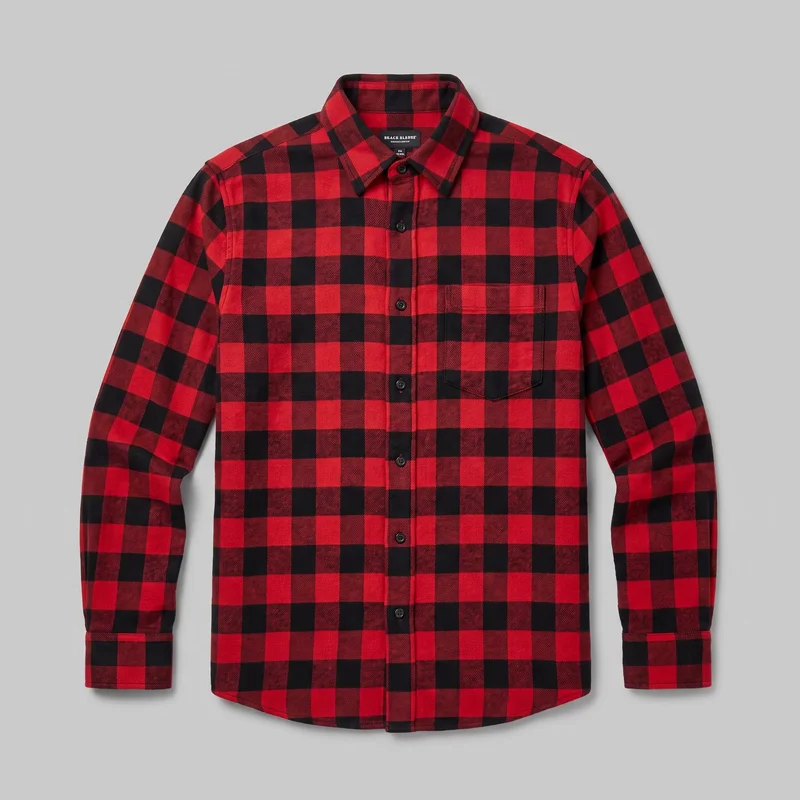 Red Check Flannel Shirt
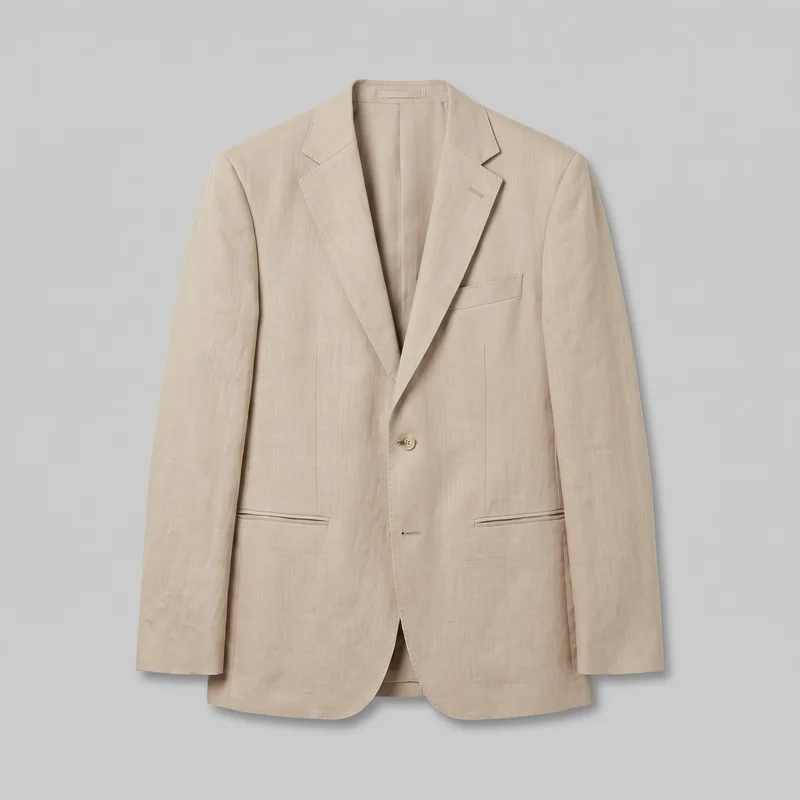 Men's Beige Linen Blazer
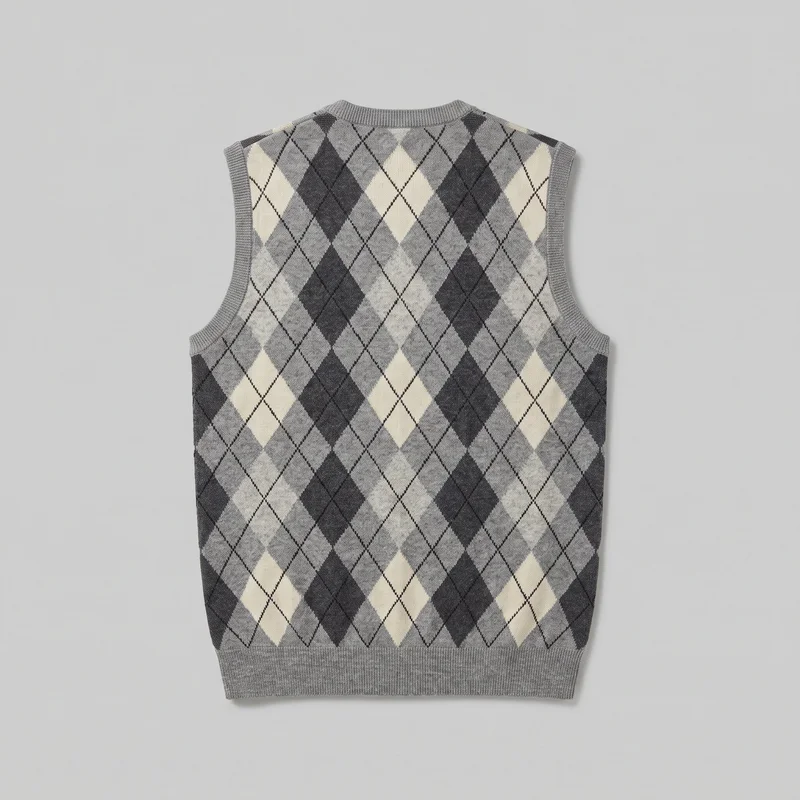 Men's Grey Argyle Sweater Vest
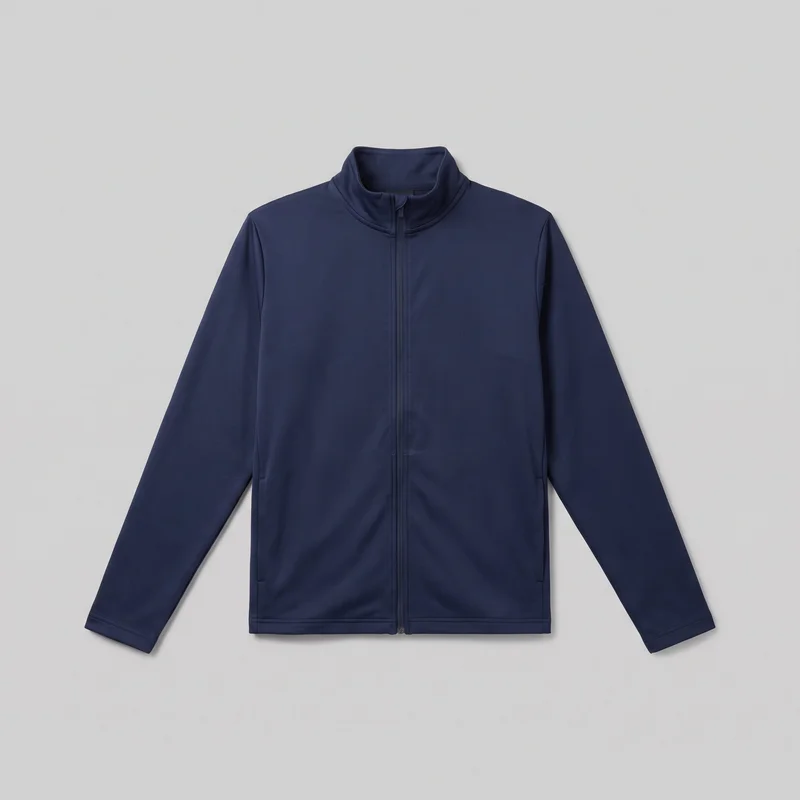 Men's Navy Tracksuit Top
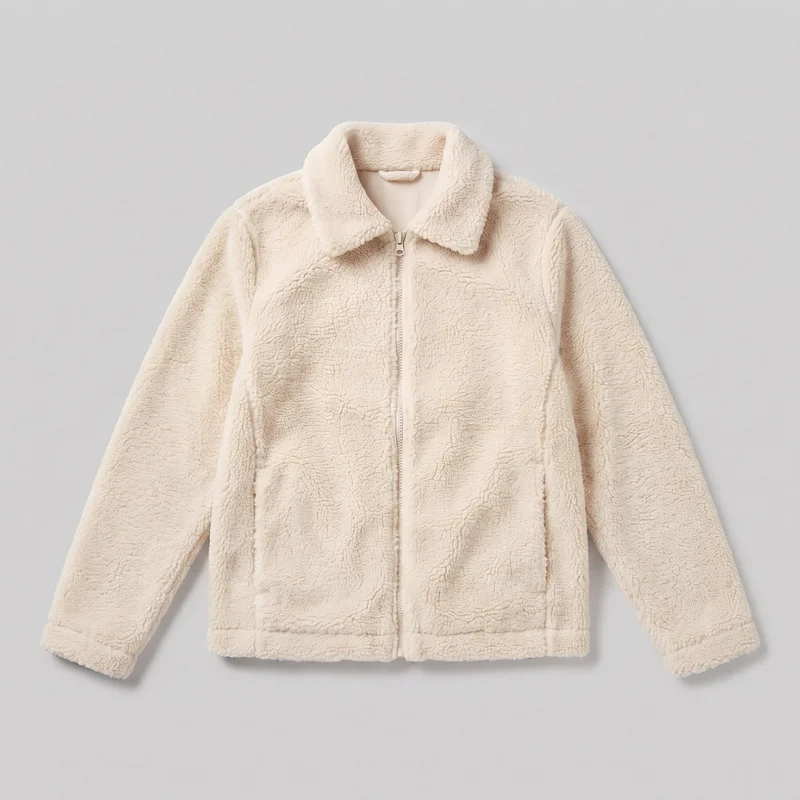 Women's Cream Sherpa Fleece Jacket
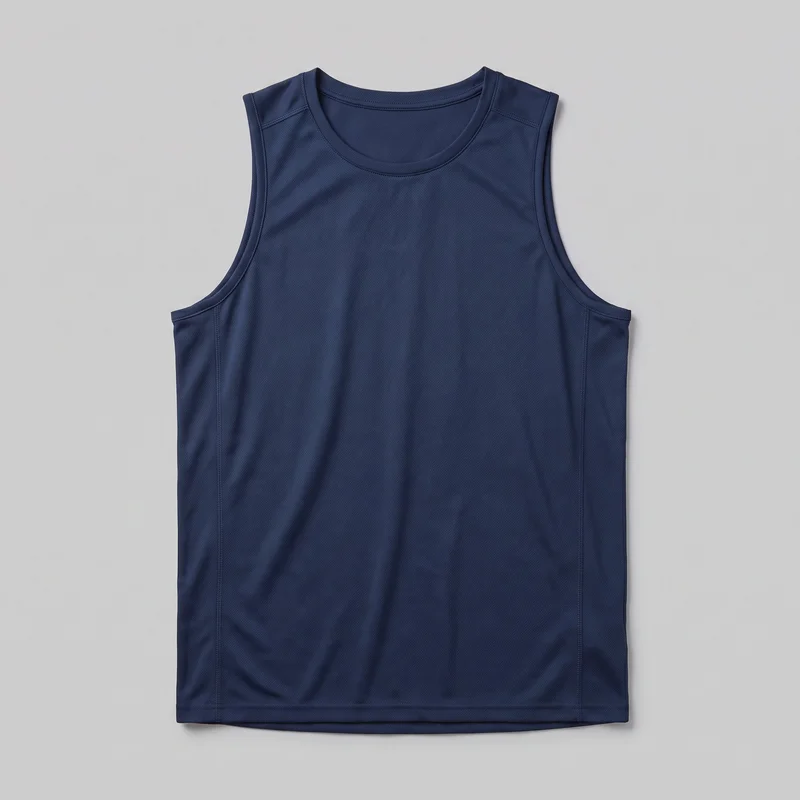 Men's Navy Training Tank
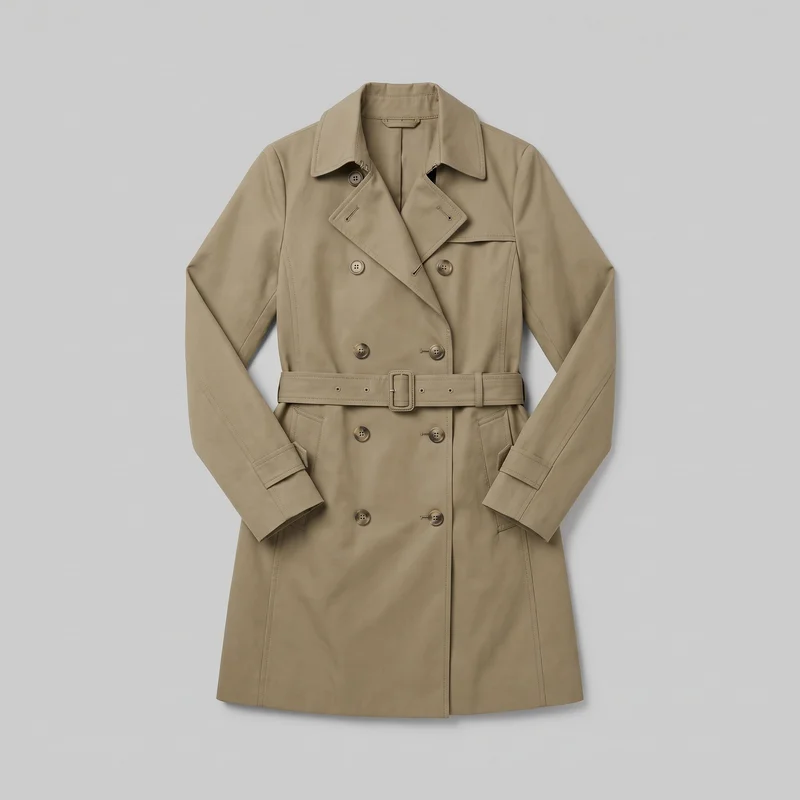 Women's Khaki Belted Trench Coat
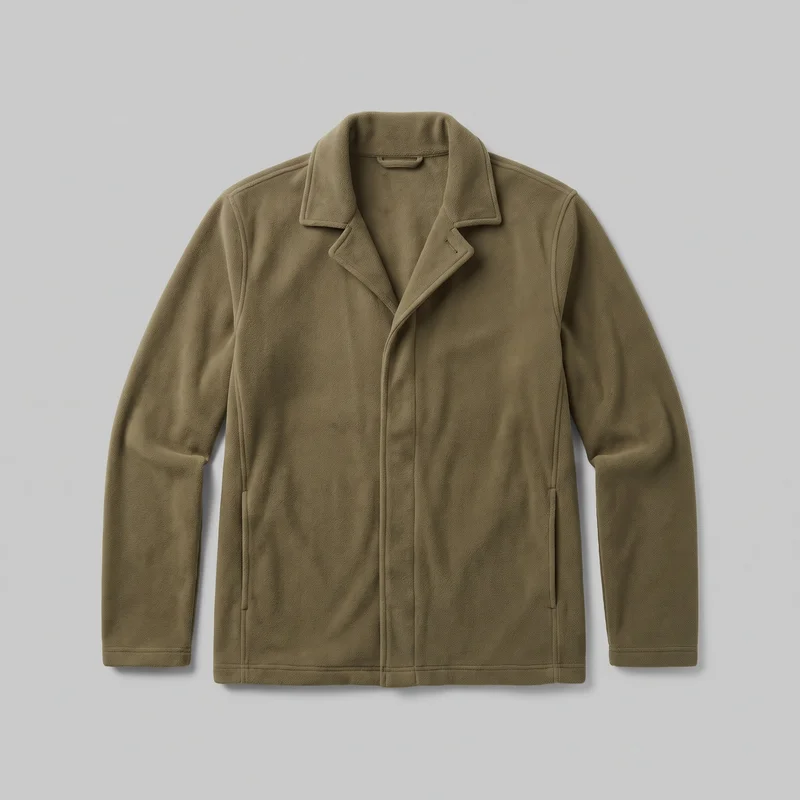 Men's Olive Fleece Jacket
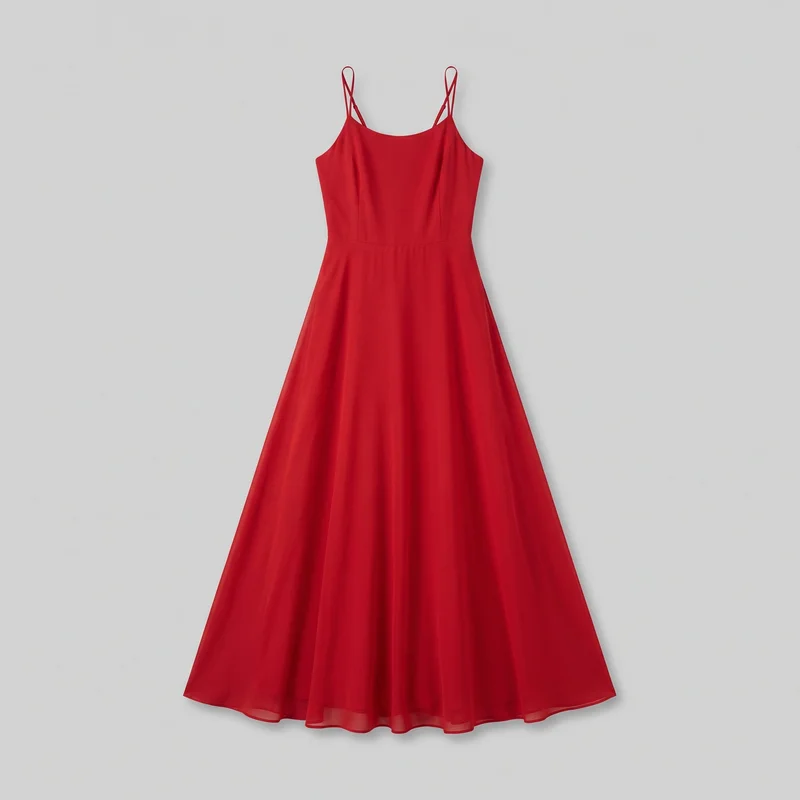 Red Chiffon Maxi Dress
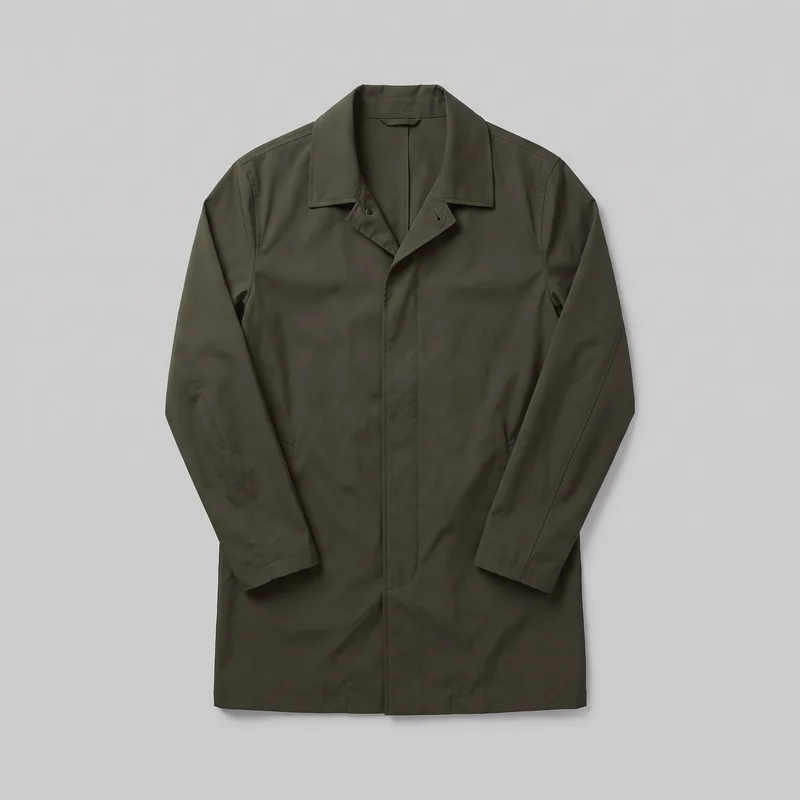 Men's Olive Packable Raincoat
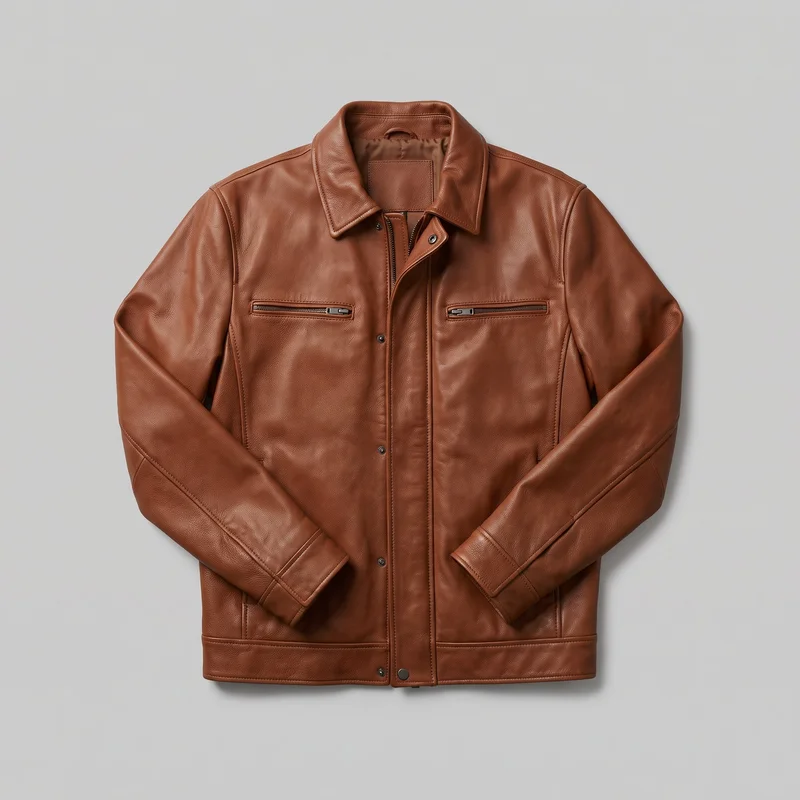 Men's Brown Leather Jacket
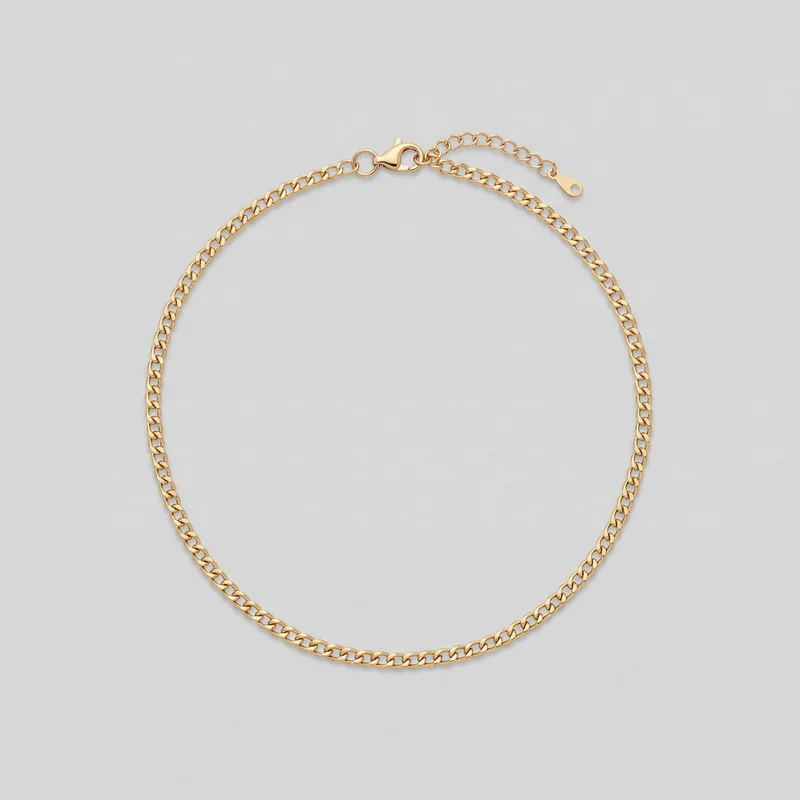 Women's Gold Chain Necklace
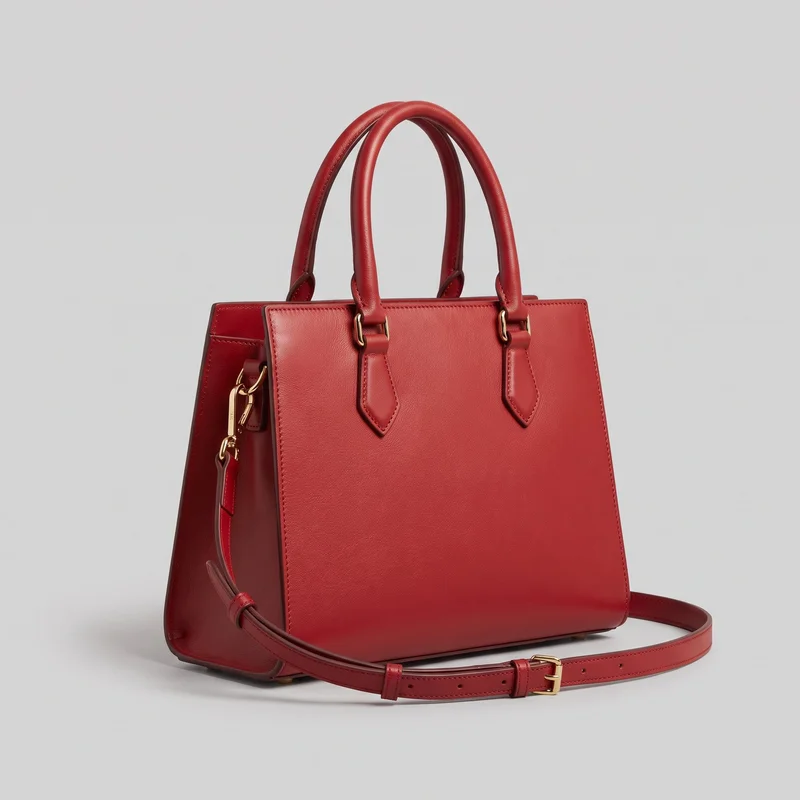 Red Top-Handle Handbag
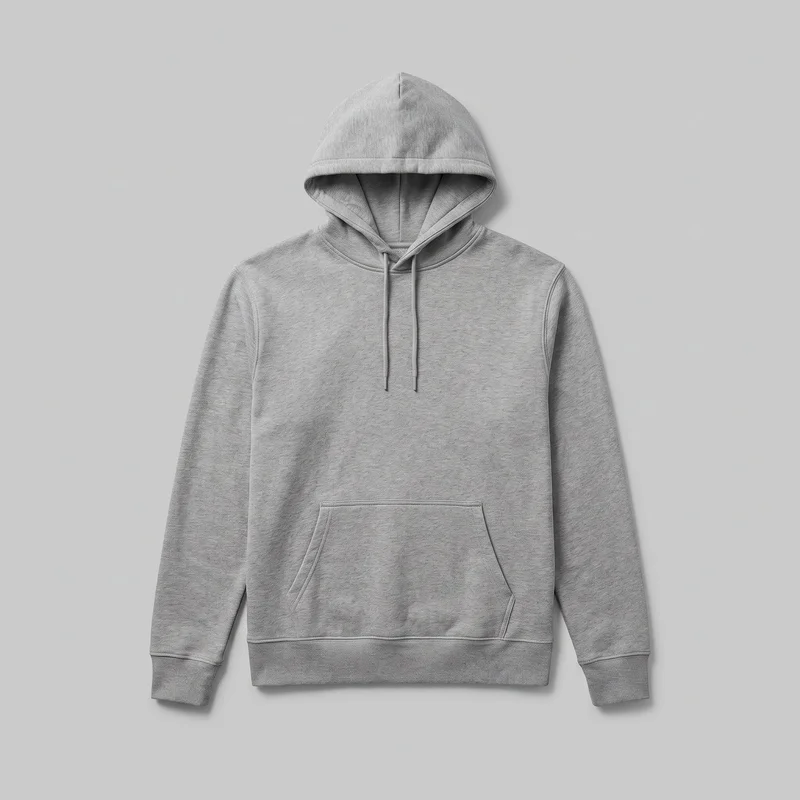 Men's Grey Pullover Hoodie
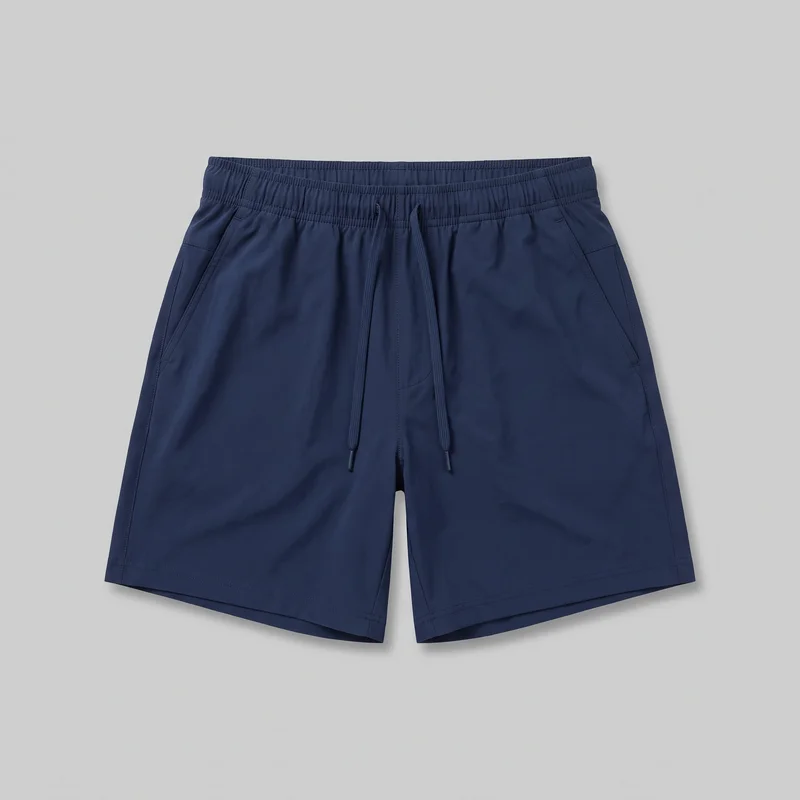 Men's Navy Running Shorts
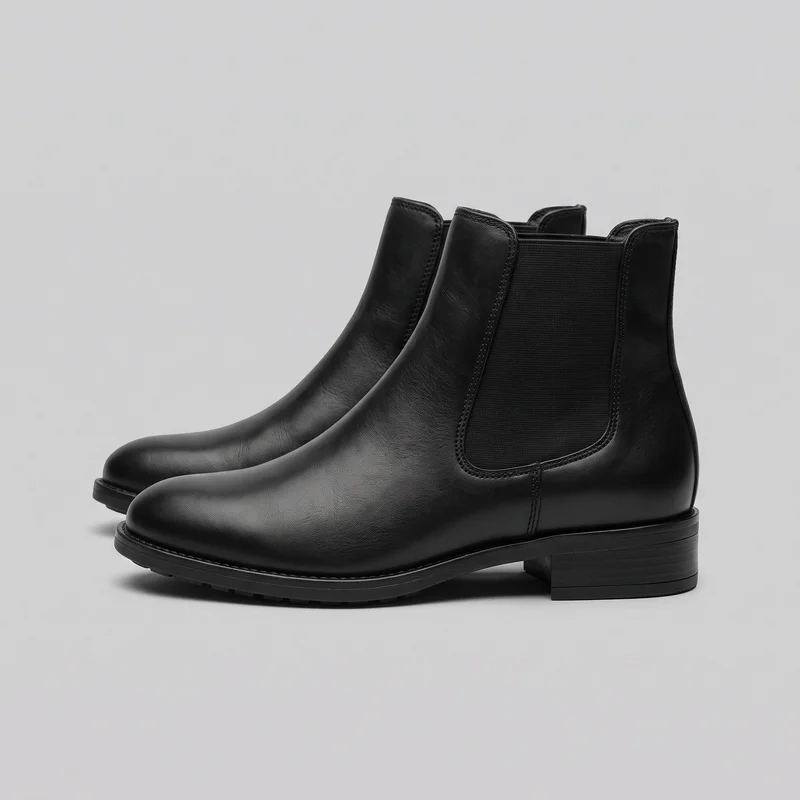 Women's Black Leather Chelsea Boots
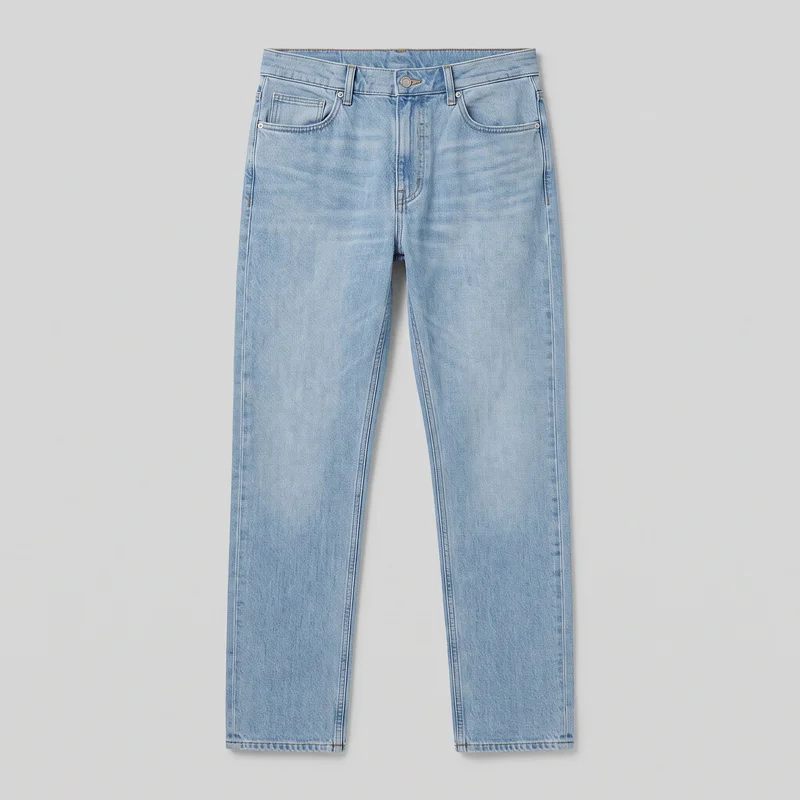 Men's Light Wash Straight Jeans
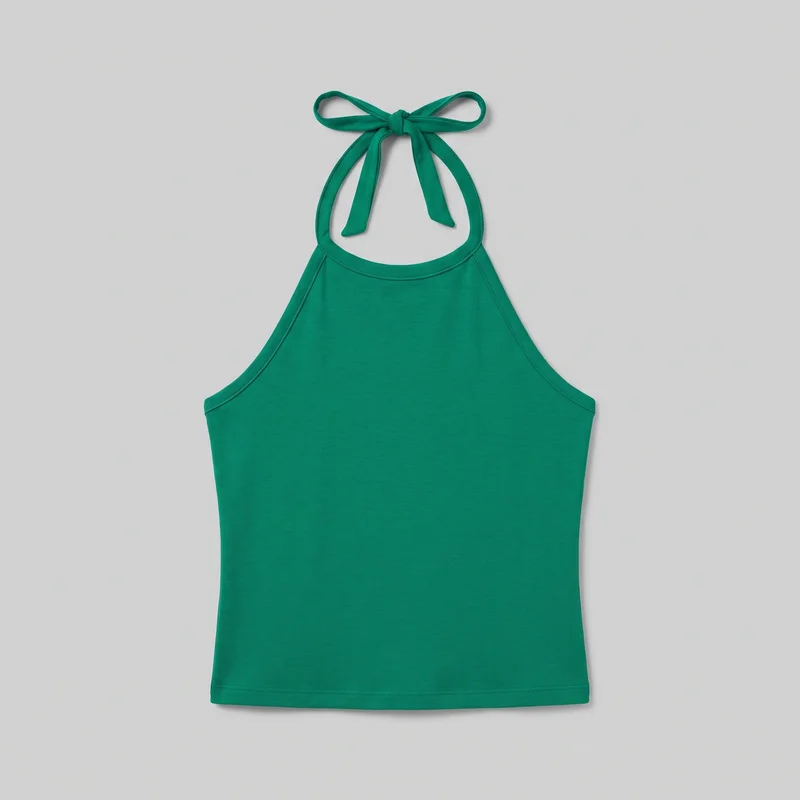 Emerald Green Halter Top
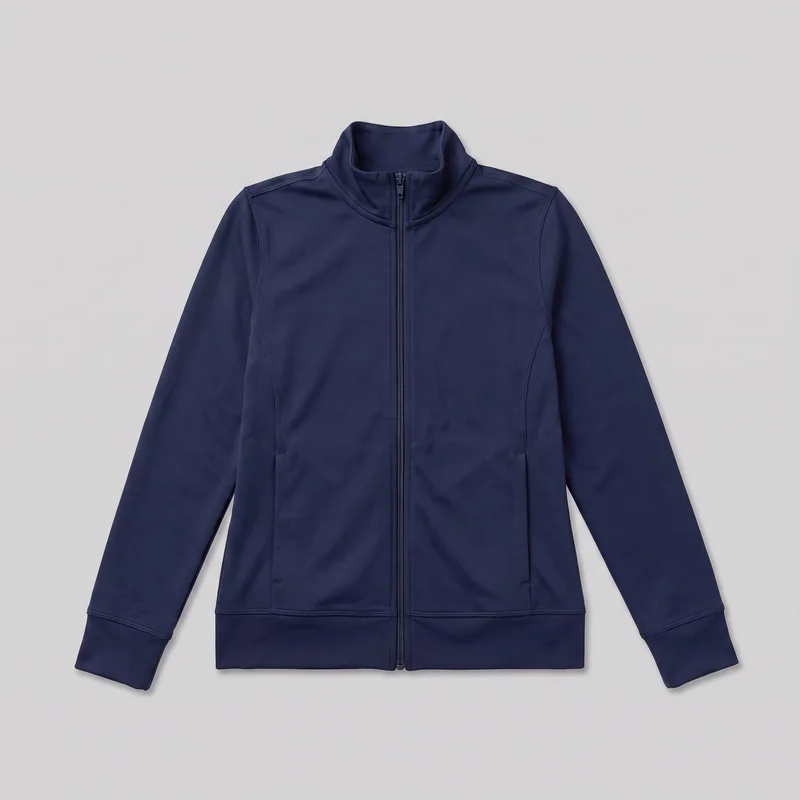 Women's Navy Tracksuit Top
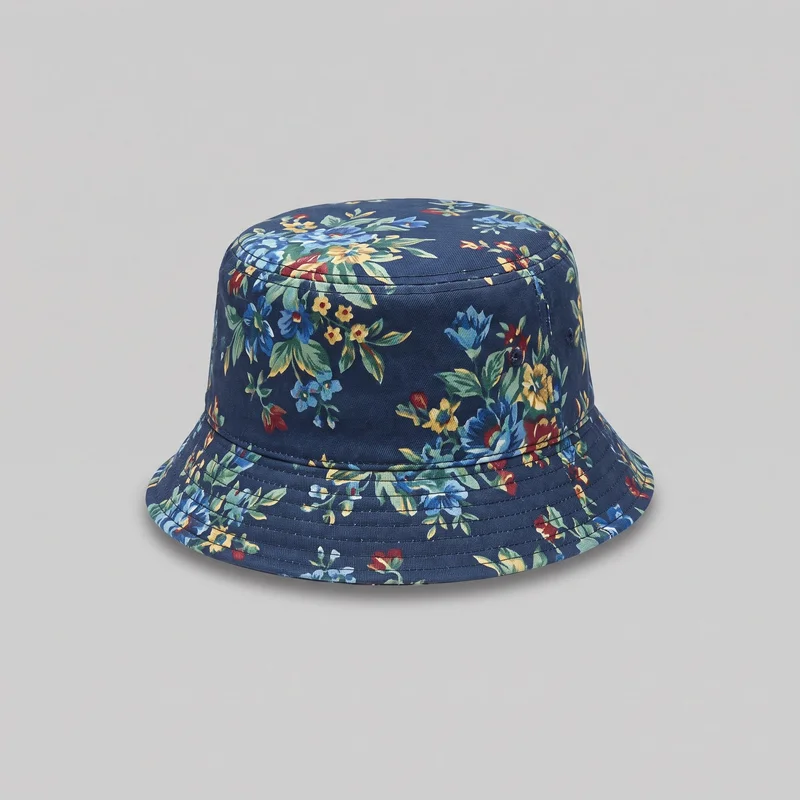 Men's Floral Print Bucket Hat
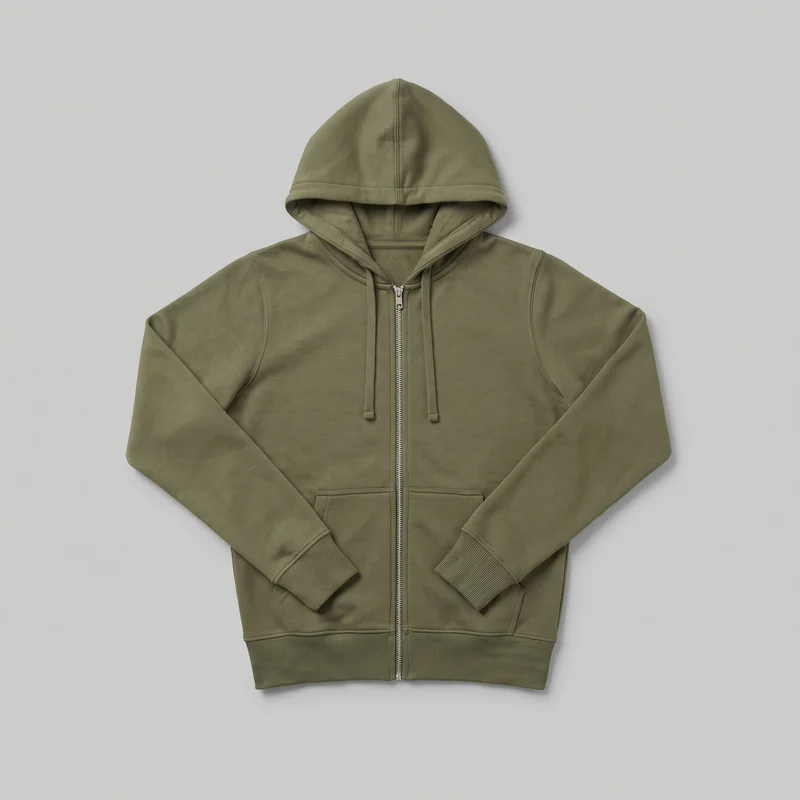 Women's Olive Zip-Up Hoodie
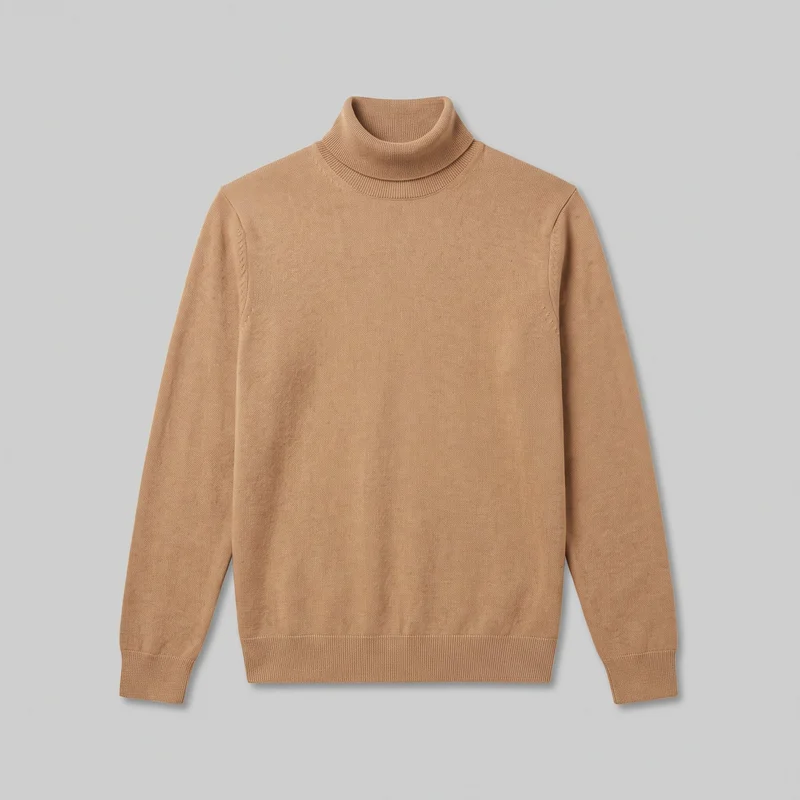 Men's Camel Roll-Neck
Showing 24 of 815
Catalog
Browse the catalog
By product
Consistency
One product changes while the composition holds.
A line sheet reads more clearly when product variants share a model, light and comparable framing. Change the product while keeping the rest of the composition aligned, then review each new generation for fine details.
You change one
- Frame
- Pose
- Camera view
- Model
The rest holds
Model
Keep the same adult model across product variants.
Light
Use 4 photography directions across the range.
Framing
Maintain a comparable crop for clearer buyer review.
Who it's for
Is RAWSHOT right before samples, despite fit and material limits?
A good fit
This fits you when buyers need recurring on-model range imagery from drawings, mockups or product sources before samples arrive.
Work it handles well
- You can present new pieces before samples arrive.
- You can keep model and light comparable across variants.
- You can choose visible options for repeatable range imagery.
Outside this scope
It is less suitable when you need measured fit, free-form draping, custom lighting or precise colour and material from an unclear sketch.
Where this stops
- You cannot establish measured fit from the image.
- You need clear material and colour references.
- You cannot upload a reference pose or custom light rig.
Rights
You own every image. Every image says what it is.
Yours
- Full commercial rights to every image, permanently.
- No recurring licence fees on any model in the library.
- Every model is a synthetic composite, so there is no real-person likeness.
Labelled
- C2PA content credentials on every image.
- AI-labelled output, aligned with EU AI Act Article 50.
EU-based hosting, GDPR-compliant handling.
- Aligned with EU AI Act Article 50
- C2PA
- Full commercial rights
- GDPR-compliant handling
- EU-based hosting
Questions
Before buyers review the range.
Can RAWSHOT create buyer-ready lookbook-linesheet images from drawings, mockups, flat-lays, or product photos?
RAWSHOT can create buyer-ready lookbook-linesheet images from technical drawings, mockups, flat-lays, and product photos. You can turn an unfinished product source into an on-model view that helps buyers understand garments, footwear, jewellery, bags, and other accessories before samples arrive. Choose the adult model, styling, pose, frame, background, and photography direction for the range. The result gives wholesale and sales teams a clearer visual reference while products remain in development or transit.
Which jobs and channels suit RAWSHOT lookbook-linesheet imagery for buyer review?
Range review, wholesale meetings, linesheet presentation, and product-development handoffs suit lookbook-linesheet imagery. You can use the set to show garments, footwear, jewellery, bags, and other accessories in context while samples are developing or moving between teams. It gives buyers a clearer visual reference for comparing a collection, discussing options, and preparing a wholesale conversation. Select full-body or tighter views according to the product and channel.
Which crops and aspect ratios work for a lookbook-linesheet range?
Full-body frames, tighter product-context crops, 4:5, and 9:16 aspect ratios work for a lookbook-linesheet range. Full-body views help buyers assess the overall garment or worn product, while tighter framing suits footwear, jewellery, bags, and accessory details. Keep the crop comparable across variants when side-by-side review matters, then adapt the frame to the destination channel without losing the product context.
What do I need to start a RAWSHOT lookbook-linesheet image set before samples arrive?
You need a technical drawing, mockup, flat-lay, or product photo to start a RAWSHOT lookbook-linesheet image set. Provide the clearest available product source, with useful material and colour cues where possible. Then choose the adult model, outfit or styling, pose, camera view, frame, background, and photography direction. Clearer inputs support more reliable product details and a presentation that buyers can review with confidence.
How does RAWSHOT compare with a studio shoot for lookbook-linesheet range review?
RAWSHOT offers a more adaptable route than a studio shoot for lookbook-linesheet range review before samples arrive. You can work from a drawing, mockup, flat-lay, or product photo and set the model, styling, light, pose, and framing without waiting for a physical sample session. A studio shoot remains better for measured fit, exact material behaviour, custom lighting control, and colour decisions that require the real product.
How can RAWSHOT keep lookbook-linesheet variants consistent across a range?
RAWSHOT keeps lookbook-linesheet variants consistent by holding the adult model, photography direction, and comparable framing steady while you change the product. Use the same visual treatment across garments, footwear, and accessories so buyers can compare the range without a shifting presentation. Review each generation for fine product details, then adjust styling or the source image when a variant needs clearer material, colour, or construction cues.
What can't RAWSHOT do for a lookbook-linesheet range when fit and material accuracy matter?
RAWSHOT cannot establish measured fit or guarantee precise colour and material from an unclear source for a lookbook-linesheet range. It is also not suited to free-form draping, a reference pose upload, or a custom light rig. Use clear product imagery and explicit visual directions for the strongest result, then treat the images as buyer context rather than a substitute for physical fit and material assessment.
What usage rights apply when I publish RAWSHOT lookbook-linesheet imagery for buyer review?
You get full commercial rights to every image, permanently, with no recurring licence fee. Every image carries C2PA content credentials and is labelled as AI-generated.
Get started
Start a buyer-ready range review.
Start with a 7-day free trial including 50 tokens, then move to the plan that matches your production volume.