
Yoona alternative
Yoona and RAWSHOT take different approaches to apparel imagery
Compare Yoona’s design exploration with RAWSHOT’s directed on-model photography for apparel collections.
Published: Updated:
The short answer
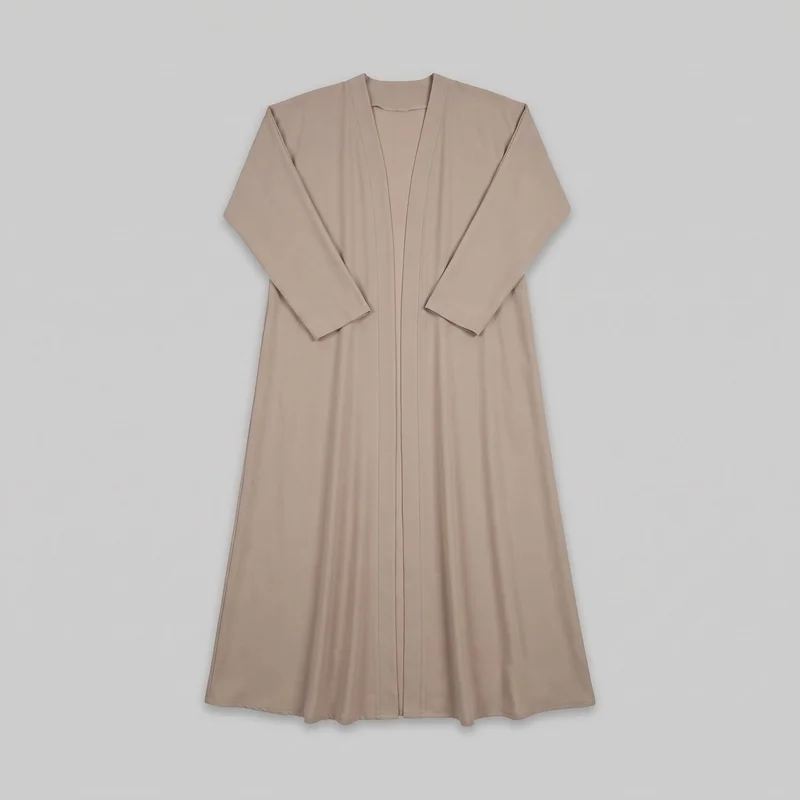
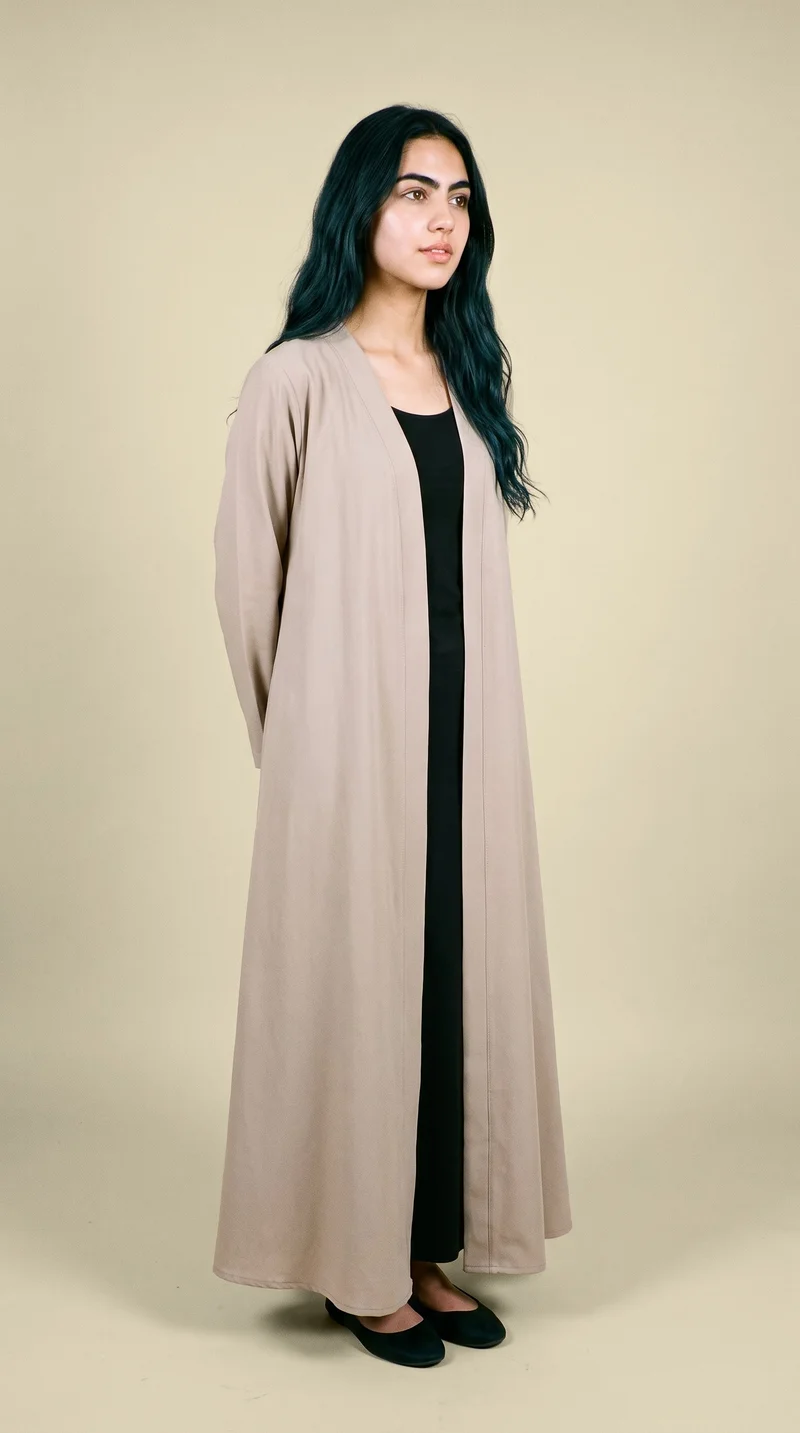
Both Yoona and RAWSHOT start from a clothing-item photo; Yoona also documents text and sketch design inputs, while real-person-photo input is unestablished. RAWSHOT uses synthetic-composite models, supports consistent compositions within a shoot, and adds C2PA credentials to every output.
- Yoona is built for
- Exploring apparel design concepts from text or sketches.
- RAWSHOT is built for
- Directing on-model product imagery with controlled compositions.
Yoona facts checked on yoona.ai, 8 March 2025 · RAWSHOT facts from the app
Decide in three questions
Answer the three questions to see which workflow fits better.
Strengths
Yoona’s documented design capabilities
Start with text or sketches
Yoona documents turning text and sketches into fashion designs.
SourceModify designs and explore variations
Yoona describes tools for modifying designs and exploring variations as concepts develop.
SourceCheck fit on model avatars
Yoona describes using model avatars to check how designs fit.
SourceDifferences
Direct a product shoot in the browser
Choose a model for the shoot
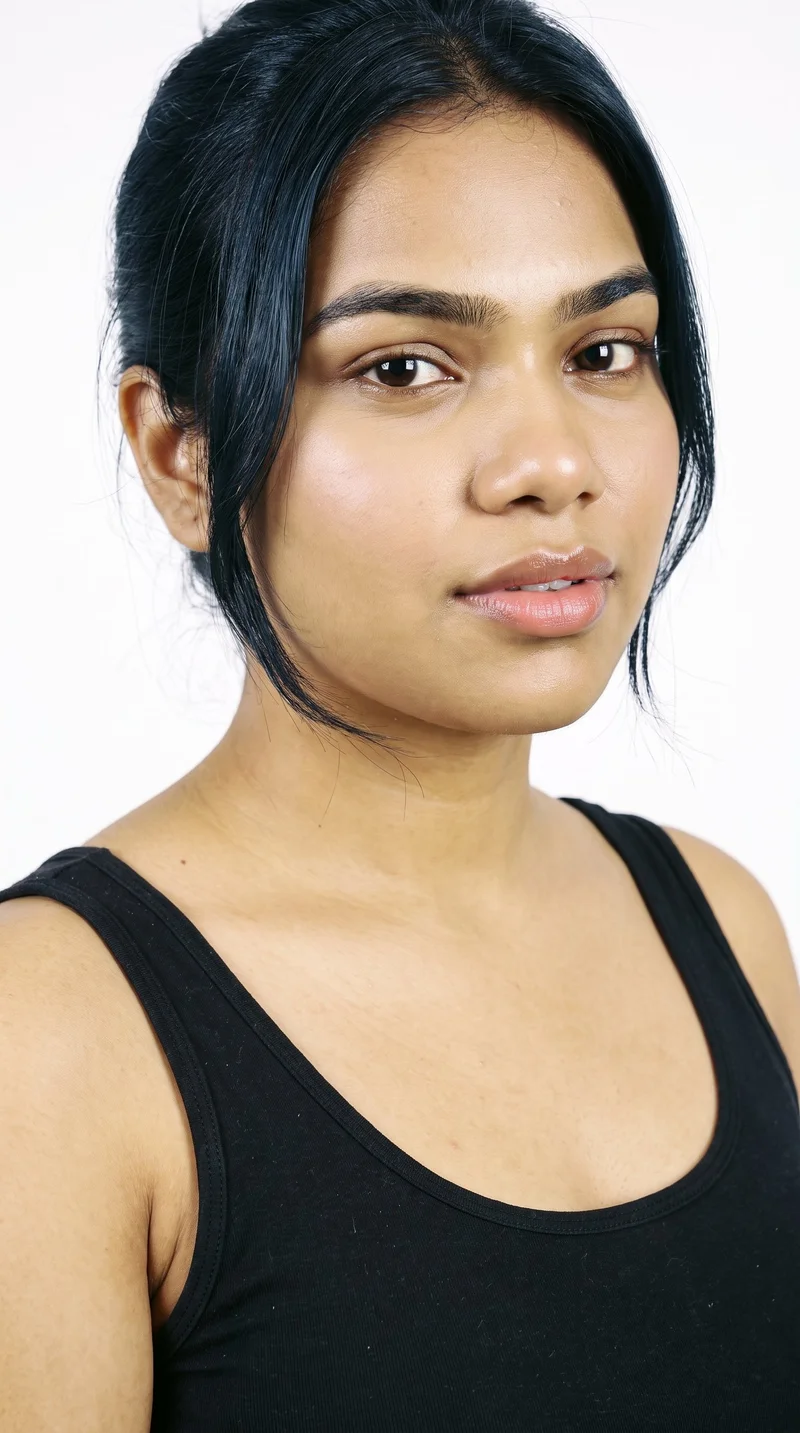
Choose from 1,197 models or build a private model. All RAWSHOT models are synthetic composites.
See the feature
Bring the product into the composition
Start from a product photo, flat-lay, mockup or technical sketch; combine up to four products in one composition.
See the feature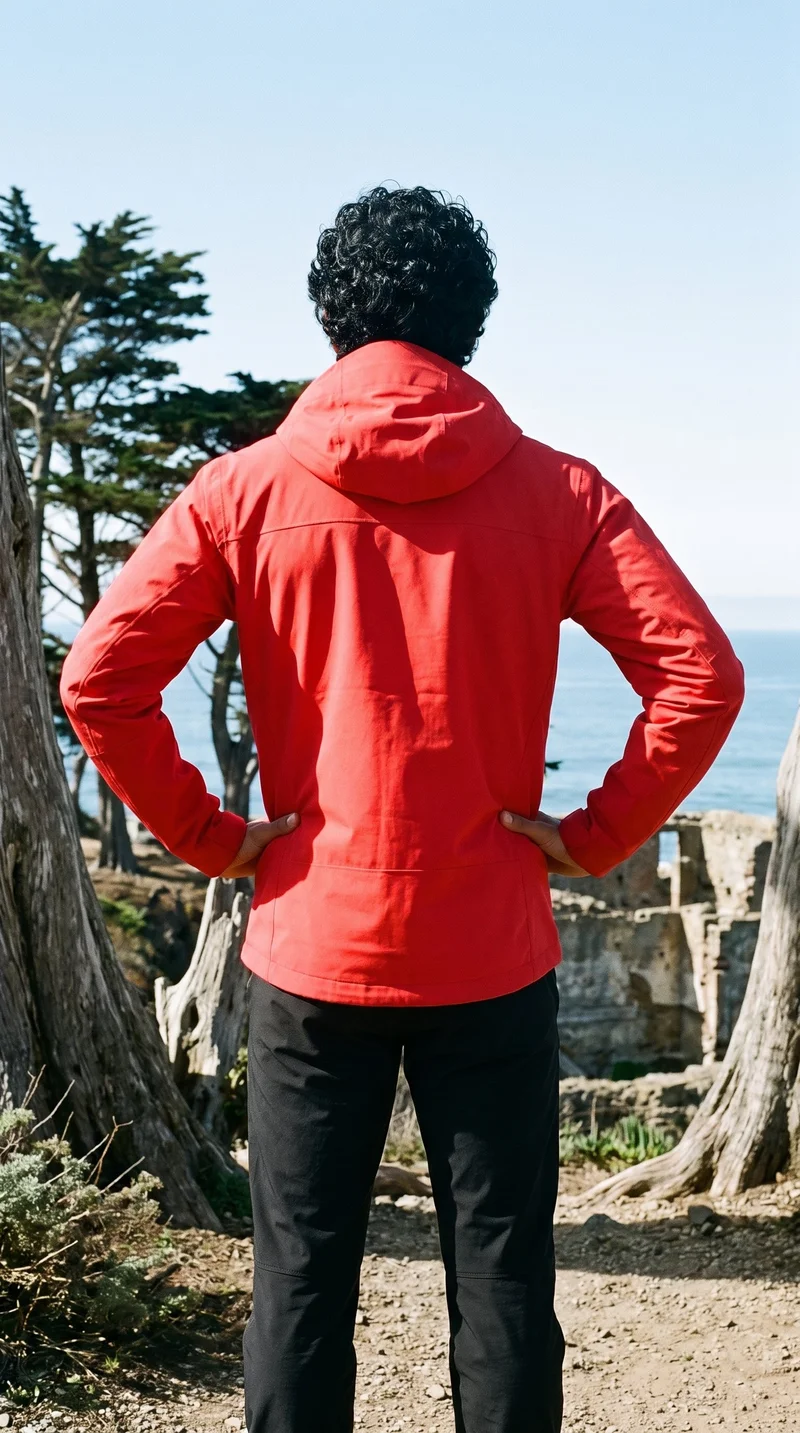
Keep the composition consistent
Change one element and the rest of the composition holds, supporting coherent imagery within a shoot.
See the featureFrom the catalog
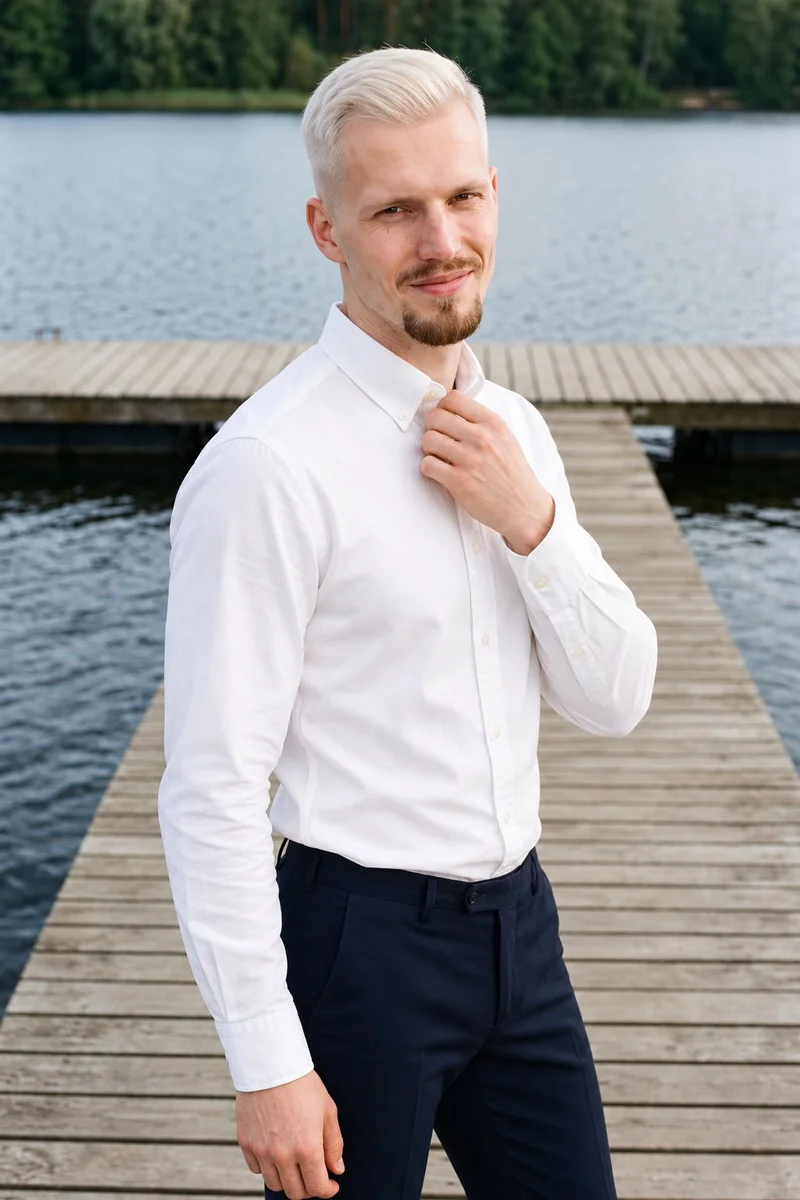
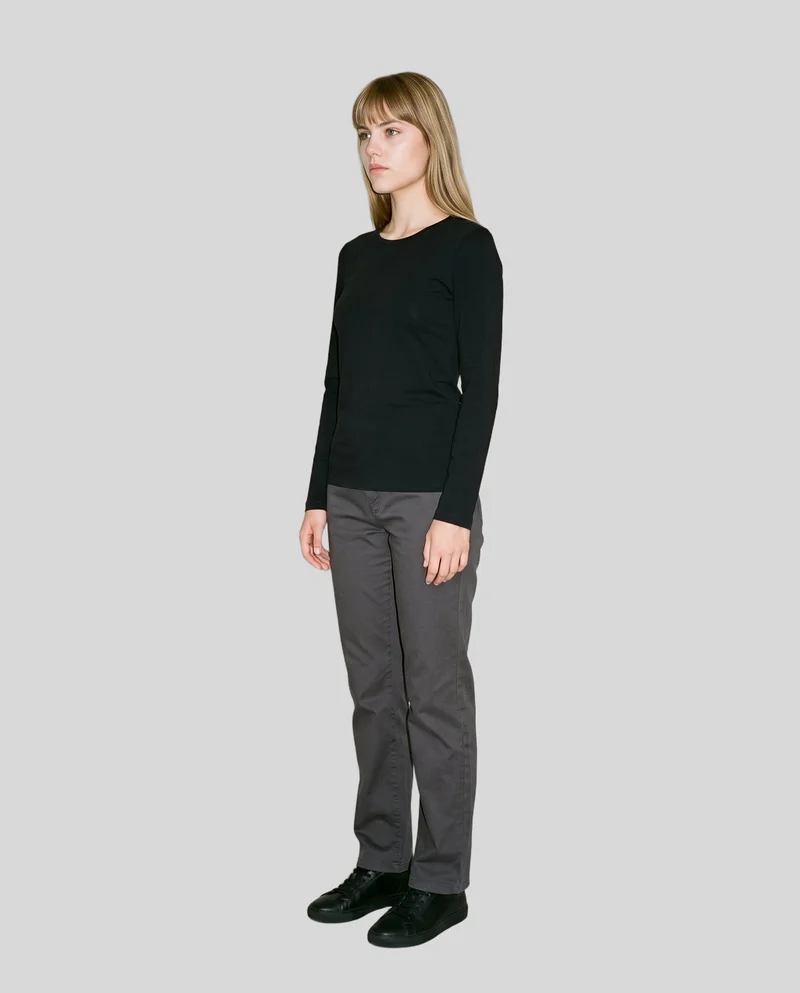
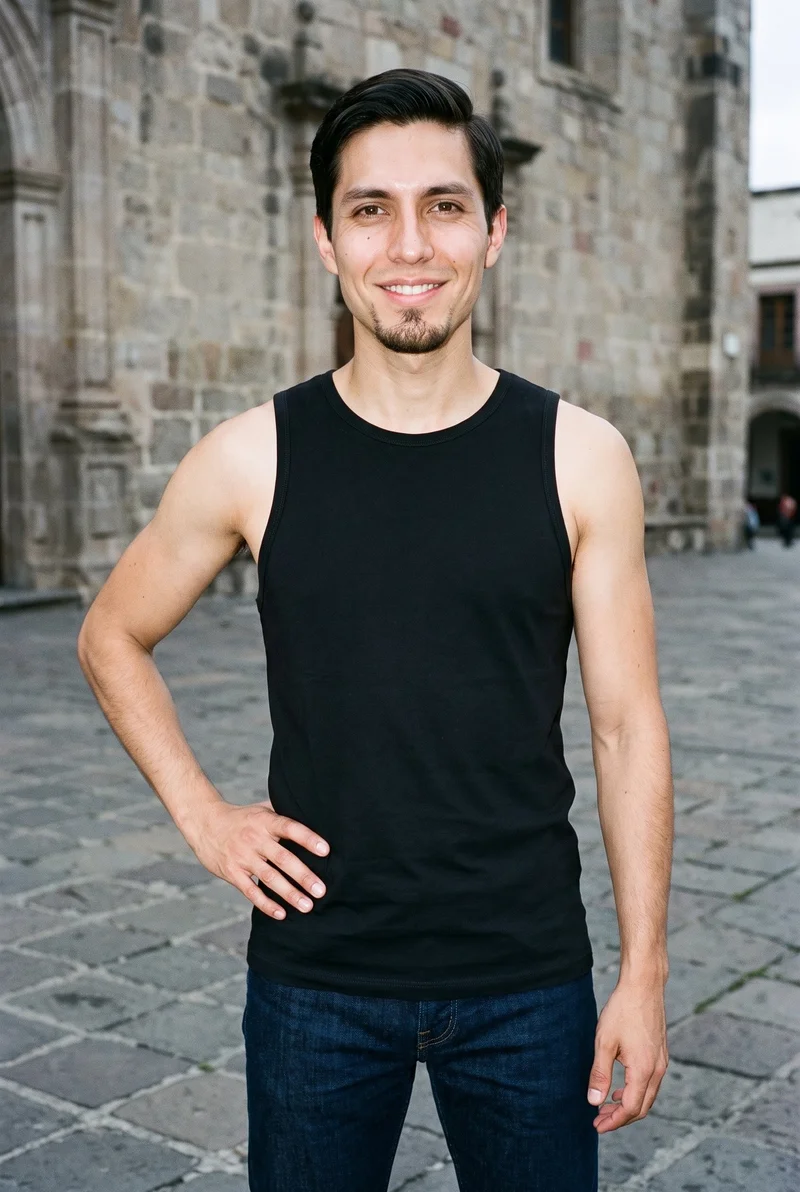
More finished shoots
Side by side
Choosing a Yoona alternative: compare the workflow with RAWSHOT
The documented workflows differ: Yoona covers design exploration, while RAWSHOT configures finished product imagery.
| Comparison | RAWSHOT | Yoona |
|---|---|---|
| Starting point | Product photos, flat-lays, mockups or technical sketches. | Clothing-item photos; text and sketches for design. Real-person-photo input is not established. |
| Creative controls | Select shoot settings; changing one leaves the rest of the composition in place. | Modify designs and explore variations, including from text and sketches. |
| Models | Synthetic-composite models; 1,197 models in the library. | Model avatars support fit checks; other model details are not established. |
| Products per image | Up to four products in one composition. | The reviewed page does not establish a product count per image. |
| Video | Turn any finished still into a short video. | Video generation is not established by the reviewed page. |
| Rights and provenance | Full permanent commercial rights; C2PA content credentials on every output. | Commercial rights and content-provenance features are not established by the reviewed page. |
Yoona details come from its fashion-enthusiasts page; capabilities not specified there are identified as unestablished.
Use cases
Roles and situations that fit each workflow
Marketing and brand managers
Yoona
Exploring an apparel direction from a written concept or sketch.
Yoona documents fashion design from text and sketches, along with tools for exploring variations.
E-commerce managers filling product pages before a drop goes live
RAWSHOT
Preparing collection imagery with a consistent composition.
RAWSHOT holds the rest of the composition when you change one element.
See the solutionWholesale and sales teams building lookbooks and linesheets before samples land
RAWSHOT
Presenting a range from technical sketches.
RAWSHOT can generate imagery from technical sketches and supports on-model product compositions.
See the solutionPerformance marketers
RAWSHOT
Preparing on-model imagery with deliberate framing and composition choices.
RAWSHOT exposes composition choices as settings you can select and adjust.
See the solutionMore options
Other apparel imagery options

Refabric
Compare Refabric and RAWSHOT for apparel imagery, including garment-photo workflows, model choices, collection consistency, and image provenance.
Compare with RAWSHOT

Resleeve
Compare Resleeve and RAWSHOT for apparel imagery: model references, creative controls, video, and commercial rights.
Compare with RAWSHOT

Fashable
Compare Fashable and RAWSHOT for fashion design creation, campaign imagery, collection consistency, creative controls, and image credentials.
Compare with RAWSHOT
Rights
You own every image. Every image says what it is.
Yours
- Full commercial rights to every image, permanently.
- No recurring licence fees on any model in the library.
- Every model is a synthetic composite, so there is no real-person likeness.
Labelled
- C2PA content credentials on every image.
- AI-labelled output, aligned with EU AI Act Article 50.
Checked
- Every image is checked against your model, frame, view and pose before delivery; one that misses is made again.
- A safety filter screens every upload and blocks nude or explicit images.
EU-based hosting, GDPR-compliant handling.
- Aligned with EU AI Act Article 50
- C2PA
- Full commercial rights
- Quality-checked images
- Safety-filtered uploads
- GDPR-compliant handling
- EU-based hosting
Questions
Common questions about Yoona and RAWSHOT
What is the difference between Yoona and RAWSHOT for apparel photos?
Both workflows can start with a clothing-item photo. Yoona also documents design from text and sketches, while RAWSHOT configures on-model photographs of real products. Yoona describes design modification and avatar fit checks; RAWSHOT holds the composition when one element changes and adds C2PA credentials to every output. For directed product imagery and consistent composition, choose RAWSHOT.
When is Yoona a better choice than RAWSHOT?
Yoona is a better fit when the work centers on exploring fashion concepts from text or sketches. It also documents modifying designs, exploring variations and using model avatars for fit checks. RAWSHOT focuses on directing on-model imagery of real products. If concept exploration is the main task, Yoona’s documented workflow is the more relevant starting point.
Which models can I use in Yoona and RAWSHOT?
Yoona describes model avatars for fit checks, but its reviewed page does not specify avatar selection or whether real-person photos can be used as inputs. RAWSHOT uses synthetic-composite models and offers 1,197 models, plus a private model builder. For RAWSHOT model options, you can review the available choices in its photoshoot configuration.
Can I use Yoona and RAWSHOT images commercially?
RAWSHOT grants full and permanent commercial rights to every generation, with no ongoing licensing fees on library models. Yoona’s reviewed page does not establish commercial-use rights, so confirm its terms directly before relying on that use. RAWSHOT also provides C2PA content credentials on every output and multi-layer watermarking, visible and cryptographic, plus AI-labelled output metadata.
How do I switch from Yoona to RAWSHOT?
The reviewed materials do not document a direct transfer workflow. To begin in RAWSHOT, start a new photoshoot using an available product source and configure its settings. Yoona’s design concepts may inform what you want to photograph, but the reviewed page does not establish that project data can be transferred. Start with the product source you have available.
Get started
Direct your next product shoot
Set the product, model, styling, light and composition in RAWSHOT, then review the image it makes.