
BEST LIST
Best AI Diverse Fashion Model Generator
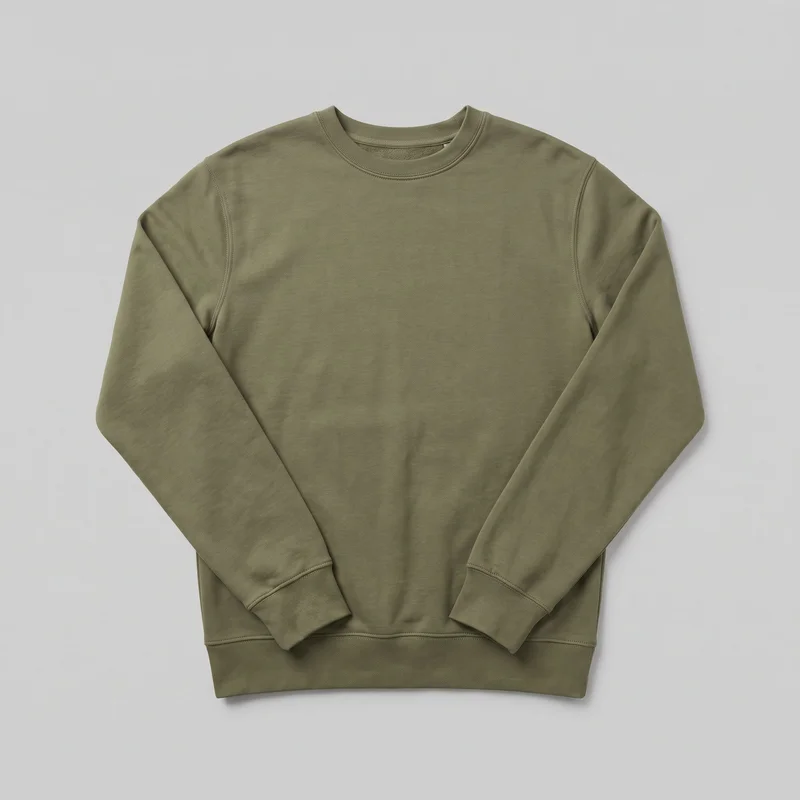
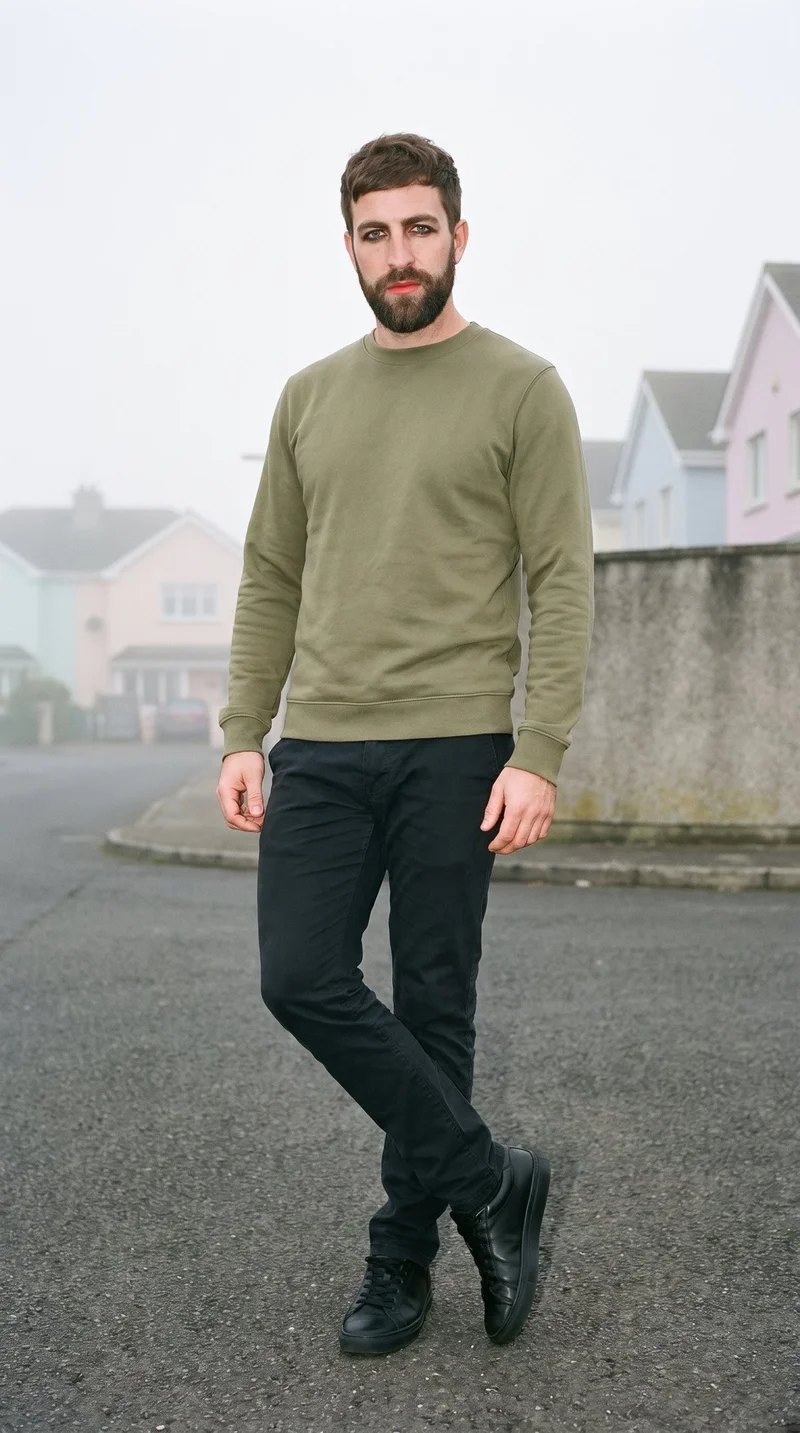
RAWSHOT configures the whole composition before creating an image, providing a complete-shoot approach to the AI diverse fashion model generator category.
- 8 tools
- 3 approaches
- no rankings · no scores
By the RAWSHOT team · Updated
 AI-generated · C2PA
THE SHORT ANSWER
RAWSHOT sets the entire composition before generation; the other workflows focus on transforming existing product or model images. The main decision is whether you need full shoot direction, rapid source-image variations, or editing around finished product photography.
The tools on this list
- 01
RAWSHOT AIour productControl-based generatorsBest for: Strongest when model, outfit, pose, light, framing, and resolution must be chosen before generation.
- 02
iFoto.AIControl-based generatorsBest for: Strongest when an ecommerce workflow requires direct selection of visible model attributes and product backgrounds.
- 03
ProvamodaControl-based generatorsBest for: Strongest when flat lays or isolated product shots need controlled models, poses, locations, and camera treatments.
- 04
CatalogXModel and product swap toolsBest for: Strongest when a catalog begins with flat, hanger, mannequin, or ghost-mannequin product photography.
- 05
OnModel (OnModel.ai)Model and product swap toolsBest for: Strongest when existing store photography needs model changes while retaining the underlying fashion-product workflow.
- 06
WearViewModel and product swap toolsBest for: Strongest when clothing photos need model choices spanning ethnicity, age, appearance, pose, background, and styling.
- 07
AutoRetouchProduct photo editorsBest for: Strongest when fashion production requires configurable views, styling, post-processing, and a human validation stage.
- 08
BotikaProduct photo editorsBest for: Strongest when fabric flow, garment fit, and pose handling are central to image approval.
Control-based generators
- How it works
- You usually choose the model, garment, pose, setting, framing, and other controls before generating the image.
- Fits
- Teams that need repeatable fashion images and want to see every creative decision before they generate.
RAWSHOT AIour product
rawshot.ai
Browser-based fashion photo studio that creates original on-model imagery and video from a brand’s real clothing, footwear, jewelry, bags, and accessories.
Best for
Strongest when model, outfit, pose, light, framing, and resolution must be chosen before generation.
Strong at
- The control surface includes 15 frames, 5 camera views, 104 poses, and 10 expressions.
- Each composition accepts up to 4 products and produces original still images in 2K or 4K.
Requirements
- Input:
- Product photo and shoot settings
- Output:
- Newly generated images
- Models:
- Synthetic, licence-free models
Also offers: Finished images can become short videos at 720p or 1080p.
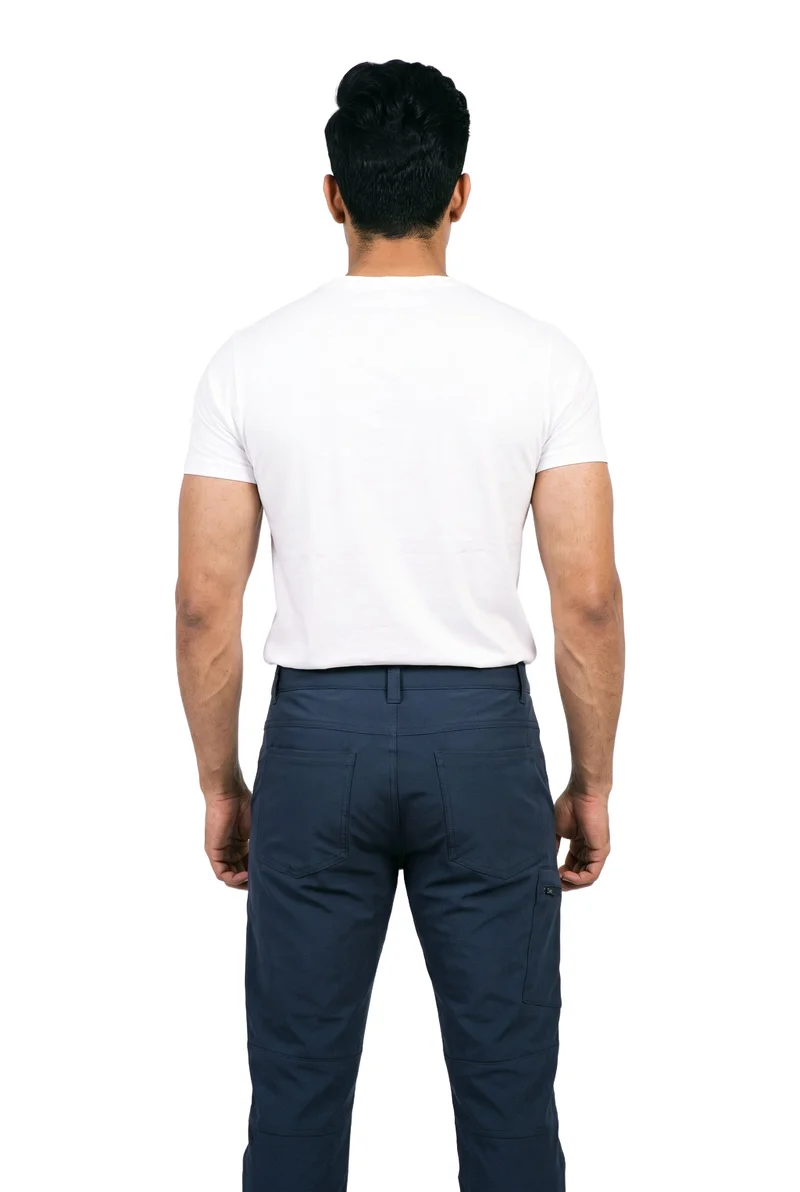
Men's Navy Hiking Trousers · Three-quarter length
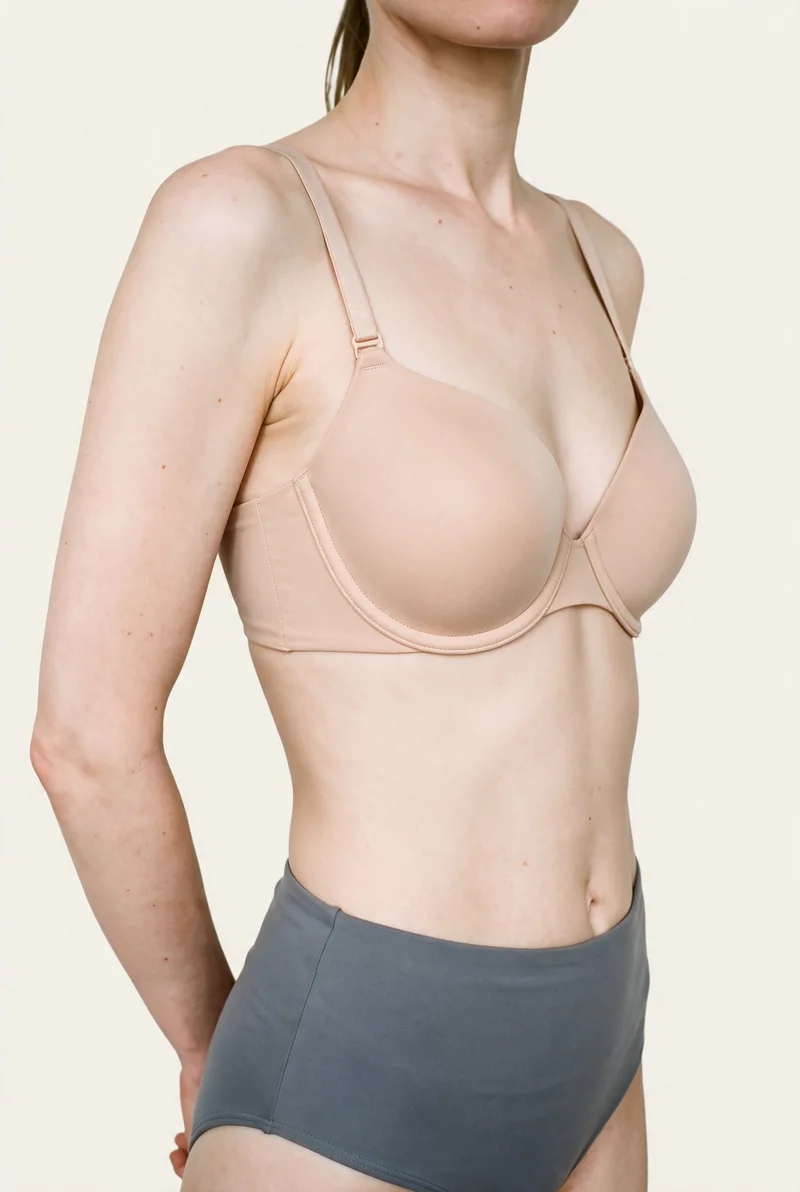
Nude Push-Up Bra · Torso
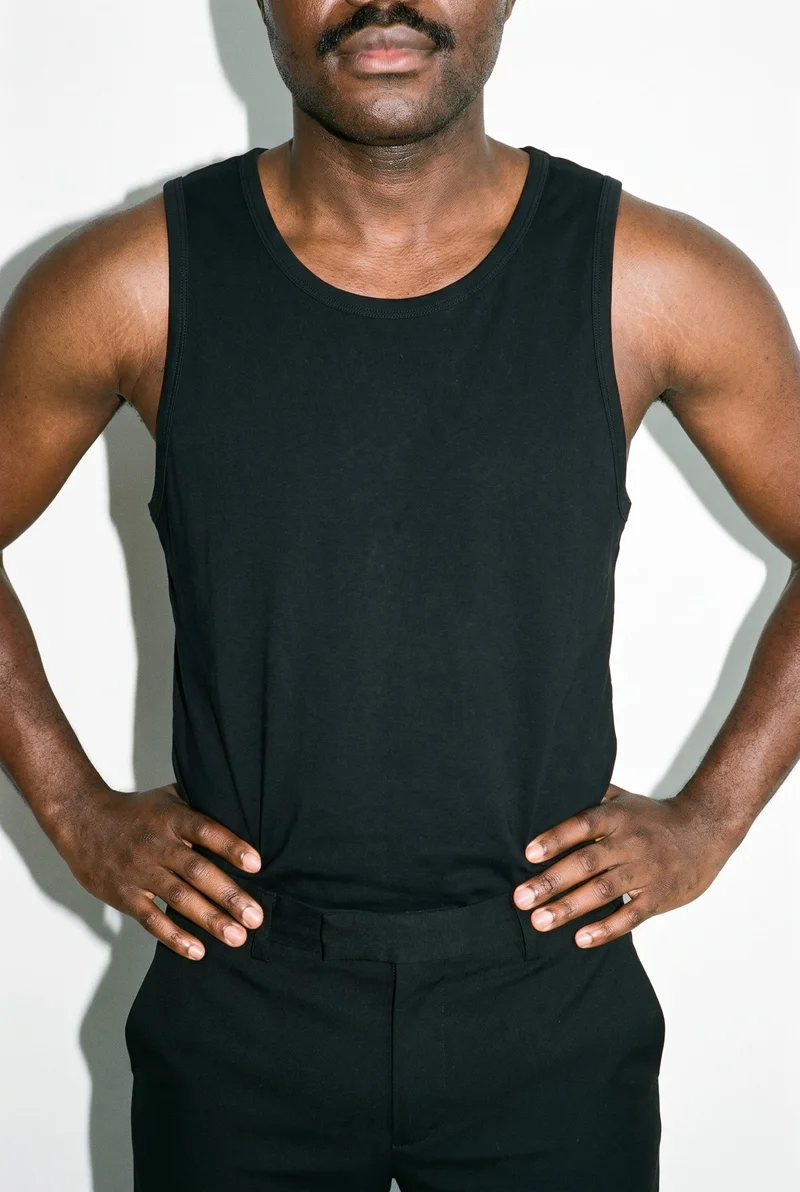
Black Vest · Torso
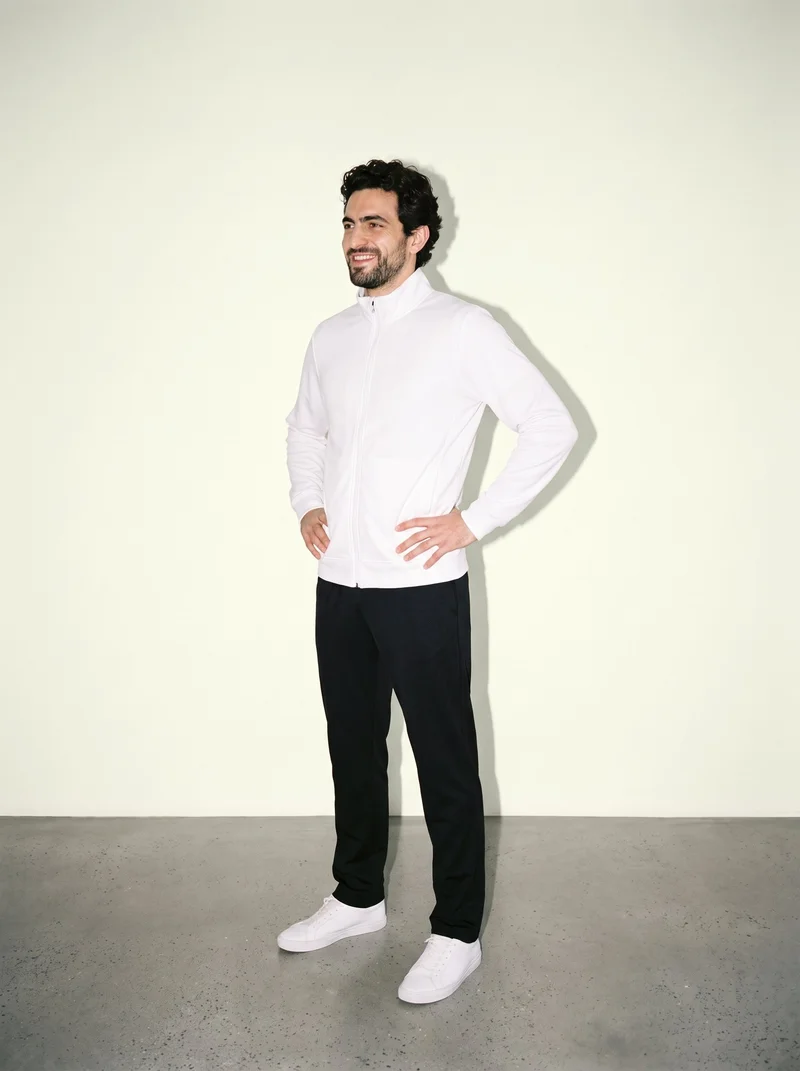
Men's White Track Jacket · Full body
iFoto.AI
ifoto.ai
Browser-based ecommerce image suite with a fashion workflow that turns uploaded apparel photography into synthetic on-model product imagery.
Best for
Strongest when an ecommerce workflow requires direct selection of visible model attributes and product backgrounds.
Strong at
- Model controls cover gender, ethnicity, age, expression, and makeup for on-model fashion photography.
- Backgrounds can come from a template collection or be customized for a specific product presentation.
Requirements
- Input:
- Product photo and shoot settings, text prompt
- Models:
- Synthetic, licence-free models, models from a library
- Labelling:
- Watermark
Also offers: The broader suite includes outfit changes using predefined options or written direction.
Provamoda
provamoda.ai
Self-service fashion photography tool that places uploaded apparel and accessories into configurable model and scene imagery.
Best for
Strongest when flat lays or isolated product shots need controlled models, poses, locations, and camera treatments.
Strong at
- Shoot controls include body type, skin tone, location, camera treatment, model, pose, and scene.
- Plans provide high-resolution exports, with an additional ultra-high-resolution option available through its enterprise offering.
Also offers: Provamoda also provides video generation and an outfit-planning tool.
Model and product swap tools
- How it works
- You typically upload a garment or model image and combine it with an existing photo, template, or model from a library.
- Fits
- Teams that already have a useful source image and need quick variations without rebuilding the full scene.
CatalogX
catalogx.app
Self-service fashion photography tool that turns garment and accessory photos into on-model presentations with selectable scenes.
Best for
Strongest when a catalog begins with flat, hanger, mannequin, or ghost-mannequin product photography.
Strong at
- Model, pose, and scene choices are available when placing a garment onto a selected model.
- Quality Mode checks color, pattern, and embroidery against the source and can trigger a reviewed retry.
Also offers: Accessory workflows cover bags, jewelry, watches, and footwear with specified product sizing.
OnModel (OnModel.ai)
onmodel.ai
Fashion ecommerce toolkit that handles model swaps and converts clothing photographs into on-model product imagery.
Best for
Strongest when existing store photography needs model changes while retaining the underlying fashion-product workflow.
Strong at
- Model swaps can vary gender, ethnicity, age, expression, and makeup within the fashion workflow.
- Editing tools can change backgrounds and generate faces for cropped or headless source images.
Requirements
- Input:
- Product photo and shoot settings
- Output:
- Real photography
- Models:
- Models from a library, your own model or the shopper
Also offers: The clothing-to-model workflow accepts flat-lay and ghost-mannequin photography.
WearView
wearview.co
Self-service fashion model generator that converts uploaded clothing photography into on-model product images for brands.
Best for
Strongest when clothing photos need model choices spanning ethnicity, age, appearance, pose, background, and styling.
Strong at
- The workflow accepts flat-lay, hanger, and on-person clothing images as starting material.
- Product coverage includes clothing, footwear, jewelry, hats, bags, and complete outfits.
Also offers: Additional tools cover fashion video, custom model creation, ghost-mannequin imagery, and model swaps.
Product photo editors
- How it works
- You typically upload a product shot, then remove or replace the background, retouch details, or resize it for different channels.
- Fits
- Teams with finished product photos that need clean backgrounds, consistent retouching, or channel-ready formats at volume.
AutoRetouch
autoretouch.com
Fashion image-production workflow that turns uploaded product imagery into synthetic-model catalog assets with configurable views and styling.
Best for
Strongest when fashion production requires configurable views, styling, post-processing, and a human validation stage.
Strong at
- Production controls cover models, SKUs, viewing angles, styling choices, and post-processing steps.
- A human quality-check stage validates production imagery before it is delivered.
Requirements
- Input:
- Product photo and shoot settings
- Output:
- Newly generated images
- Models:
- Synthetic, licence-free models
- Labelling:
- AI label
Also offers: Its API supports programmatic SKU management and retrieval of completed brief results.
Botika
botika.com
Self-service fashion image tool that creates on-model imagery from clothing photos and supports fashion-specific production workflows.
Best for
Strongest when fabric flow, garment fit, and pose handling are central to image approval.
Strong at
- Fashion-trained AI is used specifically to create and process on-model fashion imagery.
- The workflow accounts for fabric flow, garment fit, and model poses during image creation.
Also offers: Botika also covers flat-lay, mannequin, video, and retouching workflows.
Criteria and tests
What to check for apparel photography
What to look for
- 1Product fidelity: seams, closures, prints, and proportions stay faithful to the garment.
- 2Fit and drape: the fabric falls naturally across standing, seated, and moving poses.
- 3Model consistency: the same person remains recognizable across a complete image set.
- 4Production control: framing, poses, backgrounds, and output ratios can be repeated intentionally.
Test these shots
- 1A plain light garment with subtle seams and low-contrast construction details.
- 2A patterned garment whose print must align across folds, sleeves, and closures.
- 3A layered outfit with overlapping hems, collars, and accessories.
- 4The same garment and model in front, back, seated, and walking views.
- 5One product adapted into a clean PDP crop, a marketplace ratio, and a campaign frame.
Crops to check: Full-length front and back views, Waist-up fit view, Close crop of fabric, seams, and closures, Movement crop with hands and garment edges visible
Questions
Frequently asked questions
What does an AI diverse fashion model generator actually produce?
An AI diverse fashion model generator creates on-model fashion imagery using selectable or changeable model characteristics and real product inputs. Control-based generators such as RAWSHOT AI, iFoto.AI, and Provamoda establish creative settings before generation. Model and product swap tools such as WearView, OnModel, and CatalogX transform an existing garment, mannequin, or model image. Product photo editors such as AutoRetouch and Botika add fashion-specific preparation, validation, and refinement. Choose the workflow based on how much usable source photography already exists.
Which AI diverse fashion model generator fits my existing product photos?
Match the tool to the condition of the product photography and the amount of creative direction required. Use control-based generators such as RAWSHOT AI, iFoto.AI, or Provamoda when model and scene decisions need to be set before generation. WearView, OnModel, and CatalogX fit model and product swap jobs involving flat lays, hangers, mannequins, or existing model photos. AutoRetouch and Botika fit fashion editing and validation workflows. Start with the group that accepts the source material your team already produces.
Can a small fashion retailer use diverse AI models for PDP images?
Yes, this approach fits a small fashion retailer that has clear product references and someone responsible for image approval. Prepare clean garment photos, required product angles, target model characteristics, background direction, and channel ratios before starting. RAWSHOT AI and Provamoda provide direct composition controls, while WearView and CatalogX begin from existing product photography. The reviewer should verify fit, color, construction, and model consistency before publication. Begin with a representative group of products rather than the easiest garment alone.
How should brands check garment accuracy across diverse AI model images?
Brands should compare every generated image directly with the approved product reference before publishing it. Check color, seams, closures, print alignment, logos, neckline, sleeve length, proportions, fabric texture, drape, and overlapping accessories. Review the same garment on standing, seated, front, and back views, then zoom into construction details. CatalogX includes checks for color, pattern, and embroidery, while RAWSHOT AI is engineered around cut, color, pattern, logo, drape, material, finish, and hardware. Reject any image that changes a sale-relevant detail.
Where do AI fashion model images enter an ecommerce photo workflow?
They enter after product references are approved and before final channel formatting and merchandising review. The product team supplies flat lays, mannequin images, or other accepted assets; a creative lead selects the model, scene, pose, crop, and styling; then a reviewer checks product fidelity. RAWSHOT AI handles the composition as a complete shoot, while WearView and OnModel transform existing fashion photographs. An editor prepares the approved file for the PDP, marketplace, campaign, or social placement. Keep the original product reference attached to each approval task.
What metrics show whether diverse AI fashion imagery is working?
Track production and commercial signals together rather than judging image appearance alone. Useful production measures include time from product approval to publication, images rejected during review, correction requests, missing channel formats, and products published without complete imagery. Commercial measures include product-page engagement, conversion, returns that mention color or fit expectations, and support questions about appearance. Compare products using equivalent placements and traffic conditions. Keep model diversity, image coverage, and product accuracy as separate measures so one improvement does not conceal another problem.
When is a conventional shoot preferable to an AI diverse model generator?
A conventional shoot is the better route when the creative concept depends on a specific person, physical performance, complex interaction, bespoke sets, or direct collaboration among a photographer, stylist, and talent. Managed production also fits brands that want another team to operate the workflow and review every deliverable. Generated imagery is enough for routine PDPs, marketplace crops, color updates, and campaign extensions after product fidelity checks. Established campaign photography and generated catalog production can coexist. Choose according to the creative judgment and physical production the assignment requires.
How does RAWSHOT differ from WearView for diverse fashion model images?
RAWSHOT AI and WearView begin from different production workflows for diverse fashion model imagery. RAWSHOT AI configures the model, outfit, styling, background, light, frame, camera view, pose, expression, ratio, and resolution before taking the picture. WearView converts clothing photos, including flat-lay, hanger, and on-person images, into on-model shots with choices for the model, pose, background, and appearance. Choose RAWSHOT AI when the assignment requires directing the complete composition. Choose WearView when existing clothing photography is the operational starting point.
Get started
See your products on a model.
Upload a product, choose the model, pose, setting, and framing, then generate the shot with every decision visible.