
BEST LIST
Best AI fashion photography generator tools for brands
We make RAWSHOT, so we start with it; then 9 more tools, sorted by how they work.
- 10 tools
- 4 approaches
- checked Sep 2026
- no rankings · no scores
By the RAWSHOT team · Updated
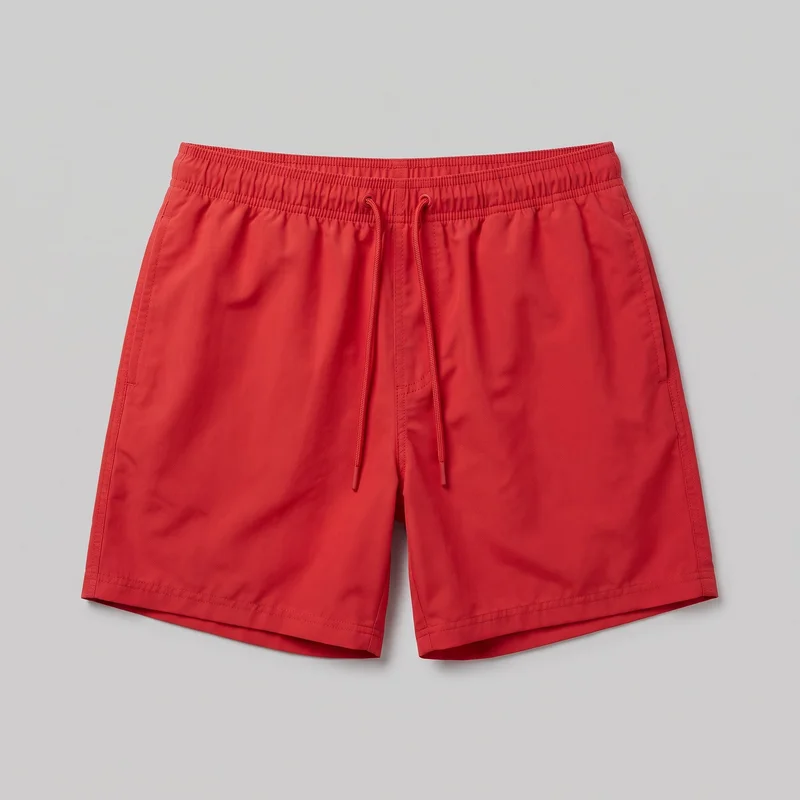
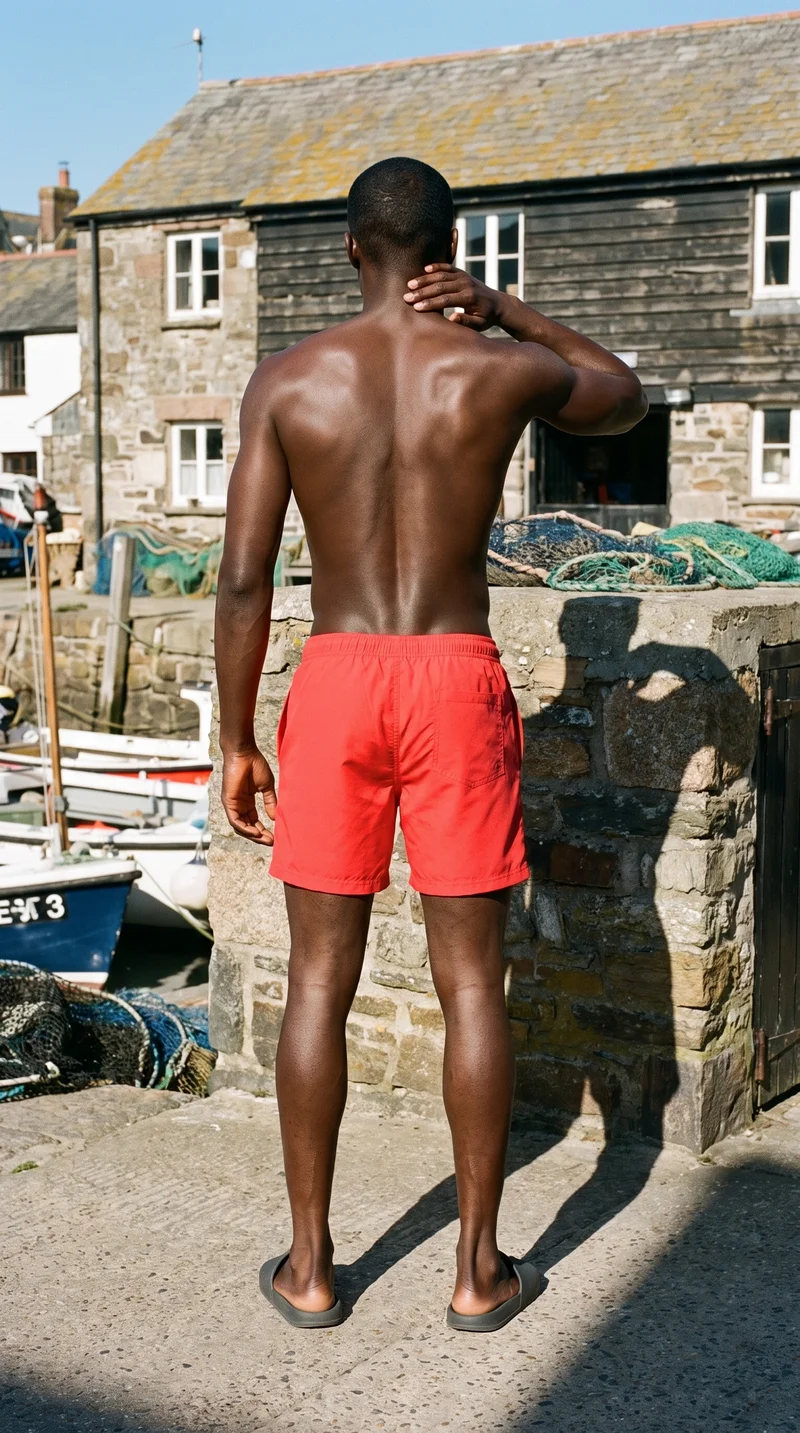 AI-generated · C2PA
THE SHORT ANSWER
The main choice is whether you need a new, directed model scene or want to improve an existing product photo; start with the workflow that matches your source material and review needs.
The tools on this list
- 01
RAWSHOT AIour productControl-based generatorsBest for: Fashion teams that want to configure the model, products, styling, light and framing before generating an image.
- 02
Ayna / Ayna StudioControl-based generatorsBest for: Brands making fashion photoshoot and catalog imagery from apparel images.
- 03
CaimeraControl-based generatorsBest for: Fashion teams creating product, catalog and editorial imagery.
- 04
CatalogXModel and product swap toolsBest for: Sellers and brands turning garment images into model photography for product listings.
- 05
FASHNModel and product swap toolsBest for: E-commerce brands creating on-model images from apparel and other fashion product photos.
- 06
Genera SpaceModel and product swap toolsBest for: Fashion teams turning product inputs into PDP, lookbook and campaign imagery.
- 07
PhotoroomProduct photo editorsBest for: Teams editing product imagery, with an additional workflow for clothing on AI models.
- 08
remove.bgProduct photo editorsBest for: People and businesses isolating product subjects or preparing transparent images.
- 09
Clothing and Product Photography StudioTraditional production servicesBest for: Businesses that want a studio to photograph and prepare clothing and product images.
- 10
eCom Fashion PhotographyTraditional production servicesBest for: Fashion brands commissioning studio-produced e-commerce photography and video.
Brown Corduroy Overshirt · Upper body
Men's Charcoal Tailored Trousers · Three-quarter length
Men's Black Thermal Top · Three-quarter length
Men's Grey Marl T-shirt · Upper body
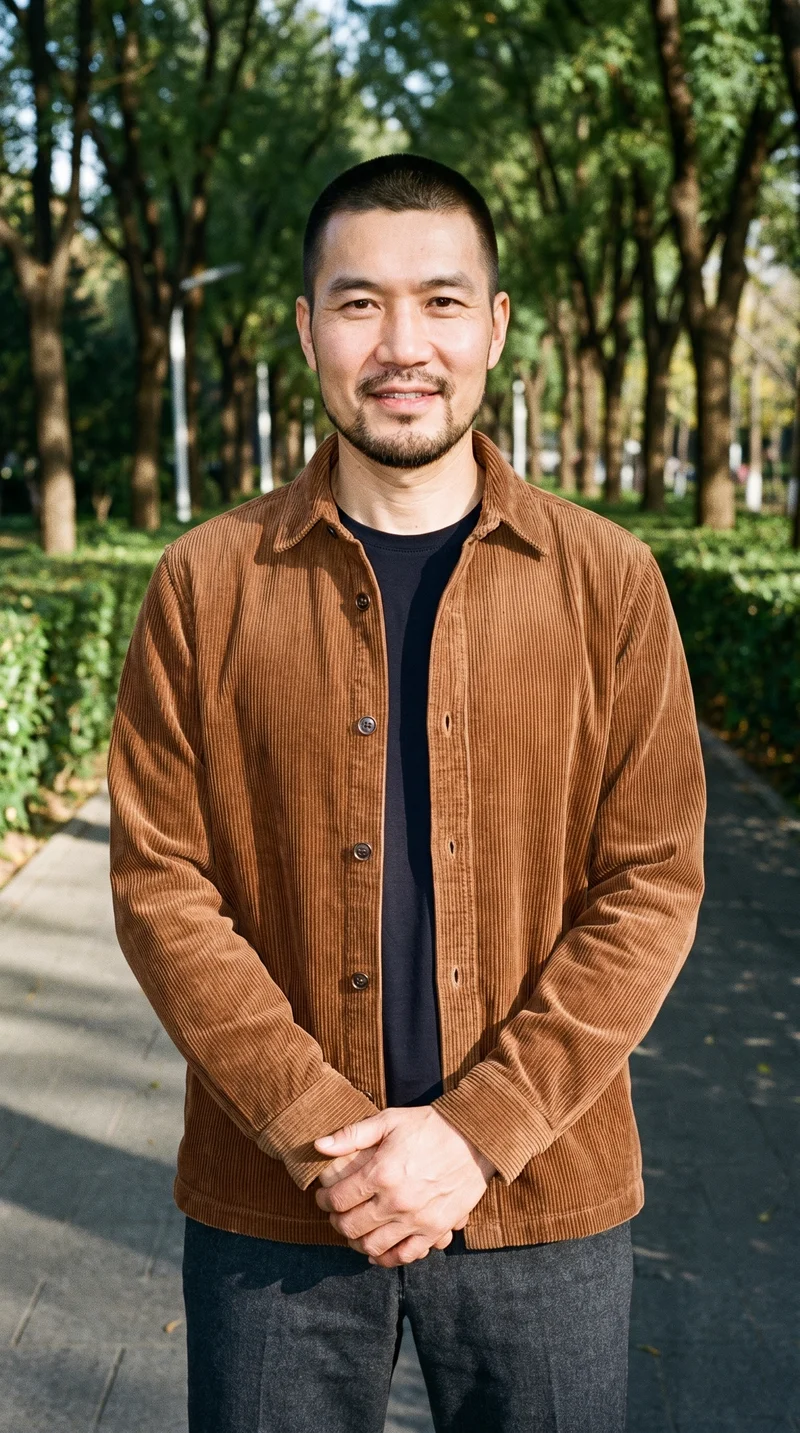
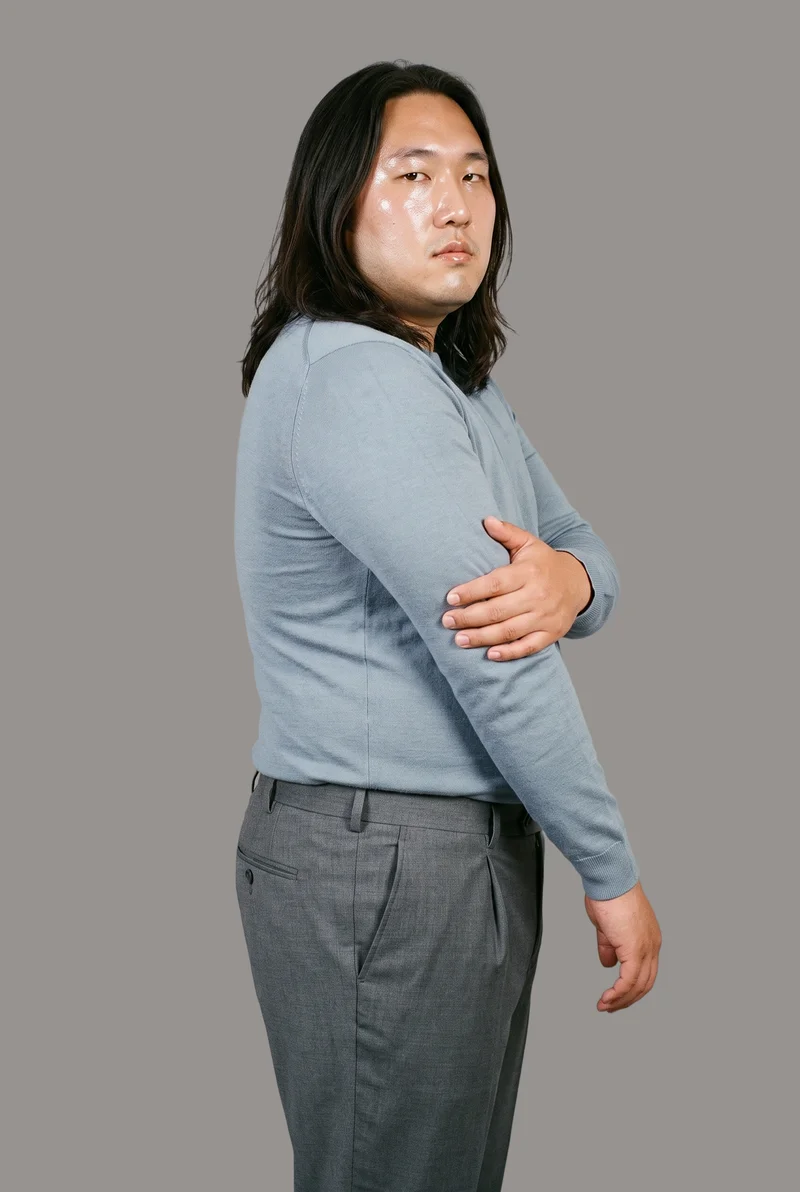
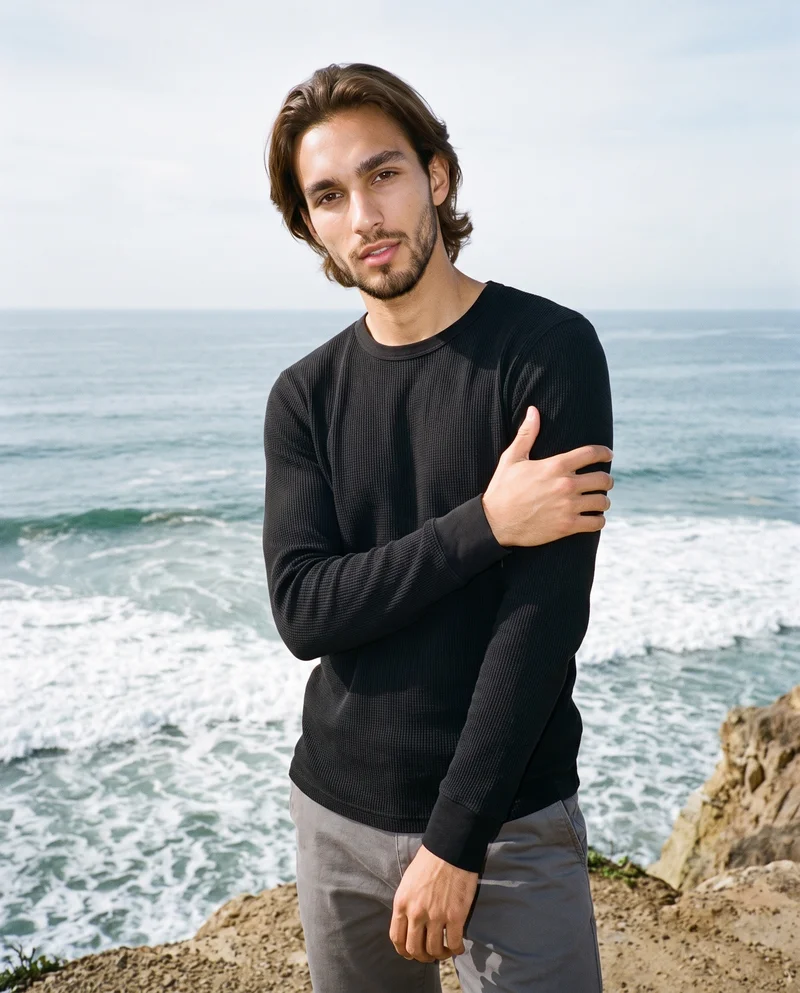
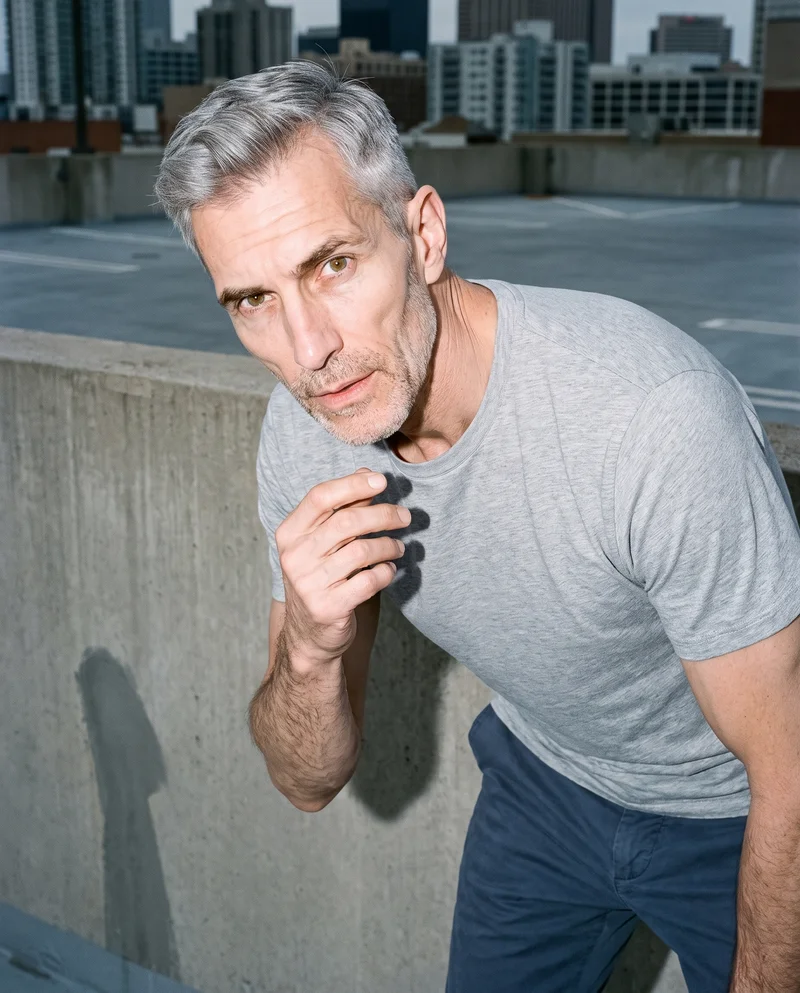
RAWSHOT AI our product
Control-based generators
Best for: Fashion teams that want to configure the model, products, styling, light and framing before generating an image.
Configure the whole shoot
Set the model, up to four products, styling, background, light, frame, camera view, pose, expression, ratio and resolution before the picture is taken.
Change one thing, keep the rest
Change one element while the rest of the composition holds, including the same model and light. That helps a collection read as a collection.
Product accuracy and clear rights
One image style is engineered to represent the real product faithfully. Models are synthetic composites, and buyers get full commercial rights forever with no recurring licensing on library models.
Control-based generators
- How it works
- You usually choose the model, garment, pose, setting, framing, and other controls before generating the image.
- Where it struggles
- The setup often takes more decisions than a one-line request, and the available controls shape what can be made.
- Fits
- Teams that need repeatable fashion images and want to see every creative decision before they generate.
Ayna / Ayna Studio
getayna.com
Best for: Apparel brands creating fashion photoshoot and catalog imagery from their product images.
Ayna Studio is built for brands creating AI fashion photoshoot and catalog images from apparel photos.
Strong at
- Supports flatlay-to-model and existing on-model apparel workflows.
- Documents model and background replacement, custom brand models and marketplace-ready exports.
Check for your products
- Try a subtle seam, a print across folds and the same apparel item in several views. Check how well the model and background choices support the scene you need.
Caimera
caimera.ai
Best for: Fashion teams that want product, catalog or editorial imagery in a generation workflow.
Caimera is built for fashion teams creating and editing product, catalog, editorial and video imagery with AI.
Strong at
- Creates editorial images across product categories and supports reusing products from a library.
- Supports sketch, print, graphic and concept mockups from text prompts.
Check for your products
- Use a real product image and check how the result handles its cut, colour, pattern and logo. Also check whether the available generation controls fit your intended image.
Model and product swap tools
- How it works
- You typically upload a garment or model image and combine it with an existing photo, template, or model from a library.
- Where it struggles
- Results usually depend on the source image, and difficult poses, layers, hands, or garment edges can reveal the swap.
- Fits
- Teams that already have a useful source image and need quick variations without rebuilding the full scene.
CatalogX
catalogx.app
Best for: Brands and sellers converting garment inputs into model images for product listings.
CatalogX is built for sellers and brands creating model photography for garment and accessory product listings.
Strong at
- Turns flat, hanger, mannequin and ghost-mannequin garment images into worn photographs.
- Offers model, pose and scene choices for the garment-to-model workflow.
Check for your products
- Compare the source with the result on colour, pattern and garment proportions. Include an accessory or layered outfit if those are part of your product range.
FASHN
fashn.ai
Best for: E-commerce brands making on-model product images from flat-lay, mannequin and other product photos.
FASHN is built for e-commerce brands creating fashion product imagery and virtual try-ons through an AI app.
Strong at
- Creates model imagery from flat-lay, mannequin and other product photos.
- Documents preservation of product details such as prints, logos, colours, textures and finishes.
Check for your products
- Test a print, logo and material finish against the source product image. Check whether the workflow retains details that matter in your listing and campaign images.
Genera Space
generaspace.ai
Best for: Fashion teams turning product inputs into on-model imagery for PDPs, lookbooks and campaigns.
Genera Space is built for e-commerce fashion brands and solo creators creating PDP, lookbook and campaign imagery from apparel product inputs.
Strong at
- Describes clothing replication across colours, textures, patterns, silhouettes, proportions and product details.
- Supports consistent AI-model identities across products and campaigns.
Check for your products
- Use the same product with more than one model or scene, then check product detail retention and whether the model identity stays consistent across the set.
Product photo editors
- How it works
- You typically upload a product shot, then remove or replace the background, retouch details, or resize it for different channels.
- Where it struggles
- Starts from a photo you already have; the core workflow edits the product shot rather than creating a new model scene.
- Fits
- Teams with finished product photos that need clean backgrounds, consistent retouching, or channel-ready formats at volume.
Photoroom
photoroom.com
Best for: Teams editing existing product photos, with an additional option for placing clothing on AI models.
Photoroom is built for creating polished, listing-ready product imagery from uploaded product photos.
Strong at
- Provides an AI photo-editing and product-photography platform for uploaded product photos.
- Supports product-image workflows that begin with an existing photo.
Check for your products
- Use a finished product photo and check whether the editing tools available in your workflow preserve seams, labels and other fine details while preparing the image for your channels.
Also offers: Also offers AI Fashion Models, with model choices and pose and background controls for on-model product imagery.
remove.bg
remove.bg
Best for: People and businesses that need to remove backgrounds or make transparent product images.
General design tool, not built for fashion; its listed background-removal workflow can isolate product subjects.
Strong at
- Automatically removes image backgrounds and isolates the subject.
- Offers transparent PNG output and custom backdrops through its background options.
Check for your products
- Test products with fine edges, hardware and soft material against the original. Check whether the cutout is clean enough for the backgrounds and formats you use.
Traditional production services
- How it works
- You usually brief a photographer or studio, ship products or arrange a shoot, and receive edited final images after production.
- Where it struggles
- Scheduling, logistics, reshoots, and per-shoot costs often make rapid iteration or large numbers of variants harder.
- Fits
- Brands that need physical sets, specific talent, tactile art direction, or a fully managed conventional shoot.
Clothing and Product Photography Studio
clothingphotographystudio.com
Best for: Businesses that want a studio team to photograph, prepare and deliver clothing or product images.
Clothing and Product Photography Studio is built for businesses that need a studio to photograph and prepare finished clothing and product images.
Strong at
- Documents on-model and ghost-mannequin photography among its apparel formats.
- Prepares and steams products before photography, and offers reshoots if images are unsatisfactory.
Check for your products
- Ask how the studio will handle your styling, framing, product preparation and revisions. Confirm that the proposed formats and delivery process suit the collection.
eCom Fashion Photography
ecomfashionphotography.com
Best for: Fashion brands seeking professional e-commerce imagery and video produced by a studio team.
eCom Fashion Photography provides full-service fashion e-commerce photography.
Strong at
- Offers on-model, flat-lay, ghost-mannequin, product photography and video.
- Customers can direct photoshoots remotely and provide real-time feedback.
Check for your products
- Discuss how the team will interpret your art direction and manage feedback during production. Check that the proposed shoot formats cover the product views and campaign frames you need.
Criteria and tests
What to check for apparel photography
What to look for
- 1Product fidelity: seams, closures, prints, and proportions stay faithful to the garment.
- 2Fit and drape: the fabric falls naturally across standing, seated, and moving poses.
- 3Model consistency: the same person remains recognizable across a complete image set.
- 4Production control: framing, poses, backgrounds, and output ratios can be repeated intentionally.
Test these shots
- 1A plain light garment with subtle seams and low-contrast construction details.
- 2A patterned garment whose print must align across folds, sleeves, and closures.
- 3A layered outfit with overlapping hems, collars, and accessories.
- 4The same garment and model in front, back, seated, and walking views.
- 5One product adapted into a clean PDP crop, a marketplace ratio, and a campaign frame.
Crops to check: Full-length front and back views, Waist-up fit view, Close crop of fabric, seams, and closures, Movement crop with hands and garment edges visible
Questions
Frequently asked questions
Which AI tool fits ai fashion photography generator?
The right fit depends on what you mean by ai fashion photography generator. If you want to set the model and scene before creating an image, compare Control-based generators such as RAWSHOT AI, Ayna Studio and Caimera. If you already have a useful garment photo and want to turn it into an on-model image, Model and product swap tools such as FASHN or CatalogX suit that workflow. If you need to edit a finished product photo, Product photo editors address that job.
How is RAWSHOT different from FASHN?
RAWSHOT AI lets you configure a complete shoot before generating; FASHN starts from product or model images and offers workflows for creating on-model imagery and virtual try-ons. That is a difference in workflow, not a claim about which result is better. With RAWSHOT, the controls cover the composition, including model, products, styling, light and framing. With FASHN, check how its source-image workflows handle the garments and details you need to show.
Can AI keep ai fashion photography generator details accurate?
Check the image against the actual product, especially seams, closures, prints, proportions, colour, logos and material finish. Accuracy depends on the tool and the source image, so do not judge from a smooth, simple product alone. Try a light garment with subtle seams, a patterned item whose print crosses folds and closures, and a layered outfit with overlapping edges. Compare each result with the source and inspect details at the size your customers will see.
Do I still need a photoshoot for ai fashion photography generator?
A conventional shoot remains the better choice when you need physical sets, specific talent, tactile art direction or a fully managed production process. A provider may also be a better fit if you want someone else to run the workflow and select finished images. Generated images can be enough when you need product imagery in a controlled digital scene and have reviewed the product details, rights and disclosure requirements. Many brands can use both approaches for different work.
How should I test a tool before switching?
Run a short trial with your own products rather than relying on a demo image. Use the test cases on this page: a light garment with subtle construction, a print crossing folds and closures, a layered outfit, and the same product in different views. Add a clean PDP crop, a marketplace ratio and a campaign frame if those are real needs. Compare product accuracy, model consistency, framing control, output usability and how much review the results require before deciding.
Get started
See your products on a model.
Upload a product, choose the model, pose, setting, and framing, then generate the shot with every decision visible.