
BEST LIST
AI footwear product photography generator tools
We make RAWSHOT, so we start with it; then 11 more tools, sorted by how they work.
- 12 tools
- 4 approaches
- checked Sep 2026
- no rankings · no scores
By the RAWSHOT team · Updated
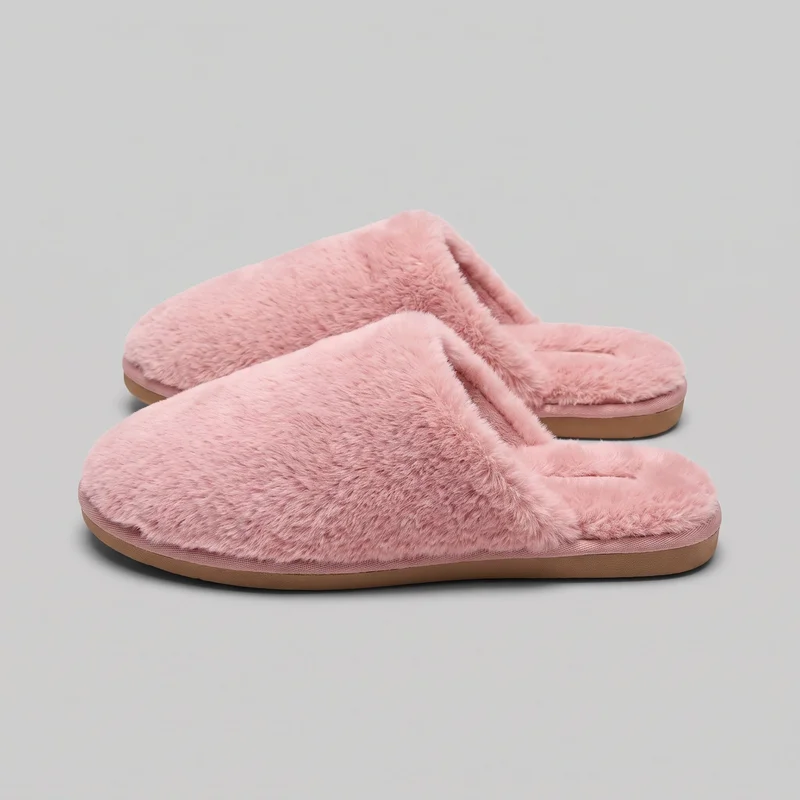
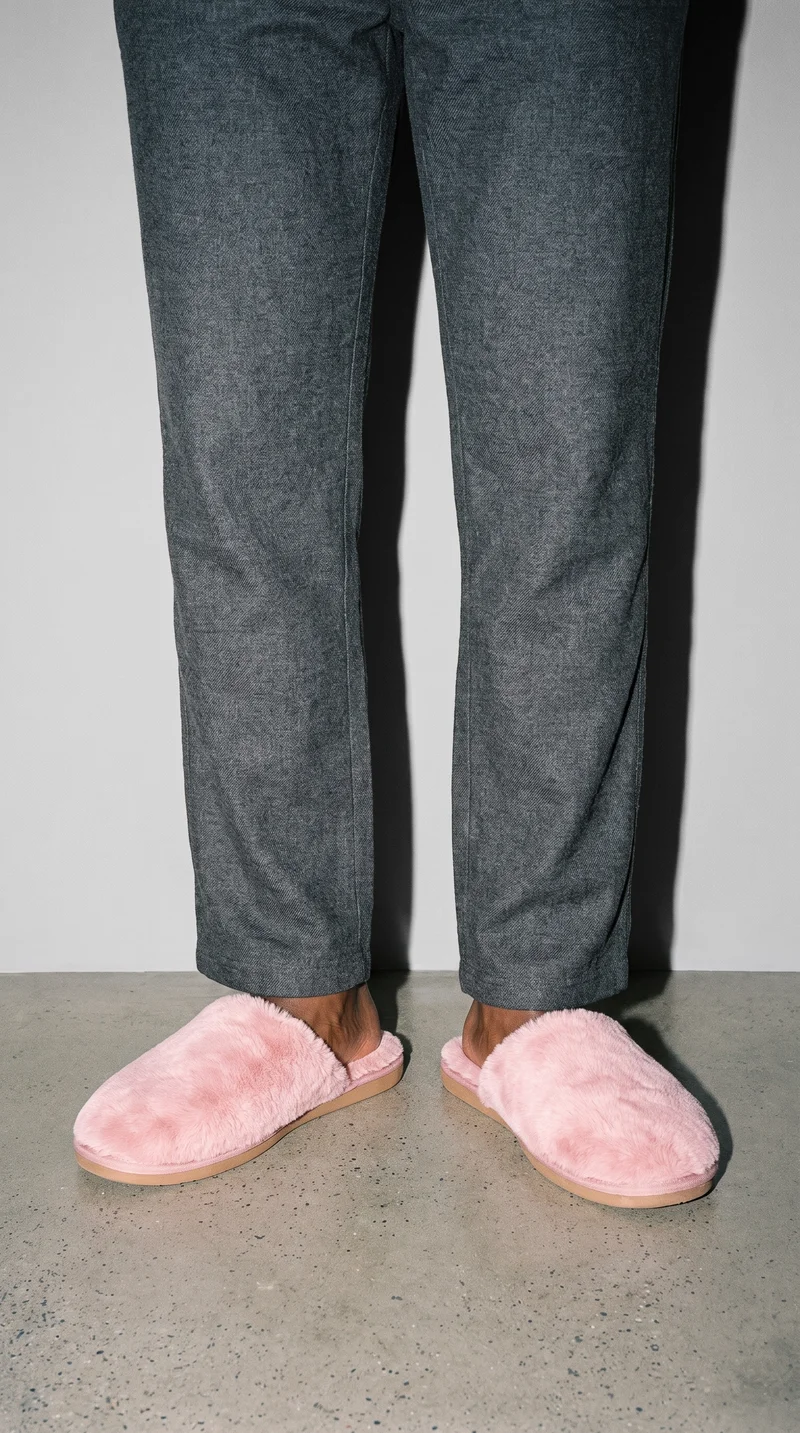 AI-generated · C2PA
THE SHORT ANSWER
The key choice is whether you need a directed model scene built from product inputs, or a cleaner product photo made by editing an image you already have.
The tools on this list
- 01
RAWSHOT AIour productControl-based generatorsBest for: Brands that want to configure a footwear image as a complete shoot, from model and styling to frame and light.
- 02
AuraxControl-based generatorsBest for: Fashion teams turning flat-lay, mannequin, model, or three-dimensional product inputs into on-model and lifestyle visuals.
- 03
CaimeraControl-based generatorsBest for: Fashion teams creating catalog and editorial imagery from product inputs, including footwear.
- 04
grace aiControl-based generatorsBest for: Fashion teams producing on-model product imagery and campaign content from their own product files.
- 05
CatalogXModel and product swap toolsBest for: Brands creating model imagery from product inputs, with footwear among the listed product categories.
- 06
FASHNModel and product swap toolsBest for: E-commerce teams making on-model product imagery from flat-lay, mannequin, and other product photos.
- 07
ModeliaModel and product swap toolsBest for: Fashion teams creating on-model imagery from product and reference images, including footwear.
- 08
SCAYLE STUDIOSModel and product swap toolsBest for: Fashion brands producing e-commerce product imagery from uploaded photos, with footwear among the listed categories.
- 09
PhotoroomProduct photo editorsBest for: Brands editing uploaded product photos, with footwear included in the product categories listed.
- 10
remove.bgProduct photo editorsBest for: Sellers who need to isolate a product subject or create a transparent image or backdrop.
- 11
Clothing and Product Photography StudioTraditional production servicesBest for: Businesses wanting a studio to photograph and prepare finished product images, including footwear.
- 12
eCom Fashion PhotographyTraditional production servicesBest for: Fashion brands seeking studio-produced e-commerce photography, including footwear.
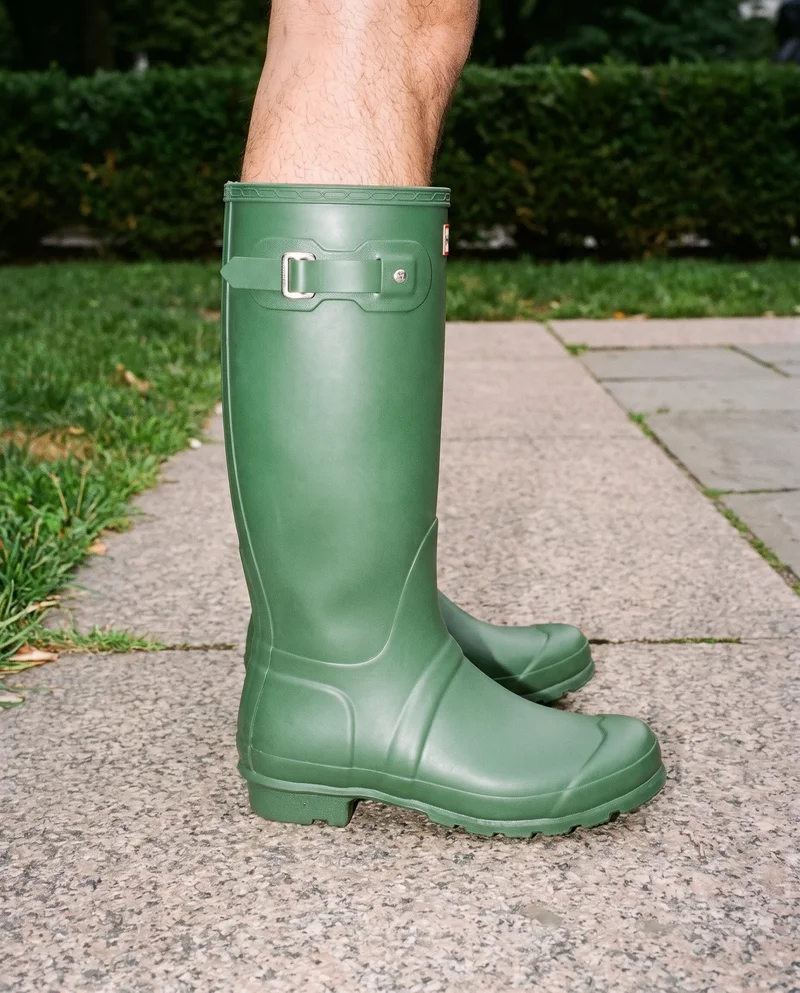
Men's Green Wellington Boots · Ankle
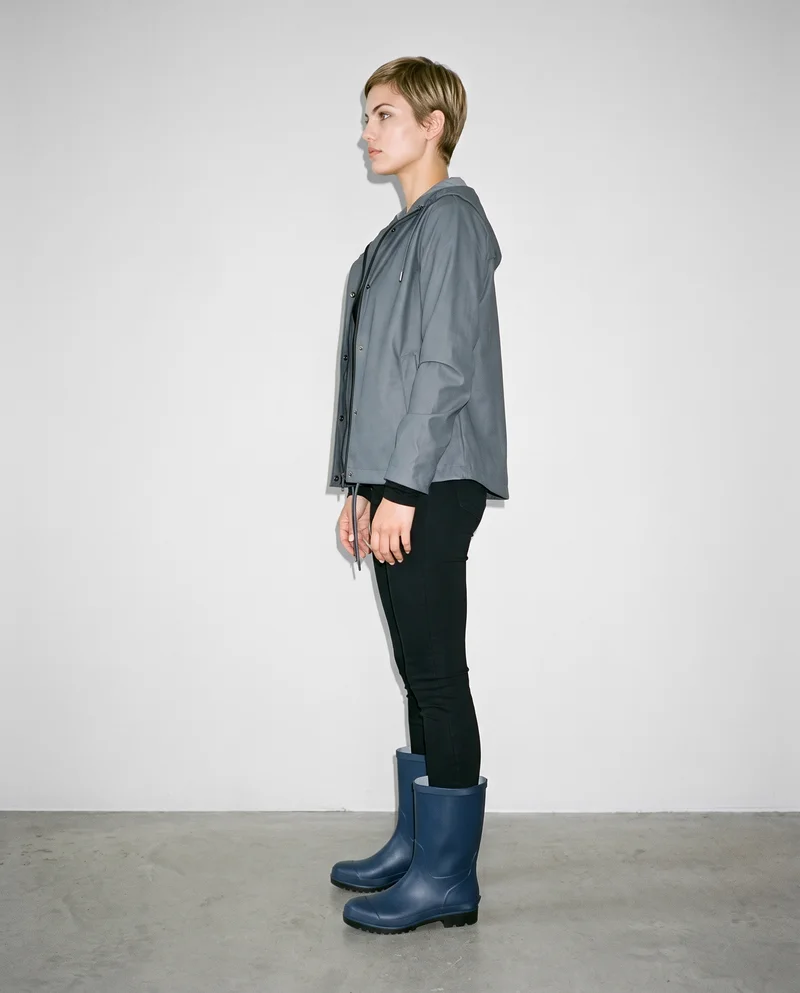
Women's Navy Rubber Rain Boots · Full body
Navy Wedges · Ankle
Men's Brown Lace-Up Boots · Full body
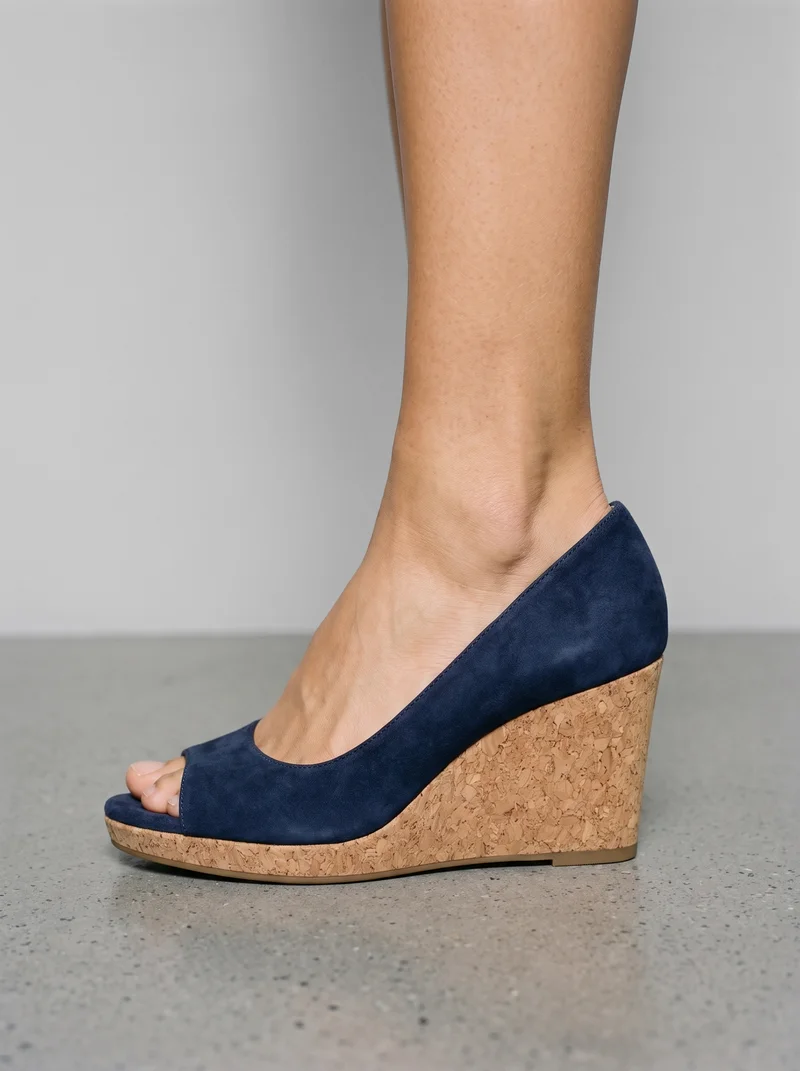
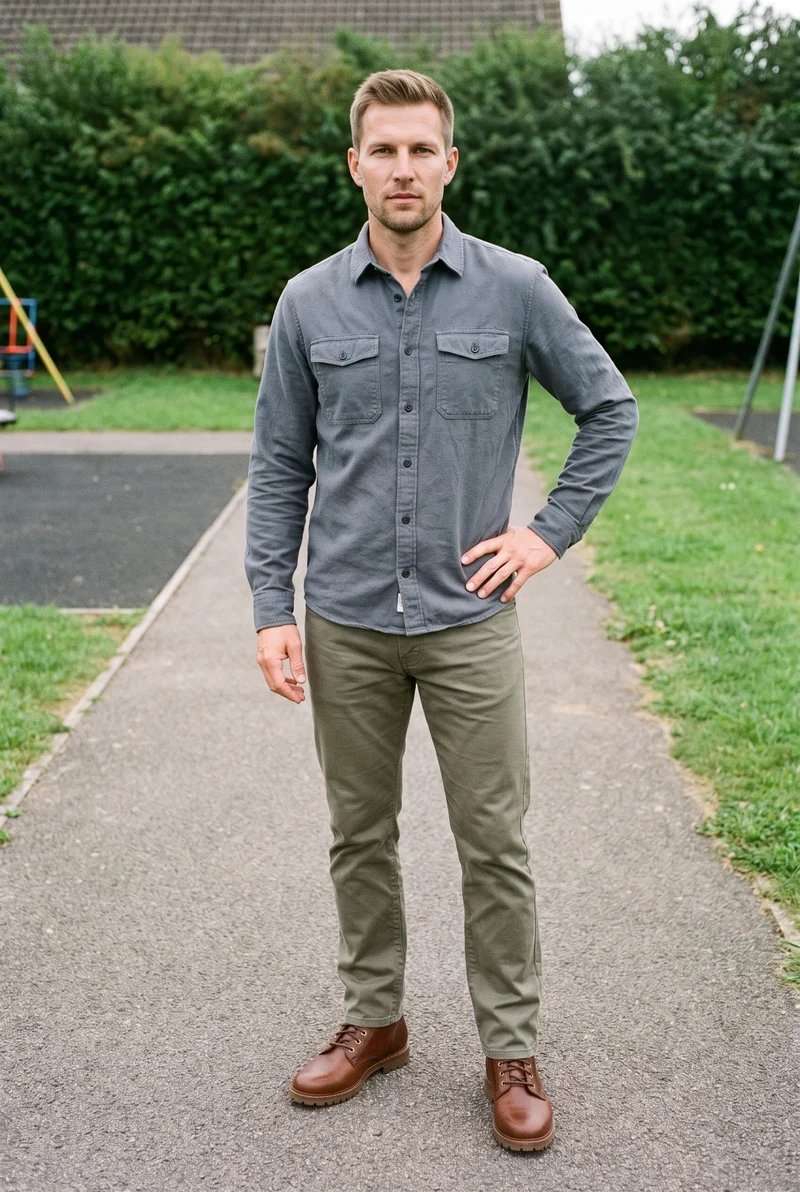
RAWSHOT AI our product
Control-based generators
Best for: Brands that want to configure a footwear image as a complete shoot, from model and styling to frame and light.
Configure the whole footwear composition
Set the model, up to four products, styling, background, light, frame, camera view, pose, expression, ratio, and resolution before the image is generated.
Keep the product at the center
The image style is engineered to represent the real product faithfully, including its cut, colour, pattern, logo, material, finish, and hardware. Four photography directions control the light.
Direct details through visible choices
Change one element and the rest of the composition holds. AI pre-selects settings you can change; nothing is locked or generated unseen.
Control-based generators
- How it works
- You usually choose the model, garment, pose, setting, framing, and other controls before generating the image.
- Where it struggles
- The setup often takes more decisions than a one-line request, and the available controls shape what can be made.
- Fits
- Teams that need repeatable fashion images and want to see every creative decision before they generate.
Aurax
aurax.co.in
Best for: Fashion teams creating on-model or lifestyle imagery from several kinds of product input.
Fashion brands creating on-model, lifestyle, and e-commerce visuals from flat-lay, mannequin, existing model, or three-dimensional images.
Strong at
- Transforms flat lays and mannequin images into on-model visuals, and turns three-dimensional renders into photoshoot imagery.
- Offers model, background, and style changes for existing photos.
Check for footwear
- Test whether a shoe's silhouette, panels, and material details hold up in the views you need, and compare the result with your source image.
Caimera
caimera.ai
Best for: Fashion teams generating catalog and editorial images from product inputs, including footwear.
Fashion teams creating and editing product, catalog, editorial, and video imagery with AI.
Strong at
- Generates catalog images from flat-lay inputs with selectable models, poses, and backgrounds.
- Creates editorial imagery across product categories.
Check for footwear
- Try a footwear product with distinctive construction details and check whether the chosen pose and background make those details easy to inspect.
grace ai
gracefashion.ai
Best for: Fashion teams producing on-model product imagery and campaign content from their own product files.
Fashion brands and teams creating on-model product imagery, campaigns, lookbooks, and video from their own garments.
Strong at
- Offers choices for models, scenes, and lighting when creating fashion imagery.
- Says it aims to preserve product details such as seams, buttons, prints, and logos.
Check for footwear
- Use a shoe with visible stitching, a logo, or contrasting materials, then inspect those features at both wide and close views.
Model and product swap tools
- How it works
- You typically upload a garment or model image and combine it with an existing photo, template, or model from a library.
- Where it struggles
- Results usually depend on the source image, and difficult poses, layers, hands, or garment edges can reveal the swap.
- Fits
- Teams that already have a useful source image and need quick variations without rebuilding the full scene.
CatalogX
catalogx.app
Best for: Brands turning product inputs into model imagery, including on-model footwear presentations.
Sellers and brands creating model photography for garment and accessory product listings.
Strong at
- Describes on-model presentation for footwear, bags, jewellery, watches, and accessories.
- Offers model, pose, and scene choices for its product-to-model workflow.
Check for footwear
- Check that the shoe's shape and scale remain believable on the model, and compare left and right footwear where both appear.
FASHN
fashn.ai
Best for: E-commerce teams making on-model product images from existing product photos.
E-commerce brands creating fashion product imagery and virtual try-ons through an AI app.
Strong at
- Creates model imagery from flat-lay, mannequin, and other product photos.
- Documents preservation of product details such as prints, logos, colours, textures, and finishes.
Check for footwear
- Test a shoe with a clear logo or textured material and inspect whether it stays recognizable in the generated scene.
Modelia
modelia.ai
Best for: Fashion teams turning product and reference images into on-model photos, including footwear imagery.
Fashion teams creating imagery from product and reference images, including on-model photos and other fashion content.
Strong at
- Supports model and background customization for product-to-model imagery.
- Describes reusable AI characters for consistent imagery.
Check for footwear
- Compare the shoe's fit and proportions across the angles you need, and check whether a reusable character suits your product-page presentation.
SCAYLE STUDIOS
scaylestudios.ai
Best for: Fashion e-commerce teams creating product imagery from uploaded photos, including footwear.
Fashion brands and e-commerce teams creating product imagery from uploaded product photos.
Strong at
- Describes e-commerce image production from a bust image through a full product-page set.
- Offers custom brand models and consistent backgrounds.
Check for footwear
- Check footwear details against the product source, then see whether backgrounds remain consistent across the images in a product-page set.
Product photo editors
- How it works
- You typically upload a product shot, then remove or replace the background, retouch details, or resize it for different channels.
- Where it struggles
- Starts from a photo you already have; the core workflow edits the product shot rather than creating a new model scene.
- Fits
- Teams with finished product photos that need clean backgrounds, consistent retouching, or channel-ready formats at volume.
Photoroom
photoroom.com
Best for: Brands that already have footwear photos and want an image-editing and product-photography platform.
Creating polished, listing-ready product imagery from uploaded product photos.
Strong at
- Provides AI photo-editing and product-photography tools for existing product images.
Check for footwear
- Edit a shoe photo with fine edges, reflective details, and a visible sole; inspect the cutout and any changed areas against the original.
Also offers: Also offers an AI Fashion Models workflow for on-model imagery.
remove.bg
remove.bg
Best for: Sellers who need to remove a background from an existing product photo or create a transparent image.
A general design tool, not built for fashion; its background-removal product is for people and businesses that need isolated subjects or custom backdrops.
Strong at
- Automatically removes image backgrounds and isolates the subject.
- Supports transparent PNGs and custom backdrops.
Check for footwear
- Try a shoe with fine laces, a dark sole, or reflective parts; check the subject edges and ensure no product detail has been removed.
Traditional production services
- How it works
- You usually brief a photographer or studio, ship products or arrange a shoot, and receive edited final images after production.
- Where it struggles
- Scheduling, logistics, reshoots, and per-shoot costs often make rapid iteration or large numbers of variants harder.
- Fits
- Brands that need physical sets, specific talent, tactile art direction, or a fully managed conventional shoot.
Clothing and Product Photography Studio
clothingphotographystudio.com
Best for: Businesses that want a studio to photograph, prepare, and deliver finished product images.
Businesses that need a studio to photograph and prepare finished clothing and product images.
Strong at
- Provides product preparation, photography, editing, and delivery.
- Offers on-model and ghost-mannequin photography.
Check for footwear
- Ask how the studio will show your footwear's construction and materials, and review the proposed views and retouching before the shoot.
eCom Fashion Photography
ecomfashionphotography.com
Best for: Fashion brands seeking a studio team for finished e-commerce footwear imagery.
Fashion brands seeking professional e-commerce photography produced by a studio team.
Strong at
- Provides full-service fashion e-commerce photography and deliverables.
- Offers on-model, flat-lay, ghost-mannequin, and video formats.
Check for footwear
- Share a representative footwear pair and ask to review how the planned angles, lighting, and format will show its shape and finish.
Criteria and tests
What to check for footwear photography
What to look for
- 1Pair integrity: both shoes keep the correct silhouette, construction, and left-right relationship.
- 2Foot placement: soles meet the ground believably and the ankle, heel, and laces remain coherent.
- 3Material detail: stitching, texture, hardware, and logos survive both wide and close views.
- 4Angle control: side, three-quarter, top, and on-foot views can be reproduced across a range.
Test these shots
- 1A low-profile sneaker with fine stitching, layered panels, and visible laces.
- 2A tall boot where the shaft, heel, and ankle must remain straight and proportional.
- 3A reflective or glossy shoe under directional light without melted highlights.
- 4The same pair in side, three-quarter, top-down, and walking views.
- 5A footwear set that includes both product-only and on-model frames.
Crops to check: Full pair from side and three-quarter angles, On-foot crop from ankle to ground, Close crop of laces, stitching, and hardware, Sole and heel detail
Questions
Frequently asked questions
Which AI tool fits footwear?
For a new model scene configured from product inputs, compare Control-based generators and Model and product swap tools. If you already have a product photo and want to refine or isolate it, Product photo editors fit that workflow. A brand that wants physical photography, product preparation, and studio delivery may prefer Traditional production services. Start with the job and source material you have, then test whether the result shows the shoe clearly enough for its intended use.
How is RAWSHOT different from Photoroom?
RAWSHOT and Photoroom start from different workflows: RAWSHOT configures a complete composition before generating an image, while Photoroom is a Product photo editor for working with uploaded product photos. In RAWSHOT, you can select the model, products, styling, background, light, frame, camera view, pose, expression, ratio, and resolution. For a footwear project, decide whether the need is a directed model scene or editing an existing shoe photo, then test the corresponding workflow with the same product.
Can AI keep footwear details accurate?
It can be assessed with your own product rather than assumed. Check that the shoe keeps its silhouette, construction, left-right relationship, and material details in the views you need. Compare logos, stitching, laces, hardware, and reflective finishes with a clear source image. Try a low-profile shoe and a taller or glossy style if those represent your range. Review the complete image at its intended size as well as close up, and reject results that change product-defining details.
Do I still need a photoshoot for footwear?
A conventional studio shoot is a better choice when you need physical sets, specific talent, tactile art direction, or a managed production process. Traditional production services can handle photographing and preparing finished product images. Generated images may be enough when you need additional model-scene imagery and can verify that the output represents the real shoe faithfully. The decision is not all-or-nothing: a brand may keep its established shoots and use generated imagery for work that otherwise would not be photographed.
How should I test a tool before switching?
Use the footwear test cases on this page as a checklist, then run a short trial with your own products. Choose representative shoes with different materials, construction details, and finishes, and use the same source images and intended output needs in each relevant workflow. Review shape, left-right relationship, edges, logos, stitching, and the appearance of materials. Record what needed correction and whether the workflow gave you the control you need. Decide after inspecting the actual outputs, not from a single sample.
Get started
See your products on a model.
Upload a product, choose the model, pose, setting, and framing, then generate the shot with every decision visible.