
BEST LIST
Best AI marketplace fashion photo generator tools
We make RAWSHOT, so we start with it; then 11 more tools, sorted by how they work.
- 12 tools
- 5 approaches
- checked Sep 2026
- no rankings · no scores
By the RAWSHOT team · Updated
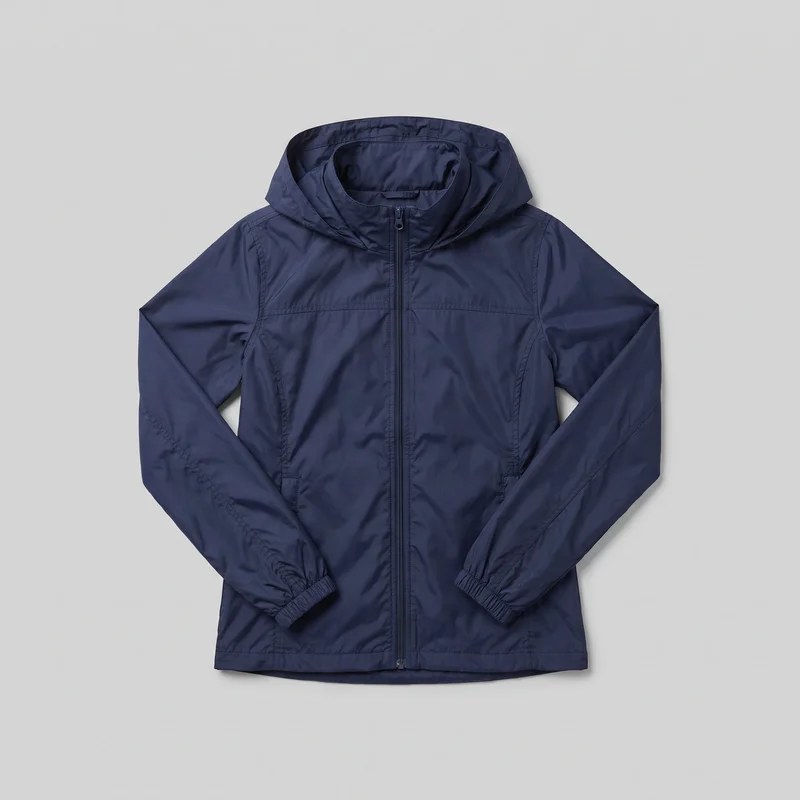
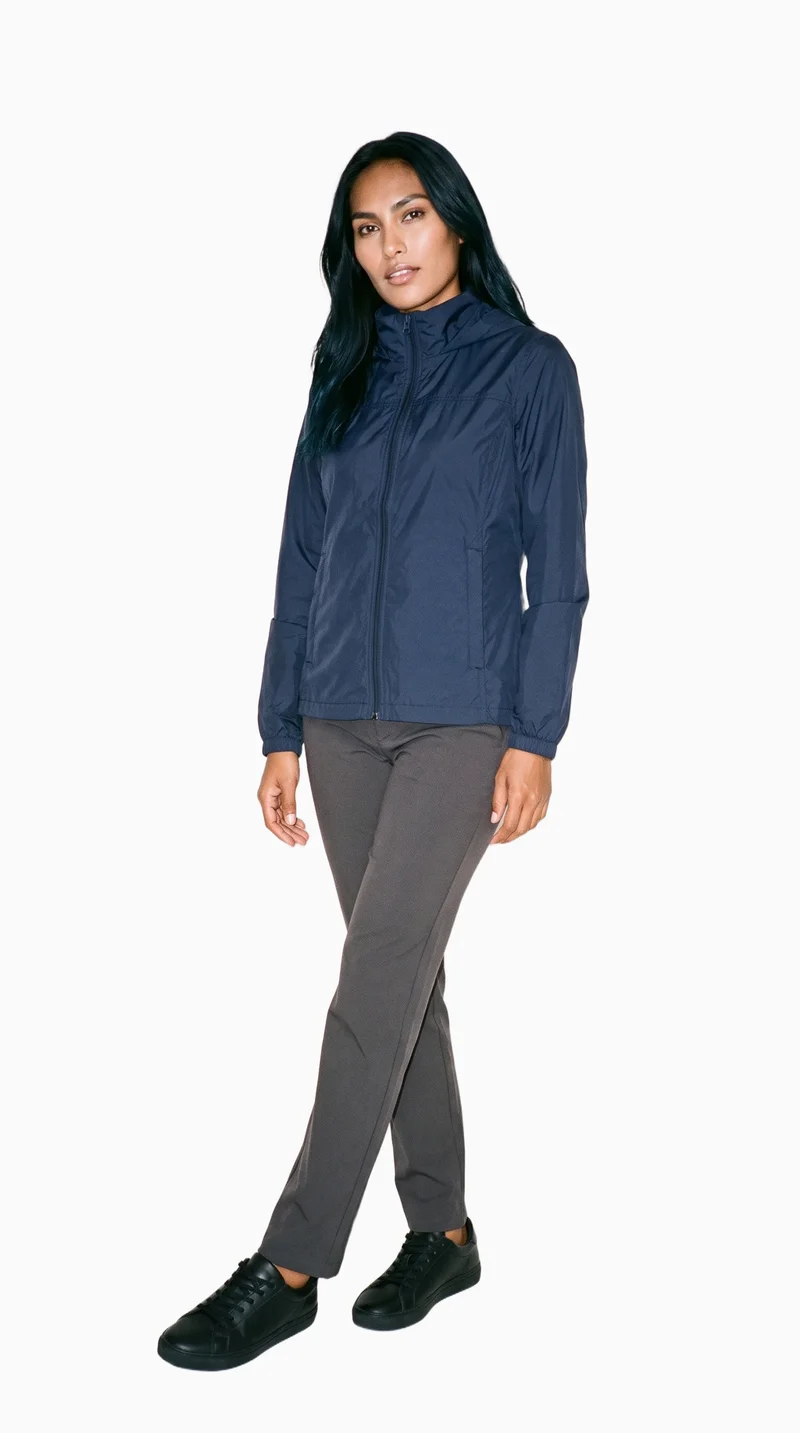 AI-generated · C2PA
THE SHORT ANSWER
For an AI marketplace fashion photo generator, decide whether you need a new on-model scene from a product image or edits to an existing packshot; that choice determines the right workflow.
The tools on this list
- 01
RAWSHOT AIour productControl-based generatorsBest for: Brands that want to direct a complete fashion image composition in the browser, from model and products to framing and lighting.
- 02
CatalogXModel and product swap toolsBest for: Sellers and brands turning flat, hanger, mannequin, or ghost-mannequin garment images into model photography for listings.
- 03
FASHNModel and product swap toolsBest for: E-commerce teams creating on-model product imagery from product or model images, with attention to product details.
- 04
ModeliaModel and product swap toolsBest for: Fashion teams converting flat-lay apparel into on-model images and choosing model and background options.
- 05
Mokker AIProduct photo editorsBest for: Teams replacing backgrounds or guiding product-photo scenes with moodboards and scene descriptions.
- 06
PhotoroomProduct photo editorsBest for: Brands and sellers preparing polished product imagery from photos they already have.
- 07
ProductAIProduct photo editorsBest for: Small teams and commerce businesses editing product photos with templates and image-editing tools.
- 08
ProvamodaControl-based generatorsBest for: Fashion brands choosing model and scene settings for product-to-model images.
- 09
Freepik AI Image GeneratorPrompt-based generatorsBest for: Fashion teams guiding image creation with written directions, visual references, and reusable characters or products.
- 10
Higgsfield AI Product PhotographyPrompt-based generatorsBest for: Brands creating product-photo variations, including studio, lifestyle, detail, and on-model imagery.
- 11
Hyperblack StudiosAI-assisted servicesBest for: Brands seeking studio-run ecommerce imagery, including on-model images made from photographed flat lays.
- 12
MetaModelsAI-assisted servicesBest for: Fashion brands wanting a provider-managed image and video production process with human review.
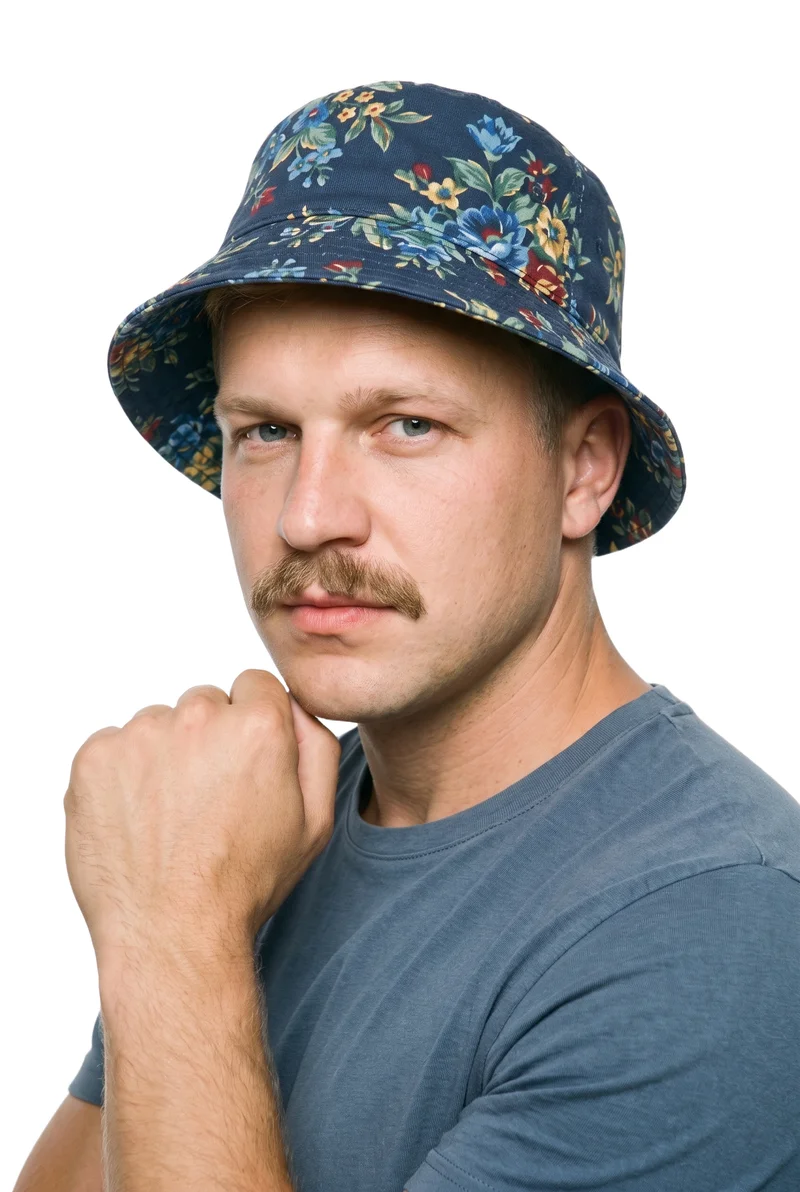
Men's Floral Print Bucket Hat · Bust
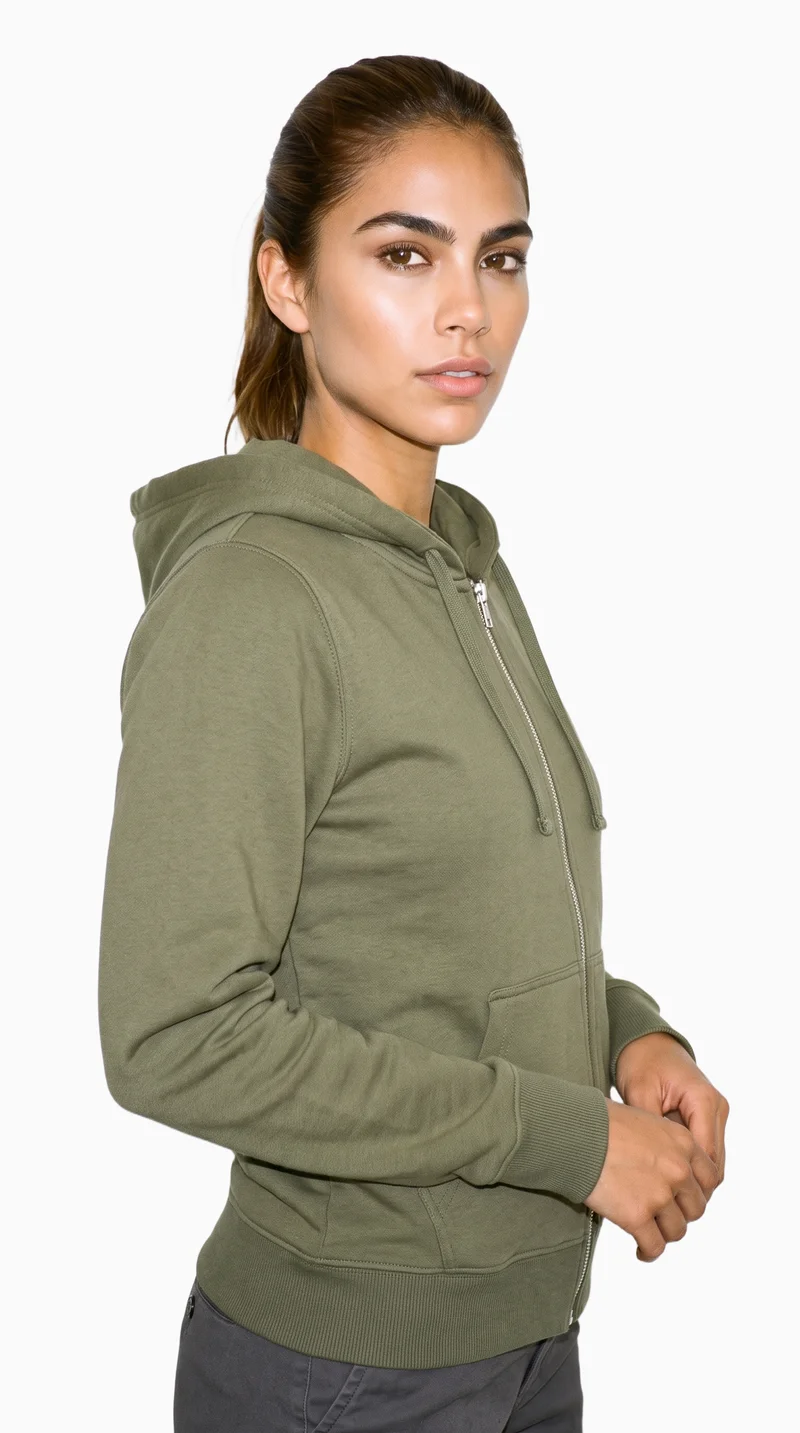
Women's Olive Zip-Up Hoodie · Upper body
Printed Leggings · Three-quarter length
Women's Grey Cashmere Knit · Selfie
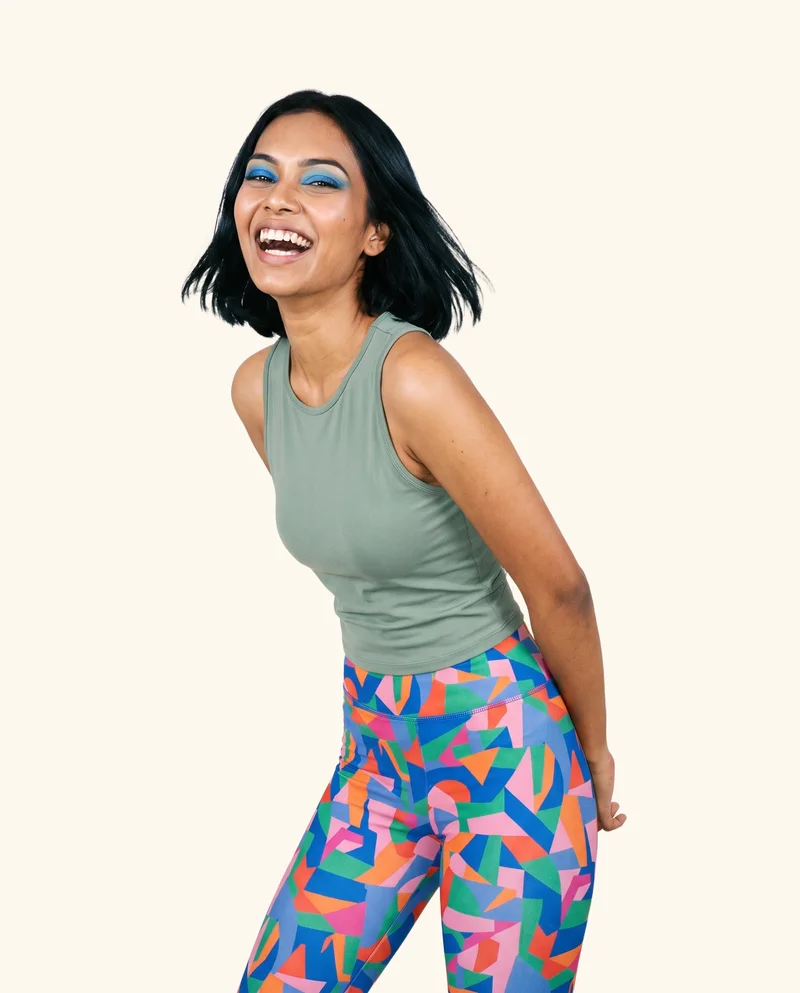
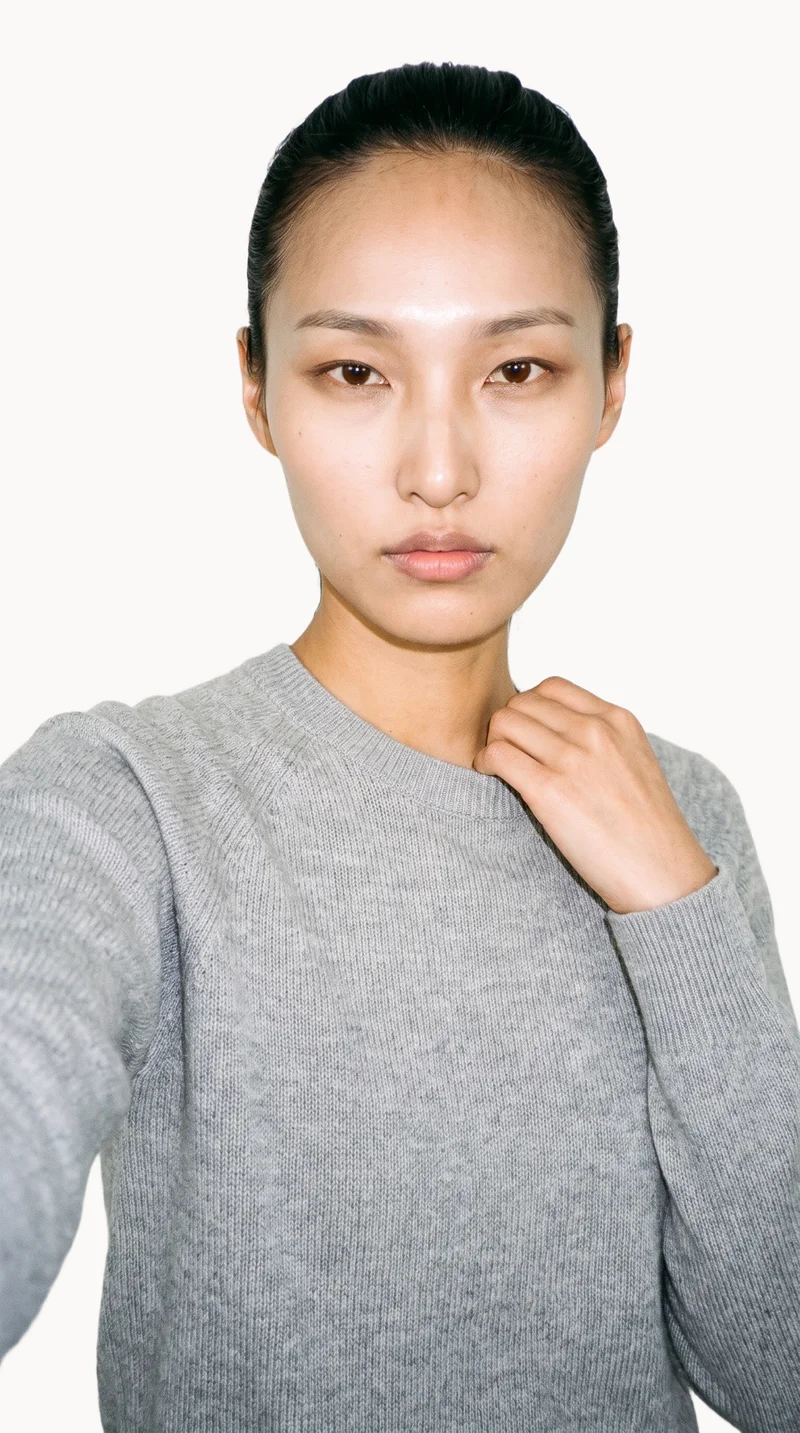
RAWSHOT AI our product
Control-based generators
Best for: Brands that want to direct a complete fashion image composition in the browser, from model and products to framing and lighting.
Set the whole composition
Choose the model, up to four products, styling, background, light, frame, camera view, pose, expression, ratio, and resolution before the image is generated.
Keep the composition coherent
Change one element and the rest of the composition holds, including the model and light. That gives a collection a shared visual direction without claiming pixel-identical results.
Made for the real product
One accuracy-first image style is engineered to represent product cut, colour, pattern, logo, drape, material, finish, and hardware. AI pre-selects settings you can change; outputs are labelled as AI.
Model and product swap tools
- How it works
- You typically upload a garment or model image and combine it with an existing photo, template, or model from a library.
- Where it struggles
- Results usually depend on the source image, and difficult poses, layers, hands, or garment edges can reveal the swap.
- Fits
- Teams that already have a useful source image and need quick variations without rebuilding the full scene.
CatalogX
catalogx.app
Best for: Brands turning existing garment images into worn product photos for listings.
Sellers and brands creating model photography for garment and accessory product listings.
Strong at
- Supports flat-lay, hanger, mannequin, and ghost-mannequin starting images.
- Offers model, pose, and scene choices for garment-to-model imagery.
Check for your products
- Try subtle construction details and a print across folds, then check the generated front and back views against the source.
FASHN
fashn.ai
Best for: Fashion teams creating on-model product imagery from product photos.
E-commerce brands creating fashion product imagery and virtual try-ons through an AI app.
Strong at
- Creates model imagery from flat-lay, mannequin, and other product photos.
- Its Virtual Try-On workflow is documented to preserve product details such as prints, logos, colours, textures, and finishes.
Check for your products
- Use a garment with a logo or low-contrast detail, and inspect how it carries through a full listing image set.
Modelia
modelia.ai
Best for: Fashion teams moving flat-lay apparel into on-model product imagery.
Fashion teams creating imagery from product and reference images, including on-model photos.
Strong at
- Supports flat-lay-to-model imagery with model and background customization.
- Offers reusable AI characters for recurring imagery.
Check for your products
- Compare the source garment’s fit, texture, and proportions with the result, then see whether the chosen character stays recognizable in another view.
Product photo editors
- How it works
- You typically upload a product shot, then remove or replace the background, retouch details, or resize it for different channels.
- Where it struggles
- Starts from a photo you already have; the core workflow edits the product shot rather than creating a new model scene.
- Fits
- Teams with finished product photos that need clean backgrounds, consistent retouching, or channel-ready formats at volume.
Mokker AI
mokker.ai
Best for: Product teams replacing a product photo background or guiding its scene with a visual reference.
Teams creating product photography from uploaded product photos using templates, scene controls, and optional text prompts.
Strong at
- Replaces the background around an uploaded product photo.
- Supports moodboards as style references and product replacement in a base photo.
Check for your products
- Test a reflective or textured item against a new background, checking the product edge and whether its visible finish remains faithful.
Photoroom
photoroom.com
Best for: Teams preparing listing-ready product imagery from uploaded product photos.
Brands and sellers creating polished product imagery from photos they already have.
Strong at
- Provides AI photo-editing and product-photography tools for working with existing product photos.
Check for your products
- Try a plain light product with subtle edges and check whether the edited image keeps its outline and details clear.
Also offers: Also offers an AI Fashion Models workflow for on-model images from uploaded clothing photos.
ProductAI
productai.photo
Best for: Commerce teams that want templates and editing controls for existing product shots.
Individuals, small teams, brands, creators, agencies, and e-commerce teams producing product photos and videos.
Strong at
- Offers background swapping, drawing-based edits, unwanted-object removal, and image upscaling.
- Provides adaptive templates for generating product photos from uploaded shots.
Check for your products
- Check a product against a clean background and a channel-ready crop, including whether editing changes visible product details.
Control-based generators
- How it works
- You usually choose the model, garment, pose, setting, framing, and other controls before generating the image.
- Where it struggles
- The setup often takes more decisions than a one-line request, and the available controls shape what can be made.
- Fits
- Teams that need repeatable fashion images and want to see every creative decision before they generate.
Provamoda
provamoda.ai
Best for: Fashion brands that want to choose model and scene settings for product-to-model imagery.
Fashion brands and e-commerce businesses creating product imagery with AI models from uploaded product photos.
Strong at
- Supports flat-lay or product-shot inputs with model and scene settings.
- Lets users choose body type, skin tone, location, and camera style.
Check for your products
- Use the same product with a patterned or layered outfit and inspect how fabric details hold across the available views.
Prompt-based generators
- How it works
- You describe the image in words, then refine the prompt or regenerate until the composition and styling are close.
- Where it struggles
- Small wording changes can alter the result, and exact garments, recurring models, and repeatable art direction are often harder to hold.
- Fits
- Concept exploration, mood development, and teams comfortable directing images through written prompts.
Freepik AI Image Generator
freepik.com
Best for: Fashion teams directing image generation with written requests and visual references.
Fashion and product teams creating and editing imagery from text directions and visual references.
Strong at
- Combines written directions with visual references for style, characters, objects, colours, cameras, and effects.
- Custom Characters and Custom Objects can support continuity across scenes.
Check for your products
- Test whether a reference guides the desired scene without changing the product’s defining colour, pattern, logo, or shape.
Higgsfield AI Product Photography
higgsfield.ai
Best for: Product teams directing studio, lifestyle, detail, or on-model images from uploaded product photos.
Brands creating commercial product imagery from uploaded product photos.
Strong at
- Produces studio, lifestyle, detail, and on-model imagery from product photos.
- The product-photography workflow aims to retain product shape, label, colour, and texture.
Check for your products
- Try a product with a visible label and distinctive texture, then inspect both a detail image and a wider scene.
AI-assisted services
- How it works
- You usually send a brief and product assets to a managed team, which runs the production process and returns selected final images.
- Where it struggles
- Turnaround, revisions, and creative choices mostly depend on the provider, with less direct control during production.
- Fits
- Teams that want finished work without operating the image tool or production workflow themselves.
Hyperblack Studios
hyperblackstudios.com
Best for: Brands that want provider-run ecommerce photography and AI image production.
Fashion and product brands seeking provider-run ecommerce photography and AI image production.
Strong at
- Creates on-model imagery from studio-photographed flat lays, with attention to drape, fit, and fabric.
- Provides production tracking for project handoffs and deadlines.
Check for your products
- Ask how sample photography, product corrections, approvals, and revisions are handled for your specific assortment.
MetaModels
metamodels.ai
Best for: Fashion brands that prefer managed image production with human review before delivery.
Fashion brands producing on-model images and video from garment packshots with human review.
Strong at
- Fashion specialists review outputs for garment accuracy.
- Manages production across products, regions, and seasons.
Check for your products
- Agree on a small set of representative products and review the garment details and final framing before expanding the brief.
Criteria and tests
What to check for apparel photography
What to look for
- 1Product fidelity: seams, closures, prints, and proportions stay faithful to the garment.
- 2Fit and drape: the fabric falls naturally across standing, seated, and moving poses.
- 3Model consistency: the same person remains recognizable across a complete image set.
- 4Production control: framing, poses, backgrounds, and output ratios can be repeated intentionally.
Test these shots
- 1A plain light garment with subtle seams and low-contrast construction details.
- 2A patterned garment whose print must align across folds, sleeves, and closures.
- 3A layered outfit with overlapping hems, collars, and accessories.
- 4The same garment and model in front, back, seated, and walking views.
- 5One product adapted into a clean PDP crop, a marketplace ratio, and a campaign frame.
Crops to check: Full-length front and back views, Waist-up fit view, Close crop of fabric, seams, and closures, Movement crop with hands and garment edges visible
Questions
Frequently asked questions
Which AI tool fits ai marketplace fashion photo generator?
The right workflow depends on what you are starting with. Model and product swap tools such as CatalogX turn garment inputs into on-model images; Product photo editors such as ProductAI work on product photos already made. Control-based generators such as RAWSHOT AI expose scene settings before generation. Prompt-based generators such as Freepik take written and visual direction, while AI-assisted services such as MetaModels suit teams that want a provider to manage production.
How is RAWSHOT different from CatalogX?
RAWSHOT AI configures a complete image composition before generation; CatalogX turns flat, hanger, mannequin, or ghost-mannequin garment images into worn photographs with model, pose, and scene choices. The practical difference is the starting workflow: RAWSHOT exposes controls for the whole shoot, while CatalogX’s listed workflow begins with an existing garment image. Compare the amount of direction you need and how each result handles your own product details.
Can AI keep ai marketplace fashion photo generator details accurate?
It can be evaluated, but accuracy should be checked on the products and views that matter to your store. Compare seams, closures, prints, proportions, drape, and product colour against the source. Try a plain light garment with subtle seams, a print that crosses folds or closures, and a layered outfit with overlapping hems and accessories. Then compare front, back, seated, or walking views where available, and inspect a clean product-page crop alongside a campaign frame.
Do I still need a photoshoot for ai marketplace fashion photo generator?
A physical shoot or a provider-managed production is a better fit when you need photographed samples, bespoke set work, hands-on styling, or human review as part of delivery. Generated images may be sufficient when you already have usable product inputs, need a scene or model view, and can review the output against the real item. These approaches can complement each other: keep physical production for work that depends on it and use generated imagery for additional images that pass your checks.
How should I test a tool before switching?
Use your own representative products rather than relying on a polished demonstration. Include the plain light garment with subtle construction details, the patterned item whose print crosses folds and closures, and a layered outfit with overlapping hems and accessories. Compare the same item in front, back, seated, and walking views, then check a product-page crop, marketplace ratio, and campaign frame. Record what changes, what holds, and how much review each workflow requires before deciding whether to switch.
Get started
See your products on a model.
Upload a product, choose the model, pose, setting, and framing, then generate the shot with every decision visible.