
BEST LIST
Best AI on model photography generator tools
We make RAWSHOT, so we start with it; then 11 more tools, sorted by how they work.
- 12 tools
- 5 approaches
- checked Sep 2026
- no rankings · no scores
By the RAWSHOT team · Updated
 AI-generated · C2PA
THE SHORT ANSWER
For an ai on model photography generator, decide whether you need a new model scene directed through controls, a garment image turned into a model photo, or a provider-managed or conventional production workflow.
The tools on this list
- 01
RAWSHOT AIour productControl-based generatorsBest for: Fashion teams that want to set the model, products, styling, scene, pose and framing before an image is taken.
- 02
Ayna / Ayna StudioControl-based generatorsBest for: Brands creating fashion photoshoot imagery from apparel photos, including flat-lay inputs and existing on-model images.
- 03
grace aiControl-based generatorsBest for: Fashion teams making on-model product imagery, campaigns and lookbooks from their own garments.
- 04
CatalogXModel and product swap toolsBest for: Sellers turning flat, hanger or mannequin garment images into model imagery, including accessory presentations.
- 05
FASHNModel and product swap toolsBest for: E-commerce brands creating on-model product photos from garment images and checking details such as prints and logos.
- 06
ModeliaModel and product swap toolsBest for: Fashion teams turning flat-lay apparel into on-model imagery with choices for models and backgrounds.
- 07
Clothing and Product Photography StudioTraditional production servicesBest for: Brands that want a studio to prepare and photograph clothing or other products, with on-model and ghost-mannequin options.
- 08
eCom Fashion PhotographyTraditional production servicesBest for: Fashion brands looking for a production team and a range of e-commerce photography formats.
- 09
Freepik AI Image GeneratorPrompt-based generatorsBest for: Fashion teams combining written direction and visual references to create and refine fashion or product imagery.
- 10
Higgsfield AI Product PhotographyPrompt-based generatorsBest for: Teams using product photos as a starting point for studio, lifestyle, detail or on-model image variations.
- 11
MetaModelsAI-assisted servicesBest for: Fashion brands seeking provider-managed image production with human review and attention to fabric detail.
- 12
SartiqAI-assisted servicesBest for: Fashion brands that want a managed service to turn product images into on-model and catalogue imagery.
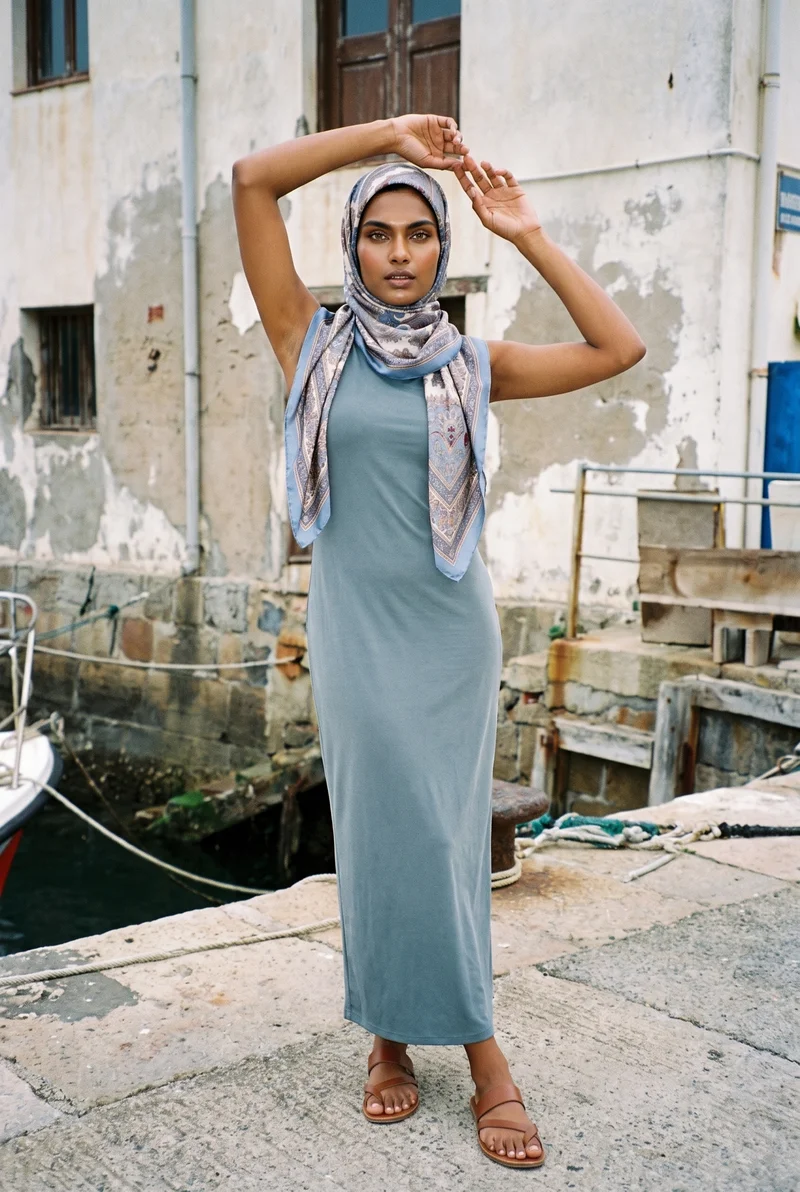
Printed Silk Hijab · Full body
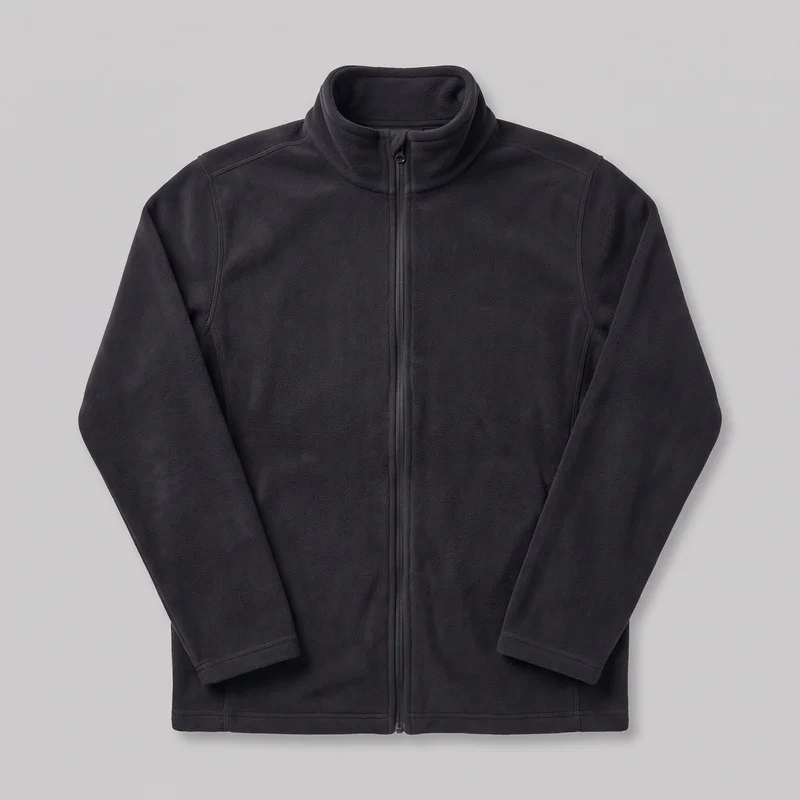
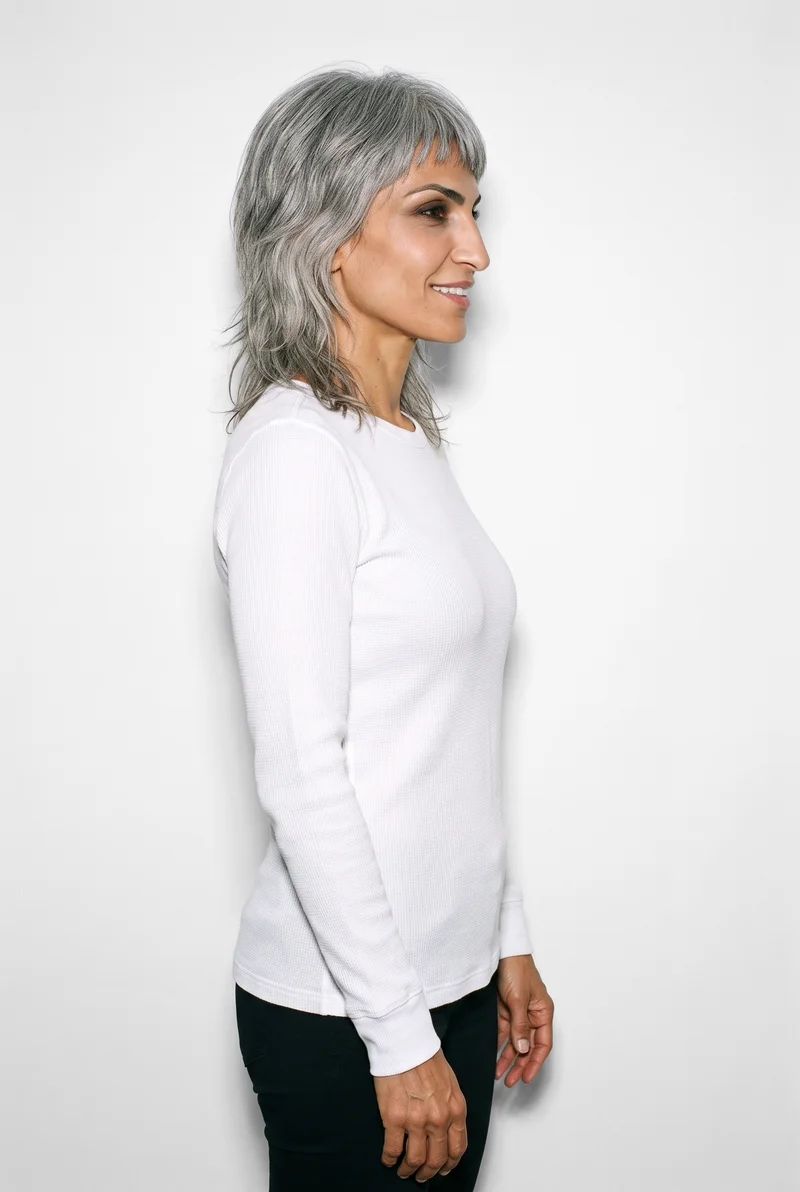
Women's White Base-Layer Thermal Top · Upper body
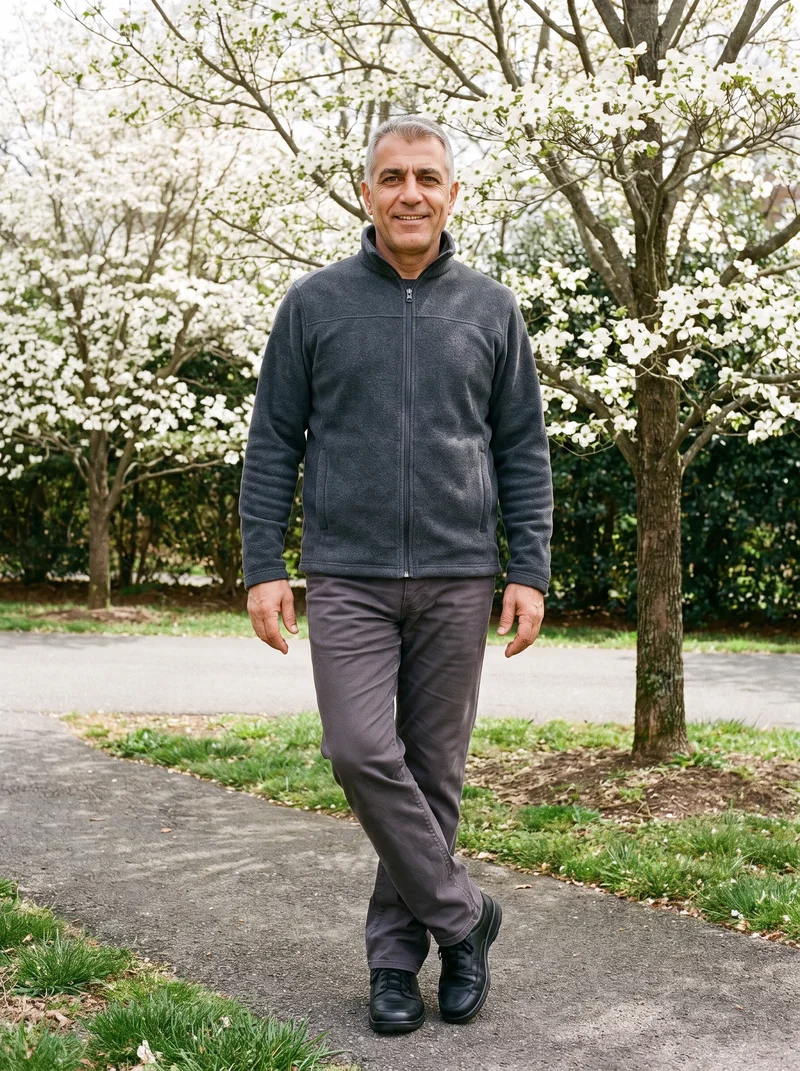
Men's Cream Cable-Knit Sweater Vest · Upper body
Men's Grey Knit Snood · Bust
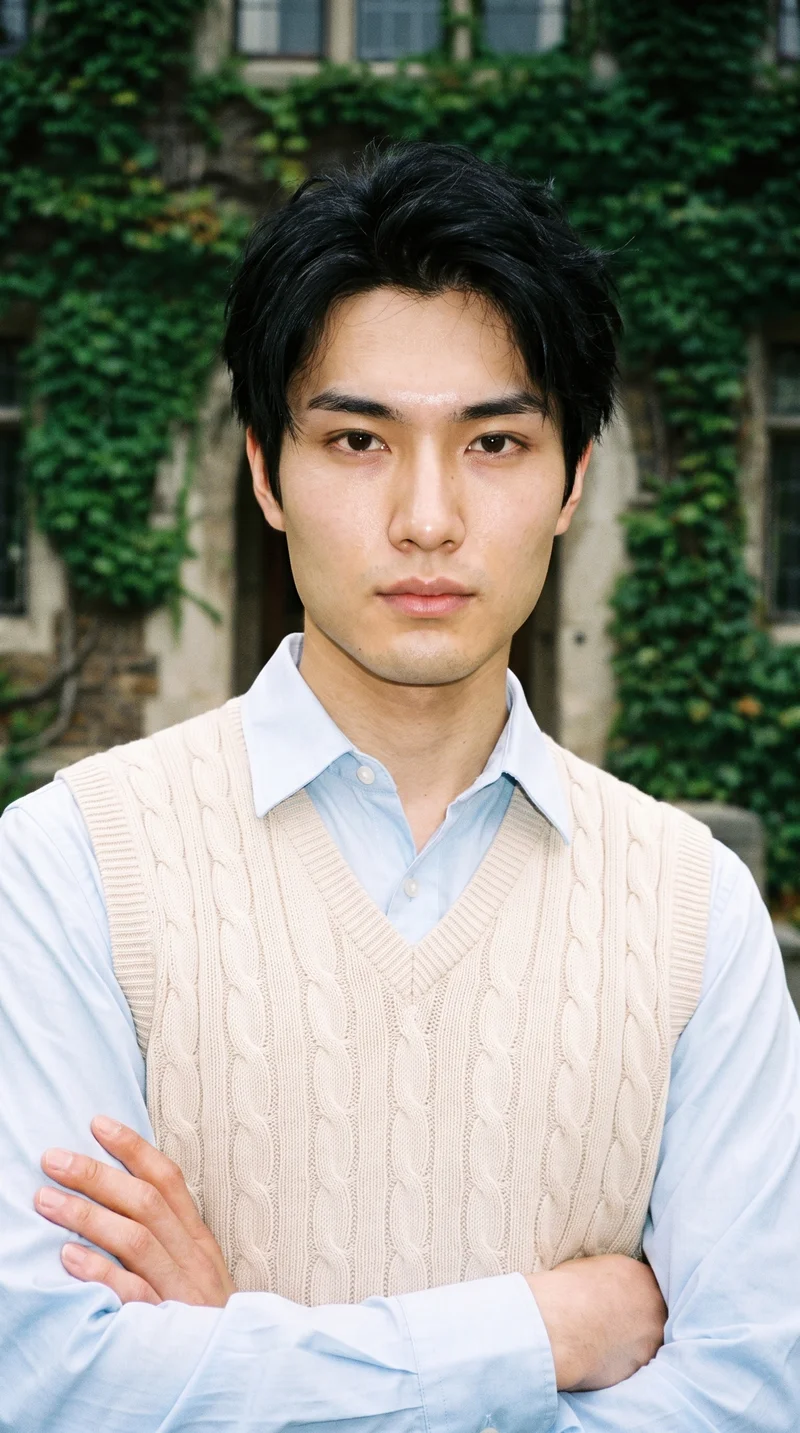
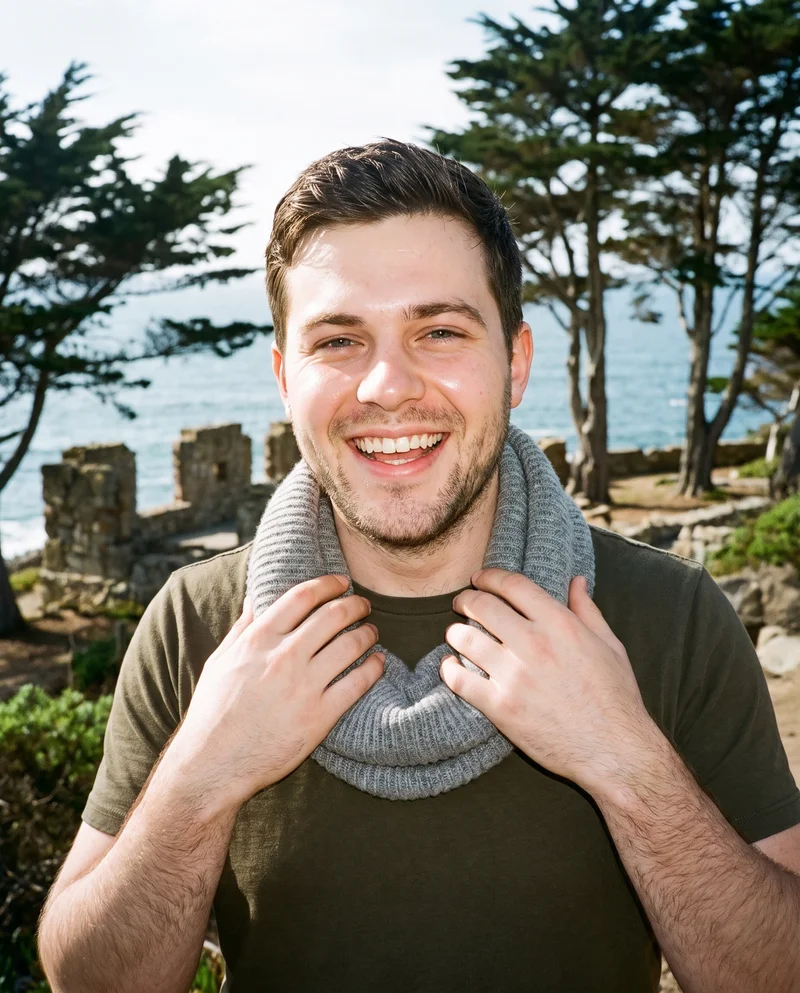
RAWSHOT AI our product
Control-based generators
Best for: Fashion teams that want to set the model, products, styling, scene, pose and framing before an image is taken.
Set the whole composition
Choose the model, up to four products, styling, background, light, frame, camera view, pose, expression, ratio and resolution before the image is made. AI may pre-select settings, but you can change them.
Hold the composition while changing an element
Change one element and the rest of the composition holds, including the model, light and crop. The product is represented around its cut, colour, pattern, logo, drape, material and finish.
Control-based generators
- How it works
- You usually choose the model, garment, pose, setting, framing, and other controls before generating the image.
- Where it struggles
- The setup often takes more decisions than a one-line request, and the available controls shape what can be made.
- Fits
- Teams that need repeatable fashion images and want to see every creative decision before they generate.
Ayna / Ayna Studio
getayna.com
Best for: Apparel brands creating on-model fashion photoshoot imagery from product photos.
Ayna Studio is built for brands making fashion photoshoot and catalogue images from apparel photos.
Strong at
- Supports flat-lay-to-model imagery and workflows using existing on-model apparel images.
- Offers model and background replacement, plus custom brand models.
Check for your products
- Try a subtle-seam garment and a patterned item; compare their details in each generated scene.
grace ai
gracefashion.ai
Best for: Fashion brands making on-model product images, campaigns and lookbooks from their garments.
Fashion brands and teams creating on-model product imagery, campaigns, lookbooks and video.
Strong at
- Describes preserving details such as seams, buttons, prints and logos.
- Supports using the same model across scenes.
Check for your products
- Use the same garment in multiple scenes and check whether garment details and the model identity remain consistent.
Model and product swap tools
- How it works
- You typically upload a garment or model image and combine it with an existing photo, template, or model from a library.
- Where it struggles
- Results usually depend on the source image, and difficult poses, layers, hands, or garment edges can reveal the swap.
- Fits
- Teams that already have a useful source image and need quick variations without rebuilding the full scene.
CatalogX
catalogx.app
Best for: Brands and sellers turning existing garment images into model photos, including accessory presentations.
Sellers and brands creating model photography from garment images for product listings.
Strong at
- Accepts flat-lay, hanger, mannequin and ghost-mannequin garment images as starting points.
- Offers model, pose and scene choices for on-model imagery.
Check for your products
- Compare colour, pattern and embroidery with the source, and check how accessories appear on the model.
FASHN
fashn.ai
Best for: E-commerce teams creating model imagery from flat-lay, mannequin and other product photos.
E-commerce brands making fashion product imagery and virtual try-ons through an AI fashion-content app.
Strong at
- Creates product-to-model imagery from existing product photos.
- Documents attention to details including prints, logos, colours, textures and finishes.
Check for your products
- Try a patterned garment and a logo-bearing product; inspect folds, edges and details against your source.
Modelia
modelia.ai
Best for: Fashion teams turning flat-lay apparel into on-model imagery with model and background choices.
Fashion teams creating imagery from product and reference images, including on-model photos.
Strong at
- Supports flat-lay-to-model imagery with model and background customization.
- Offers reusable AI characters for consistent imagery.
Check for your products
- Use one garment with more than one pose and background, then check fit, texture and the recurring model.
Traditional production services
- How it works
- You usually brief a photographer or studio, ship products or arrange a shoot, and receive edited final images after production.
- Where it struggles
- Scheduling, logistics, reshoots, and per-shoot costs often make rapid iteration or large numbers of variants harder.
- Fits
- Brands that need physical sets, specific talent, tactile art direction, or a fully managed conventional shoot.
Clothing and Product Photography Studio
clothingphotographystudio.com
Best for: Brands that want a conventional studio to prepare products and produce finished clothing images.
Businesses needing a studio to photograph and prepare finished clothing and product images.
Strong at
- Offers on-model and ghost-mannequin photography.
- Prepares and steams products before photography and lists reshoot options.
Check for your products
- Ask how the studio handles product preparation, review, revisions and the photography formats your collection needs.
eCom Fashion Photography
ecomfashionphotography.com
Best for: Fashion brands seeking professional e-commerce photography with studio production and direction.
Fashion brands seeking professional e-commerce photography produced by a studio team.
Strong at
- Offers on-model, flat-lay, ghost-mannequin and video formats.
- Supports remote direction and feedback during photoshoots.
Check for your products
- Discuss how you can direct the shoot and review images, especially for pose, fit and styling requirements.
Prompt-based generators
- How it works
- You describe the image in words, then refine the prompt or regenerate until the composition and styling are close.
- Where it struggles
- Small wording changes can alter the result, and exact garments, recurring models, and repeatable art direction are often harder to hold.
- Fits
- Concept exploration, mood development, and teams comfortable directing images through written prompts.
Freepik AI Image Generator
freepik.com
Best for: Fashion teams combining written direction and visual references to create or refine fashion imagery.
Creating and editing fashion and product imagery from text prompts and visual references.
Strong at
- Combines written direction with visual references for style, characters, objects, colours and cameras.
- Custom Characters and Custom Objects support recurring figures and product imagery.
Check for your products
- Test whether a product reference and character reference preserve the garment’s details across revisions.
Higgsfield AI Product Photography
higgsfield.ai
Best for: Teams steering product-photo variations toward studio, lifestyle, detail or on-model images.
Creating commercial product imagery from uploaded product photos.
Strong at
- Produces studio, lifestyle, detail and on-model imagery from product photos.
- Describes preserving product shape, label, colour and texture.
Check for your products
- Try a product with a clear label or distinctive texture, then inspect it across the image types you need.
AI-assisted services
- How it works
- You usually send a brief and product assets to a managed team, which runs the production process and returns selected final images.
- Where it struggles
- Turnaround, revisions, and creative choices mostly depend on the provider, with less direct control during production.
- Fits
- Teams that want finished work without operating the image tool or production workflow themselves.
MetaModels
metamodels.ai
Best for: Fashion brands seeking managed production with human review of on-model images and video.
Fashion brands needing AI-assisted production from garment packshots, with human review before delivery.
Strong at
- Fashion specialists review outputs for garment accuracy.
- The service describes real-time fabric draping intended to preserve garment details.
Check for your products
- Ask how review handles subtle construction details, patterned fabric and changes requested after delivery.
Sartiq
sartiq.ai
Best for: Fashion brands handing on-model and catalogue image production to a managed provider.
Fashion brands producing consistent on-model imagery aligned with their brand guidelines.
Strong at
- Transforms flat-lays, mannequins and phone shots into on-model imagery.
- Includes post-production and describes revisions against a brand book.
Check for your products
- Share a brand guide and sample products, then review how the provider handles garment details and revisions.
Criteria and tests
What to check for apparel photography
What to look for
- 1Product fidelity: seams, closures, prints, and proportions stay faithful to the garment.
- 2Fit and drape: the fabric falls naturally across standing, seated, and moving poses.
- 3Model consistency: the same person remains recognizable across a complete image set.
- 4Production control: framing, poses, backgrounds, and output ratios can be repeated intentionally.
Test these shots
- 1A plain light garment with subtle seams and low-contrast construction details.
- 2A patterned garment whose print must align across folds, sleeves, and closures.
- 3A layered outfit with overlapping hems, collars, and accessories.
- 4The same garment and model in front, back, seated, and walking views.
- 5One product adapted into a clean PDP crop, a marketplace ratio, and a campaign frame.
Crops to check: Full-length front and back views, Waist-up fit view, Close crop of fabric, seams, and closures, Movement crop with hands and garment edges visible
Questions
Frequently asked questions
Which AI tool fits ai on model photography generator?
Start with the workflow you need. Control-based generators suit teams that want to set the scene before generation; Model and product swap tools suit teams starting from garment images. Traditional production services fit brands needing physical photography and studio handling. Prompt-based generators suit exploratory direction through written requests and references. AI-assisted services suit brands that want a provider to manage production and review. Compare the same product across the workflows that match your constraints.
How is RAWSHOT different from Ayna Studio?
RAWSHOT and Ayna Studio both create fashion imagery, but their starting workflows differ. RAWSHOT exposes the full composition as choices made before the picture is taken, including the model, products, light, pose and framing. Ayna Studio works from uploaded apparel images, with flat-lay-to-model and existing on-model workflows. If you need to build a scene from its component choices, compare RAWSHOT; if you have apparel photos ready to transform, test Ayna Studio with those inputs.
Can AI keep ai on model photography generator details accurate?
It can be assessed, but should not be assumed. Compare the generated image with the actual garment for seams, closures, print alignment, proportions, colour, texture and drape. Include a plain light garment with subtle construction, a patterned piece, and a layered outfit. Check the same garment in front, back, seated and walking views, then inspect a product-page crop and a campaign frame. Keep your original product photos beside the results and decide which differences are acceptable for your use.
Do I still need a photoshoot for ai on model photography generator?
A conventional shoot remains the better choice when the work depends on physical sets, particular talent, tactile art direction or a fully managed production experience. Generated images may be enough when you have product imagery to work from, can direct the result in software, and the output passes your checks for product details, fit and intended use. Traditional production services on this page offer a route to studio-led photography; generated workflows give you another option for images that do not require a physical set.
How should I test a tool before switching?
Run a short trial with your own products rather than relying on a polished example. Include a light garment with fine seams, a print that crosses folds or closures, and a layered outfit with overlapping pieces. Test one item in several views and poses, then check a clean product-page crop, a marketplace format and a campaign frame. Compare outputs with the source garment, note where details shift, and ask your team whether the results fit its actual publishing and review process.
Get started
See your products on a model.
Upload a product, choose the model, pose, setting, and framing, then generate the shot with every decision visible.