
BEST LIST
Best AI Footwear Product Photography Generator
RAWSHOT configures the complete shoot before generation; AI footwear product photography generators also include product-to-model swaps and product photo editors.
- 8 tools
- 3 approaches
- no rankings · no scores
By the RAWSHOT team · Updated
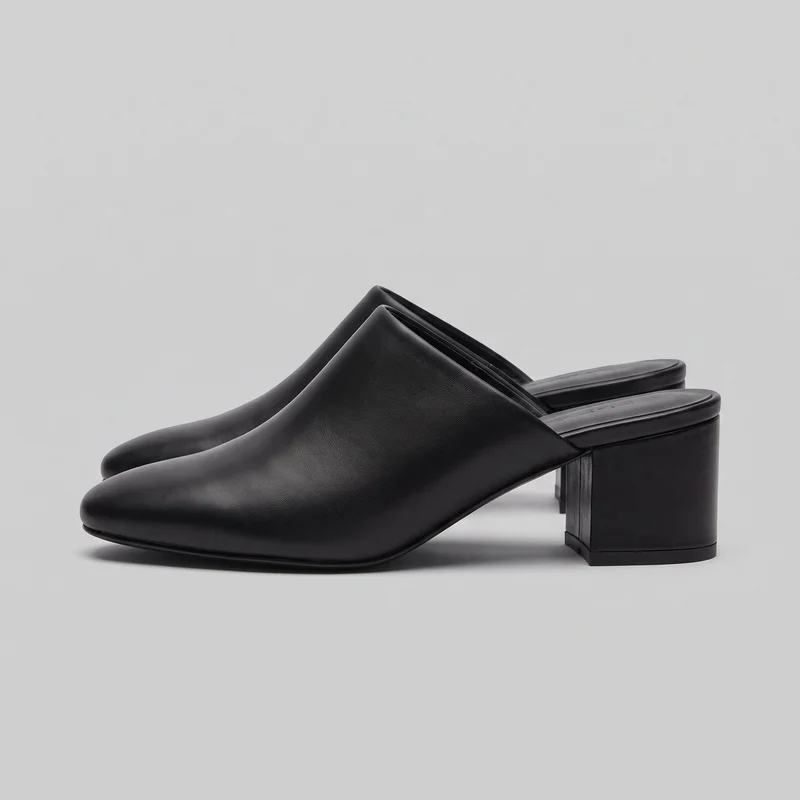
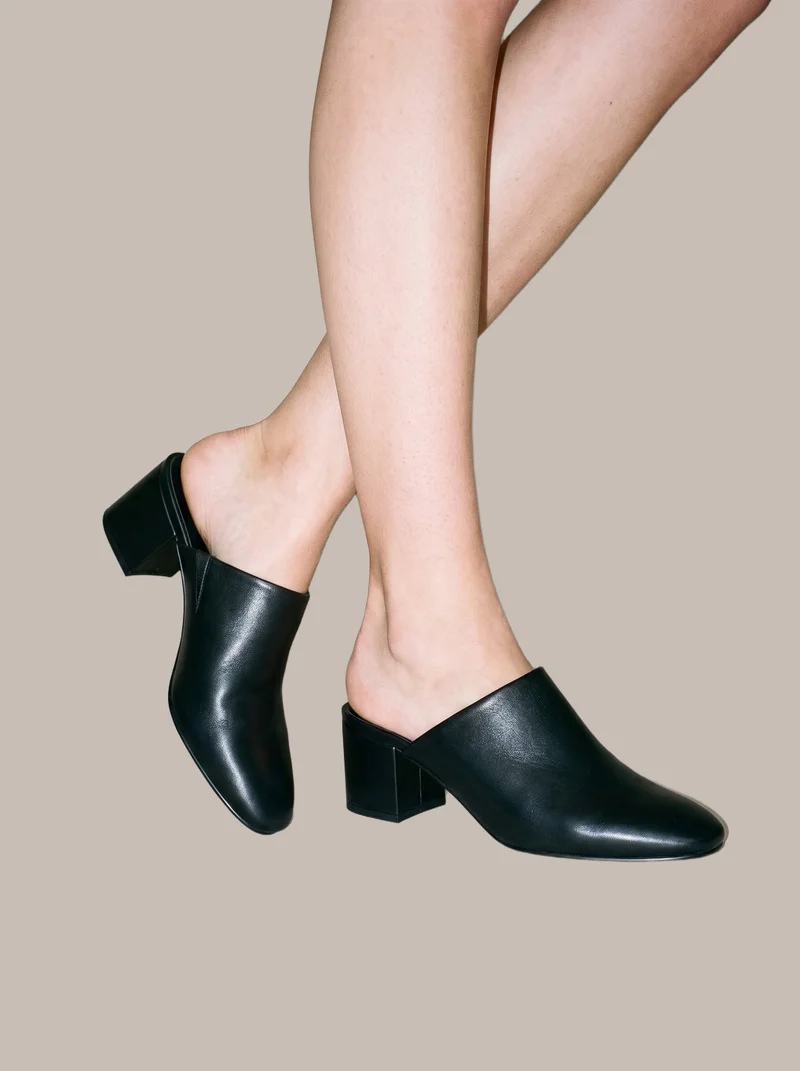 AI-generated · C2PA
THE SHORT ANSWER
RAWSHOT sets the model, footwear, styling, background, light, framing, camera view, pose, expression, ratio, and resolution before taking the image. The main decision is whether to direct a complete shoot, transform an existing source image, or edit finished product photography.
The tools on this list
- 01
RAWSHOT AIour productControl-based generatorsBest for: Strongest when a brand wants to direct every visible part of an on-model footwear composition before generation.
- 02
CaimeraControl-based generatorsBest for: Strongest when flat-lay footwear assets need selectable models, poses, and backgrounds for catalog or editorial production.
- 03
Outfit.fmControl-based generatorsBest for: Strongest when the workflow starts with a product photo and requires direct choices for the model and background.
- 04
CatalogXModel and product swap toolsBest for: Strongest when existing footwear, accessory, flat-lay, hanger, or mannequin photos need an on-model presentation.
- 05
FASHNModel and product swap toolsBest for: Strongest when the available input is a flat-lay, mannequin, product, or model image requiring a connected fashion workflow.
- 06
WearViewModel and product swap toolsBest for: Strongest when clothing or footwear product photos need selectable models, poses, backgrounds, and high-resolution on-model outputs.
- 07
AutoRetouchProduct photo editorsBest for: Strongest when existing footwear product inputs need several coordinated on-model views and a managed validation step.
- 08
PhotoroomProduct photo editorsBest for: Strongest when finished footwear photography needs editing alongside pose-controlled model imagery from uploaded fashion products.
Control-based generators
- How it works
- You usually choose the model, garment, pose, setting, framing, and other controls before generating the image.
- Fits
- Teams that need repeatable fashion images and want to see every creative decision before they generate.
RAWSHOT AIour product
rawshot.ai
Software photo studio that generates original on-model fashion images and video while exposing the complete composition as selectable controls for brands.
Best for
Strongest when a brand wants to direct every visible part of an on-model footwear composition before generation.
Strong at
- The control surface offers 15 frames, 5 camera views, 104 poses, and 10 expressions for composing footwear imagery.
- The accuracy-first image style represents color, pattern, logos, material, finish, and hardware, with 4 photography directions controlling light.
Requirements
- Input:
- Product photo and shoot settings
- Output:
- Newly generated images
- Models:
- Synthetic, licence-free models
Also offers: Finished images can become short videos at 720p or 1080p.
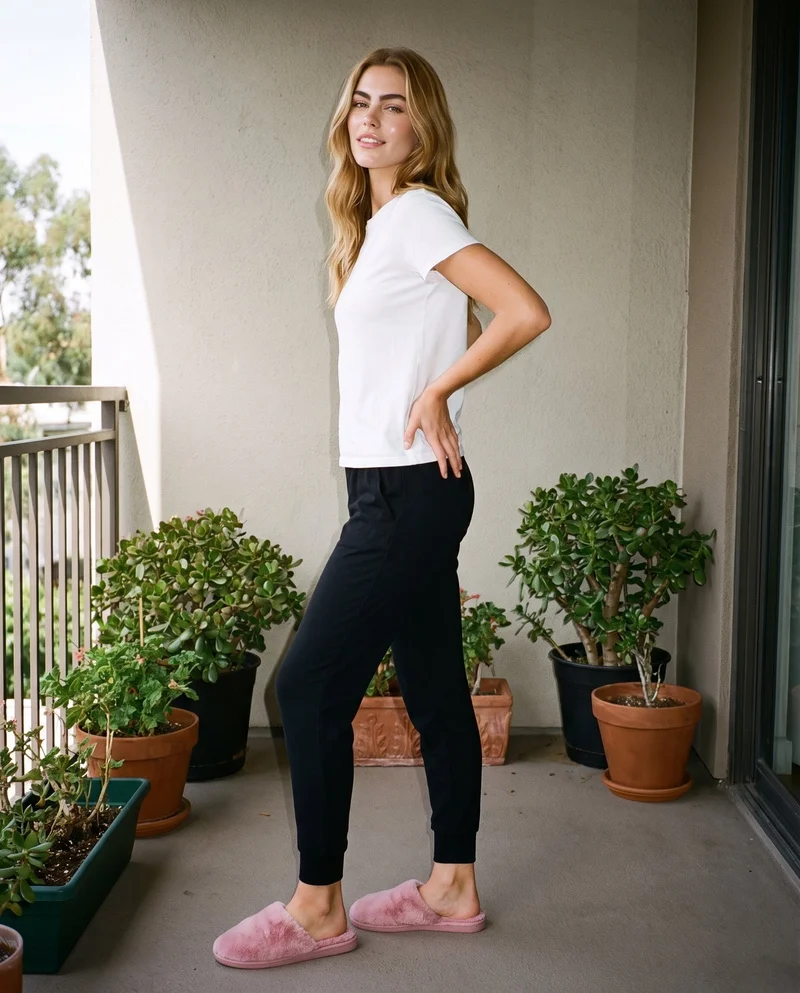
Women's Pink Fluffy Slippers · Full body
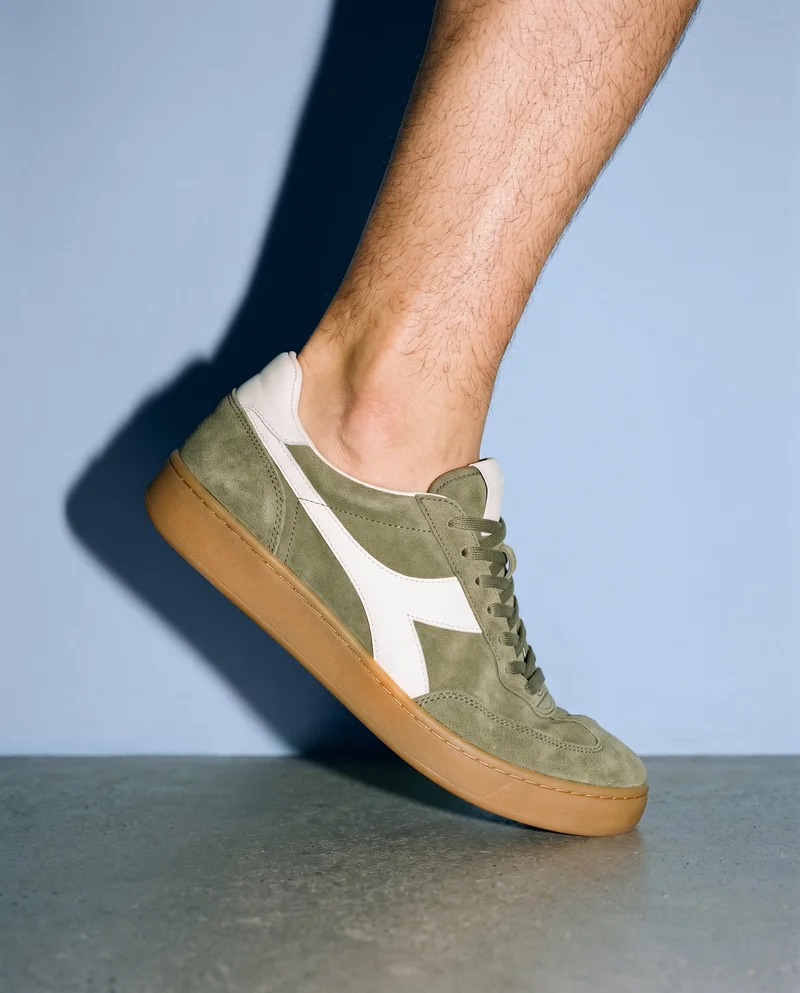
Men's Retro Suede Sneakers · Ankle
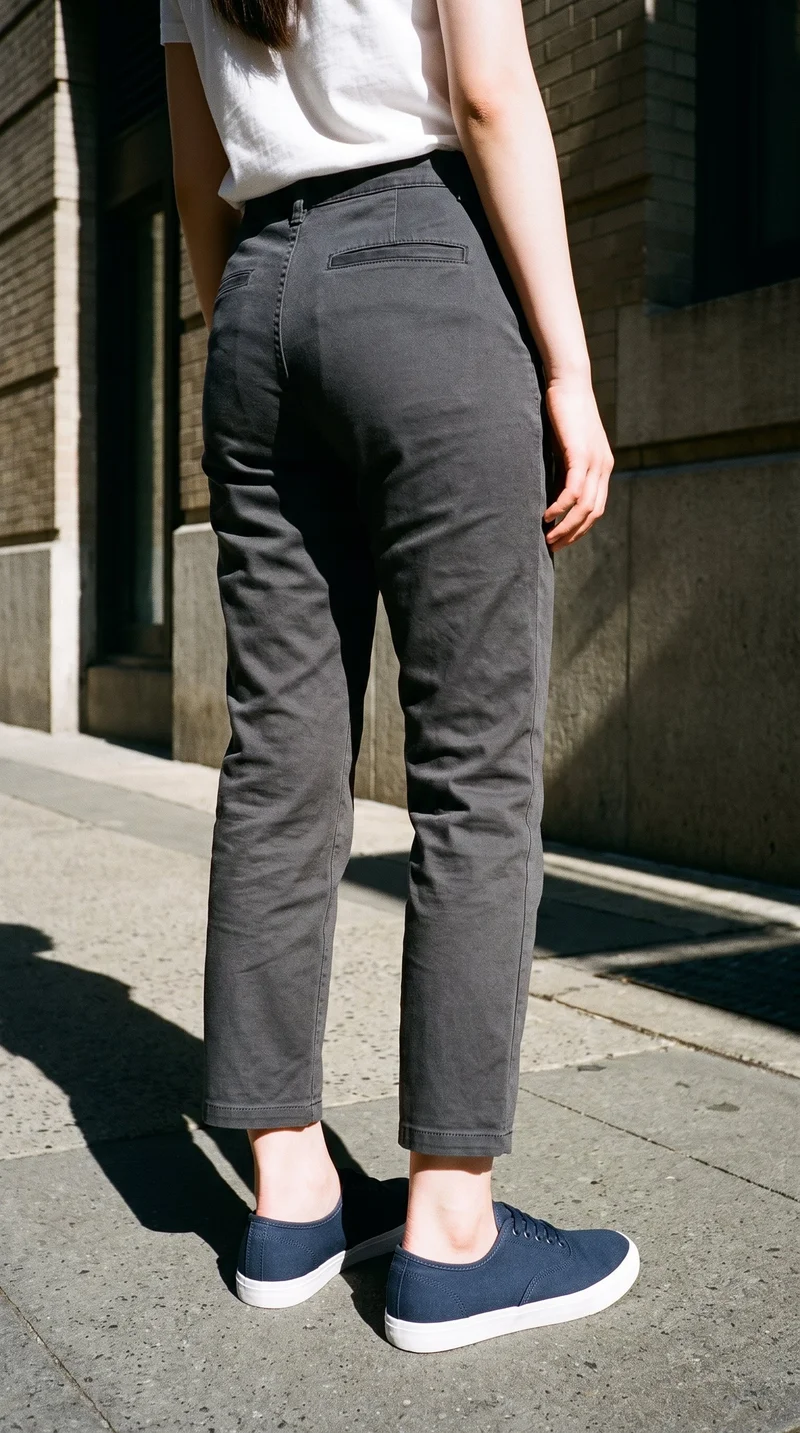
Women's Navy Canvas Sneakers · Lower body
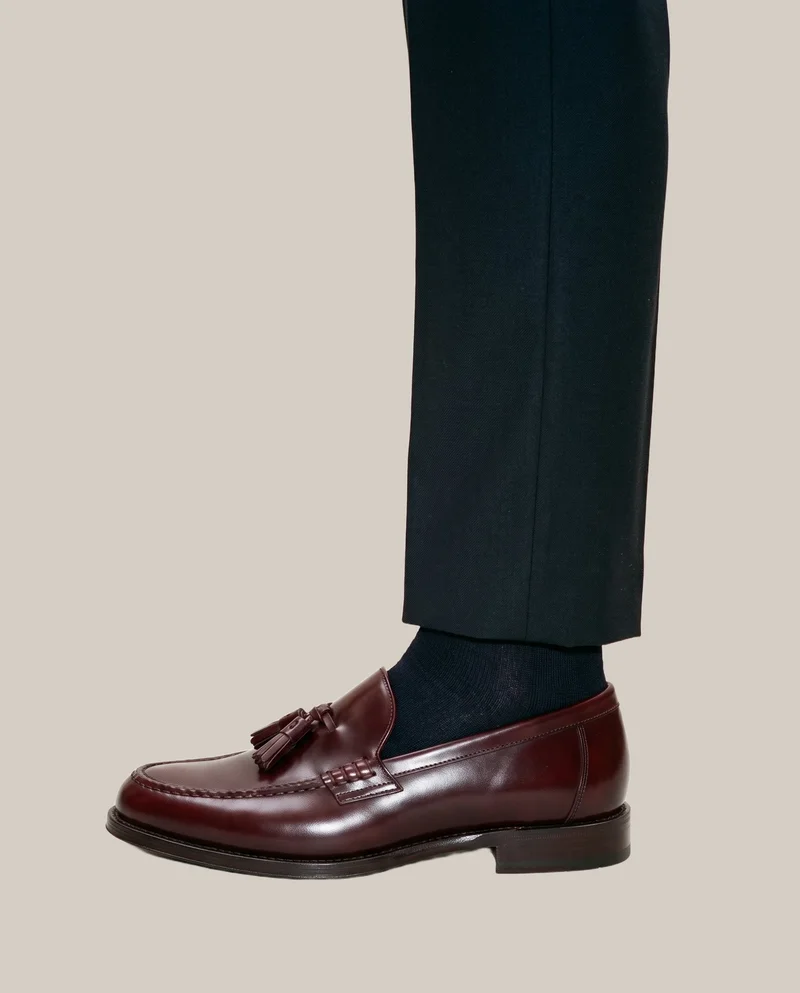
Men's Burgundy Tassel Loafers · Ankle
Caimera
caimera.ai
AI visual production platform for fashion teams creating catalog imagery, editorial visuals, concept images, and edited fashion assets.
Best for
Strongest when flat-lay footwear assets need selectable models, poses, and backgrounds for catalog or editorial production.
Strong at
- Flat-lay product images can become catalog visuals with selected models, poses, and backgrounds.
- Editorial generation can reuse footwear and other products stored in a product library across new fashion compositions.
Requirements
- Input:
- Product photo and shoot settings, text prompt
- Output:
- Newly generated images
- Models:
- Models from a library
- Labelling:
- AI label, watermark
Also offers: Downloads can carry AI disclosure labels or watermarks and XMP metadata.
Outfit.fm
outfit.fm
Self-service fashion platform that generates on-model product photos and videos from uploaded product images for fashion brands.
Best for
Strongest when the workflow starts with a product photo and requires direct choices for the model and background.
Strong at
- An uploaded product photo becomes on-model fashion imagery through a workflow with model and background controls.
- Finished product photos are available as high-resolution downloads for websites, advertisements, and social media.
Also offers: The platform also generates fashion product videos from uploaded assets.
Model and product swap tools
- How it works
- You typically upload a garment or model image and combine it with an existing photo, template, or model from a library.
- Fits
- Teams that already have a useful source image and need quick variations without rebuilding the full scene.
CatalogX
catalogx.app
Self-service AI product photography tool that turns garment and accessory photos into model imagery and catalog assets.
Best for
Strongest when existing footwear, accessory, flat-lay, hanger, or mannequin photos need an on-model presentation.
Strong at
- Footwear can be presented on a model with its size specified in the generation workflow.
- Quality Mode checks source color, pattern, and embroidery and can initiate a reviewed retry when needed.
Also offers: The wider product includes video generation, leaflets, marketplace exports, and an API.
FASHN
fashn.ai
AI fashion-content application that creates on-model product photos, virtual try-ons, edits, and videos from product or model images.
Best for
Strongest when the available input is a flat-lay, mannequin, product, or model image requiring a connected fashion workflow.
Strong at
- Product-to-model generation accepts flat-lay, mannequin, and other product photos as source material for on-model imagery.
- The virtual try-on workflow preserves visible prints, logos, colors, textures, and finishes from the supplied product.
Requirements
- Input:
- Brief and product samples, text prompt
- Models:
- Synthetic, licence-free models, your own model or the shopper
- Labelling:
- Watermark
Also offers: Connected editing and video workflows can reuse generated fashion assets.
WearView
wearview.co
Self-service AI fashion photography tool that converts clothing photos into on-model product images and related fashion assets.
Best for
Strongest when clothing or footwear product photos need selectable models, poses, backgrounds, and high-resolution on-model outputs.
Strong at
- The product-to-model workflow covers footwear, jewelry, hats, bags, clothing, and complete outfits.
- Customers can select the model, pose, background, ethnicity, age, and overall look before downloading high-resolution images.
Also offers: Related tools cover fashion video, custom model creation, ghost-mannequin imagery, and model swaps.
Product photo editors
- How it works
- You typically upload a product shot, then remove or replace the background, retouch details, or resize it for different channels.
- Fits
- Teams with finished product photos that need clean backgrounds, consistent retouching, or channel-ready formats at volume.
AutoRetouch
autoretouch.com
Fashion image production and editing platform whose AI Shoot workflow creates synthetic-model catalog imagery from uploaded product images.
Best for
Strongest when existing footwear product inputs need several coordinated on-model views and a managed validation step.
Strong at
- AI Shoot creates multiple on-model views from existing product inputs using configurable models, SKUs, styling, and post-processing.
- Human quality checks validate production imagery before completed assets move through the documented delivery workflow.
Requirements
- Input:
- Product photo and shoot settings
- Output:
- Newly generated images
- Models:
- Synthetic, licence-free models
- Labelling:
- AI label
Also offers: Programmatic workflows support SKU management, brief submission, result retrieval, and AI editing.
Photoroom
photoroom.com
AI photo-editing and product-photography platform with a fashion workflow that places uploaded products onto selected models.
Best for
Strongest when finished footwear photography needs editing alongside pose-controlled model imagery from uploaded fashion products.
Strong at
- The fashion workflow combines an uploaded product photo with a selected model, pose, and background.
- The API accepts additional product reference images and optional written style guidance for fashion image generation.
Requirements
- Input:
- Product photo and shoot settings, text prompt
- Output:
- Newly generated images
- Models:
- Synthetic, licence-free models, models from a library, your own model or the shopper
- Labelling:
- Watermark
Also offers: The broader platform provides product-photo editing tools for preparing ecommerce imagery.
Criteria and tests
What to check for footwear photography
What to look for
- 1Pair integrity: both shoes keep the correct silhouette, construction, and left-right relationship.
- 2Foot placement: soles meet the ground believably and the ankle, heel, and laces remain coherent.
- 3Material detail: stitching, texture, hardware, and logos survive both wide and close views.
- 4Angle control: side, three-quarter, top, and on-foot views can be reproduced across a range.
Test these shots
- 1A low-profile sneaker with fine stitching, layered panels, and visible laces.
- 2A tall boot where the shaft, heel, and ankle must remain straight and proportional.
- 3A reflective or glossy shoe under directional light without melted highlights.
- 4The same pair in side, three-quarter, top-down, and walking views.
- 5A footwear set that includes both product-only and on-model frames.
Crops to check: Full pair from side and three-quarter angles, On-foot crop from ankle to ground, Close crop of laces, stitching, and hardware, Sole and heel detail
Questions
Frequently asked questions
What does an AI footwear product photography generator actually create?
An AI footwear product photography generator creates or edits product-only, on-model, lifestyle, catalog, and campaign images using real footwear assets as inputs. Control-based generators such as RAWSHOT AI, Caimera, and Outfit.fm construct a directed fashion composition. Model and product swap tools such as CatalogX, FASHN, and WearView transform existing footwear, mannequin, or model images. Product photo editors such as AutoRetouch and Photoroom refine supplied assets or create additional presentations. Choose the workflow according to how complete and usable your current footwear photography is.
Which AI footwear workflow fits product pages, lookbooks, and image updates?
Match the workflow to the asset and creative decision already available. Use control-based generators such as RAWSHOT AI, Caimera, or Outfit.fm when the job requires decisions about the model, pose, setting, or framing before generation. Use model and product swap tools such as CatalogX, FASHN, or WearView when a useful footwear or model image already exists. Use product photo editors such as AutoRetouch or Photoroom when the starting photography mainly needs new views, model treatments, or channel preparation. Review each route with the same footwear references.
Can a footwear retailer use AI imagery across a changing seasonal catalog?
Yes, when the retailer has clear product references and a defined visual standard for every required image type. Prepare clean side, top, sole, and three-quarter footwear photos, plus approved guidance for backgrounds, crops, poses, and model presentation. Control-based generators suit retailers directing new compositions, while model and product swap tools suit teams reusing established source imagery. Product photo editors fit finished assets that need additional treatments. Assign a footwear merchandiser or art director to approve silhouette, materials, construction, color, logos, and pair integrity before publication.
How do I verify AI footwear images preserve construction and material details?
Check every generated image directly against the physical sample or approved product photography. Inspect the toe shape, sole profile, heel height, shaft alignment, panel boundaries, stitching, laces, eyelets, buckles, logos, texture, color, and finish. Confirm that left and right shoes remain a coherent pair and that feet meet the ground naturally in on-model frames. Review side, three-quarter, top, close, and walking views at publication size. Reject any image that changes a selling detail, then regenerate or route the source through an editing and retouching step.
How should AI footwear images enter an existing ecommerce photo workflow?
Start with approved footwear inputs, a required shot plan, and channel specifications for product pages, marketplaces, lookbooks, and campaigns. A photographer or content producer captures clean source views, then a creative lead selects the control-based, swap, or editing workflow. The operator generates the required compositions and exports, while merchandising checks product identity, pair integrity, color, construction, and image sequence. Legal or compliance staff review labeling and usage rights when required. Publish only approved files through the existing DAM, PIM, or commerce workflow, retaining the source images for reference.
What should a footwear brand measure after adopting AI product photography?
Measure whether the workflow improves publication speed without increasing product-representation problems. Track time from approved source photography to a complete product-page image set, internal rejection and regeneration rates, retouching effort, missing-view requests, marketplace rejections, and delayed launches. After publication, monitor engagement by image type, conversion, customer questions about appearance, and returns mentioning color, material, shape, heel height, fit presentation, or differences from the received pair. Compare results by footwear category and workflow, then retain the image formats that pass review consistently and support purchase decisions.
When is a conventional footwear photoshoot still the right production route?
A conventional shoot remains the right route when the physical interaction, creative concept, or proof requirement depends on direct human judgment during capture. Use one for campaign-defining hero work, technically complex movement, unusual reflective materials, exact performance demonstrations, or scenes requiring intricate contact between footwear, terrain, props, and talent. A managed provider also fits teams that want finished assets without operating generation tools. Generated imagery is sufficient for approved catalog extensions, additional model presentations, controlled scene variations, and products whose defining details can be verified against reliable source photography.
How do RAWSHOT AI and CatalogX handle on-model footwear imagery differently?
RAWSHOT AI and CatalogX take distinct workflow routes to on-model footwear imagery. RAWSHOT AI builds the complete composition before generation, exposing the model, outfit, styling, background, light, frame, camera view, pose, expression, ratio, and resolution as selectable controls. CatalogX begins with flat, hanger, mannequin, ghost-mannequin, or accessory photography and places the supplied product into a selected model, pose, and scene. Choose RAWSHOT AI when the job starts with shoot direction; choose CatalogX when the job starts with an established source-image transformation.
Get started
See your products on a model.
Upload a product, choose the model, pose, setting, and framing, then generate the shot with every decision visible.