
BEST LIST
Best Scarf AI On-Model Photography Generator
RAWSHOT configures the complete composition before generation, providing a control-based scarf AI on-model photography workflow.
- 8 tools
- 3 approaches
- no rankings · no scores
By the RAWSHOT team · Updated
 AI-generated · C2PA
THE SHORT ANSWER
RAWSHOT sets the model, up to four products, styling, background, light, framing, view, pose, expression, ratio, and resolution before generating. The main decision is whether you need a directed scarf shoot, a source-image swap, or post-production editing.
The tools on this list
- 01
RAWSHOT AIour productControl-based generatorsBest for: Strongest when every visible decision in a scarf shoot needs direct, selectable control.
- 02
CaimeraControl-based generatorsBest for: Strongest when flat-lay scarves need both catalog treatments and editorial compositions.
- 03
ProvamodaControl-based generatorsBest for: Strongest when the workflow starts with scarf product shots and requires selectable campaign settings.
- 04
Bandy AIModel and product swap toolsBest for: Strongest when one scarf photo needs listing images across model and lifestyle treatments.
- 05
CatalogXModel and product swap toolsBest for: Strongest when scarves or related accessories need specified sizing and on-model presentation.
- 06
FASHNModel and product swap toolsBest for: Strongest when scarf details must carry from a product image into connected fashion workflows.
- 07
GreenOnionProduct photo editorsBest for: Strongest when one scarf photo must support coordinated PDP and marketplace image sets.
- 08
PhotoroomProduct photo editorsBest for: Strongest when uploaded scarf photos need editing before consistent ecommerce publication.
Control-based generators
- How it works
- You usually choose the model, garment, pose, setting, framing, and other controls before generating the image.
- Fits
- Teams that need repeatable fashion images and want to see every creative decision before they generate.
RAWSHOT AIour product
rawshot.ai
Browser photo studio that generates original on-model fashion images and video from a brand’s real products.
Best for
Strongest when every visible decision in a scarf shoot needs direct, selectable control.
Strong at
- The composition controls include 15 frames, five camera views, 104 poses, and 10 expressions.
- Up to four products can be combined in one outfit with the model, lighting, and crop held in the composition.
Requirements
- Input:
- Product photo and shoot settings
- Output:
- Newly generated images
- Models:
- Synthetic, licence-free models
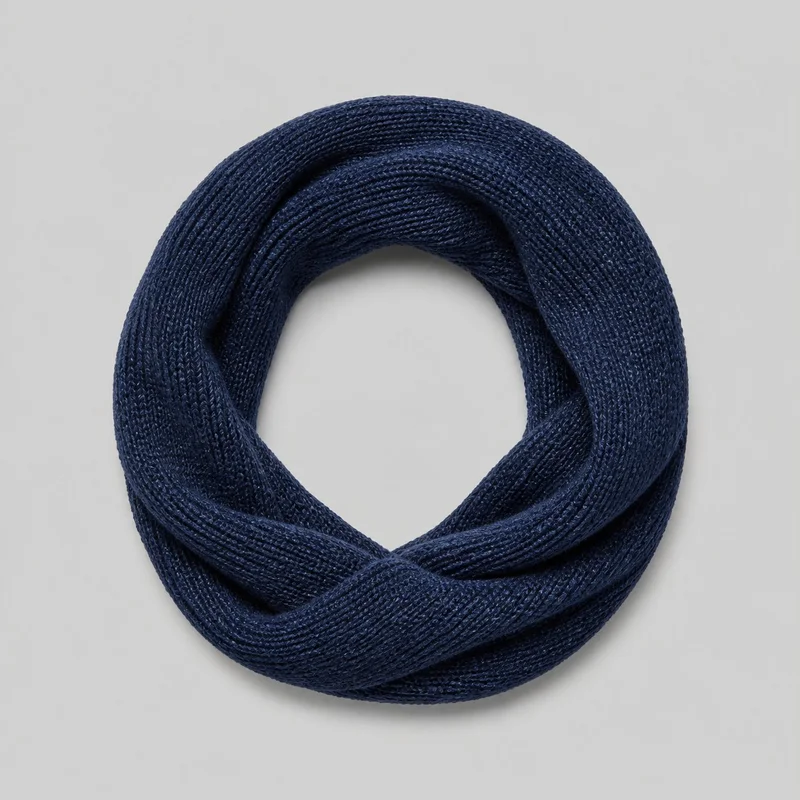
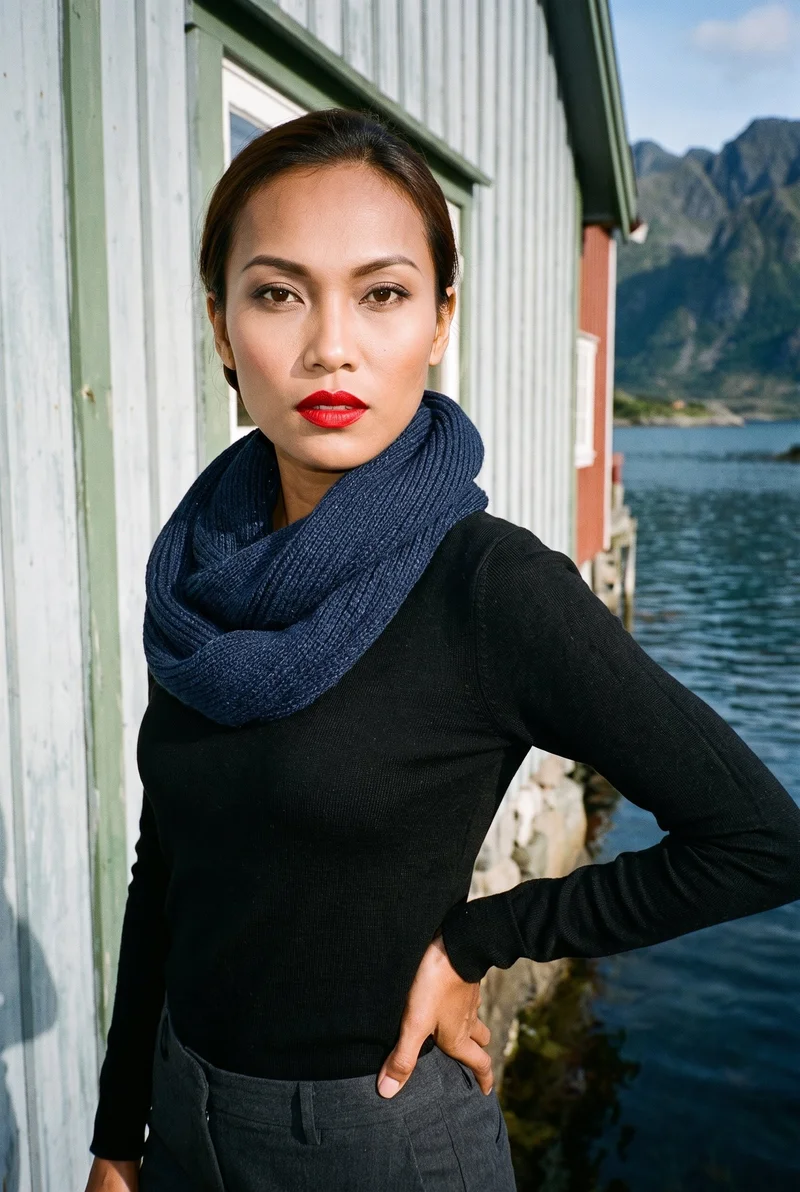
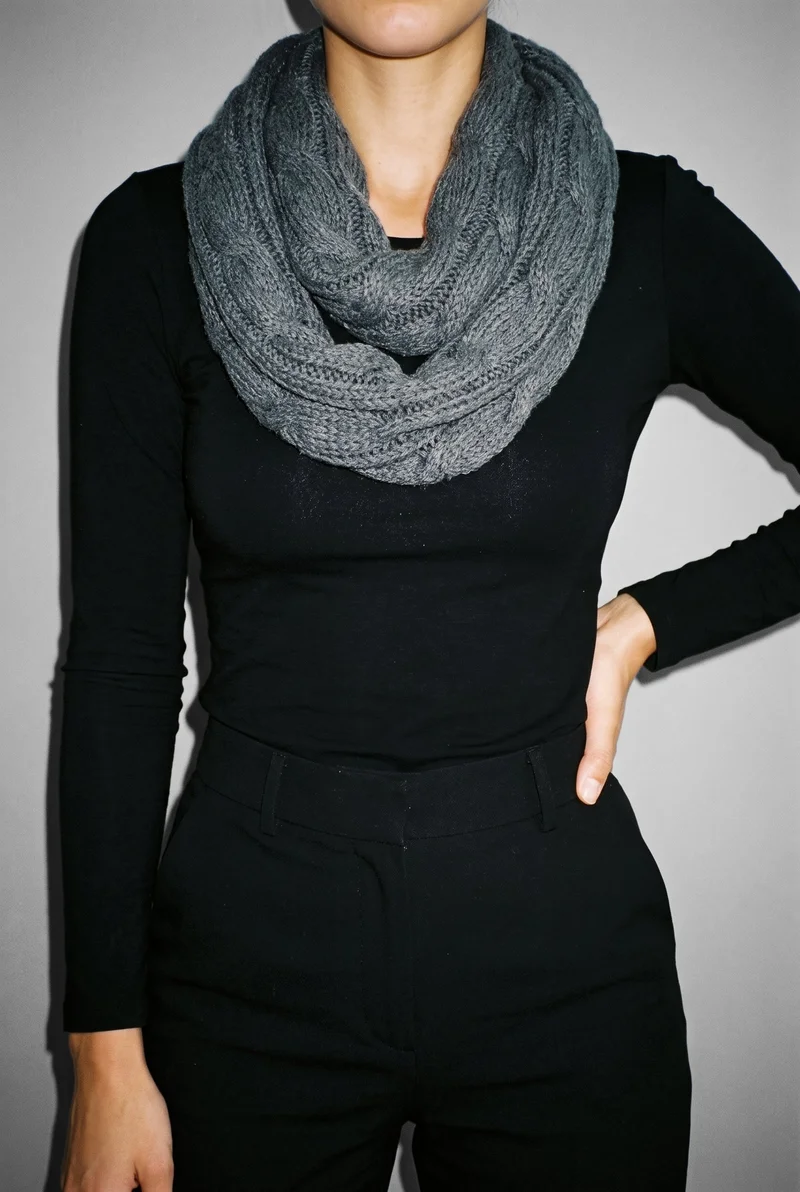
Women's Grey Knit Snood · Torso
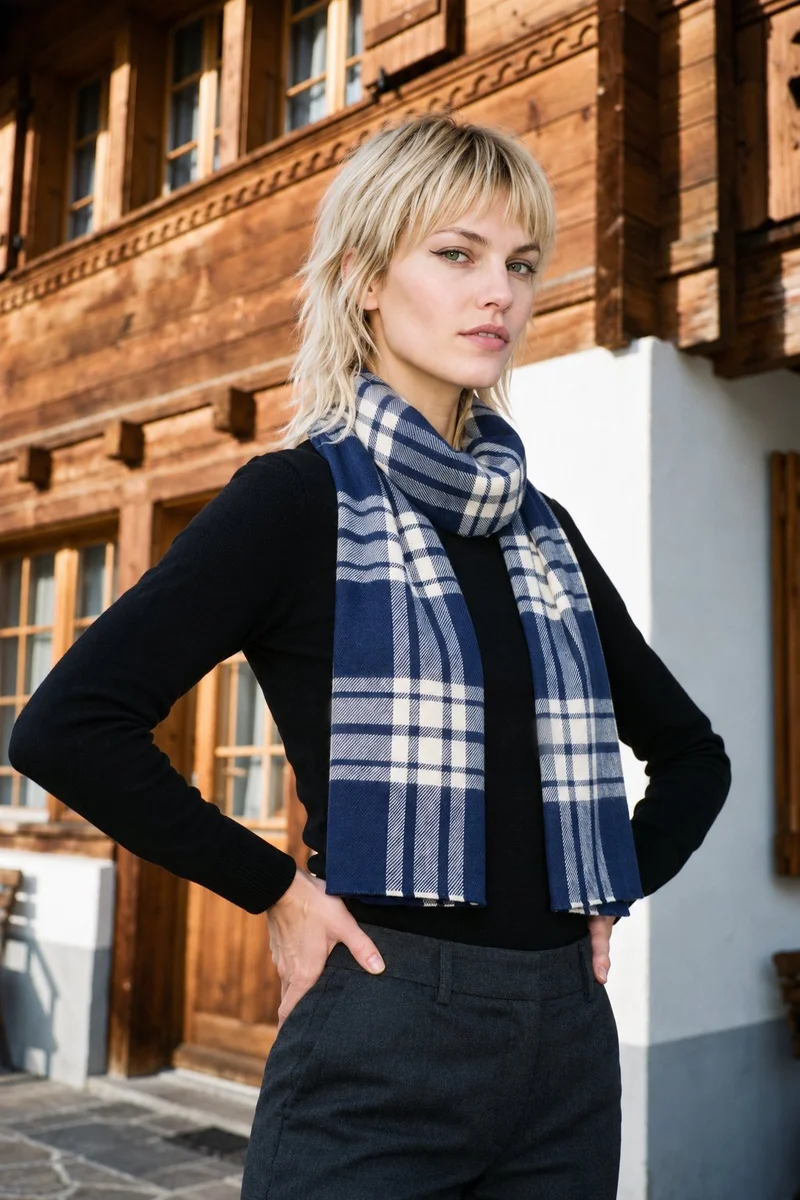
Women's Navy Checked Wool Scarf · Upper body
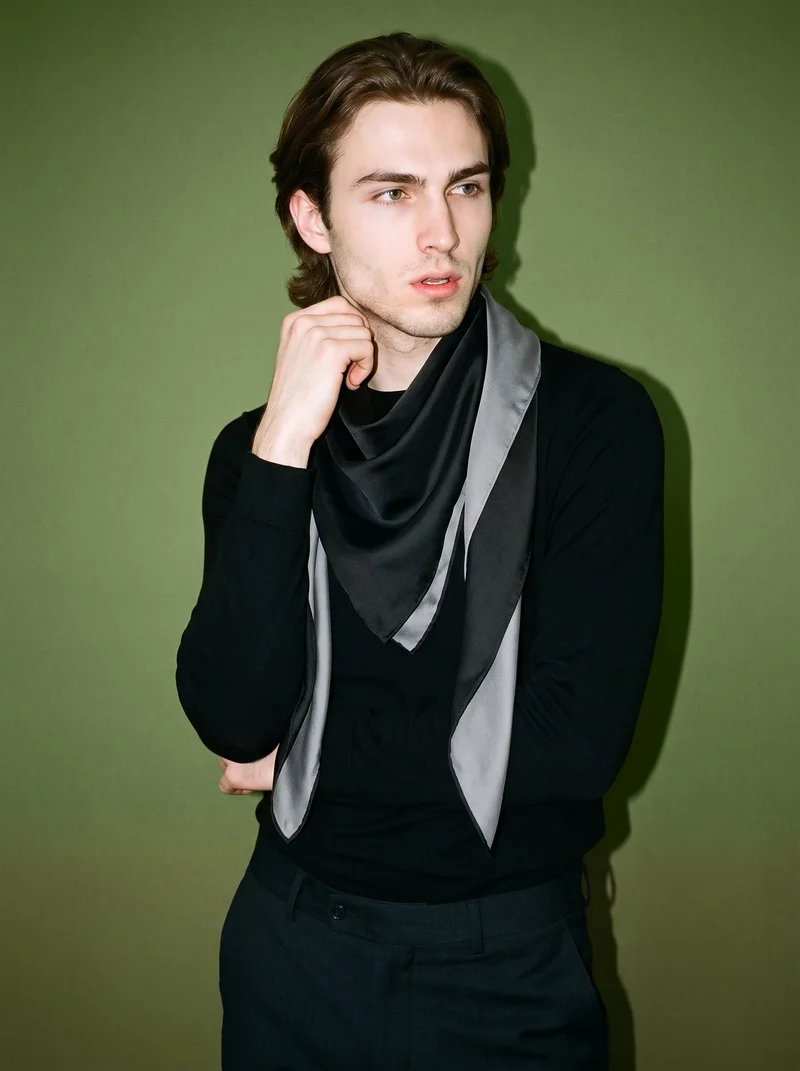
Men's Black Silk Scarf · Upper body
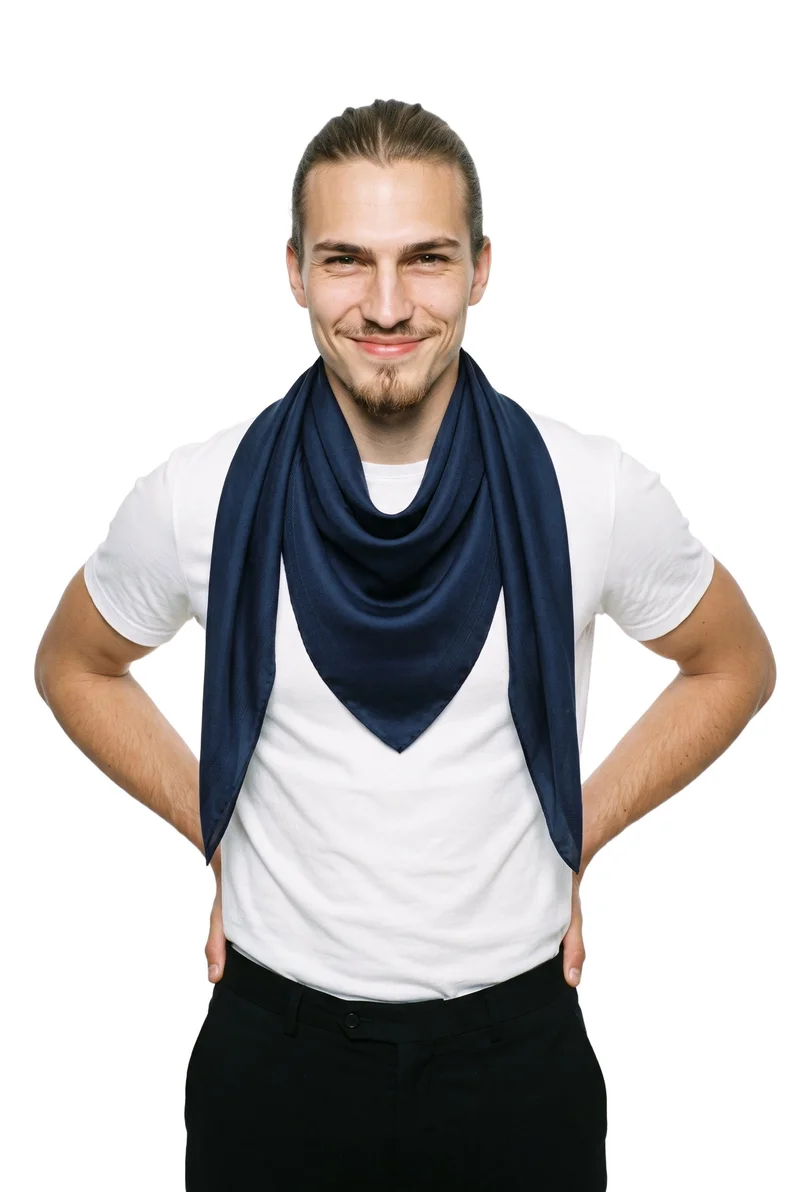
Men's Navy Silk Scarf · Upper body
Caimera
caimera.ai
AI visual production platform for fashion teams creating catalog imagery, editorial images, concepts, and image edits.
Best for
Strongest when flat-lay scarves need both catalog treatments and editorial compositions.
Strong at
- Flat-lay product images can become catalog images with selectable models, poses, and backgrounds.
- Editorial images can reuse products stored in a product library across fashion categories.
Requirements
- Input:
- Product photo and shoot settings, text prompt
- Output:
- Newly generated images
- Models:
- Models from a library
- Labelling:
- AI label, watermark
Provamoda
provamoda.ai
Self-service fashion photography tool that places uploaded products into model and scene imagery for campaigns.
Best for
Strongest when the workflow starts with scarf product shots and requires selectable campaign settings.
Strong at
- Flat lays or product shots can be combined with selected models, poses, locations, and camera styles.
- Model controls include body type and skin tone, alongside scene and location choices.
Model and product swap tools
- How it works
- You typically upload a garment or model image and combine it with an existing photo, template, or model from a library.
- Fits
- Teams that already have a useful source image and need quick variations without rebuilding the full scene.
Bandy AI
bandy.ai
Ecommerce creative agent that generates product images and videos, including on-model listing imagery from uploaded products.
Best for
Strongest when one scarf photo needs listing images across model and lifestyle treatments.
Strong at
- One uploaded product photo can become a listing-image set with multiple views and lifestyle scenes.
- The try-on workflow supports a model library or an uploaded custom model or face.
Requirements
- Input:
- Product photo and shoot settings, text prompt
- Output:
- Your product on library photos
- Models:
- Models from a library, your own model or the shopper
CatalogX
catalogx.app
Self-service fashion photography tool that turns garment and accessory photos into images of products on models.
Best for
Strongest when scarves or related accessories need specified sizing and on-model presentation.
Strong at
- Inputs include flat-lay, hanger, mannequin, and ghost-mannequin product images for worn presentations.
- Accessory workflows cover bags, jewelry, watches, footwear, and other products with specified sizing.
FASHN
fashn.ai
AI fashion-content app for creating on-model product photos, virtual try-ons, edits, and videos from product or model images.
Best for
Strongest when scarf details must carry from a product image into connected fashion workflows.
Strong at
- Virtual try-on preserves product details including prints, logos, colors, textures, and finishes.
- Flat-lay, mannequin, and other product photos can become on-model fashion imagery.
Requirements
- Input:
- Brief and product samples, text prompt
- Models:
- Synthetic, licence-free models, your own model or the shopper
- Labelling:
- Watermark
Product photo editors
- How it works
- You typically upload a product shot, then remove or replace the background, retouch details, or resize it for different channels.
- Fits
- Teams with finished product photos that need clean backgrounds, consistent retouching, or channel-ready formats at volume.
GreenOnion
greenonion.ai
Self-service product image generator that turns one product photo into coordinated, platform-ready ecommerce imagery.
Best for
Strongest when one scarf photo must support coordinated PDP and marketplace image sets.
Strong at
- A single product photo can produce hero, detail, lifestyle, feature, comparison, and trust images.
- Dedicated workflows cover Amazon, Etsy, Shopify, fashion, and general product photography.
Also offers: Fashion model photography is included alongside marketplace-specific workflows and an image editor.
Photoroom
photoroom.com
AI photo-editing and product-photography platform that works from uploaded product photos for ecommerce image production.
Best for
Strongest when uploaded scarf photos need editing before consistent ecommerce publication.
Strong at
- Its photo-editing platform turns uploaded product photos into finished product-photography assets.
- The API accepts extra product reference images and optional text guidance for visual styling.
Requirements
- Input:
- Product photo and shoot settings, text prompt
- Output:
- Newly generated images
- Models:
- Synthetic, licence-free models, models from a library, your own model or the shopper
- Labelling:
- Watermark
Also offers: Its AI Fashion Models workflow places uploaded clothing products onto preset or custom models with pose and background controls.
Criteria and tests
What to check for product photography
What to look for
- 1Product fidelity: shape, proportions, logos, and hardware stay faithful to the real item.
- 2Material rendering: leather, metal, fabric, and glossy surfaces keep their texture and finish.
- 3Scale and placement: the product sits at a believable size on the model, hand, or surface.
- 4View consistency: the same item keeps its details across wide, close, and alternate angles.
Test these shots
- 1An item with a printed or embossed logo that must stay sharp and correctly placed.
- 2A product with metal hardware, zips, or buckles under directional light.
- 3A soft or structured item whose silhouette must hold when worn or carried.
- 4The same item in front, side, and three-quarter views.
- 5One product adapted into a clean PDP crop, a marketplace ratio, and a campaign frame.
Crops to check: Full product view showing scale, In-use crop on the model or in the hand, Close crop of logos, hardware, and material, Alternate angle of the same item
Questions
Frequently asked questions
What does a scarf AI on-model photography generator actually create?
A scarf AI on-model photography generator turns scarf product assets into images showing the item worn, wrapped, draped, or styled on a model. Control-based generators such as RAWSHOT AI, Caimera, and Provamoda define the composition before generation. Model and product swap tools such as FASHN, CatalogX, and Bandy AI work from existing product or model images. Product photo editors such as Photoroom and GreenOnion prepare supporting ecommerce assets. Choose the workflow based on how much of the composition already exists.
Which workflow fits a scarf brand creating on-model product pages?
The right workflow depends on whether the brand wants to direct a new composition, adapt an existing image, or finish channel assets. Use control-based generators such as RAWSHOT AI, Caimera, or Provamoda when the model, pose, setting, and framing need to be selected. Use model and product swap tools such as FASHN, CatalogX, or Bandy AI when useful scarf or model photography already exists. Use product photo editors such as Photoroom or GreenOnion for supporting crops, backgrounds, and marketplace images.
Does AI on-model scarf photography work for a small accessories retailer?
It fits a small accessories retailer that has clear product references and a defined approval process. Prepare sharp scarf photos showing the full silhouette, weave, print, edges, fringe, labels, and any hardware. A control-based generator suits retailers directing complete compositions, while a model and product swap tool suits sellers starting with an approved model or product image. Product photo editors can prepare the resulting assets for storefronts and marketplaces. Begin with visually demanding scarves and approve the workflow before expanding the assortment.
How do I verify that AI scarf photos preserve prints and edges?
Check every generated image against the original scarf at both full-image and close-crop views. Inspect print placement, color boundaries, weave, edge stitching, fringe count and direction, logo position, proportions, and the way the fabric drapes around the body. RAWSHOT AI is engineered around cut, color, pattern, logo, drape, and material; FASHN preserves prints, logos, colors, textures, and finishes; CatalogX checks color, pattern, and embroidery. Review front, side, and detail crops before approving publication.
Where should AI scarf images enter an existing ecommerce photo workflow?
AI scarf images should enter after product references are approved and before final channel formatting. A merchandiser supplies clean flat lays, mannequin photos, or existing model images, then selects a control-based generator or a model and product swap tool. The brand reviewer checks print placement, dimensions, drape, labels, fringe, and color against the physical scarf. A product photo editor then prepares backgrounds, crops, and marketplace formats. Publish only approved outputs to product pages, campaign modules, and marketplace listings.
What should a retailer measure after adopting AI scarf photography?
Track production and commercial signals rather than judging the workflow from visual preference alone. Measure time from approved product photo to published listing, the share of images rejected during review, revision frequency, missing-detail errors, and inconsistencies between product-page views. After publication, monitor engagement with alternate images, add-to-cart behavior, conversion, and returns mentioning color, scale, print, texture, or appearance. Compare results by scarf material and pattern complexity. Keep the workflow that reduces delays without increasing product-representation complaints.
When is a conventional photoshoot preferable for silk or patterned scarves?
Use a conventional photoshoot when the campaign depends on physical art direction, unusual fabric movement, complex layering, or close tactile studies that require decisions on set. It is also the clearer route when the scarf sample must be inspected continuously for translucency, sheen, hand-finished edges, or precise interactions with props. Generated images are enough for validated product-page views, colorways, and routine campaign compositions when the references clearly show those details. Match the production route to the approval standard for each scarf.
How does RAWSHOT AI differ from FASHN for scarf model images?
RAWSHOT AI and FASHN use different workflows for creating scarf model images. RAWSHOT AI sets the complete composition before generation, including the model, products, styling, background, light, frame, camera view, pose, expression, ratio, and resolution. FASHN starts from product or model images and connects virtual try-on, product-to-model, editing, and video workflows. Choose RAWSHOT AI when directing the complete scarf composition is the job; choose FASHN when existing assets anchor the workflow.
Get started
See your products on a model.
Upload a product, choose the model, pose, setting, and framing, then generate the shot with every decision visible.