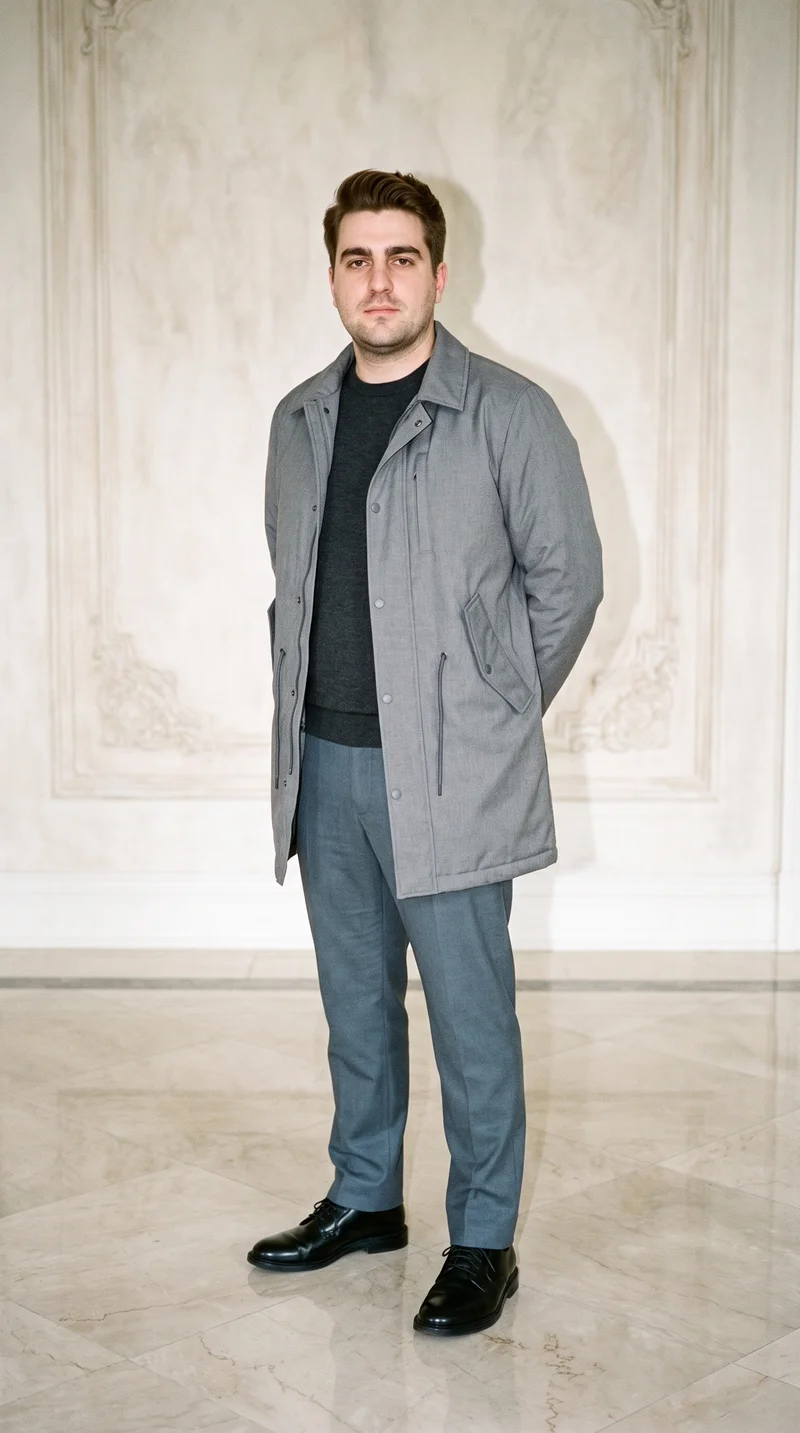
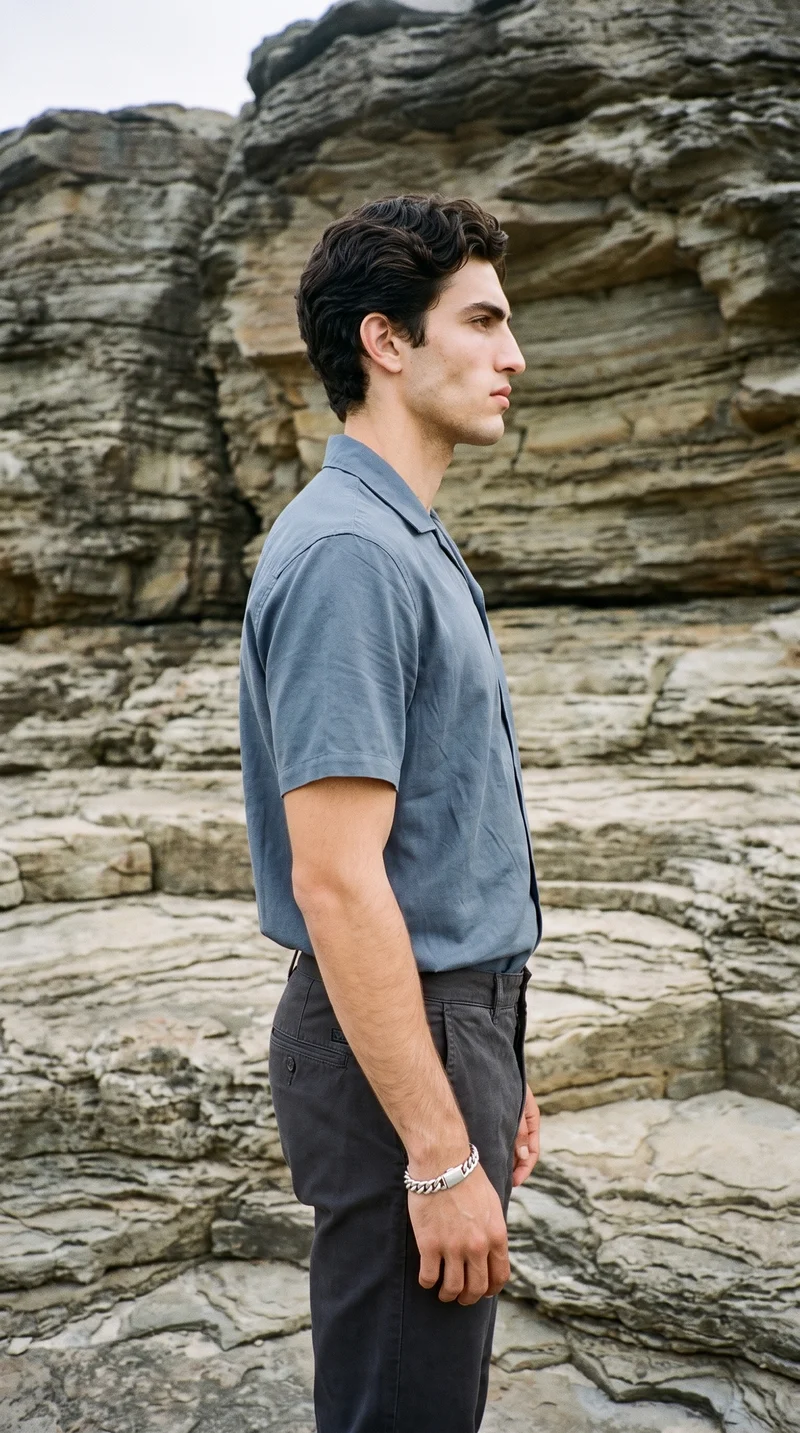
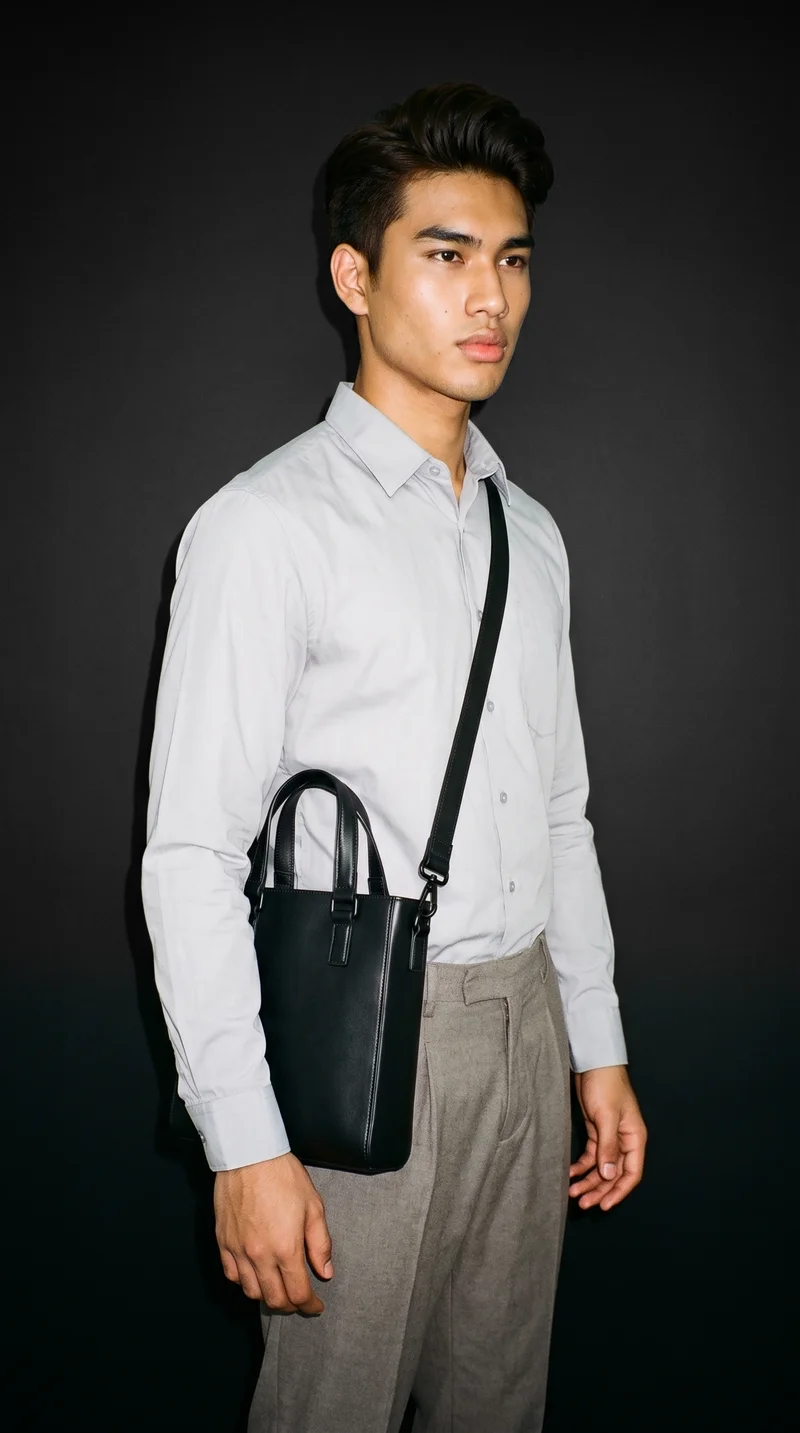
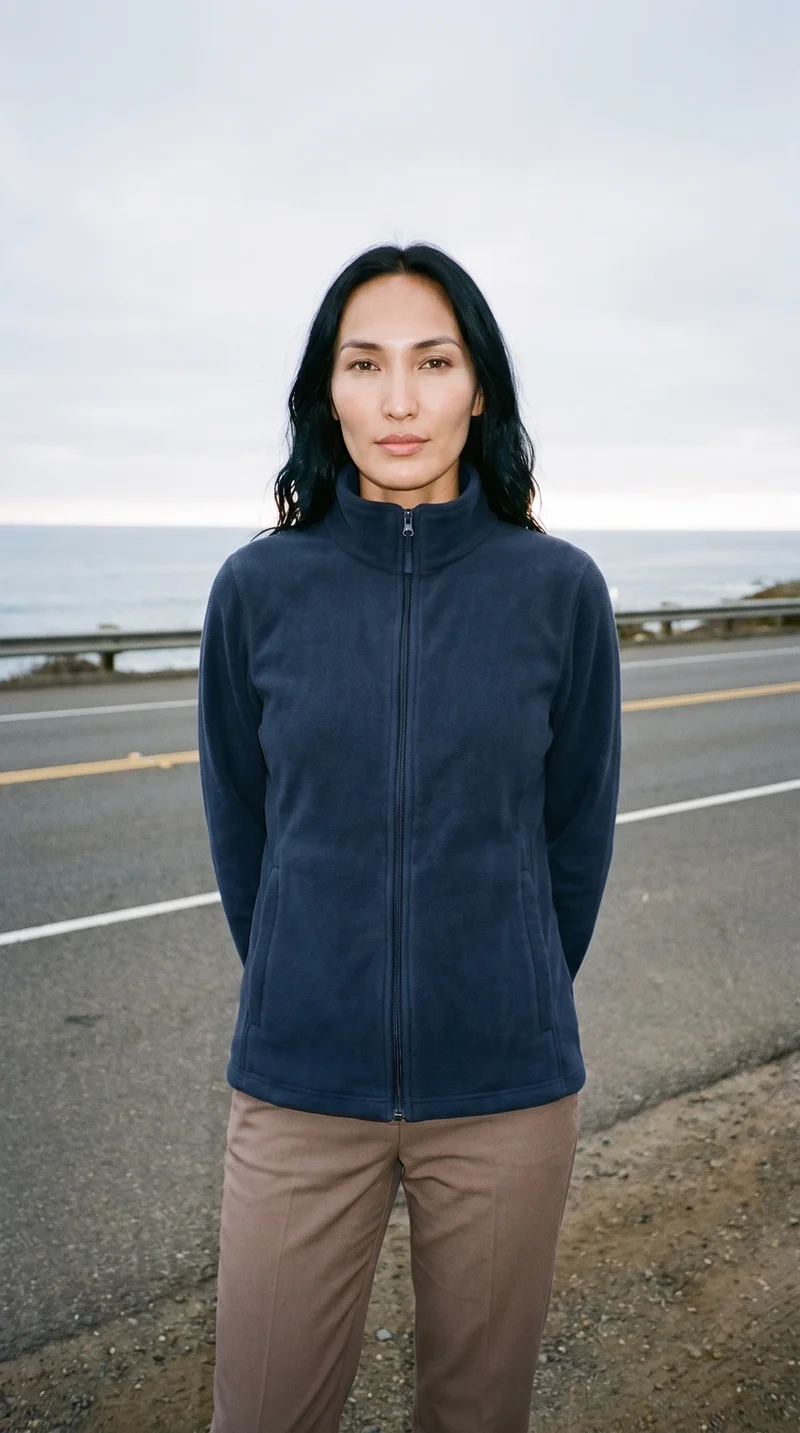
FeatureFashion video reelsRAWSHOT · 2026

Product video · 9:16 · 4–6s

Direct your next drop in motion with the AI Fashion Video Generator

Generate garment-led fashion reels built for launches, PDP motion, and social cutdowns. Select camera motion, framing, lighting, background, duration, and aspect ratio with buttons and presets in a real application for fashion teams. No studio. No samples. No prompts.

  • ~$0.22 per second
  • ~50–60s per generation
  • 150+ styles
  • 9:16, 1:1, 4:5, 16:9
  • 720p or 1080p
  • Full commercial rights

7-day free trial • 30 tokens (10 images) • Cancel anytime

Try it — every setting is a click
9:16 · 720p
1 scenes6s

Block the scene. Zero prompts.

This setup starts with a clean apparel reel: standing-still model action, full-body framing, studio softbox light, light grey seamless backdrop, one shot, six seconds, vertical output. It matches the keyword's core job: fast fashion motion content directed through controls, not text syntax. ~4s clip · locked camera

  • 1 clicks · 0 keystrokes
  • app.rawshot.ai / build_scene
Video Builder
app.rawshot.ai / build_scene
Shot count
Framing
Duration (sec)
6s
Lighting
Background
Resolution
Aspect ratio
Model action
Camera motion
1 scenes · 6s · Static locked
Generate reel

How it works

Build Fashion Reels Like a Shoot Plan

From garment upload to final export, each step keeps motion direction structured, repeatable, and usable for commerce teams.

  1. Step 01
    Customize photoshoot

    Upload the Garment

    Start from the product. Your garment becomes the anchor for the reel, so colour, cut, print, logo, and proportion stay central to every motion output.

  2. Step 02
    Select images

    Direct the Motion

    Choose framing, model action, camera movement, lighting, background, duration, and aspect ratio with clicks. The interface behaves like production software, not a chat box.

  3. Step 03
    Video shoot

    Generate and Ship

    Render the reel, review labelled output, and publish through your content workflow. Use the browser for one-off launches or the API for catalog-scale motion pipelines.

Spec sheet

Proof for Garment-Led Motion at Scale

These twelve surfaces show why click-directed apparel video works for both single launches and high-volume catalog operations.

  1. 01

    Synthetic Models by Design

    Every model is built from 28 body attributes with 10+ options each. Accidental real-person likeness is statistically negligible by design, and output stays transparently labelled.

  2. 02

    Every Setting Is a Click

    Camera motion, pose, framing, light, background, and style live in controls you can see. You direct the reel through buttons, sliders, and presets, never an empty text field.

  3. 03

    The Garment Leads the Frame

    RAWSHOT is engineered around the product, so cut, colour, pattern, logo, fabric feel, and drape remain the brief. Motion starts from apparel accuracy, not generic image invention.

  4. 04

    Diverse Cast, Consistent System

    Work with a broad range of synthetic models for different brand needs while keeping the workflow uniform. The same controls apply whether you need campaign energy or clean commerce motion.

  5. 05

    Consistency Across SKU Batches

    Keep the same model, framing logic, and scene language across many products. That steadiness matters when you need reels for a collection, a category page, or a nightly batch.

  6. 06

    150+ Visual Style Presets

    Move from catalog clarity to editorial mood, lifestyle, street, vintage, noir, or campaign polish without rebuilding the workflow. Style is selectable, not improvised.

  7. 07

    Formats Built for Channels

    Generate in 9:16, 1:1, 4:5, or 16:9 at 720p or 1080p. Make one motion system serve PDP modules, paid social, landing pages, and marketplace placements.

  8. 08

    Labelled and Compliance-Ready

    Outputs are AI-labelled, watermarked, and aligned with EU AI Act Article 50, California SB 942, and GDPR expectations. Honesty is built into the product, not added later.

  9. 09

    Signed Audit Trail per Reel

    Each asset carries provenance metadata and an audit trail that operations teams can trace. That matters when brand, legal, and platform teams ask what an asset is and where it came from.

  10. 10

    Browser to REST API

    Use the GUI for one launch-day reel or connect the REST API for catalog-scale automation. The indie team and the enterprise catalog team work on the same engine.

  11. 11

    Fast, Transparent Throughput

    Video runs at about $0.22 per second, with generations typically finishing in around 50–60 seconds. Tokens never expire, and failed generations refund tokens automatically.

  12. 12

    Permanent Worldwide Rights

    Every output includes full commercial rights, permanent and worldwide. That gives fashion operators a clear publishing path across storefronts, ads, social, and campaign edits.

Outputs

See Motion Outputs Across Formats

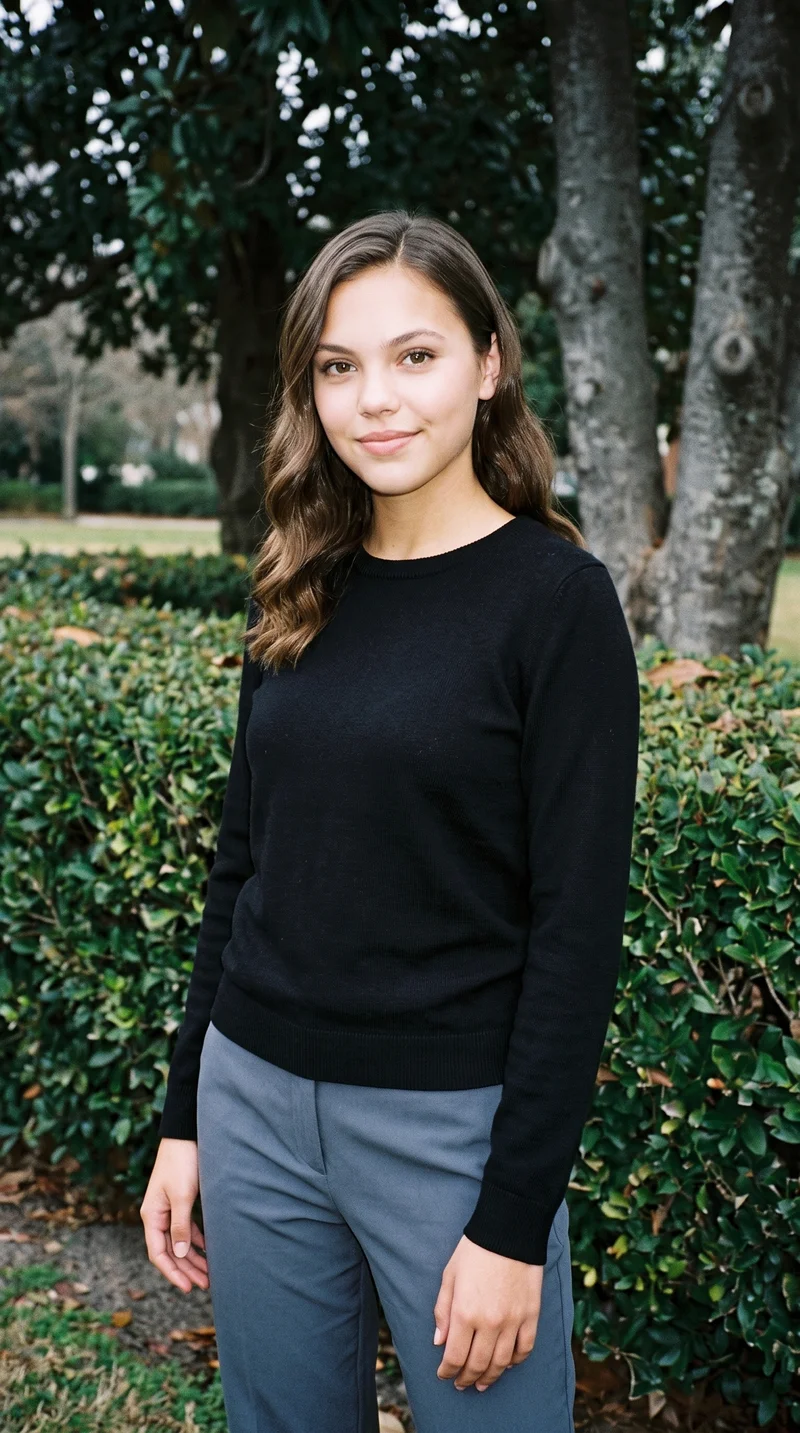
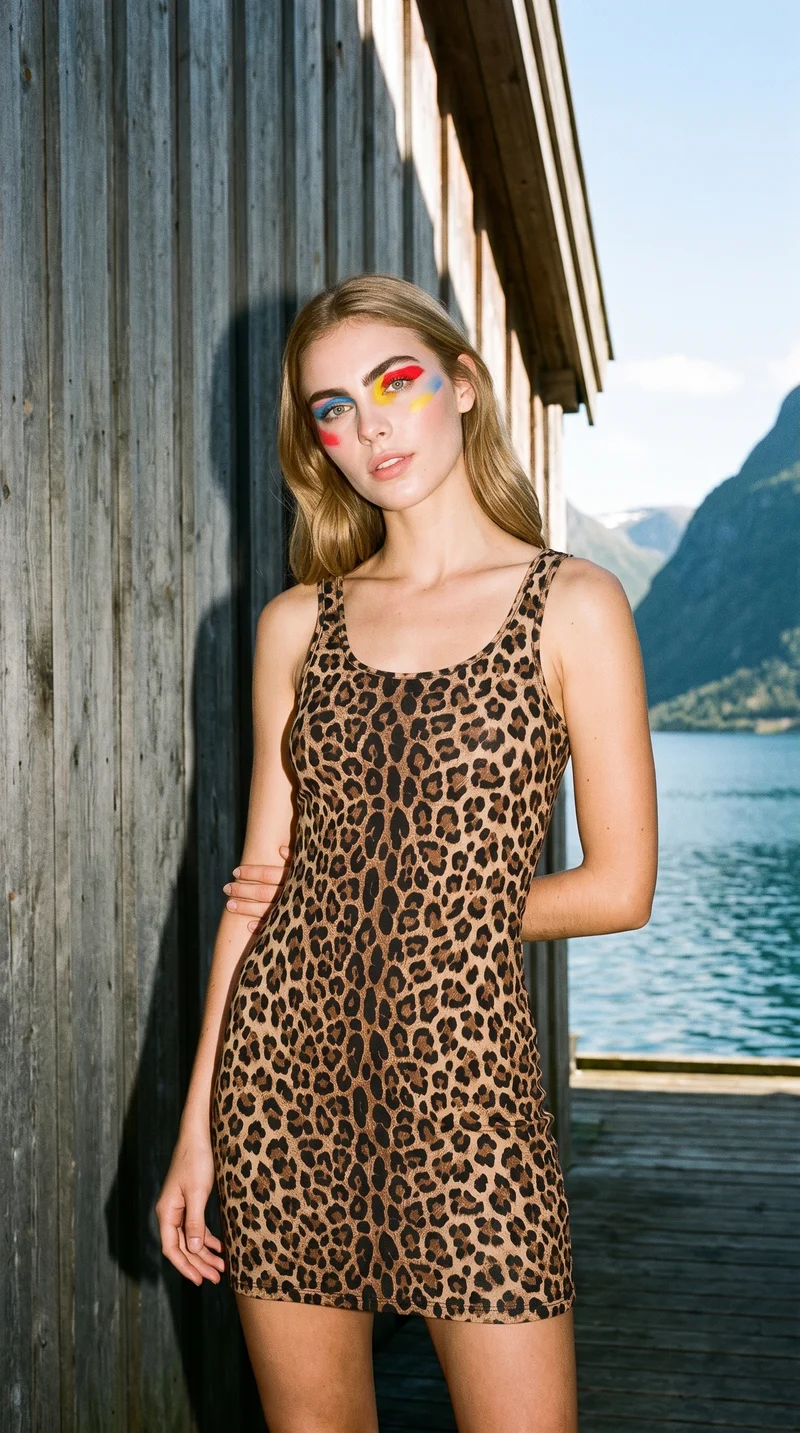
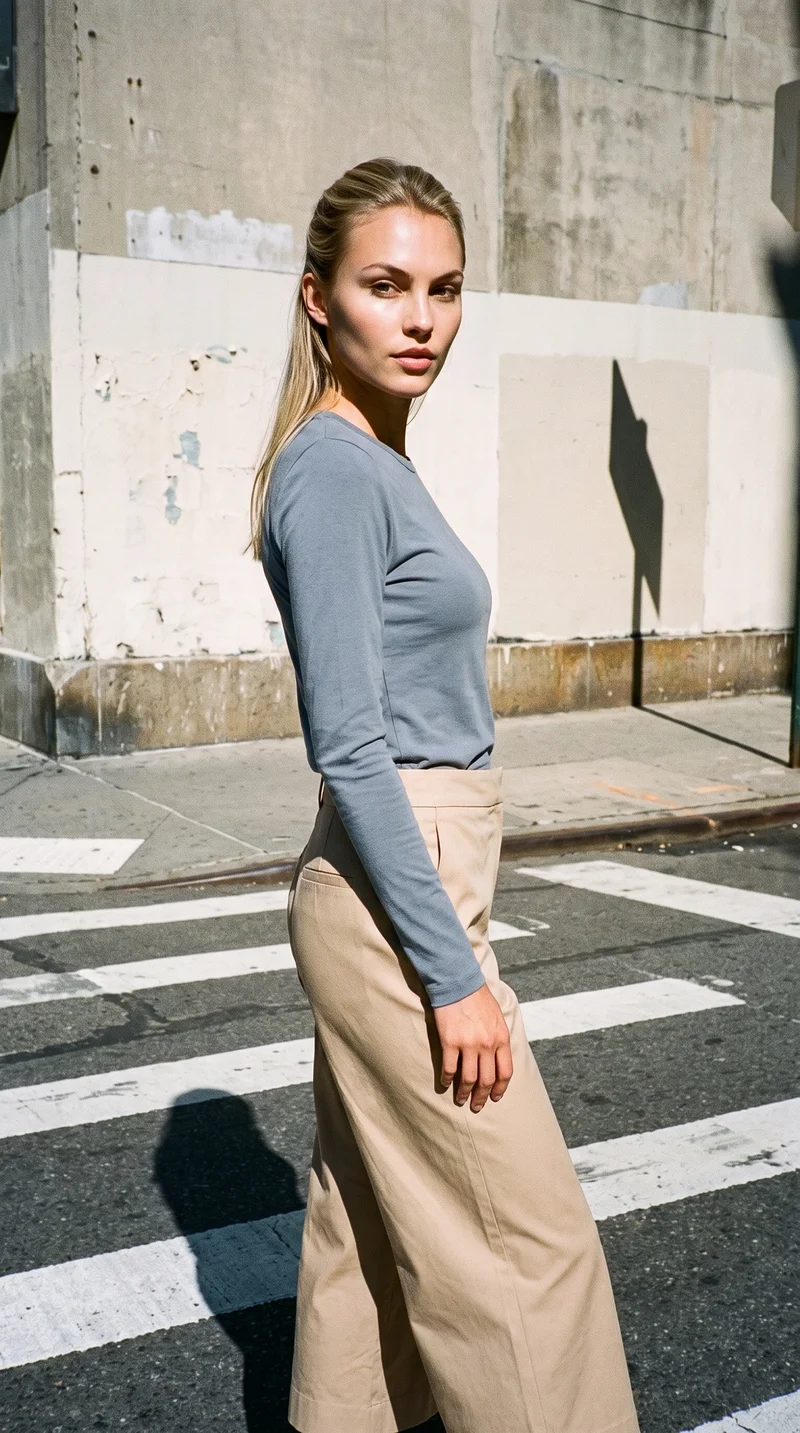
From vertical launch clips to square product loops and widescreen hero scenes, the same garment-led system adapts to channel needs without changing tools.

ai fashion video generator 1
9:16 launch reel
ai fashion video generator 2
1:1 PDP motion loop
ai fashion video generator 3
16:9 hero scene

Browse 150+ visual styles →

Comparison

RAWSHOT vs category tools vs DIY prompting

Three lenses on every dimension — what you optimize for in RAWSHOT versus typical category tools and blank-box AI workflows.

  1. 01

    Interface

    RAWSHOT

    Click-driven scene builder with visible controls for motion, framing, and light

    Category tools + DIY

    Often mix presets with lighter text-led direction and fewer apparel-specific controls. DIY prompting: You type instructions into generic AI tools and hope the result follows them
  2. 02

    Garment fidelity

    RAWSHOT

    Built around the real garment so cut, logo, pattern, and proportion stay central

    Category tools + DIY

    Can stylise well but may soften product-specific details under broad aesthetic presets. DIY prompting: Garments drift, prints warp, and logos get invented or altered between takes
  3. 03

    Model consistency

    RAWSHOT

    Same model system can stay stable across multiple reels and SKU batches

    Category tools + DIY

    Consistency varies between sessions and often needs manual re-selection or retouching. DIY prompting: Faces and bodies shift from output to output with no reliable catalog continuity
  4. 04

    Provenance + labelling

    RAWSHOT

    C2PA-signed, AI-labelled, visibly and cryptographically watermarked by default

    Category tools + DIY

    Labelling and provenance support vary, and some tools leave compliance to the user. DIY prompting: Generic models usually provide no provenance metadata or structured disclosure layer
  5. 05

    Commercial rights

    RAWSHOT

    Permanent worldwide commercial rights included with every output

    Category tools + DIY

    Rights terms are often plan-dependent or less explicit around downstream usage. DIY prompting: Rights clarity depends on model, platform terms, and training-source uncertainty
  6. 06

    Pricing transparency

    RAWSHOT

    Per-second video pricing, tokens never expire, one-click cancel, failed renders refunded

    Category tools + DIY

    Credits, seats, and plan tiers often complicate forecasting as usage grows. DIY prompting: Usage costs spread across subscriptions, retries, and manual cleanup with weak predictability
  7. 07

    Catalog scale

    RAWSHOT

    Browser GUI and REST API use the same engine from one reel to 10,000 SKUs

    Category tools + DIY

    Core scale features may sit behind sales gates or separate enterprise products. DIY prompting: No structured fashion pipeline, weak reproducibility, and heavy manual orchestration per asset
  8. 08

    Operational overhead

    RAWSHOT

    Teams can standardise scenes with controls and repeatable settings across roles

    Category tools + DIY

    Usable for creative exploration but less grounded in strict commerce production flows. DIY prompting: Prompt-engineering overhead slows reviews, revisions, onboarding, and QA for apparel teams

Use cases

Where Apparel Motion Opens the Door

Operator archetypes and how click-directed, garment-first output fits the way they actually work.

  1. 01

    Indie Designer Launching a First Drop

    Create launch reels for a small collection before a traditional shoot budget exists, then publish motion assets across site and social from the same garment base.

    Confidence · high

  2. 02

    DTC Brand Refreshing PDP Motion

    Turn still product pages into moving commerce content with consistent framing, short durations, and channel-fit aspect ratios.

    Confidence · high

  3. 03

    Crowdfunded Fashion Project

    Show future backers the garment in motion before committing to studio logistics, sample shipping, and campaign-day coordination.

    Confidence · high

  4. 04

    Marketplace Seller Needing Faster Listings

    Generate simple apparel reels that help listings stand out while keeping production repeatable across many products.

    Confidence · high

  5. 05

    Kidswear Label Testing New Categories

    Produce short collection videos for new silhouettes and colourways without booking a full seasonal shoot.

    Confidence · high

  6. 06

    Adaptive Fashion Team Explaining Function

    Use motion to show openings, closures, fit behavior, and garment interaction more clearly than static frames alone.

    Confidence · high

  7. 07

    Lingerie DTC Building Paid Social Variants

    Create multiple short fashion video cuts with different formats and visual styles while holding product presentation steady.

    Confidence · high

  8. 08

    Resale Seller Elevating One-Off Pieces

    Give individual garments a cleaner, more editorial motion treatment even when each SKU only exists once.

    Confidence · high

  9. 09

    Factory-Direct Manufacturer Pitching Buyers

    Show prospective retail partners polished on-model motion from production-ready garments without staging international shoot days.

    Confidence · high

  10. 10

    Editorial Team Building Seasonal Teasers

    Develop short narrative apparel clips for a launch page or email header using the same garment-led controls as commerce output.

    Confidence · high

  11. 11

    Catalog Ops Running Batch Reels

    Push large SKU sets through the API to create repeatable product motion overnight with stable scene logic.

    Confidence · high

  12. 12

    Student Brand Proving a Concept

    Present a capsule collection in motion for portfolio reviews, pop-ups, and early store tests before traditional production becomes realistic.

    Confidence · high

— Principle

Honest is better than perfect.

Fashion video moves fast, which is exactly why clear labelling matters. Every RAWSHOT reel is AI-labelled, C2PA-signed, and protected with visible plus cryptographic watermarking so teams can publish motion assets with provenance attached. We build and host in the EU, with GDPR-conscious operations and compliance designed into the workflow rather than left as a legal afterthought.

RAWSHOT · Editorial

Pricing

~$0.22 per second of video.

~50–60 seconds per generation. Tokens never expire. Cancel in one click.

  • 01Video uses more tokens per second than stills — longer clips cost more.
  • 02The cancel button is on the pricing page.
  • 03No per-seat gates. No 'contact sales' walls for core features.
  • 04Failed generations refund their tokens.

FAQ

Practical answers on control, rights, pricing, scale, and compliant publishing.

Do I need to write prompts to use RAWSHOT?

Never—you direct every output with sliders, presets, and clicks on the garment, not typed prompts. That matters because fashion teams usually know the shot they want, but they should not have to translate camera intent, lighting decisions, and product priorities into text syntax before work can start. In RAWSHOT, you choose framing, model action, camera motion, lighting, background, duration, aspect ratio, and style from a structured interface, so the workflow feels like production software rather than a chat experiment.

For commerce teams, reliability beats clever wording. The same control logic works in the browser GUI for one launch reel and in the REST API for catalog-scale batches, which makes onboarding easier across creative, ecommerce, and operations roles. Tokens never expire, failed generations refund tokens, outputs are transparently labelled, and each asset carries provenance signals for downstream review. The practical takeaway is simple: standardise scenes in clicks, keep the garment central, and let your team iterate without turning every revision into a writing exercise.

What does an ai fashion video generator actually change for ecommerce and campaign teams?

It changes who gets to produce apparel motion at all. Traditional video workflows ask for sample coordination, casting, studio time, crew scheduling, retakes, and post-production before a brand can even test whether motion will help a launch, a PDP, or a paid social cutdown. A click-directed system removes that access barrier by letting teams build garment-led reels directly from the product, with controls for framing, movement, lighting, background, duration, and format.

For ecommerce teams, that means motion becomes operational instead of exceptional. You can create short vertical clips for social, square loops for product pages, or widescreen hero assets without rebuilding the workflow each time. RAWSHOT adds transparency that generic tools often skip: AI labelling, C2PA-signed provenance, visible and cryptographic watermarking, clear commercial rights, and a path from browser use to REST API scale. In practice, the change is not just speed; it is that more teams can finally make apparel video part of normal merchandising and campaign planning.

Why skip reshooting every SKU when a season, channel, or visual direction changes?

Because most assortment changes do not justify rebuilding a physical production stack from scratch. Brands often need new motion assets for a different aspect ratio, a sharper commerce look, a seasonal visual style, or a marketplace requirement even when the underlying garment has not changed. Rebooking a studio day for each of those shifts is expensive, slow, and unrealistic for smaller operators, while doing nothing leaves products underrepresented in motion-first channels.

RAWSHOT lets teams restage the same product with different scene settings through controls instead of new shoot logistics. You can switch from clean PDP motion to a more campaign-led treatment, adjust aspect ratios across 9:16, 1:1, 4:5, and 16:9, and keep the product central while generating fresh reels in roughly 50–60 seconds. Since tokens never expire and failed generations refund tokens, teams can test variants without subscription anxiety. Operationally, this means you reserve physical shoots for moments that truly need them and use RAWSHOT to cover the long tail of seasonal, channel, and catalog updates.

How do we turn flat garments into catalogue-ready motion without prompting?

You start with the garment, then direct the reel the same way a production team would block a shot. In RAWSHOT, you choose the model action, framing, camera movement, lighting, background, shot count, duration, aspect ratio, and resolution through a visible interface. That structure matters because catalogue teams need repeatable decisions, not open-ended experimentation, especially when many products must follow the same visual system.

Once the scene is set, the platform generates a labelled reel around the real product rather than treating the item as an afterthought. The browser GUI works well for launch-day selection and approvals, while the REST API supports higher-volume catalogue operations with the same underlying engine and pricing logic. With full commercial rights included, teams can move assets directly into storefronts, ads, and merchandising workflows. The practical method is to lock a few reusable scene templates by category, then run garments through those standards so your motion library stays coherent across the catalog.

Why does garment-led control beat DIY prompting in ChatGPT, Midjourney, or generic image models for fashion PDPs?

Because product pages fail when the garment starts drifting. Generic AI tools are strong at broad visual ideas, but apparel commerce needs the opposite: stable logos, intact prints, correct proportions, believable drape, and repeatable model presentation from one SKU to the next. DIY text-led workflows also create operational friction, since each teammate words requests differently and every revision can nudge the output away from what the merchant is actually trying to sell.

RAWSHOT is built around the garment and around controls the team can share. Instead of rewriting text to chase a result, you adjust framing, motion, lighting, and style in the interface, then review output that is AI-labelled, provenance-signed, and commercially usable worldwide. That makes QA clearer for buyers, marketers, and legal reviewers. For fashion PDPs, the rule is straightforward: use systems that preserve product truth and repeatable setup logic, because commerce performance depends more on trust and consistency than on open-ended image novelty.

Can we use RAWSHOT reels commercially, and how are they labelled?

Yes. RAWSHOT gives you full commercial rights to every output, permanent and worldwide, so teams can publish reels across ecommerce storefronts, ads, marketplaces, email, and social without negotiating separate downstream usage terms. Just as important, the outputs are not disguised. They are AI-labelled and carry both visible and cryptographic watermarking, which helps brands stay clear with platforms, partners, and customers about what the asset is.

Each asset also carries C2PA-signed provenance metadata and an audit trail that supports internal review. That matters for modern fashion operations because legal, brand, and marketplace teams increasingly ask for source clarity, not just visual quality. RAWSHOT is built in the EU with GDPR-conscious handling and compliance thinking aligned to current disclosure expectations, including EU AI Act Article 50 and California SB 942. The practical takeaway is to treat labelled provenance as part of brand trust, not as a checkbox added after creative approval.

What should our team check before publishing AI-assisted fashion reels on site or paid social?

Start with garment truth. Check that colour, logo placement, pattern scale, silhouette, and overall proportion reflect the real product, then confirm the scene choices still support the job of the asset, whether that is clean PDP motion or a more expressive launch clip. After product review, verify the operational layer: correct aspect ratio for channel, duration suited to placement, and consistency with the rest of the collection so the reel feels like part of a system rather than a one-off exception.

With RAWSHOT, teams should also confirm the trust layer before publishing. Make sure the labelled output fits your disclosure standards, retain provenance metadata in your workflow, and keep visible plus cryptographic watermarking intact. Since each asset includes commercial rights and an audit trail, you can pass creative, legal, and platform checks with fewer ambiguities than generic AI exports. In practice, build a short approval checklist that combines garment fidelity, channel fit, and provenance review so motion assets move through the business with the same discipline as still imagery.

How much does fashion video cost in RAWSHOT, and what happens to unused tokens?

Video is priced at about $0.22 per second, and a generation typically completes in around 50–60 seconds. That means the workload is easy to forecast for short commerce clips, launch teasers, and social-ready edits, especially compared with tool stacks that hide actual usage behind seats, vague credits, or sales-tier negotiations. Tokens never expire, which is important for fashion teams with seasonal calendars and uneven production bursts.

RAWSHOT also keeps the account mechanics straightforward. There are no per-seat gates for core features, the cancel button is on the pricing page, and failed generations refund their tokens. Video uses more tokens per second than stills, so longer clips naturally cost more, but the pricing logic stays transparent instead of turning scale into a penalty. The smart operating model is to set clip lengths intentionally by channel, budget against seconds rather than vague plans, and let unused tokens stay available for future launches instead of forcing artificial monthly burn-down.

How does the REST API fit Shopify-scale catalogs or editorial content pipelines?

The REST API turns the same garment-led generation system used in the browser into a repeatable production layer for larger teams. Instead of manually rebuilding scenes for every product, operations teams can standardise reusable settings for framing, motion, lighting, background, duration, and output format, then apply those rules across many SKUs. That is useful for Shopify-scale catalogs, marketplaces, and seasonal merchandising programs where consistency matters as much as speed.

Because the browser GUI and the API share the same engine, teams can prototype a scene visually, approve it, and then operationalise it in a batch workflow without switching products or pricing models. The signed audit trail per asset also helps when content passes between merchandisers, developers, and compliance reviewers. In practice, RAWSHOT works best when teams define a small set of approved motion templates by product category, then automate output generation around those standards to keep launches tight and catalog refreshes predictable.

Can one team handle both one-off launch reels and high-volume apparel video from the same system?

Yes, and that is one of the main operational advantages. Fashion teams rarely work in only one mode; the same brand may need a single polished reel for a drop announcement, a handful of platform-fit variants for paid social, and then a much larger batch of simpler motion assets for PDPs or marketplace listings. RAWSHOT supports that spread without splitting users into a lightweight tool for creative work and a separate enterprise stack for scale.

The browser GUI lets designers, marketers, and merchandisers direct scenes visually for one-off work, while the REST API supports larger nightly or weekly batch jobs using the same model system, same pricing logic, and same provenance standards. There are no per-seat gates blocking collaboration, and failed generations refund tokens, which keeps experimentation manageable. The operational lesson is to build one approved motion language in the GUI, then let different roles use that same system at their own scale instead of maintaining disconnected workflows for campaign and catalog production.