
Campaigns
Clothing ads
Campaign-ready clothing variants reach paid-social placements.
When you manage a campaign, clothing ads are not finished when the product image is approved. You still need usable static variants and short motion creative for the next media slot.
7-day free trial • 50 tokens (10 images) • Cancel anytime
A 2K image in roughly 35 seconds · AI-labelled with C2PA content credentials
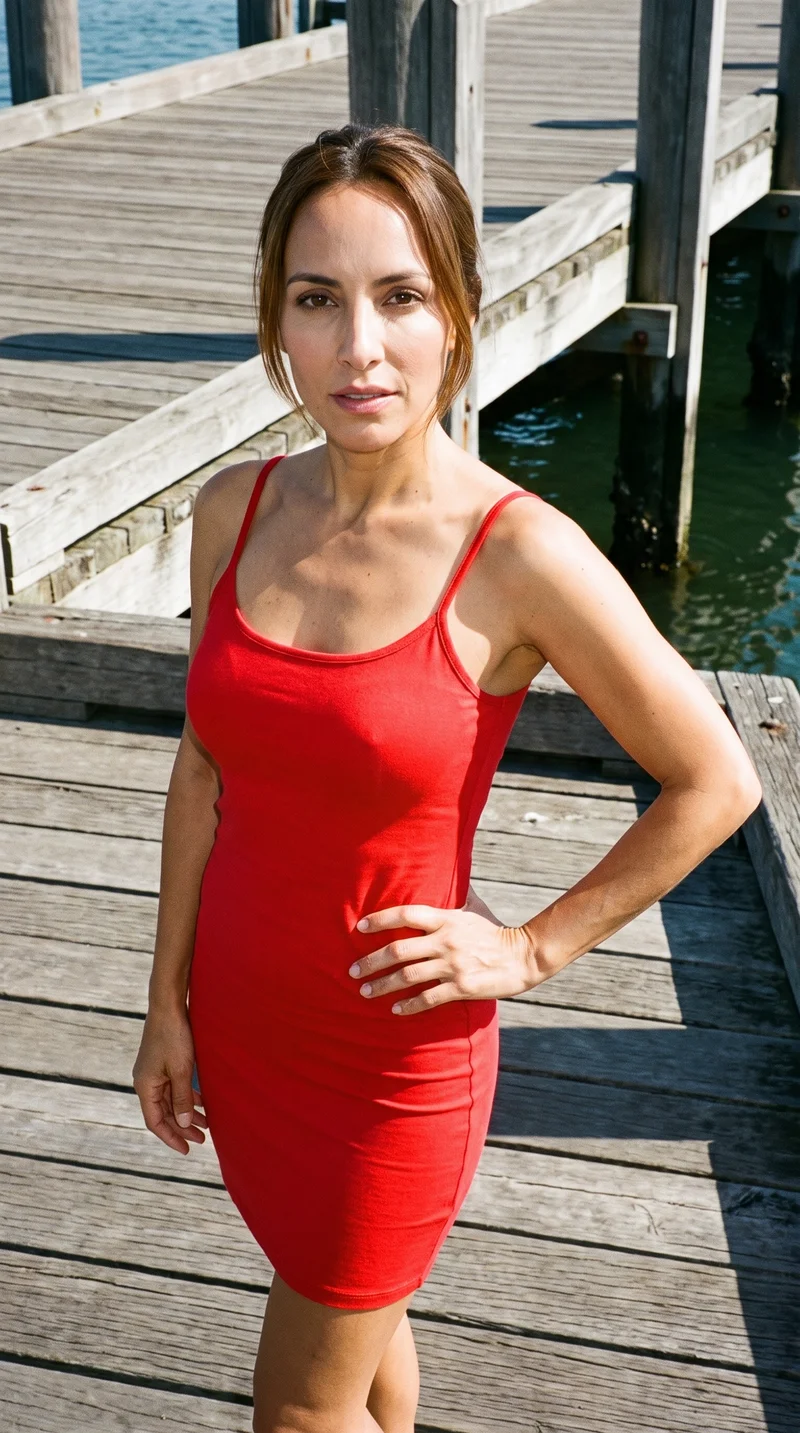
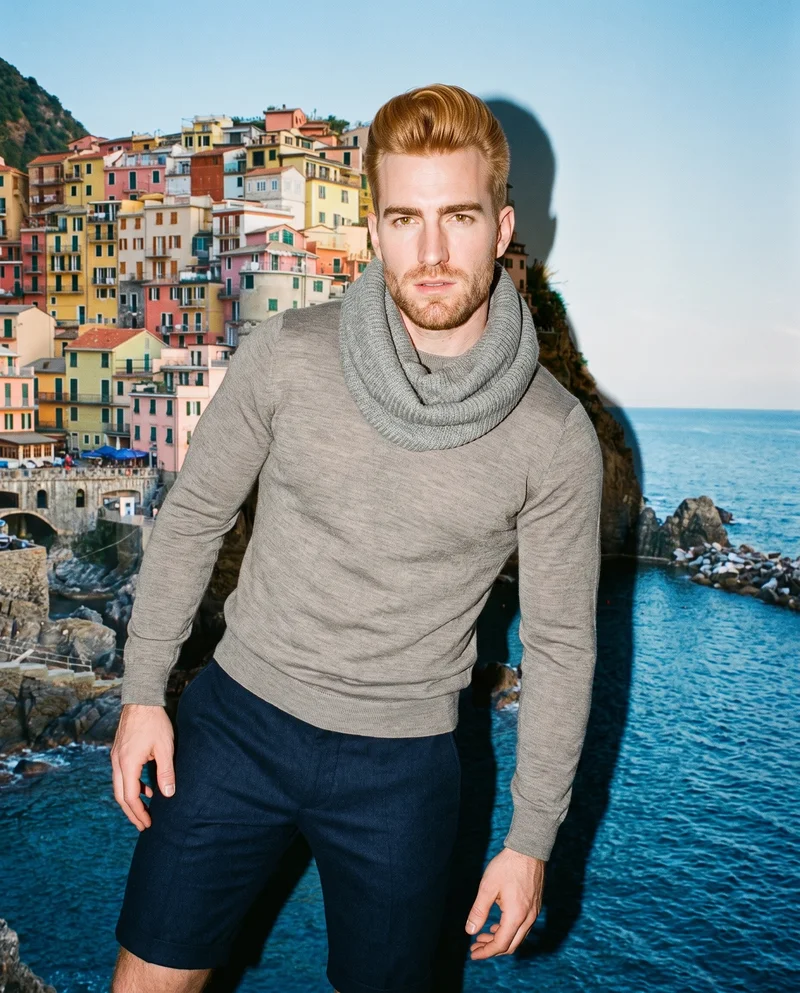
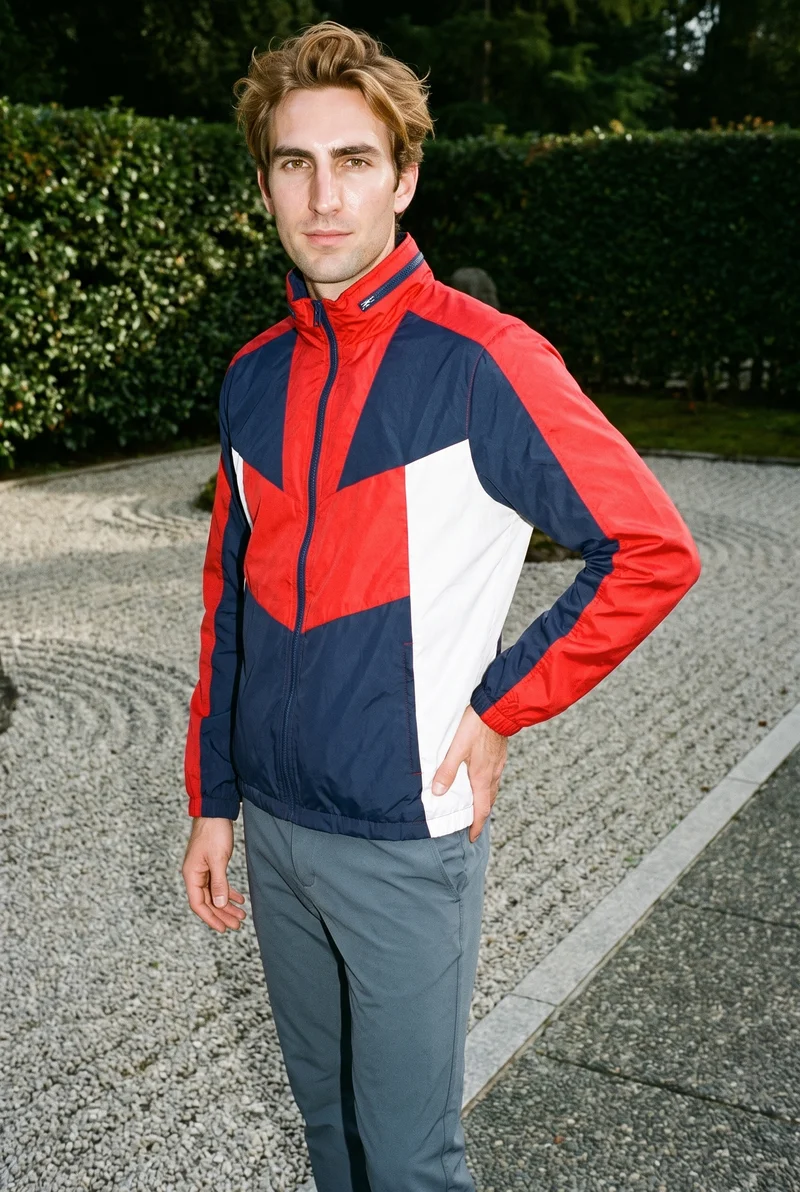
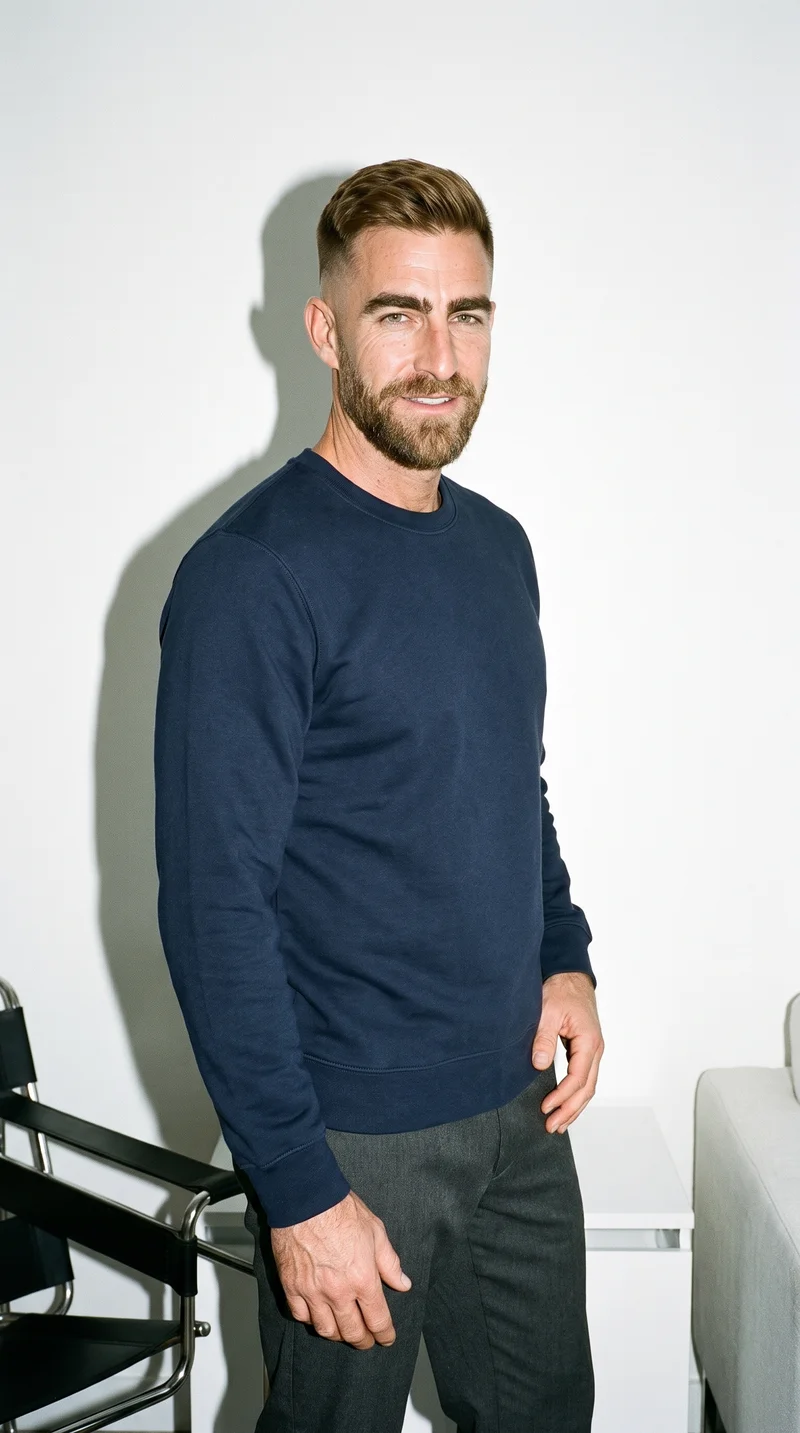
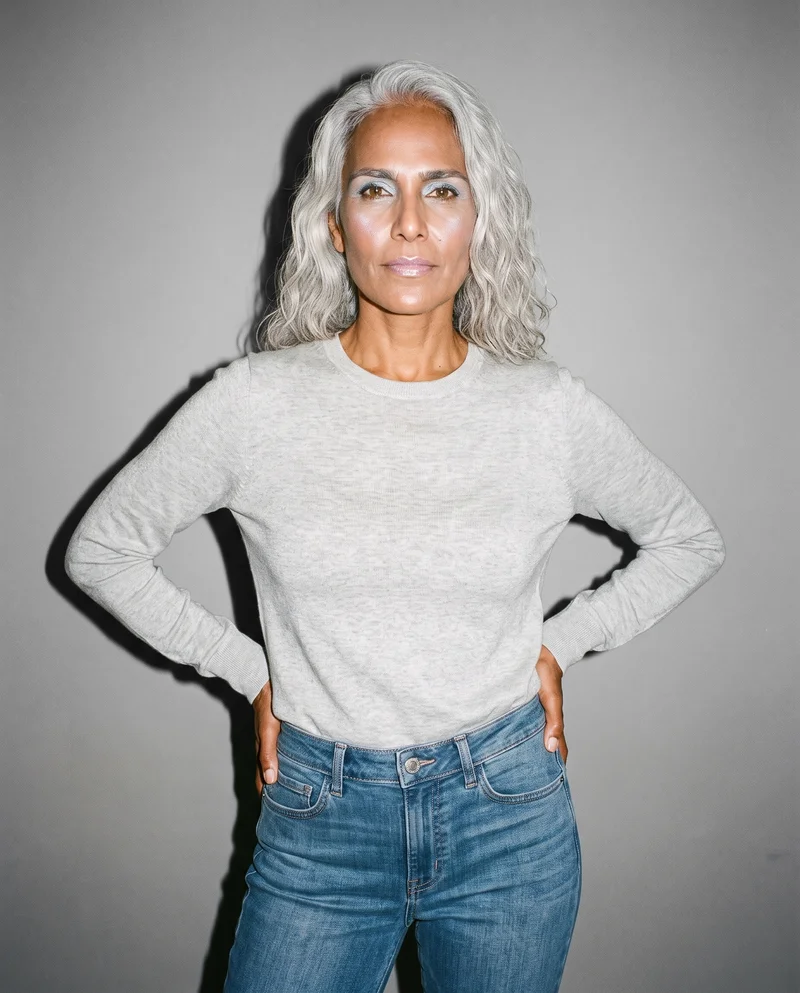
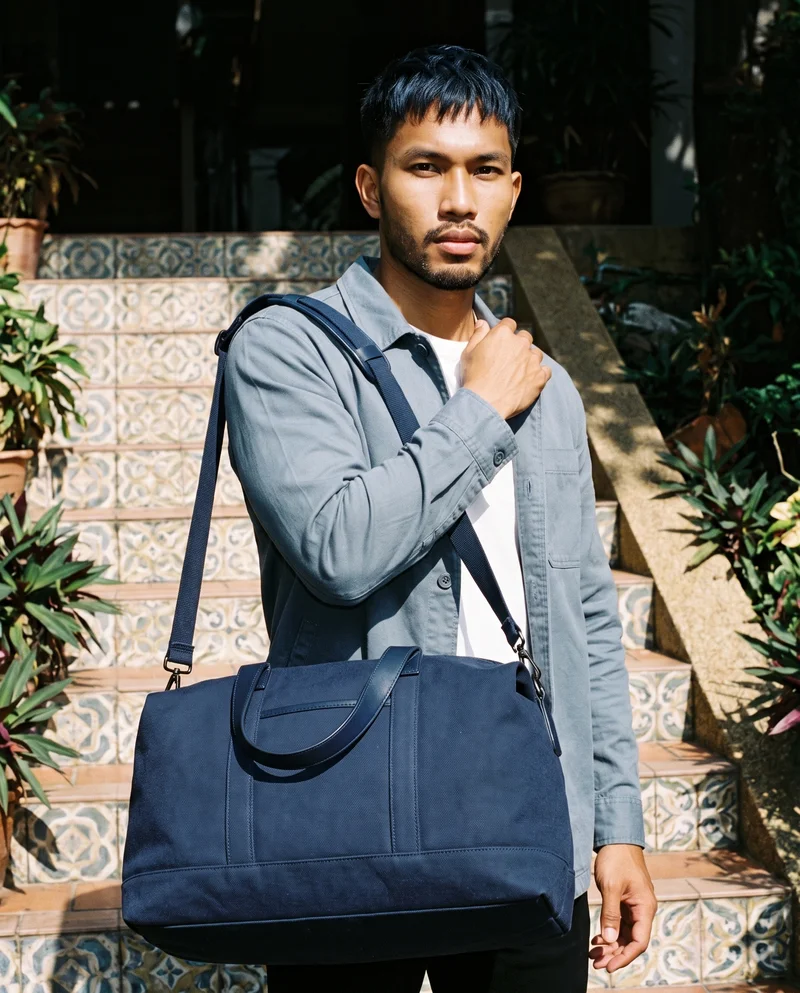
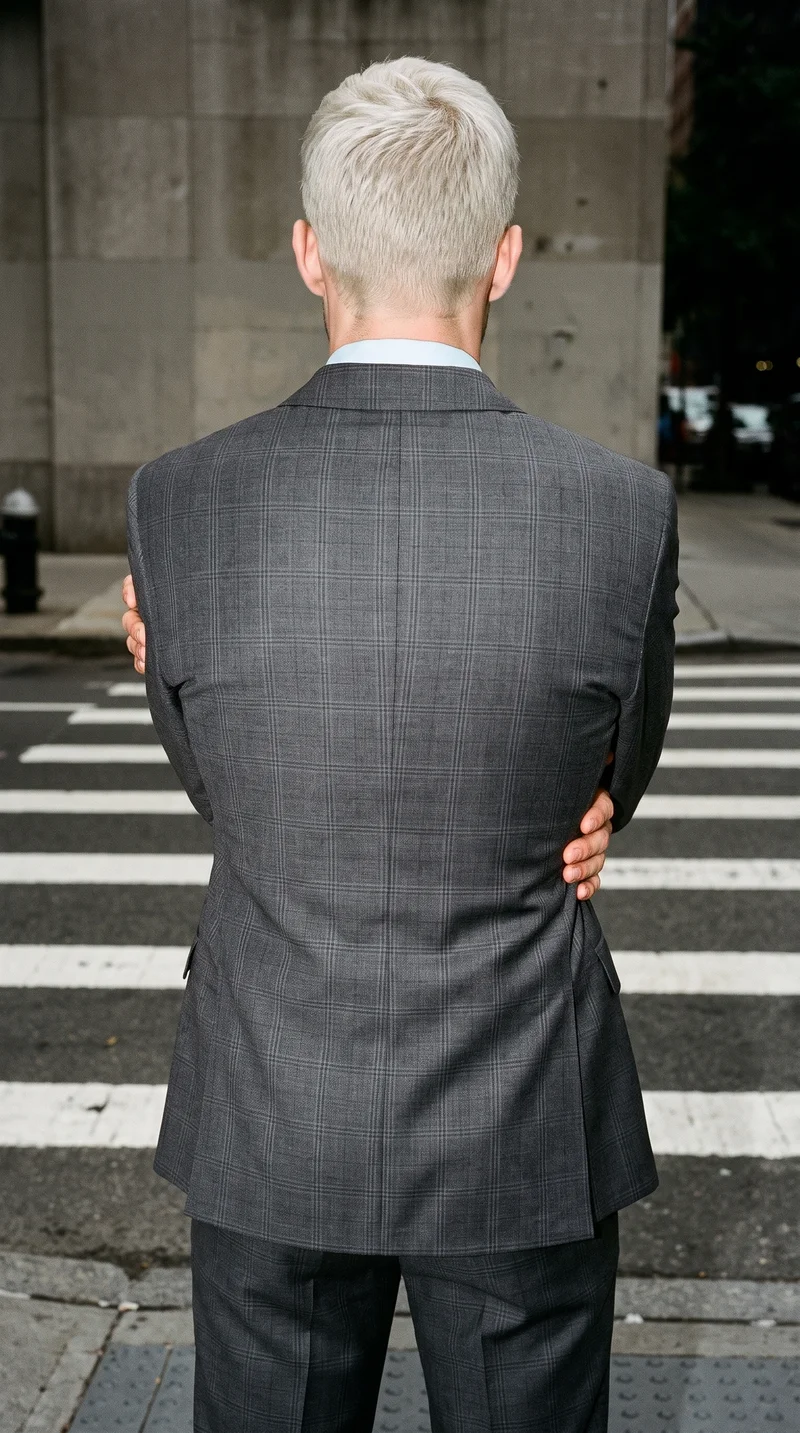
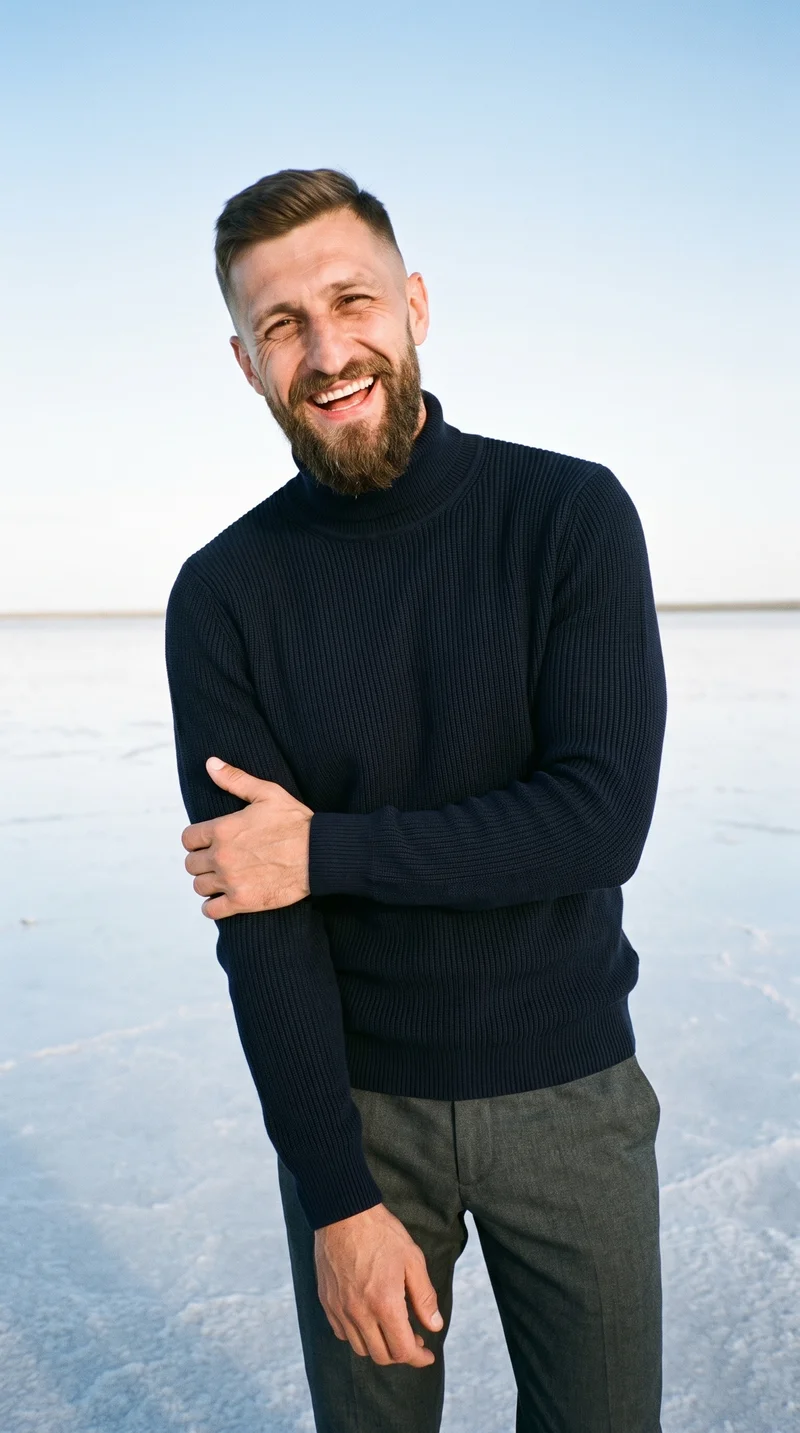
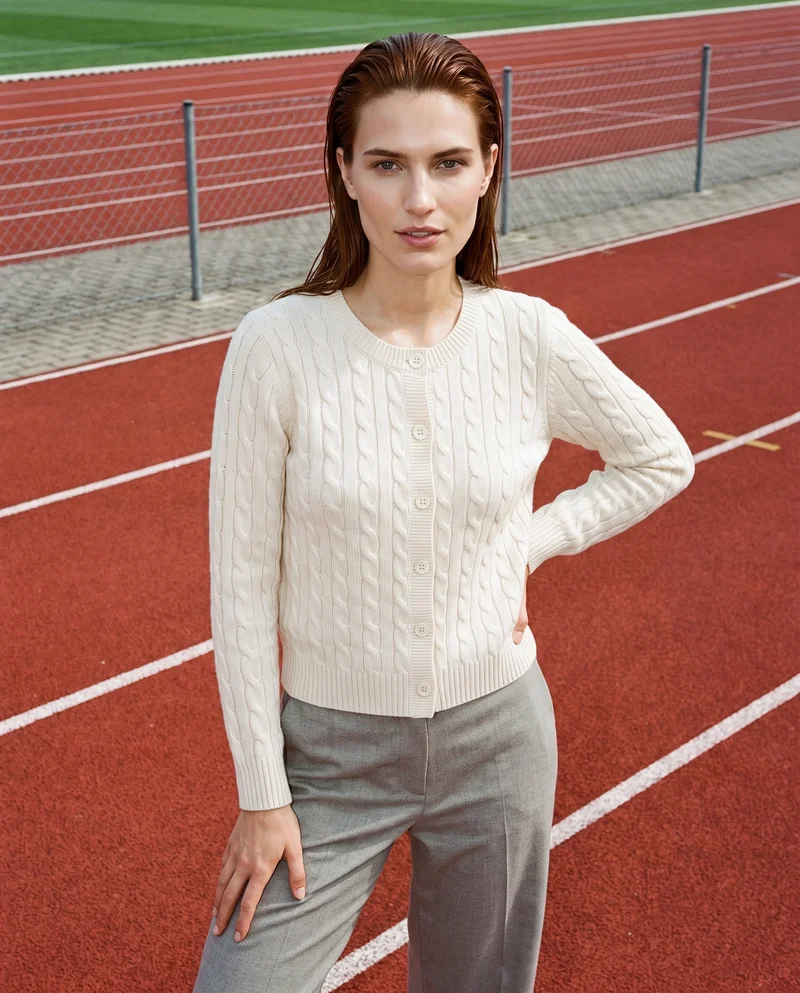
Showing 9 of 496, shot in RAWSHOT
Use cases
When campaign creative must beat agency lead time.
Paid-Social Test Creative
The situation
A paid-social test needs static and motion clothing ad directions before the next media slot.
With RAWSHOT
Choose the model, pose, light, frame and format for each direction. You get a reviewable set of stills plus short motion creatives built from the same product imagery.
Campaign Launch Variants
The situation
A campaign launch needs square, portrait and vertical clothing ad variants before agency production begins.
With RAWSHOT
Set the clothing, model, background, photography direction and composition for each placement. You get campaign-ready static variants that carry the approved product through the launch set.
Feed And Story Creative
The situation
A clothing promotion needs feed, story and short-video creative while the agency remains in its two-week lead time.
With RAWSHOT
Select the frame, pose, camera view, format and motion treatment for the approved product. You get channel-ready stills and short clips for the promotion calendar.
Review From One Image
The situation
A campaign review needs multiple clothing ad directions from one approved product image before handoff.
With RAWSHOT
Change the model, light, background or composition while keeping the remaining campaign direction stable. You get comparable options for review, approval and handoff.
What you get
Your set covers square, portrait and vertical placements plus short motion.
Build a campaign-ready clothing ad set from approved product imagery. The finished set brings together static square, portrait and vertical variants with short motion creatives for paid-social placements.
Static Ad Variants
Prepare square, portrait and vertical clothing ad images from the same approved product imagery, with the composition adjusted for each placement.
Short Motion Creatives
Turn selected finished stills into short motion pieces for paid-social tests, stories and product-led campaign placements.
Product-Led Direction
Keep the clothing at the centre while choosing the model, pose, background, light and framing that suit the campaign.
Campaign Review Set
Present static and motion directions together so reviewers can assess the product, casting and placement treatment before handoff.
Direct the shoot
Set frame, view, pose and light for each placement.
Image frame
15
Pose
22 poses on this frame
Camera view
4
Format
9
Pose style
4
Facial expression
10
Photography direction
4
Create photoshoot
Step 7 of 7 · Composition
Image 1 · readyGallery image from this pageProduct
Your product
Model
From the library
Composition
Full Body · Front View · Catalog pose · Neutral
Delivery
2K · 1:1
Light
Studio Cutout
Total cost
5 tokens
AI fashion models
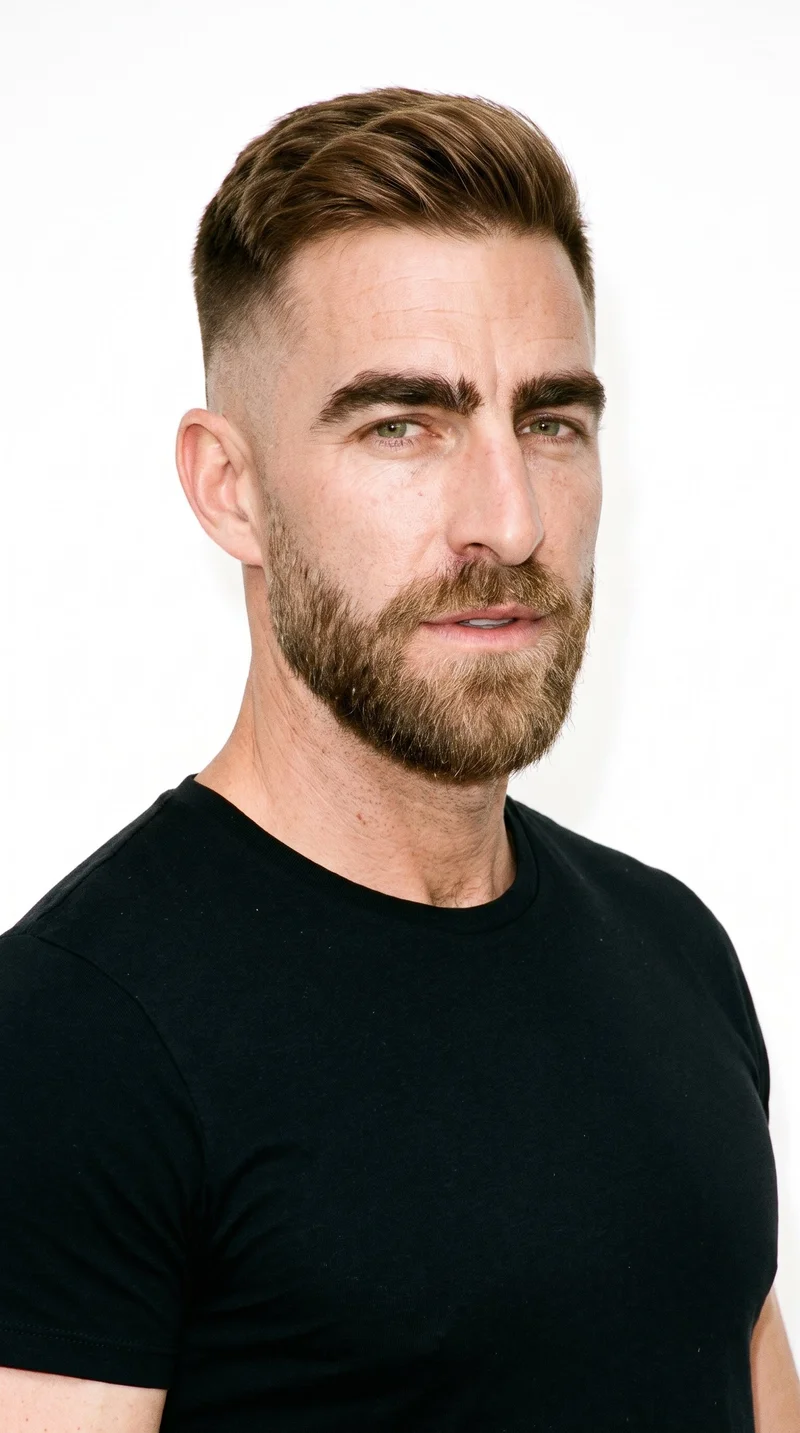
Who wears the product comes from 1,197 models.
1,197 licence-free adult models across ages and body types. Or build a private model from visible attributes.
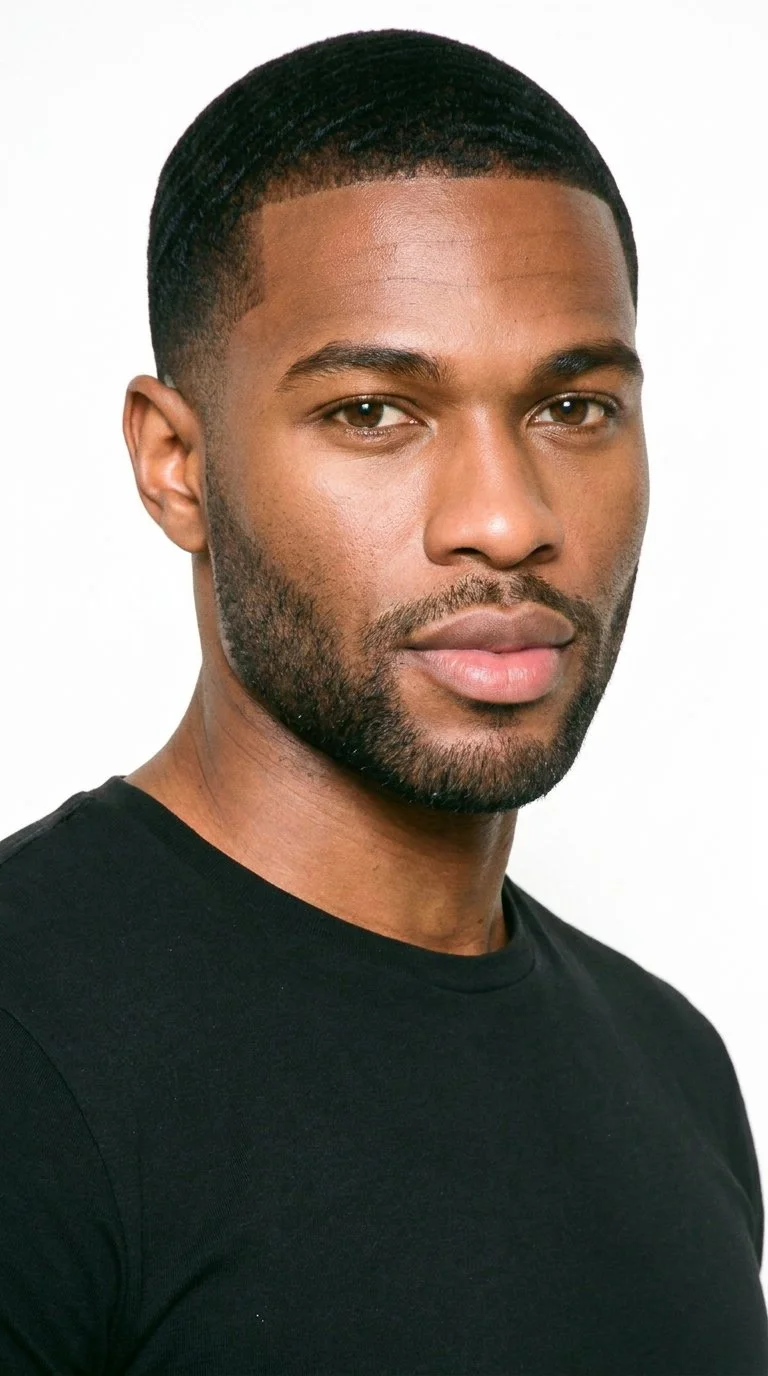
Male · 29
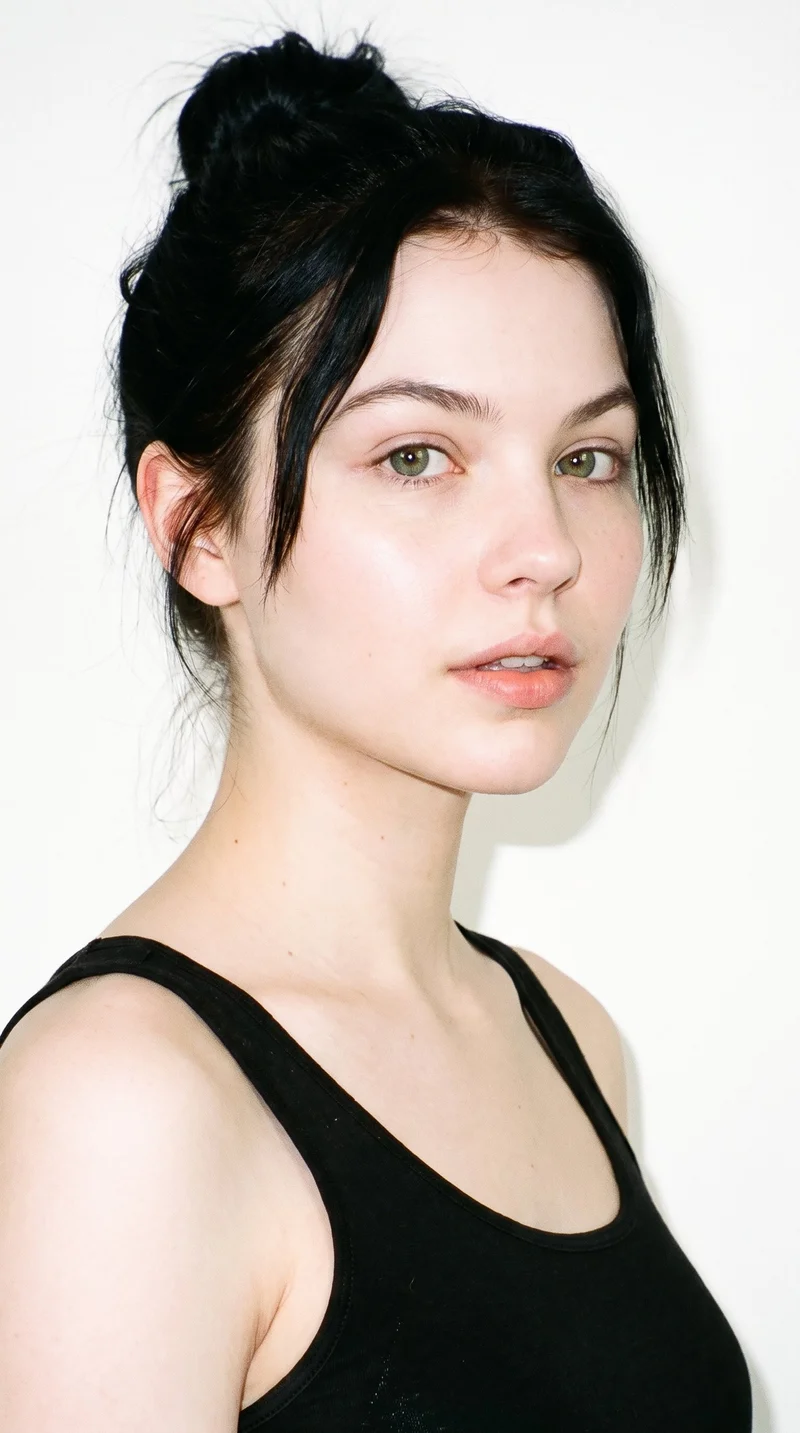
Female · 19
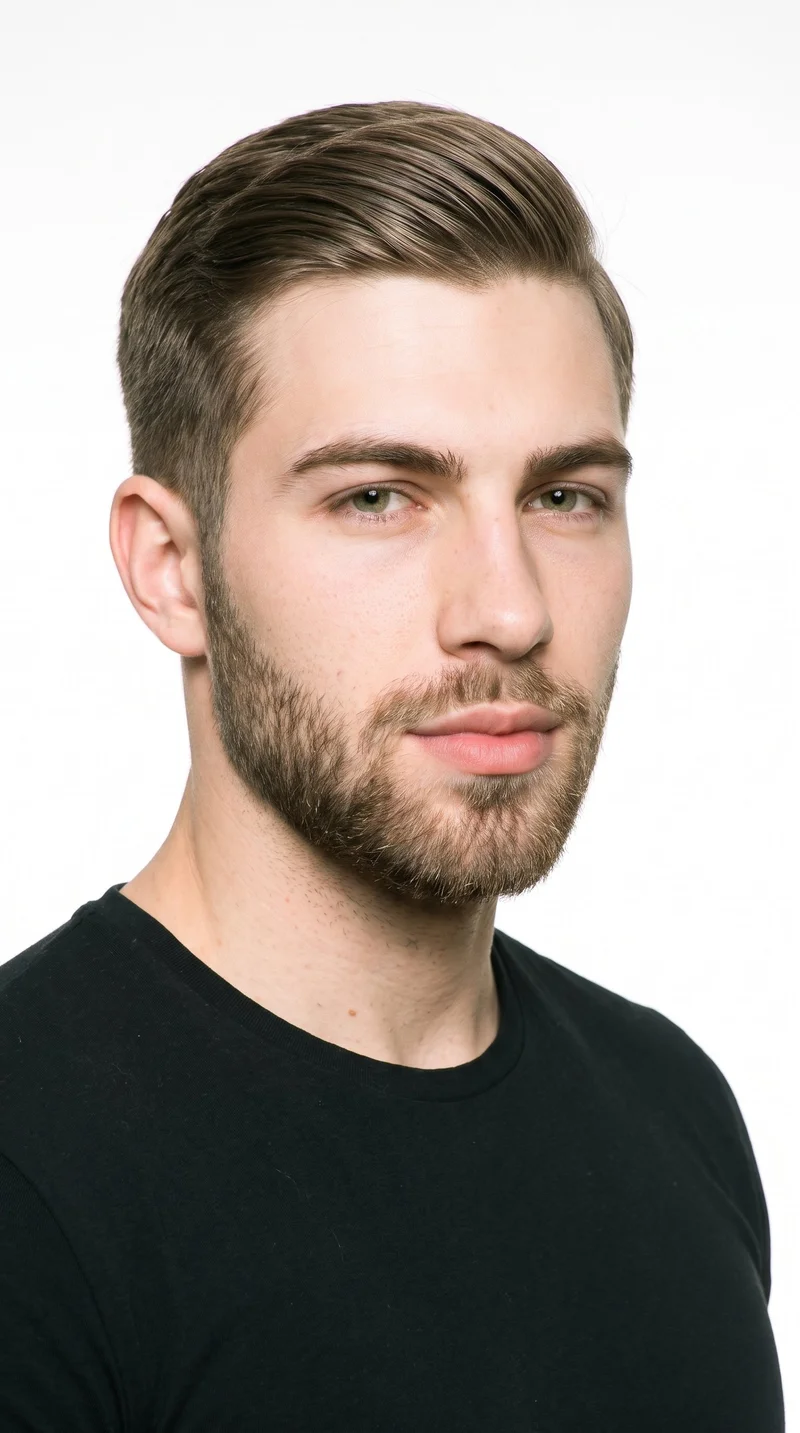
Male · 21
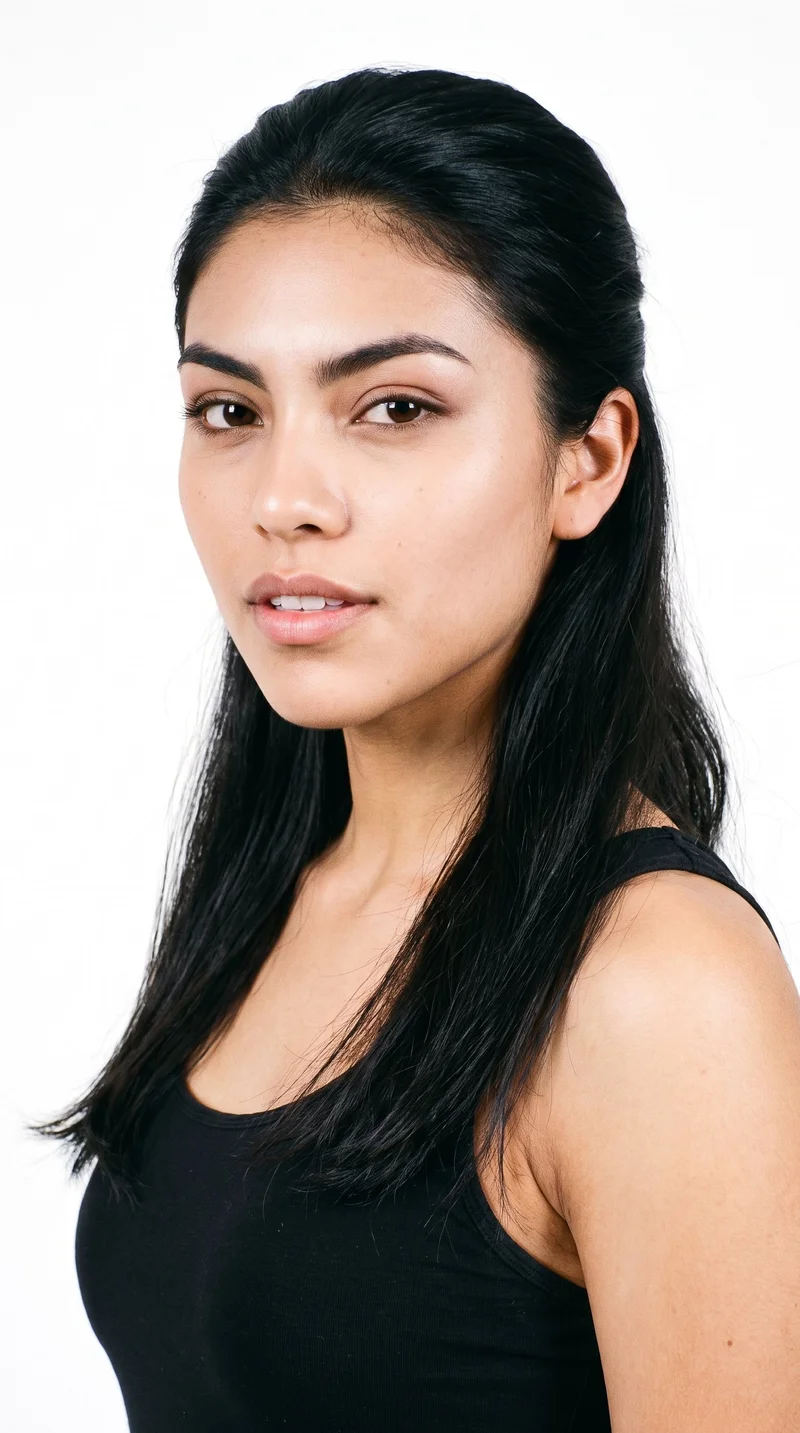
Female · 18
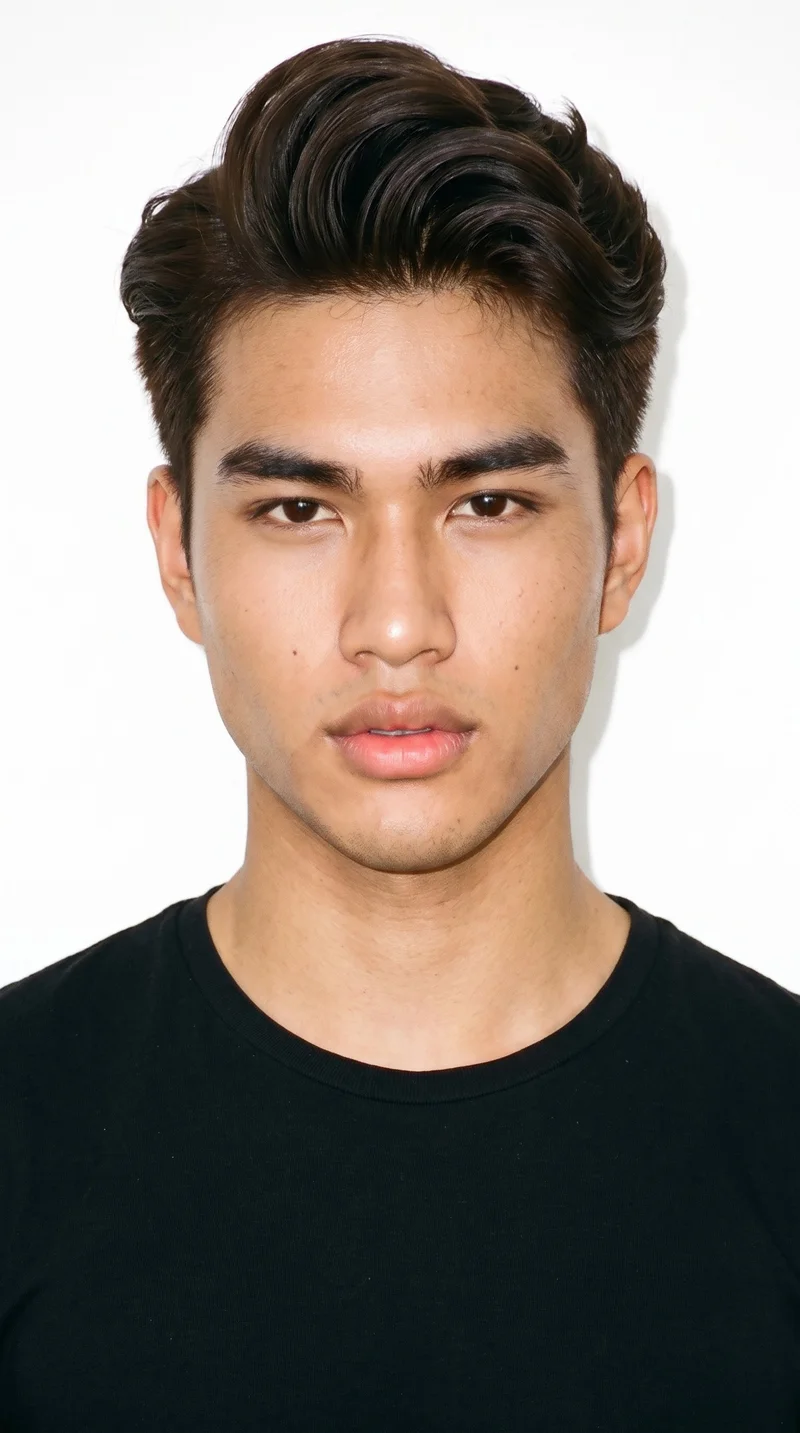
Male · 18
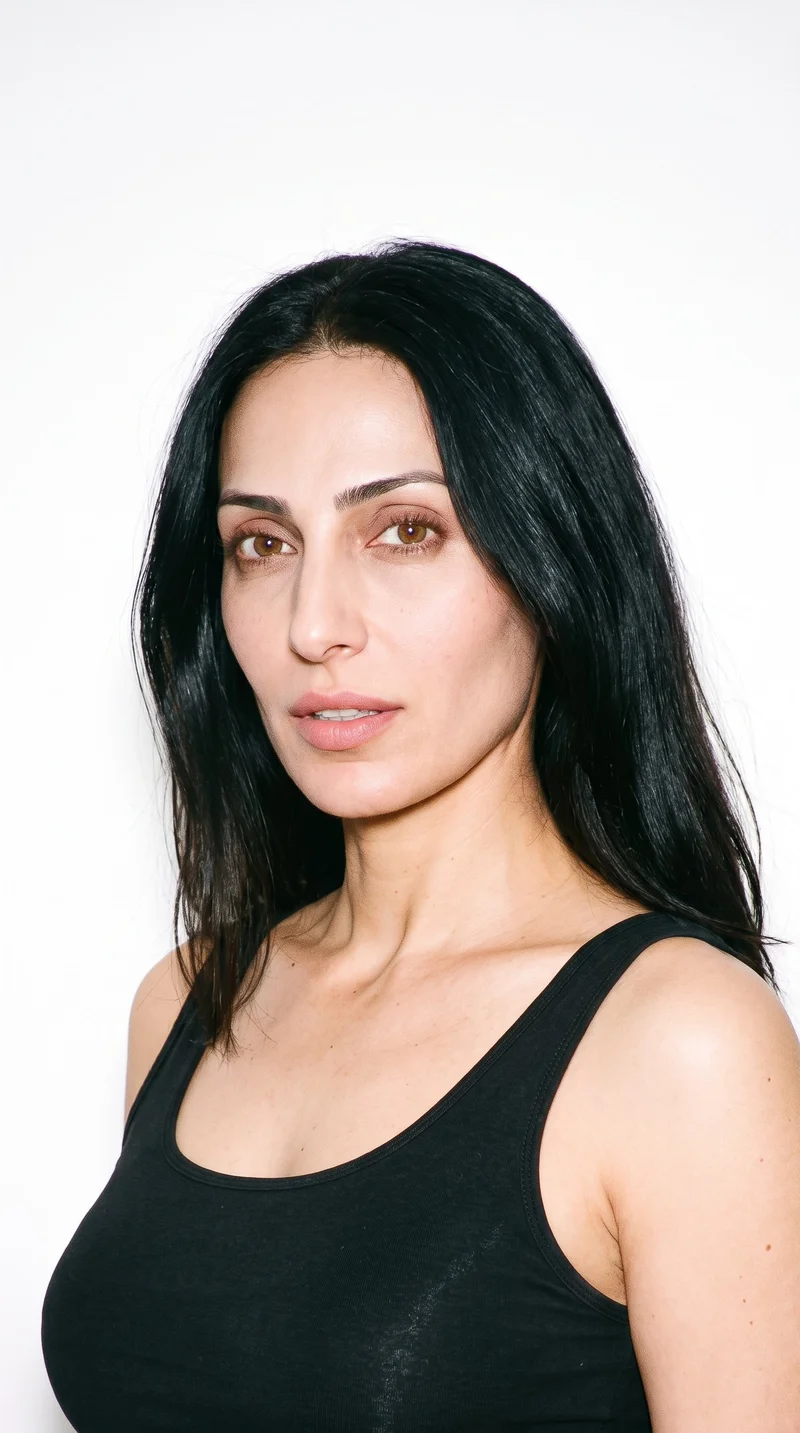
Female · 42
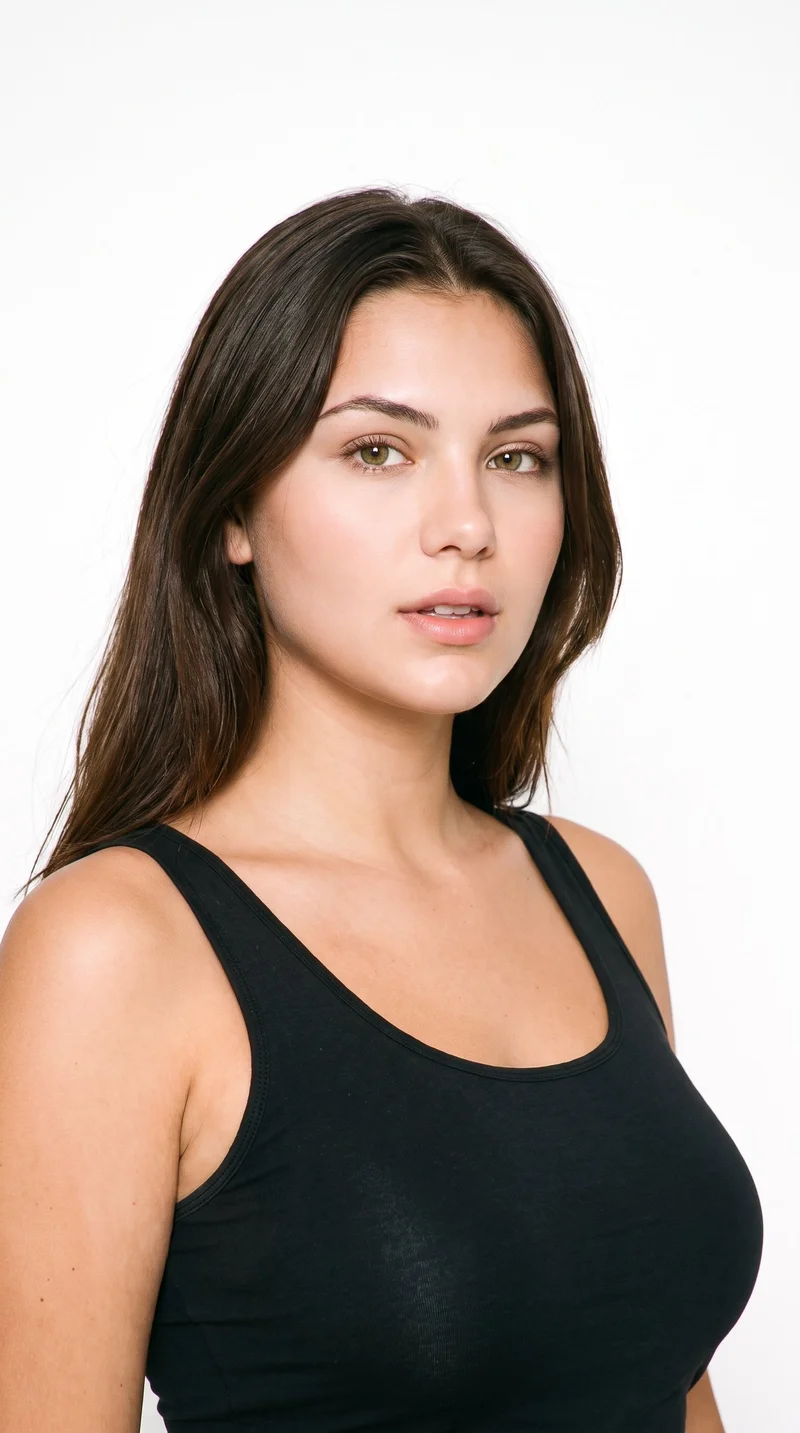
Female · 22
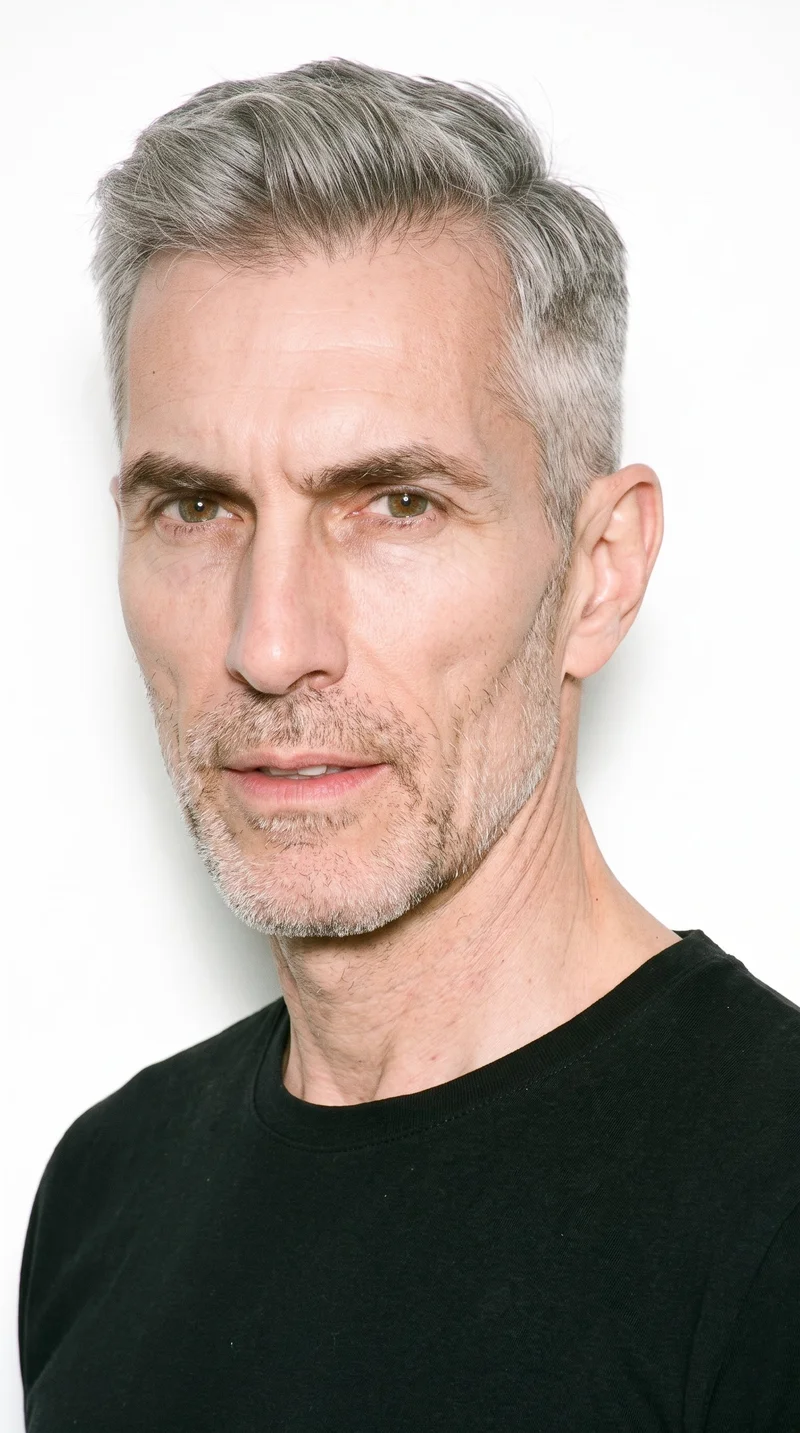
Male · 56
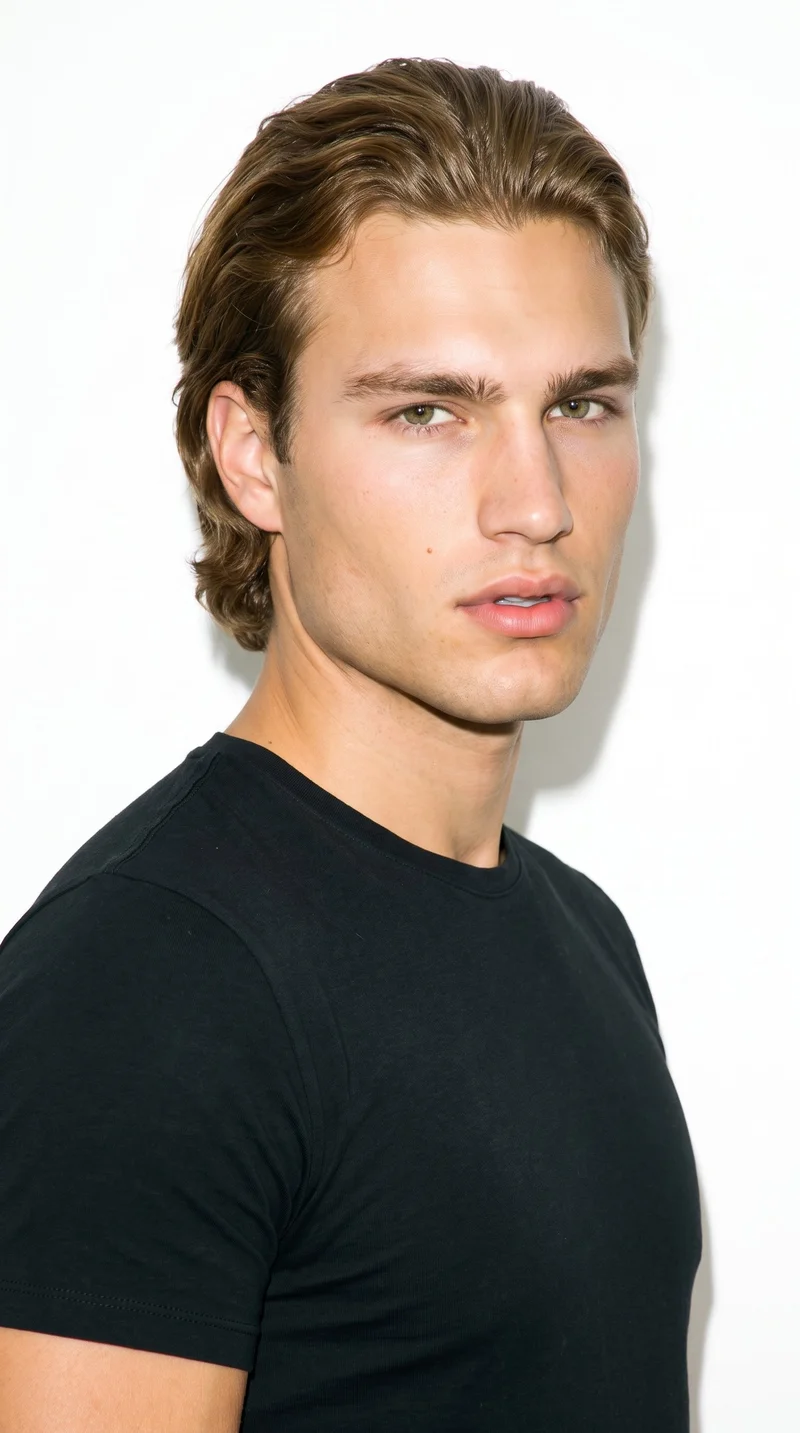
Male · 23
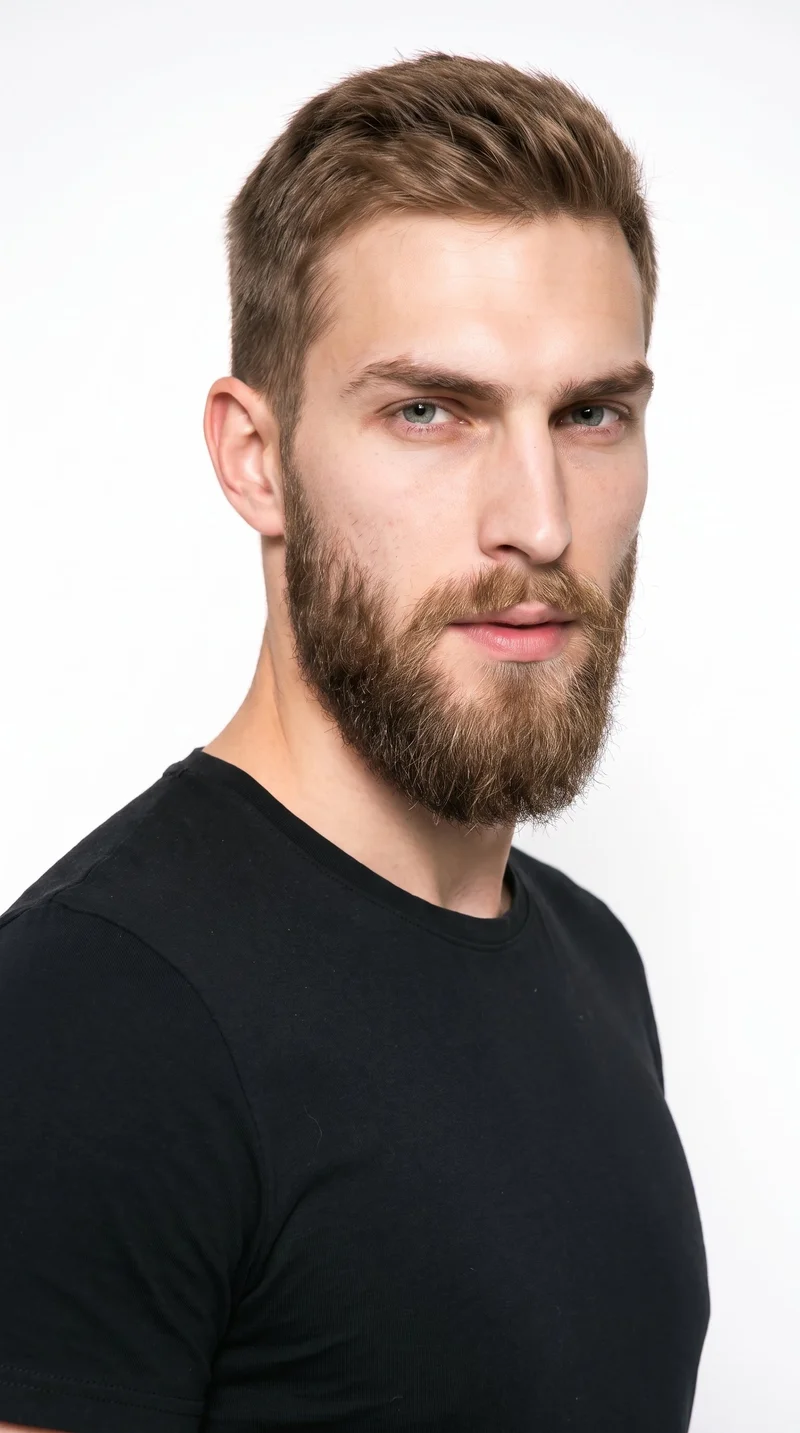
Male · 23
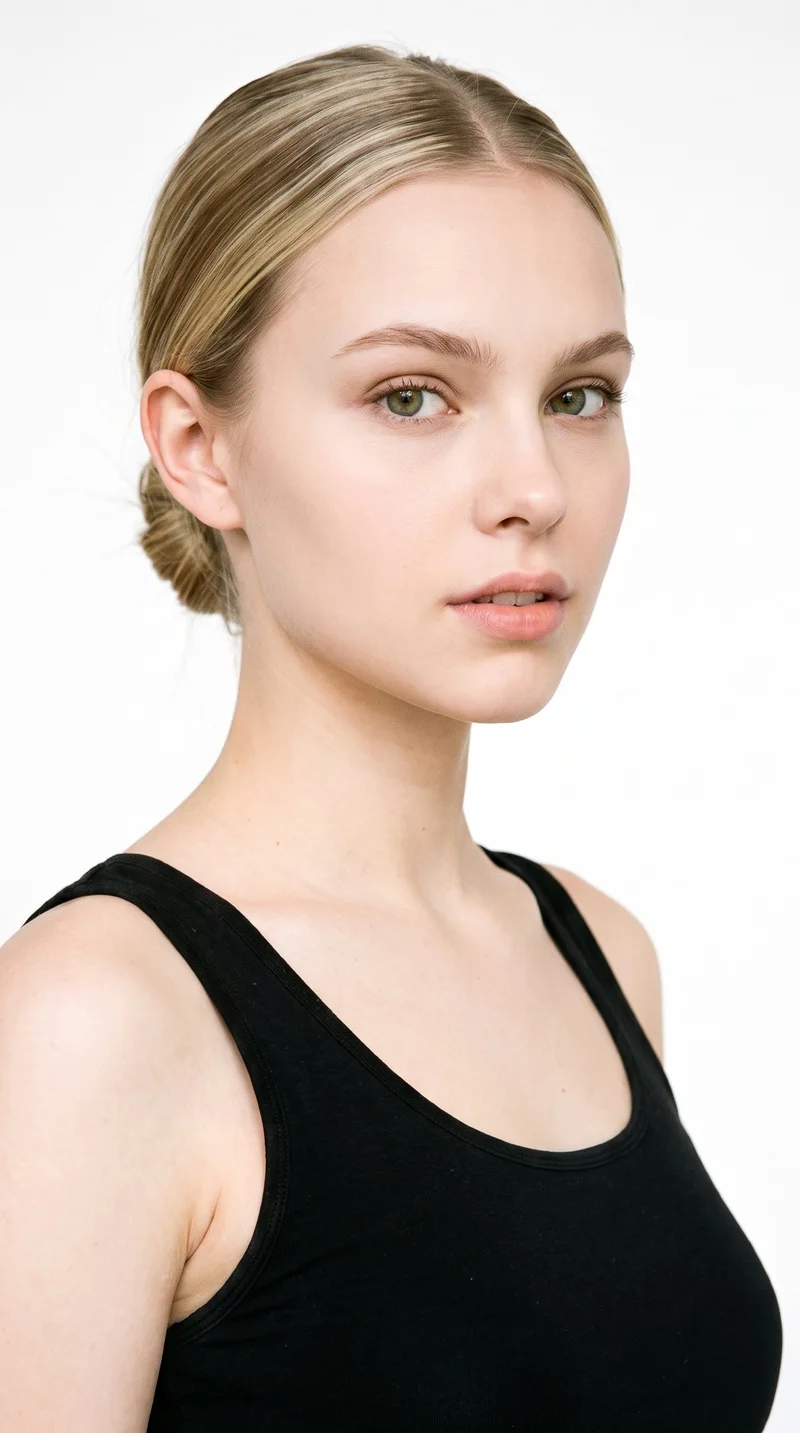
Female · 18
Male · 45
Showing 12 of 1,197
Cast your modelRawshot Features
Campaign tools shape each direction.
Fashion model poses
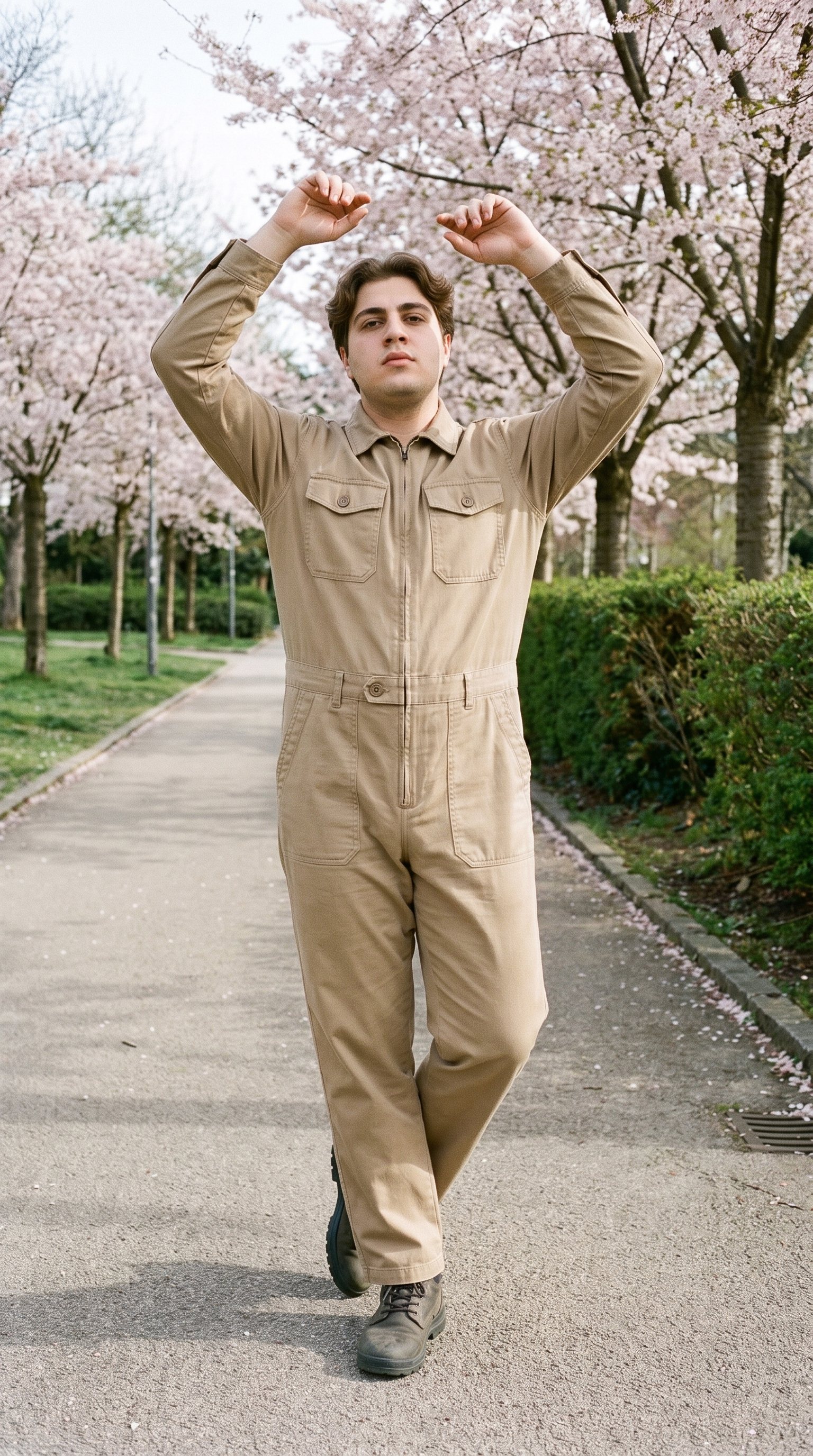
Direct the model's stance and expression so each clothing ad has a deliberate, reviewable campaign character.
22 poses on a full-body shot · 104 in total
See the feature →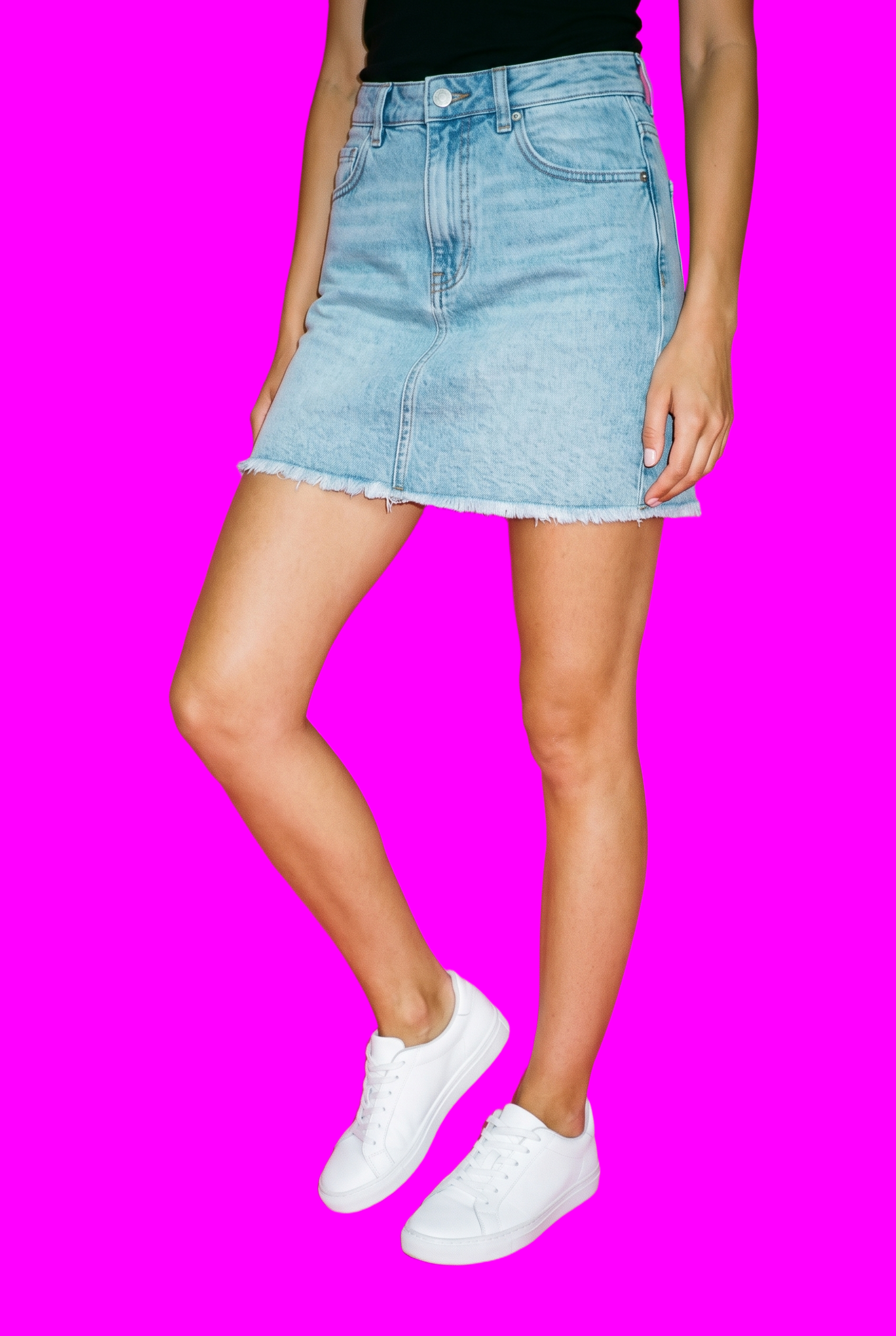
AI image to image generator
Create channel-specific clothing ad variants while keeping the approved campaign composition stable as you change a selected decision.
Change one decision and keep the rest of the composition stable.
See the feature →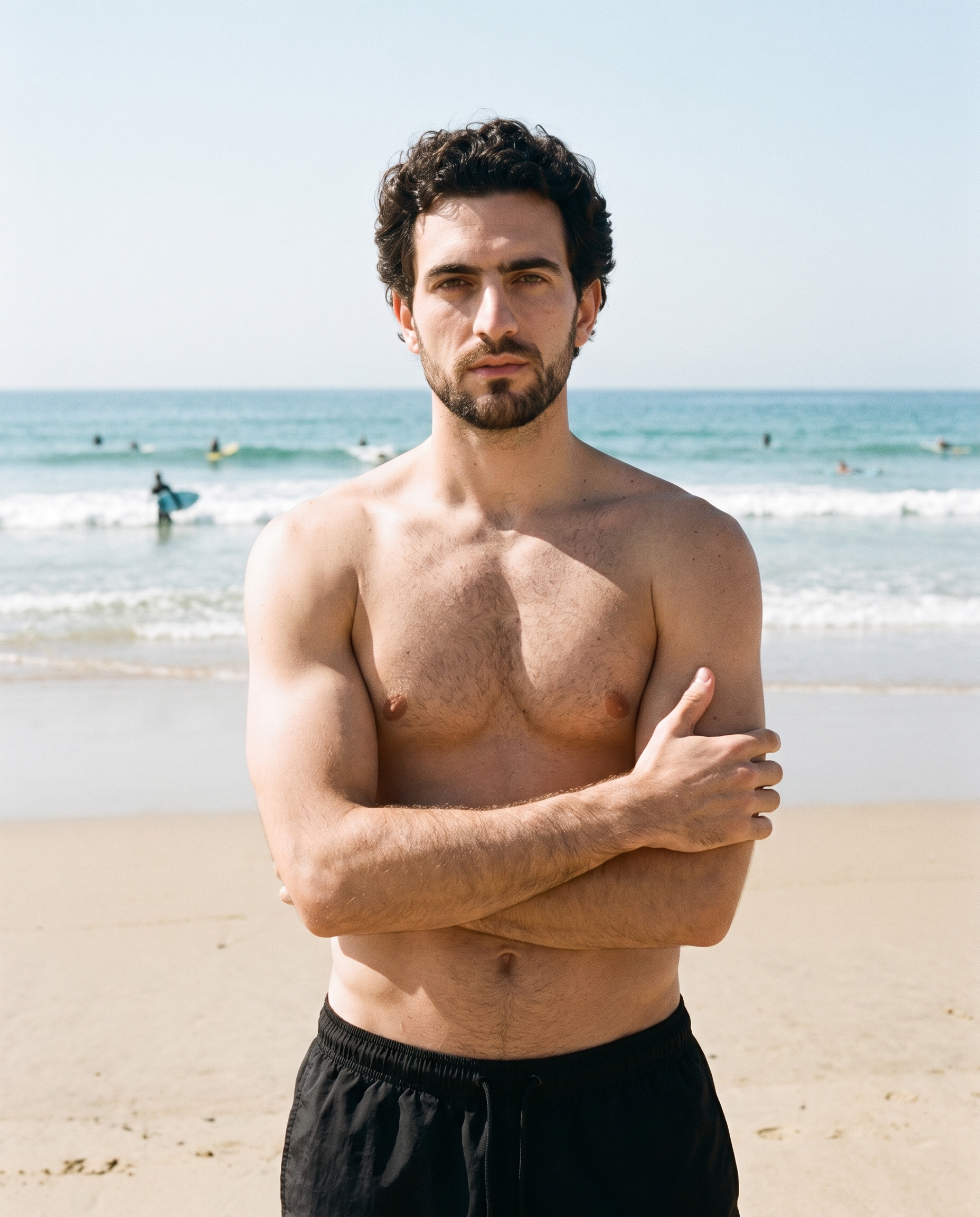
AI image to video generator
Turn finished stills into short motion creatives that give paid-social tests and story placements a moving version of the same product image.
17 model actions on a full-body shot · 132 in total
See the feature →
AI model generator
Choose a campaign cast that supports the product direction and gives the clothing ad set a recognisable visual identity.
Library filters plus private model building for consistent identity across the set.
See the feature →AI makeup generator
Branch-aware named options applied without altering casting or scene setup.
AI outfit generator
Combine the main piece with neutral supporting items in one coherent frame.
AI photo background generator
Swap scene context while keeping model, product, and framing stable.
AI suggestions
Preselected control values you can always override in the same configurator.
Garment styling
Choose how the garment is worn and keep brand presentation consistent.
Inspiration gallery
Load editable finished looks as fast starting points for new shoots.
Photography direction
4 named choices that set mood and shadow the same way across a shoot.
Product import and handling
Start from your real item and keep product fidelity while building the scene.
Gallery
Shot in RAWSHOT, campaign directions take shape.
Editable campaign directions built around one approved clothing product image.
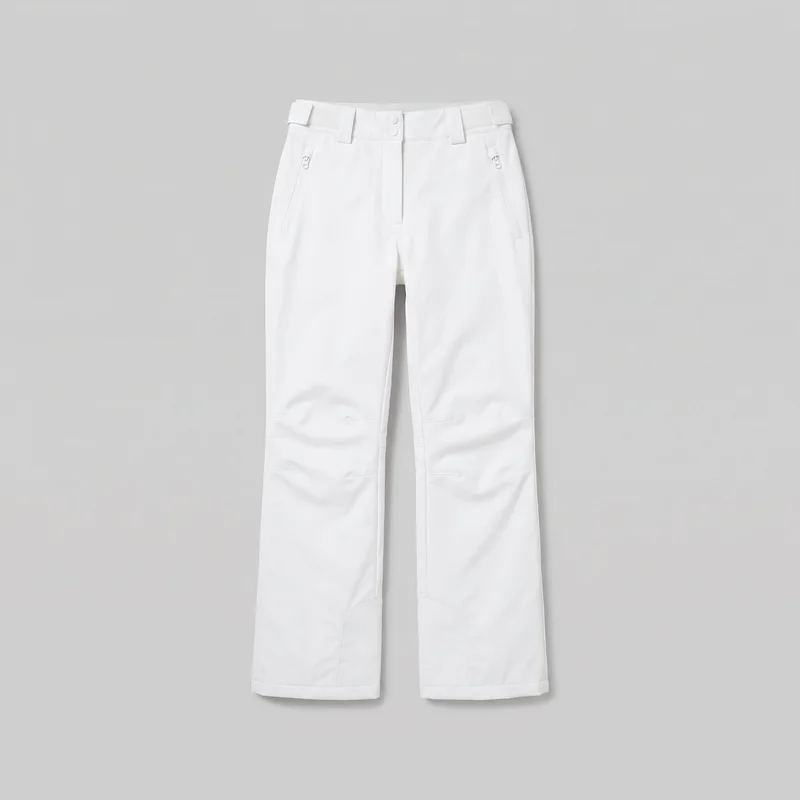 Women's White Shell Ski Trousers
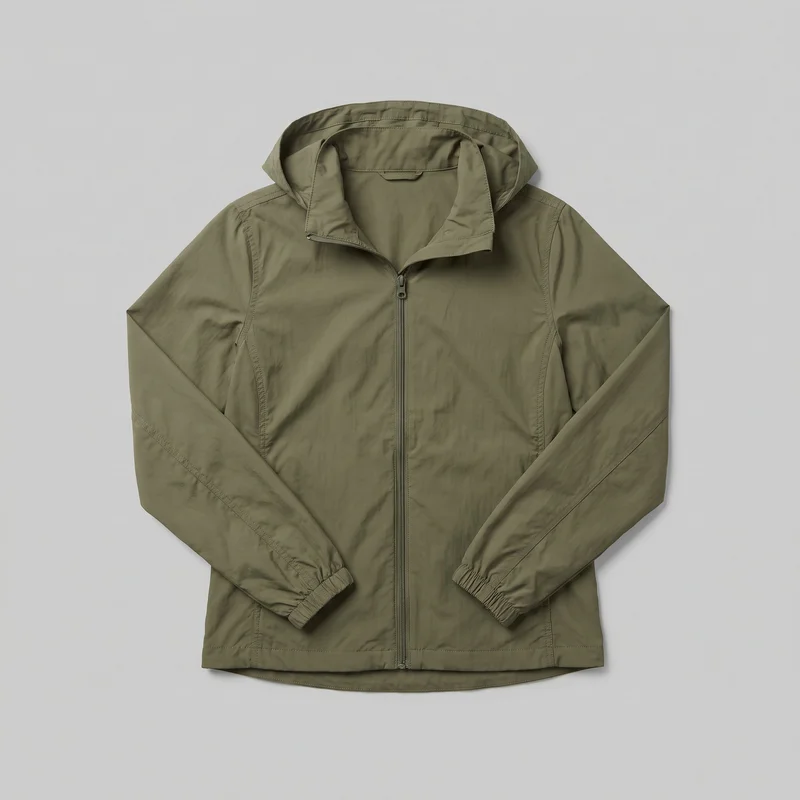 Women's Olive Packable Windbreaker
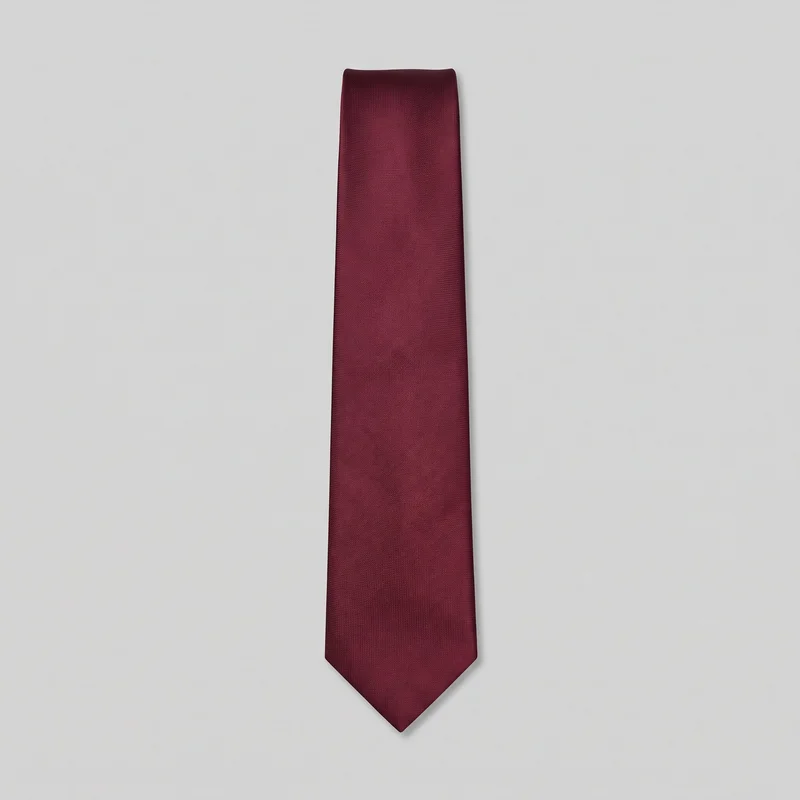 Burgundy Tie
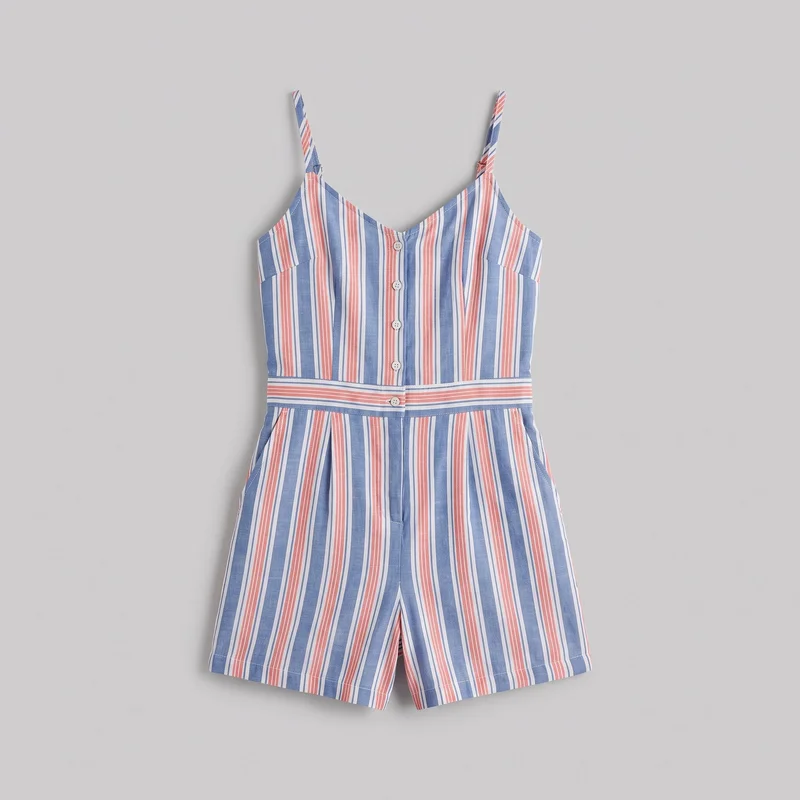 Striped Playsuit
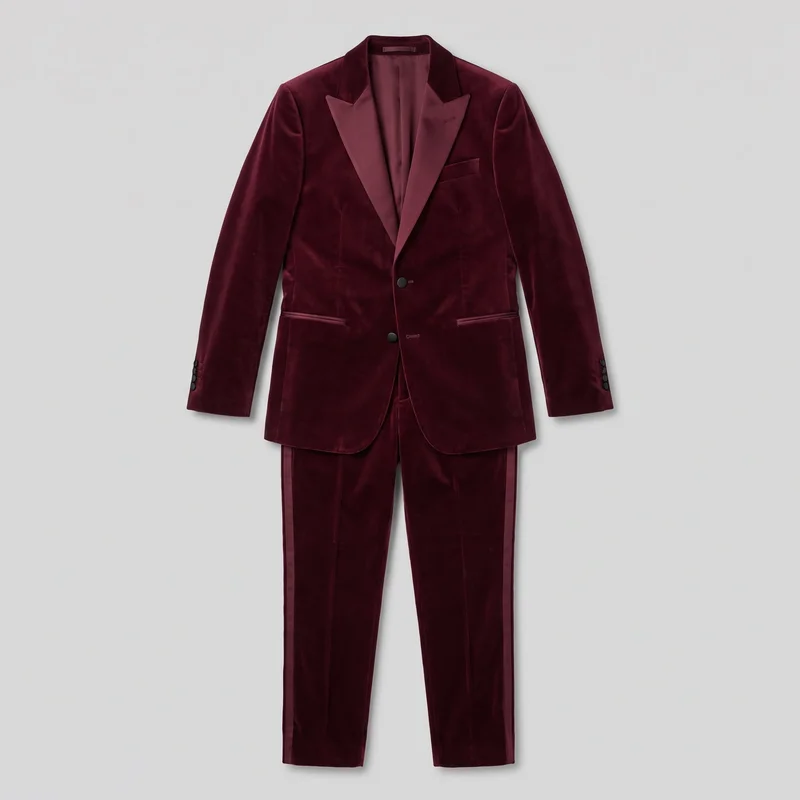 Burgundy Velvet Tuxedo
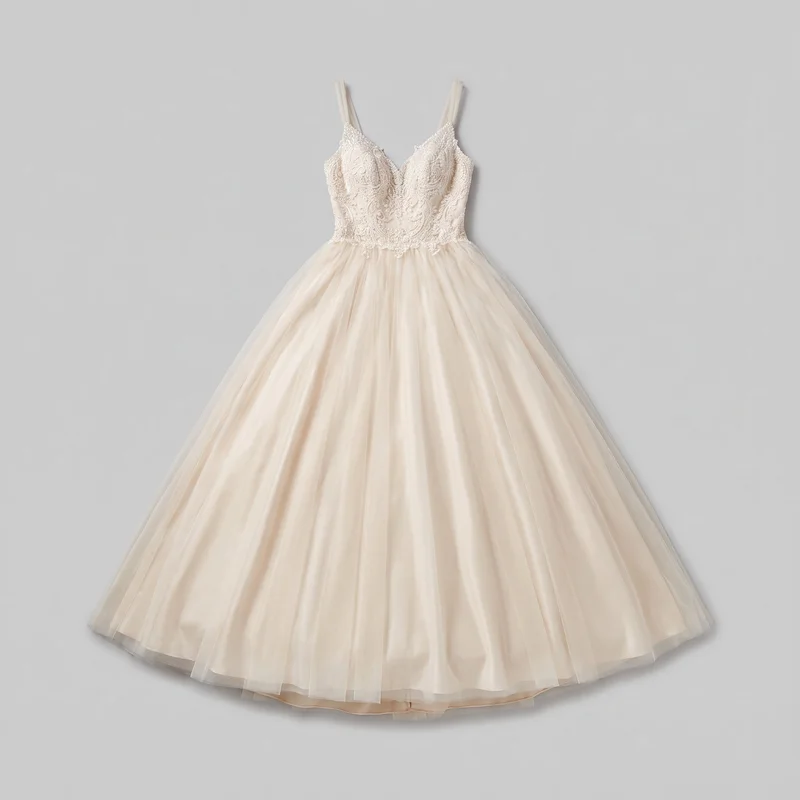 Champagne Ballgown Wedding Dress
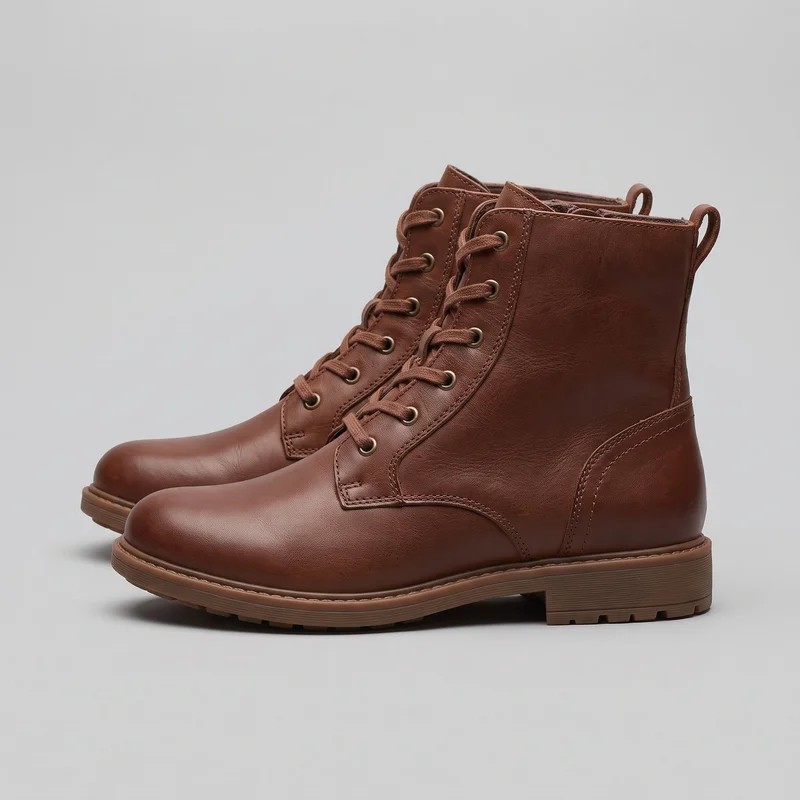 Women's Brown Lace-Up Boots
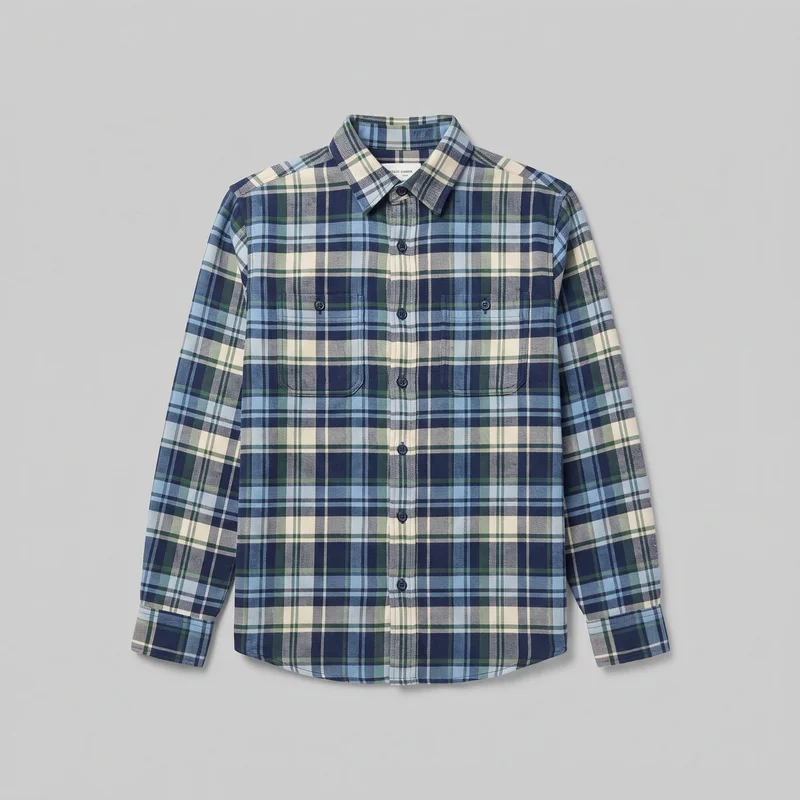 Blue Tartan Flannel Shirt
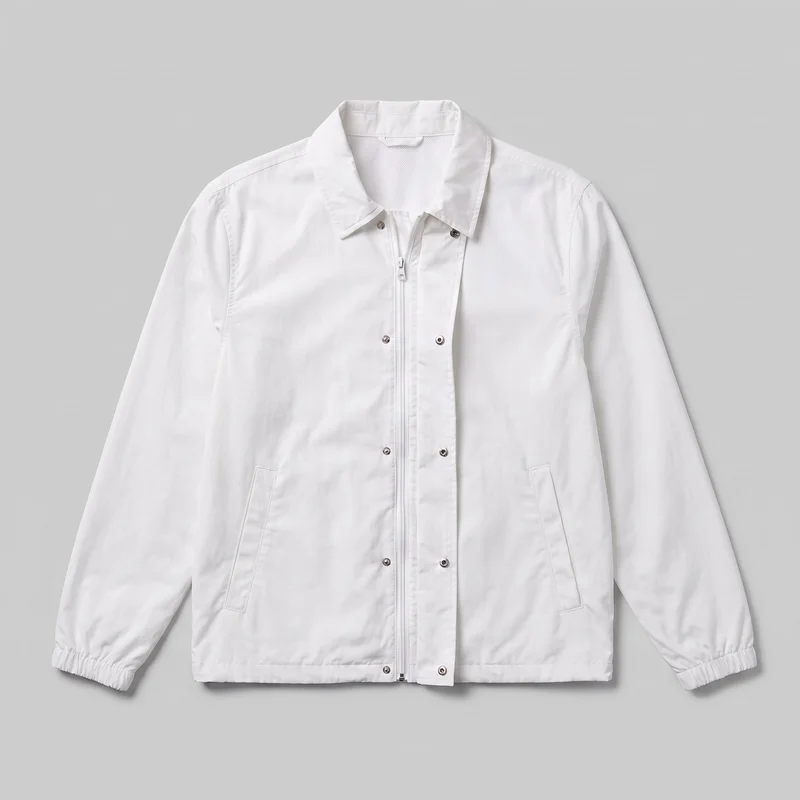 Men's White Windbreaker
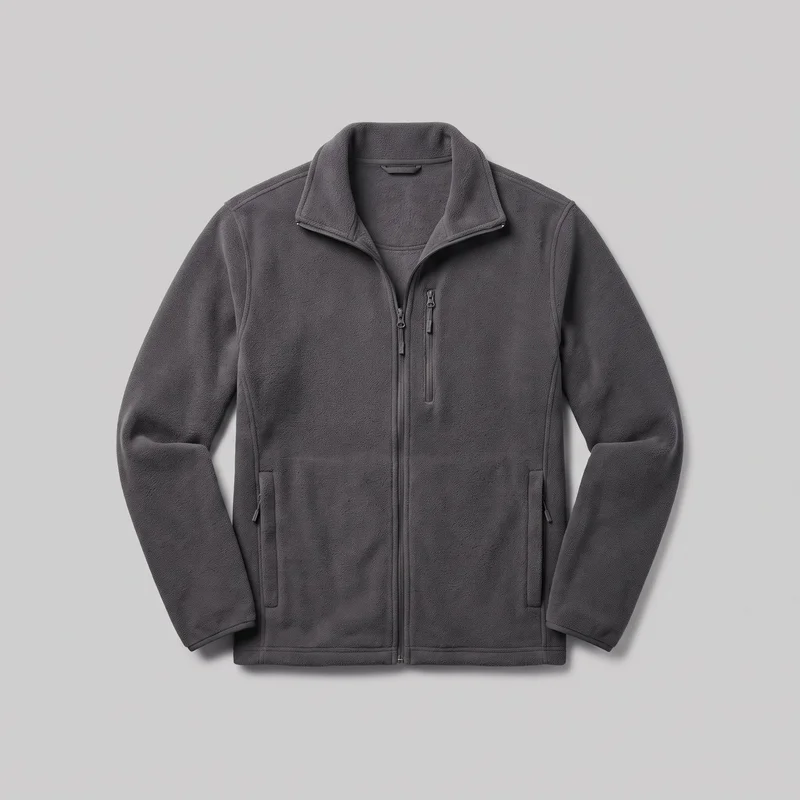 Men's Grey Fleece Jacket
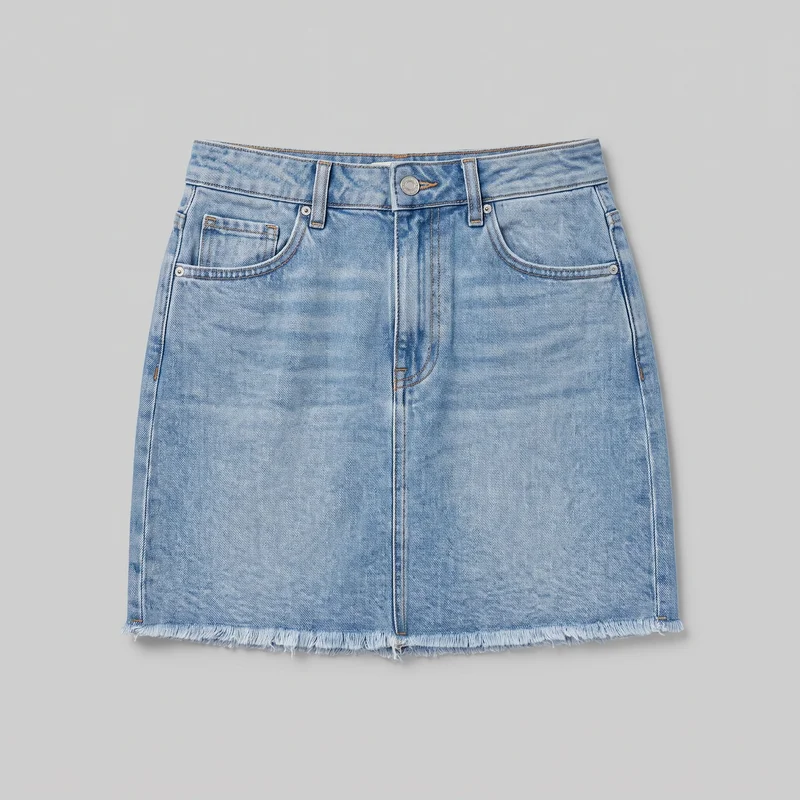 Light Wash Denim Skirt
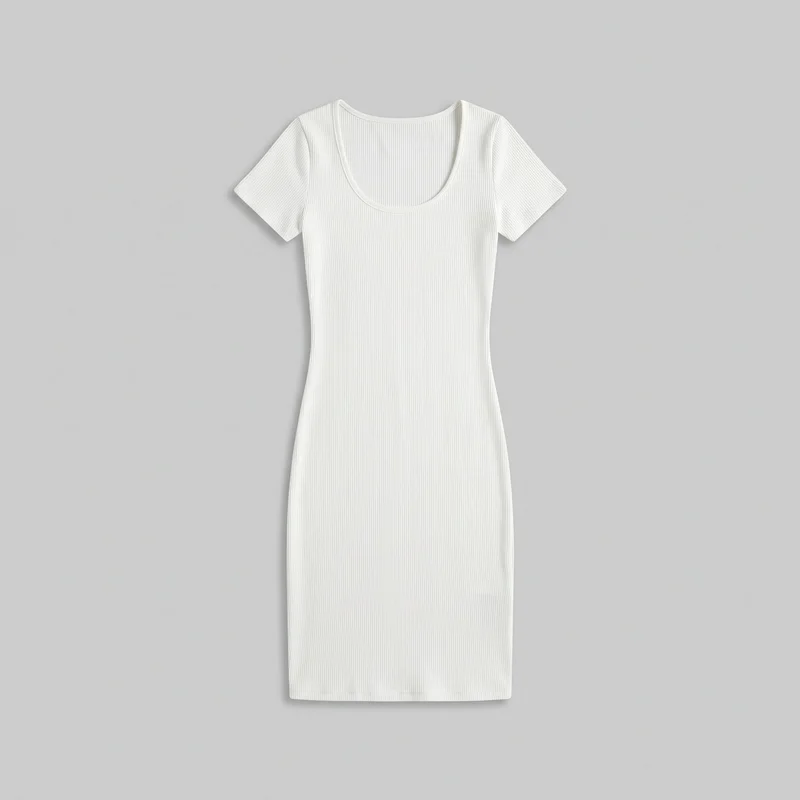 White Ribbed Bodycon Dress
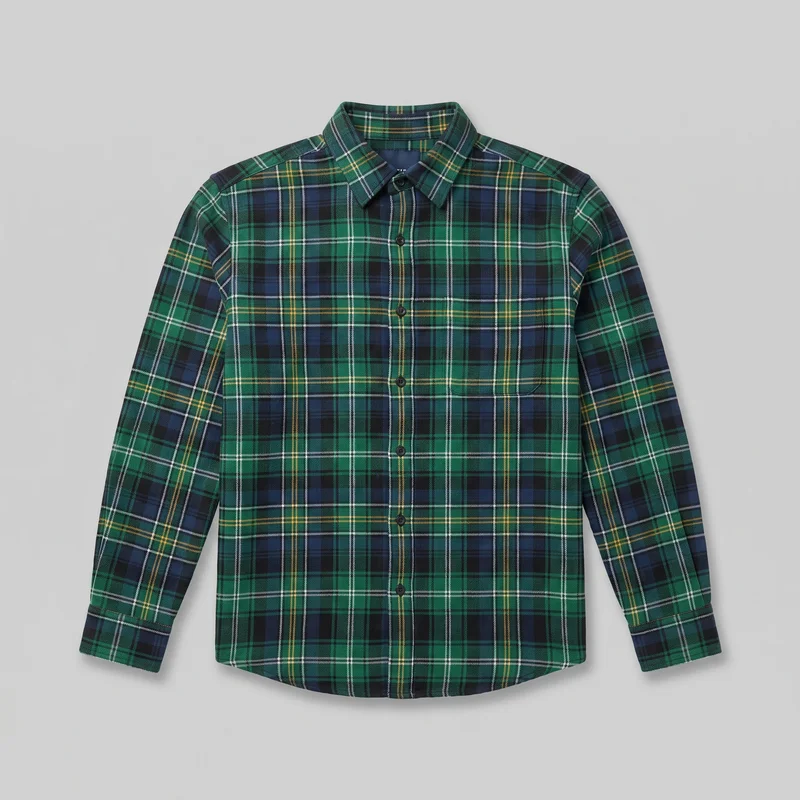 Green Plaid Flannel Shirt
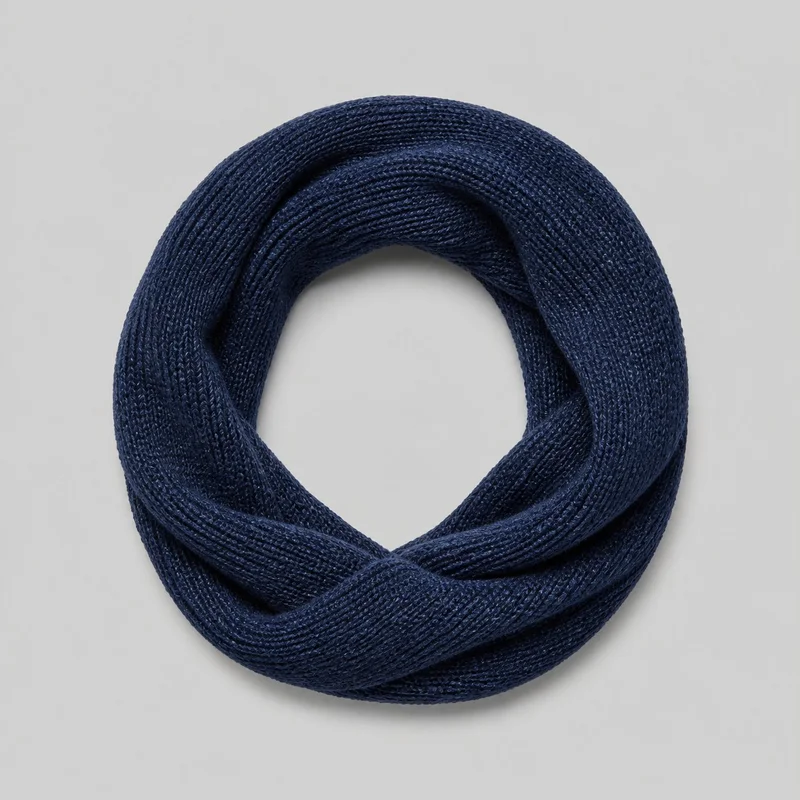 Women's Navy Snood
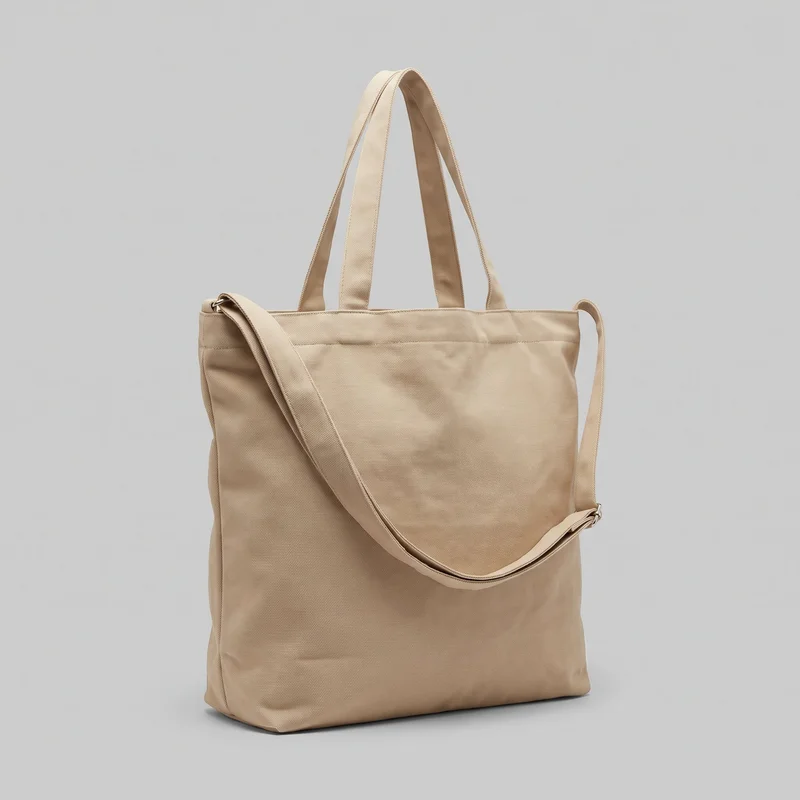 Beige Canvas Tote
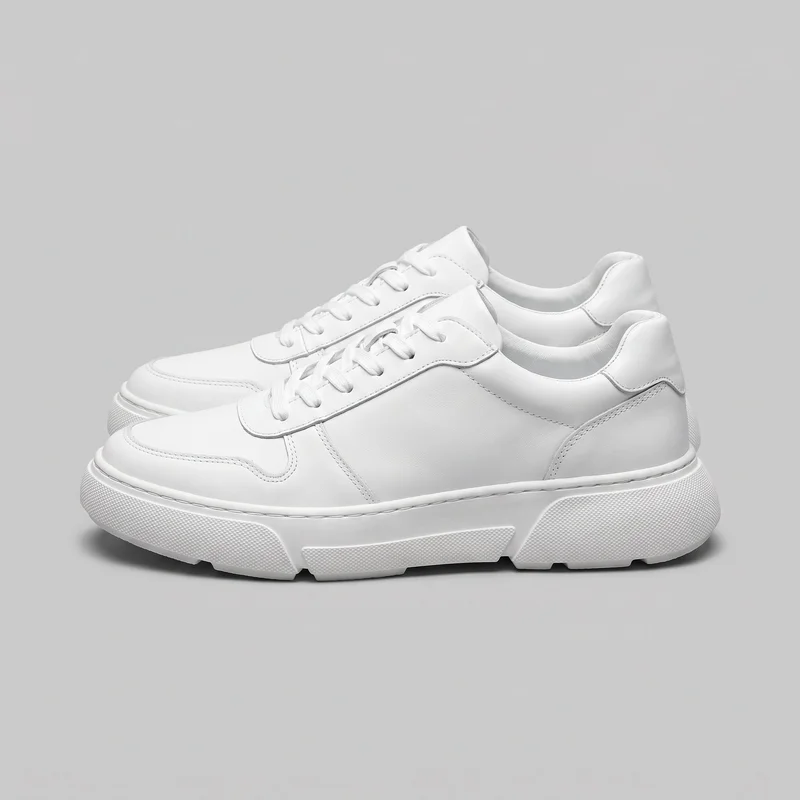 Men's Chunky White Sneakers
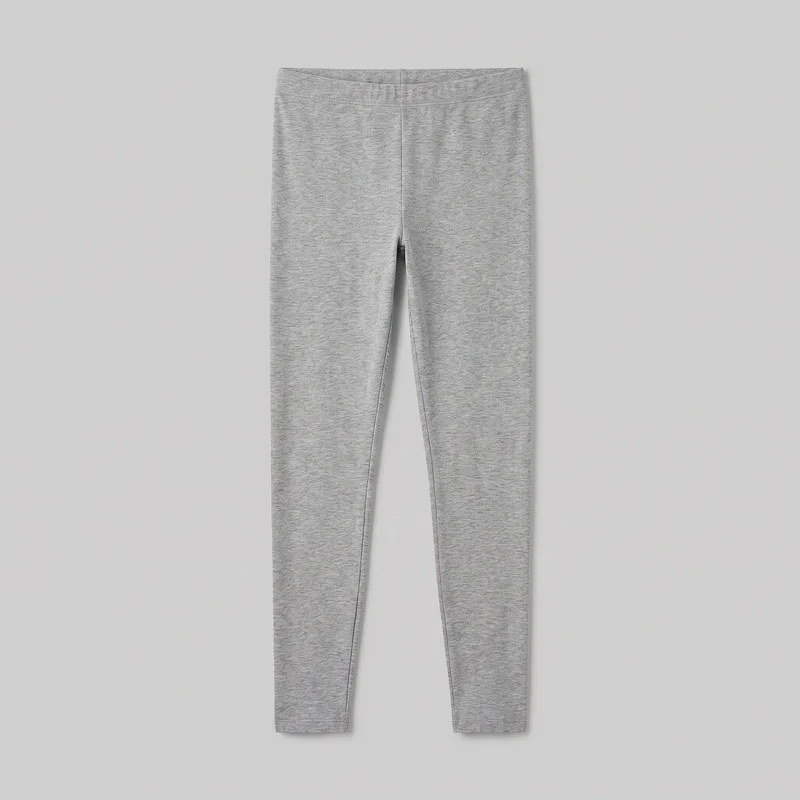 Grey Marl Leggings
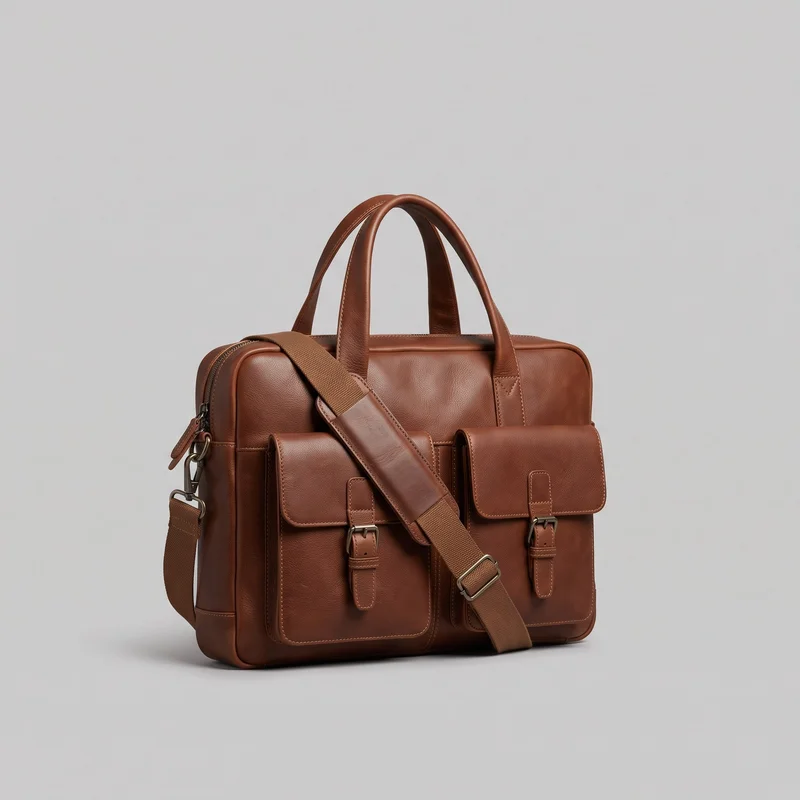 Brown Laptop Messenger Bag
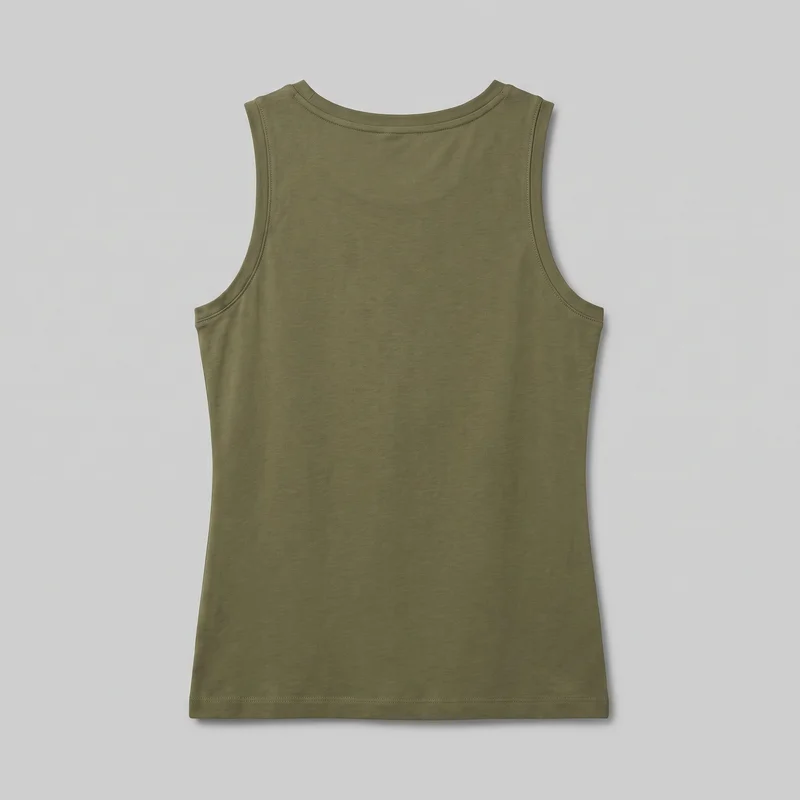 Women's Olive Cotton Tank Top
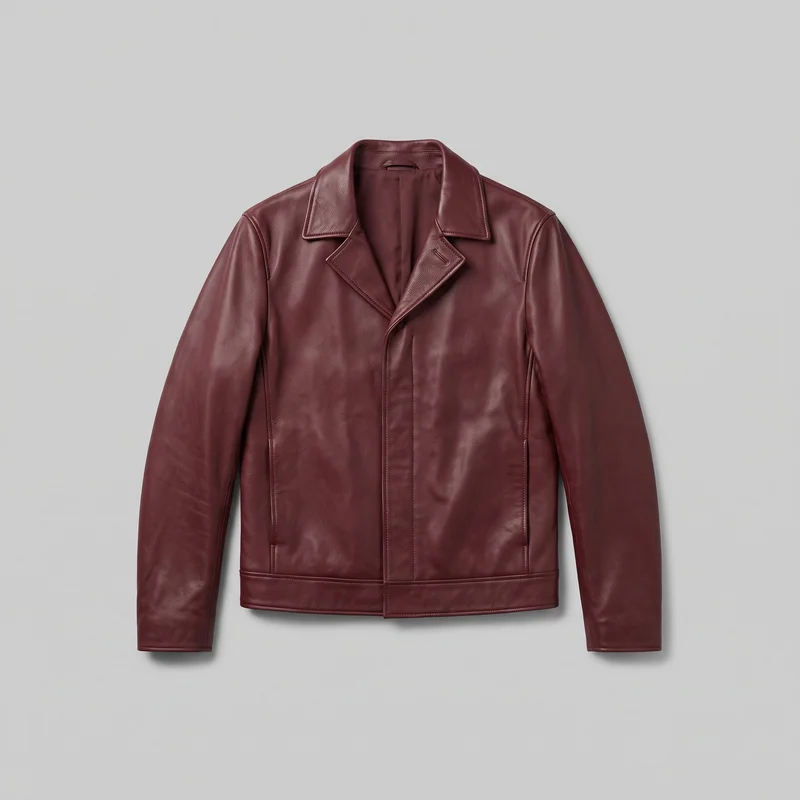 Men's Burgundy Leather Jacket
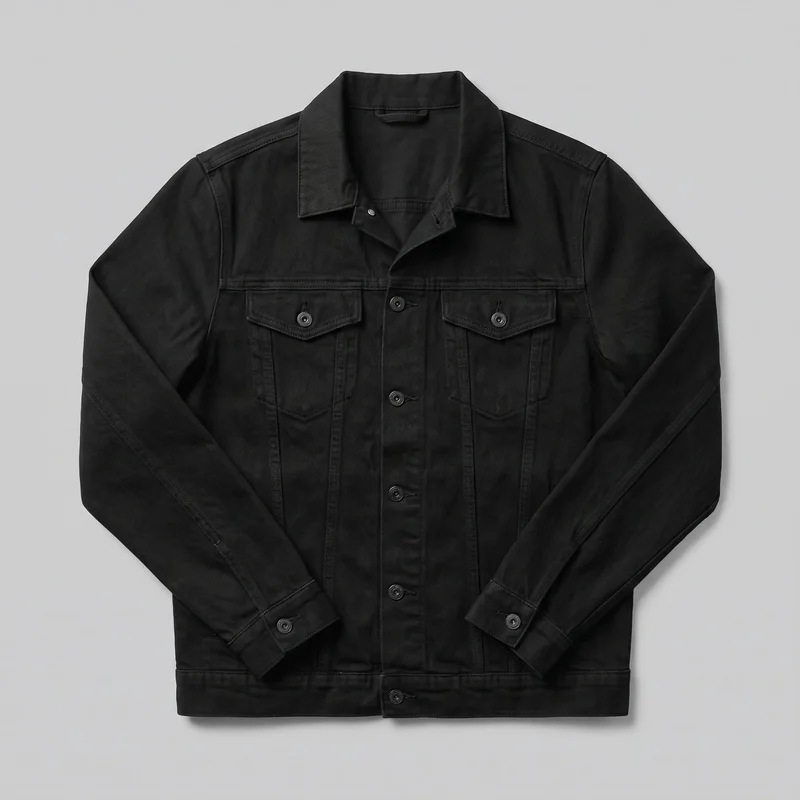 Men's Black Denim Jacket
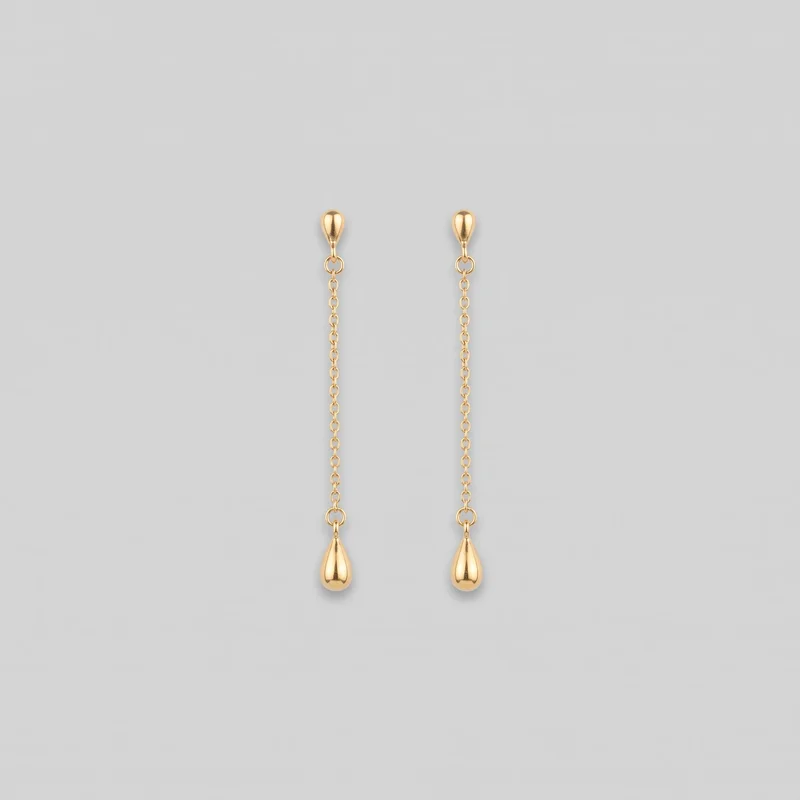 Gold Drop Earrings
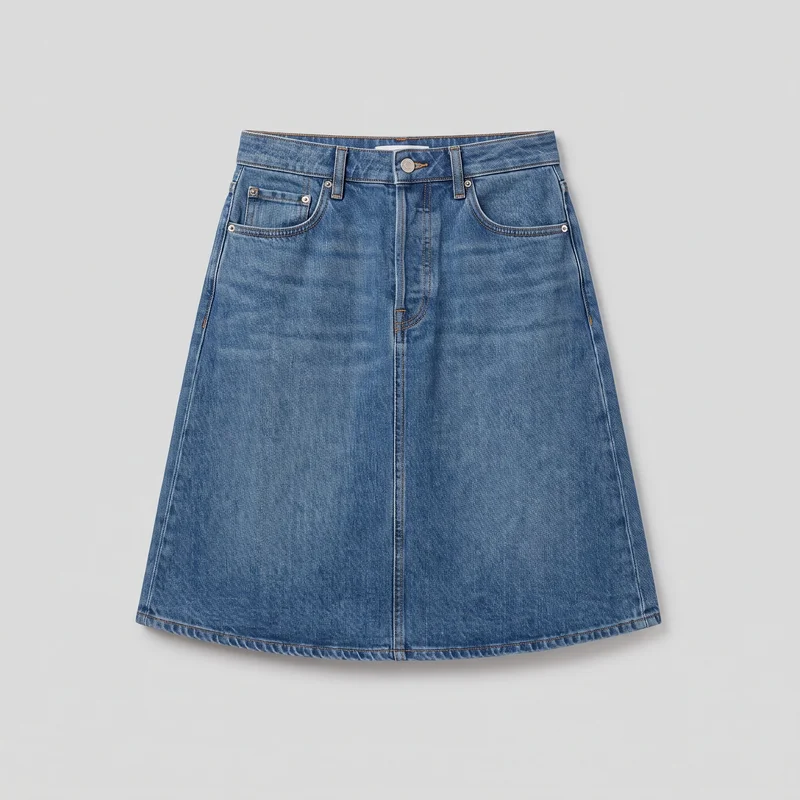 Mid-Wash A-Line Denim Skirt
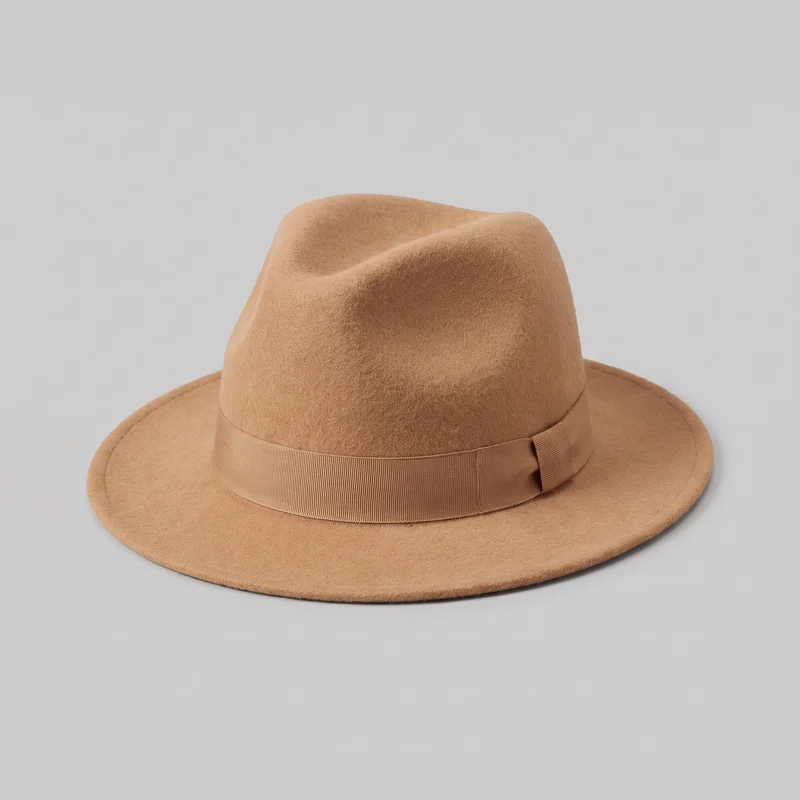 Women's Camel Felt Fedora
Showing 24 of 496
Consistency
Change one choice while the campaign composition holds.
Choose the model, product, background, photography direction and composition for the campaign image. When you change a selected element, the remaining composition holds, making static variants and motion creatives easier to compare before approval.
You change one
- Frame
- Pose
- Camera view
- Model
The rest holds
Model
Keep the same campaign cast while testing product and placement directions.
Light
Carry the selected photography direction through comparable clothing ad variants.
Composition
Change one decision while the remaining campaign composition stays in place.
Who it's for
Is RAWSHOT right for campaign work when garments need review?
A good fit
This fits you when recurring campaign work needs clothing ad variants and short motion creative from approved product imagery.
Work it handles well
- You can prepare recurring campaign variants from real products.
- You can compare static and motion directions before handoff.
- You can choose visible controls for model, light and composition.
Outside this scope
It is not suited to work requiring measured garment fit, free-form pixel edits or a specific real-person likeness.
Where this stops
- You cannot measure garment fit from the generated image.
- You cannot edit pixels or upload a reference pose.
- You need to review each new variant before publishing.
Rights
You own every image. Every image says what it is.
Yours
- Full commercial rights to every image, permanently.
- No recurring licence fees on any model in the library.
- Every model is a synthetic composite, so there is no real-person likeness.
Labelled
- C2PA content credentials on every image.
- AI-labelled output, meeting EU AI Act Article 50.
EU-hosted, GDPR-compliant handling.
- EU AI Act Article 50
- C2PA
- Full commercial rights
- GDPR
- EU-hosted
Questions
Before your first paid-social campaign set.
Can RAWSHOT create a campaign-ready clothing ad set from approved product imagery?
RAWSHOT can create a campaign-ready clothing ad set from approved product imagery, combining static placement variants with short motion creatives. You can choose the model, outfit, pose, light, background, camera view and composition around the product. This helps you explore paid-social directions before handoff while keeping the clothing central. Review the resulting stills and motion treatments together so your campaign team can assess casting, styling and placement context before publishing.
Which campaign jobs and channels suit RAWSHOT clothing ad creative?
Paid-social tests, campaign launches, feed and story placements, and short-video promotions suit RAWSHOT clothing ad creative. You can prepare static and motion directions for a media review, build launch variants for different placements, or assemble channel-ready content while an agency handles later production. The same approved product imagery can support product-led campaign routes across social feeds, stories and other paid placements. You can compare the directions before selecting what moves into handoff.
Which campaign crops and aspect ratios work for paid-social clothing placements?
Square, portrait and vertical crops, including 4:5 and 9:16 aspect ratios, work for campaign clothing placements. You can adjust the composition, framing, camera view and subject position so the approved product remains clear in each format. Use square treatments for feed-oriented creative, portrait crops for taller placements and vertical frames for stories or short-video contexts. Review each crop as its own composition rather than assuming one still will suit every channel.
What do I need to start a RAWSHOT campaign clothing ad set?
You need approved product imagery plus a clear campaign direction covering the clothing, model, styling, pose, background, photography direction and intended placement. You can then choose the frame, camera view, light and composition for each route. Product photos, flat-lays or suitable mockups can establish the item, while your visual choices shape the ad treatment. Review the generated variants against the approved product before using them in a launch or handing them to an agency.
How does RAWSHOT compare with a studio shoot for campaign clothing ad production?
RAWSHOT gives you reviewable campaign clothing directions from approved product imagery without arranging a studio shoot for every exploratory route. You can change the model, pose, light, background, frame and composition while comparing static and short motion treatments. A studio shoot remains better suited to measured garment fit, physical production control and exact real-person casting. RAWSHOT is useful when you need product-led options for approval before committing a direction to agency or studio production.
How can RAWSHOT keep campaign clothing variants consistent across models and placements?
RAWSHOT can keep campaign clothing variants comparable by holding the selected model, photography direction, product treatment and composition while you change a defined visual decision. You can test a different pose, light, background or framing without losing the broader route. This supports review across static and motion directions, although every new variant still needs inspection. Check the garment presentation, styling, product detail and placement composition before approving a set for handoff or publication.
What can't RAWSHOT do for a campaign when garment fit and production control matter?
RAWSHOT cannot measure garment fit, perform free-form pixel edits, accept a reference pose or guarantee a specific real-person likeness for a campaign. You also need to review each new variant because generated clothing, styling and composition can require correction. Short motion is available as a selected treatment, but it does not provide full production control. Use approved product imagery as the source and keep a review step before publishing paid-social stills or motion creatives.
What usage rights apply when you publish RAWSHOT clothing imagery for a campaign?
You get full commercial rights to every image, permanently, with no recurring licence fee. Every image carries C2PA content credentials and is labelled as AI-generated.
Get started
Bring approved product imagery to the studio.
Start with a 7-day free trial including 50 tokens, then move to the plan that matches your production volume.