
— Flat lay imagery · 150+ styles · 4K
Direct clean product storytelling with the AI Flat Lay Generator
Generate polished flat lay imagery that keeps the garment, shape, and styling decision at the center. Select framing, lens, aspect ratio, resolution, and visual style with buttons, sliders, and presets in a real application built for fashion teams. No studio. No samples. No prompts.
- ~$0.55 per image
- ~30–40s per generation
- 150+ styles
- 2K or 4K
- Every aspect ratio
- Full commercial rights
7-day free trial • 50 tokens (10 images) • Cancel anytime

Direct the shoot. Zero prompts.
This setup is preselected for flat lay work: top-down framing, a clean aspect ratio for commerce, and 4K output for crisp product pages. You click into the garment view you need, keep the background controlled, and generate without typing a single instruction. ~$0.55 per image · ~30-40s
- 10 clicks · 0 keystrokes
- app.rawshot.ai / new_shoot
How it works
Build Flat Lay Imagery Like a Product Team
Move from garment upload to publishable assets through fixed controls, clean layouts, and repeatable outputs made for fashion operations.
- Step 01
Upload the Garment
Start from the real product image, not a blank text box. RAWSHOT reads the item as the brief, so cut, color, logo, and fabric stay central from the first generation.
- Step 02
Set the Layout
Choose flat lay framing, lens, aspect ratio, background, lighting, and visual style with clicks. You direct whether the result feels catalog-clean, campaign-ready, or styled for social commerce.
- Step 03
Generate and Scale
Create one hero asset or a full variant set in the browser, then repeat the same logic through the API for larger catalogs. The workflow stays consistent whether you need five images or five thousand.
Spec sheet
Proof That Flat Lay Workflows Hold Up
These twelve points show where RAWSHOT stays practical for commerce teams: garment fidelity, provenance, speed, rights, and scale.
- 01
Built on Synthetic Model Systems
RAWSHOT models are synthetic composites built from 28 body attributes with 10+ options each. Accidental real-person likeness is statistically negligible by design.
- 02
Every Setting Is a Click
You direct the image through controls, presets, and selectors instead of typed instructions. That makes flat lay work repeatable across teams, not dependent on one operator's wording.
- 03
Garment Fidelity Comes First
The platform is engineered around the product itself. Cut, color, pattern, logo, and drape are treated as the job to preserve, not details to improvise around.
- 04
Diverse Synthetic Talent When Needed
If a flat lay range expands into on-model assets, the same system supports diverse synthetic models without changing tools. One platform can cover product-first and model-led outputs together.
- 05
Consistency Across Every SKU
Keep framing logic, styling choices, and visual standards stable from one item to the next. That means fewer mismatched product pages and cleaner collection-wide presentation.
- 06
150+ Visual Styles Ready
Switch between catalog, studio, editorial, campaign, vintage, noir, and more without rebuilding your workflow. The style library lets one garment support multiple selling contexts fast.
- 07
2K, 4K, and Any Ratio
Generate square marketplace assets, portrait social crops, wide banners, or detailed PDP visuals from the same product workflow. Resolution and aspect ratio are direct controls, not afterthoughts.
- 08
Labelled and Compliance-Ready
Every output is AI-labelled, watermarked, and aligned with EU-hosted compliance requirements including C2PA signalling. Honest disclosure is built into the product, not added later.
- 09
Signed Audit Trail Per Image
Each asset carries a traceable record that supports internal review, client delivery, and publishing governance. That matters when multiple teams handle approval, retail, and brand operations.
- 10
GUI for One-Offs, API for Scale
Use the browser interface for creative selection and the REST API for larger catalog runs. The same engine supports single-drop styling and nightly SKU pipelines.
- 11
Fast, Transparent Image Economics
Stills cost about $0.55 per image and generate in roughly 30–40 seconds. Tokens never expire, and failed generations refund their tokens.
- 12
Commercial Rights Stay Clear
Every output includes full commercial rights, permanent and worldwide. That keeps asset usage straightforward across PDPs, paid media, lookbooks, and marketplace listings.
Outputs
Flat Lay Outputs Ready to publish.
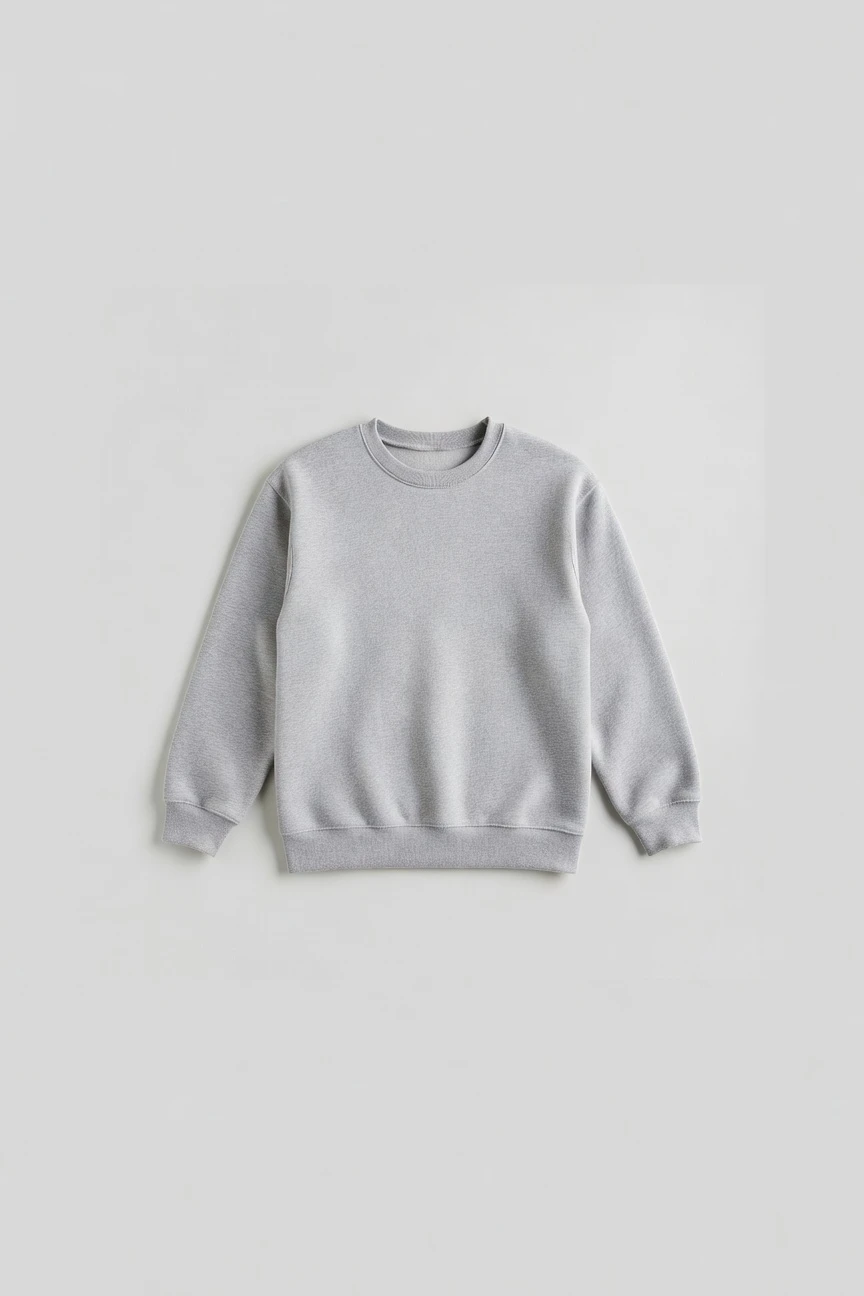
From clean product pages to styled launch creatives, the same garment can be directed into multiple flat lay outcomes. Keep the layout simple for commerce or build richer arrangements for brand storytelling.


Browse 150+ visual styles →
Comparison
RAWSHOT vs category tools vs DIY prompting
Three lenses on every dimension — what you optimize for in RAWSHOT versus typical category tools and blank-box AI workflows.
01
Interface
RAWSHOT
Click-driven controls for lens, framing, light, style, and output formatCategory tools + DIY
Partial UI layers with generic text-led setup and fewer apparel-specific controls. DIY prompting: Typed instructions in chat or image tools with manual trial and error02
Garment fidelity
RAWSHOT
Product-led generation built to preserve cut, color, logos, and proportionCategory tools + DIY
Often strong on mood but less dependable on product-specific details. DIY prompting: Garment drift, invented trims, changed logos, and altered silhouette are common03
Flat lay reproducibility
RAWSHOT
Repeat the same layout logic across collections with stable control inputsCategory tools + DIY
Can vary composition logic between sessions and operators. DIY prompting: Results depend heavily on wording, retries, and inconsistent model behavior04
Provenance + labelling
RAWSHOT
C2PA-signed, visibly watermarked, cryptographically watermarked, and AI-labelled outputsCategory tools + DIY
Labelling may be lighter or inconsistent across exported assets. DIY prompting: No dependable provenance metadata or standardized disclosure layer05
Commercial rights
RAWSHOT
Full commercial rights to every output, permanent and worldwideCategory tools + DIY
Rights may be framed by plan tiers or platform-specific terms. DIY prompting: Usage clarity can stay ambiguous across models, tools, and source paths06
Pricing transparency
RAWSHOT
Same per-image pricing, no per-seat gates, tokens never expireCategory tools + DIY
Seats, tiers, or sales-gated plans can shape access. DIY prompting: Cheap entry looks simple until retries and unusable outputs pile up07
Catalog scale
RAWSHOT
Browser GUI for single shoots and REST API for SKU-scale pipelinesCategory tools + DIY
Some batch support, but often weaker integration depth for operations teams. DIY prompting: No reliable production workflow for thousands of consistent product assets08
Operational overhead
RAWSHOT
Teams learn one application and reuse the same controls every dayCategory tools + DIY
Operators still translate creative intent across mixed interfaces. DIY prompting: Prompt-engineering overhead slows reviews and makes handoff between teams messy
Prompting does not scale
Stop writing essays. Direct the shoot.
Most AI photo tools start with a blank text box. Rawshot turns the shoot into repeatable controls, so creative teams can produce consistent fashion imagery without prompt syntax or one-off hacks.
Category norm
ManualCreate a premium editorial fashion photograph of a model wearing the exact navy oversized wool coat from SKU-1842, full-body crop, realistic hands, consistent facial identity, clean e-commerce lighting, subtle Paris street background, 85mm lens, no logo distortion, no fabric hallucination, same pose as last campaign, repeatable for all colorways...
A prompt can describe one image. It cannot become a shared production system for hundreds of products, models, angles and markets.
Rawshot
ClicksSaved shoot recipe
Apply to 1 SKU or 10,000 via GUI, CSV or REST API.
Rawshot makes creative direction visible: buttons, presets and sliders instead of hidden prompt craft. The result is easier to teach, faster to approve and built for repeat production.
Use cases
Where Flat Lay Access Changes the Job
Operator archetypes and how click-directed, garment-first output fits the way they actually work.
- 01
Indie Designers
Launch a new drop with clean garment layouts before you have the budget for a full studio day.
Confidence · high
- 02
DTC Apparel Brands
Create consistent flat lays for PDPs, collection pages, and email creative from the same product source.
Confidence · high
- 03
Marketplace Sellers
Generate square and vertical product assets that fit channel requirements without rebuilding every listing by hand.
Confidence · high
- 04
Resale and Vintage Stores
Standardize one-off inventory into a cleaner visual system even when every piece arrives in a different condition.
Confidence · high
- 05
Kidswear Labels
Show coordinated sets, folded looks, and accessory pairings in tidy compositions suited to busy catalogs.
Confidence · high
- 06
Adaptive Fashion Teams
Present closures, openings, and practical garment details through product-led layouts that stay easy to compare.
Confidence · high
- 07
Footwear Brands
Build top-down and detail-focused product arrangements that highlight shape, sole, hardware, and finish.
Confidence · high
- 08
Jewelry and Accessories Sellers
Compose small products on clean surfaces for commerce, gifting pages, and social crops without complex shoots.
Confidence · high
- 09
Factory-Direct Manufacturers
Turn incoming product imagery into publishable flat lay assets for buyers, line sheets, and wholesale previews.
Confidence · high
- 10
Crowdfunding Creators
Show early product concepts in polished layouts that help campaign pages feel complete before large production runs.
Confidence · high
- 11
Students and Fashion Graduates
Present collections with cleaner visual discipline when budgets are tight but portfolio standards still matter.
Confidence · high
- 12
Catalog Operations Teams
Run repeatable laydown workflows across large assortments through the GUI or REST API without changing core process.
Confidence · high
— Principle
Honest is better than perfect.
Flat lay imagery often gets published at scale across PDPs, marketplaces, and wholesale materials, so provenance cannot be an afterthought. RAWSHOT labels outputs, applies visible and cryptographic watermarking, and supports C2PA-signed records per image. That gives commerce teams a cleaner chain of custody for product-first assets while staying EU-hosted and compliance-minded by design.
Rights & provenance
Full commercial rights. Forever.
- C2PA-signed on every image — EU AI Act Article 50 compliant
- 28-attribute synthetic models — real-person likeness statistically impossible
- Full commercial rights to every generation — no recurring licensing fees
- Tokens never expire · One-click cancel · Transparent pricing
EU AI Act
C2PA
Commercial use
Pricing
~$0.55 per image.
~30–40 seconds per generation. Tokens never expire. Cancel in one click.
- 01The cancel button is on the pricing page.
- 02No per-seat gates. No 'contact sales' walls for core features.
- 03Failed generations refund their tokens.
- 04Full commercial rights to every output, permanent, worldwide.
FAQ
Practical answers on control, rights, pricing, scale, and compliant publishing.
Do I need to write prompts to use RAWSHOT?
Never—you direct every output with sliders, presets, and clicks on the garment, not typed prompts. That UI control is consistent across GUI and REST API payloads, which is why ecommerce teams onboard buyers without rewriting creative briefs as chat threads. Instead of trying to word your way into a usable image, you select framing, angle, lighting, visual style, aspect ratio, and product focus in a structured application built for fashion work.
For catalog teams, reliability matters more than model cleverness; RAWSHOT keeps tokens, timings, refund rules, commercial rights framing, provenance signalling, watermarking cues, REST surface, and SKU-scale batch patterns explicit so operations can rehearse PDP launches without hallucinated garment inventions. The practical takeaway is simple: your team learns one set of controls and repeats it, whether you are styling a single product page or a larger assortment.
What does an AI-assisted flat lay workflow change for SKU-scale fashion catalogs?
It changes who gets access to polished product imagery and how repeatably teams can produce it. A flat lay workflow inside RAWSHOT lets operators turn real garment inputs into clean, publishable assets without booking a studio, shipping samples across borders, or relying on one specialist to manually restyle every SKU. For commerce teams, that means product pages, launch grids, and seasonal refreshes can move on merchandising timelines instead of production-day timelines.
RAWSHOT matters here because the workflow is built around the garment and controlled through interface decisions, not open-ended chat. You can set framing, ratio, style, and resolution in a consistent way, generate 2K or 4K outputs, and then repeat the same logic through the browser or REST API. In practice, that gives catalog teams a more stable system for assortment-wide imagery, especially when consistency matters as much as speed.
Why skip reshooting every SKU when the season, channel, or merchandising layout changes?
Because many visual updates are really layout, crop, style, and publishing problems rather than reasons to rebuild a physical shoot from zero. When a team needs a new marketplace ratio, a cleaner PDP background, or a more editorial flat lay for a launch page, the expensive part of traditional production is not the creativity alone; it is the logistics, scheduling, handling, and repetition. RAWSHOT gives teams a way to direct those changes around the existing garment input instead of restarting the whole operation.
That is especially useful for fashion businesses with broad assortments or frequent drops. You can keep the product central, generate fresh outputs in around 30–40 seconds per image, and pay a transparent per-image price rather than turning every update into a new shoot day. The operational habit to build is reviewing what actually changed in the channel need, then using controls to regenerate the format and style required.
How do we turn flat garments into catalogue-ready imagery without prompting?
You start with the real item and direct the result through fixed controls. In RAWSHOT, teams choose flat lay framing, lens, aspect ratio, resolution, background, lighting, and visual style as explicit settings, so the workflow behaves like software for apparel operations rather than a conversational experiment. That matters for catalogs because image standards need to be teachable, repeatable, and auditable across multiple people.
Once your team defines a house approach, the process becomes operationally simple: upload the garment, select the layout parameters, generate, review fidelity, and publish or iterate. You can keep outputs clean for PDP use, shift into more styled arrangements for campaigns, and preserve the same product-led logic throughout. The key is that the garment remains the brief, so you are refining presentation decisions instead of guessing what a chat box will do next.
Why does garment-led control beat DIY prompting in ChatGPT, Midjourney, or generic image models for fashion PDPs?
Because product pages are judged on accuracy, consistency, and rights clarity, not on whether a model can improvise an attractive image once. Generic image systems are strong at broad visual interpretation, but fashion teams run into familiar failure modes: changed trims, softened logos, drift in silhouette, invented details, and inconsistent outputs across retries. When those tools depend on typed wording, the operator spends time chasing phrasing rather than directing a stable commerce workflow.
RAWSHOT takes a different path by giving teams fixed controls around fashion-specific decisions and building the process around the actual garment. It also keeps provenance and disclosure explicit with AI labelling, watermarking, and C2PA-aware output handling, which generic chat-led tools often do not. For a PDP workflow, that means fewer surprises, clearer governance, and a process another teammate can repeat without inheriting someone's private wording tricks.
Can I use ai flat lay generator outputs commercially for product pages, ads, and marketplaces?
Yes. RAWSHOT provides full commercial rights to every output, permanent and worldwide, which is the baseline most commerce teams need before assets move into paid media, PDPs, lookbooks, retailer decks, or marketplace listings. That rights clarity matters because fashion imagery rarely lives in one place; the same asset often travels across ecommerce, social, wholesale, and performance channels in quick succession.
RAWSHOT also pairs commercial usability with transparency measures rather than treating disclosure as a footnote. Outputs are AI-labelled, visibly watermarked, cryptographically watermarked, and supported by provenance-aware records, giving teams a clearer governance posture as assets move through review and publishing. The practical step is to fold those assets into your normal approval chain, confident that usage rights are broad and asset signalling is already accounted for.
What should our team check before publishing AI flat lay generator images on a live storefront?
Check the same things a careful product team should always check, but do it with sharper attention to garment fidelity and disclosure. Confirm that cut, color, pattern, logo placement, hardware, and proportion match the actual item, and review whether the selected layout truly supports the channel where the image will appear. For a storefront, that means validating that the product remains easy to understand at PDP size, collection-grid size, and mobile crop size.
With RAWSHOT, teams should also verify that the chosen style preset, aspect ratio, and resolution fit the intended use, and keep the provenance and watermarking posture intact inside the publishing workflow. Because every output carries AI labelling and signed audit support, review becomes less about guessing origin and more about ensuring the right asset was selected. A disciplined pre-publish checklist keeps the process fast without letting detail drift slip into live commerce.
How much does a still-image flat lay workflow cost in RAWSHOT, and what happens to unused tokens?
Stills cost about $0.55 per image, and a generation typically completes in around 30–40 seconds. That makes budgeting straightforward for teams comparing one-off launch needs with recurring catalog production, because the unit economics are visible upfront instead of buried behind seats or a sales conversation. Just as important, tokens never expire, so operators do not have to force generation volume to avoid losing prepaid usage.
RAWSHOT also keeps the edge cases clear. Failed generations refund their tokens, and cancellation is one click with the cancel button on the pricing page. For finance and operations teams, that combination matters because it reduces the hidden waste that often appears in experimental creative tools. The practical takeaway is to plan image volumes around actual merchandising demand, not around expiring credits or locked-in seat math.
Can RAWSHOT plug into Shopify-scale catalog operations or internal image pipelines through an API?
Yes. RAWSHOT supports a browser GUI for single-shoot work and a REST API for larger catalog-scale pipelines, which lets teams move from creative setup into structured production without changing platforms. That is useful for Shopify-scale operations, marketplace programs, or internal asset systems where the same products need repeatable outputs across multiple destinations and deadlines.
The advantage is not only automation, but continuity. The same logic used by a merchandiser or creative lead in the interface can become the basis for a repeatable API-driven workflow, which helps keep visual rules aligned as output volume grows. For operations teams, the smart move is to establish your preferred control settings in the GUI first, then carry those patterns into batch processing once the image standard is approved.
How do small teams and large catalog departments use the same platform without hitting per-seat or enterprise walls?
RAWSHOT is built so a single operator and a large commerce team can work from the same underlying product, pricing logic, and output standards. There are no per-seat gates for core features and no forced jump into a separate enterprise edition just to access the workflow that already fits the job. That matters because growth in fashion operations usually starts with more SKUs and more channels, not with patience for procurement theater.
In practice, a founder can direct a handful of flat lay images in the browser while a larger team later runs the same visual logic through the REST API for thousands of products. Pricing remains per image, tokens do not expire, and the governance layer stays visible through labelling, watermarking, and audit support. The result is a platform that scales with operational complexity without changing the rules once the team gets traction.
Keep exploring