
Campaigns
AI video ads
Turn approved product images into campaign motion.
You need ai video ads for a campaign, but the production budget is not available today. Turn approved product images into directed motion creatives for a paid-social test.
7-day free trial • 50 tokens (10 images) • Cancel anytime
A 2K image in roughly 35 seconds · AI-labelled with C2PA content credentials
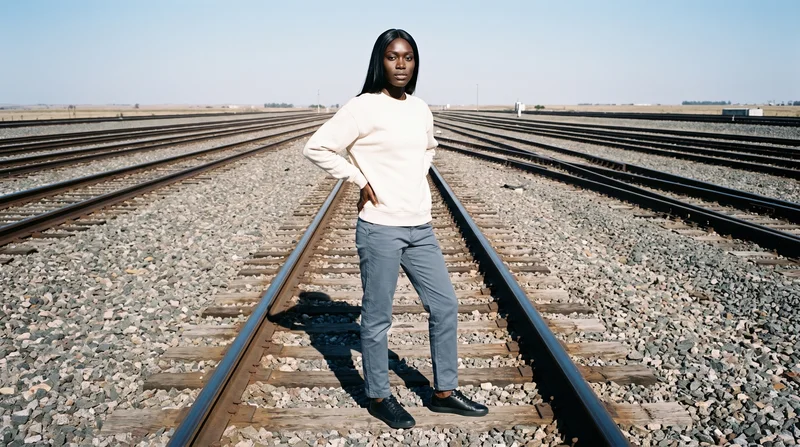
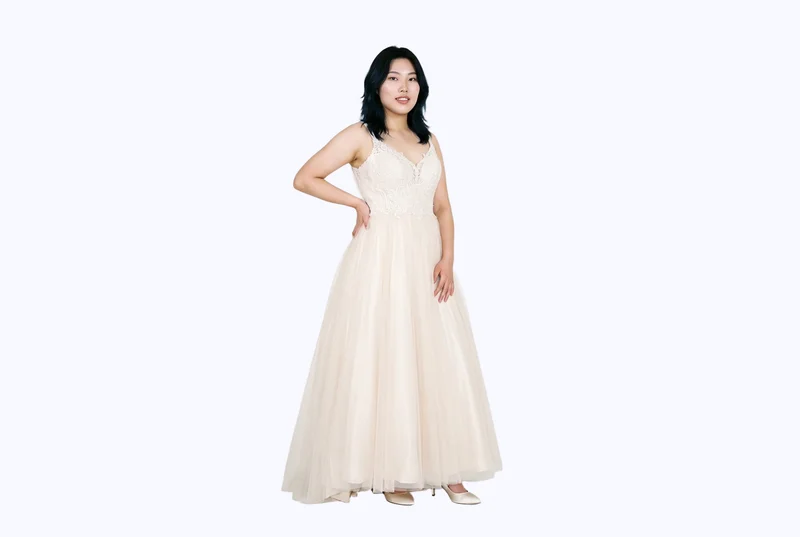
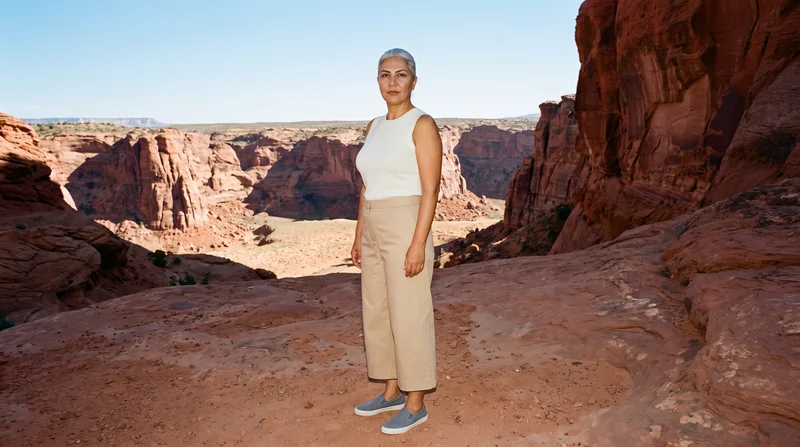
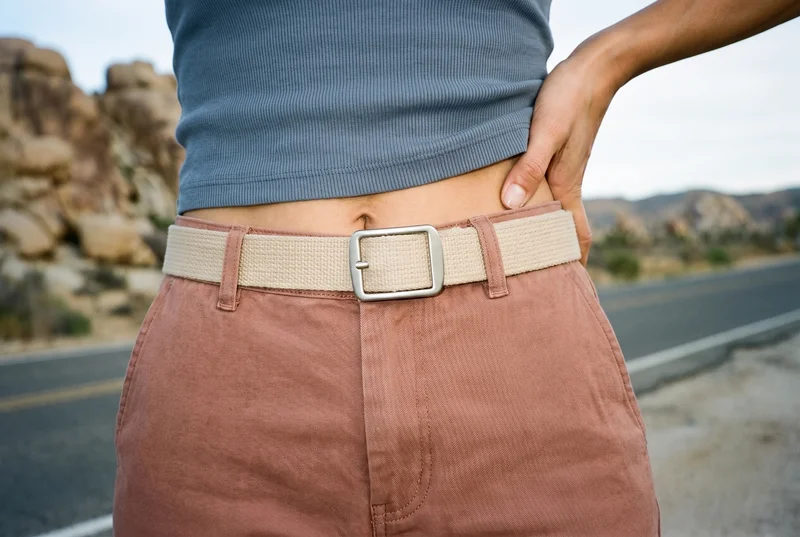
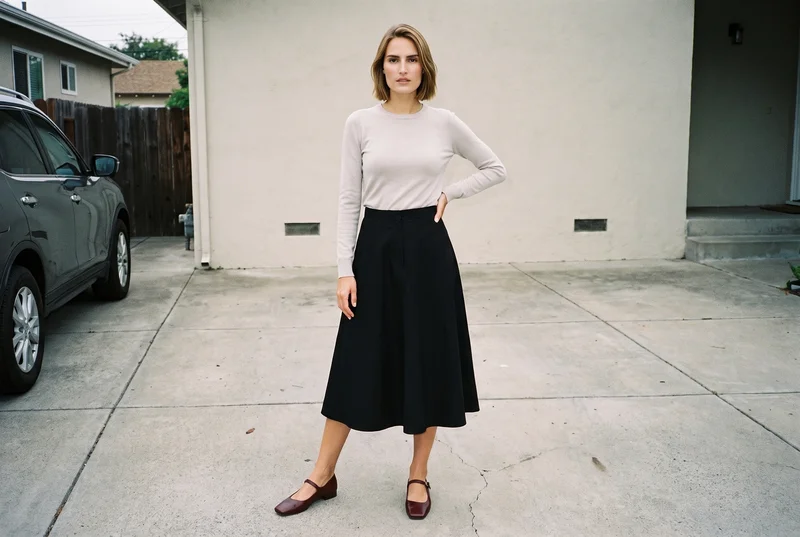
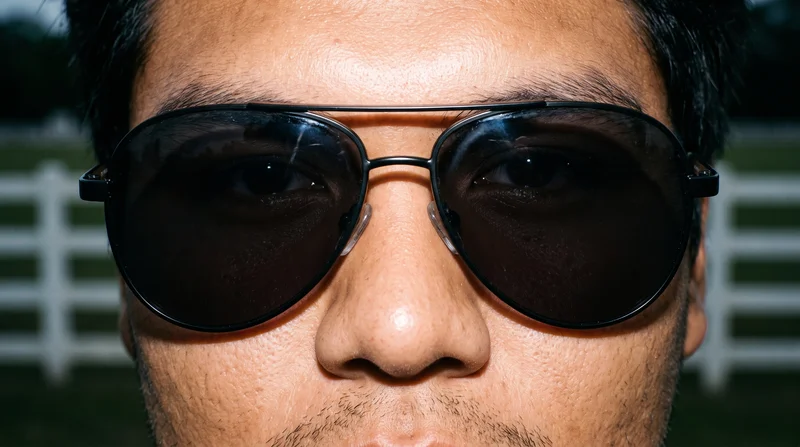
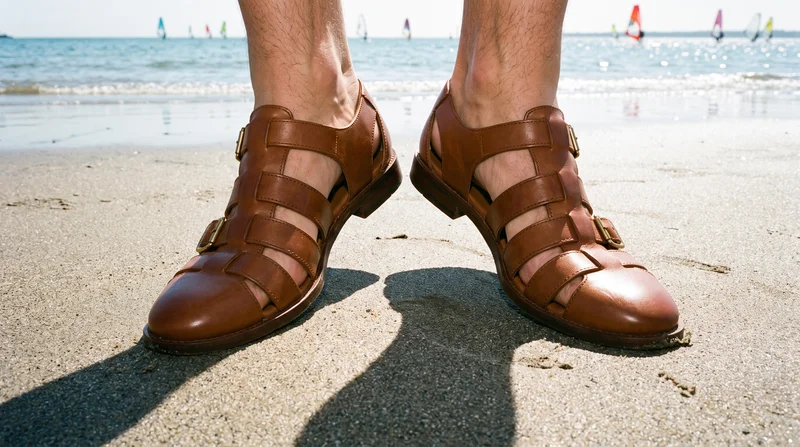
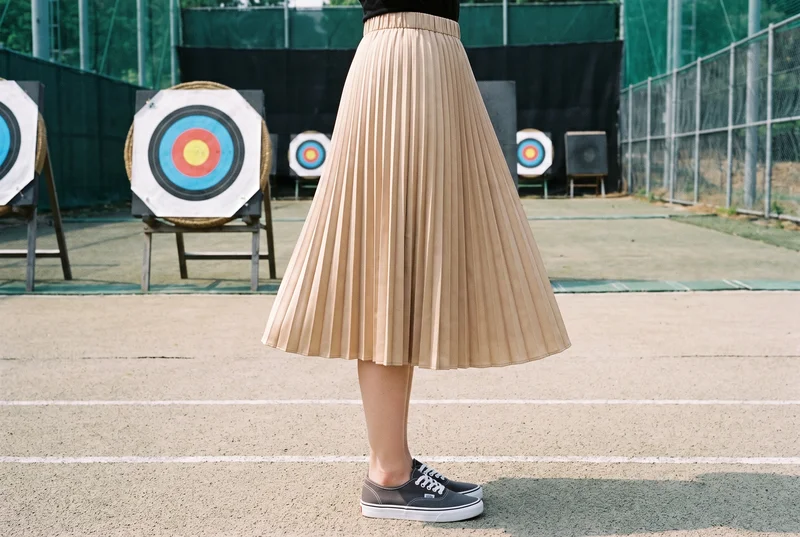
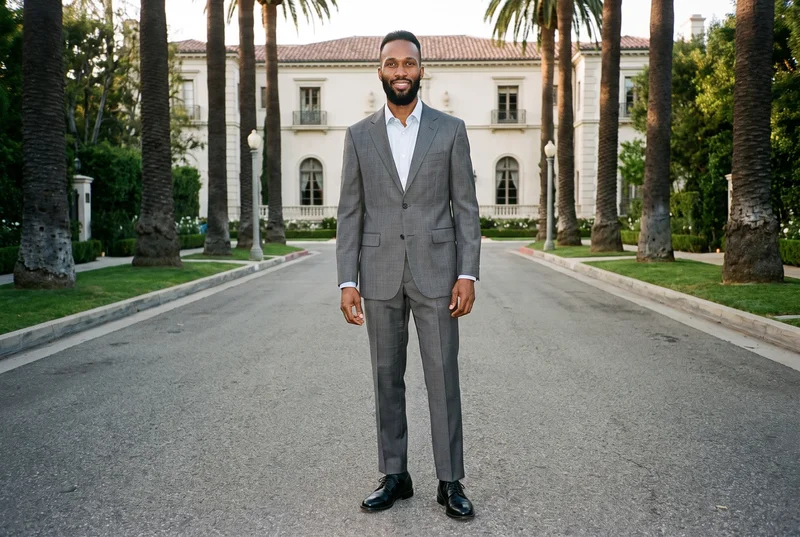
Showing 9 of 781, shot in RAWSHOT
Use cases
When a campaign needs motion without production.
Paid-social motion tests
The situation
A paid-social campaign needs motion versions of approved product images for an ad test.
With RAWSHOT
Set the model action, camera motion and output format from the approved composition. You get short video ad variants that can sit alongside the static campaign assets.
Campaign launch coverage
The situation
A campaign has static product assets but no budget for a production day or sample shipment.
With RAWSHOT
Choose the existing product composition, direct its movement and select the available video output. You get a moving product reference for campaign planning and launch creative.
Cross-format ad variants
The situation
A campaign needs vertical and horizontal video ad variants from the same approved fashion composition.
With RAWSHOT
Change the format while holding the selected composition steady, and set the camera movement and model action. You get related ad creatives for different placements.
Moving product reference
The situation
A campaign needs a moving product reference while a video production budget is unavailable.
With RAWSHOT
Set the photography direction, model identity and source composition before choosing motion. You get a short campaign reference that clarifies the product, styling and intended movement.
What you get
Create short variants for paid-social placements.
Create short video ad variants from approved product images for a paid-social campaign. Direct the model action, camera movement and format while keeping the product-led composition clear across the finished set.
Short motion variants
Build product-led clips from approved fashion images, with directed model action and camera movement suited to a paid-social campaign.
Campaign formats
Prepare related vertical and horizontal compositions from the same approved product scene for different placements and creative tests.
Directed product presentation
Keep the selected model, product, styling and source lighting aligned while introducing controlled movement to the campaign image.
Reviewable ad creatives
Check each new generation for hands, hardware and other fine product details before publishing the finished video ad variants.
Direct the shoot
Set frame, view, pose and light for motion.
Starts from
A finished still from your photoshoot
Image frame
15
Model action
17 model actions on this frame
Camera motion
14
Scenes
3
Resolution
2
Create video
From image 1
Still from this page · 16:9Source
Image 1 · Full Body
Camera
Static
Delivery
720p · 16:9 · 3 × 5 s = 15 s
Cost is shown on the button
AI fashion models
Select who wears the product from 1,197 library models.
1,197 licence-free adult models across ages and body types. Or build a private model from visible attributes.
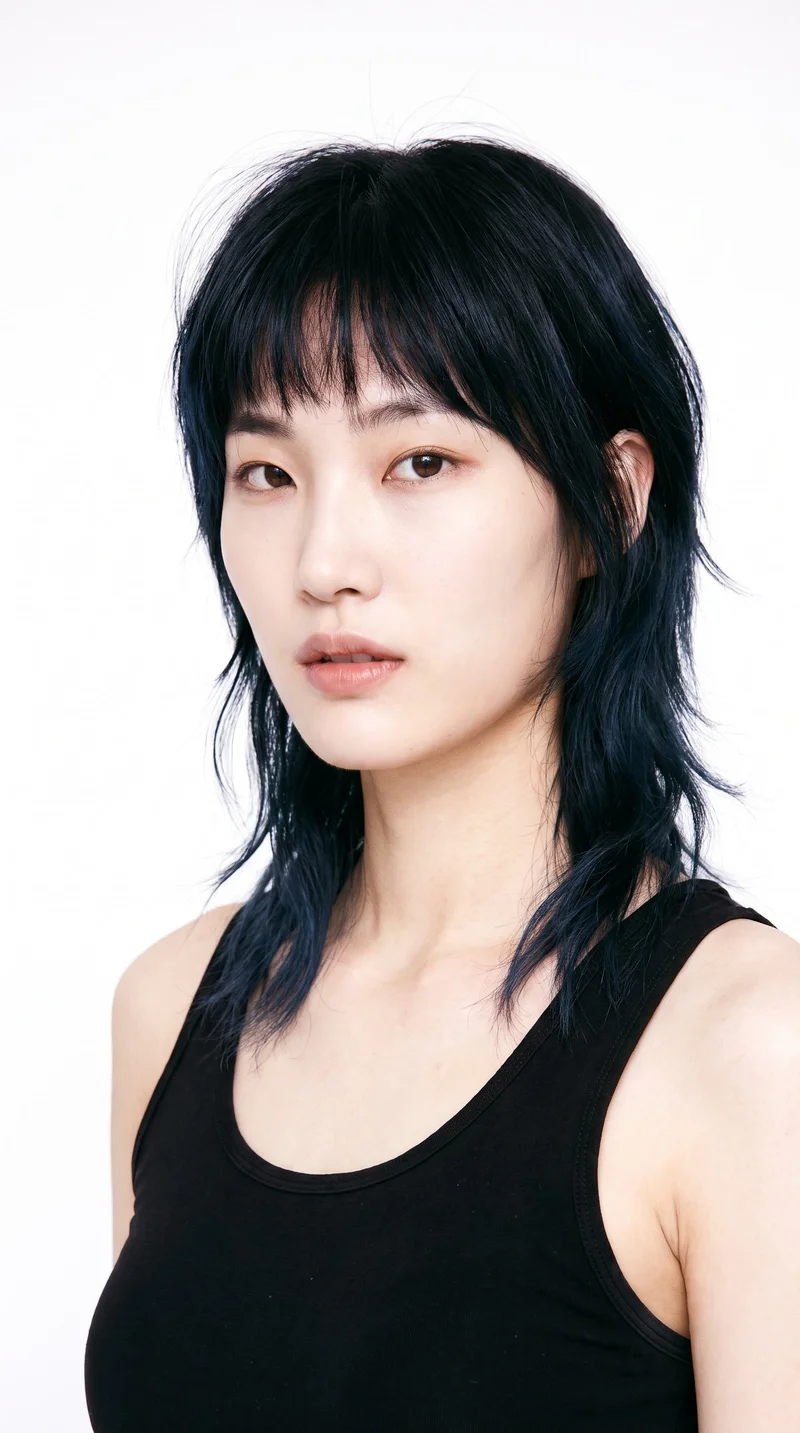
Female · 27
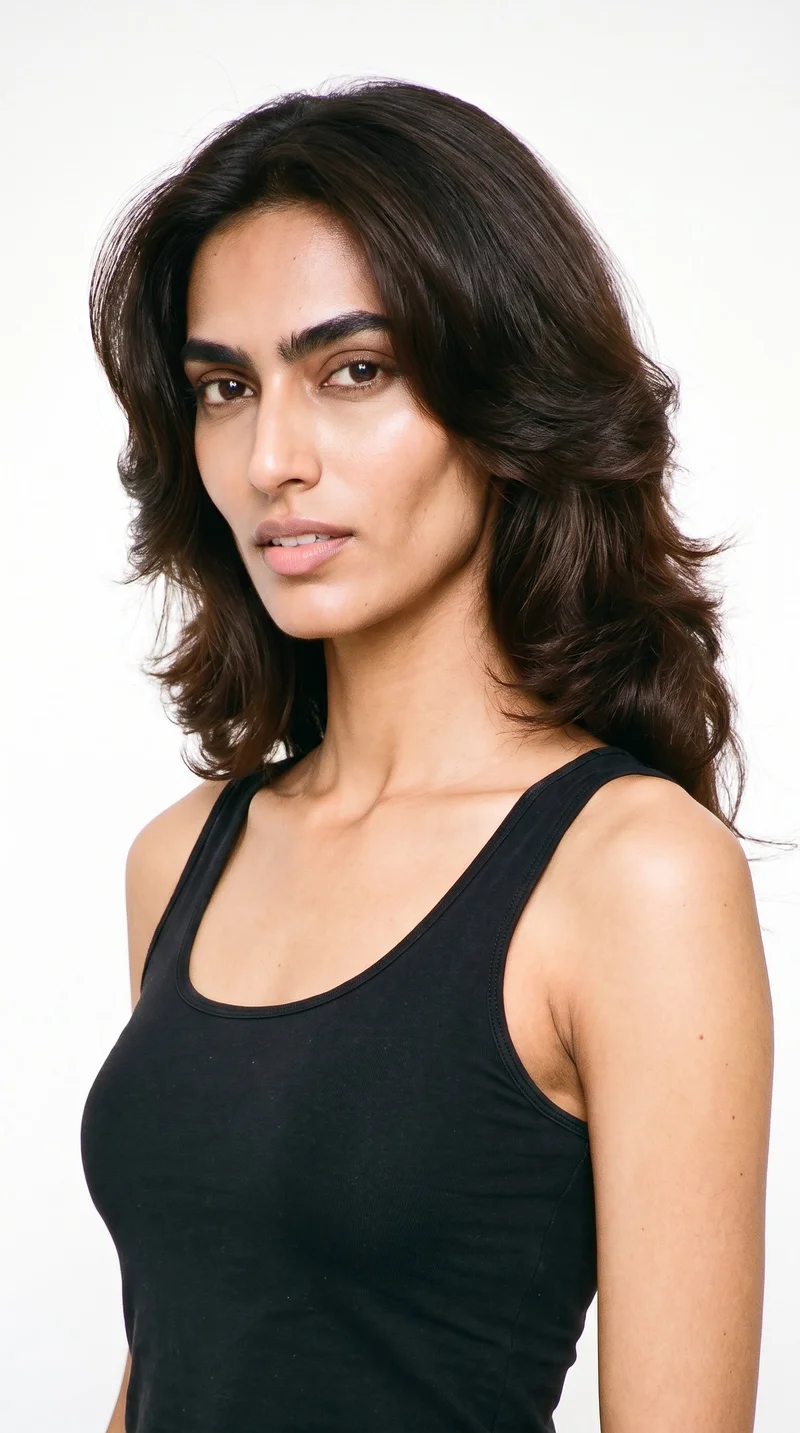
Female · 20
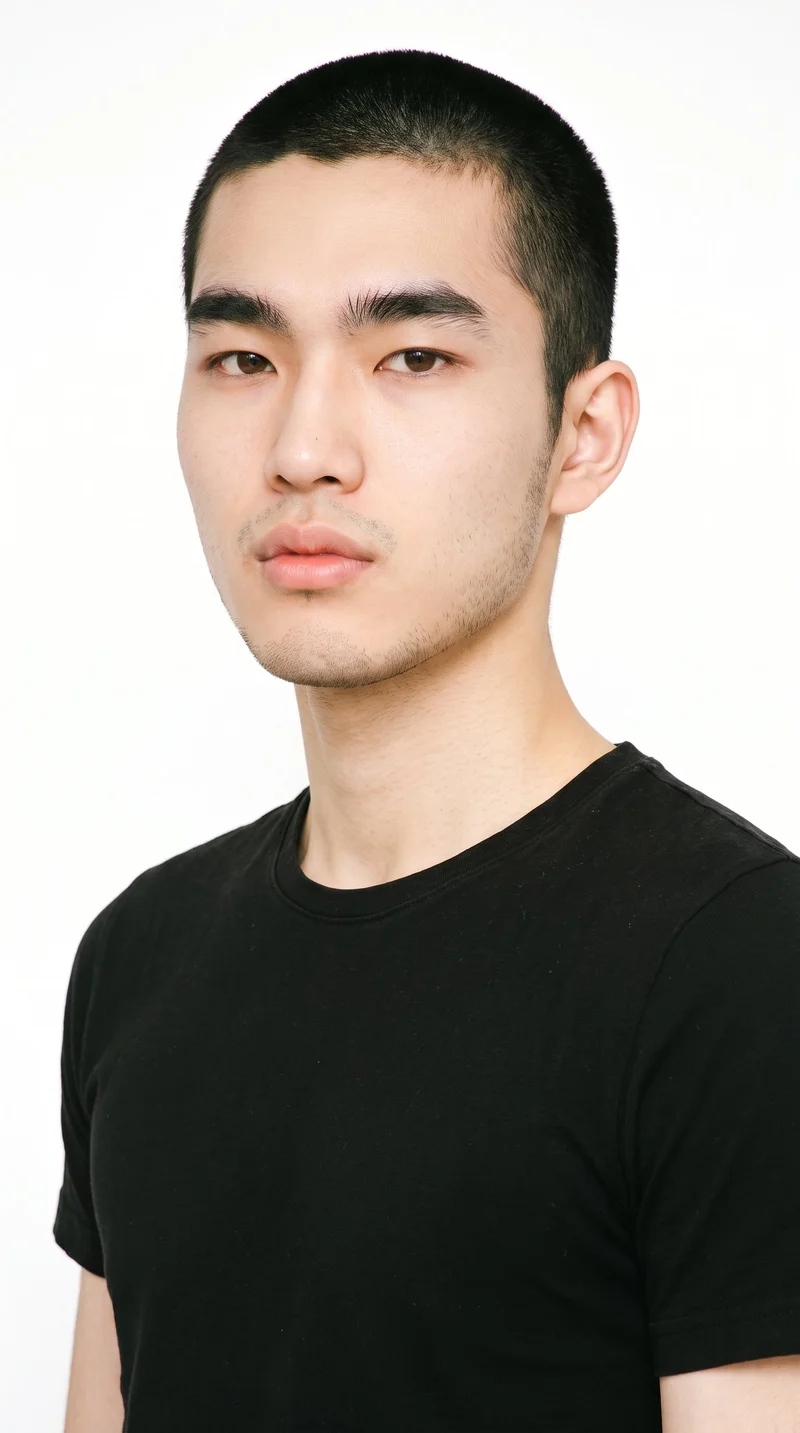
Male · 19
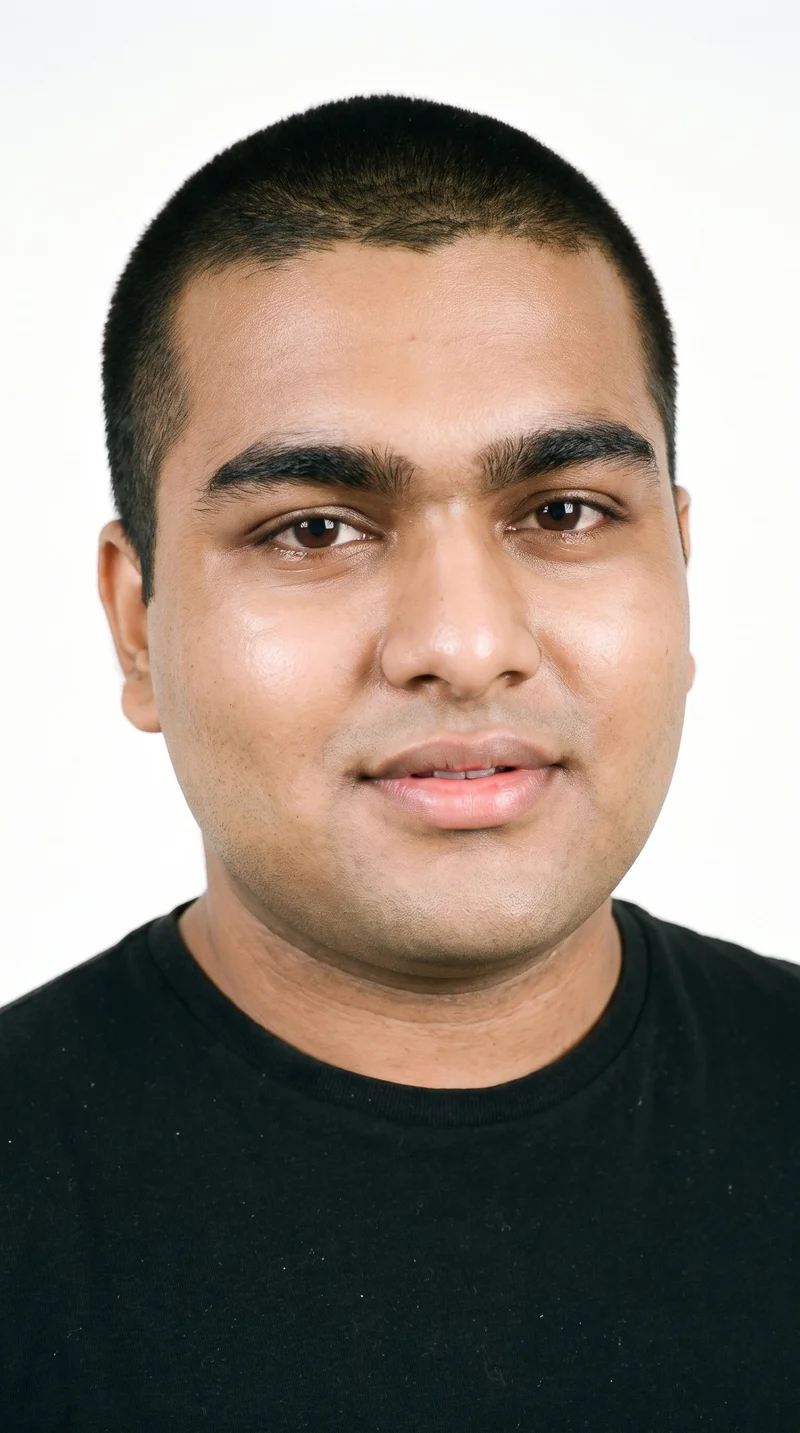
Male · 20
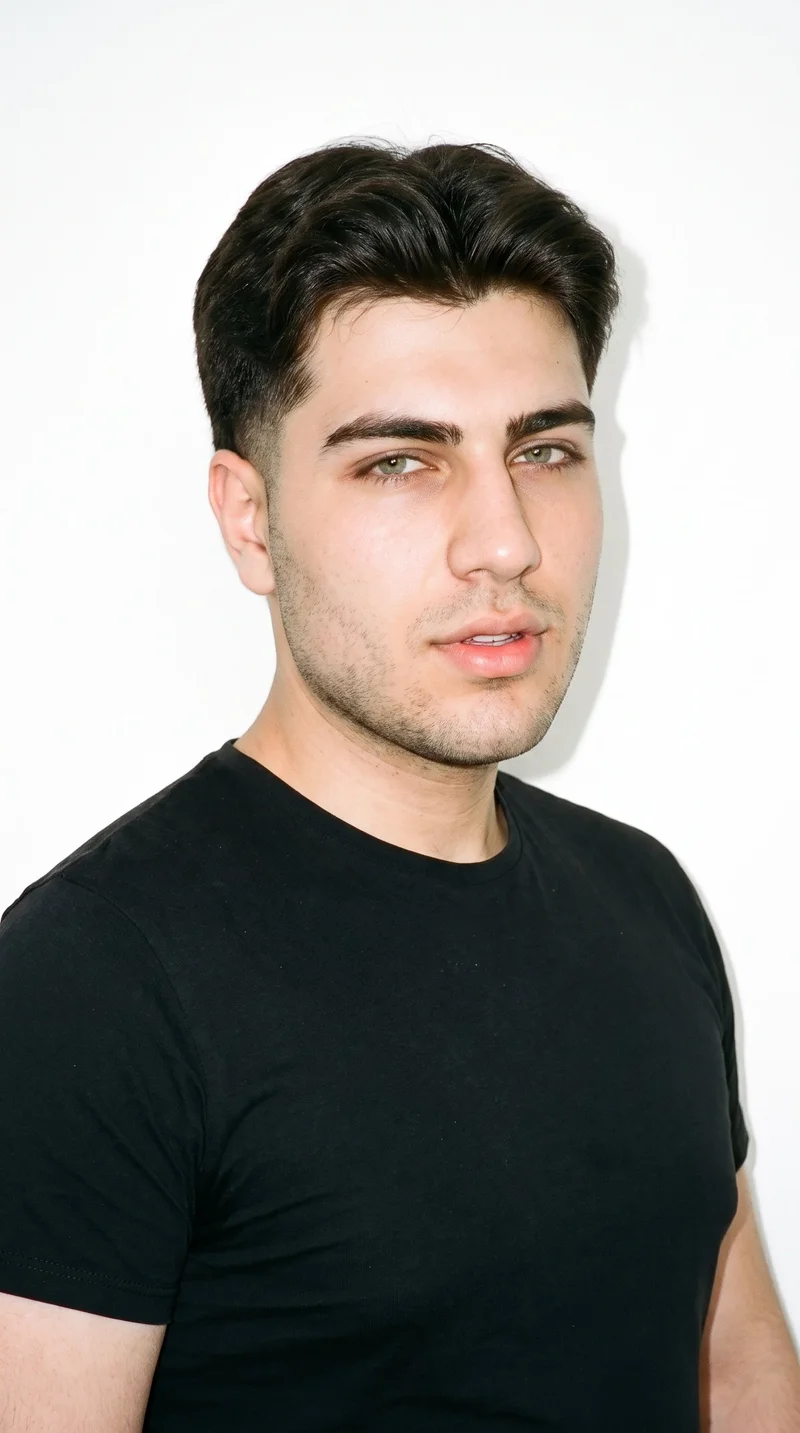
Male · 19
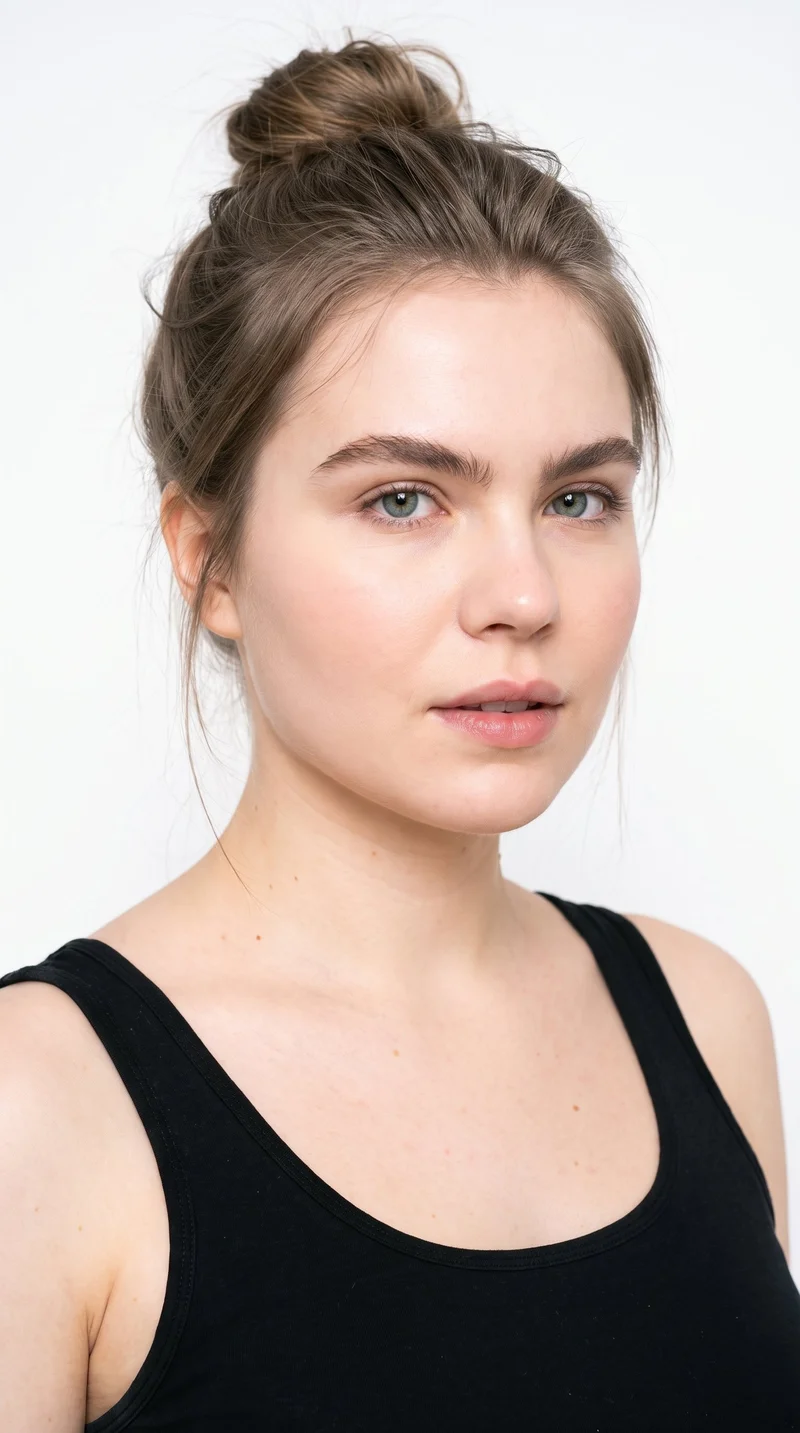
Female · 23
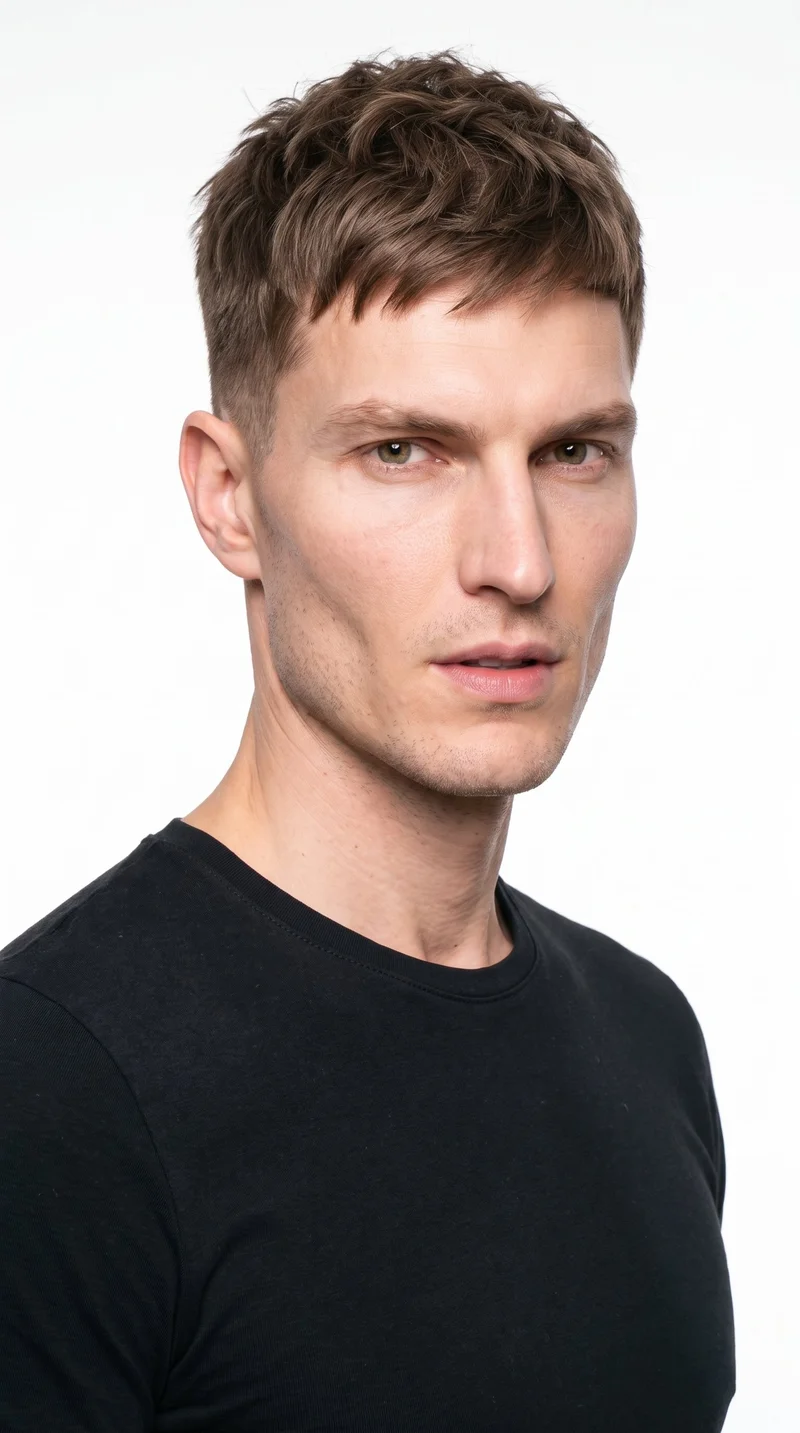
Male · 40
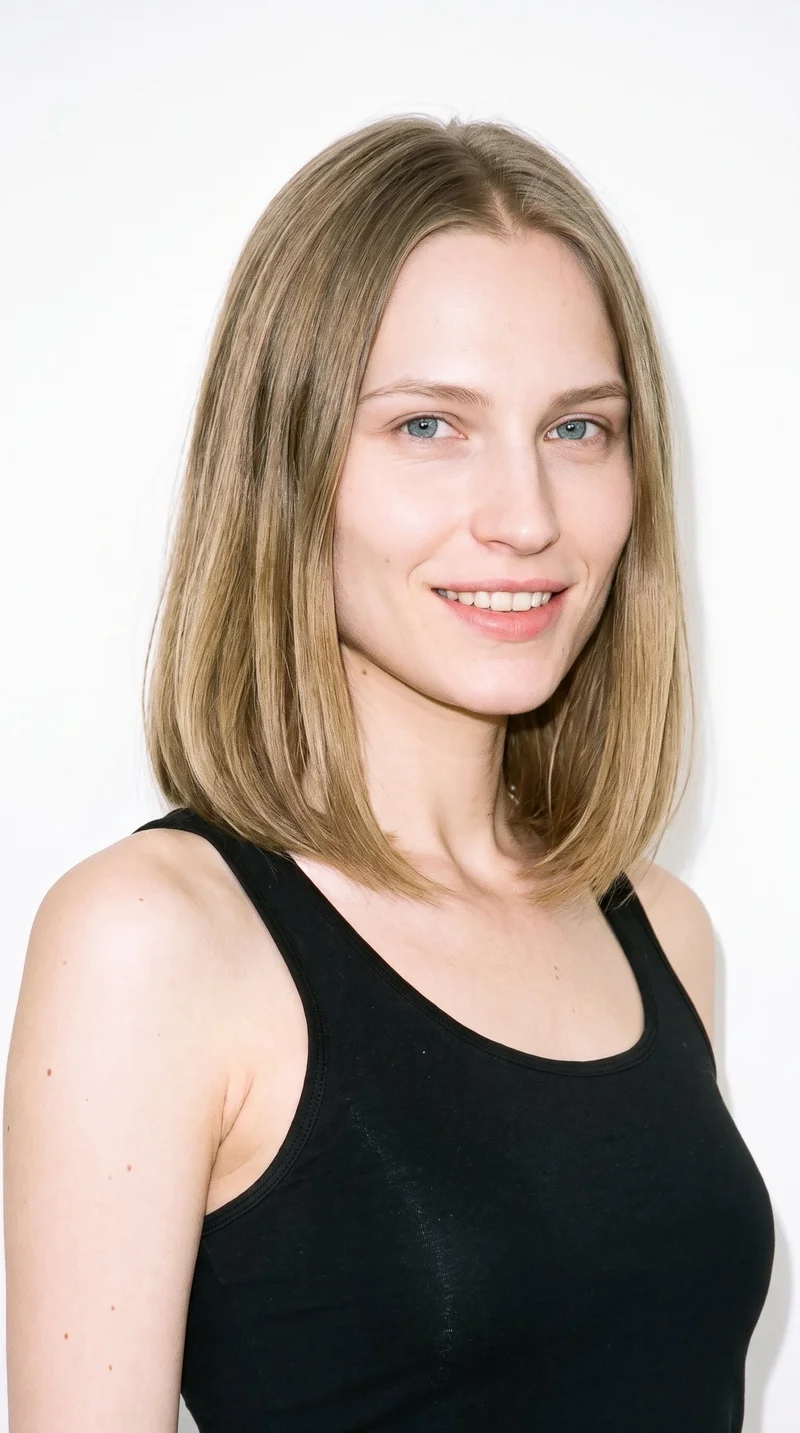
Female · 27
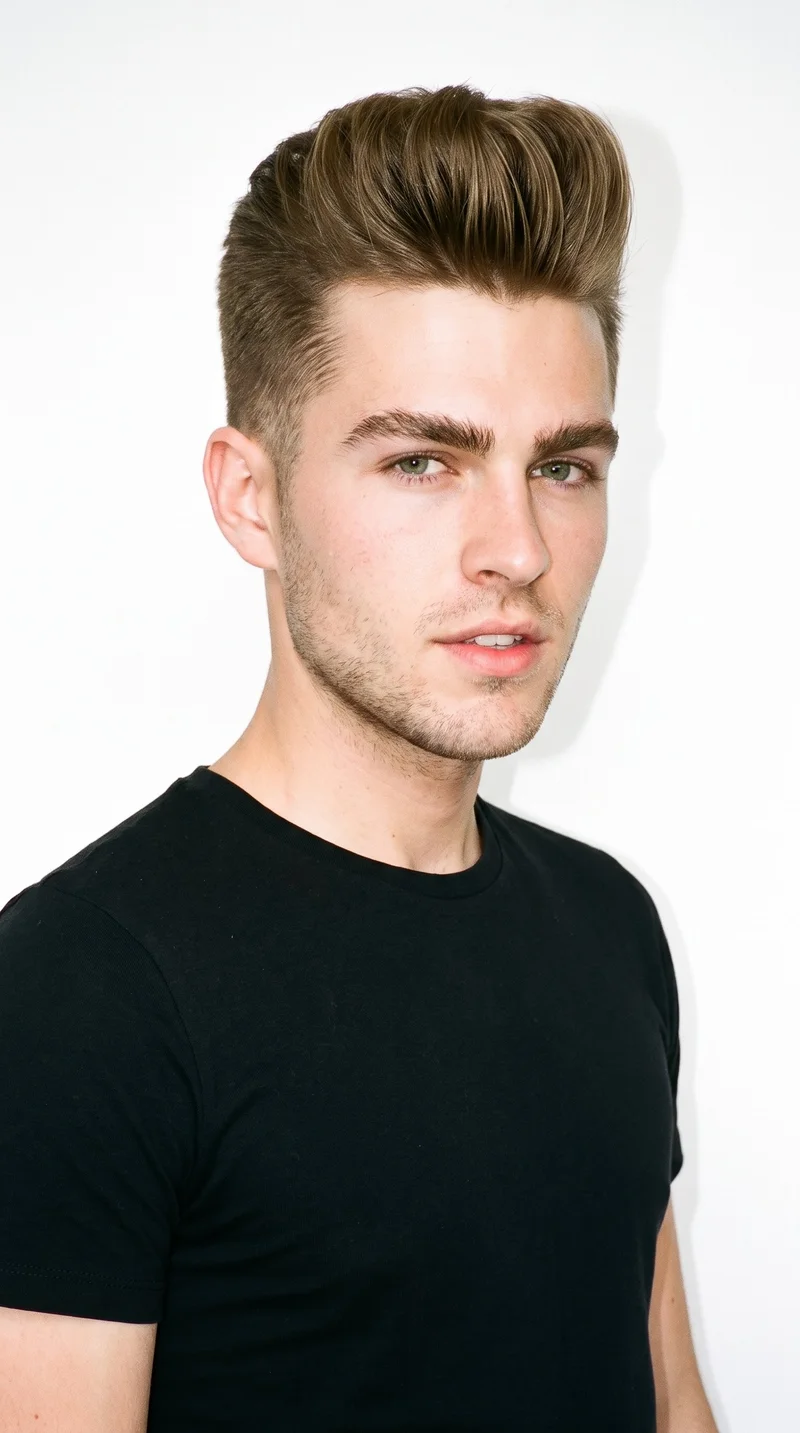
Male · 21
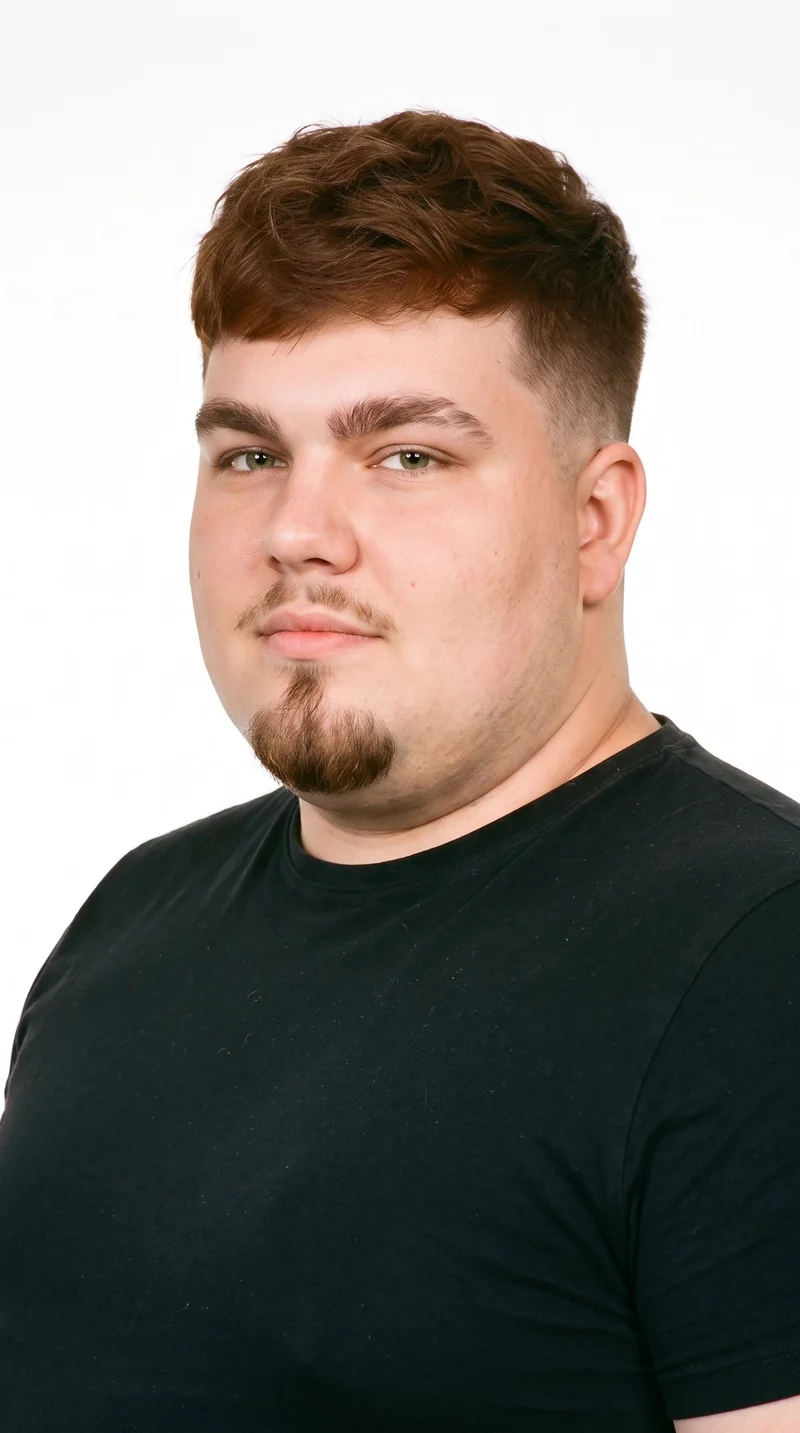
Male · 21
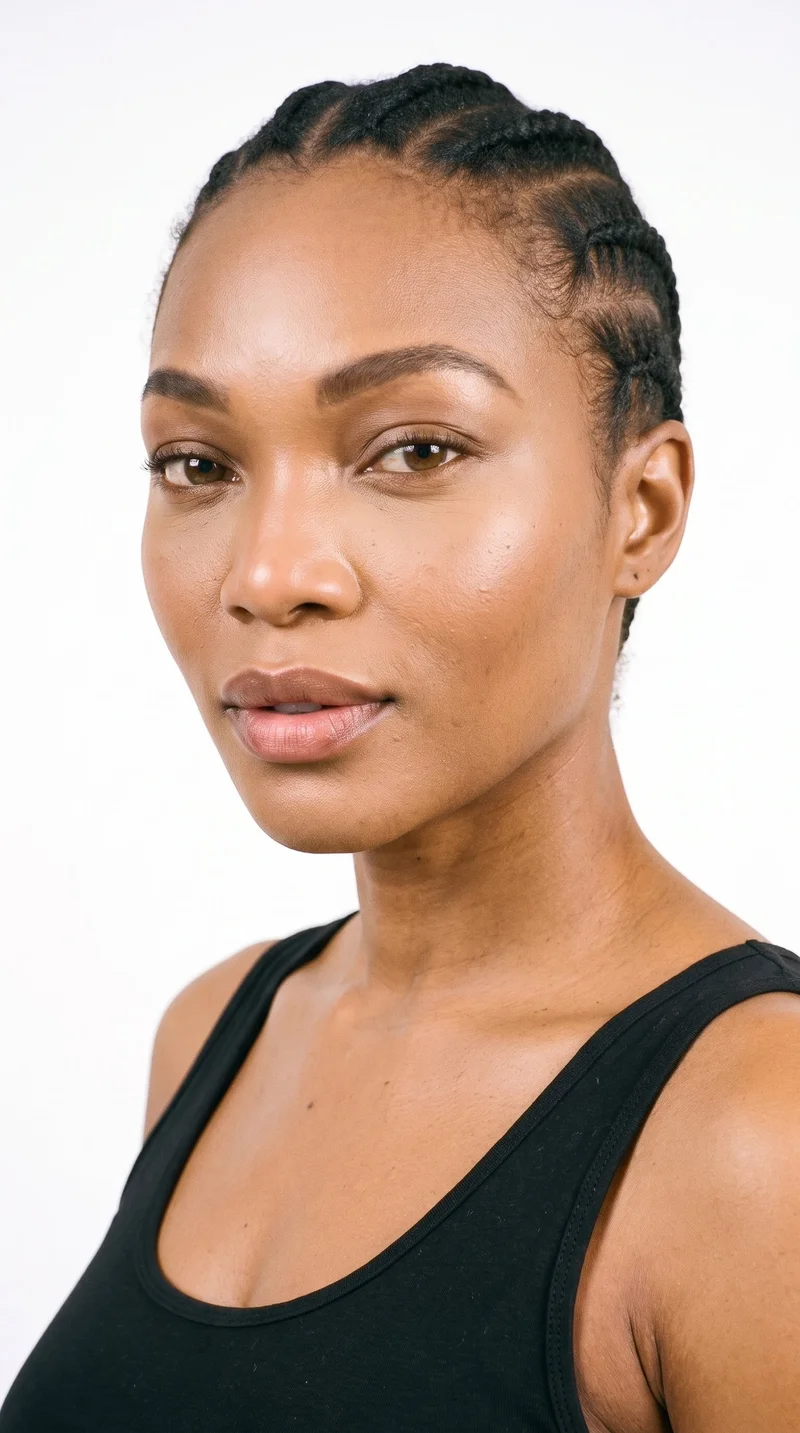
Female · 36
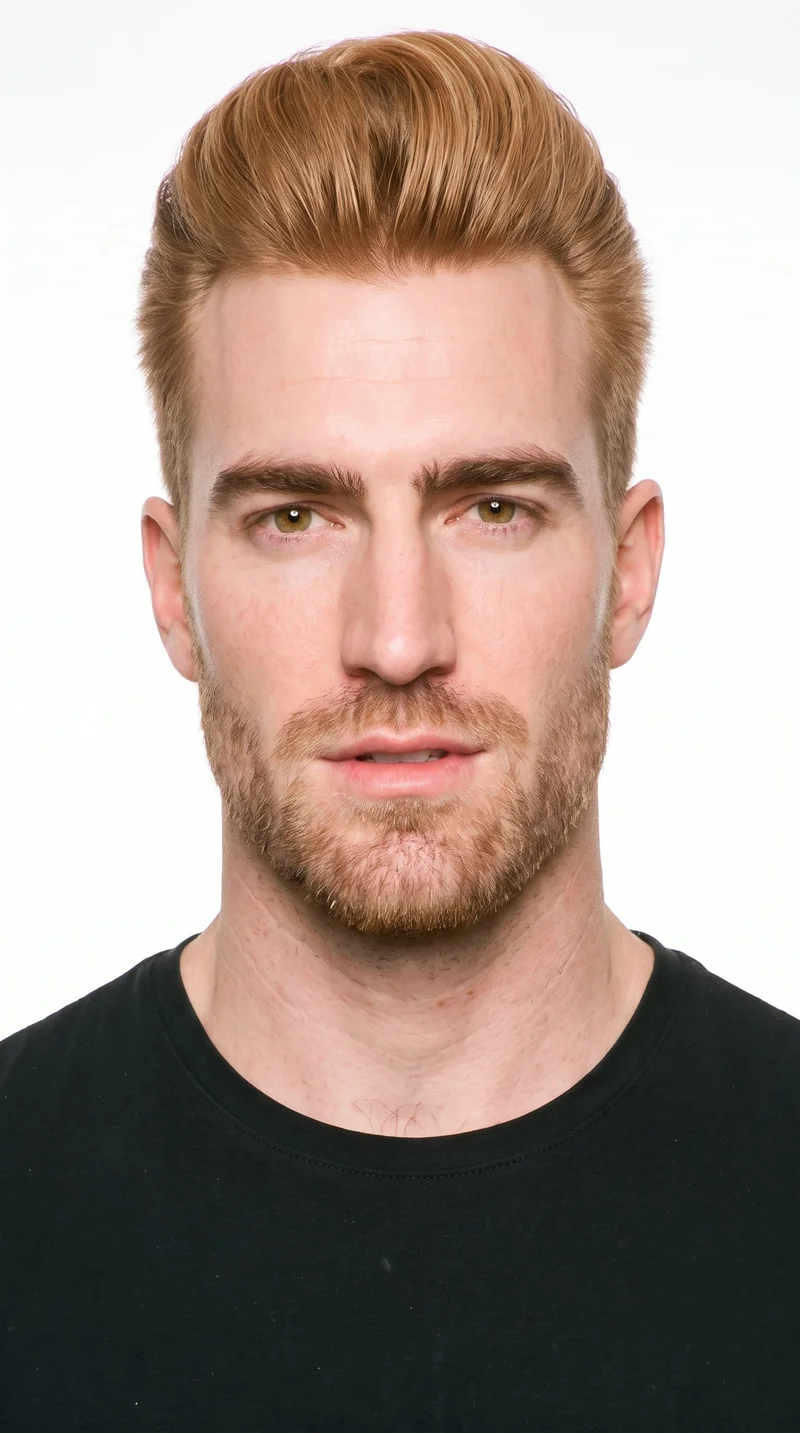
Male · 35
Showing 12 of 1,197
Cast your modelRawshot Features
RAWSHOT directs motion around your product composition.
AI image to video generator
Direct model movement and camera direction so an approved product image becomes a clear, usable motion creative.
17 model actions on a full-body shot · 132 in total
See the feature →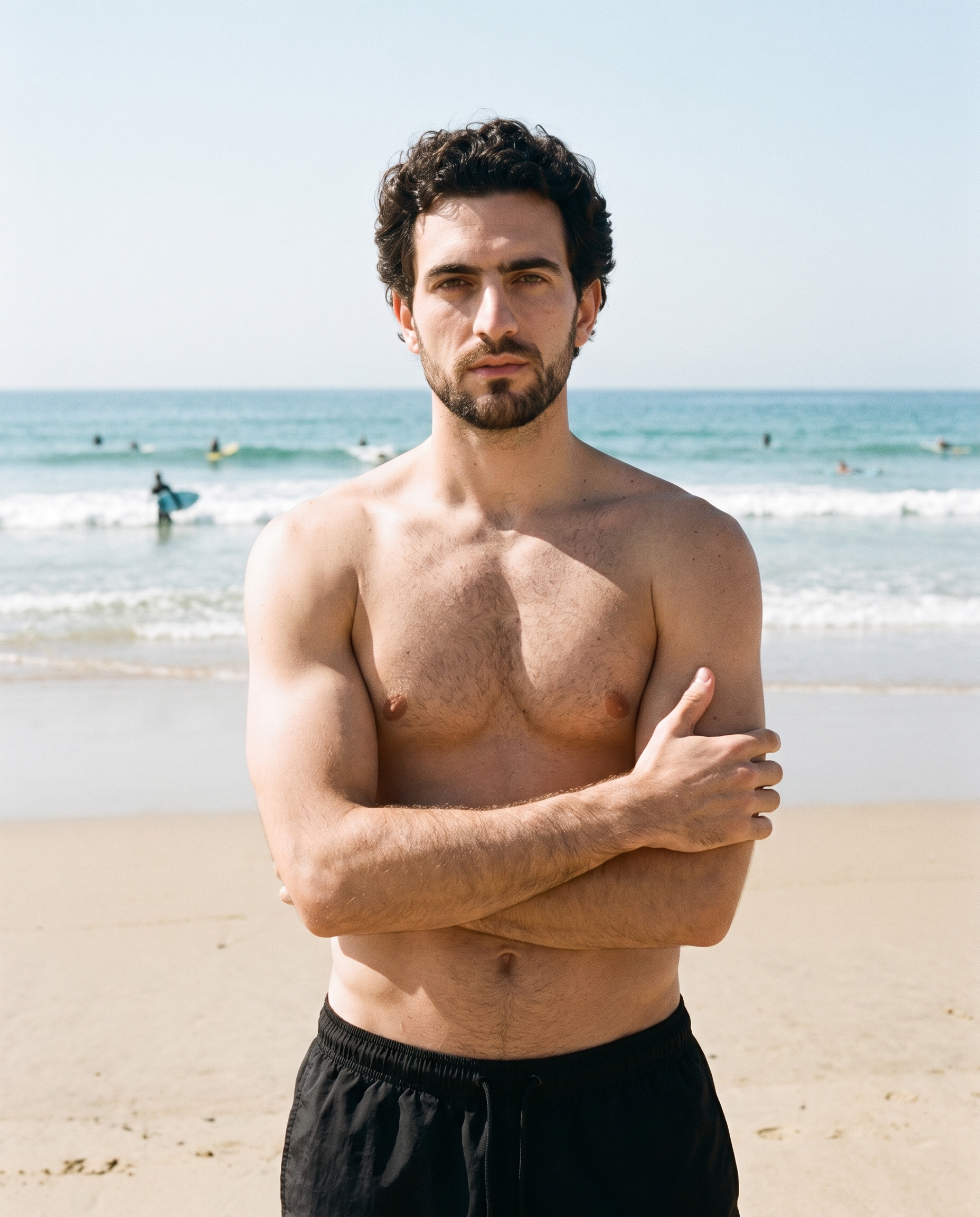
AI image to image generator
Create related campaign formats while keeping the chosen product composition stable for a focused creative test.
Change one decision and keep the rest of the composition stable.
See the feature →
AI model generator
Choose the model identity that suits the campaign and carry that casting through the source composition used for motion.
Library filters plus private model building for consistent identity across the set.
See the feature →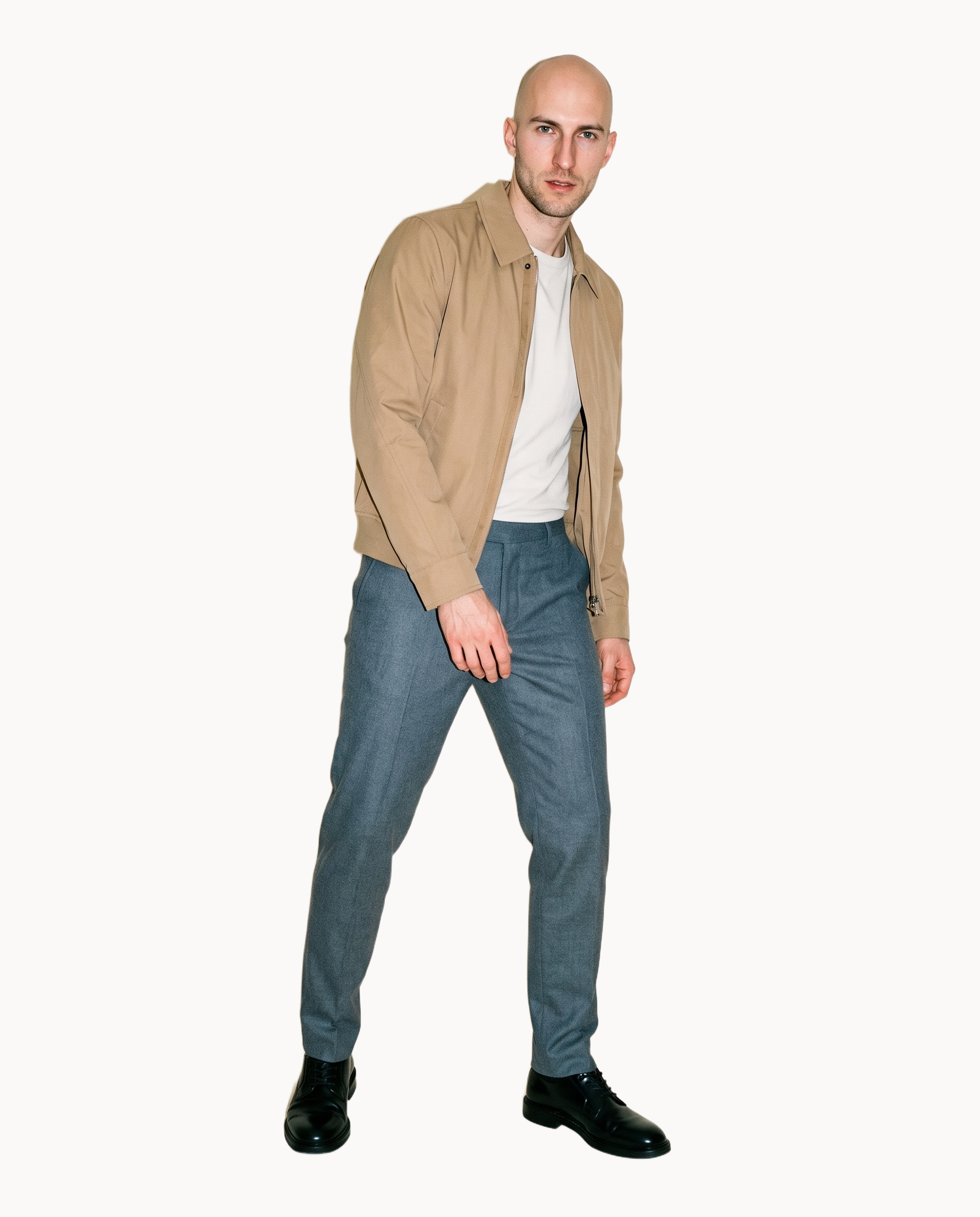
Photography direction
Set the source image’s lighting direction for motion so the product starts from an intentional advertising treatment.
4 named choices that set mood and shadow the same way across a shoot.
See the feature →AI makeup generator
Branch-aware named options applied without altering casting or scene setup.
AI outfit generator
Combine the main piece with neutral supporting items in one coherent frame.
AI photo background generator
Swap scene context while keeping model, product, and framing stable.
AI suggestions
Preselected control values you can always override in the same configurator.
Fashion model poses
22 poses on a full-body shot · 104 in total
Garment styling
Choose how the garment is worn and keep brand presentation consistent.
Inspiration gallery
Load editable finished looks as fast starting points for new shoots.
Product import and handling
Start from your real item and keep product fidelity while building the scene.
Gallery
Shot in RAWSHOT, motion follows the product.
Start from an approved fashion composition and direct movement around the product, model and chosen campaign treatment.
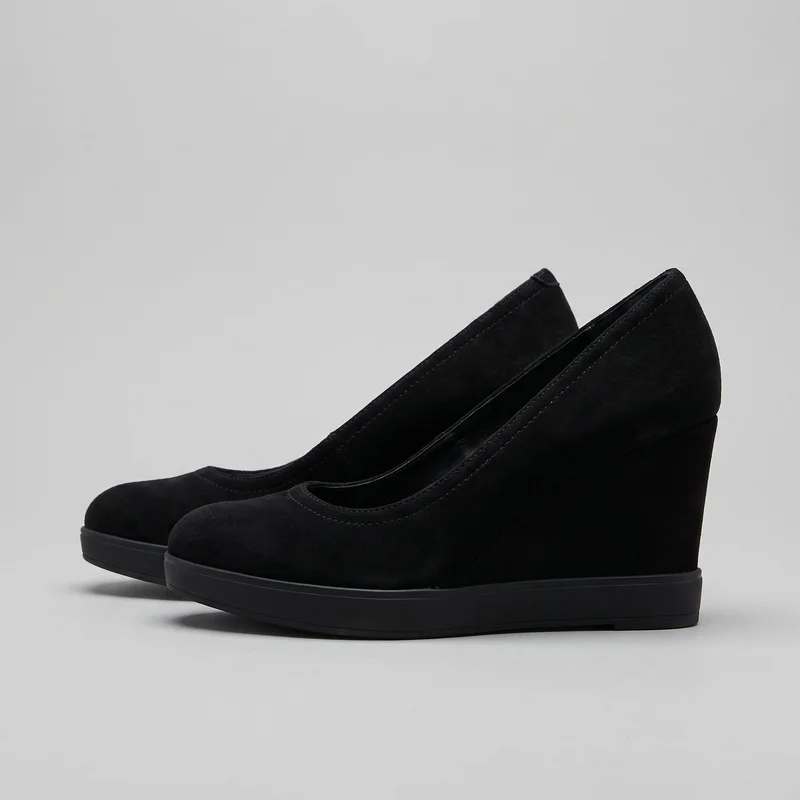 Black Wedges
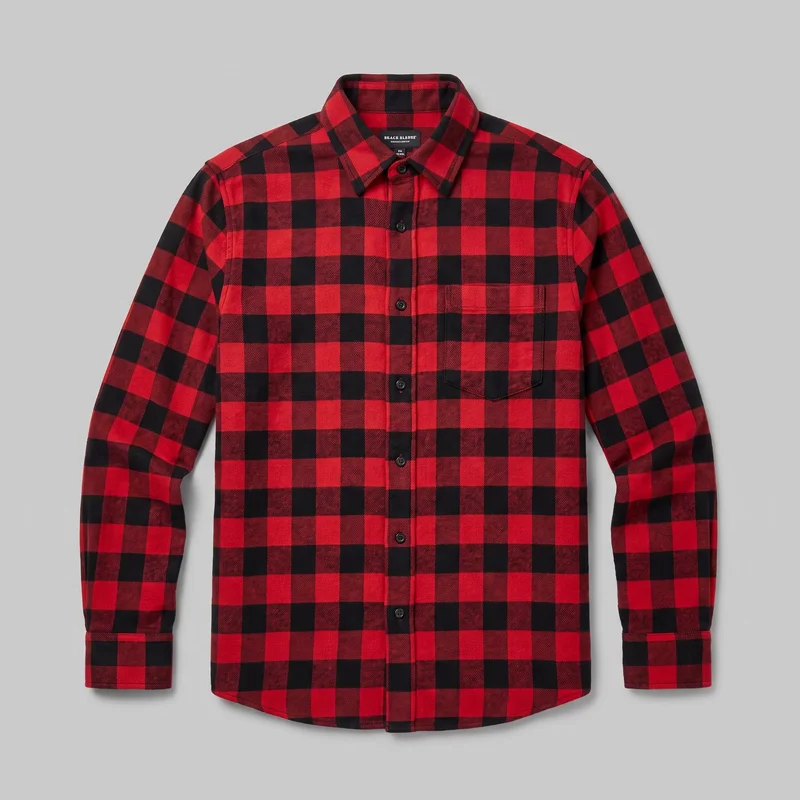 Red Check Flannel Shirt
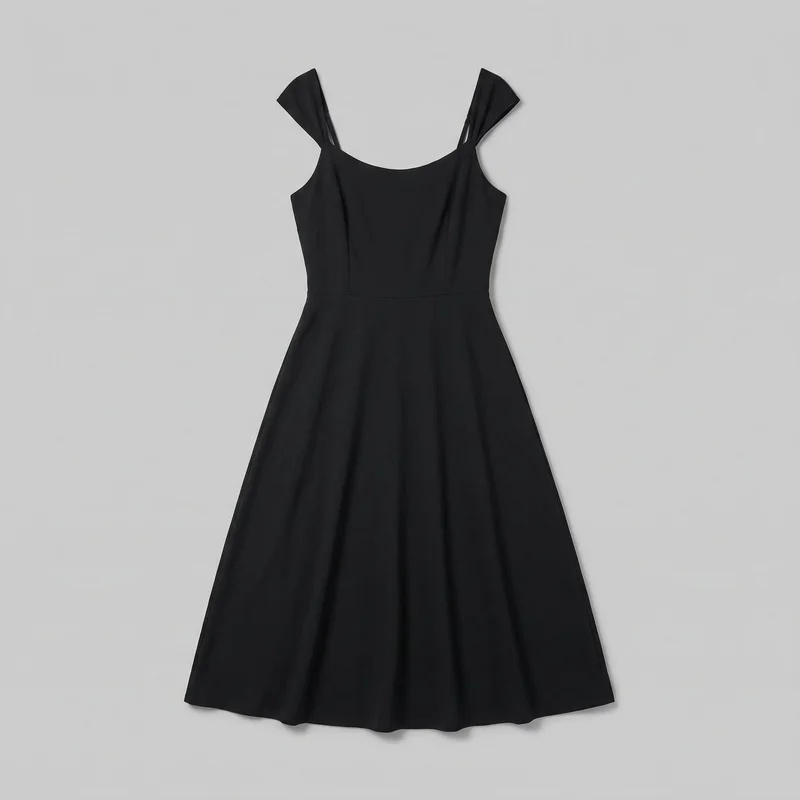 Black Midi Dress
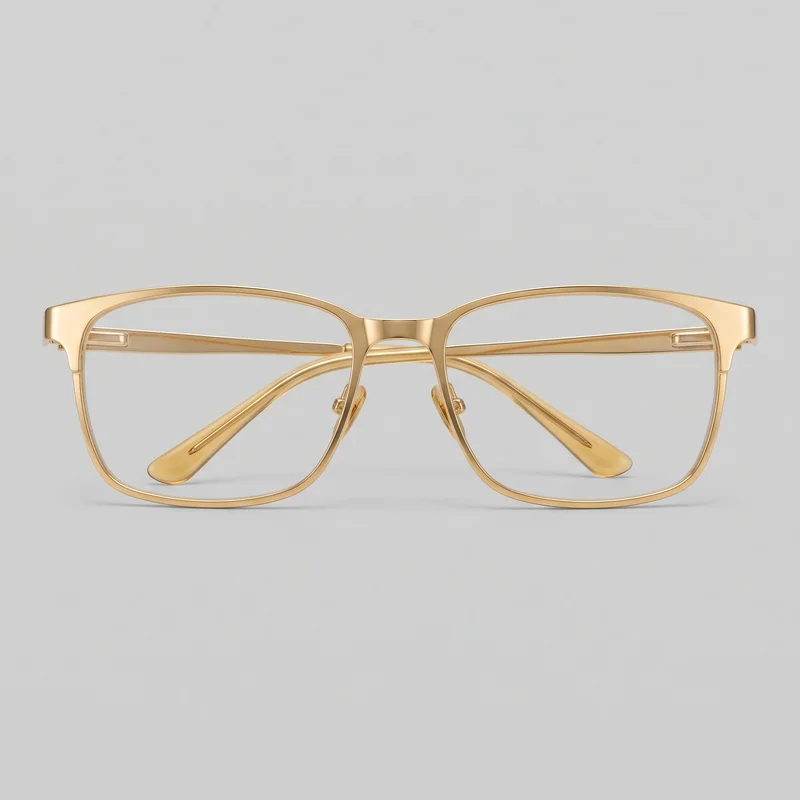 Men's Gold Metal Optical Frame
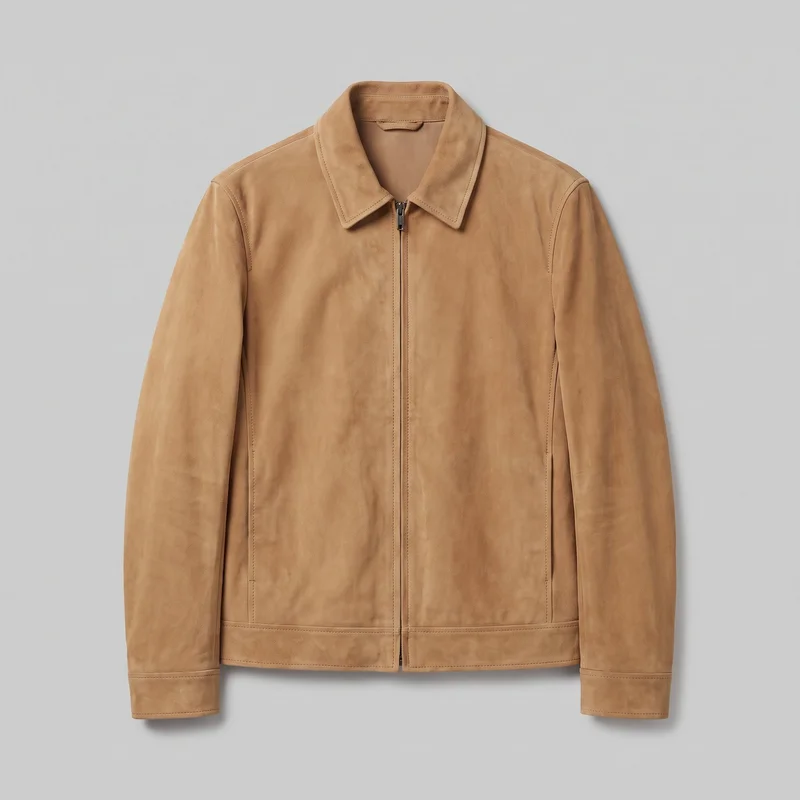 Men's Tan Suede Jacket
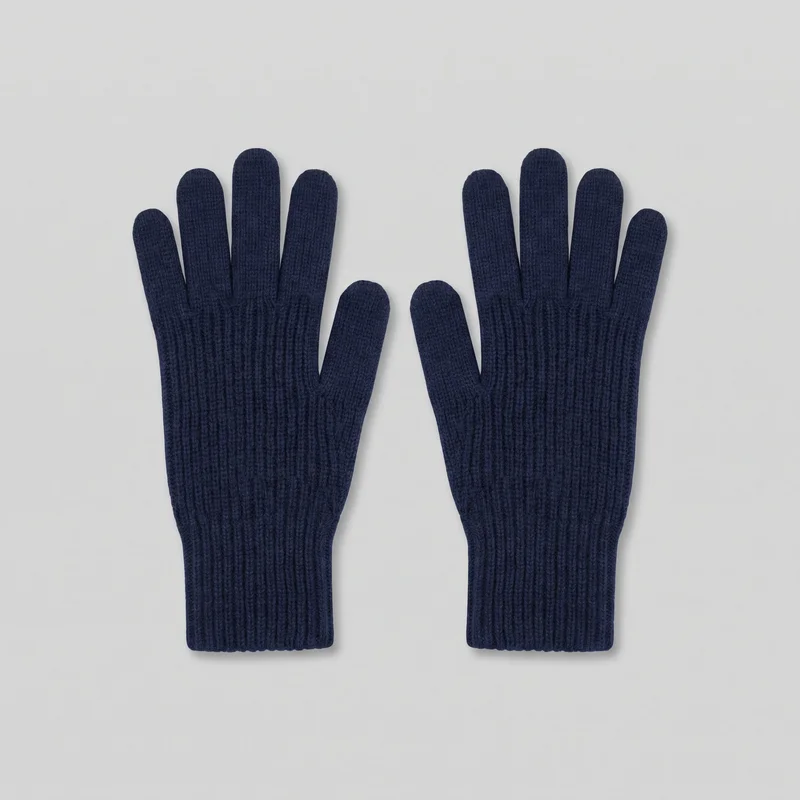 Women's Navy Ribbed Gloves
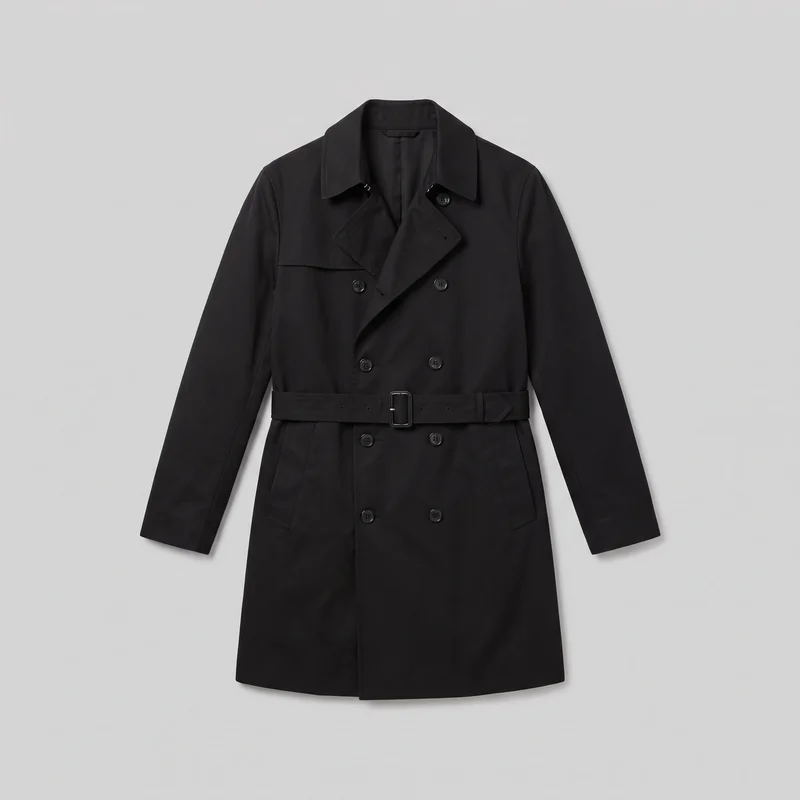 Men's Black Trench Coat
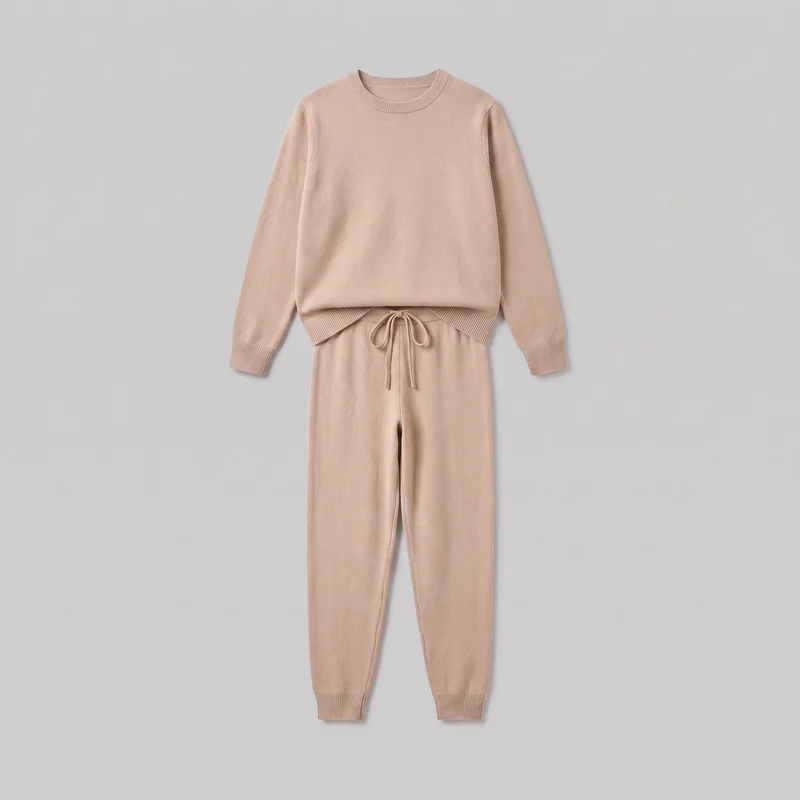 Women's Beige Knit Loungewear Set
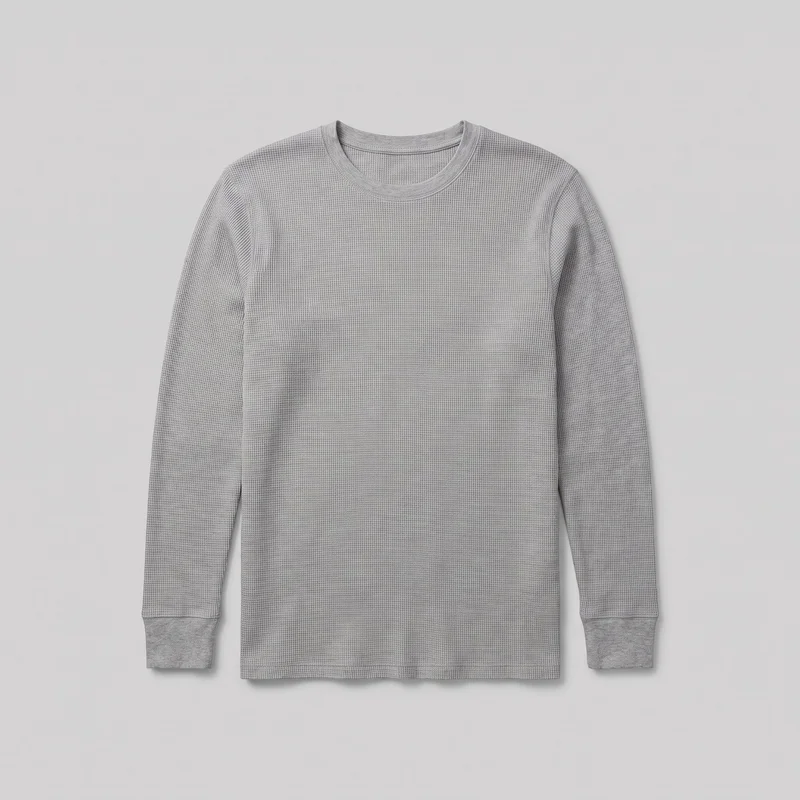 Men's Grey Thermal Base Layer
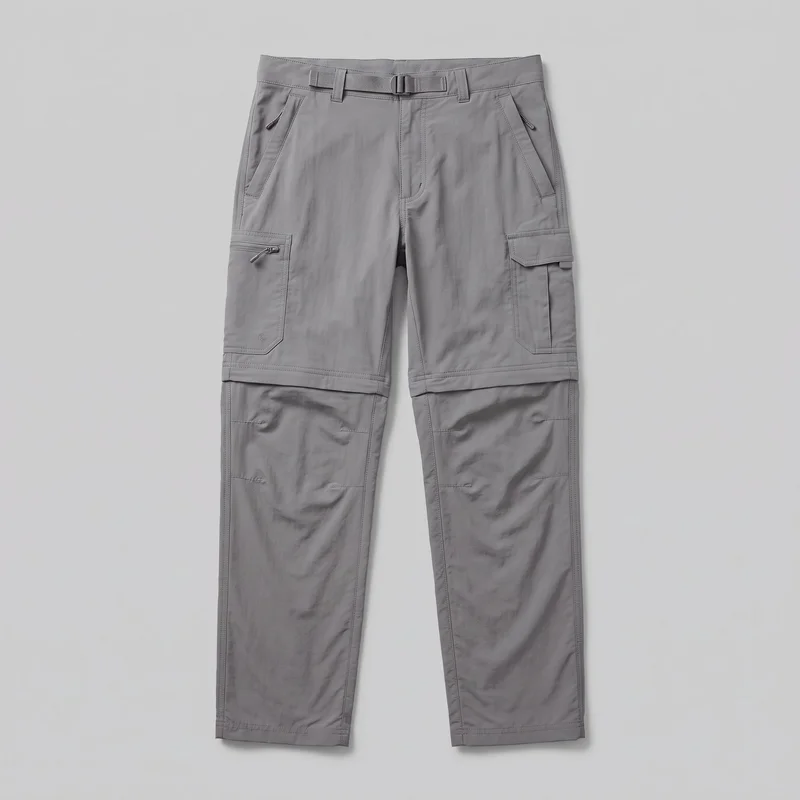 Men's Grey Convertible Hiking Trousers
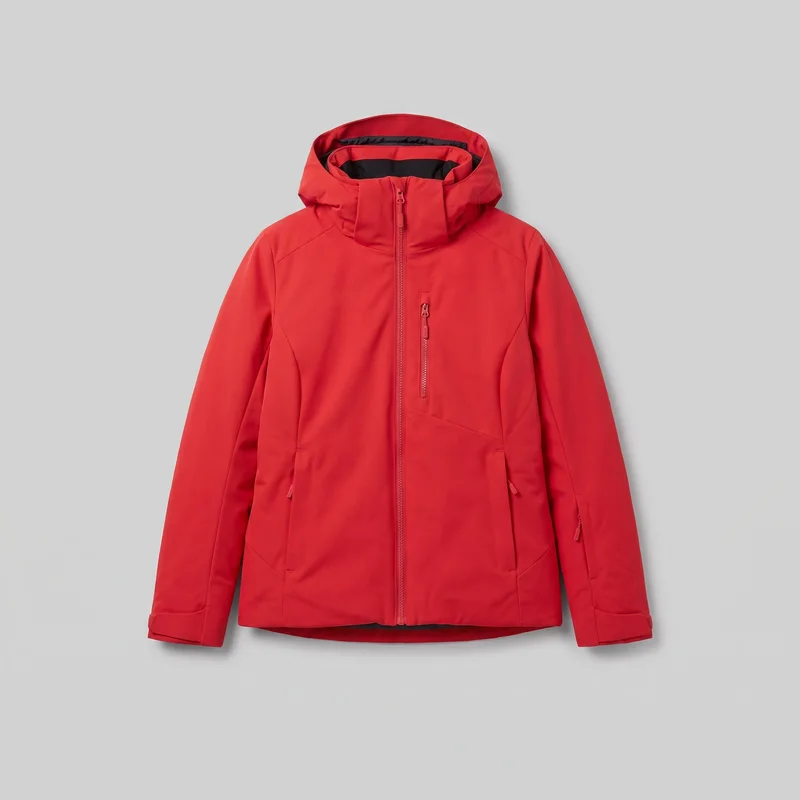 Women's Red Insulated Ski Jacket
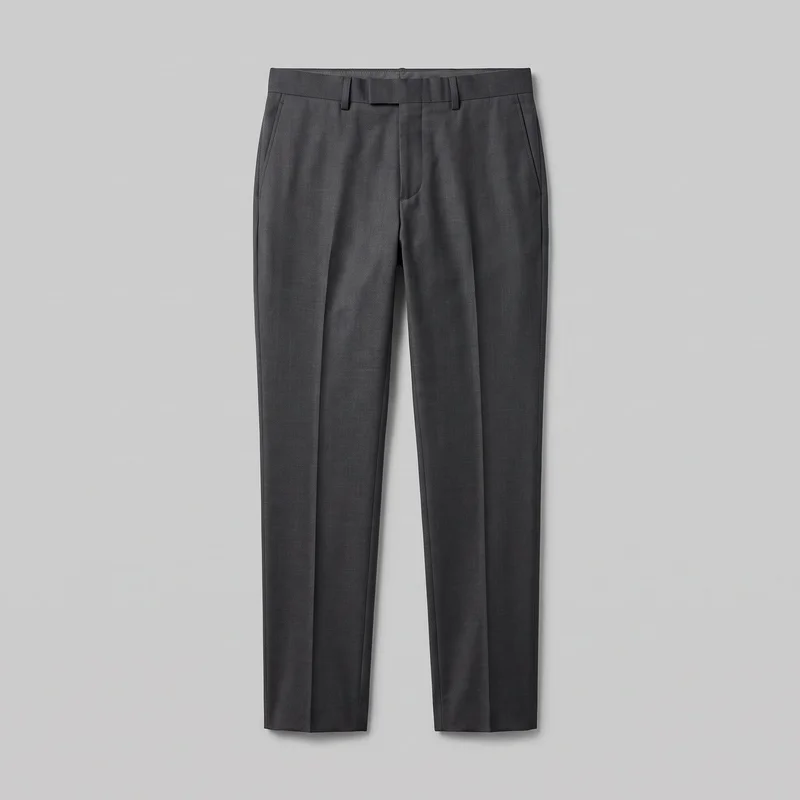 Men's Charcoal Suit Trousers
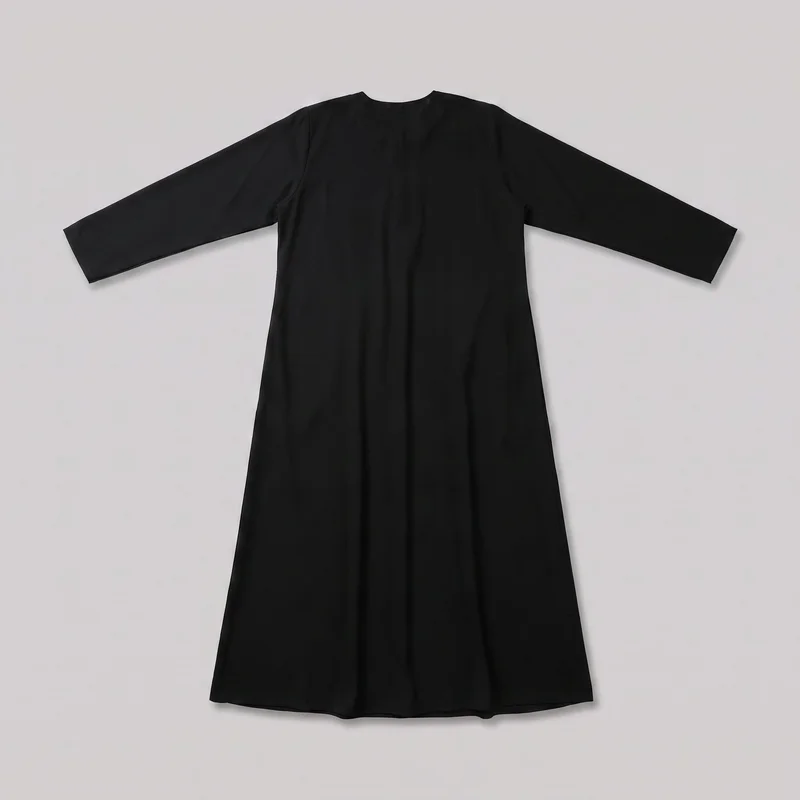 Black Classic Abaya
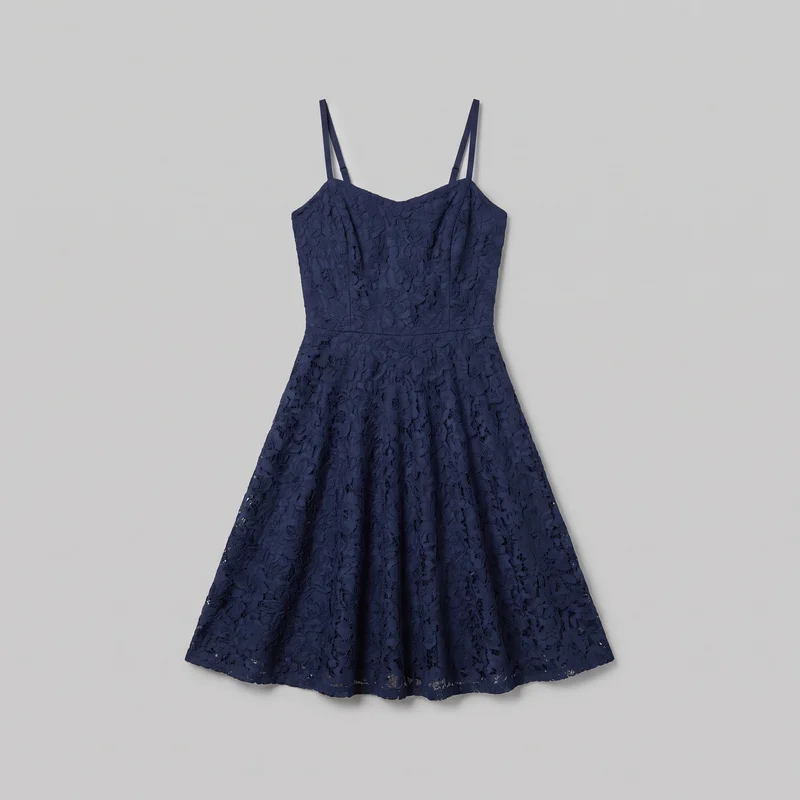 Navy Lace Cocktail Dress
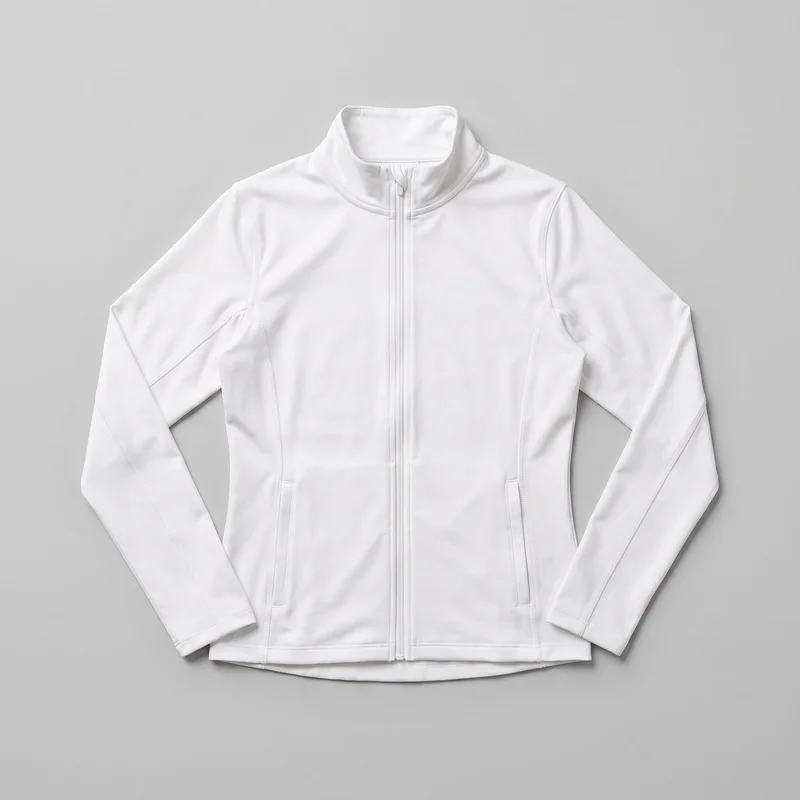 Women's White Track Jacket
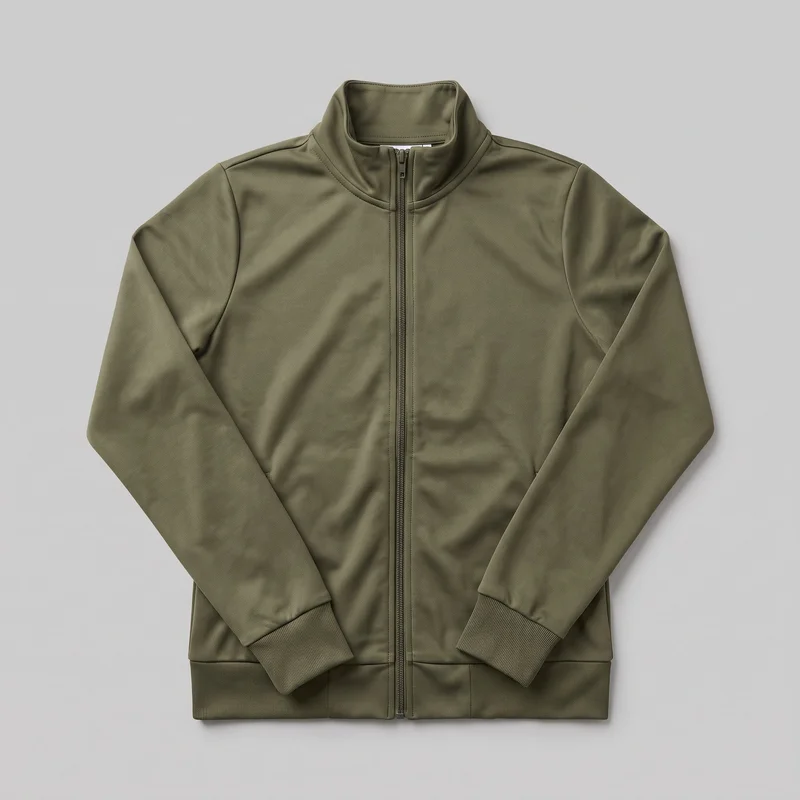 Women's Olive Tracksuit Top
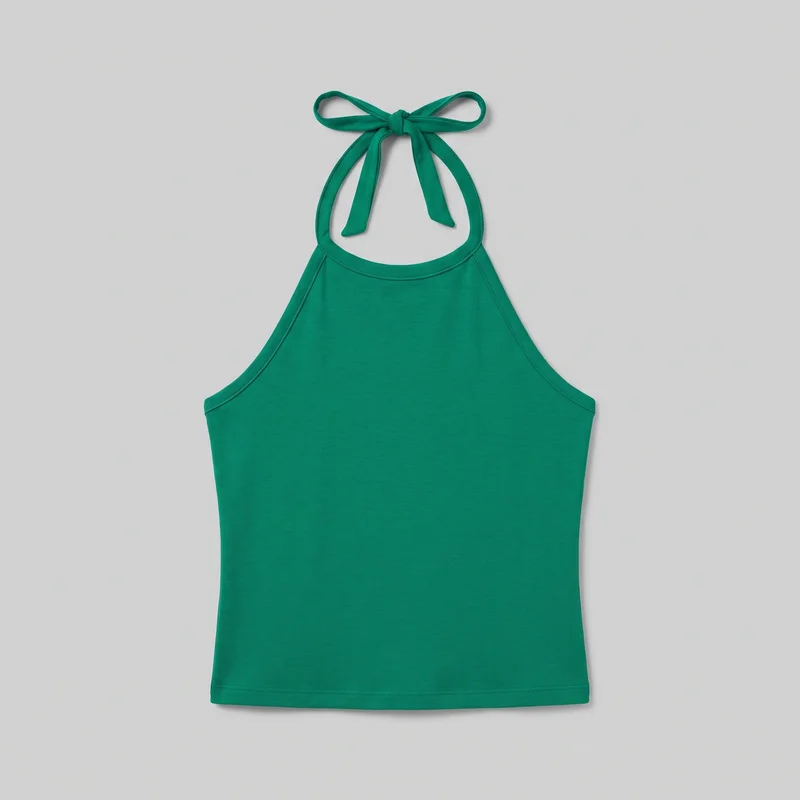 Emerald Green Halter Top
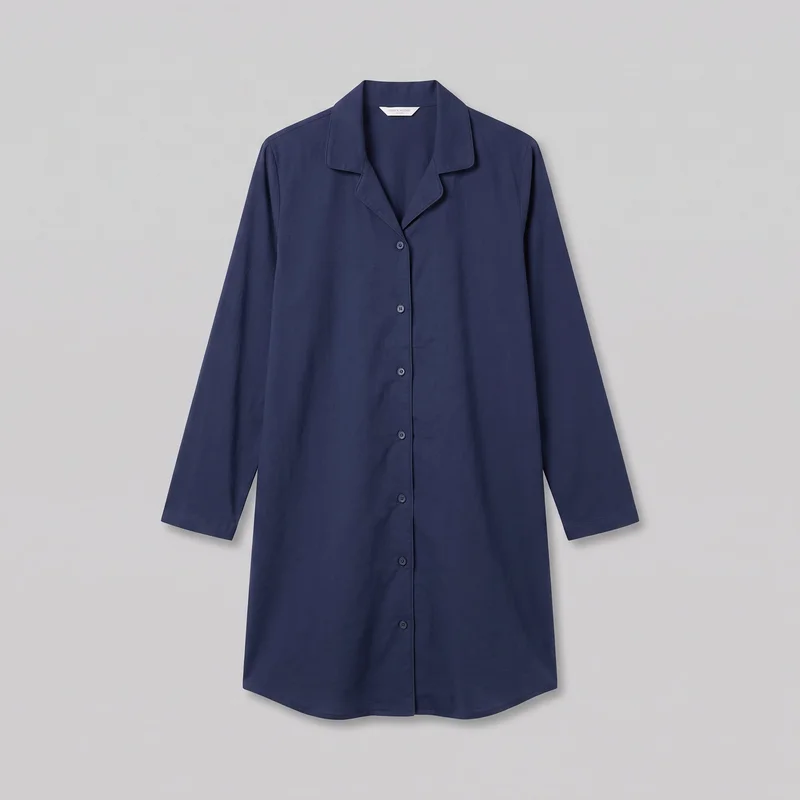 Navy Cotton Nightshirt
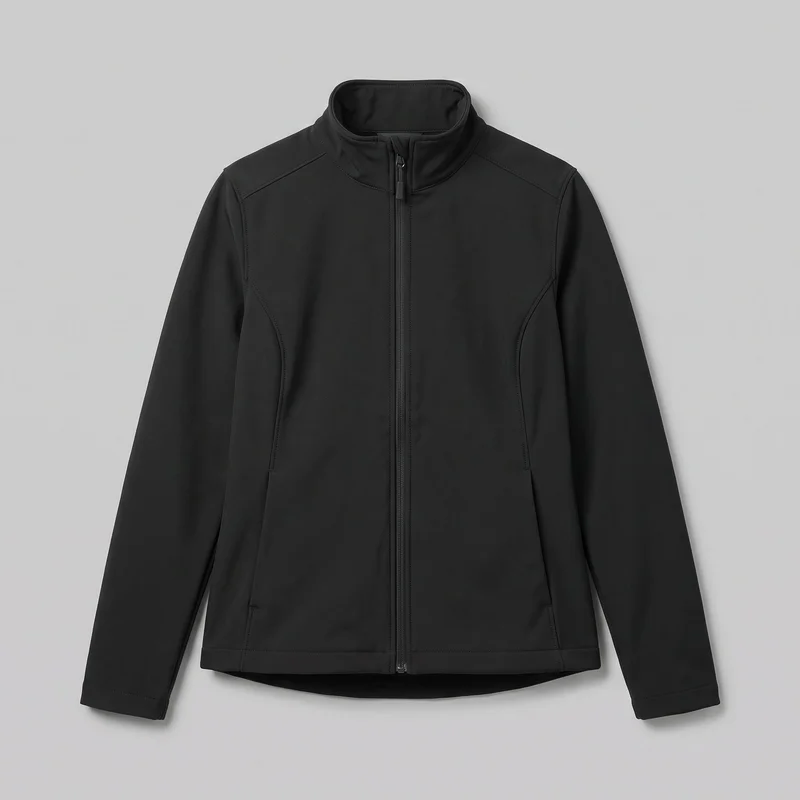 Women's Black Softshell Jacket
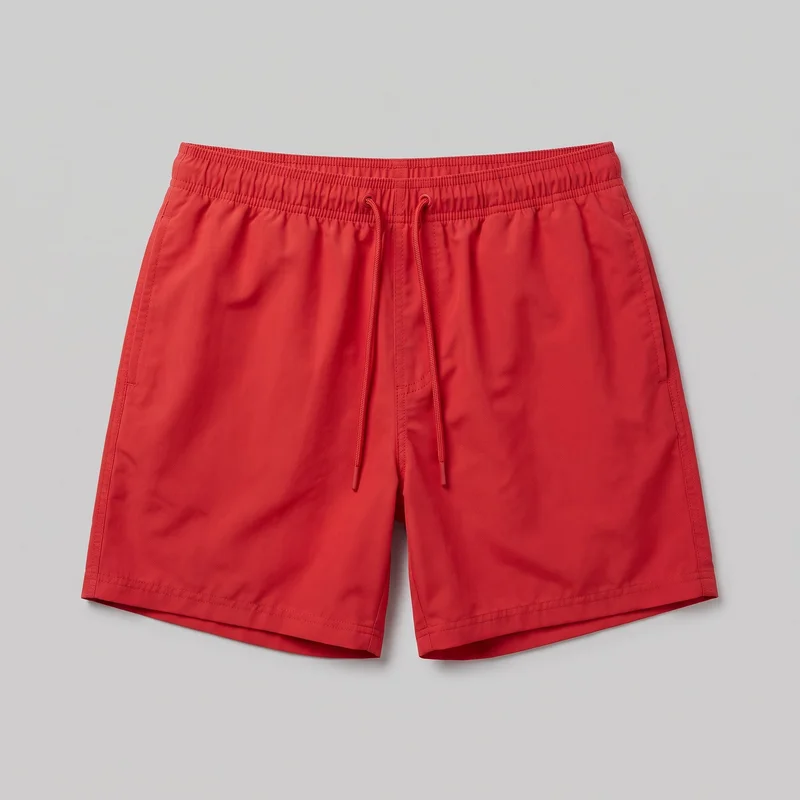 Red Swim Trunks
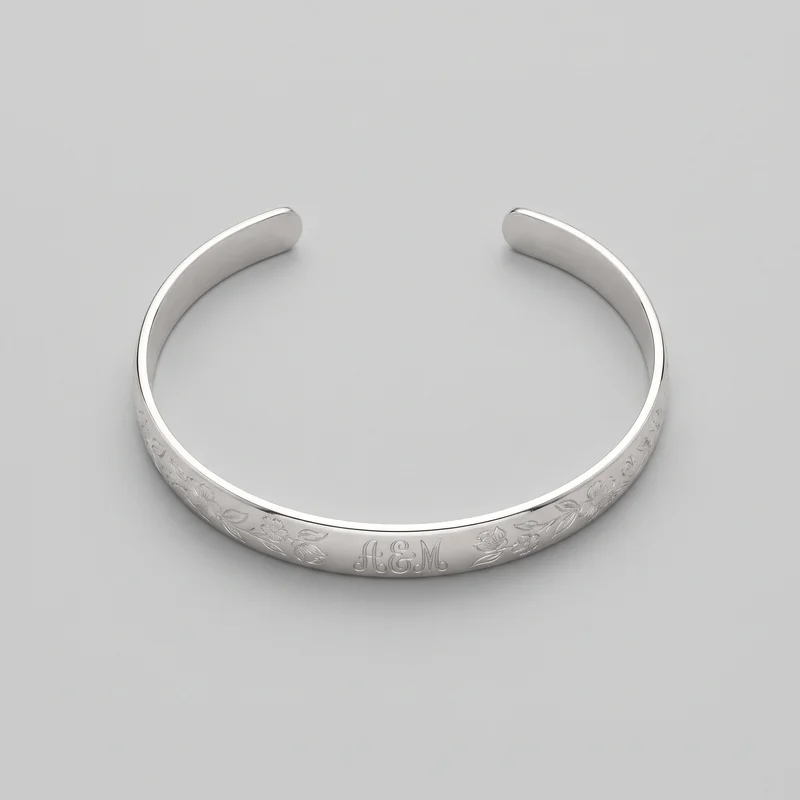 Women's Engraved Cuff
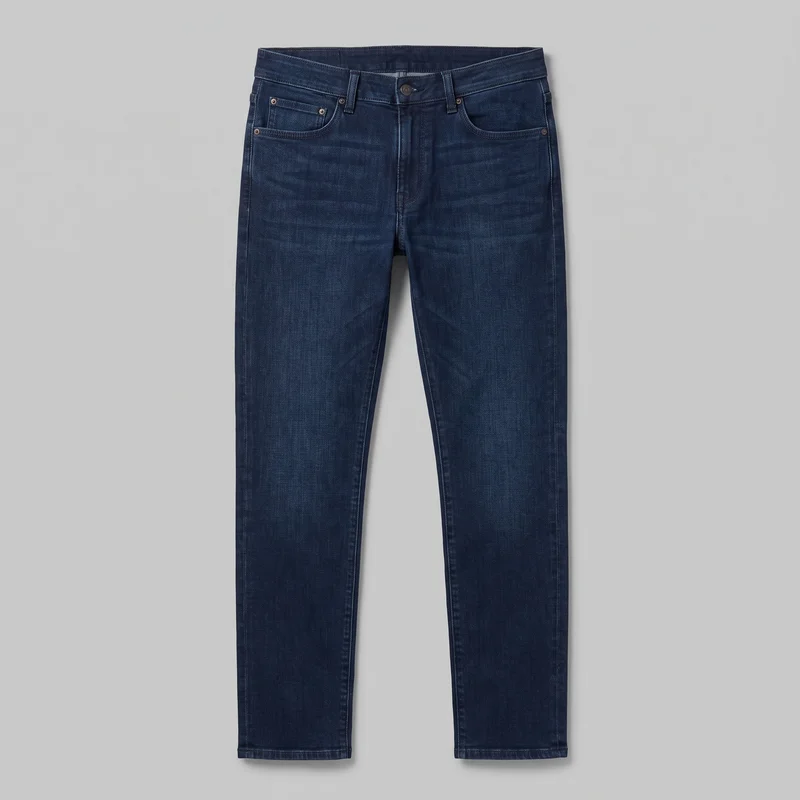 Men's Indigo Slim Jeans
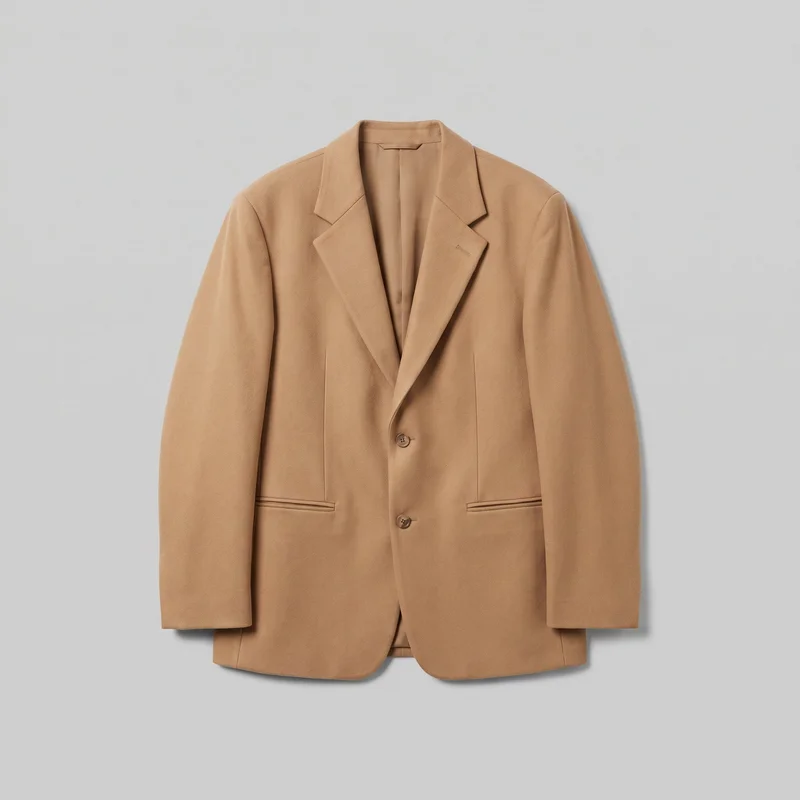 Men's Camel Oversized Blazer
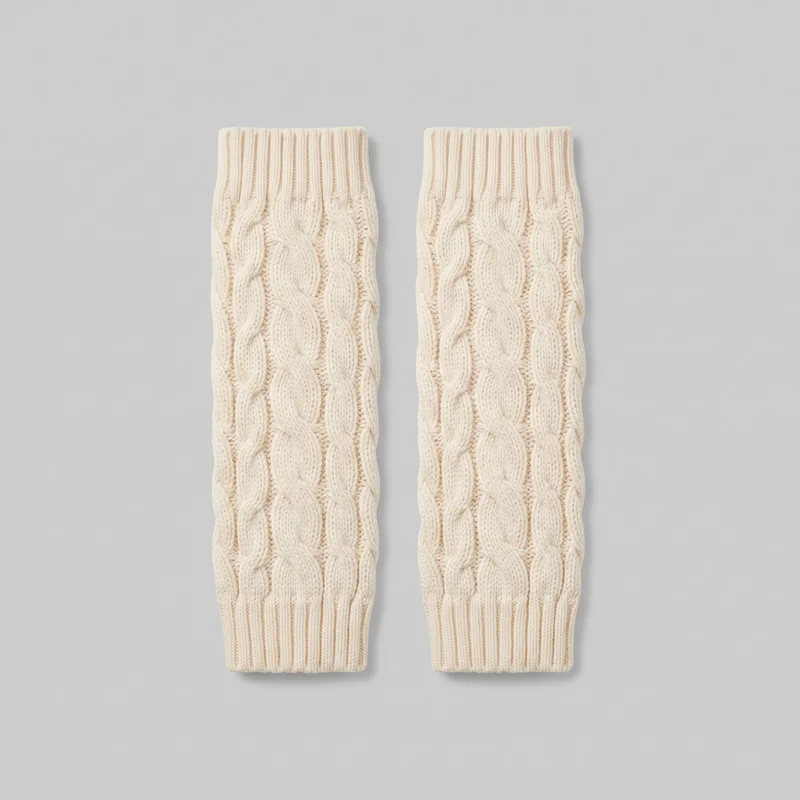 Cream Cable-Knit Leg Warmers
Showing 24 of 781
Consistency
Change the motion while the product composition holds.
Start from the same approved product composition, and change the motion decision needed for the campaign. The model identity, product presentation and source lighting remain directed choices, helping related ad variants read as one campaign while each generation still needs review.
You change one
- Frame
- Pose
- Camera view
- Model
The rest holds
Product composition
The approved product-led composition remains the starting point for each motion variant.
Model identity
The selected model carries through the source composition used to create the video.
Lighting direction
The chosen photography direction establishes the source image before motion is added.
Who it's for
Is RAWSHOT right for up to three five-second scenes?
A good fit
This fits you when recurring campaign work needs short product-led motion from approved images for social advertising and testing.
Work it handles well
- You can test motion creatives beside static campaign assets.
- You can direct model action and camera movement.
- You can keep related product compositions visually aligned.
Outside this scope
It is limited to up to 3 scenes of 5 seconds, with 720p or 1080p output.
Where this stops
- You cannot create long-form commercial films here.
- You need to review each generation before publishing.
- You cannot direct actions outside the selected frame.
Rights
You own every image. Every image says what it is.
Yours
- Full commercial rights to every image, permanently.
- No recurring licence fees on any model in the library.
- Every model is a synthetic composite, so there is no real-person likeness.
Labelled
- C2PA content credentials on every image.
- AI-labelled output, meeting EU AI Act Article 50.
EU-hosted, GDPR-compliant handling.
- EU AI Act Article 50
- C2PA
- Full commercial rights
- GDPR
- EU-hosted
Questions
Before your first paid-social motion test.
Can RAWSHOT create short video ad variants for a paid-social campaign from approved product images?
RAWSHOT can create short video ad variants for a paid-social campaign from approved product images. You direct the model action, camera movement, styling, and product-led composition before motion is added. This gives you moving creative to test beside static campaign assets without arranging a production day or sample shipment. The selected model identity, source lighting direction, and product presentation can remain aligned across related generations. Review the finished clips for product details before publishing.
Which campaign jobs and channels suit RAWSHOT short video ad variants?
Campaign jobs suited to RAWSHOT include paid-social motion tests, launch coverage, cross-format ad variants, and moving product references. You can prepare creative for social advertising placements while keeping the approved product composition clear. This is useful when static assets already exist but you need directed movement for testing or launch planning. You can set the model action, camera movement, styling, and output format so the resulting clips support the intended channel and campaign message.
Which crops and aspect ratios work for a campaign when you need paid-social video placements?
The useful campaign formats are vertical and horizontal crops, including 4:5 and 9:16 frames. You can select the output format for the intended paid-social placement while holding the approved product composition steady. This supports related motion variants from a shared fashion scene, with the model action and camera movement directed for each creative need. Check the crop carefully so the product, styling, and important visual details remain clear in the finished ad.
What do I need to start a RAWSHOT campaign with short product video ad variants?
To start campaign video ad variants, you need approved product images, a selected model or source composition, and a clear direction for movement. Choose the product presentation, styling, photography direction, model action, camera movement, and intended output format before generating motion. A flat-lay, product photo, or approved fashion composition can establish the visual starting point. Review the result against the source image before using the clip in paid-social advertising.
How does RAWSHOT compare with a studio shoot for campaign video ad production?
RAWSHOT gives you directed short-motion campaign variants without a studio shoot. You begin with approved product images and control the model action, camera movement, source lighting direction, and output format. A studio shoot offers physical production control, while this workflow helps you explore moving product presentation from an existing approved composition. It is suited to campaign testing and launch planning, with every generated clip requiring review for hands, hardware, styling, and other fine product details.
How can RAWSHOT keep campaign video variants consistent across a product-led ad set?
RAWSHOT can keep campaign variants aligned through a shared product composition, model identity, and lighting direction. Start from the same approved product-led image, then change the motion decision needed for each ad. The selected model, product presentation, styling, and source photography direction remain deliberate choices across the set. Each generation is still new and needs review, but related clips can read as one campaign while showing different directed actions or camera movement.
What can't RAWSHOT do for a campaign when long-form production control matters?
RAWSHOT cannot create long-form commercial films or direct actions outside the selected frame for a campaign. The workflow is intended for short product-led clips made from approved images, not a full production with unrestricted movement, extended narrative, or physical set control. You also need to review every generated variant before publishing, especially around hands, hardware, garment details, and product accuracy. Use it for directed campaign references and ad creative rather than assuming production-level control.
What usage rights apply when you publish RAWSHOT imagery for a paid-social campaign?
You get full commercial rights to every image, permanently, with no recurring licence fee. Every image carries C2PA content credentials and is labelled as AI-generated.
Get started
Start with approved product images.
Start with a 7-day free trial including 50 tokens, then move to the plan that matches your production volume.