
Product pages
Flat lay clothing photography
Turn a flat lay into clear on-model product views.
Flat lay clothing photography helps when your only source is a garment laid out flat, but the product page still needs clear on-model views while the range remains unfinished.
7-day free trial • 50 tokens (10 images) • Cancel anytime
A 2K image in roughly 35 seconds · AI-labelled with C2PA content credentials
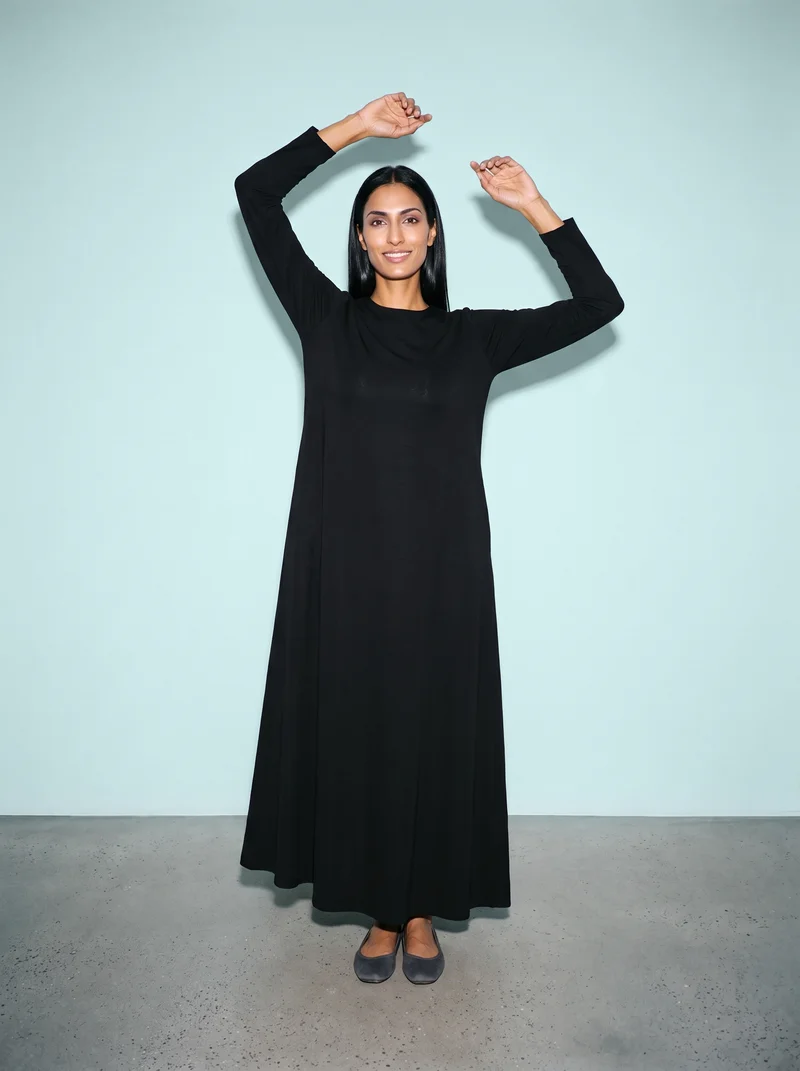
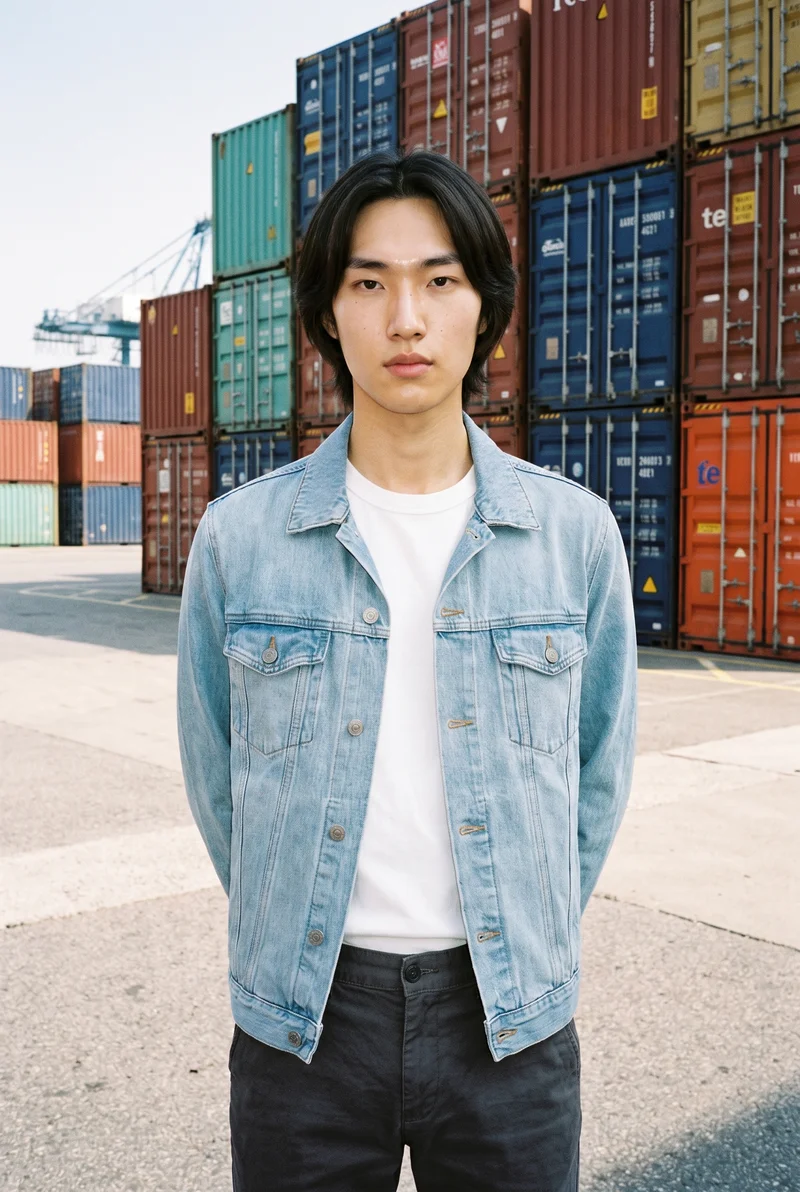
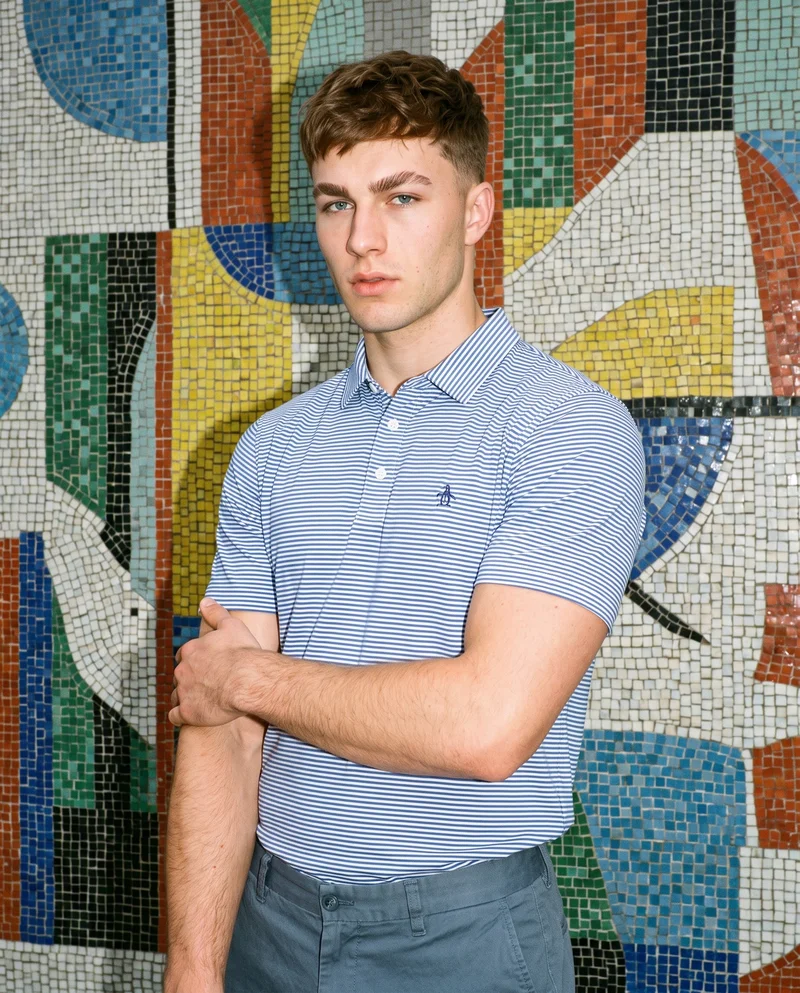
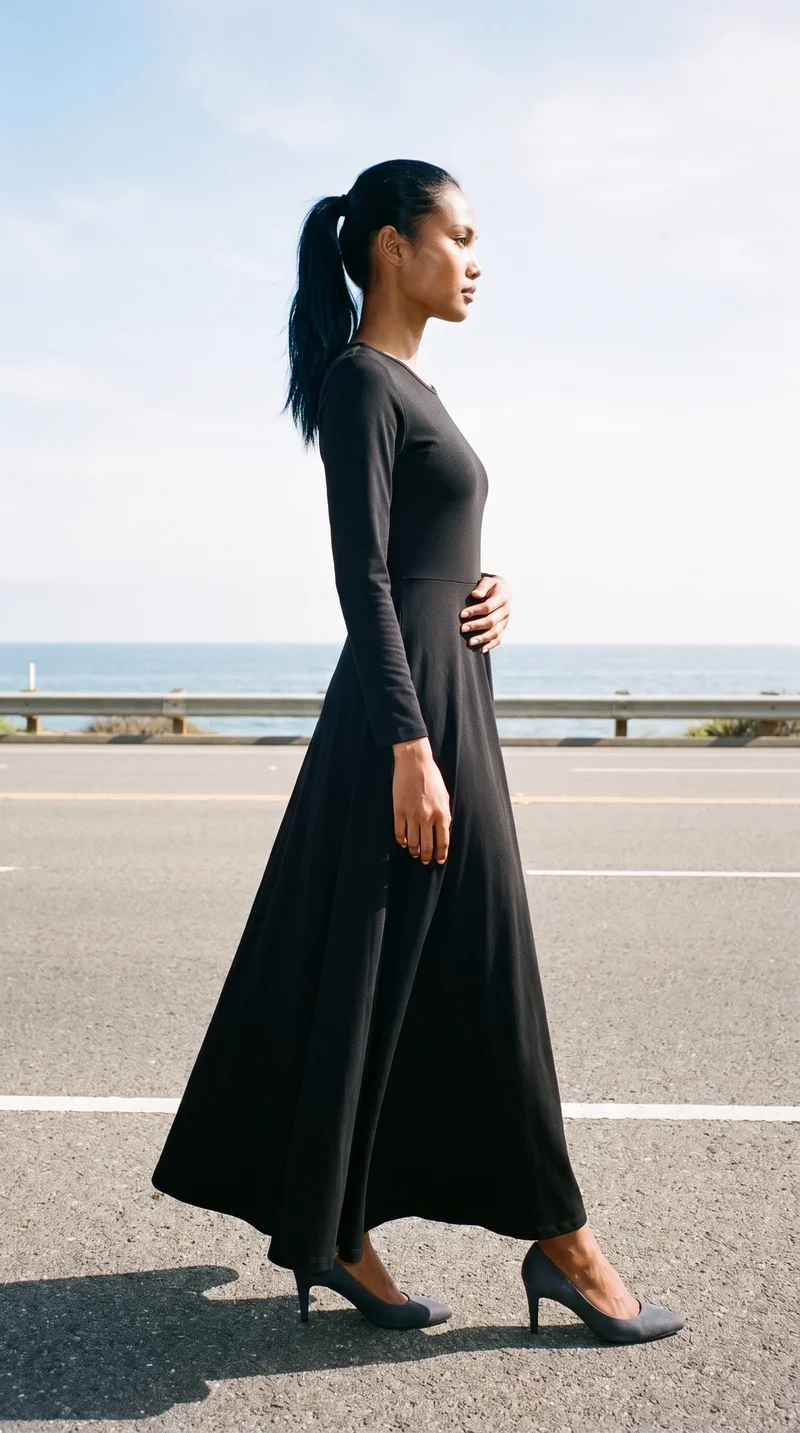
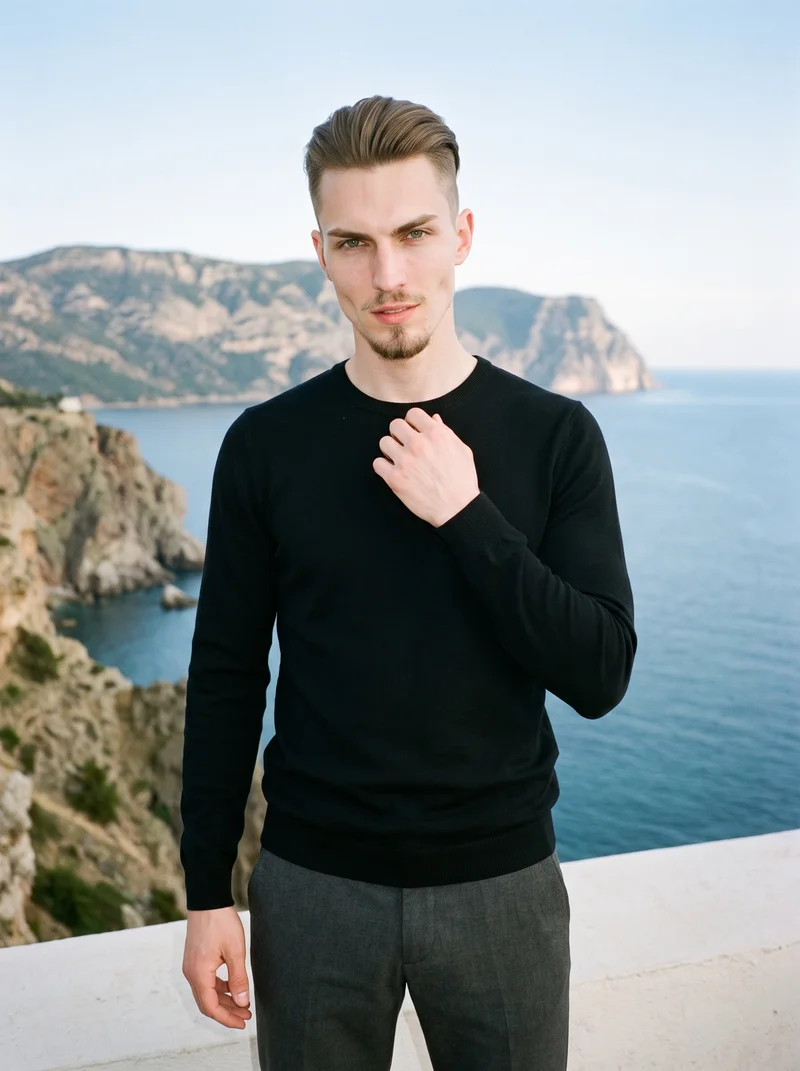
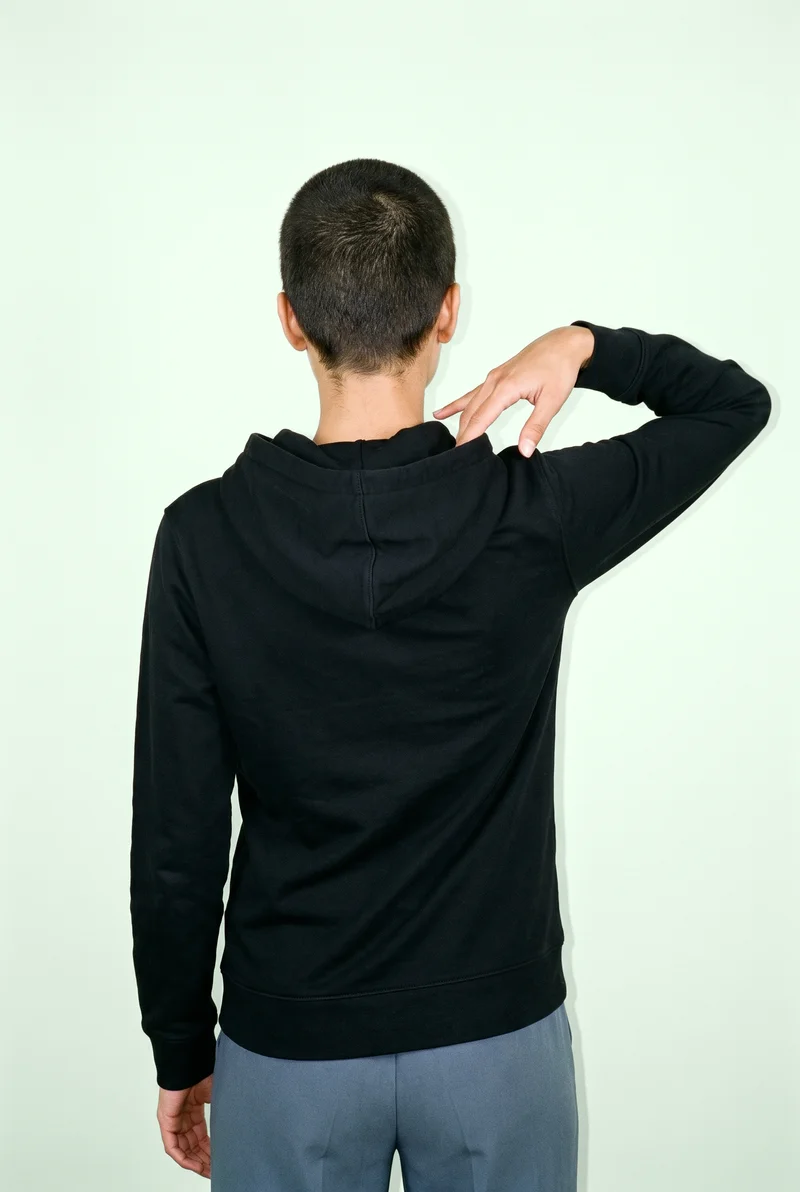
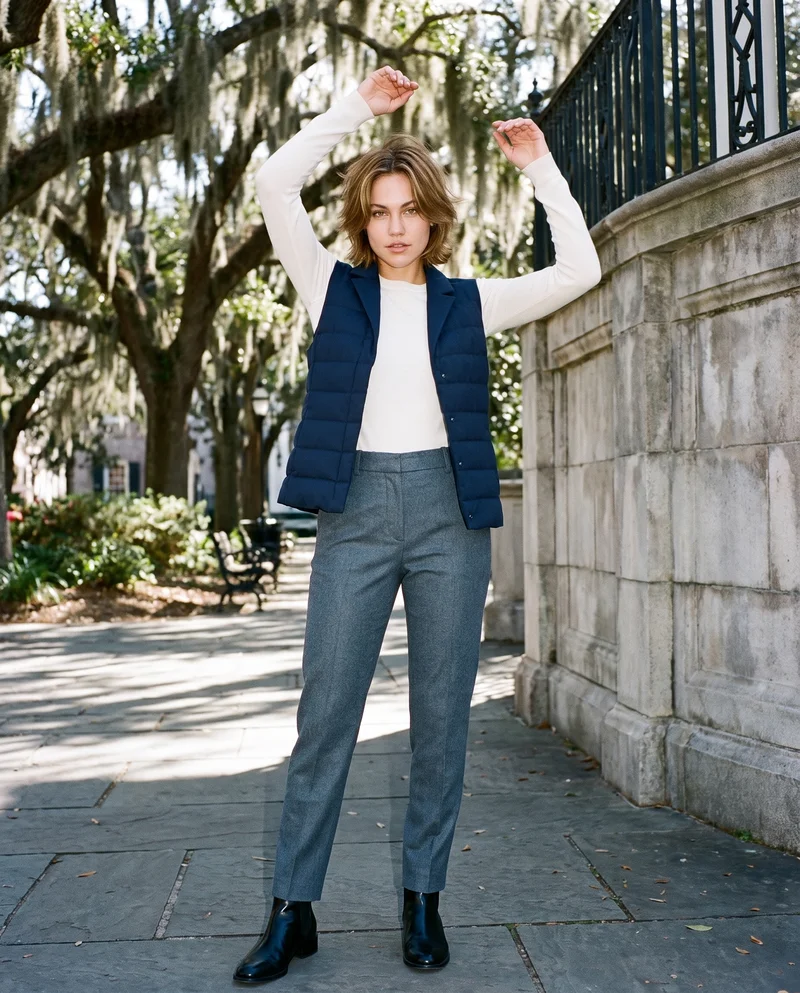
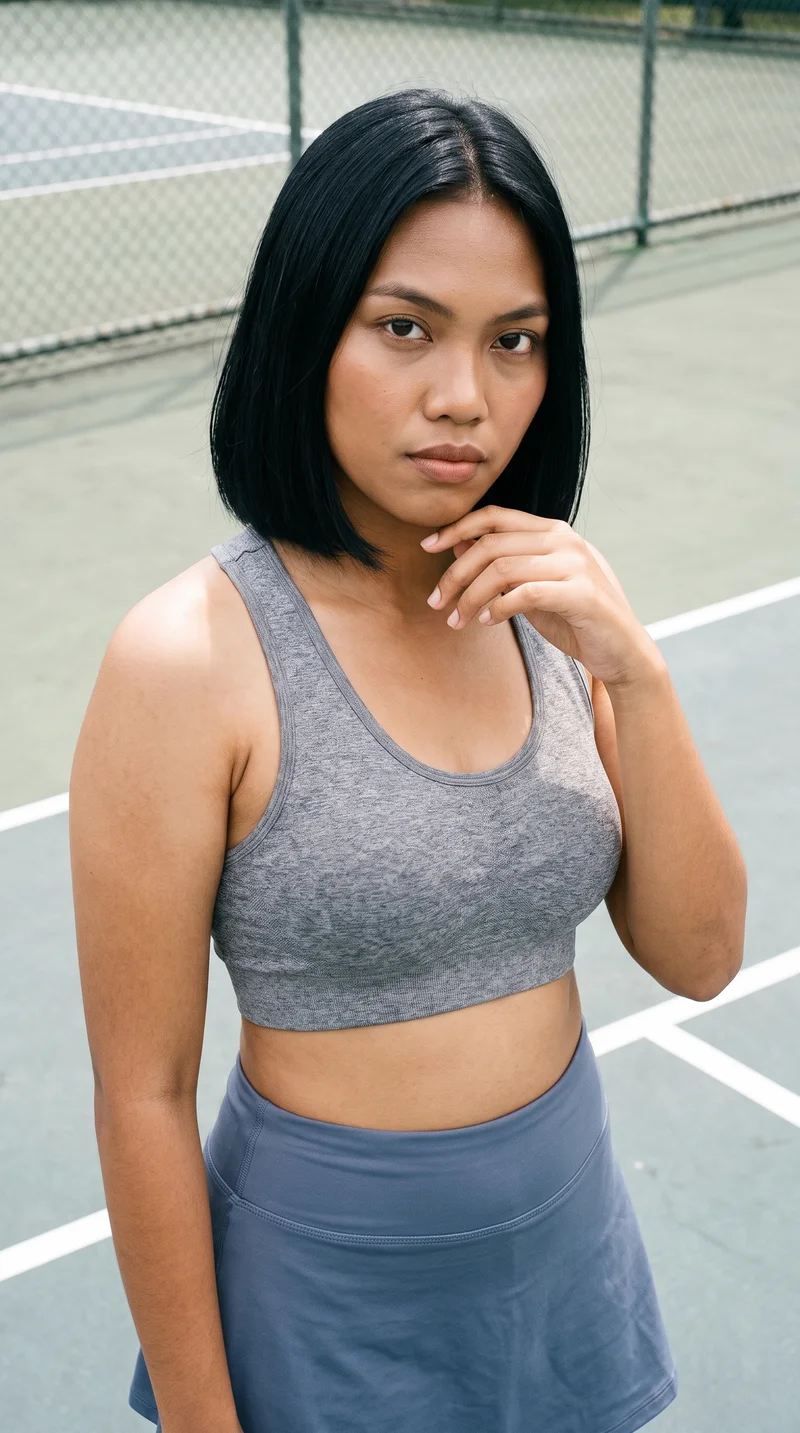
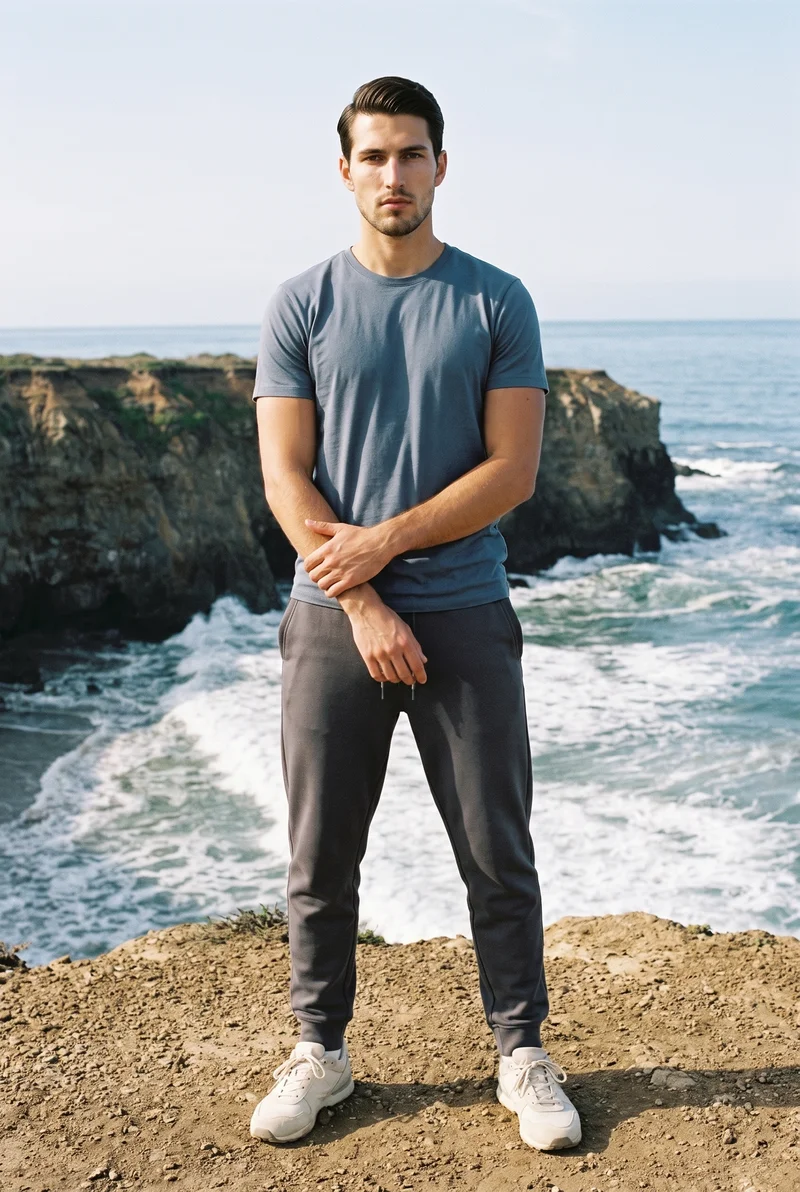
Showing 9 of 992, shot in RAWSHOT
Use cases
When a product page needs the garment on-body.
Catalogue coverage
The situation
Your product page is ready, but the only available source is a flat lay and the garment still needs to appear on a body.
With RAWSHOT
Set the flat lay as the product source, choose the model, frame, view, pose and light, and get a coordinated on-model image set for the page.
Side and detail views
The situation
A garment needs more than one front image to show its shape, construction and material clearly to shoppers.
With RAWSHOT
Choose side framing and supported detail views alongside the main catalogue composition. You get product-page coverage that gives customers a closer look at the piece.
Full-length presentation
The situation
A new clothing line needs full-length images and tighter crops for its product pages or pre-order pages.
With RAWSHOT
Select the adult model, body type, frame and photography direction for each view. You get an on-model set suited to product browsing.
Matching listing imagery
The situation
A marketplace listing has a flat-lay source, but shoppers need to see the garment worn before deciding whether to buy.
With RAWSHOT
Set the product source, model, pose, view and catalogue light. You get a clear on-model listing image set with matching presentation.
What you get
Publish front, back, side and detail views on product pages.
Build a product-page image set that shows the real garment on an adult model, with useful coverage for catalogue browsing and product detail. The set keeps model, light, framing and presentation aligned across the views you publish.
Front and back views
Show the garment from its primary catalogue angles so shoppers can inspect the front and back when opening product details.
Side and detail views
Add side framing and supported close views where the cut, construction, material or finish needs more visual explanation.
Full and close frames
Pair a full-length presentation with tighter coverage so the product page explains both the overall silhouette and relevant garment details.
Matching model set
Keep the selected adult model, pose direction, light and presentation aligned across the views that belong to the same garment.
Direct the shoot
Set frame, view, pose and catalogue light.
Image frame
15
Pose
22 poses on this frame
Camera view
4
Format
9
Pose style
4
Facial expression
10
Photography direction
4
Create photoshoot
Step 7 of 7 · Composition
Image 1 · readyGallery image from this pageProduct
Your product
Model
From the library
Composition
Full Body · Front View · Catalog pose · Neutral
Delivery
2K · 1:1
Light
Studio Cutout
Total cost
5 tokens
AI fashion models
An adult model gives the garment clear context.
1,197 licence-free adult models across ages and body types. Or build a private model from visible attributes.
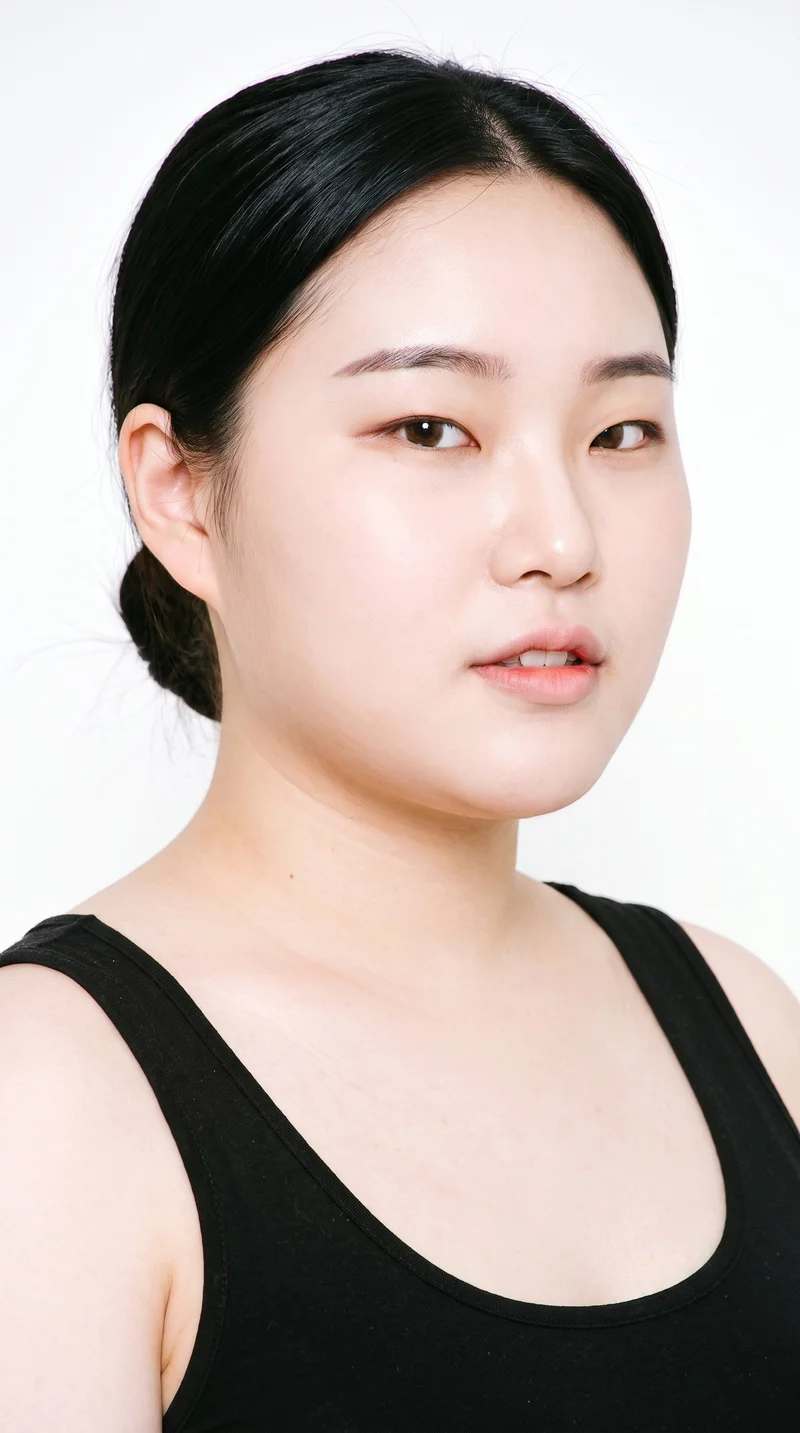
Female · 18
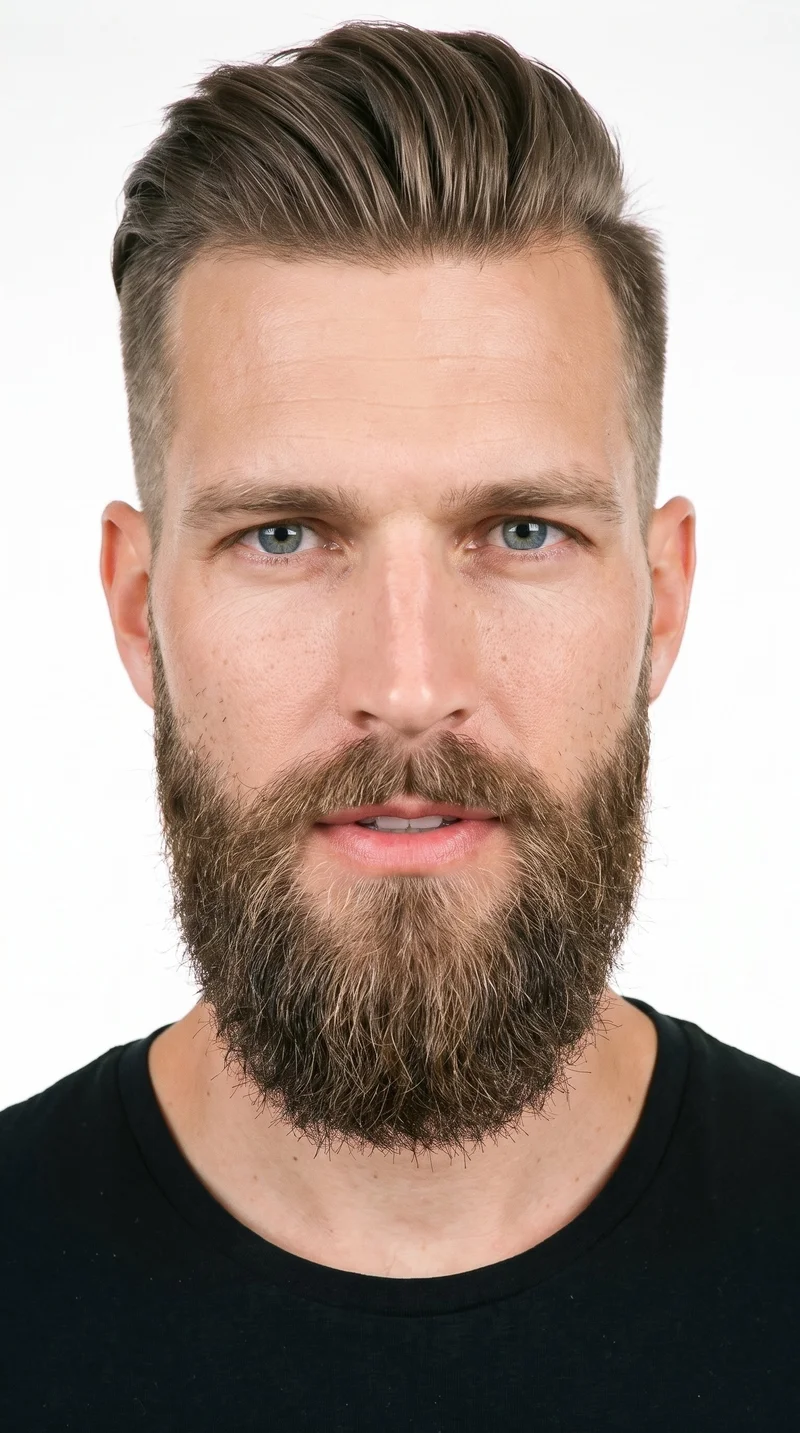
Male · 33
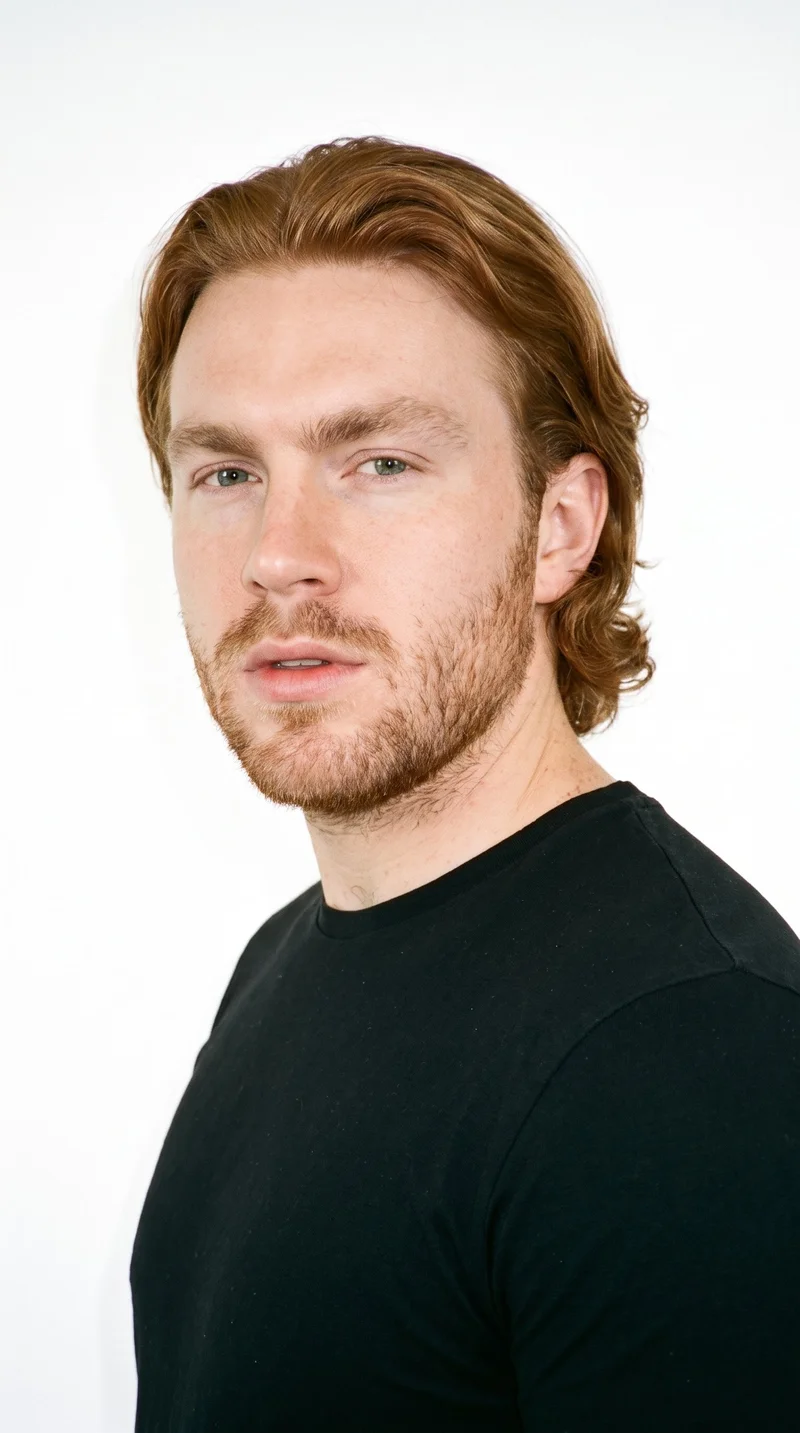
Male · 25
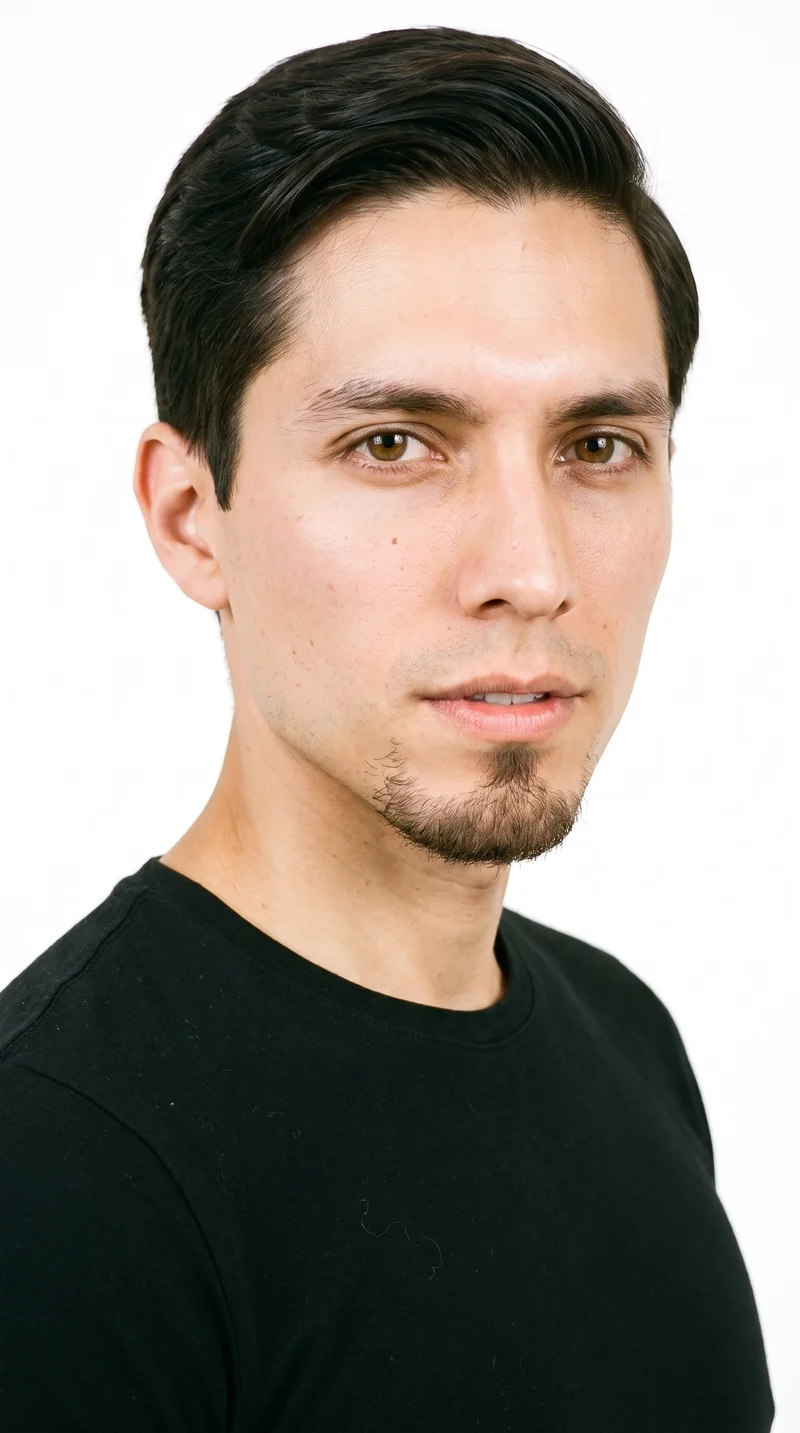
Male · 29
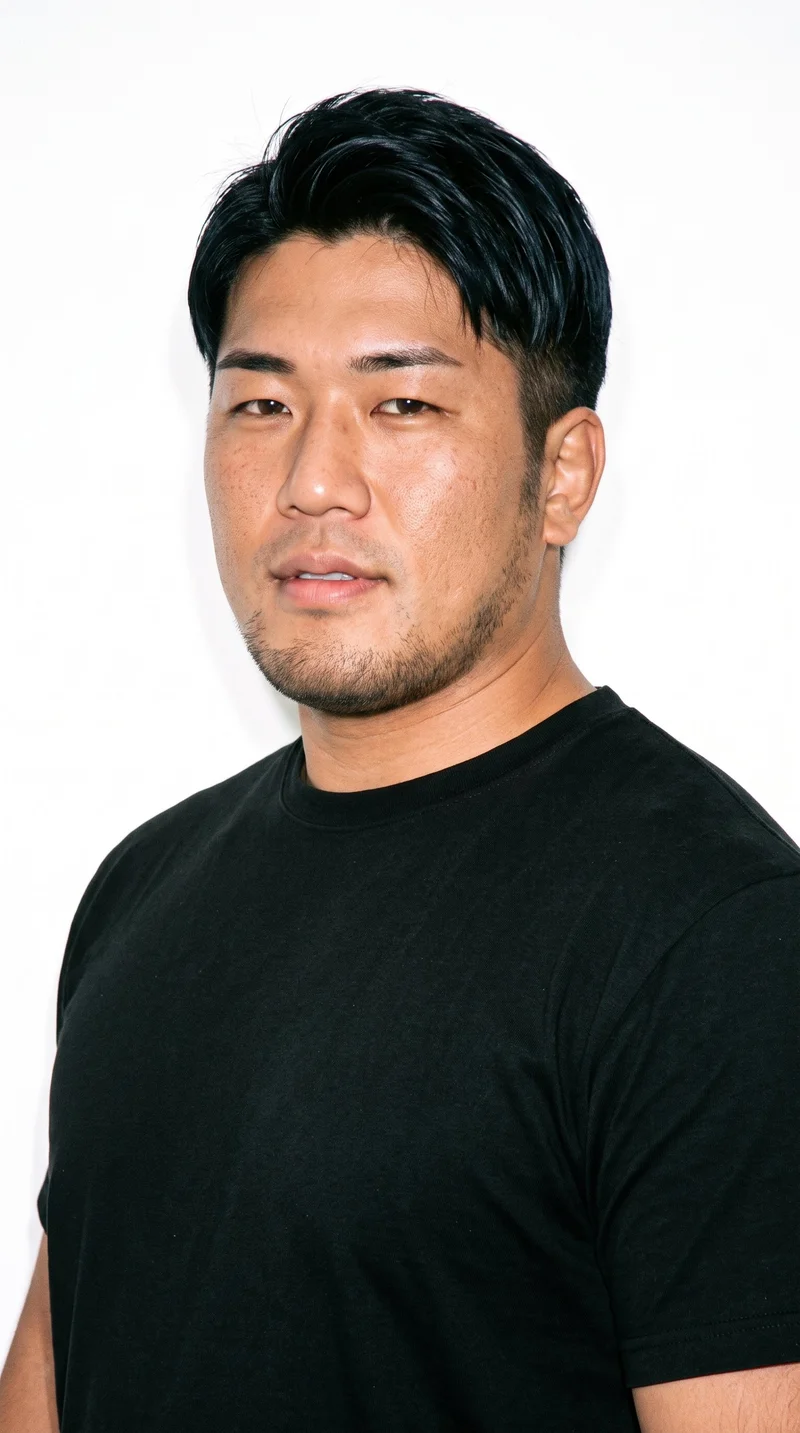
Male · 31
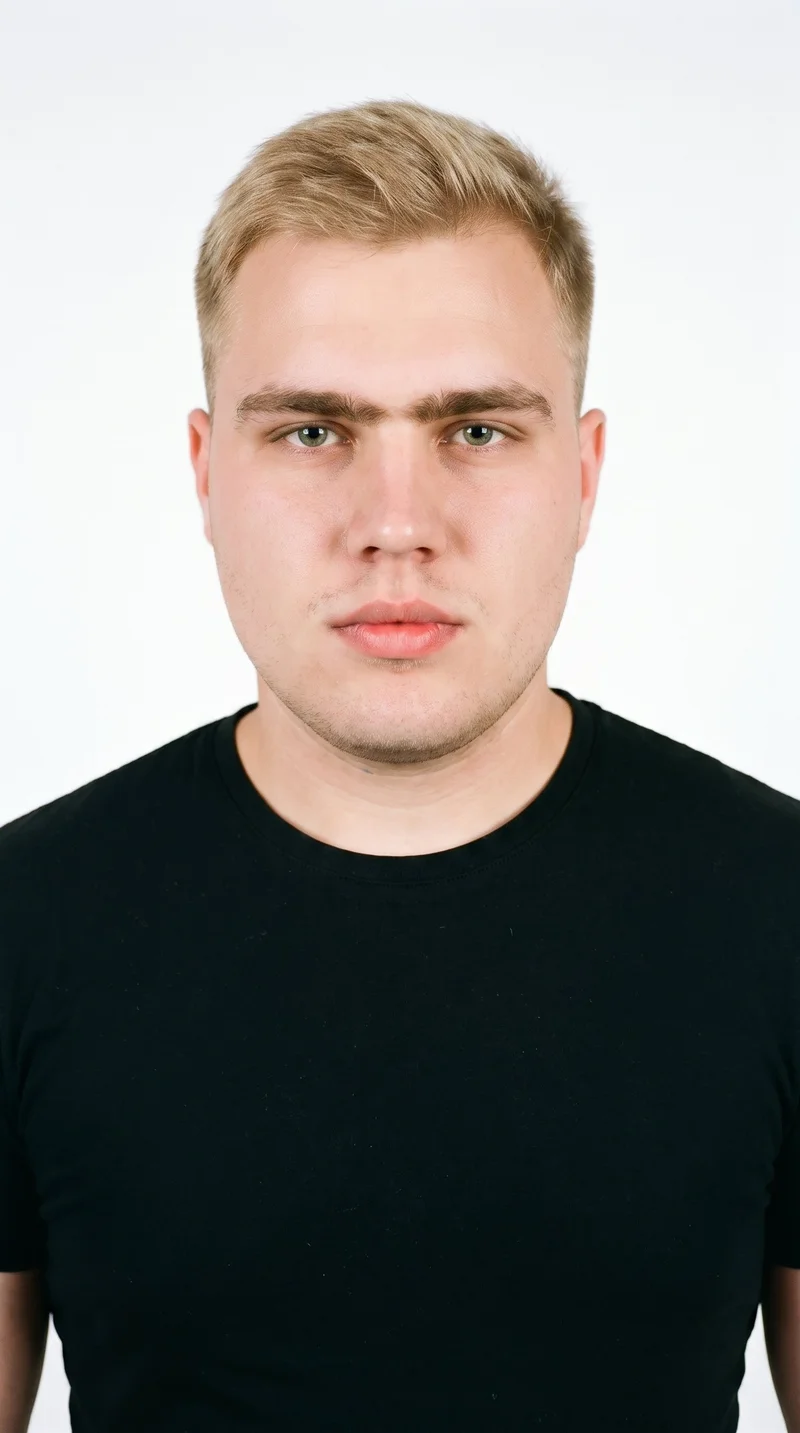
Male · 23
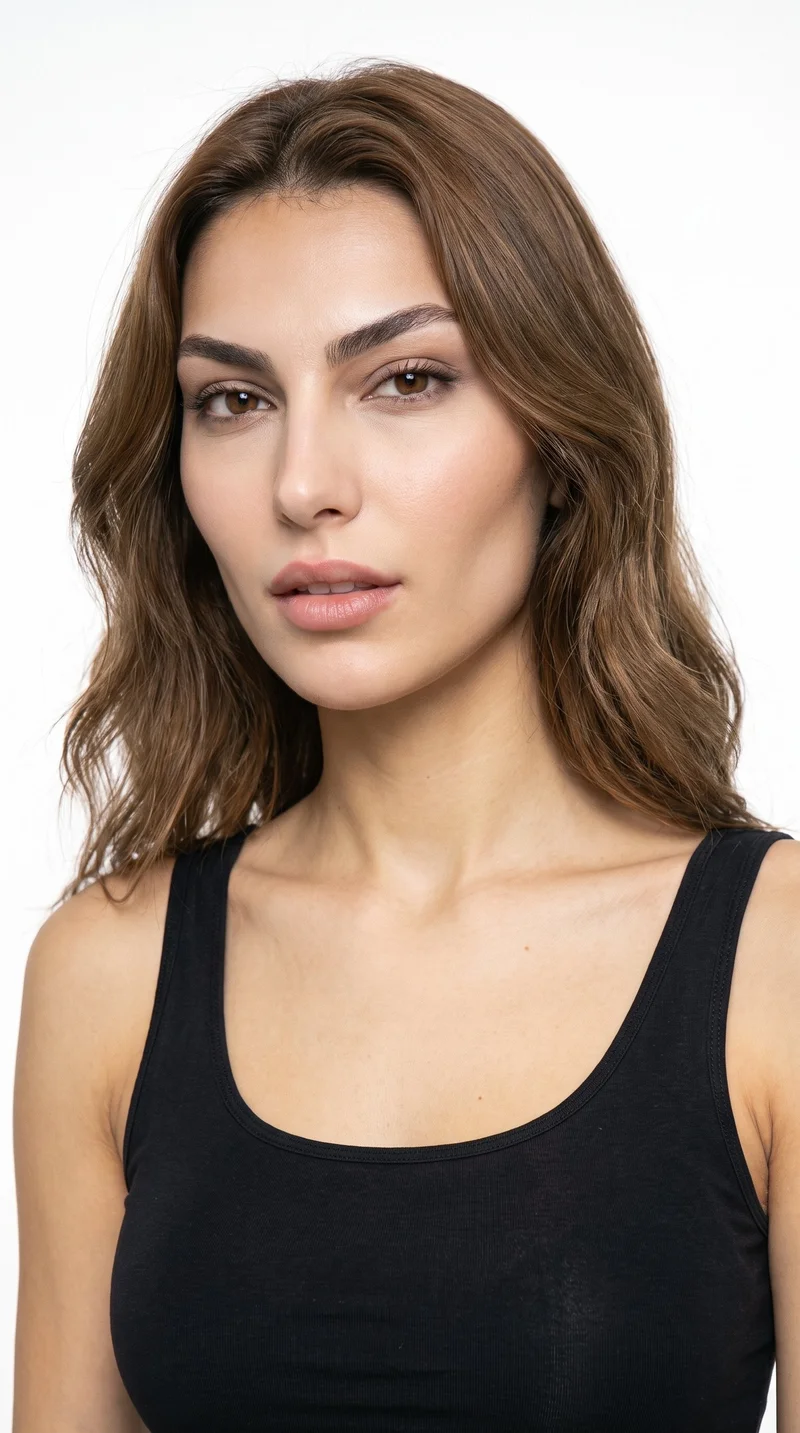
Female · 22
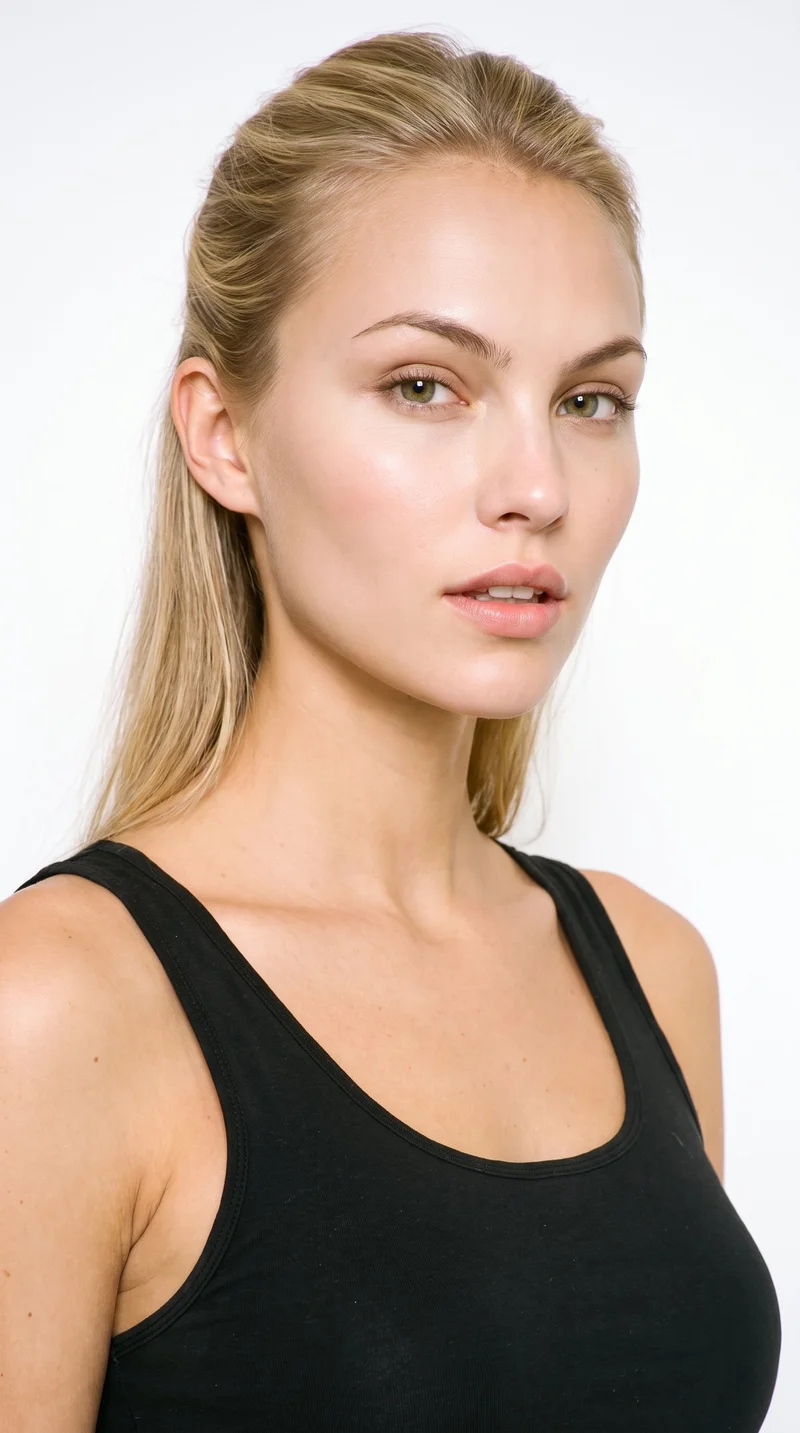
Female · 21

Male · 21
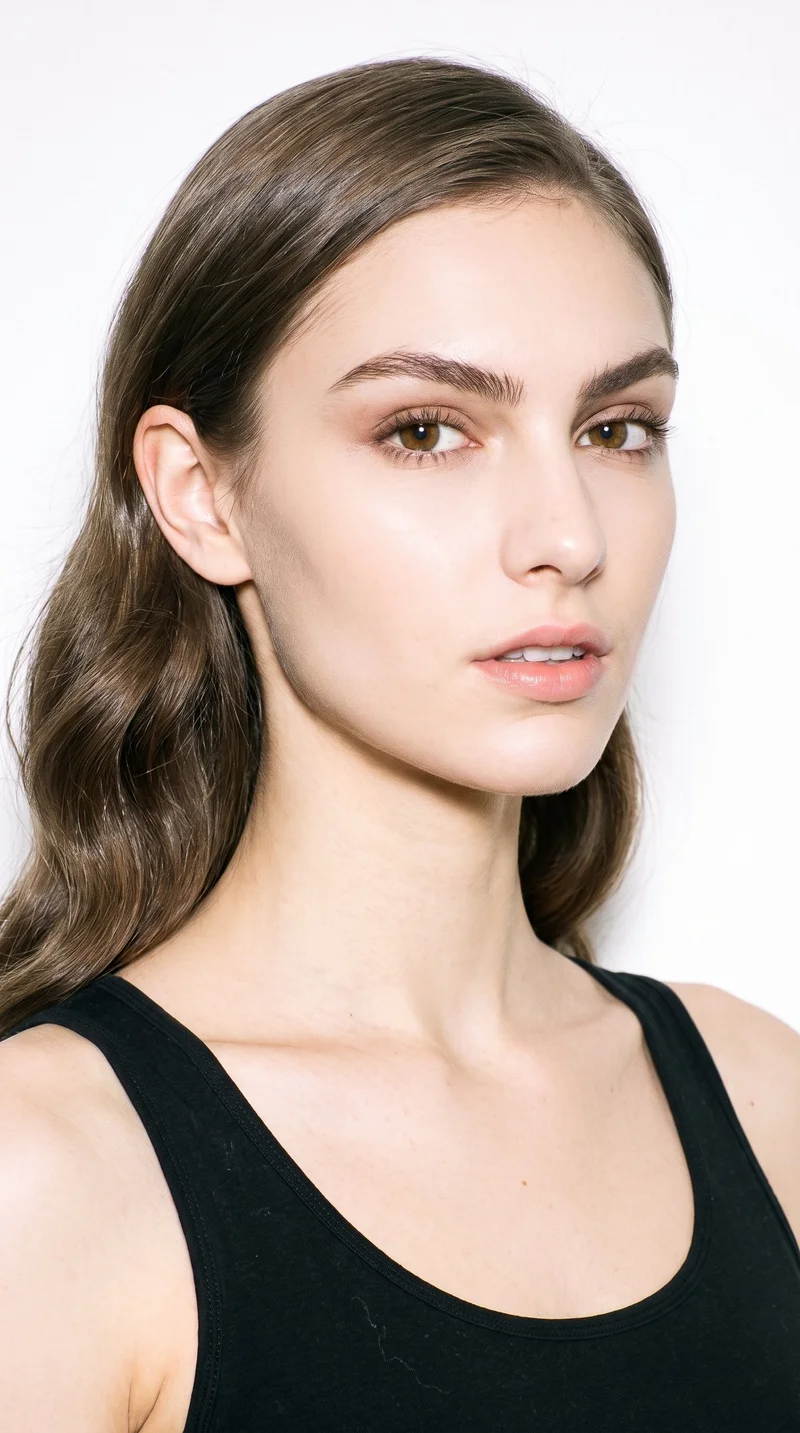
Female · 20
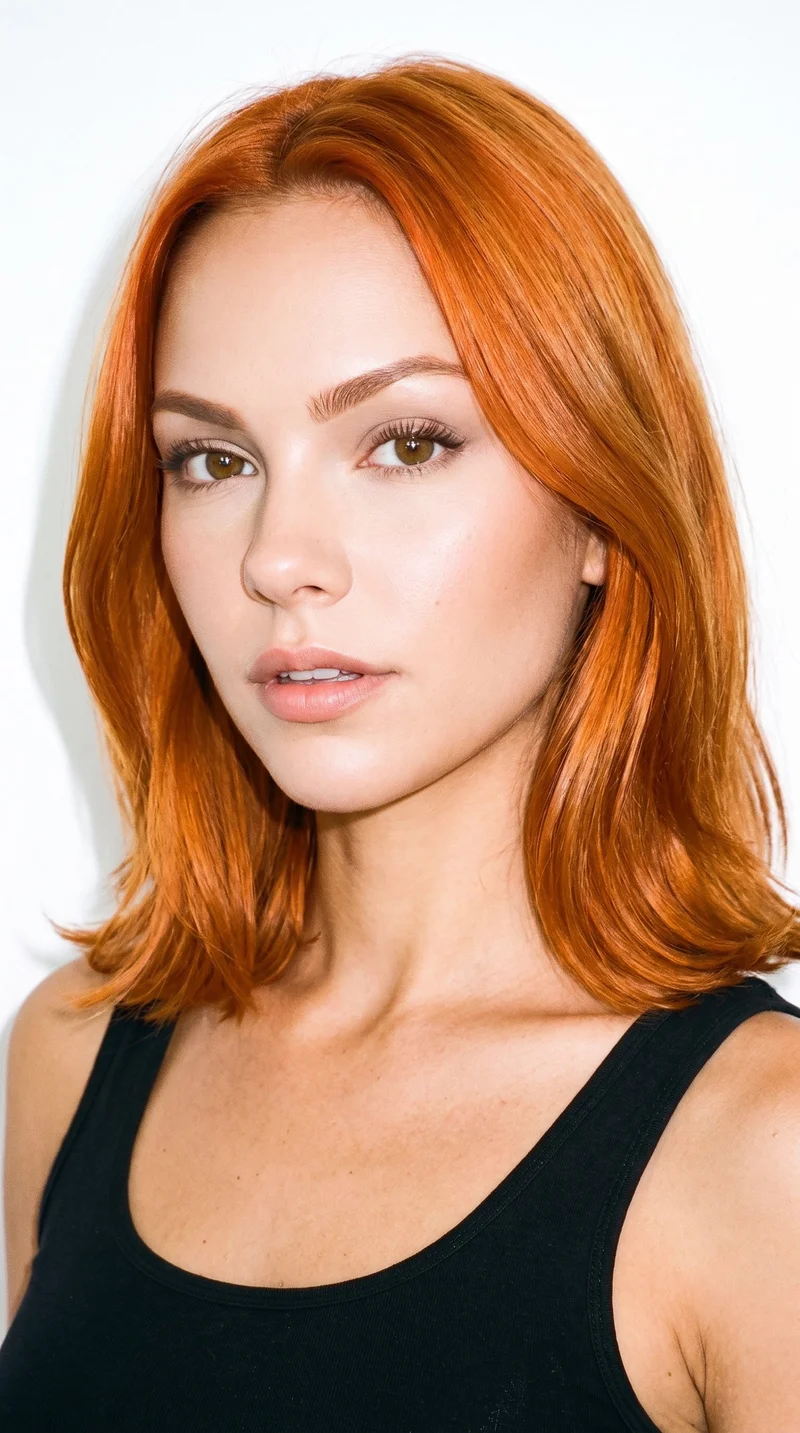
Female · 21
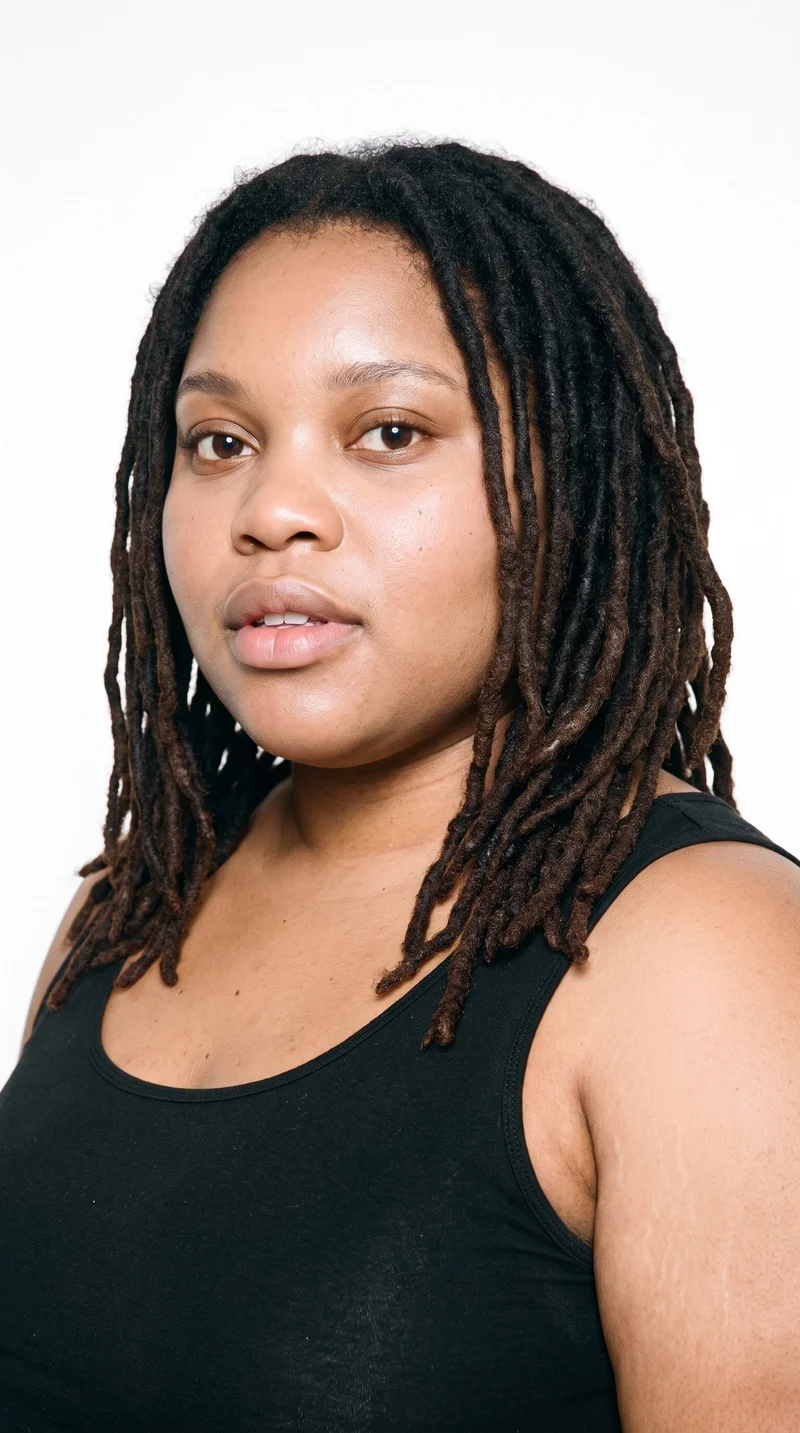
Female · 28
Showing 12 of 1,197
Cast your modelRawshot Features
RAWSHOT helps shape clear product-page views.
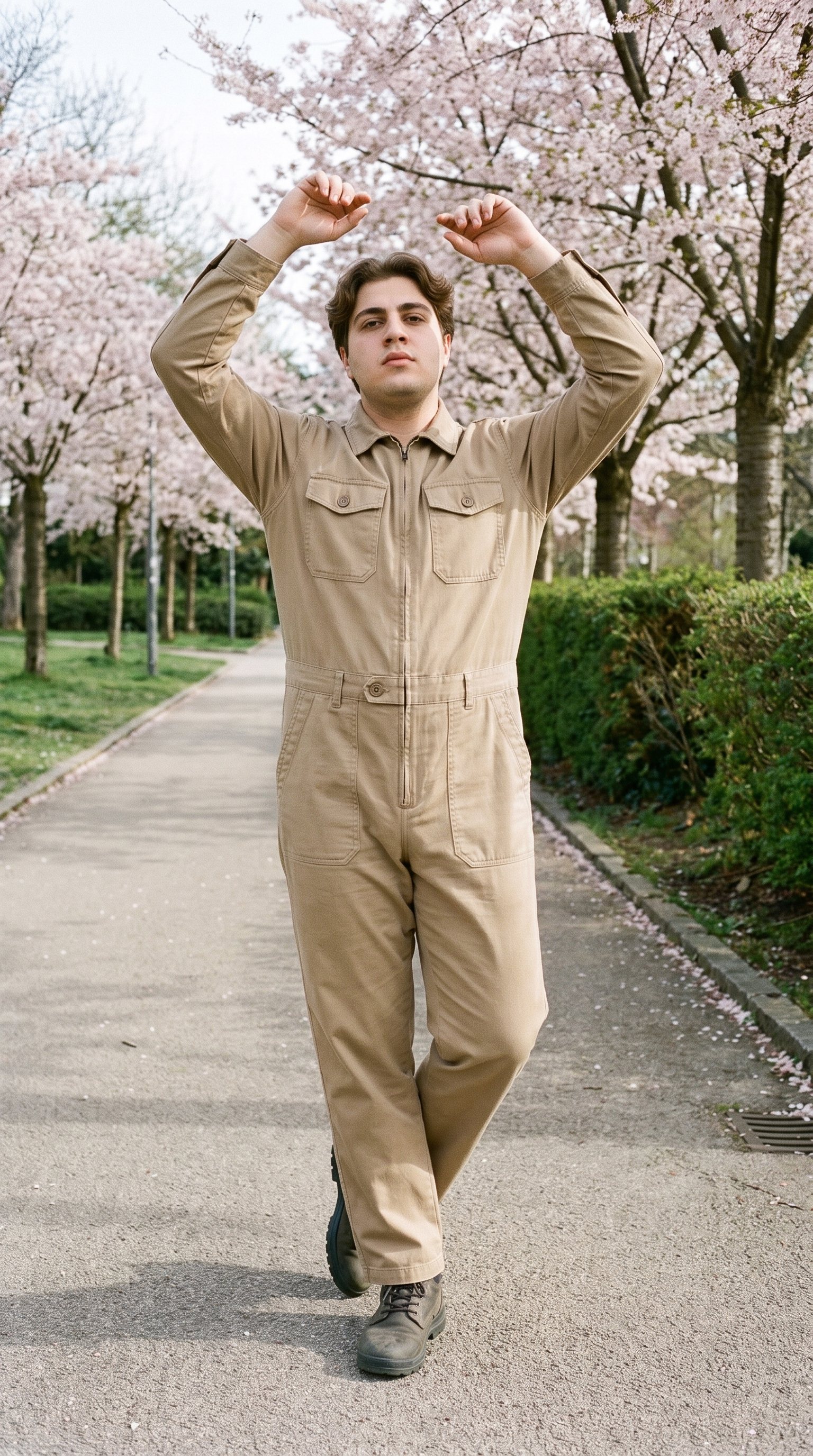
Fashion model poses
Choose front, back, side and detail framing so the product page shows how the garment reads across useful customer views.
22 poses on a full-body shot · 104 in total
See the feature →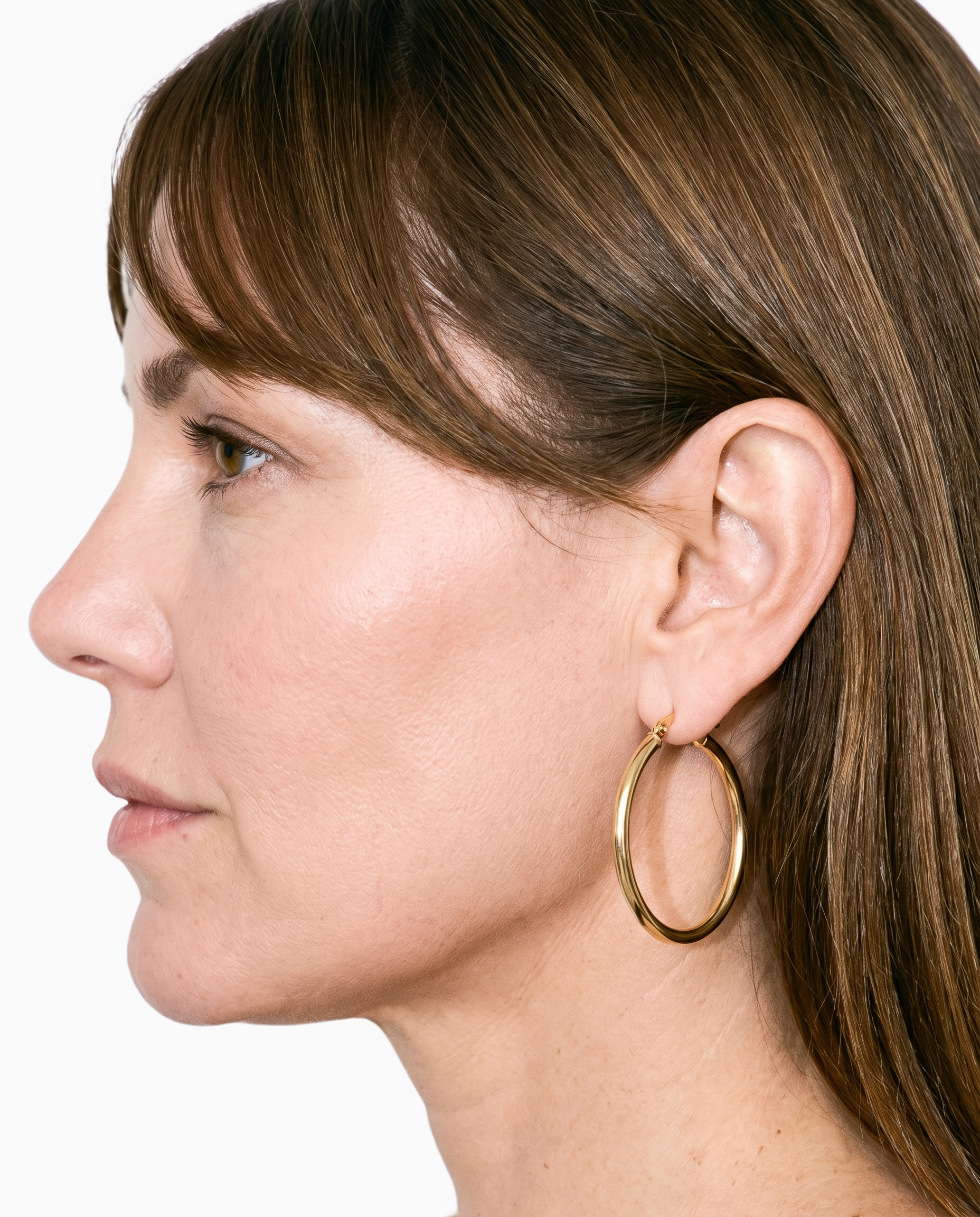
Product import and handling
Use the flat lay as the product source so the on-model composition carries the real garment into the product-page image.
Start from your real item and keep product fidelity while building the scene.
See the feature →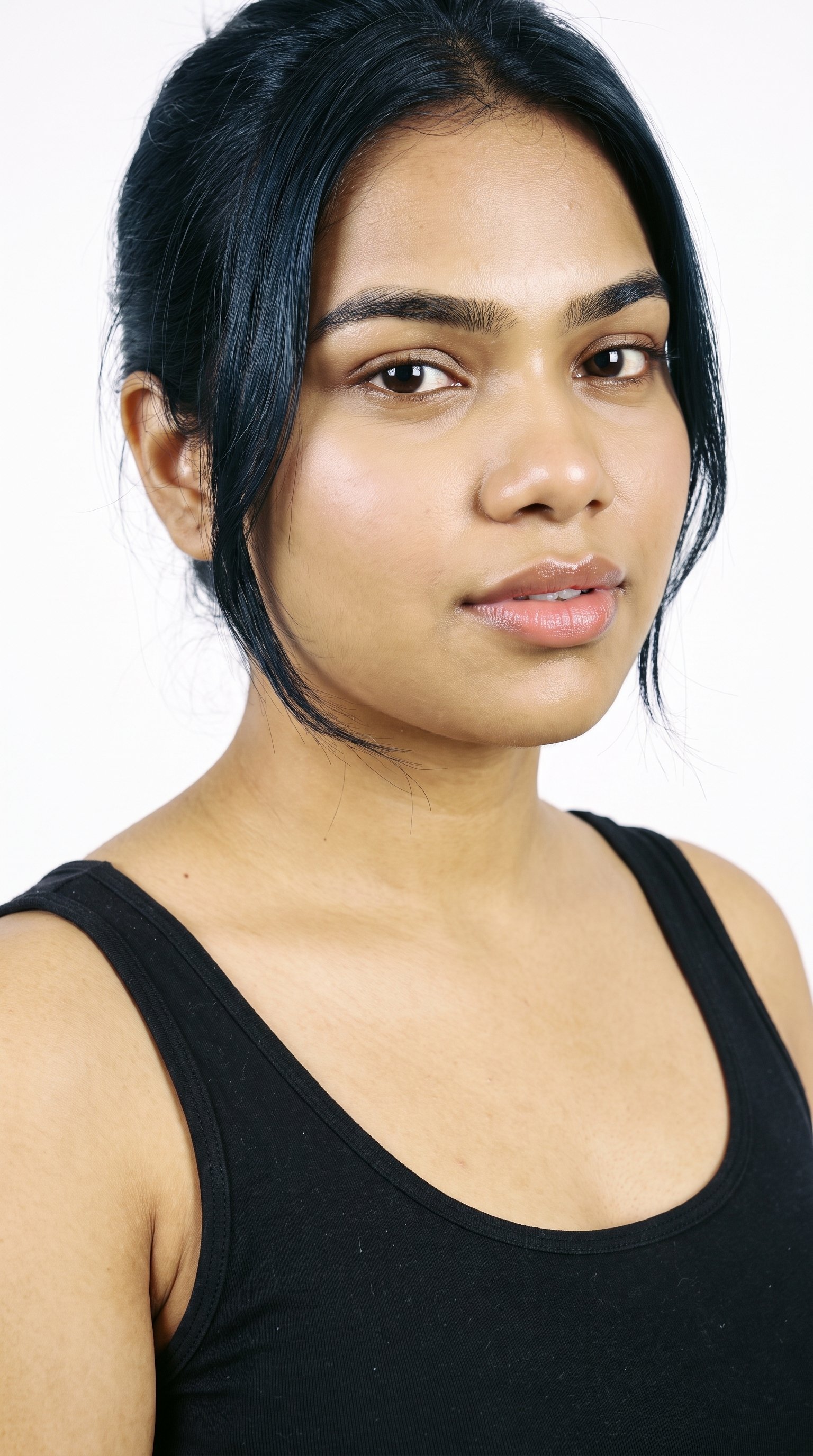
AI model generator
Select an adult model and body type that give the garment a clear, relevant context for shoppers browsing the product page.
Library filters plus private model building for consistent identity across the set.
See the feature →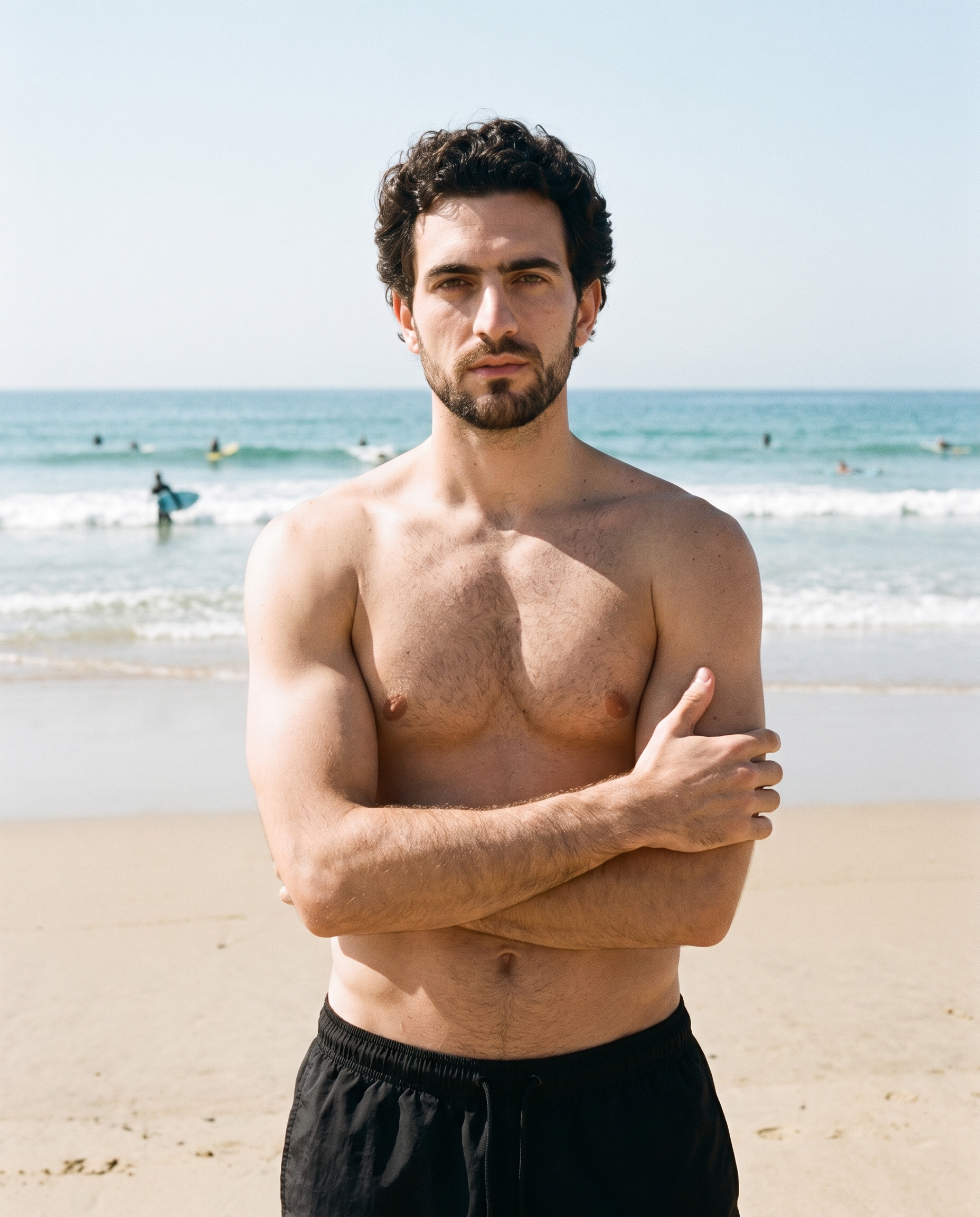
Photography direction
Set catalogue light or natural e-commerce light so the garment is presented clearly across the matching product-page views.
4 named choices that set mood and shadow the same way across a shoot.
See the feature →AI image to image generator
Change one decision and keep the rest of the composition stable.
AI image to video generator
17 model actions on a full-body shot · 132 in total
AI makeup generator
Branch-aware named options applied without altering casting or scene setup.
AI outfit generator
Combine the main piece with neutral supporting items in one coherent frame.
AI photo background generator
Swap scene context while keeping model, product, and framing stable.
AI suggestions
Preselected control values you can always override in the same configurator.
Garment styling
Choose how the garment is worn and keep brand presentation consistent.
Inspiration gallery
Load editable finished looks as fast starting points for new shoots.
Gallery
Shot in RAWSHOT, each view shows the garment.
Front, back, side and detail views show the garment in a consistent on-model product-page presentation.
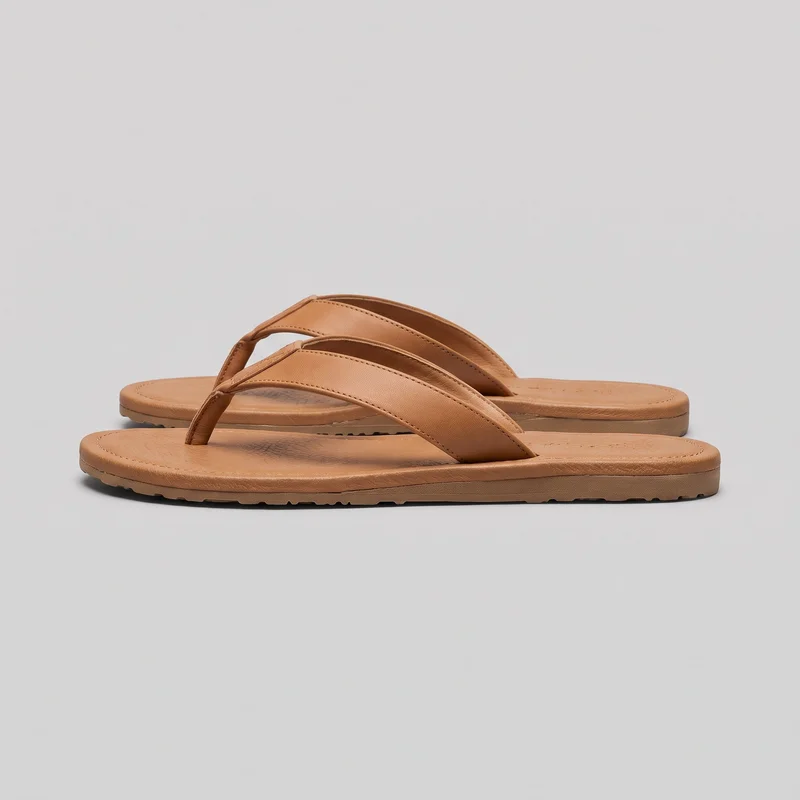 Women's Tan Leather Flip-Flops
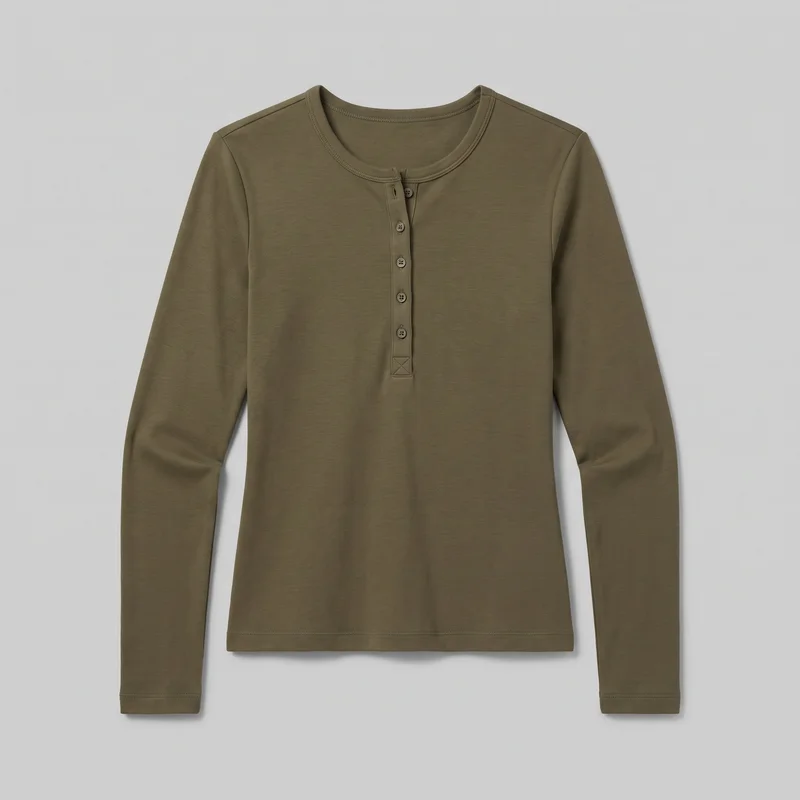 Women's Olive Long-Sleeve Henley Top
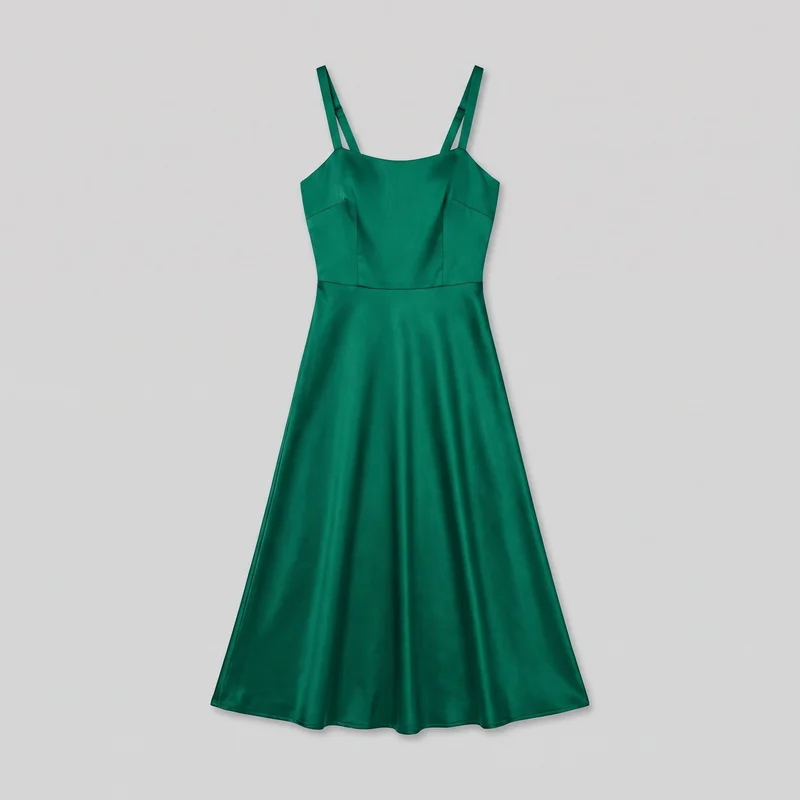 Emerald Satin Midi Dress
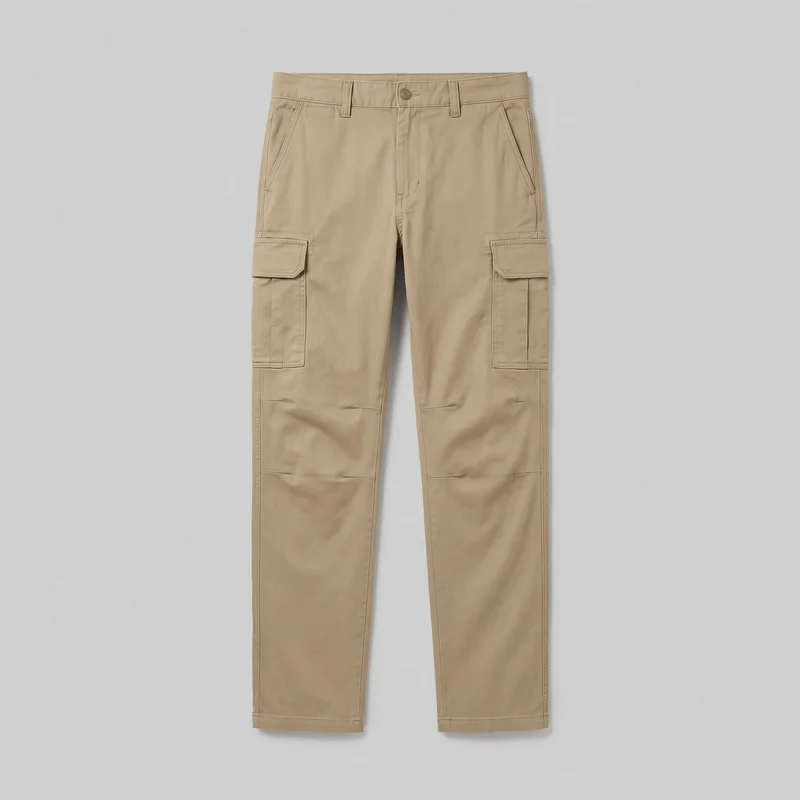 Men's Khaki Cargo Pants
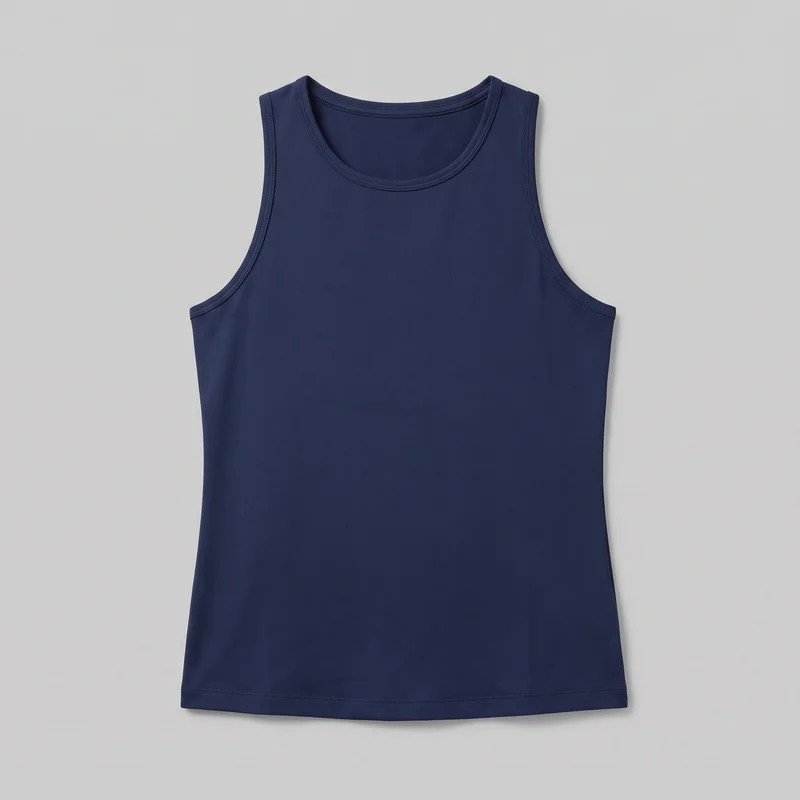 Women's Navy Training Tank
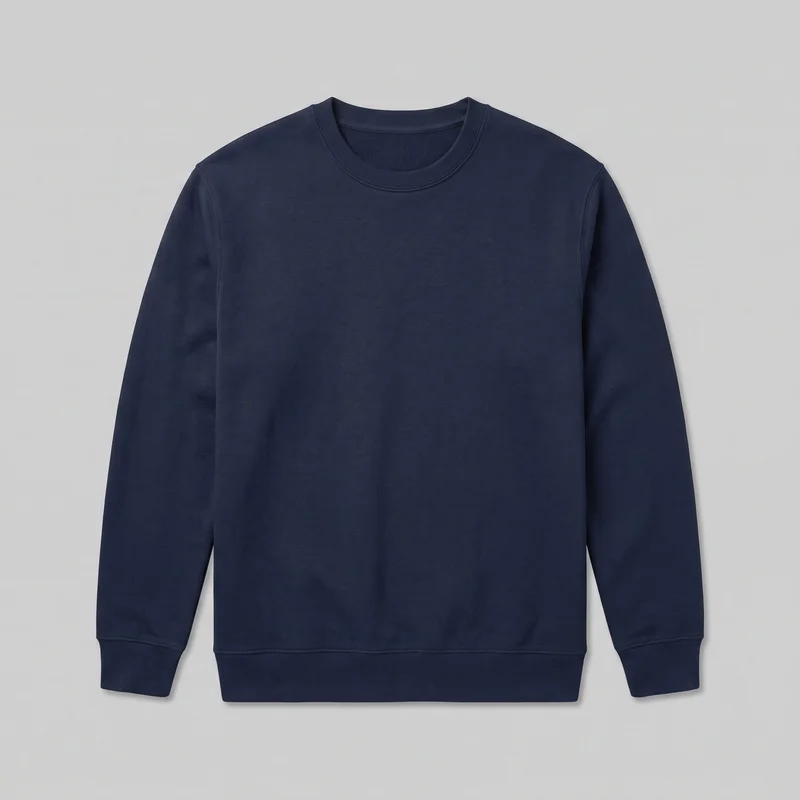 Men's Navy Cotton Crewneck Sweatshirt
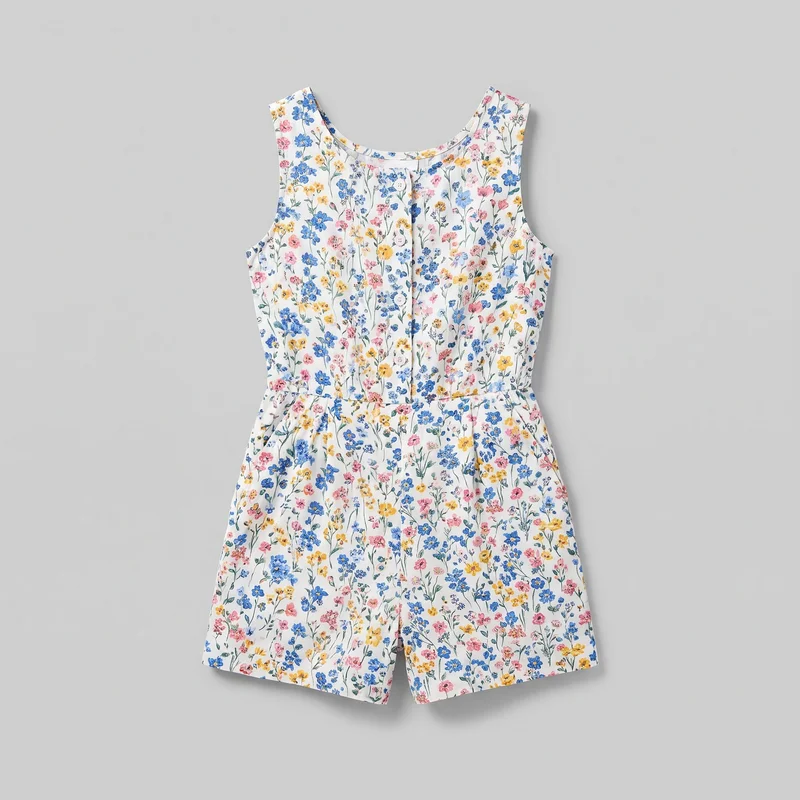 Floral Print Playsuit
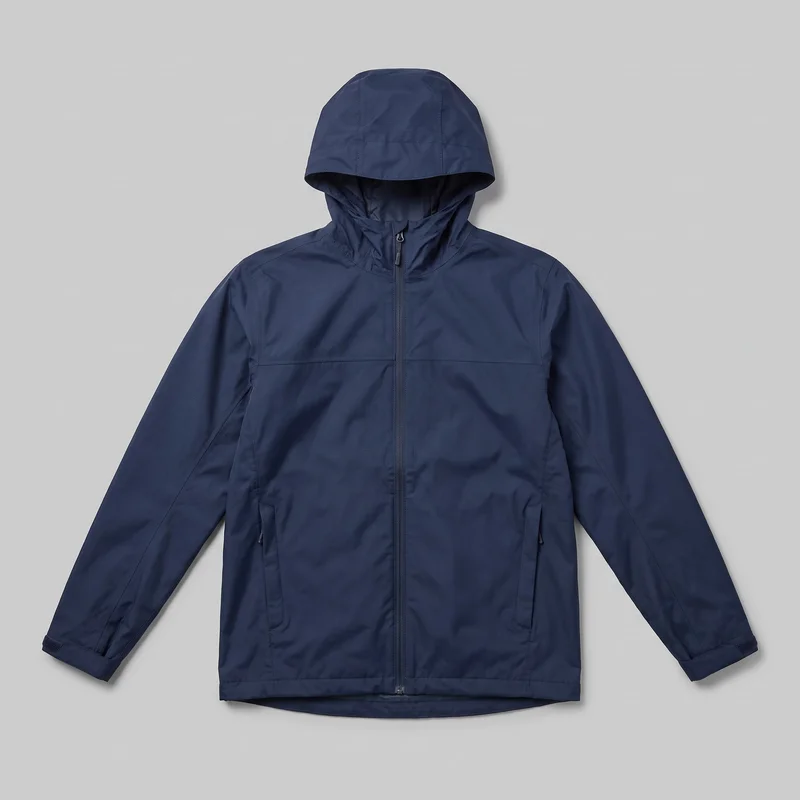 Men's Navy Rain-Shell Jacket
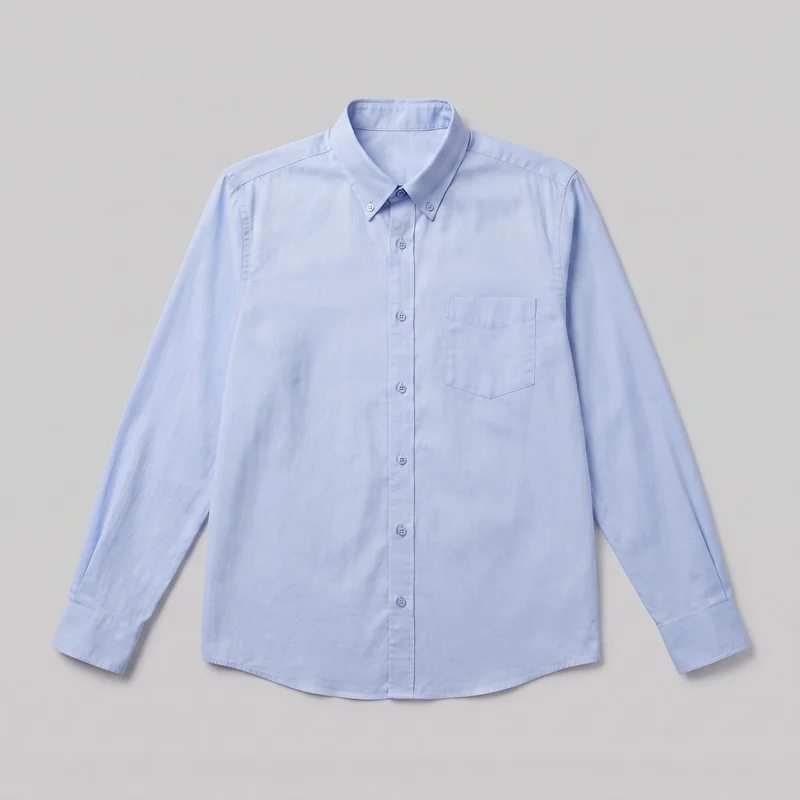 Light Blue Button-Down Shirt
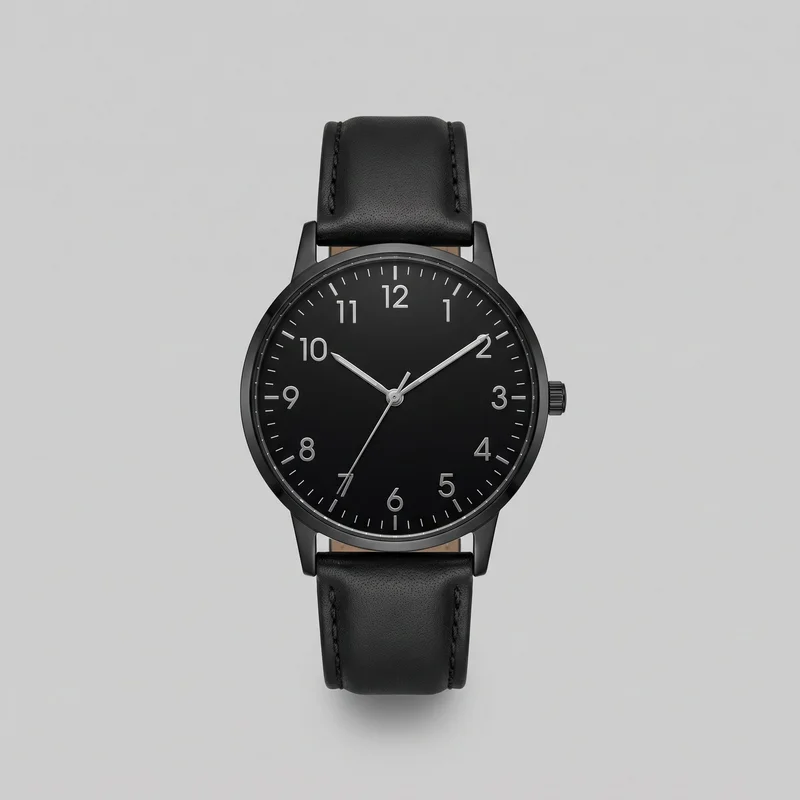 Men's Black Leather Dress Watch
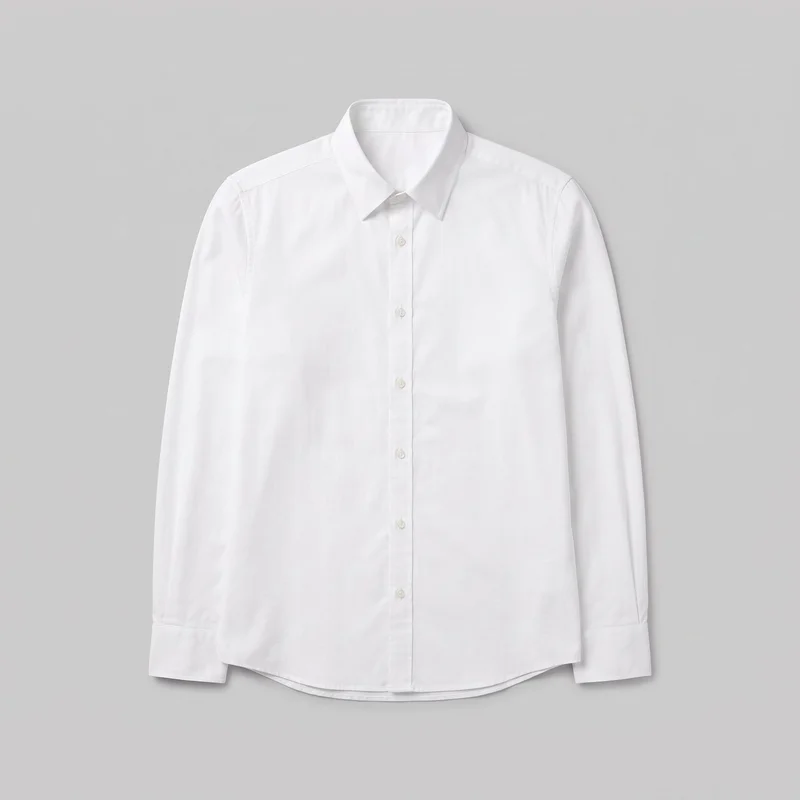 White Button-Down Shirt
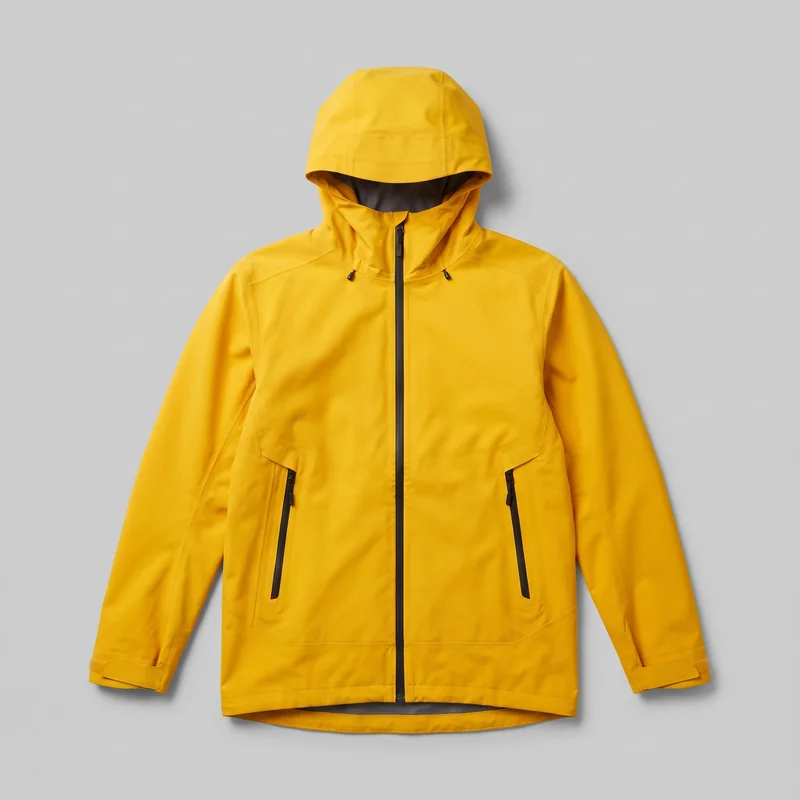 Men's Yellow Waterproof Jacket
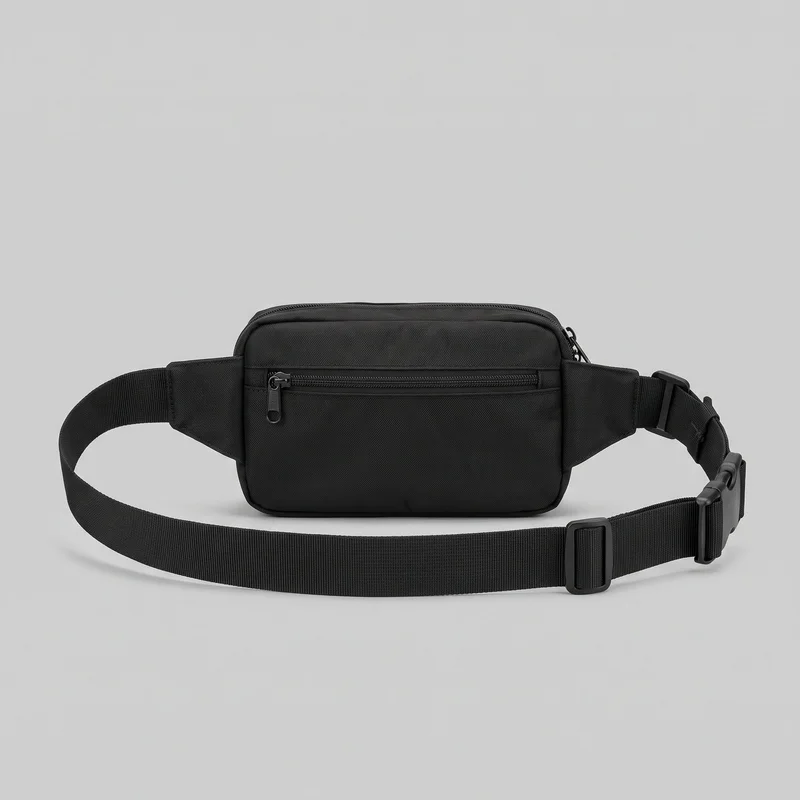 Men's Black Belt Bag
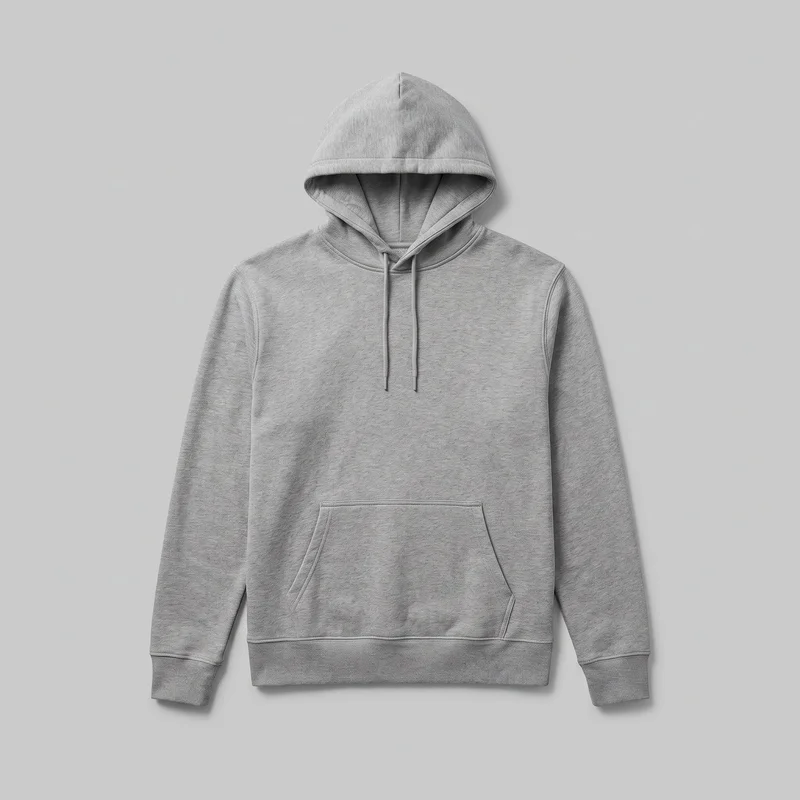 Men's Grey Pullover Hoodie
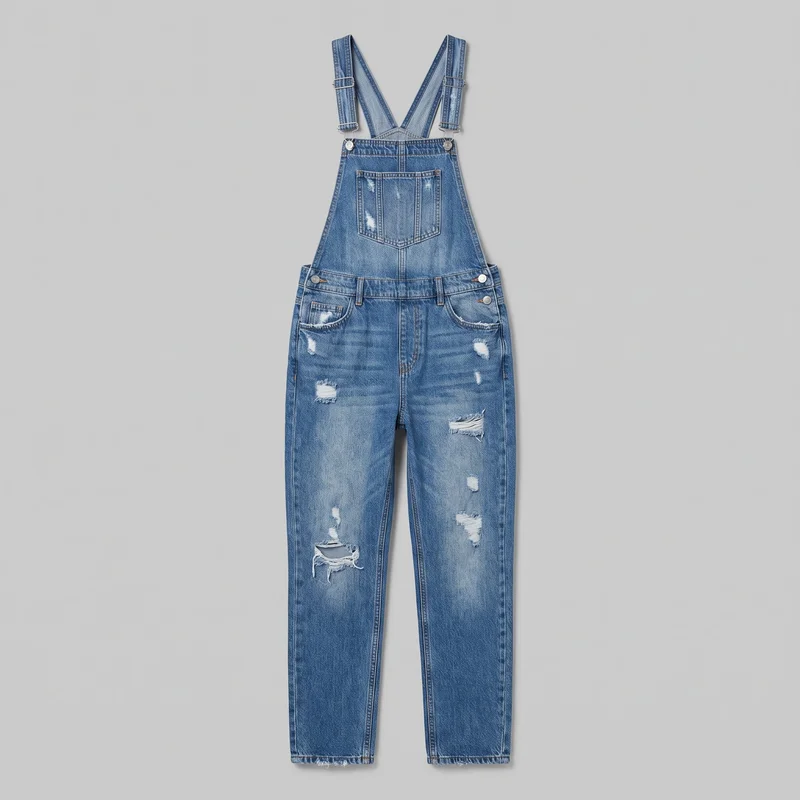 Women's Distressed Denim Dungarees
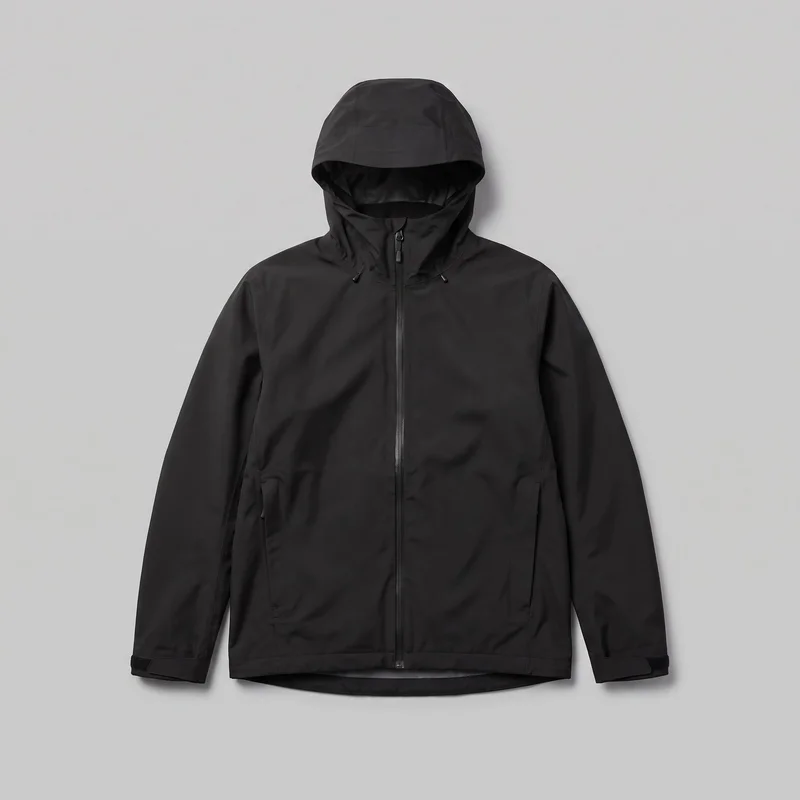 Men's Black Hardshell Jacket
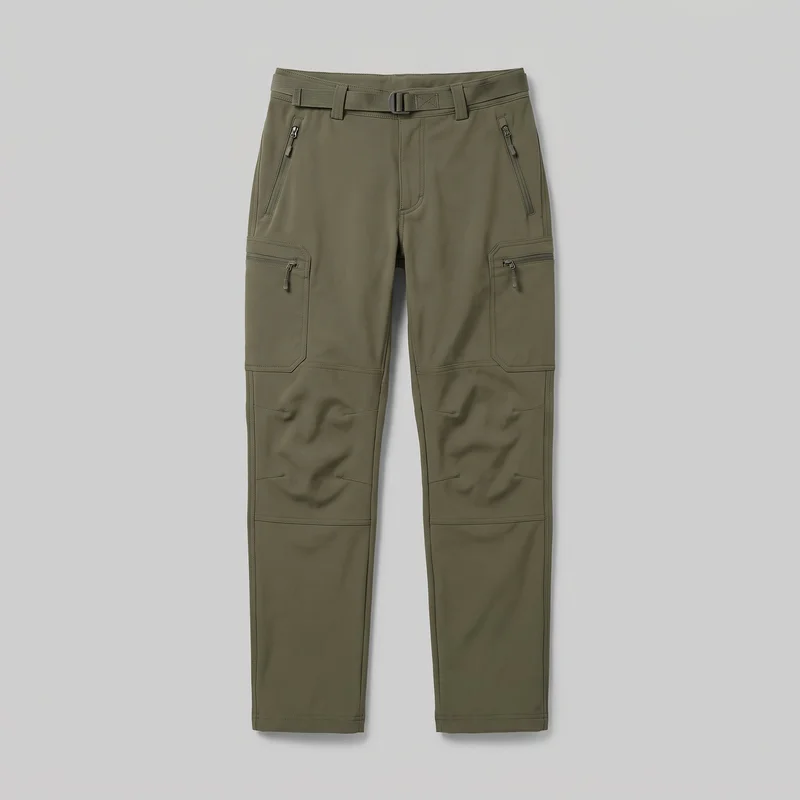 Men's Olive Softshell Hiking Trousers
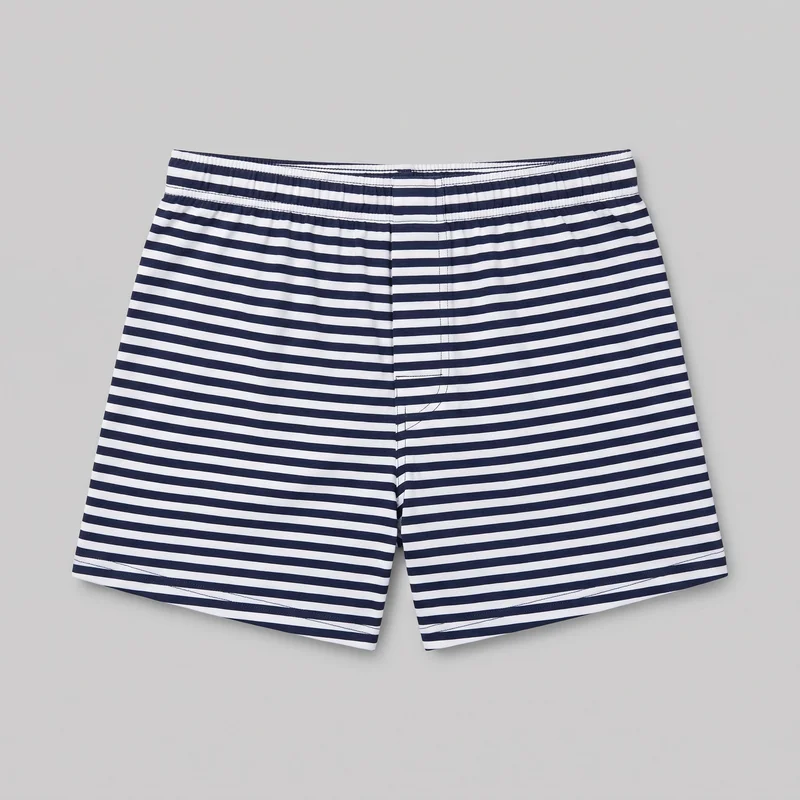 Striped Boxers
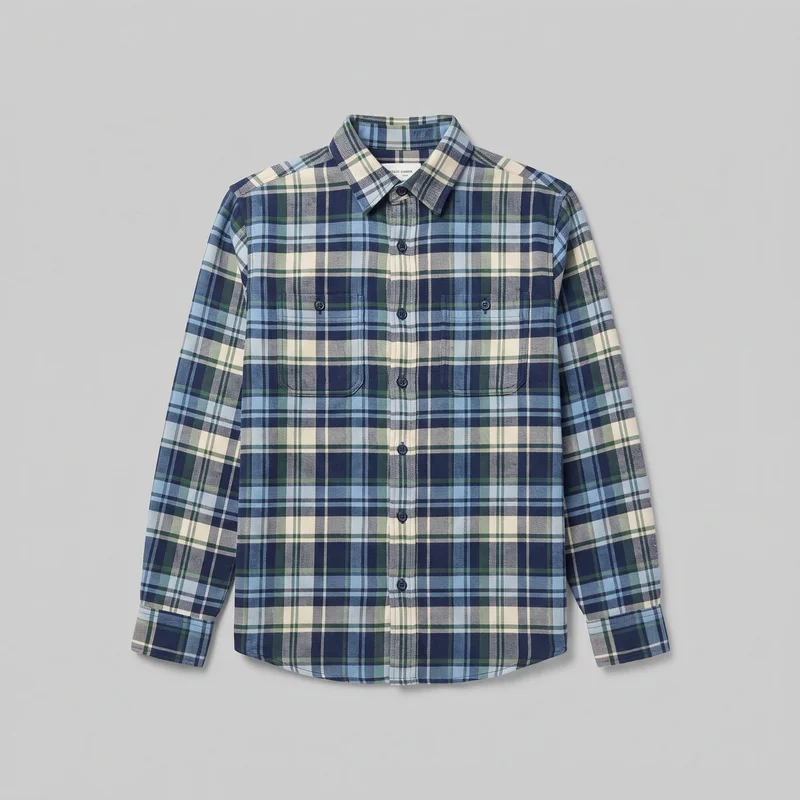 Blue Tartan Flannel Shirt
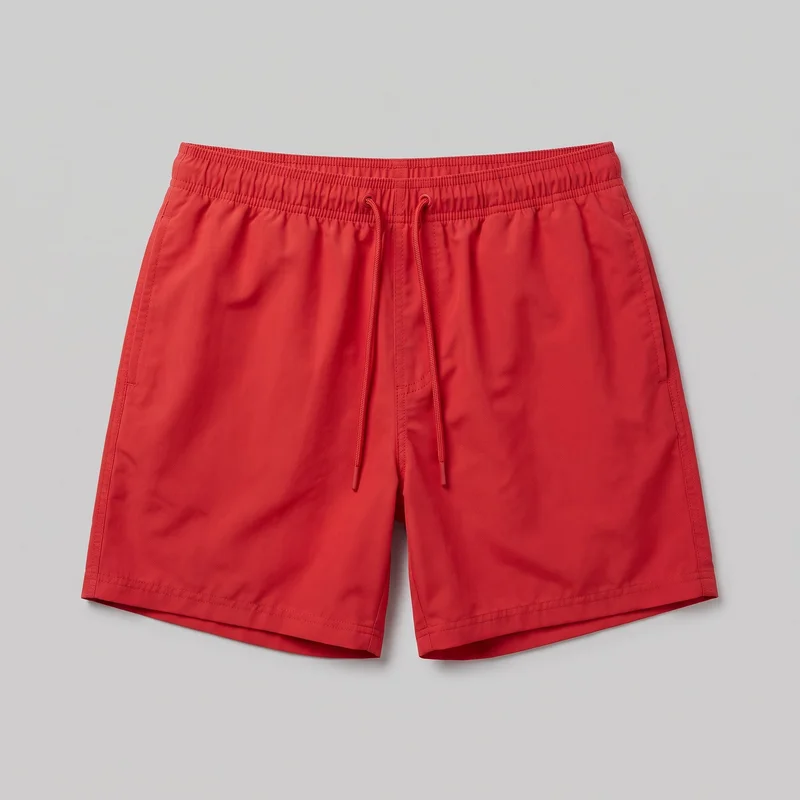 Red Swim Trunks
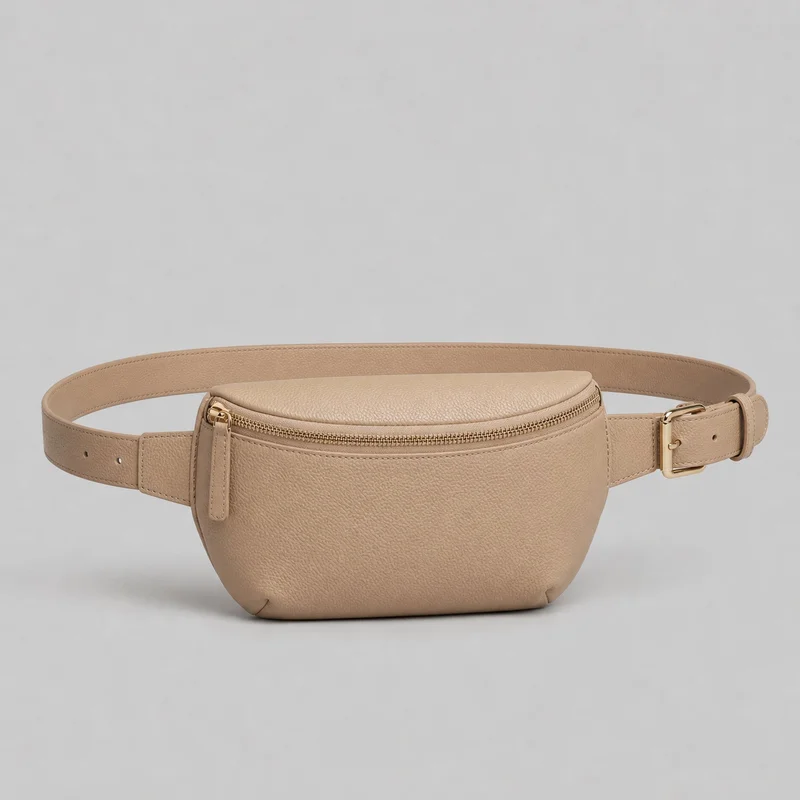 Women's Beige Belt Bag
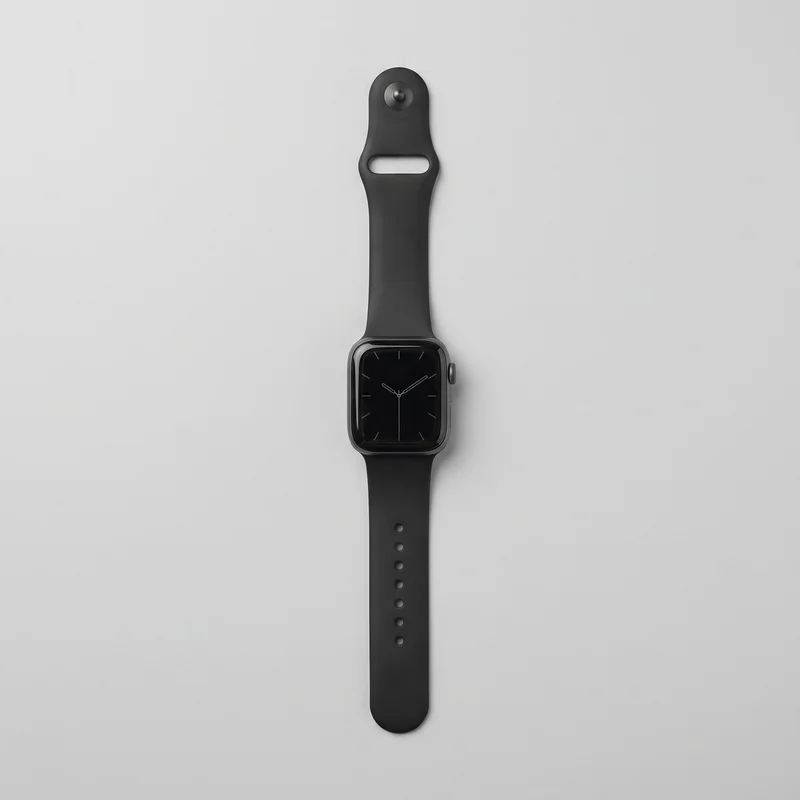 Men's Sport-Band Smartwatch
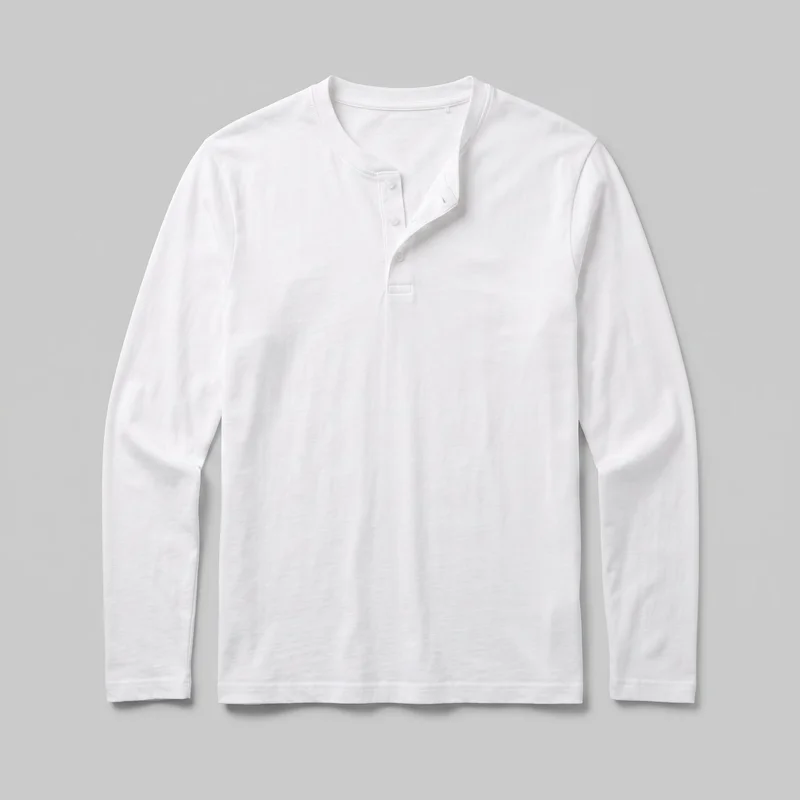 Men's White Henley Top
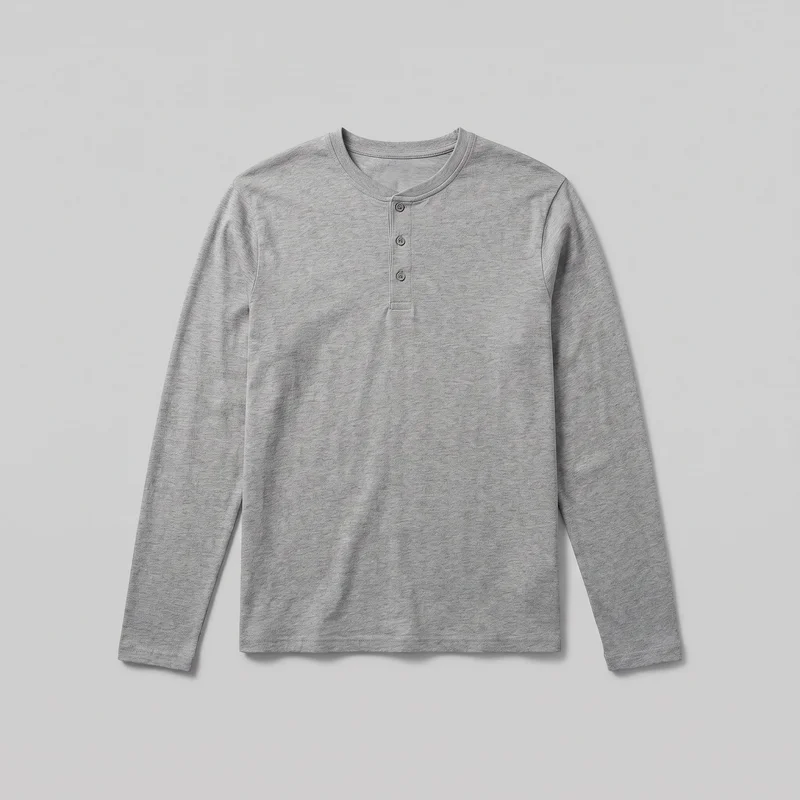 Men's Grey Cotton Henley Top
Showing 24 of 992
Consistency
Change one choice while the rest stays aligned.
Change one element and the rest of the composition holds, including the selected model, light and crop. That gives your product page a connected set while still allowing front, back, side and detail coverage for the garment.
You change one
- Frame
- Pose
- Camera view
- Model
The rest holds
Model
The same selected model keeps the garment presentation recognisable across the set.
Light
The selected photography direction keeps the product-page presentation visually aligned.
Frame
Related framing choices keep full views and detail coverage working together.
Who it's for
Is RAWSHOT right for product pages without measured fit?
A good fit
This fits when you have a recurring need for on-model product-page images built from real flat-lay clothing sources.
Work it handles well
- You can turn flat-lay sources into on-model product views.
- You can keep model, light and framing aligned.
- You can choose coverage for recurring product-page work.
Outside this scope
It is less suitable when the source is unclear, measured fit must be shown, or you need free-form styling beyond the available choices.
Where this stops
- You cannot measure garment fit on the model.
- You need a clear source for accurate product detail.
- You cannot upload a reference pose or custom framing.
Rights
You own every image. Every image says what it is.
Yours
- Full commercial rights to every image, permanently.
- No recurring licence fees on any model in the library.
- Every model is a synthetic composite, so there is no real-person likeness.
Labelled
- C2PA content credentials on every image.
- AI-labelled output, meeting EU AI Act Article 50.
EU-hosted, GDPR-compliant handling.
- EU AI Act Article 50
- C2PA
- Full commercial rights
- GDPR
- EU-hosted
Questions
Before you build your product-page image set.
Can RAWSHOT create a product-page image set from a real garment for catalogue browsing and product detail?
RAWSHOT can create a product-page image set from a real flat-lay garment source for catalogue browsing and product detail. You choose an adult model, photography direction, framing, view and pose to turn the source into coordinated on-model imagery. The set can cover front, back, side and supported detail views while keeping the presentation recognisable across the garment. This is useful when your product page needs worn views but your available source is still a clear flat lay.
Which jobs and channels suit a product-page image set for catalogue browsing, listings, and pre-order pages?
Product-page catalogue browsing, marketplace listings, launch pages and pre-order pages are suitable jobs and channels for this image set. You can show a garment on an adult model when shoppers need more context than a flat lay provides. Front, back, side and detail coverage helps explain silhouette, construction and material. Matching model, light and presentation also support a connected range when you are publishing several views for the same garment.
Which crops and aspect ratios work for a product-page image set across catalogue and listing views?
Product-page image sets work with full-length frames, close detail crops, and supported aspect ratios such as 4:5 and 9:16. You can pair a full presentation with tighter coverage so shoppers see both the overall silhouette and relevant garment details. Related framing keeps front, back, side and detail views working together. Choose the crop that suits your catalogue or listing placement while keeping the selected model, light and presentation aligned.
What do you need to start a product-page image set from a clear garment source?
You need a clear product photo, flat-lay, mockup or technical sketch that shows the garment accurately enough to guide the image set. You then select the adult model, body type, photography direction, frame, view and pose. A reliable source matters because the generated views need to preserve product details for catalogue use. Before starting, confirm that the source shows the relevant cut, construction, material or finish you want shoppers to inspect.
How can RAWSHOT keep product-page variants consistent across model, light, framing, and garment detail?
RAWSHOT can keep the selected adult model, light, framing, pose direction and presentation aligned across product-page variants. You can change one element while the rest of the composition holds, helping front, back, side and detail views belong to the same garment presentation. This gives you useful flexibility for colourways or coverage without losing recognition across the set. Clear source imagery remains important for preserving product details in each supported view.
What usage rights apply when you publish RAWSHOT imagery for a product-page image set?
You get full commercial rights to every image, permanently, with no recurring licence fee. Every image carries C2PA content credentials and is labelled as AI-generated.
Get started
Start with a clear garment source.
Start with a 7-day free trial including 50 tokens, then move to the plan that matches your production volume.