
AI intro video
An intro video for your next campaign
Create a short on-model intro video set for a brand or collection campaign from existing product images, flat-lays, mockups or technical sketches. Choose the model, frame, lighting mood and restrained movement before generating a concise campaign asset.
7-day free trial • 50 tokens (10 images) • Cancel anytime
A 2K image in roughly 35 seconds · AI-labelled with C2PA content credentials
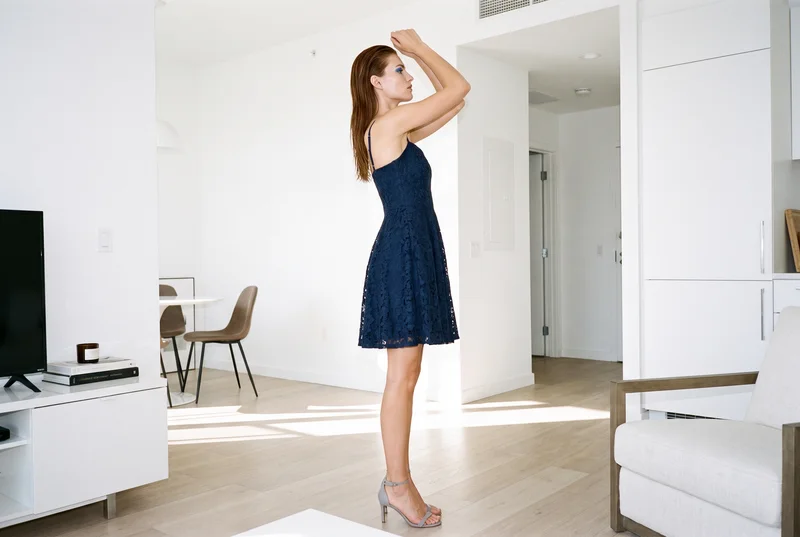
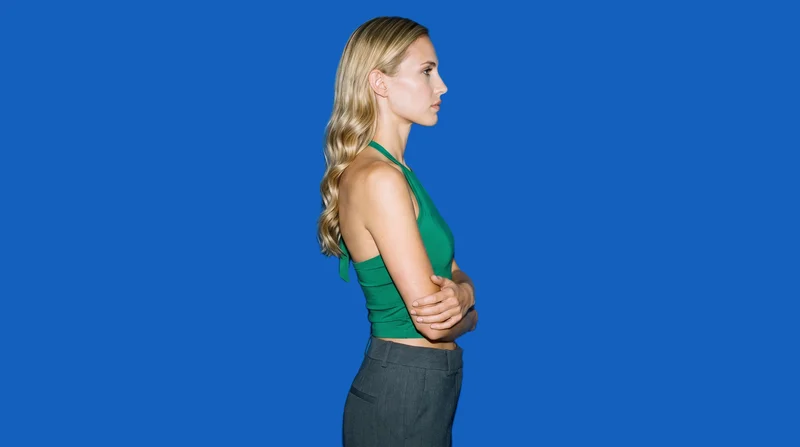
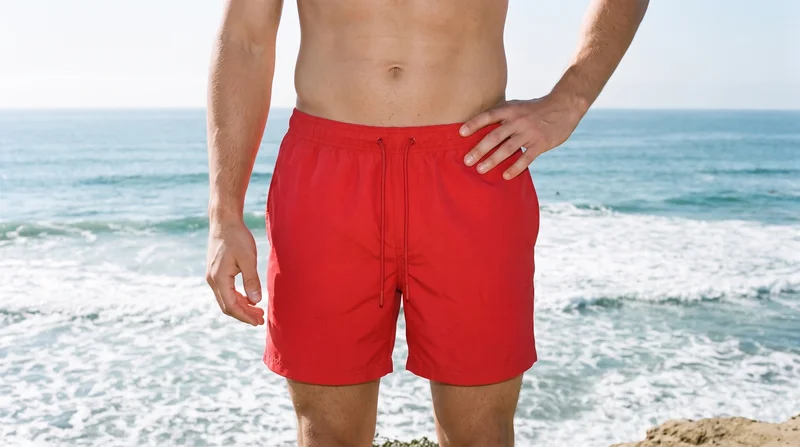
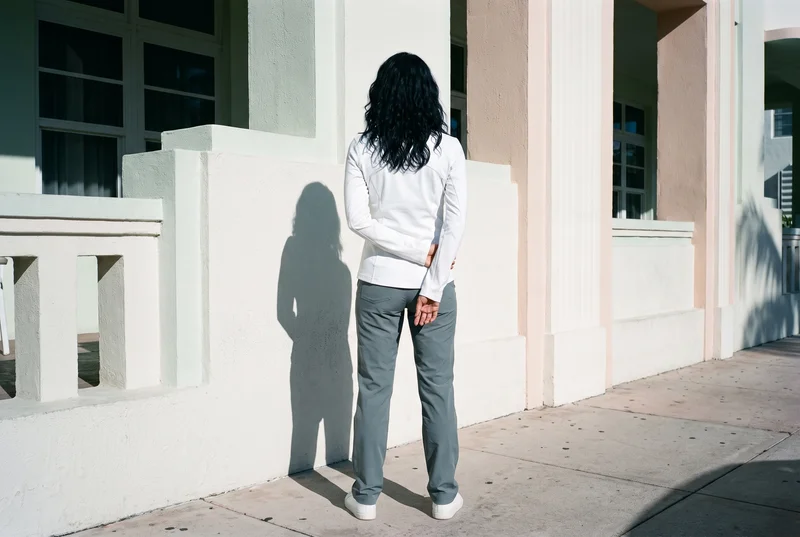
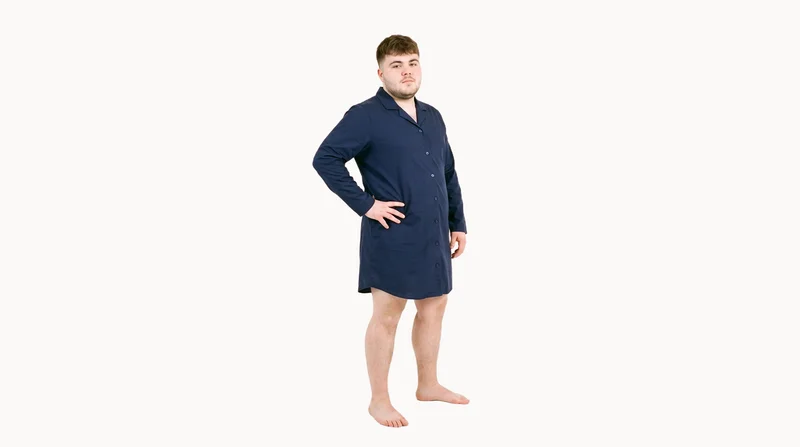
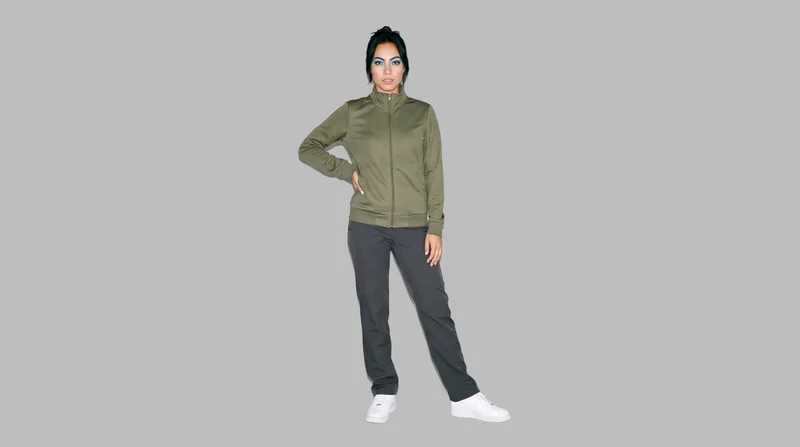
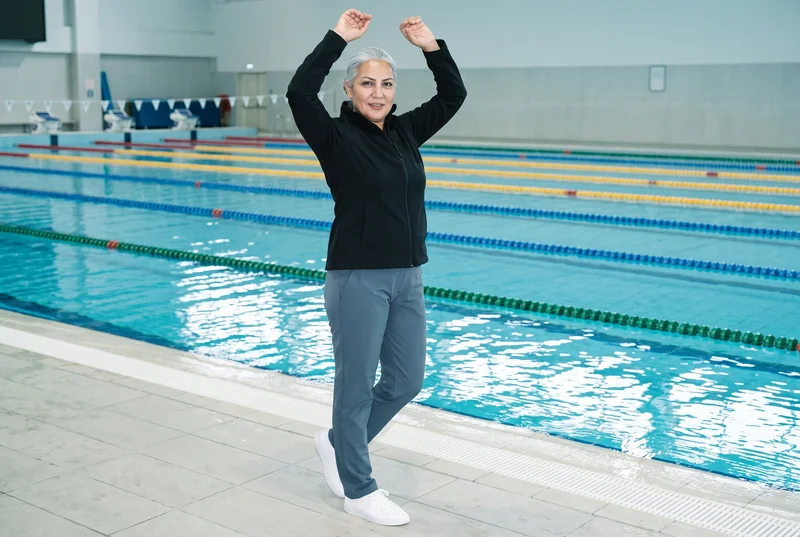
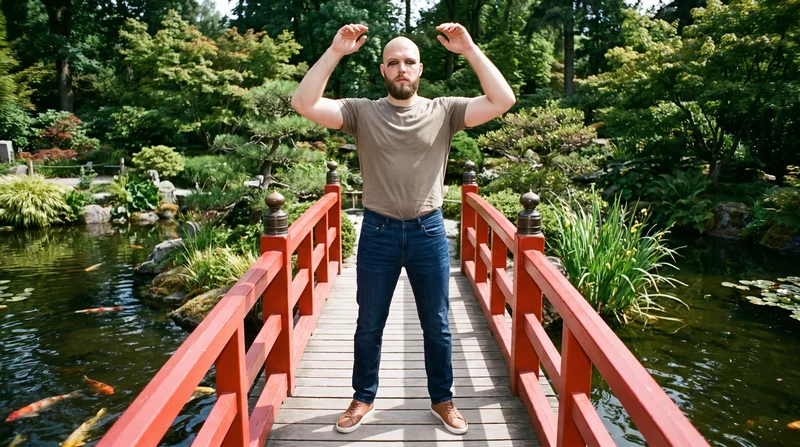
Showing 9 of 781, shot in RAWSHOT
Use cases
When this comes up
Finished product photo
The situation
A collection needs its first branded motion asset, but the finished product photo is the strongest source available today.
With RAWSHOT
Start from the finished product image, choose the on-model presentation, set the frame and lighting direction, then select restrained camera movement. The result is a short campaign intro clip that gives the collection a visible opening asset while keeping attention on the product.
Flat-lay collection opening
The situation
A collection needs an introduction while no on-model campaign footage is ready and the flat-lay already communicates the product clearly.
With RAWSHOT
Use the flat-lay as the source, select the model and composition, then direct the light and model action for the opening scene. The result is a short on-model collection clip that gives campaign communication a defined first visual.
Approved campaign mockup
The situation
The campaign concept is approved from a product mockup, while production footage is still not available for the launch plan.
With RAWSHOT
Bring in the mockup, choose the casting and frame, and set a camera motion that supports the approved direction. The result is a concise brand intro clip for early campaign communication, with the product presentation decided before the scene is generated.
Technical sketch introduction
The situation
The product needs an early visual introduction while its technical sketch is the clearest available source for the campaign team.
With RAWSHOT
Use the technical sketch as the starting material, then select the model, light, frame and restrained action for the opening. The result is a short campaign introduction that gives the product a visible on-model presentation before finished production material is ready.
What you get
A short campaign intro set.
The finished set is a short on-model intro video for a brand or collection campaign. Start from a product photo, flat-lay, mockup or technical sketch, then direct the model, frame, light and movement for a concise branded clip.
On-model opening clip
Give the campaign a visible product introduction with a model, frame and movement chosen for the launch moment rather than left undefined.
Brand or collection scene
Use the finished clip to introduce a collection or establish the campaign tone while keeping the product central in the opening communication.
Directed camera movement
Select restrained motion that supports the product and model, giving the campaign a clear first beat for launch communication.
1080p video output
Choose 1080p when the campaign placement needs the highest available video resolution within the product’s documented output options.
Direct the shoot
Set the scene before the camera moves.
Starts from
A finished still from your photoshoot
Image frame
15
Model action
17 model actions on this frame
Camera motion
14
Scenes
3
Resolution
2
Create video
From image 1
Still from this page · 16:9Source
Image 1 · Full Body
Camera
Static
Delivery
720p · 16:9 · 3 × 5 s = 15 s
Cost is shown on the button
AI fashion models
Choose who wears it.
1,197 licence-free grown models across ages and body types. Or build a private model from visible attributes.
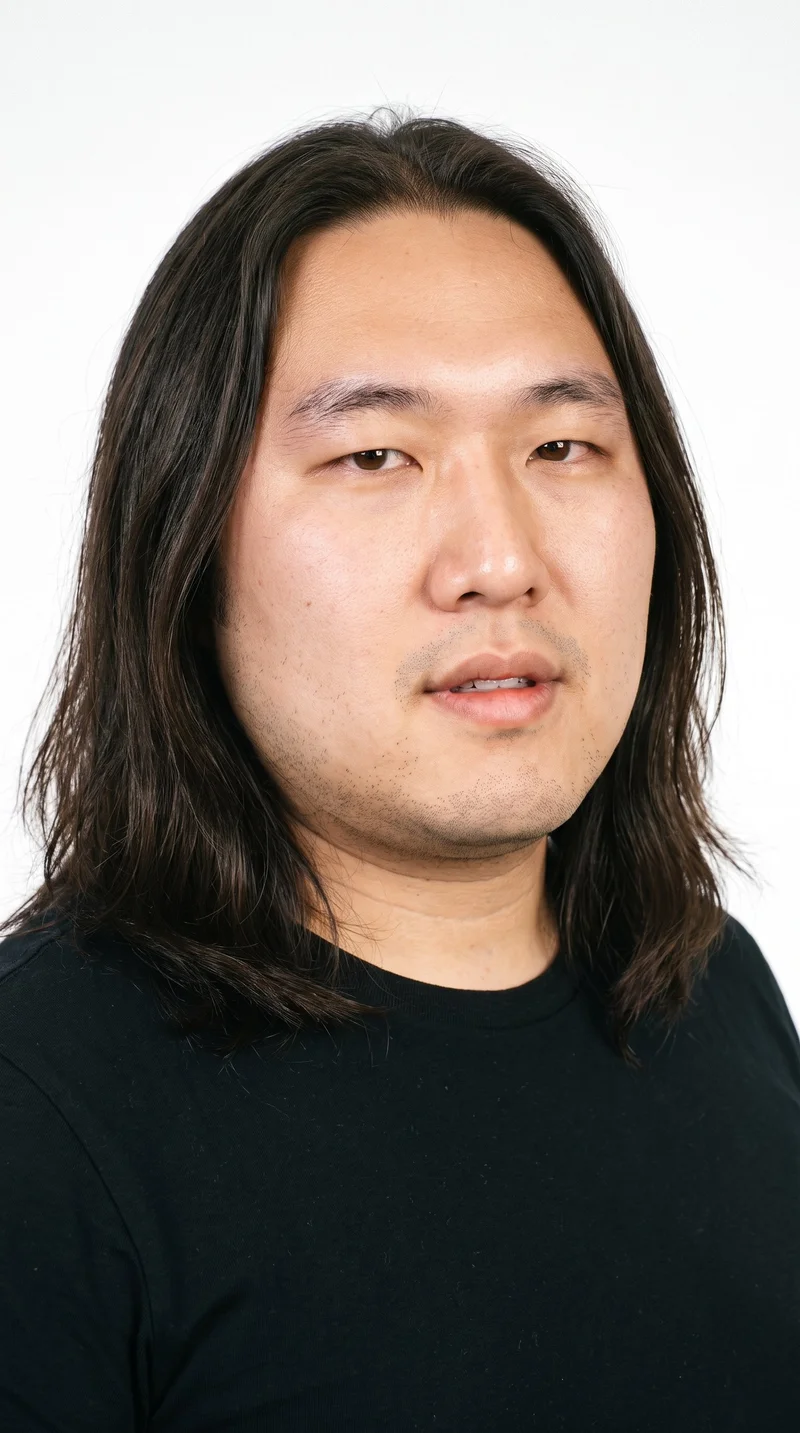
Male · 37
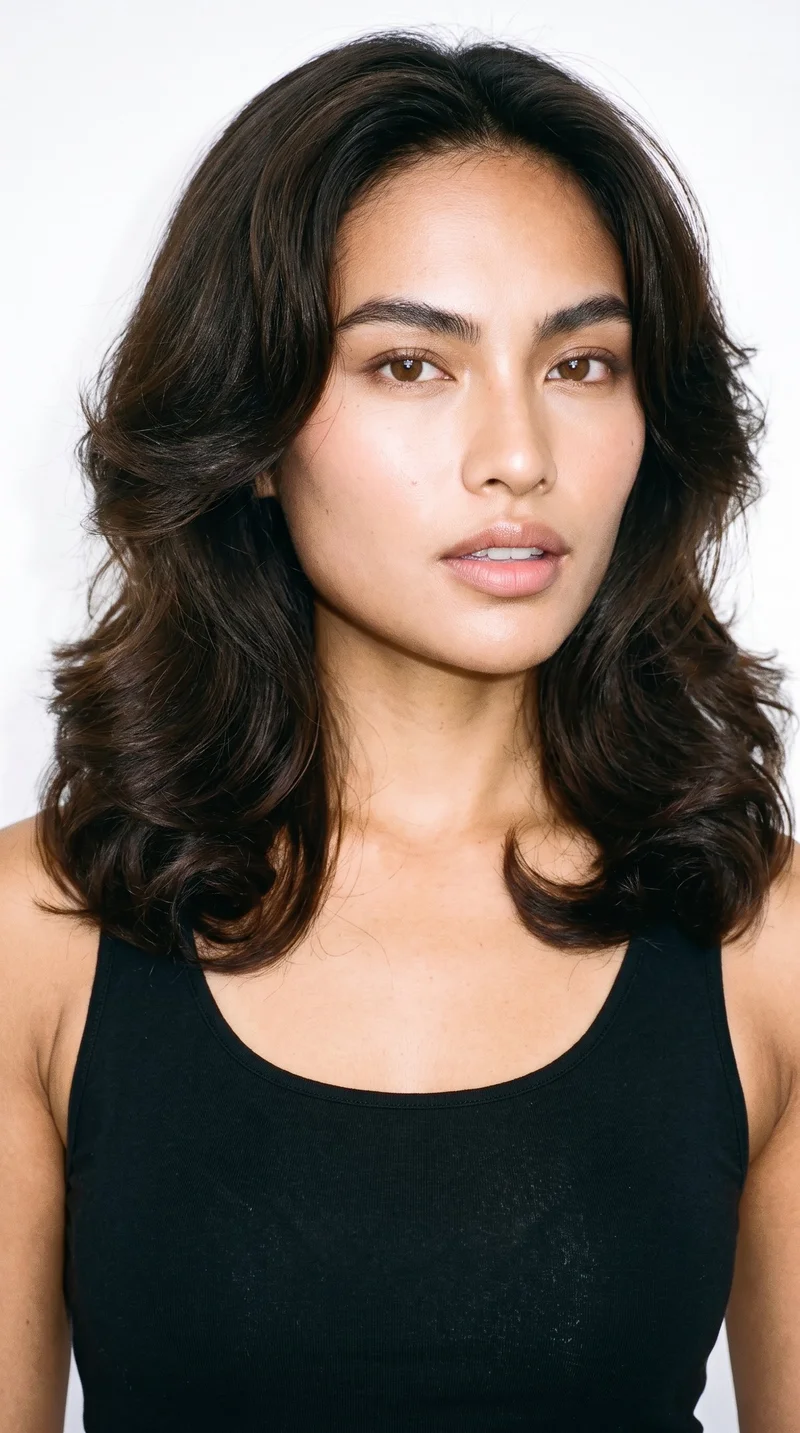
Female · 24
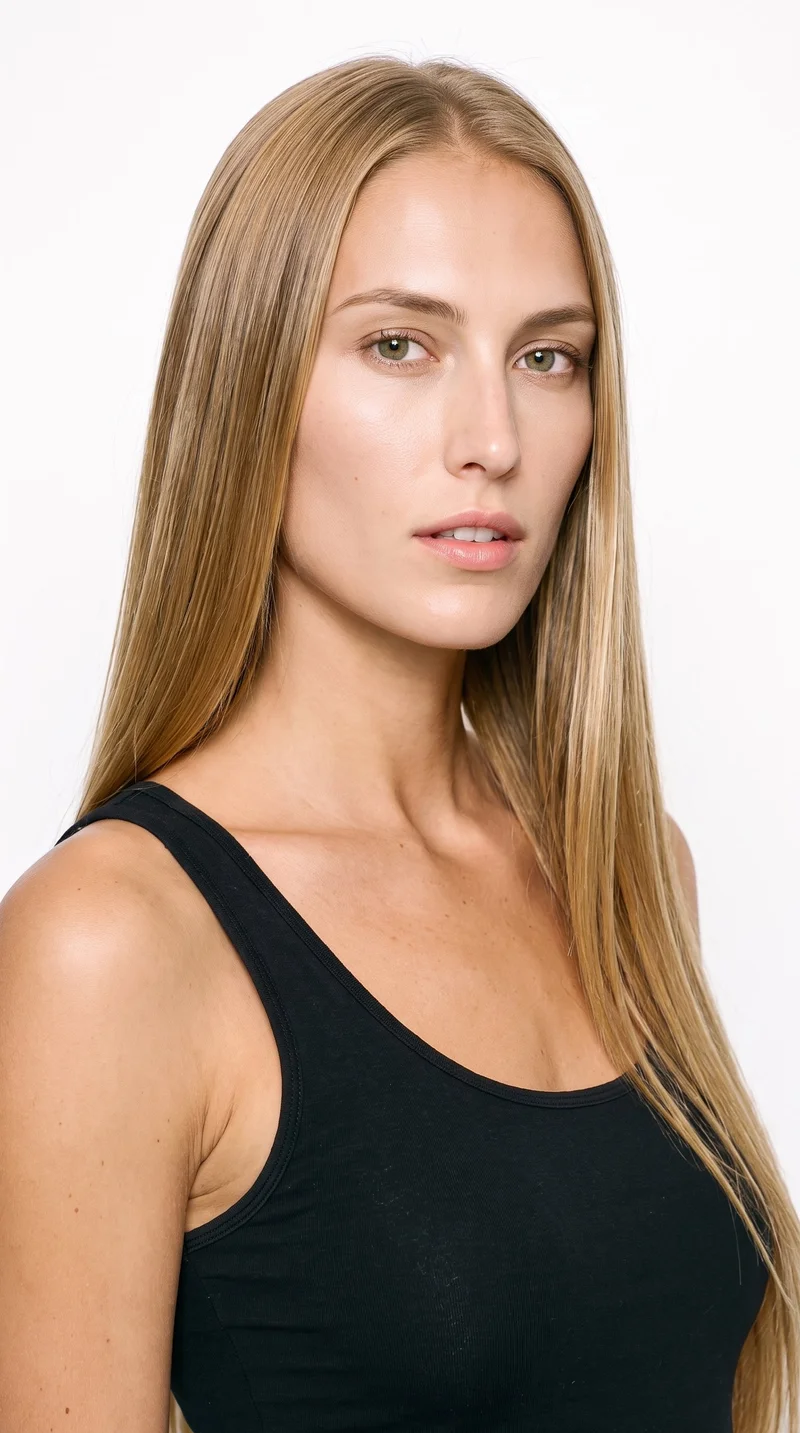
Female · 25
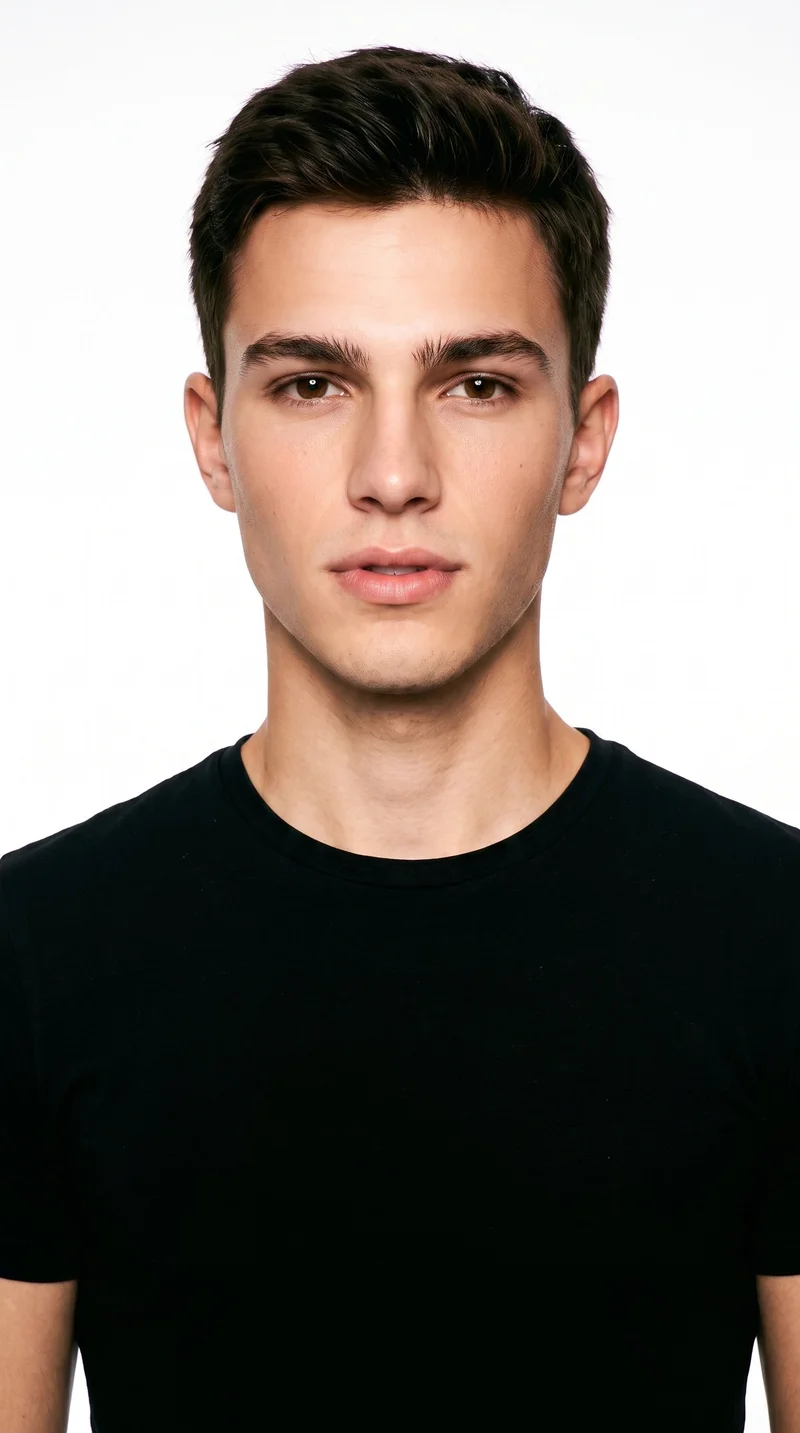
Male · 18
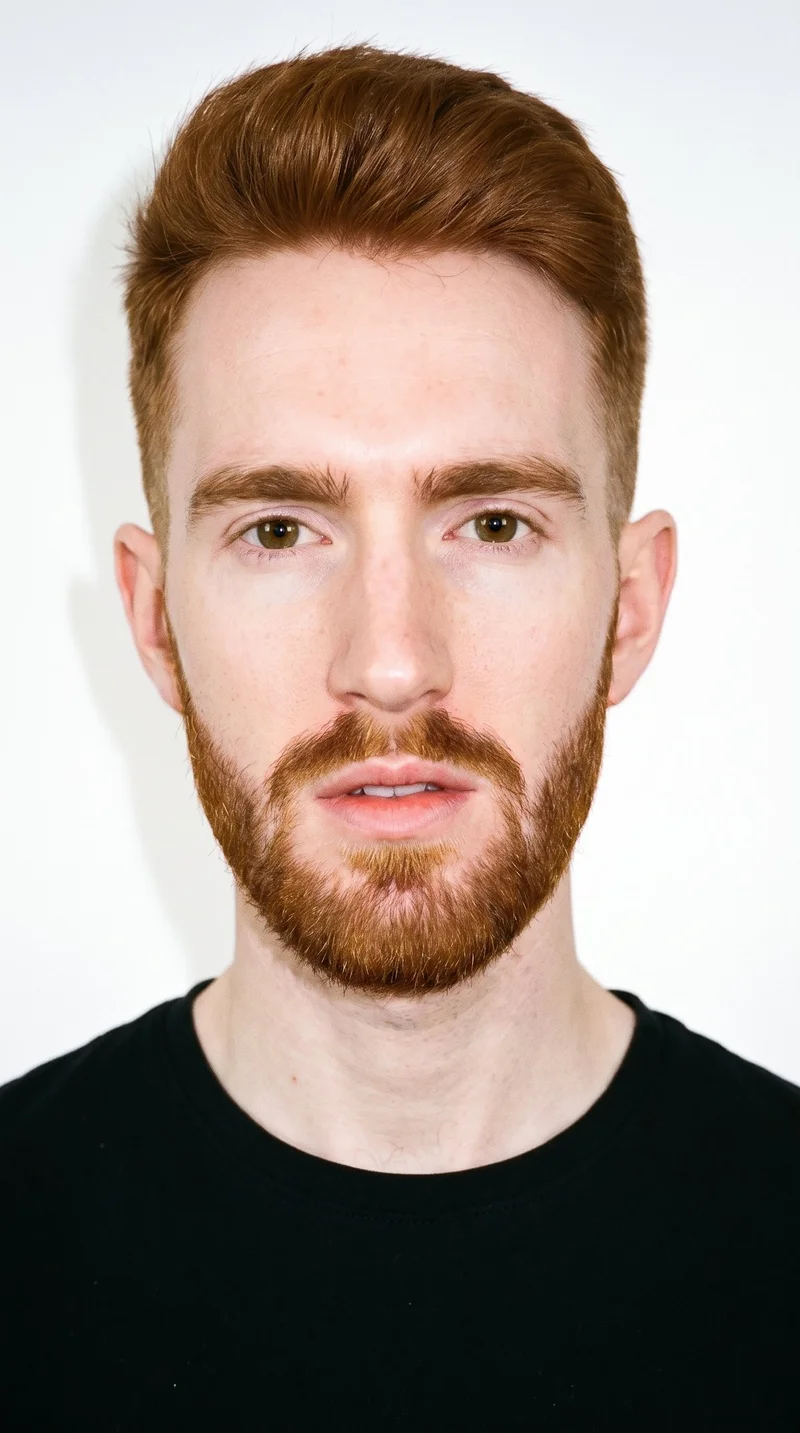
Male · 22
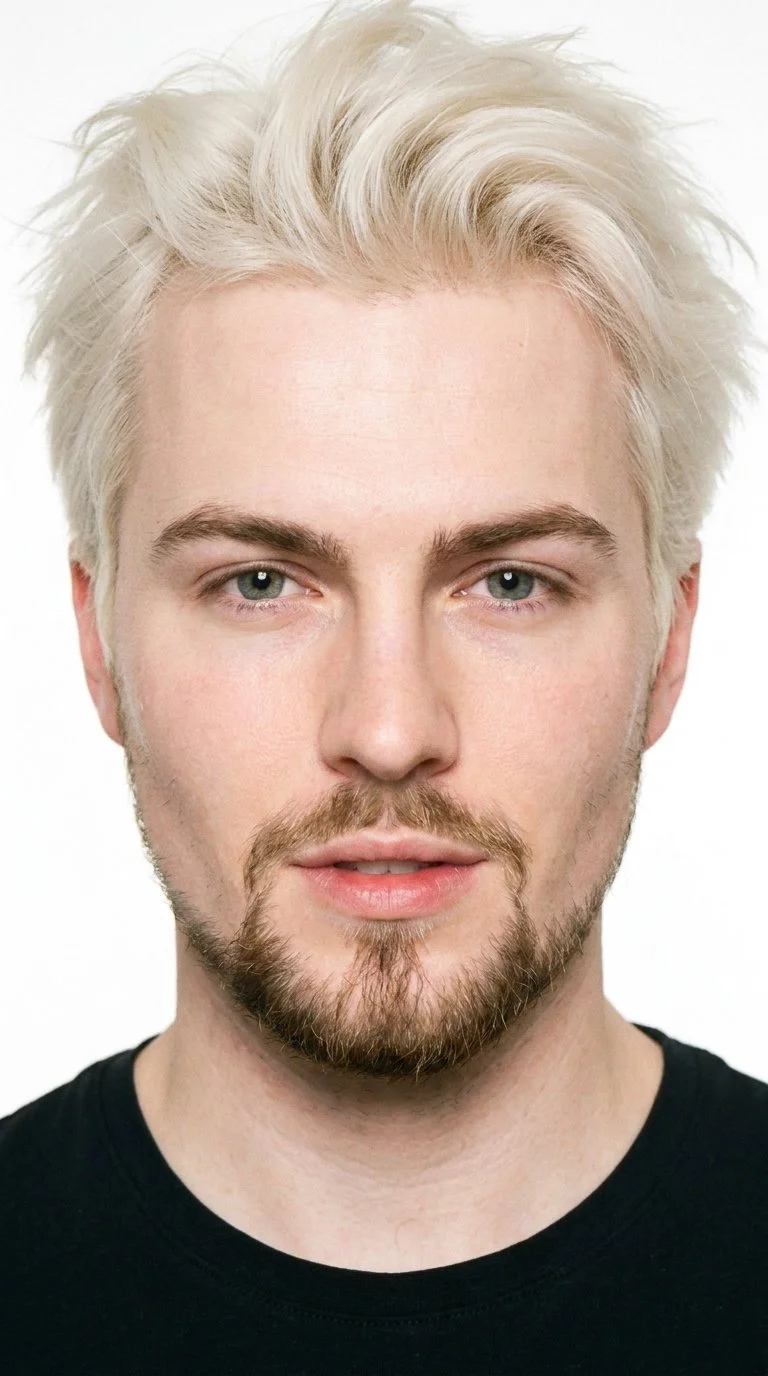
Male · 23
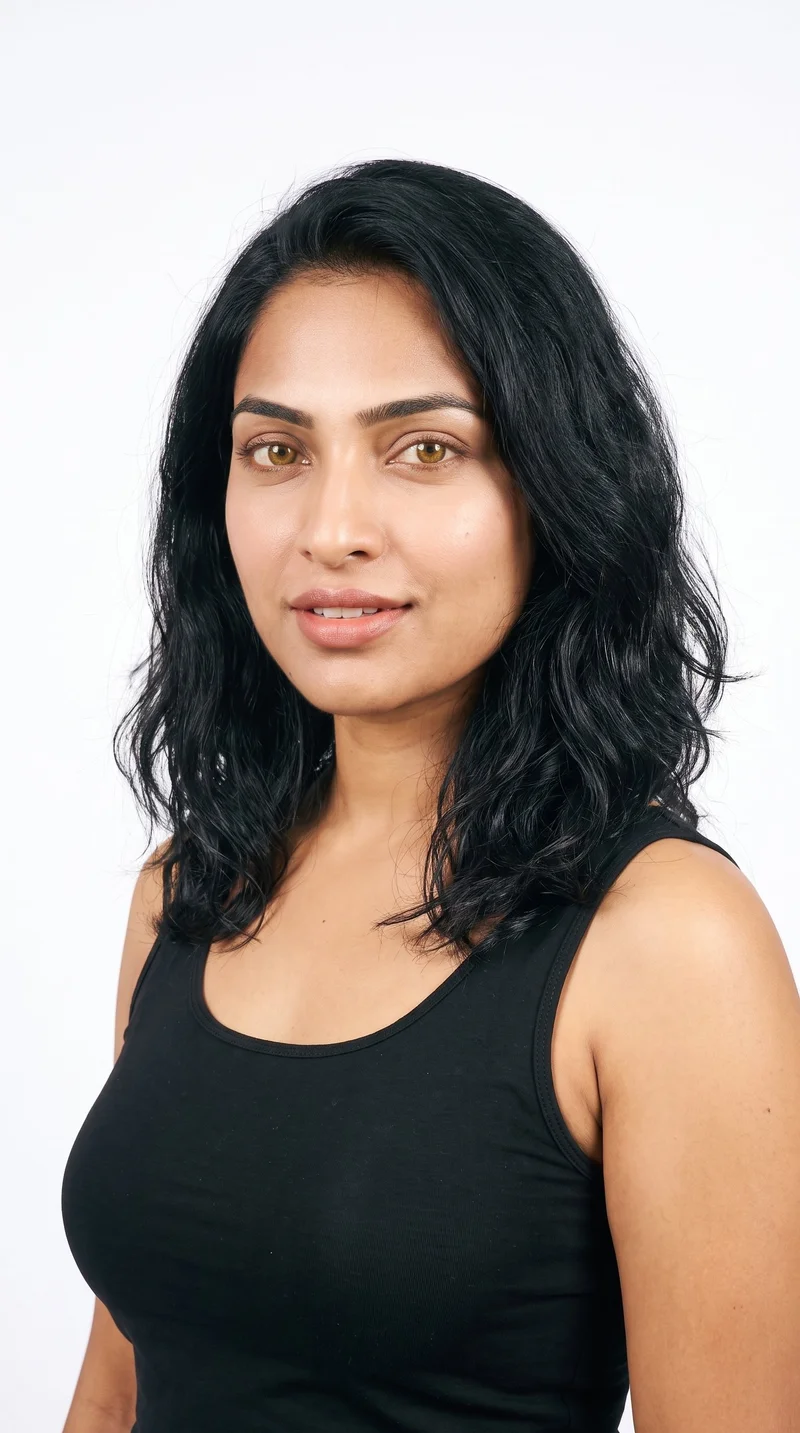
Female · 29
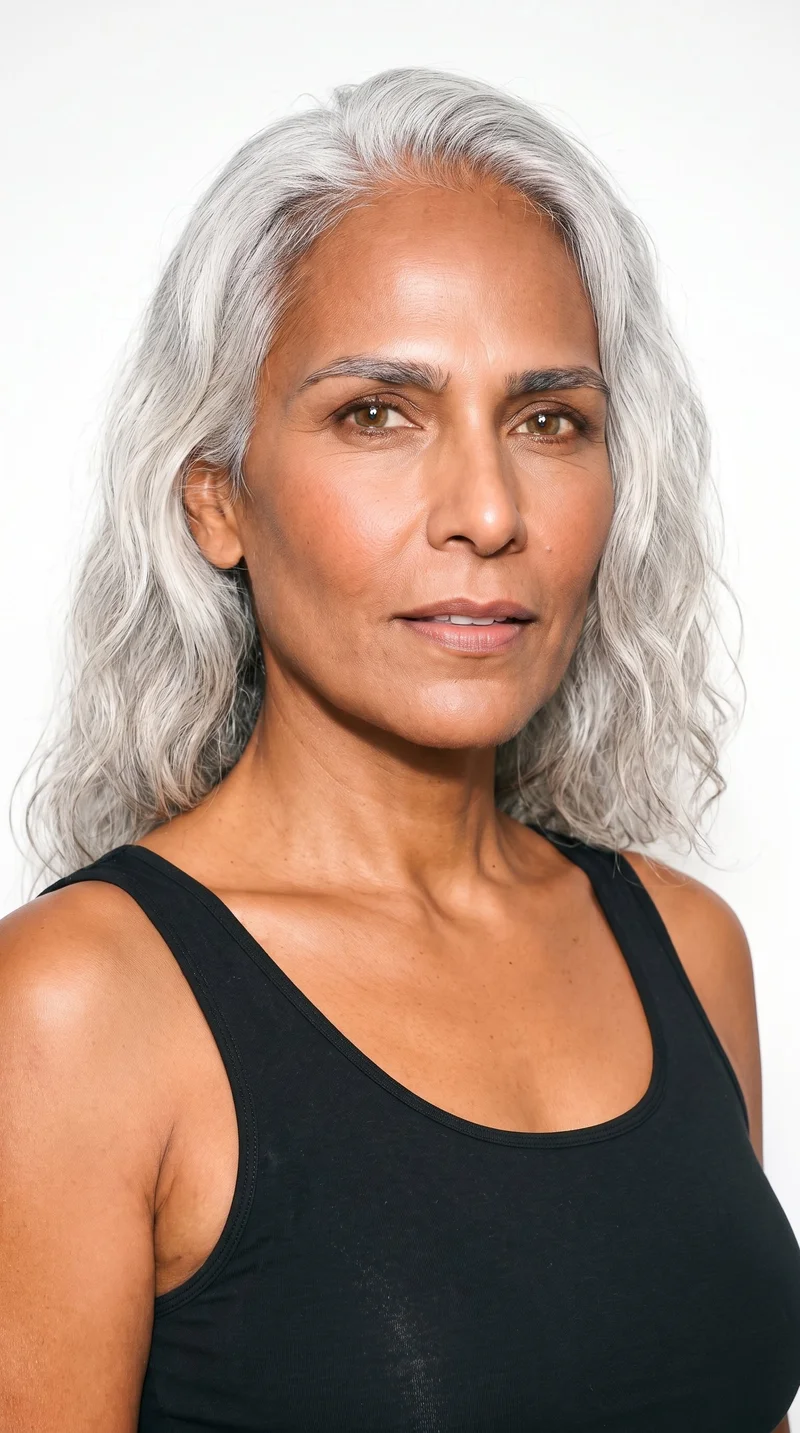
Female · 53
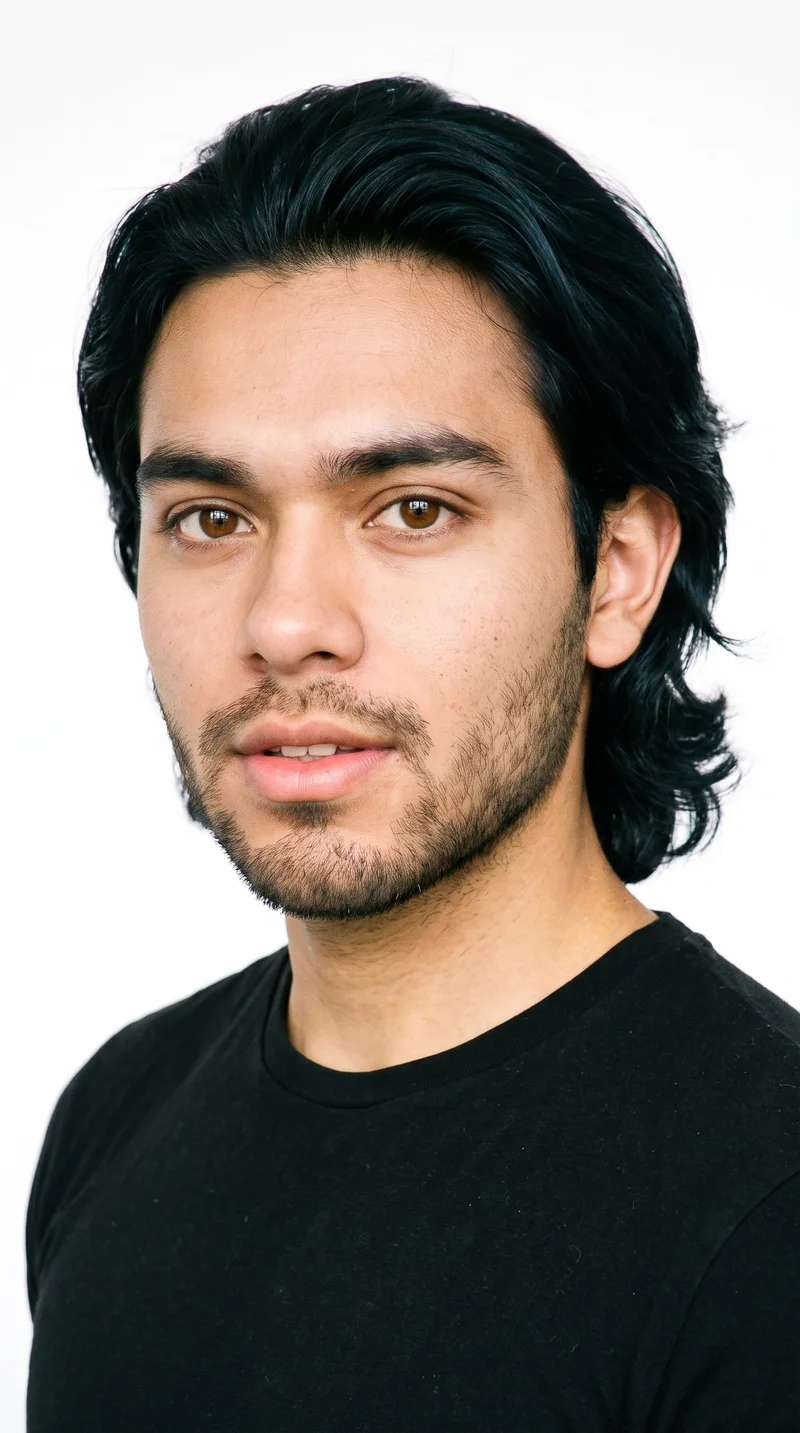
Male · 19
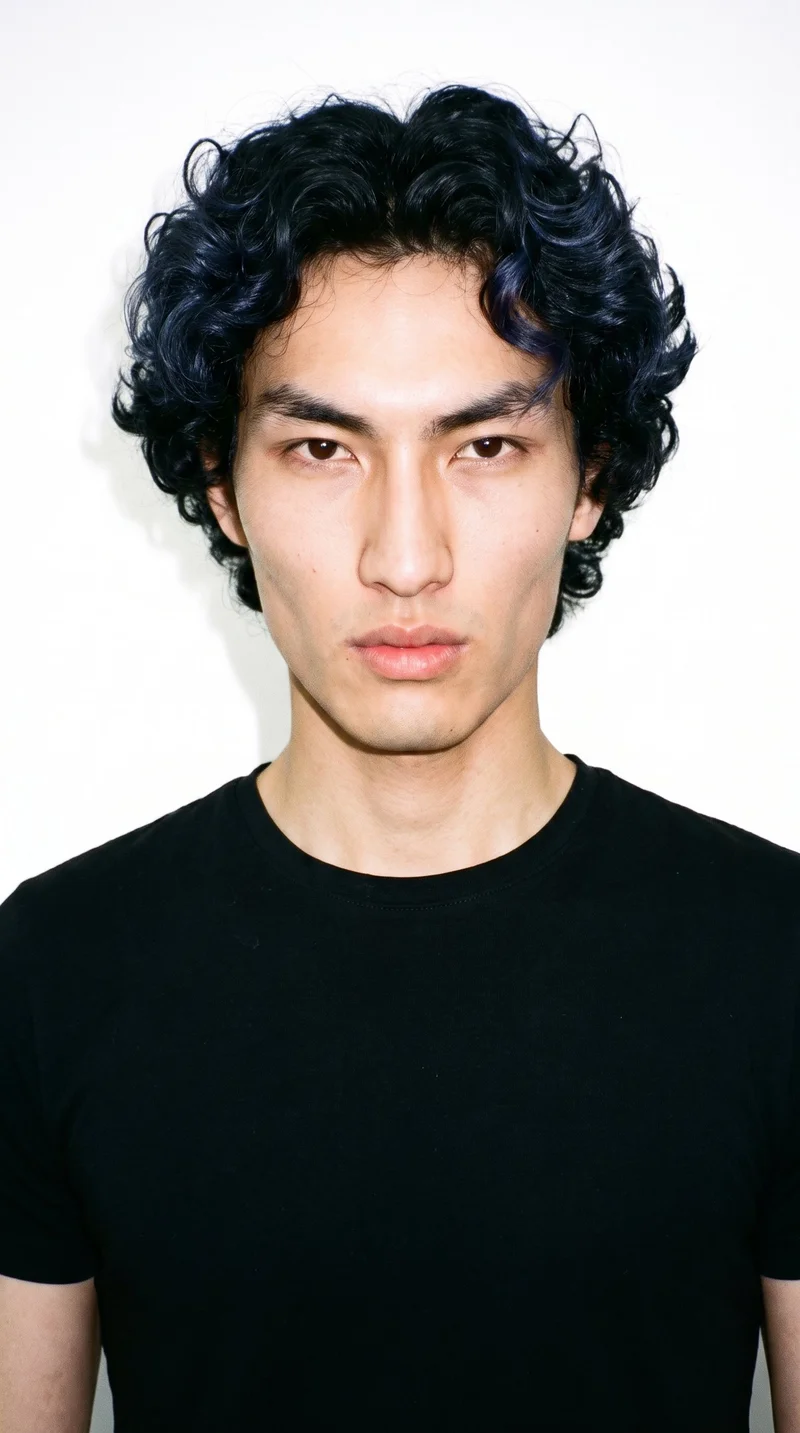
Male · 22
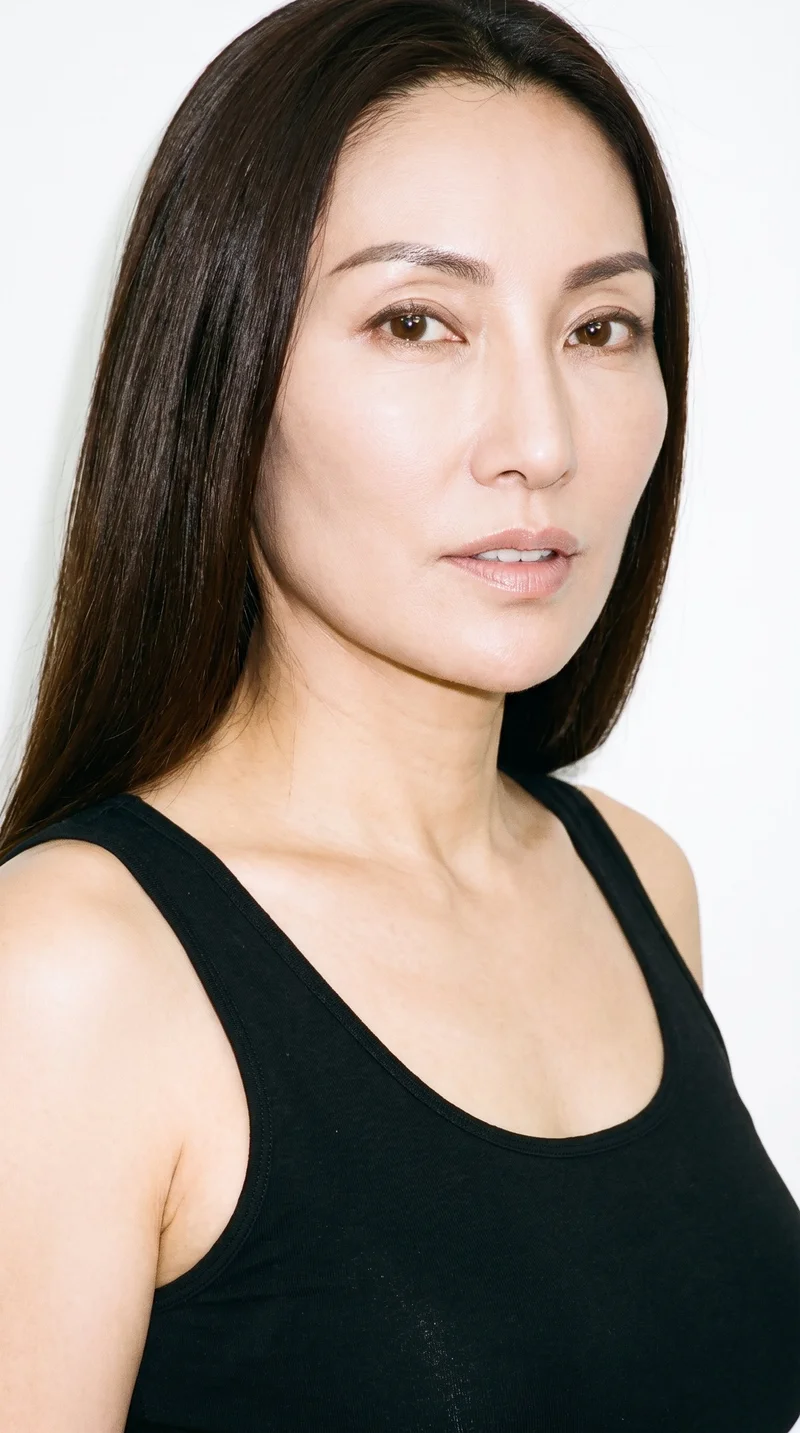
Female · 49
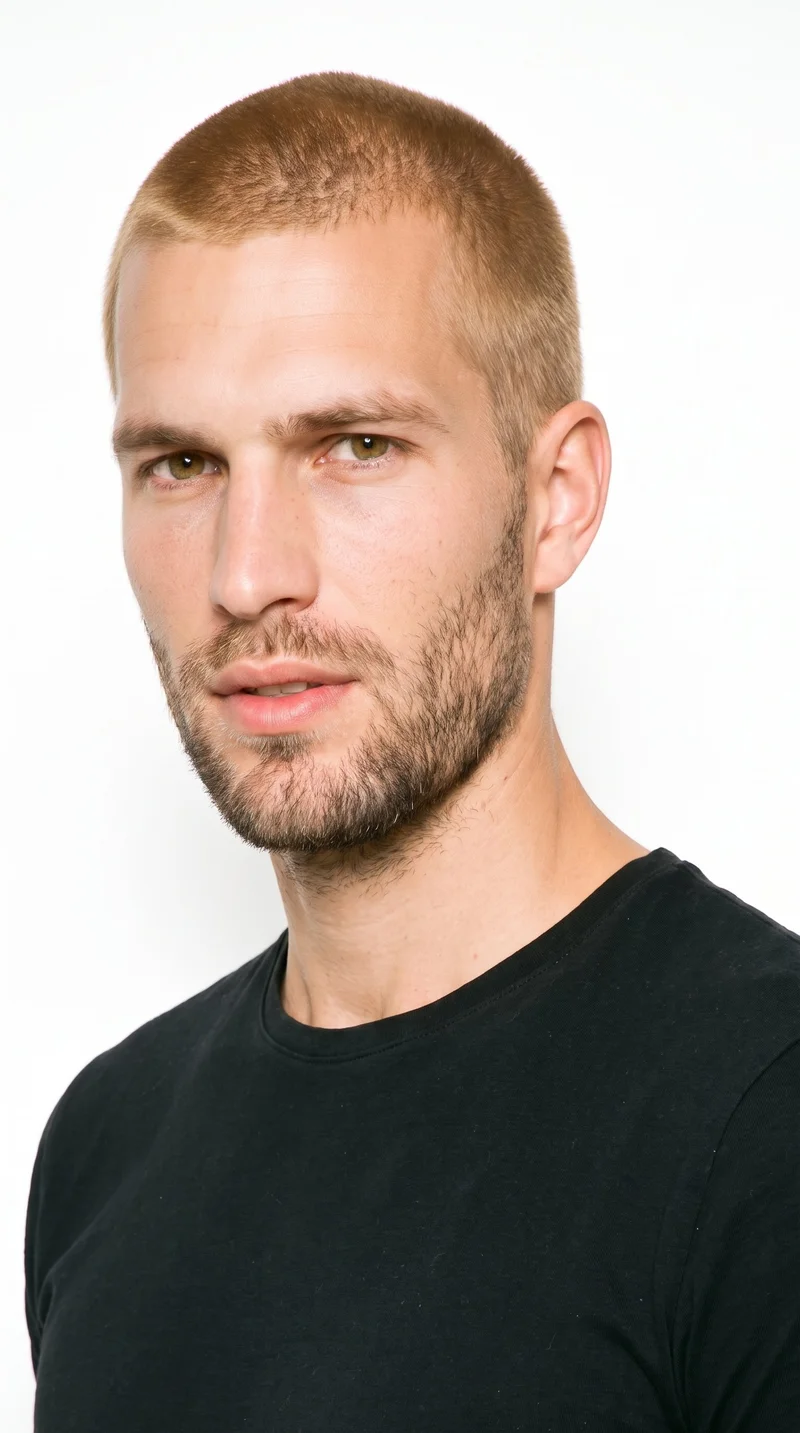
Male · 32
Showing 12 of 1,197
Cast your modelRawshot Features
What you set in the studio
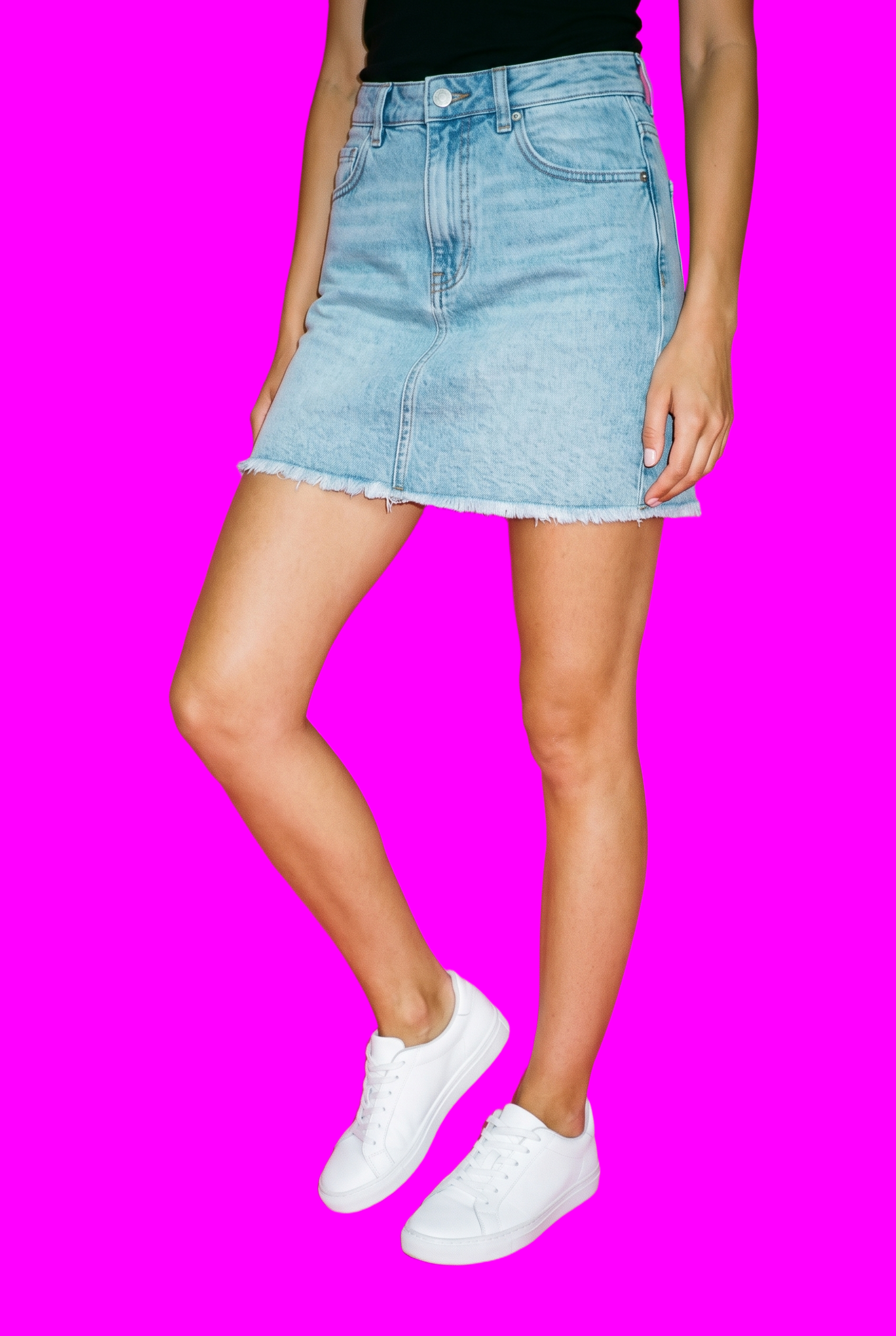
AI image to video generator
Choose the camera motion, model action and scene length for a restrained campaign opening that keeps attention on the product.
17 model actions on a full-body shot · 132 in total
See the feature →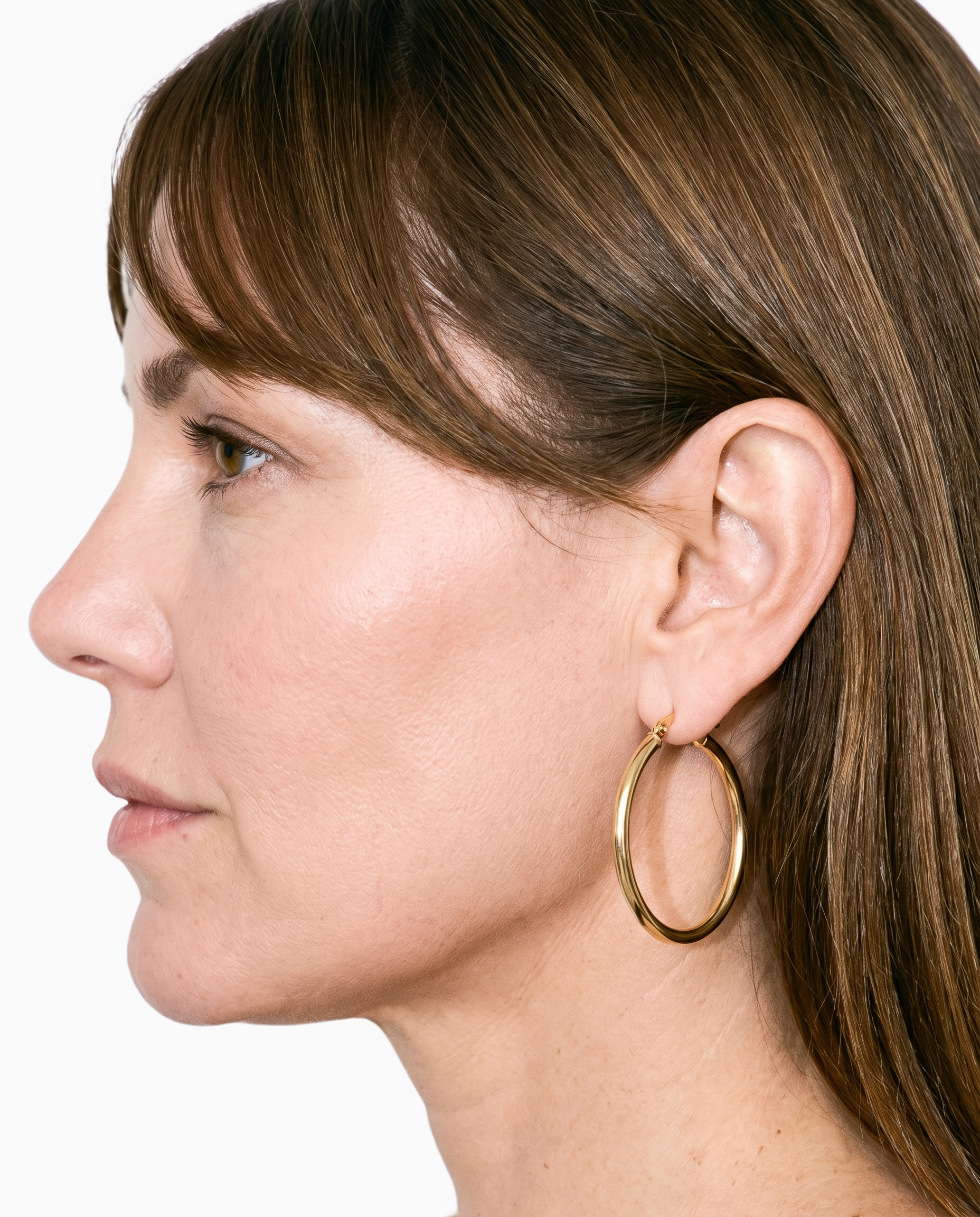
Product import and handling
Start with a product photo, flat-lay, mockup or technical sketch when the campaign needs a visual introduction before finished footage exists.
Start from your real item and keep product fidelity while building the scene.
See the feature →
AI model generator
Select the on-model presentation that fits the brand and product, so the opening clip has a deliberate casting choice from the first frame.
Library filters plus private model building for consistent identity across the set.
See the feature →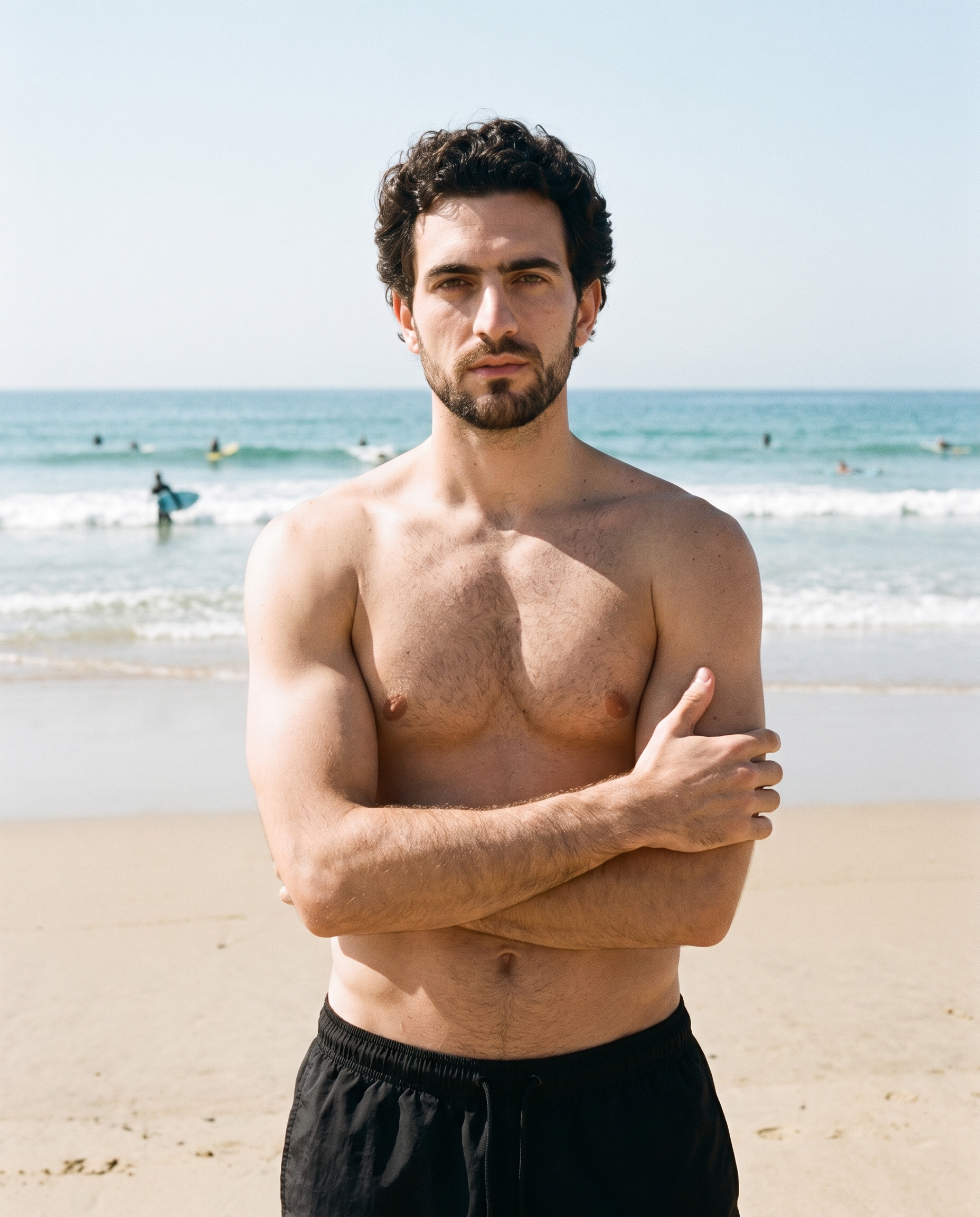
Photography direction
Set the lighting mood and product visibility before motion begins, keeping the campaign introduction aligned with the intended visual direction.
4 named choices that set mood and shadow the same way across a shoot.
See the feature →AI image to image generator
Change one decision and keep the rest of the composition stable.
AI makeup generator
Branch-aware named options applied without altering casting or scene setup.
AI outfit generator
Combine the main piece with neutral supporting items in one coherent frame.
AI photo background generator
Swap scene context while keeping model, product, and framing stable.
AI suggestions
Preselected control values you can always override in the same configurator.
Fashion model poses
22 poses on a full-body shot · 104 in total
Garment styling
Choose how the garment is worn and keep brand presentation consistent.
Inspiration gallery
Load editable finished looks as fast starting points for new shoots.
Gallery
Start from the product you have.
Review finished campaign openings built from product photos, flat-lays, mockups and technical sketches, then use the visual direction to decide your own model, frame and movement.
Looks & backgrounds
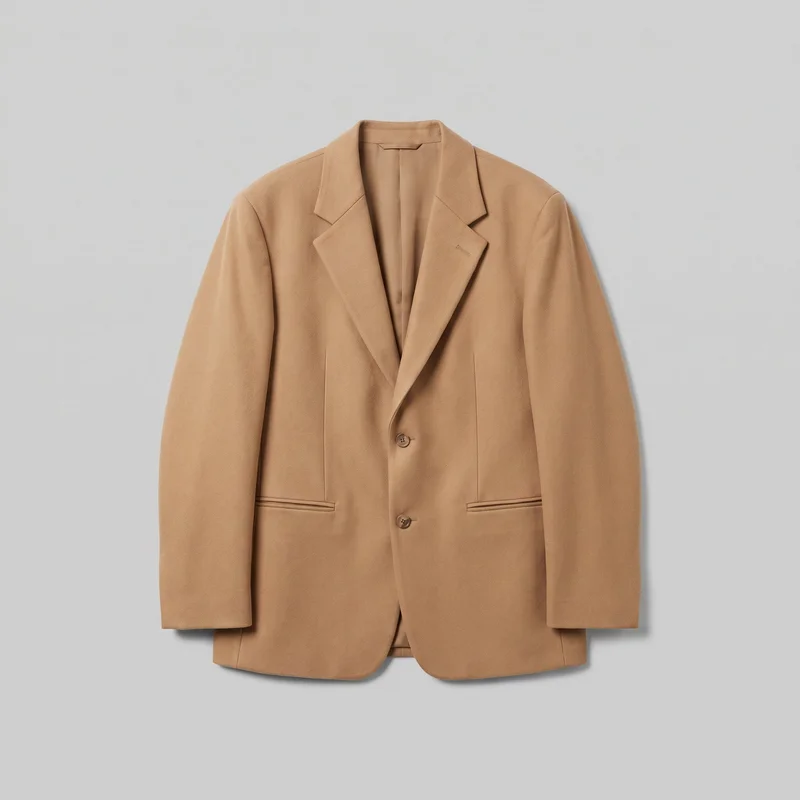 Men's Camel Oversized Blazer
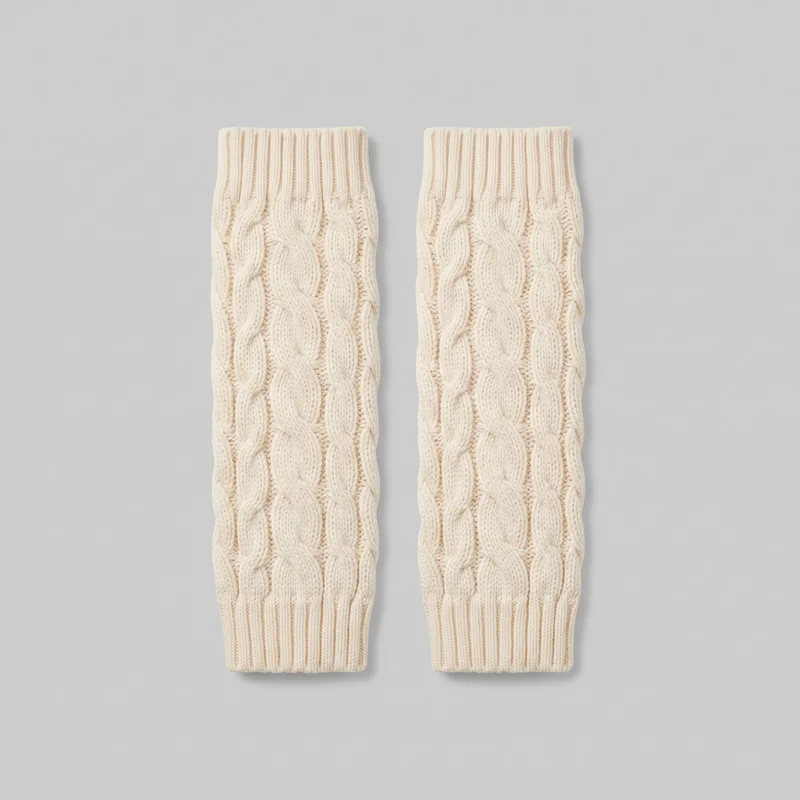 Cream Cable-Knit Leg Warmers
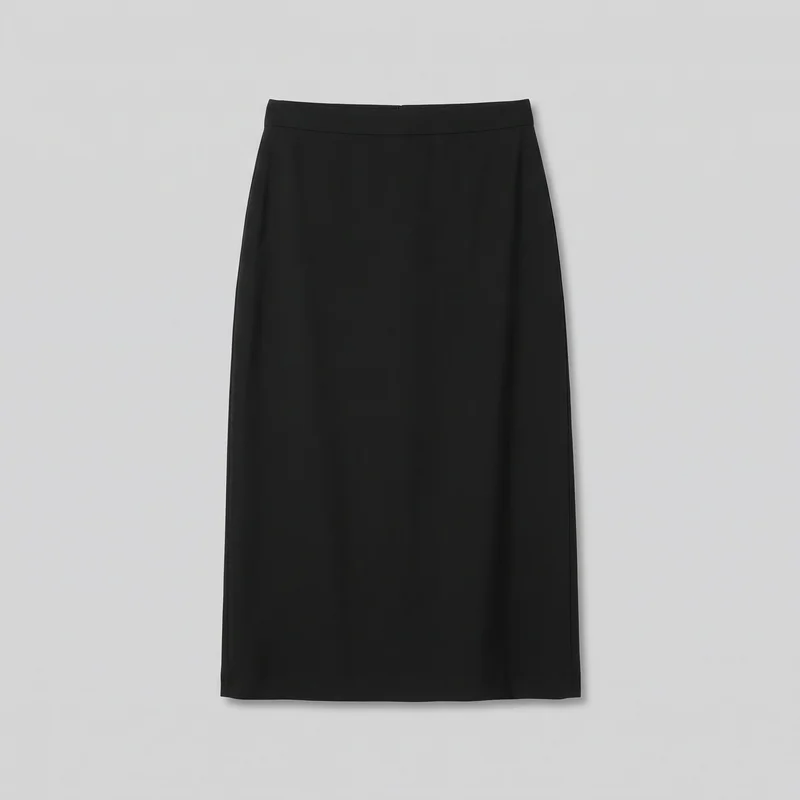 Black Midi Skirt
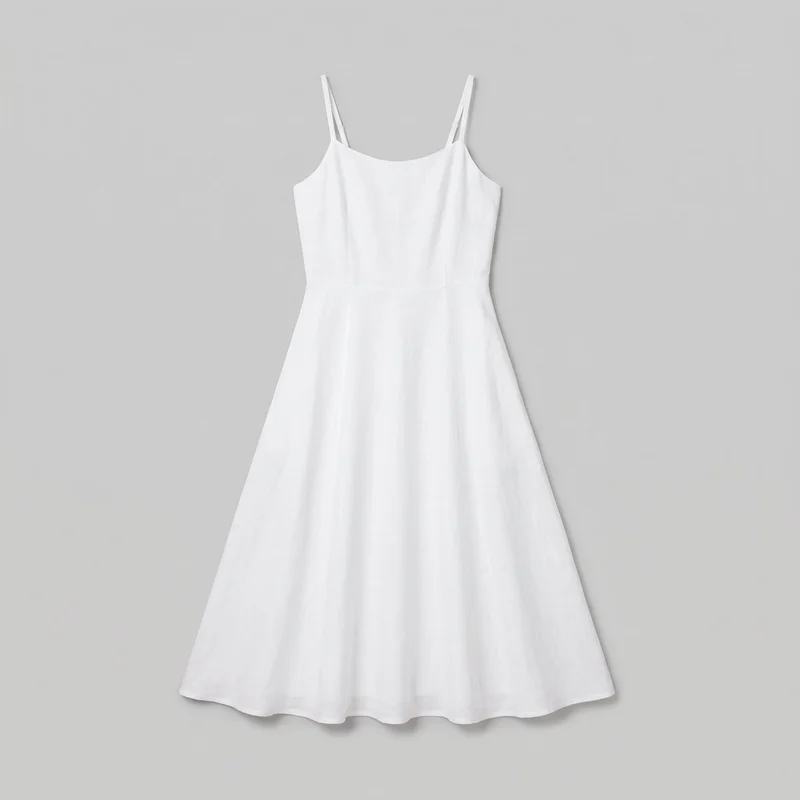 White Linen Midi Dress
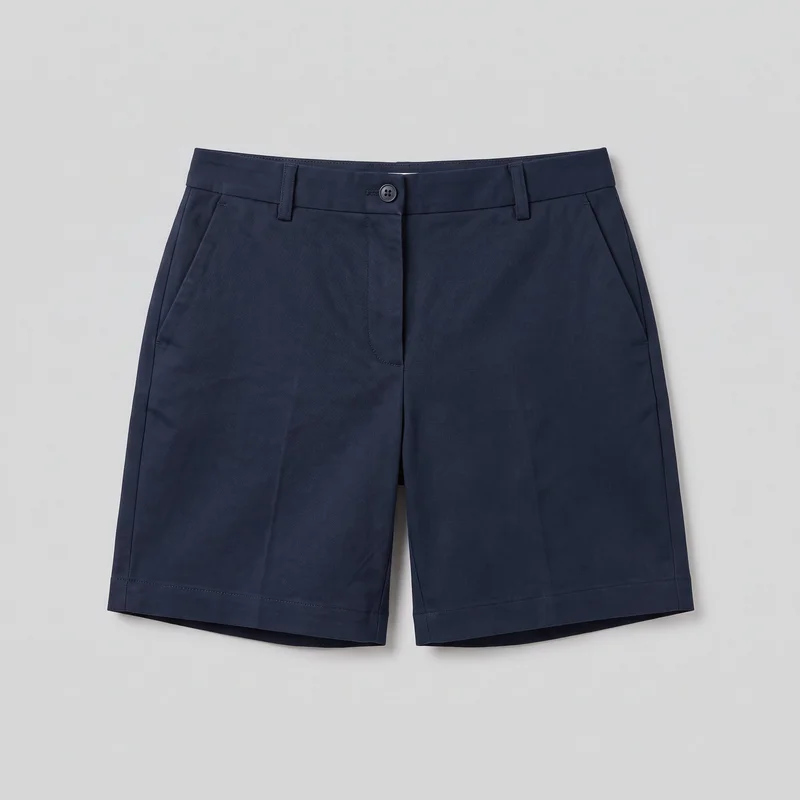 Women's Navy Tailored Shorts
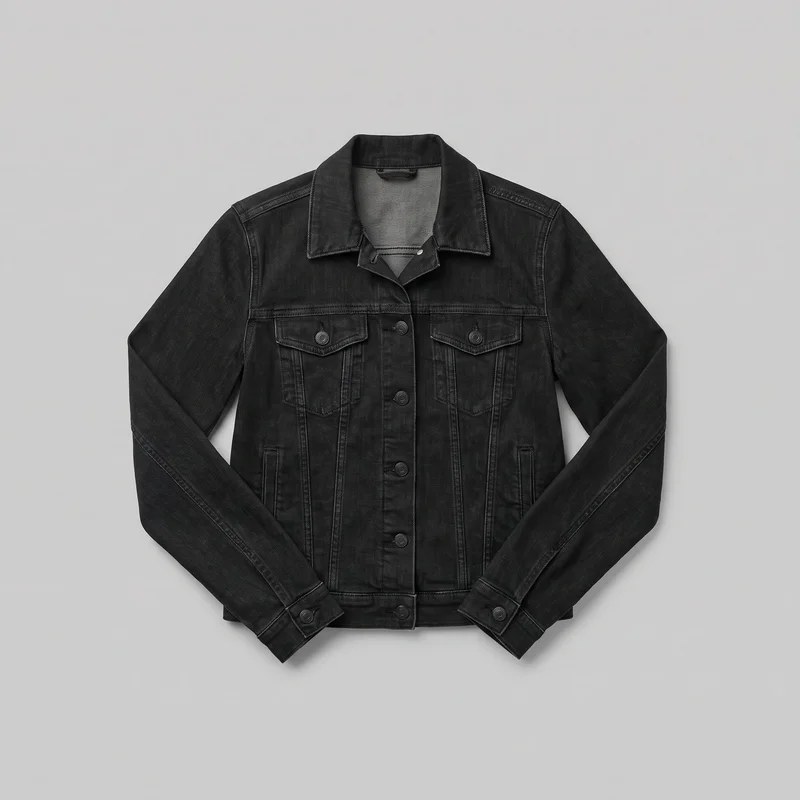 Women's Black Denim Jacket
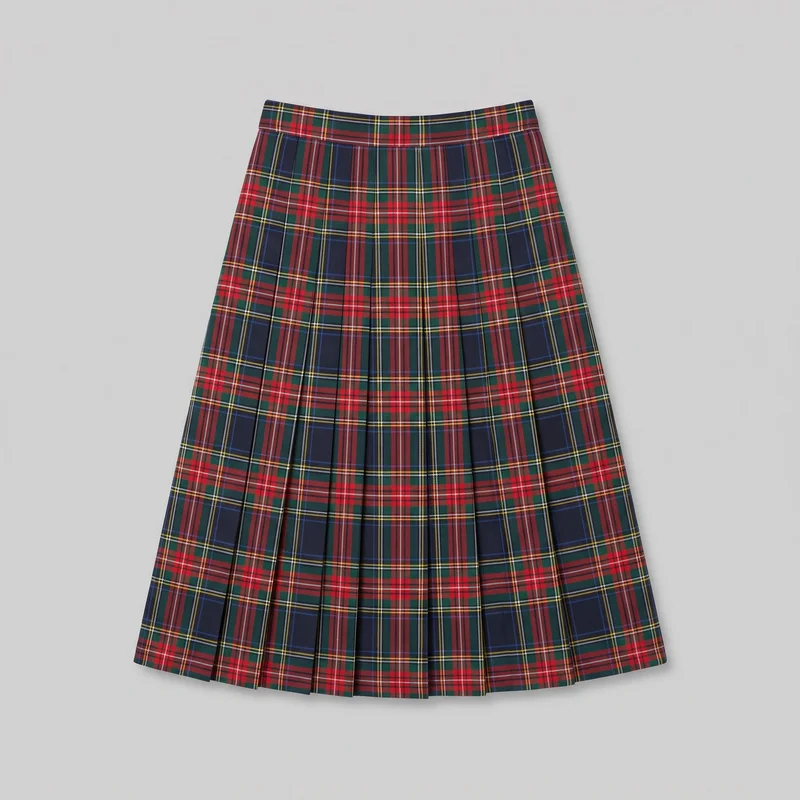 Plaid Pleated Skirt
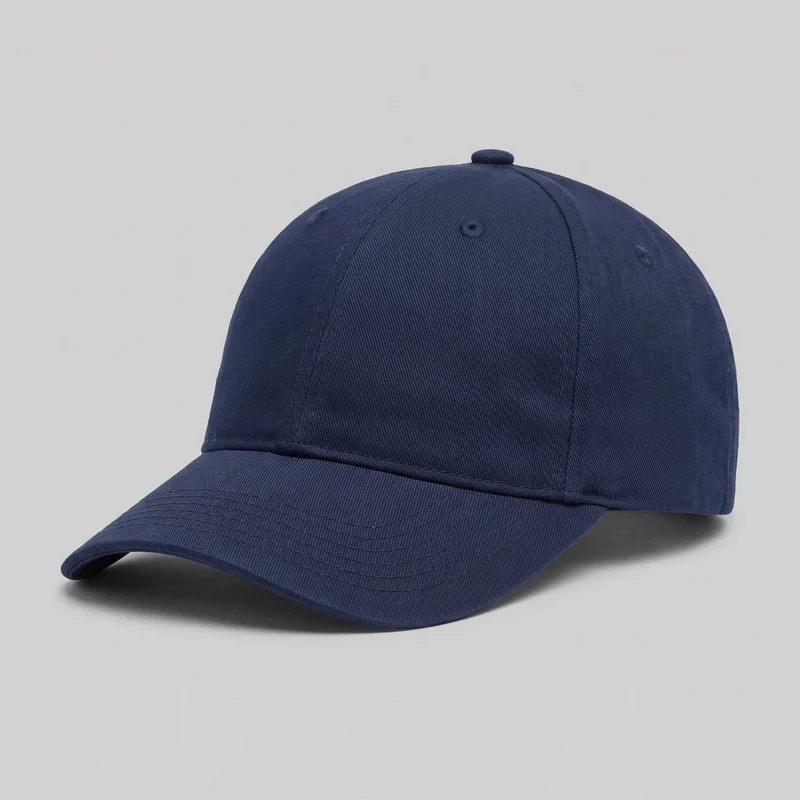 Men's Navy Cotton Baseball Cap
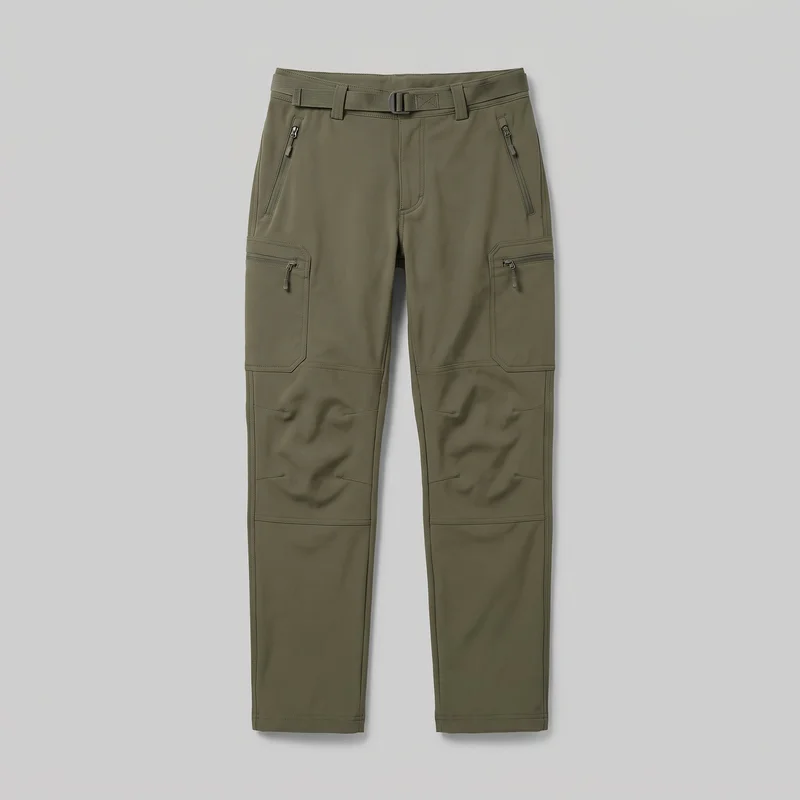 Men's Olive Softshell Hiking Trousers
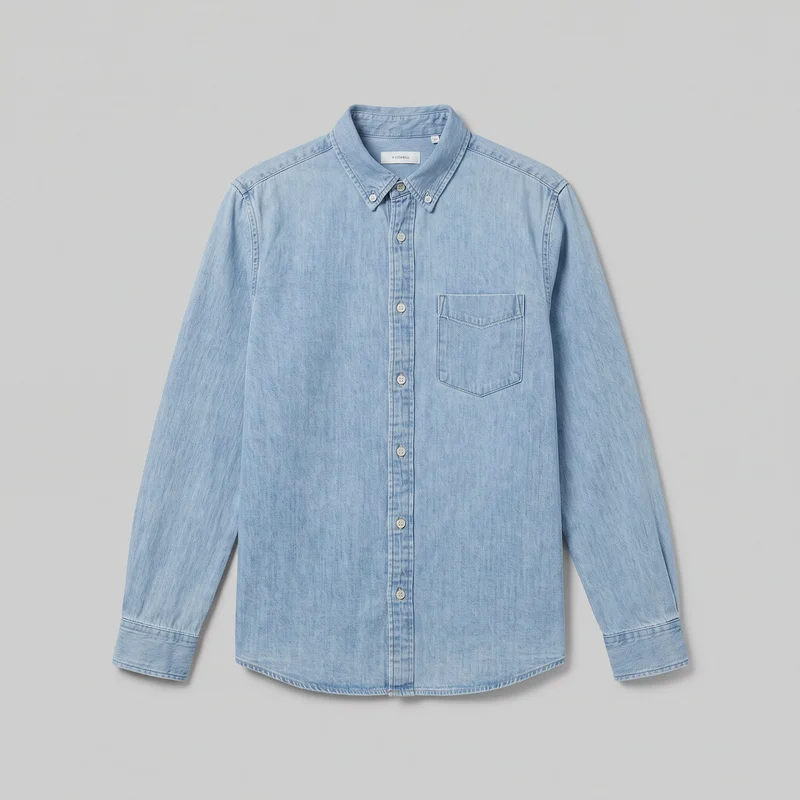 Light Wash Denim Shirt
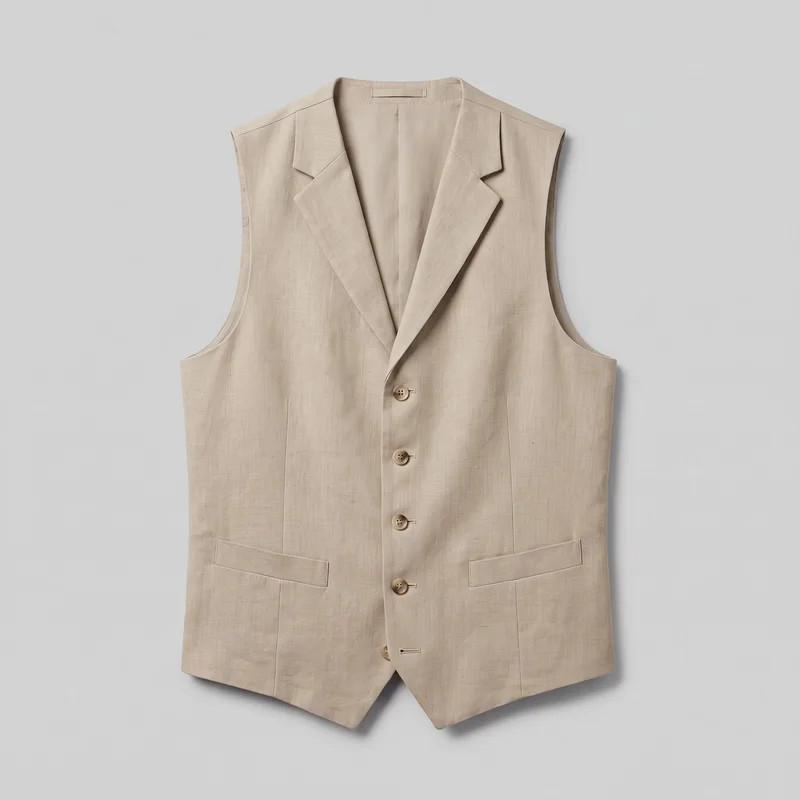 Men's Beige Linen Waistcoat
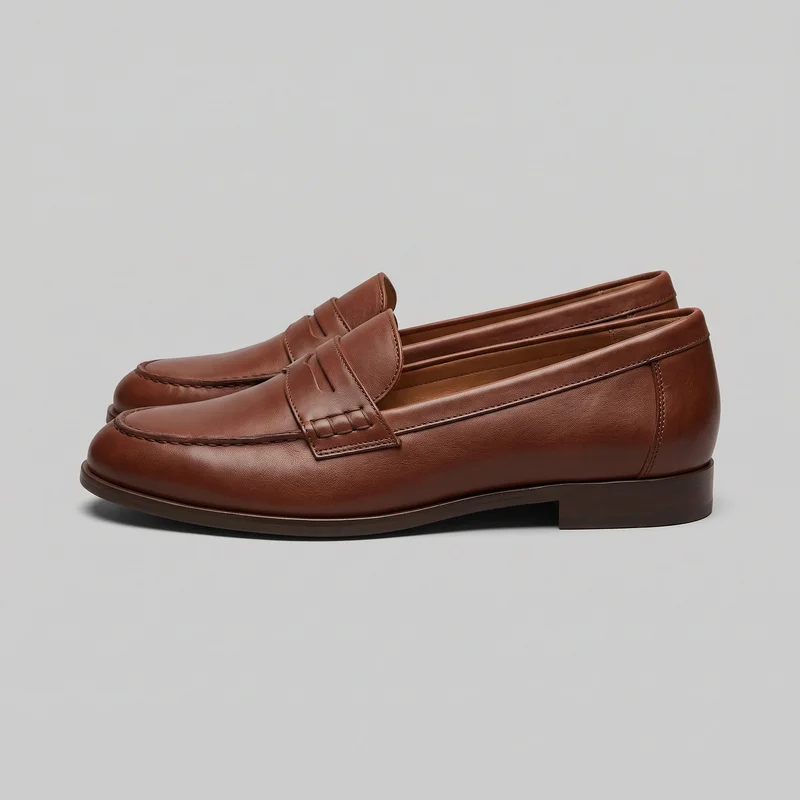 Women's Brown Penny Loafers
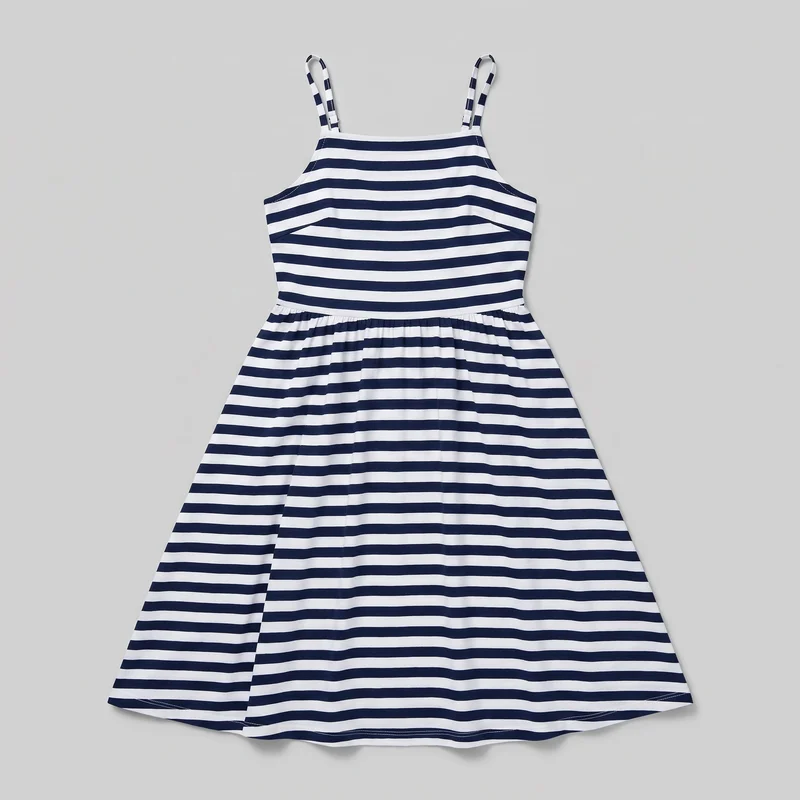 Striped Sundress
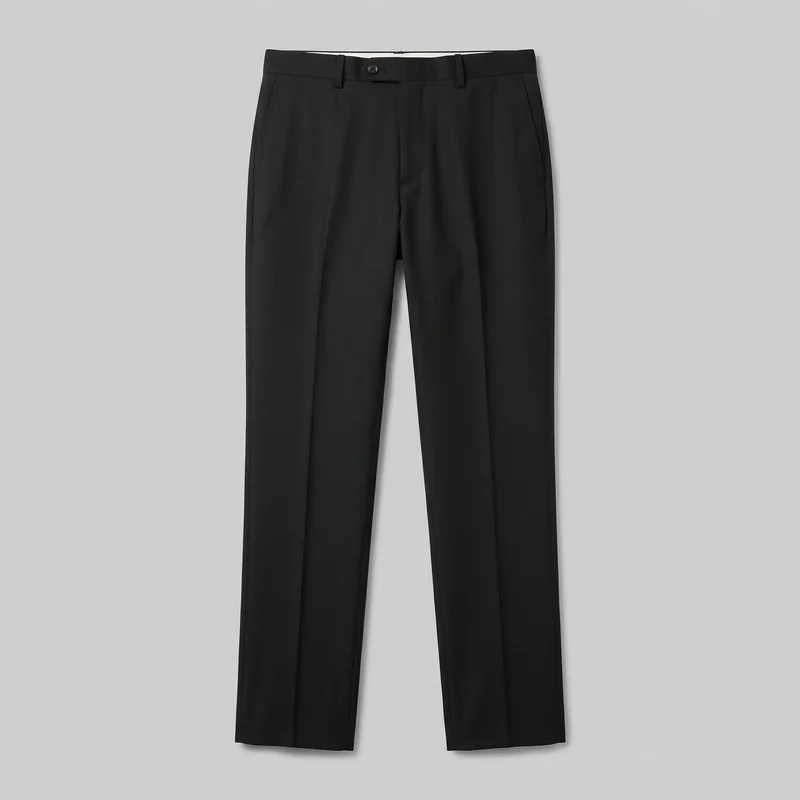 Men's Black Tailored Trousers
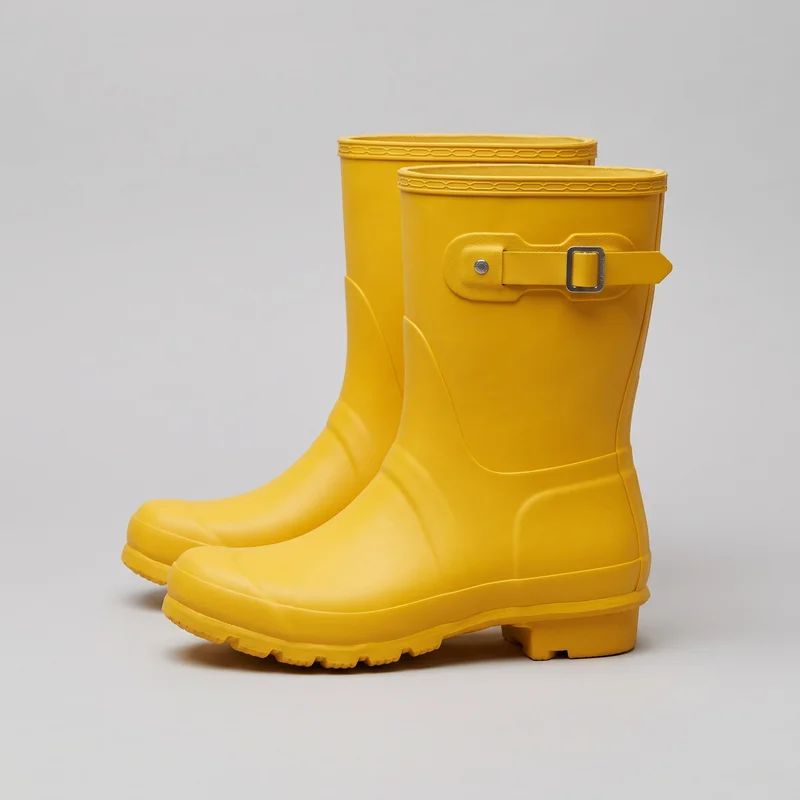 Women's Yellow Wellington Boots
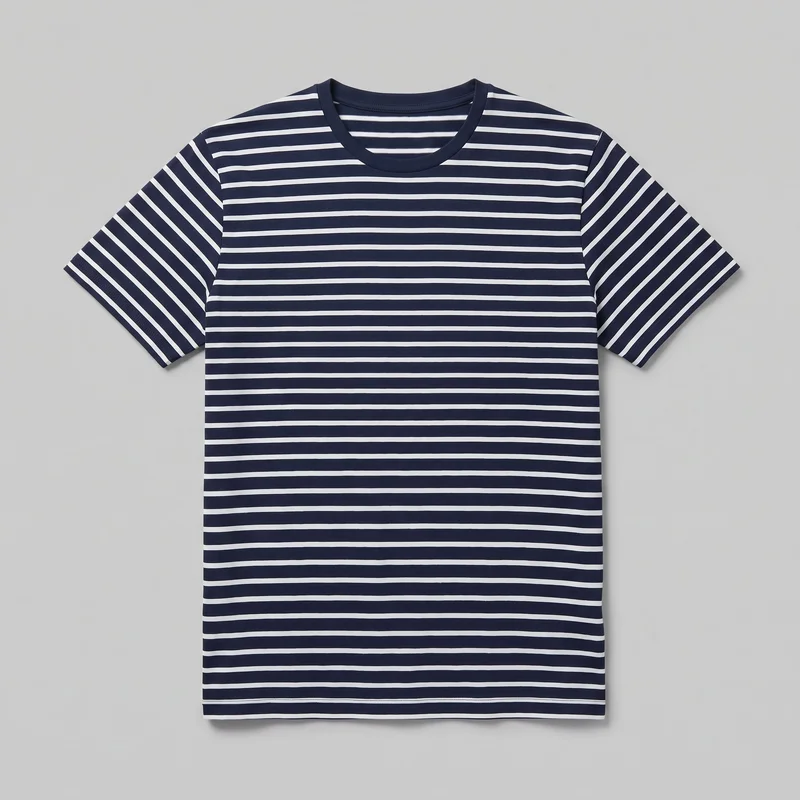 Men's Striped Cotton T-shirt
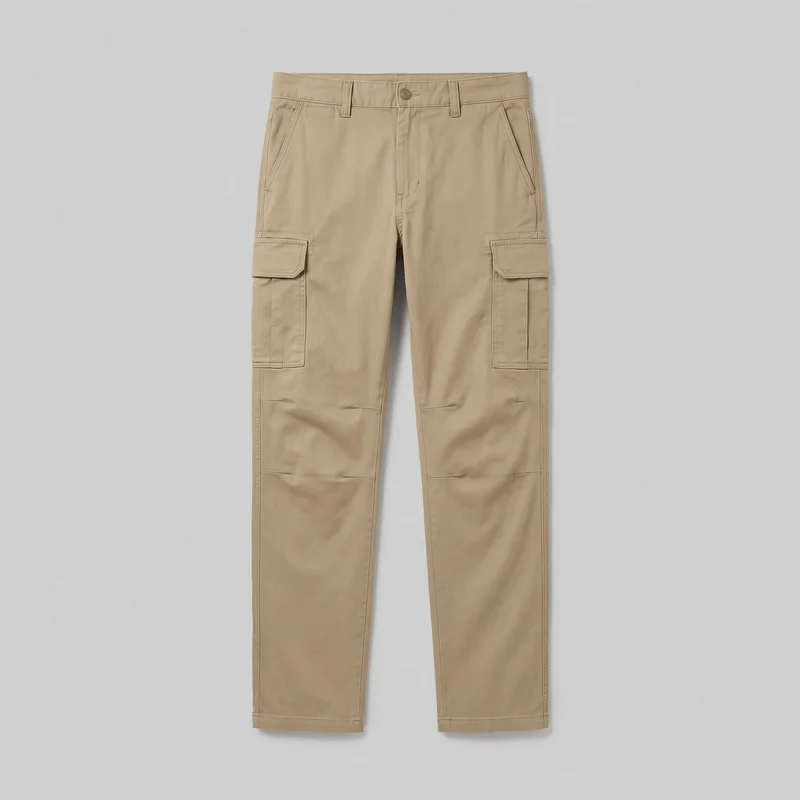 Men's Khaki Cargo Pants
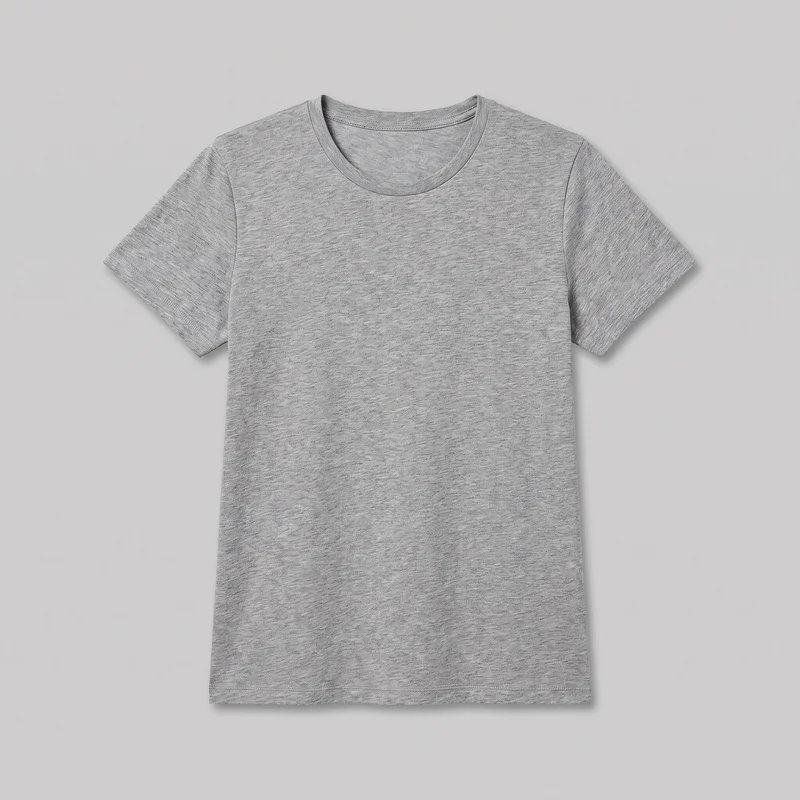 Women's Grey Marl T-shirt
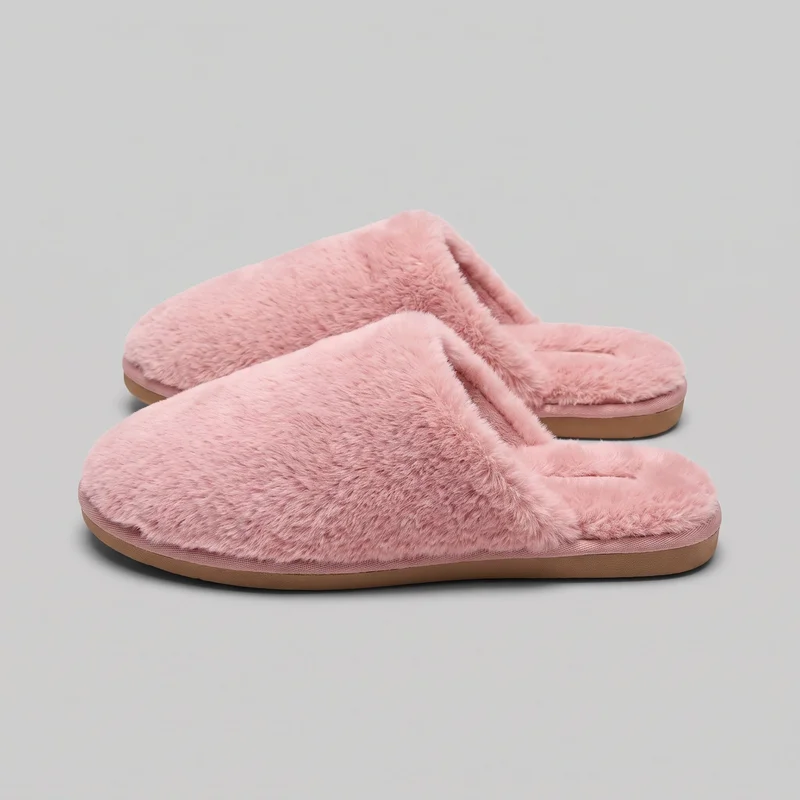 Men's Pink Fluffy Slippers
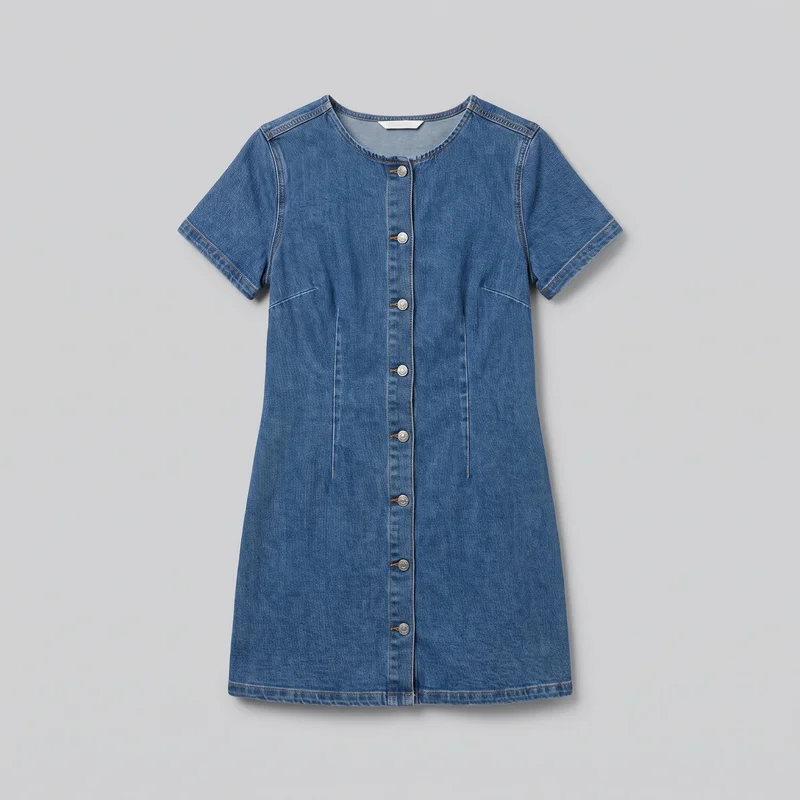 Denim Mini Dress
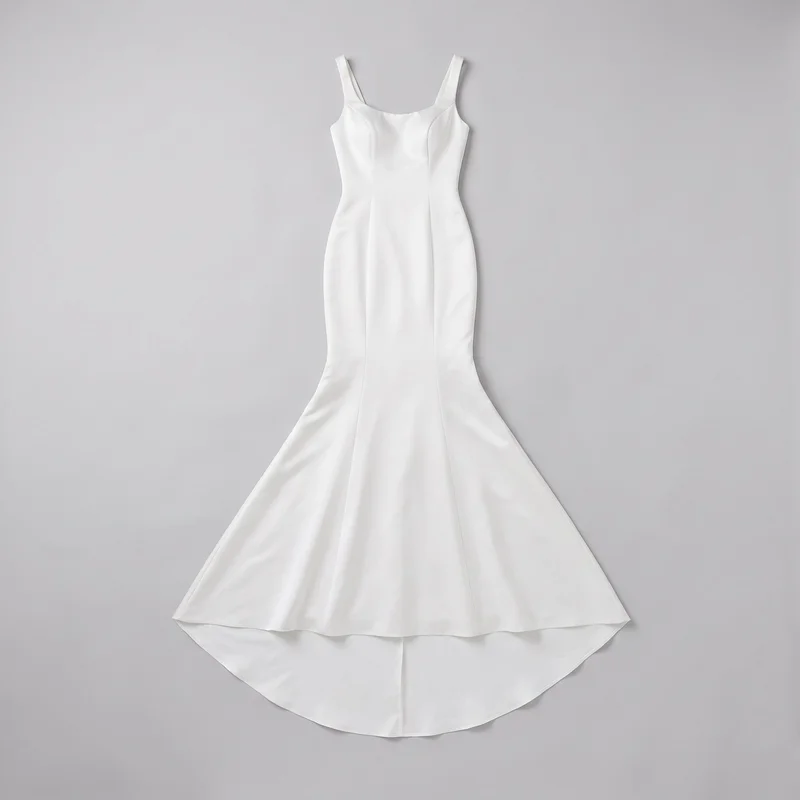 Mermaid Satin Wedding Dress
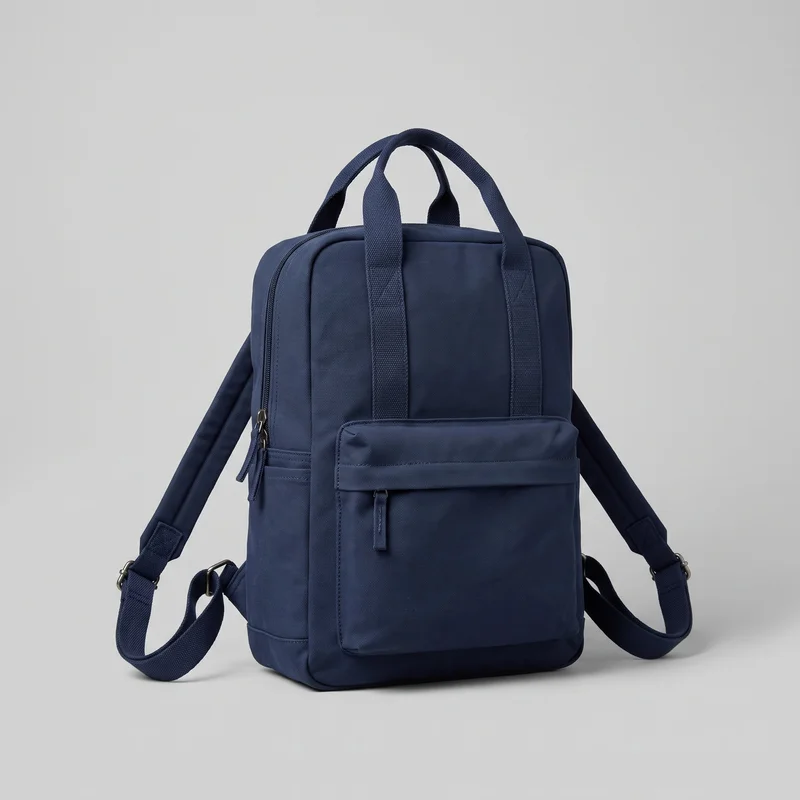 Men's Navy Canvas Backpack
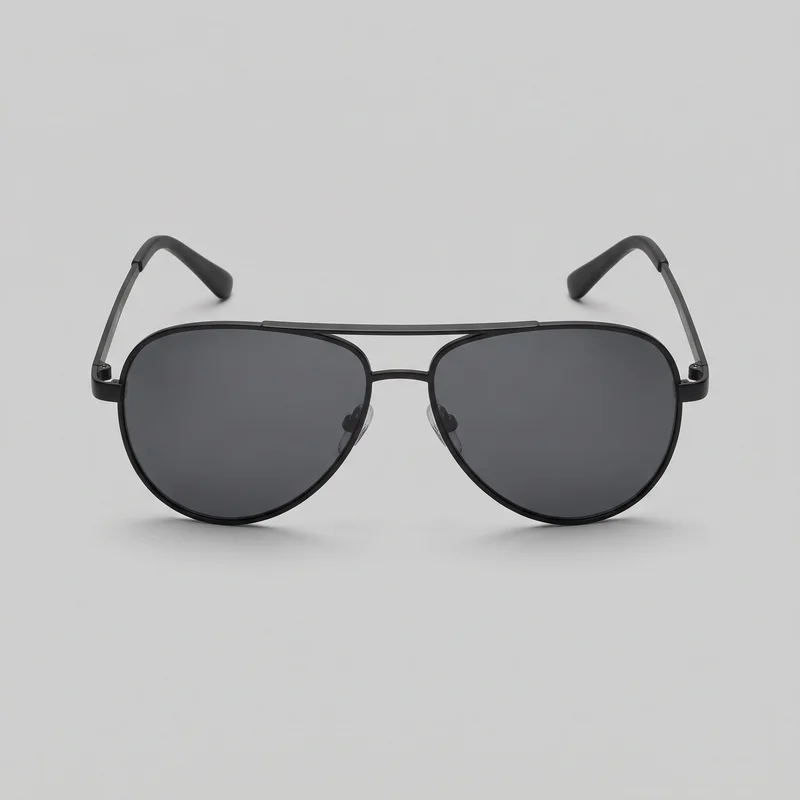 Men's Black Aviator Sunglasses
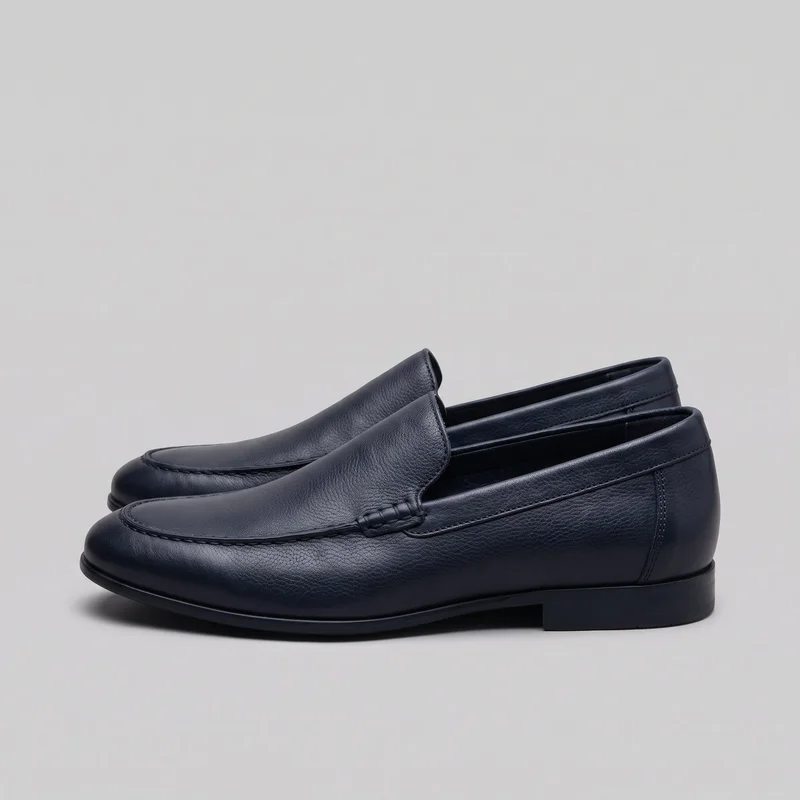 Men's Navy Loafers
Showing 24 of 781
Catalog
Browse the catalog
By product
Consistency
What holds through the movement.
Set the model, frame, lighting direction and movement before generating the clip. The composition stays directed around the product while the camera and model action provide motion. You can change one decision and keep the rest of the composition in place, giving the opening a considered campaign structure.
You change one
- Frame
- Pose
- Camera view
- Model
The rest holds
Product focus
The product remains the subject while movement adds a measured opening beat.
Composition
The selected frame and presentation guide the scene rather than changing unseen.
Campaign tone
The chosen model, light and direction keep the introduction aligned with the brand.
Who it's for
Is RAWSHOT right for Plan repeatable campaign openings?
A good fit
RAWSHOT is a good solution for you as a marketing manager if you need short campaign creative from real product material before finished footage is ready.
Work it handles well
- You can direct model, frame, light and movement before generation.
- You can start from product photos, flat-lays, mockups or technical sketches.
- You can create short campaign openings for recurring launch moments.
Outside this scope
This is not the right choice for you if you need a long-form campaign film, a specific real person, or video beyond three five-second scenes and 1080p.
Where this stops
- You cannot use a specific real person as the model.
- Video is limited to three five-second scenes and 1080p.
- Post-production is needed for stylised or graded treatments.
Questions
Questions before the first clip.
What should a marketing manager prepare when a campaign needs a short intro clip?
Prepare a product photo, flat-lay, mockup or technical sketch that clearly represents the item. You then choose the on-model presentation, frame, lighting direction and movement for the campaign opening. Existing material can support an early visual introduction when finished campaign footage is not ready. Start with the clearest available product source and direct the scene around it.
How does the campaign intro process work, and when is the first image ready?
You start with source material, choose the composition and then direct the video scene from the finished image. A 2K image returns in approximately 35 seconds, after which you can select camera movement, model action and video resolution for the intro clip. Begin with the product source and review the finished still before setting motion.
Can a brand campaign intro start from a flat-lay, mockup or technical sketch?
Yes, the starting material can be a product photo, flat-lay, mockup or technical sketch. The selected source is used to build a directed on-model presentation with a chosen model, frame, lighting direction and movement. This supports campaign planning when finished footage is not available. Choose the source that shows the product most clearly.
What limits apply to a short campaign intro video?
Video output is limited to three five-second scenes and 1080p. The product also does not provide a specific real person as the model, and a finished setup cannot be saved for reuse in a later photoshoot. Plan the intro as a concise product-led opening and direct each scene from its available controls.
Get started
Start your free trial.
Start with a 7-day free trial including 50 tokens, then move to the plan that matches your production volume.