
AI fashion models
Curvy models for your products
Curvy models show garments in directed product imagery.
Choose a curvy body type, bring in your product, and direct the model, light, pose and crop for consistent on-model imagery across a range.
7-day free trial • 50 credits (10 images) • Cancel anytime
99 synthetic models to choose from · AI-labelled with C2PA content credentials
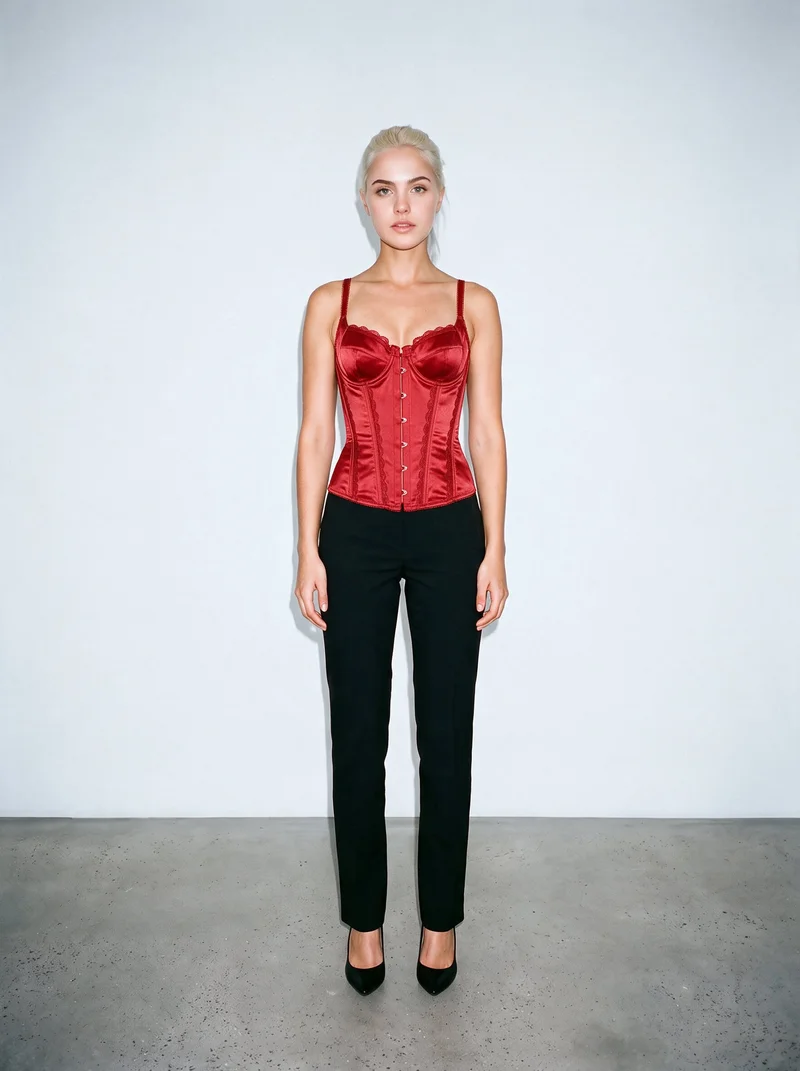
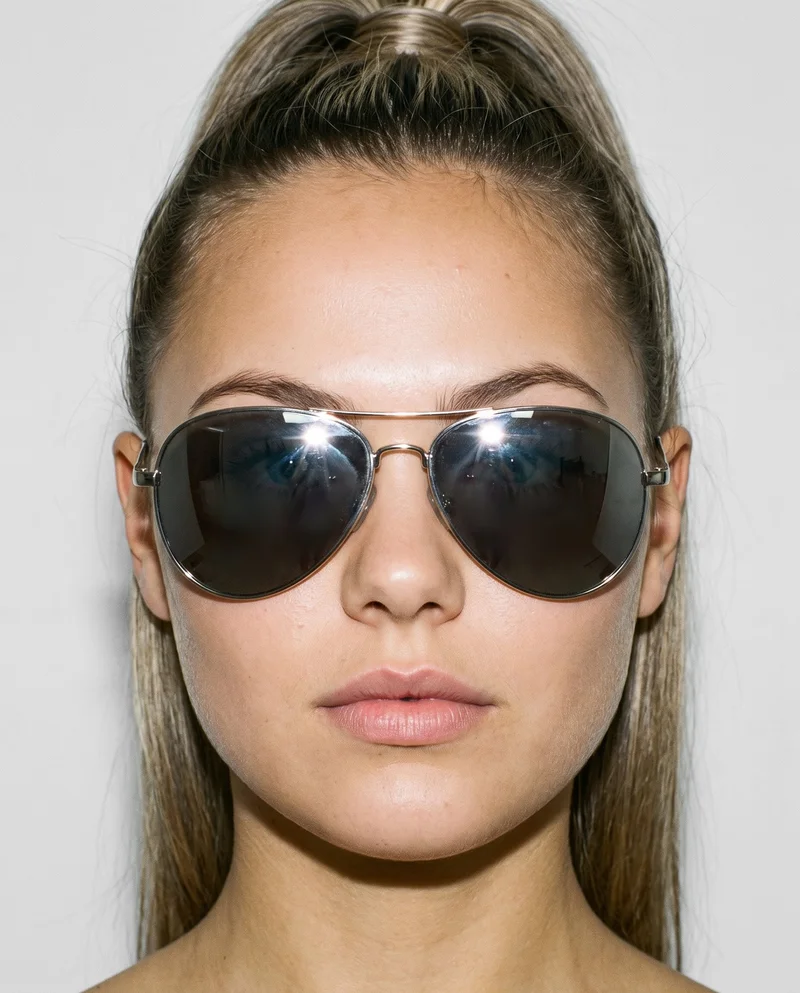
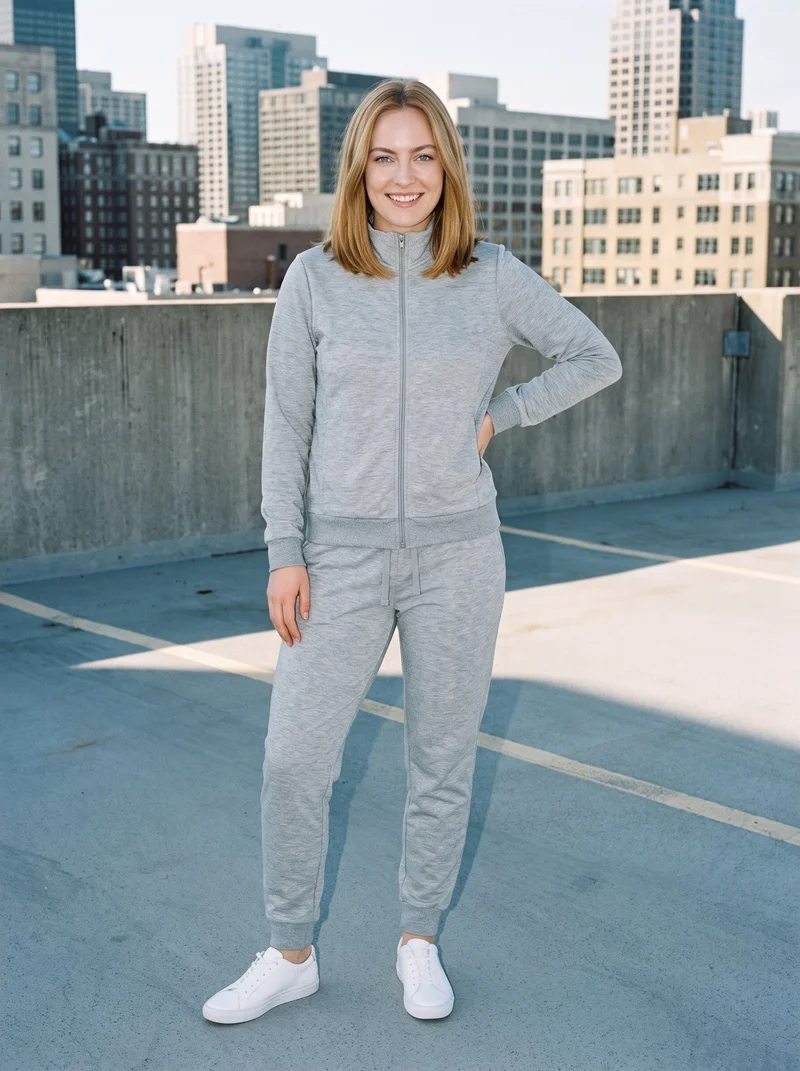
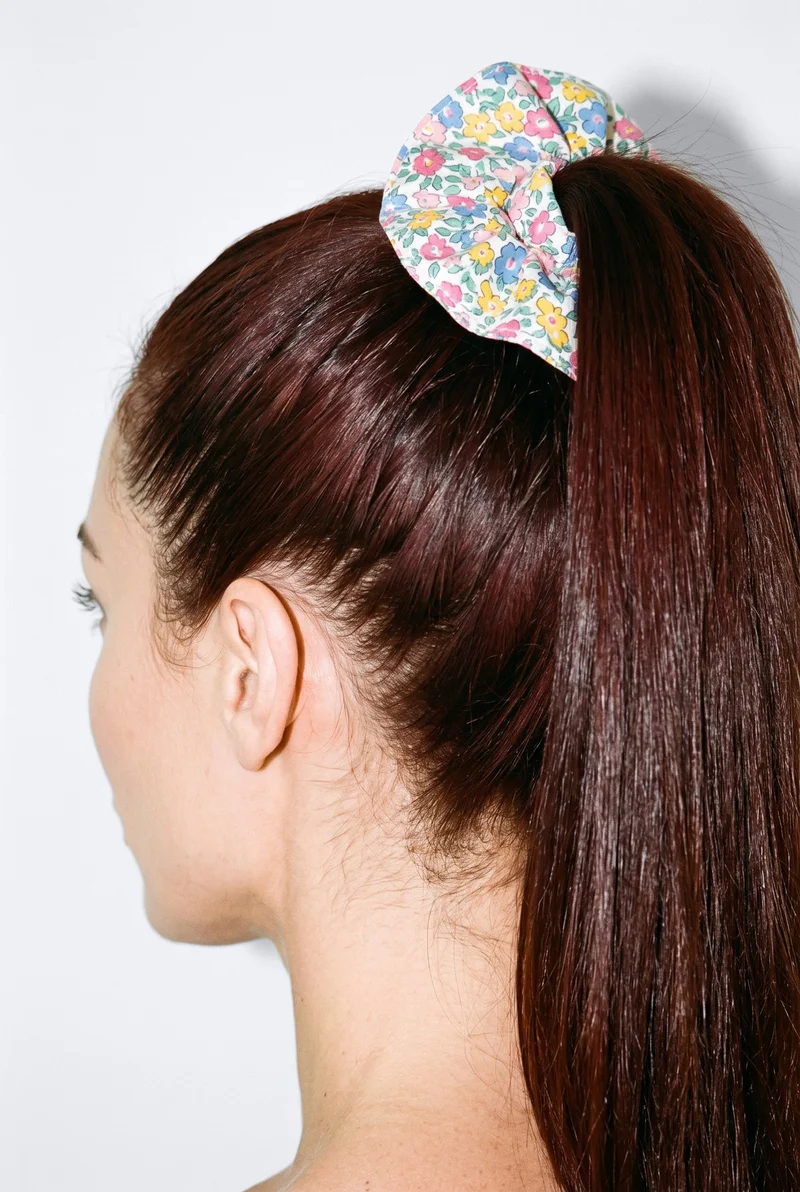
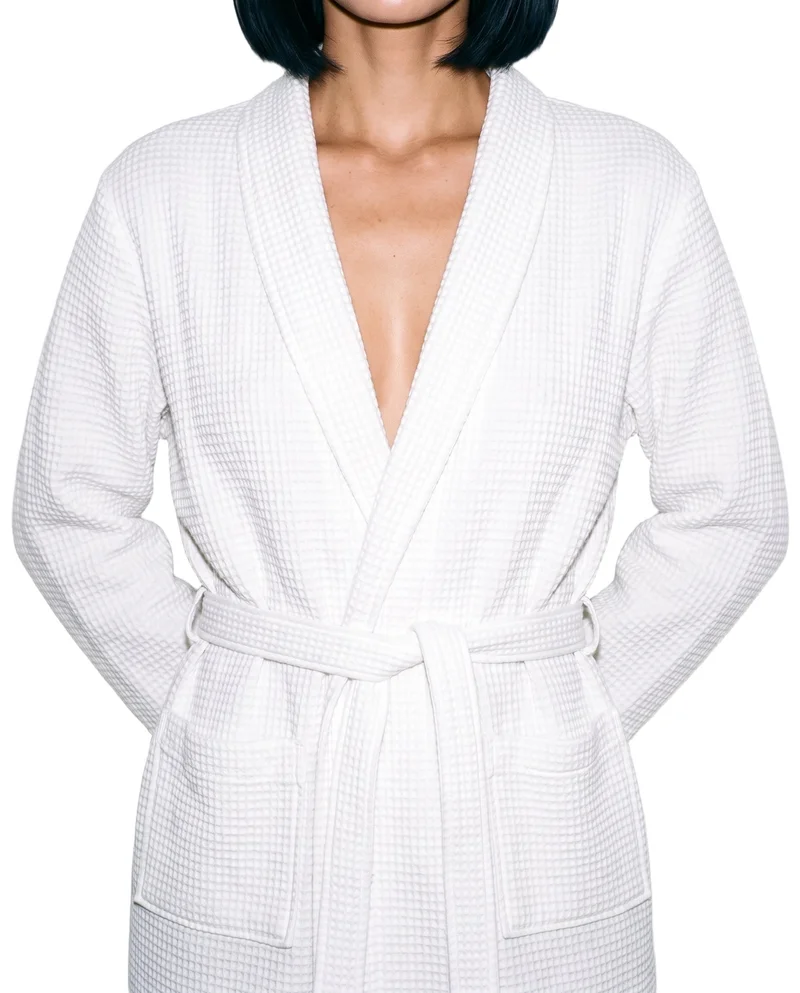
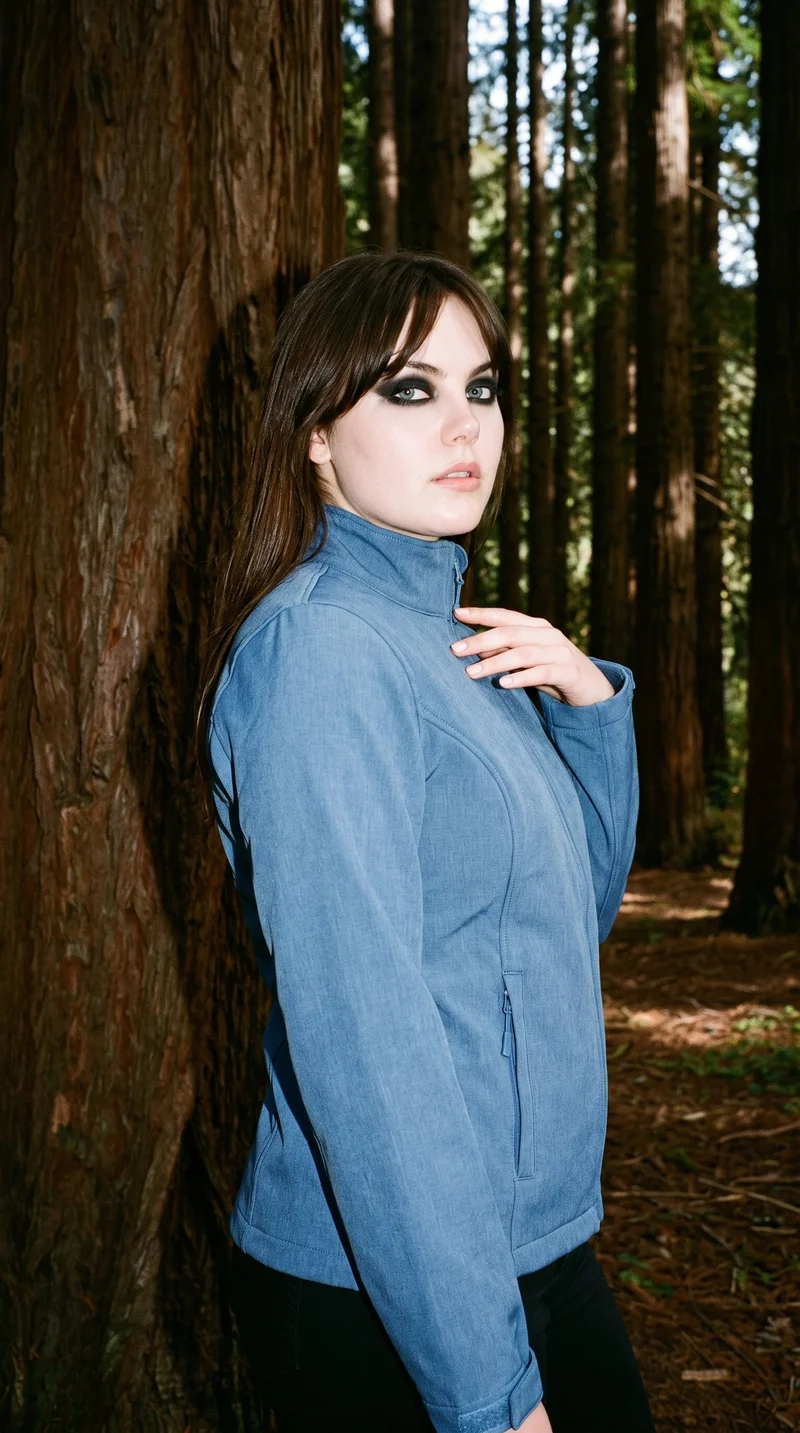
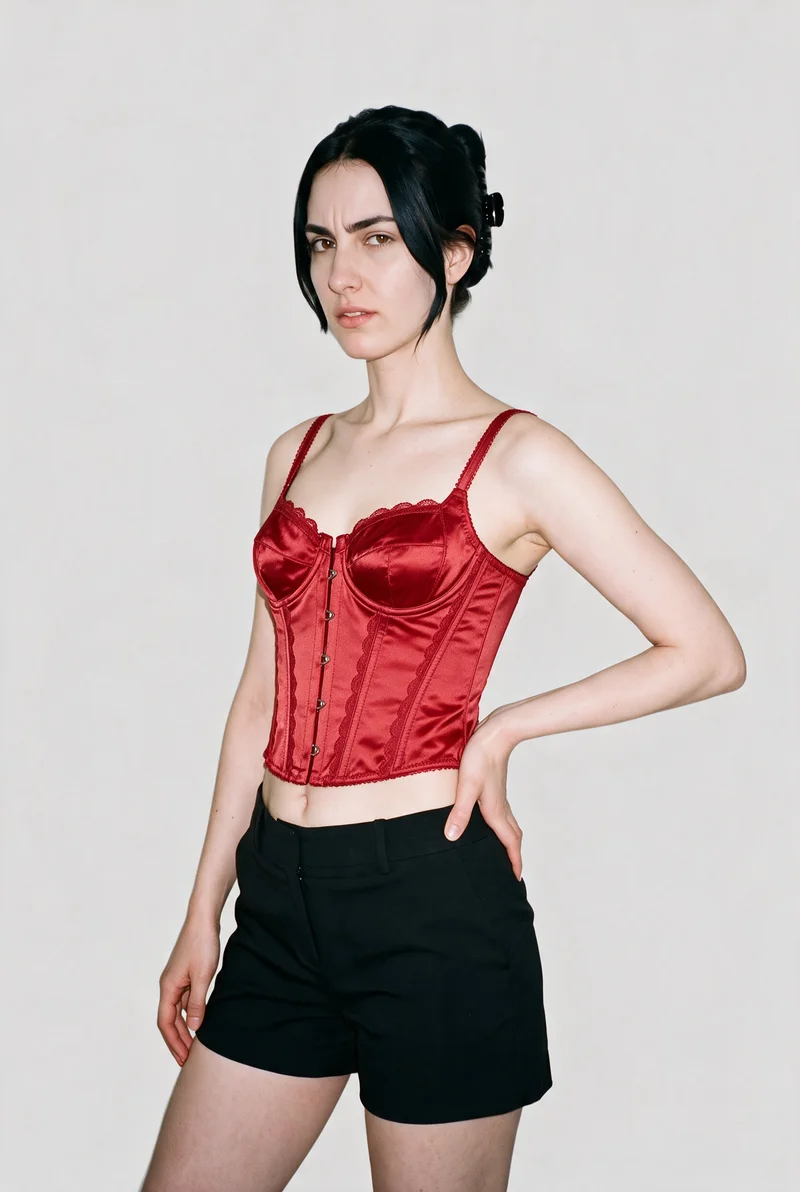
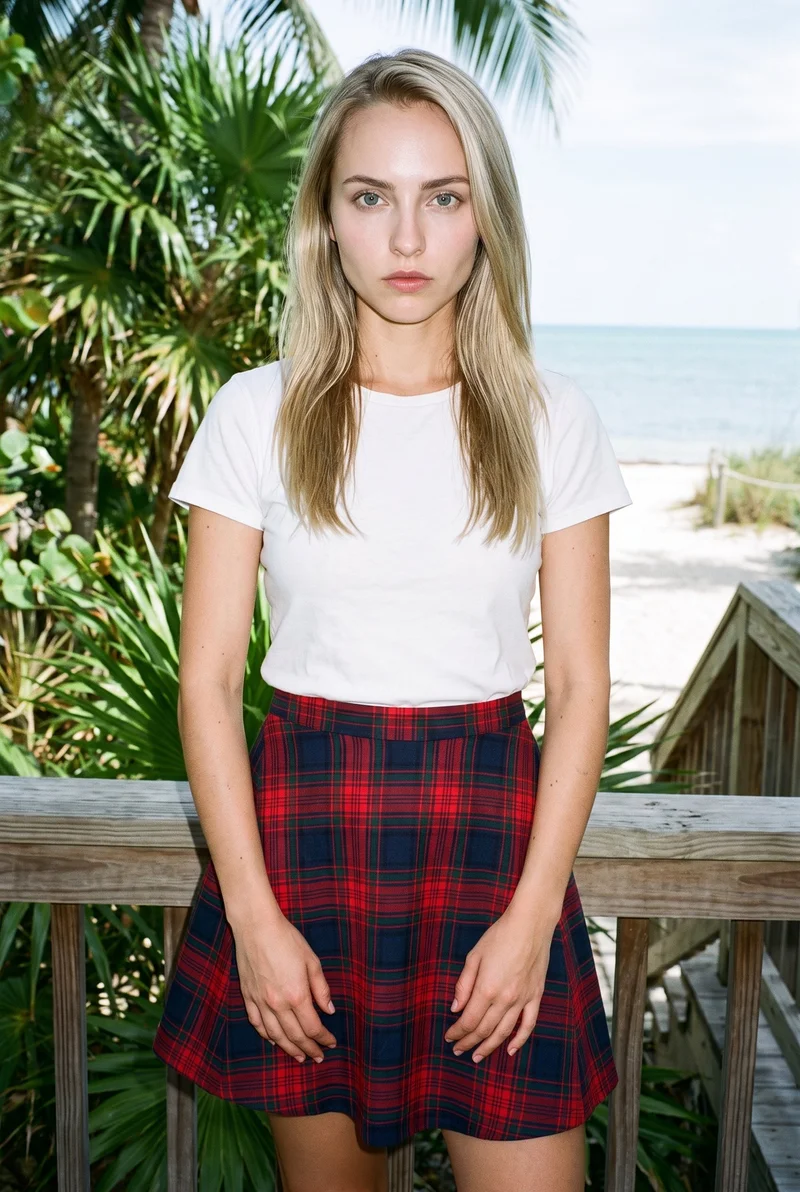
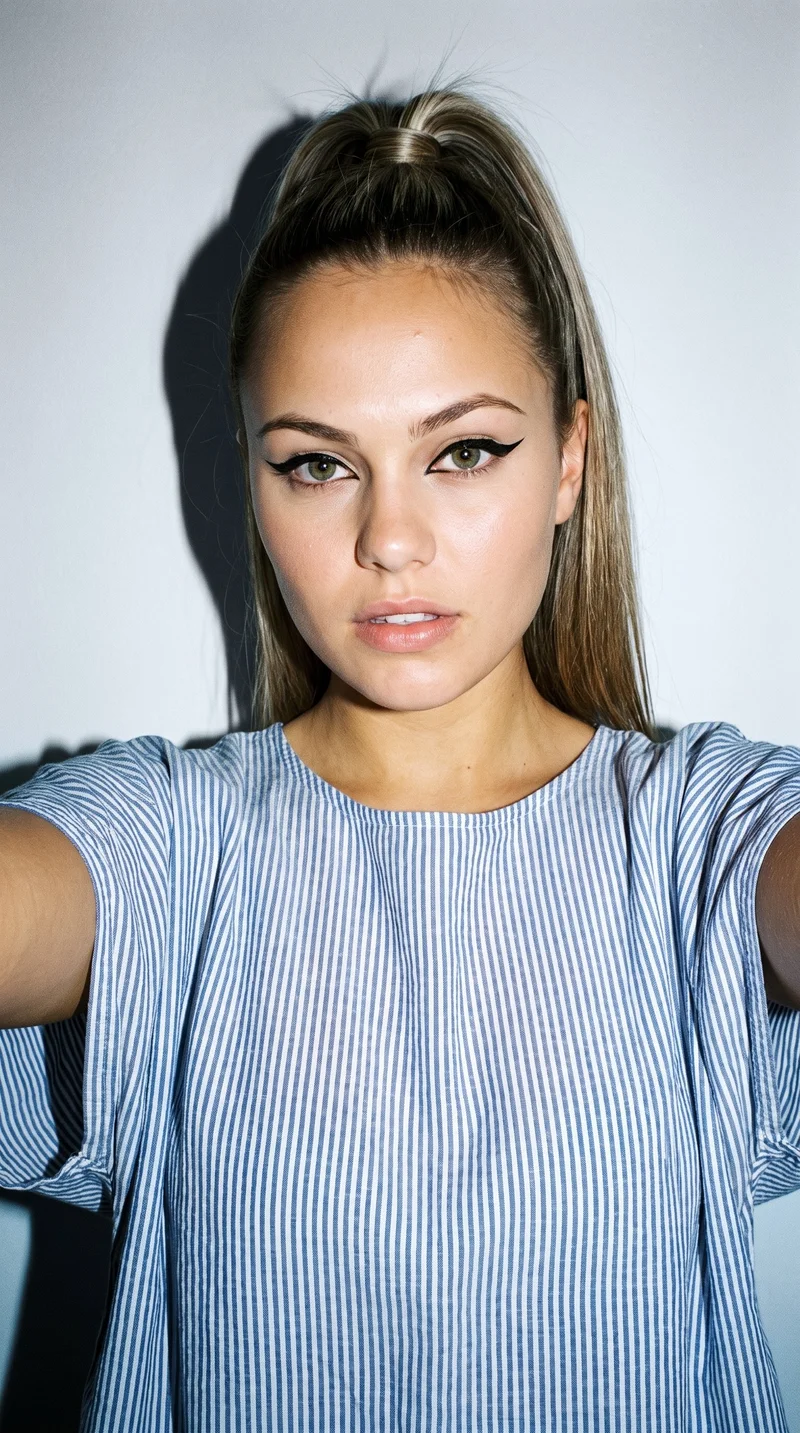
Showing 9 of 99, shot in RAWSHOT
AI fashion models
A curvy body type shapes your product range.
169 licence-free grown models across ages and body types.
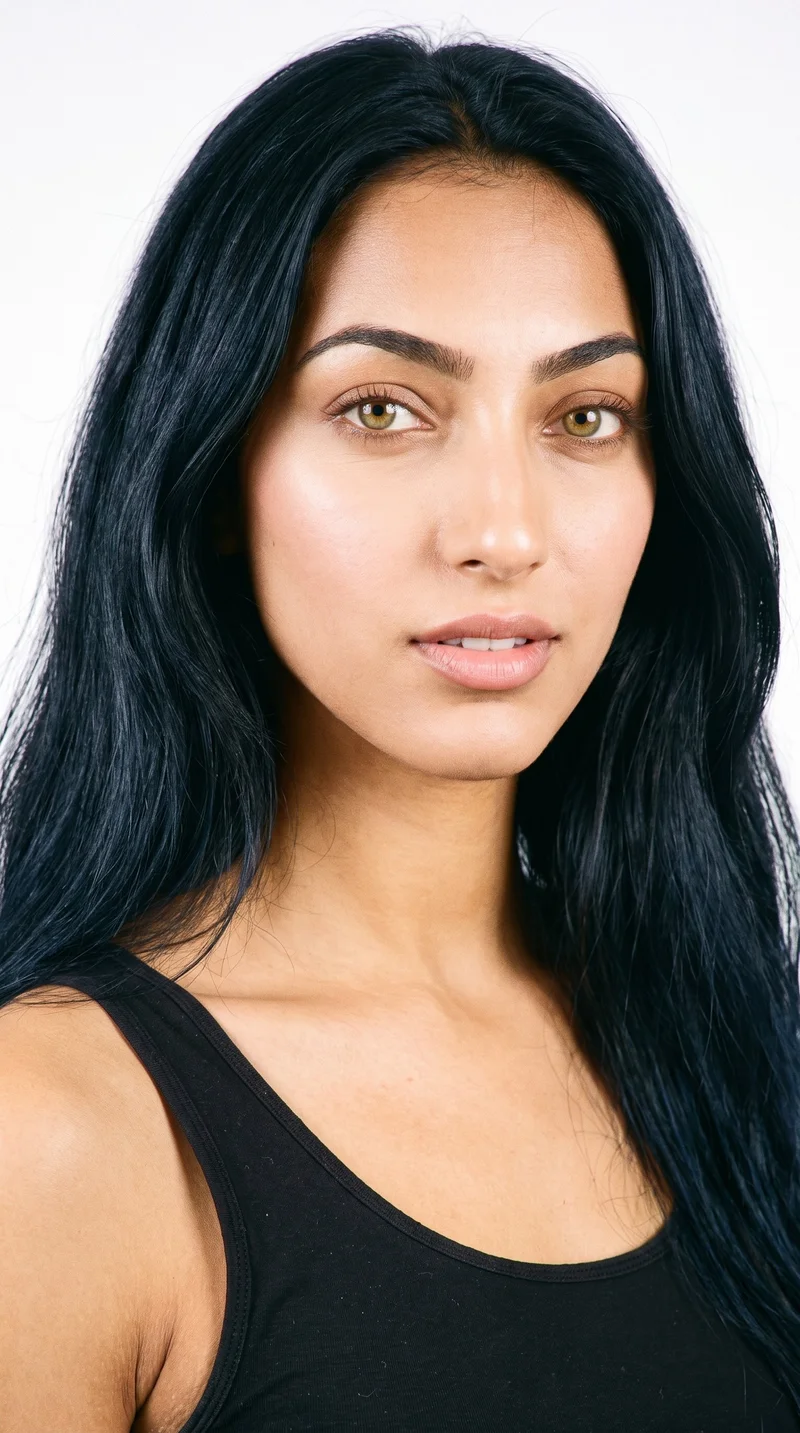
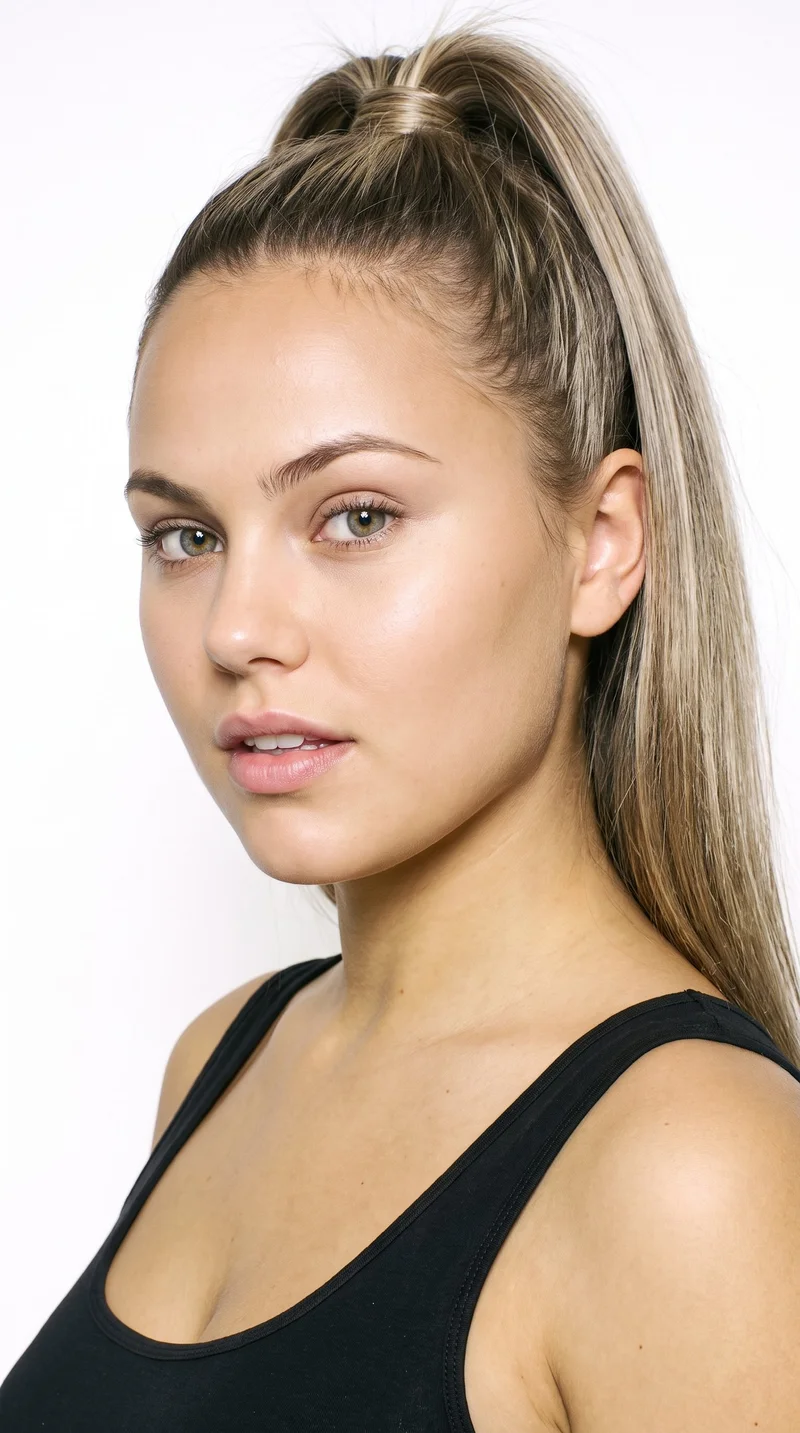
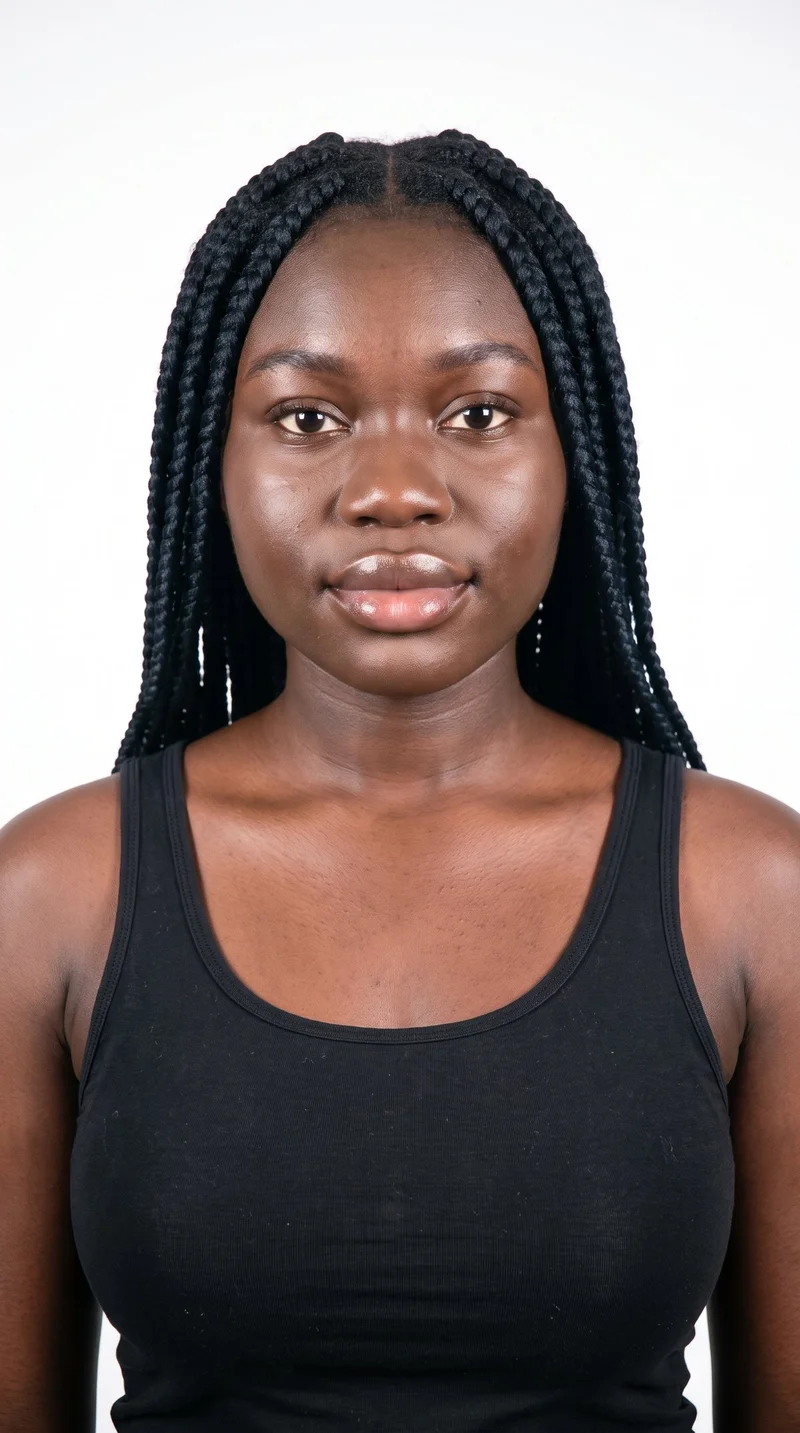
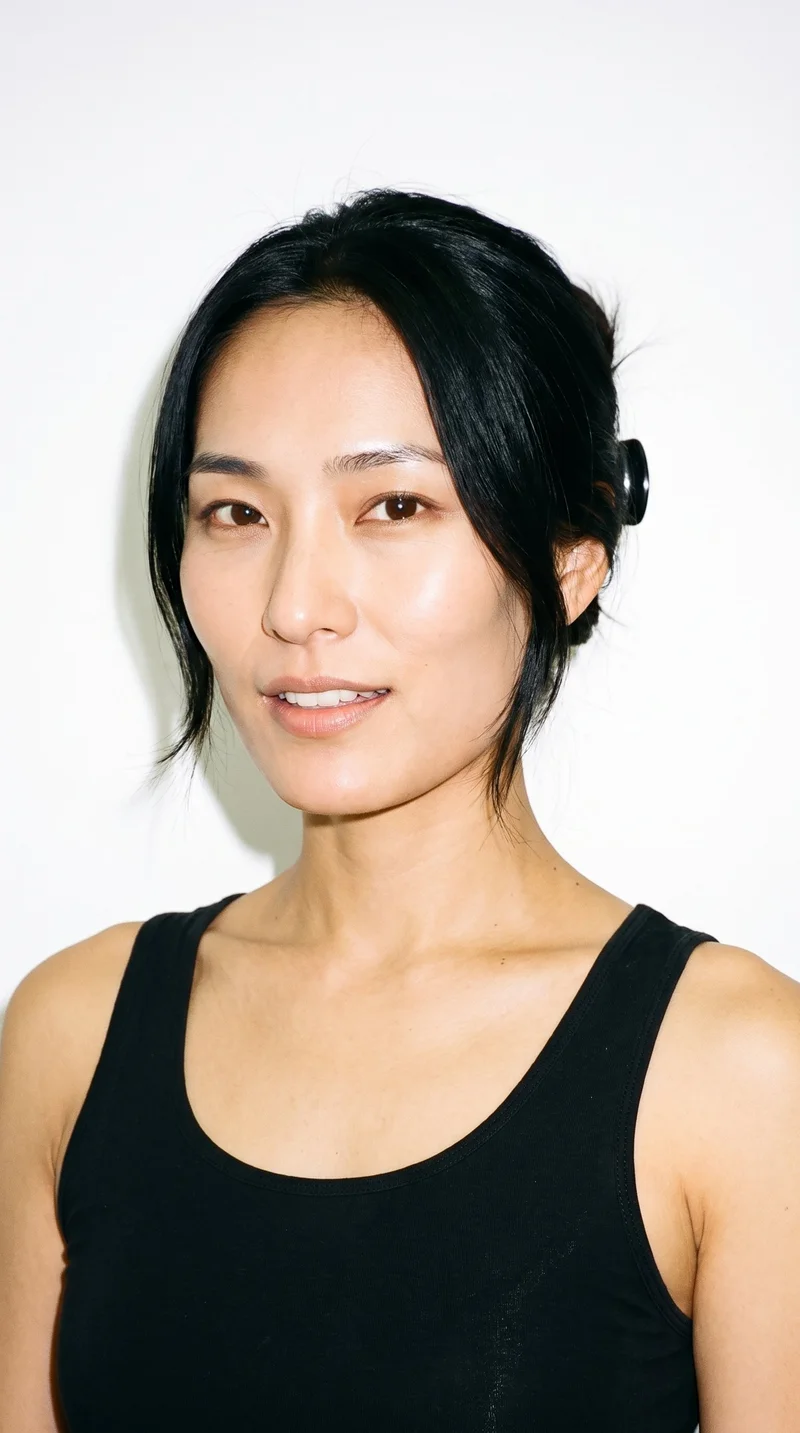
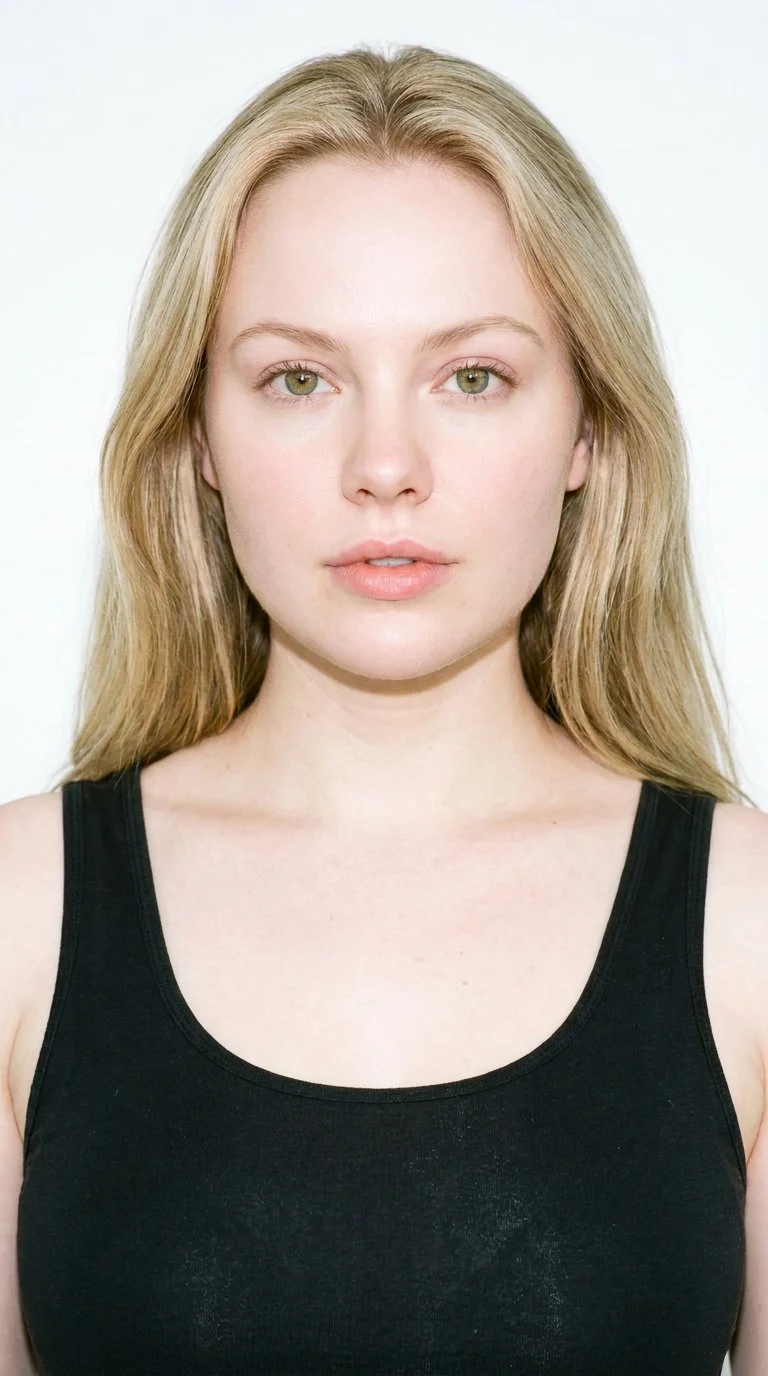
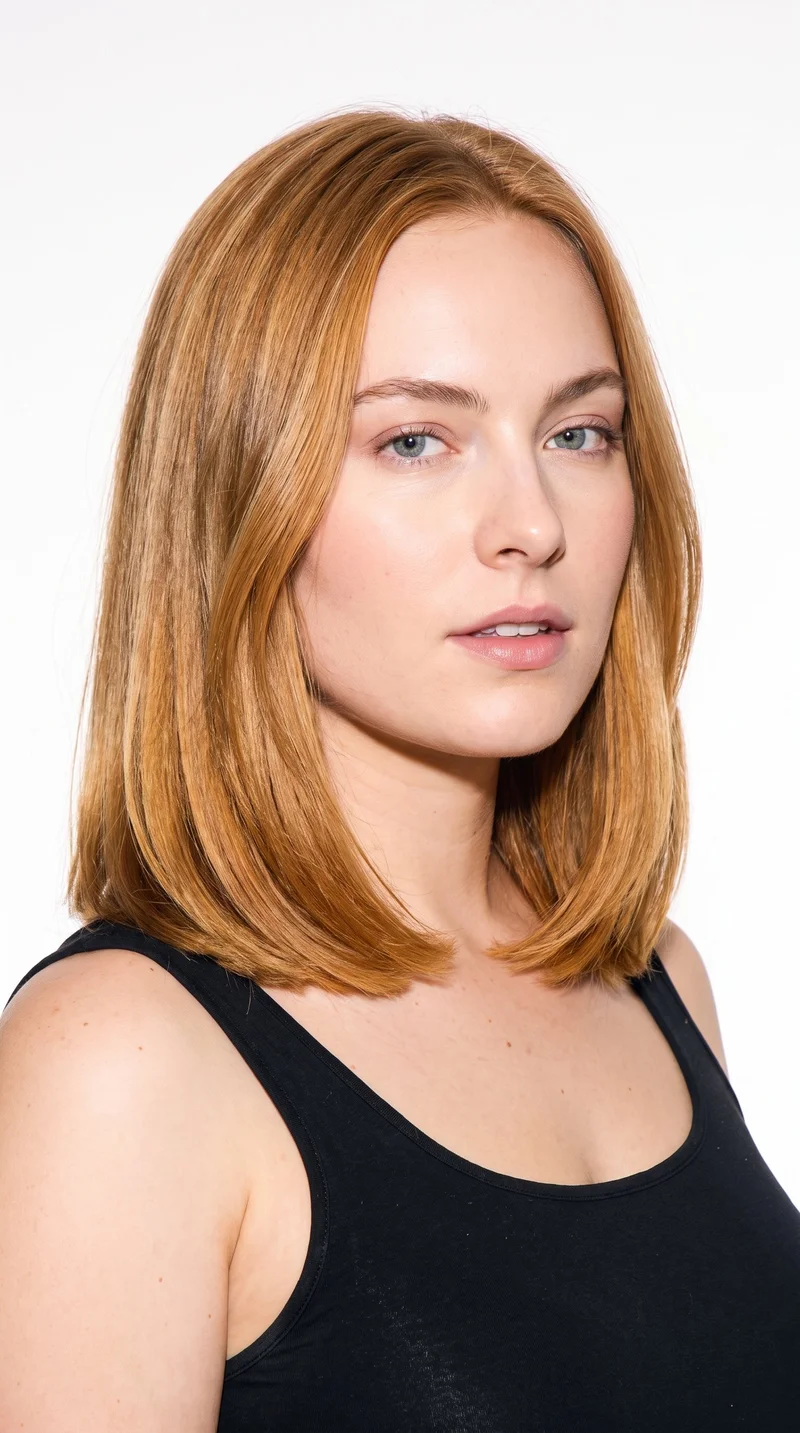
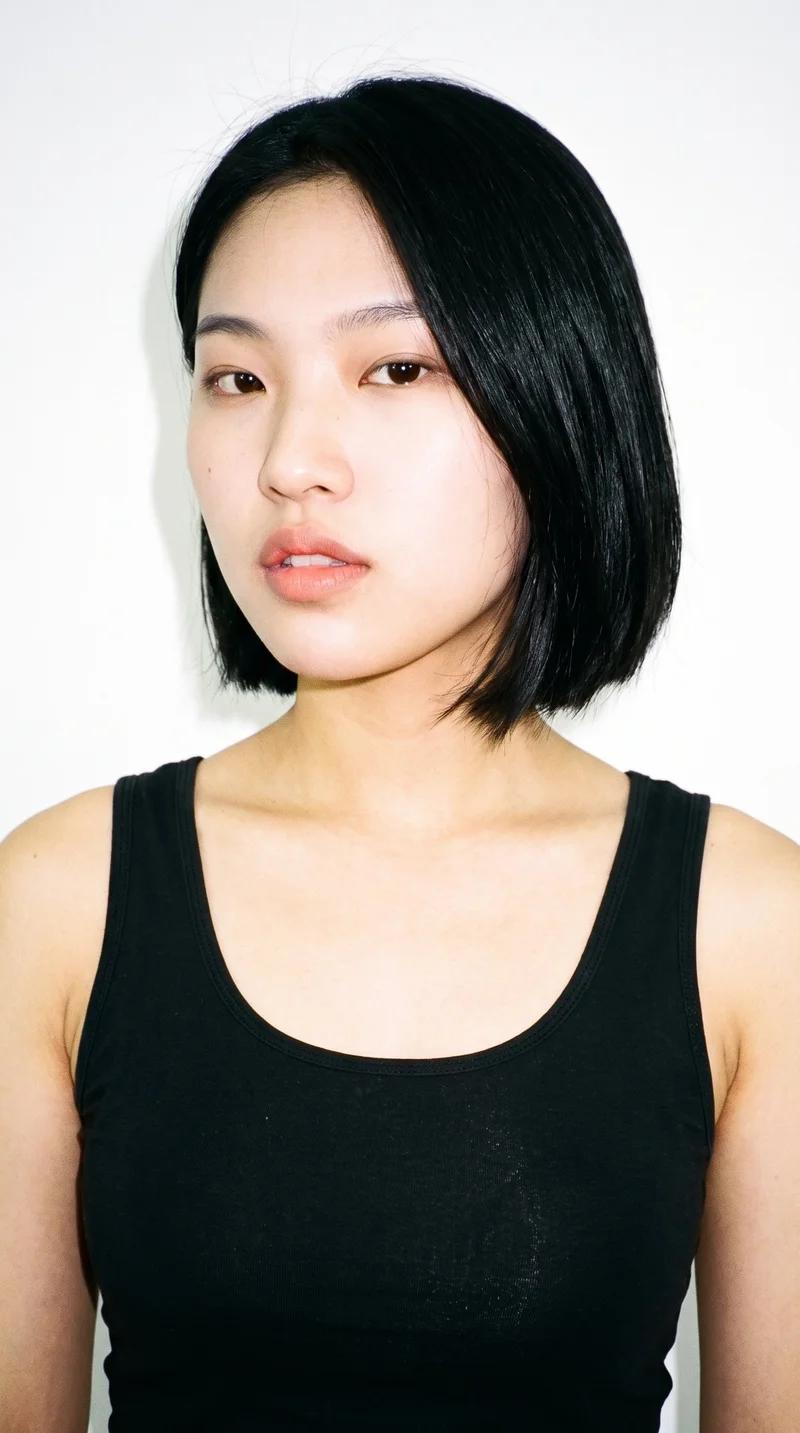
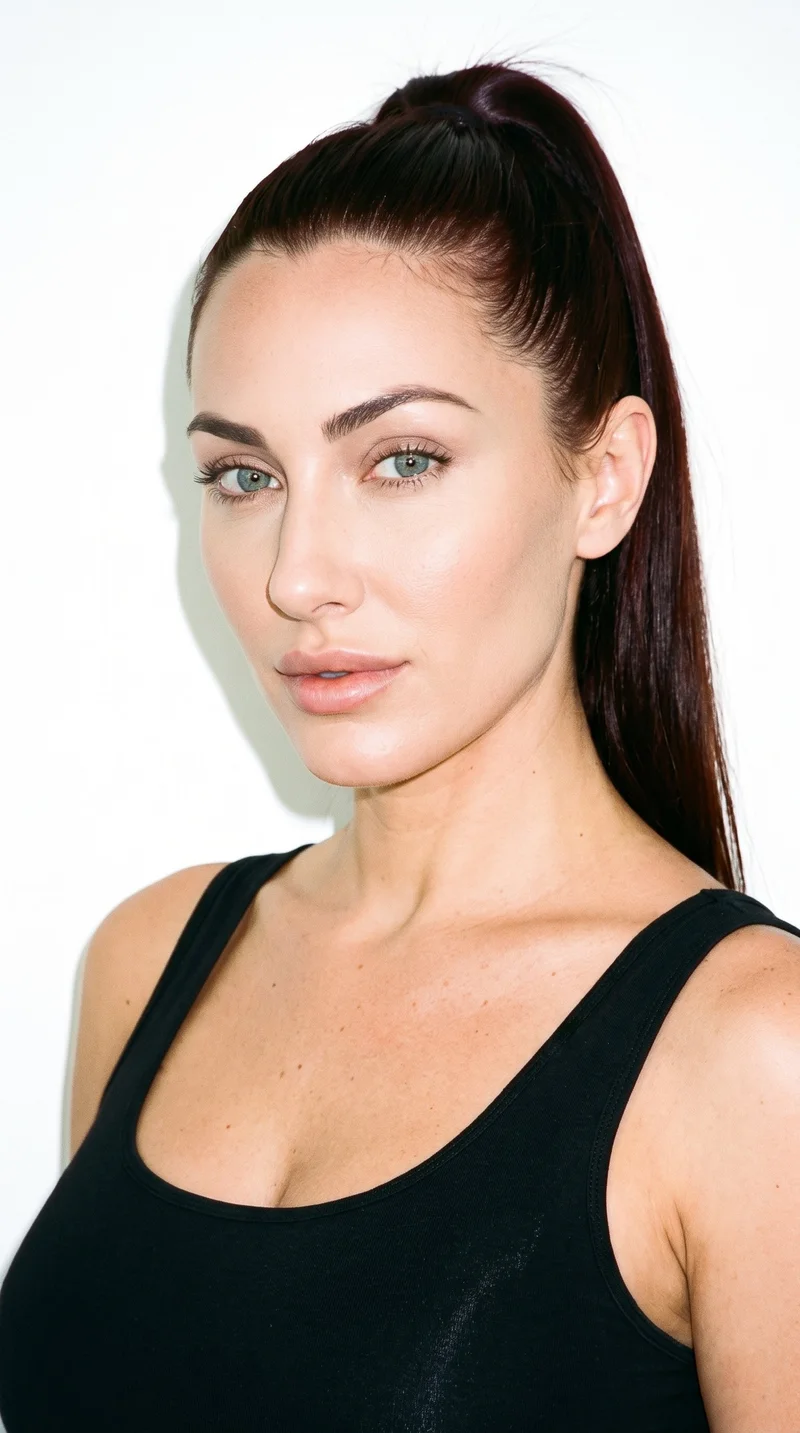
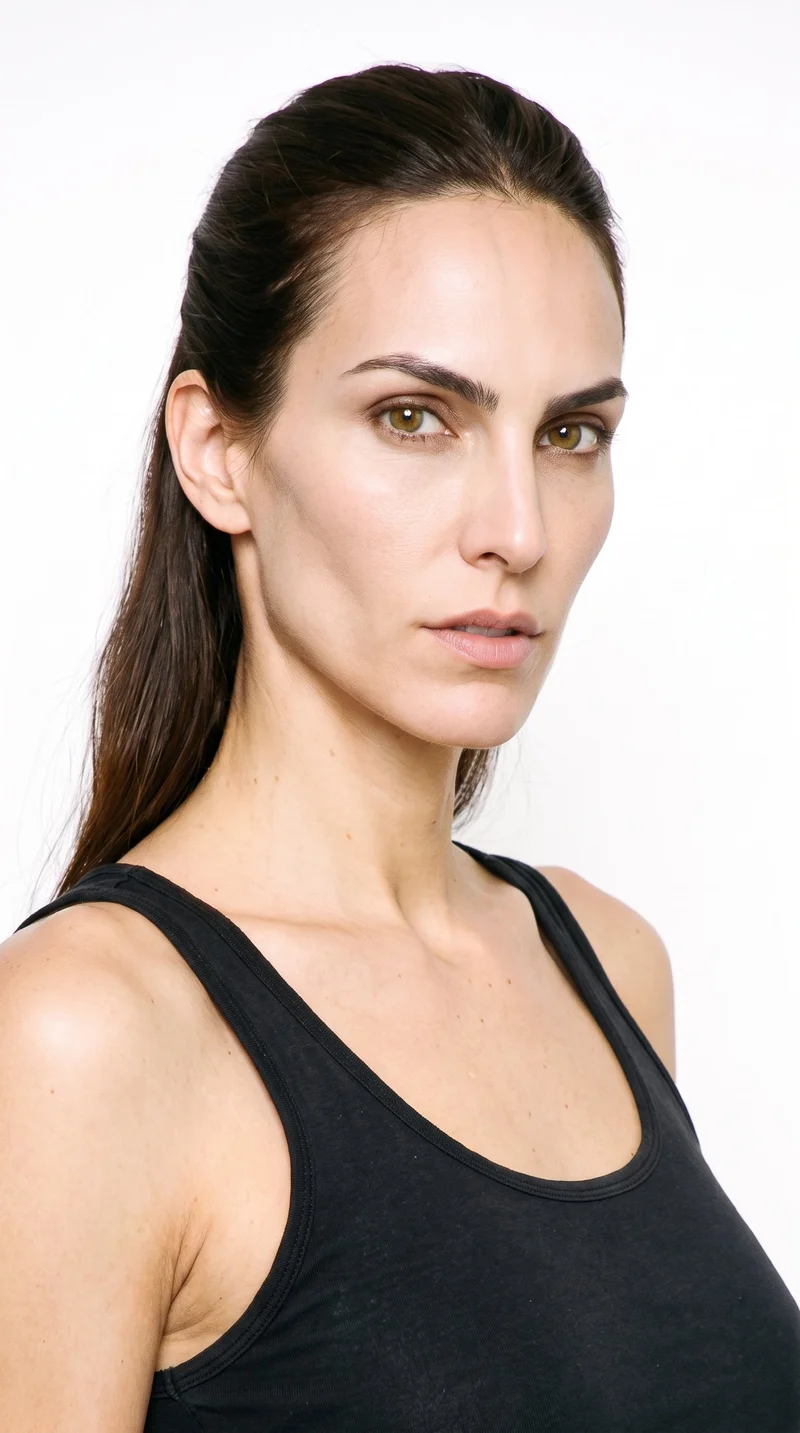
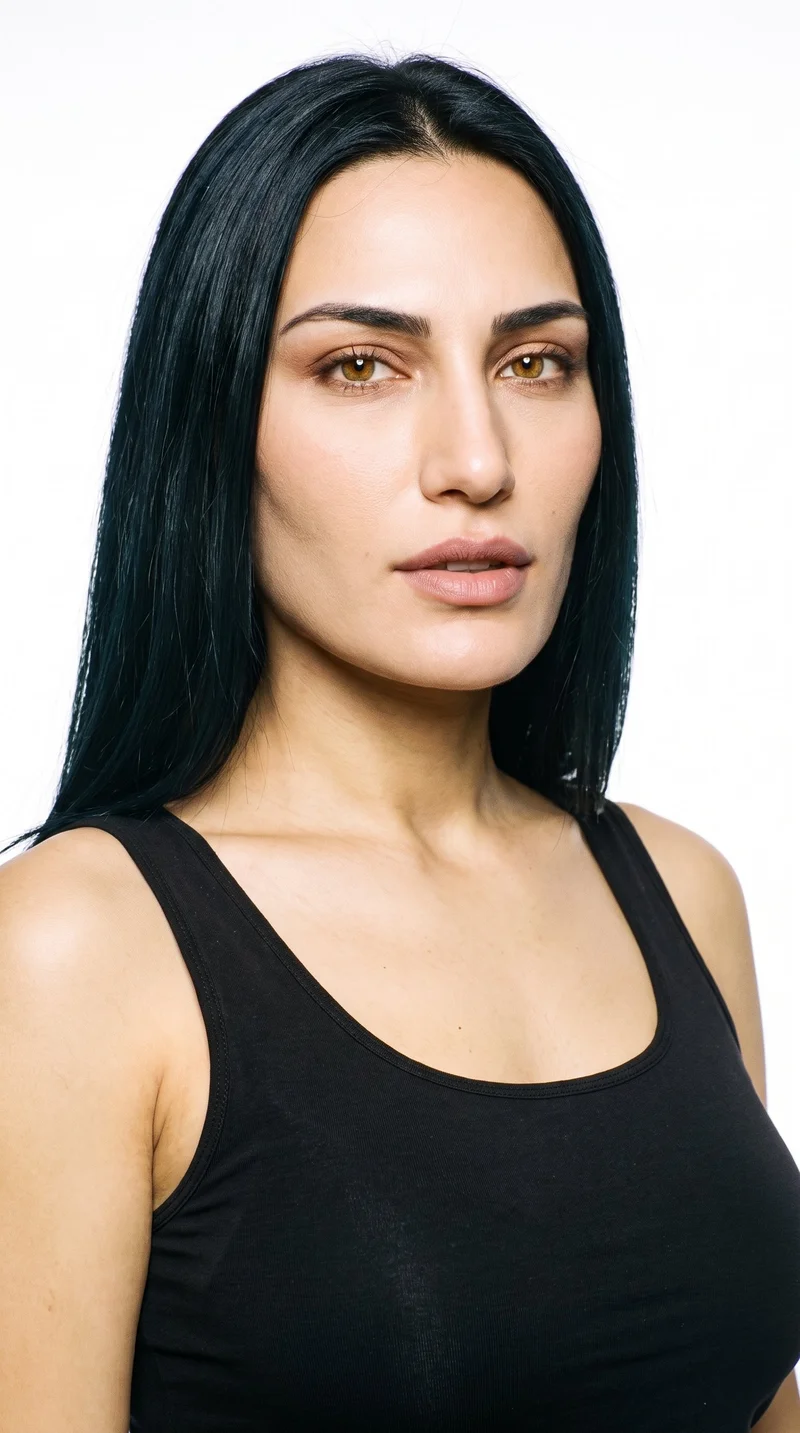
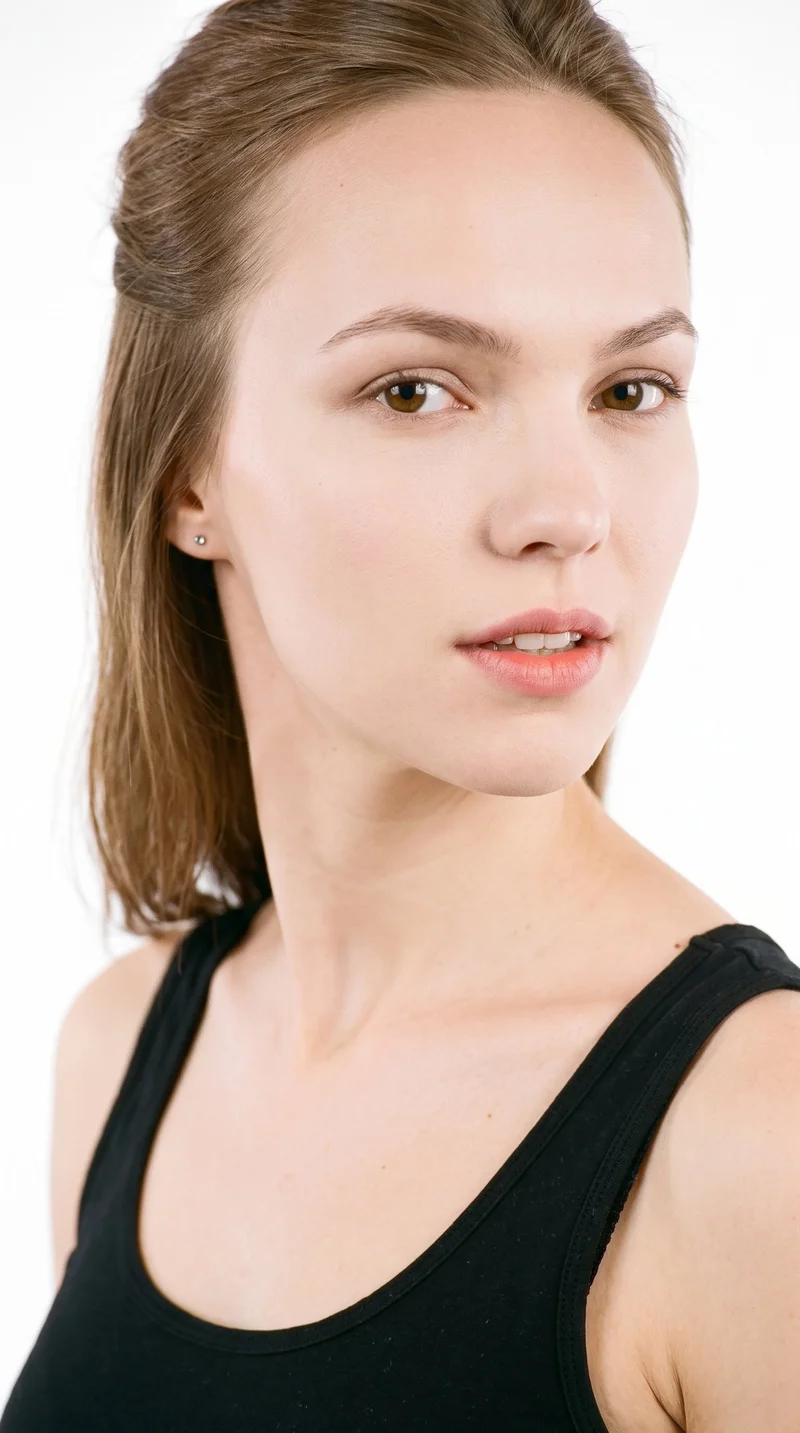
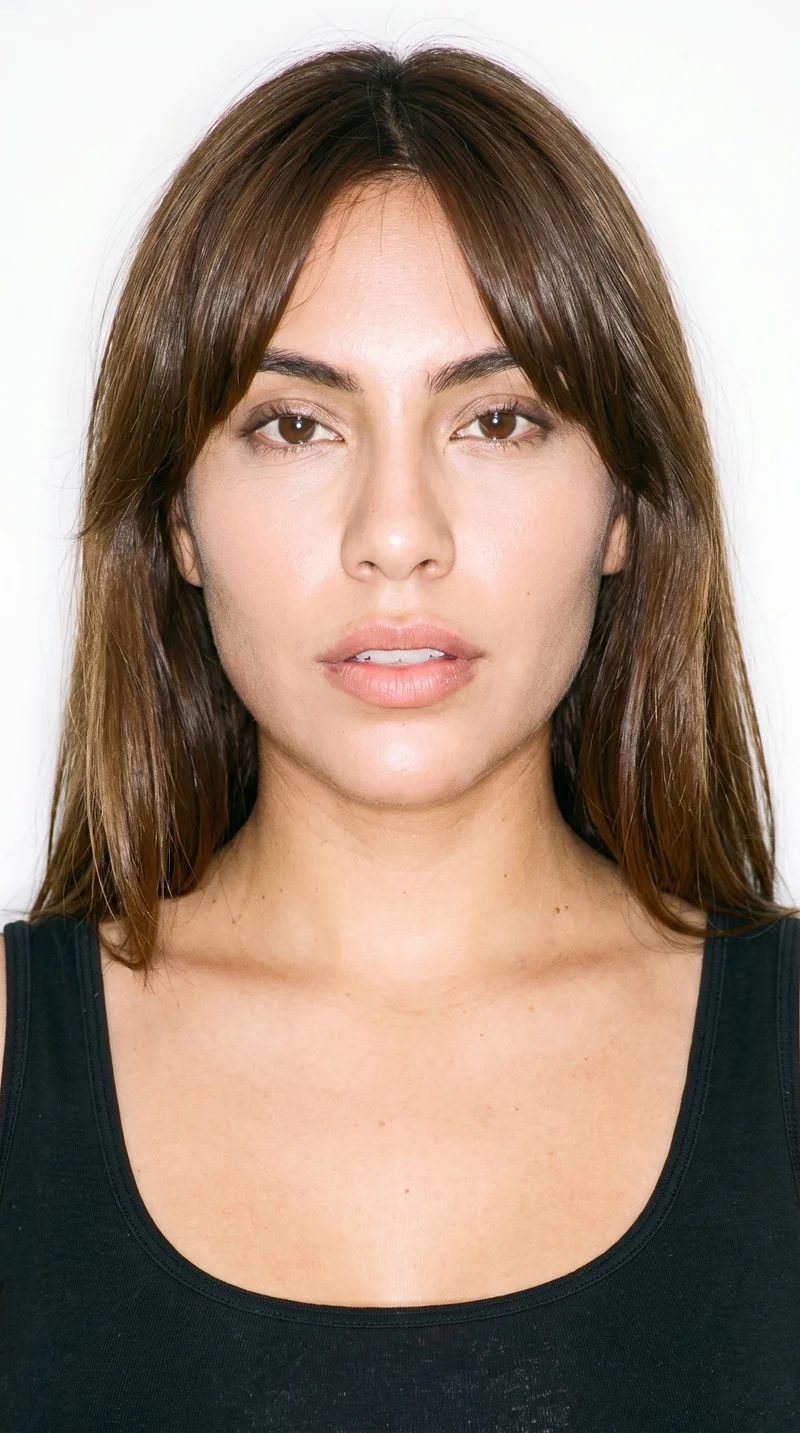
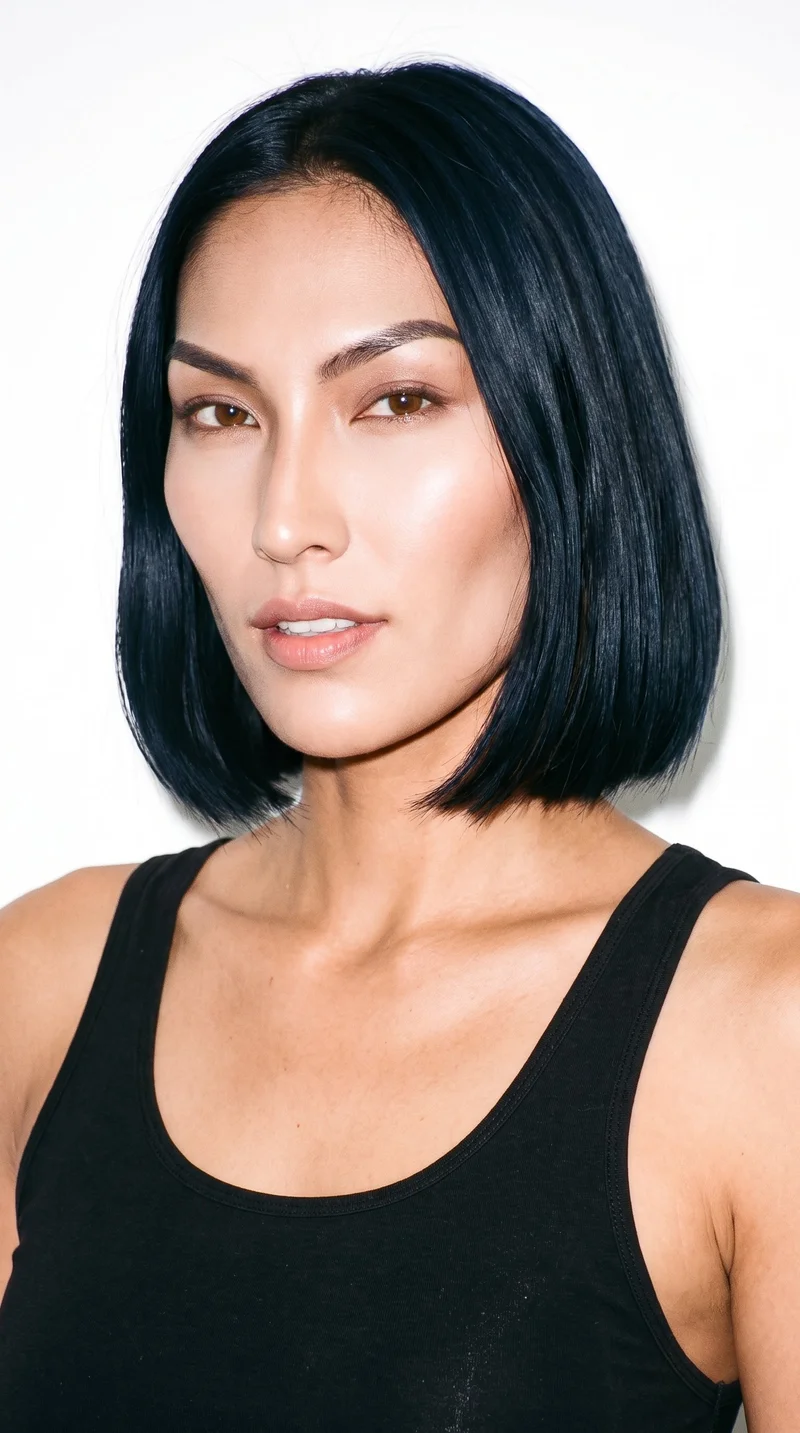
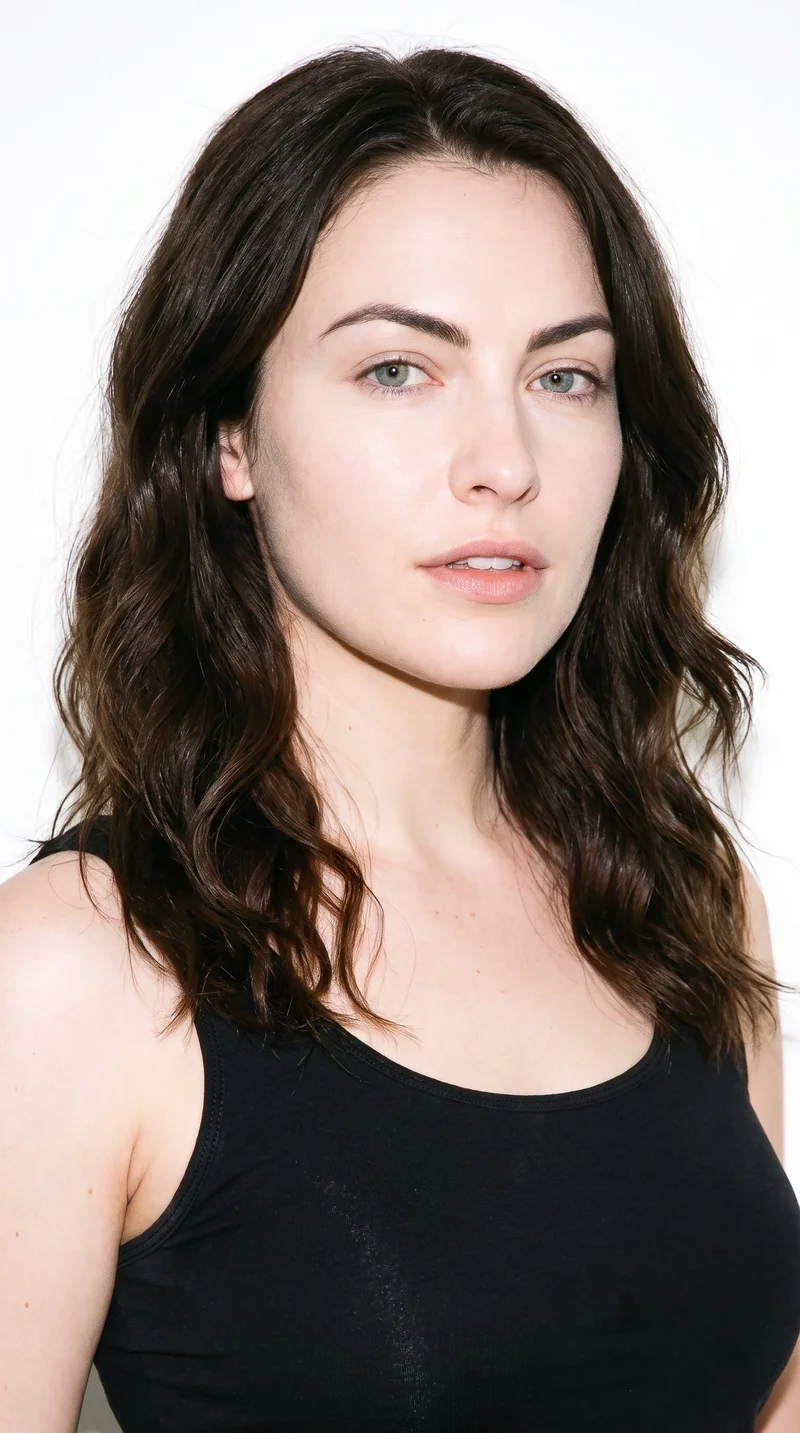
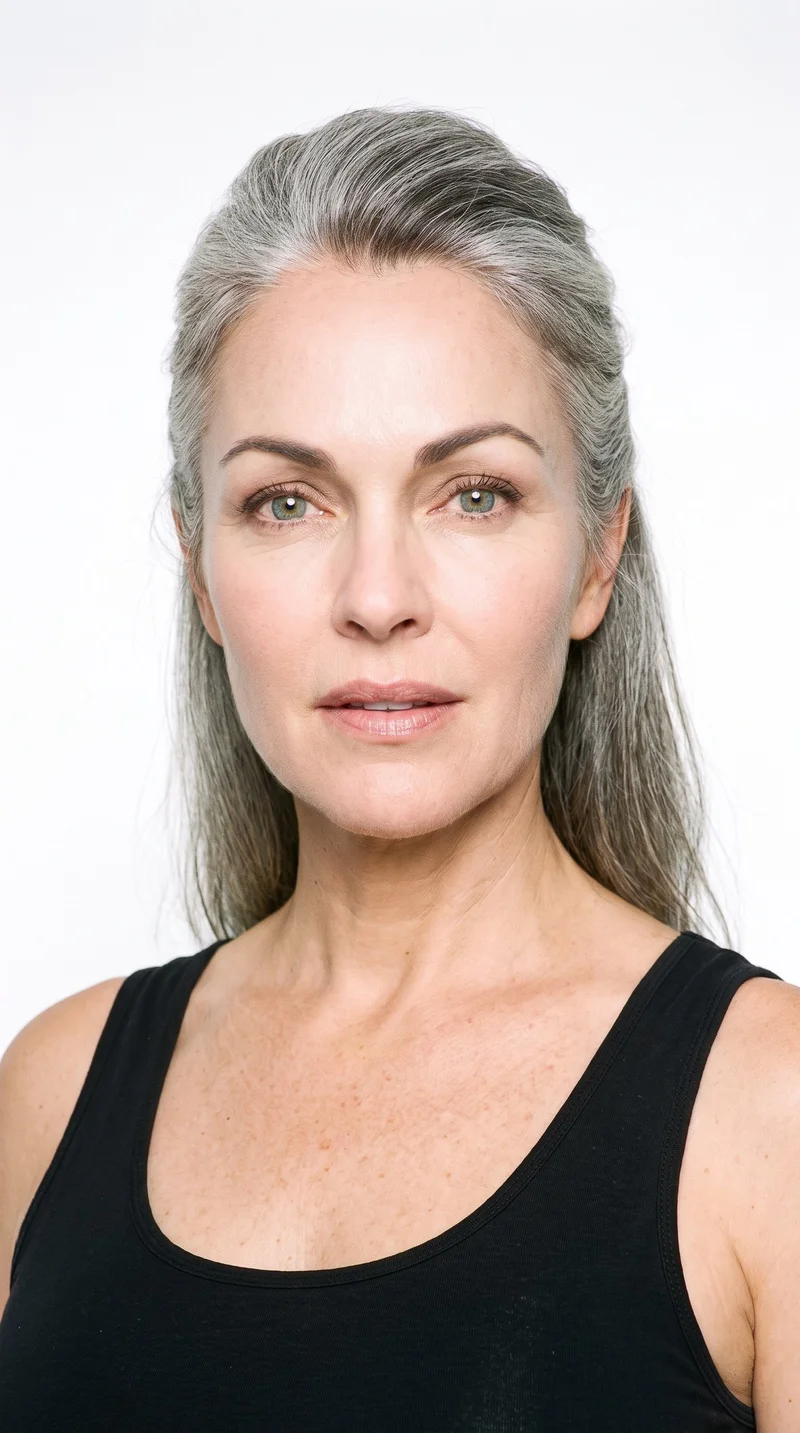
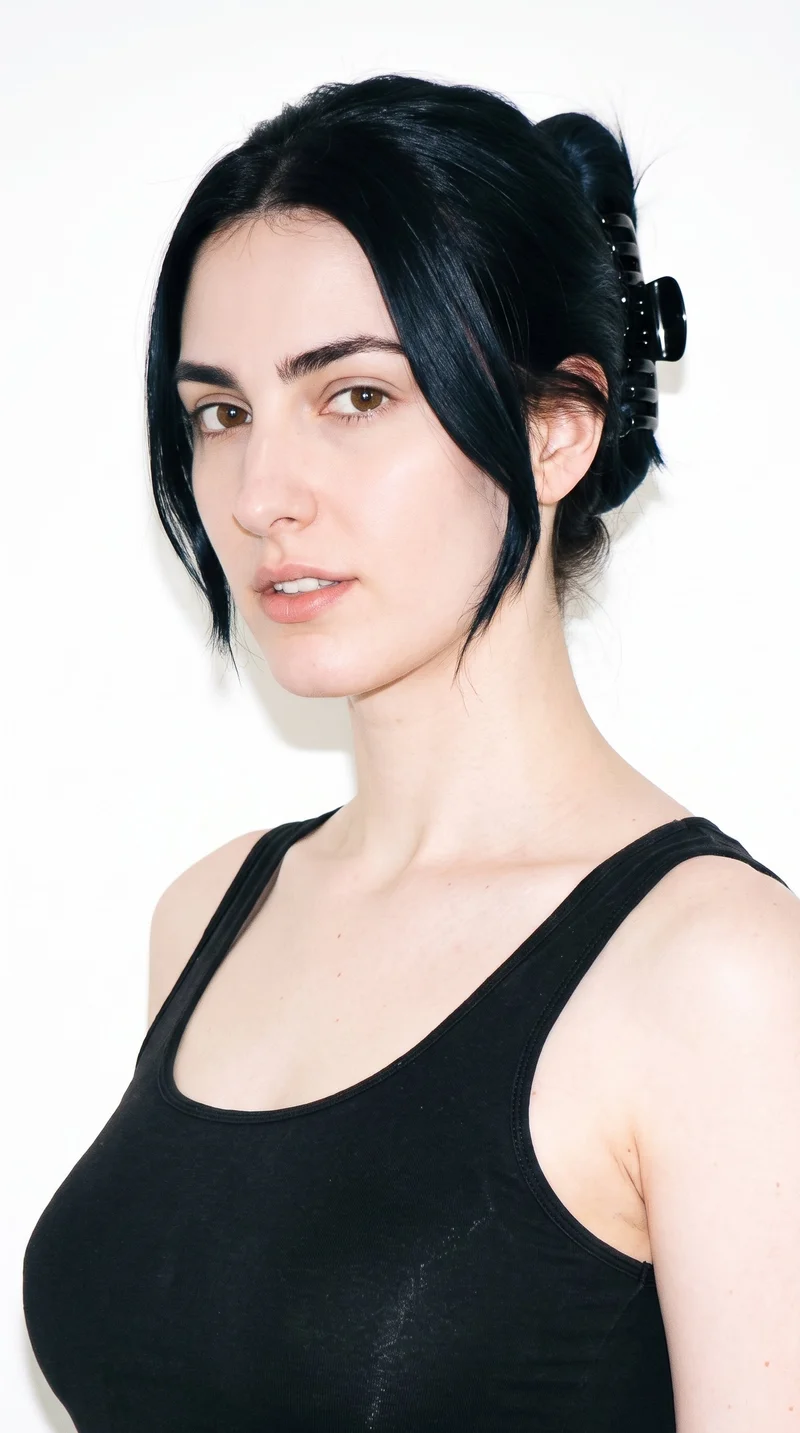
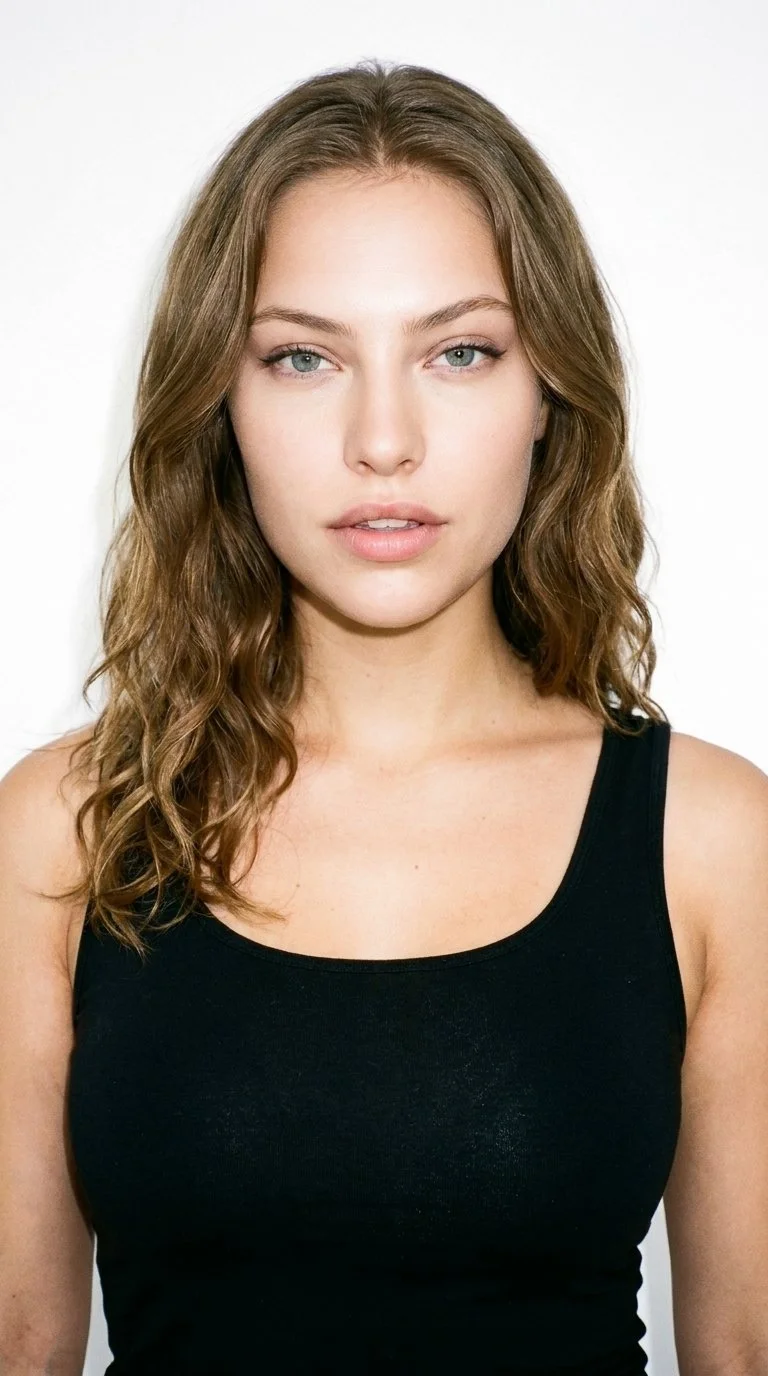
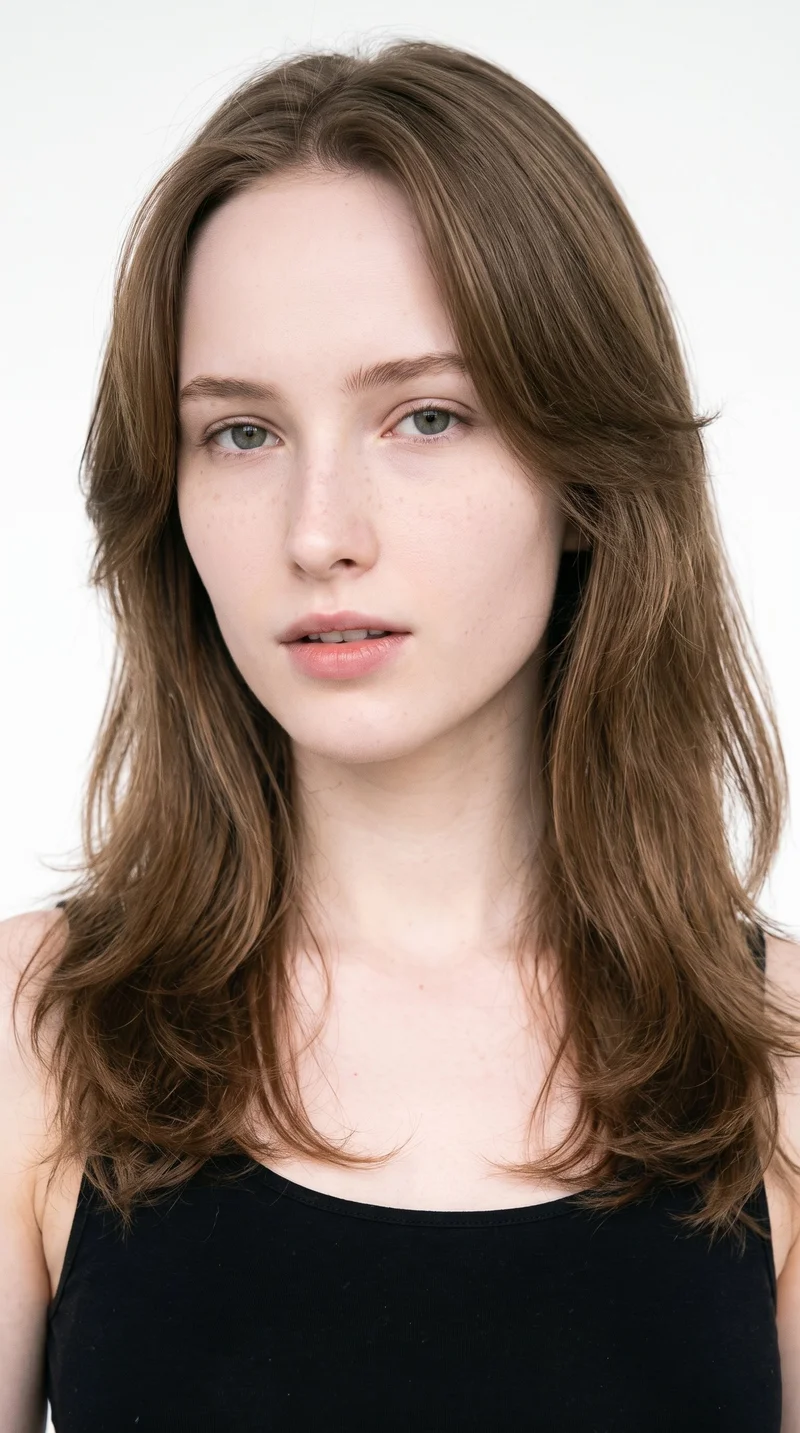
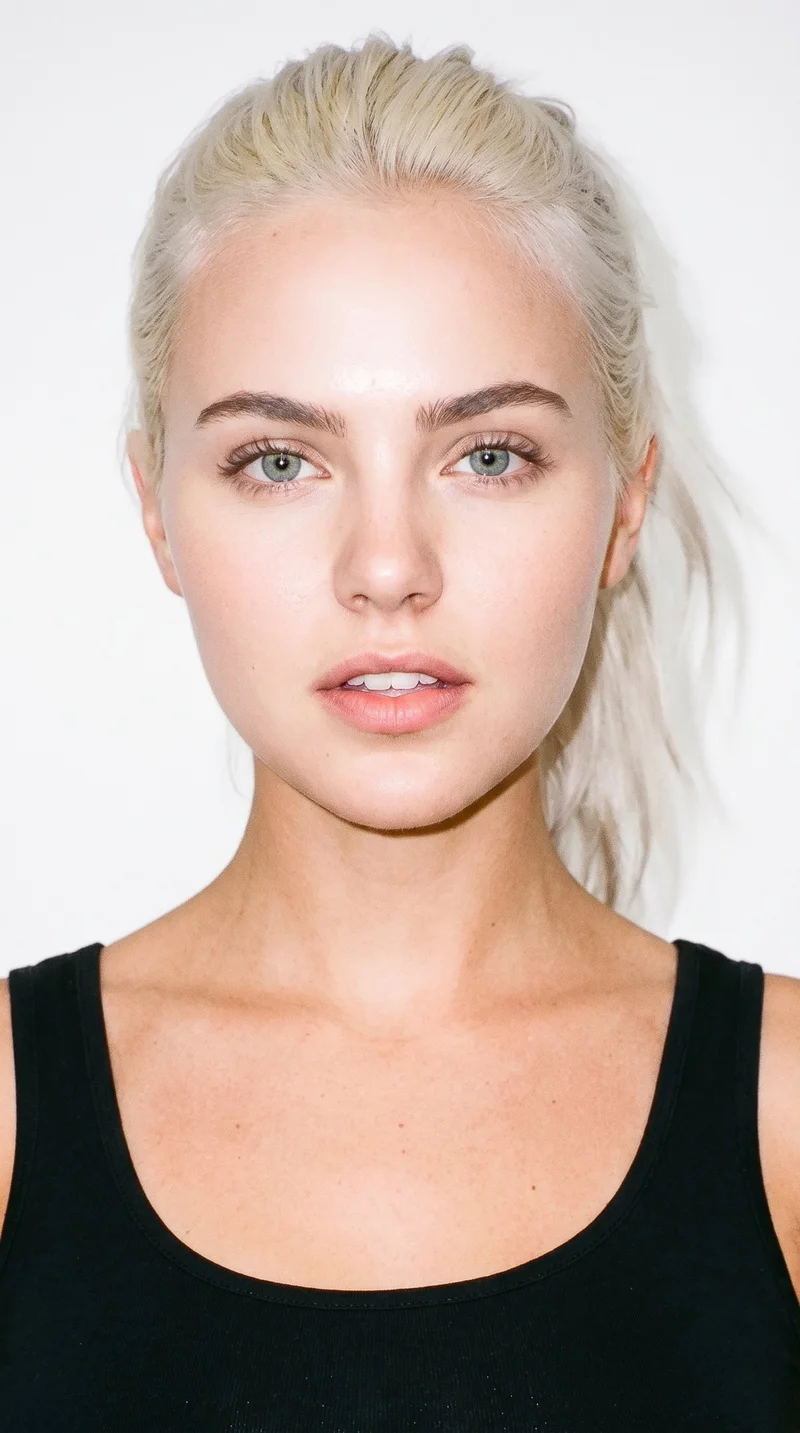
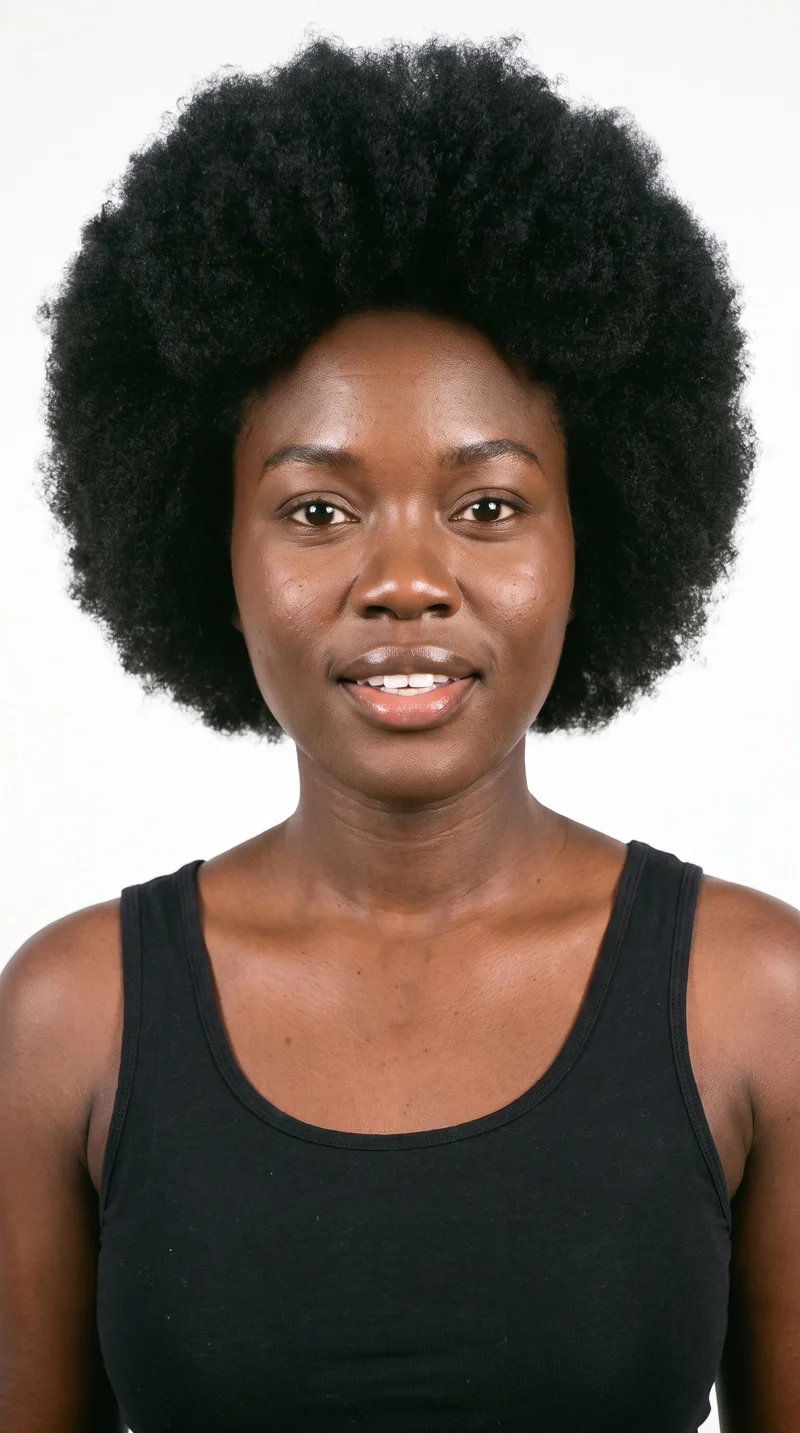
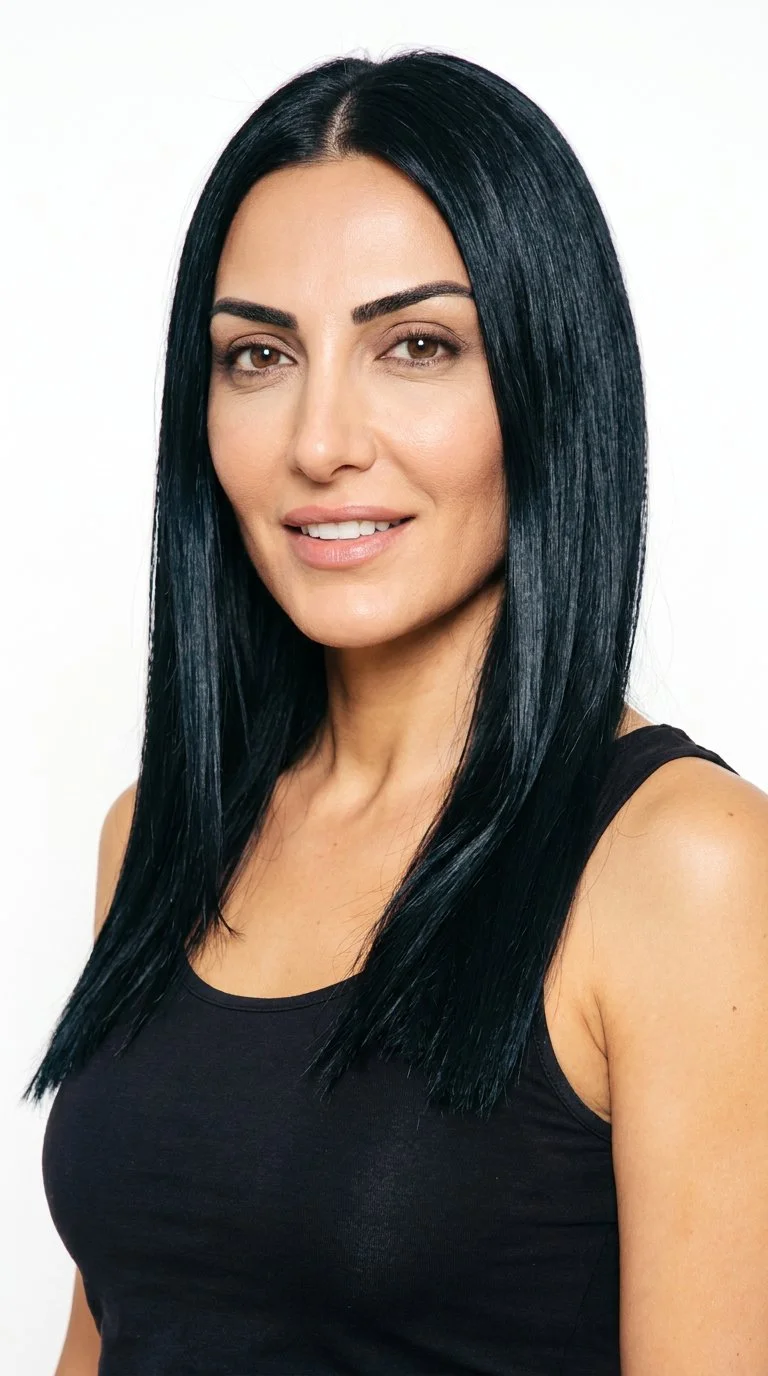
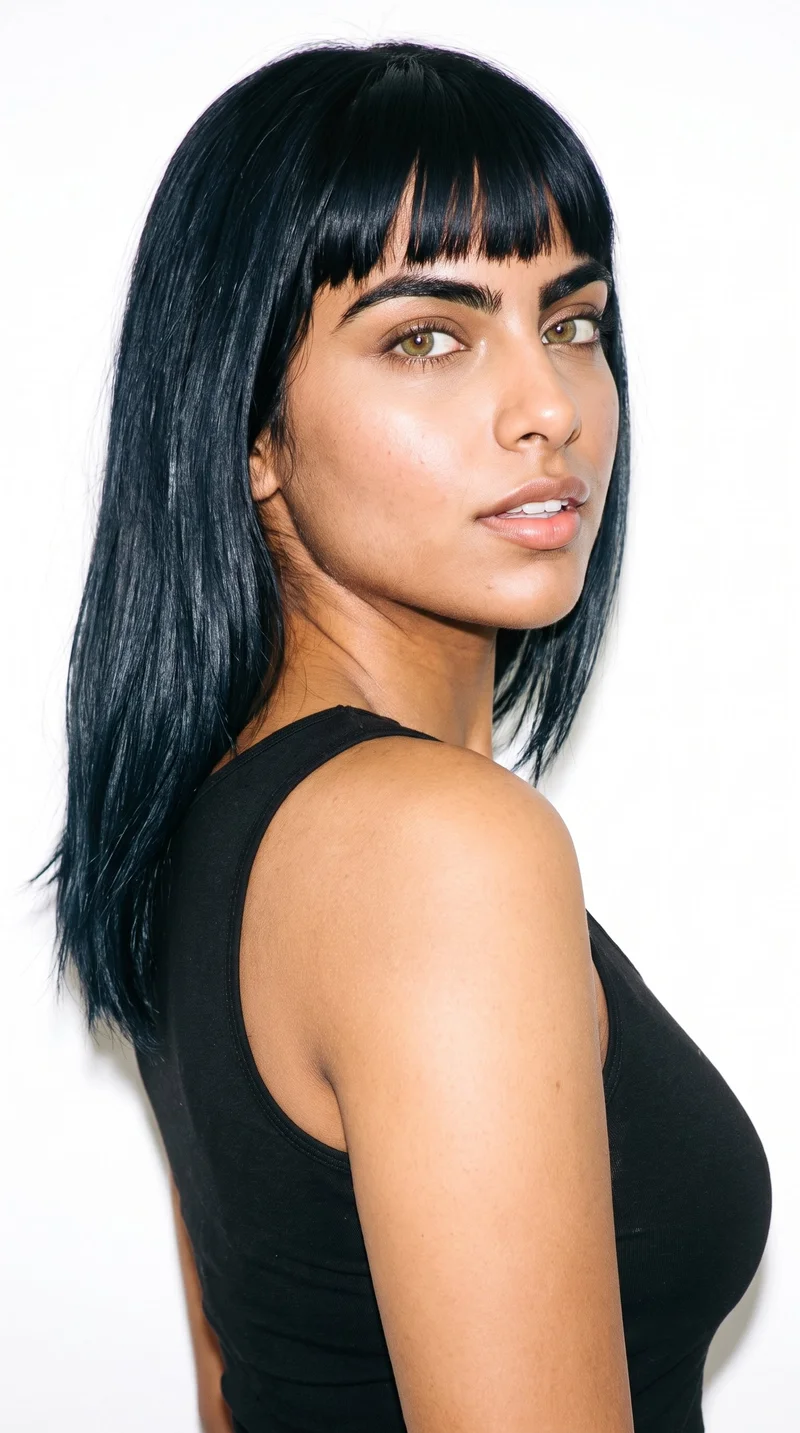
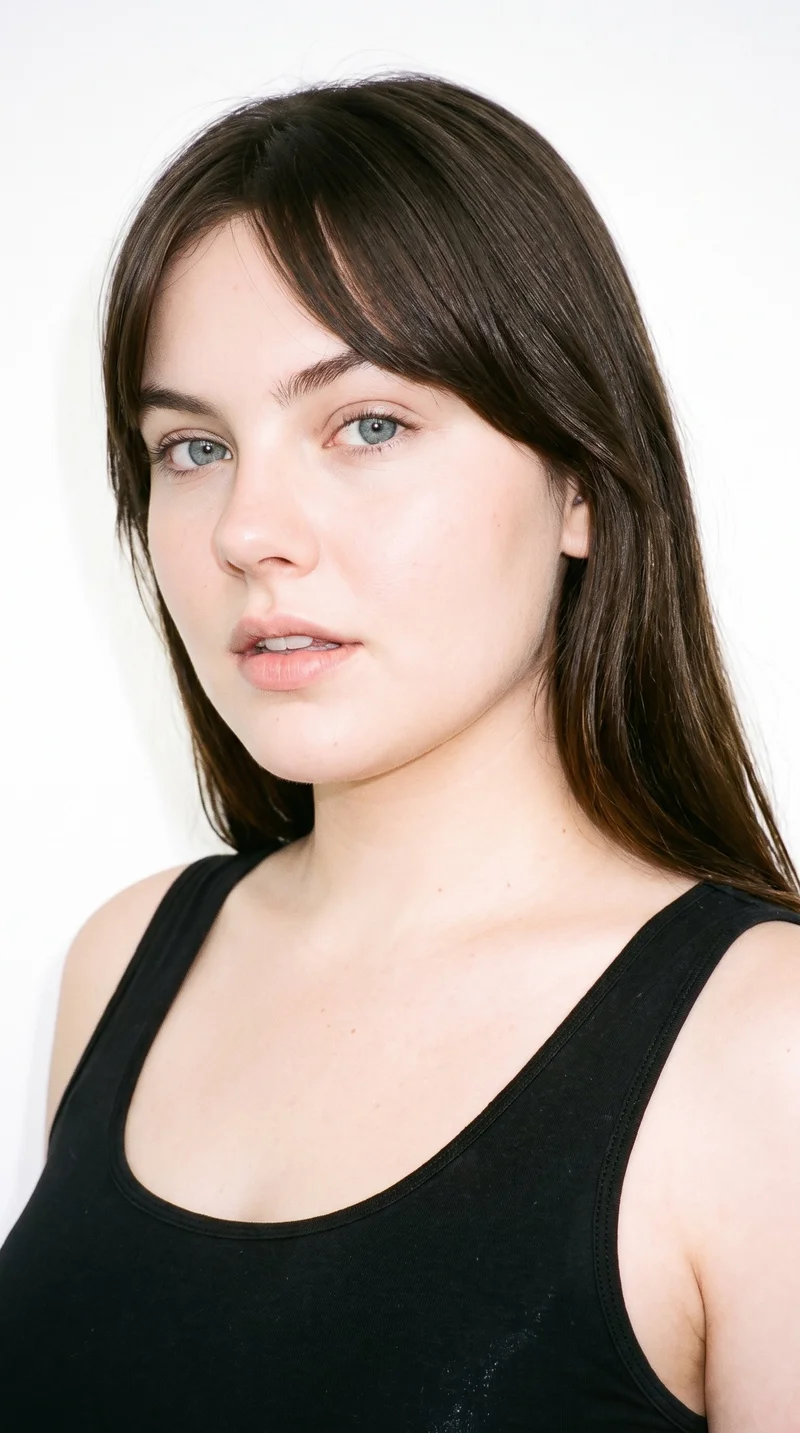
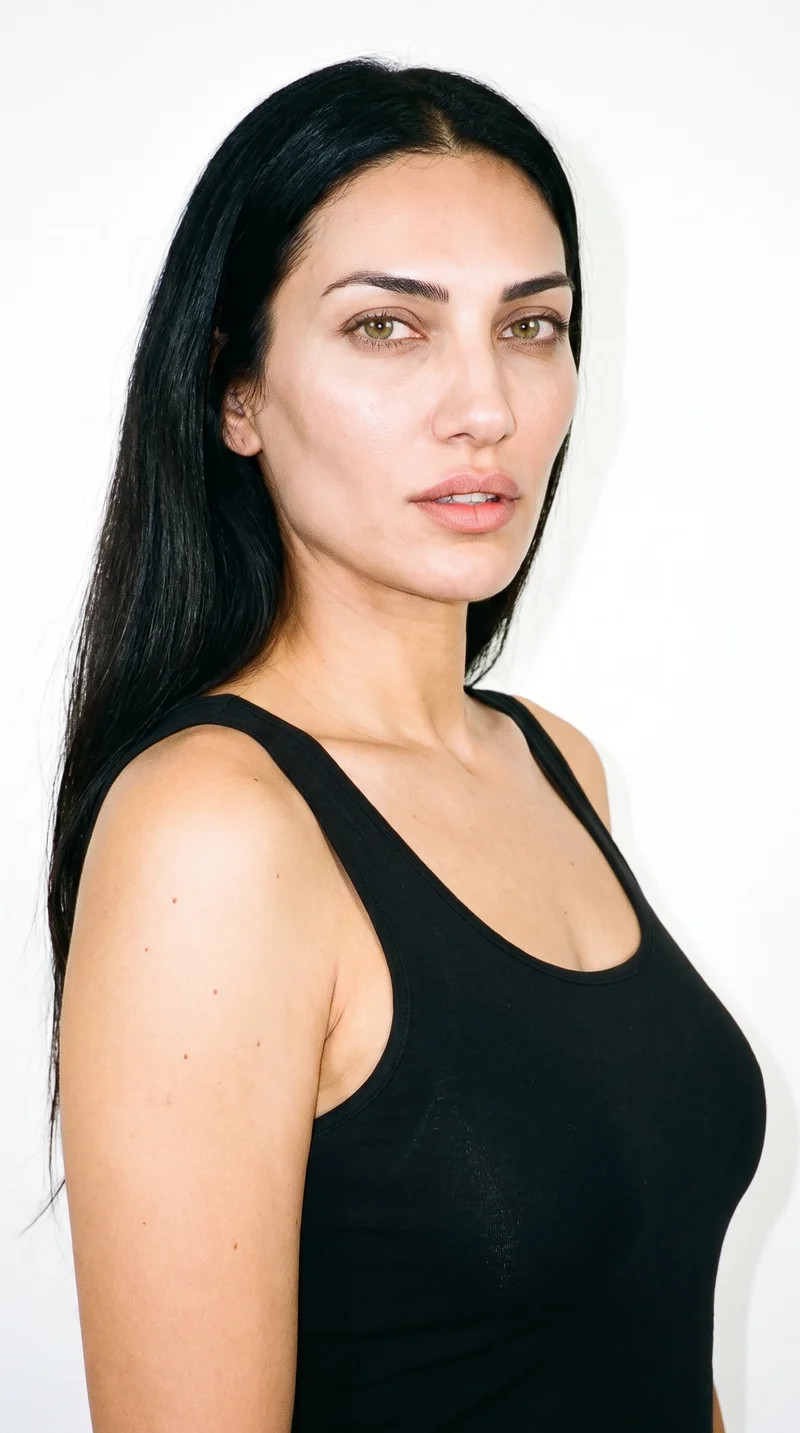
Showing 24 of 169
Gallery
Product, campaign and social imagery show the cast.
Review curvy on-model fashion imagery across product, campaign and social casting situations.
Body type
Showing 24 of 99
Rawshot Features
Waist, hip line, styling and framing stay adjustable.
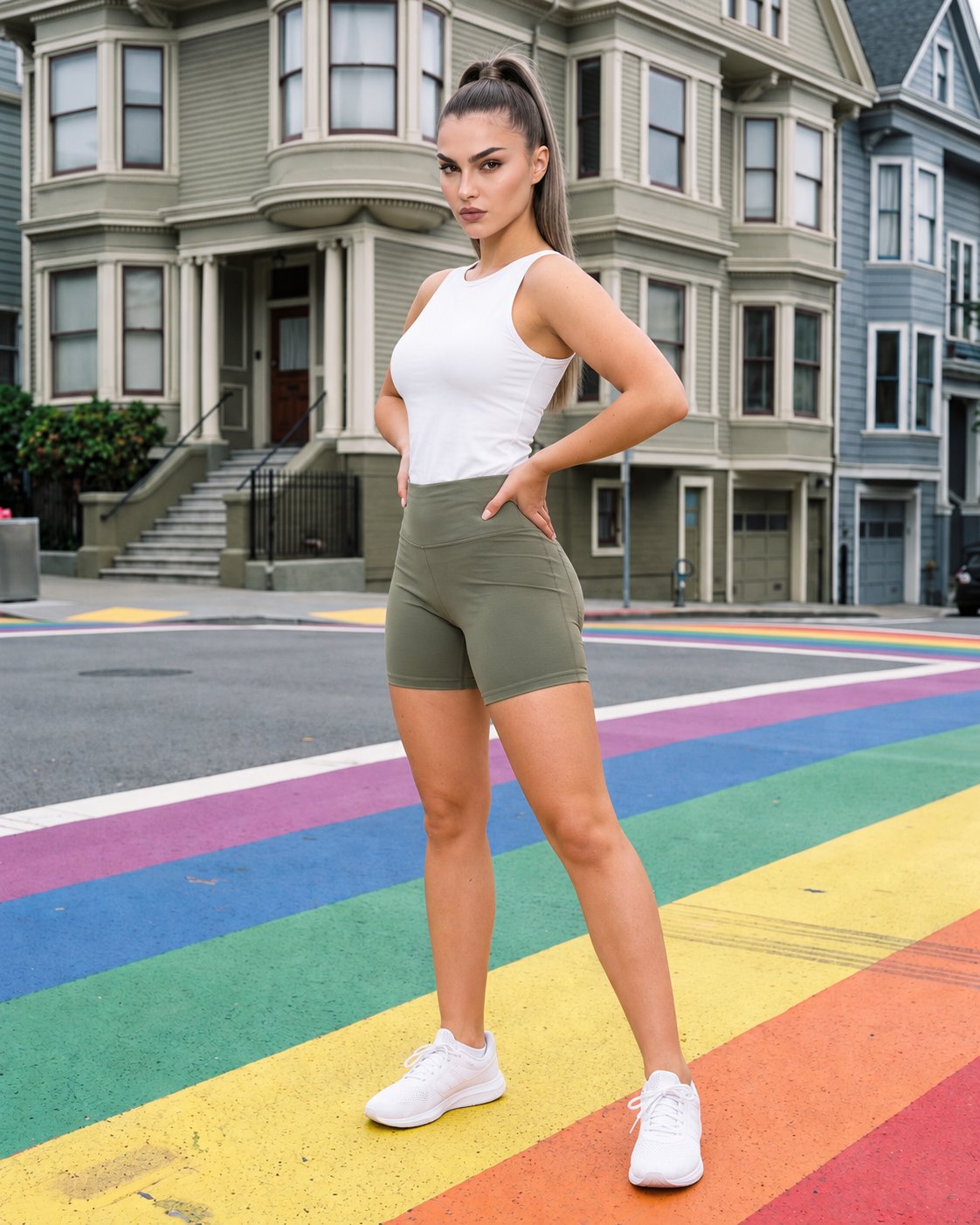
Direct Every Garment View
This control matters when you need the waist, hip and garment line to read clearly across product-page and campaign imagery.
22 poses on a full-body shot · 104 in total
See the feature →
Choose Your Curvy Model
This control matters when you need a curvy casting choice that stays coherent across a fuller-hip collection.
Library filters plus private model building for consistent identity across the set.
See the feature →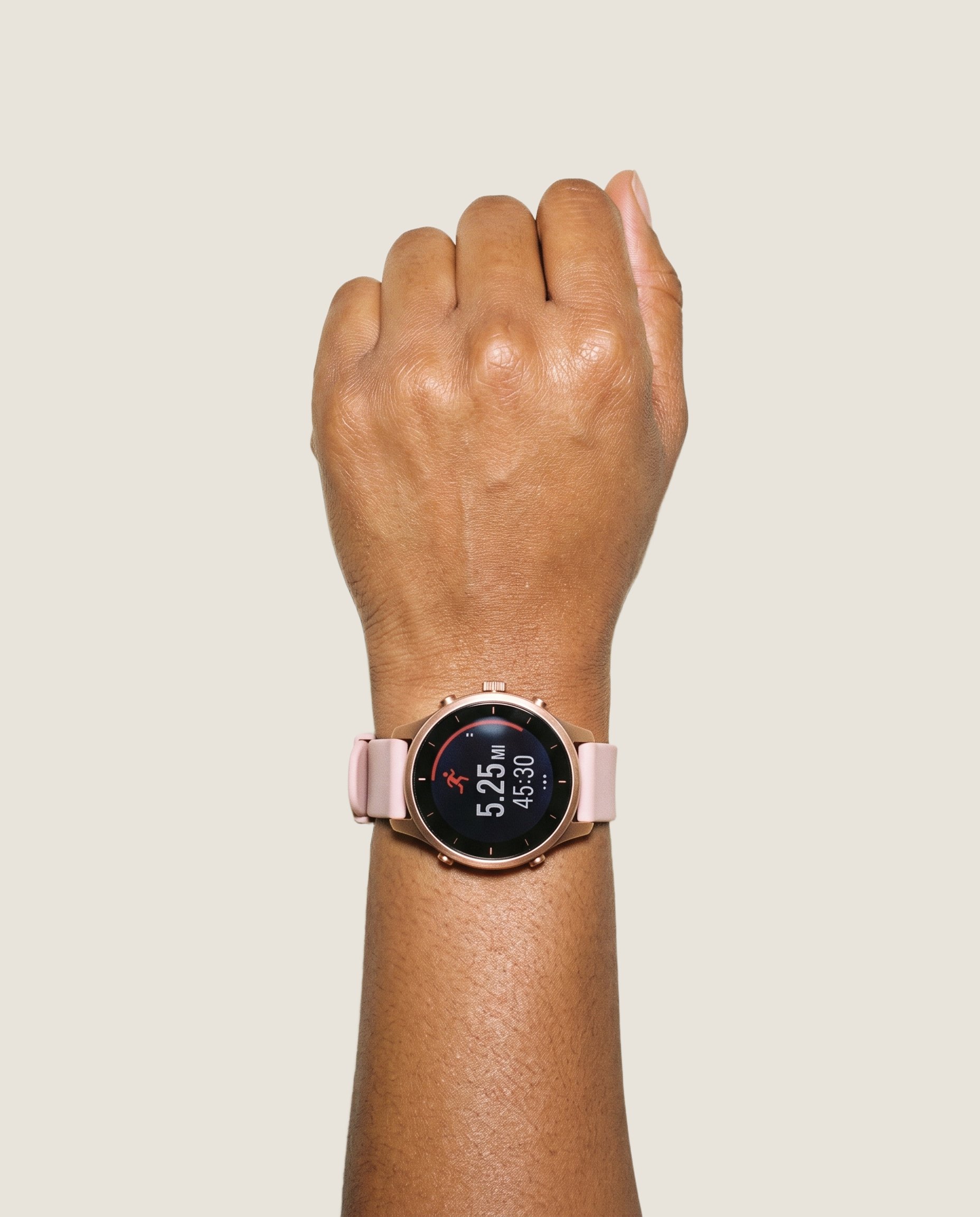
Bring Your Product In
This control matters when your starting point is a real garment source and the on-model image must reflect its intended construction.
Start from your real item and keep product fidelity while building the scene.
See the feature →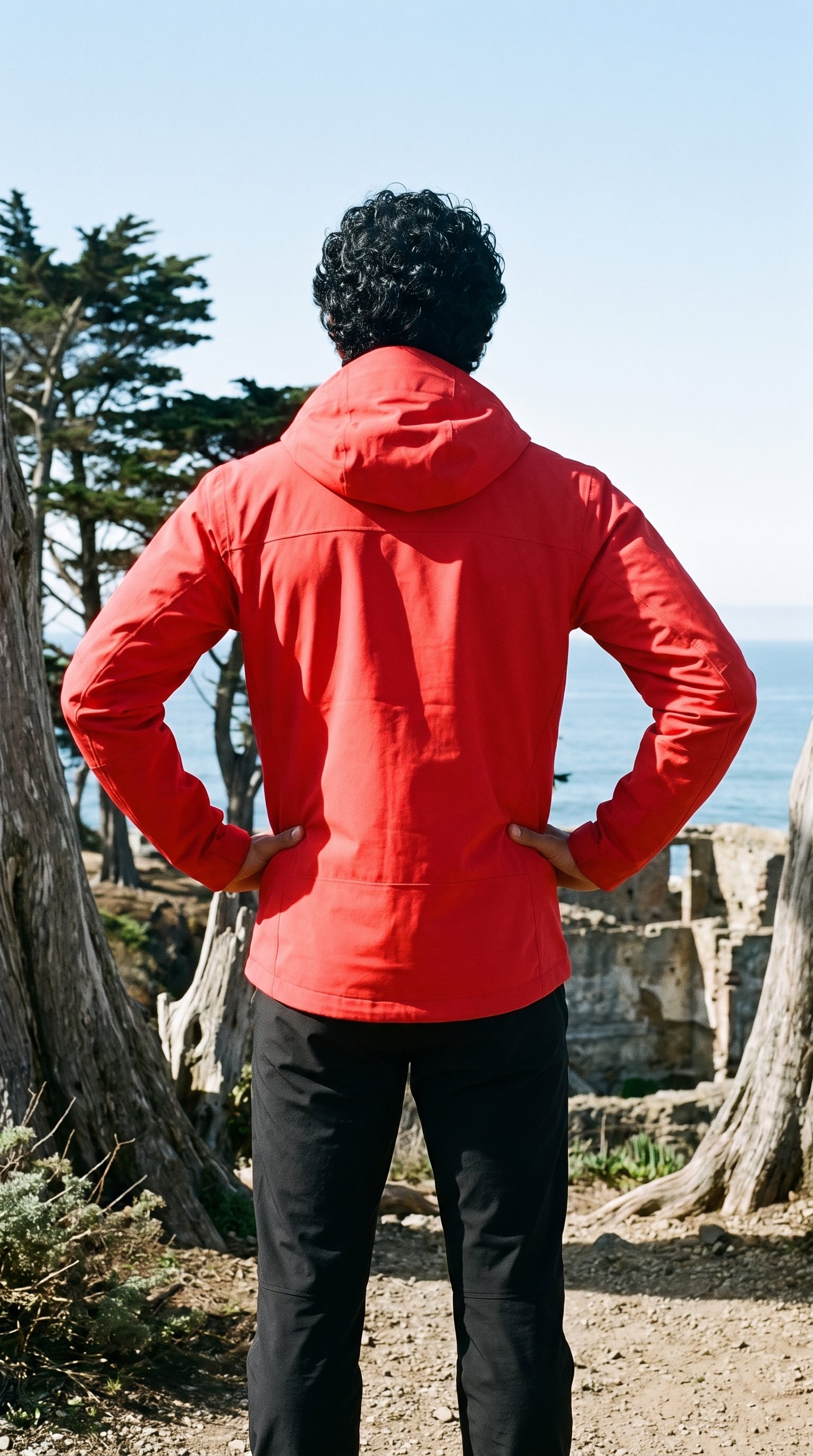
Hold the Composition Steady
This control matters when you want to change the model or composition while preserving the established product presentation.
Change one decision and keep the rest of the composition stable.
See the feature →AI image quality control
Every generated image is checked against your model, frame, view and pose before you see it.
AI image to video generator
17 model actions on a full-body shot · 132 in total
AI makeup generator
Branch-aware named options applied without altering casting or scene setup.
AI outfit generator
Combine the main piece with neutral supporting items in one coherent frame.
AI photo background generator
Swap scene context while keeping model, product, and framing stable.
AI suggestions
Preselected control values you can always override in the same configurator.
Garment styling
Choose how the garment is worn and keep brand presentation consistent.
Inspiration gallery
Load editable finished looks as fast starting points for new shoots.
Photography direction
4 named choices that set mood and shadow the same way across a shoot.
Direct the shoot
Your shoot continues through view, pose and crop.
Library
Grown composites, licence-free
1,197
Preselected
3
Private model
Build your own from 31 attributes, used only by your brand
31
Create photoshoot
Step 2 of 7 · Model
Curvy
Model
Female · 19 · Pear shaped
Rights
Licence-free, no real-person likeness
Next: outfit, styling, background
Use cases
Colourways, linesheets and social posts need one roster.
Waist And Hip Read
You are preparing an activewear drop and need shoppers to understand how each cut sits through the waist and hip. For an e-commerce manager, use the body-type control and a tighter frame to inspect the waist and hip line. The resulting product-page view gives shoppers clearer visual context for the cut.
Colourway Comparison
You are presenting one garment in several colours and want each version to retain the same visual direction. When you are showing colourways, keep the pose and photography direction fixed while switching the product input. Consistent lighting and composition make each garment easier to compare.
Fuller-Hip Linesheet
You are building a line for a fuller hip and need a coherent roster for wholesale or internal review. If you are planning a fuller-hip line, choose the Curvy body type and catalogue pose direction for a coherent roster. The selected model presentation supports a focused linesheet.
Channel-Ready Socials
You are turning approved product imagery into feed, story and ad placements for a curvy fashion launch. For social content, set the aspect ratio, frame and background for each placement. Your directed crop gives every channel a usable on-model visual without changing the product focus.
Performance Creative Tests
You are testing motion ads and need several creative directions built from the same approved fashion product. While testing video ads, start with a still and use composition controls to vary the model or pose. Each new creative gives you a reviewable option tied to the same product.
Pre-Sample Lookbook
You are launching a collection from a mockup or technical sketch before physical samples are ready. When samples are not ready, import a mockup or technical sketch and choose defined styling options around it. The generated lookbook image helps you present the intended piece before production.
Who it's for
Is RAWSHOT right when fit still needs measurement?
A perfect fit
RAWSHOT is a good solution for you if you need curvy on-model imagery with a controlled model, pose and product presentation.
Teams who get the most from it
- RAWSHOT is a good solution for you if you are preparing curvy product imagery for a drop and need one model across colourways.
- If you are building dress photography for a fuller hip, you can direct the product, pose and crop within each composition.
- When your campaign needs a curvy casting direction before booking a shoot, you can review model and light choices in the browser.
Work it handles well
- You can keep the model, light and crop coherent while comparing garments across a range.
- You can start from a product photo, flat-lay, mockup or technical sketch.
- You can direct frames and poses for product pages, linesheets, campaigns and social placements.
Rights
You own every image. Every image says what it is.
Yours
- Full commercial rights to every image, permanently.
- No recurring licence fees on any model in the library.
- Every model is a synthetic composite, so there is no real-person likeness.
Labelled
- C2PA content credentials on every image.
- AI-labelled output, aligned with EU AI Act Article 50.
Checked
- Every image is checked against your model, frame, view and pose before delivery; one that misses is made again.
- A safety filter screens every upload and blocks nude or explicit images.
EU-based hosting, GDPR-compliant handling.
- Aligned with EU AI Act Article 50
- C2PA
- Full commercial rights
- Quality-checked images
- Safety-filtered uploads
- GDPR-compliant handling
- EU-based hosting
Questions
What should you check before the first shoot?
Are RAWSHOT's curvy models real people or generated model imagery?
No. Every RAWSHOT model is a synthetic composite, not a real person, so there is no real-person likeness in your images. You choose from the model library or build your own model from visible attributes.
Which crops and ratios work best for curvy model imagery in RAWSHOT?
Curvy imagery works in 4:5, 9:16, and adaptable landscape frames. Use a tighter crop when you want the waist and hip line to read clearly, or a broader frame when styling and full product presentation matter. You can set the aspect ratio, camera view, background and composition for product pages, feed posts, stories, ads or linesheets. Review each crop to ensure hands, hardware and garment details remain faithful to the supplied product.
Can RAWSHOT keep the same curvy model consistent across colourways and campaign views?
RAWSHOT can keep a curvy model presentation coherent across colourways and campaign views by holding the model, light, pose and photography direction steady. Switch the product input while preserving those choices to make garments easier to compare. You can also vary the frame or crop for a channel without changing the overall casting direction. Review every variant for product fidelity, especially hands, hardware, styling and garment edges.
What rights apply to curvy model imagery created with RAWSHOT?
You get full commercial rights to every image, permanently, with no recurring licence fee. Every image carries C2PA content credentials and is labelled as AI-generated.
Get started
A product view starts on a chosen body type.
Start with a 7-day free trial including 50 tokens, then move to the plan that matches your production volume.