
AI stock video
Video scenes for product-led social content
Create a short set of AI-labelled, on-model fashion video scenes from existing product images. Select the model action, camera movement, lighting treatment, and resolution for footage suited to product-led social posts, stories, or short-form edits.
7-day free trial • 50 tokens (10 images) • Cancel anytime
A 2K image in roughly 35 seconds · AI-labelled with C2PA content credentials
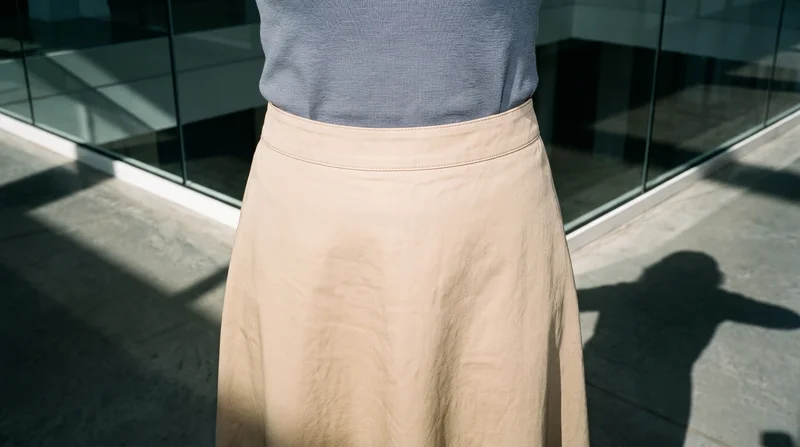
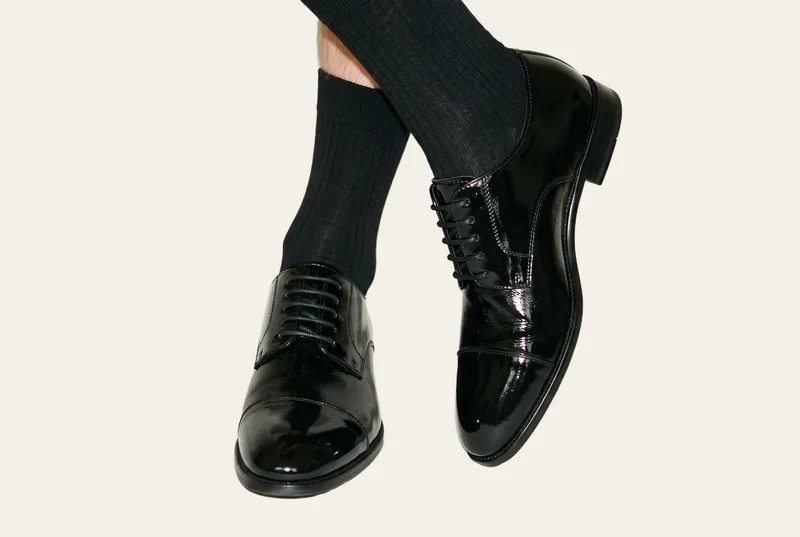
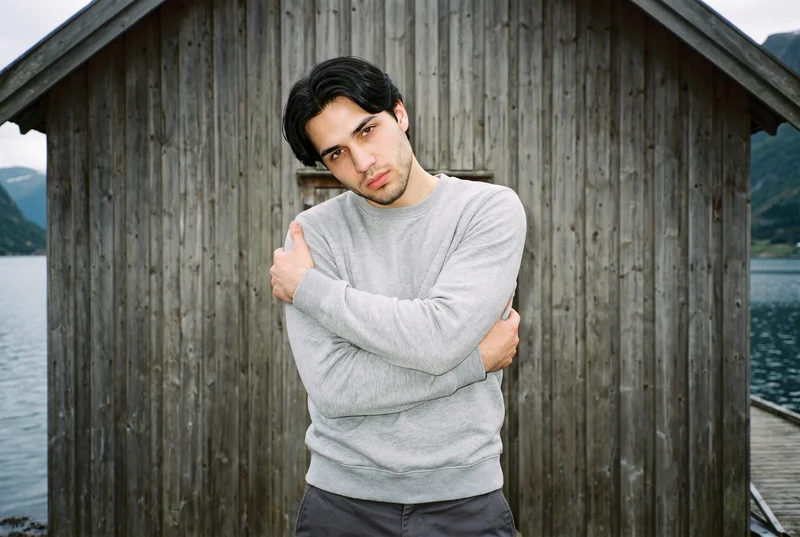
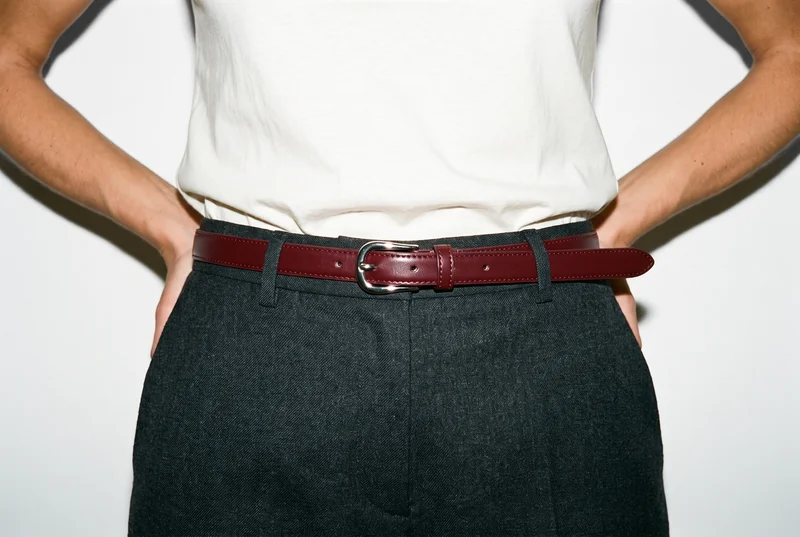
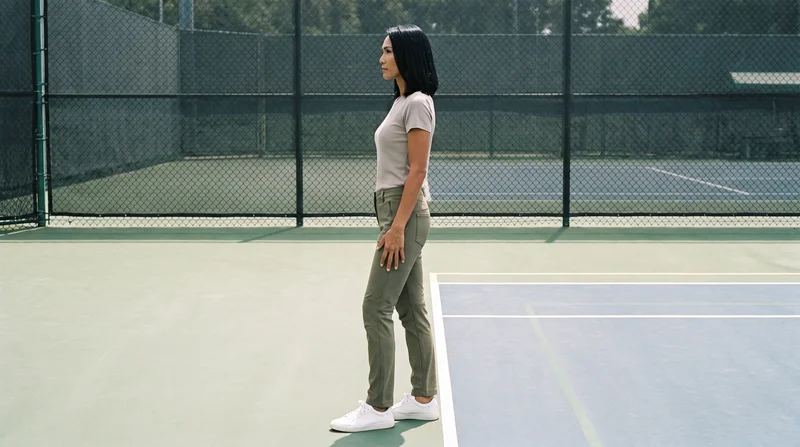
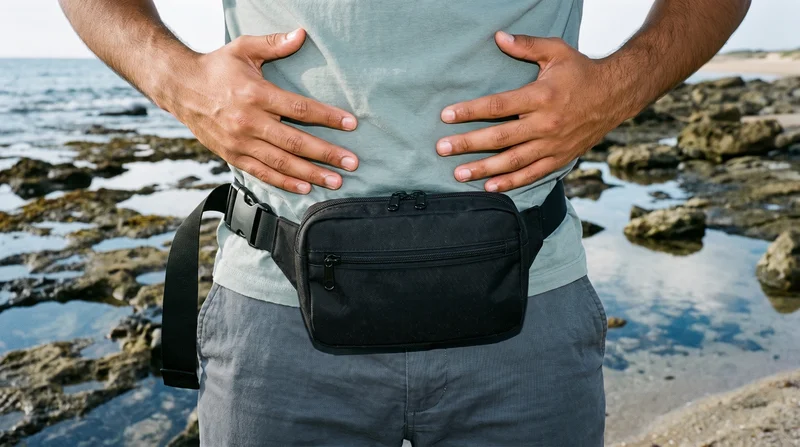
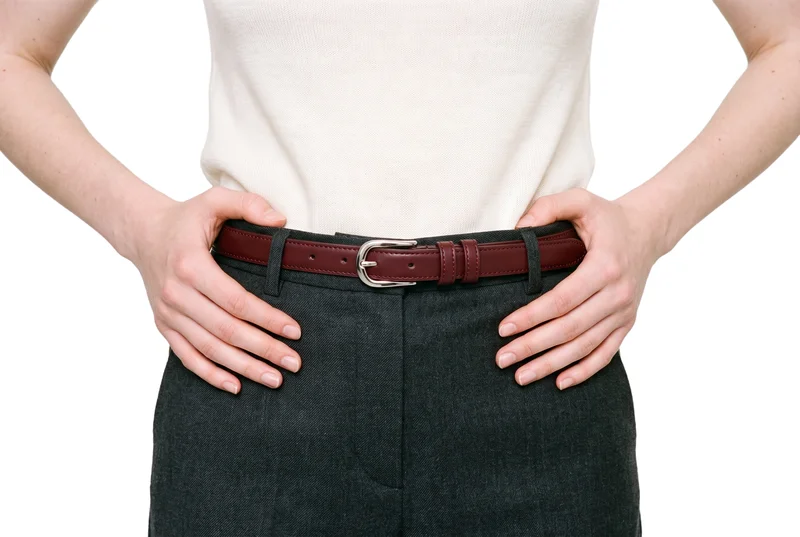
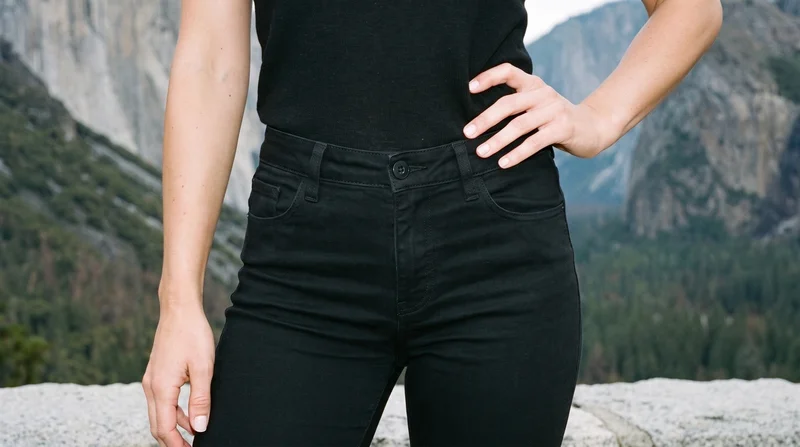
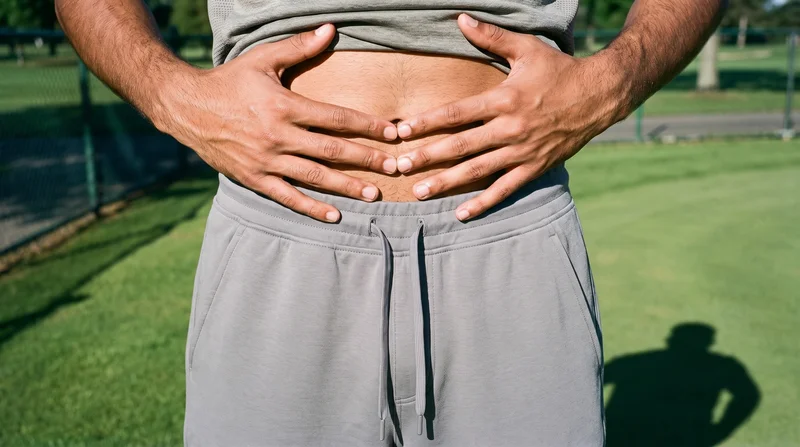
Showing 9 of 781, shot in RAWSHOT
Use cases
When this comes up
Product photo to motion
The situation
A finished fashion product photo is available, but the team has no licensed footage suitable for a social content draft.
With RAWSHOT
Use the product image and select the on-model look, matched action, camera movement, and resolution. You get a short fashion scene built around the real product, ready to place in a product-led social post or edit.
Flat-lay into a scene
The situation
A flat-lay or mockup needs to become product-led motion while the team prepares social content around an upcoming piece.
With RAWSHOT
Use the supplied product material as the scene source, with the model action and camera movement set for the desired edit. The result is short on-model footage that gives the draft visible product motion and a defined visual direction.
Campaign motion variation
The situation
A campaign needs multiple short fashion motion scenes built around one finished product image and a clear visual treatment.
With RAWSHOT
Set the lighting direction, model action, camera movement, and output resolution for each scene. You get product-focused motion options for short-form edits, with the product presentation held through the selected composition.
Technical sketch reference
The situation
A technical sketch or product visual is available while the team develops a fashion campaign reference for content production.
With RAWSHOT
Use the available product material and establish the model, lighting treatment, action, and camera movement. The generated scene gives you a concise on-model motion reference for discussing the campaign direction.
What you get
Short scenes ready for social edits.
A short set of AI-labelled, on-model fashion video scenes generated from your existing product images. Use the footage in product-led social posts, stories, or short-form edits, with the product, model action, camera movement, and output resolution selected for each scene.
On-model fashion scenes
Give a finished product image a human presentation for social content. The product stays central while the selected model action creates movement around the piece.
Directed camera movement
Choose a camera motion that supports the edit you are preparing. A defined movement provides usable visual structure for a post, story, or short-form cut.
AI-labelled output
Use footage with AI labelling and content credentials built into the output. That keeps disclosure visible when the scene moves into a social content draft.
Social-ready resolutions
Select 720p or 1080p for the scene you are preparing. The available output keeps the generated footage aligned with short-form editing needs.
Direct the shoot
Set the scene for camera movement.
Starts from
A finished still from your photoshoot
Image frame
15
Model action
17 model actions on this frame
Camera motion
14
Scenes
3
Resolution
2
Create video
From image 1
Still from this page · 16:9Source
Image 1 · Full Body
Camera
Static
Delivery
720p · 16:9 · 3 × 5 s = 15 s
Cost is shown on the button
AI fashion models
Choose who wears it.
1,197 licence-free grown models across ages and body types. Or build a private model from visible attributes.
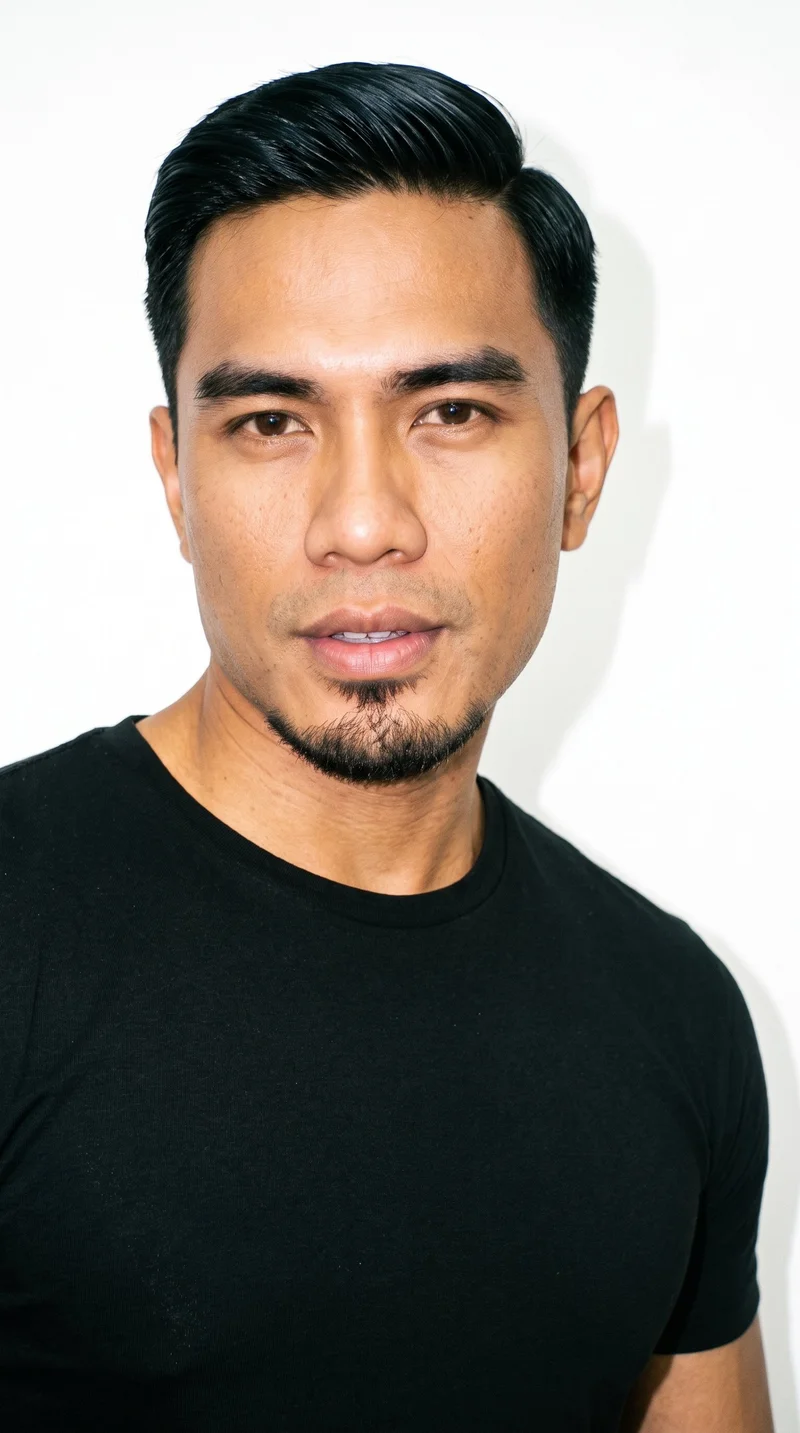
Male · 45
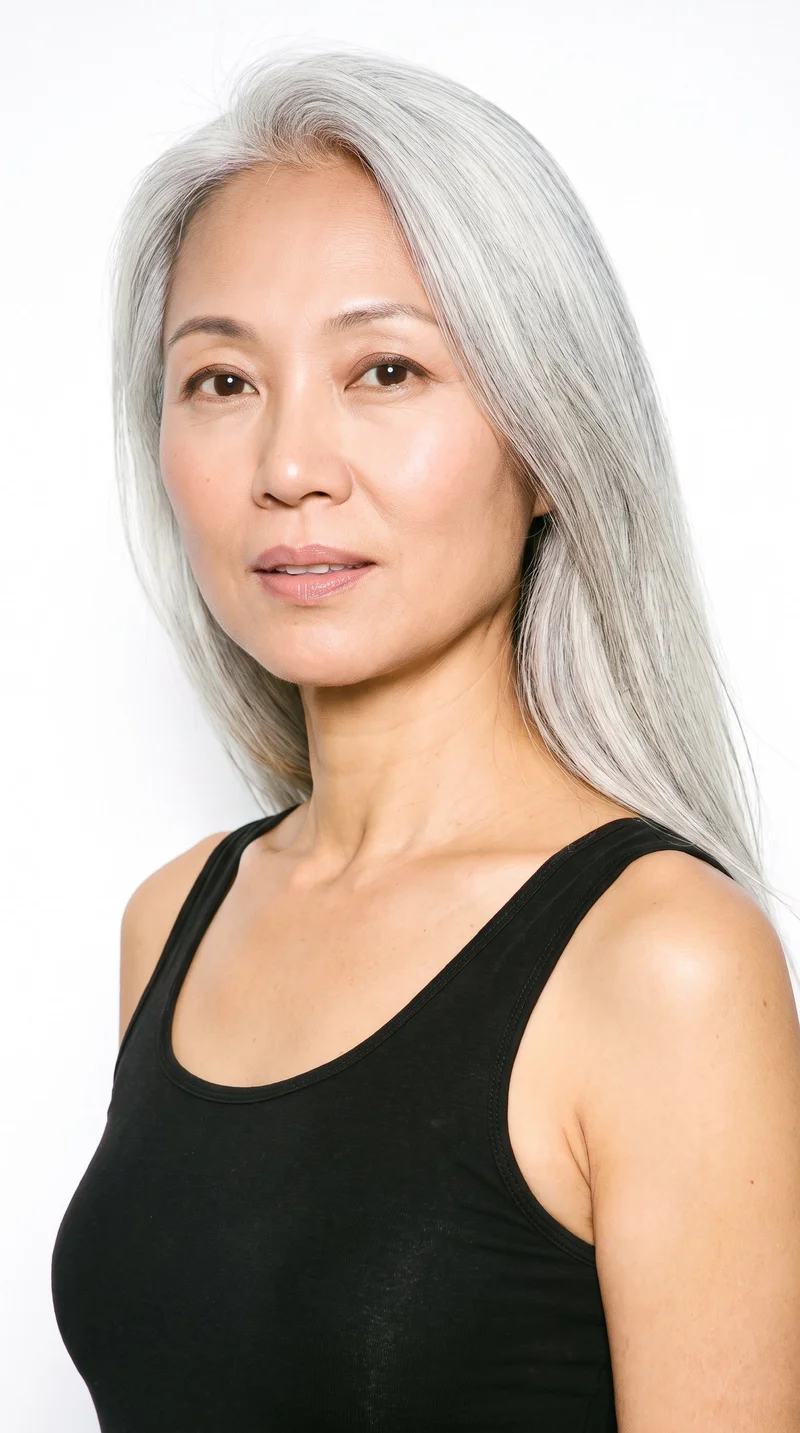
Female · 54
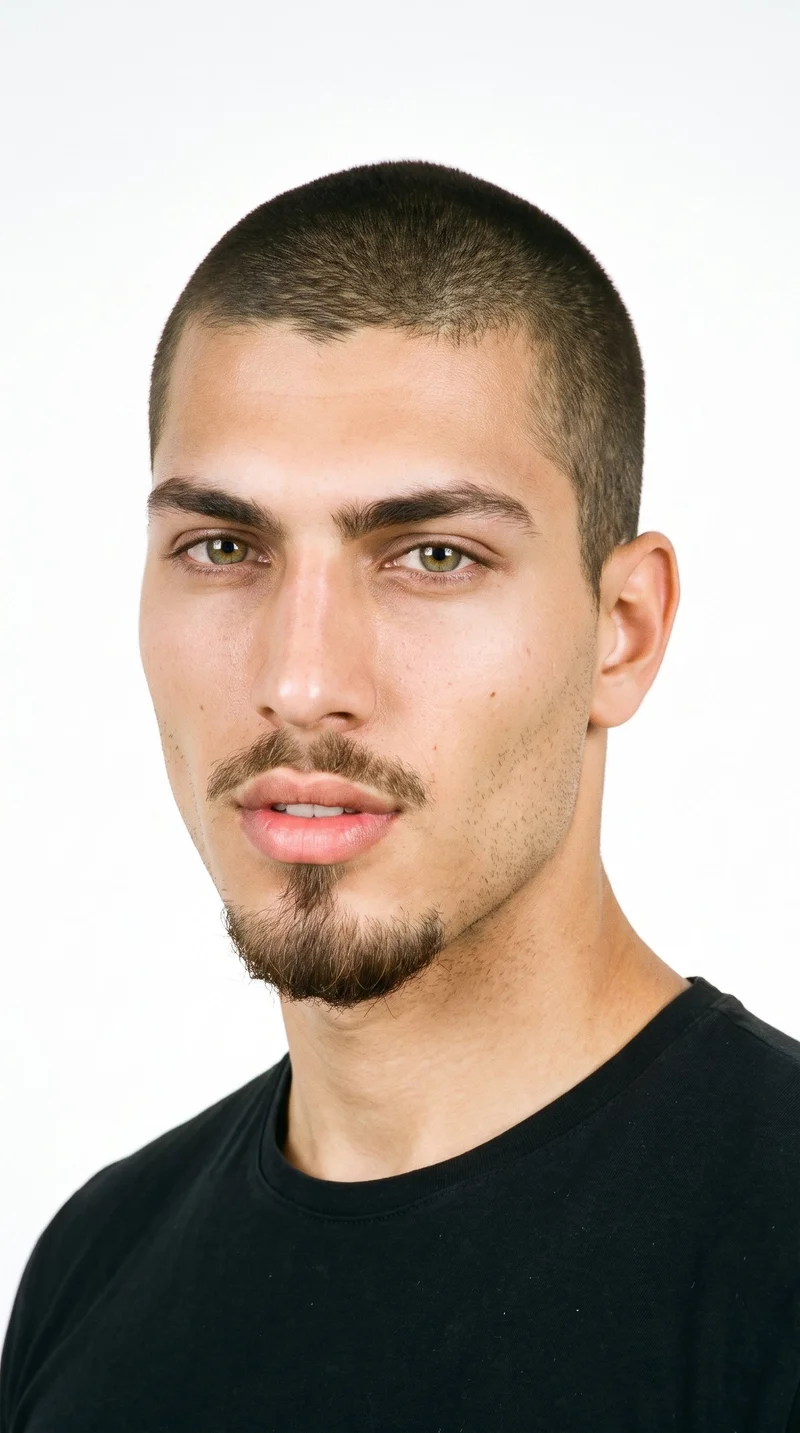
Male · 18
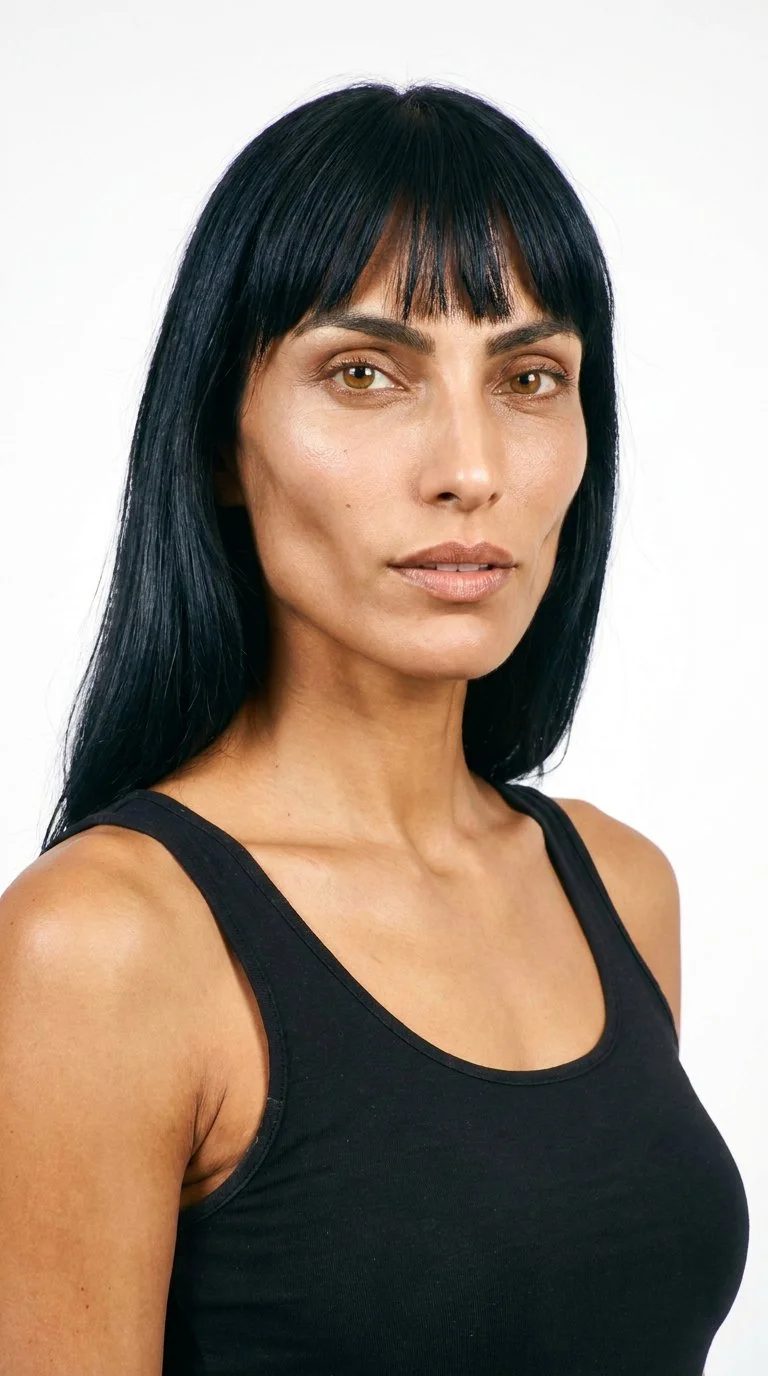
Female · 27
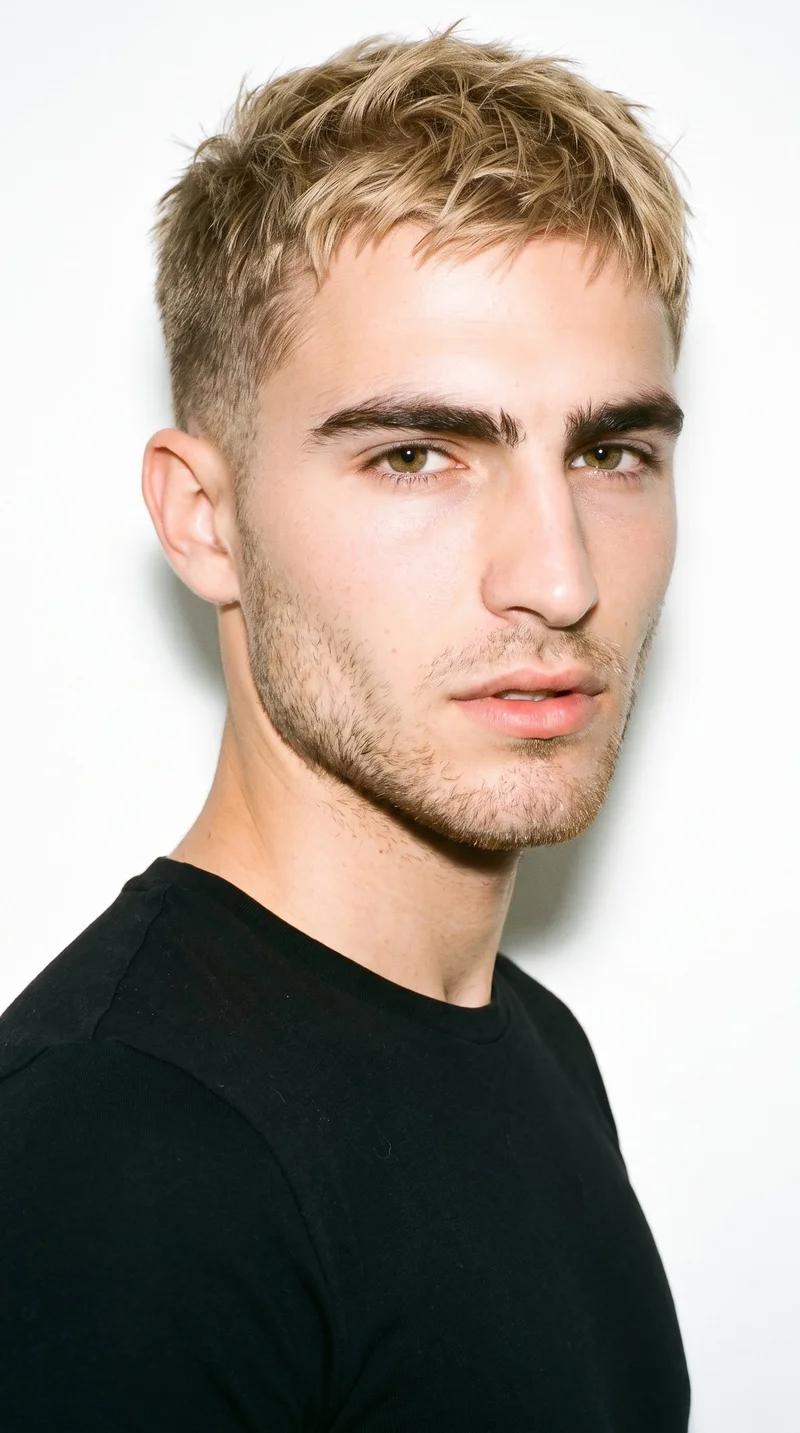
Male · 21
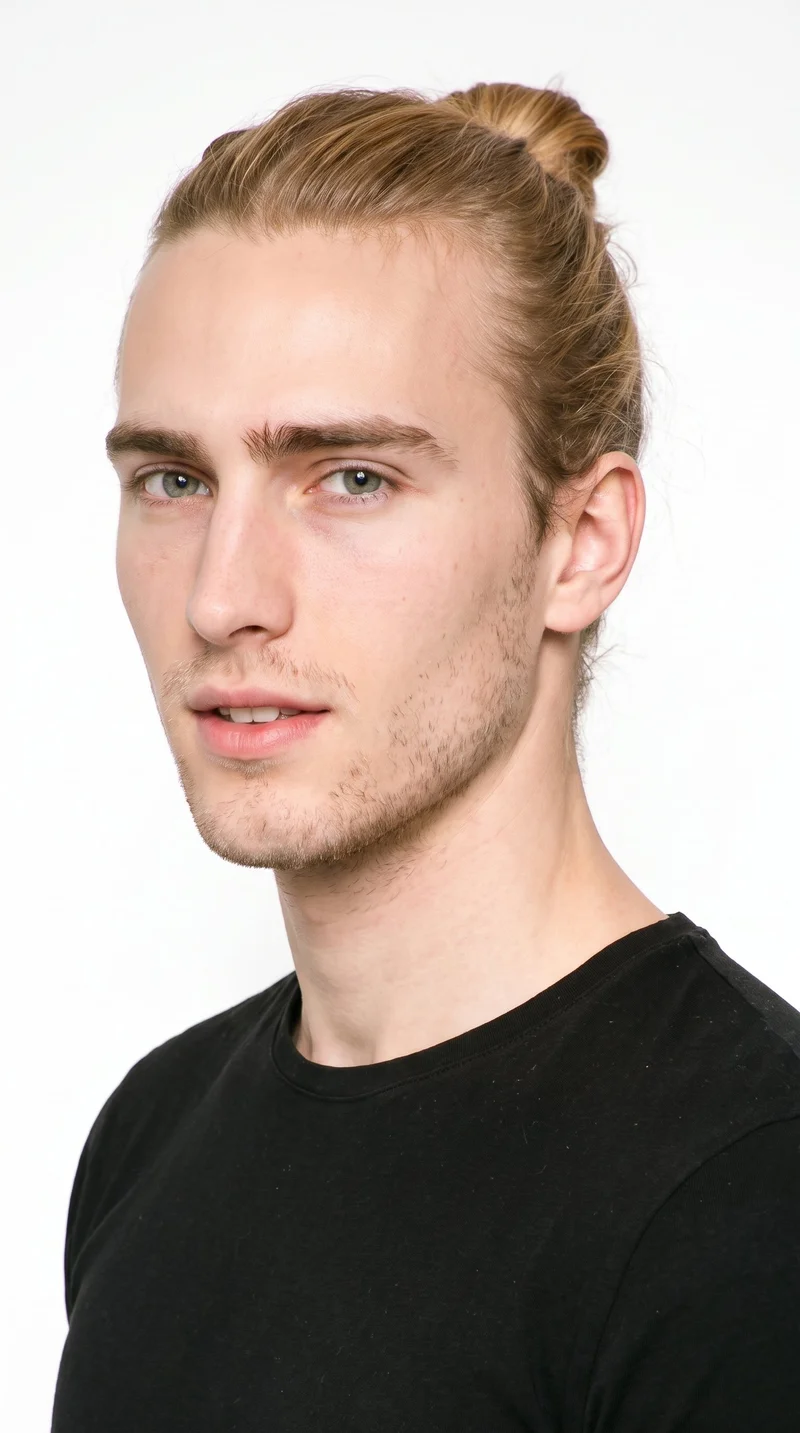
Male · 20
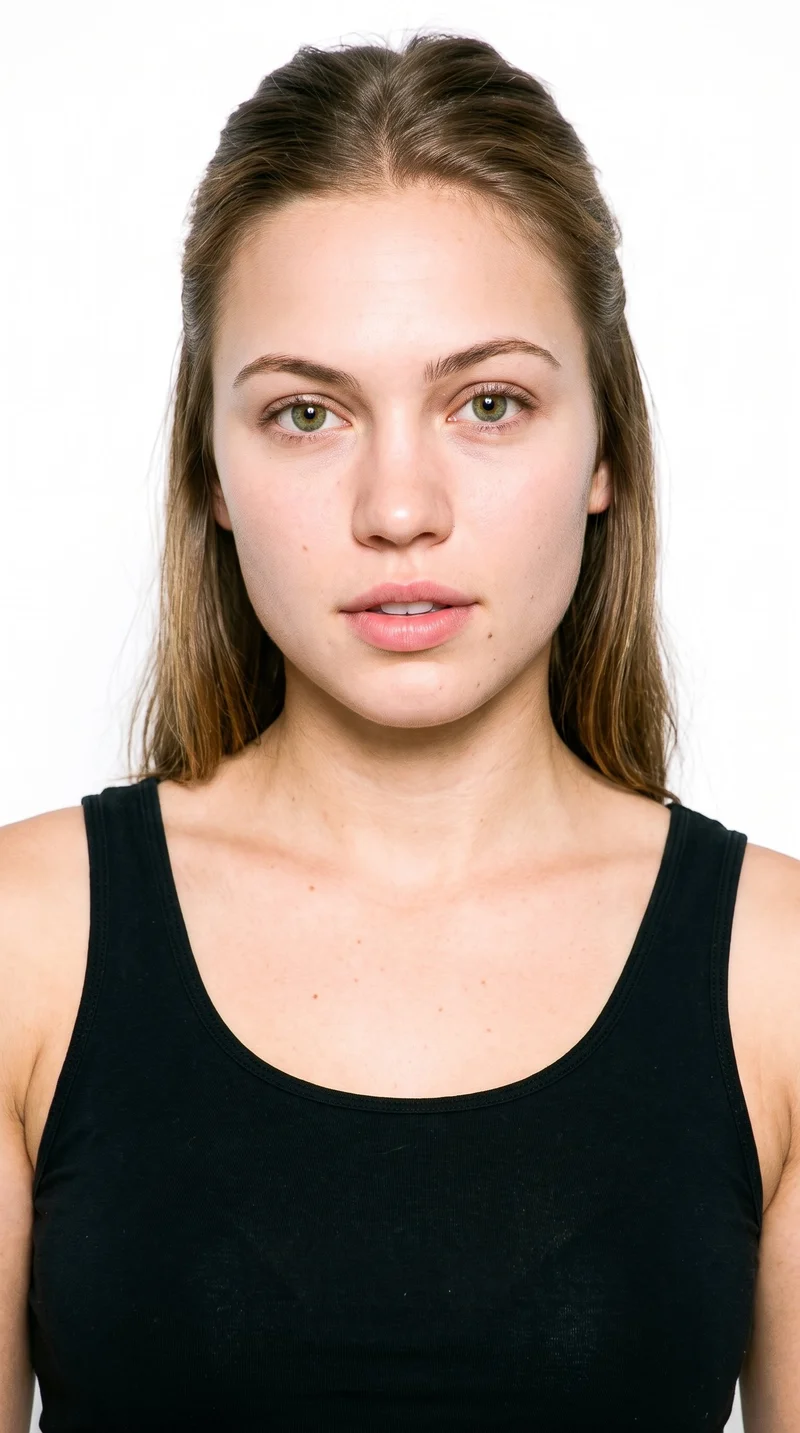
Female · 21
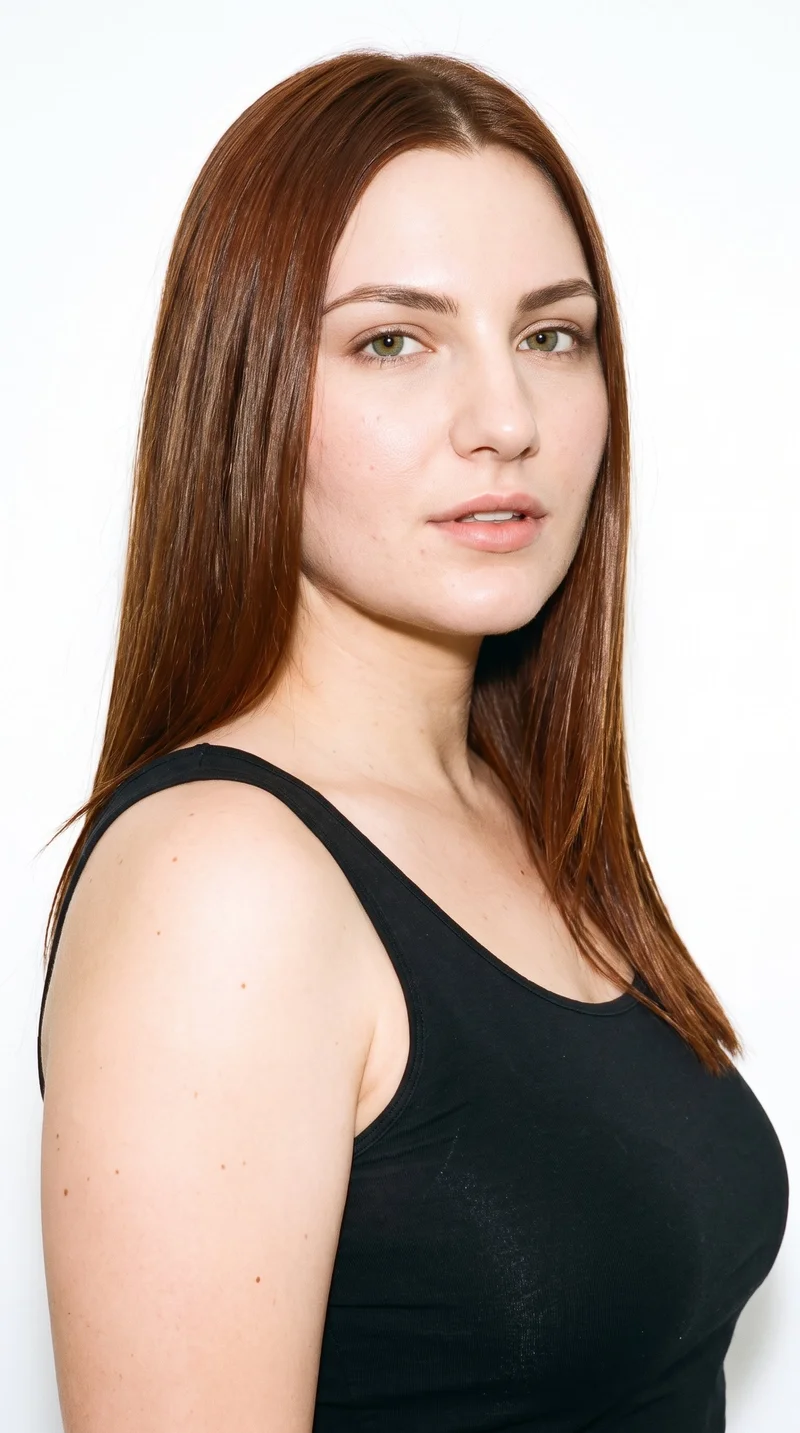
Female · 23
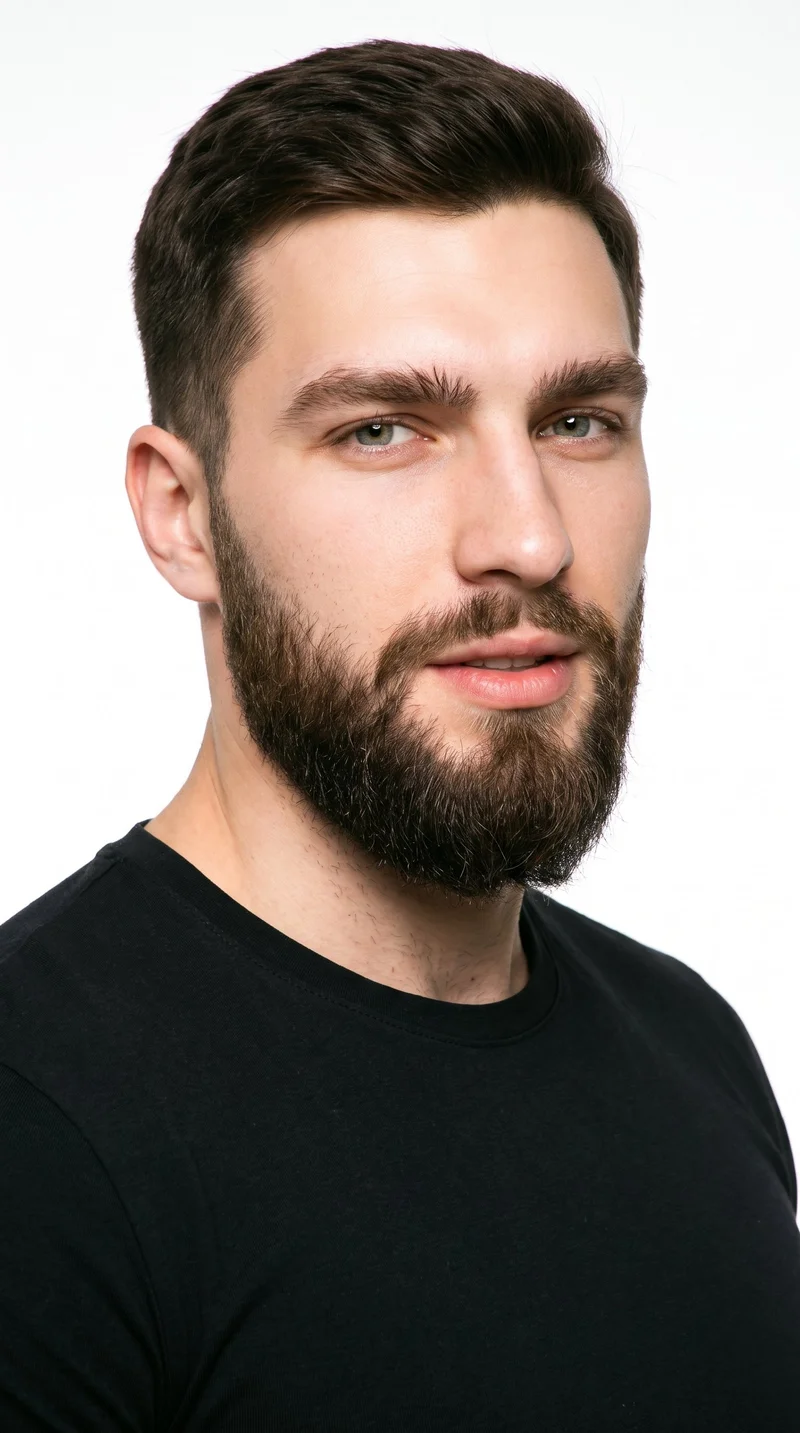
Male · 22
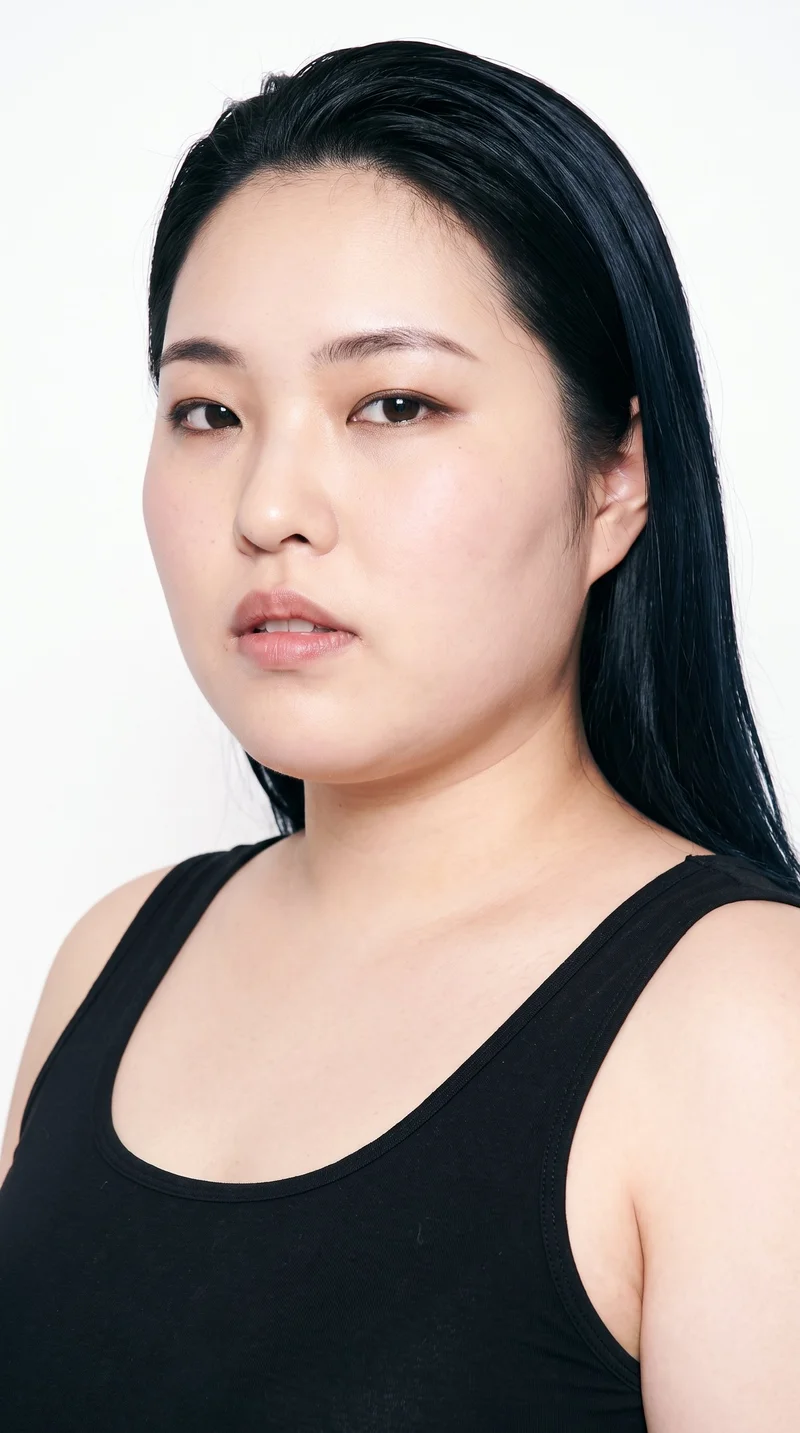
Female · 26
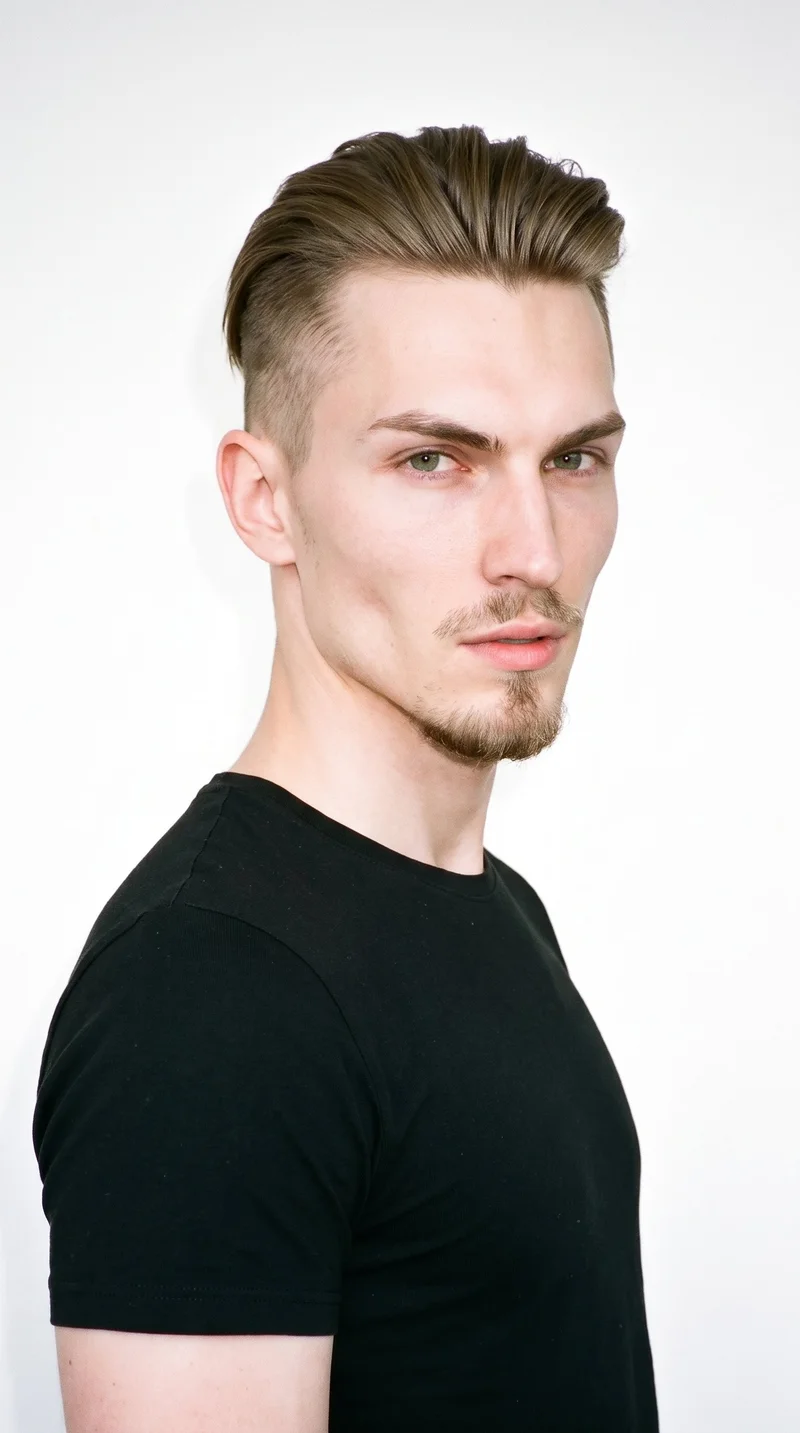
Male · 23
Female · 18
Showing 12 of 1,197
Cast your modelRawshot Features
What you set in the studio
AI image to video generator
Choose the camera motion, matched model action, scene length, and resolution so a finished fashion image becomes directed product footage for social editing.
17 model actions on a full-body shot · 132 in total
See the feature →
AI model generator
Select the on-model look for the product, giving each scene a clear casting choice that supports the intended fashion presentation.
Library filters plus private model building for consistent identity across the set.
See the feature →
Photography direction
Set the lighting treatment around the product so its colour, shape, and material remain clear while the camera movement carries the scene.
4 named choices that set mood and shadow the same way across a shoot.
See the feature →
Product import and handling
Use a product photo, flat-lay, mockup, or technical sketch when licensed fashion footage is unavailable and the social draft still needs the real item.
Start from your real item and keep product fidelity while building the scene.
See the feature →AI image to image generator
Change one decision and keep the rest of the composition stable.
AI makeup generator
Branch-aware named options applied without altering casting or scene setup.
AI outfit generator
Combine the main piece with neutral supporting items in one coherent frame.
AI photo background generator
Swap scene context while keeping model, product, and framing stable.
AI suggestions
Preselected control values you can always override in the same configurator.
Fashion model poses
22 poses on a full-body shot · 104 in total
Garment styling
Choose how the garment is worn and keep brand presentation consistent.
Inspiration gallery
Load editable finished looks as fast starting points for new shoots.
Gallery
Use a finished frame.
Use a product image, flat-lay, mockup, or technical sketch as the source for an on-model fashion scene with selected movement and lighting.
Looks & backgrounds
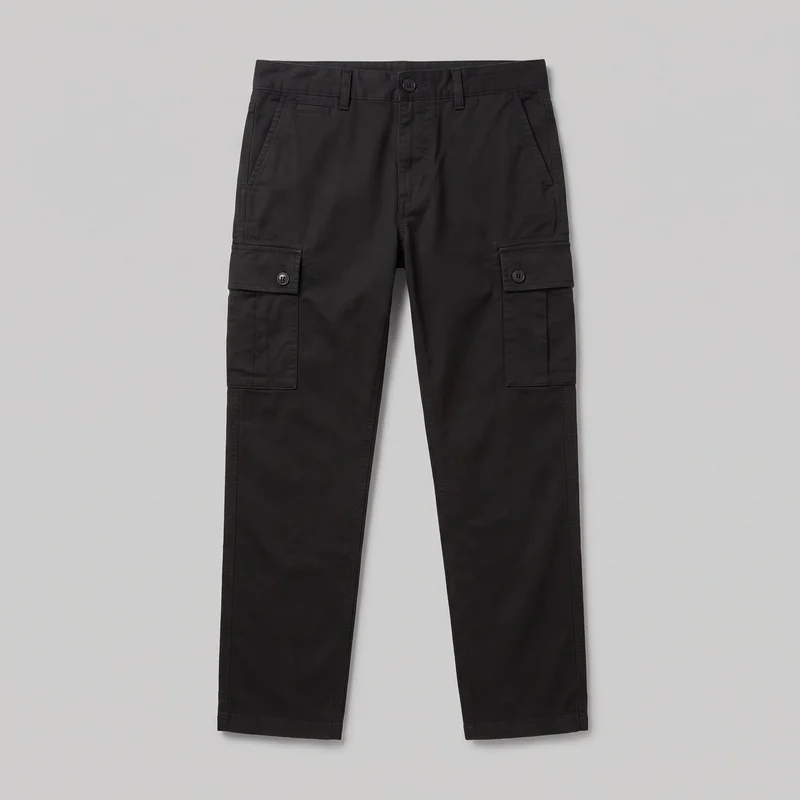 Men's Black Cargo Pants
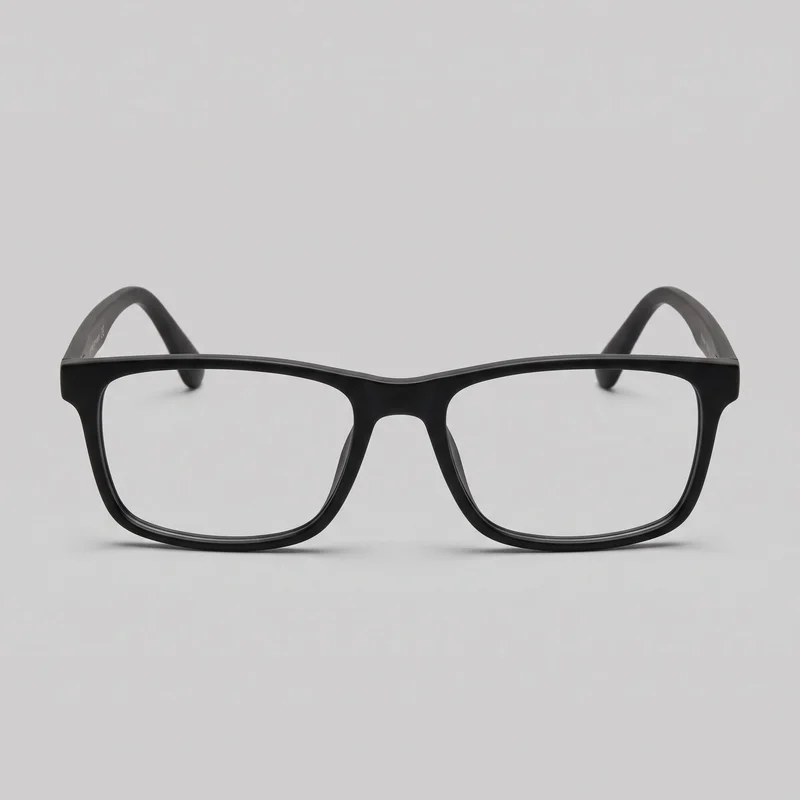 Men's Black Rectangular Optical Frame
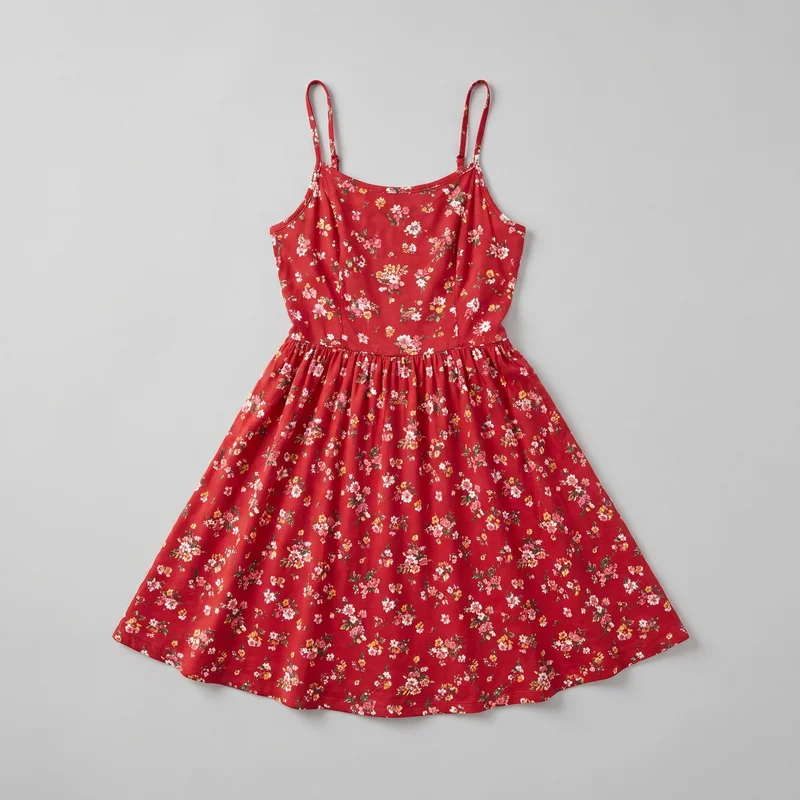 Red Floral Sundress
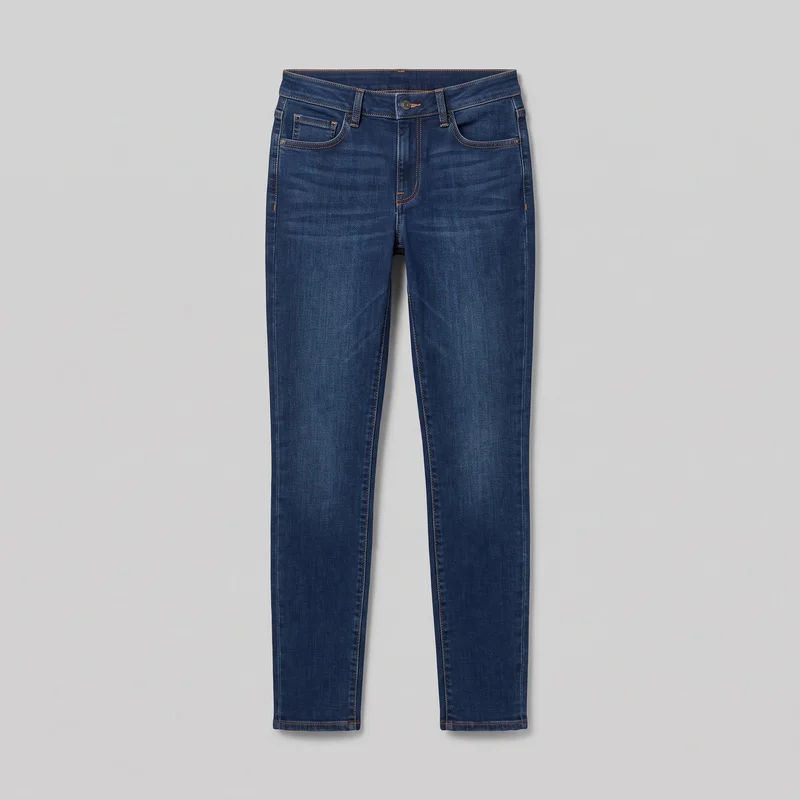 Women's Indigo Slim Jeans
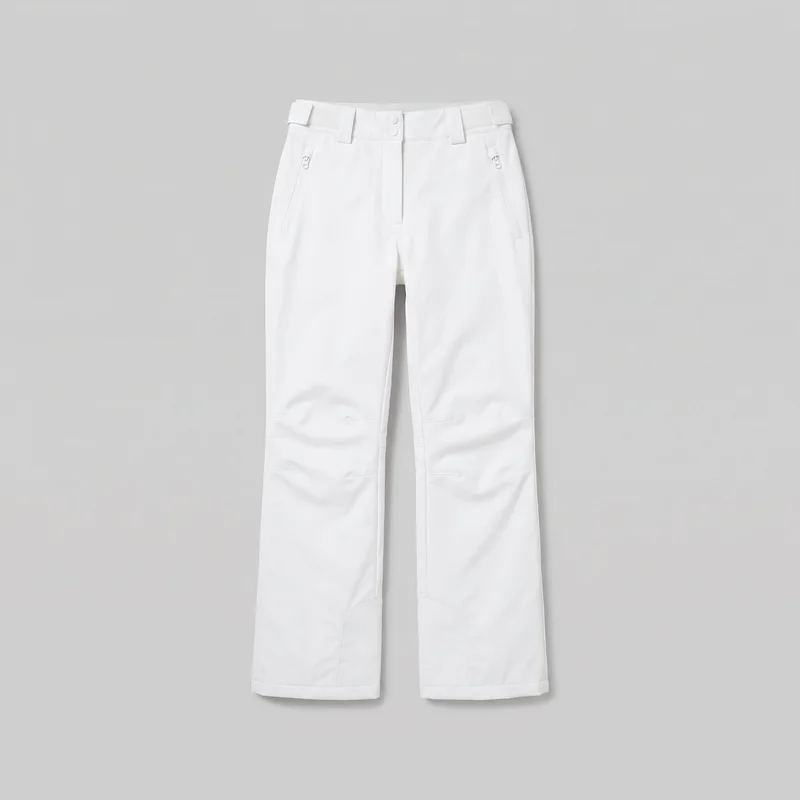 Women's White Shell Ski Trousers
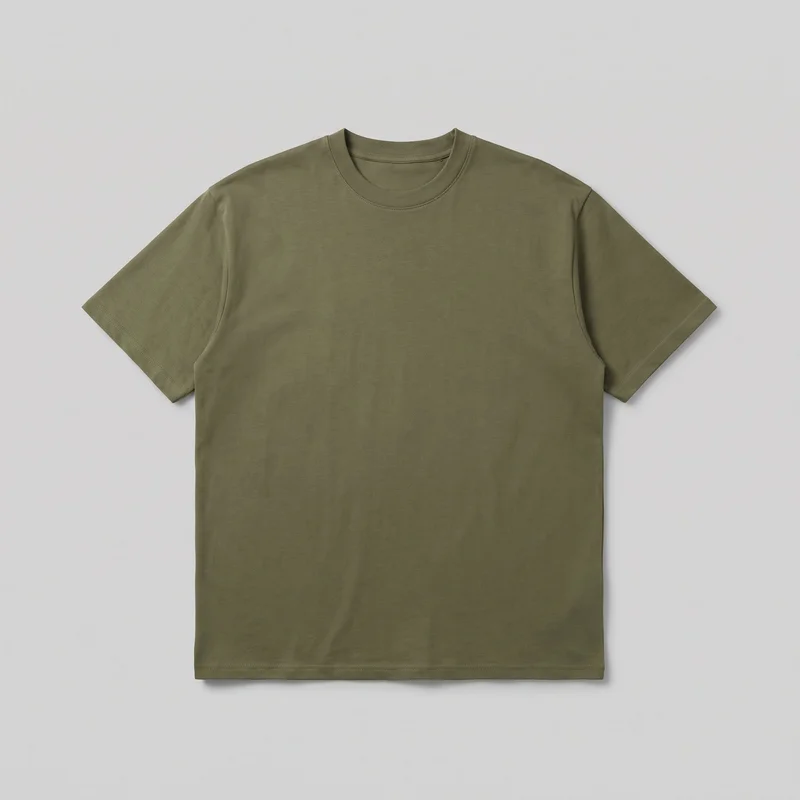 Men's Olive Oversized T-shirt
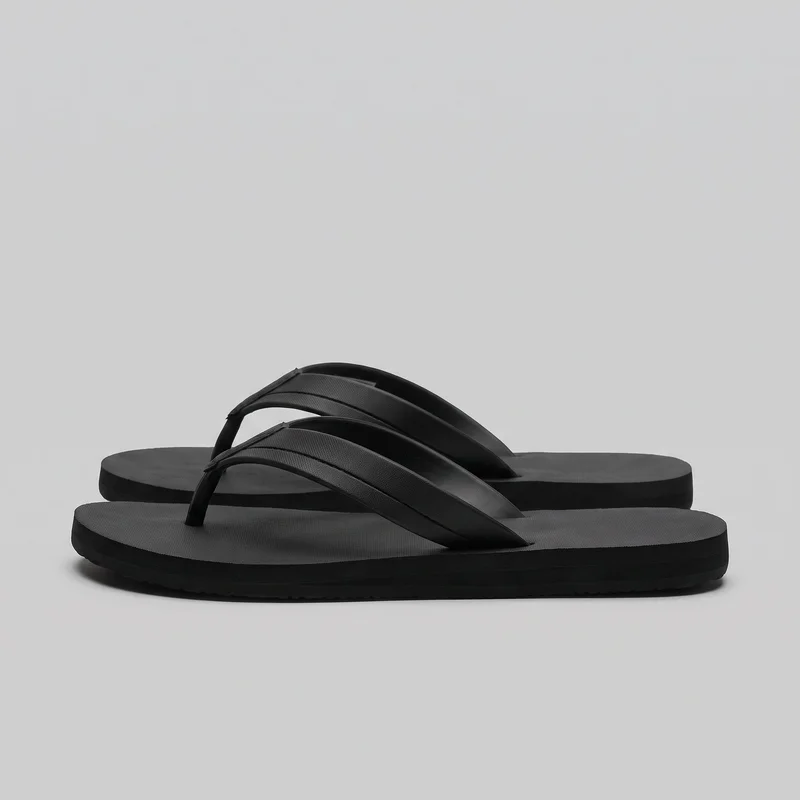 Men's Black Flip-Flops
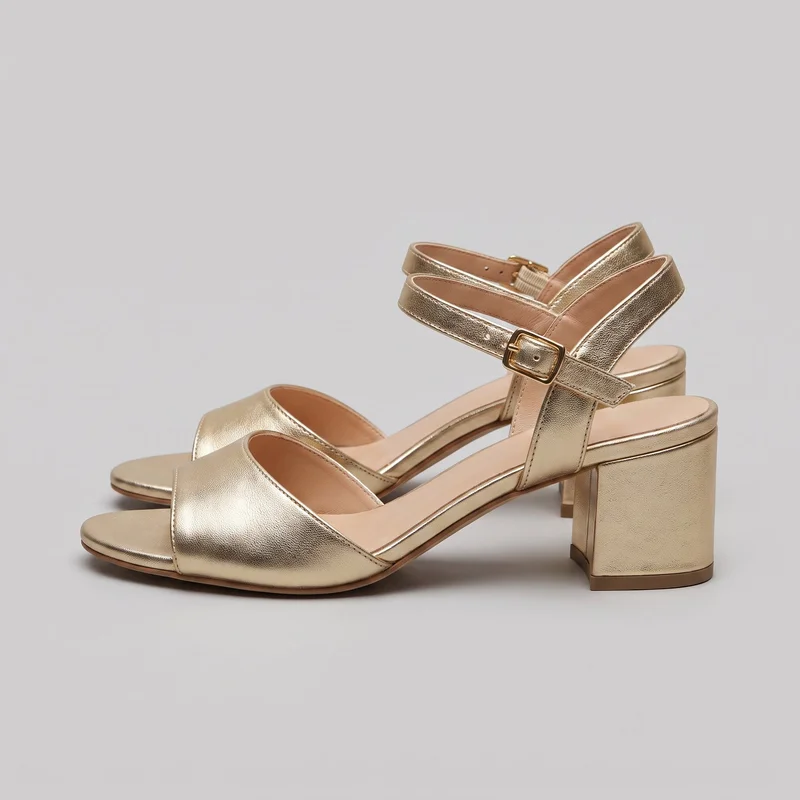 Men's Gold Heeled Sandals
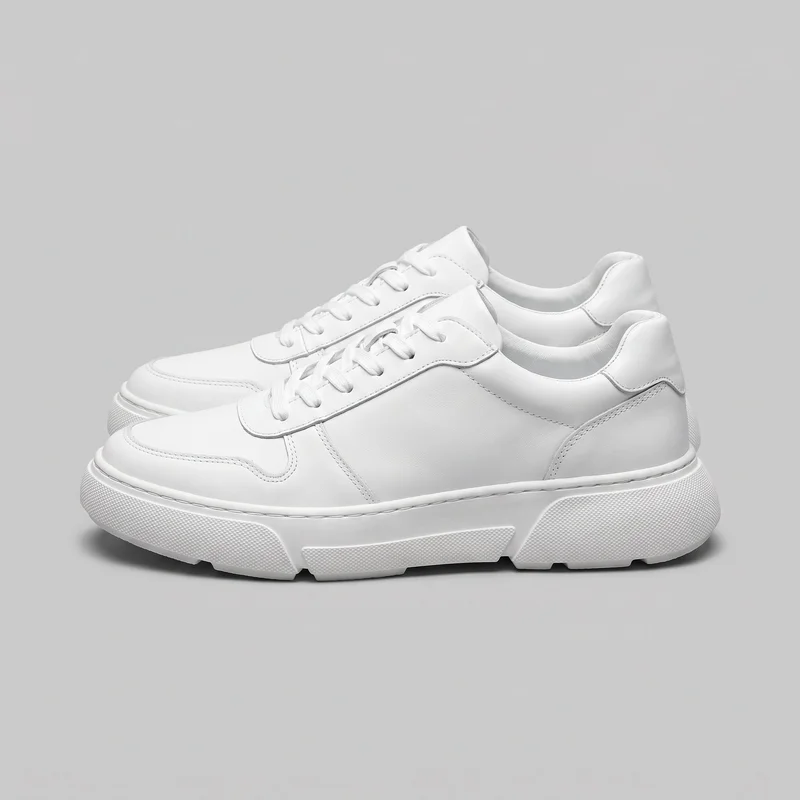 Men's Chunky White Sneakers
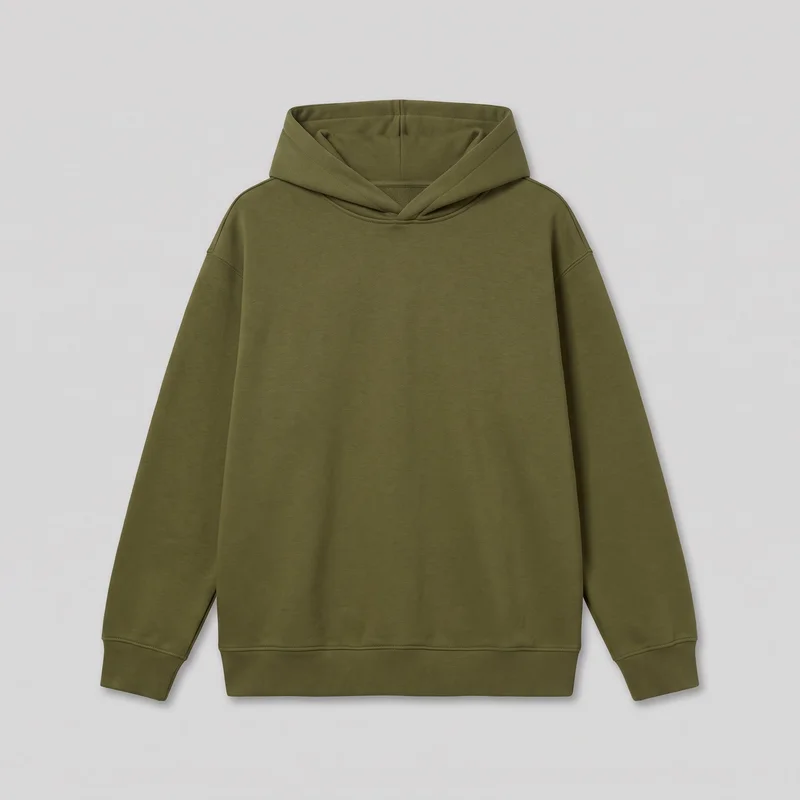 Women's Olive Oversized Pullover Hoodie
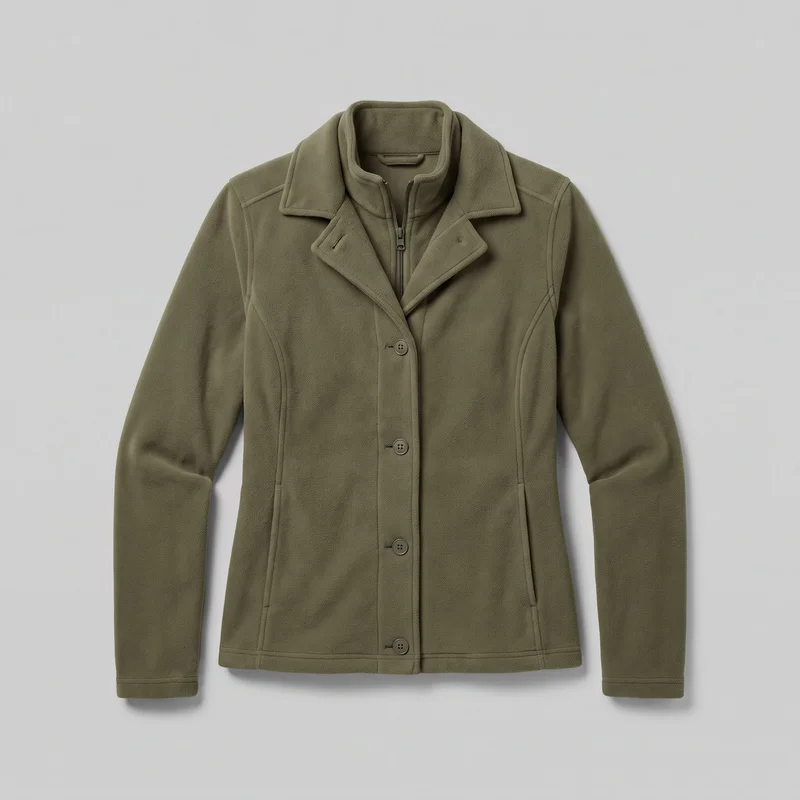 Women's Olive Fleece Jacket
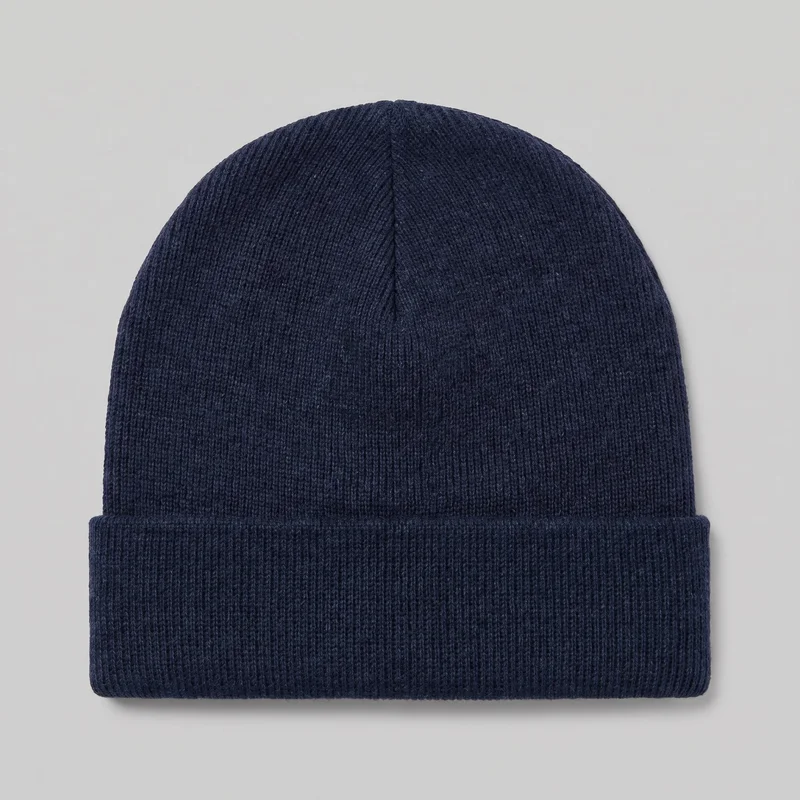 Men's Navy Beanie
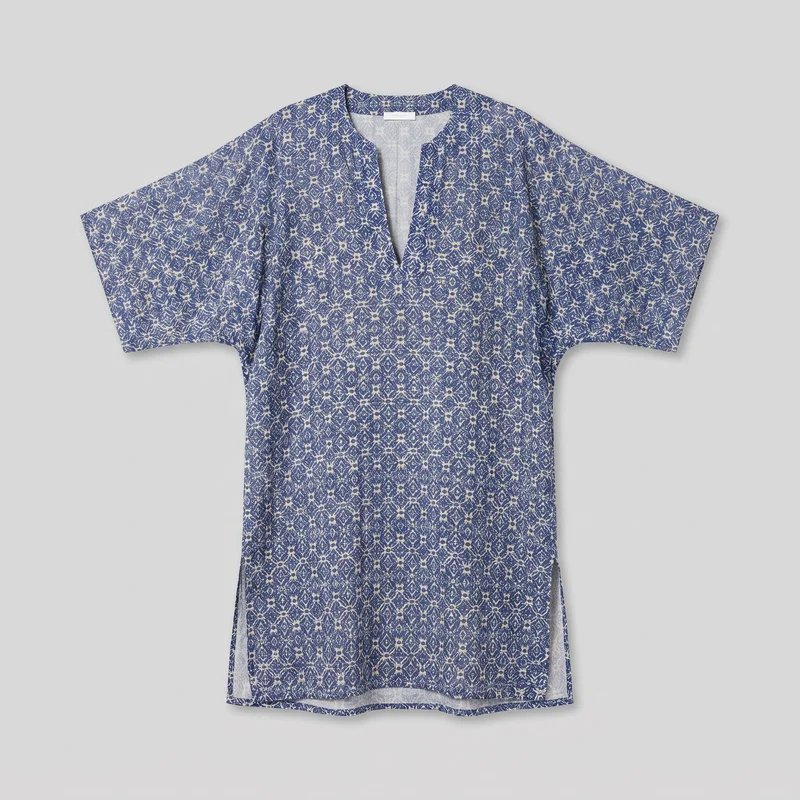 Men's Printed Kaftan Cover-Up
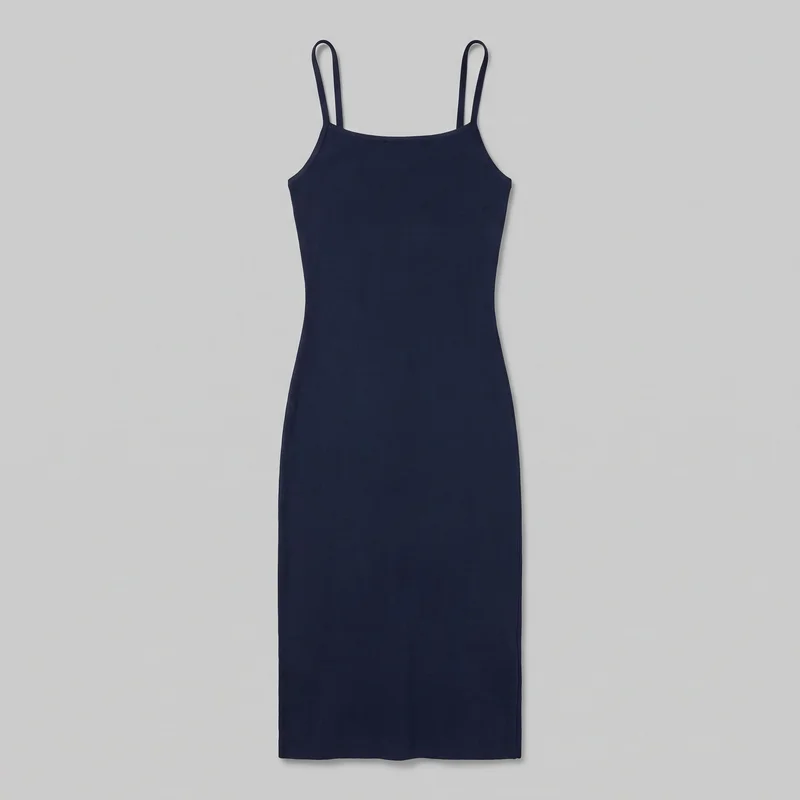 Navy Bodycon Dress
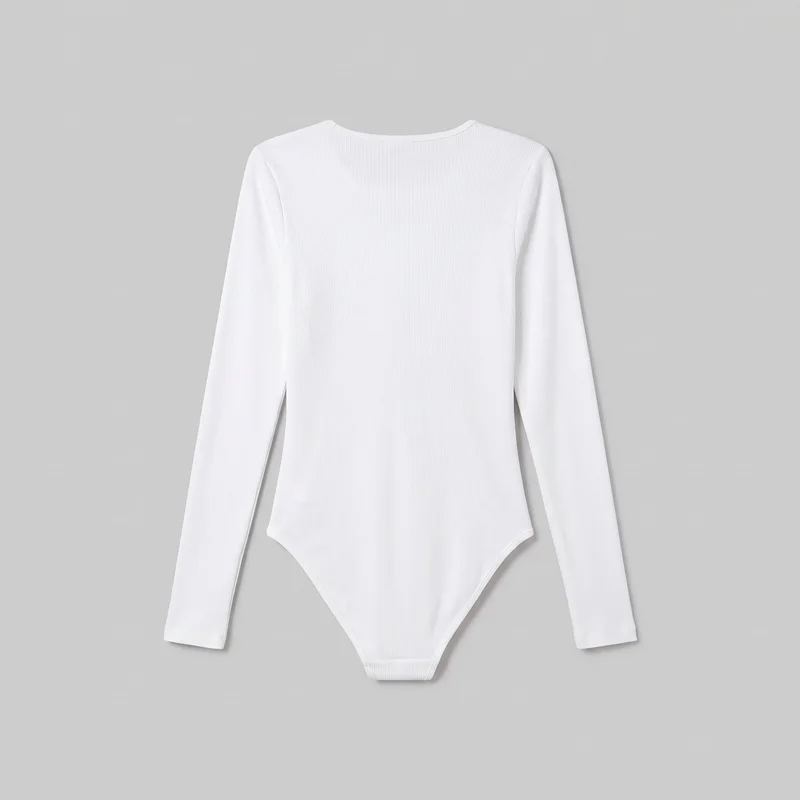 White Ribbed Bodysuit
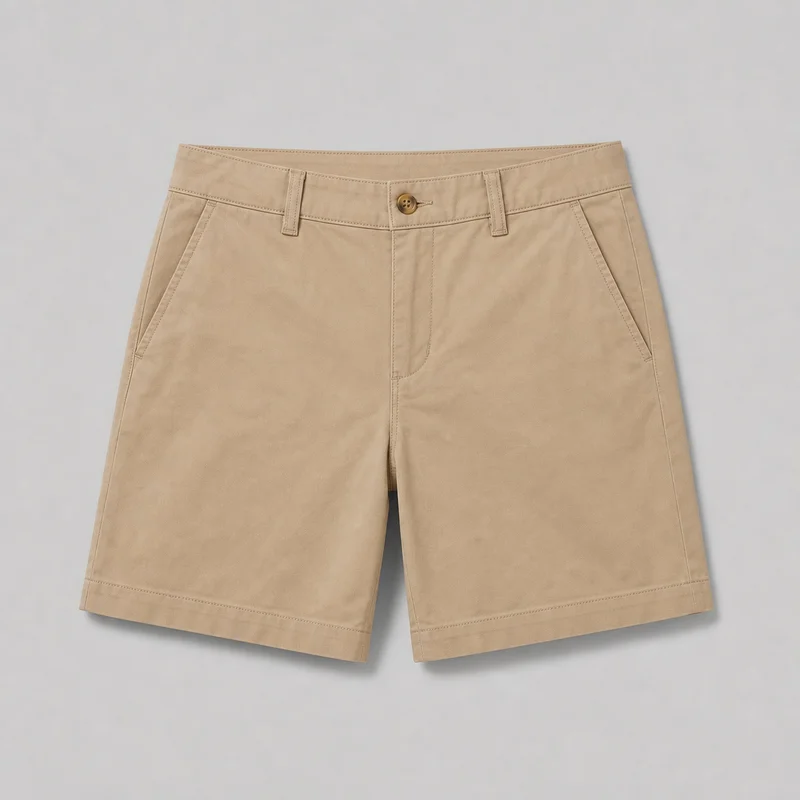 Women's Khaki Chino Shorts
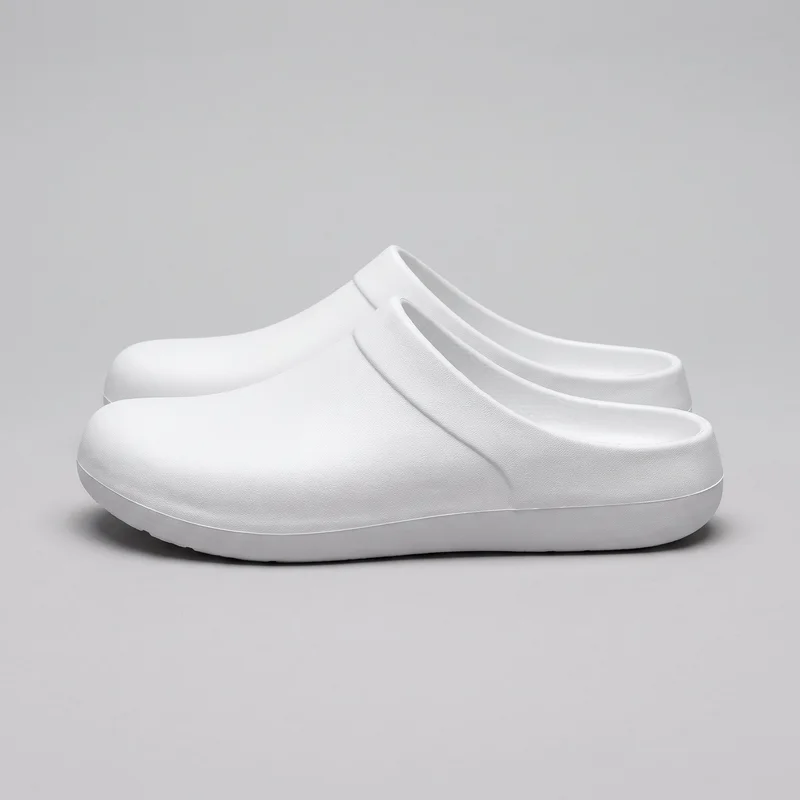 Men's White Clogs
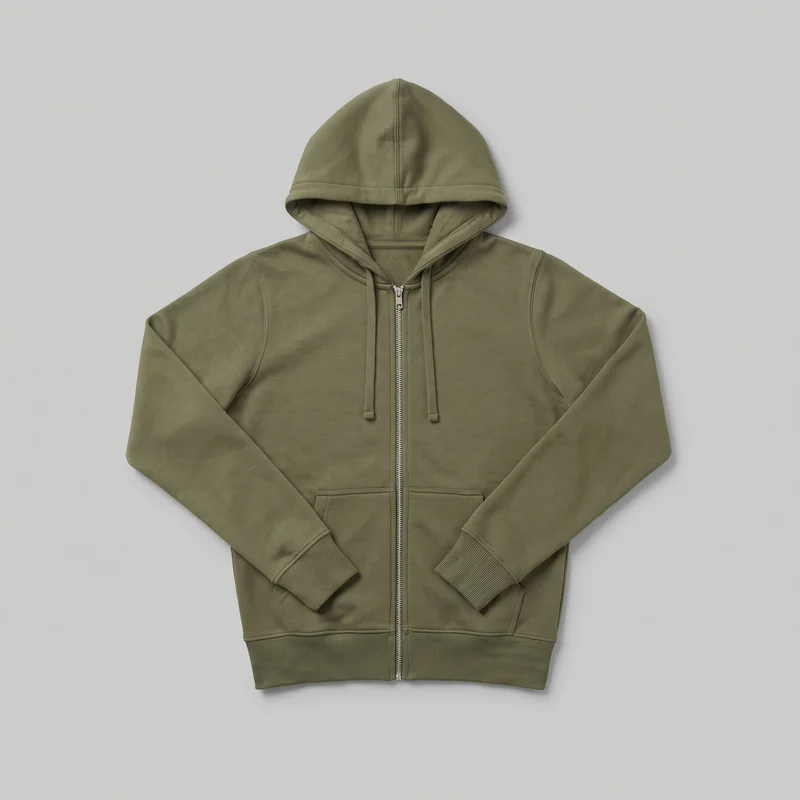 Women's Olive Zip-Up Hoodie
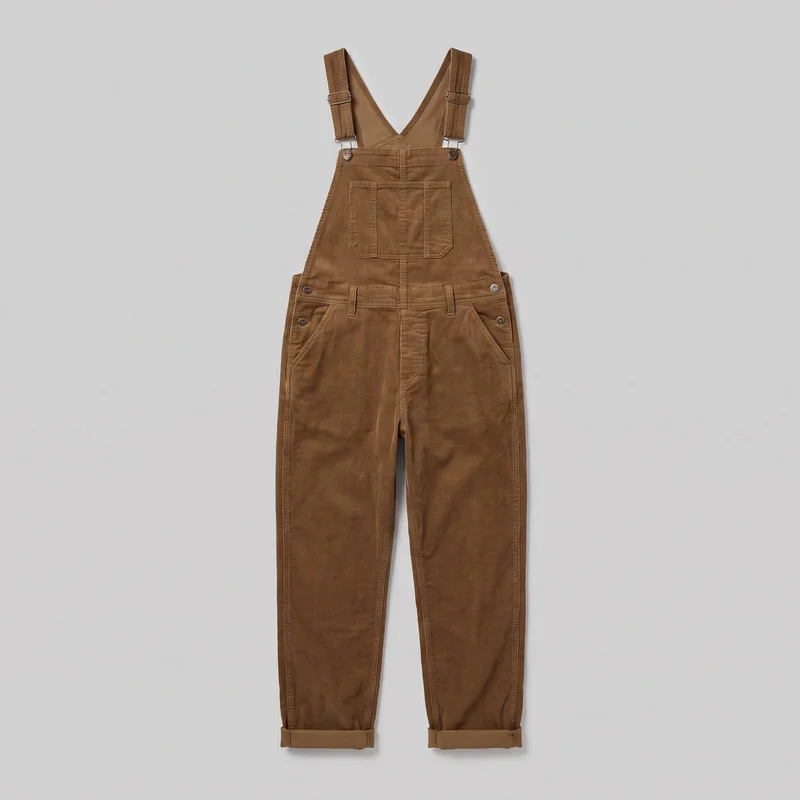 Men's Corduroy Dungarees
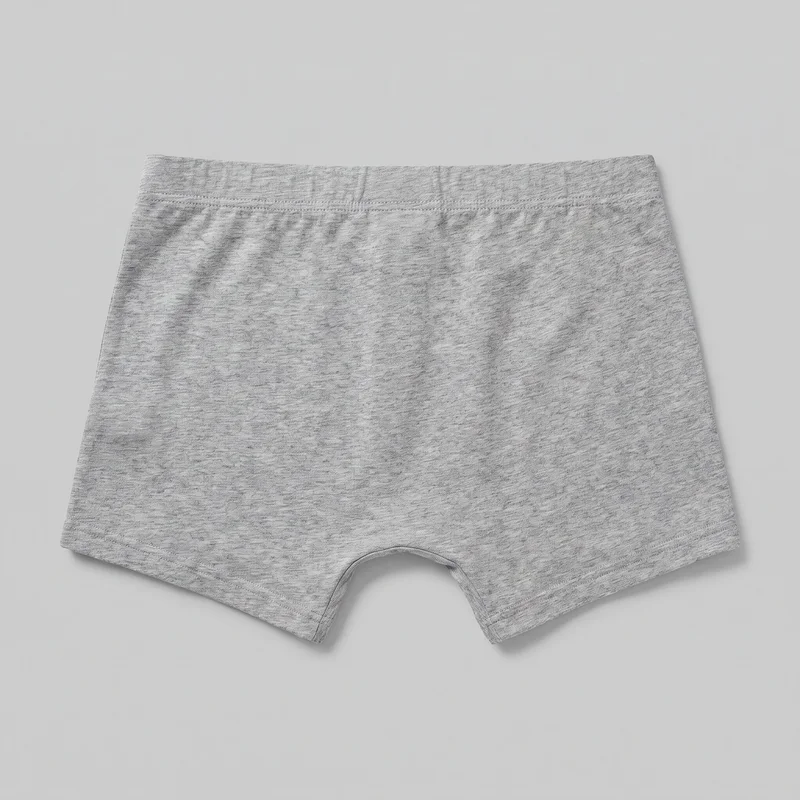 Grey Marl Trunks
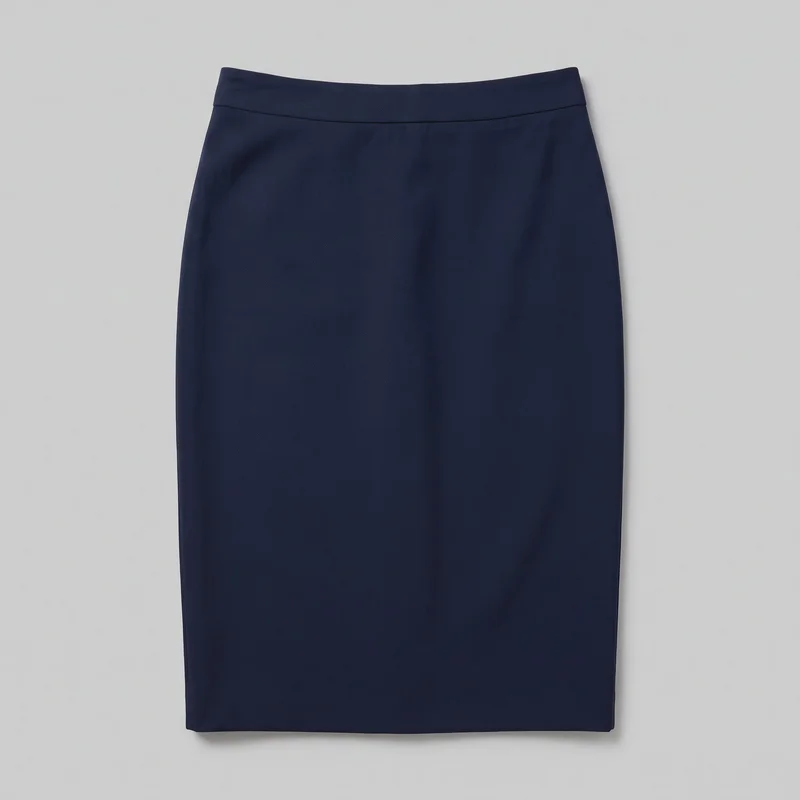 Navy Pencil Skirt
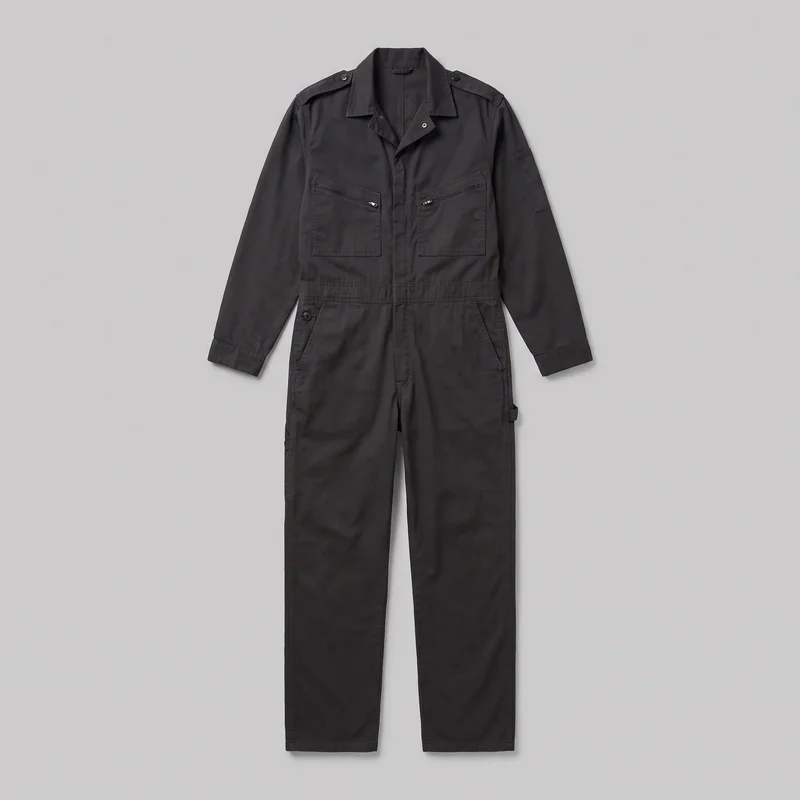 Men's Black BoilersuitMen's Black Boilersuit
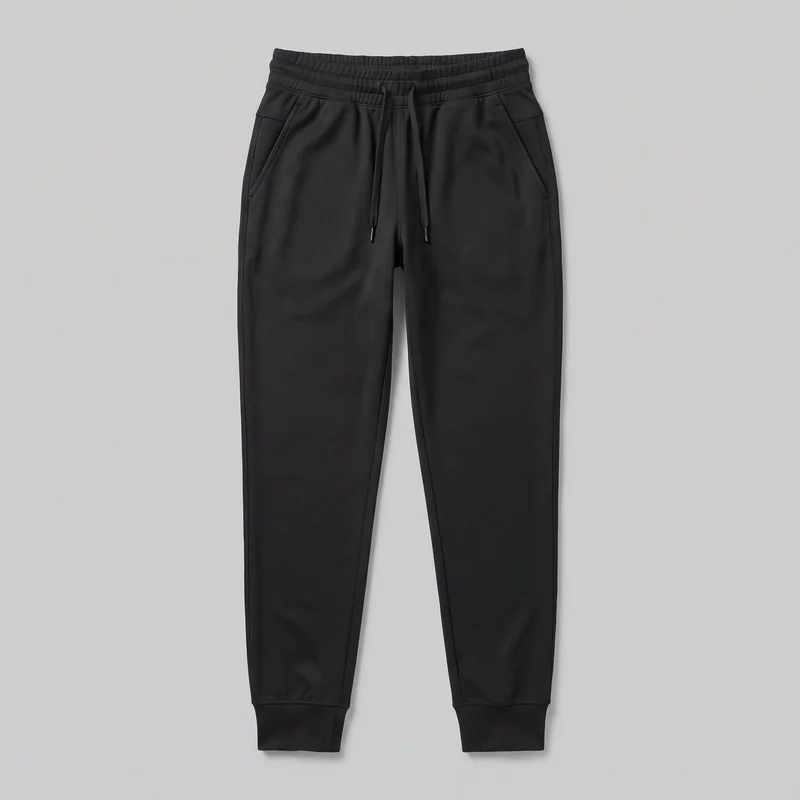 Women's Black Performance Joggers
Showing 24 of 781
Catalog
Browse the catalog
By product
Consistency
What stays steady while the subject moves.
You decide the model, action, camera movement, lighting direction, and resolution for the scene. The product remains the subject within the selected composition, while the motion supplies an usable structure for a social post, story, or short-form edit. Output is limited to up to three five-second scenes at 720p or 1080p.
You change one
- Frame
- Pose
- Camera view
- Model
The rest holds
Product focus
The scene remains centred on the supplied fashion product rather than unrelated stock footage.
Selected model
Your chosen on-model look carries through the composition used for the motion scene.
Scene length
Each scene remains five seconds, giving the edit a defined short-form unit.
Who it's for
Is RAWSHOT right for Prepare directed product motion?
A good fit
RAWSHOT is a good solution for you as an in-house designer if you need short, product-led fashion footage from images or product visuals available to your team.
Work it handles well
- You can direct model action and camera movement for each scene.
- You can use product photos, flat-lays, mockups, or technical sketches.
- You receive AI-labelled fashion footage for short-form editing.
Outside this scope
This is not the right choice for you if you need a searchable catalogue of generic licensable footage, long-form video, or subjects unrelated to fashion products.
Where this stops
- No searchable catalogue of generic licensable footage.
- Video is limited to three five-second scenes.
- Fashion product material is required as the source.
Questions
Questions about your scene.
How does RAWSHOT support a team needing fashion motion footage without licensing stock?
RAWSHOT generates short, AI-labelled on-model fashion scenes from supplied product material. You select the model action, camera movement, lighting direction, and resolution for product-led social content. Source material can be a product photo, flat-lay, mockup, or technical sketch. The output is fashion product footage rather than a searchable catalogue of generic licensable stock. Use the product visual you already have.
What does this cost for an in-house designer preparing product-led social footage?
The published 2K image price is per image, while video pricing is not stated here. RAWSHOT shows the token cost before you generate a still used as the source frame. The video output itself is limited to 720p or 1080p, and no video price is quoted. Check the displayed cost before generating the source image.
How long until a product scene is ready?
A 2K still image takes roughly 35 seconds to generate, and that still can serve as the source frame for video. You select the model action, camera movement, lighting direction, and resolution for the scene. Video output is limited to up to three five-second scenes at 720p or 1080p. Use a suitable product image for the motion scene.
What source material can an in-house designer use for a fashion motion scene?
You can use a product photo, flat-lay, mockup, or technical sketch. The supplied material anchors the scene around your real fashion product while you select the on-model look, action, lighting direction, camera movement, and resolution. The resulting footage is intended for product-led social posts, stories, or short-form edits. Choose the clearest available product source for the scene.
Can RAWSHOT provide a searchable catalogue of generic licensable stock footage?
No. RAWSHOT generates fashion product scenes from supplied product material rather than providing a searchable catalogue of generic licensable footage. It also does not provide unrelated subjects such as travel, food, interiors, or nature footage. Video output is limited to up to three five-second scenes at 720p or 1080p. Use it when the scene needs to feature your fashion product.
Get started
Start your free trial.
Start with a 7-day free trial including 50 tokens, then move to the plan that matches your production volume.