
Product photography
Bracelet photography
Show each bracelet clearly on the body.
Use Bracelet photography to show the piece on the body with deliberate framing, selected light and product-led presentation for listings, launches and campaign work.
7-day free trial • 50 tokens (10 images) • Cancel anytime
20 images in this range · AI-labelled with C2PA content credentials
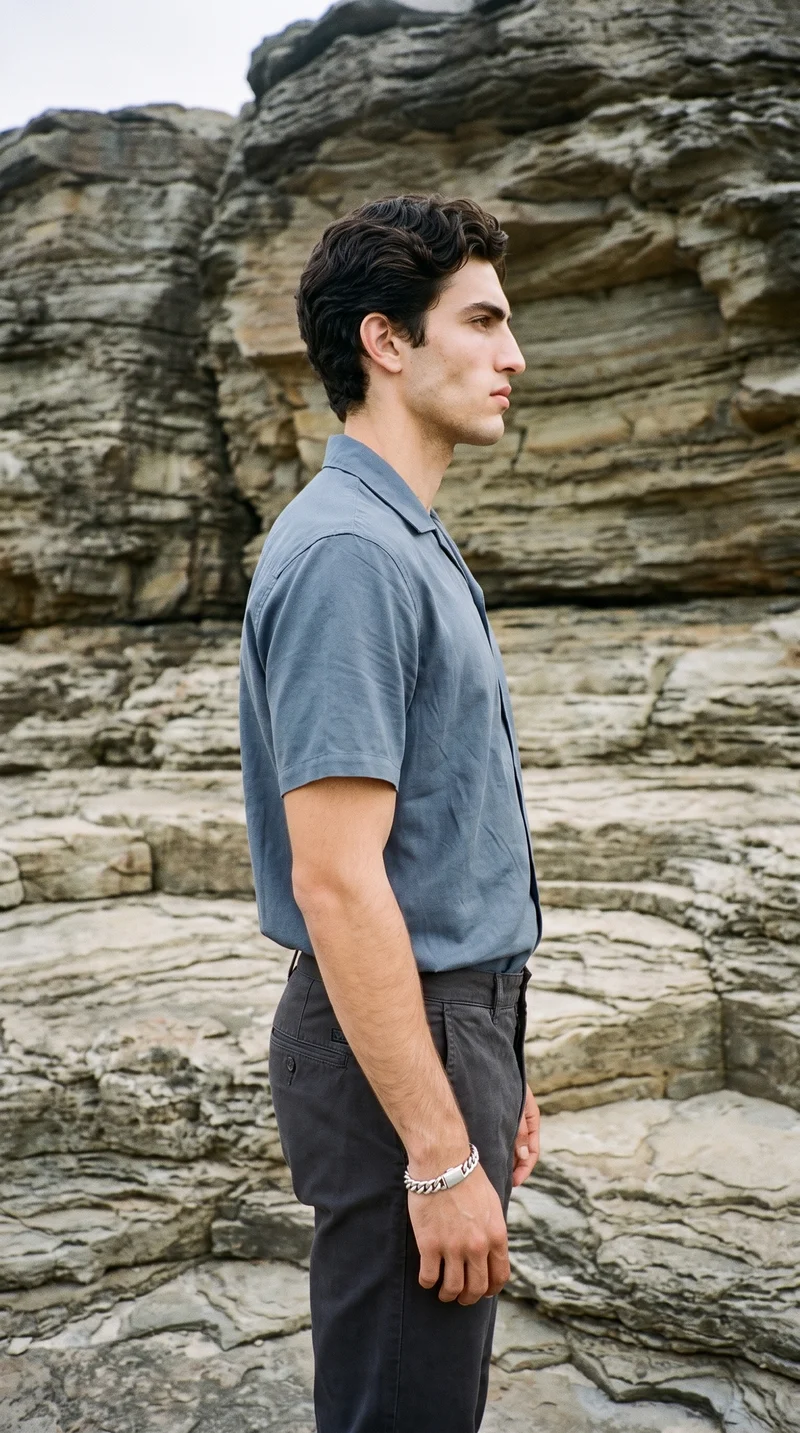
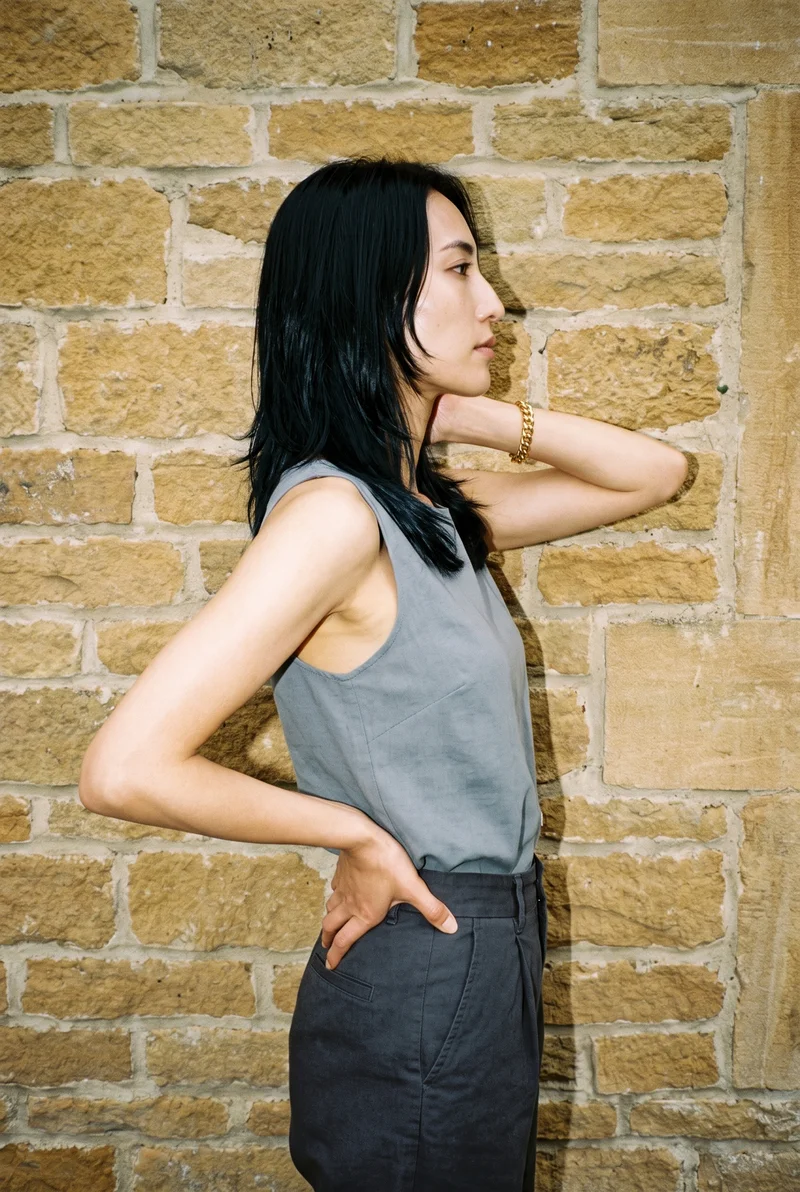
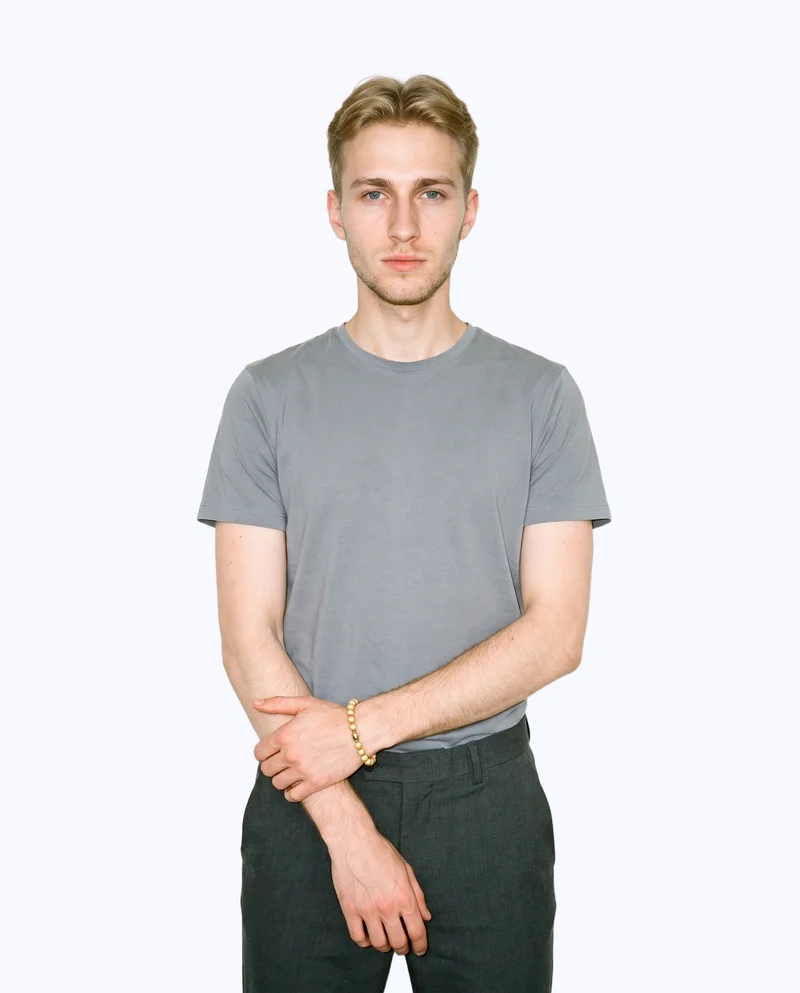
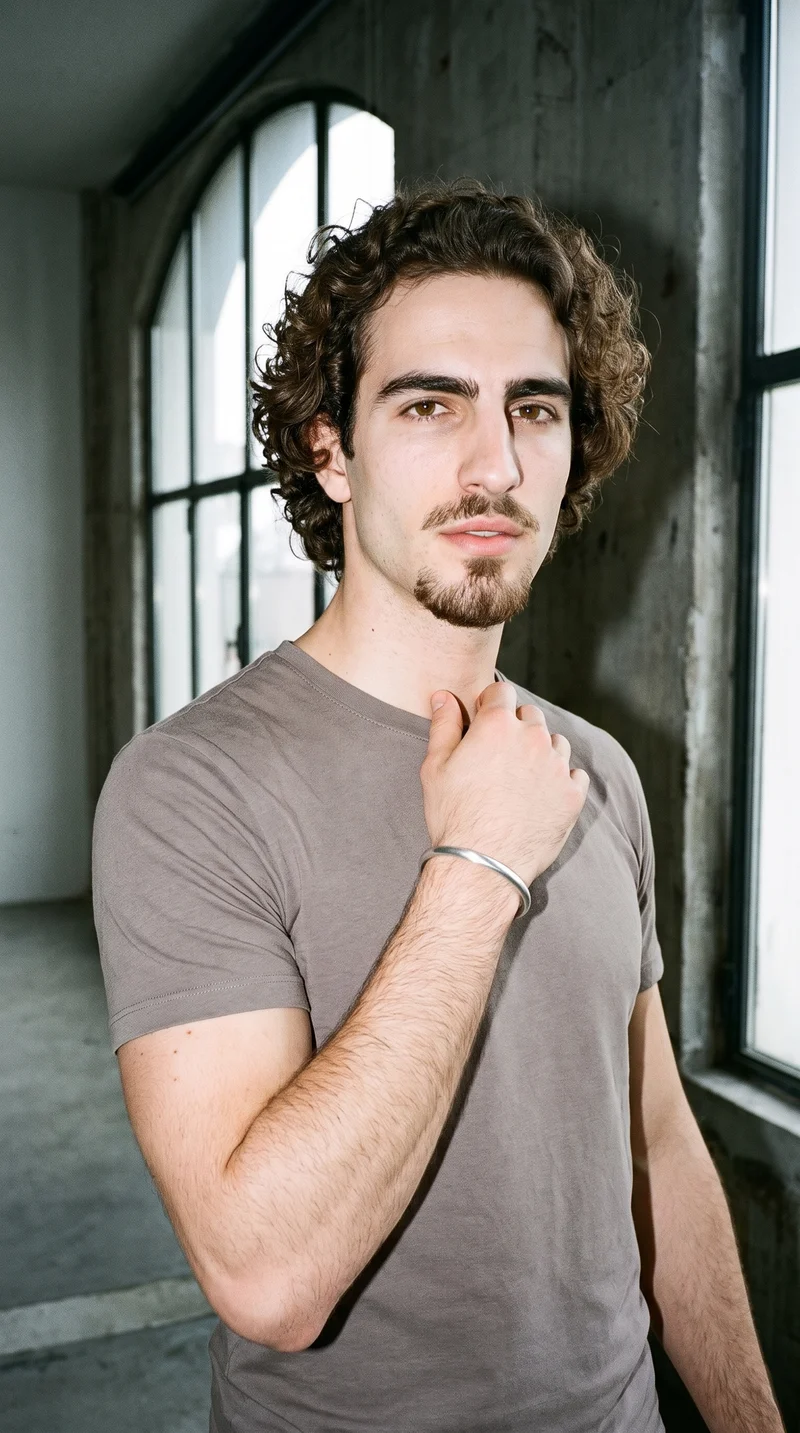
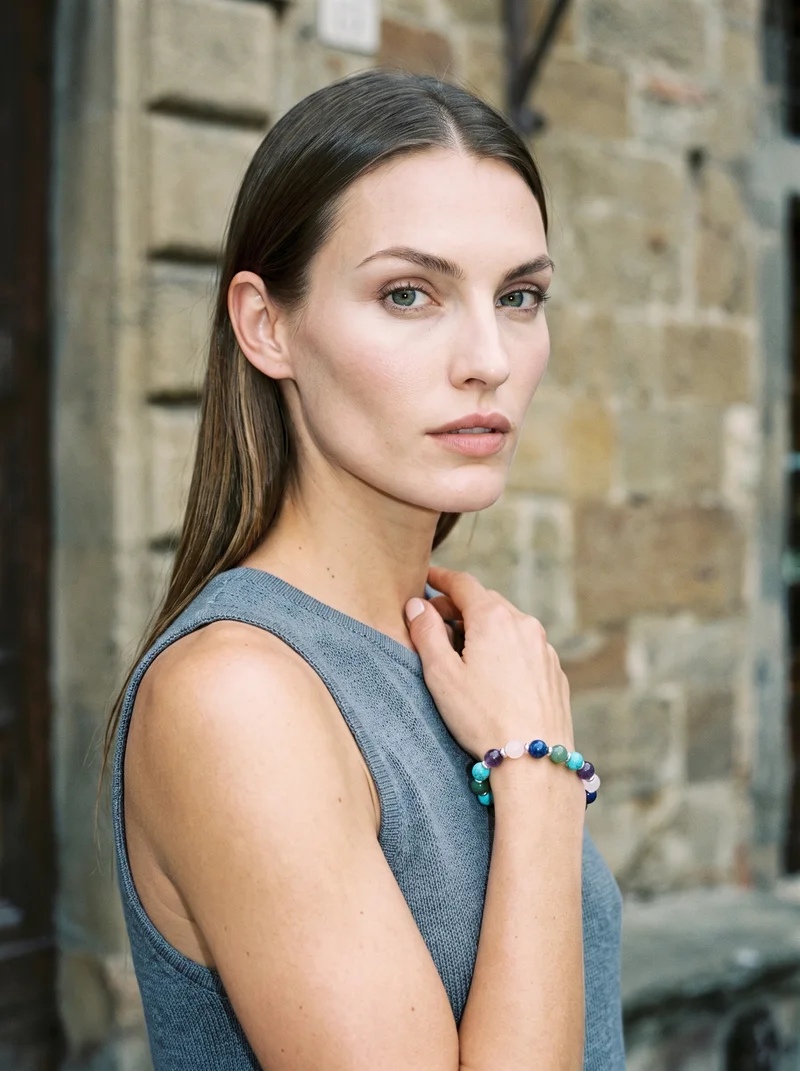
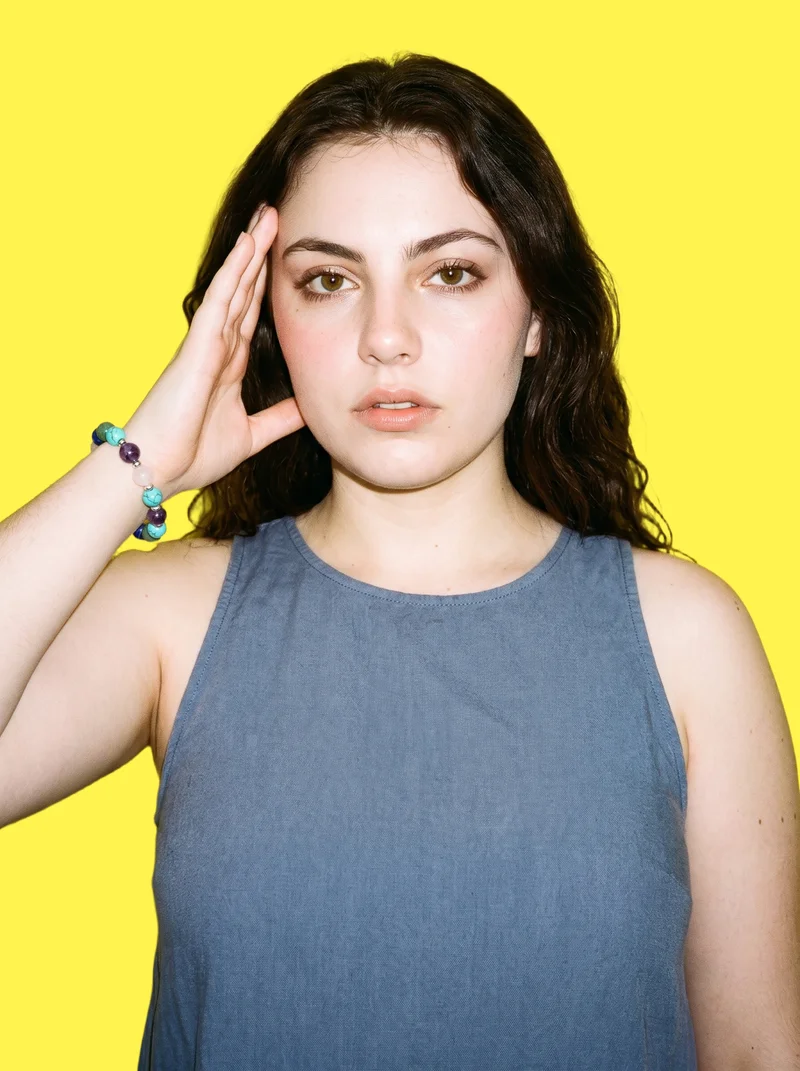
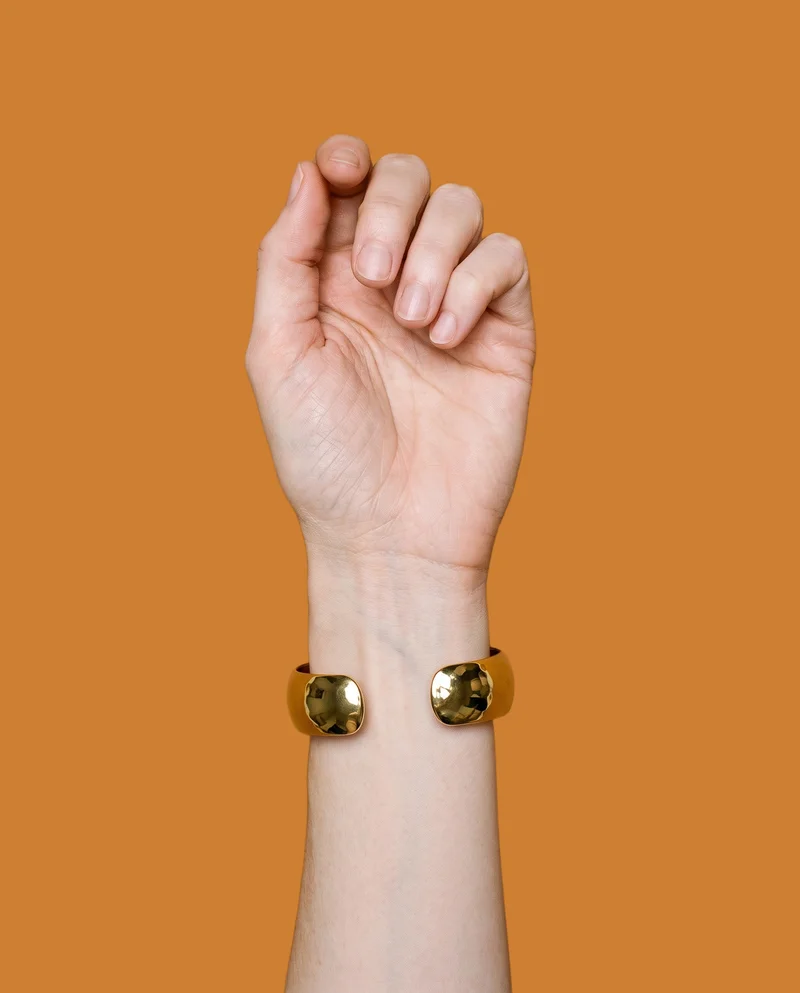
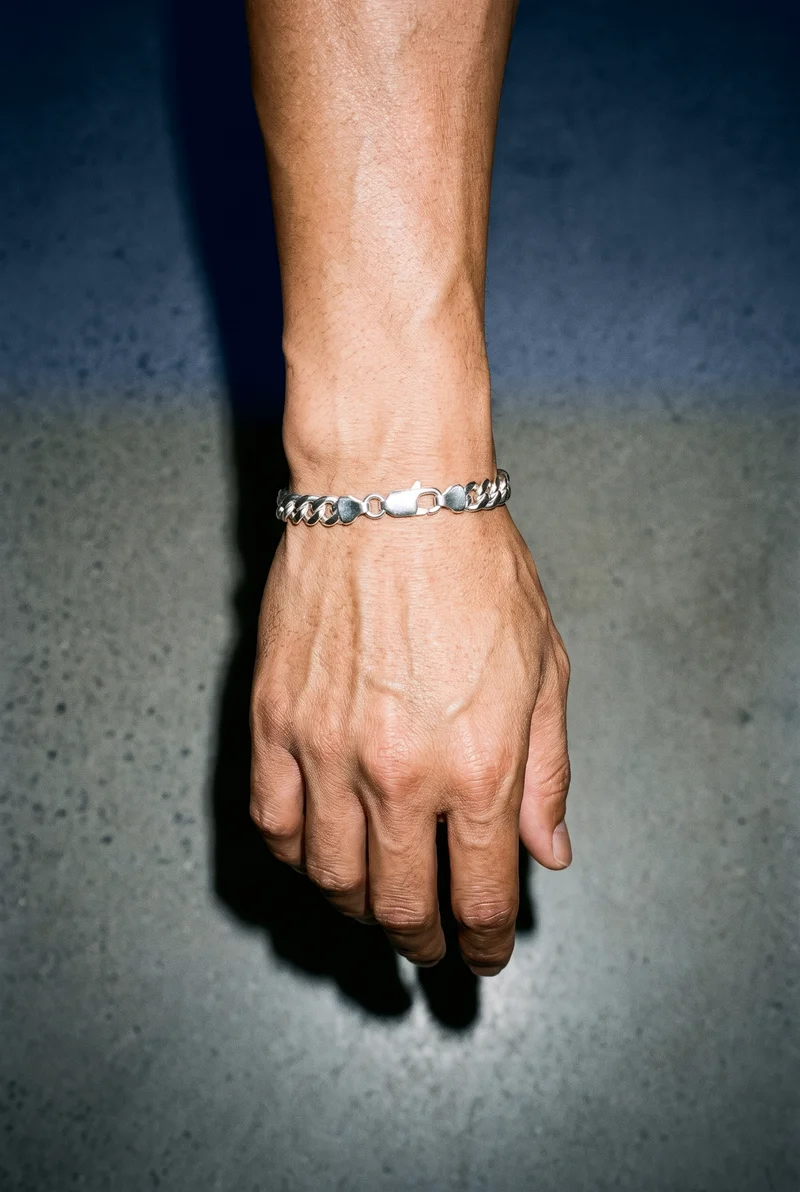
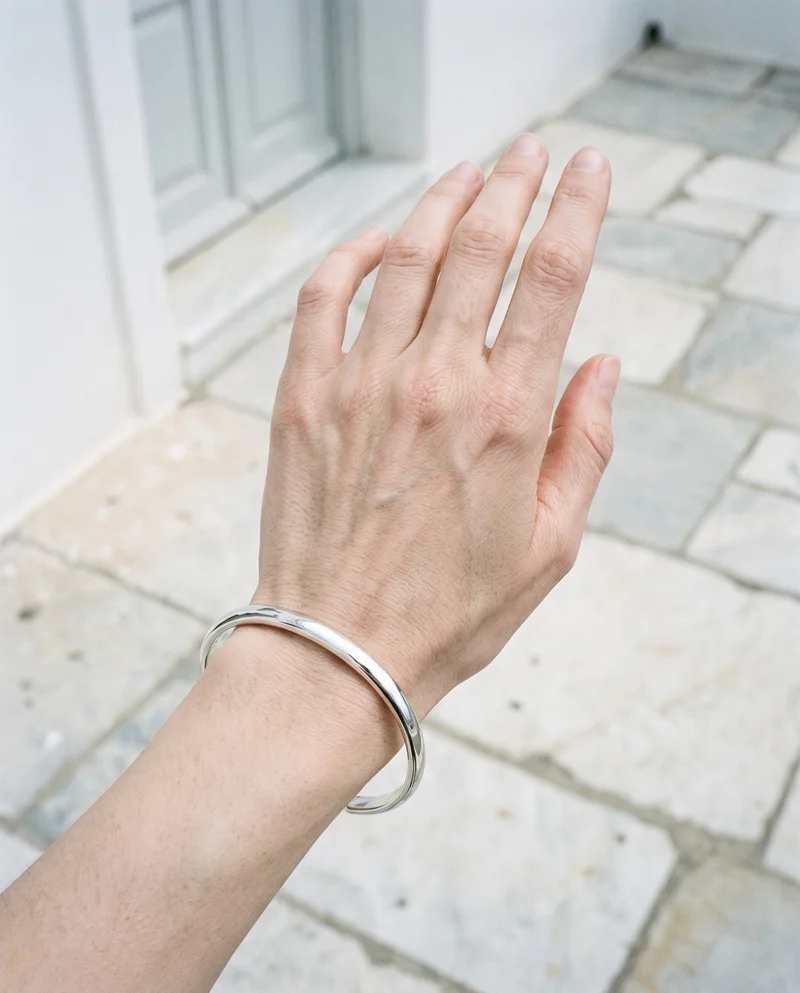
Showing 9 of 20, shot in RAWSHOT
Gallery
Review bracelets across clear on-body views.
Use the gallery as a starting point, then choose your own bracelet, model, background and composition.
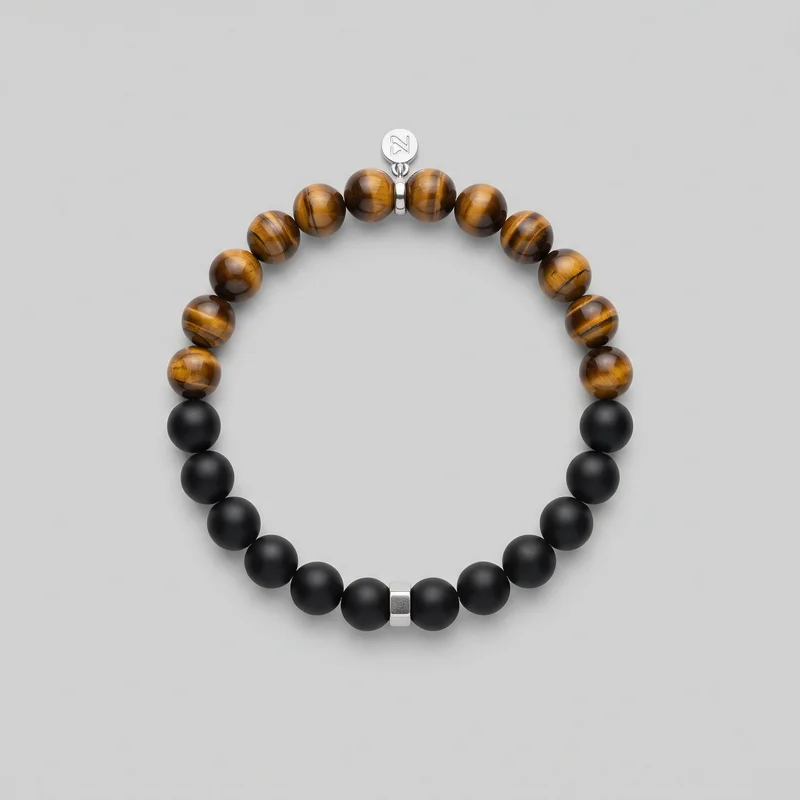 Men's Gemstone Beaded Bracelet
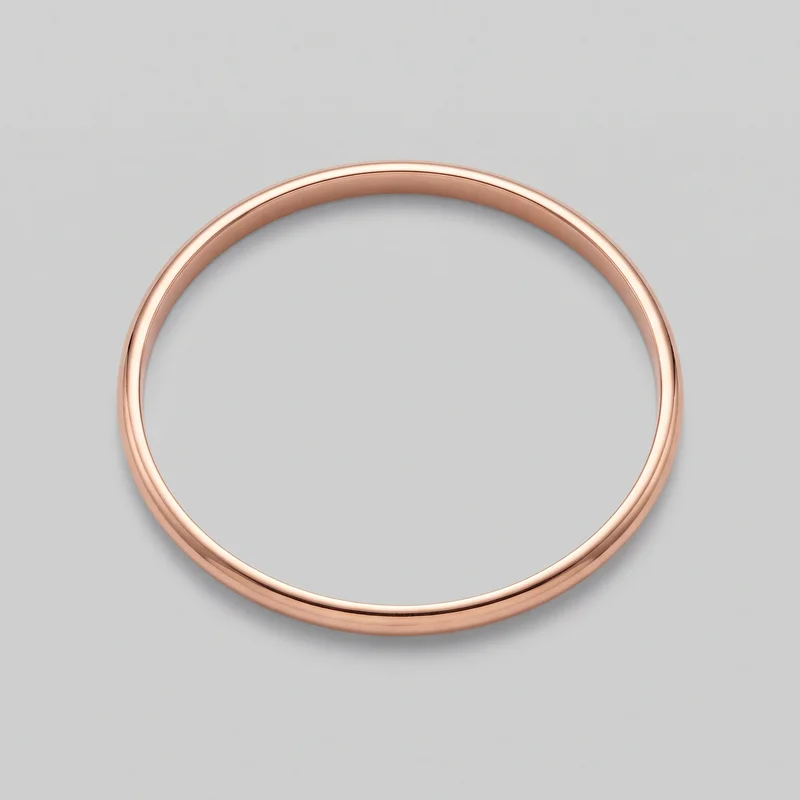 Rose Gold Bangle
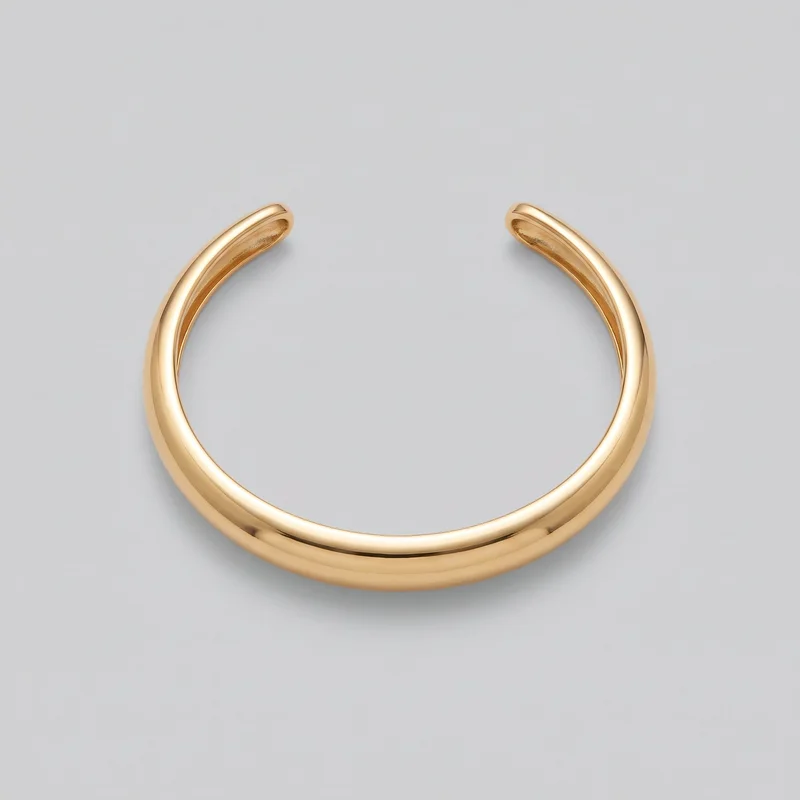 Women's Gold Cuff Bracelet
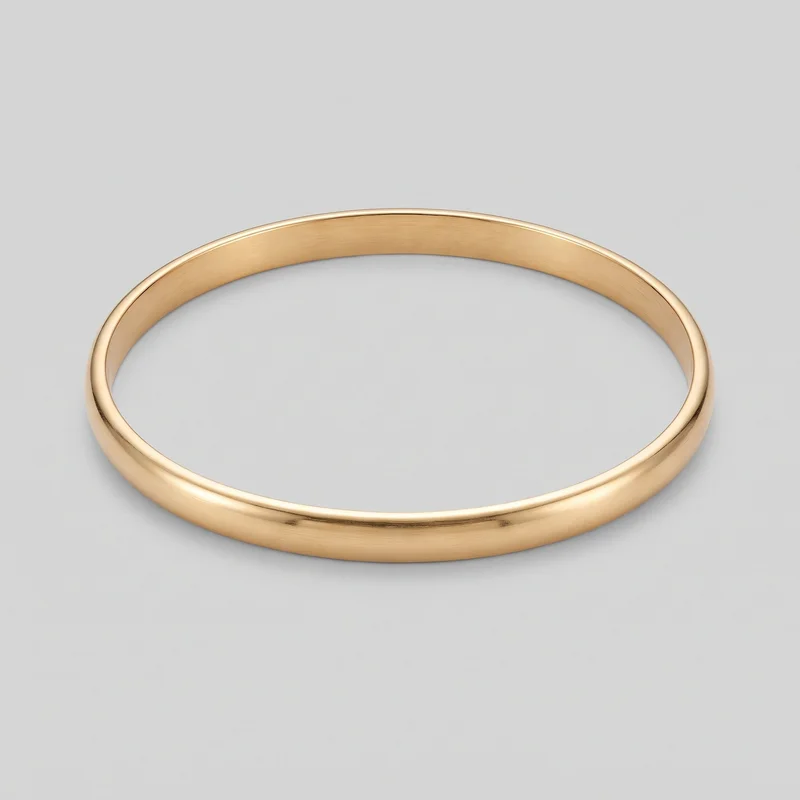 Gold Bangle
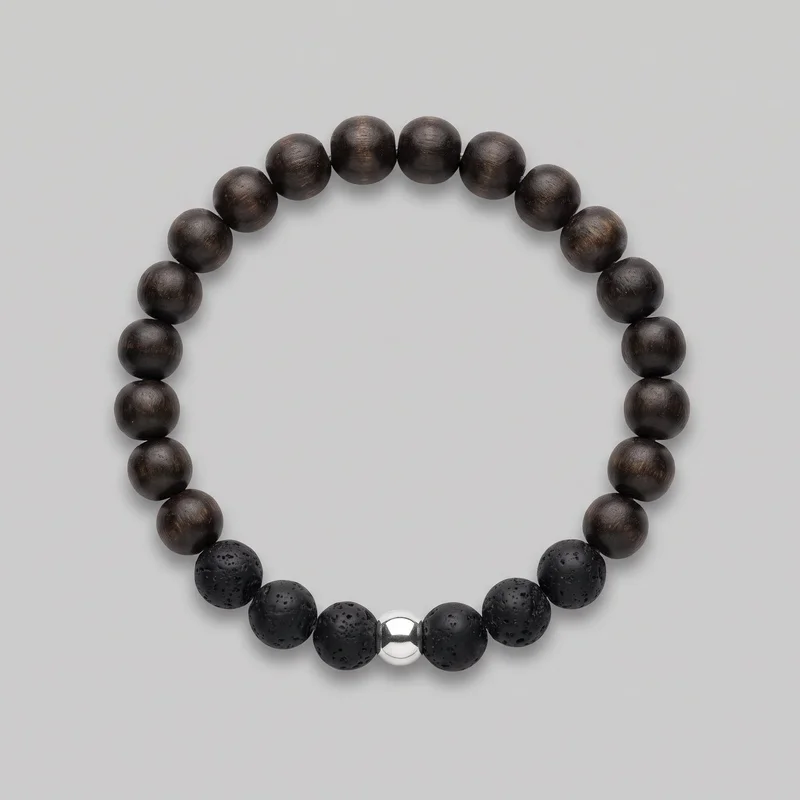 Men's Beaded Bracelet
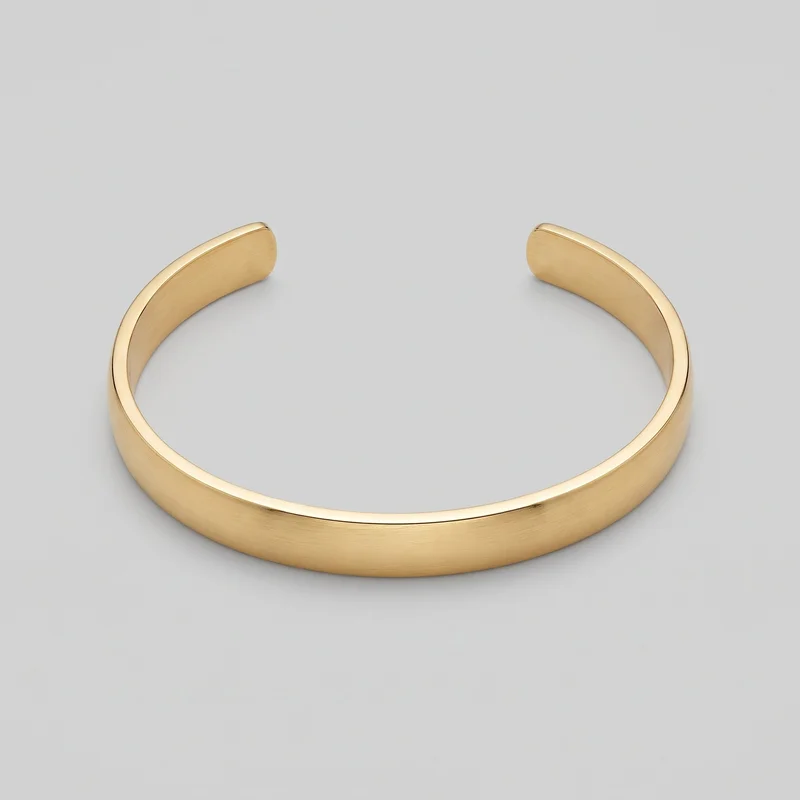 Men's Gold Cuff Bracelet
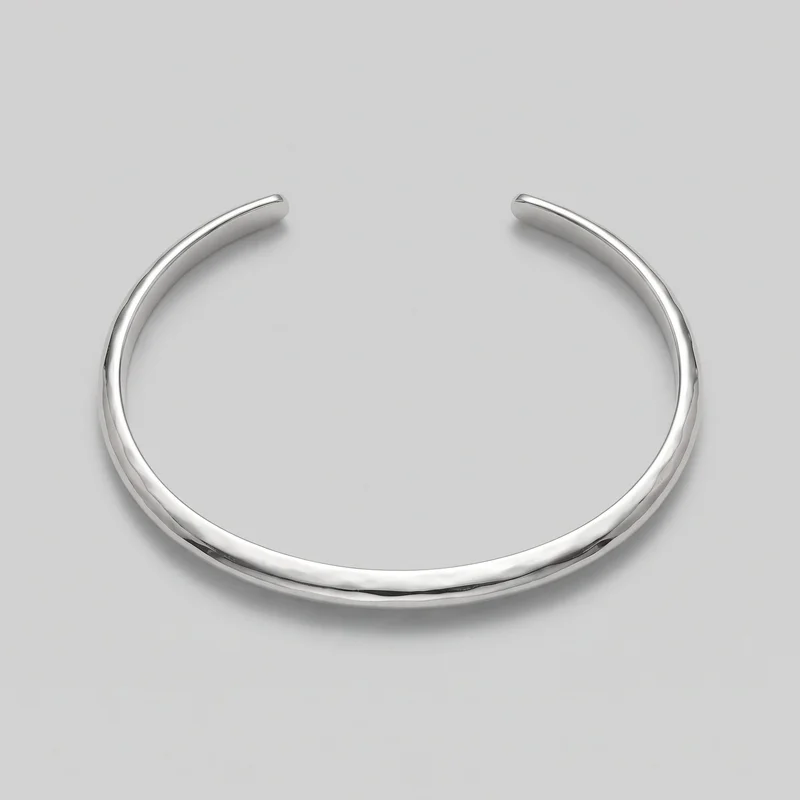 Women's Silver Cuff Bracelet
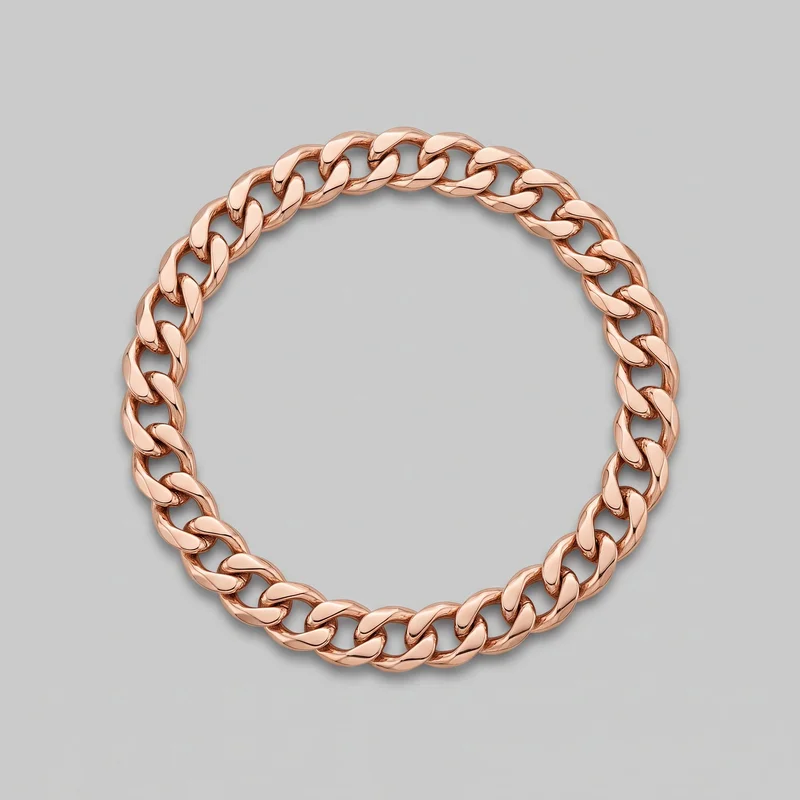 Men's Rose Gold Chain Bracelet
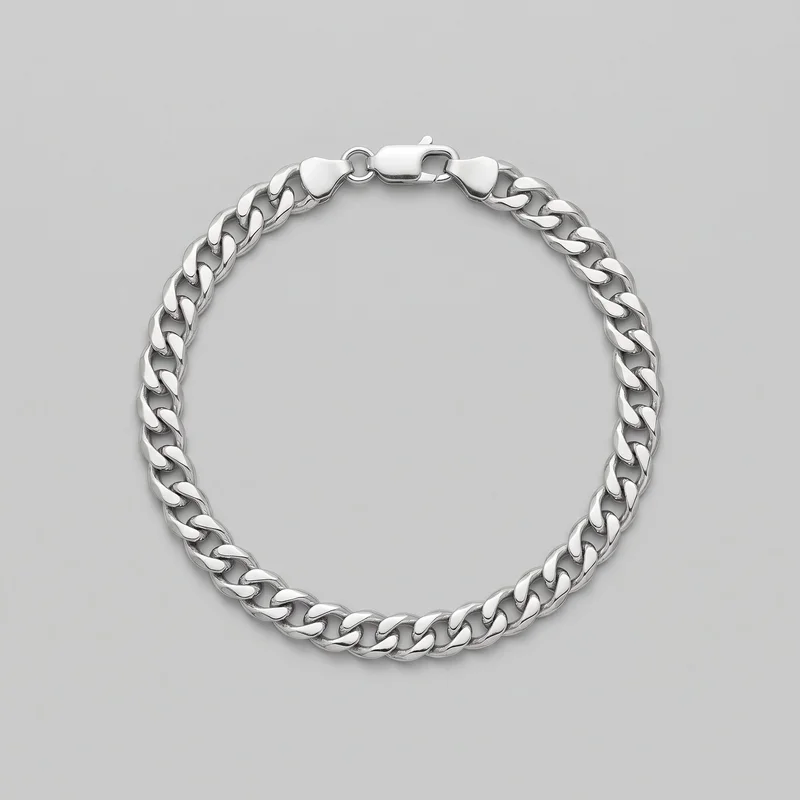 Men's Silver Chain BraceletGold BangleMen's Silver Chain Bracelet
Showing 11 of 20
Direct the shoot
Choose frames and poses that keep each bracelet visible.
Image frame
4
Pose
22 poses on this frame
Camera view
4
Format
9
Pose style
4
Facial expression
10
Photography direction
4
Create photoshoot
Step 7 of 7 · Composition
Image 1 · readyGallery image from this pageProduct
Your product
Model
From the library
Composition
Full Body · Front View · Catalog pose · Neutral
Delivery
2K · 1:1
Light
Studio Cutout
Total cost
5 tokens
Rawshot Features
Use source, light and composition to guide each view.
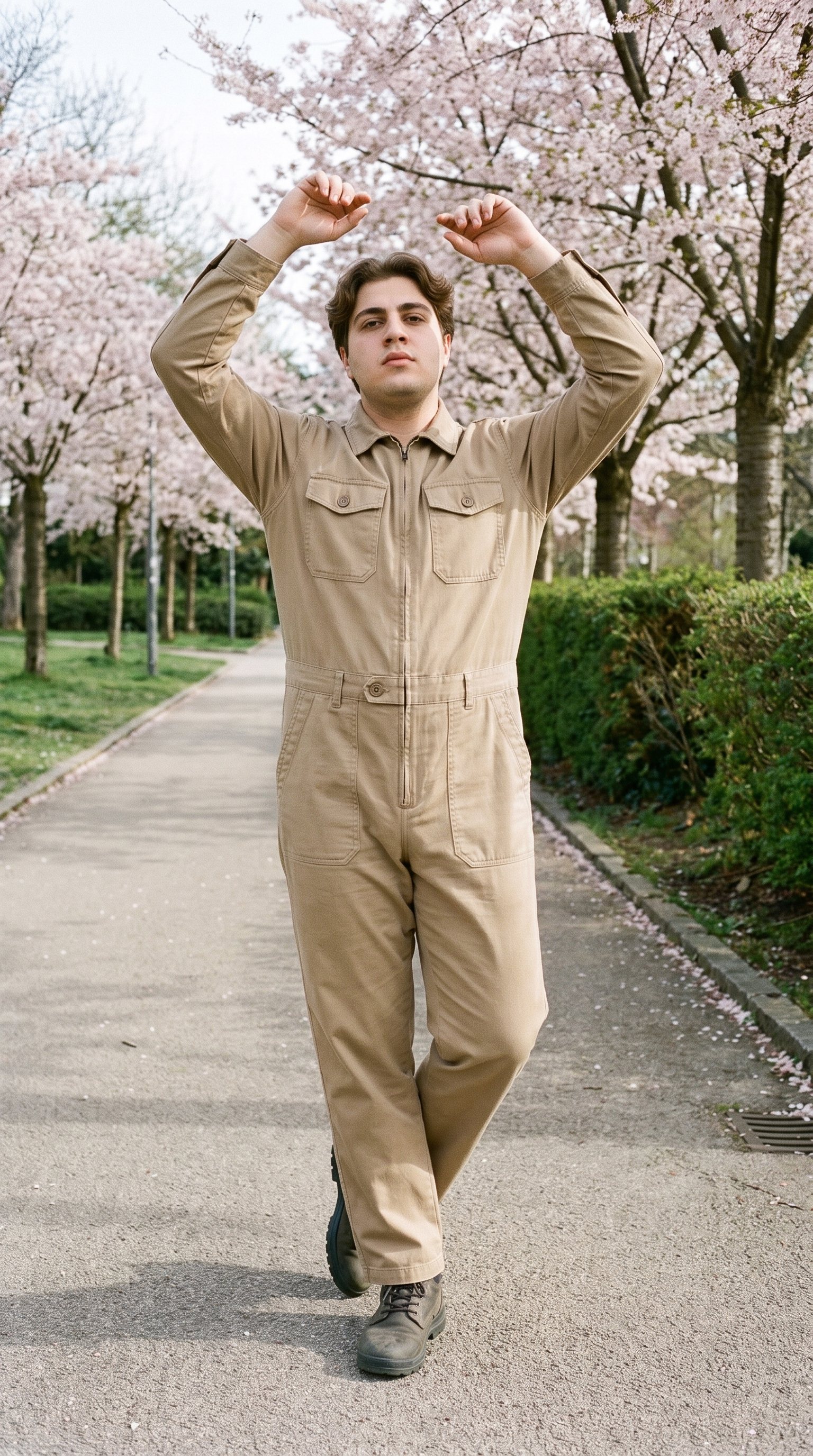
Direct Product-Focused Poses
Choose a supported frame and pose that keeps the bracelet visible while the wearer remains part of the product story.
22 poses on a full-body shot · 104 in total
See the feature →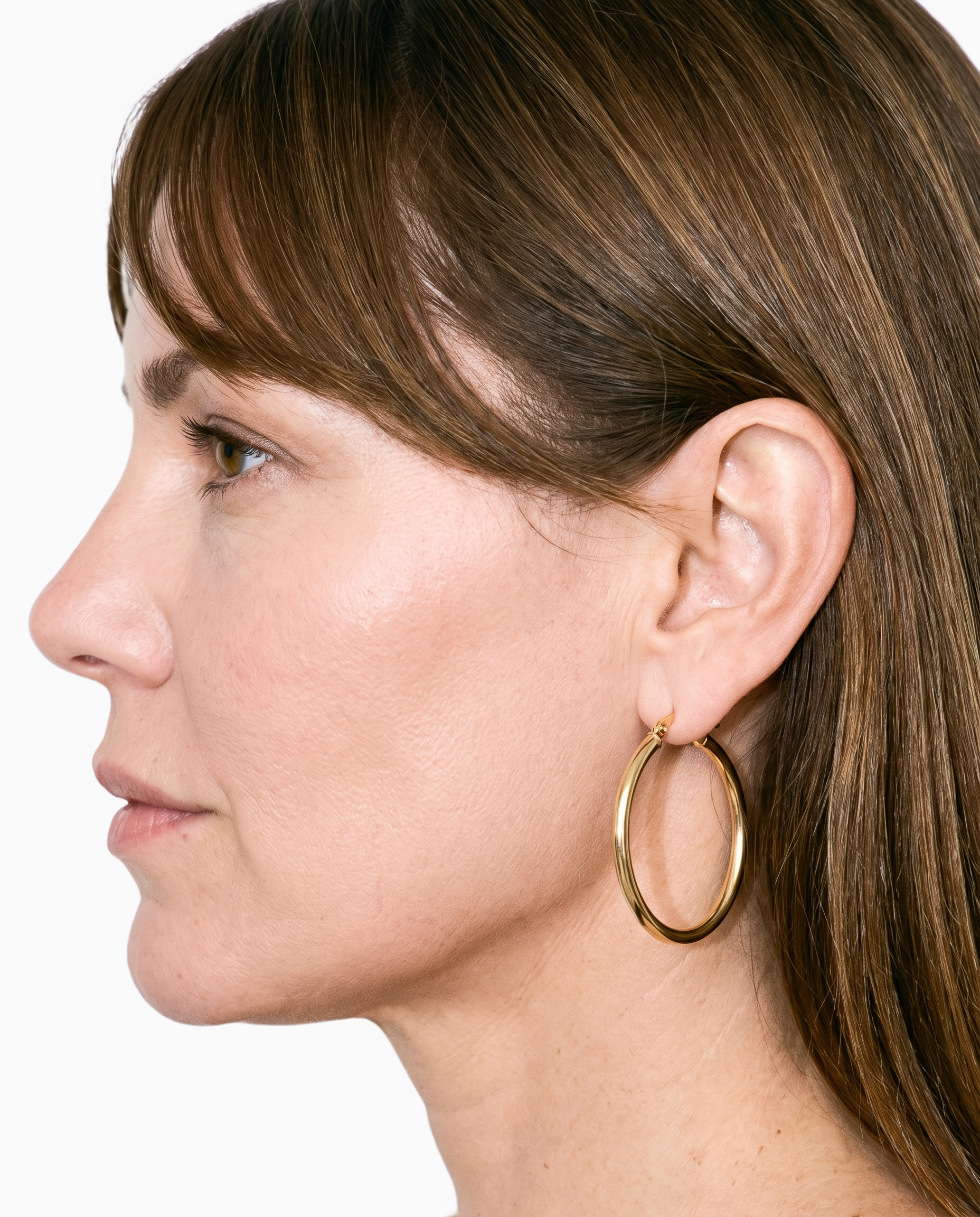
Start From Your Bracelet
Begin with the actual bracelet source so its construction, finish and colour guide the on-model composition.
Start from your real item and keep product fidelity while building the scene.
See the feature →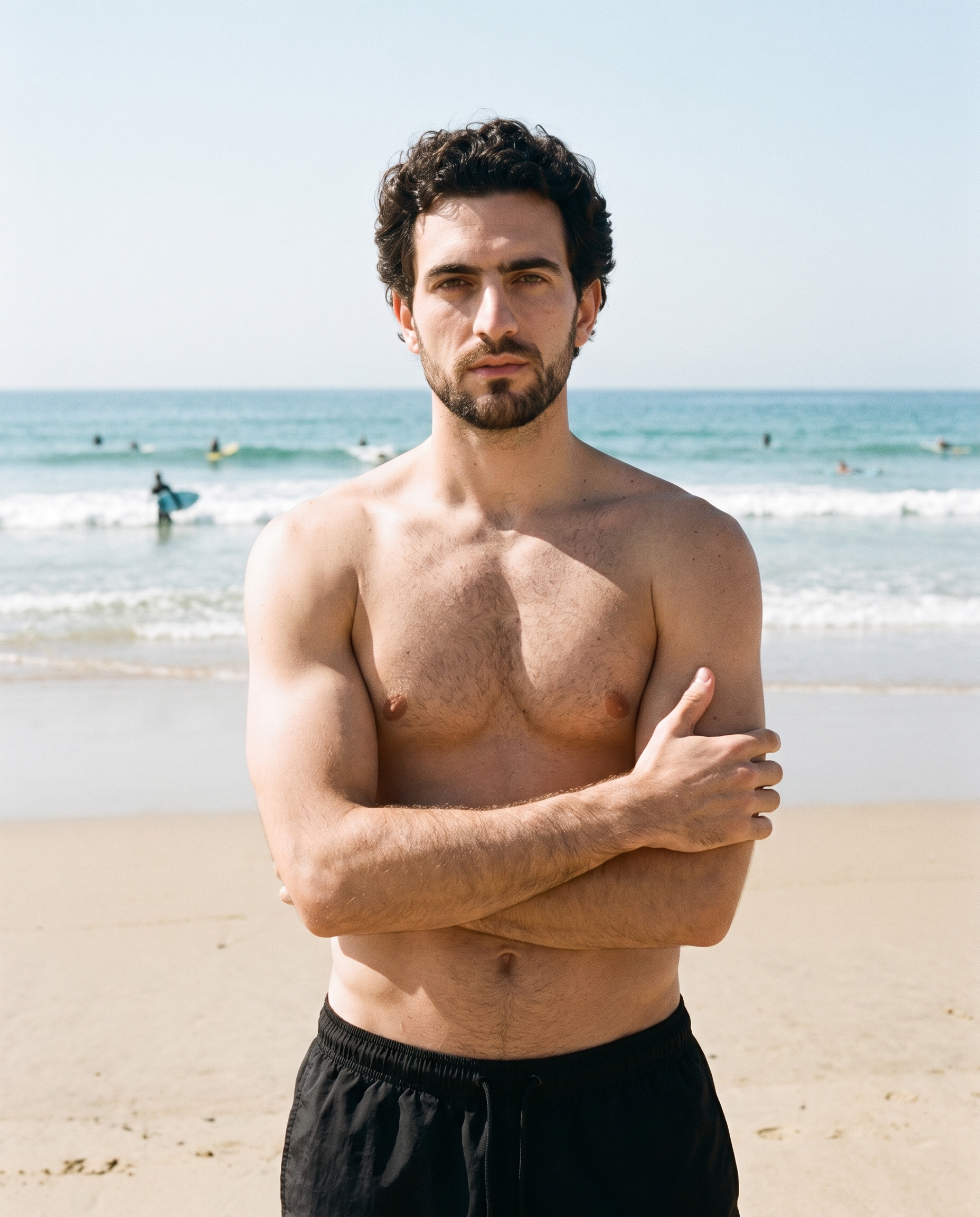
Choose the Lighting Direction
Set the lighting treatment to suit a product page, linesheet or campaign while keeping the bracelet central.
4 named choices that set mood and shadow the same way across a shoot.
See the feature →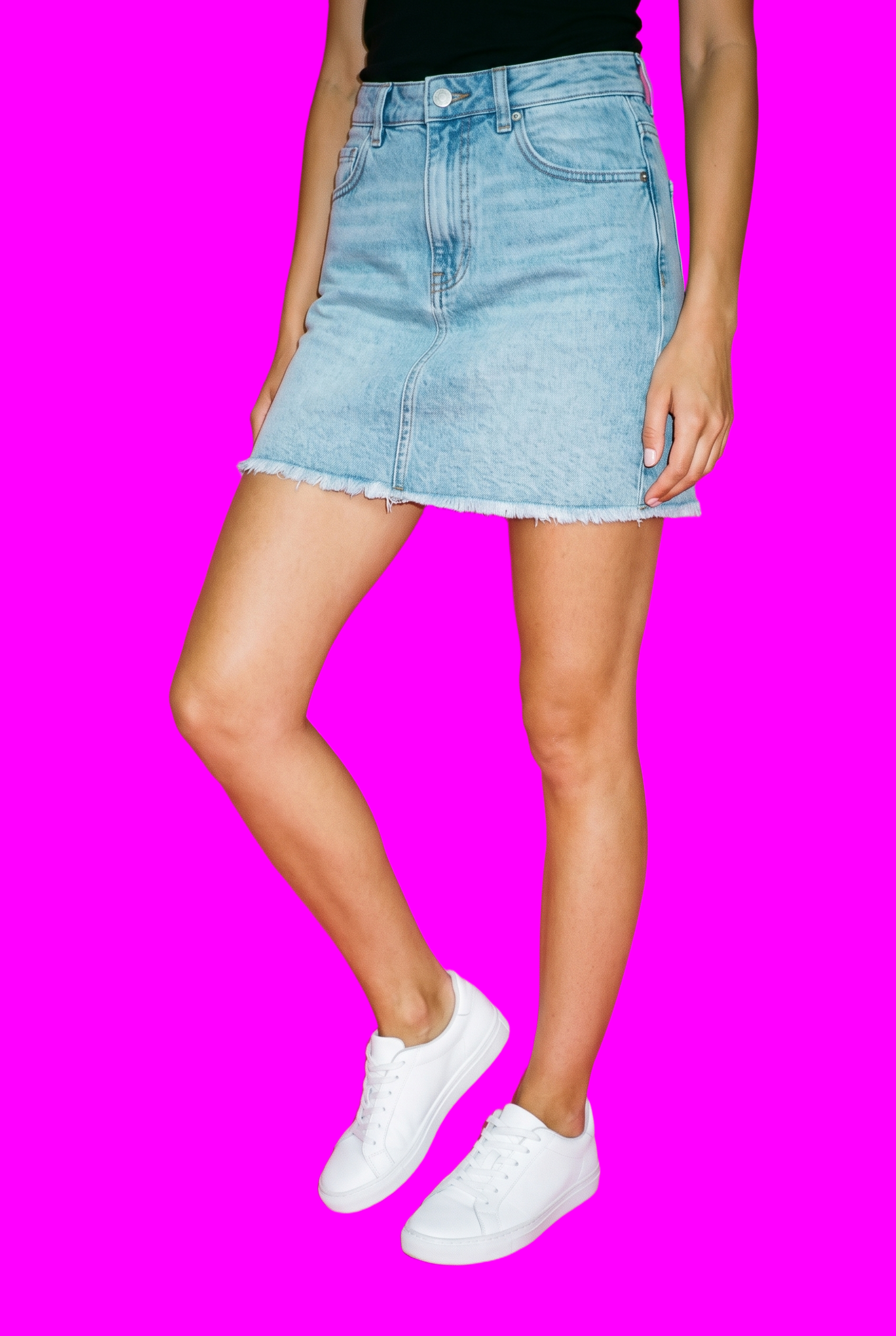
Refine Each Product Variation
Adjust selected parts of the composition when colourways, backgrounds or presentation need controlled variation.
Change one decision and keep the rest of the composition stable.
See the feature →AI image to video generator
17 model actions on a full-body shot · 132 in total
AI makeup generator
Branch-aware named options applied without altering casting or scene setup.
AI model generator
Library filters plus private model building for consistent identity across the set.
AI outfit generator
Combine the main piece with neutral supporting items in one coherent frame.
AI photo background generator
Swap scene context while keeping model, product, and framing stable.
AI suggestions
Preselected control values you can always override in the same configurator.
Garment styling
Choose how the garment is worn and keep brand presentation consistent.
Inspiration gallery
Load editable finished looks as fast starting points for new shoots.
Use cases
Plan launches, listings and campaigns around bracelets.
Colourway Launch Pages
The situation
Your jewellery line is preparing a bracelet drop with several colourways that need an unified product-page presentation.
With RAWSHOT
Start with product import to carry each bracelet into the composition, then use pose controls for a repeatable on-body view. The outcome is coordinated colourway imagery with deliberate product visibility.
E-commerce Product Pages
The situation
A new bracelet listing needs a closer body view that explains scale and finish before the product page goes live.
With RAWSHOT
For product pages, choose the Upper Body frame and a supported camera view to keep the piece easy to inspect. Your outcome is a clearer listing image that adds context without replacing size information.
Social Content Formats
The situation
Approved bracelet images need adapting for feed, story and advertising placements during a collection launch.
With RAWSHOT
When social content needs variation, use aspect-ratio controls alongside the selected composition to prepare each placement. You create channel-ready bracelet visuals while retaining the chosen presentation decisions.
Paid Creative Testing
The situation
A performance campaign needs several bracelet ad treatments built from the approved product presentation rather than unrelated imagery.
With RAWSHOT
To test paid creative, use image-to-image changes for controlled adjustments to model, light or background. The outcome is a set of distinct ad variants that still points back to the approved bracelet.
Jewellery Linesheets
The situation
A wholesale team is assembling a jewellery linesheet and wants bracelets shown on the body before samples reach the sales process.
With RAWSHOT
Build the linesheet view with photography direction and background controls suited to a clean catalogue setting. You produce orderly bracelet presentation that supports range review and buyer conversations.
Campaign Pre-visualisation
The situation
A creative lead is shaping a bracelet campaign and needs to explore model presence, framing and light before production planning.
With RAWSHOT
During campaign planning, use model, pose and composition controls to test the visual direction around the bracelet. The outcome is a concrete pre-visualisation that helps guide later creative decisions.
Consistency
Your bracelet stays central while one choice changes.
Once the composition suits your collection, adjust one decision while the other selected settings hold. That gives related bracelet images a coherent model, lighting treatment and framing without requiring every choice to be rebuilt.
You change one
- Frame
- Pose
- Camera view
- Model
The rest holds
Model
Keep the chosen person in place while other decisions change.
Light
Retain the selected photography direction across related compositions.
Framing
Preserve the chosen crop when refining the bracelet presentation.
Who it's for
Is RAWSHOT right for recurring bracelet work?
A good fit
This fits you when recurring bracelet work needs clear on-model presentation for listings, launches, linesheets or campaign planning. You choose from visible product, model, frame, light and composition options.
Work it handles well
- You can present colourways with a consistent composition.
- You can start from photos, flat-lays or sketches.
- You can prepare recurring launch and listing imagery.
Outside this scope
It does not fit if you need measured bracelet fit, custom lighting positions or unrestricted styling. Upload quality also limits how accurately colour, material and hardware carry through.
Where this stops
- You cannot measure fit on the body.
- You cannot set custom light positions.
- You need clear source images for accuracy.
Rights
You own every image. Every image says what it is.
Yours
- Full commercial rights to every image, permanently.
- No recurring licence fees on any model in the library.
- Every model is a synthetic composite, so there is no real-person likeness.
Labelled
- C2PA content credentials on every image.
- AI-labelled output, meeting EU AI Act Article 50.
EU-hosted, GDPR-compliant handling.
- EU AI Act Article 50
- C2PA
- Full commercial rights
- GDPR
- EU-hosted
Questions
What matters before your first bracelet shoot?
Can RAWSHOT show bracelet photography accurately on a model for listings, launches and campaign planning?
You can use RAWSHOT to present bracelet photography on a model with deliberate product visibility, selected light and controlled composition. Start from a product photo, flat-lay or technical sketch, then choose the model, outfit, pose, background and camera view that suit the piece. This supports listing imagery, colourway launches, linesheets and campaign pre-visualisation. Clear source material helps the bracelet’s colour, material and hardware carry through the generated presentation.
Where does bracelet photography work best across product pages, social channels, linesheets and campaign planning?
Bracelet photography works best for product pages, colourway launch pages, social placements, paid creative, jewellery linesheets and campaign pre-visualisation. You can use a closer body view to add scale and finish context to a listing, or build a clean catalogue presentation for wholesale review. For campaign work, model, pose, background and light controls help you explore a direction before production planning while keeping attention on the bracelet.
Which crops and frames suit bracelet photography for product pages, feed posts, stories and advertising placements?
Use 4:5 and 9:16 crops with a supported frame suited to product pages, feed posts, stories and advertising placements. You can select an Upper Body frame when the bracelet needs a closer on-body view, then use aspect-ratio controls for each channel. Keep the chosen composition, camera view and product visibility aligned so the piece remains easy to inspect across adapted placements.
What product source does RAWSHOT need to begin bracelet photography accurately for a listing or linesheet?
You can begin bracelet photography with a clear product photo, flat-lay or technical sketch that shows the bracelet’s shape, colour, material and hardware. RAWSHOT carries that source into a model-led composition where you choose the pose, outfit, light, background and camera view. Strong, well-lit reference material supports more reliable product presentation, while unclear or incomplete uploads can limit how accurately the details carry through.
How can RAWSHOT direct bracelet photography through model, pose and light choices?
You can direct bracelet photography by selecting the model, outfit, pose, light, background, camera view and composition that frame the piece clearly. Use image-to-image changes when you want controlled adjustments to the model, light or background without losing the approved product direction. Once the composition suits your collection, hold selected settings while refining another decision to keep related colourway imagery coherent.
Where does RAWSHOT stop with bracelet photography when you need measured fit, custom lighting or unrestricted styling?
RAWSHOT stops short of measured bracelet fit, custom lighting positions and unrestricted styling. You can select supported model, pose, frame, light and composition directions, but you cannot verify how the bracelet physically fits the body or place lights freely. Upload quality also affects colour, material and hardware accuracy, so use clear source imagery when the product details need careful inspection.
What usage rights apply to bracelet photography created with RAWSHOT for product pages, social placements and campaigns?
You get full commercial rights to every image, permanently, with no recurring licence fee. Every image carries C2PA content credentials and is labelled as AI-generated.
Get started
Move from bracelet planning to a first shoot.
Start with a 7-day free trial including 50 tokens, then move to the plan that matches your production volume.