
Product photography
Clothing photography
Each garment lands in a considered frame.
For Clothing photography, start with a real product photo, flat-lay, mockup or technical sketch. Choose the model, garment styling, background, light and composition for on-model clothing imagery that fits product pages, launches and lookbooks.
7-day free trial • 50 tokens (10 images) • Cancel anytime
2737 images in this range · AI-labelled with C2PA content credentials
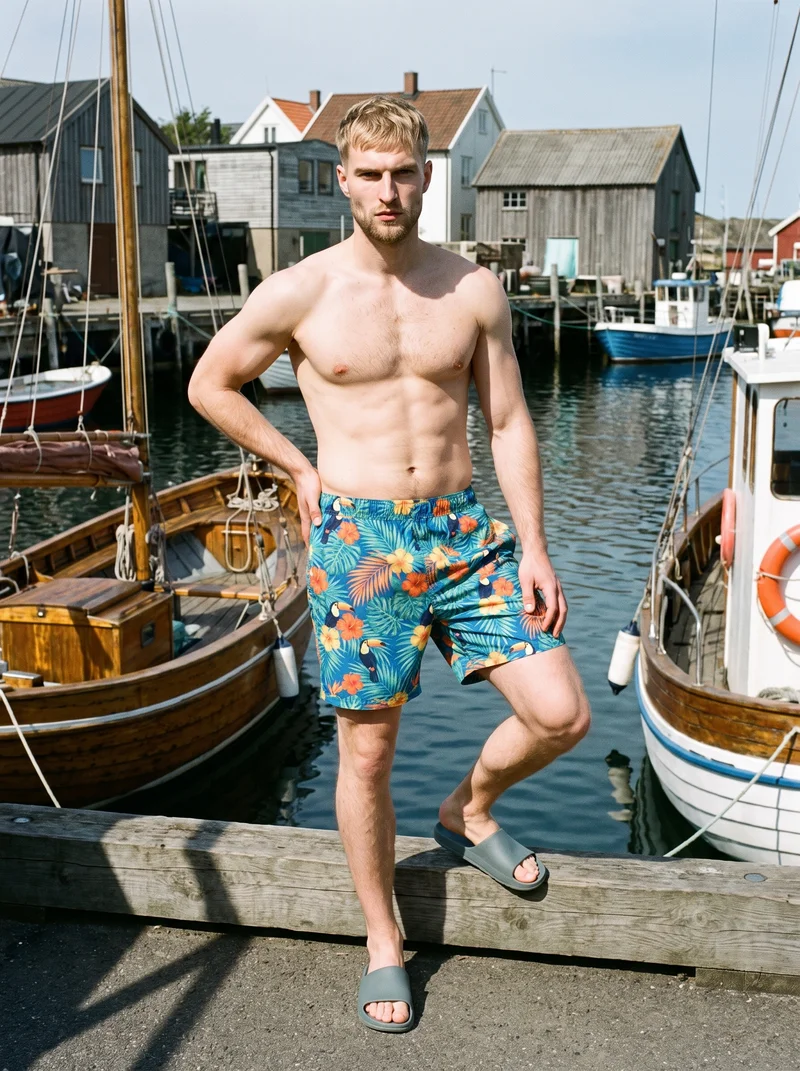
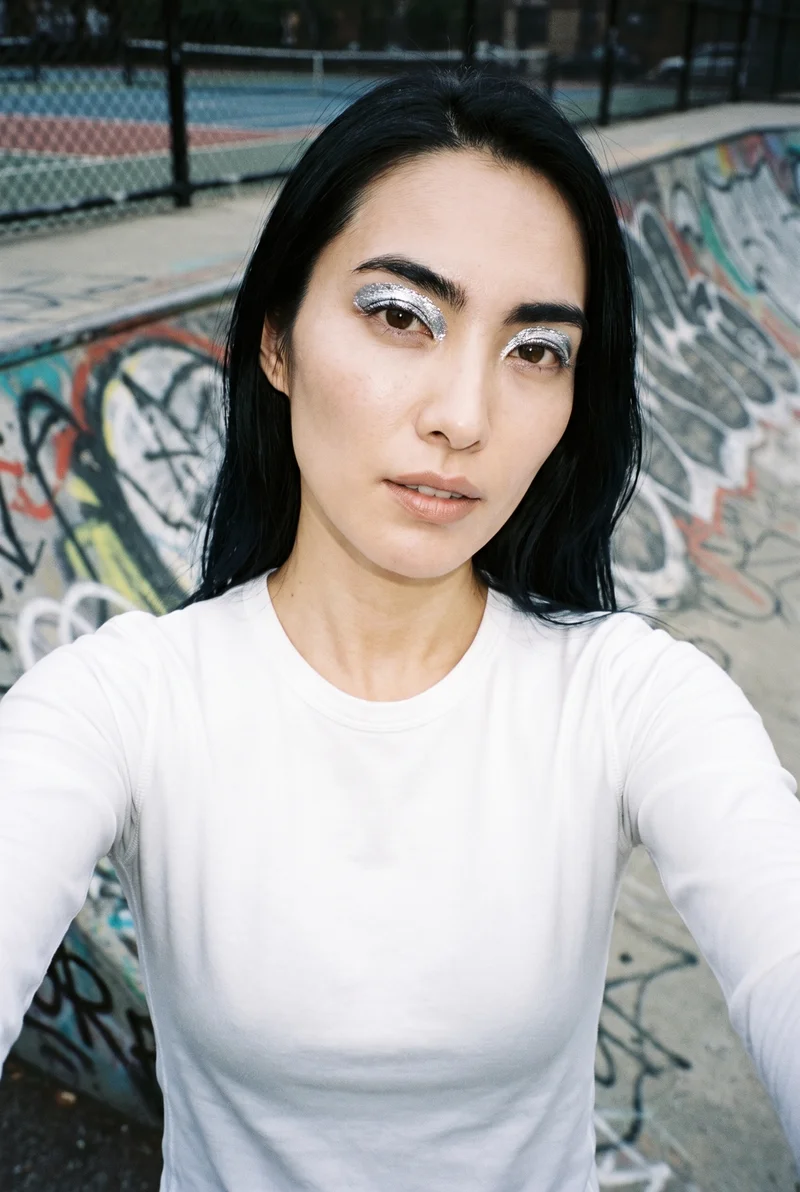
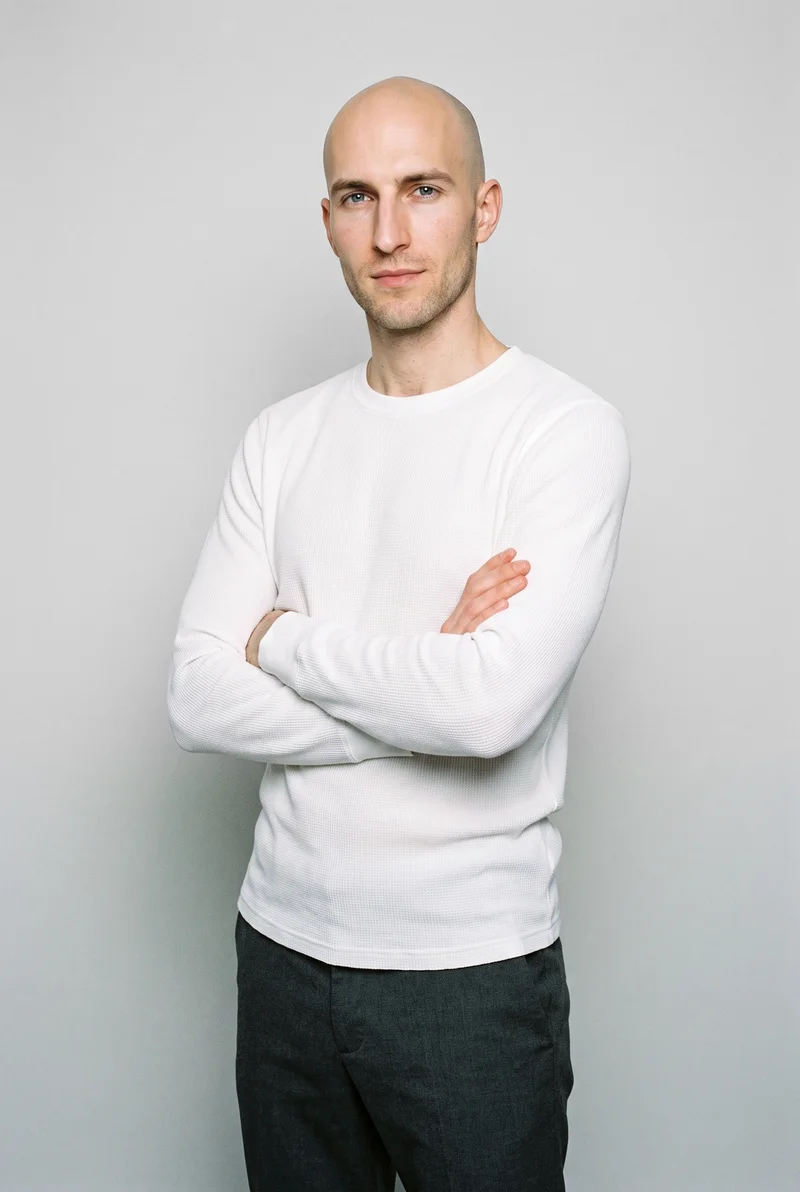
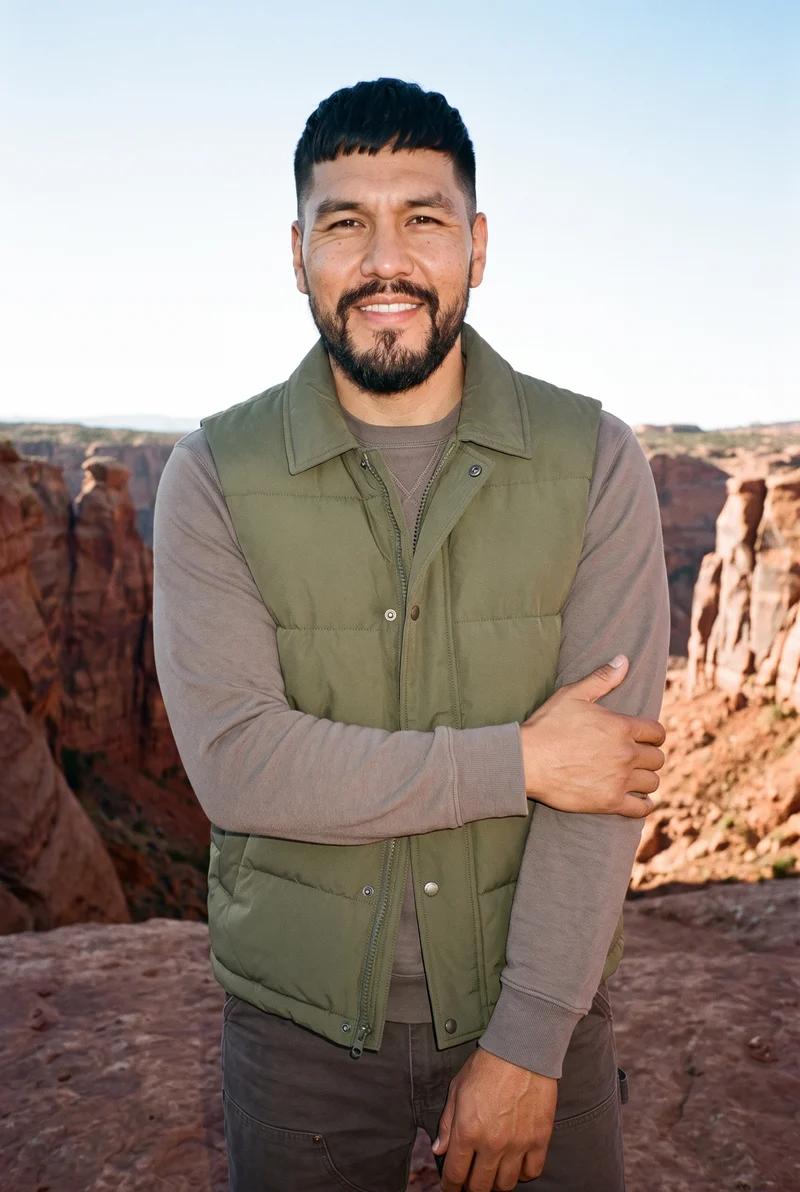
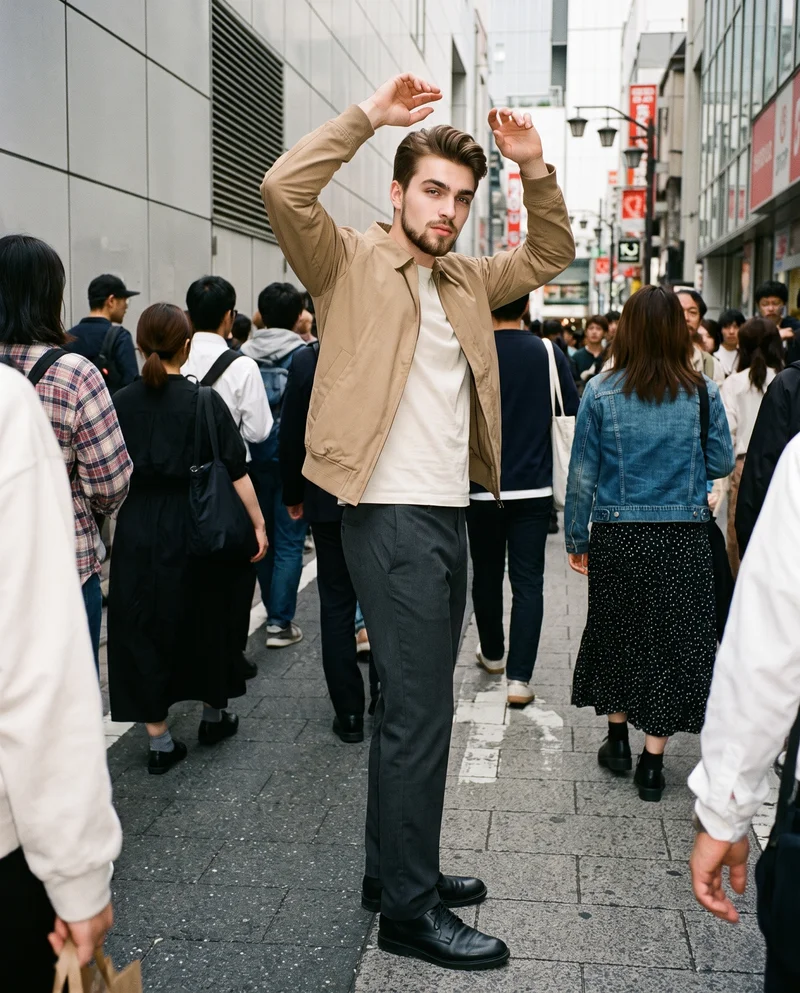
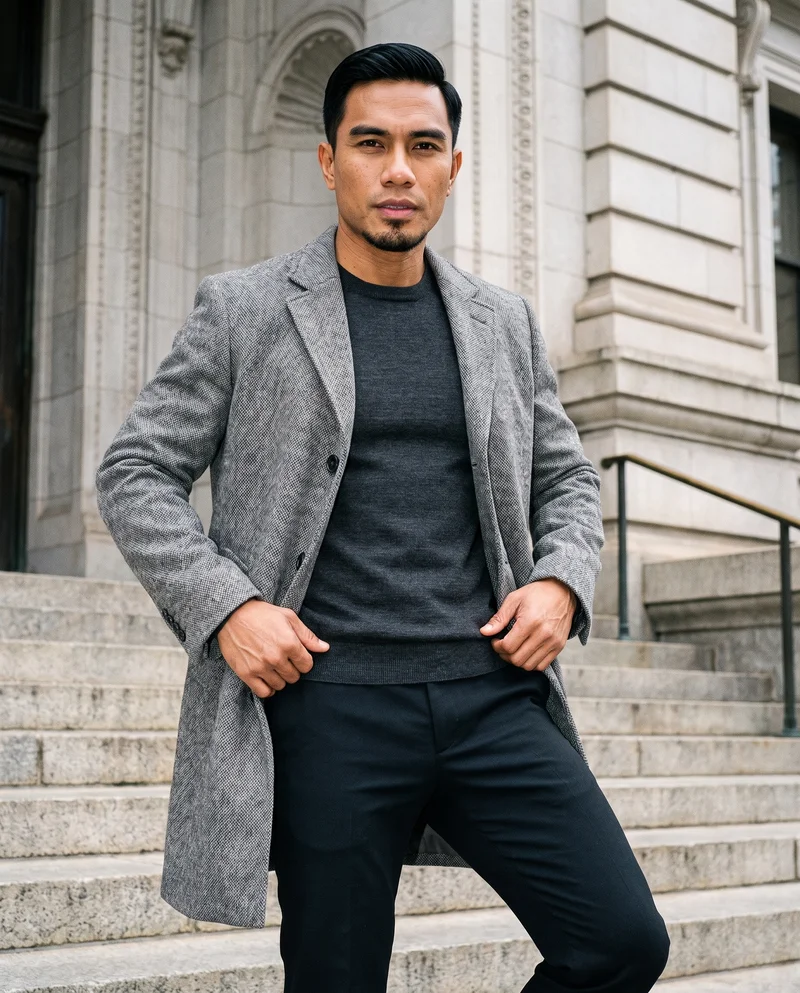
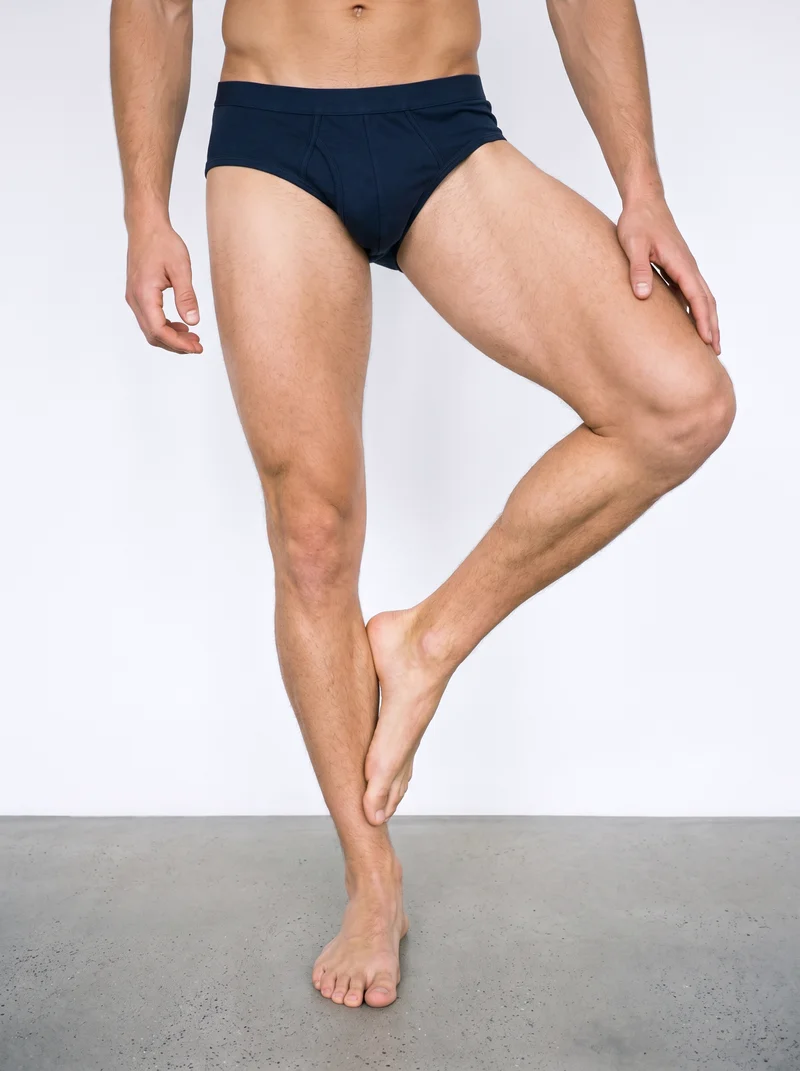
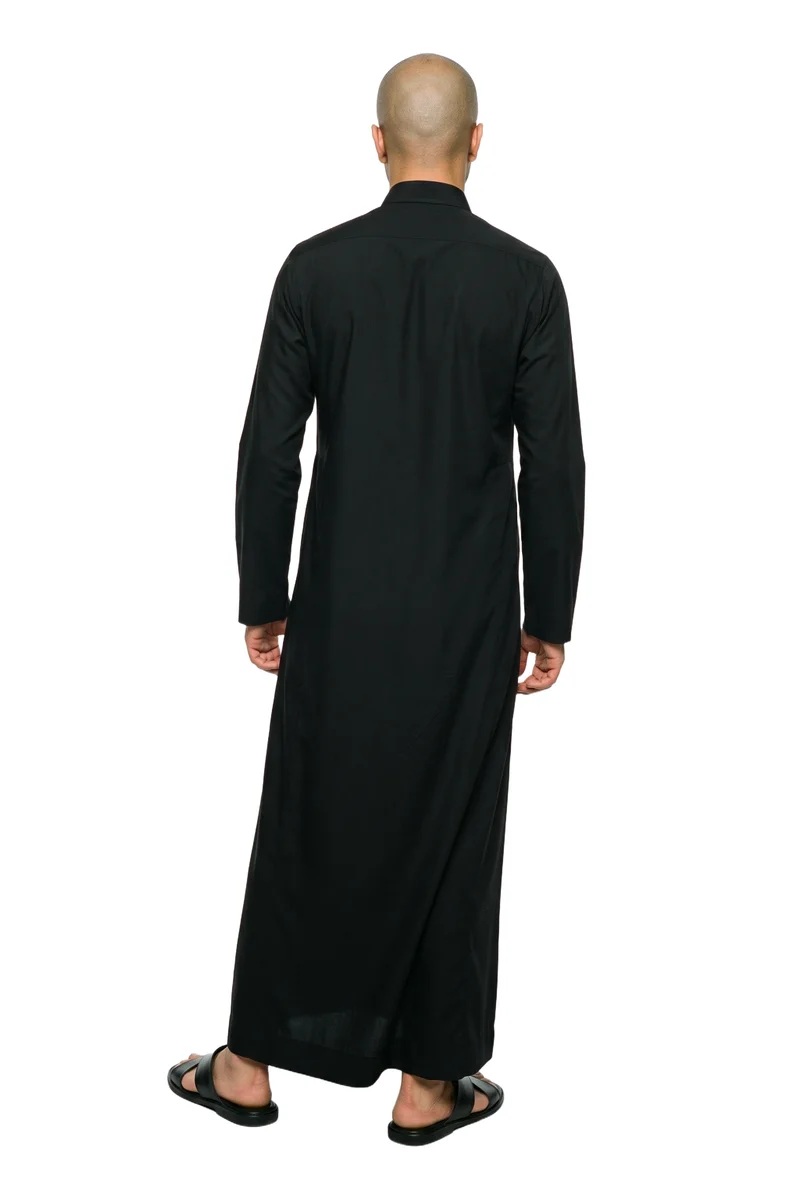
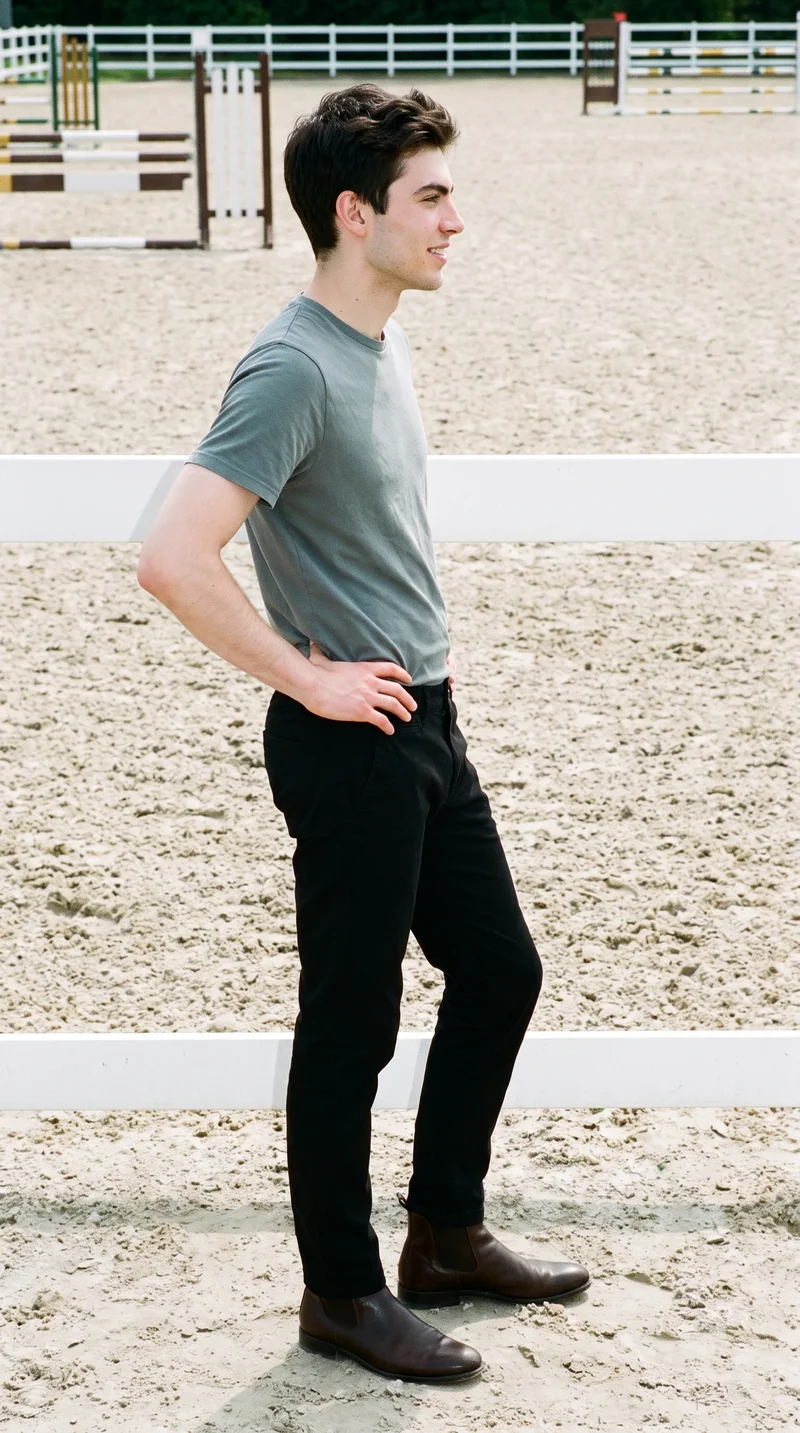
Showing 9 of 2,737, shot in RAWSHOT
Gallery
Garments appear on models across varied frames.
Review clothing examples as starting points, then choose your own product, model, background and composition.
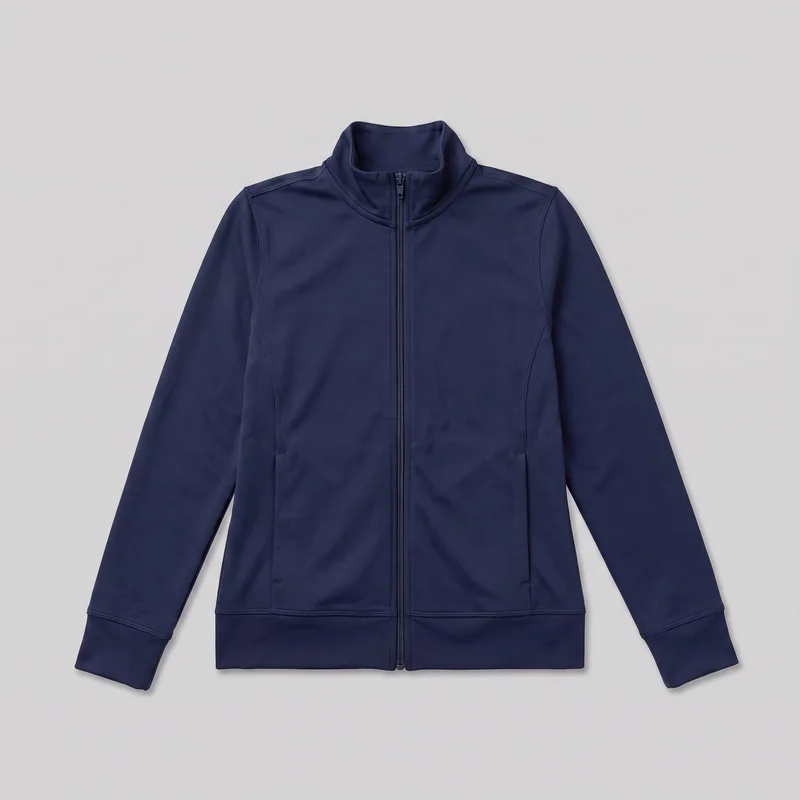 Women's Navy Tracksuit Top
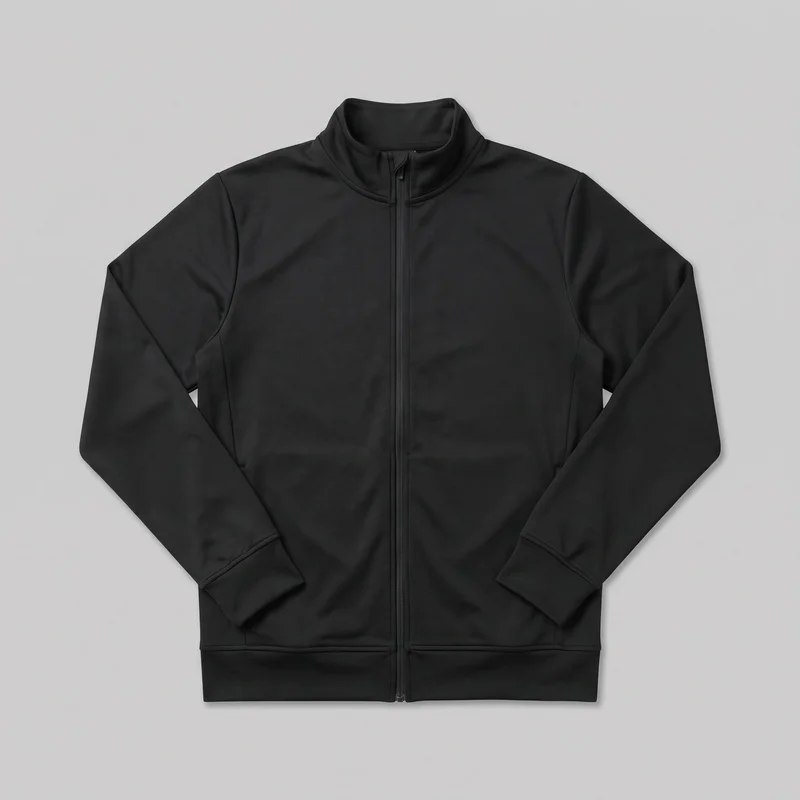 Men's Black Track Jacket
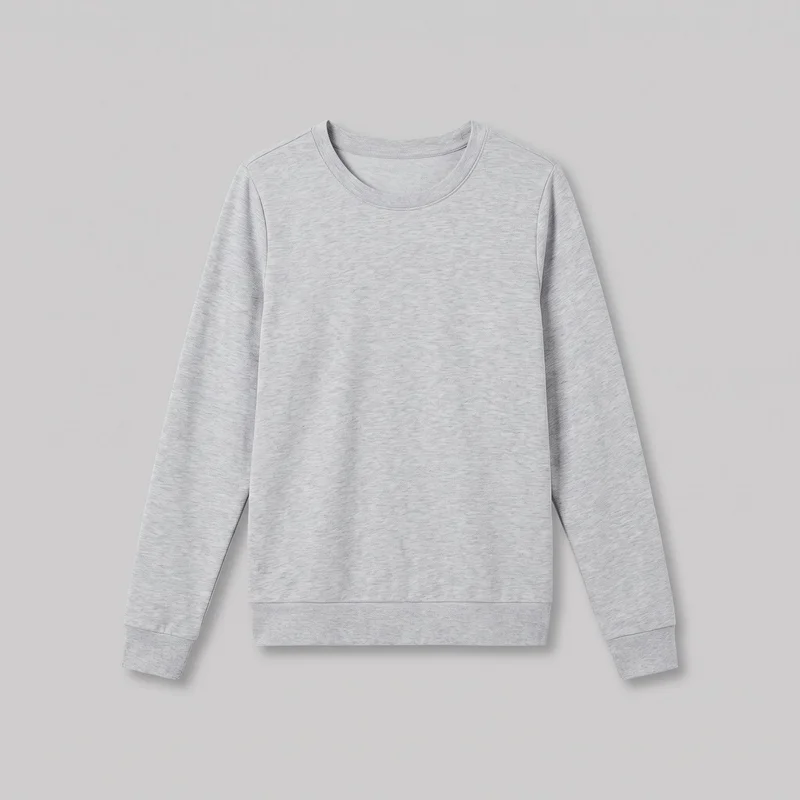 Women's Grey Tracksuit Top
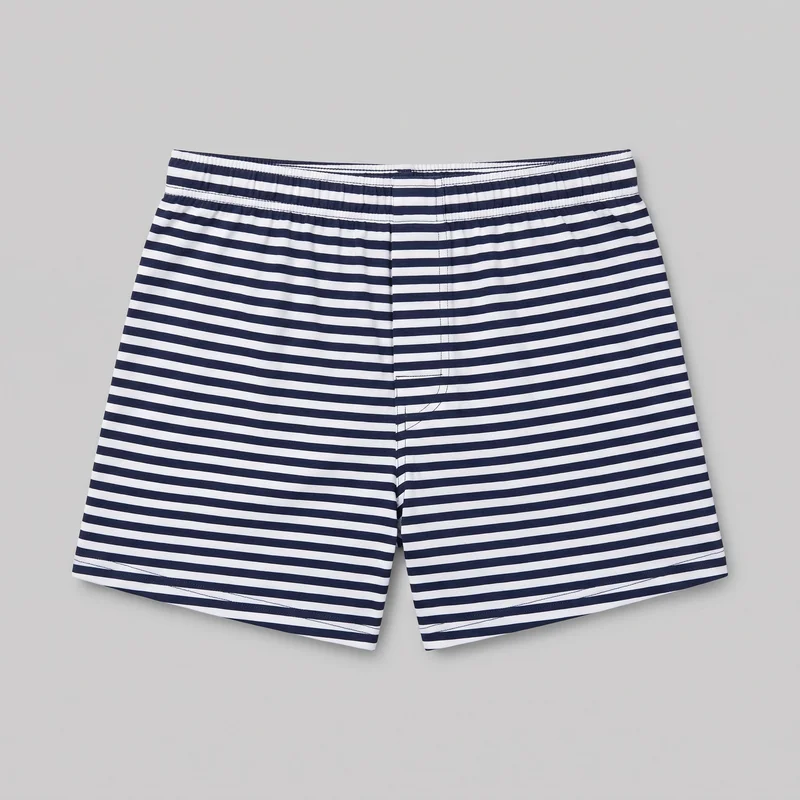 Striped Boxers
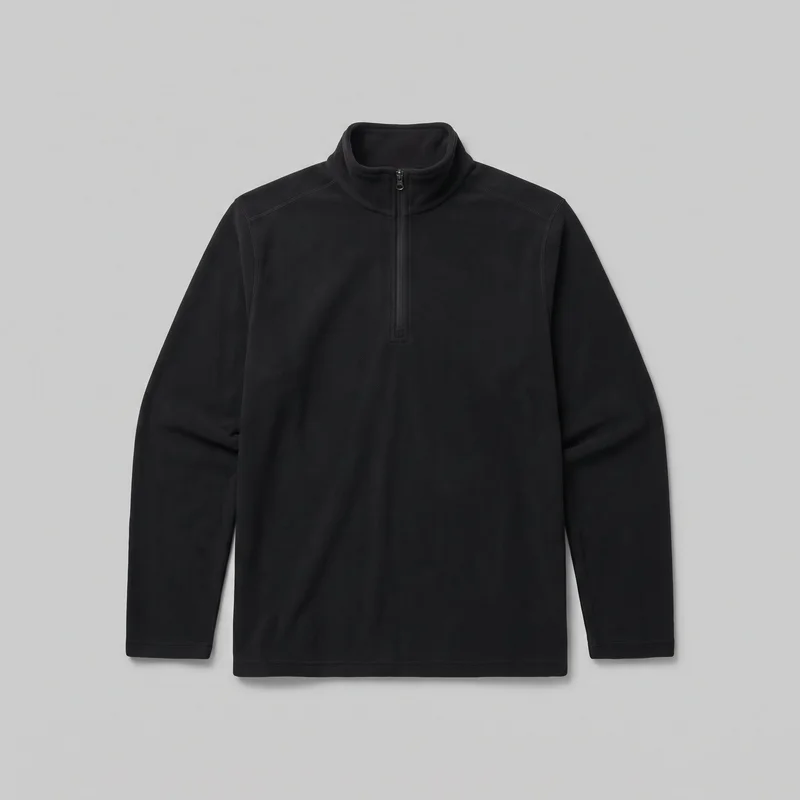 Men's Black Half-Zip
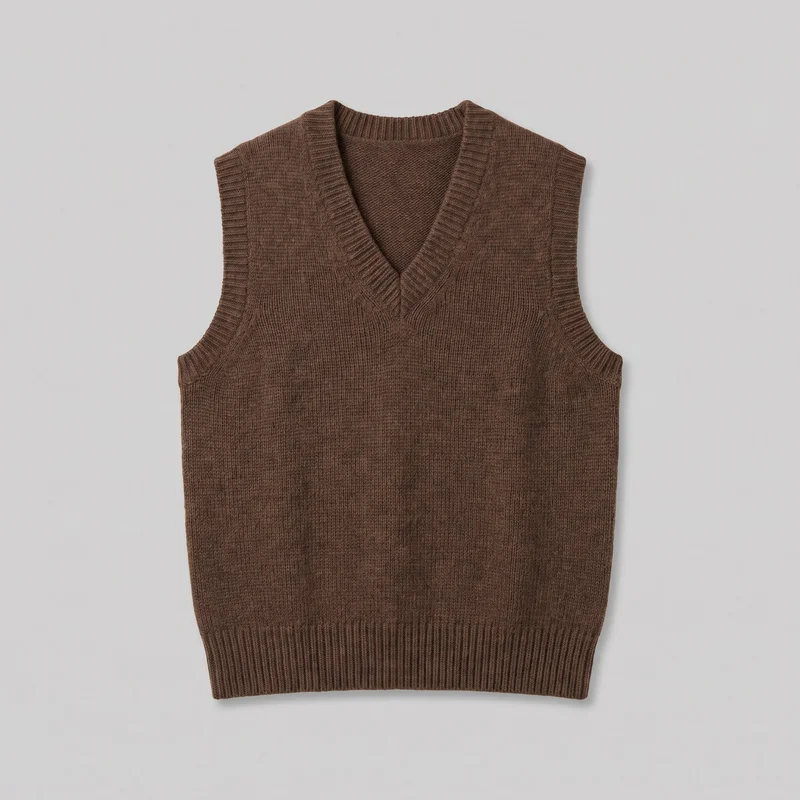 Women's Brown Wool Sweater Vest
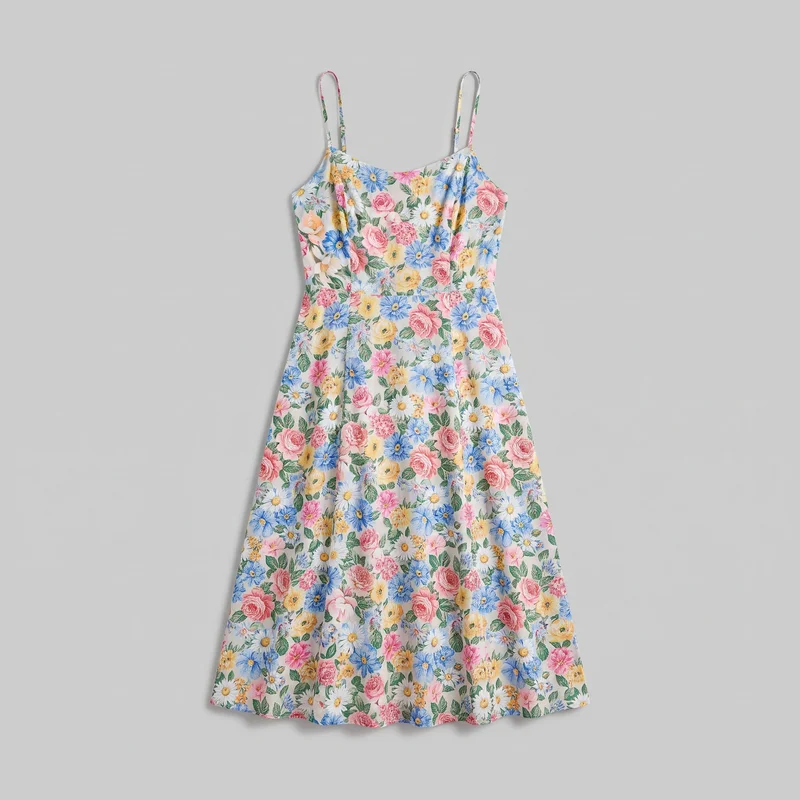 Floral Print Slip Dress
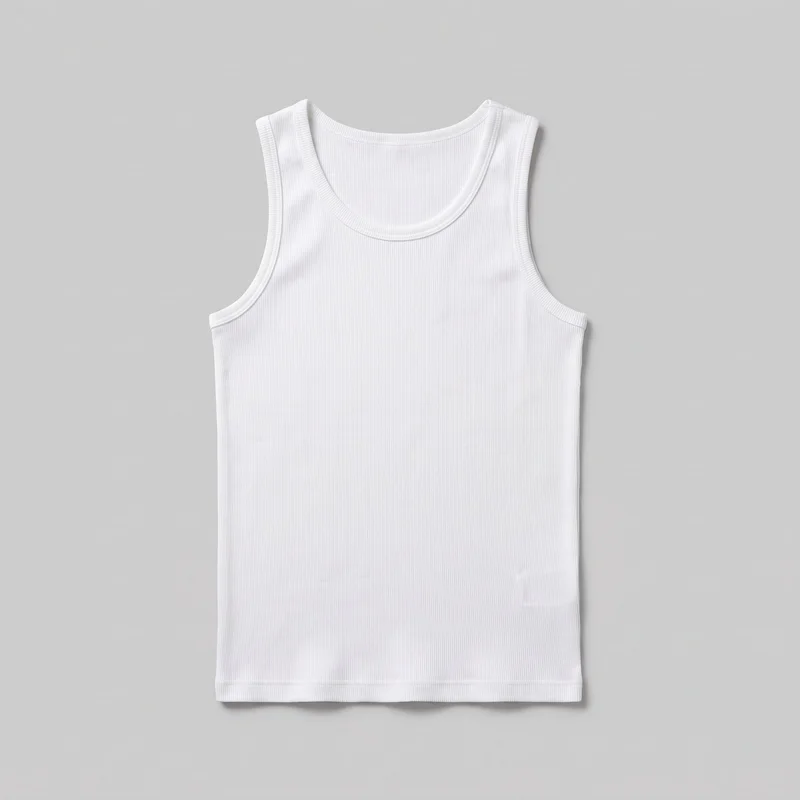 White Ribbed Vest
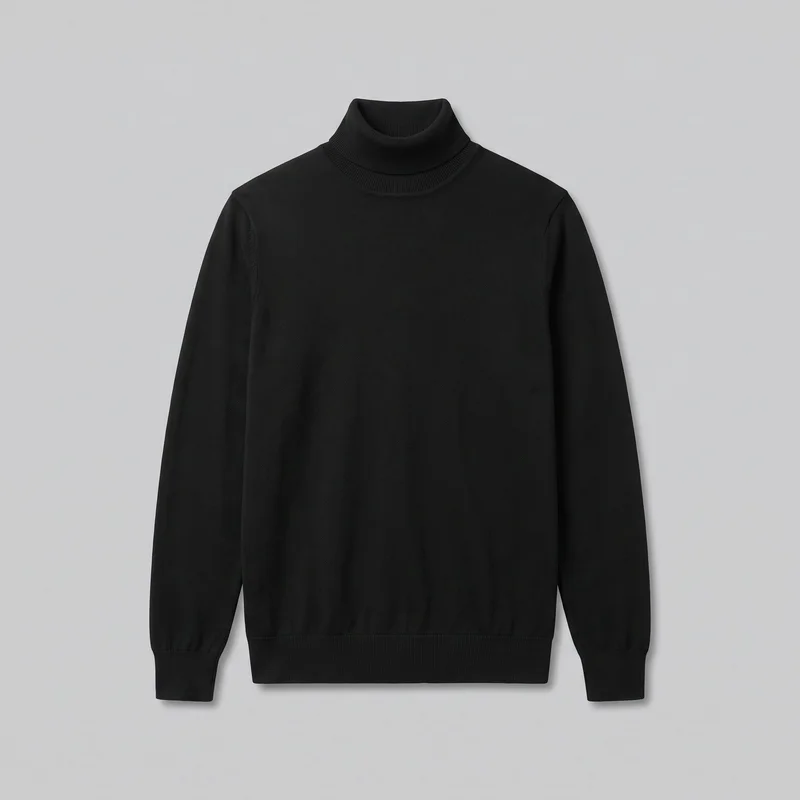 Men's Black Turtleneck
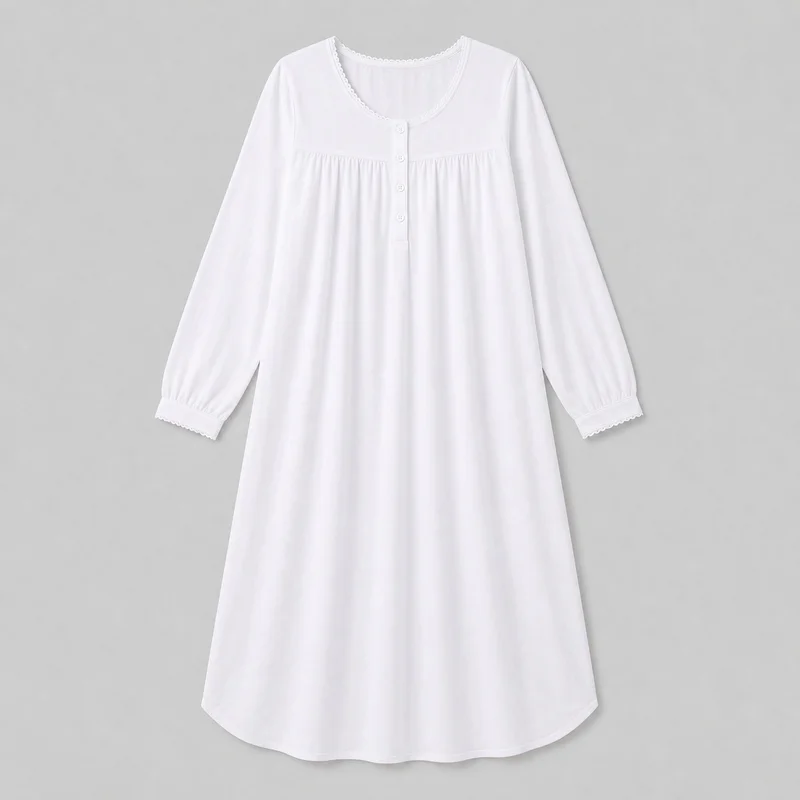 White Cotton Nightdress
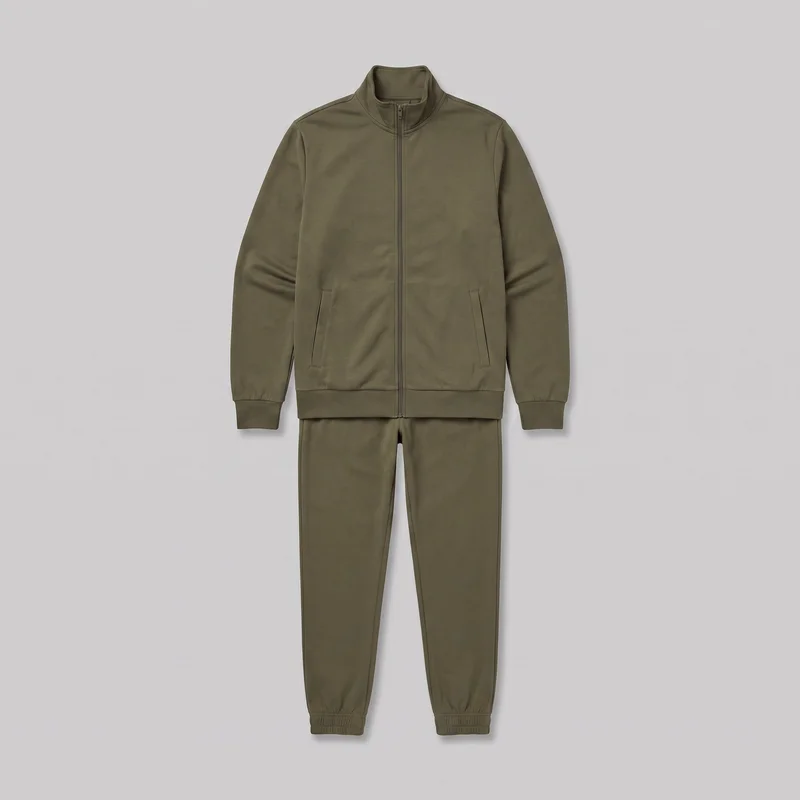 Men's Olive Tracksuit
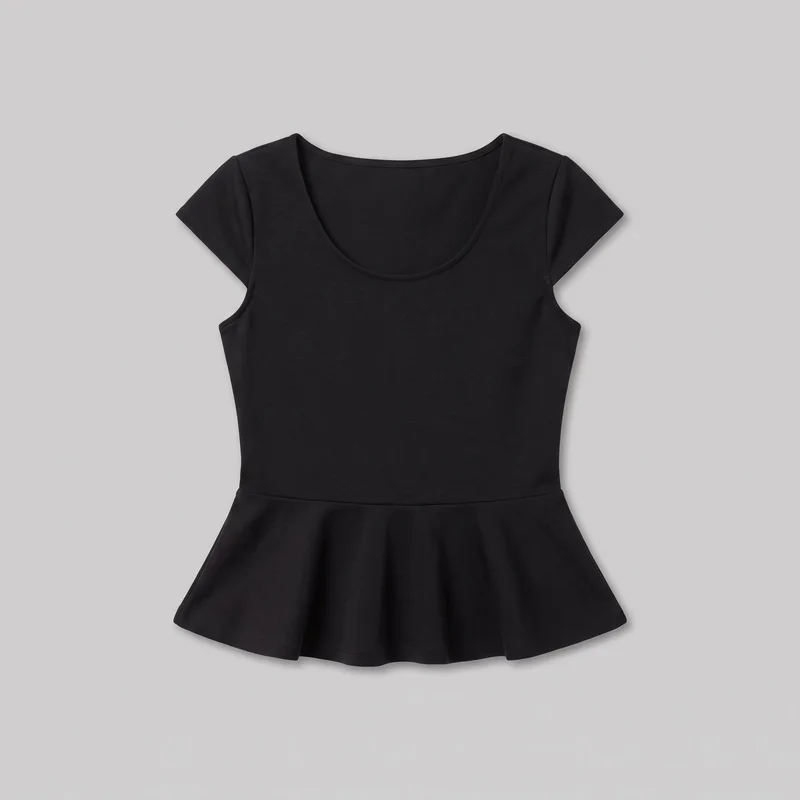 Black Peplum Top
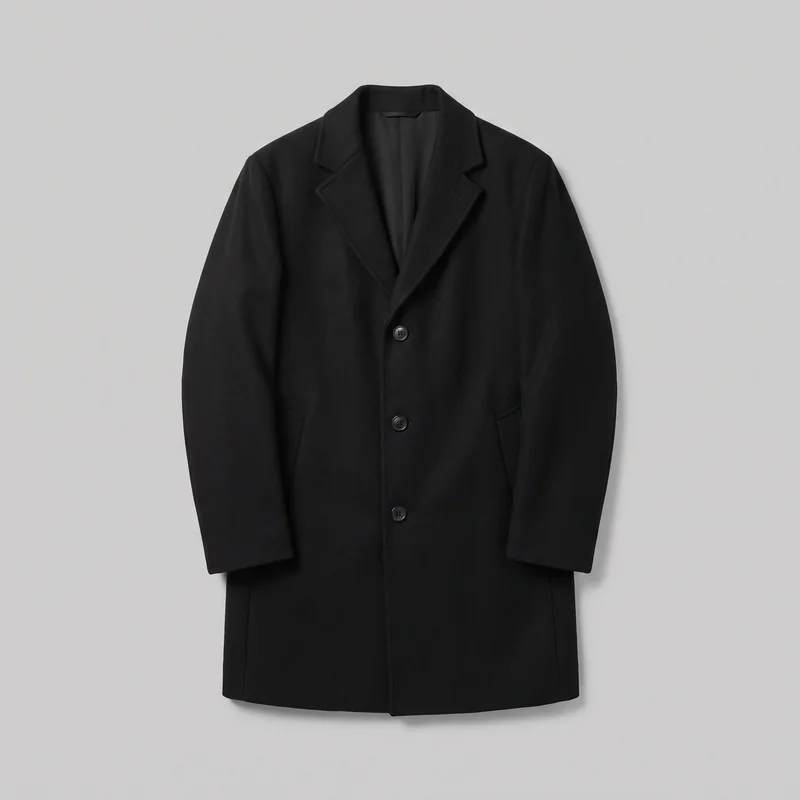 Men's Black Overcoat
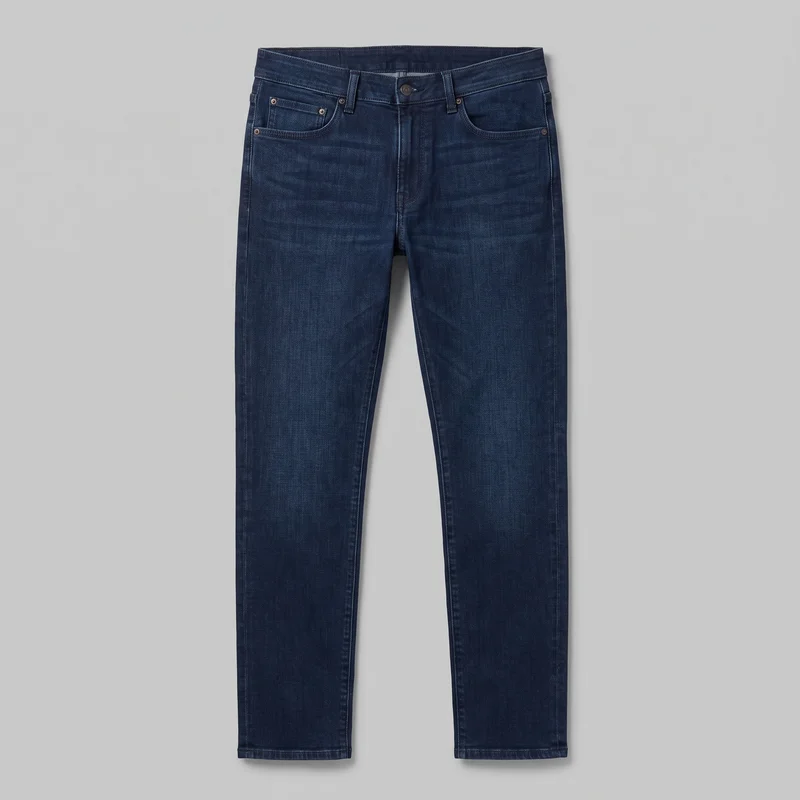 Men's Indigo Slim Jeans
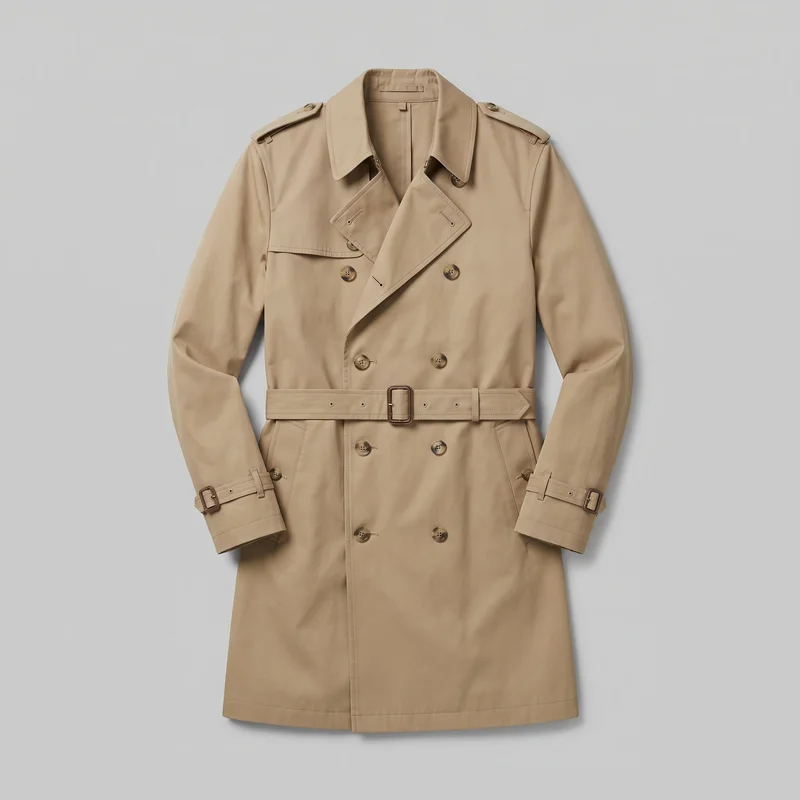 Men's Khaki Belted Trench Coat
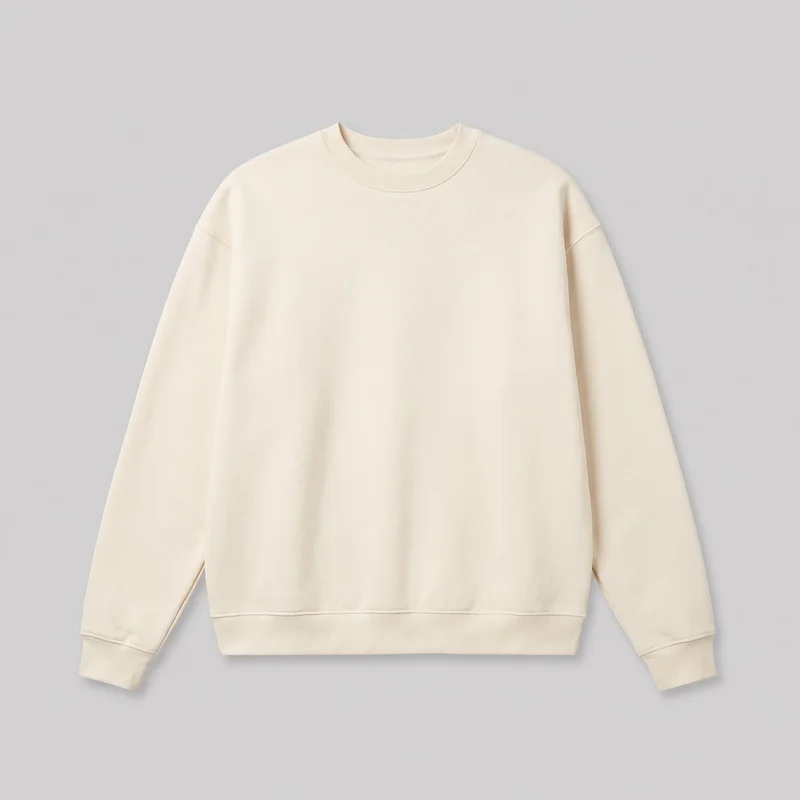 Men's Cream Oversized Crewneck Sweatshirt
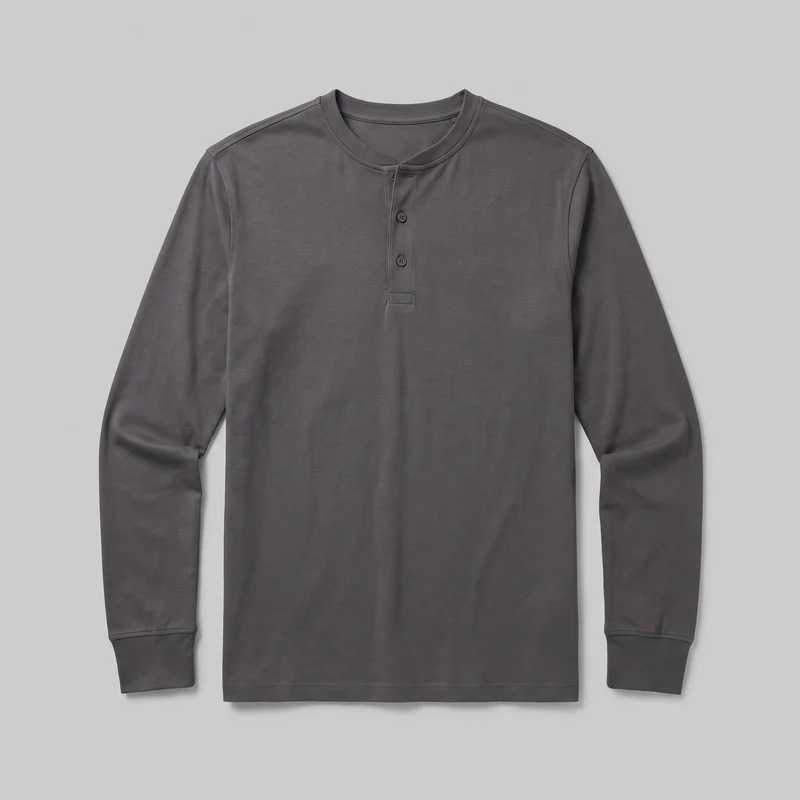 Men's Charcoal Henley Top
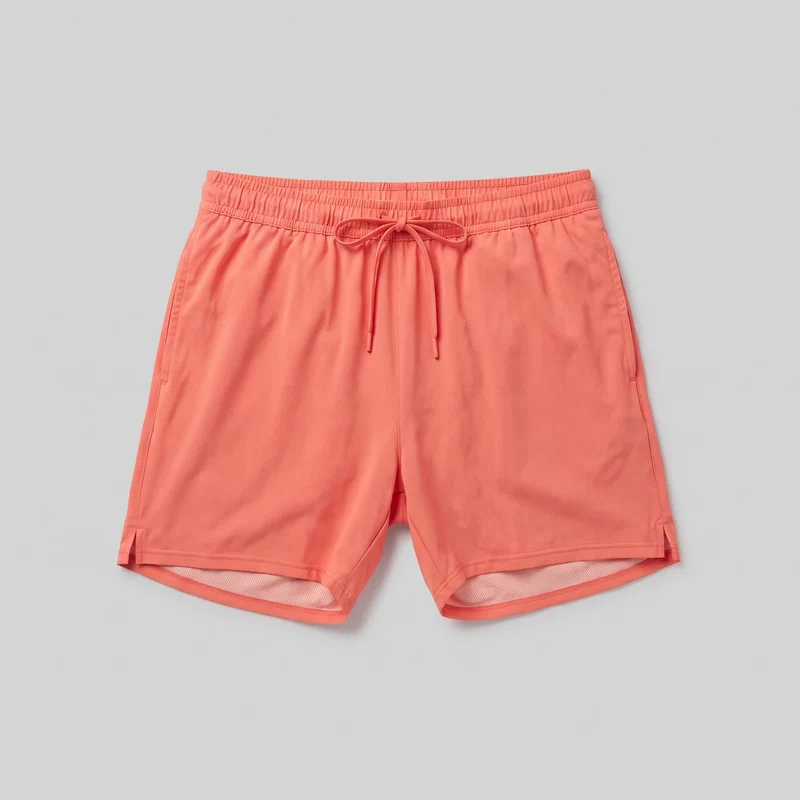 Men's Coral Lined Running Shorts
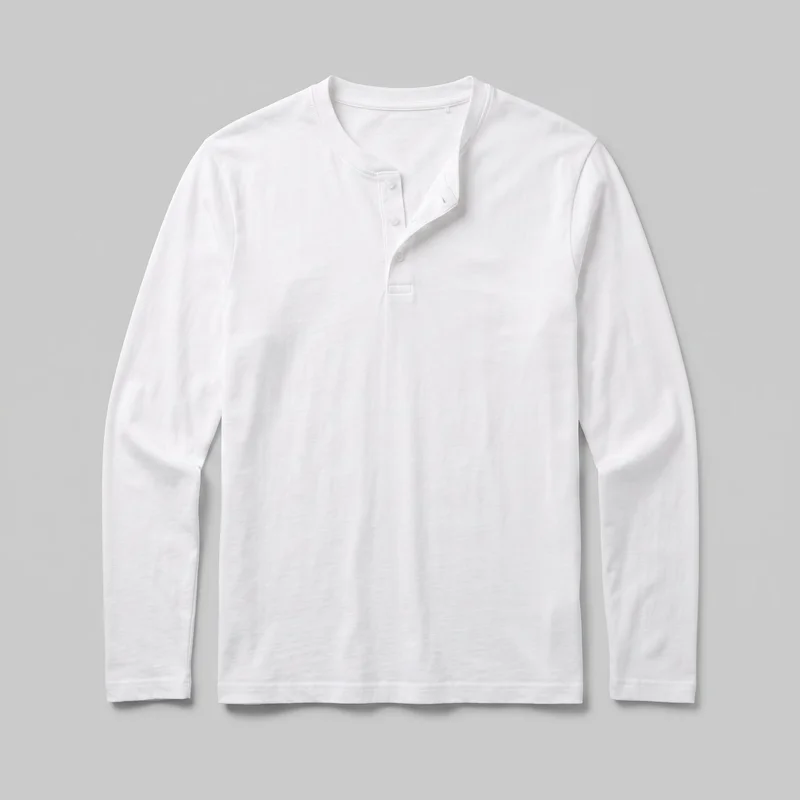 Men's White Henley Top
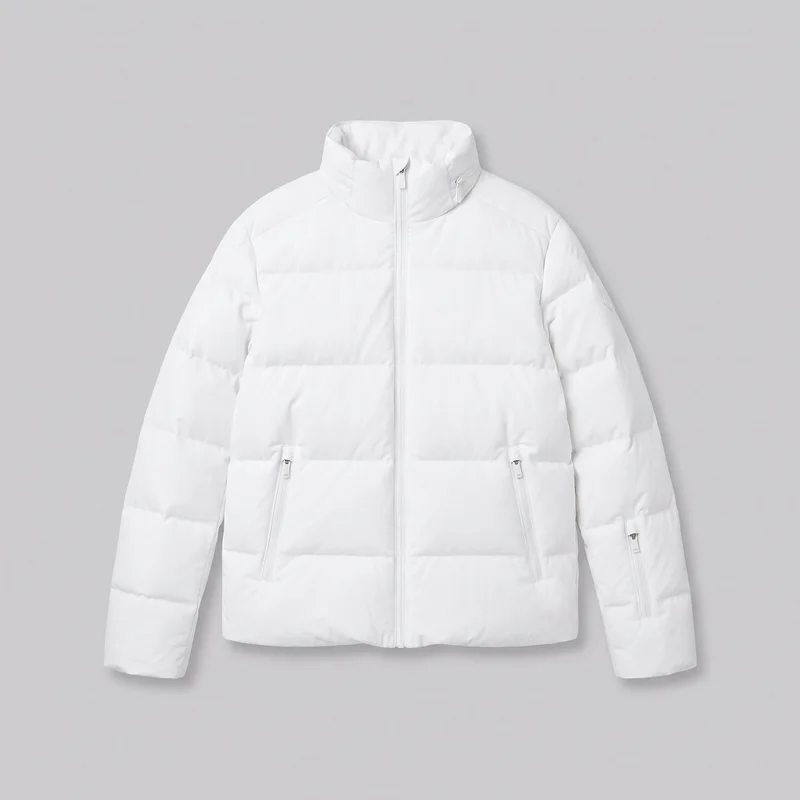 Men's White Padded Ski Jacket
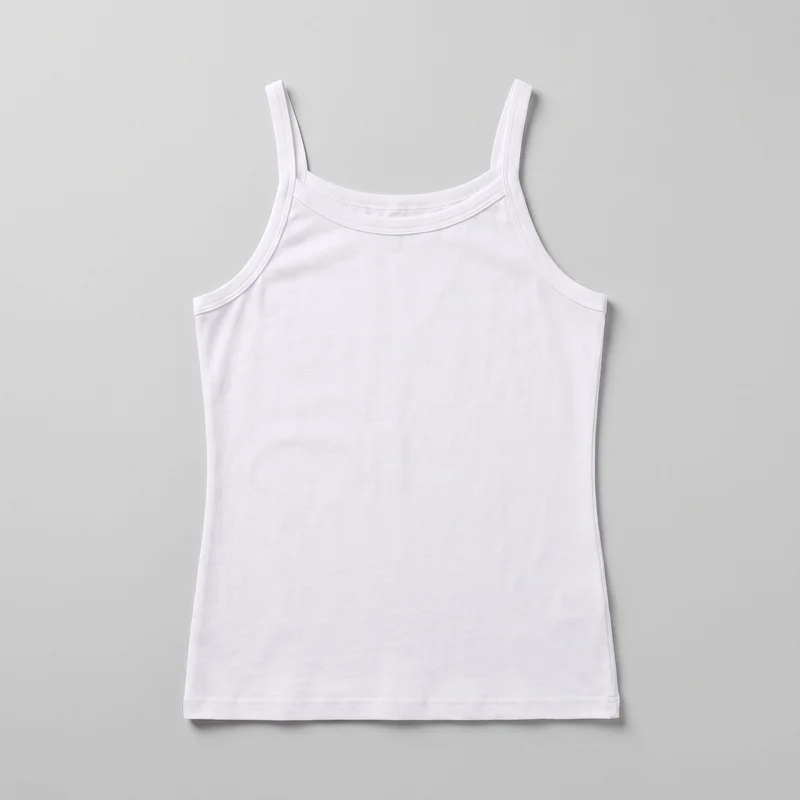 White Cotton Vest
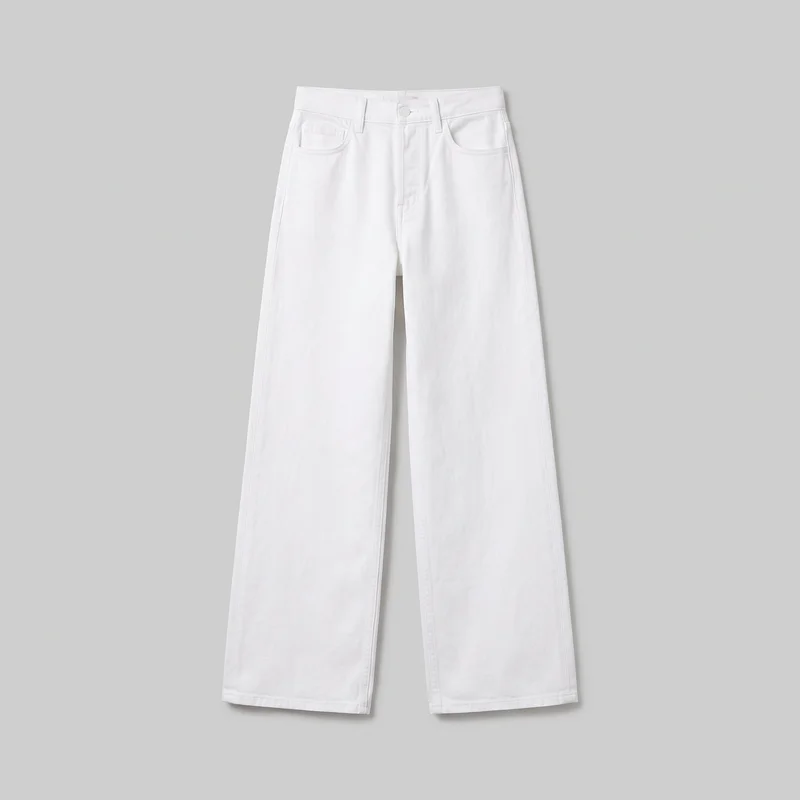 Women's White Wide-Leg Jeans
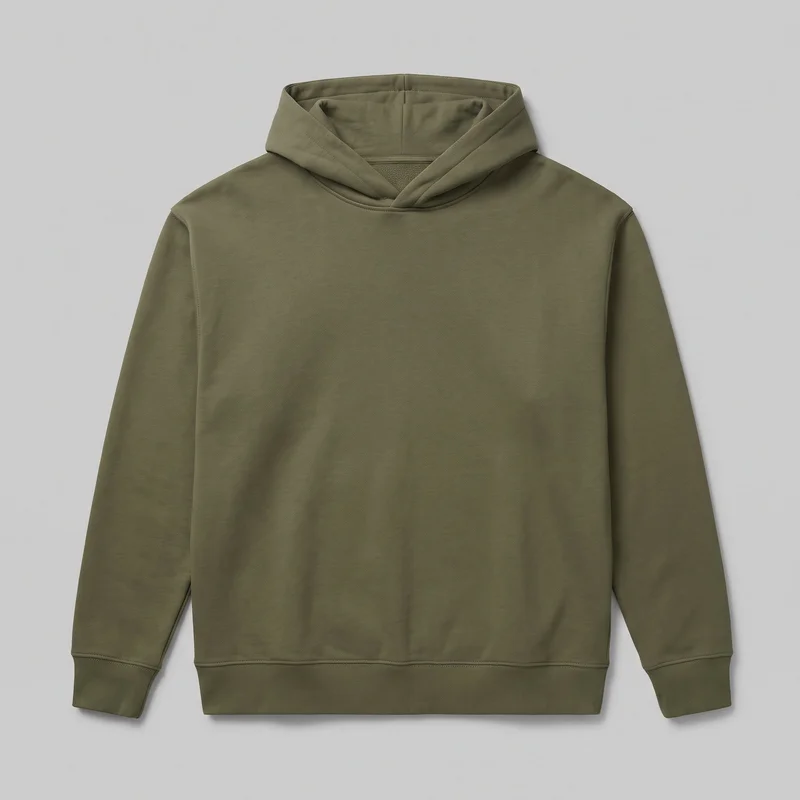 Men's Olive Oversized Pullover Hoodie
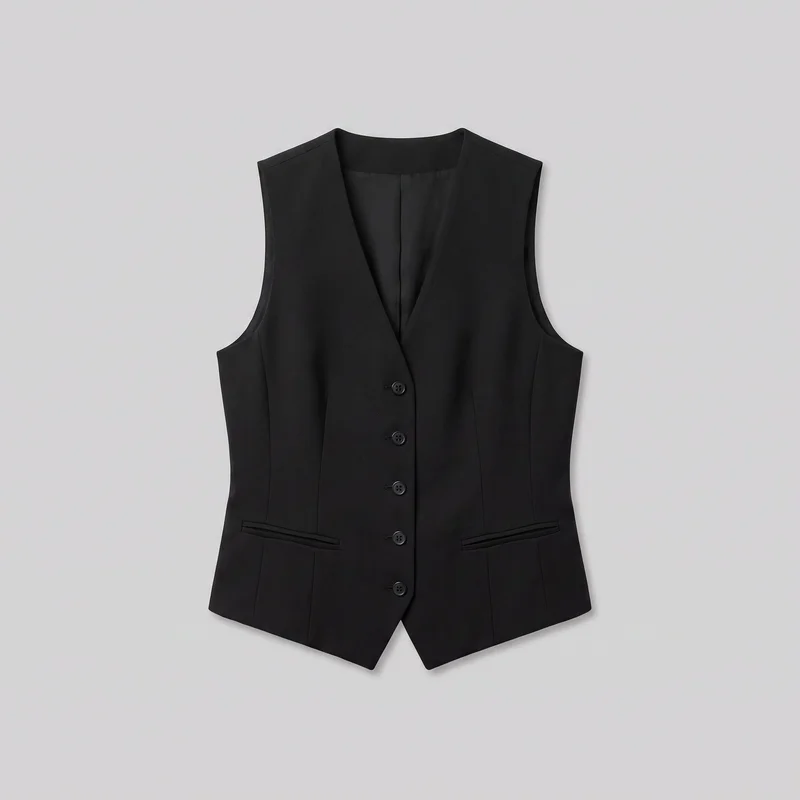 Women's Black Waistcoat
Showing 24 of 2,737
Direct the shoot
Each garment follows your chosen frame, pose and light.
Image frame
4
Pose
22 poses on this frame
Camera view
4
Format
9
Pose style
4
Facial expression
10
Photography direction
4
Create photoshoot
Step 7 of 7 · Composition
Image 1 · readyGallery image from this pageProduct
Your product
Model
From the library
Composition
Full Body · Front View · Catalog pose · Neutral
Delivery
2K · 1:1
Light
Studio Cutout
Total cost
5 tokens
Rawshot Features
Model, garment details and presentation choices stay directed.
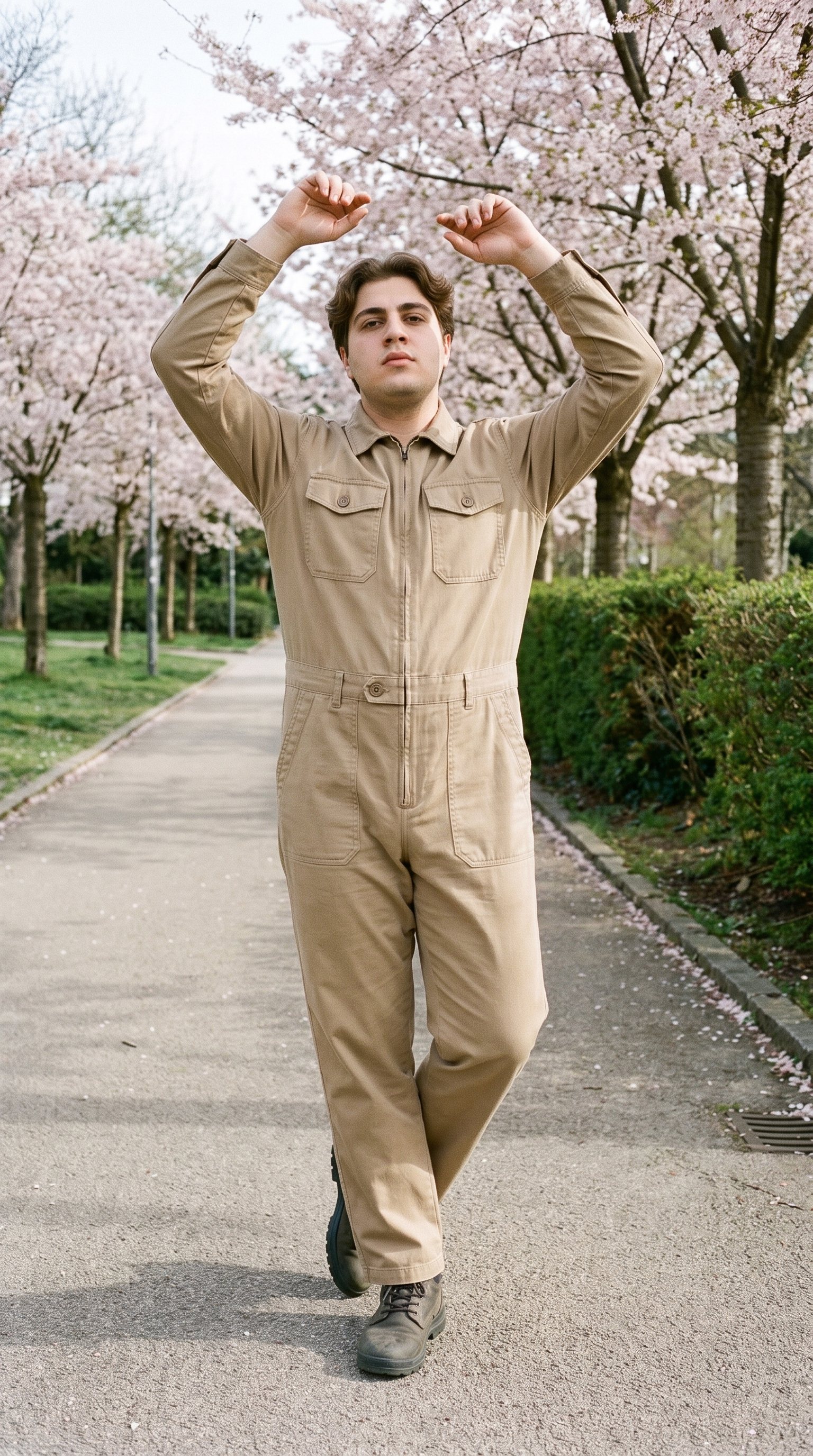
Direct Consistent Clothing Poses
For consistent Clothing photography, this control lets you direct how the garment is presented across product pages.
22 poses on a full-body shot · 104 in total
See the feature →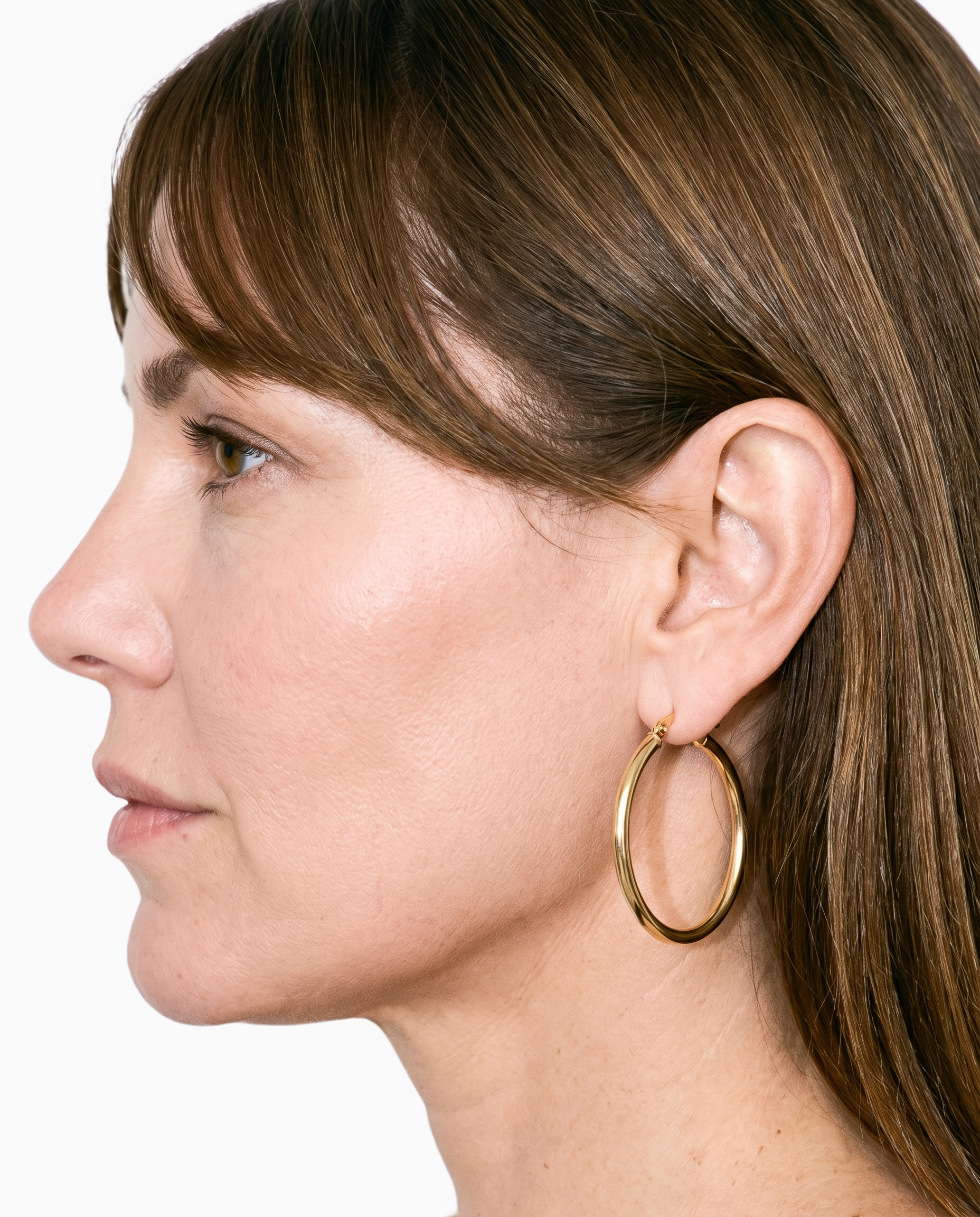
Start From Existing Garment Sources
Starting with an available garment source helps you prepare a clothing range before physical samples are ready.
Start from your real item and keep product fidelity while building the scene.
See the feature →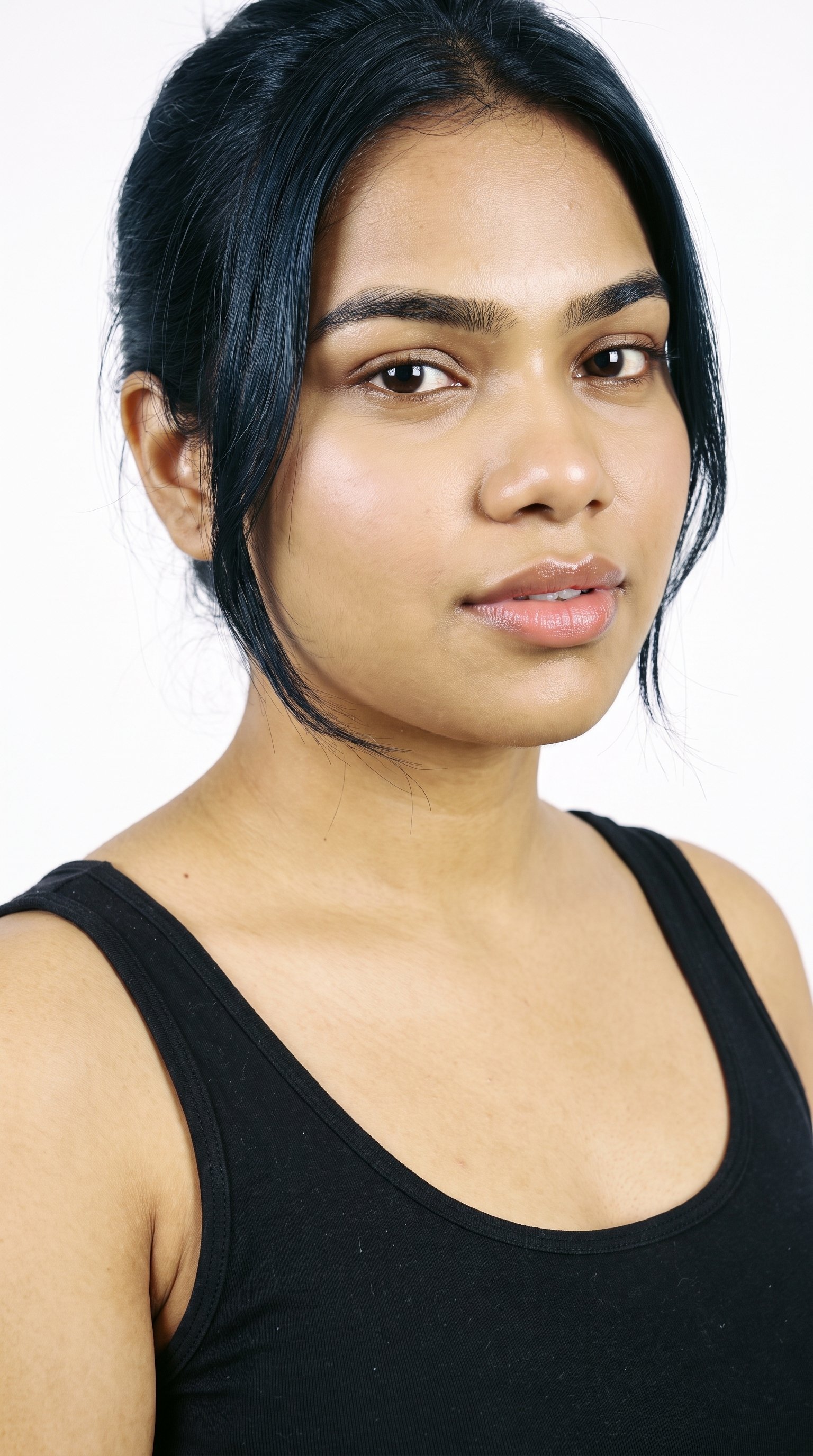
Keep One Model Across Pages
A stable model choice gives colourways and product pages a recognisable visual thread.
Library filters plus private model building for consistent identity across the set.
See the feature →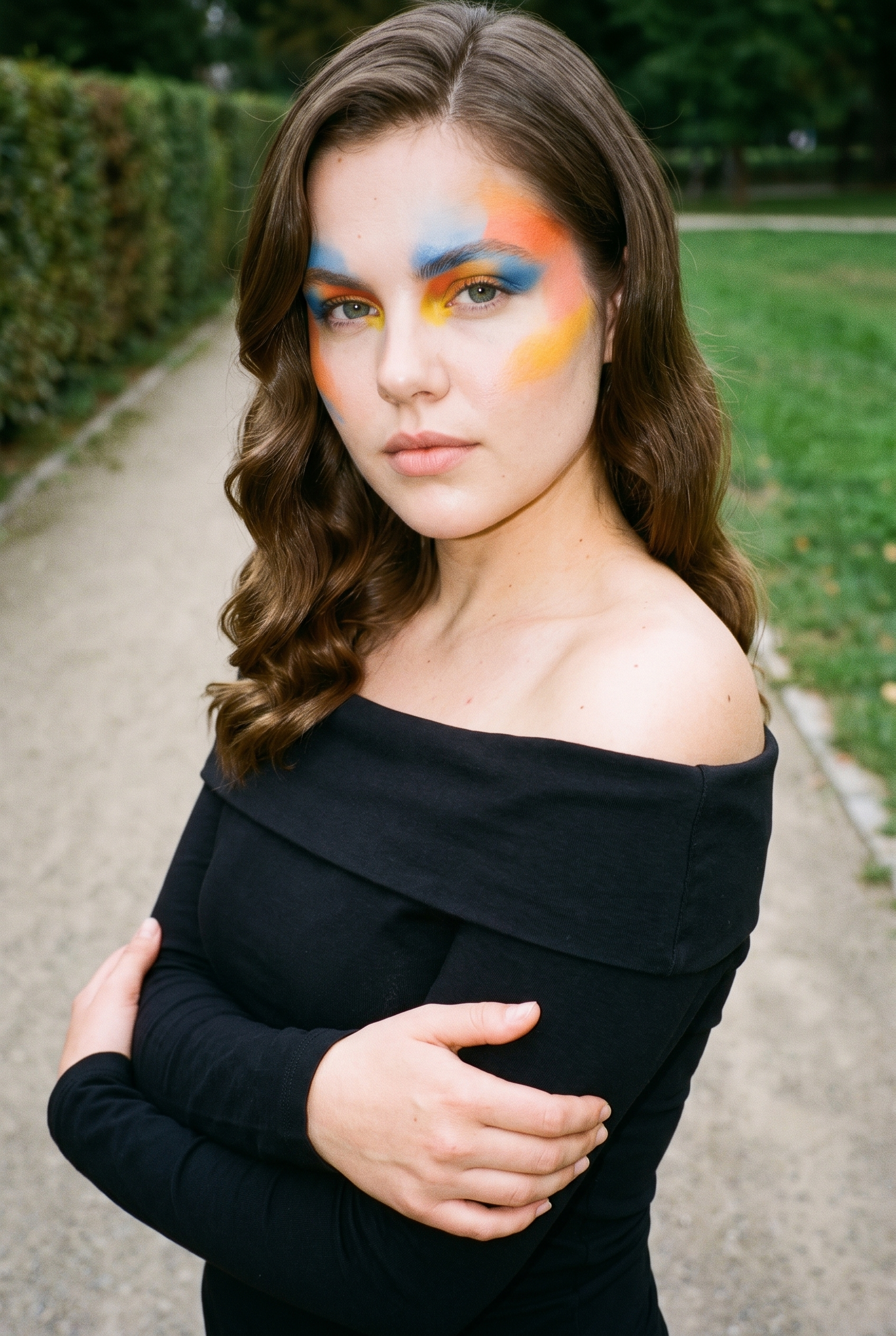
Set Garment Details Deliberately
Defined garment adjustments help you present construction details with deliberate, repeatable styling.
Choose how the garment is worn and keep brand presentation consistent.
See the feature →AI image to image generator
Change one decision and keep the rest of the composition stable.
AI image to video generator
17 model actions on a full-body shot · 132 in total
AI makeup generator
Branch-aware named options applied without altering casting or scene setup.
AI outfit generator
Combine the main piece with neutral supporting items in one coherent frame.
AI photo background generator
Swap scene context while keeping model, product, and framing stable.
AI suggestions
Preselected control values you can always override in the same configurator.
Inspiration gallery
Load editable finished looks as fast starting points for new shoots.
Photography direction
4 named choices that set mood and shadow the same way across a shoot.
Use cases
Colourways move from product pages to campaign work.
Colourway Product Pages
The situation
A clothing range launch is approaching, and each colourway needs comparable on-model presentation before the product pages go live.
With RAWSHOT
For a colourway launch, use the model control to keep one person across garments. The outcome is a comparable product-page sequence, with the same pose and light guiding each clothing image.
Feed And Ad Formats
The situation
Feed deadlines are tightening for a clothing drop, while approved product images need versions suited to stories, feeds and paid placements.
With RAWSHOT
When feed deadlines tighten, use the ratio control to adapt approved clothing imagery for feed, story and ads. Your outcome is a channel-ready campaign group that keeps the garment presentation coherent.
Paid Social Motion Tests
The situation
A performance campaign needs motion variants built from the clothing images already approved for static advertising.
With RAWSHOT
During paid-social testing, choose a finished still and apply camera-motion controls for a short clip. You can assess movement beside static ads while the original product composition remains the reference.
Sketch-Based Lookbook
The situation
A lookbook is being planned before samples arrive, with clothing designs available as technical sketches and reference material.
With RAWSHOT
Before samples arrive, bring a technical sketch into product import and handling. You then use Upper Body or Full Body framing to shape a lookbook image that clarifies construction and material cues.
Colourway Detail Review
The situation
A new clothing product page needs clear comparisons of sleeve, collar and hem presentation across several approved colourways.
With RAWSHOT
For a new PDP, use garment styling to set sleeve, collar, button and hem positions. The outcome is a controlled clothing presentation that helps shoppers compare details across colourways.
Campaign Pre-Visualisation
The situation
A campaign review is approaching, and the clothing team needs a directed visual reference before final production decisions are made.
With RAWSHOT
Ahead of a campaign review, use the photography direction control with a consistent Lower Body or 3/4 Length frame. You can present a clear pre-visualisation while keeping product, model and composition choices aligned.
Related solutions
Use these workflows with this catalog page
If you are figuring out how to take pictures of clothes to sell, the work is usually unfinished at the phone-photo stage. You still need clear listing views that show the garment, its details and how it looks worn.
Your range was shot on a mannequin, but the product page still needs a person wearing each piece. Ghost mannequin photography helps you create an original on-model set from the product image you already have.
Flat lay clothing photography helps when your only source is a garment laid out flat, but the product page still needs clear on-model views while the range remains unfinished.
E-commerce managers use on-model product photography when flat-lays and hanger images leave product pages unfinished. You need shoppers to see the piece on a body, with comparable views across products and colourways.
Consistency
Your garment stays while one composition choice changes.
When you change one composition choice, the other selected settings stay in place for that image, helping a clothing range read as one considered presentation.
You change one
- Frame
- Pose
- Camera view
- Model
The rest holds
Model
Your chosen model remains part of the composition when another setting changes.
Light
The selected photography direction stays in place while you adjust the garment.
Frame
The chosen frame continues to guide the presentation of the product.
Product
Your garment remains the subject as you refine the surrounding choices.
Who it's for
Is RAWSHOT right for recurring garment imagery?
A good fit
This fits you when recurring clothing work needs directed on-model imagery from real product sources. You can keep presentation choices coherent across product pages, launches and campaign assets.
Work it handles well
- You can prepare colourways before physical samples arrive.
- You can hold model, light and frame choices together.
- You can turn approved stills into short campaign clips.
Outside this scope
It is not suited to clothing work that requires measured fit or free-form styling. Upload quality and clear material cues still affect what can be carried through.
Where this stops
- You cannot measure garment fit inside the composition.
- You need clear uploads for accurate product carry-through.
- You need defined styling options rather than free-form draping.
Rights
You own every image. Every image says what it is.
Yours
- Full commercial rights to every image, permanently.
- No recurring licence fees on any model in the library.
- Every model is a synthetic composite, so there is no real-person likeness.
Labelled
- C2PA content credentials on every image.
- AI-labelled output, meeting EU AI Act Article 50.
EU-hosted, GDPR-compliant handling.
- EU AI Act Article 50
- C2PA
- Full commercial rights
- GDPR
- EU-hosted
Questions
What should you settle before the first garment shoot?
Can RAWSHOT show clothing photography accurately on a model for product pages and campaign planning?
RAWSHOT can turn a real garment source into directed on-model clothing photography for product pages, launches and lookbooks. You choose the model, outfit styling, background, light and composition while keeping those choices coherent across a clothing range. A product photo, flat-lay, mockup or technical sketch can provide the starting material. Clear material cues help carry colour, construction and surface detail into the presentation. This suits planned visual work, not measured fit or free-form draping.
Where does clothing photography work best for product pages, social channels and campaign planning?
Clothing photography works best for colourway product pages, feed and ad placements, lookbooks, and campaign pre-visualisation. You can keep one model, a consistent pose and a chosen light direction while preparing comparable garment imagery. For social testing, an approved still can also guide a short campaign clip. Sketch-based lookbooks help you review construction and material cues before physical samples arrive. These jobs keep product, model and composition aligned.
Which crops and frames suit clothing photography for product pages, feed posts, stories and advertising placements?
The useful formats for clothing photography are 4:5 and 9:16 crops, plus upper-body, full-body and lower-body frames. Use 4:5 for product pages, feeds and considered campaign compositions, then choose 9:16 for stories and vertical placements. Frame controls help you decide whether garment detail, silhouette or a broader outfit view leads the image. Keep the selected frame and ratio aligned with the channel and the product detail you need to show.
What product source does RAWSHOT need to begin clothing photography accurately?
A clear product photo, flat-lay, mockup or technical sketch is the right starting source for clothing photography. Show the garment with material, colour, silhouette and construction cues visible, especially around sleeves, collars, buttons and hems. You can then choose the model, styling, background, light and frame around that source. Better input clarity supports more faithful product carry-through, while a sketch works best when its material direction is understandable.
How can RAWSHOT keep clothing photography consistent across colourway variants without changing the model, view or light?
Clothing photography stays coherent across colourway variants when you hold the model, light, frame and product direction together while changing the garment. Use garment styling to define sleeve, collar, button and hem positions rather than leaving those choices open. Review each variant against the approved composition so the range reads as one presentation. You can adjust a selected setting without casually changing the surrounding visual decisions.
Where does RAWSHOT stop with clothing photography when you need measured fit, unrestricted draping or open-ended styling?
RAWSHOT stops short of measured garment fit, unrestricted draping and styling without defined options in clothing photography. You need a clear upload for accurate product carry-through, and a technical sketch needs understandable material cues. The system can direct model, outfit, light, frame and pose choices, but it does not verify how a garment physically fits or invent every possible styling arrangement. Use approved references when construction or presentation must stay tightly controlled.
What usage rights apply to RAWSHOT clothing photography for product pages, social placements and campaigns?
You get full commercial rights to every image, permanently, with no recurring licence fee. Every image carries C2PA content credentials and is labelled as AI-generated.
Get started
Your next garment shoot starts at RAWSHOT.
Start with a 7-day free trial including 50 tokens, then move to the plan that matches your production volume.